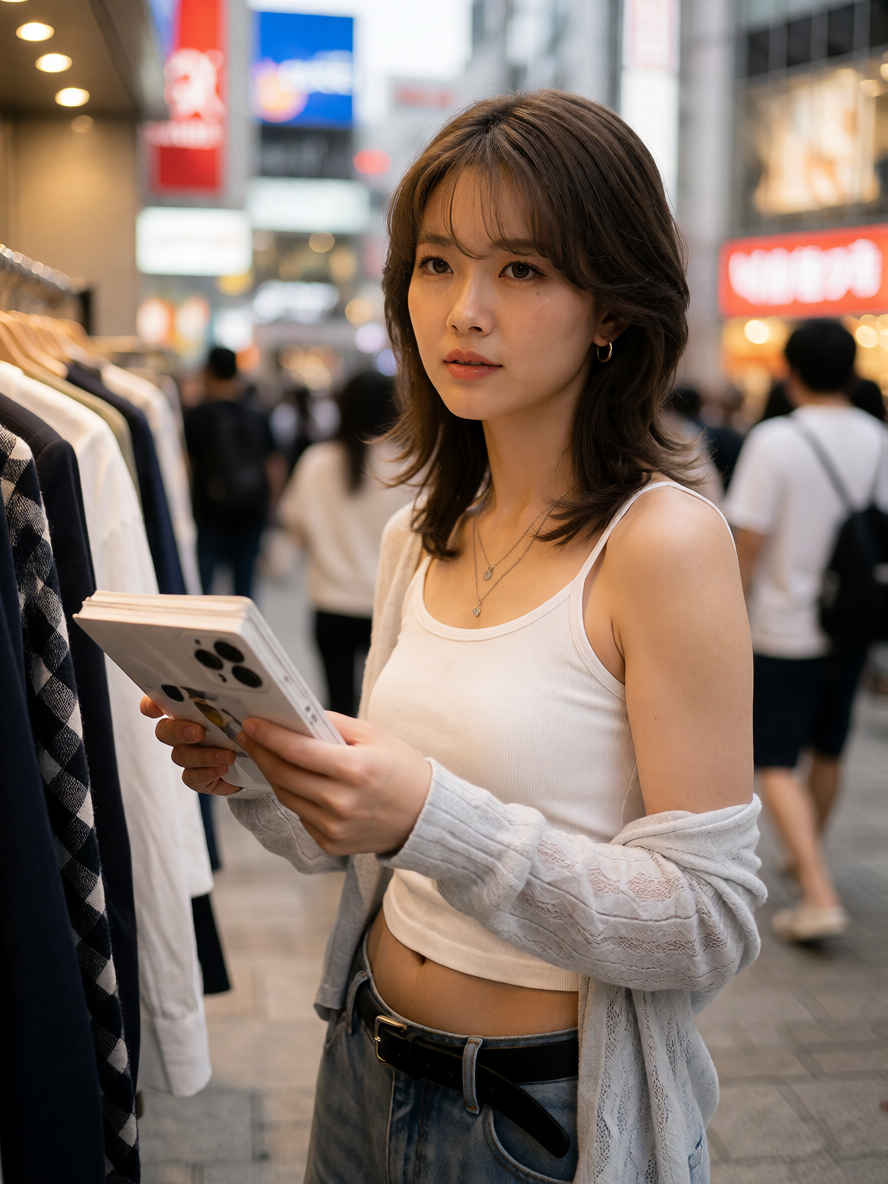
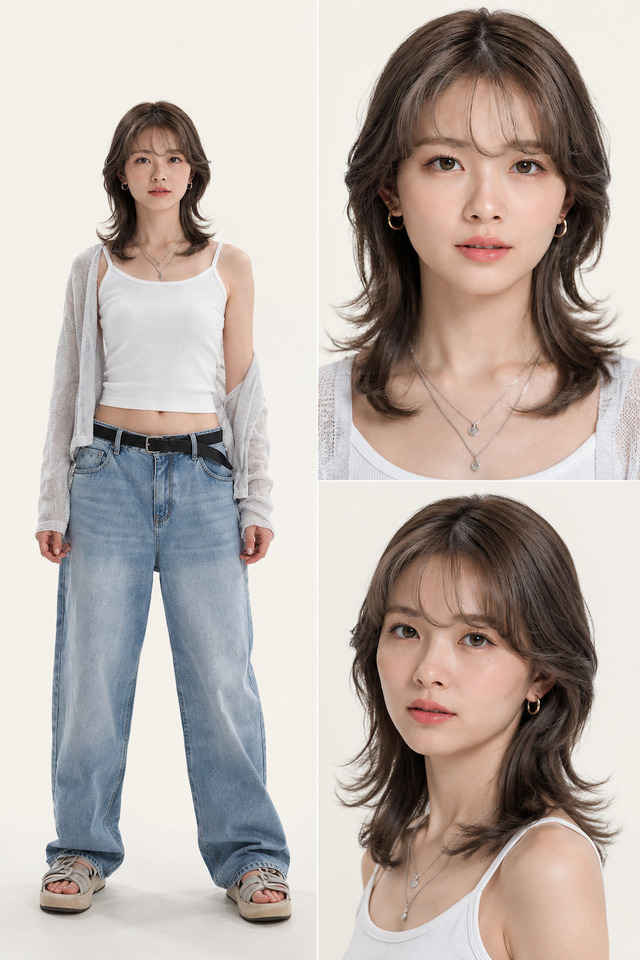
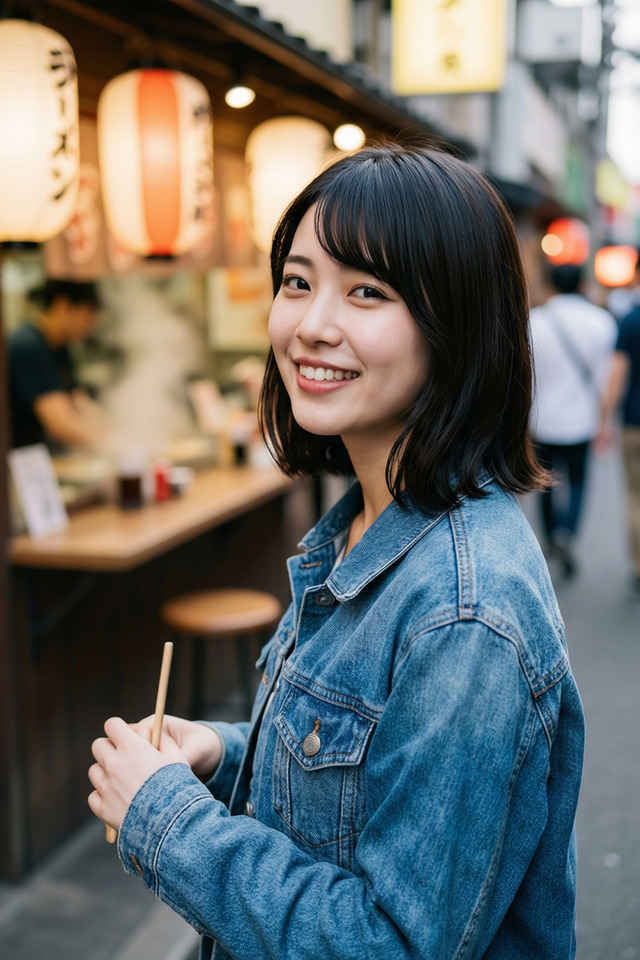
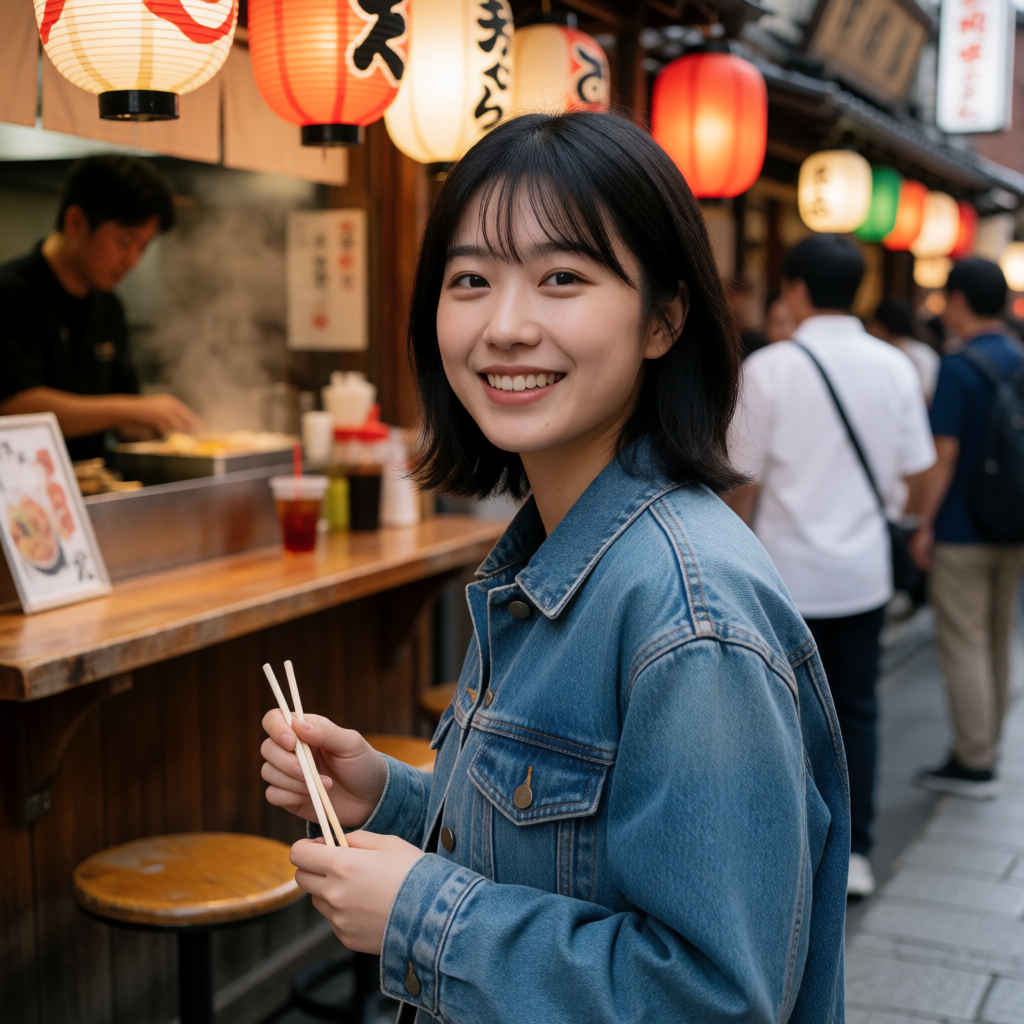
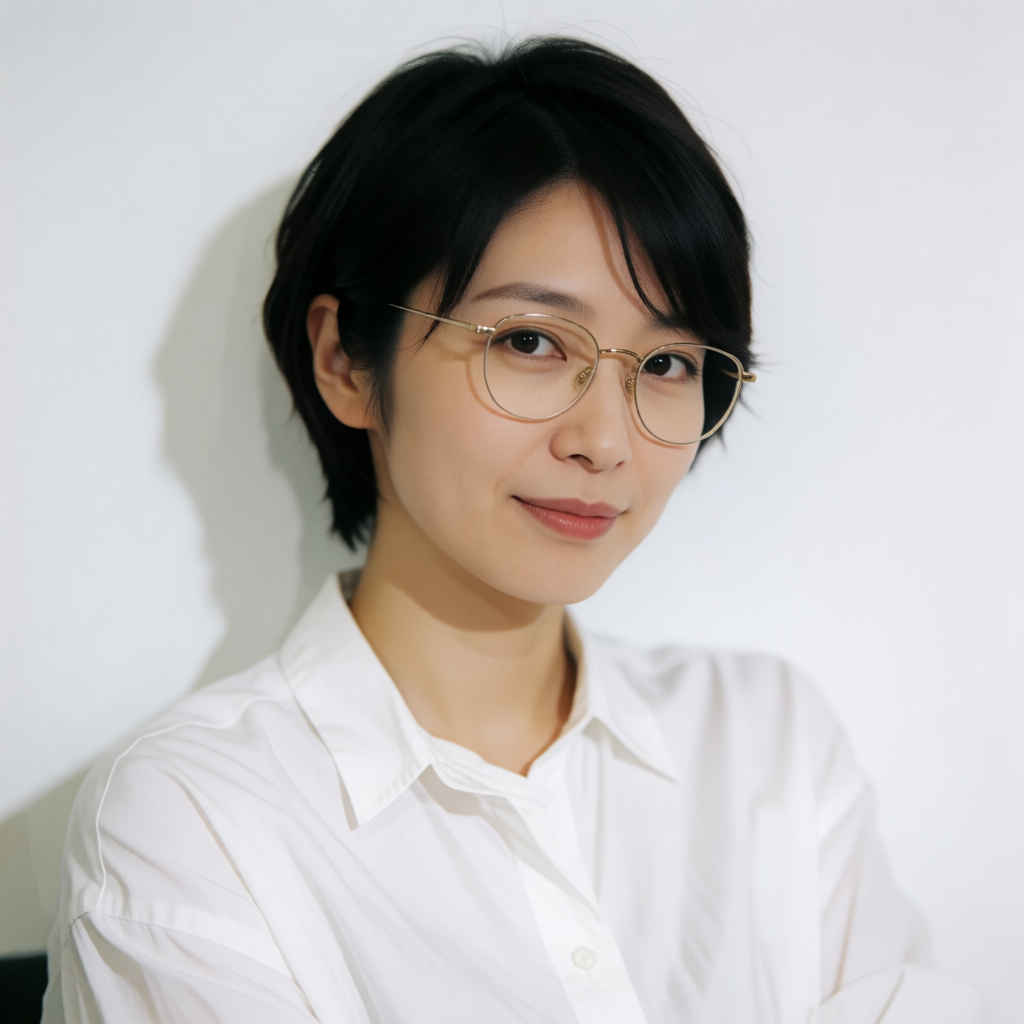
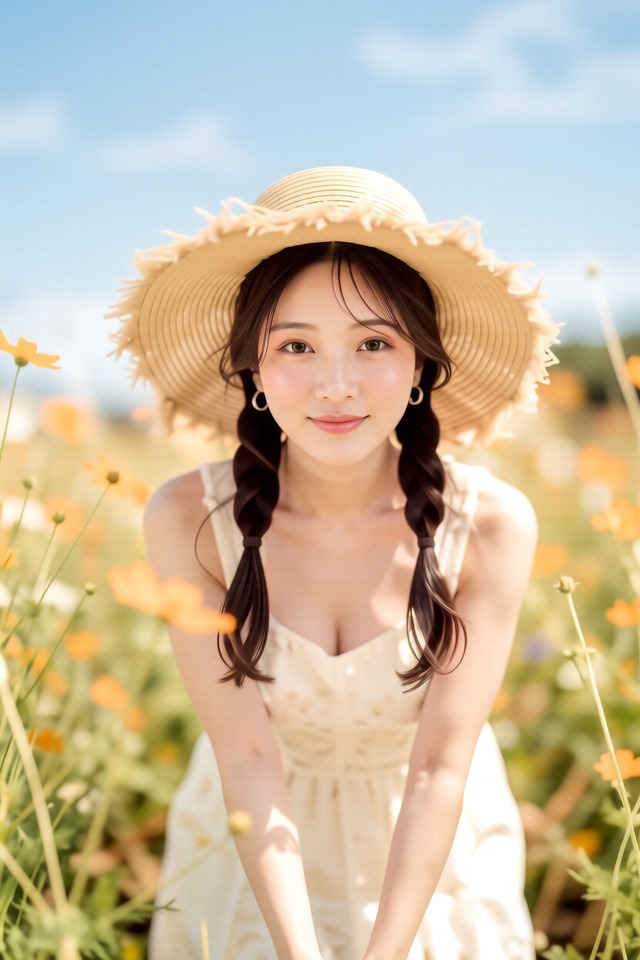
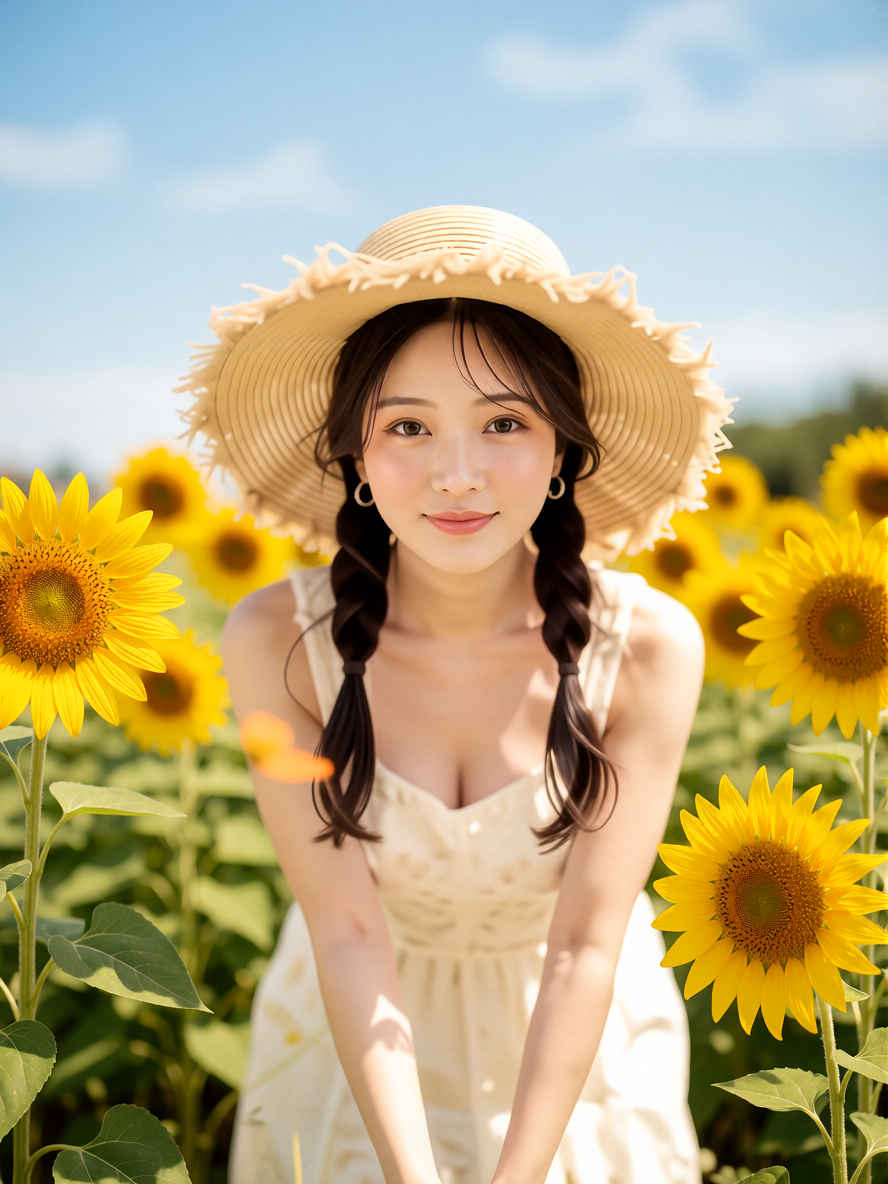
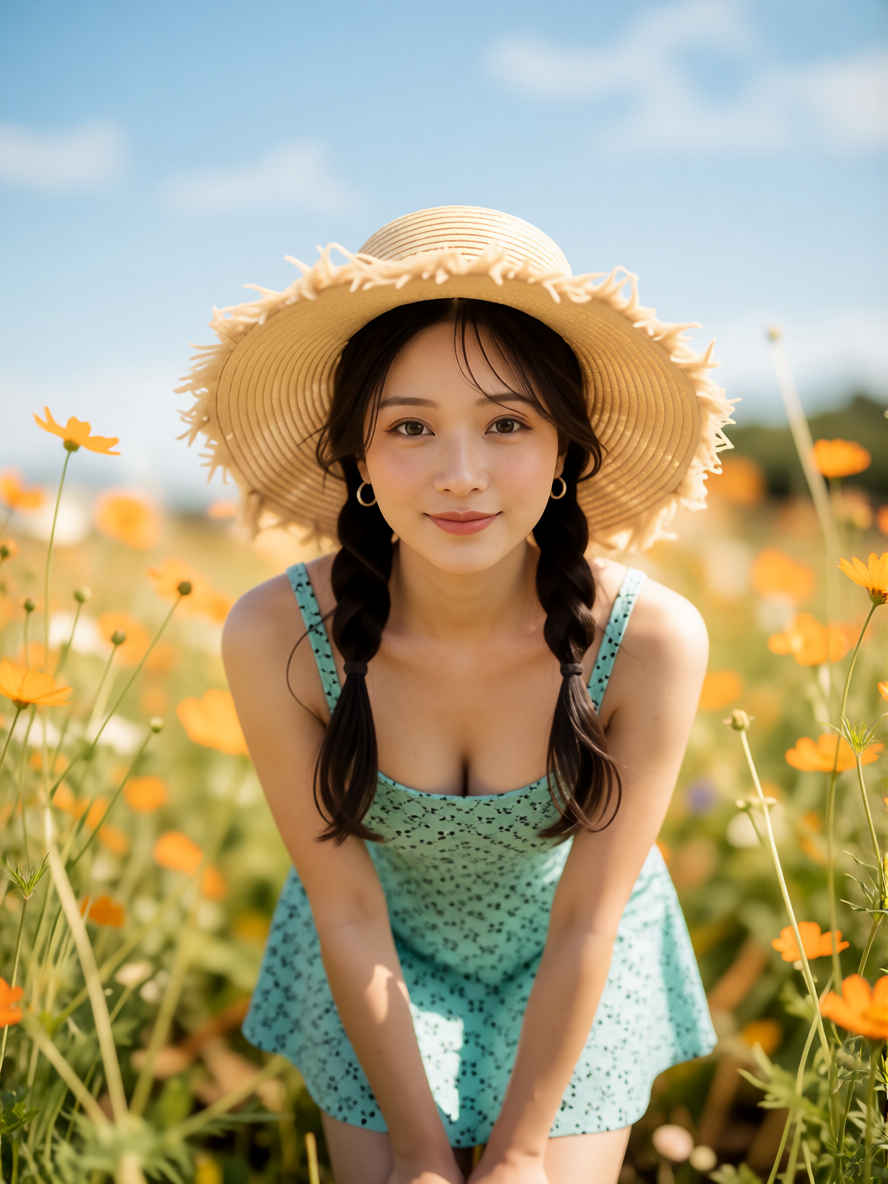
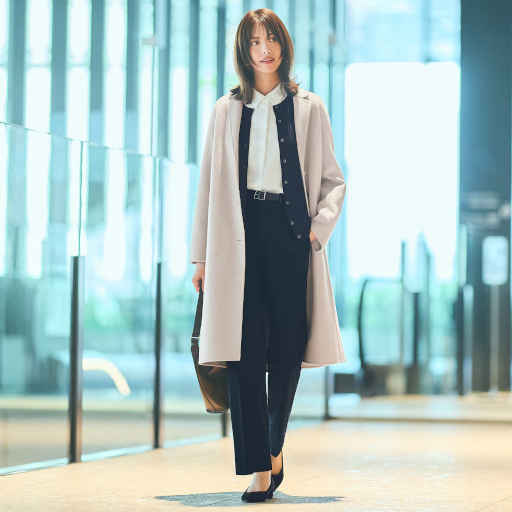
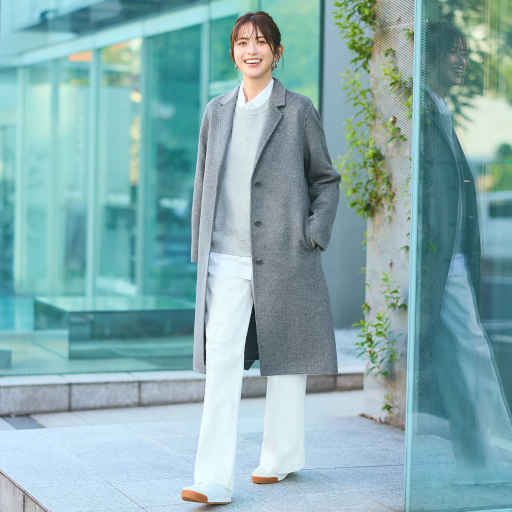
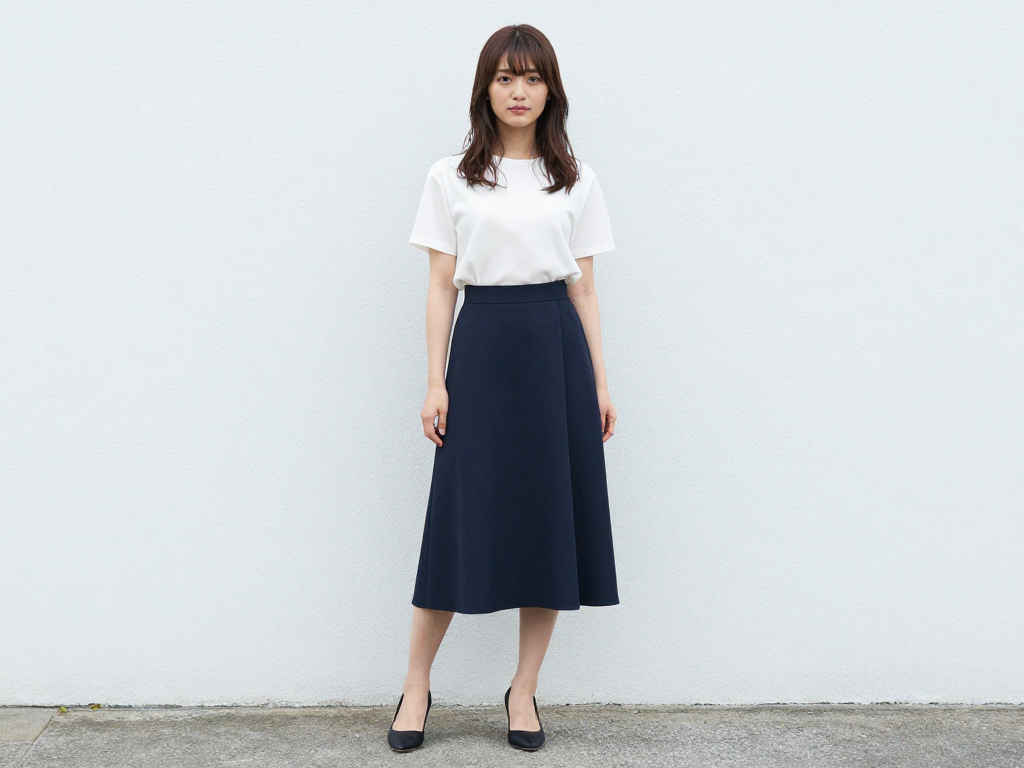
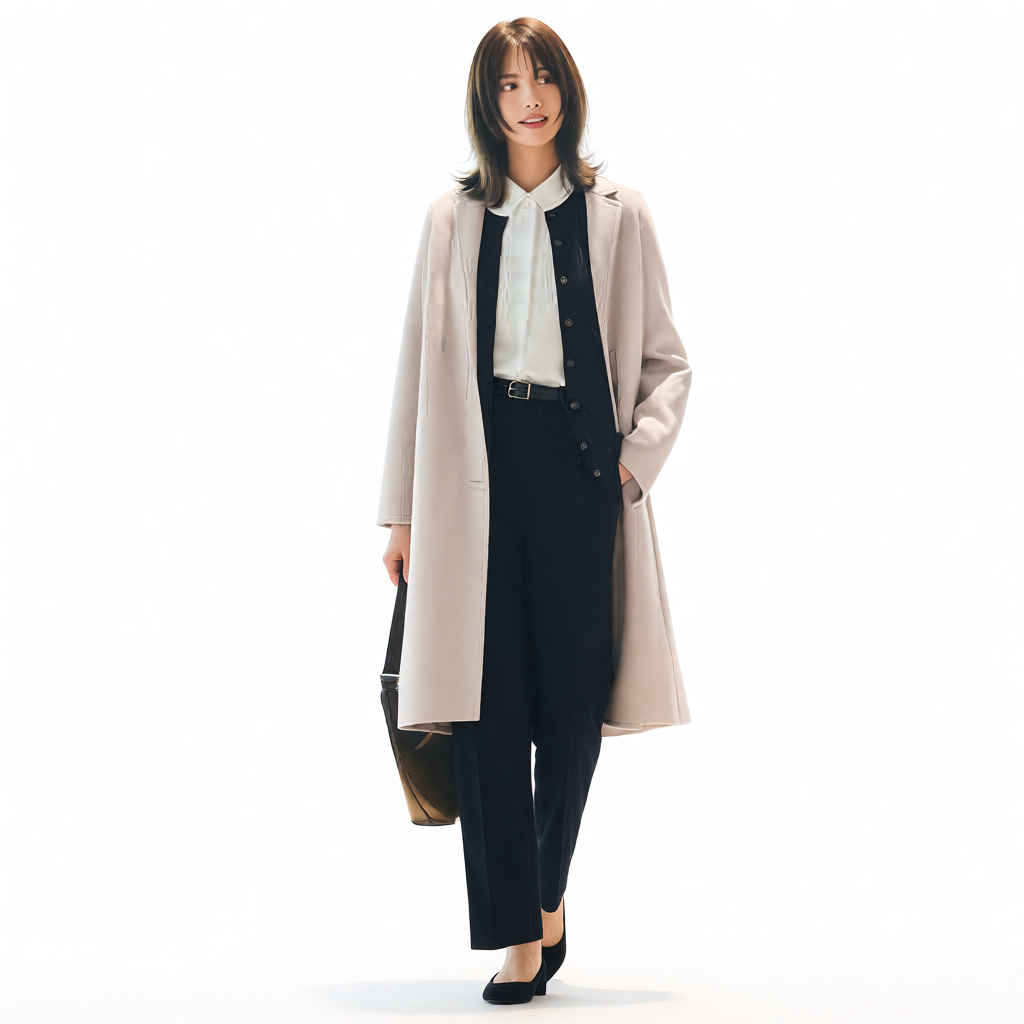
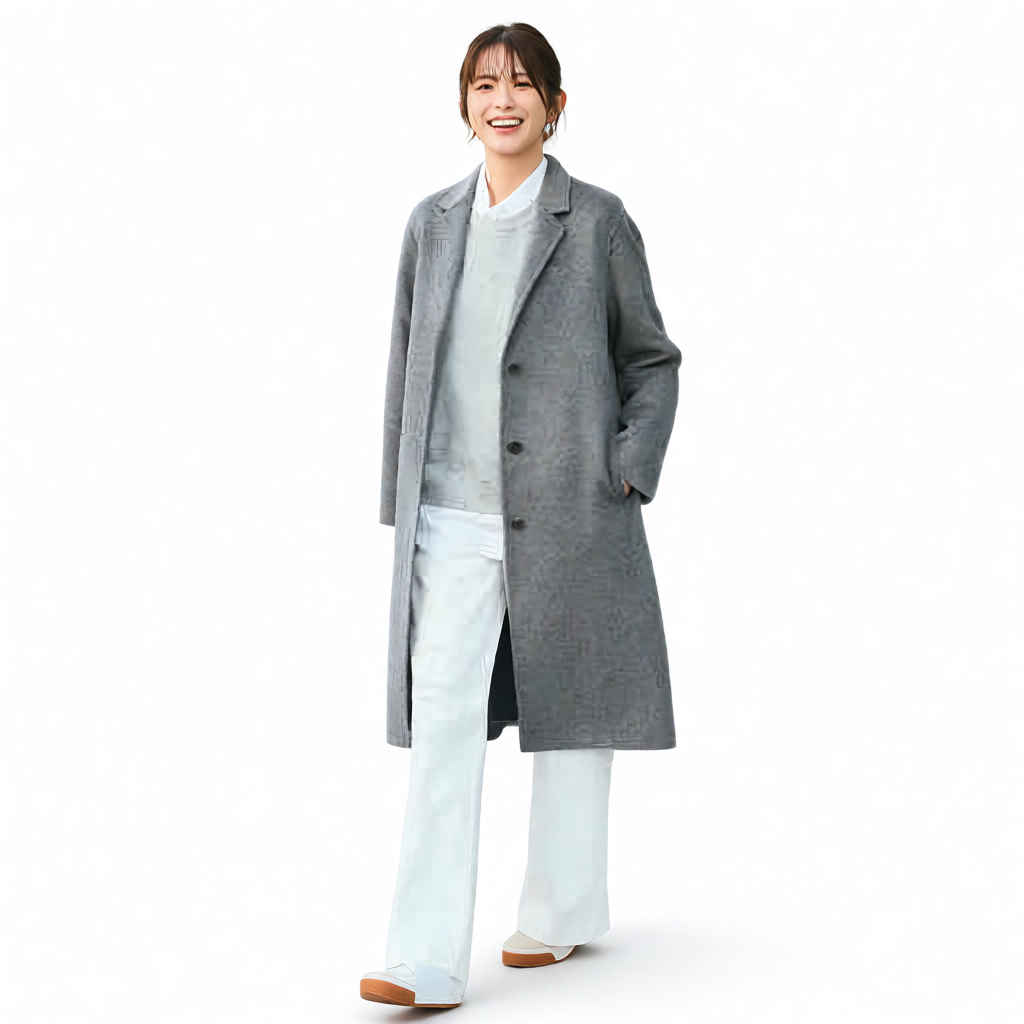
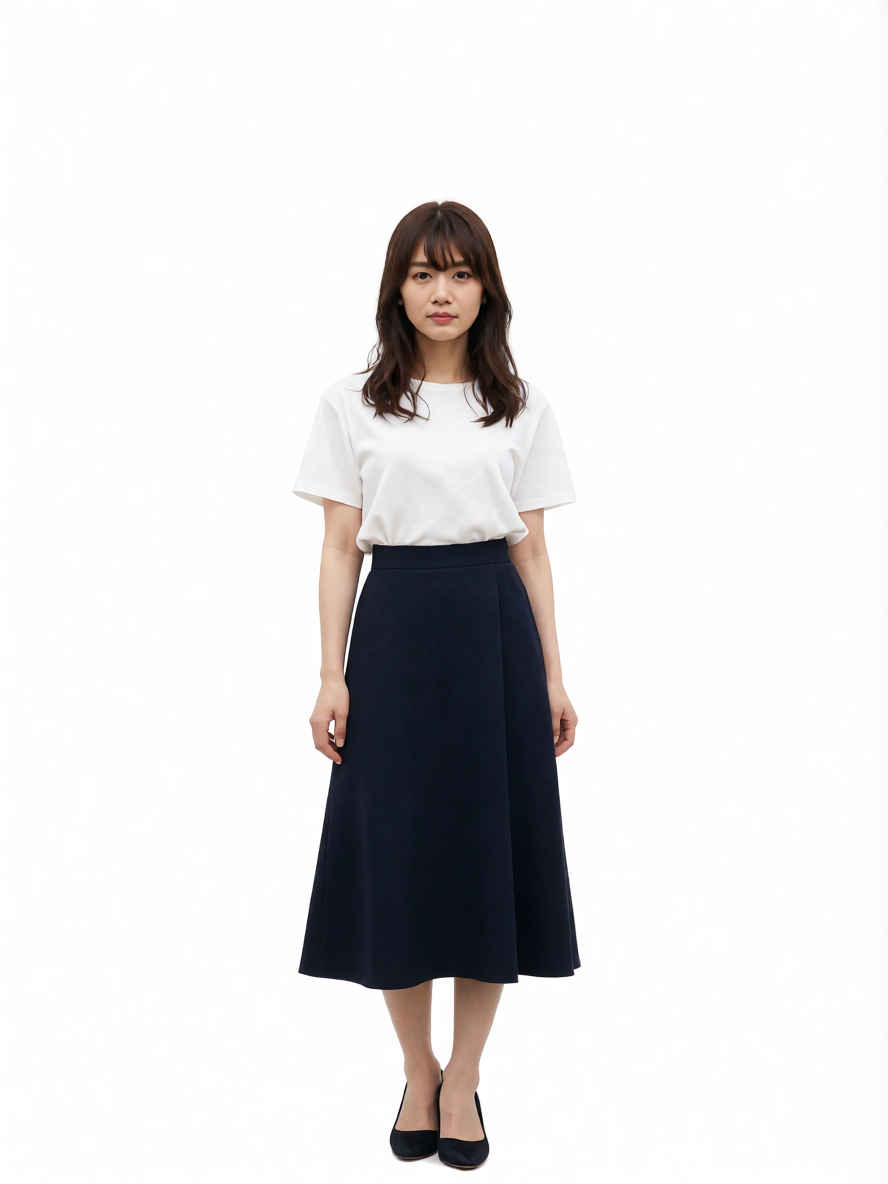
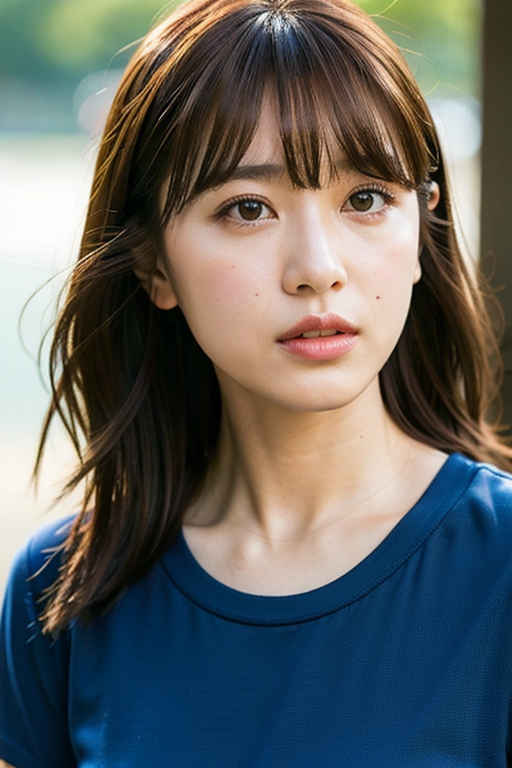
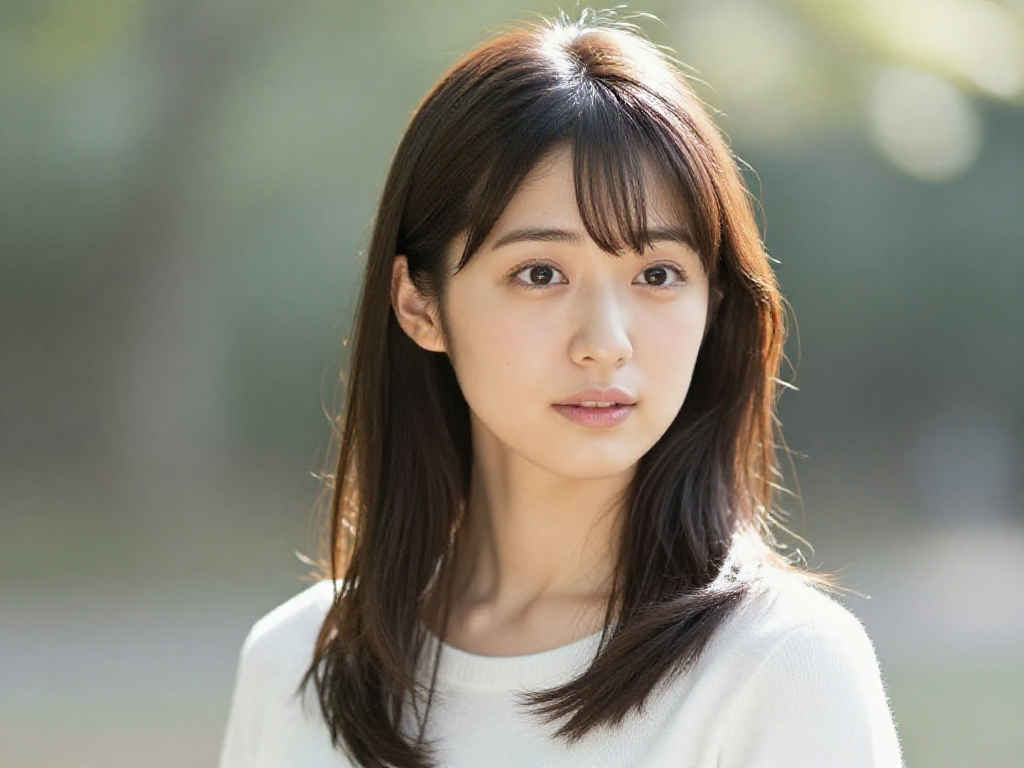
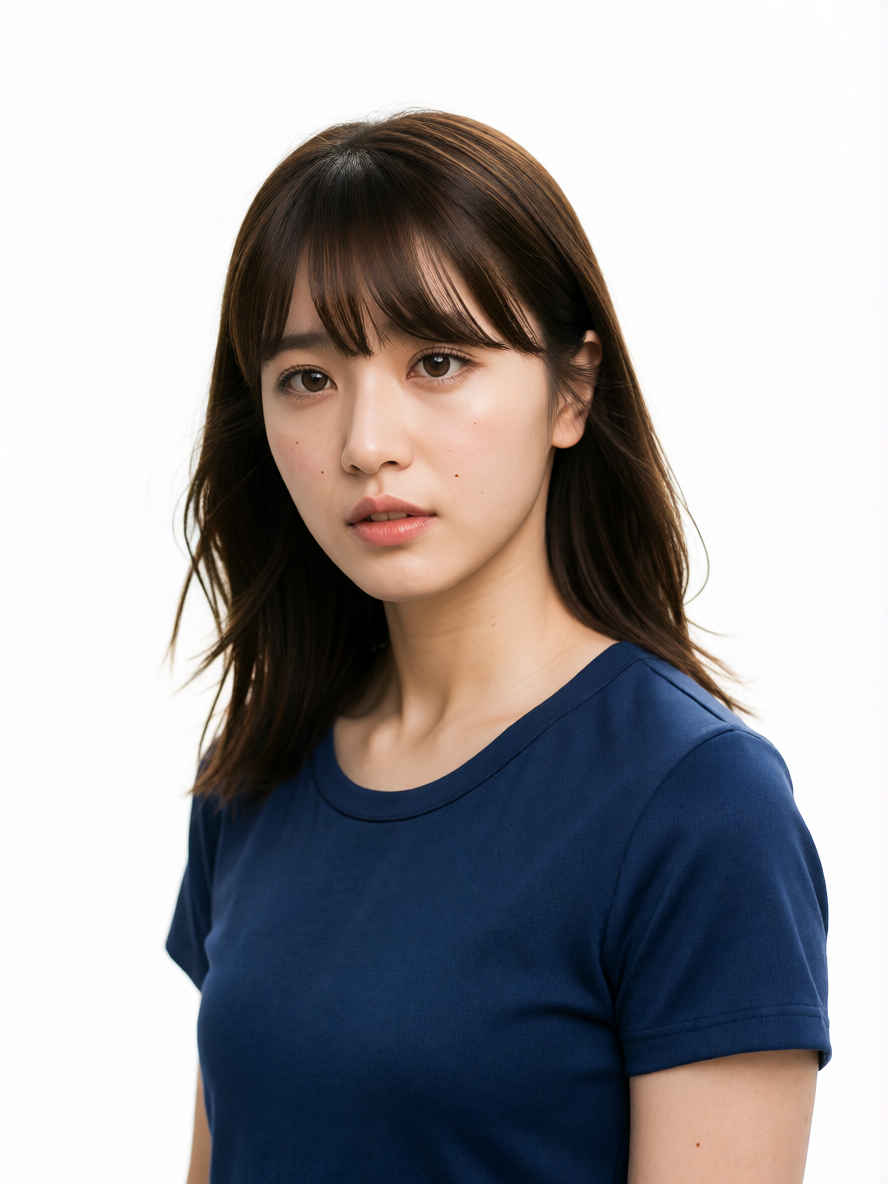
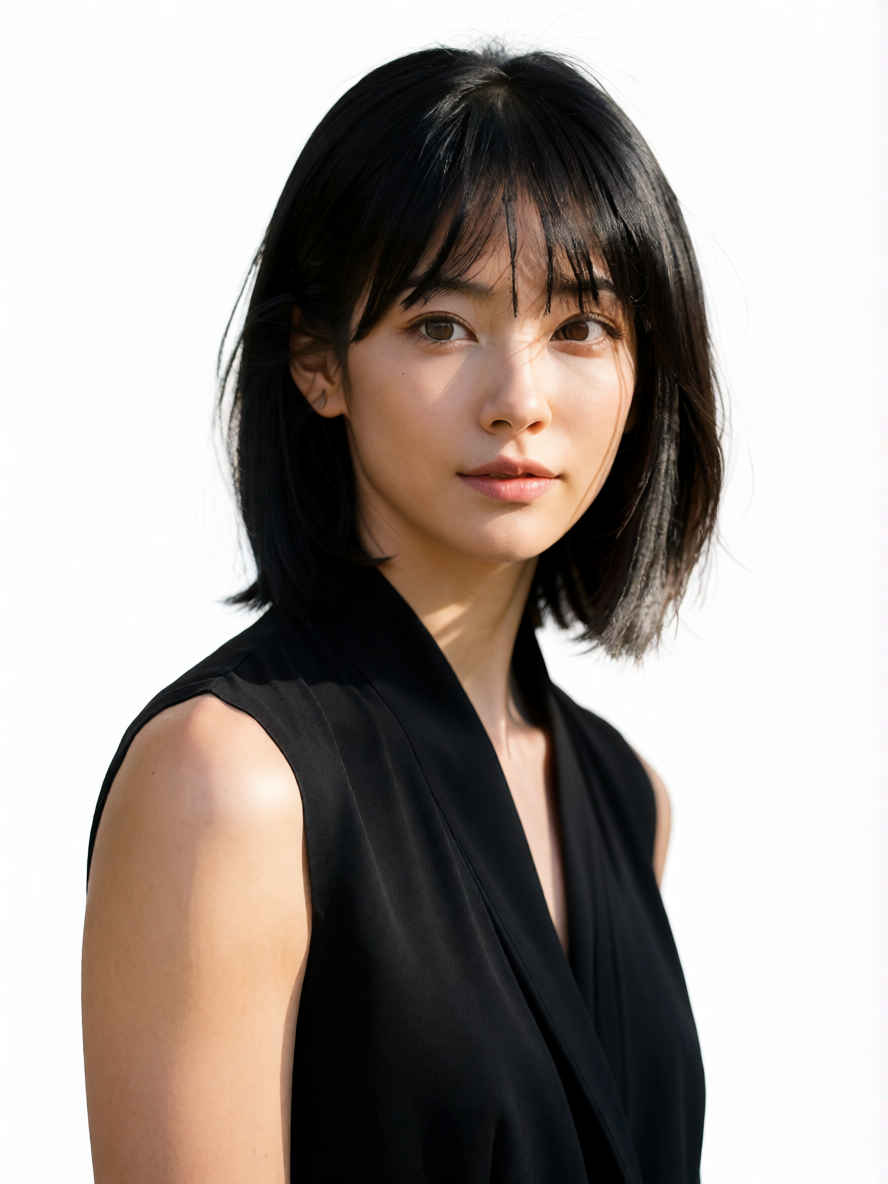
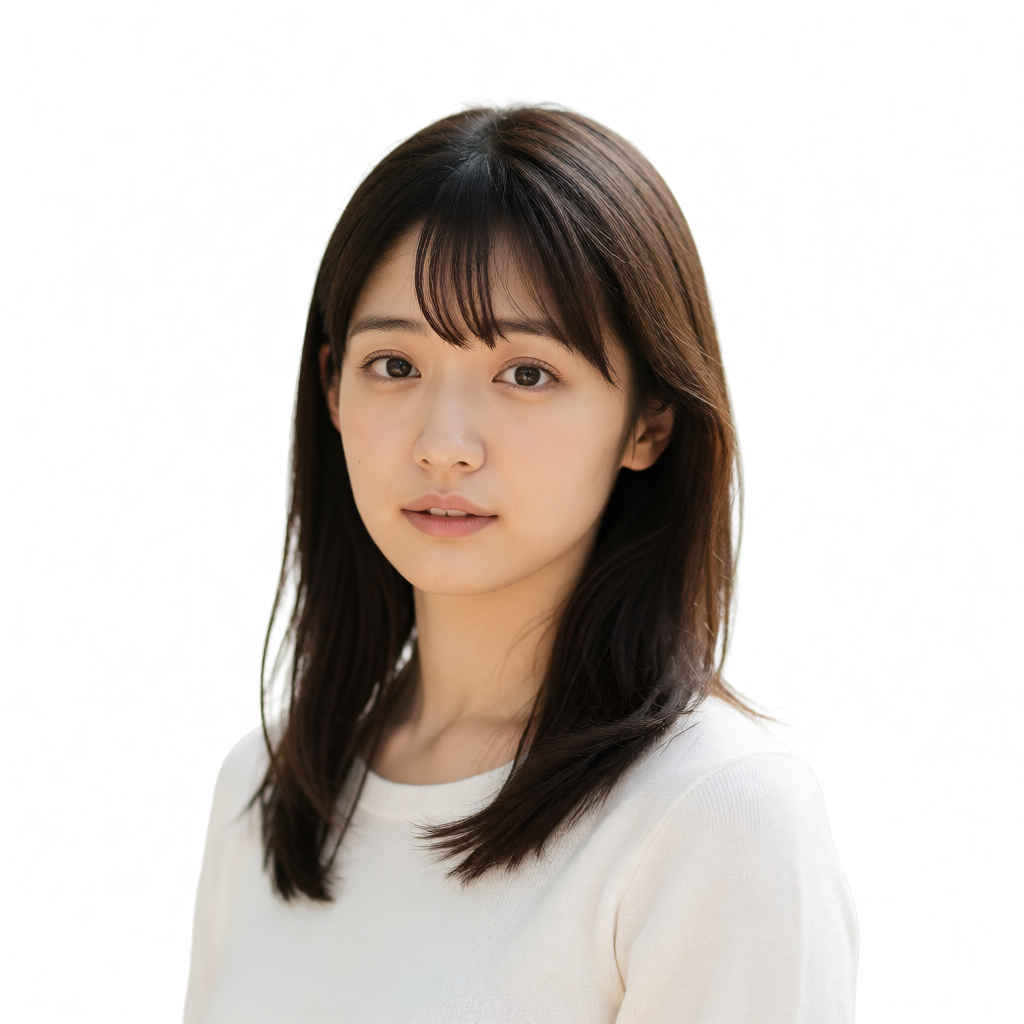
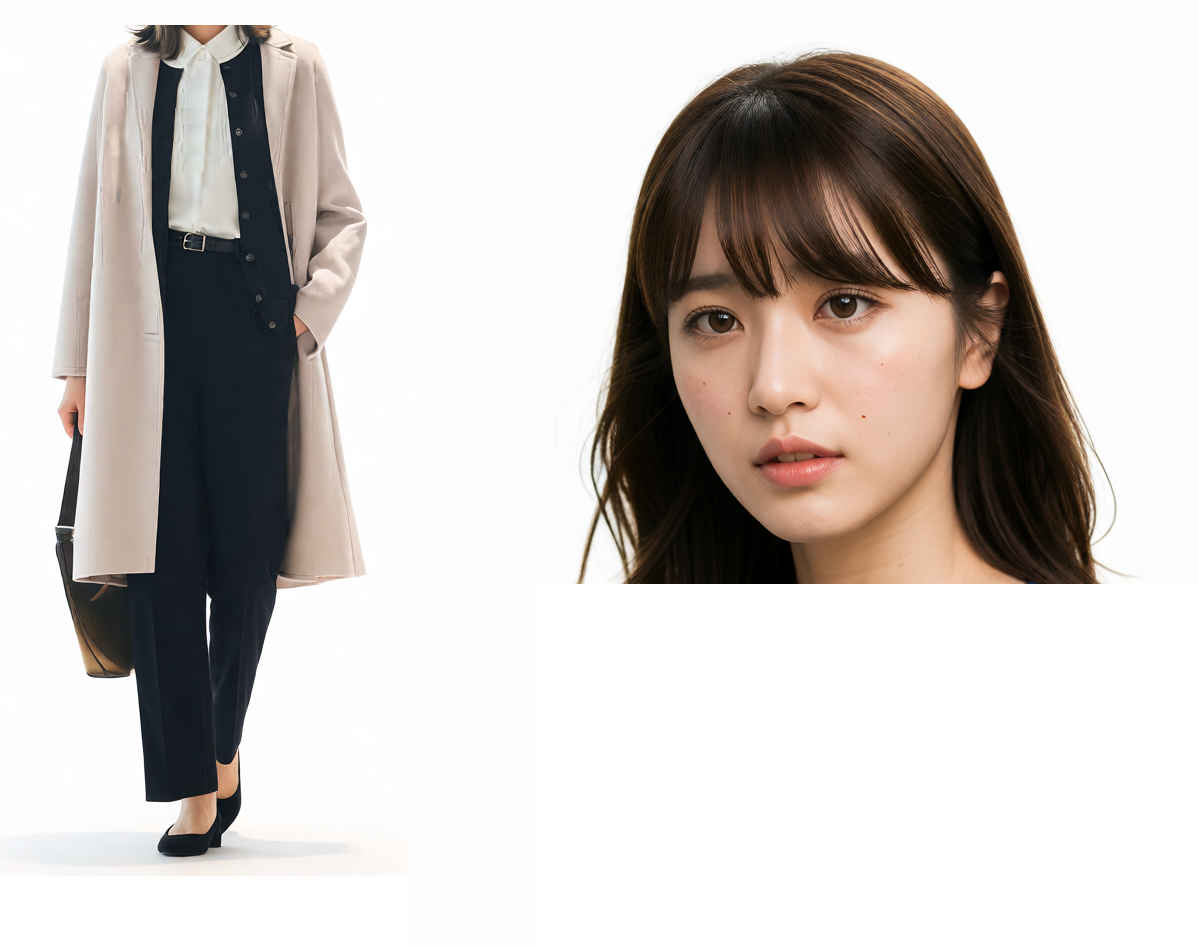
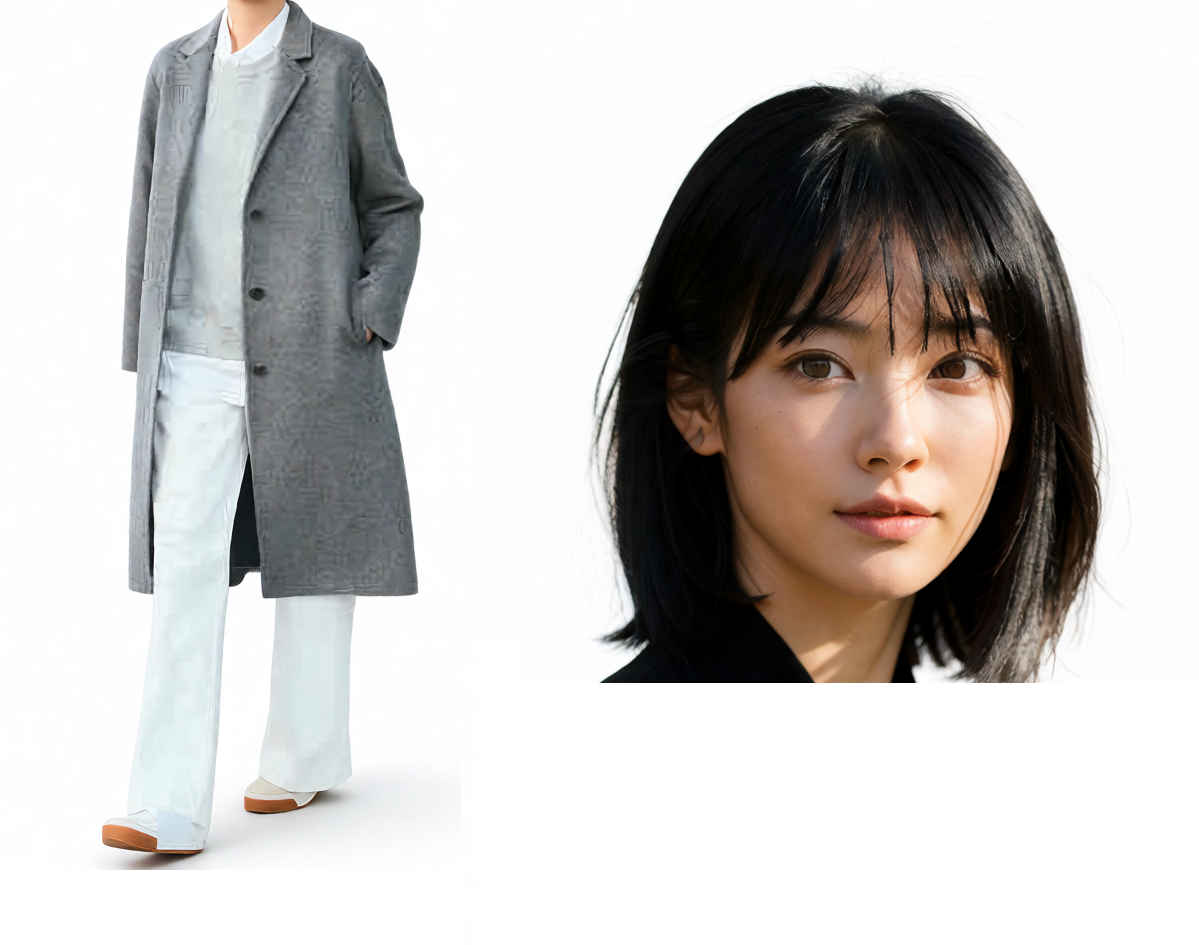
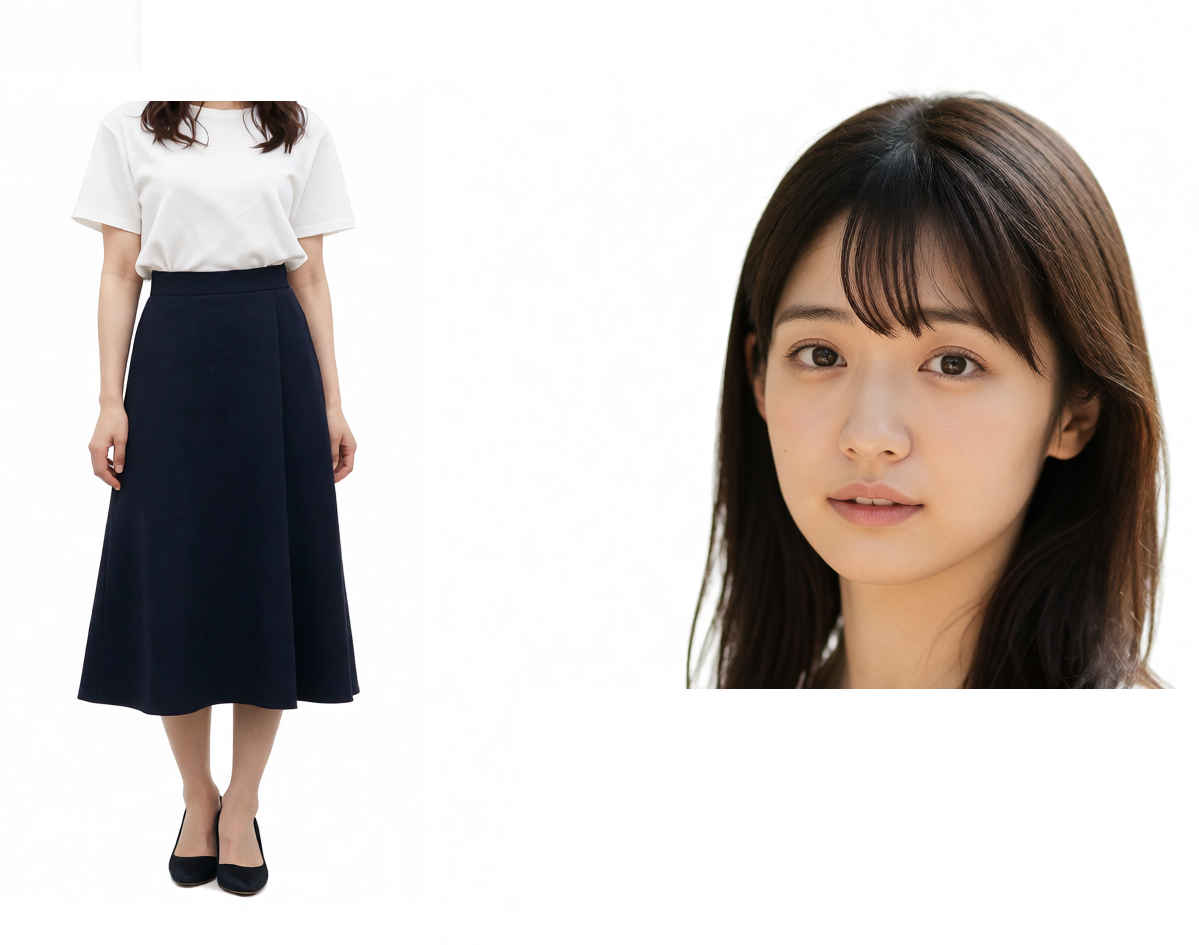
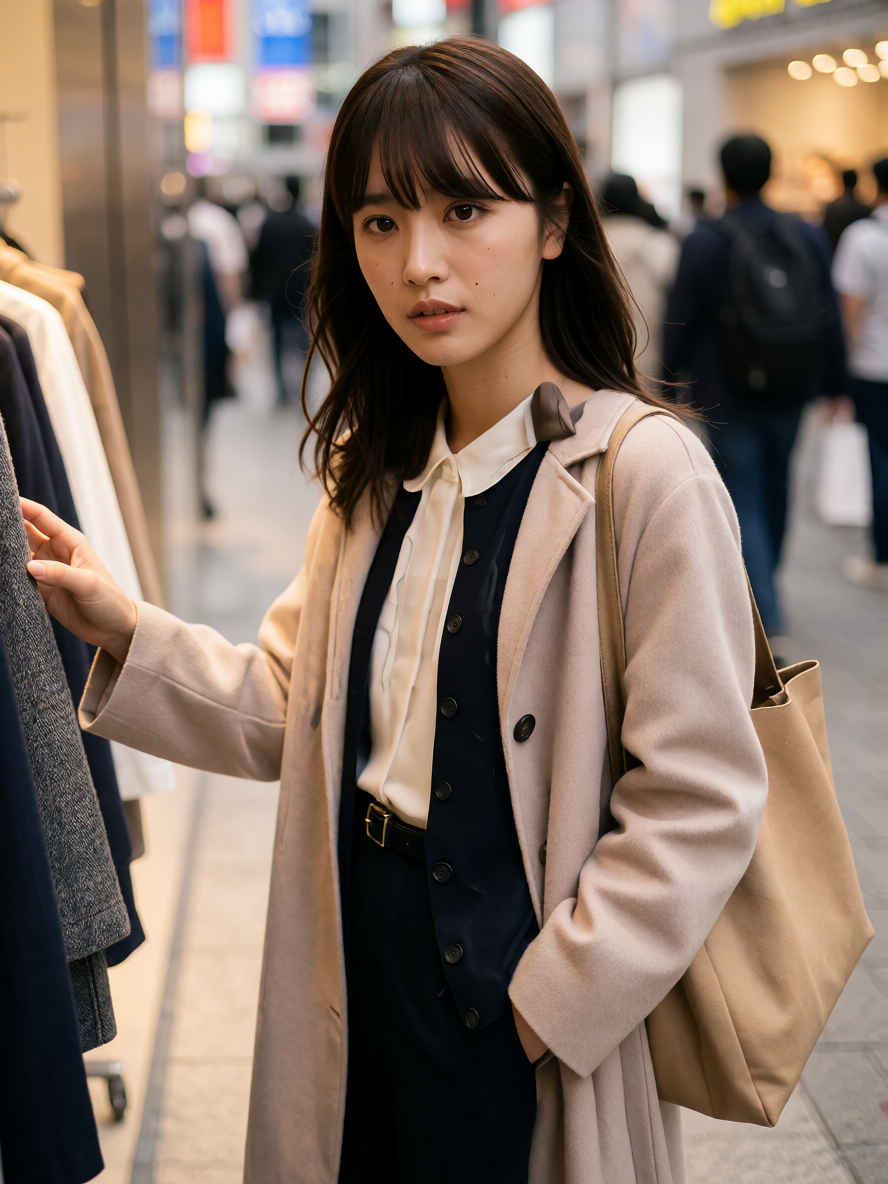
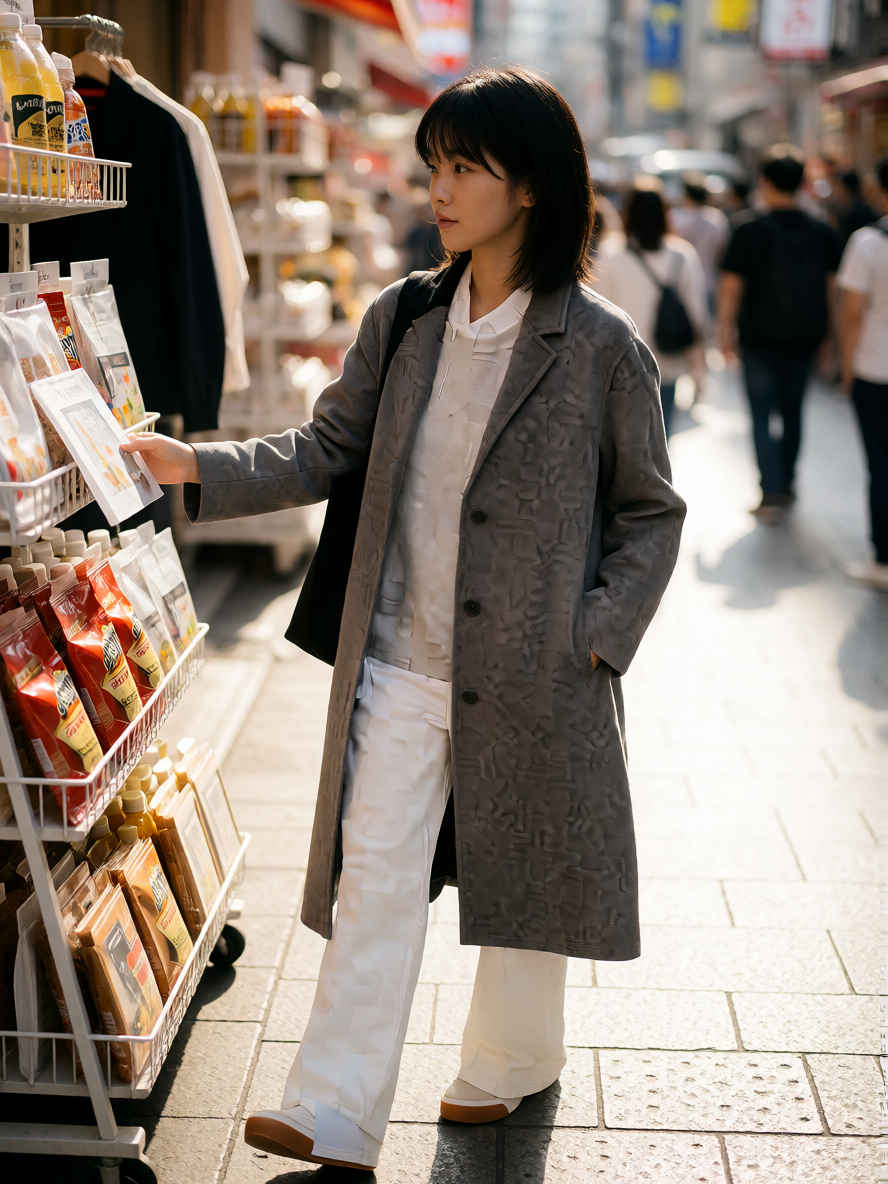
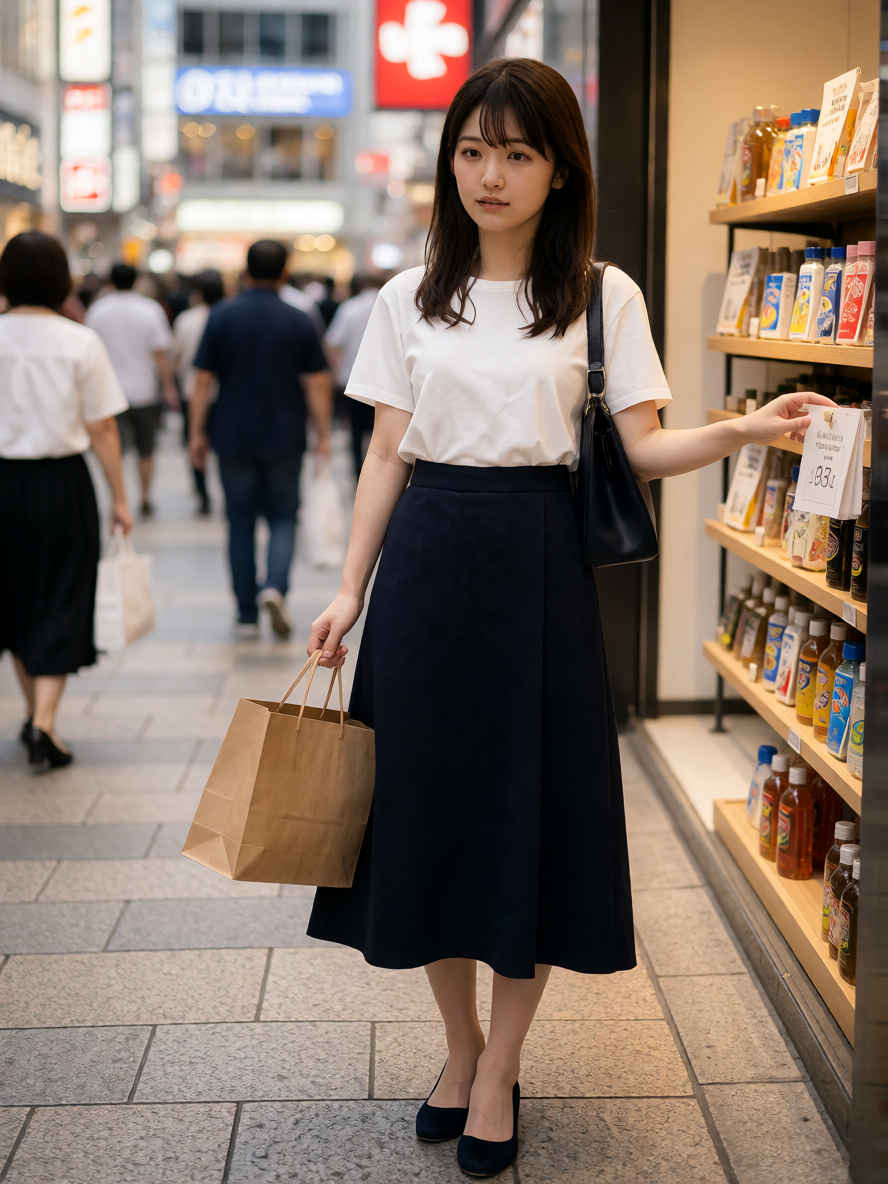
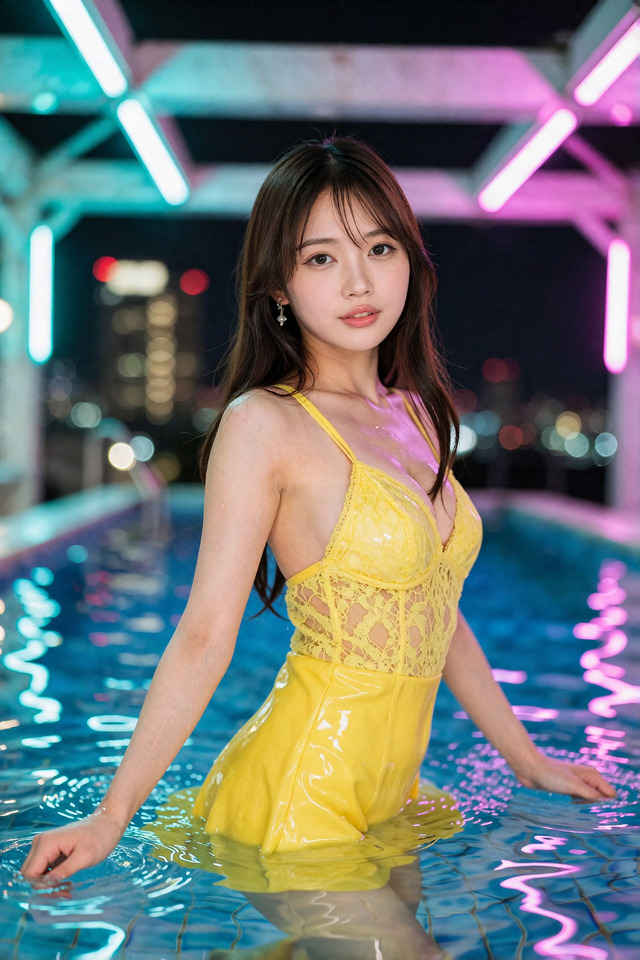
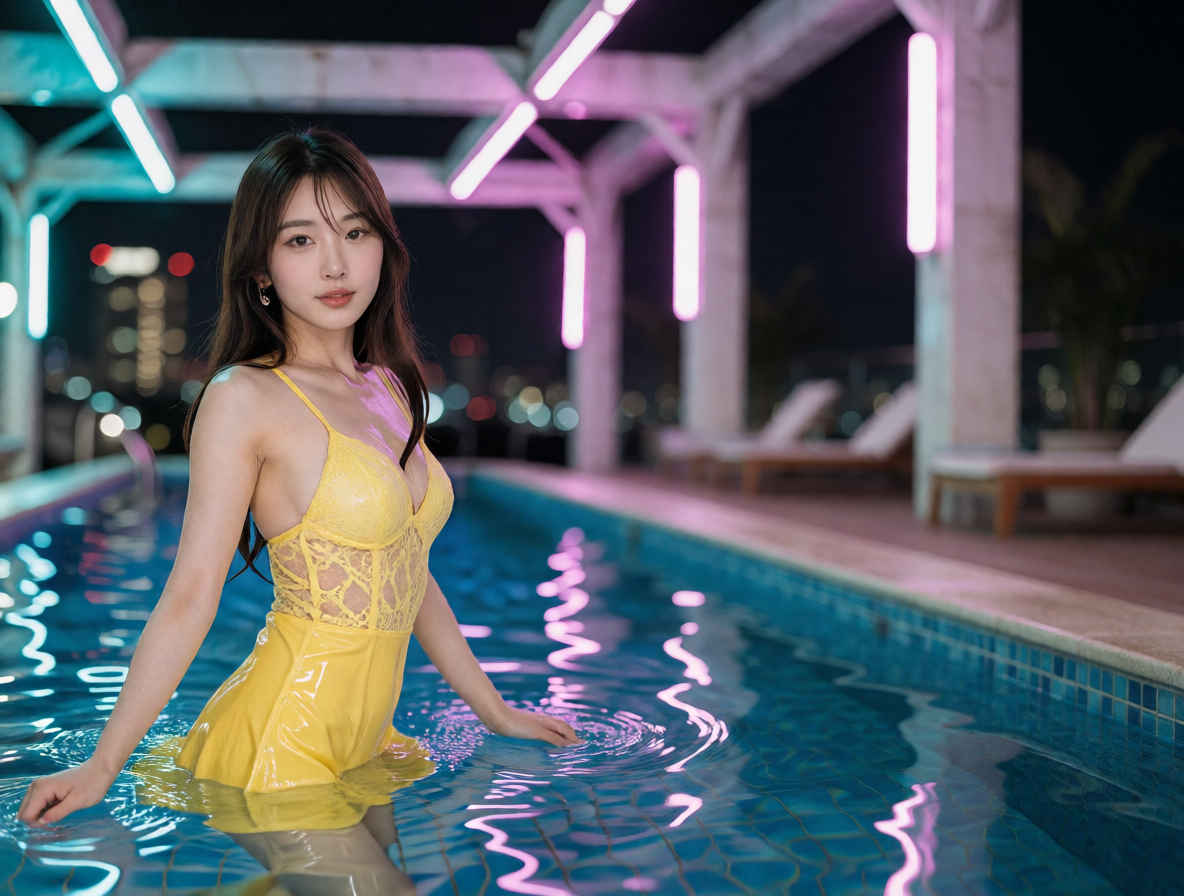
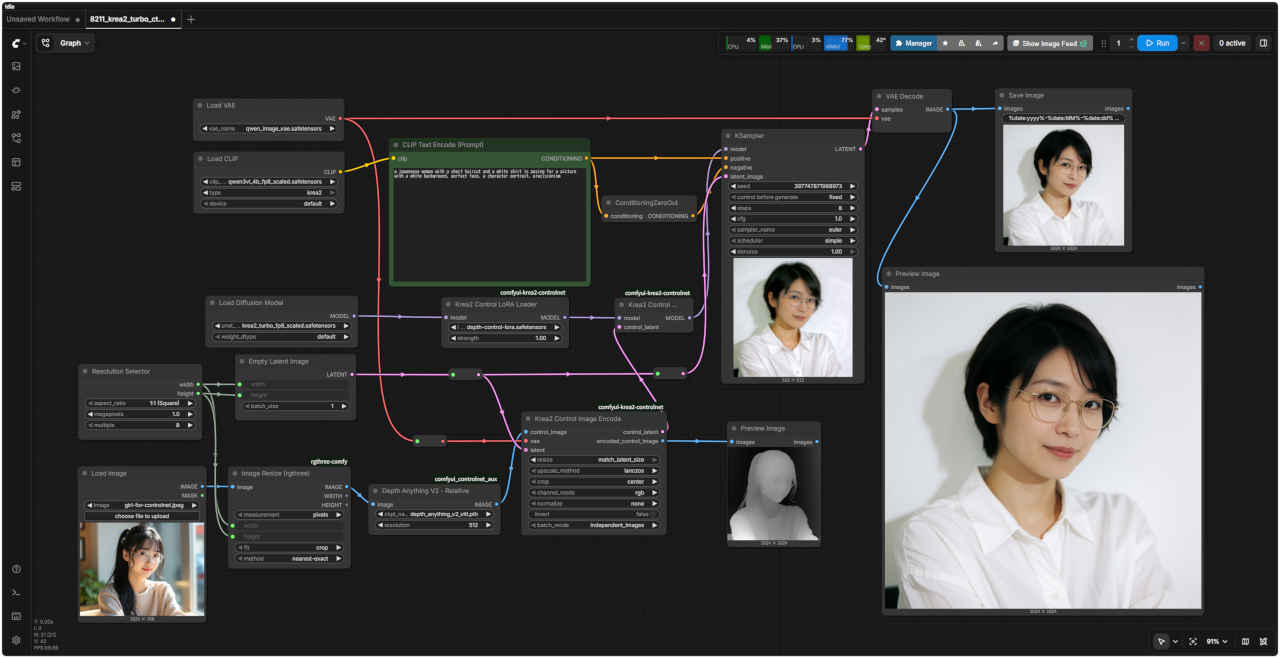
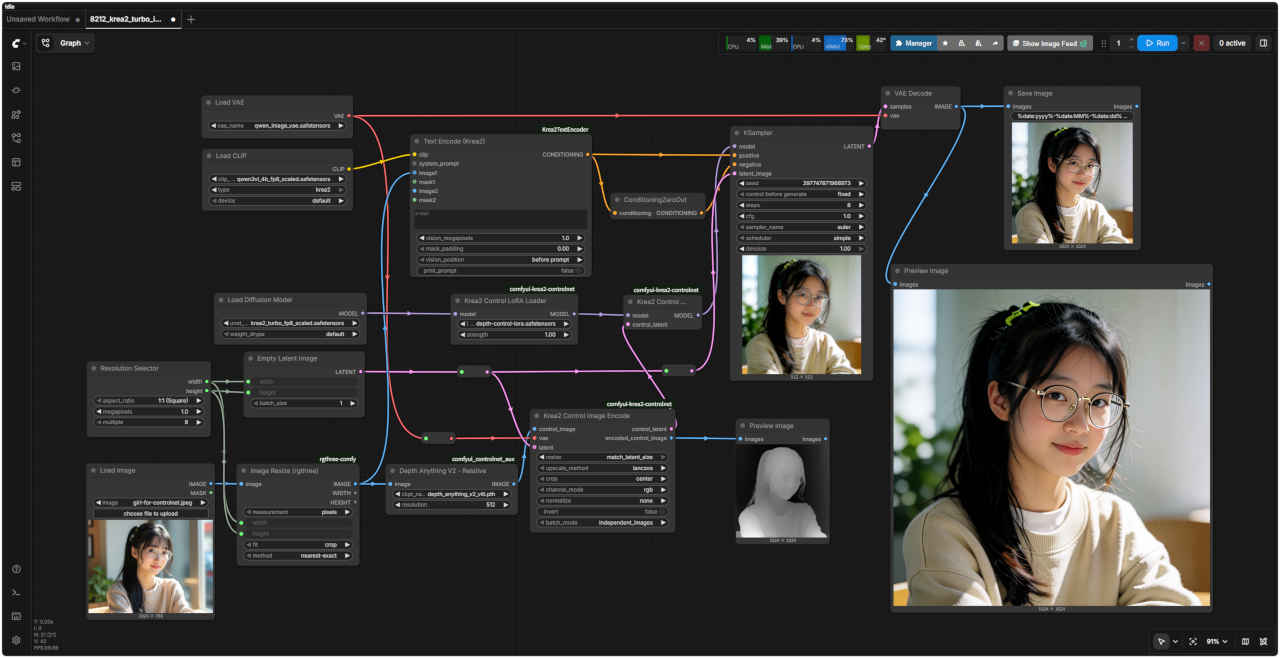
a japanease woman with a short haircut and a white shirt is posing for a picture with a white background, perfect face, a character portrait, precisionism
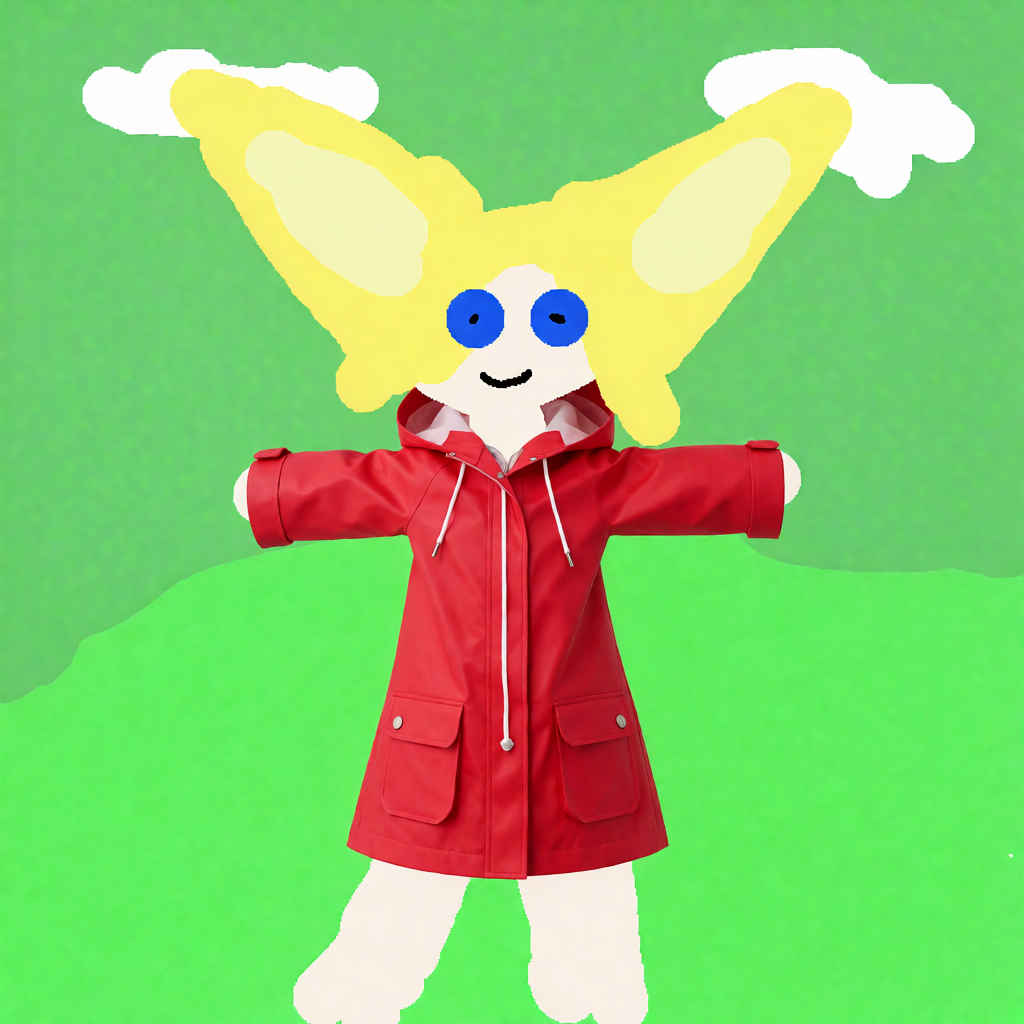
編集内容は平易な英語で記述してください: 'Relight the scene with warm golden hour sunlight.'(暖かいゴールデンアワーの太陽光でシーンを再ライティングする) 'Place this person at the cafe table, holding a coffee.'(この人物をカフェのテーブルに配置し、コーヒーを持たせる) 'Change her outfit to a red raincoat.'(彼女の服装を赤いレインコートに変更する)
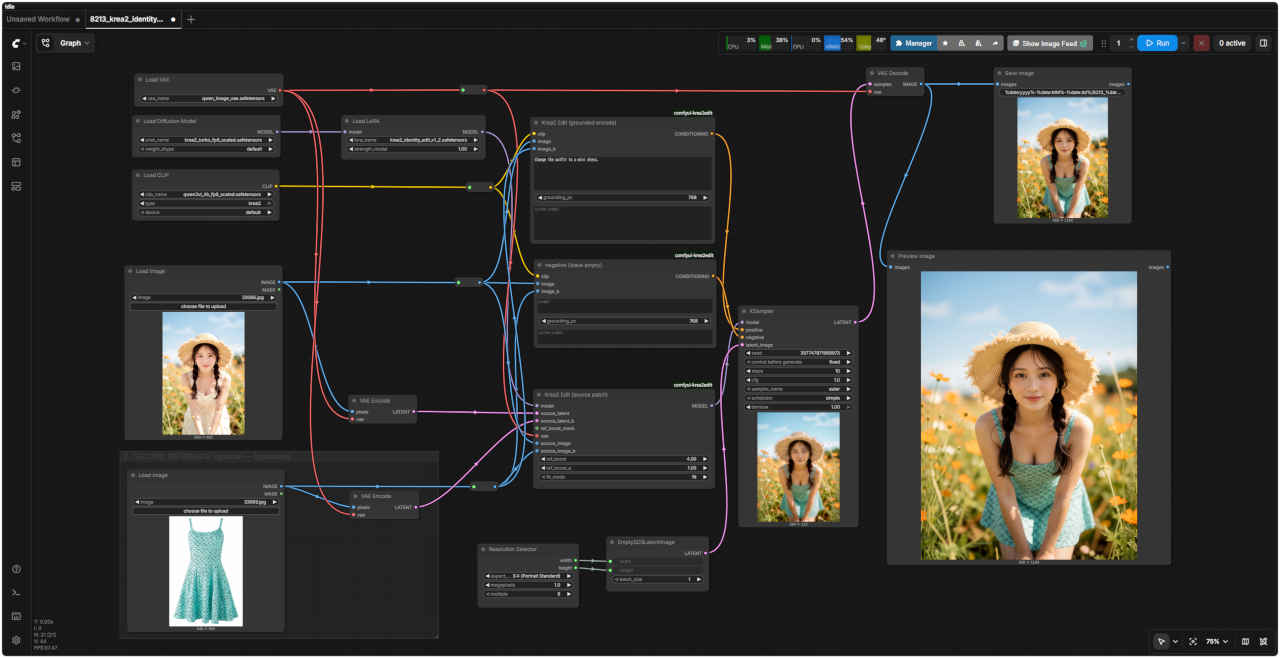
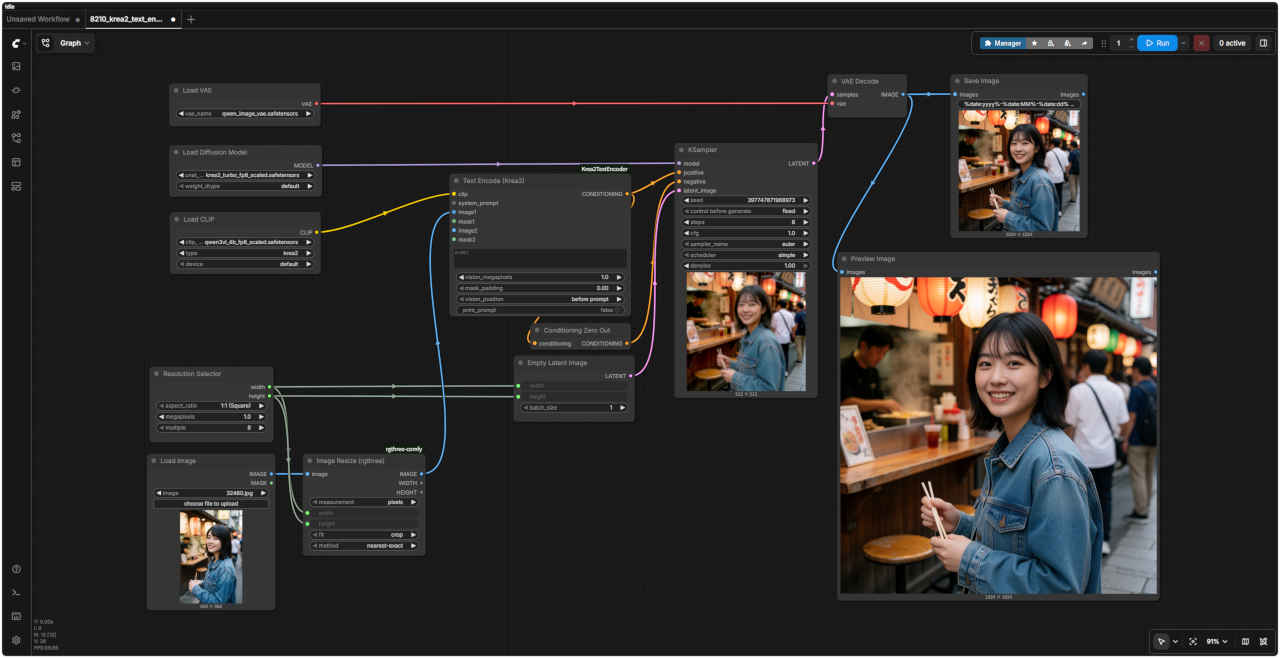
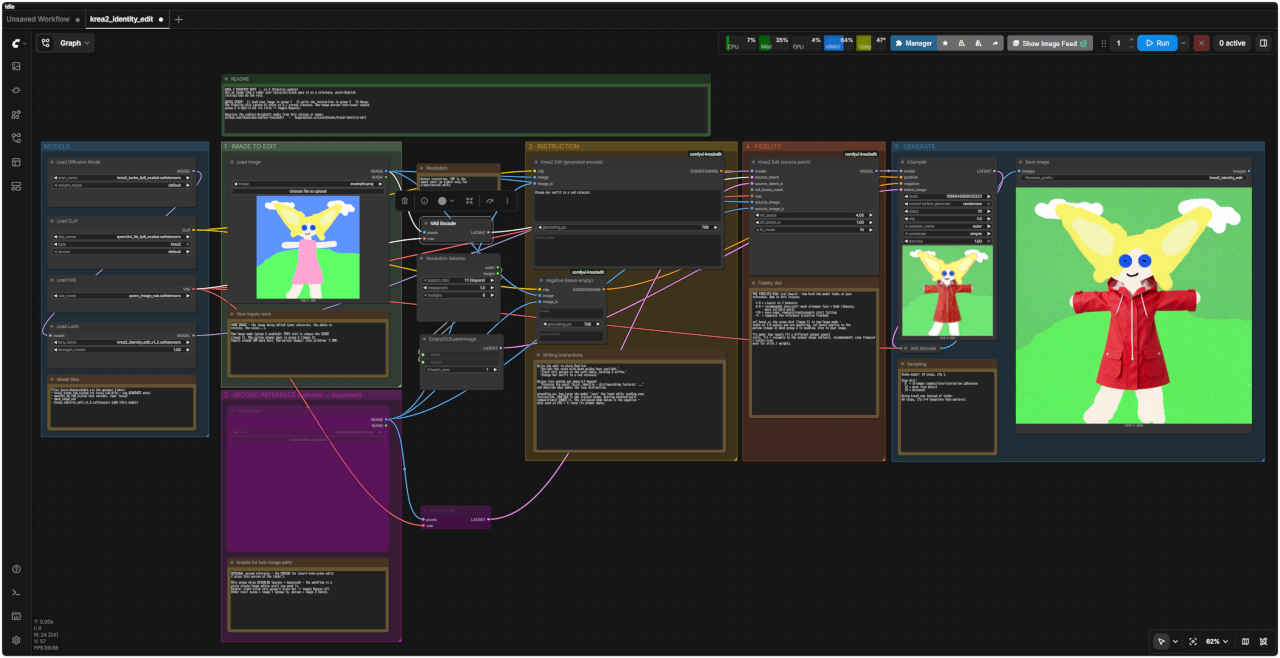
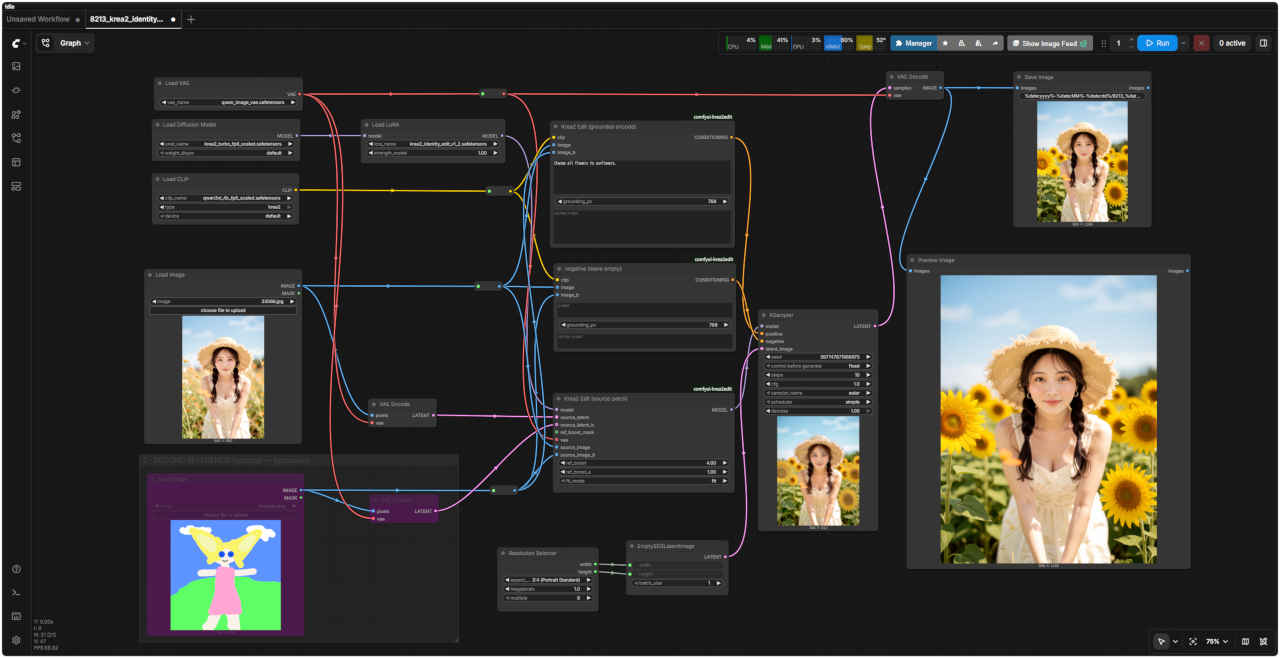
KREA 2 IDENTITY EDIT - v1.2 (Fidelity update) Use an image like a LoRA: your character/scene goes in as a reference, plain-English instructions do the rest.
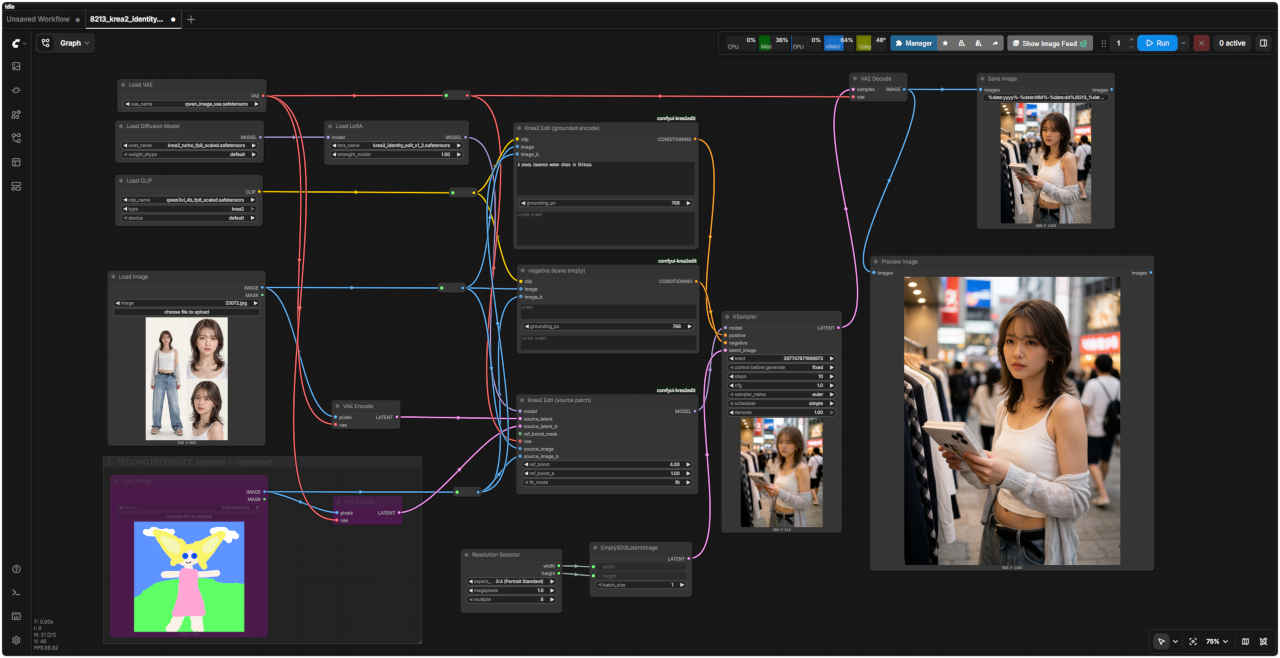
QUICK START: 1) load your image in group 1 2) write the instruction in group 3 3) Queue. The Fidelity dial (group 4) ships at 4 = strong likeness. Two-image person-into-scene: enable group 2 (right-click its title -> toggle Bypass).
Requires the comfyui-krea2edit nodes from this release or newer. github.com/lbouaraba/comfyui-krea2edit - huggingface.co/conradlocke/krea2-identity-edit
Model files
Files (auto-downloadable via the manager links): - krea2_turbo_fp8_scaled (or krea2_raw_bf16 - see GENERATE note) - qwen3vl_4b_fp8_scaled text encoder, type 'krea2' - qwen_image_vae - krea2_identity_edit_v1_2.safetensors LoRA (this model)
How Input work
YOUR IMAGE - the image being edited (your character, the photo to restyle, the scene...).
Two-image mode (group 2 enabled): THIS slot is always the SCENE (image 1). The person always goes in group 2 (image 2). Inputs around 1MP work best. Two-person images: stay at/below ~1.5MP.
Resolution
Output resolution. 1MP is the sweet spot; go higher only for single-person edits.
Enable for two-image-edit
OPTIONAL second reference - the PERSON for insert-into-scene edits ('place this person at the table').
This group ships DISABLED (purple = bypassed) - the workflow is a plain single-image editor until you need it. Enable: right-click this group's title bar -> toggle Bypass off. Order rule: scene = image 1 (group 1), person = image 2 (here).
Writing instruction
Write the edit in plain English: 'Relight the scene with warm golden hour sunlight.' 'Place this person at the cafe table, holding a coffee.' 'Change her outfit to a red raincoat.'
Unique face coming out generic? Append: 'Preserve the exact facial identity - distinguishing features: ...' and describe what makes the face distinctive.
grounding_px: how large the model 'sees' the input while reading your instruction. 384-768 is the trained range. Getting doubled/split compositions? LOWER it. The collapsed node below is the negative only used at CFG > 1; keep its prompt empty.
Fidelity dial
THE FIDELITY DIAL (ref_boost) - how hard the model looks at your reference. New in this release.
1.0 = classic v1.1 behavior 4.0 = recommended (pre-set): much stronger face + body likeness, more reliable edits >10 = over-copy: removals/replacements start failing <1 = suppress the reference (creative freedom) ref_boost_a: the scene dial (image 1) in two-image mode leave at 1.0 unless you are exploring. ref_boost applies to the person (image 2) when group 2 is enabled, else to your image.
fit_mode: how inputs fit a different output aspect ratio. fit = resample to the output shape (default, recommended); crop (legacy) = center-crop only for v1/v1.1 weights.
Sampling
Turbo model: 10 steps, cfg 1.
Step dial: 8 = stronger composition/instruction adherence 12 = more face detail 10 = balanced
Using krea2_raw instead of turbo: 40 steps, cfg 3-4 (negative then matters).