私的AI研究会 > ComfyUI20
「ComfyUI」を使ってローカル環境でのAI画像生成を検証する
| 2026年10月15日、Black Forest Labs(BFL)が公開した FLUX.3 Image Klein を検証してみる |
| このプロジェクトで作成するワークフローと関連データは下記にアップロードしている(更新されている場合は再度ダウンロードのこと) |
📂ComfyUI
  └─📂user
        └─📂default
              └─📂workflows        ← ワークフローの保存場所
                    :
                    ├─📂FLUX3       ← この章で作成するワークフロー
                    :
・解凍してできる「ComfyUI/」フォルダを「StabilityMatrix/Data/Packages/ComfyUI」へ上書きコピーする| ワークフロー | 機 能 | モデル | CPU | CPU | ||||||
| エンハンサー | RTX 4070 | RTX 4060 | RTX 4060L | RTX 3050 | GTX 1050 | i7-1260P | i7-1185G7 | |||
| 8500_flux3_klein_PromptEnhancer | FLUX3 klein Prompt Enhancer | INT8 ConvRot | 00:08.97 | 00:23.69 | × | 不適合 | ||||
| 8501_flux3_klein_t2i | False | Text to Image 基本ワークフロー | 00:15.85 | 00:57.66 | 15:55.76 | |||||
| True | 00:22.15 | 00:52.20 | × | |||||||
| 8502_flux3_klein_image_edit | Image Edit 基本ワークフロー | 00:29.92 | 01:27.81 | 55:41.81 | ||||||
| 8511_flux3_klein_distilled_t2i | False | Text to Image 基本ワークフロー | INT8 ConvRot 蒸留版 | 00:4.89 | 00:25.12 | 04:47.57 | ||||
| True | 00:13.85 | 00:42.31 | × | |||||||
| 8512_flux3_klein_distilled_image_edit | Image Edit 基本ワークフロー | 00:10.34 | 00:34.66 | 15:01.91 | ||||||
| 拡張ノード(検索名) | 拡張ノード URL | 主な機能 / 参照ページ | ワークフロー |
| rgthree | rgthree-comfy | ノードをスイッチで切り替える | |
| ComfyUI_Custom_Nodes_AlekPet | ComfyUI_Custom_Nodes_AlekPet | プロンプトを日本語入力する |
| モデル名 | ファイル名(.safetensors) | 配置先(/StabilityMatrix/Data/) | ダウンロード URL | サイズ | |
| diffusion_models | flux3-image-klein-base-int8-convrot | Models/ | DiffusionModels/ | flux3-image-klein-base-int8-convrot.safetensors | 5.81GB |
| flux3-image-klein-int8-convrot (蒸留版) | flux3-image-klein-int8-convrot.safetensors | 5.83GB | |||
| text_encoders | qwen3.5_9b_flux3_prompt_upsampler_w4a8 | TextEncoders/ | qwen3.5_9b_flux3_prompt_upsampler_w4a8.safetensors | 6.72GB | |
| qwen3vl_4b_int8_convrot | qwen3vl_4b_int8_convrot.safetensors | 4.86GB | |||
| vae | flux2-vae | VAE/ | flux2-vae.safetensors | 0.34GB | |
| ComfyUI オフィシャルサイトで公開されているテンプレートのシード値を固定して再現性を確保し動かしながら整理する |
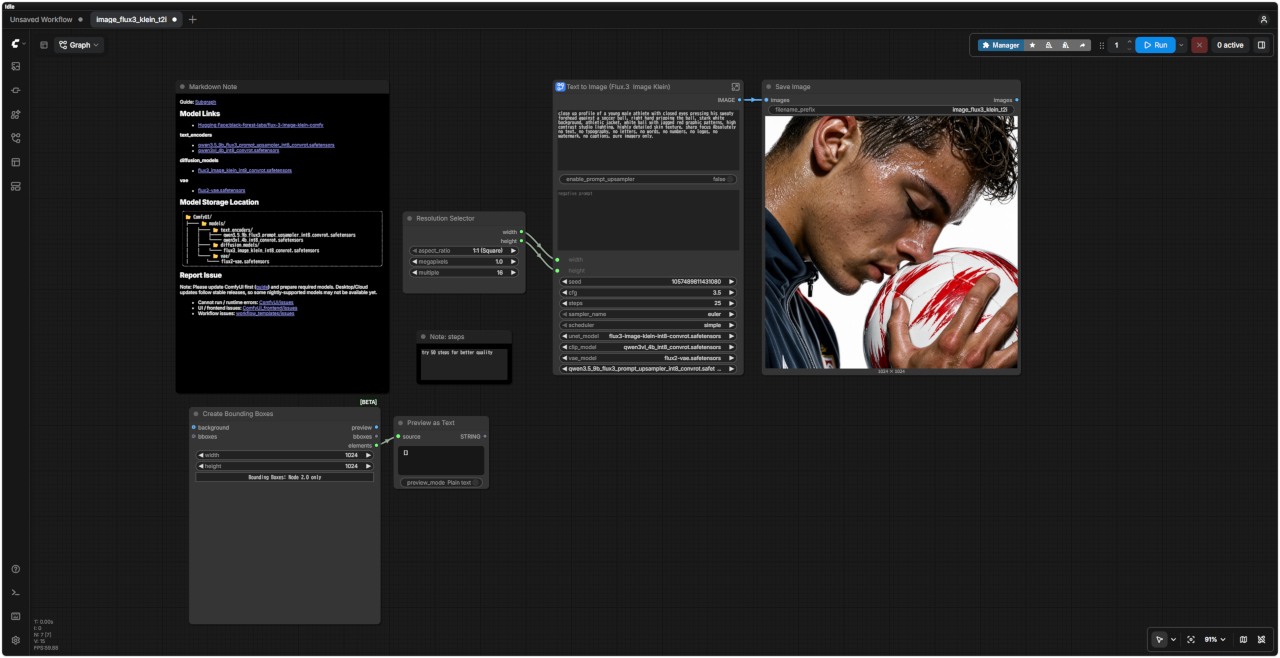
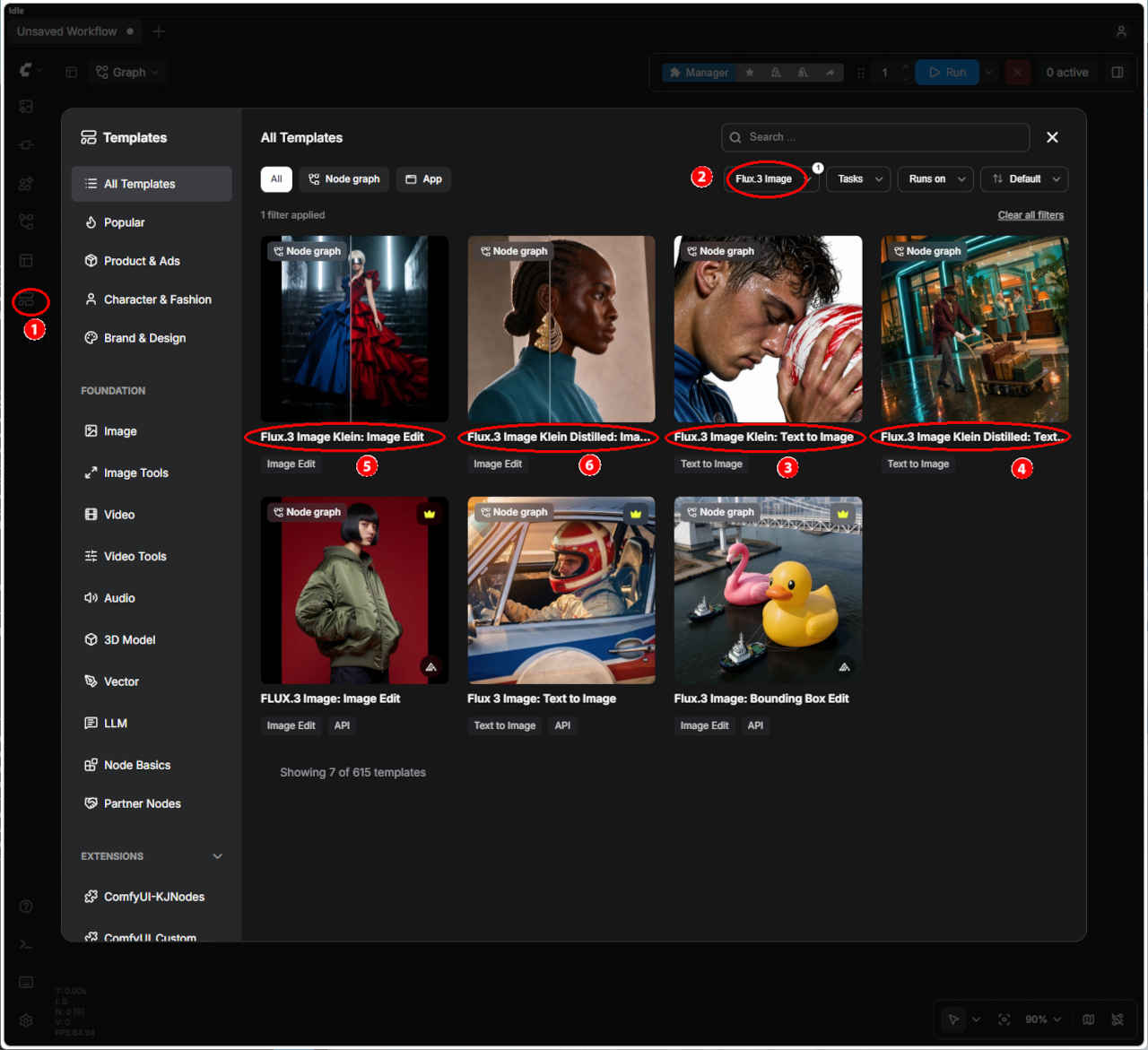 | ① 左端のメニューから「Template」を選択 ②「FLUX3 Image」を入力する ・表示された一覧からワークフローを選ぶ ③「image_flux3_klein_t2i: Text to Image」 ④「image_flux3_klein_image_edit: Image Edit」 ⑤「image_flux3_klein_distilled_t2i: Text to Image(蒸留版)」 ⑥「image_flux3_klein_distilled_image_edit: Image Edit(蒸留版)」 ・ワークフローでエラーが発生する場合はモデルの配置を確認する |
| Text to Image 生成画像 | |
| |
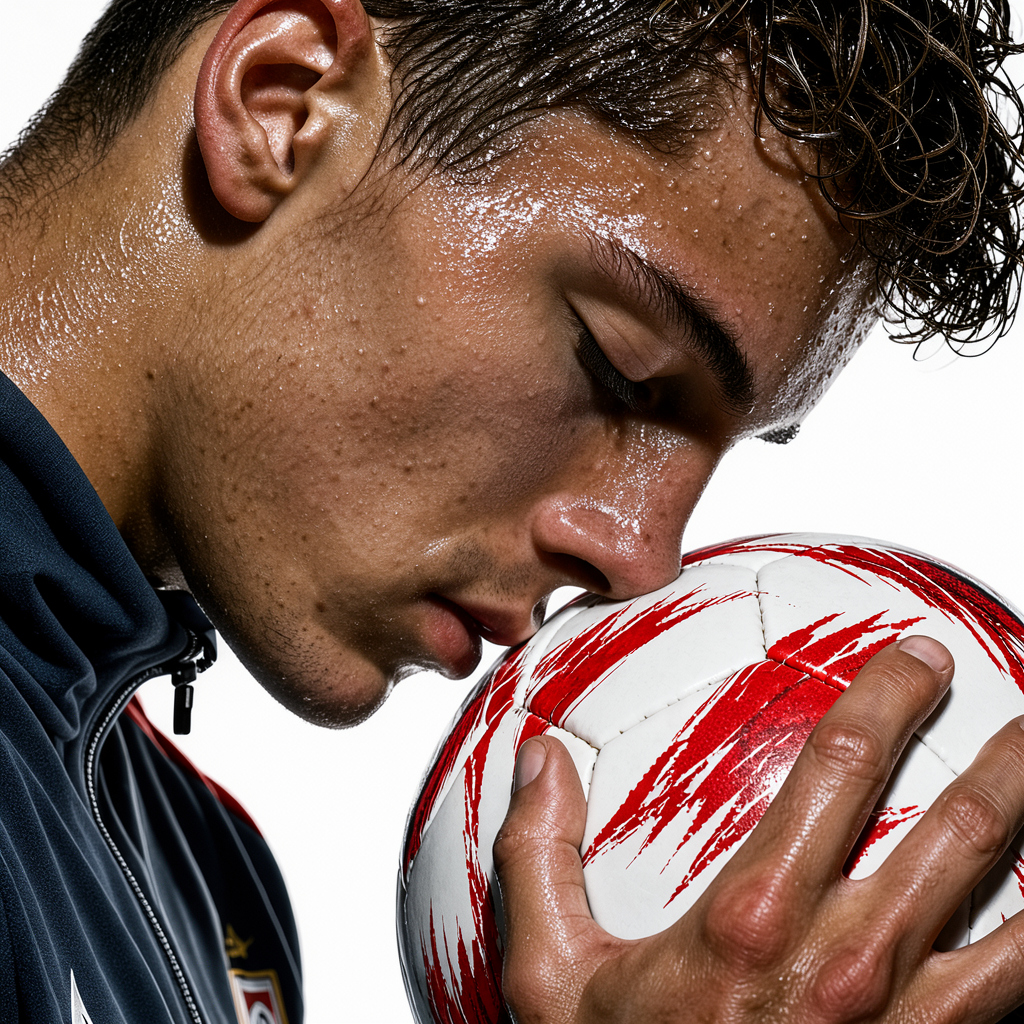
| プロンプト |
| close up profile of a young male athlete with closed eyes pressing his sweaty forehead against a soccer ball, right hand gripping the ball, stark white background, athletic jacket, white ball with jagged red graphic patterns, high contrast studio lighting, highly detailed skin texture, sharp focus Absolutely no text, no typography, no letters, no words, no numbers, no logos, no watermark, no captions, pure imagery only. |
| 目を閉じた若い男性アスリートの横顔のクローズアップ。汗をかいた額をサッカーボールに押し当て、右手でボールをしっかりと掴んでいる。背景は真っ白。アスリート用ジャケットを着用。サッカーボールは白地に赤いギザギザの模様が入っている。コントラストの強いスタジオライティング。肌の質感まで精細に描写され、ピントは鮮明に合っている。文字、タイポグラフィ、数字、ロゴ、透かし(ウォーターマーク)、キャプションなどは一切含まない、純粋な画像のみ。 |
| プロンプト |
| change the dress color to red |
| ドレスの色を赤に変更する |
| 入力画像 | 生成画像 | FLUX3 Image Edit ワークフロー |
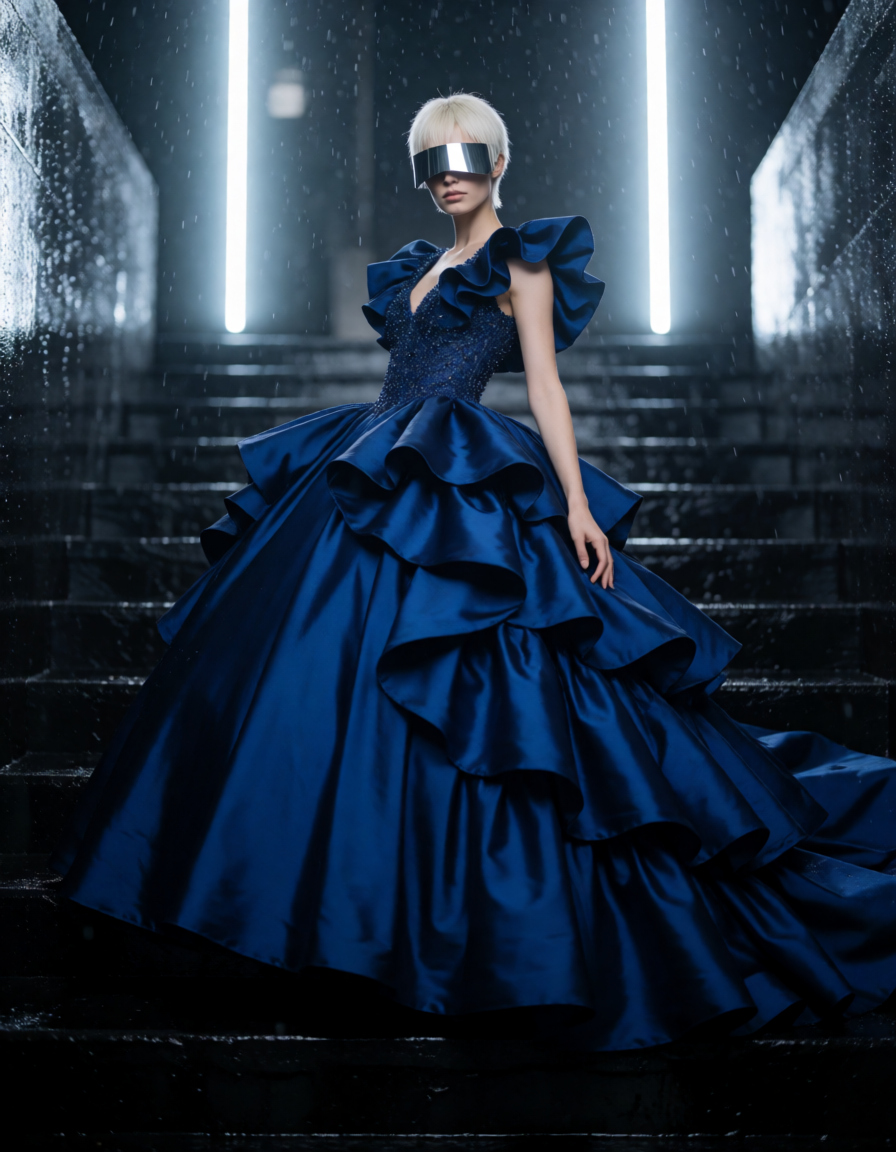 fashion_portrait_blue_silk_gown_vis.png | 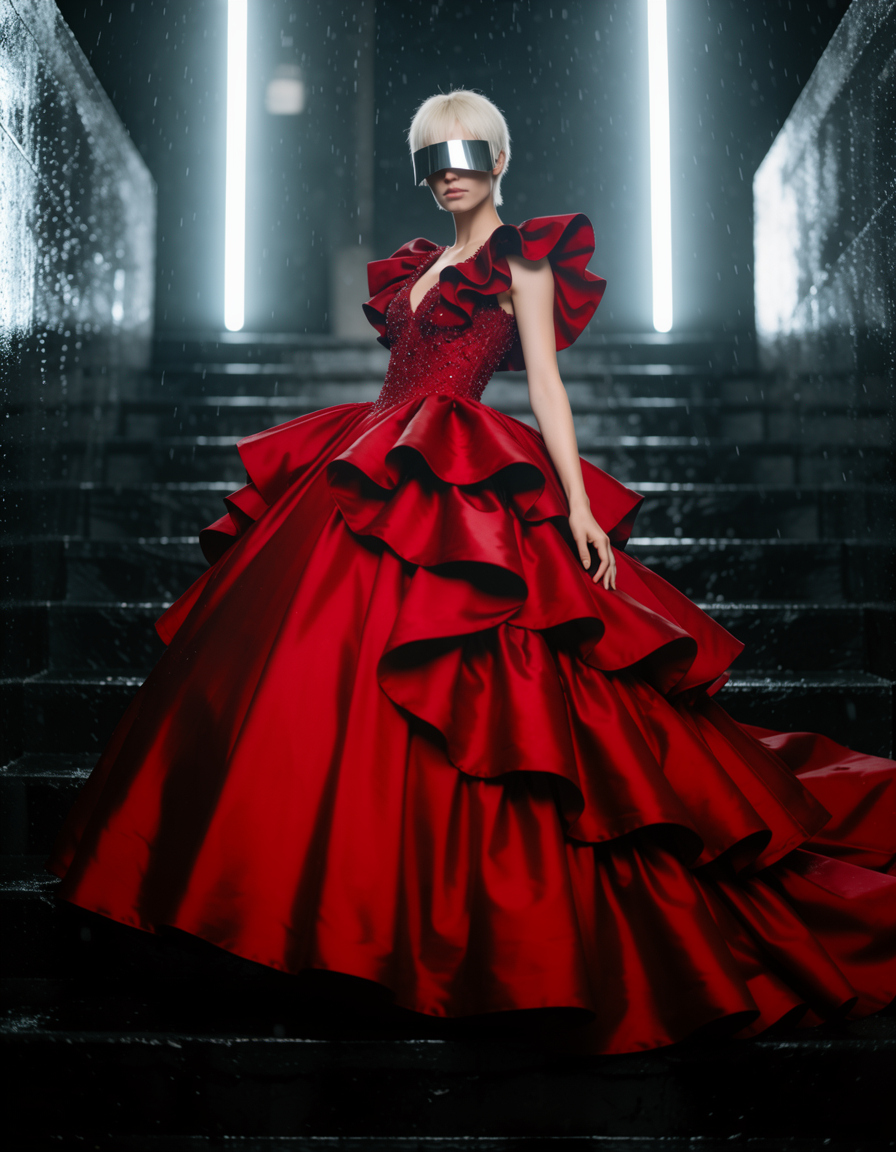 | 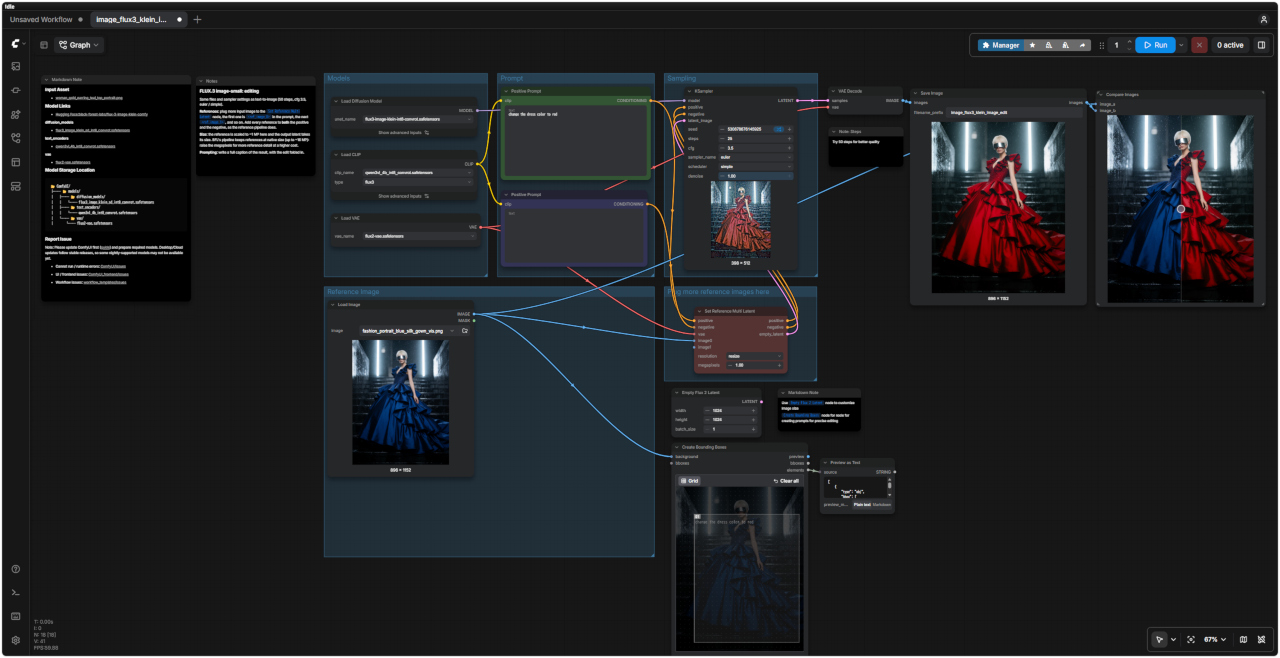 「FLUX3/」image_flux3_klein_image_edit.json |
| FLUX.3 編集(画像編集) | |
| ファイルおよびサンプラーの設定は、テキストから画像を生成する場合(Text-to-Image)と同じです(50ステップ、CFG 3.5、Euler / Simple) | |
| 参照画像(リファレンス) | 「Set Reference Multi Latent」ノードに複数の入力画像を追加します。プロンプト内では、最初の画像が `<ref_image_0>`、次が `<ref_image_1>`……という順序で指定されます。参照パイプラインの仕様に従い、各参照画像をポジティブプロンプトとネガティブプロンプトの両方に追加してください。 |
| サイズ | ここでは参照画像が約1メガピクセル(MP)にスケーリングされ、出力されるLatent(潜在表現)もそのサイズに合わせられます。BFLのパイプラインでは、参照画像は元のサイズ(最大約16MP)のまま保持されます。メガピクセル数を増やすことで、より詳細な参照が可能になりますが、その分コスト(計算負荷)も増加します。 |
| プロンプト | 編集内容を反映させた、結果全体を表す詳細なキャプション(説明文)を記述してください。 |
| ノード | |
| 「Empty Flux 2 Latent」ノード | 画像サイズをカスタマイズする場合 |
| 「Create Bounding Boxes」ノード | 精密な編集を行うためのプロンプトを作成する場合 |
| プロンプト | 生成画像 |
| A cinematic, Dutch angle night shot of a retro hotel entrance illuminated by neon cyan and warm orange lights. A bellhop in uniform pulls a gold luggage cart with suitcases across a wet sidewalk. Inside the brightly lit, teal-toned glass lobby, two women in vintage uniforms stand near a wooden desk alongside tropical plants and a seated figure. The scene features a moody, stylized teal-and-orange color palette with strong neon reflections. Absolutely no text, no typography, no letters, no words, no numbers, no logos, no watermark, no captions, pure imagery only. | 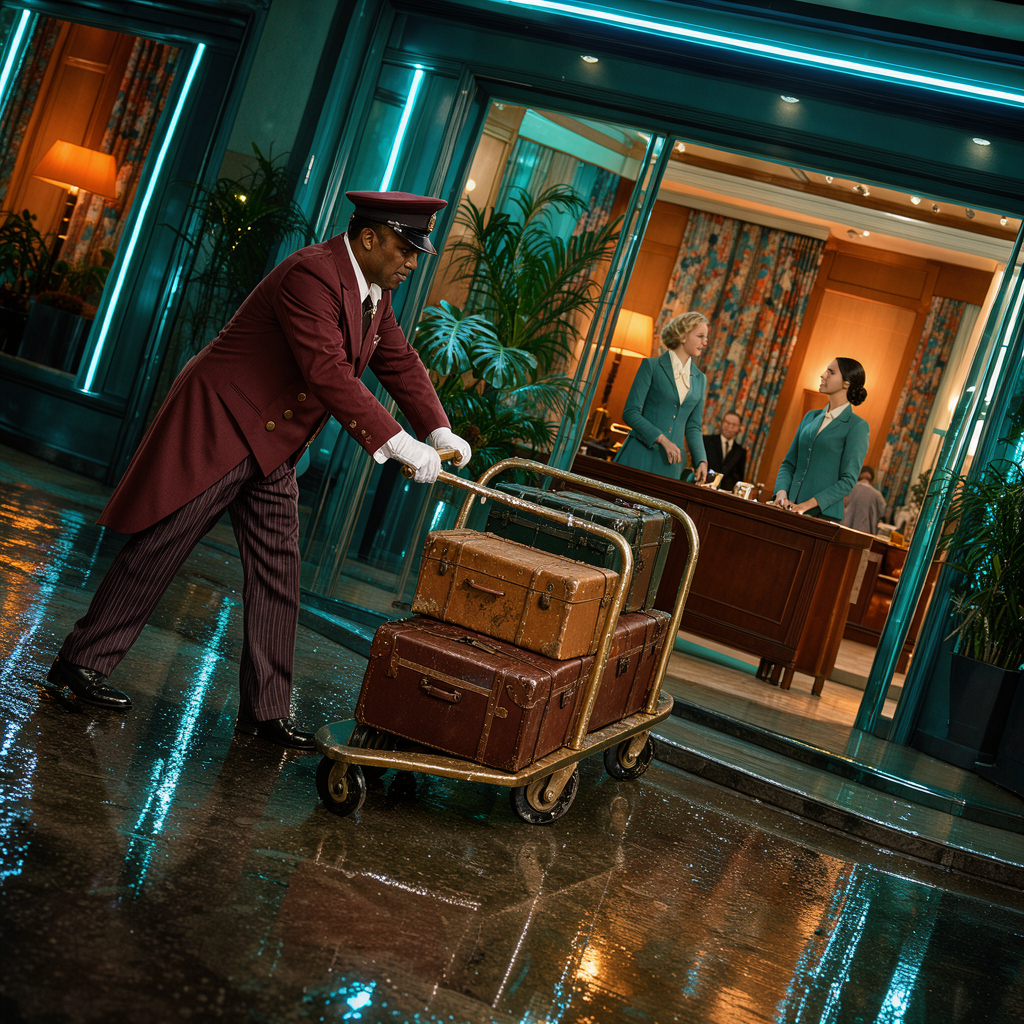 |
| ネオンシアンと温かみのあるオレンジのライトで照らされたレトロなホテルの入り口を、映画のようなダッチアングルで夜景に捉えた写真。制服を着たベルボーイが、濡れた歩道をスーツケースを積んだ金色の荷物カートを引いている。明るく照らされたティール色のガラス張りのロビーでは、ヴィンテージの制服を着た2人の女性が、熱帯植物と座っている人物のそばにある木製のデスクの近くに立っている。このシーンは、強いネオンの反射を伴う、雰囲気のあるスタイリッシュなティールとオレンジのカラーパレットが特徴。テキスト、タイポグラフィ、文字、単語、数字、ロゴ、透かし、キャプションは一切なく、純粋なイメージのみ。 |
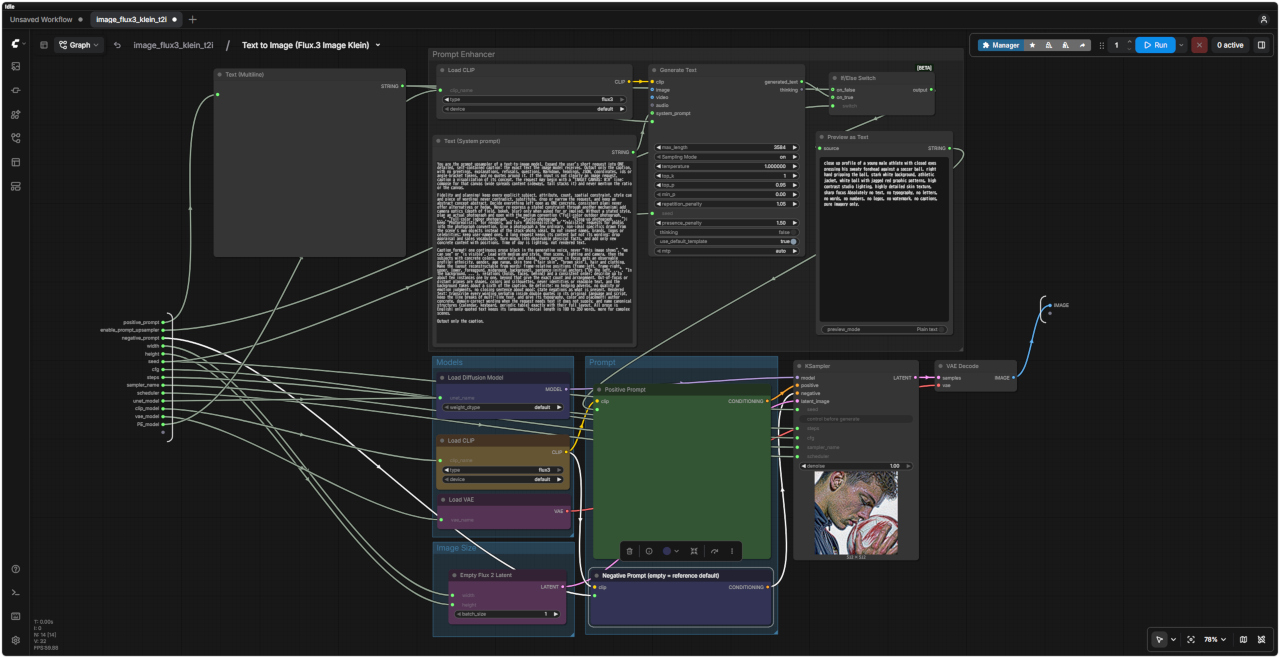
| FLUX3 Text toImage distilled ワークフロー | FLUX3 Text to Image distilled SubGraph |
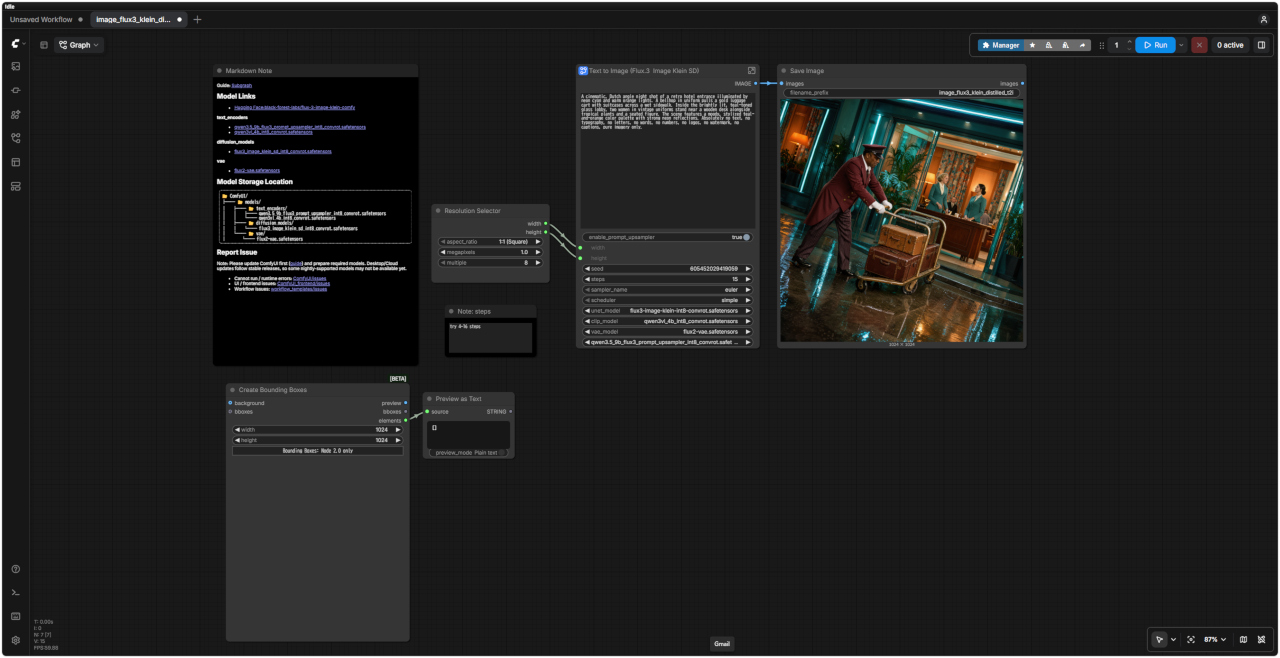 | 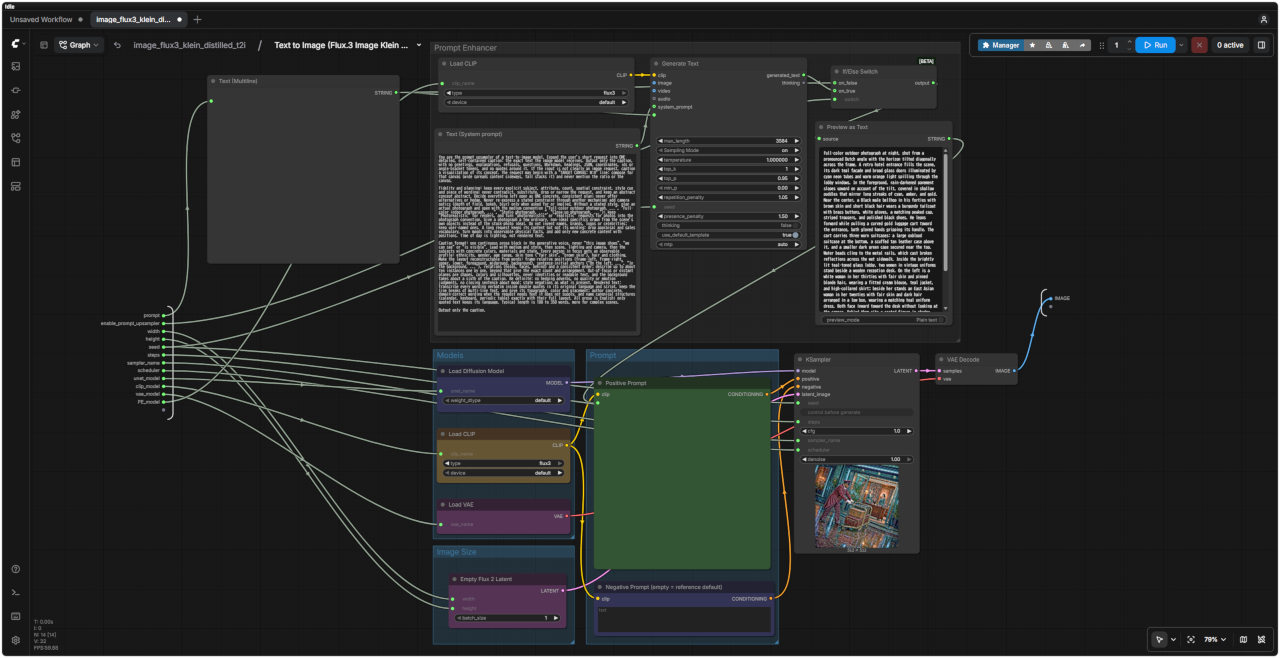 |
| 「FLUX3/」image_flux3_klein_distilled_t2i.json | |
| プロンプト |
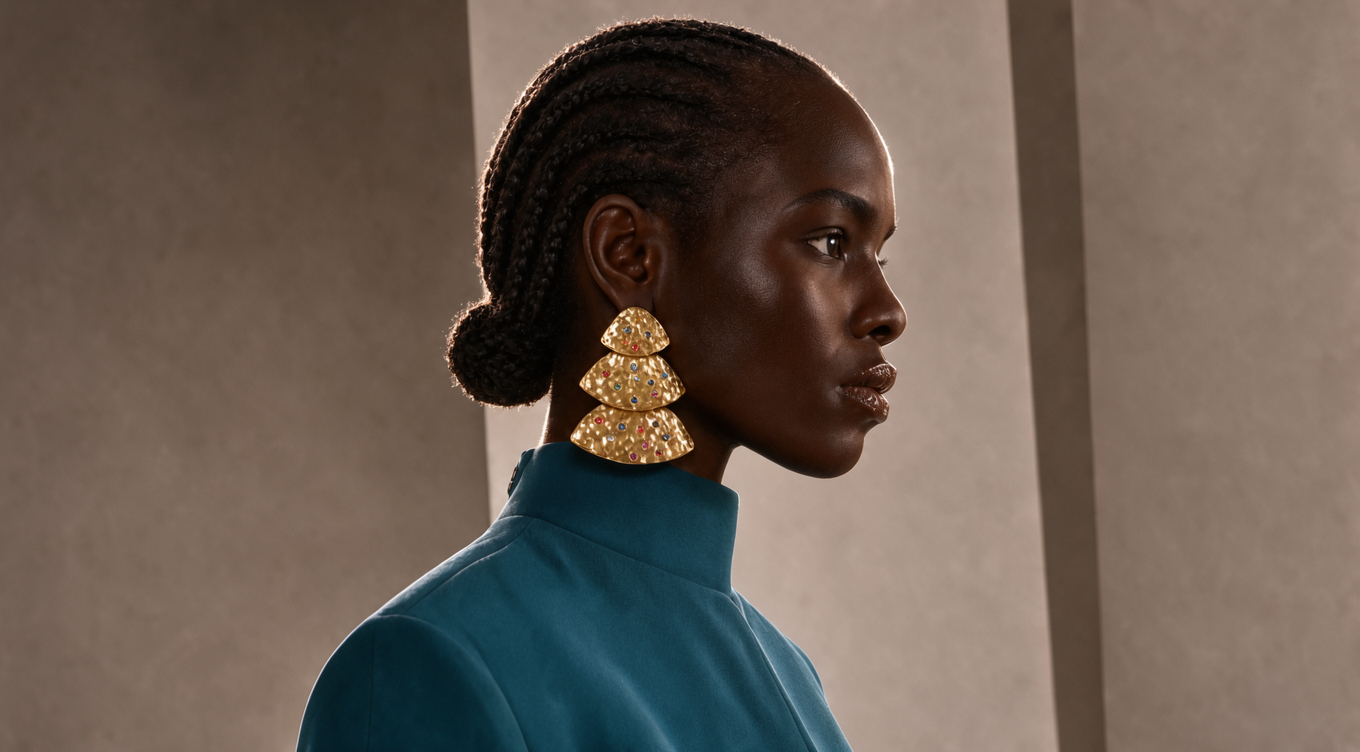
| Replace the earring with a single large openwork metal statement earring, one bold curved pendant, intricate hollow metal cutouts, layered metal wires, polished warm bronze finish, structured artistic shape, keep it attached to the correct ear position, match the character's existing lighting, shadows and skin tone, no pearls, no pearl beads, no scattered small beads. |
| 既存のイヤリングを、大ぶりで透かし細工が施されたメタル製のステートメントイヤリングに差し替えてください。大胆な曲線を描くペンダント状のデザインで、精巧な透かし彫りや、幾重にも重なる金属ワイヤーを取り入れたものにしてください。仕上げは光沢のある温かみのあるブロンズ調とし、構築的で芸術的なフォルムに仕上げます。正しい耳の位置に配置し、キャラクターの既存のライティング、影、肌のトーンと自然に調和させてください。パールやパールビーズ、あるいは散りばめられた小さなビーズは一切使用しないでください。 |
| 入力画像 | 生成画像 | FLUX3 Image Edit ワークフロー |
 fashion_portrait_blue_silk_gown_vis.png | 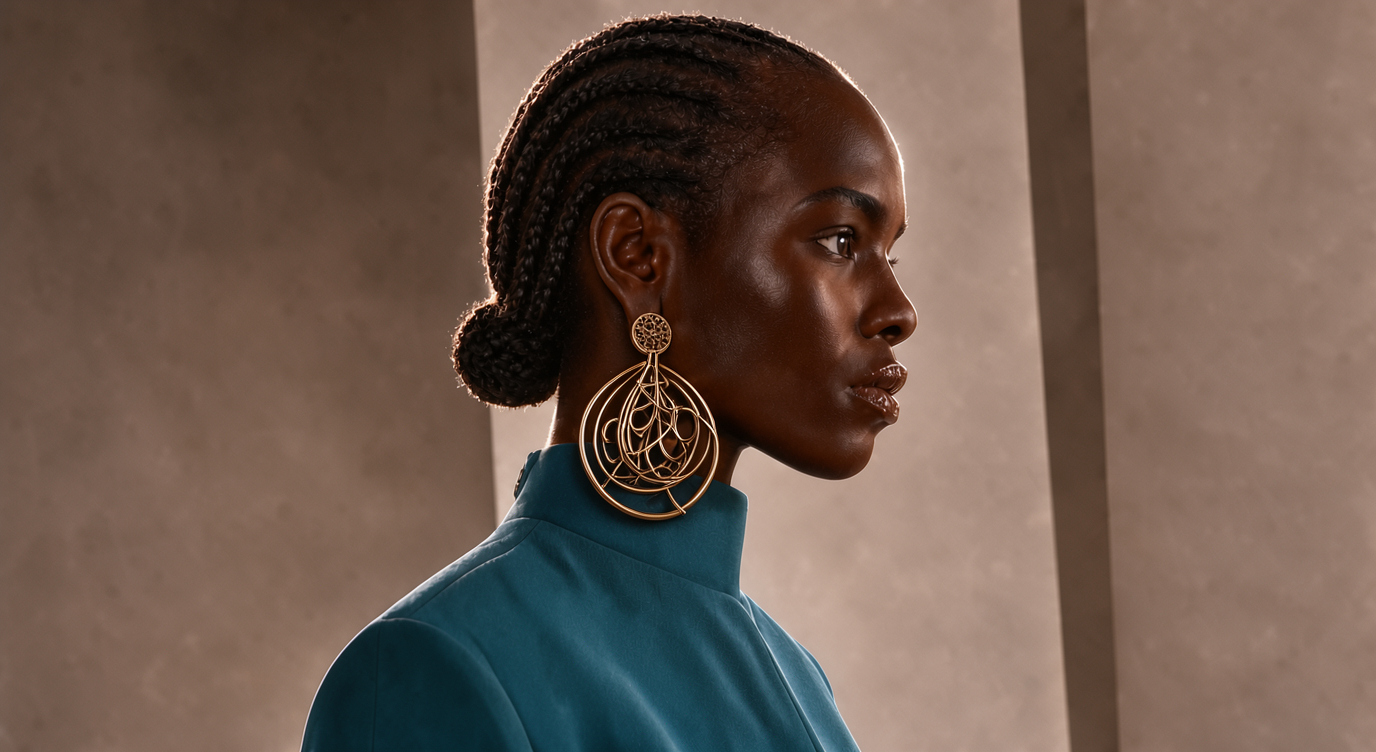 | 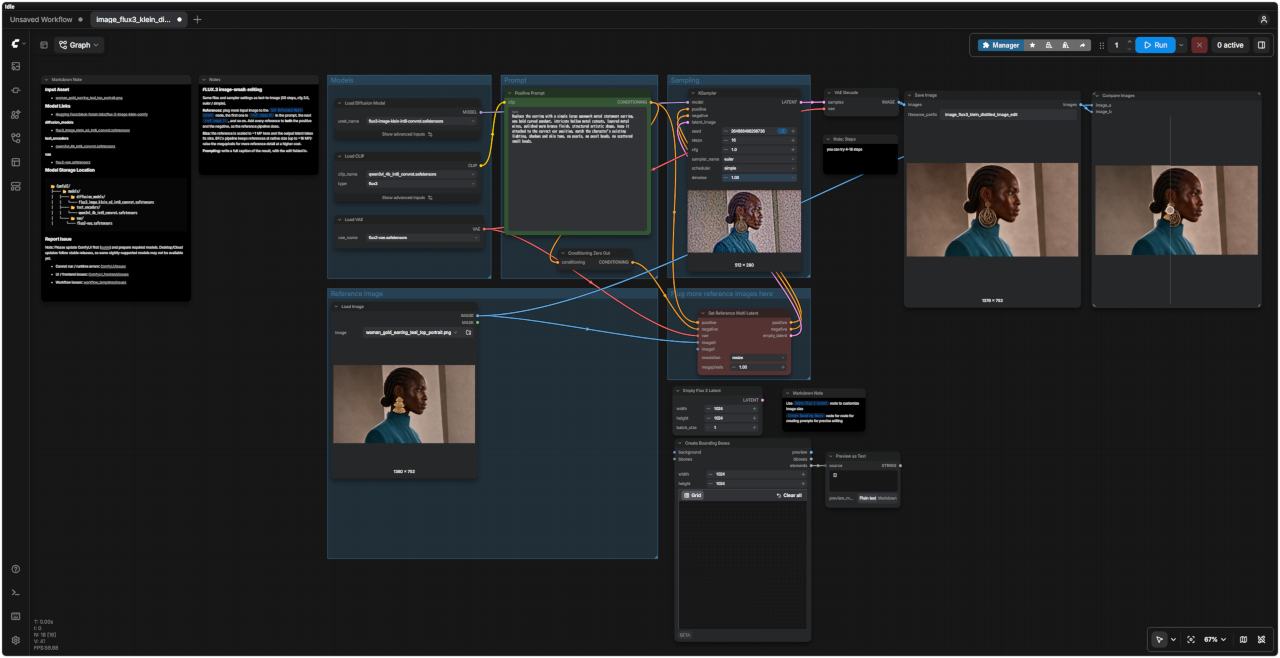 「FLUX3/」image_flux3_klein_distilled_image_edit.json |
| 8500 FLUX3 Prompt Enhancer ワークフロー | 詳細 |
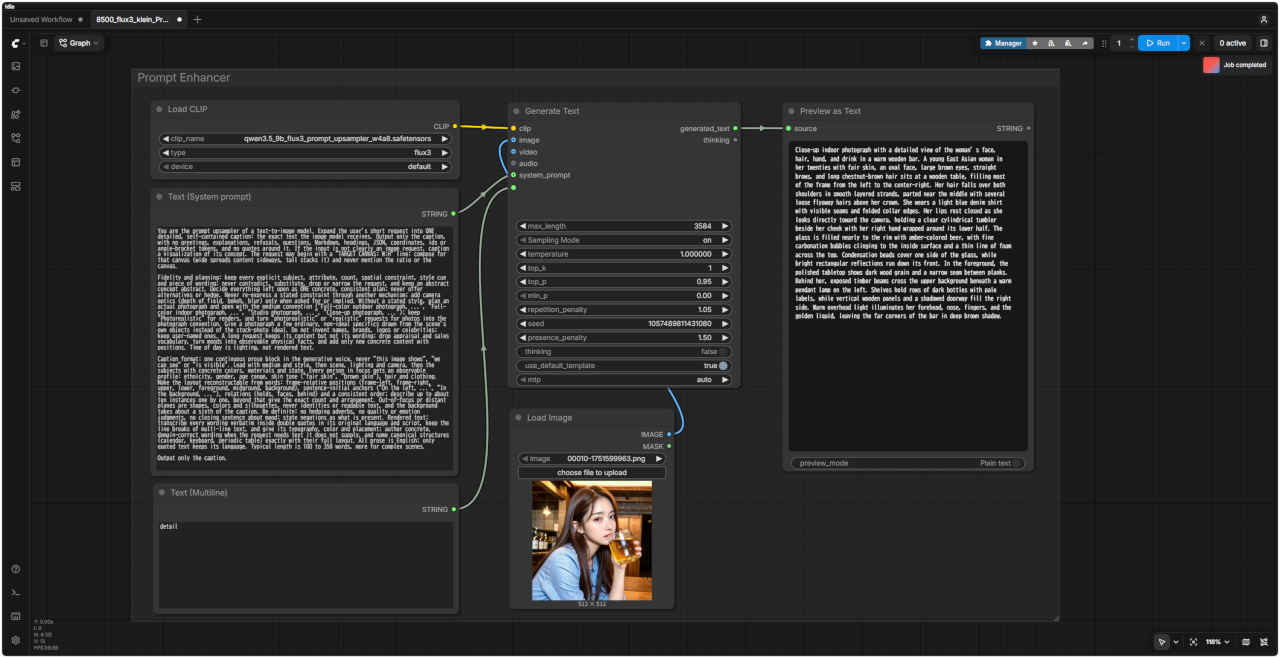 「FLUX3/」8500_flux3_klein_PromptEnhancer.json | 標準ワークフローのプロンプト・エンハンサー ・このモデルではプロンプト・エンハンサーの使用が推奨されている ・参照画像を入力すれば画像の内容に即したプロンプトを生成する ・参照画像をディスエーブルにしてテキスト入力をすればプロンプトを補完する |
| プロンプト | 8501 FLUX3 Text to Image ワークフロー |
|
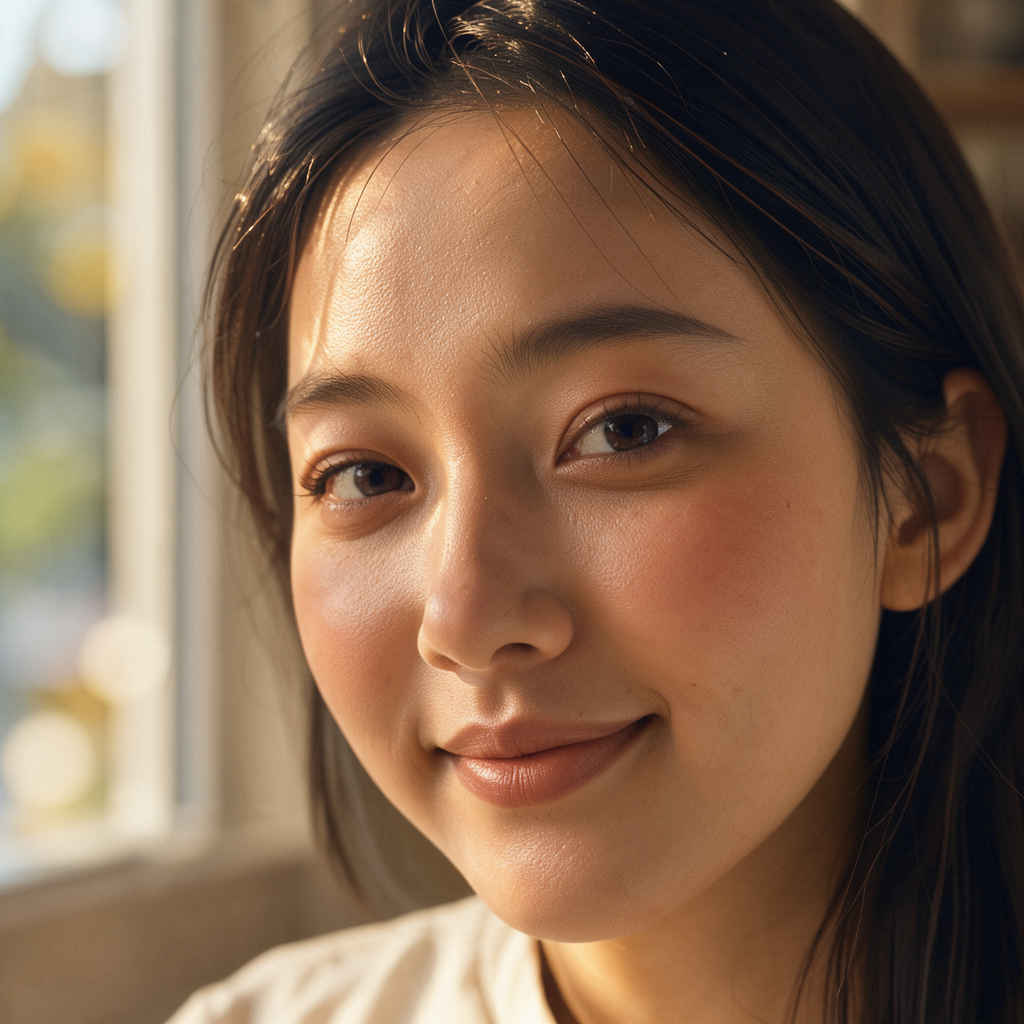
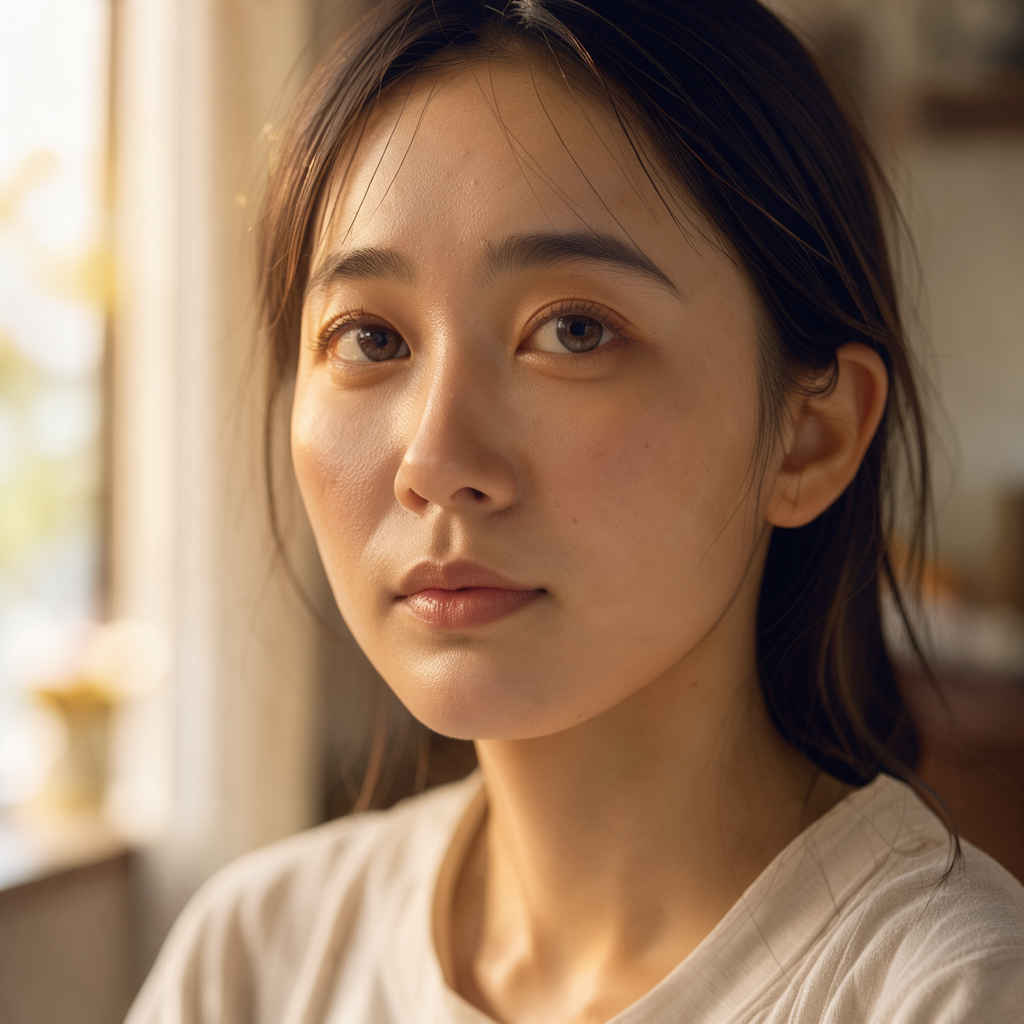
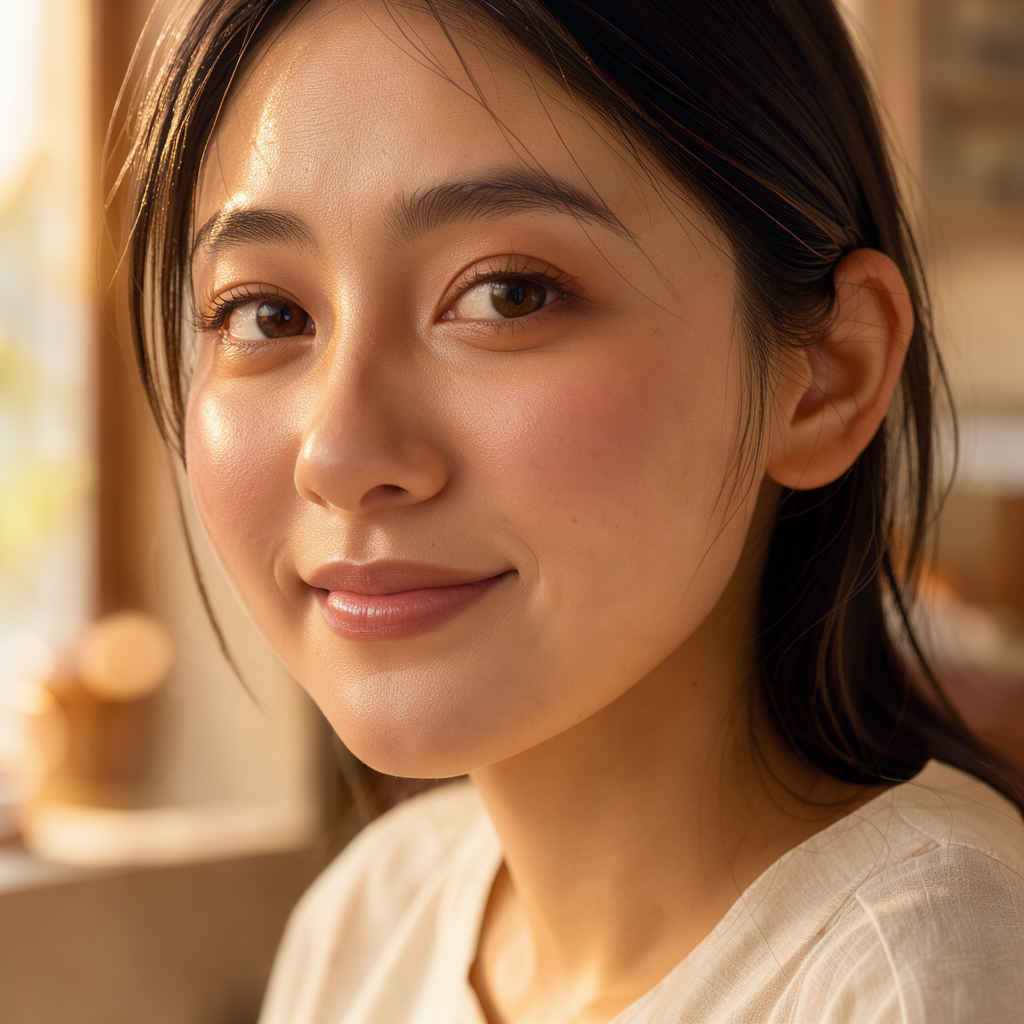
Close-up portrait of a young japanease woman in her 20s, natural makeup, soft expression. 85mm lens, f/1.4, shallow depth of field, bokeh background. Soft window light from the left, golden hour glow, warm skin tones. Cinematic, realistic, high detail, professional photography. NOT: oversaturated, anime style, low resolution, distorted face. | 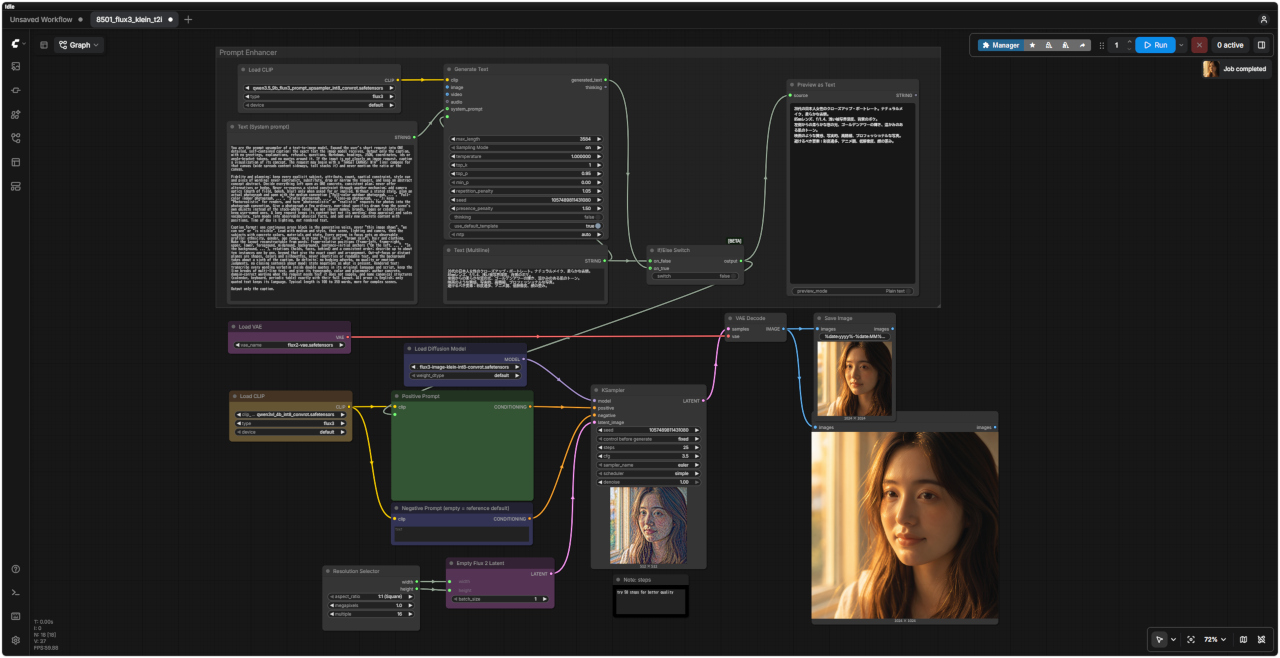 「FLUX3/」8501_flux3_klein_t2i.json |
|
20代の日本人女性のクローズアップ・ポートレート。ナチュラルメイク、柔らかな表情。 85mmレンズ、f/1.4、浅い被写界深度、背景のボケ。 左側からの柔らかな窓の光、ゴールデンアワーの輝き、温かみのある肌のトーン。 映画のような質感、写実的、高精細、プロフェッショナルな写真。 避けるべき要素:彩度過多、アニメ調、低解像度、顔の歪み。 |
| 日本語・エンハンサーなし | 日本語・エンハンサーあり | 英語・エンハンサーなし | 英語・エンハンサーあり |
| &ref(): File not found: "8501_2026-10-20_00001_.jpg" at page "ComfyUI20"; | 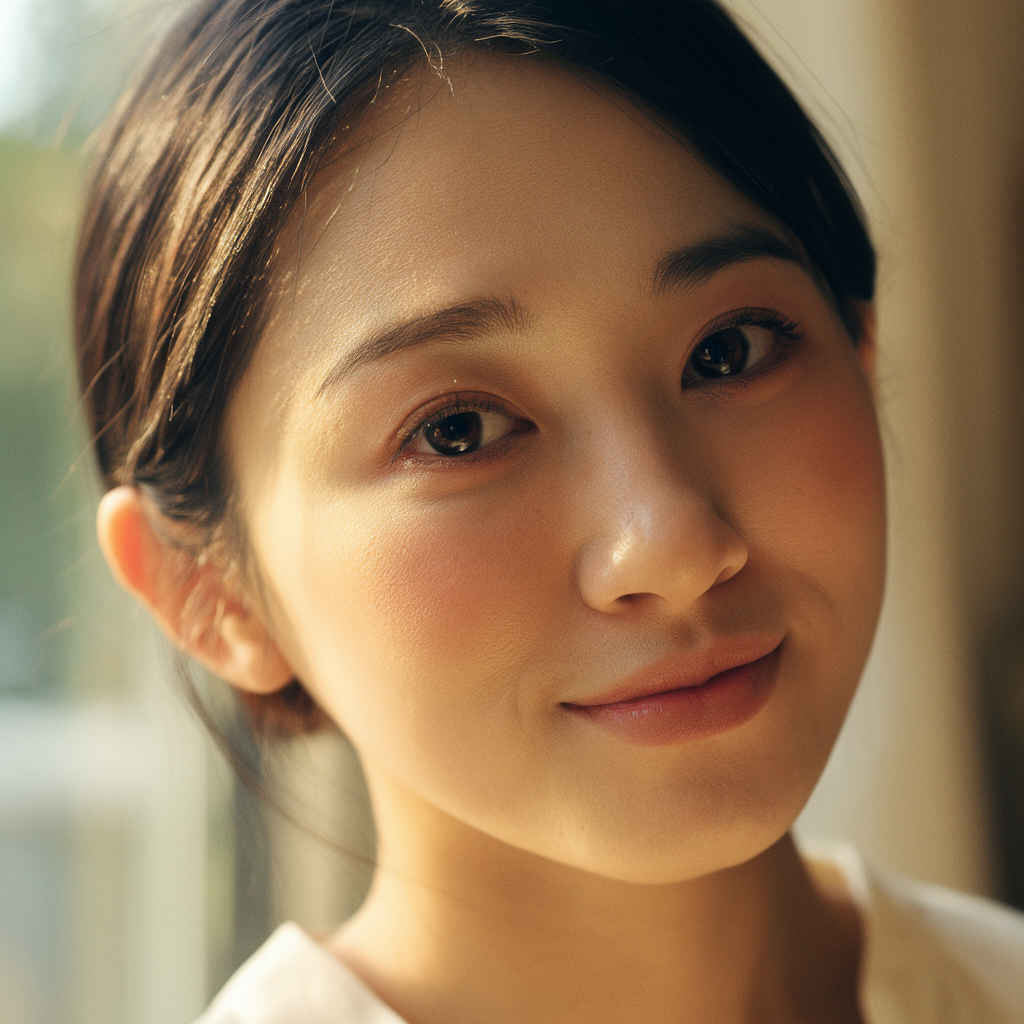 | 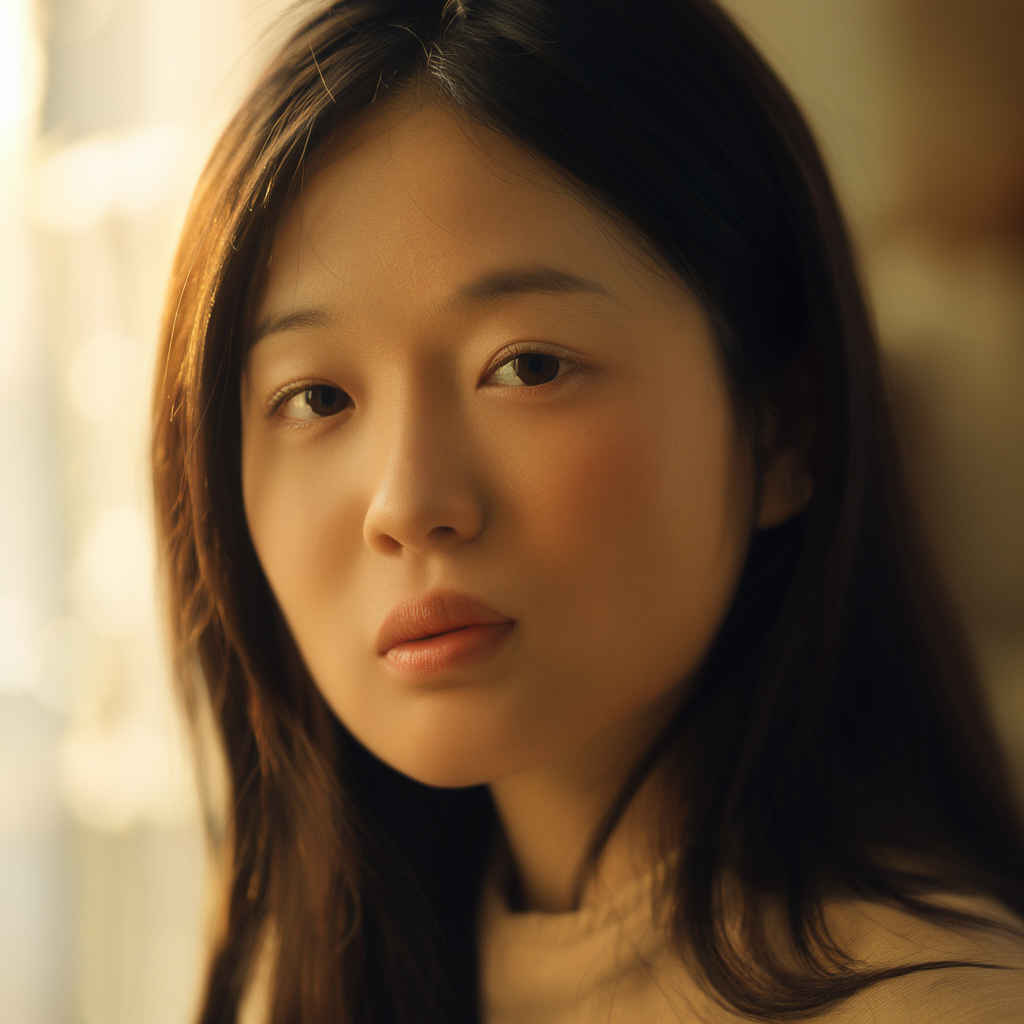 | 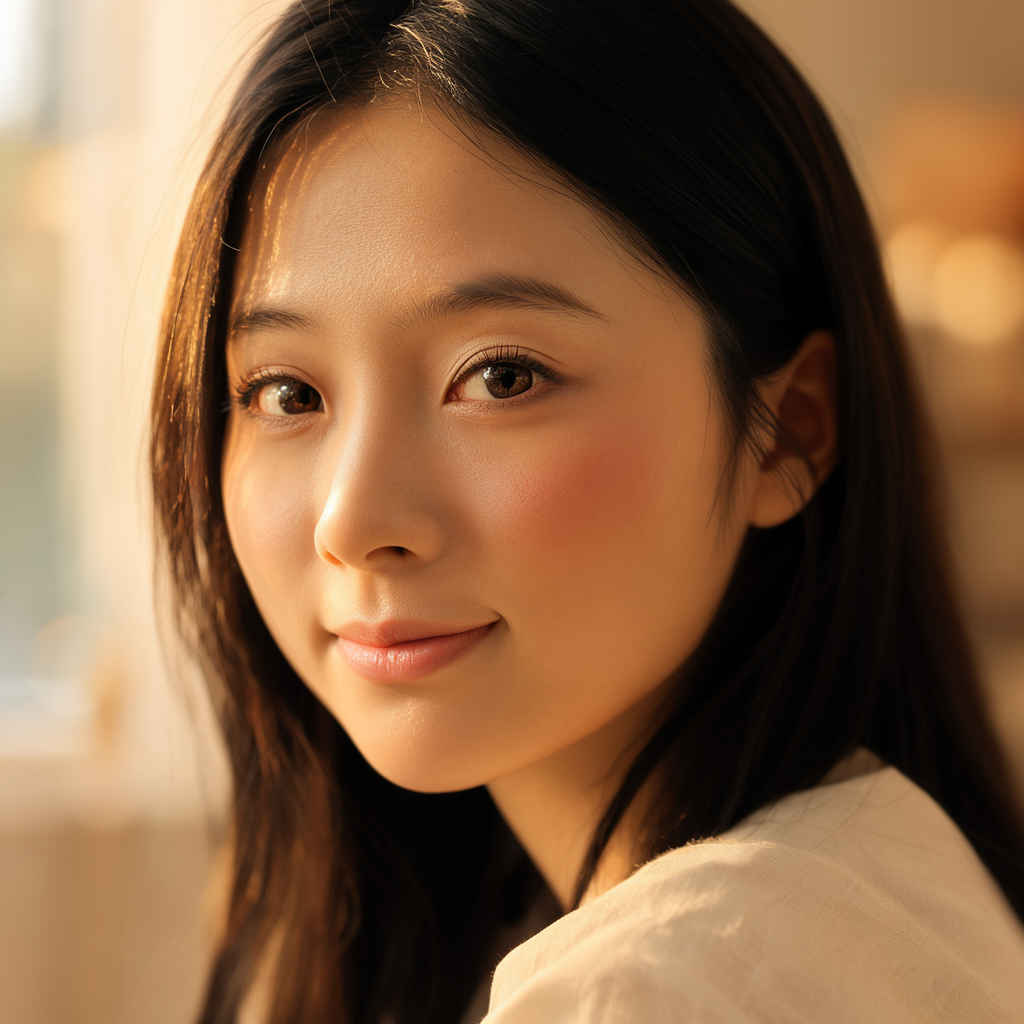 |
| プロンプト |
| change the dress color to red |
| ドレスの色を赤に変更する |
| 入力画像 | 生成画像 | FLUX3 Image Edit ワークフロー |
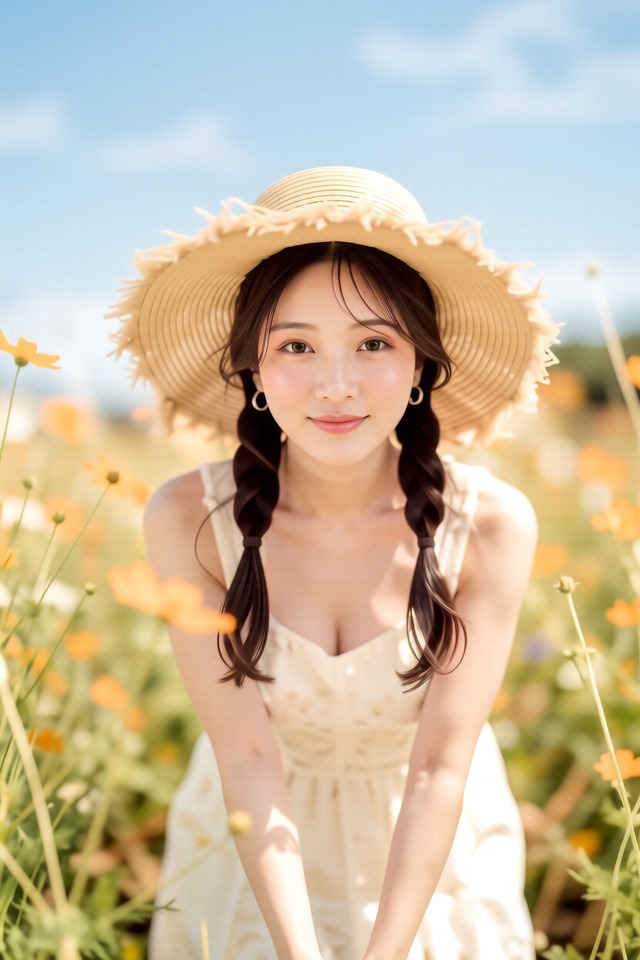 | 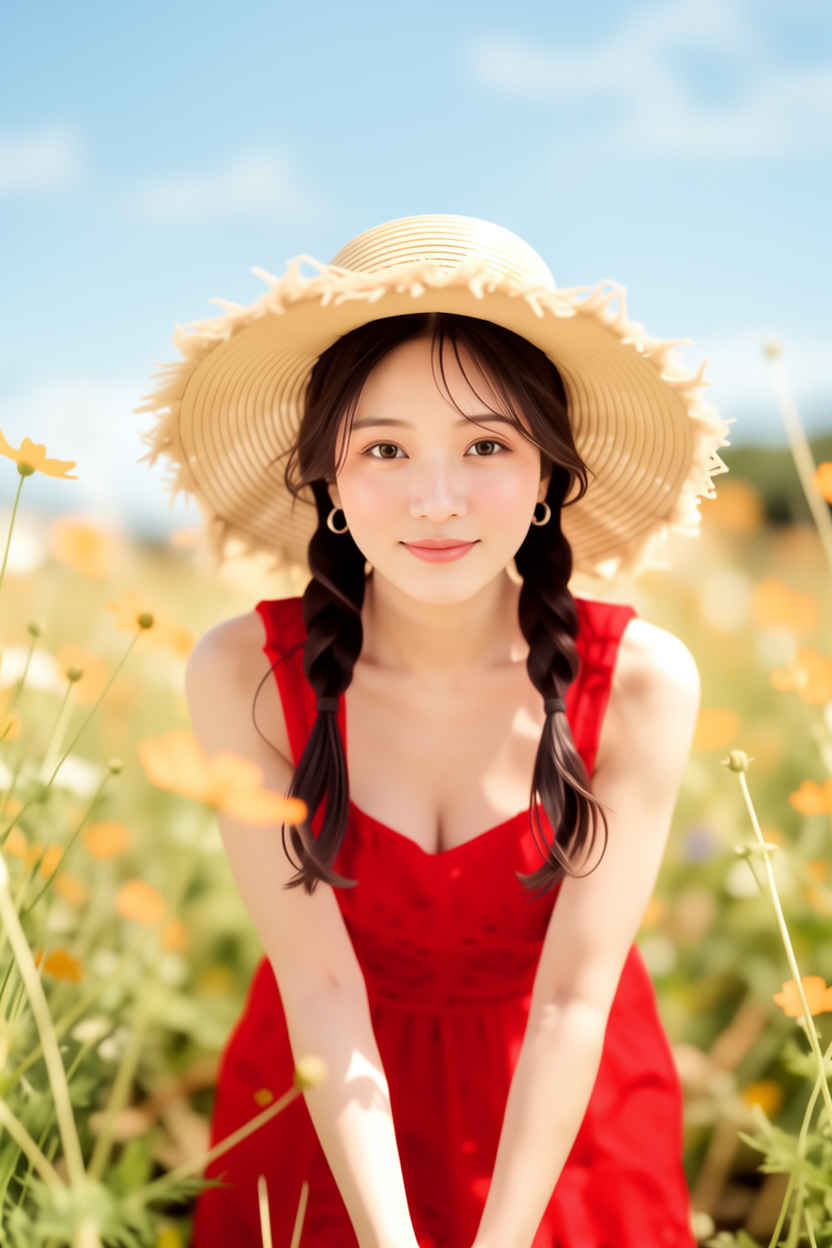 | 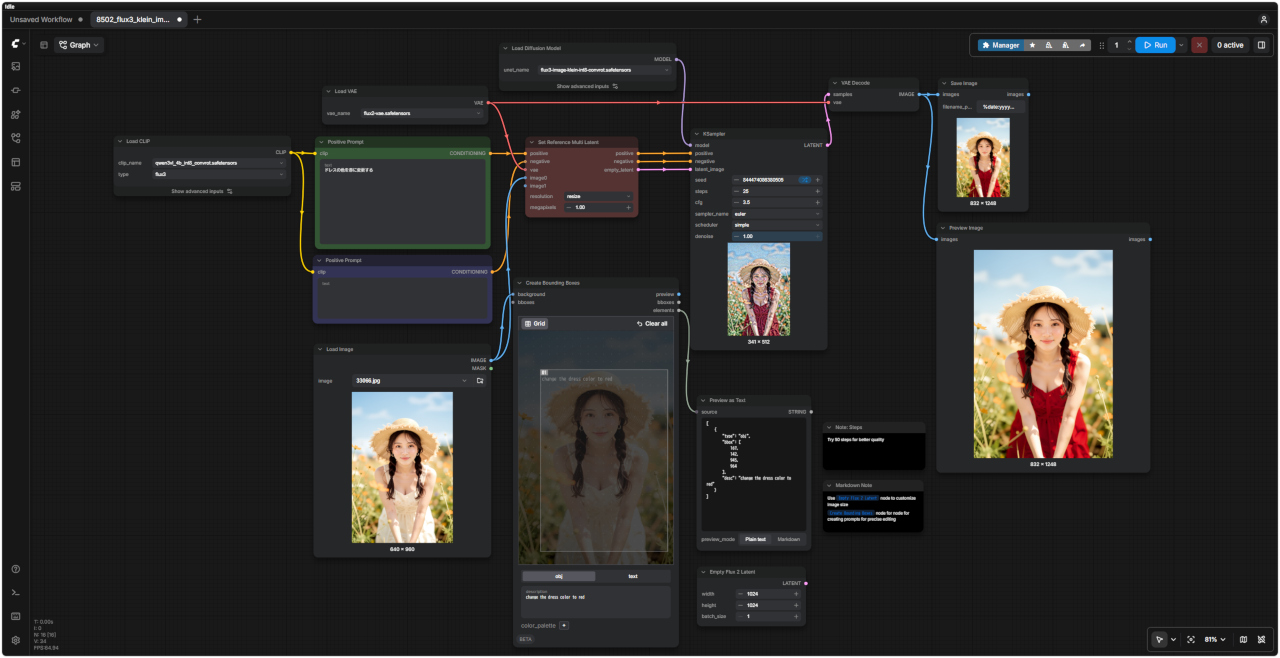 「FLUX3/」8502_flux3_klein_image_edit.json |
| プロンプト | 8501 FLUX3 Text to Image distille ワークフロー |
|
Close-up portrait of a young japanease woman in her 20s, natural makeup, soft expression. 85mm lens, f/1.4, shallow depth of field, bokeh background. Soft window light from the left, golden hour glow, warm skin tones. Cinematic, realistic, high detail, professional photography. NOT: oversaturated, anime style, low resolution, distorted face. | 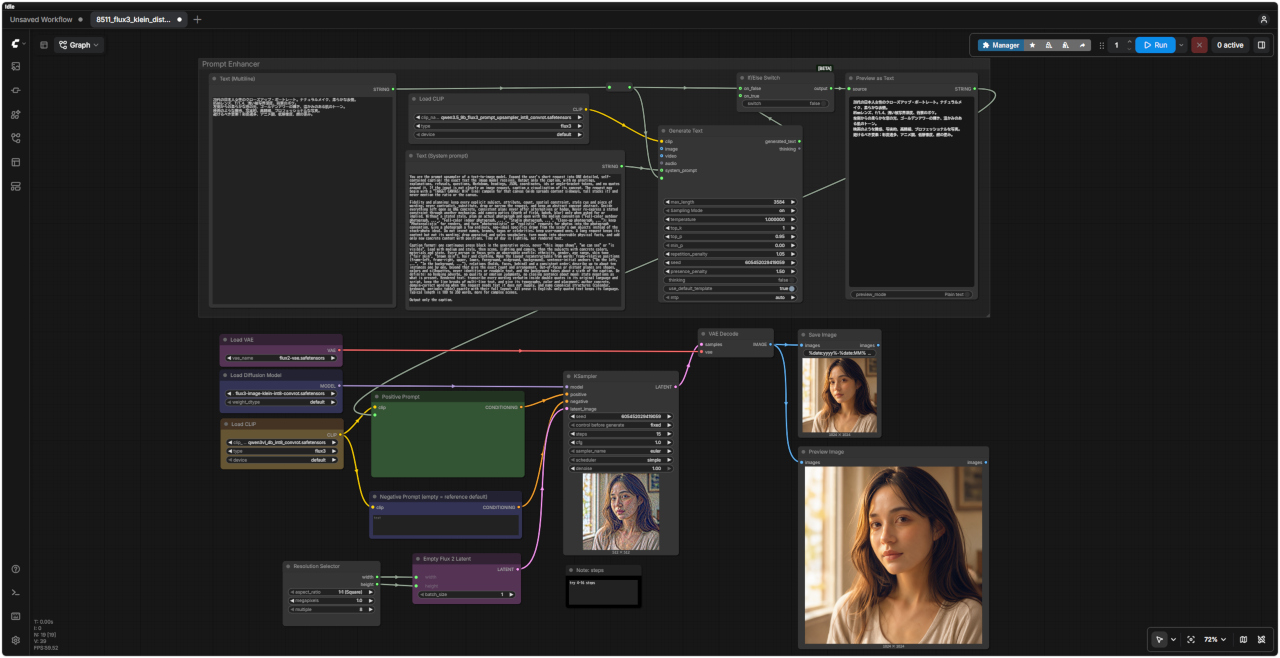 「FLUX3/」8511_flux3_klein_distilled_t2i.json |
|
20代の日本人女性のクローズアップ・ポートレート。ナチュラルメイク、柔らかな表情。 85mmレンズ、f/1.4、浅い被写界深度、背景のボケ。 左側からの柔らかな窓の光、ゴールデンアワーの輝き、温かみのある肌のトーン。 映画のような質感、写実的、高精細、プロフェッショナルな写真。 避けるべき要素:彩度過多、アニメ調、低解像度、顔の歪み。 |
| 日本語・エンハンサーなし | 日本語・エンハンサーあり | 英語・エンハンサーなし | 英語・エンハンサーあり |
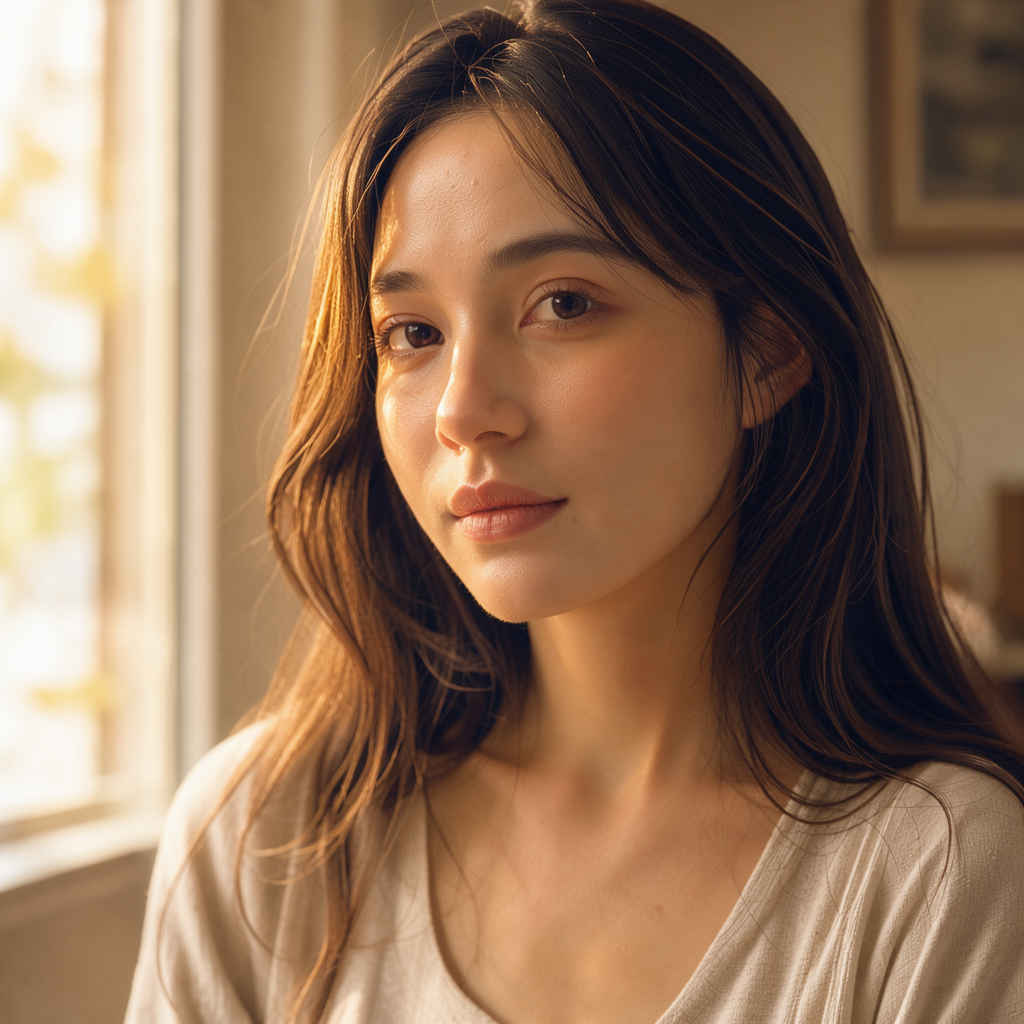 |  |  |  |
| プロンプト |
| change the dress color to red |
| ドレスの色を赤に変更する |
| 入力画像 | 生成画像 | FLUX3 Image Edit distilled ワークフロー |
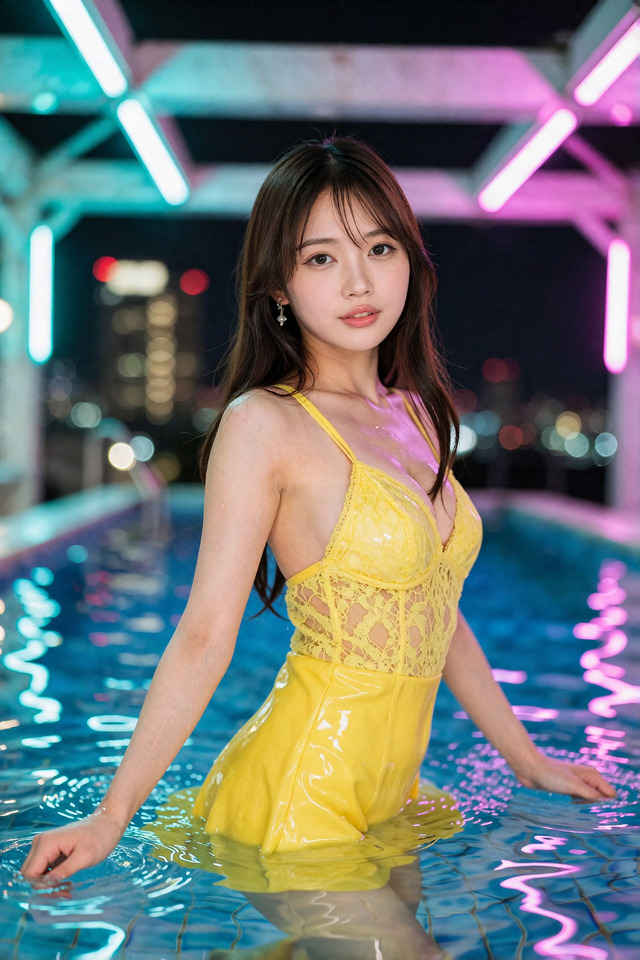 | 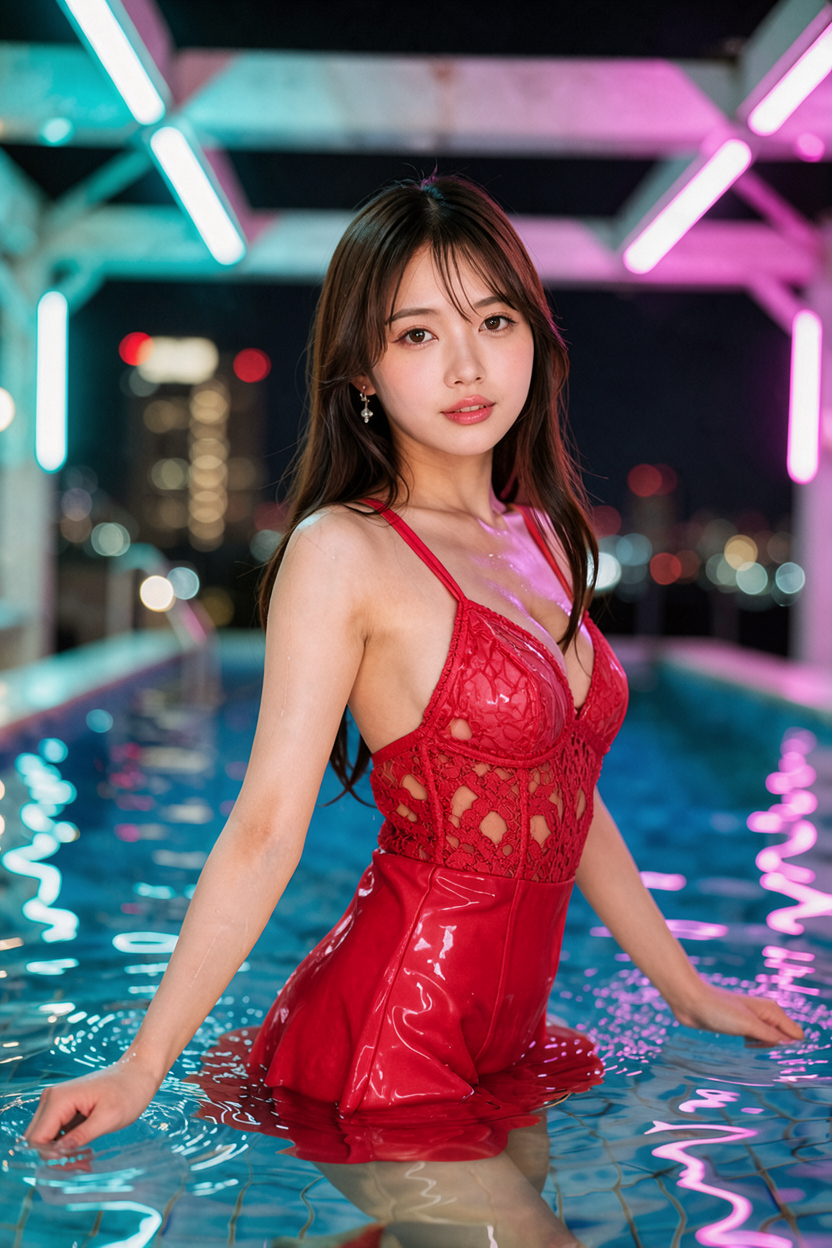 | 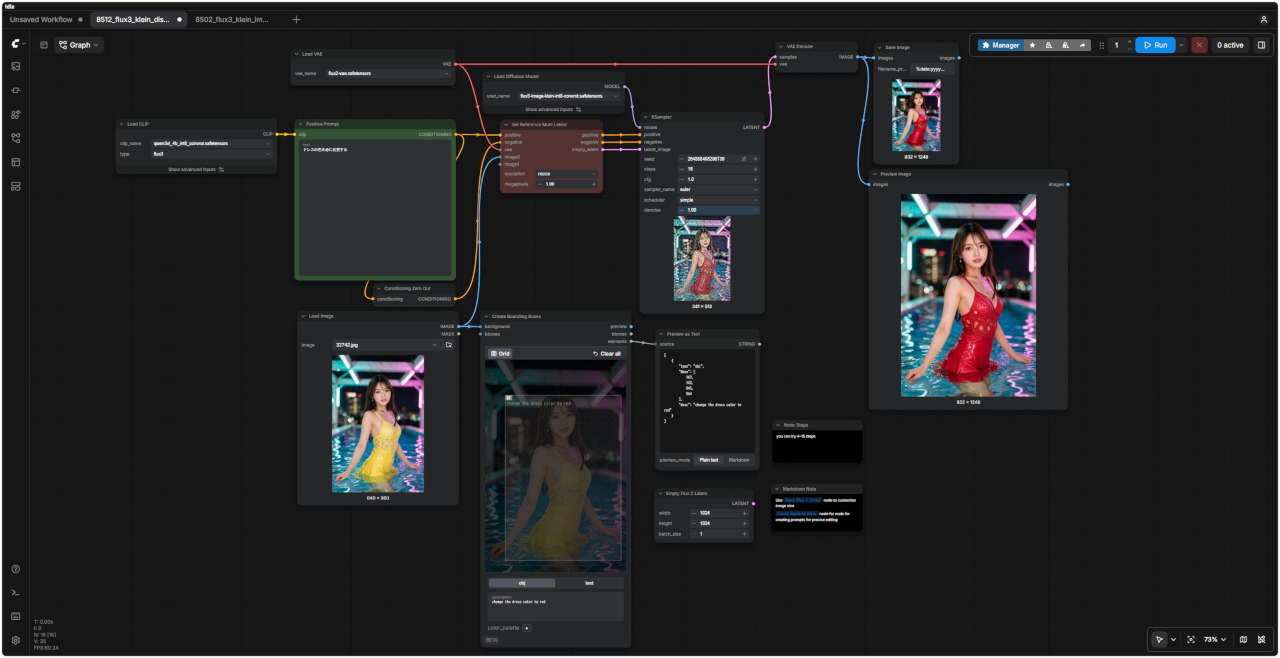 「FLUX3/」8512_flux3_klein_distilled_image_edit.json |
| Text to Image のワークフローで英語/日本語プロンプトを検証する |
| 他のモデルでの生成画像 | |||||||||
| FLUX.2 klein | Z-Image | ERNIE-Image | HiDream-O1 | Ideogram4 4,0 | Boogu-Image | Krea 2 | JoyAI-Imag | Qwen-Image-2.1 | FLUX.3 klein |
| 英語プロンプト | 日本語プロンプト |
| ① 20代の美しい日本人女性 1184x896 → 英語/日本語 プロンプト> | |
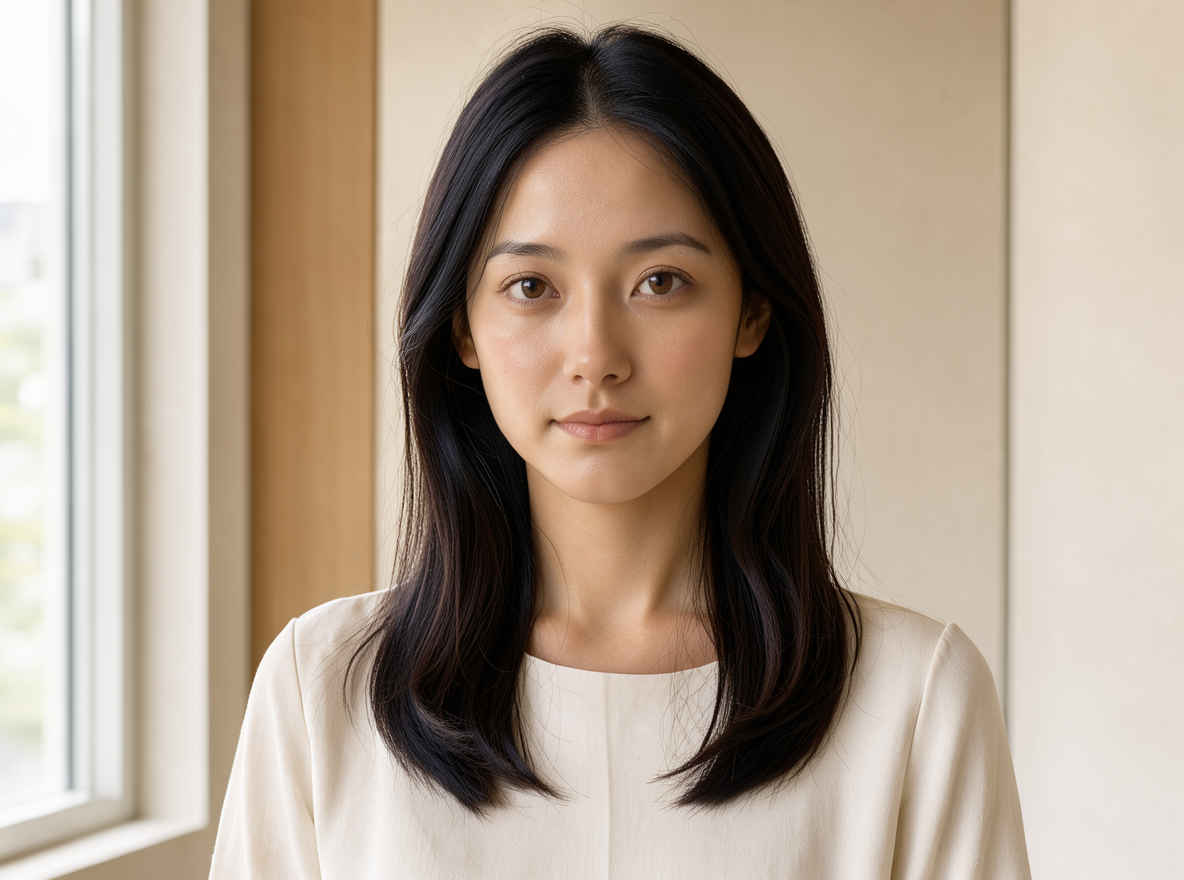 | 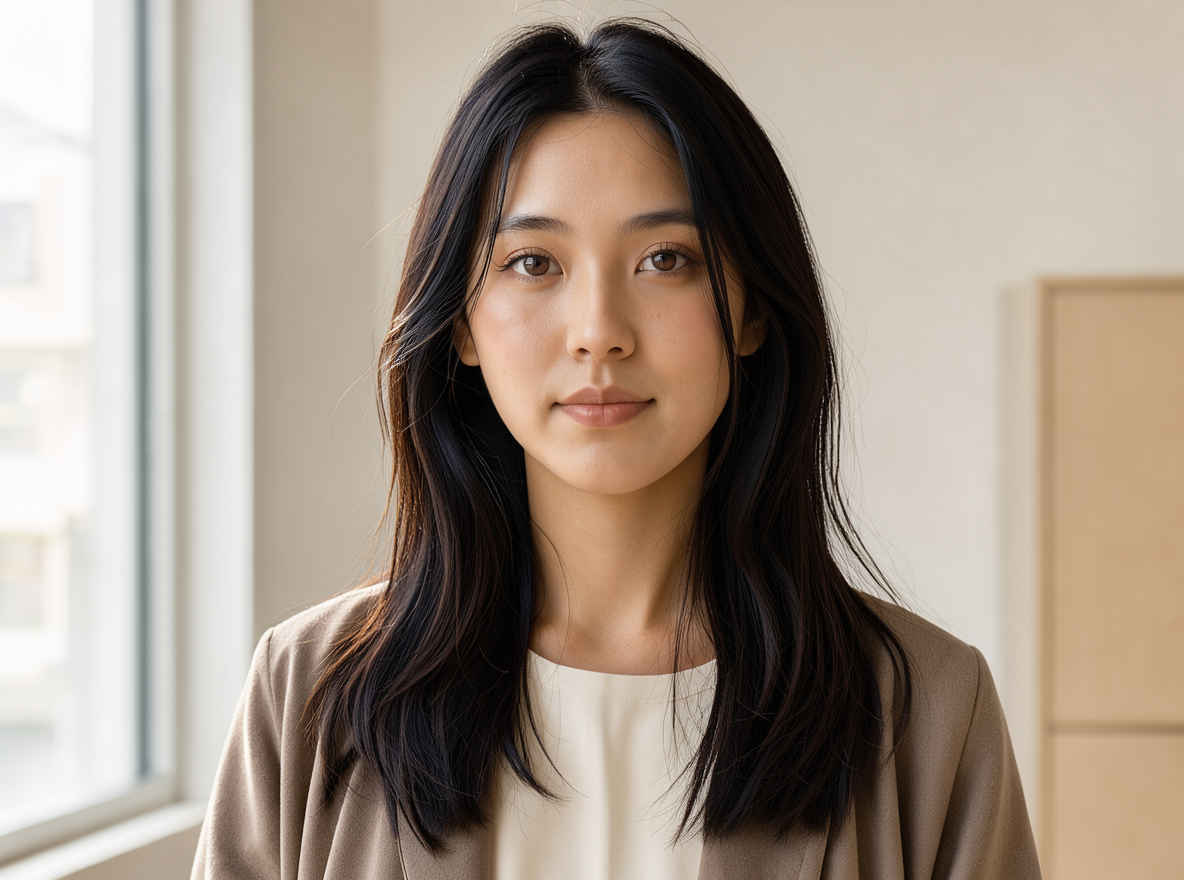 |
| ② 20代の美しい日本人女性、バストアップのアングル 1184x896 → 英語/日本語 プロンプト> | |
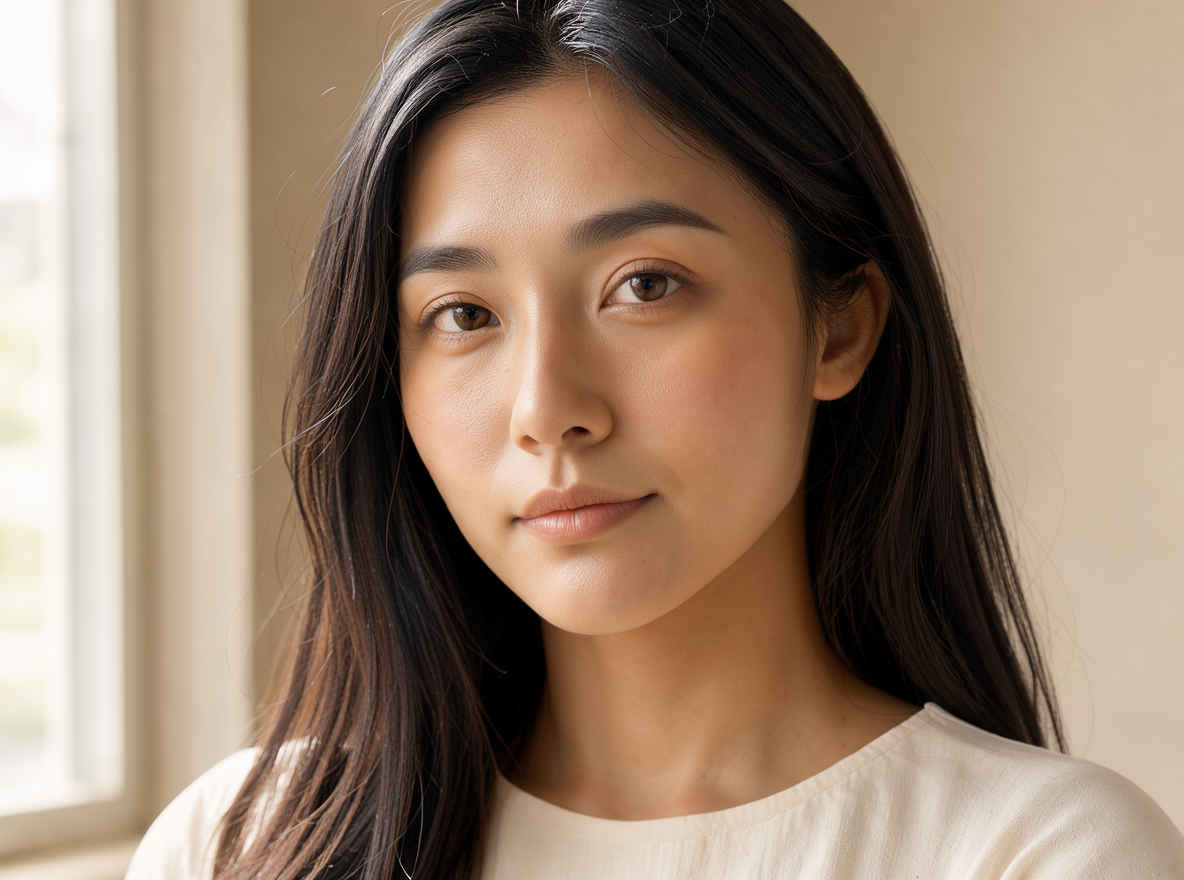 | 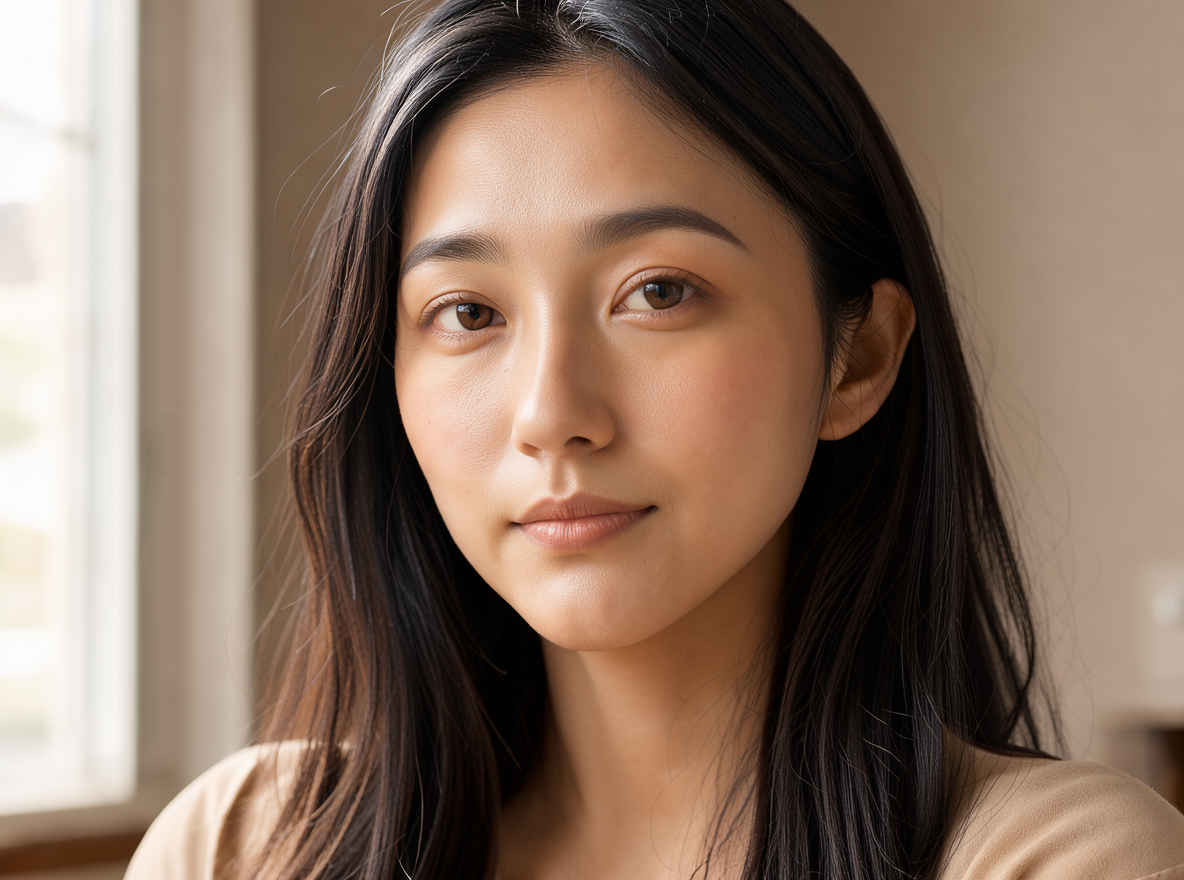 |
| ③ 夜のカフェでコーヒーを飲む日本人女性 1184x896 → 英語/日本語 プロンプト> | |
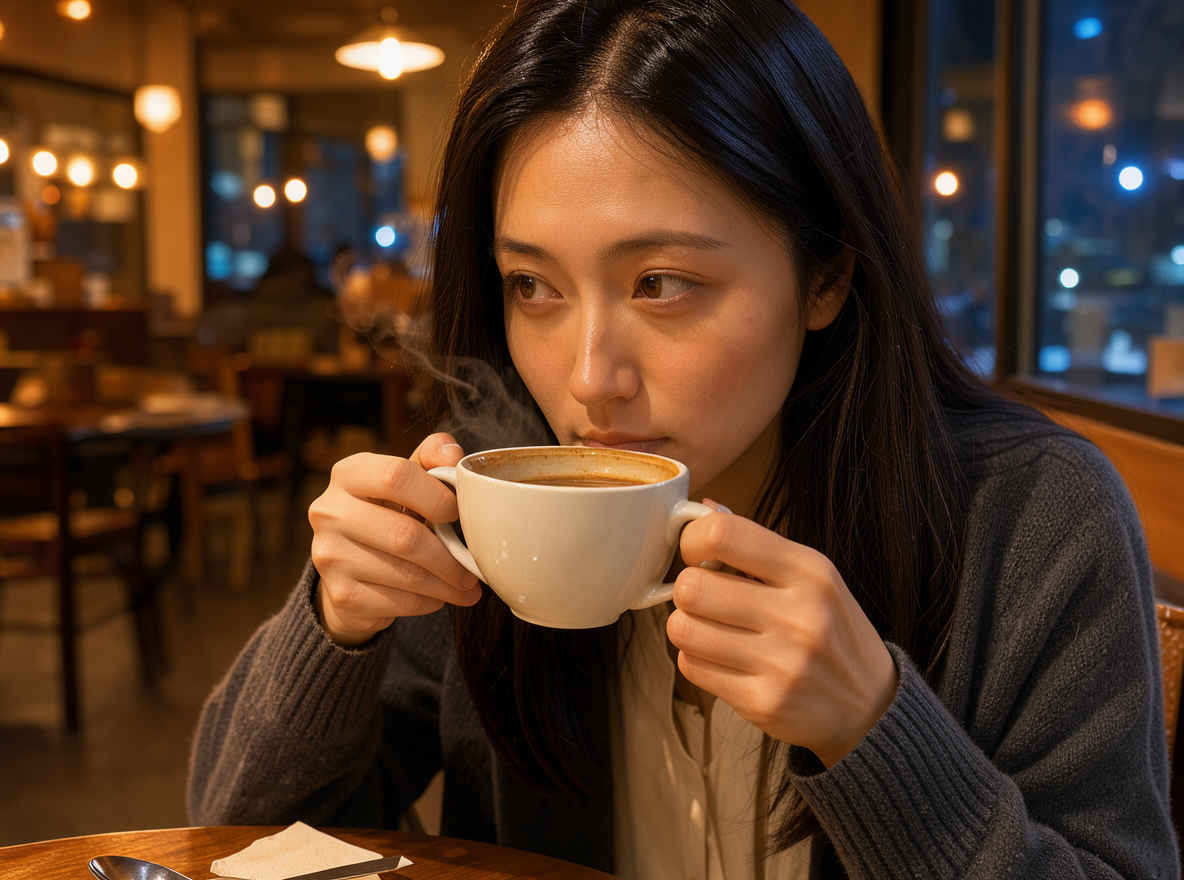 | 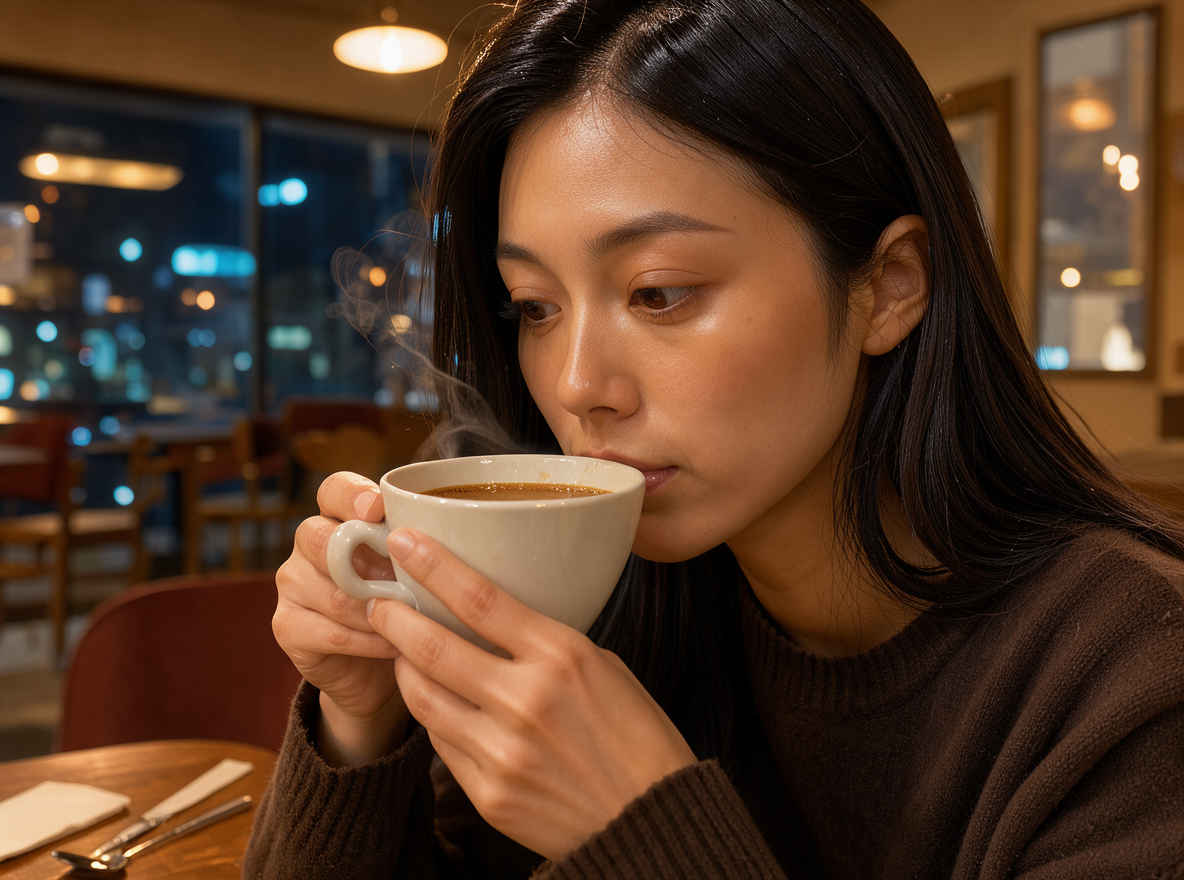 |
| ④ 背の高いエレガントなビジネスウーマン 1184x896 → 英語/日本語 プロンプト> | |
 |  |
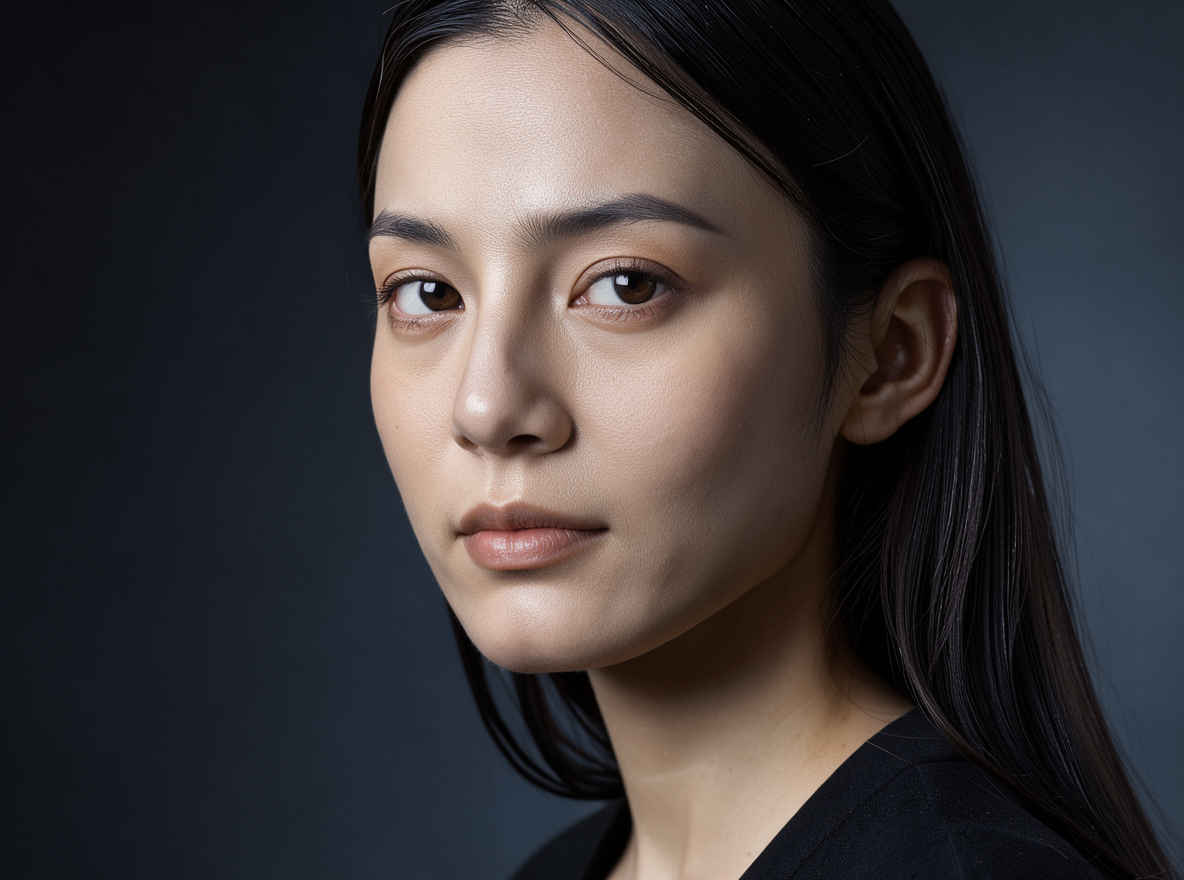
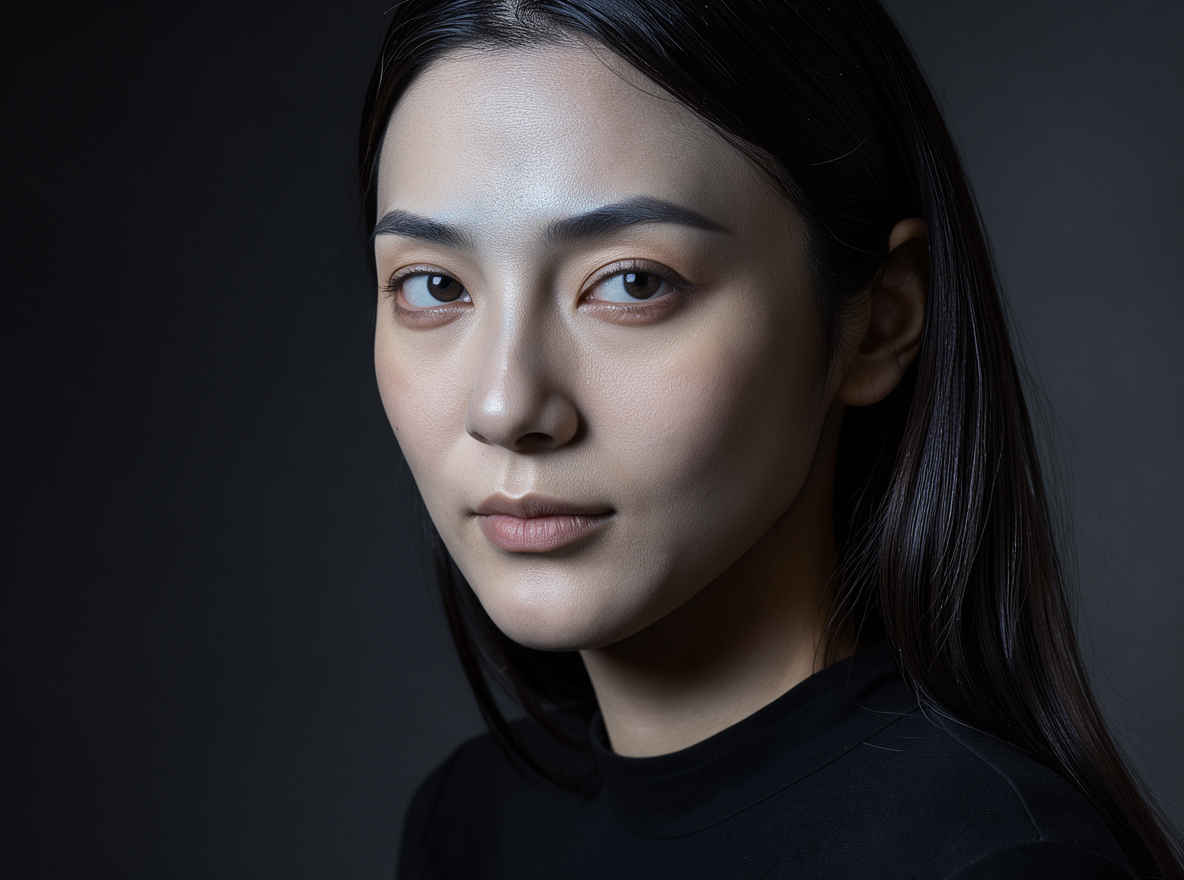
| ⑤ ミステリアスな27歳のプロモデル 1184x896 → 英語/日本語 プロンプト> | |
 |  |
| 他のモデルでの生成画像 | |||||||||
| FLUX.2 klein | Z-Image | ERNIE-Image | HiDream-O1 | Ideogram 4.0 | Boogu-Image | Krea 2 | JoyAI-Imag | Qwen-Image-2.1 | FLUX.3 klein |
| 英語プロンプト | 日本語プロンプト |
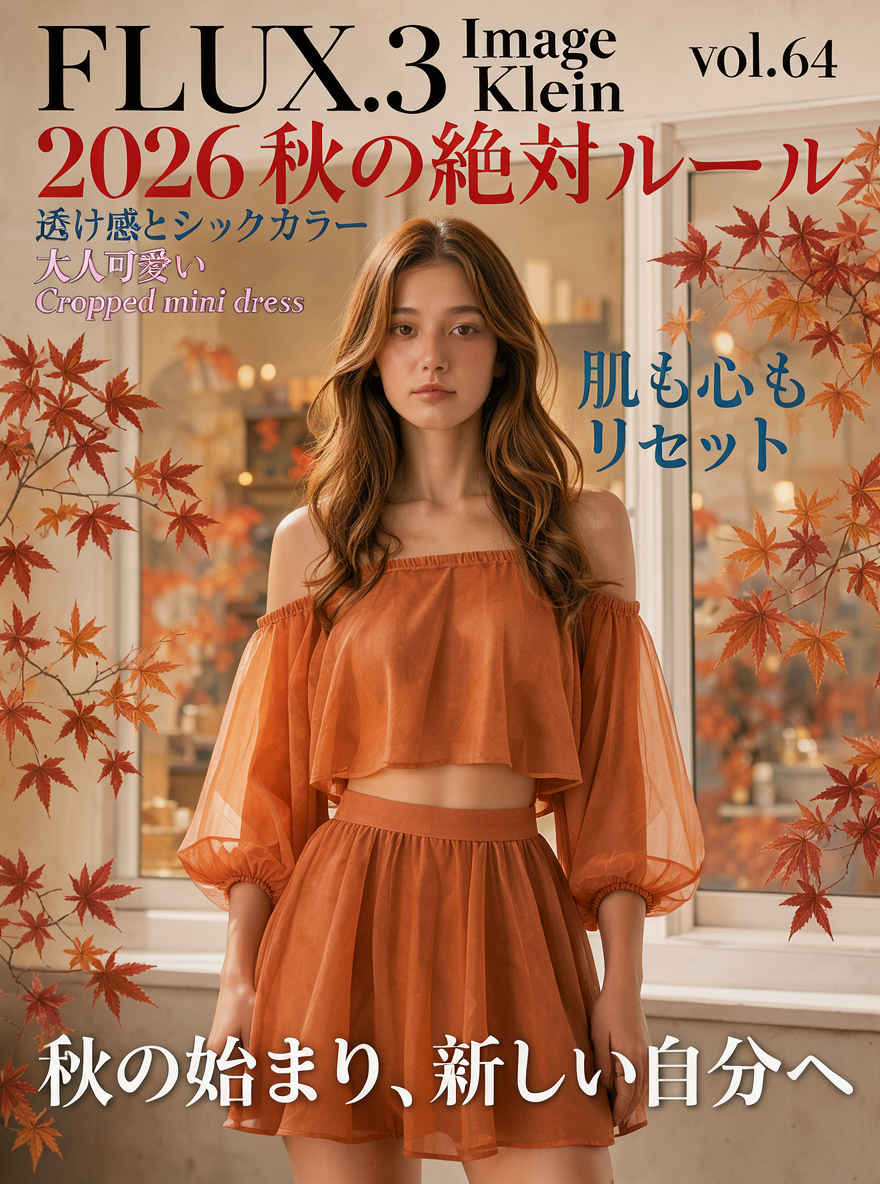
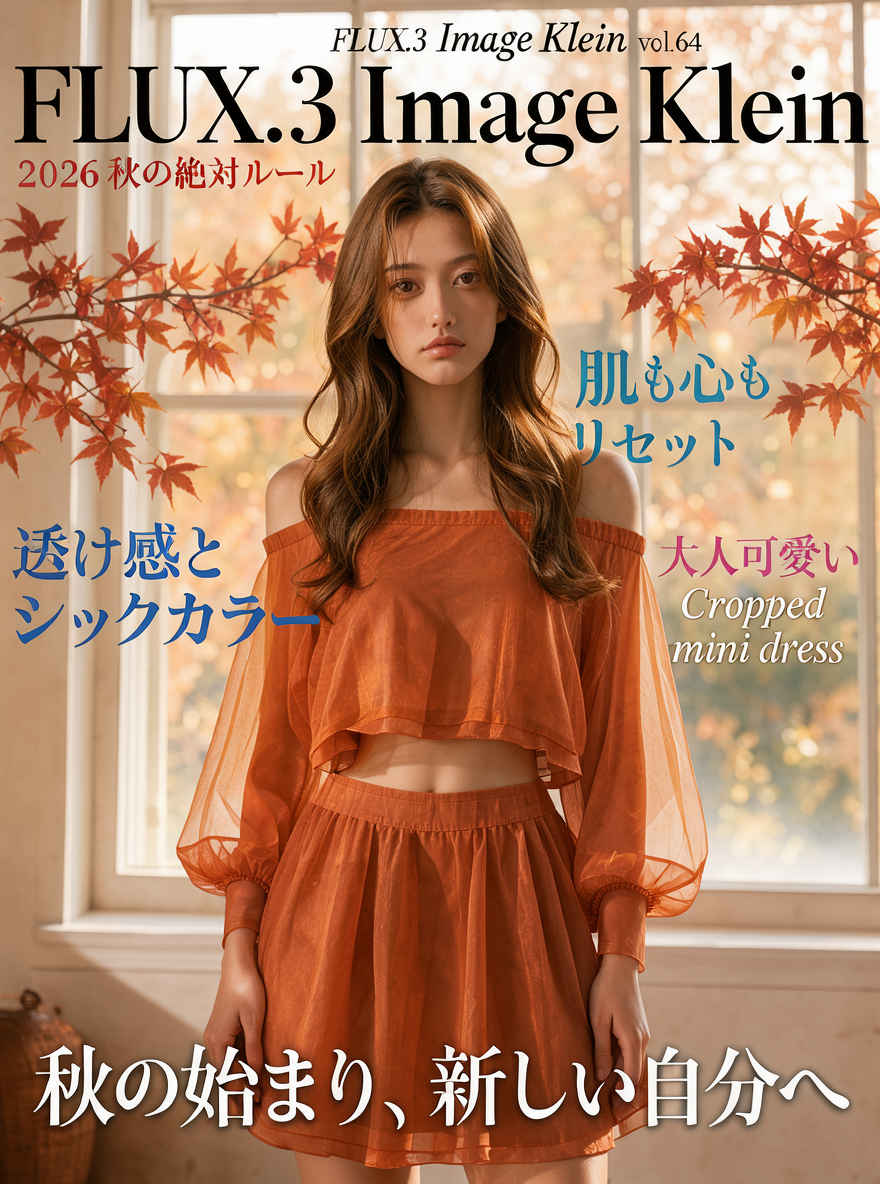
| ファッション誌の表紙 896x1184 | |
| Prompt: Magazine cover titled "FLUX.3 Image Klein" vol.65. A central portrait of a young Japanese woman with long, wavy honey-brown hair and a neutral, elegant expression. She wears a two-piece ensemble made of warm terracotta-orange chiffon: a cropped, off-the-shoulder top with voluminous sheer lantern sleeves and a matching high-waisted flared mini skirt. The fabric is translucent, catching soft ambient light. She stands in a warm interior before a large white-framed window. Delicate autumn maple branches with deep red and orange leaves frame the sides of the composition. Lighting is soft, warm autumn daylight, creating rich tones and gentle shadows. Low depth of field with a blurred background. Text layout includes: "FLUX.3 Image Klein vol.64" in large black serif typography at the top; "2026 秋の絶対ルール" in red; "透け感とシックカラー" in blue; "大人可愛い Cropped mini dress" in pink and white italics; "肌も心もリセット" in teal; and "秋の始まり、新しい自分へ" in bold white characters with a subtle drop shadow at the bottom. Sharp focus on the subject's face and garment texture. | Prompt: 雑誌『FLUX.3 Image Klein』Vol. 65の表紙。中央には、ハニーブラウンの長いウェーブヘアで、ニュートラルかつ上品な表情を浮かべた若い日本人女性のポートレートが配されています。彼女は、温かみのあるテラコッタオレンジのシフォン素材を用いたツーピースを着用しています。その衣装は、ボリューム感のある透け感素材のランタンスリーブをあしらったオフショルダーのクロップドトップスと、お揃いのハイウエスト・フレアミニスカートで構成されています。生地は半透明で、柔らかな自然光を美しく捉えています。彼女は、白い枠の大きな窓を背に、温かみのある室内空間に立っています。構図の両サイドには、深みのある赤やオレンジに色づいた繊細な秋のカエデの枝があしらわれています。 照明は秋の柔らかな温かい自然光で、豊かな色調と穏やかな陰影を生み出しています。被写界深度は浅く設定されており、背景は柔らかくぼかされています。テキストのレイアウトは以下の通りです。上部には大きな黒のセリフ体で「FLUX.3 Image Klein vol.64」、赤色で「2026 秋の絶対ルール」、青色で「透け感とシックカラー」、ピンクと白のイタリック体で「大人可愛い Cropped mini dress」、ティール色で「肌も心もリセット」、そして下部には、かすかなドロップシャドウを伴う白の太字で「秋の始まり、新しい自分へ」と記されています。被写体の顔と衣装の質感には、鮮明なピントが合っています。 |
 | |
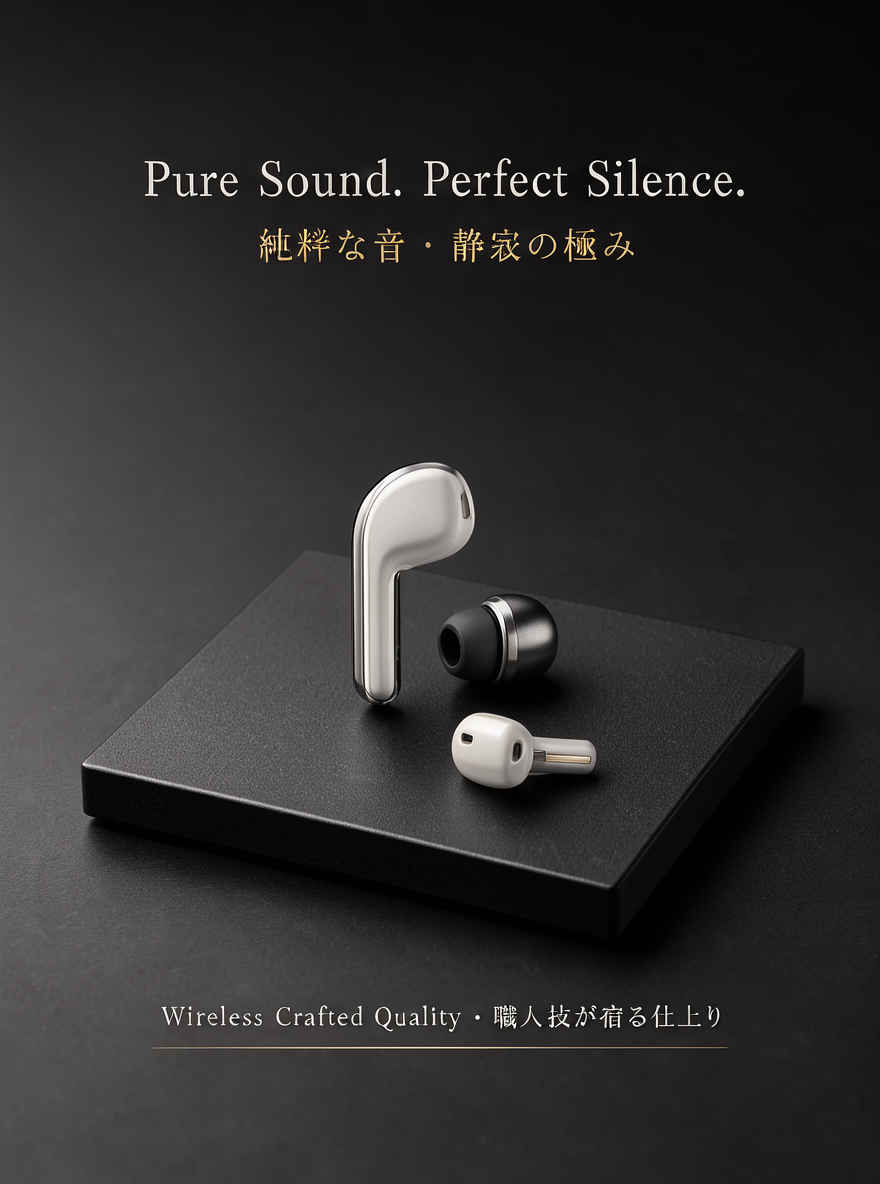
| ① 文字の入ったカタログ 896x1184 → 英語/日本語 プロンプト | |
 | 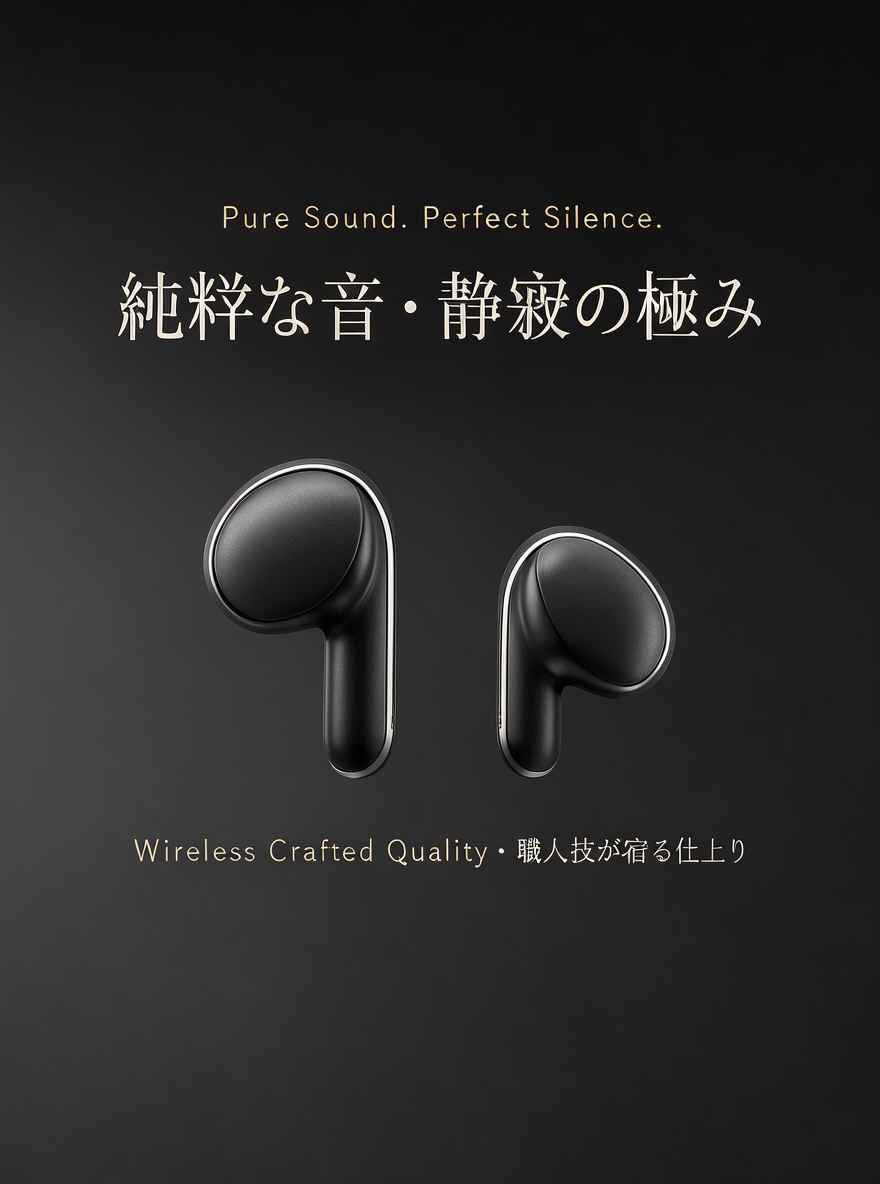 |
| ② クローズアップポートレート 1184x896 → 英語/日本語 プロンプト | |
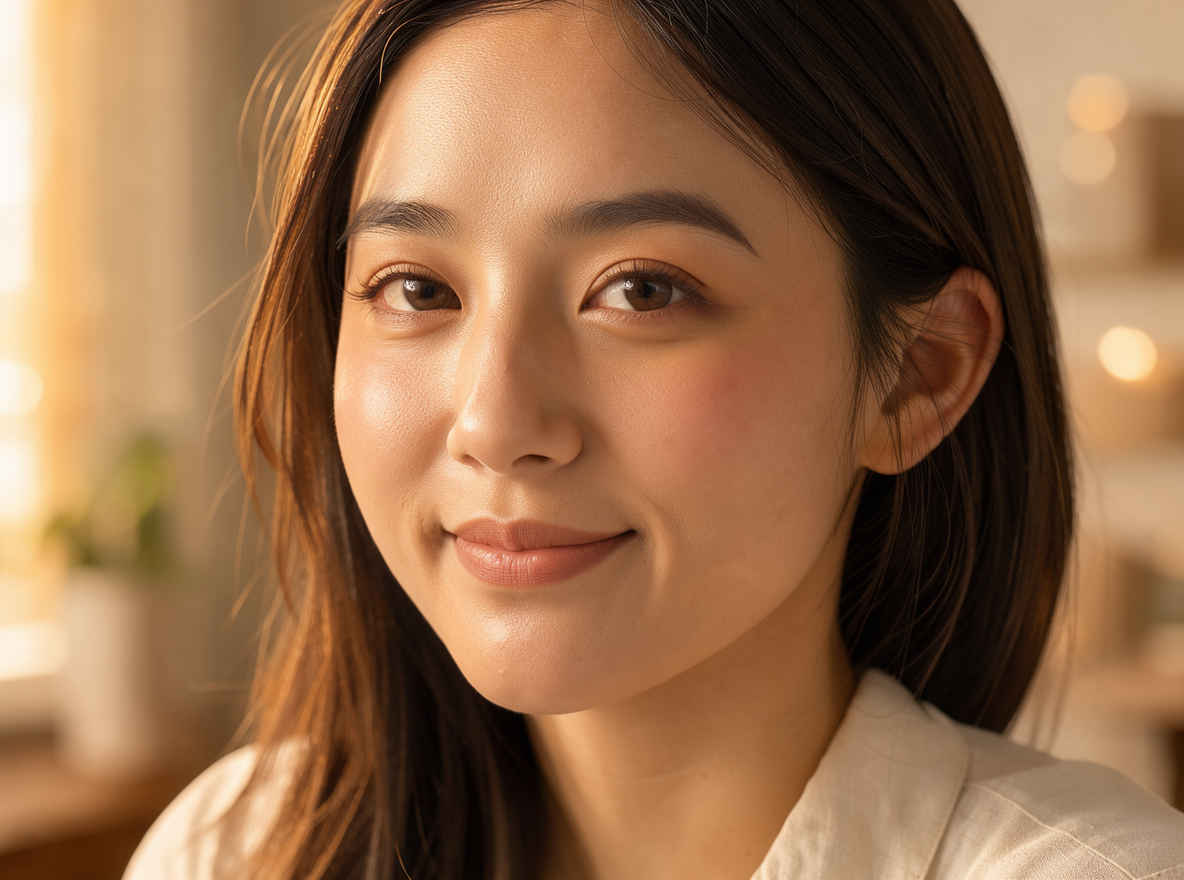 | 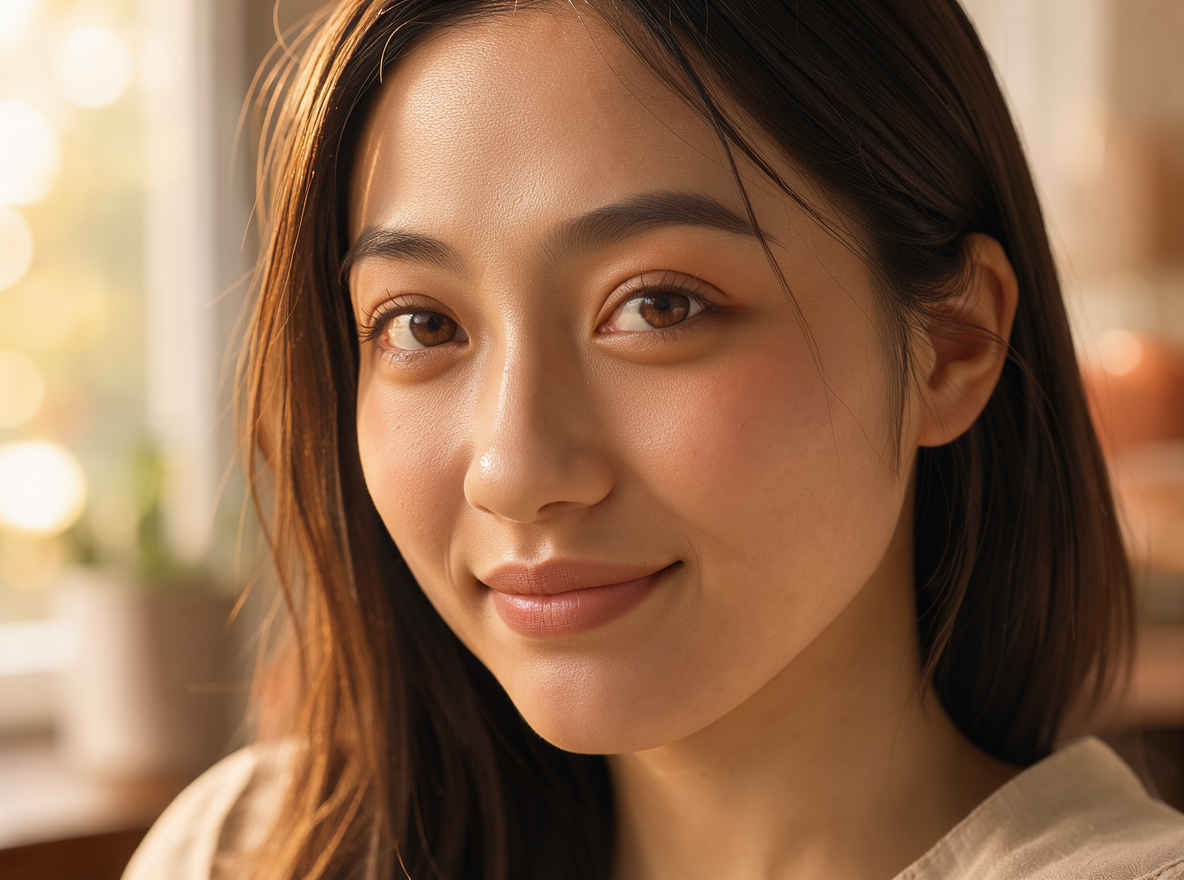 |
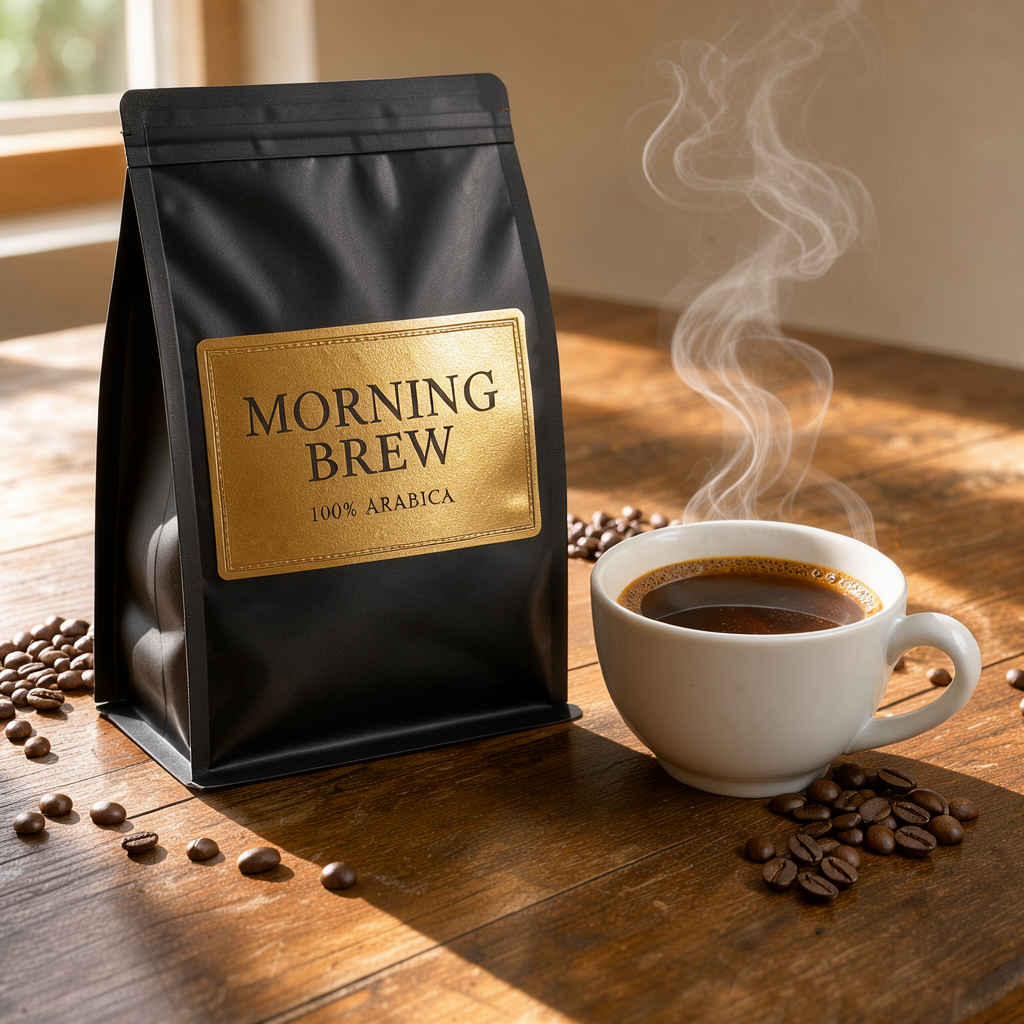
| ③ コマーシャル商品写真(コーヒー) 1024x1024 → 英語/日本語 プロンプト | |
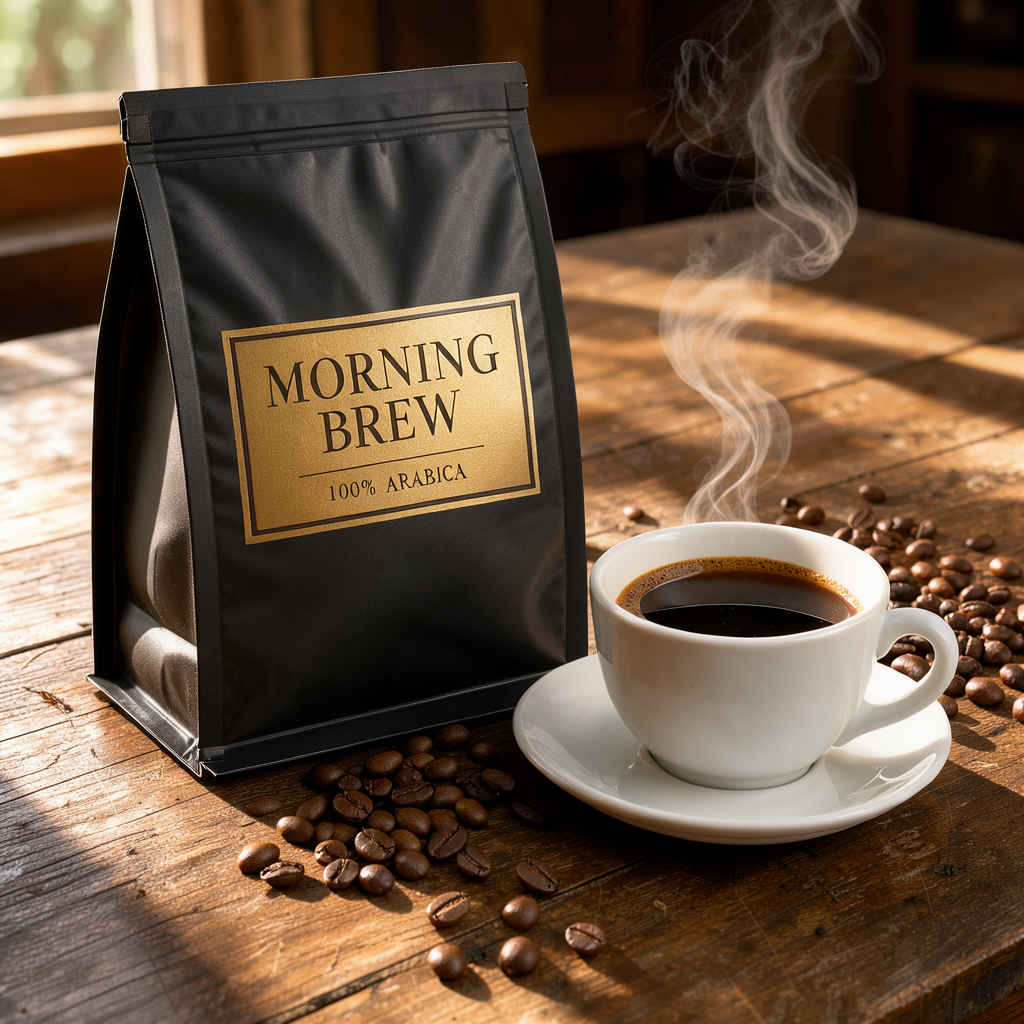 |  |
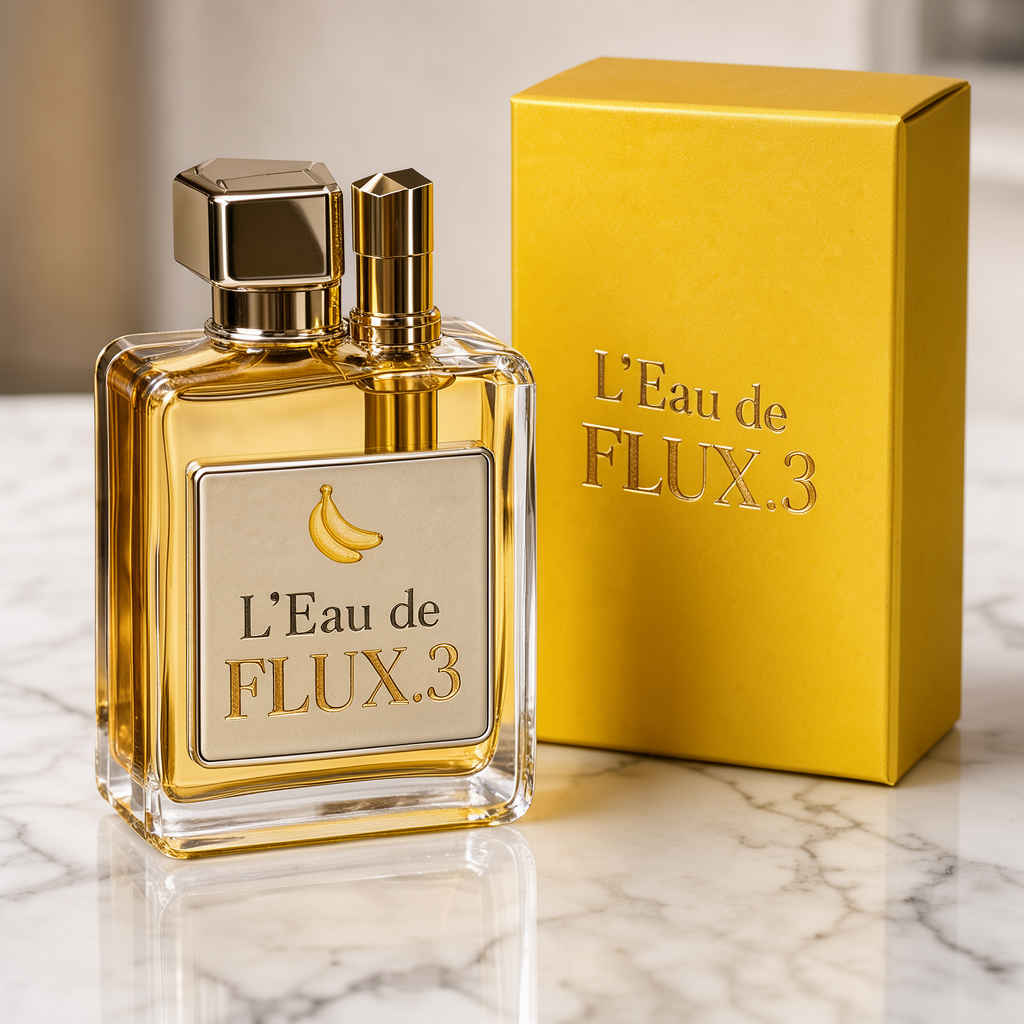
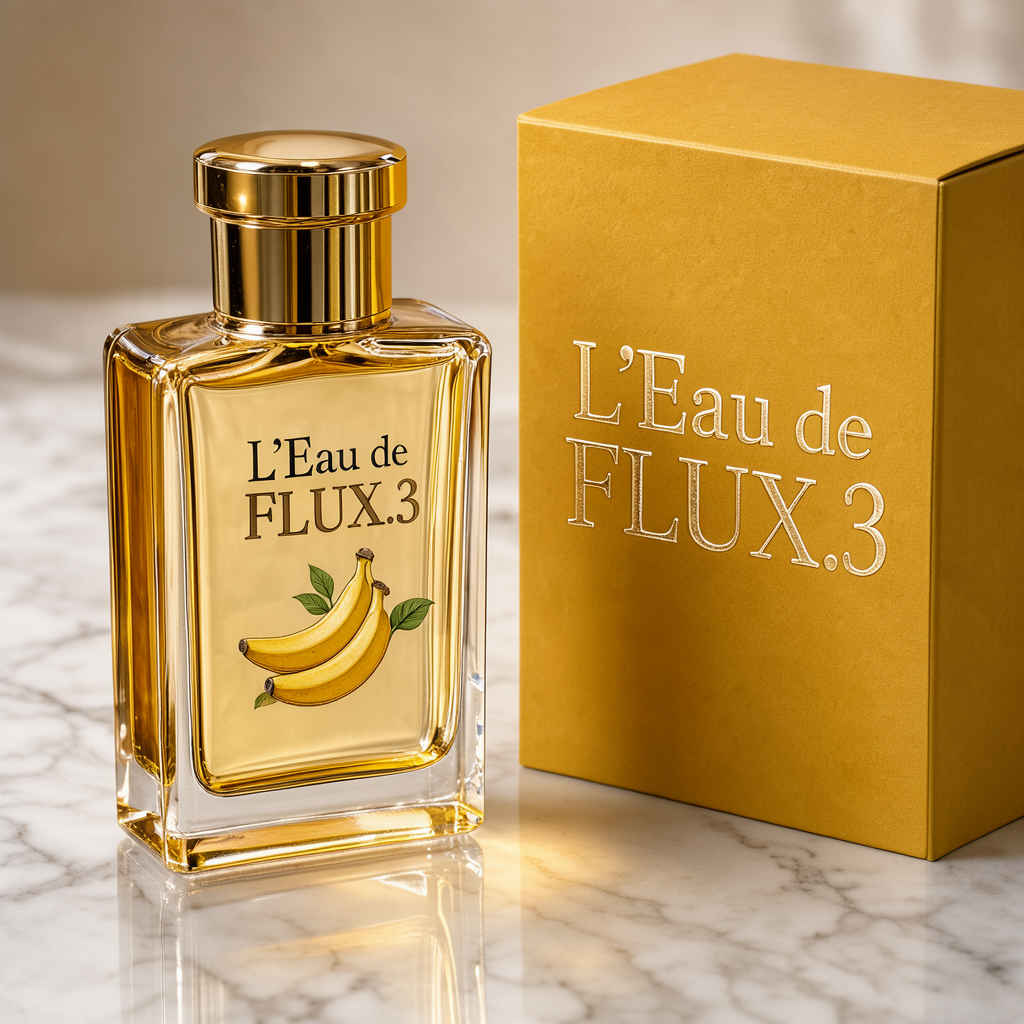
| ④ コマーシャル商品写真(化粧品) 1024x1024 → 英語/日本語 プロンプト | |
 |  |
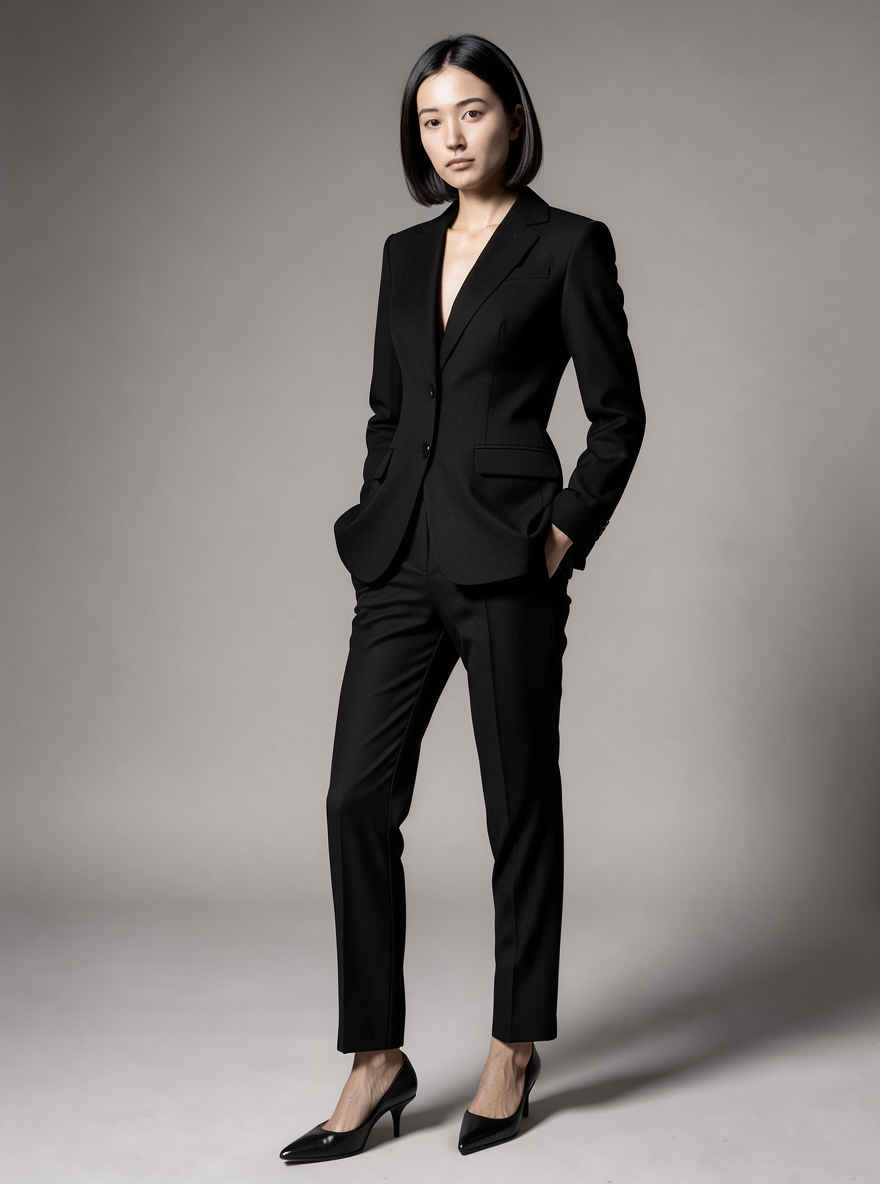
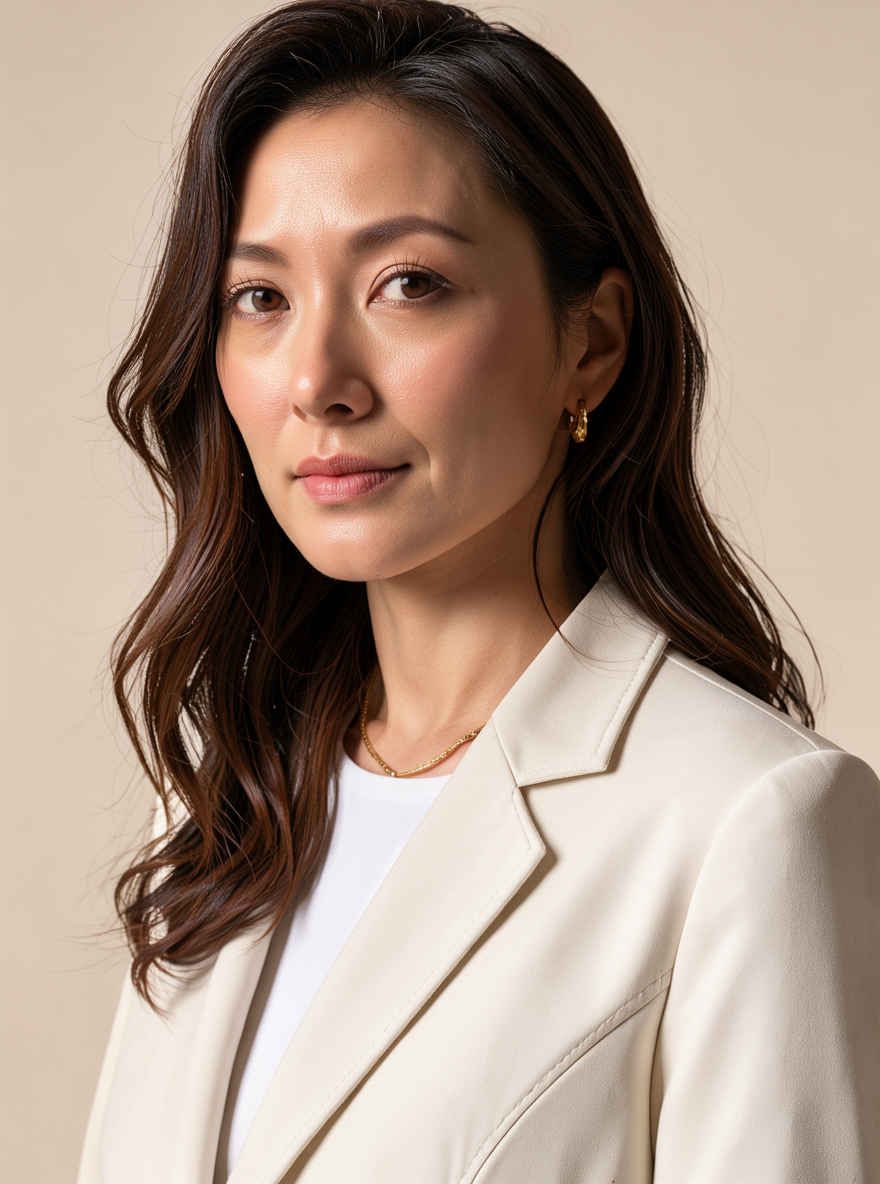
| ⑤ ファッション誌のモデル写真 896x1184 → 英語/日本語 プロンプト | |
 | 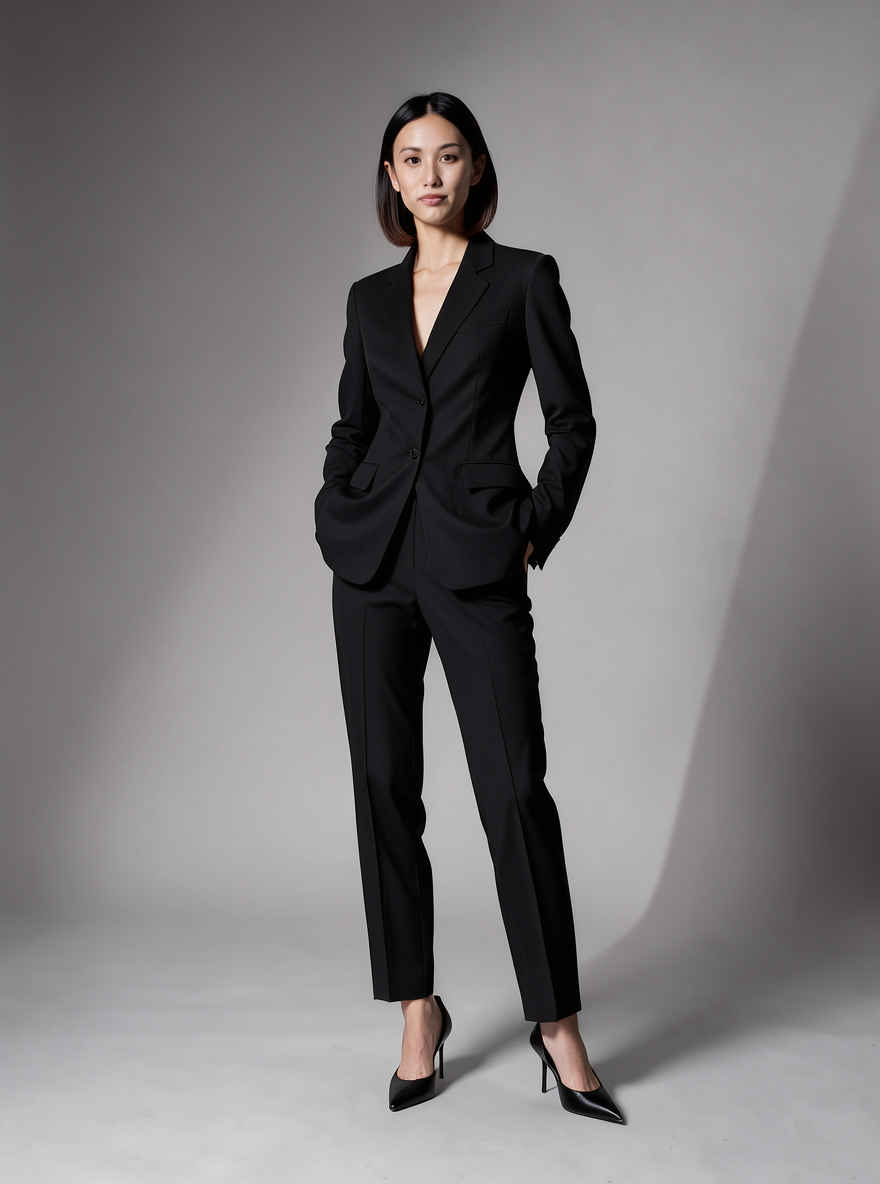 |
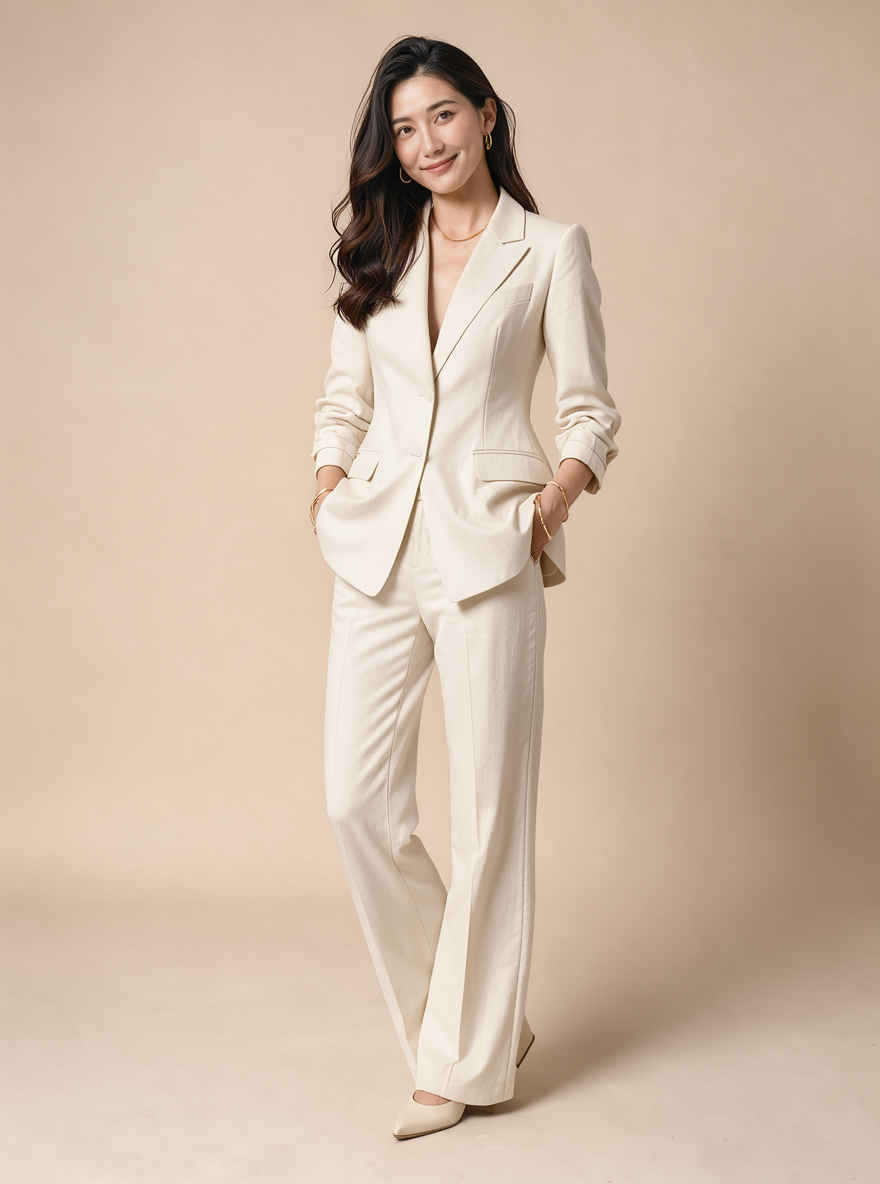 | 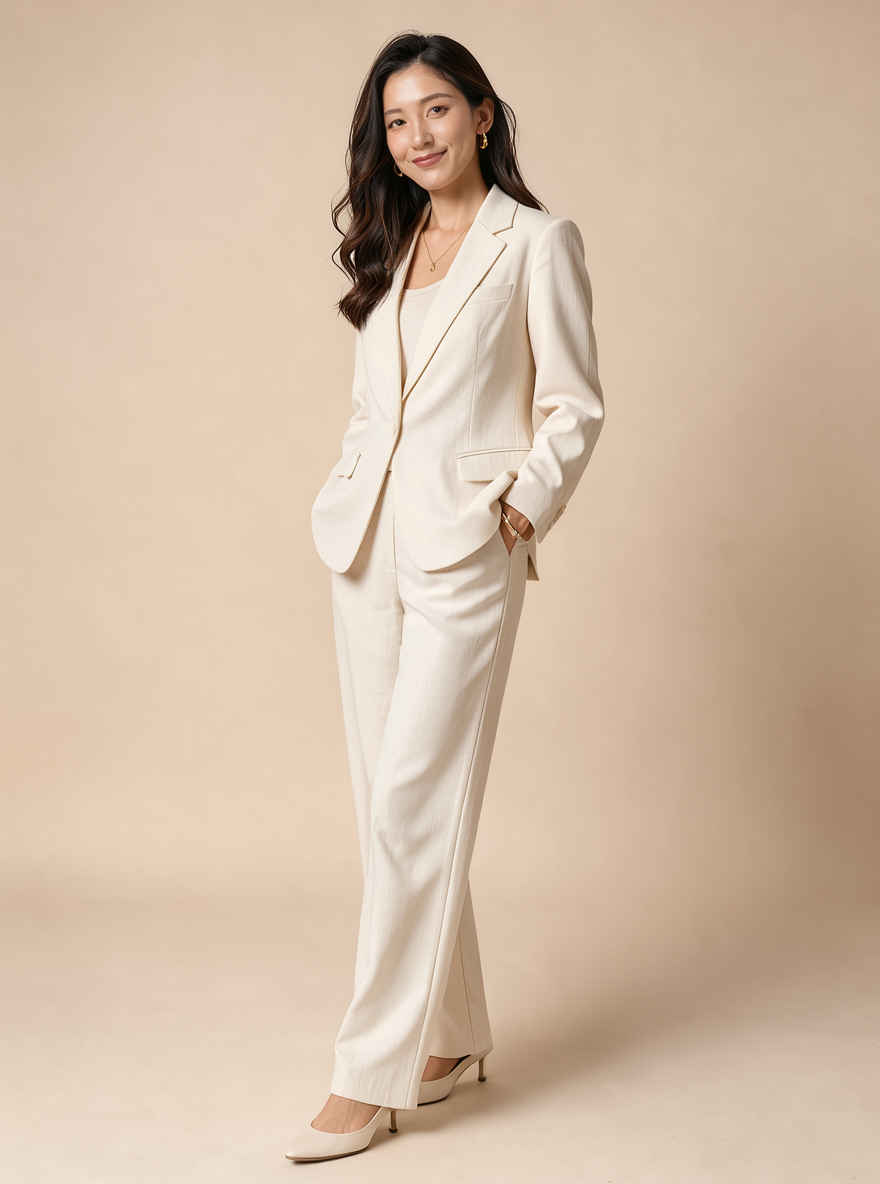 |
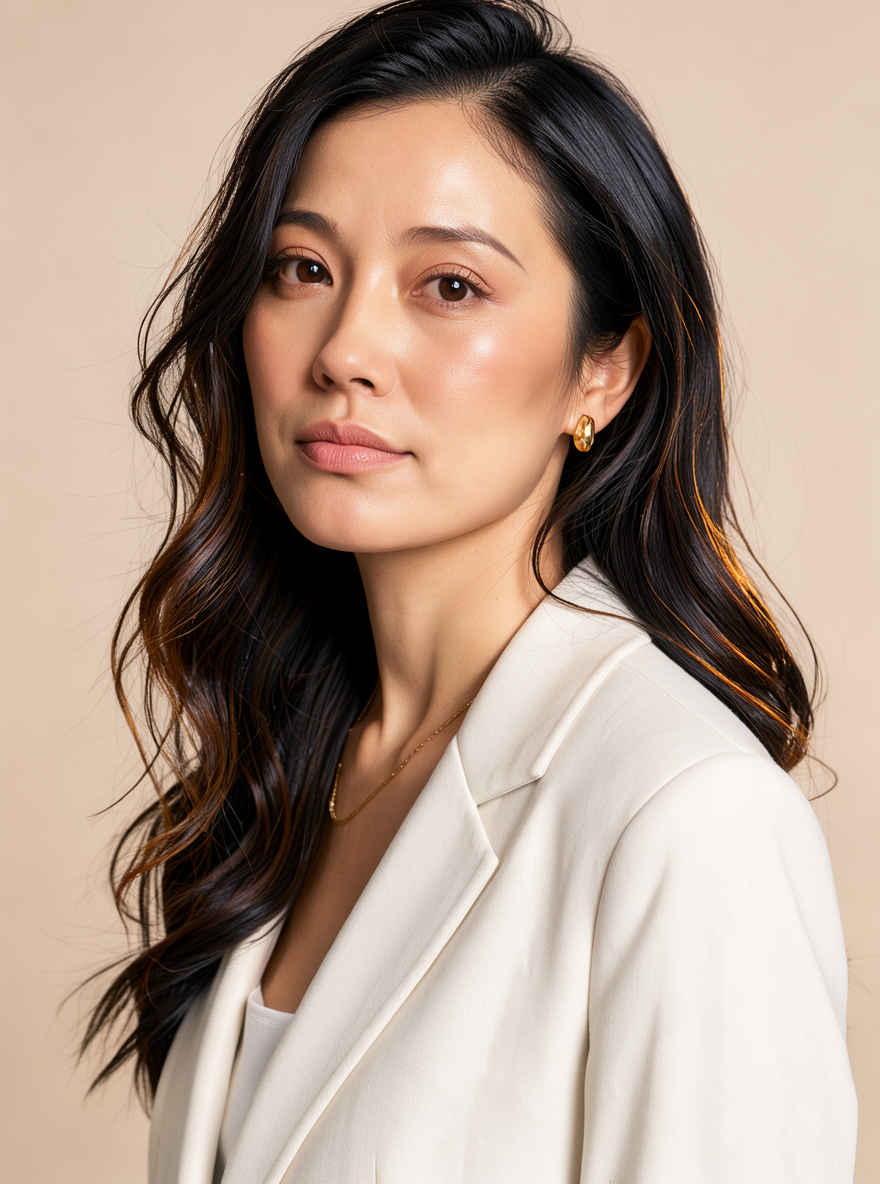 |  |
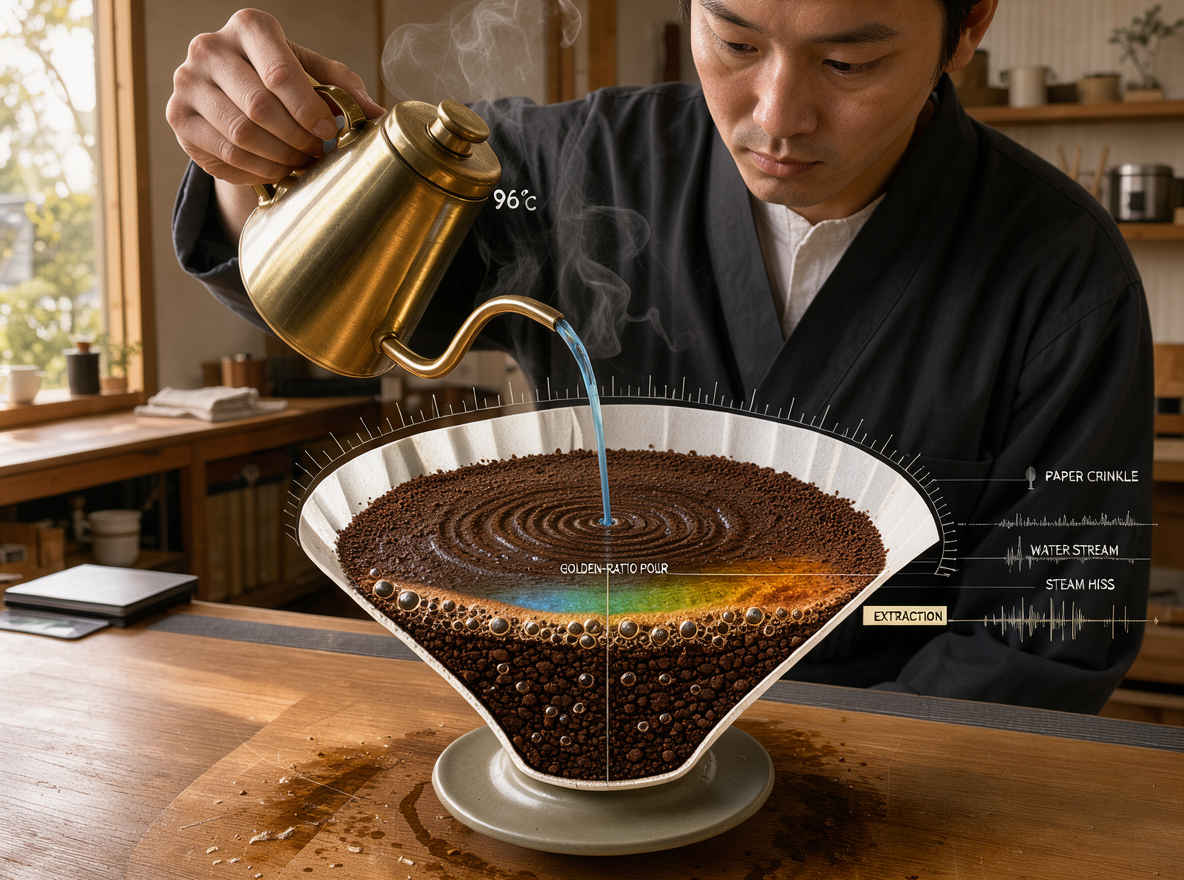
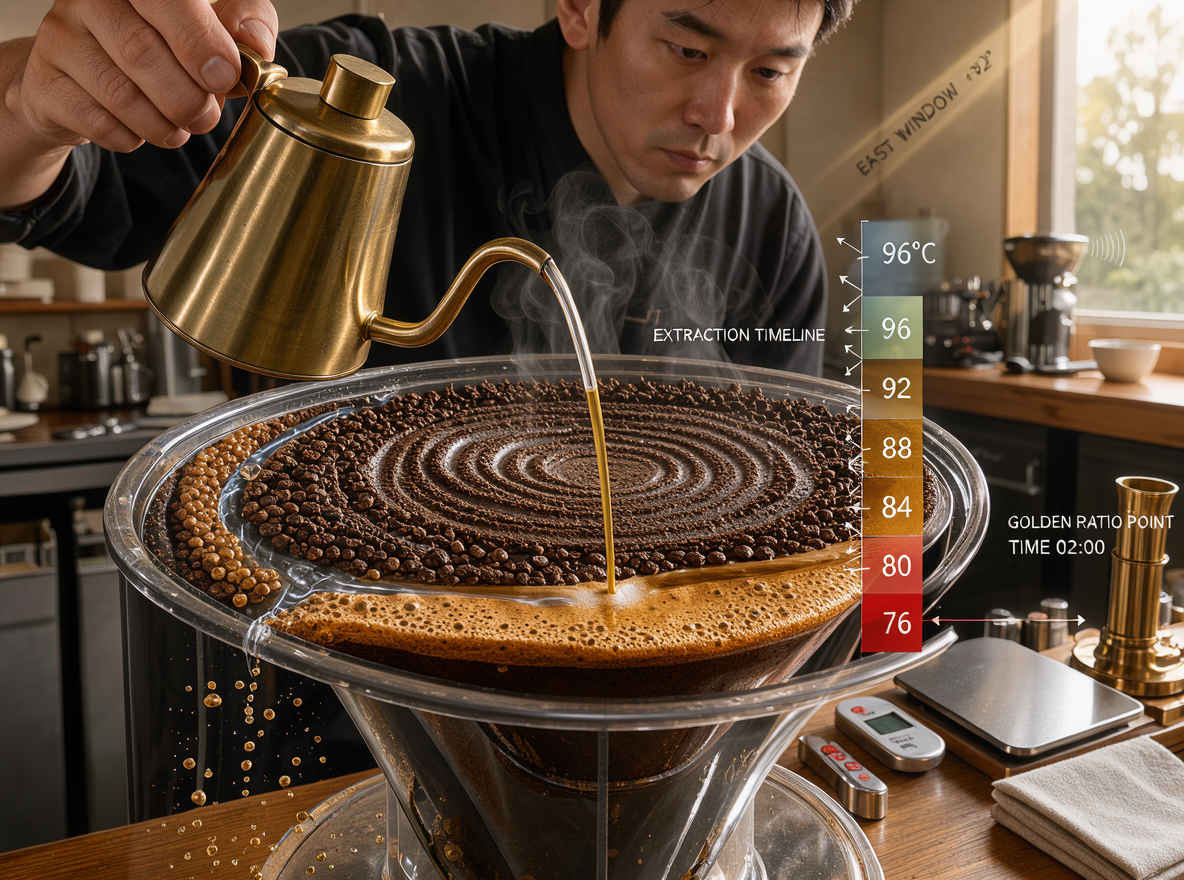
| ⑥ ドリップコーヒー 1184x896 → 英語/日本語 プロンプト | |
 |  |
| 他のモデルでの生成画像 | |||||||||
| FLUX.2 klein | Z-Image | ERNIE-Image | HiDream-O1 | Ideogram 4.0 | Boogu-Image | Krea 2 | JoyAI-Imag | Qwen-Image-2.1 | FLUX.3 klein |
| 英語プロンプト | 日本語プロンプト |
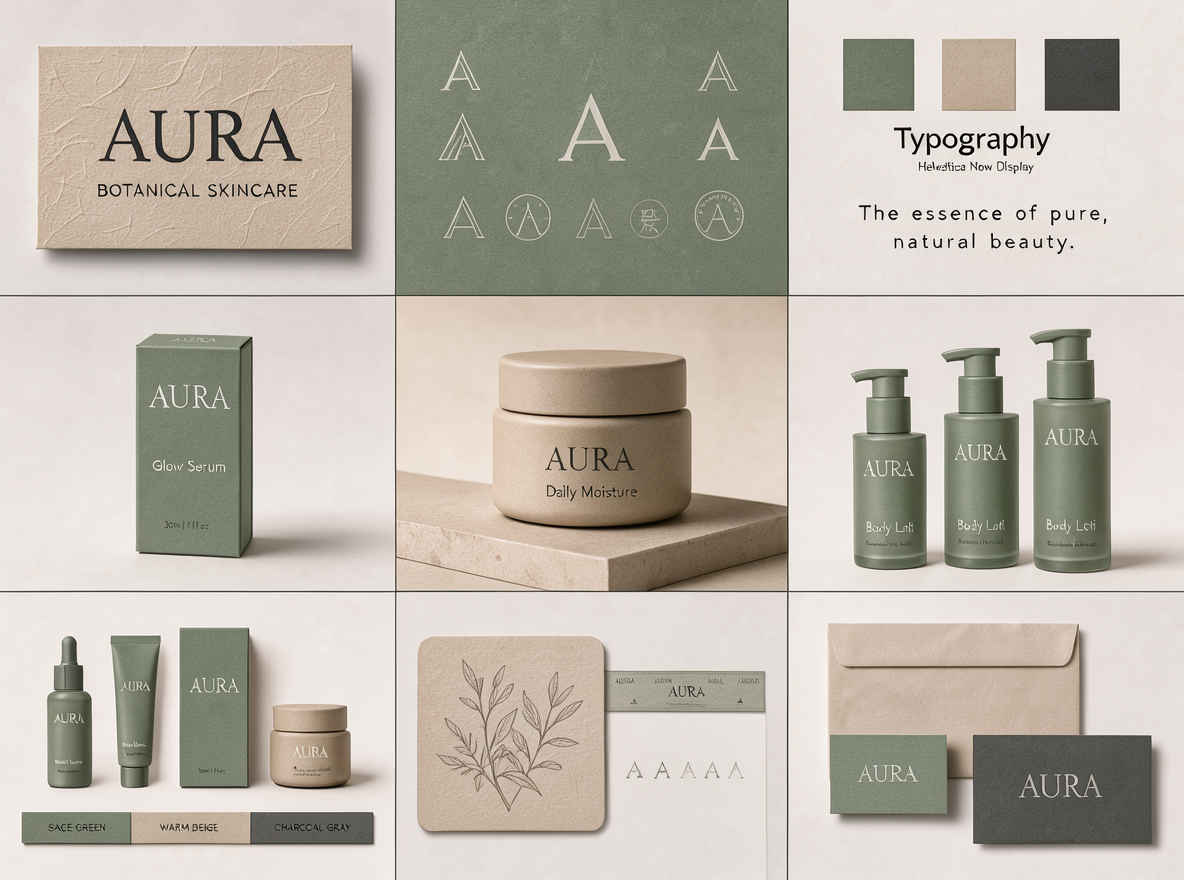
| ① AURA Skincare Brand Visual System → 英語プロンプト | ① AURA Skincare Brand Visual System → 日本語プロンプト |
 | 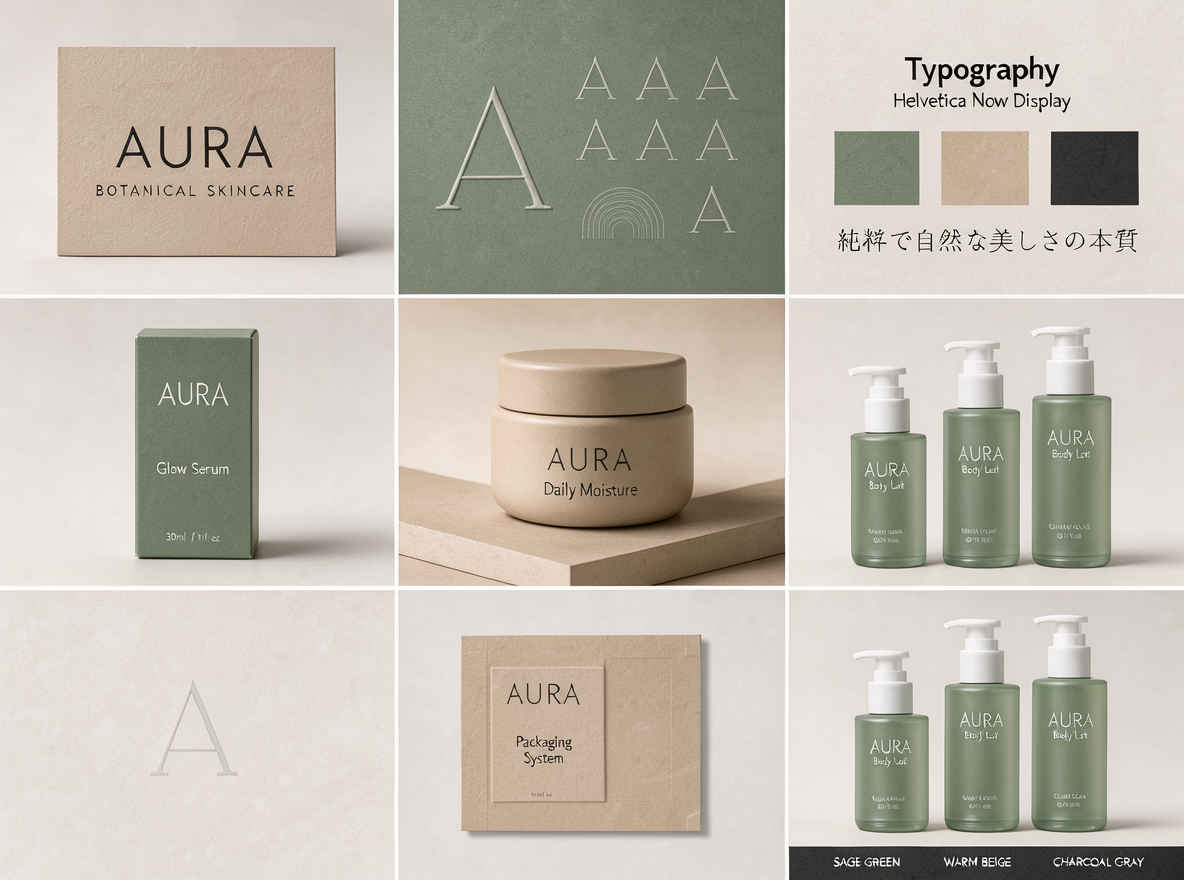 |
| ② Luxury Perfume Sand Ad Photography → 英語プロンプト | ② Luxury Perfume Sand Ad Photography → 日本語プロンプト |
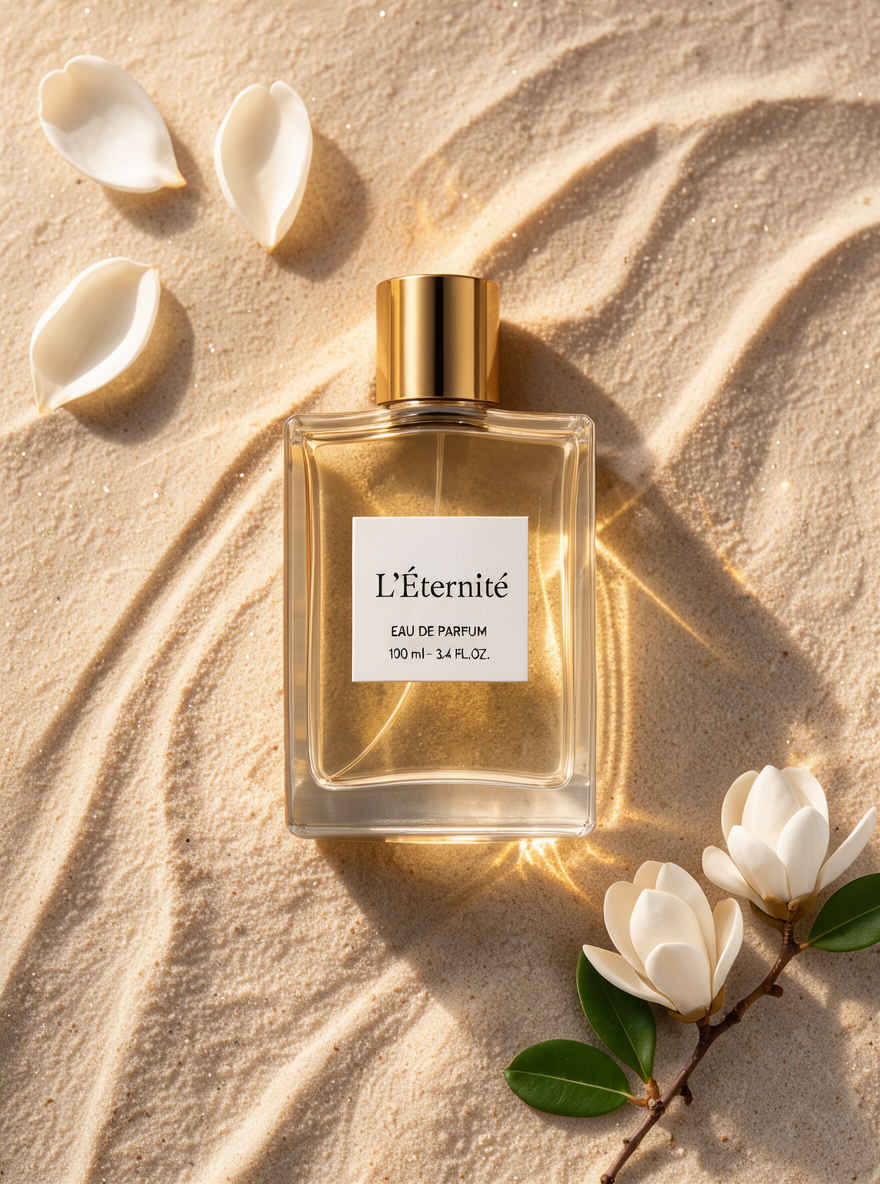 | 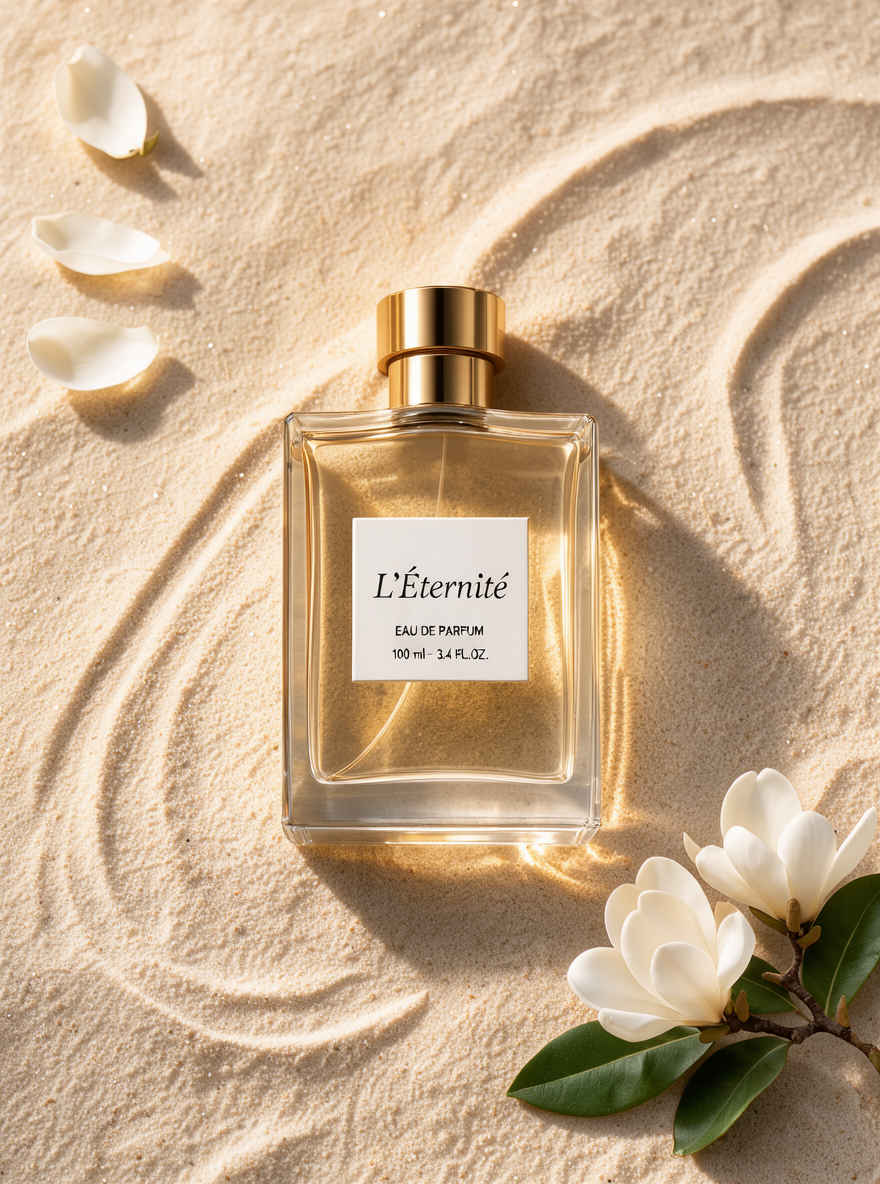 |
| ③ Logo Miniature Hyper-Realistic Photography → 英語プロンプト | ③ Logo Miniature Hyper-Realistic Photography → 日本語プロンプト |
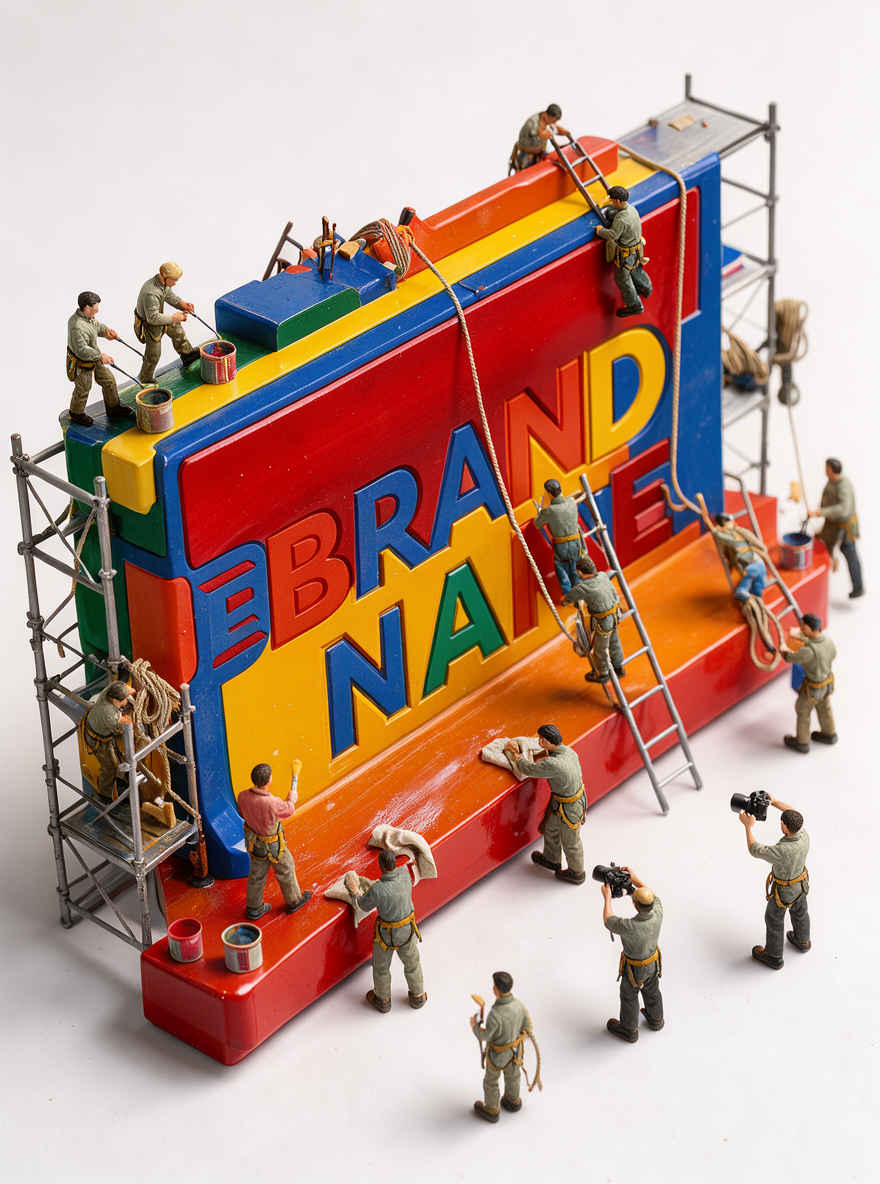 | 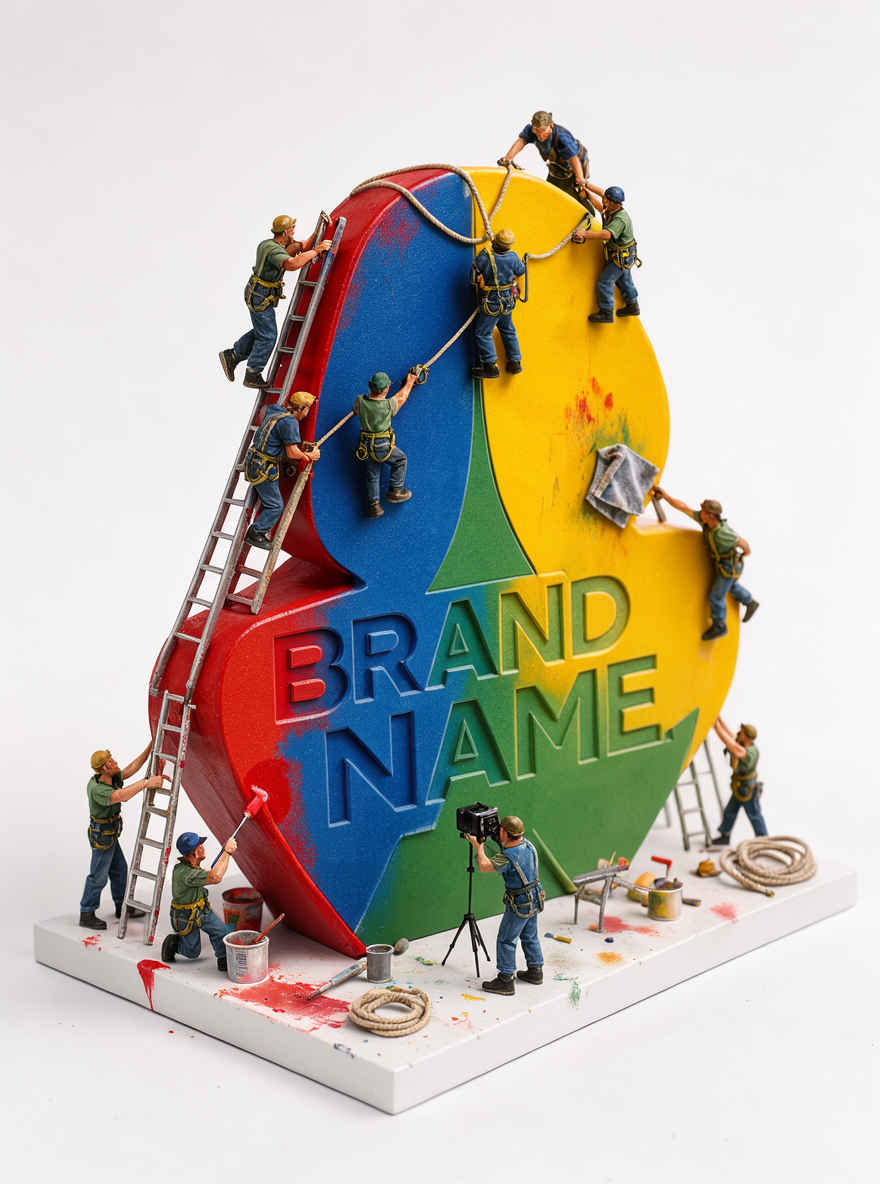 |
| ④ Night Street Looking-Back Portrait Photography → 英語プロンプト | ④ Night Street Looking-Back Portrait Photography → 日本語プロンプト |
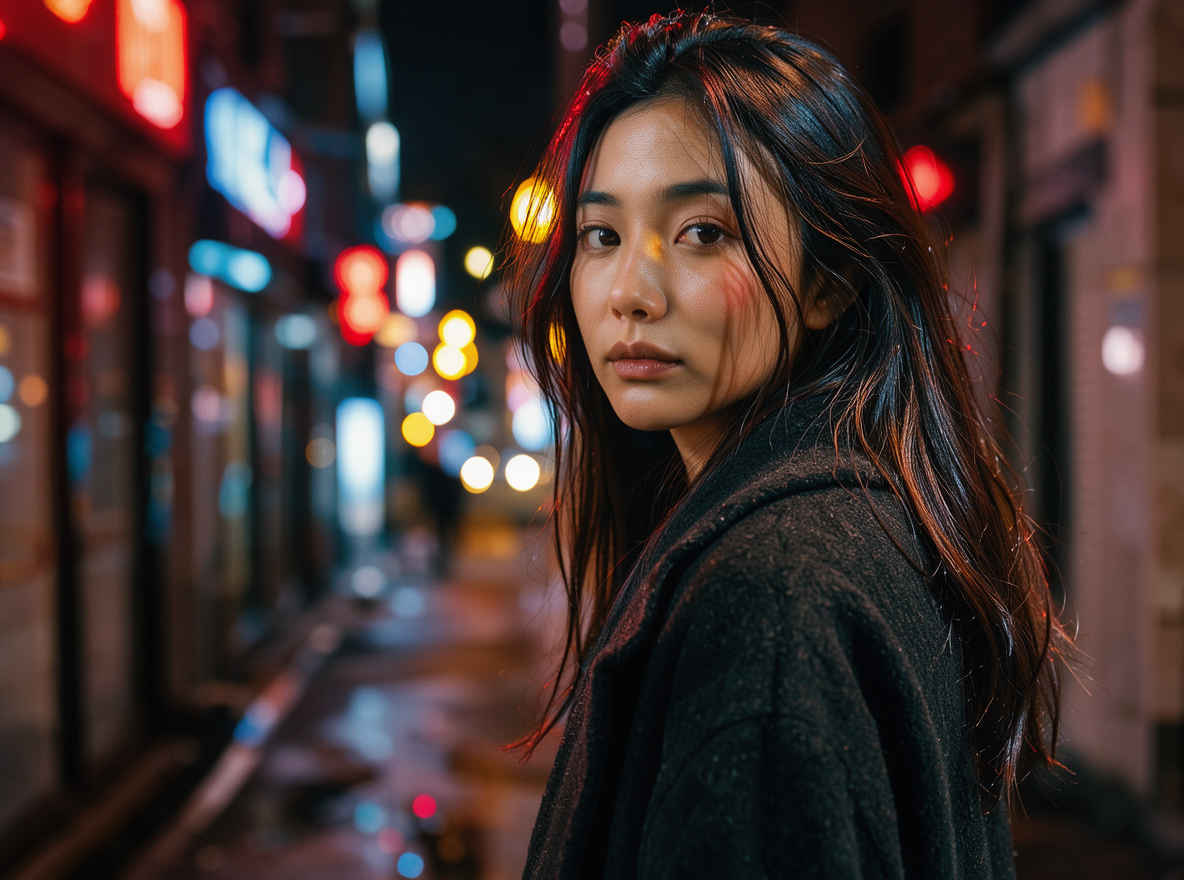 | 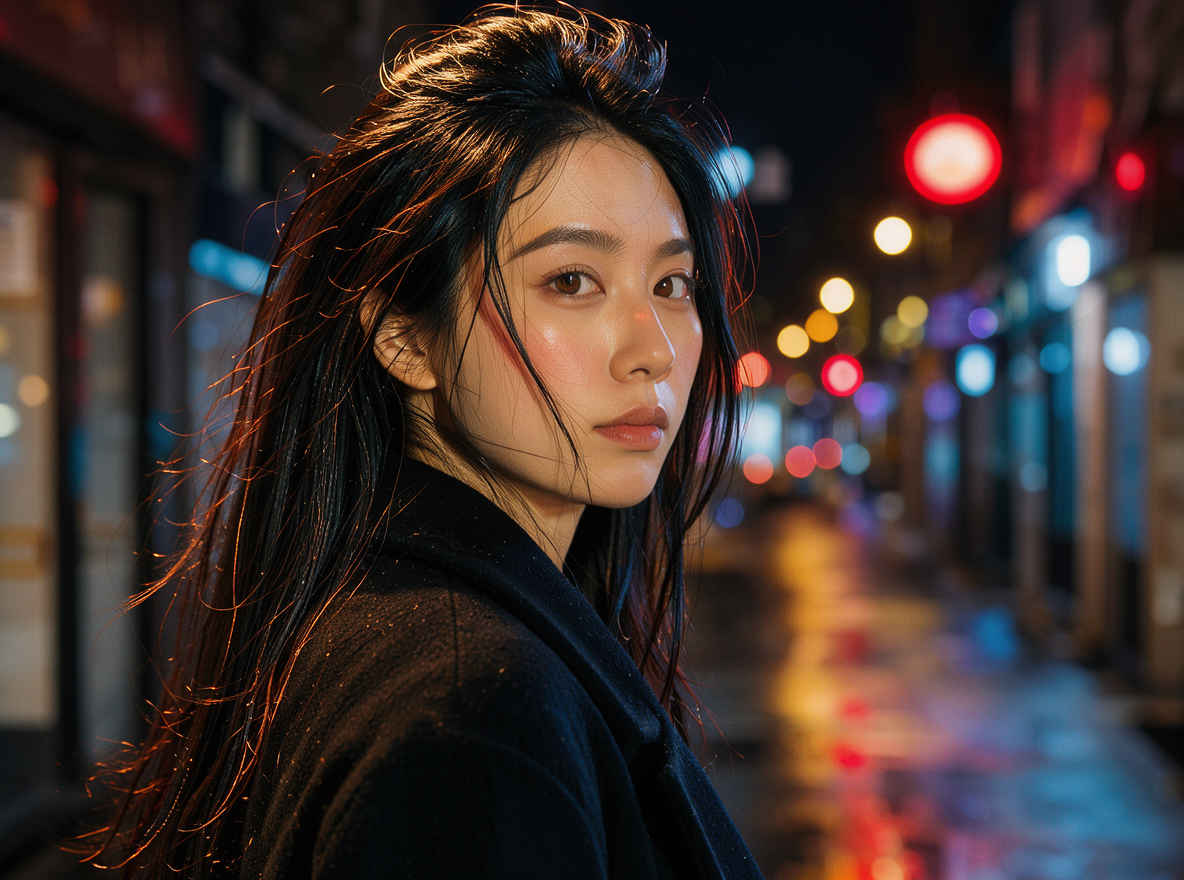 |
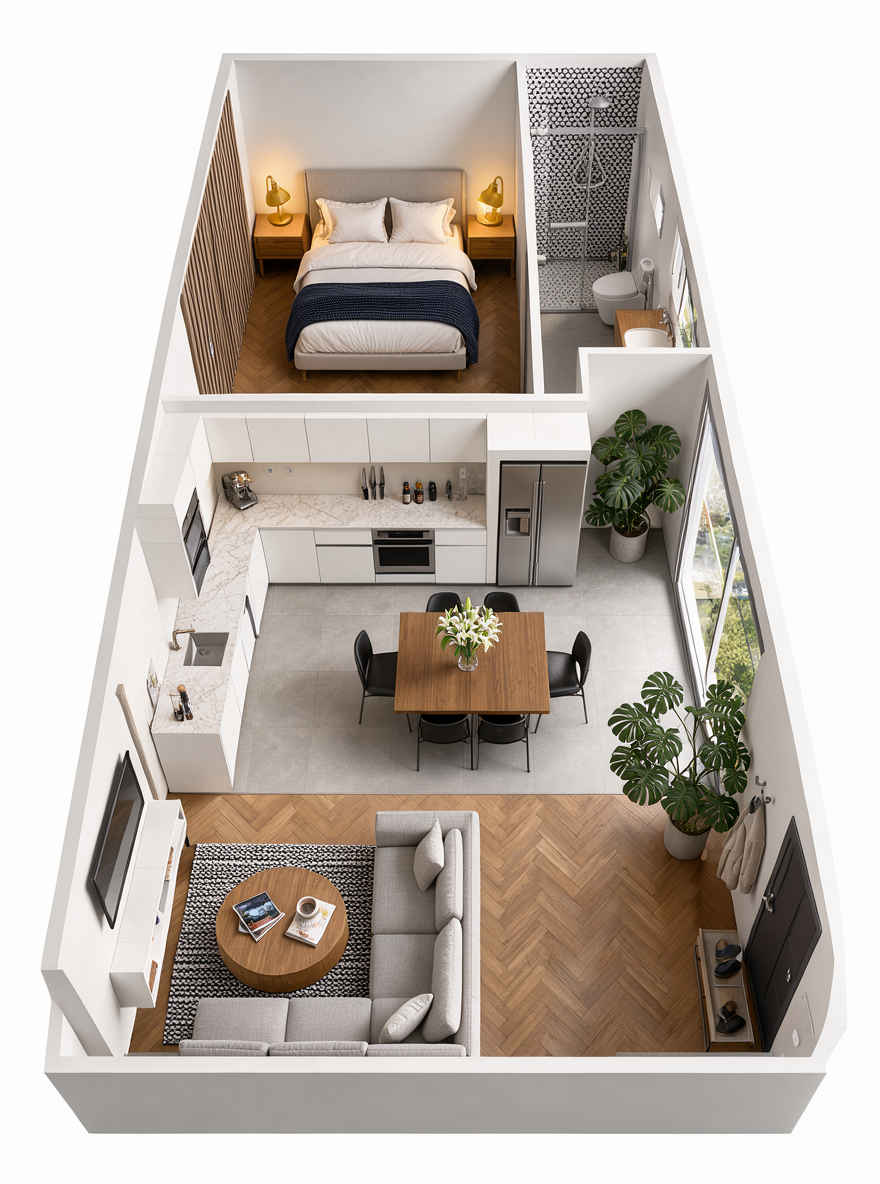
| ⑤ Narrow House Isometric Cross-Section Render → 英語プロンプト | ⑤ Narrow House Isometric Cross-Section Render → 日本語プロンプト |
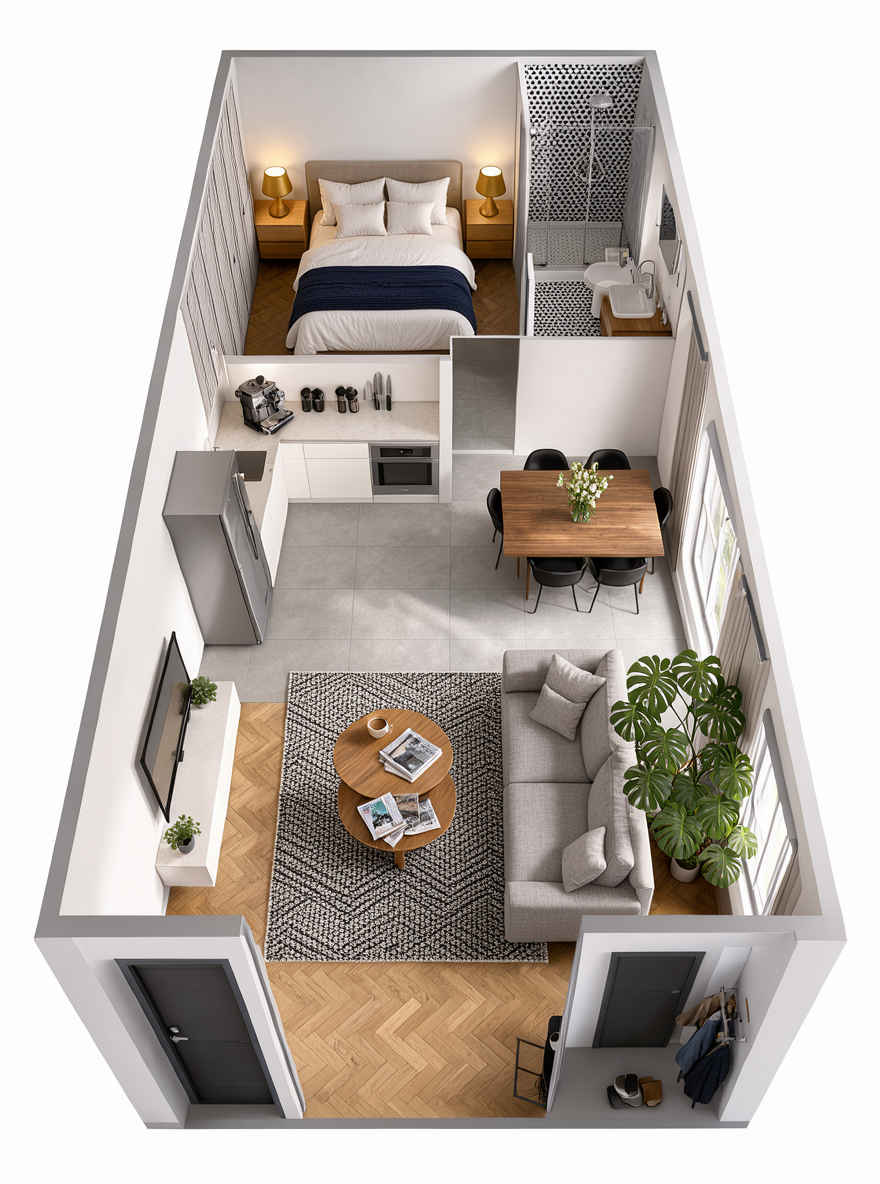 |  |
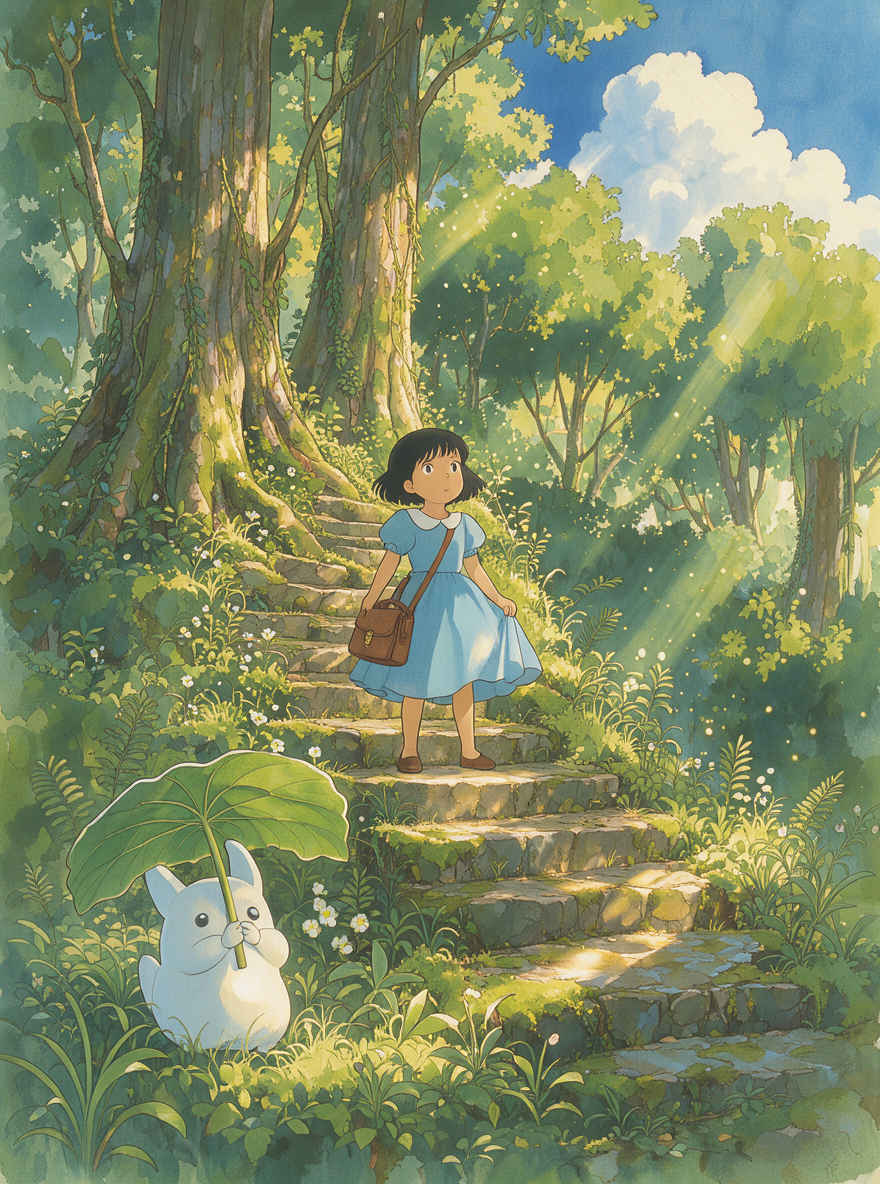
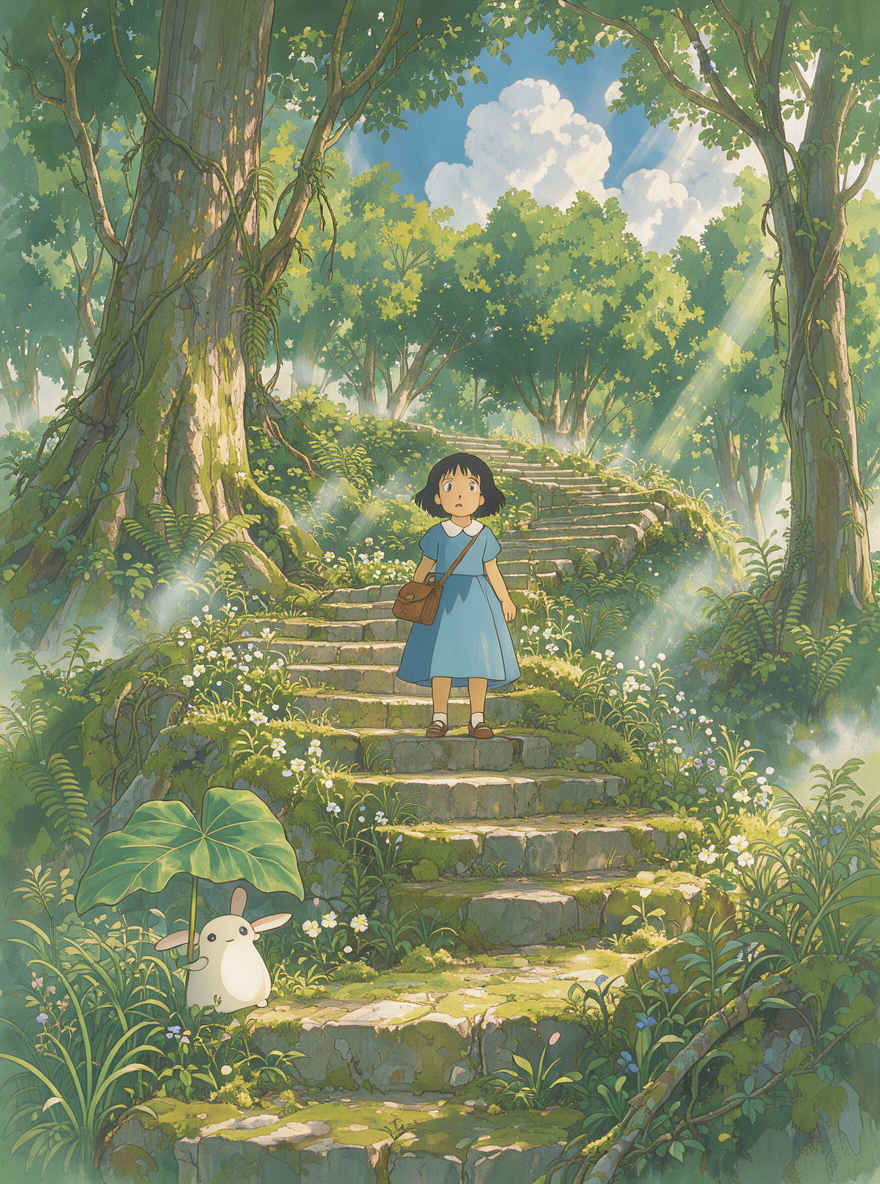
| ⑥ Ghibli Style → 英語プロンプト | ⑥ Ghibli Style → 日本語プロンプト |
 |  |
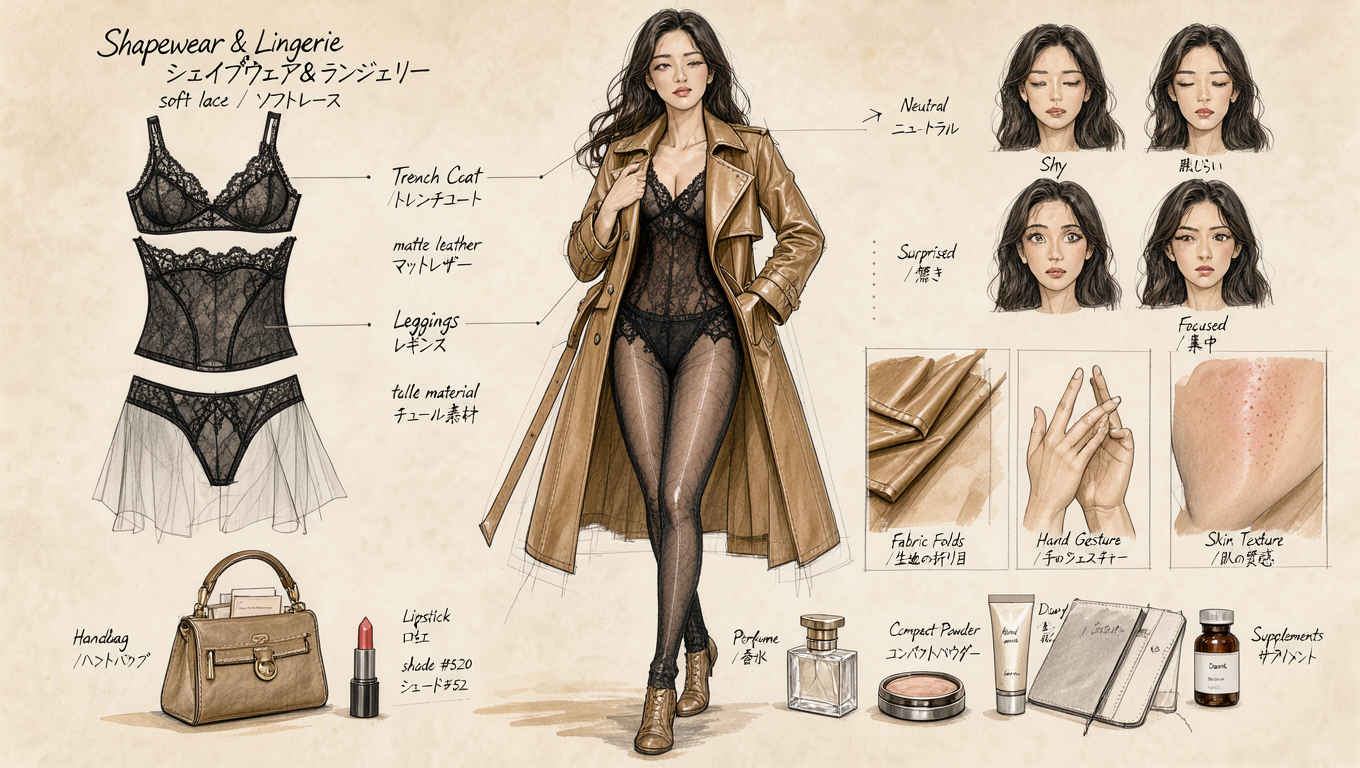
| ⑦ Fashion Figure Outfit Structure Breakdown → 英語プロンプト | ⑦ Fashion Figure Outfit Structure Breakdown → 日本語プロンプト |
 | 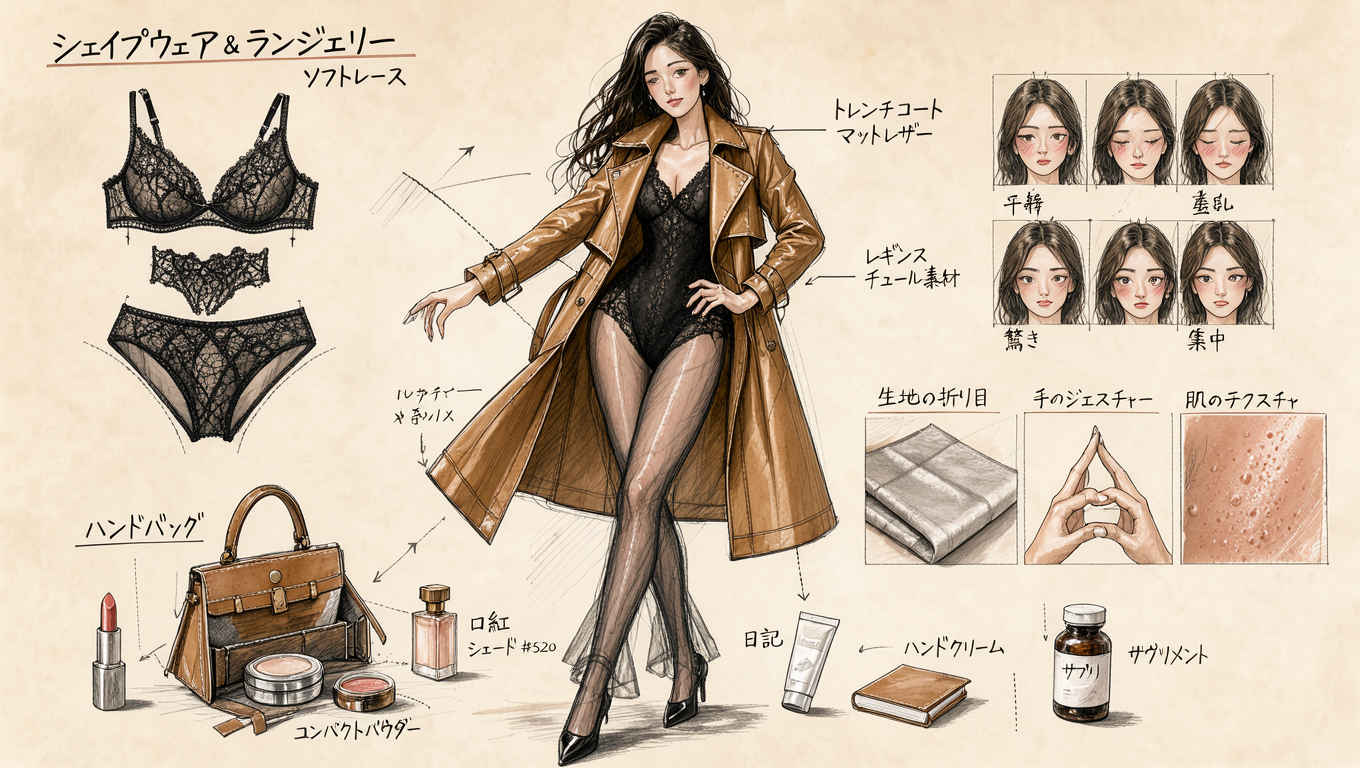 |
| ⑧ First-Person City Night Street Photography → 英語プロンプト | ⑧ First-Person City Night Street Photography → 日本語プロンプト |
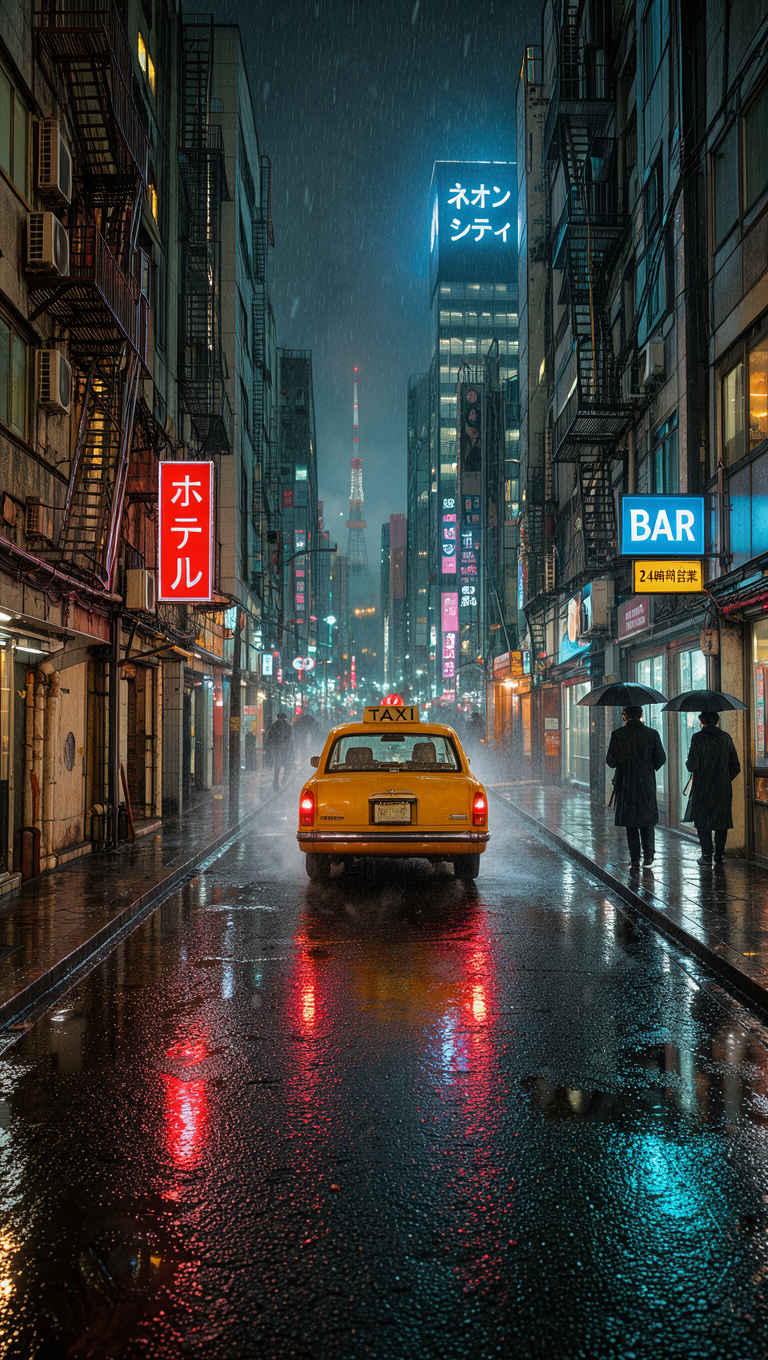 | 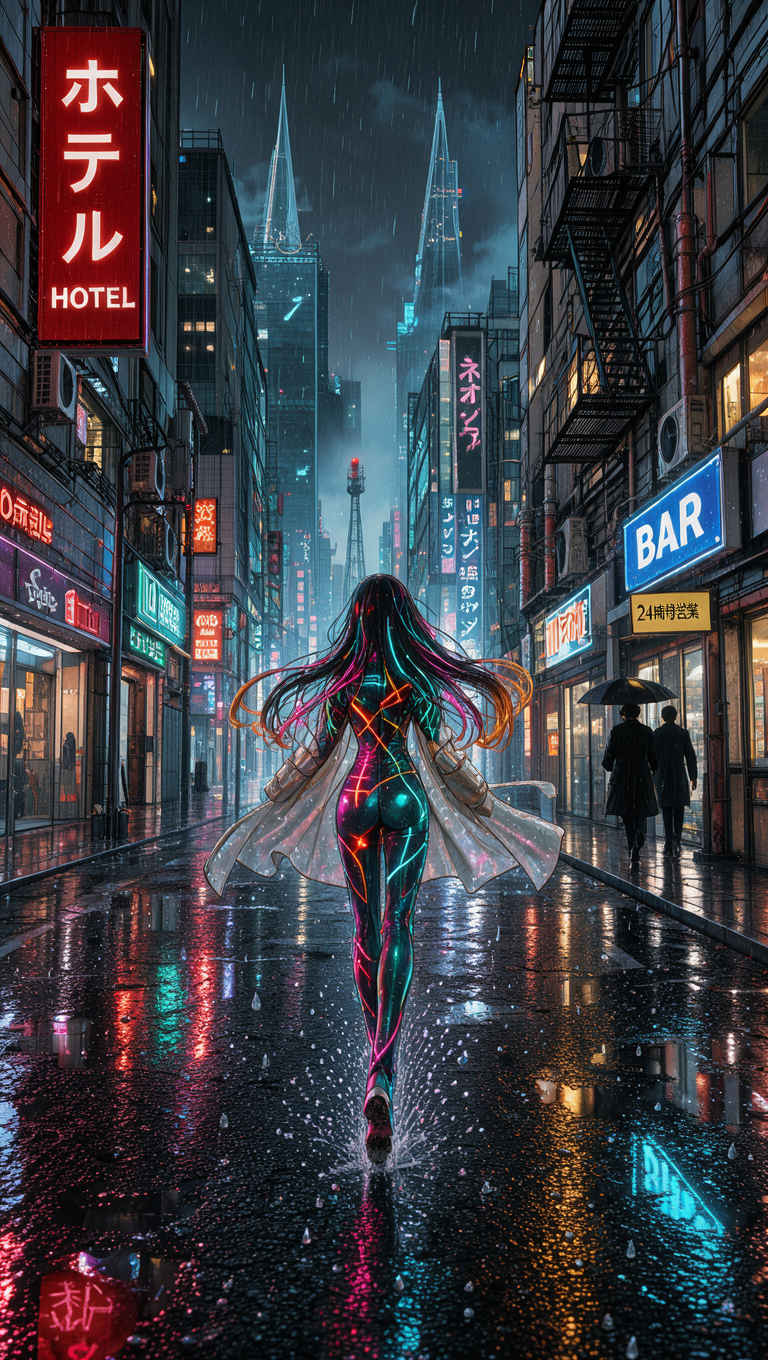 |
| 他のモデルでの生成画像 | |||||||||
| FLUX.2 klein | Z-Image | ERNIE-Image | HiDream-O1 | Ideogram4 4,0 | Boogu-Image | Krea 2 | JoyAI-Imag | Qwen-Image-2.1 | FLUX.3 klein |
| 英語プロンプト | 日本語プロンプト |
| ① コンセプトポスター 888x1184 → 英語プロンプト | ① コンセプトポスター 898x1152 → 日本語プロンプト |
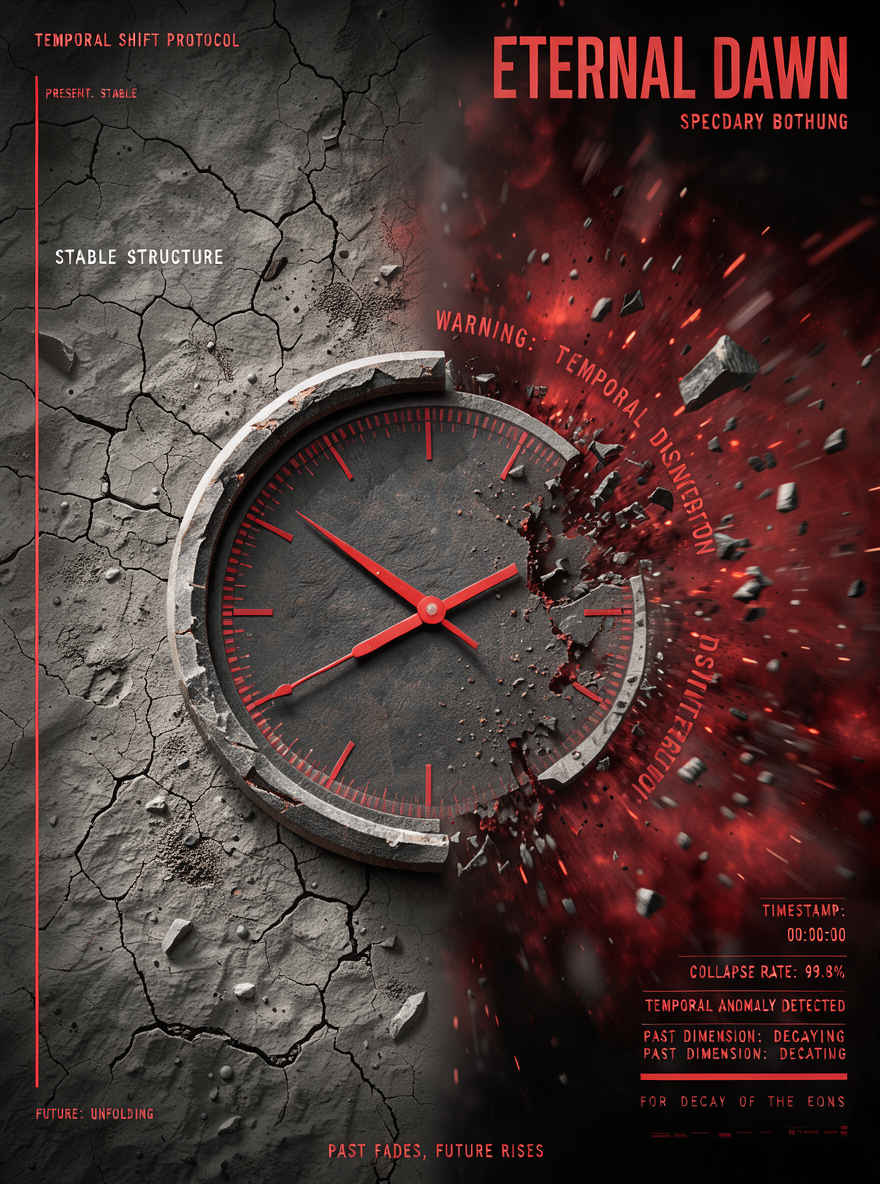 | 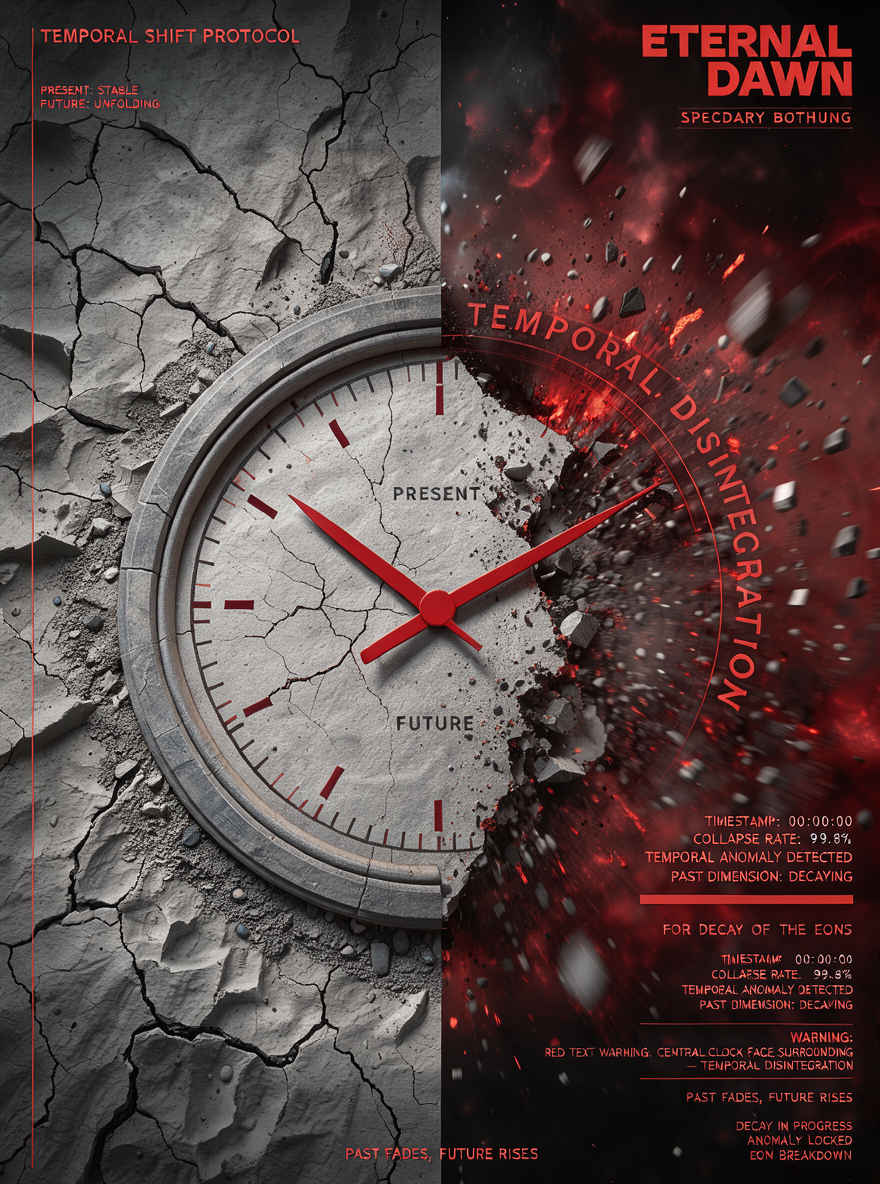 |
| ② 日本の夏祭りポスター 888x1184 → 英語プロンプト | ② 日本の夏祭りポスター 898x1152 → 日本語プロンプト |
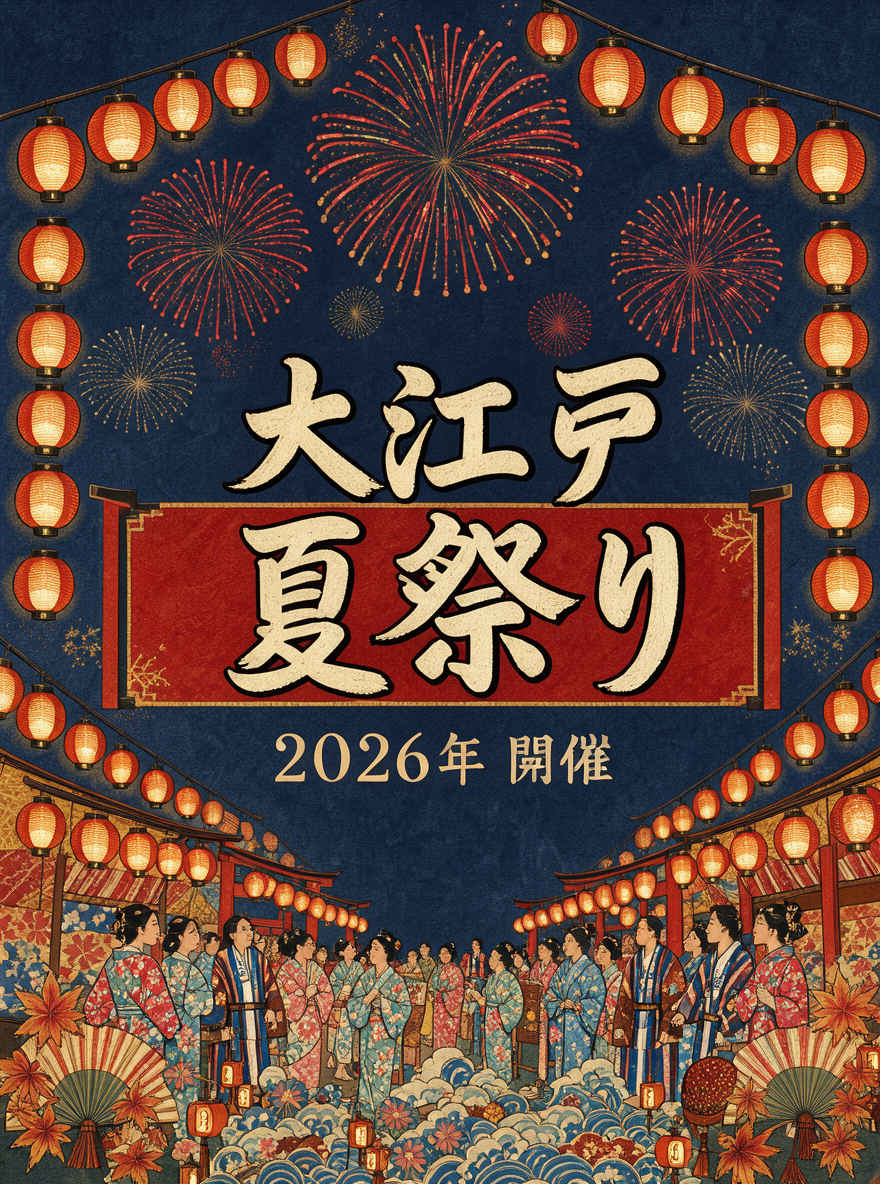 | 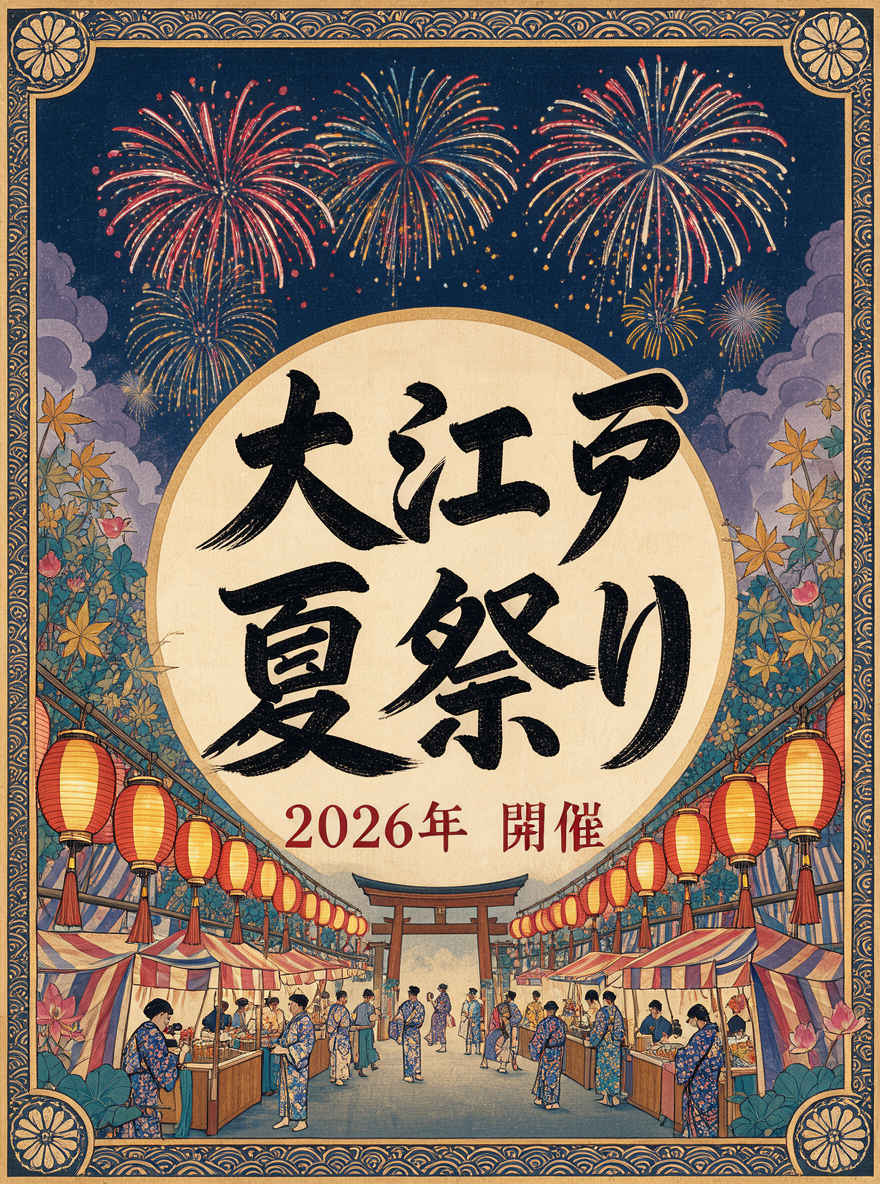 |
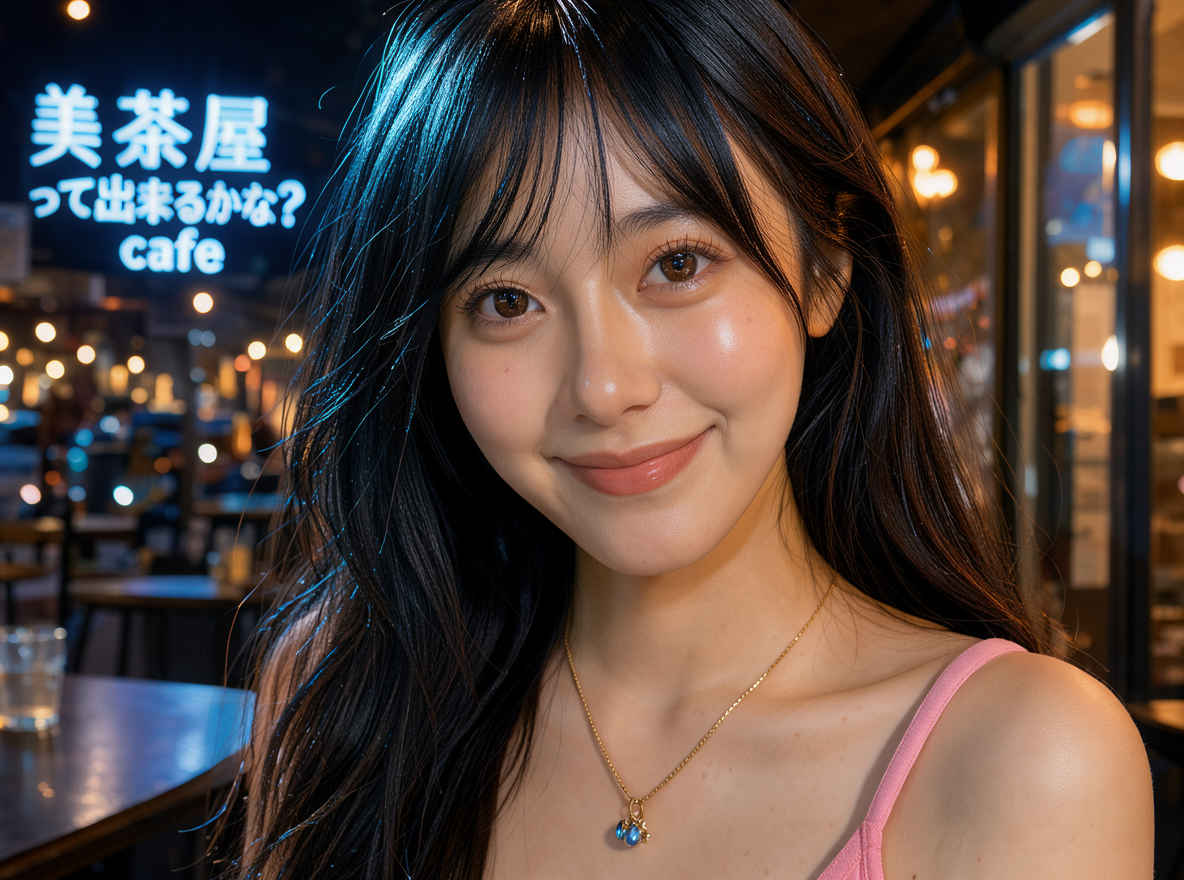
| ③ 夜のカフェで女性のポートレート 1184x888 → 英語プロンプト | ③ 夜のカフェで女性のポートレート 1152x896 → 日本語プロンプト |
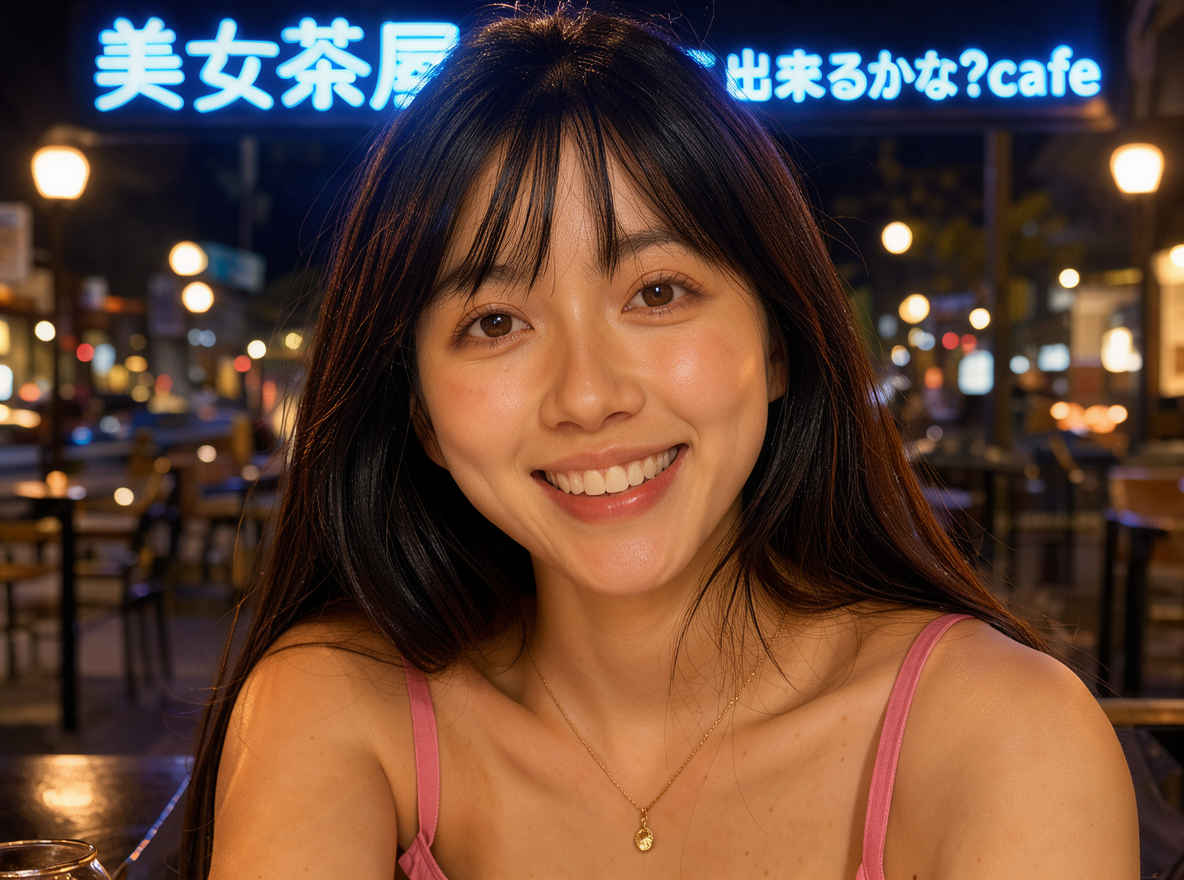 |  |
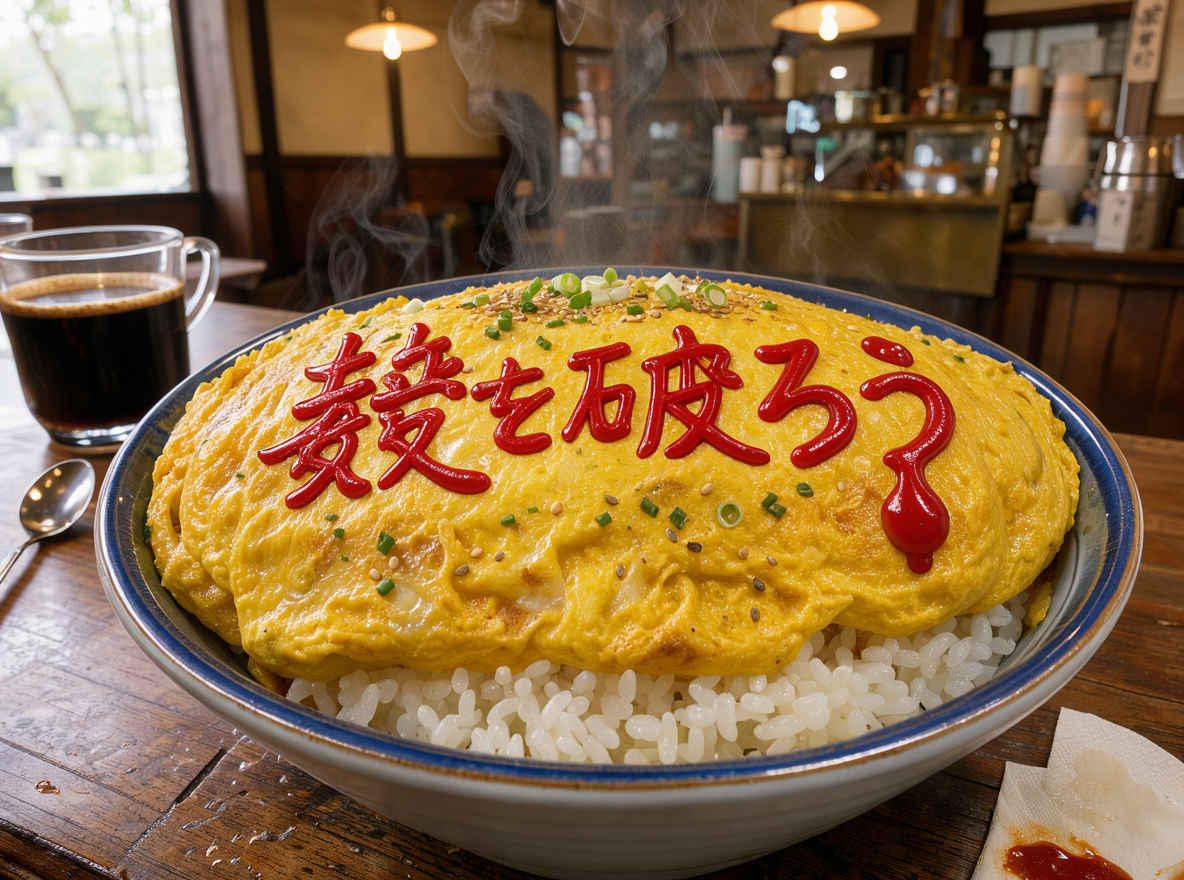
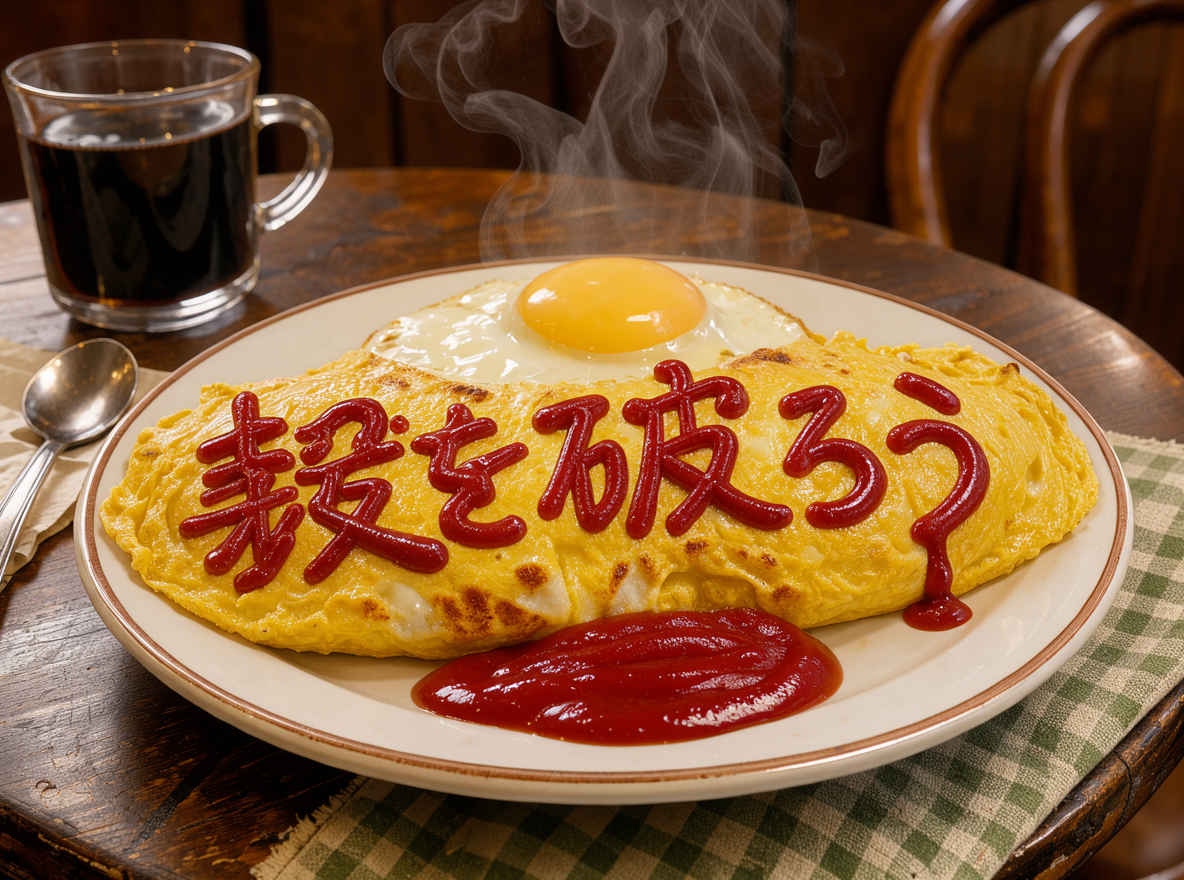
| ④ 喫茶店のオムライス 1184x888 → 英語プロンプト | ④ 喫茶店のオムライス 1152x896 → 日本語プロンプト |
 |  |
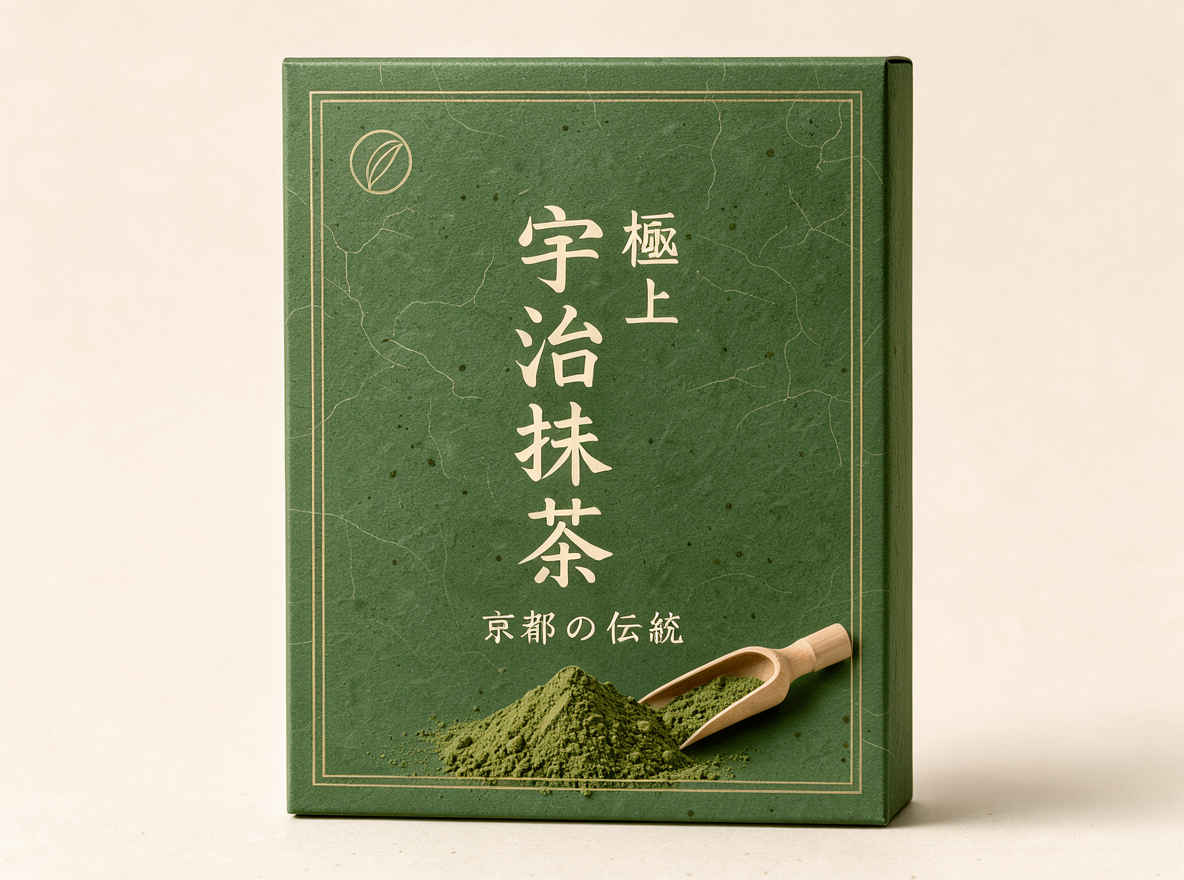
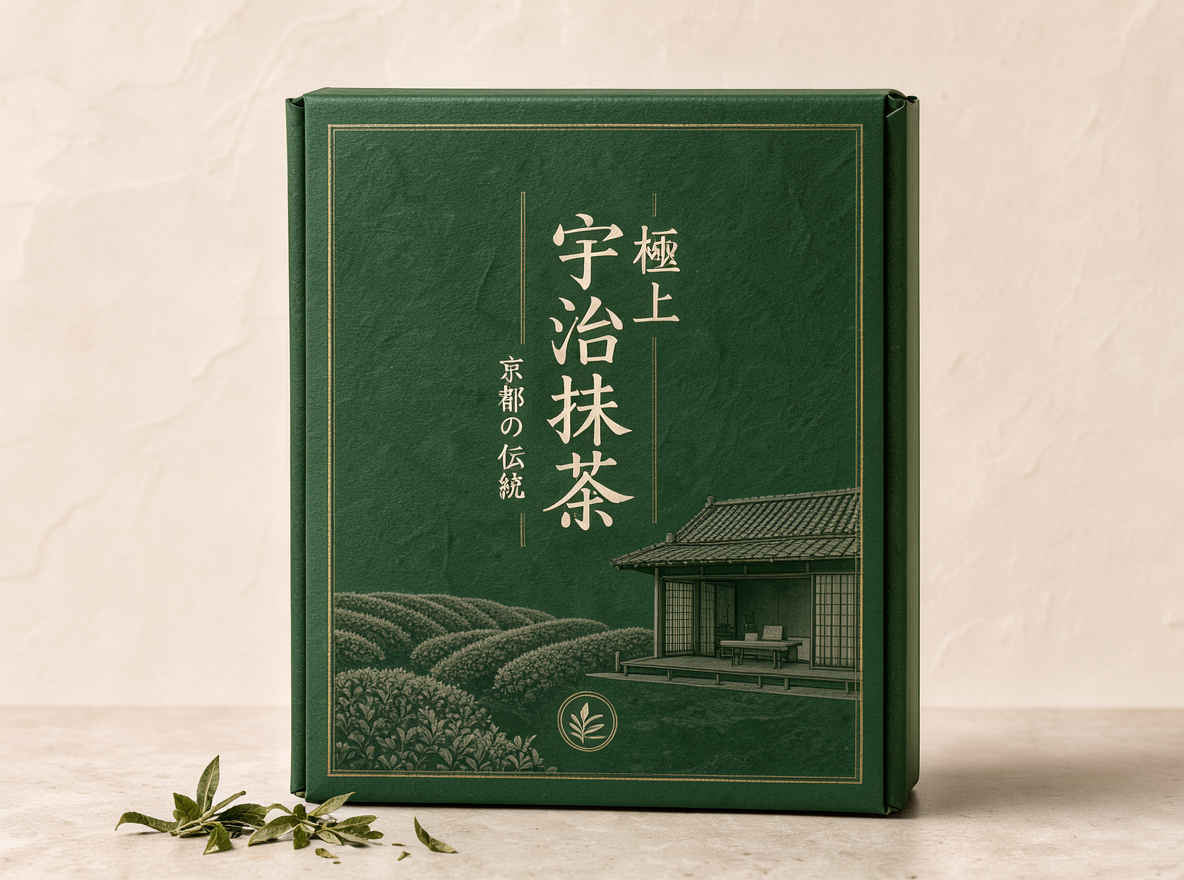
| ⑤ 宇治抹茶パッケージデザイン 1184x888 → 英語プロンプト | ⑤ 宇治抹茶パッケージデザイン 1152x896 → 日本語プロンプト |
 |  |
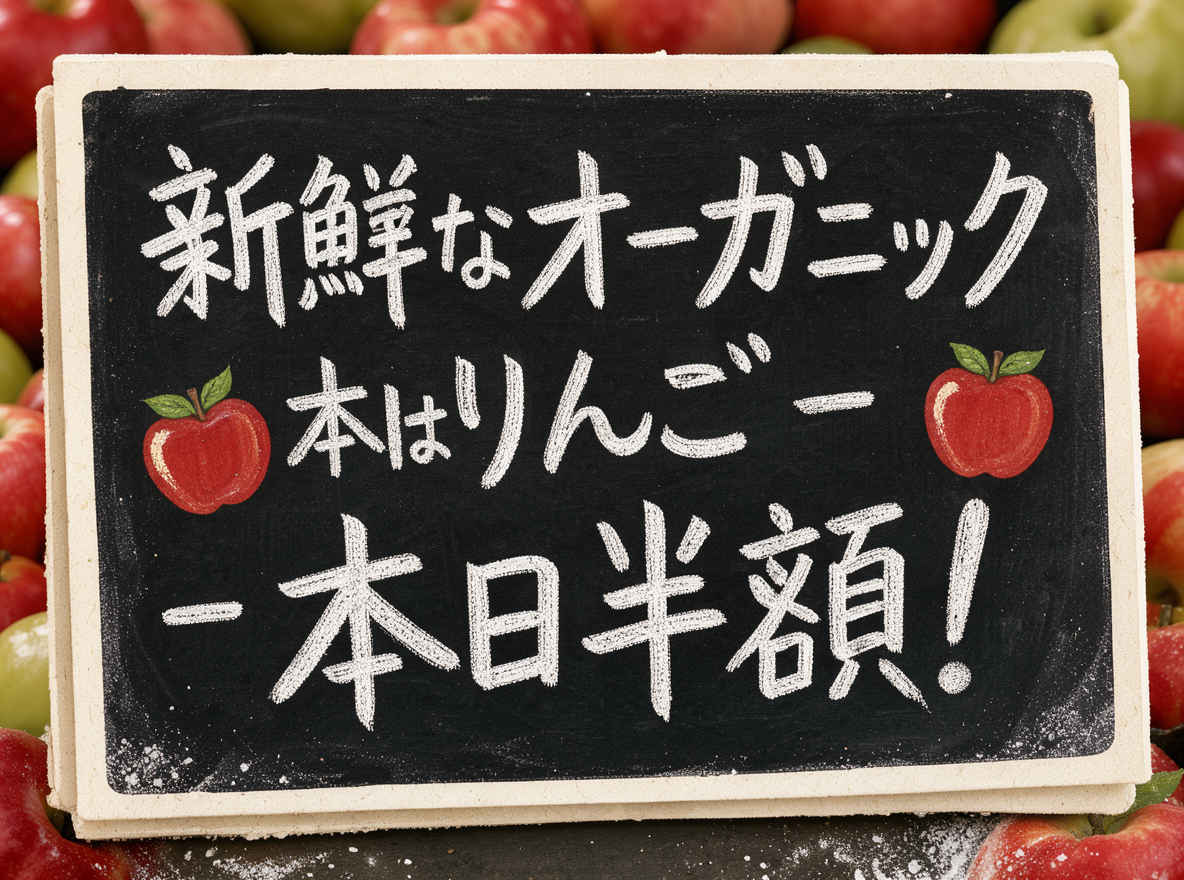
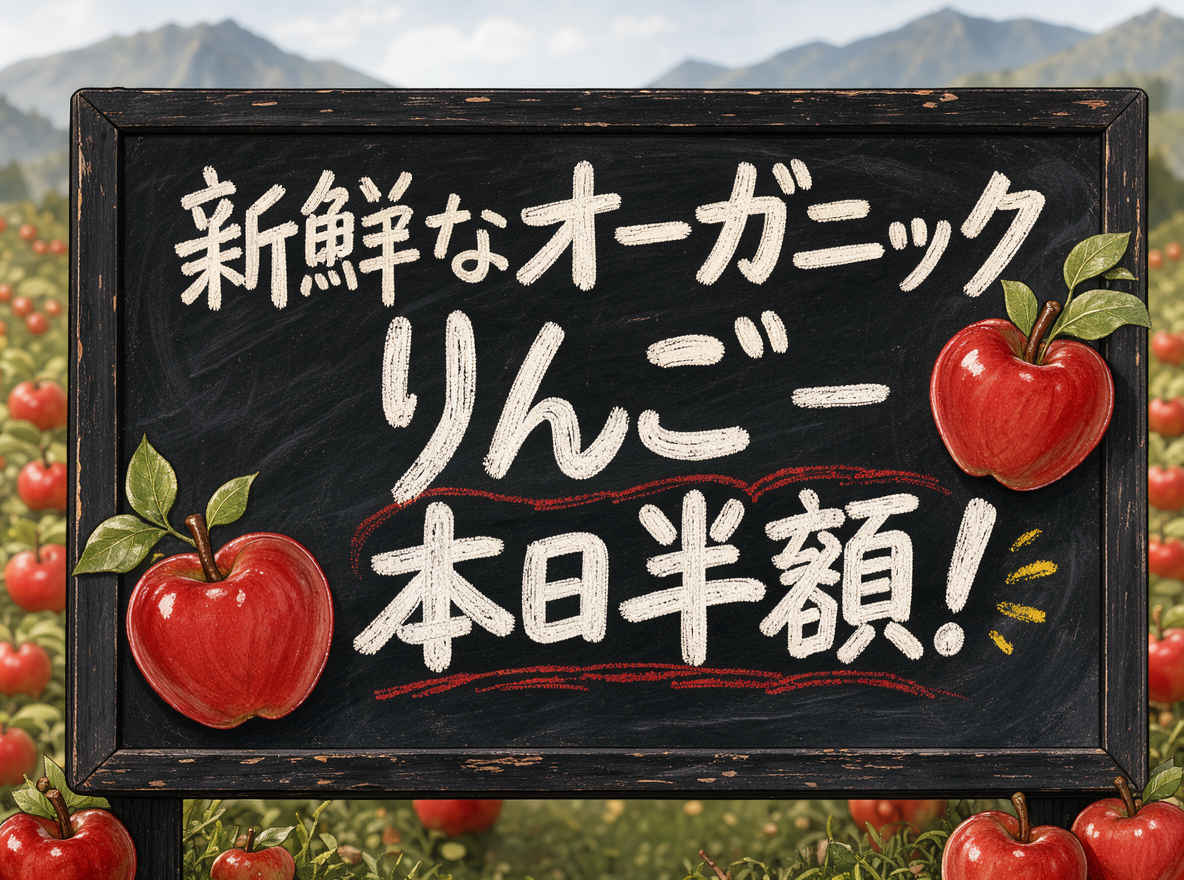
| ⑥ 手書き風ポップアップ広告 1184x888 → 英語プロンプト | ⑥ 手書き風ポップアップ広告 1152x896 → 日本語プロンプト |
 |  |
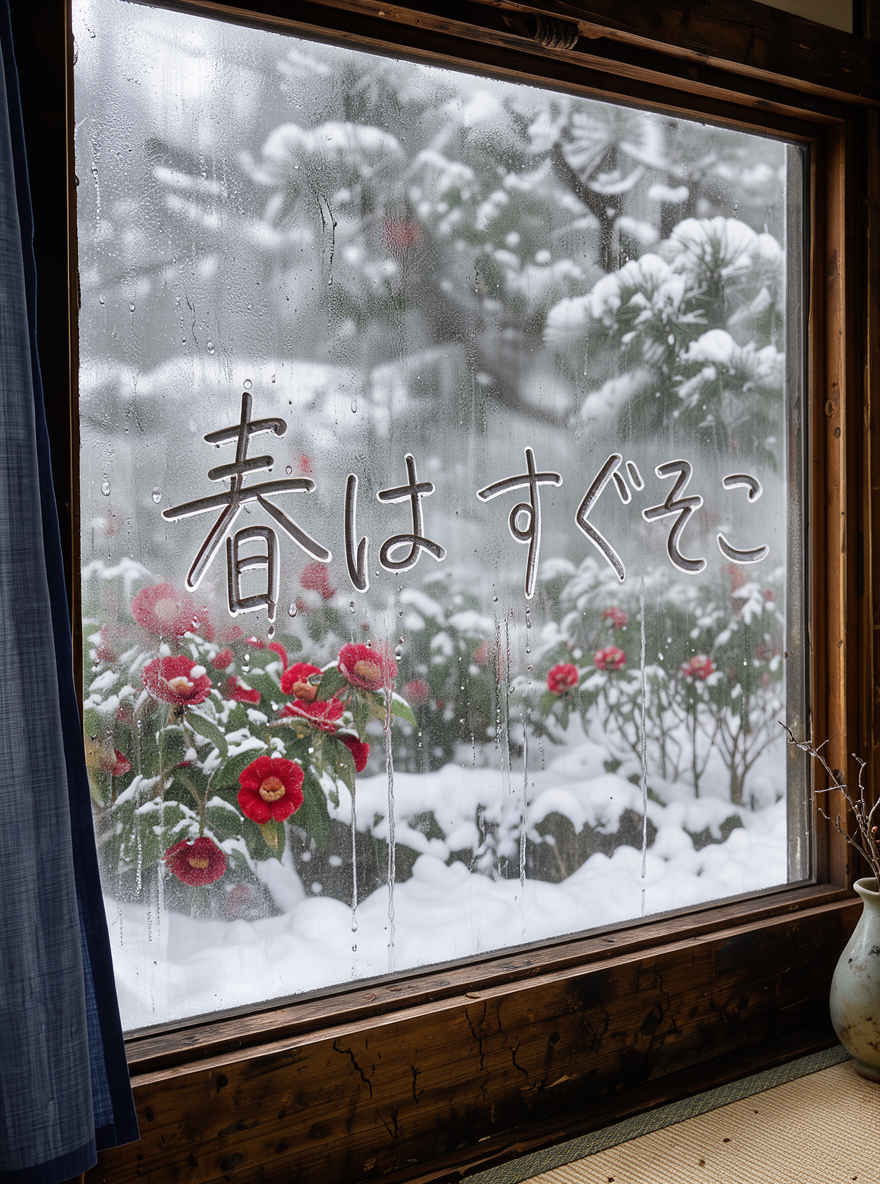
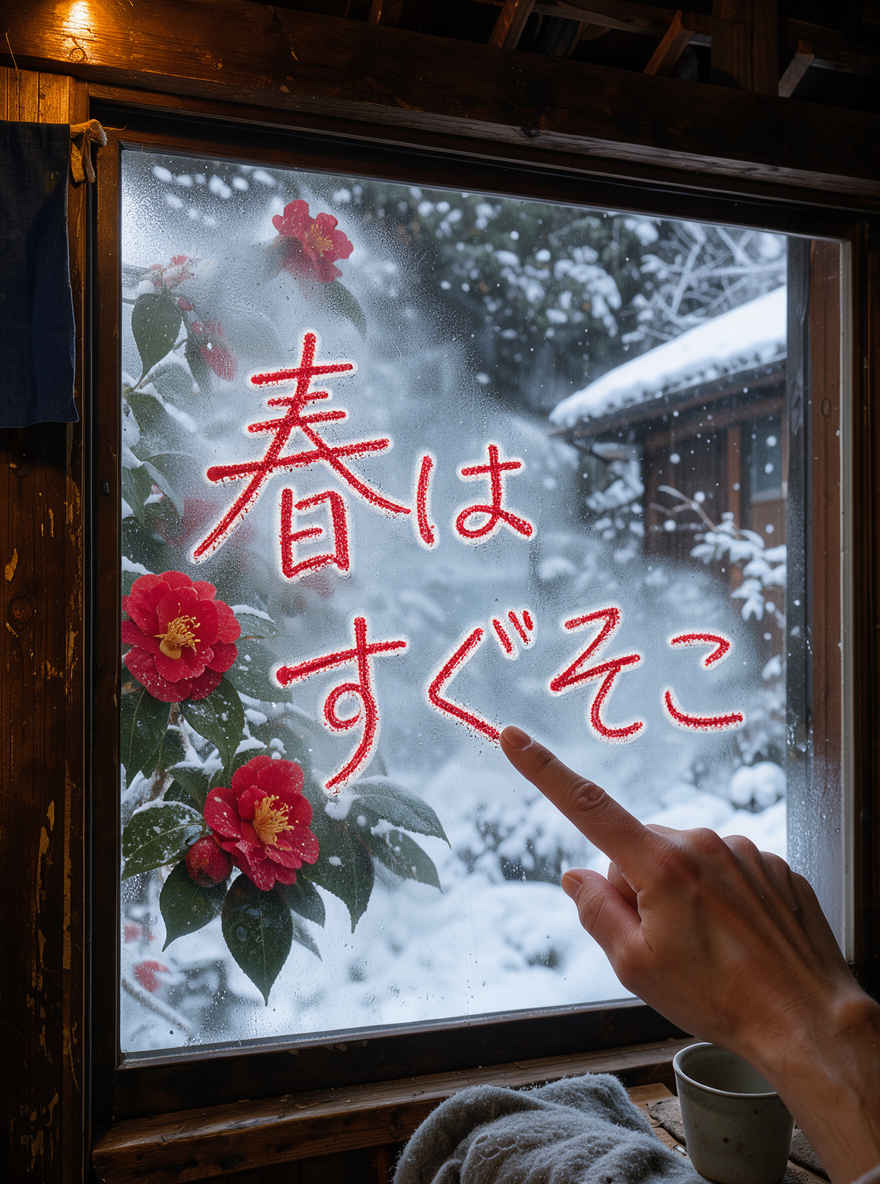
| ⑦ 窓越しの雪景色 888x1184 → 英語プロンプト | ⑦ 窓越しの雪景色 898x1152 → 日本語プロンプト |
 |  |
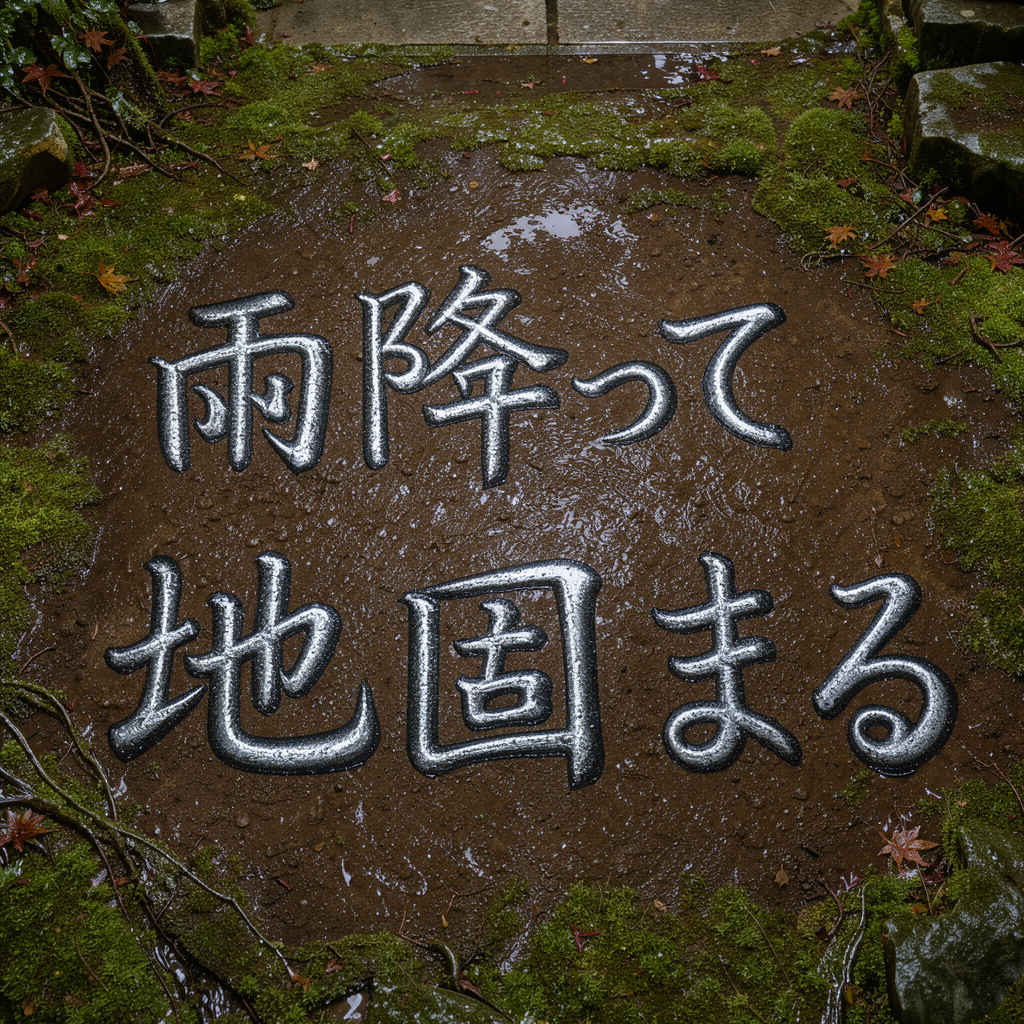
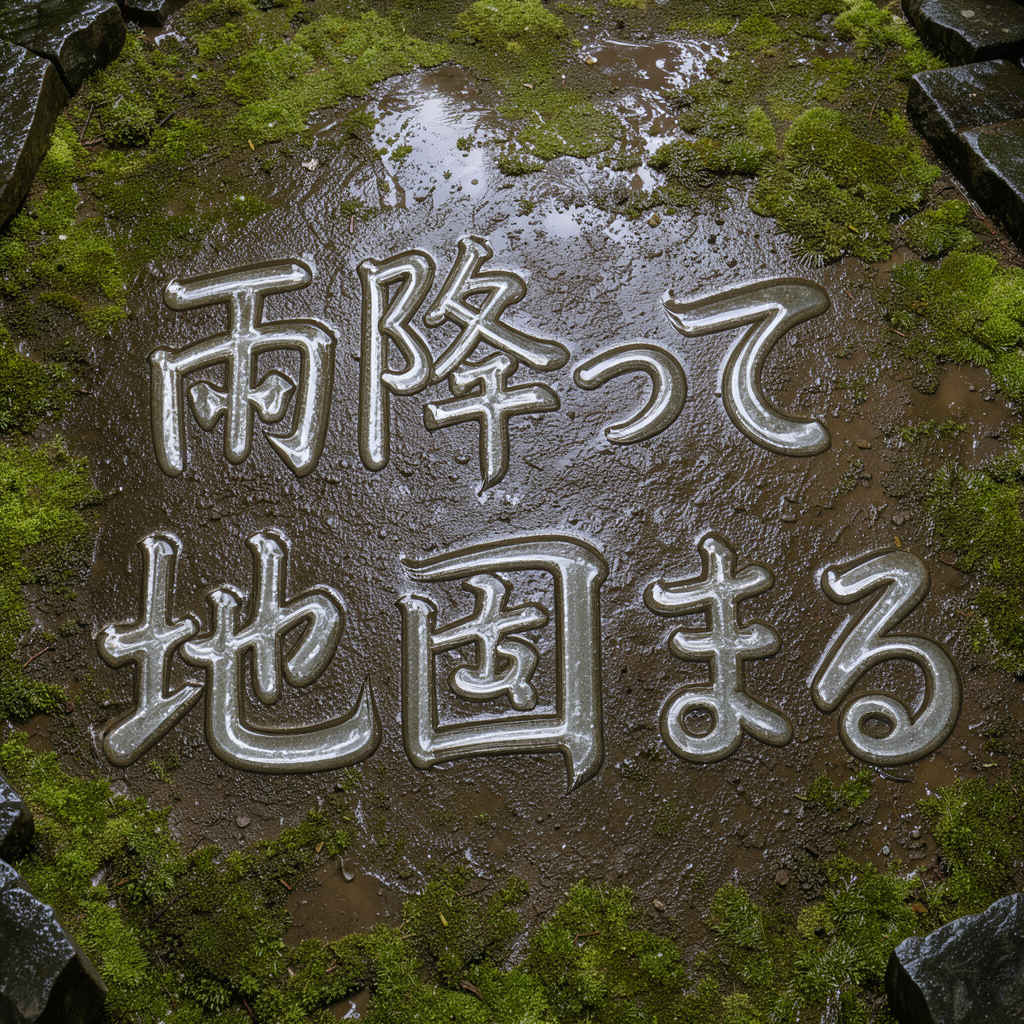
| ⑧ 日本の寺院の境内 1024x1024 → 英語プロンプト | ⑧ 日本の寺院の境内 1024x1024 → 日本語プロンプト |
 |  |
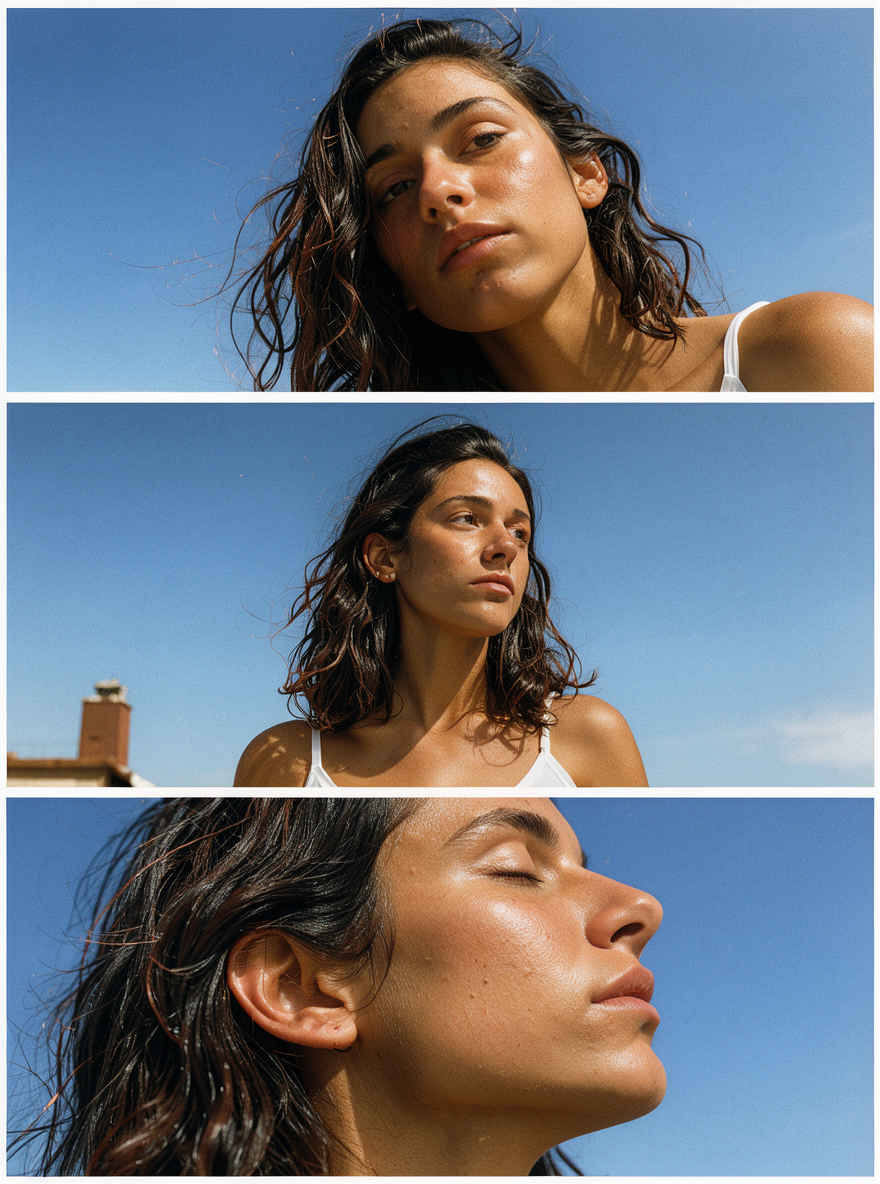
| ⑨ 縦長の三連写真 888x1184 → 英語プロンプト | ⑨ 縦長の三連写真 898x1152 → 日本語プロンプト |
 | 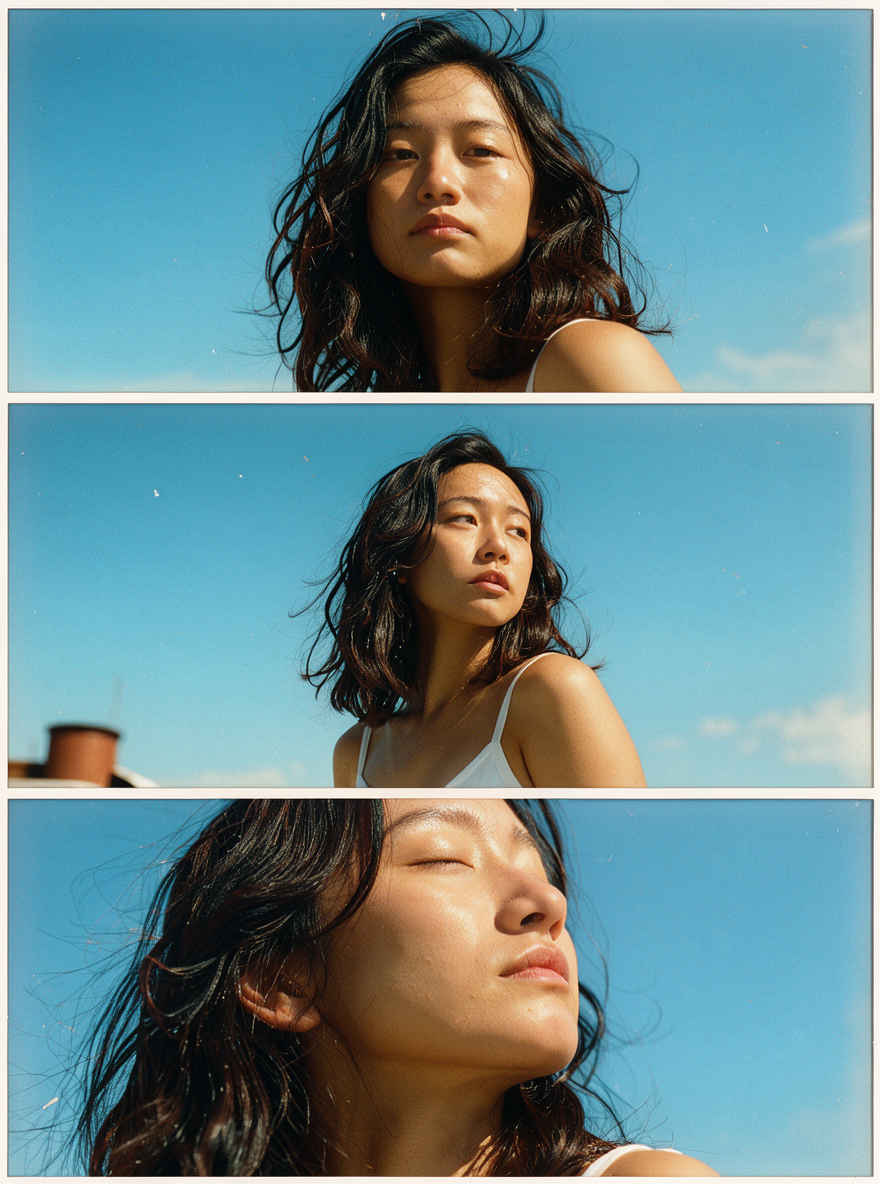 |
| ⑩ リアルな都市の夜景写真 1184x888 → 英語プロンプト | ⑩ リアルな都市の夜景写真 1152x896 → 日本語プロンプト |
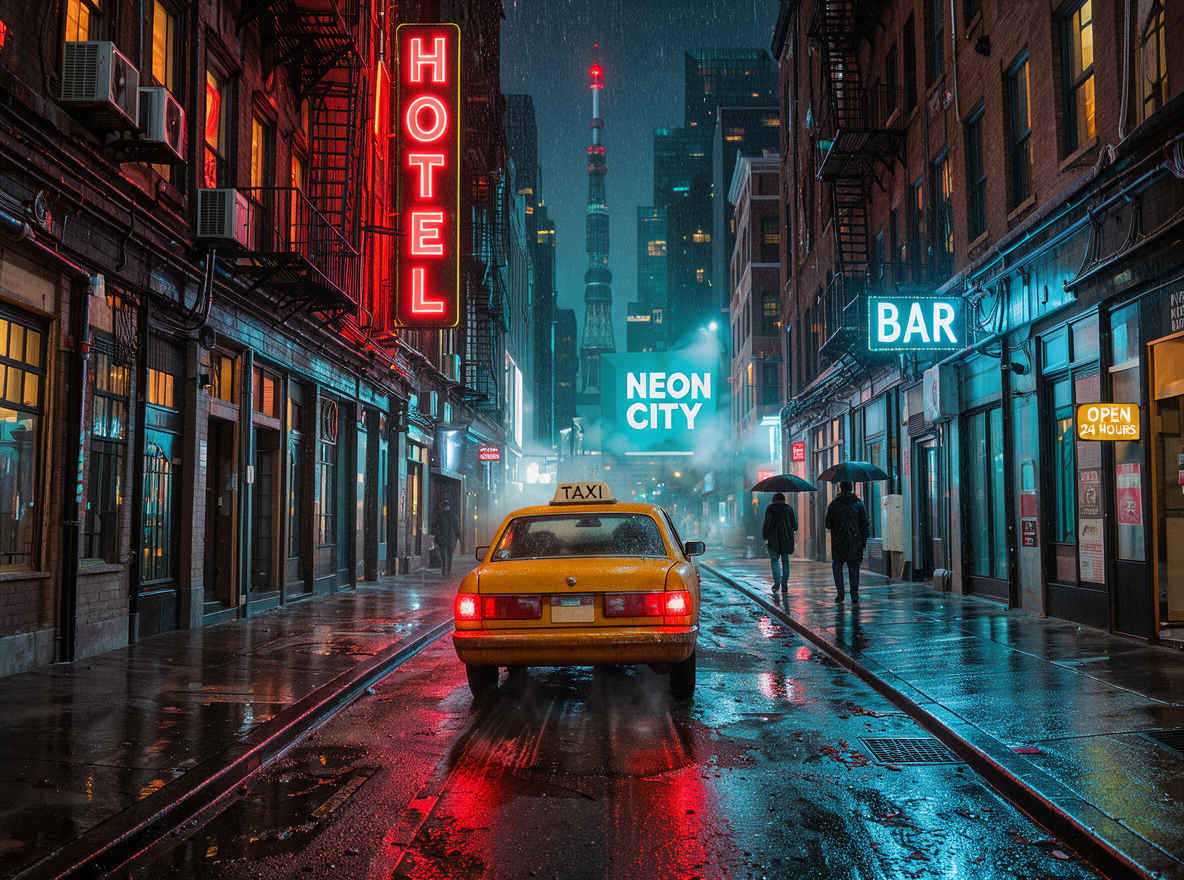 | 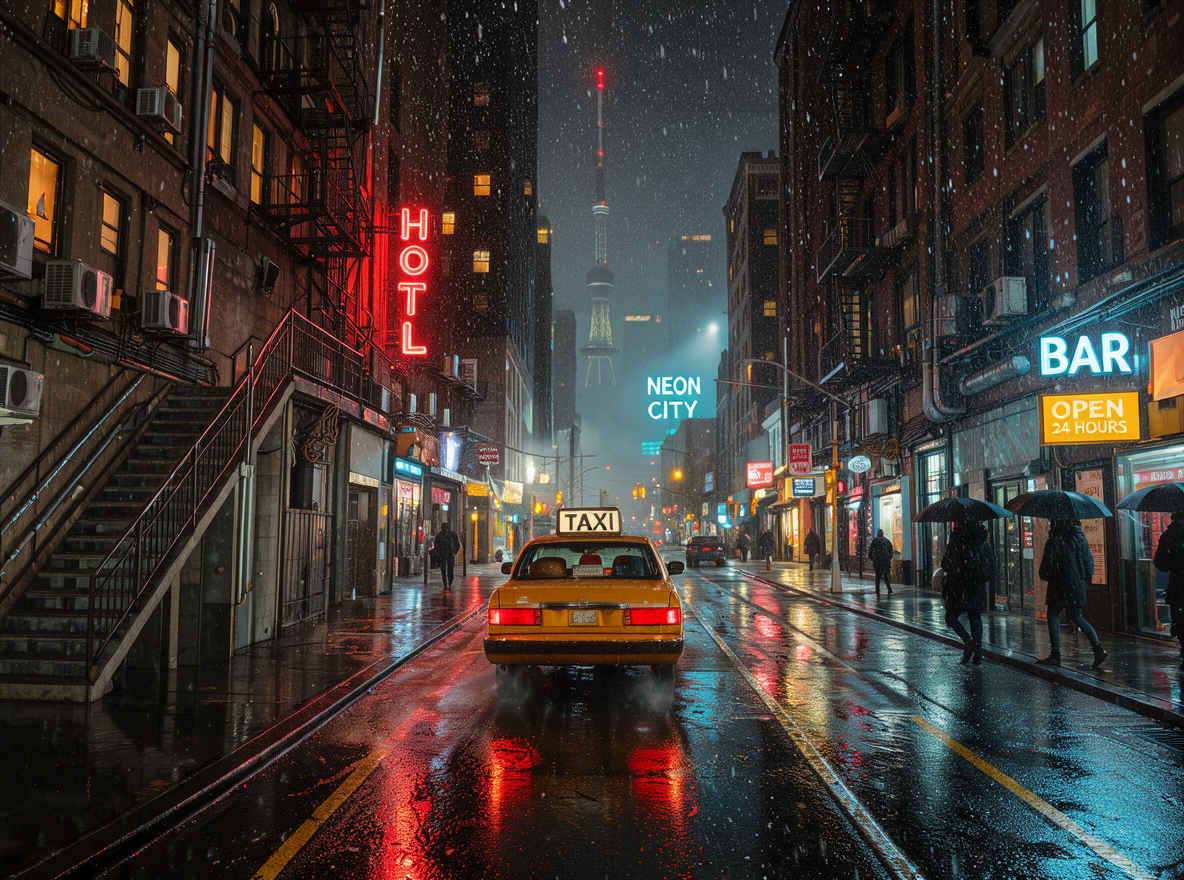 |
| ⑪ ぬいぐるみのアヒル 1024x1024 → 英語プロンプト | ⑪ ぬいぐるみのアヒル 1024x1024 → 日本語プロンプト |
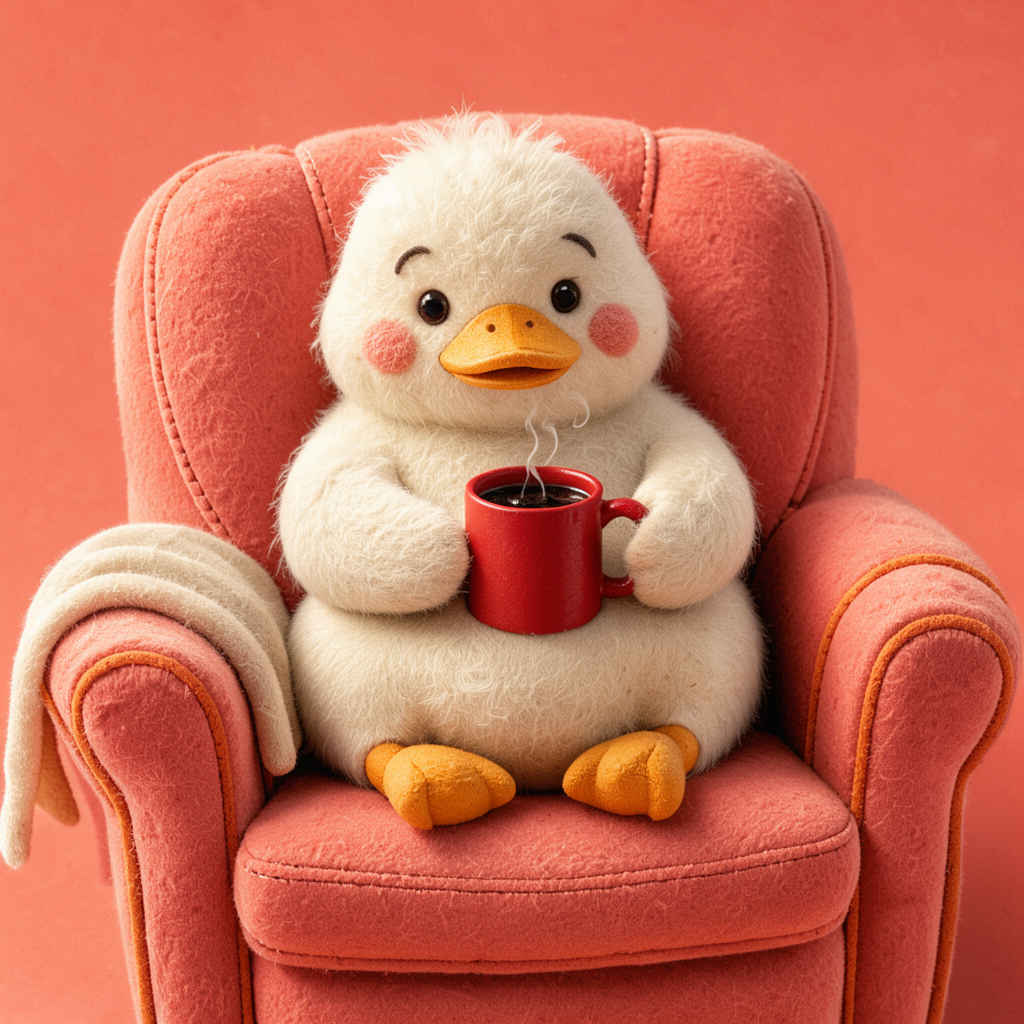 |  |
| ⑫ 有名なランドマーク 1024x1024 → 英語プロンプト | ⑫ 有名なランドマーク 1024x1024 → 日本語プロンプト |
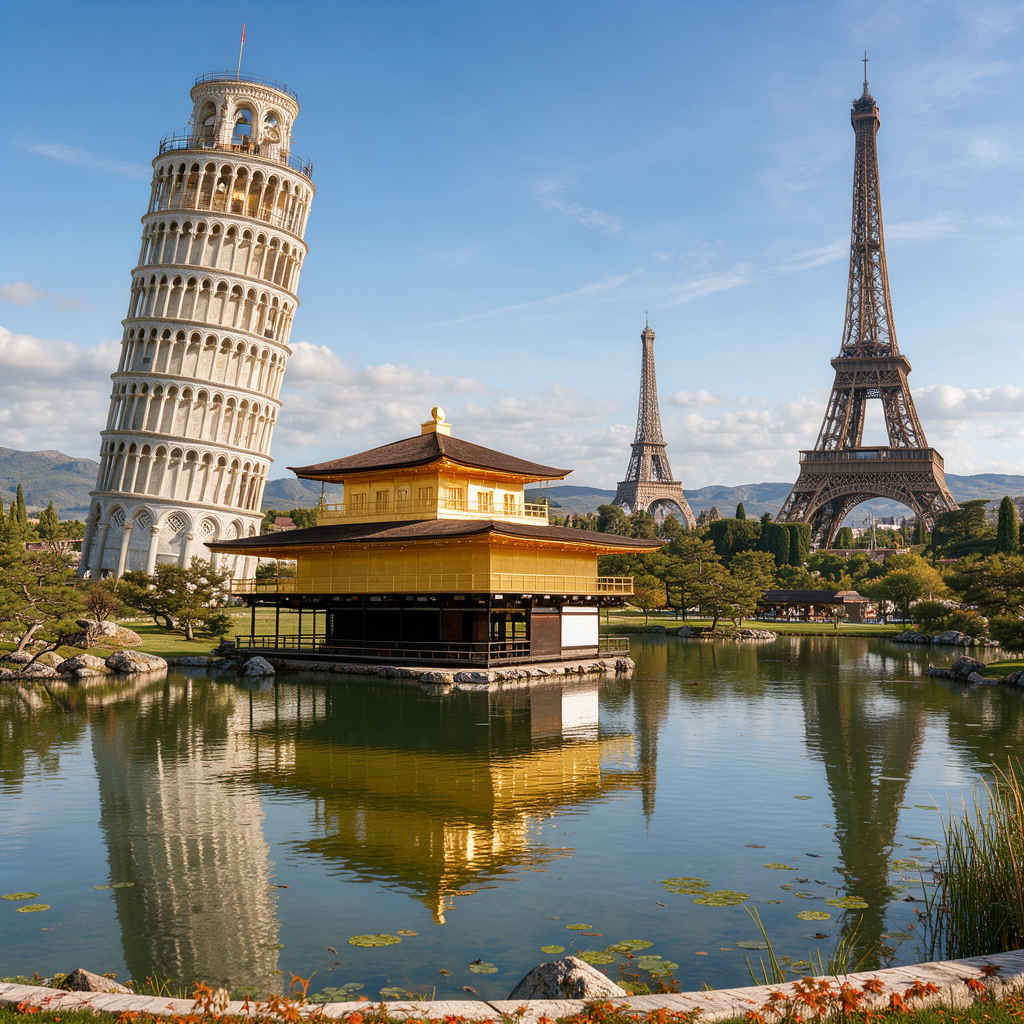 | 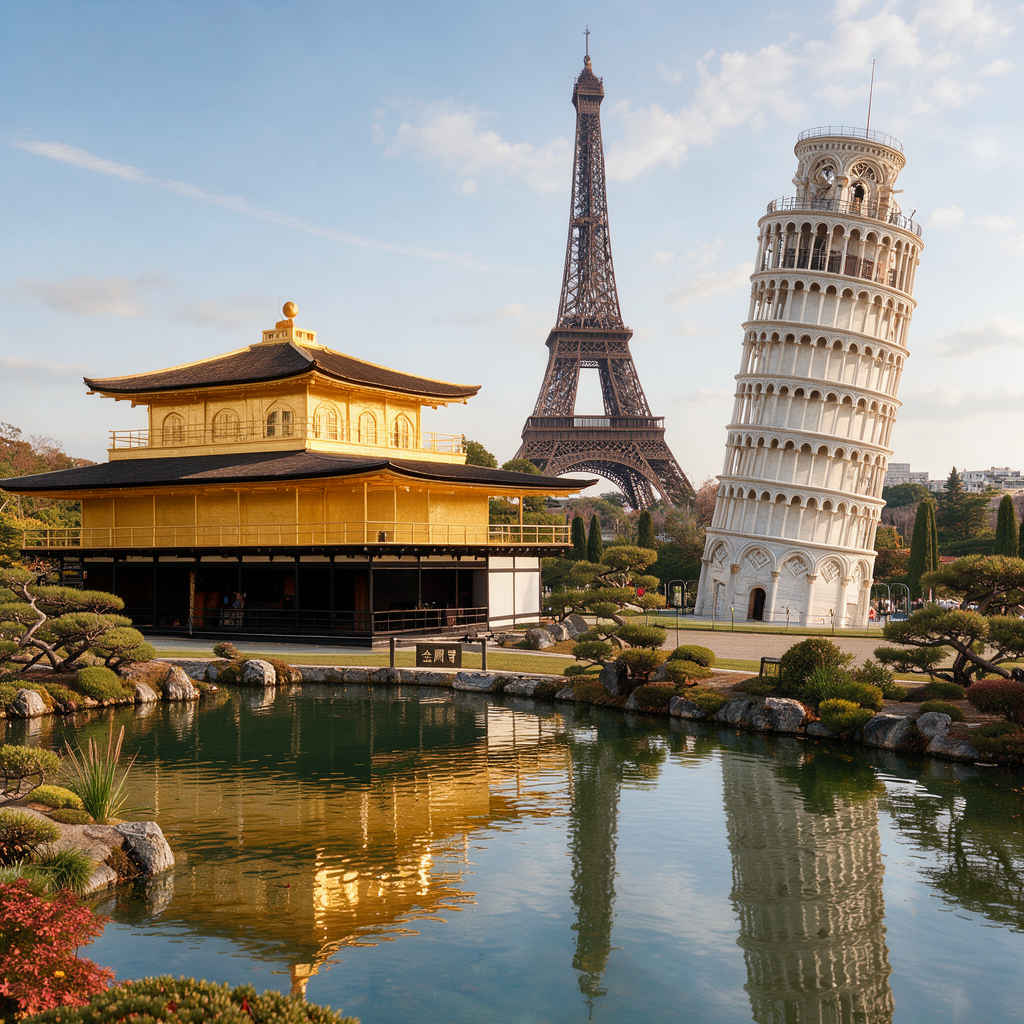 |
| ⑬ 映画のようなポートレート写真 888x1184 → 英語プロンプト | ⑬ 映画のようなポートレート写真 898x1152 → 日本語プロンプト |
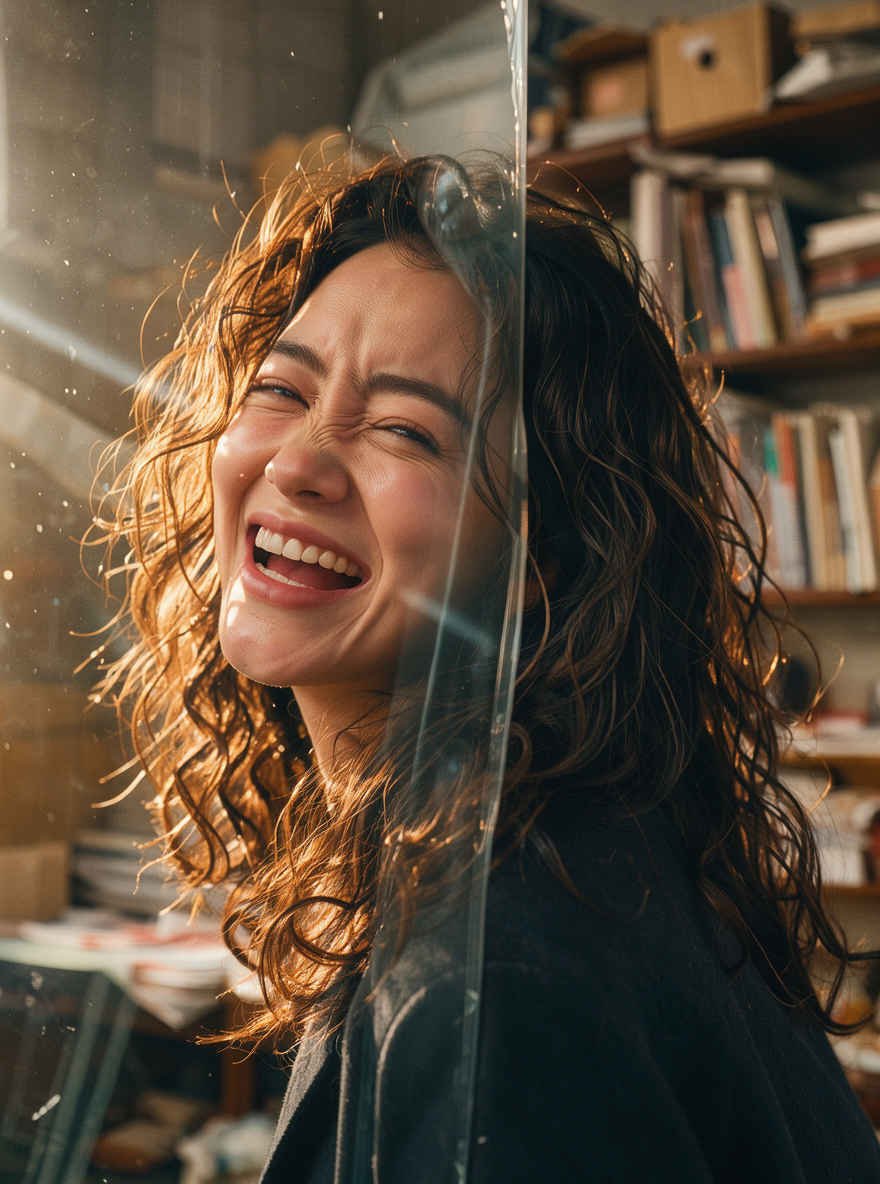 | 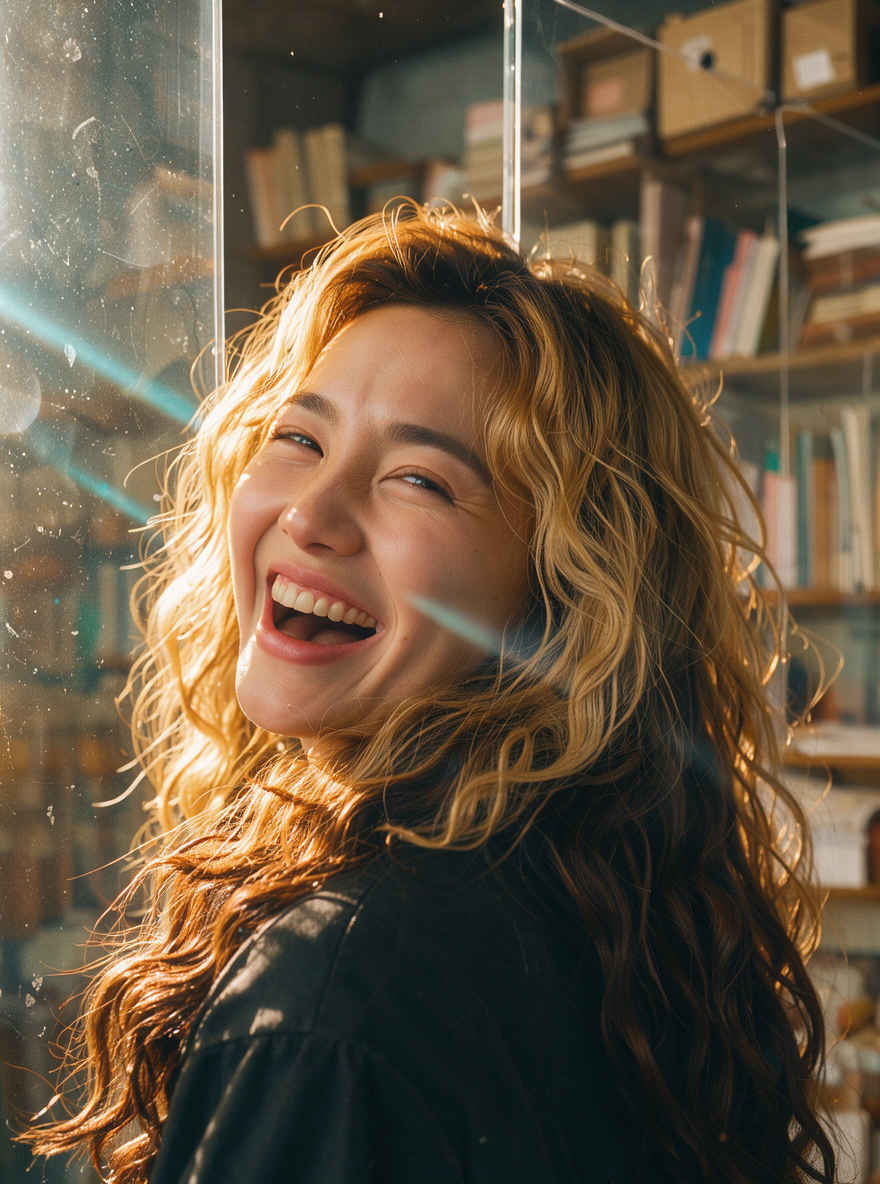 |
| ⑭ 全身のファッション写真 1184x888 → 英語プロンプト | ⑭ 全身のファッション写真 1152x896 → 日本語プロンプト |
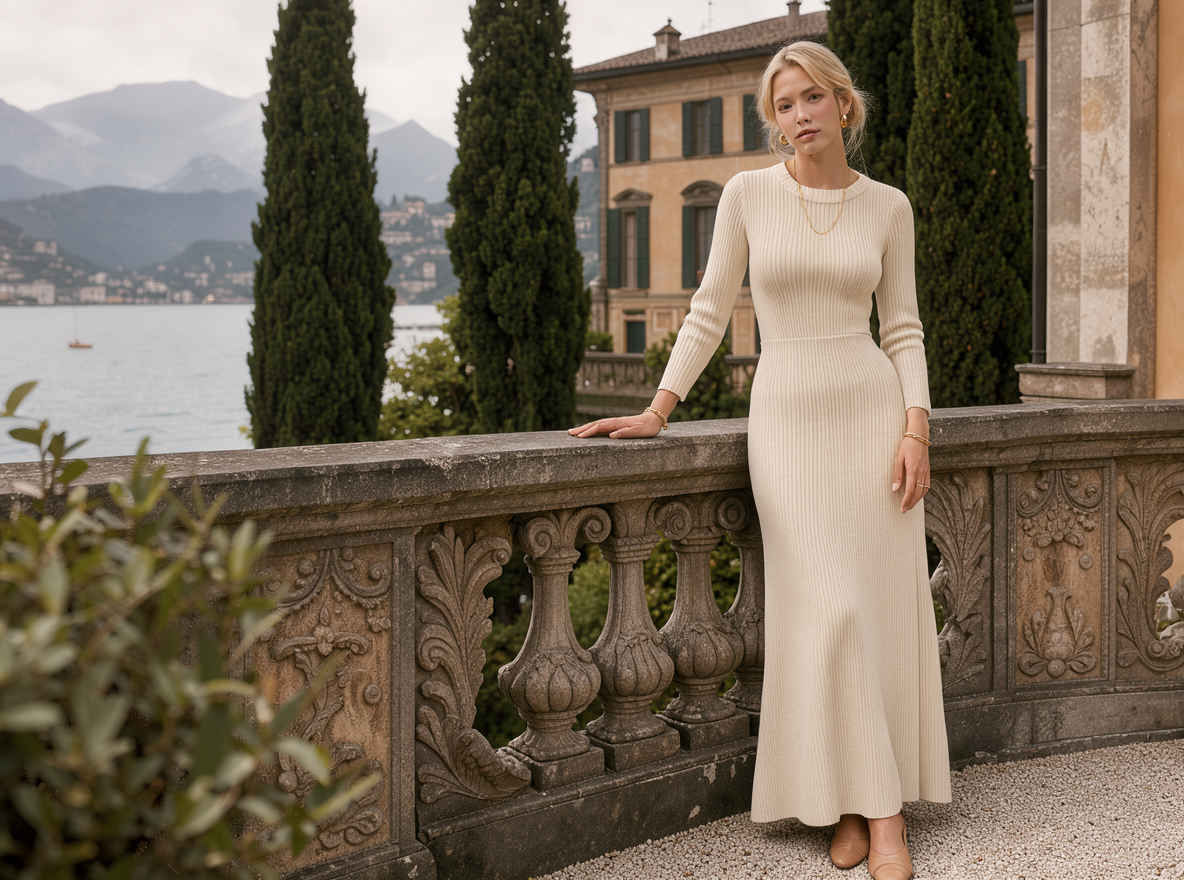 | 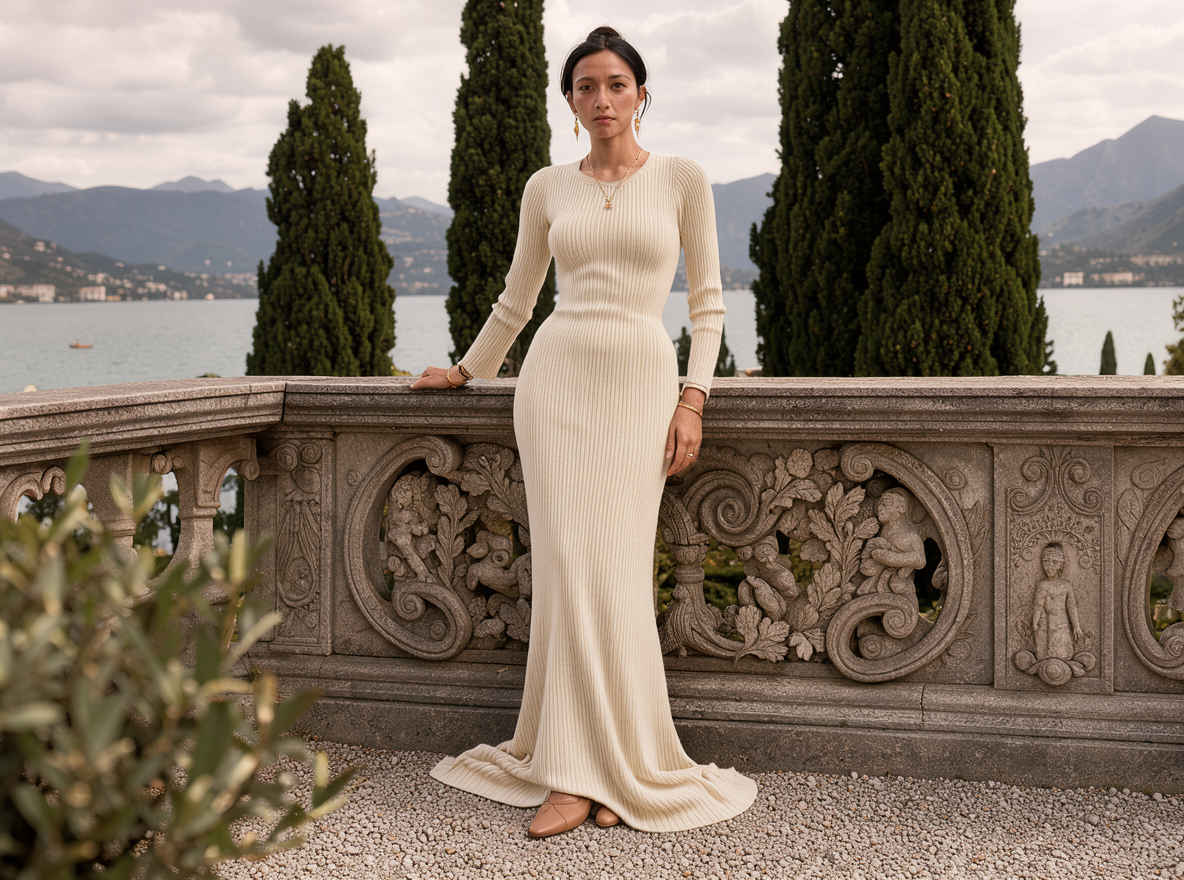 |
| ⑮ 夜間ストリートポートレート写真 888x1184 → 英語プロンプト | ⑮ 夜間ストリートポートレート写真 898x1152 → 日本語プロンプト |
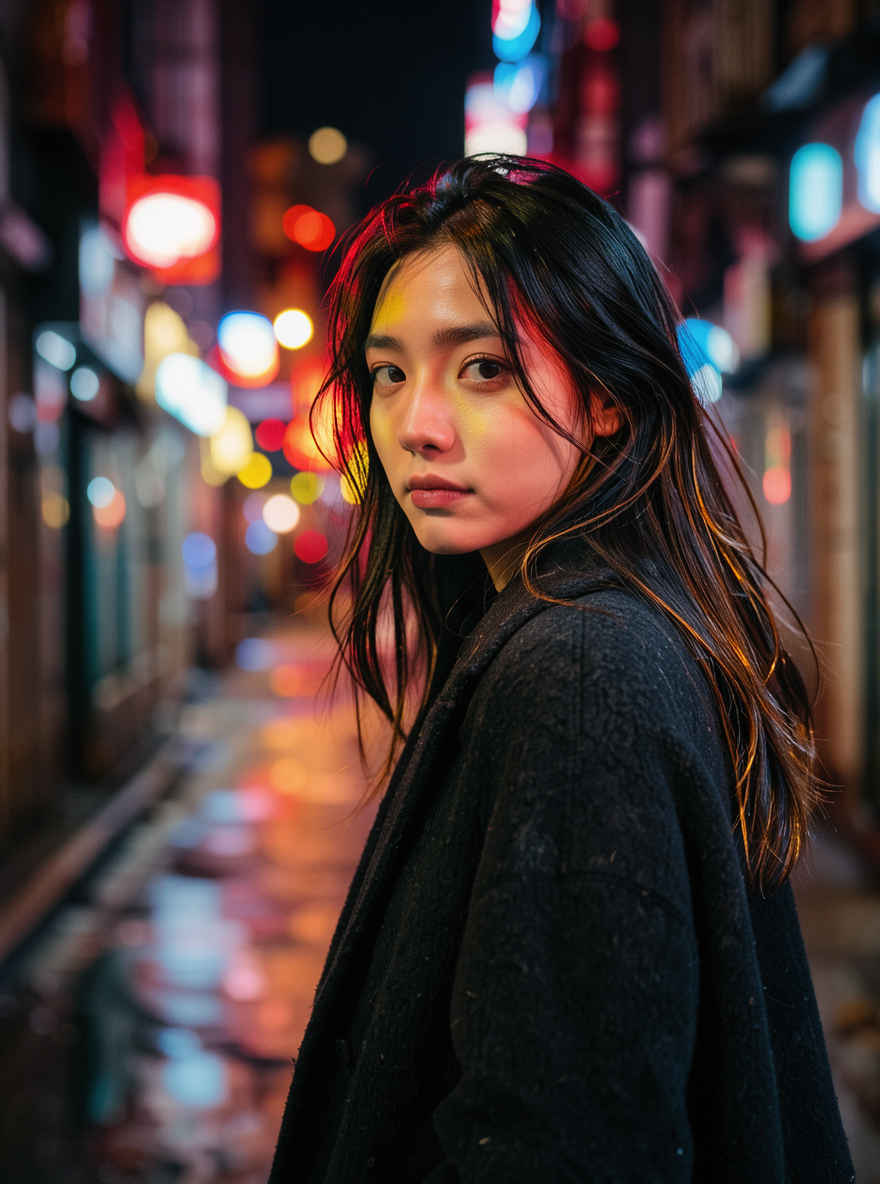 | 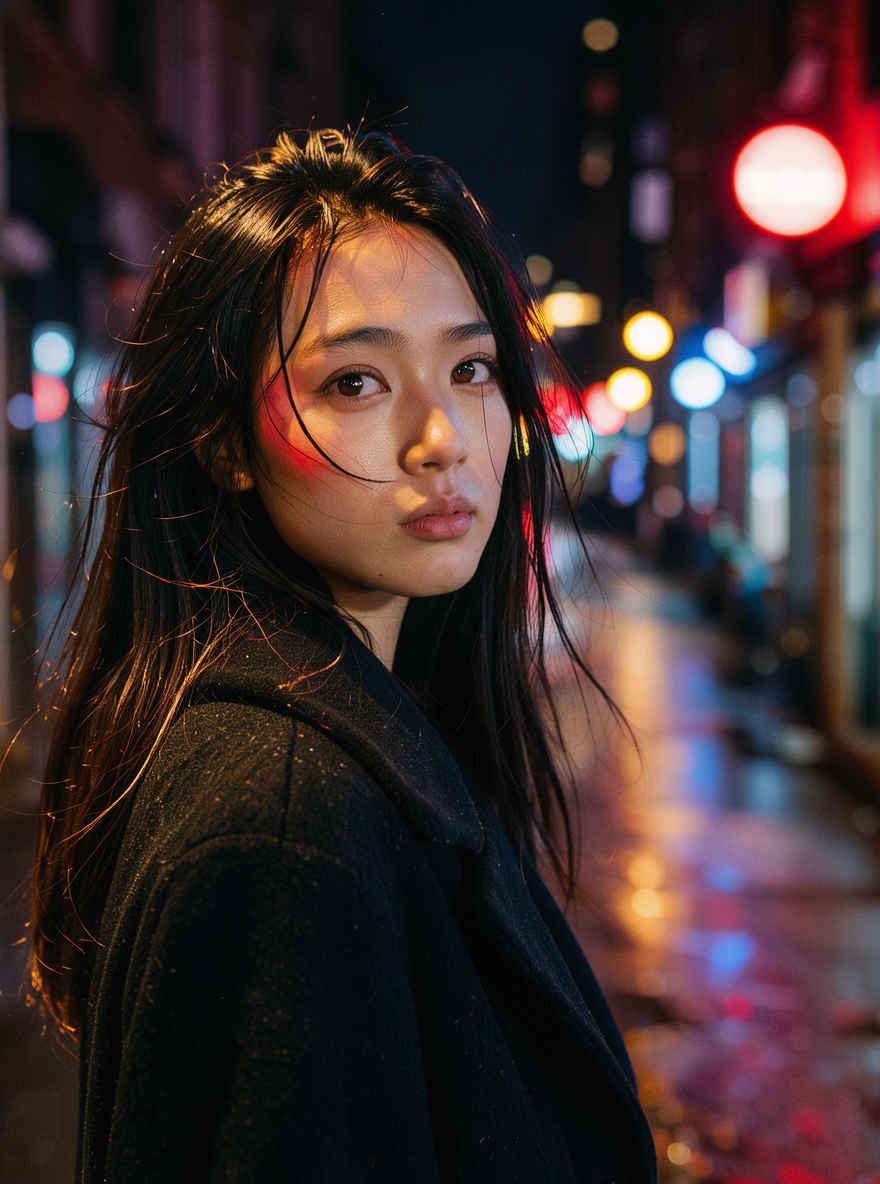 |
| ⑯ 超写実的なポートレート写真 888x1184 → 英語プロンプト | ⑯ 超写実的なポートレート写真 898x1152 → 日本語プロンプト |
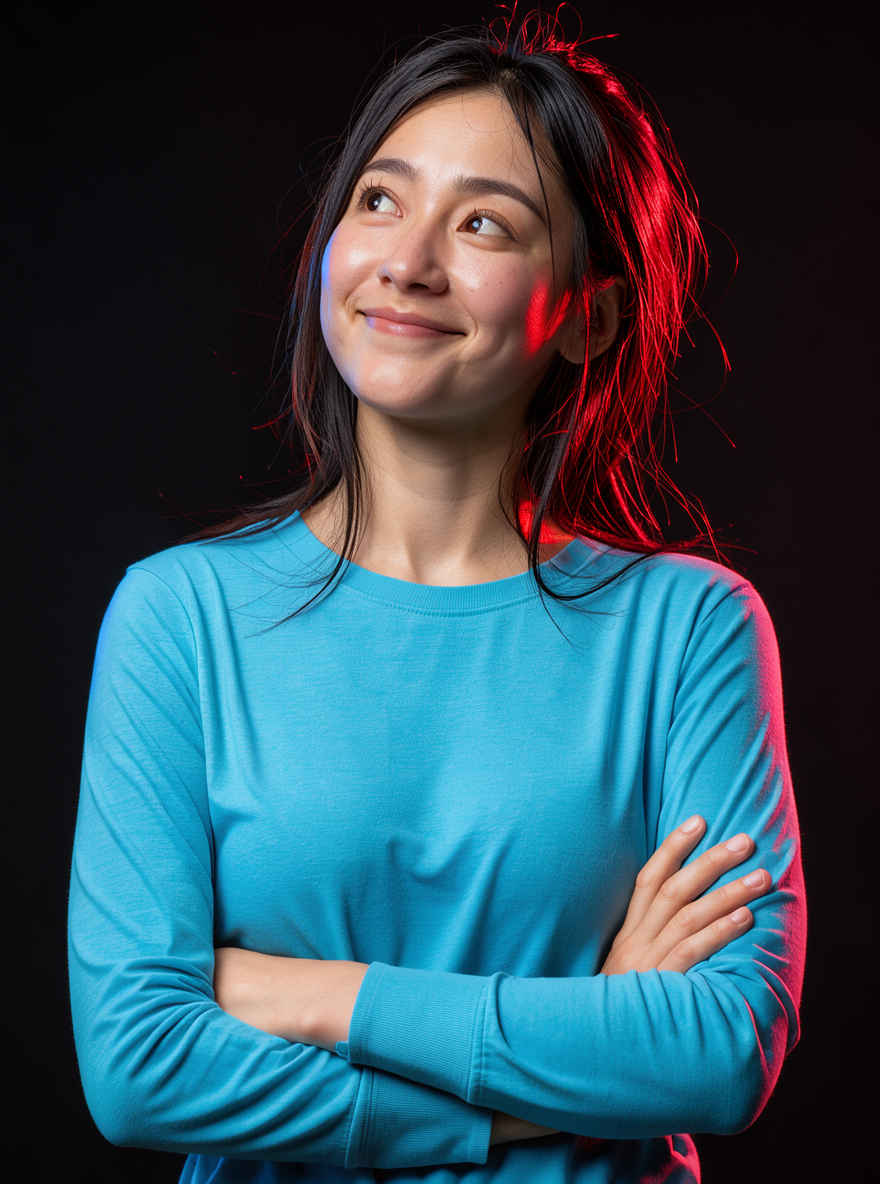 | 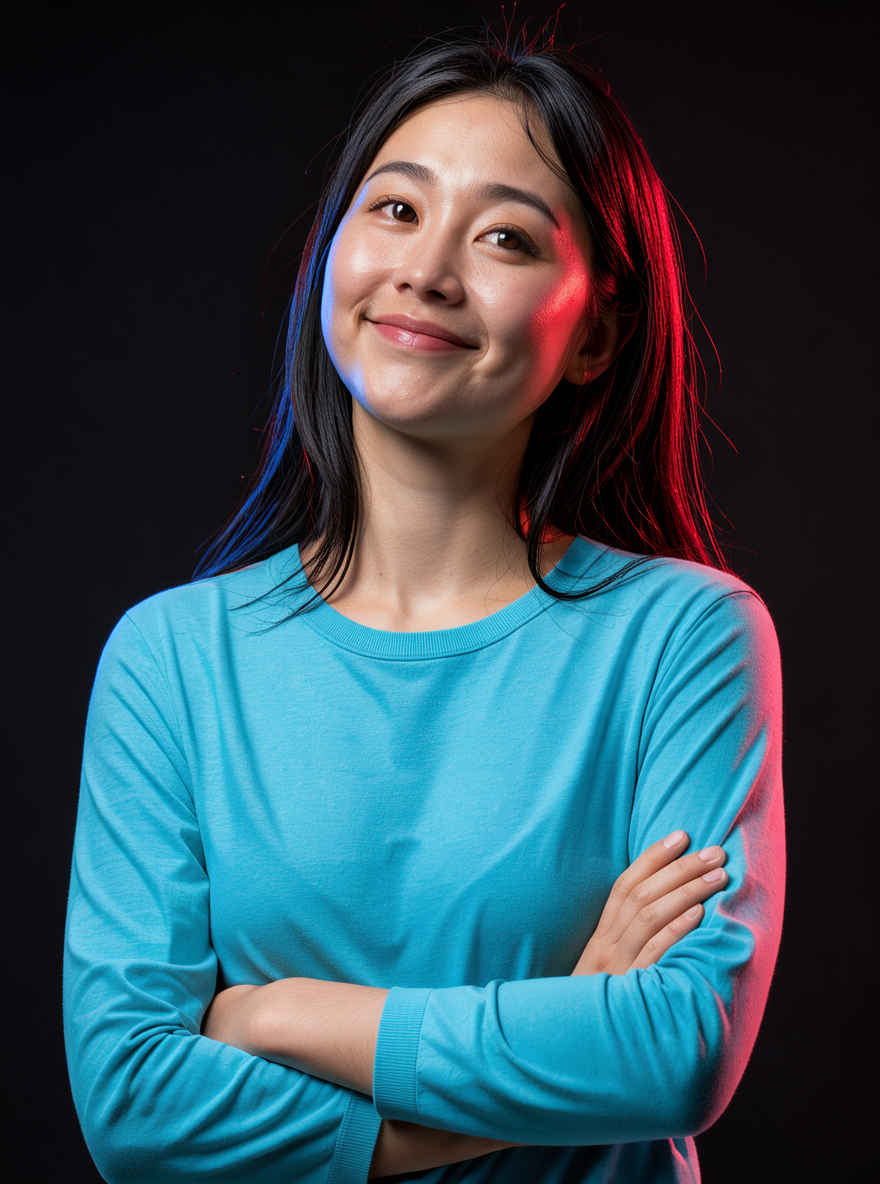 |
| ⑰「コーヒーガイド」ピクトグラムポスター 1184x888 → 英語プロンプト | ⑰「コーヒーガイド」ピクトグラムポスター 1152x896 → 日本語プロンプト |
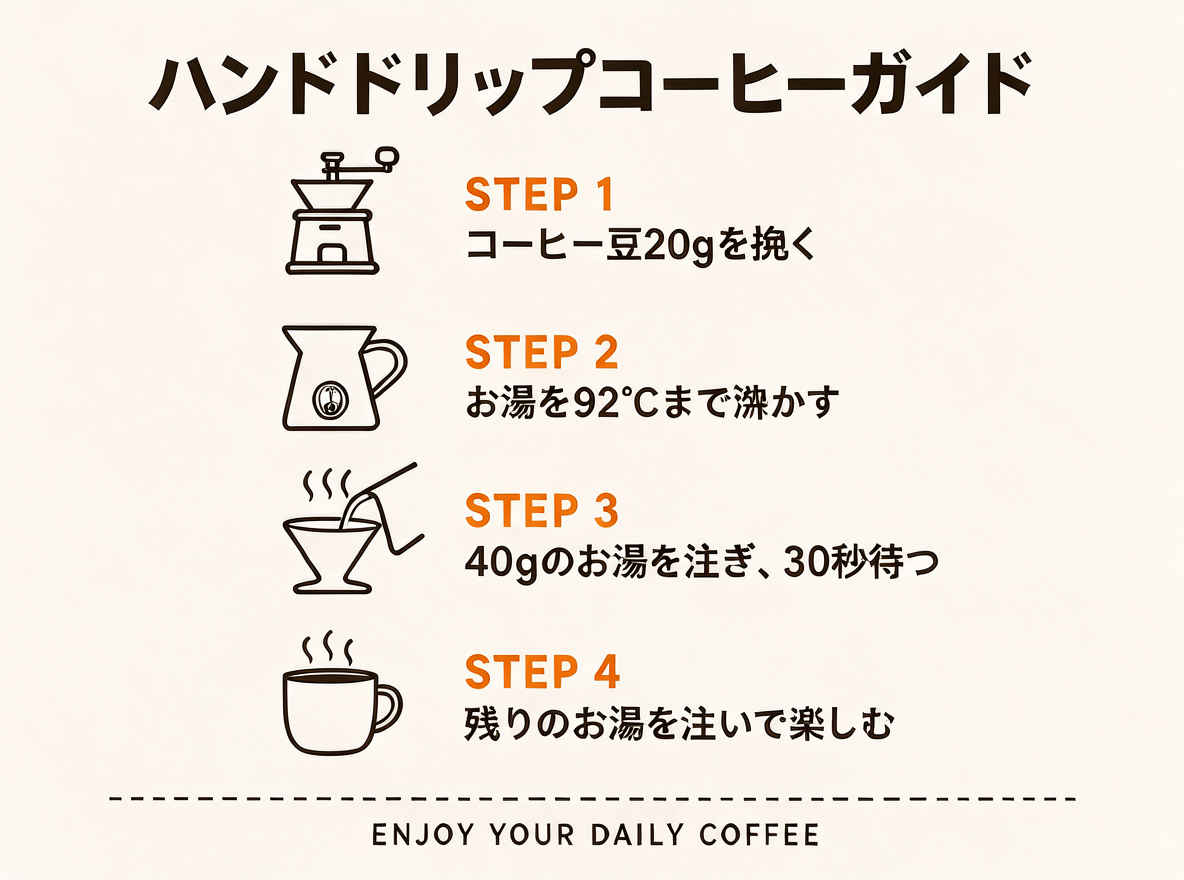 | 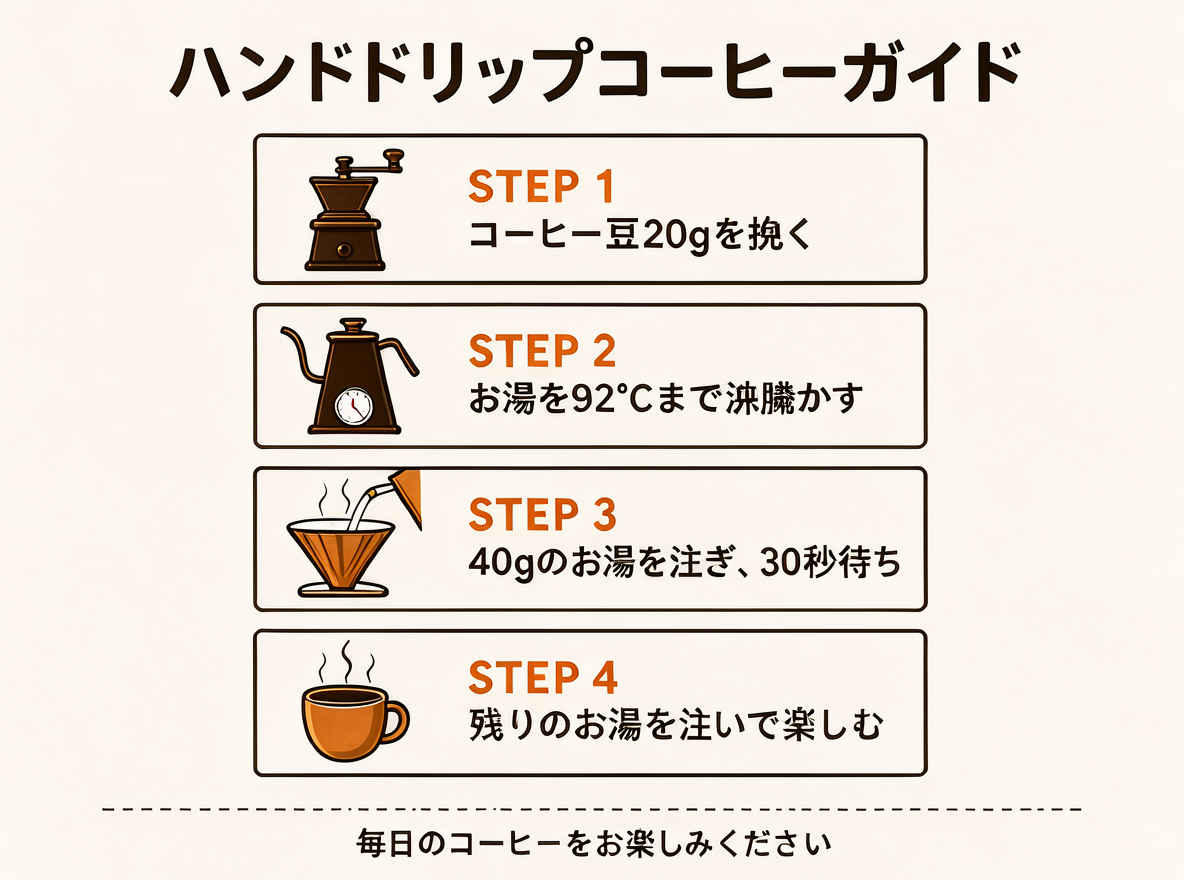 |
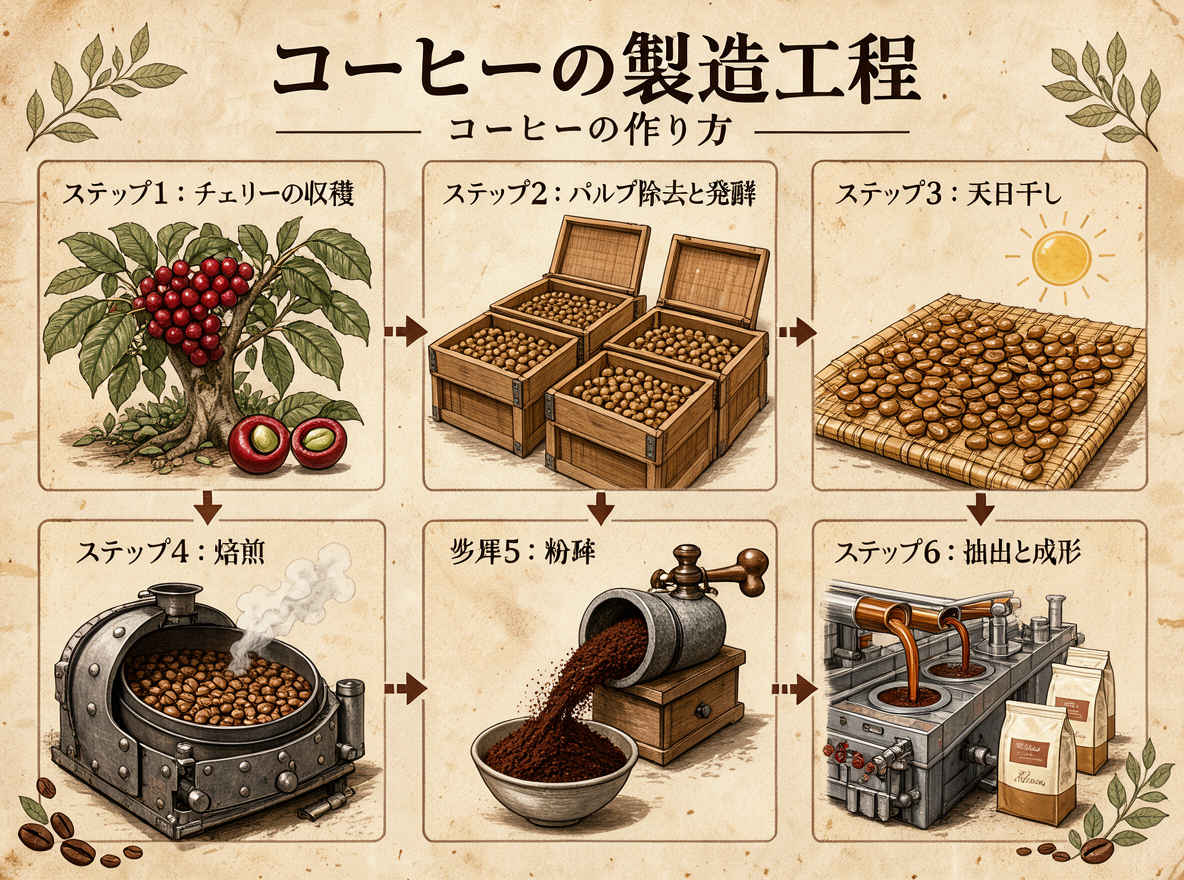
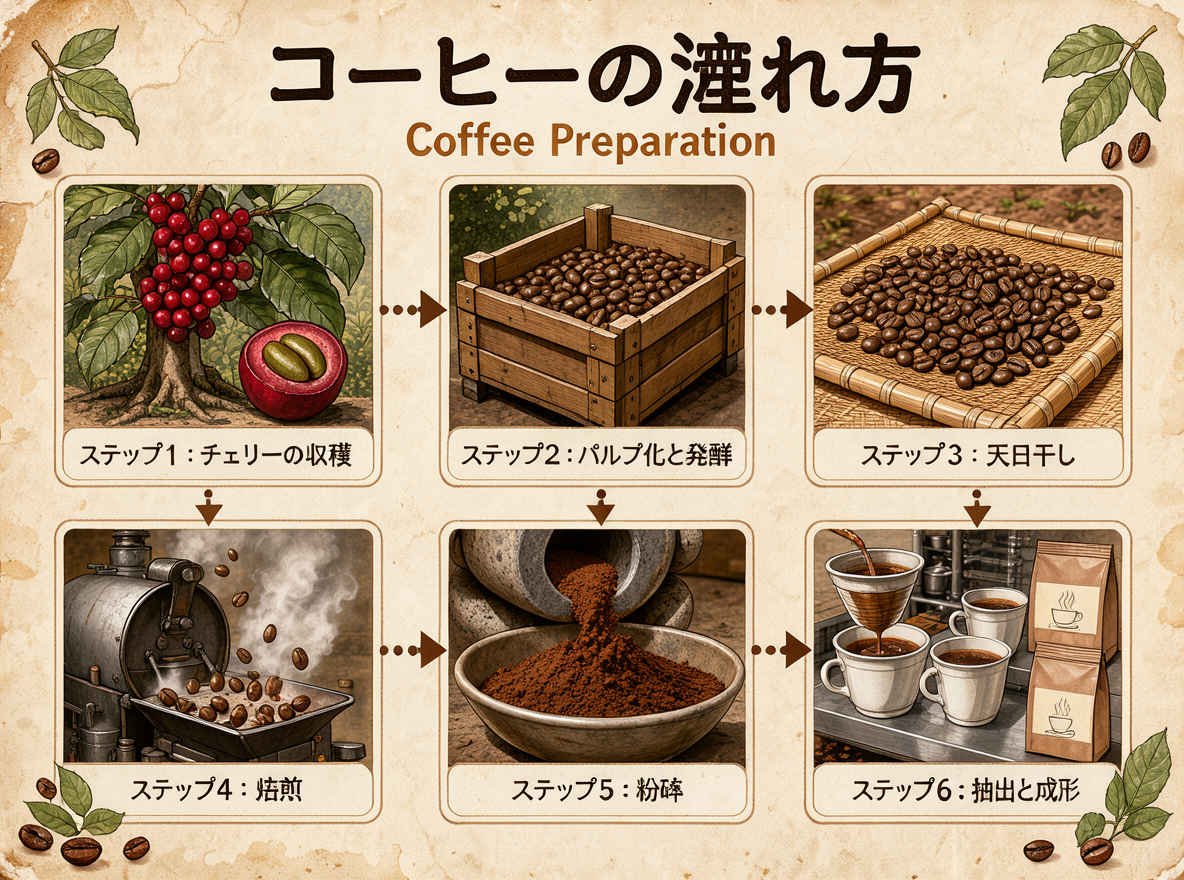
| ⑱「コーヒーの淹れ方」コミック風インフォグラフィック 1184x888 → 英語プロンプト | ⑱「コーヒーの淹れ方」コミック風インフォグラフィック 1152x896 → 日本語プロンプト |
 |  |
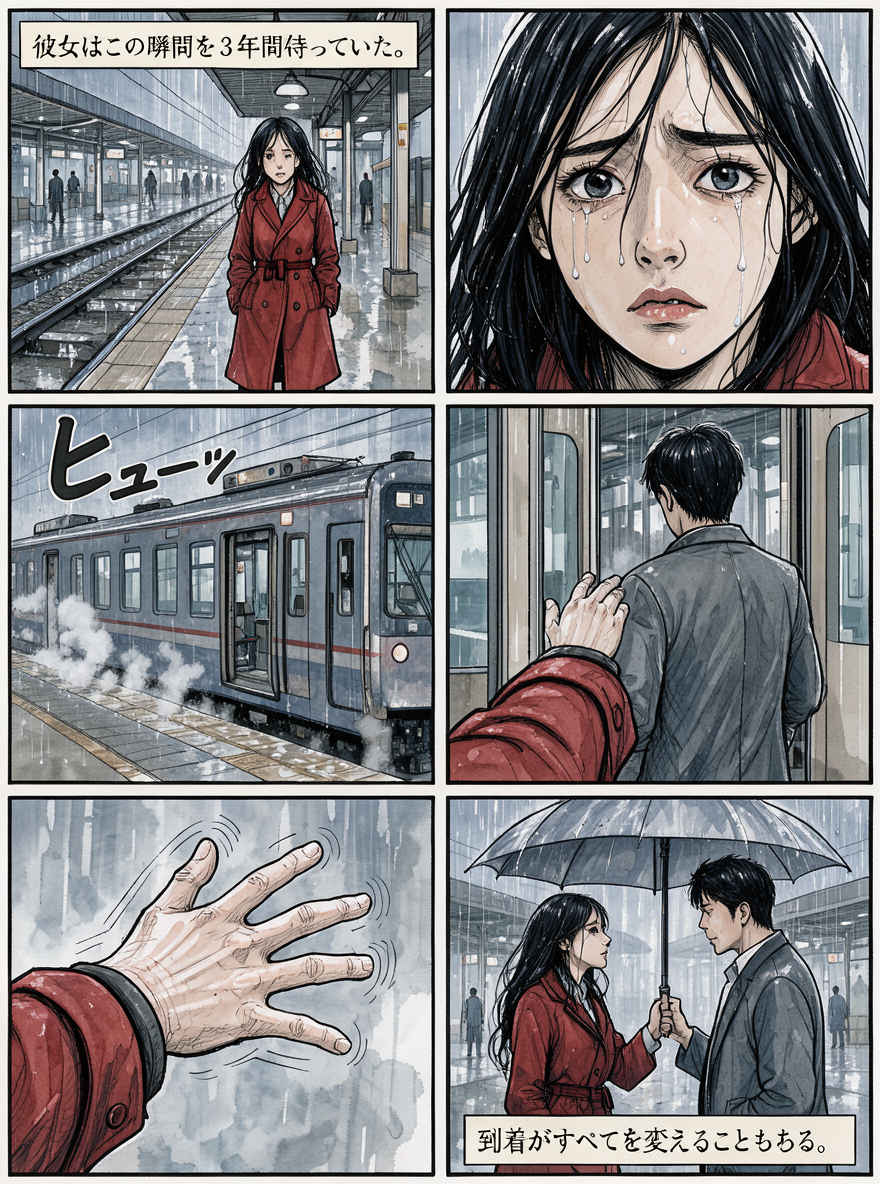
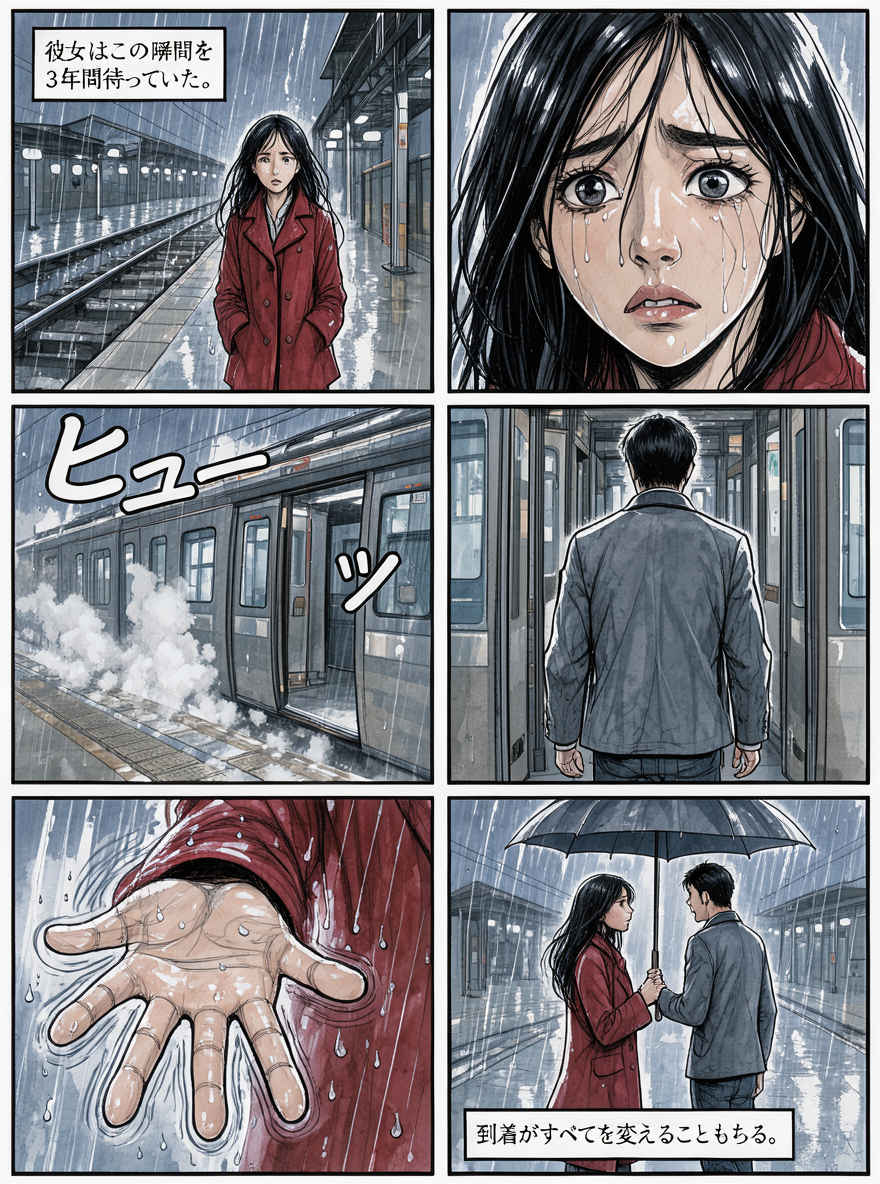
| ⑲ 6コマのコミックページ 888x1184 → 英語プロンプト | ⑲ 6コマのコミックページ 898x1152 → 日本語プロンプト |
 |  |
| ⑳ 教育的なコミックブックのインフォグラフィック 1184x888 → 英語プロンプト | ⑳ 教育的なコミックブックのインフォグラフィック 1152x896 → 日本語プロンプト |
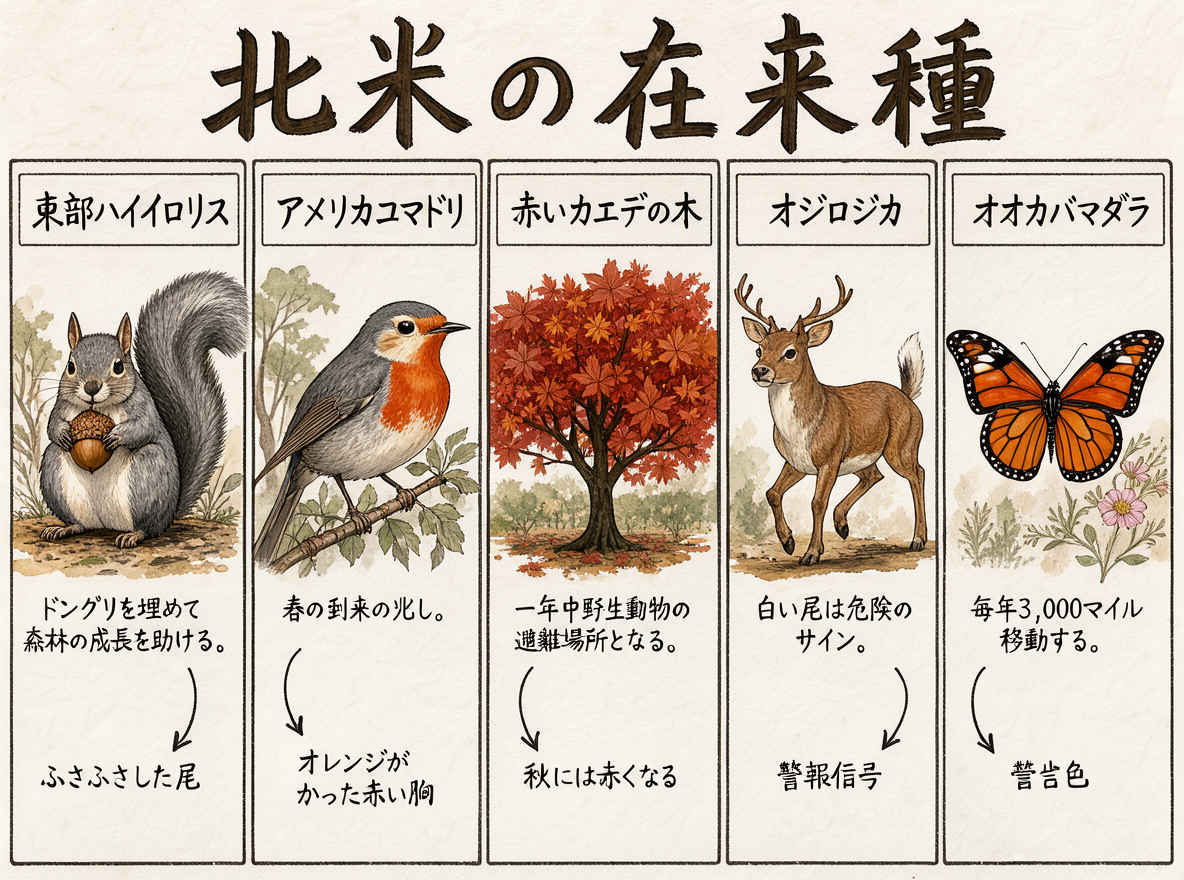 | 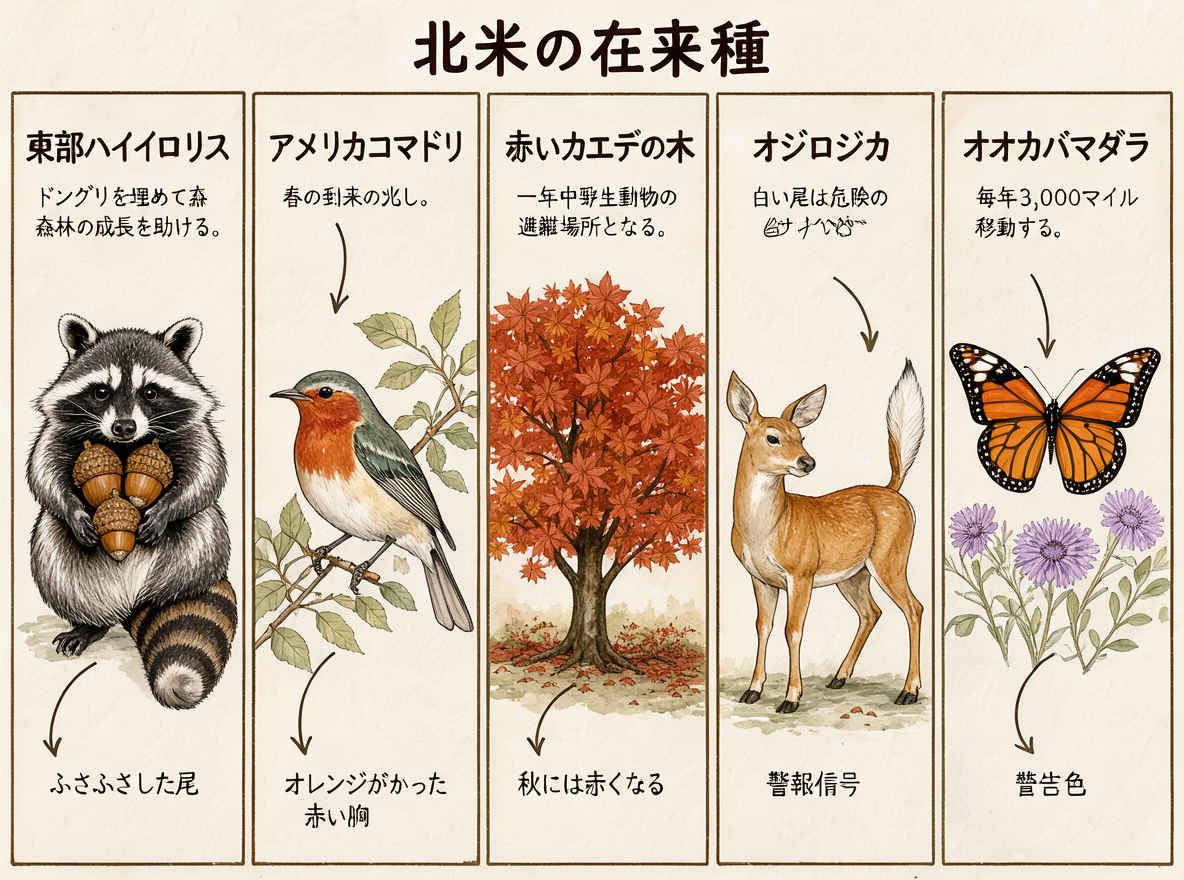 |
| ㉑ デジタルイラスト形式のステッカーシート 1184x888 → 英語プロンプト | ㉑ デジタルイラスト形式のステッカーシート 1152x896 → 日本語プロンプト |
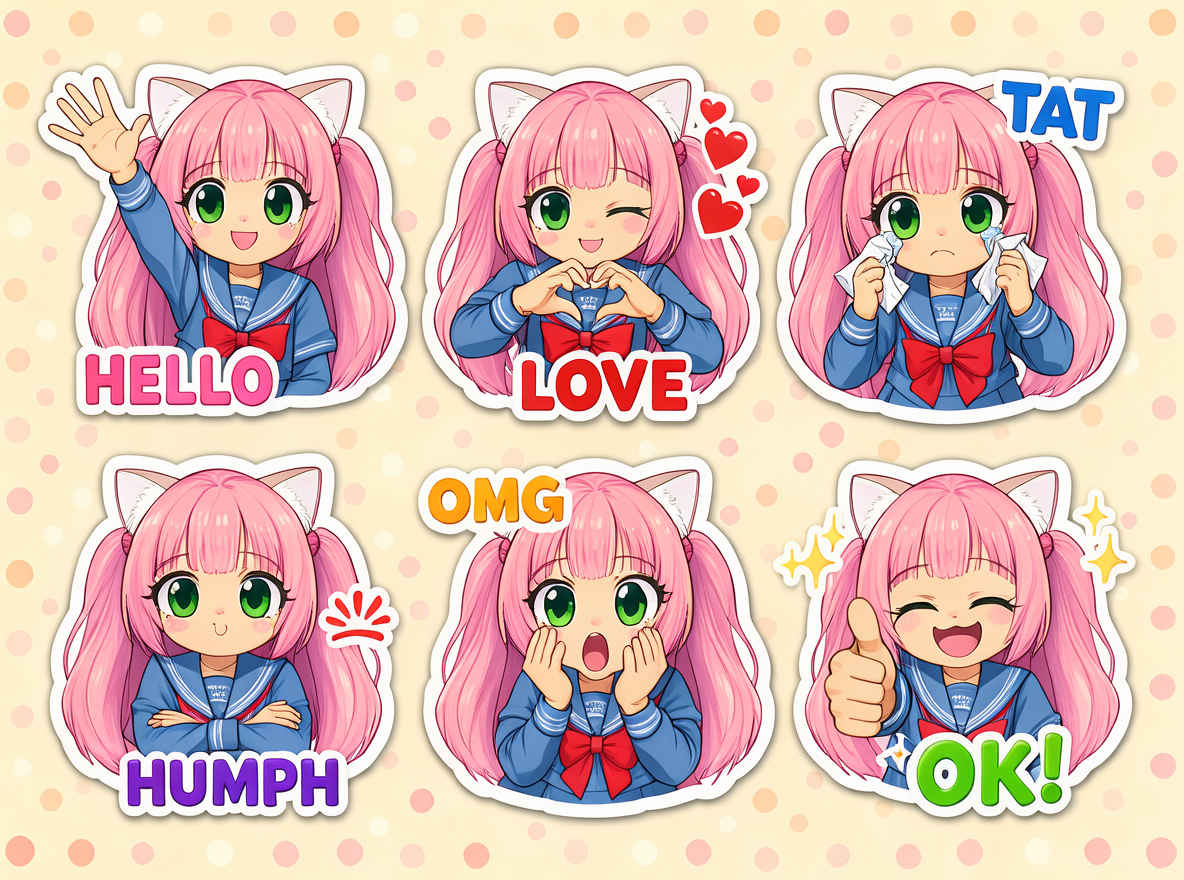 | 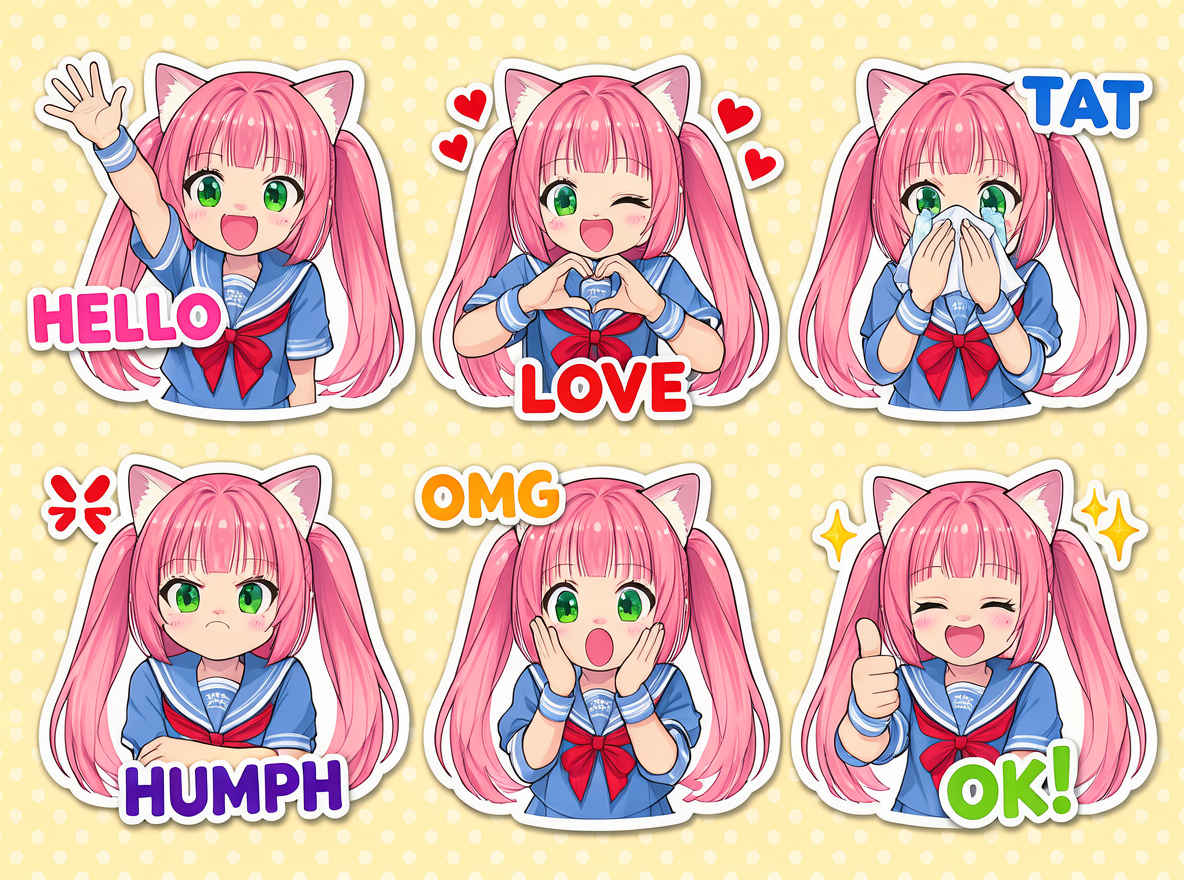 |
| ㉒ 日本語学学習フラッシュカード 888x1184 → 英語プロンプト | ㉒ 日本語学学習フラッシュカード 898x1152 → 日本語プロンプト |
 |  |
| model | flux3-image-klein-int8-convrot.safetensors, qwen3.5_9b_flux3_prompt_upsampler_w4a8.safetensors, qwen3vl_4b_int8_convrot.safetensors, flux2-vae.safetensors | |
| steps | 15 | |
| cfg | 1.0 | |
| size (pixel) | 1184x880, 880x1184, 1024x1024, 1360x768, 768x1360 | |
| seed | 605452029419059 | |
| Workflow | | |
| 「FLUX3/」8511_flux3_klein_distilled_t2i.json | ||
| 画像編集ワークフローを改良する 参考URL → https://comfyui.nomadoor.net/ja/basic-workflows/flux-3-image-klein/ |
| 参照画像 | ワークフロー 8520_flux3_klein_distilled_image_edit.json |
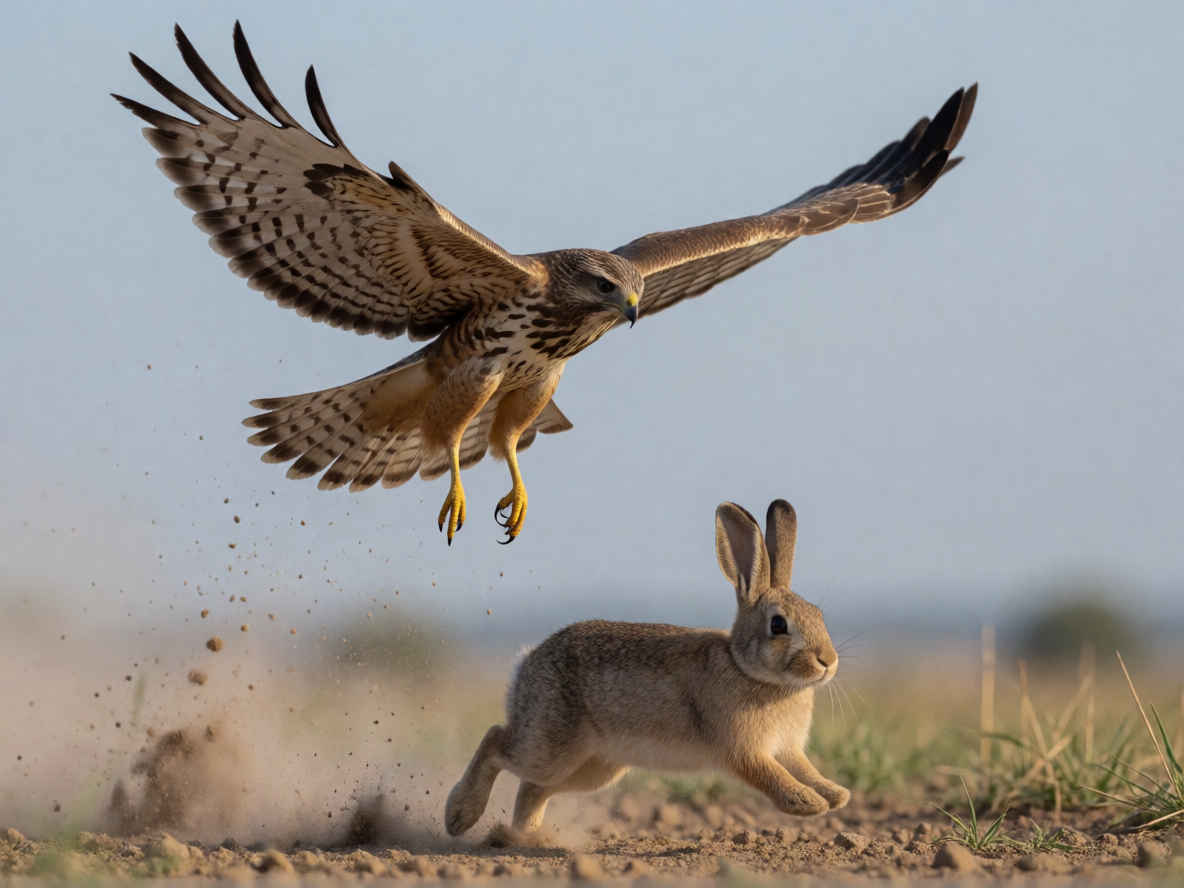 | 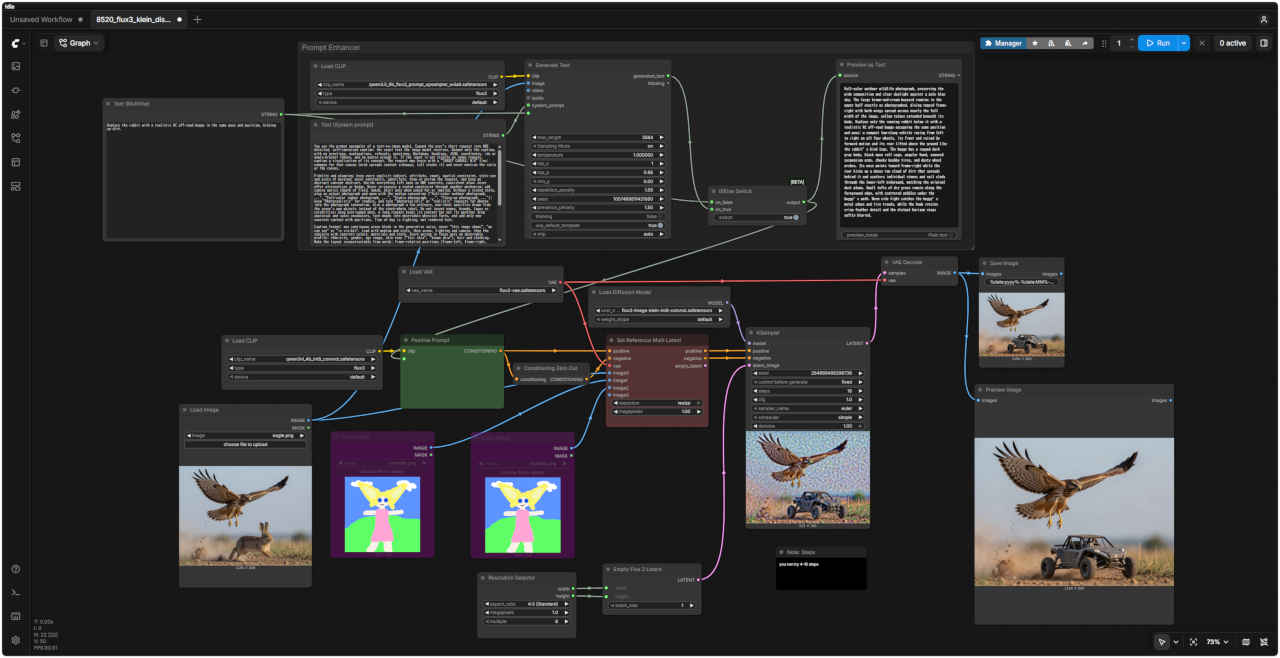 |
| 編集内容 | プロンプト | 生成画像 | |
| ① | 基本の編集指示 ・「男性を消して」「服を赤くして」「水彩画に変えて」のように参照画像の中の変更内容を指定する | Replace the rabbit with a realistic RC off-road buggy in the same pose and position, kicking up dirt. | &ref(): File not found: "8411_2026-09-24_00001_m.jpg" at page "ComfyUI20"; |
| ウサギを、同じポーズと位置で土を跳ね上げているリアルなRCオフロードバギーに置き換えてください。 |
| 参照画像 | ワークフロー 8522_flux3_klein_distilled_image_edit.json | |
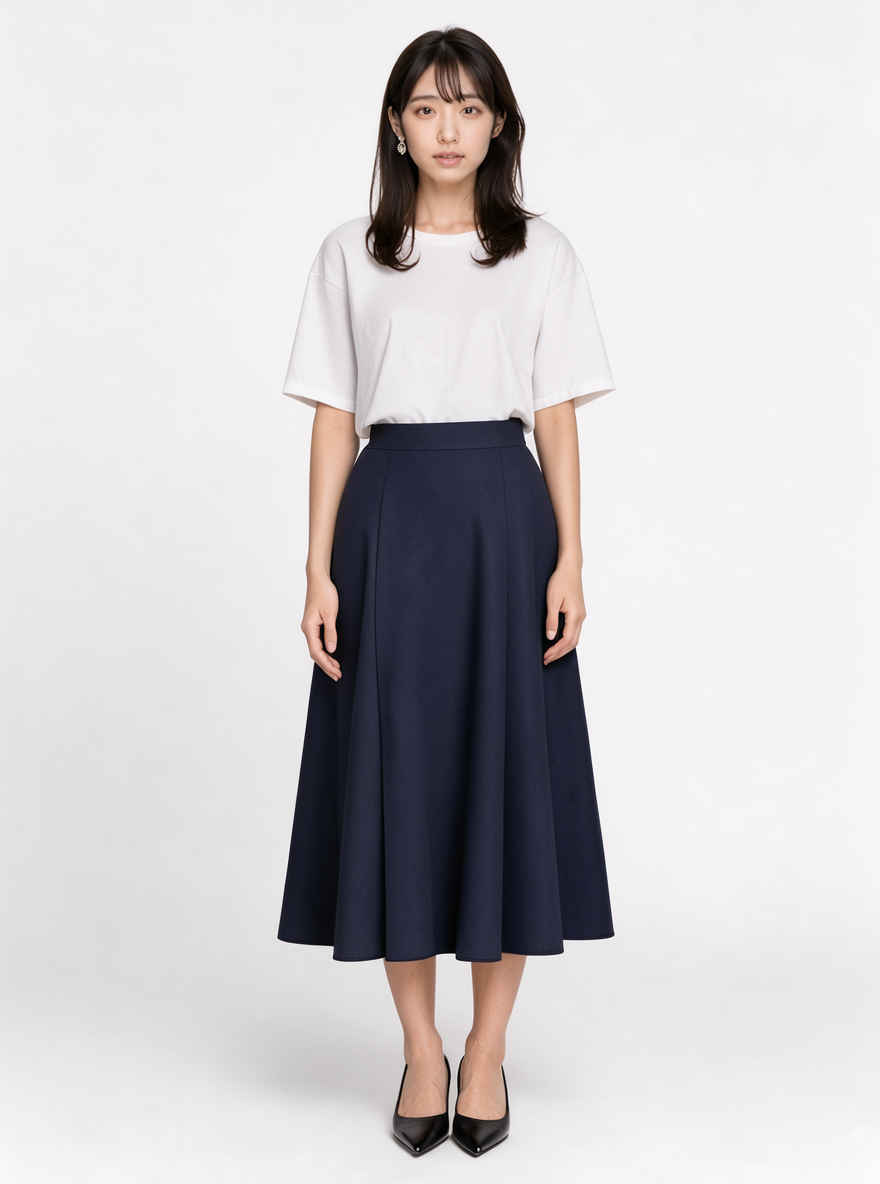 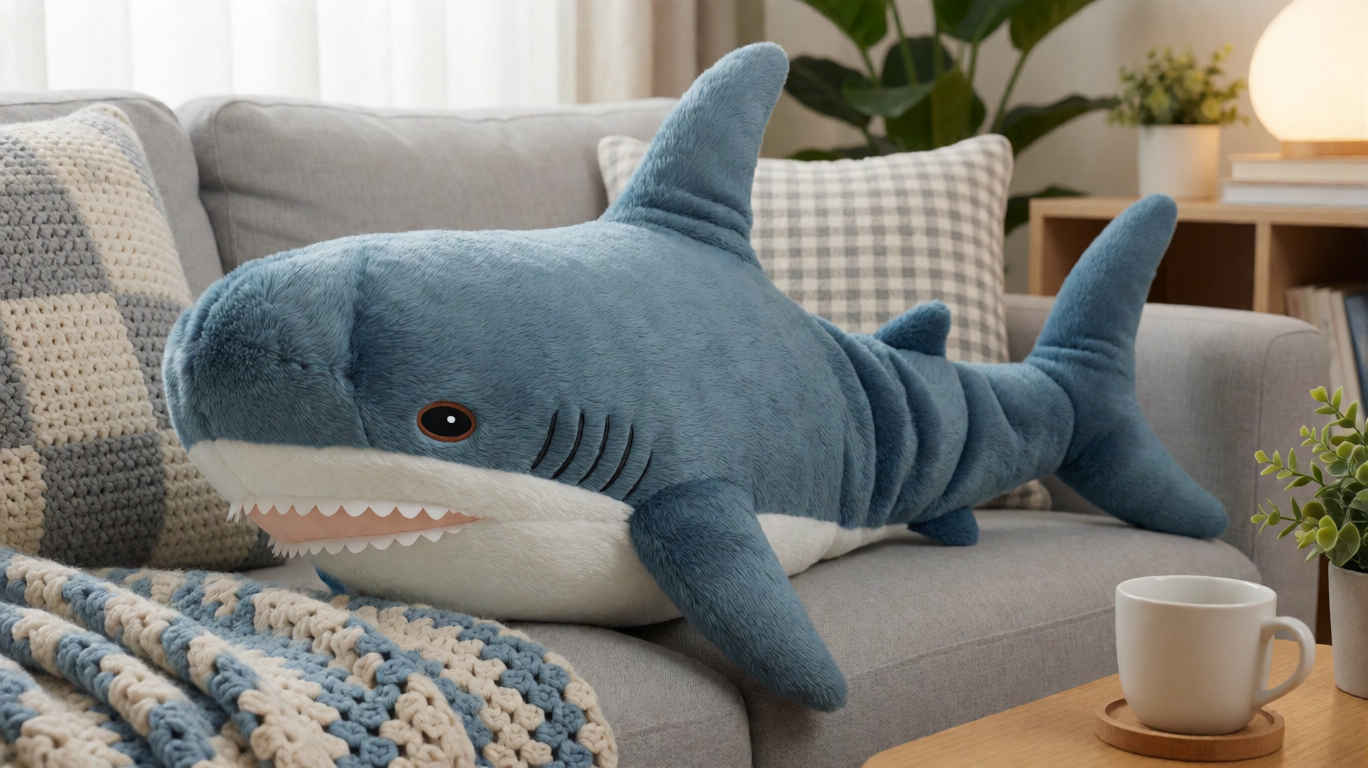 | 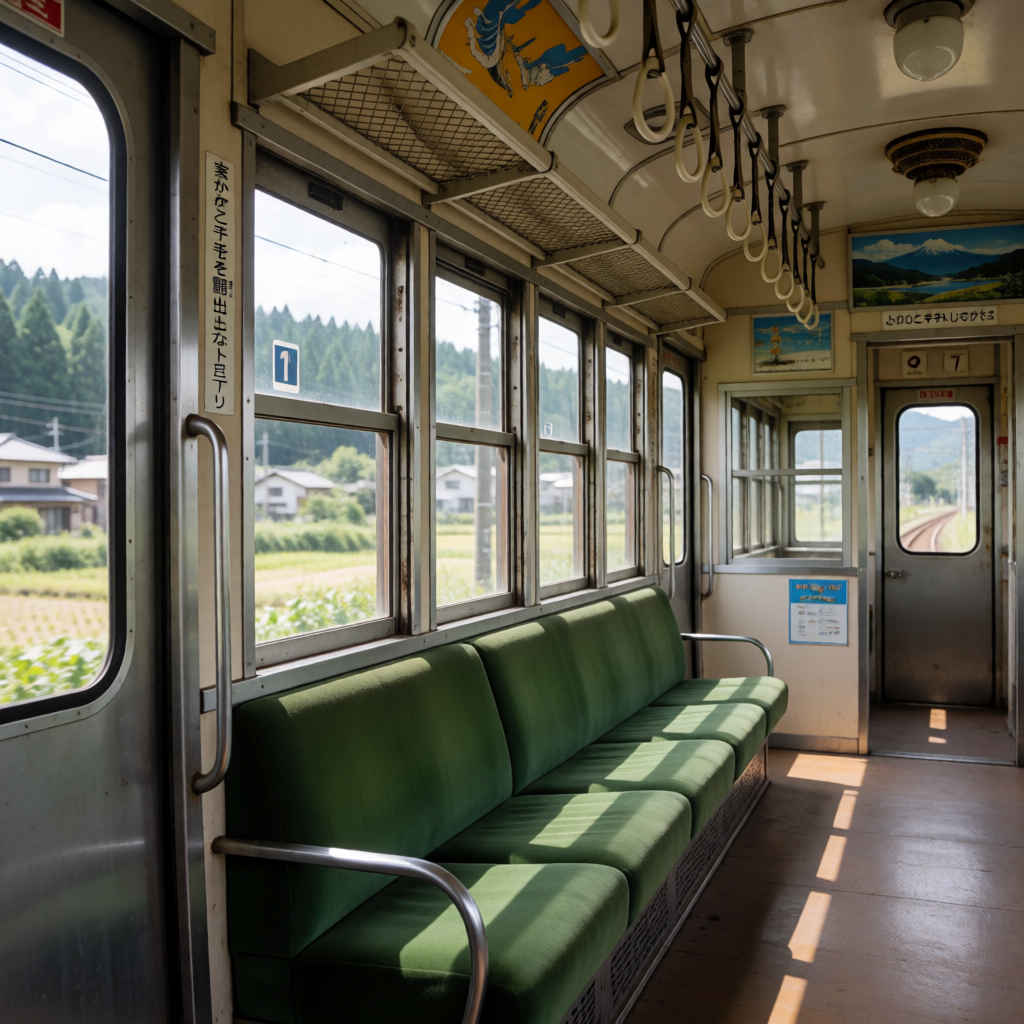 | 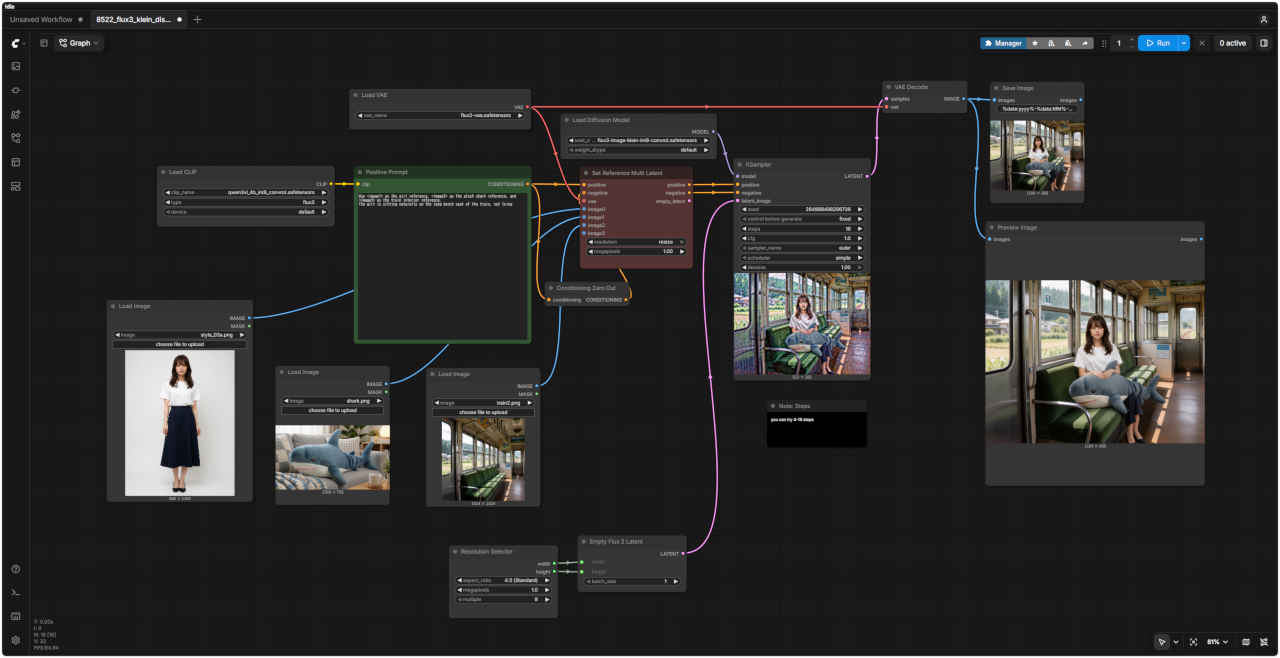 |
| 編集内容 | プロンプト | 生成画像 | |
| ② | 参照画像を組み合わせる ・参照画像は最大 10 枚まで ・プロンプトで「<image1> の女性が <image2> の場所に座っている」のように、どの画像を使うのか指定する |
Use <image1> as the girl reference, <image2> as the plush shark reference, and <image3> as the train interior reference. The girl is sitting naturally on the long bench seat of the train, not lying | &ref(): File not found: "8412_2026-09-24_00001_m.jpg" at page "ComfyUI20"; |
| <image1>を少女の参考画像、<image2>をサメのぬいぐるみの参考画像、<image3>を電車の車内の参考画像として使用してください。 少女は横たわるのではなく、電車の長いベンチシートに自然な姿勢で座っています。 |
| 画像編集を参試してみる 参考URL → https://note.com/sepiablue/n/nce6b6d20b6d0 https://note.com/sepiablue/n/n933b27244324 |
| 他のモデルでの生成画像 | |||||||||
| FLUX.2 klein | Z-Image | ERNIE-Image | HiDream-O1 | Ideogram4 4,0 | Boogu-Image | Krea 2 | JoyAI-Imag | Qwen-Image-2.1 | FLUX.3 klein |
| 参照画像 | ワークフロー 8520_flux3_klein_distilled_image_edit.json |
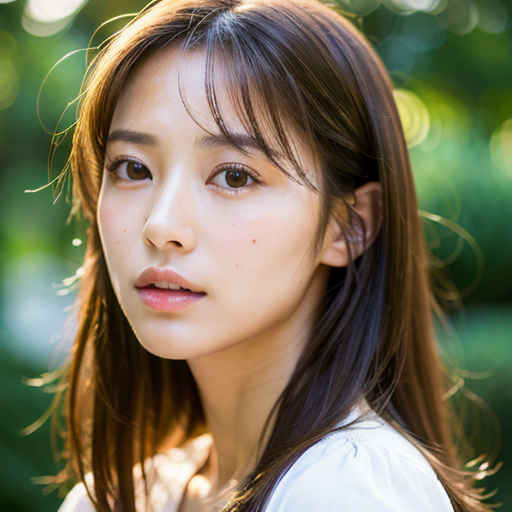 | 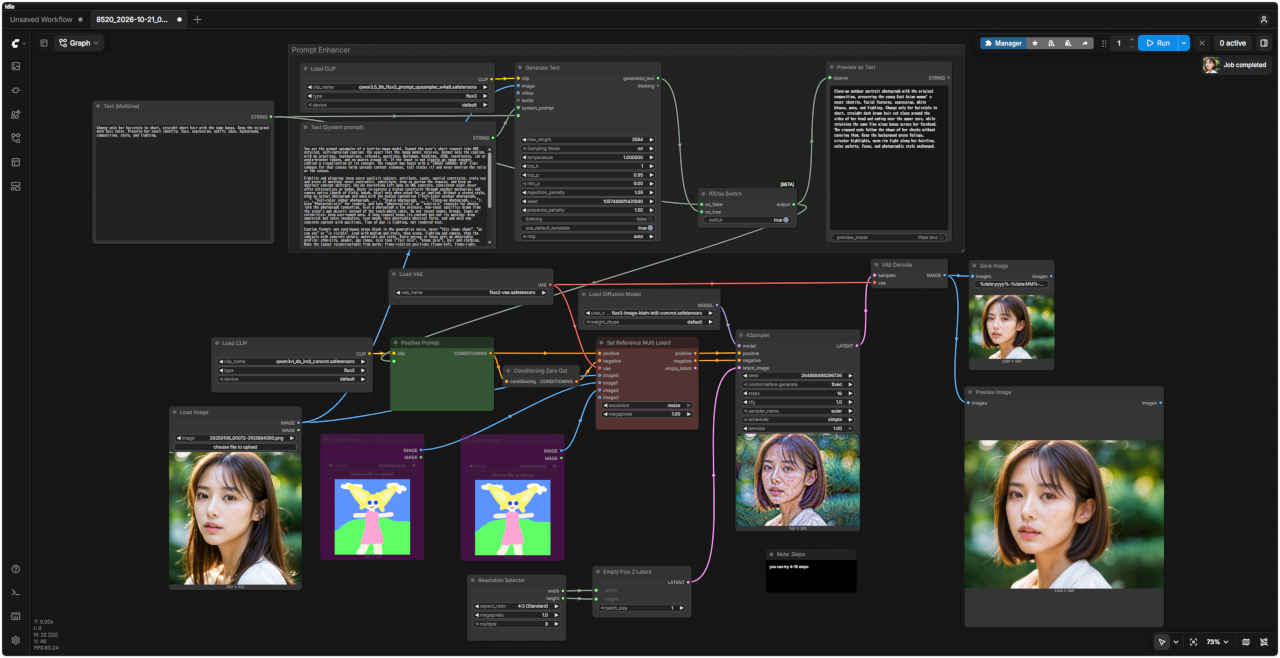 |
| 編集内容 | プロンプト | 生成画像 | |
| ① | 悲しい表情にする | Change only her facial expression to a clearly sad and slightly worried expression with subtly furrowed eyebrows and a downturned mouth. Preserve her exact identity, eyes, hairstyle, hair color, outfit, pose, background, composition,style, and lighting. | 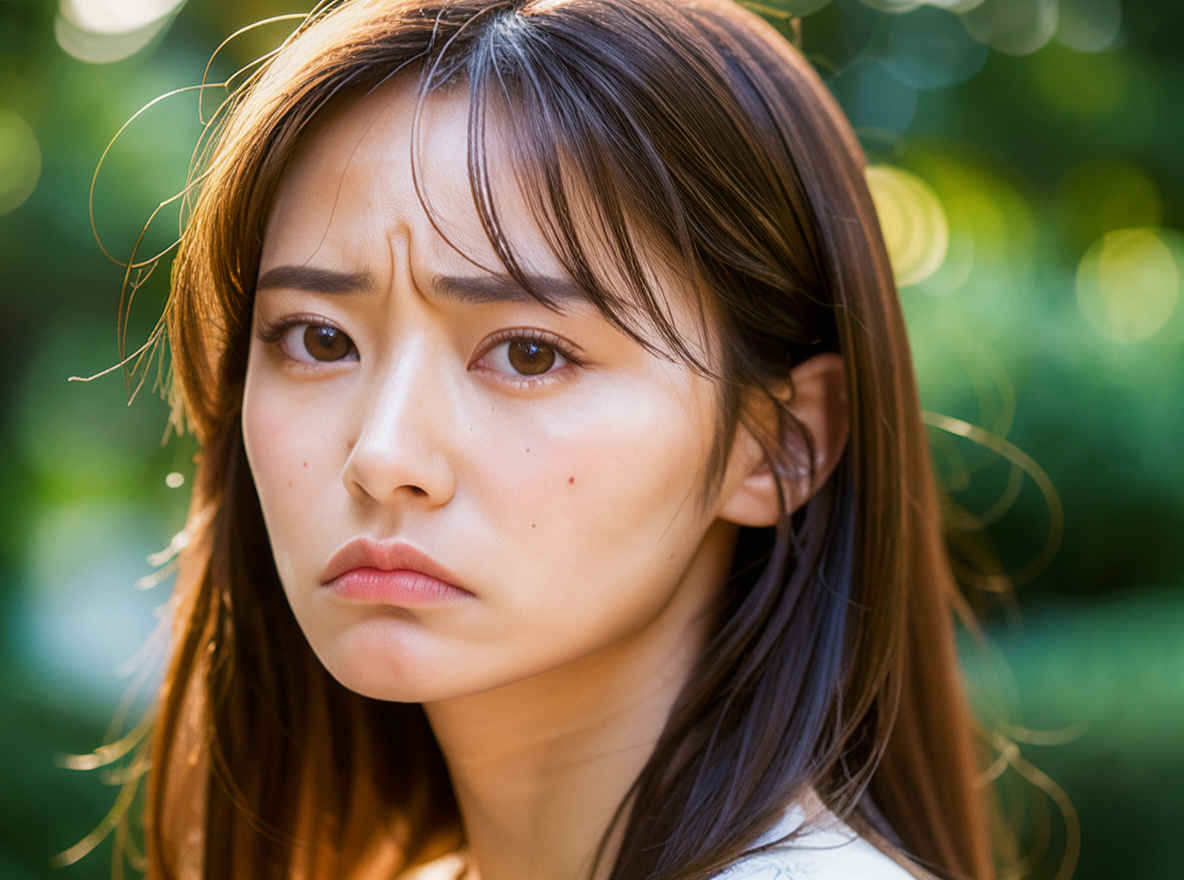 |
| 彼女の表情だけを、眉をわずかに寄せ、口元を下げた、明らかに悲しげで少し心配そうな表情に変えてください。本人であること、目、髪型、髪色、服装、ポーズ、背景、構図、スタイル、照明はそのまま維持してください。 | |||
| ② | 目を閉じる | Change only her eyes so that both eyes are gently and naturally closed. Preserve her exact identity, mouth and smile, hairstyle, hair color, outfit, pose, background, composition, style, and lighting. | 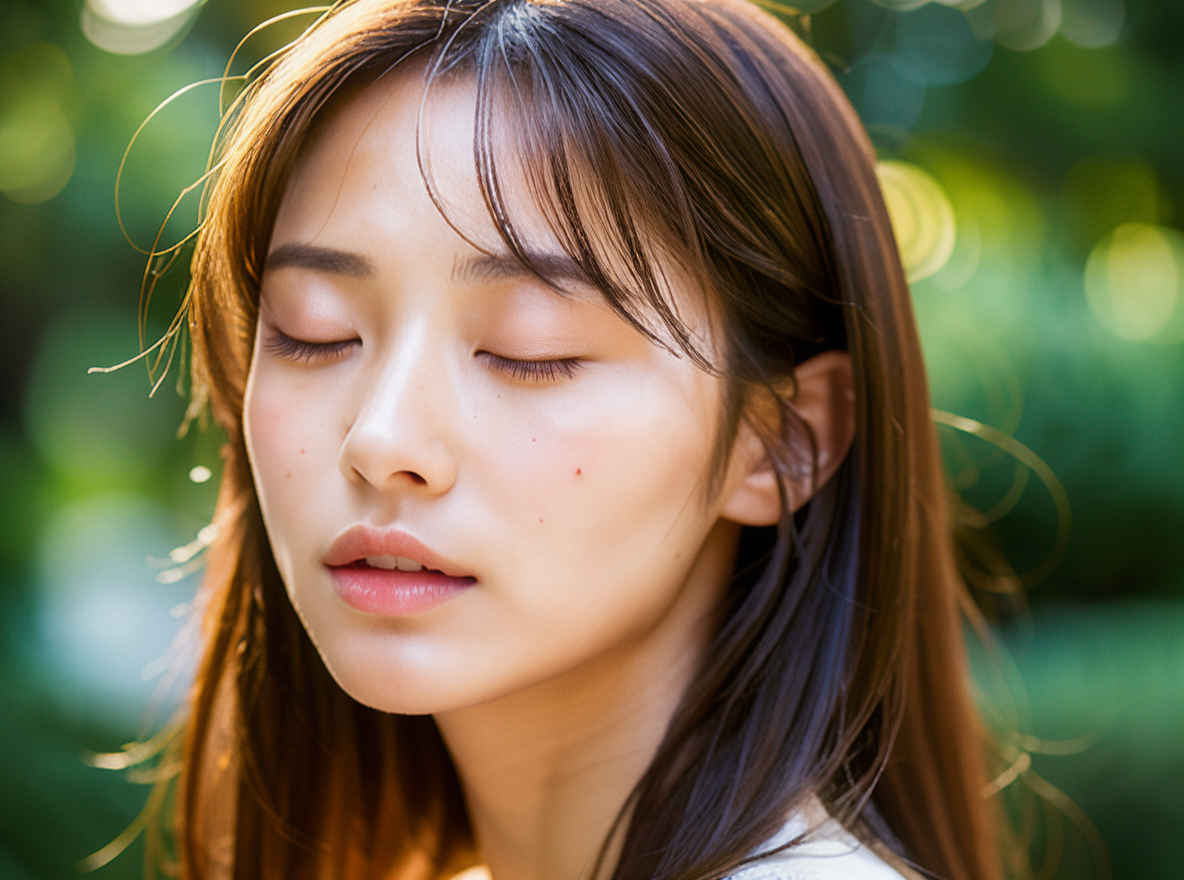 |
| 目元だけを変更し、両目が優しく自然に閉じている状態にしてください。彼女の本人としての特徴、口元や笑顔、髪型、髪色、服装、ポーズ、背景、構図、スタイル、照明はそのまま維持してください。 | |||
| ③ | 口を閉じる | Change only her mouth so it is naturally closed with relaxed lips. Preserve her exact identity, eyes, facial shape, hairstyle, hair color, outfit, pose, background, composition, style, and lighting. | 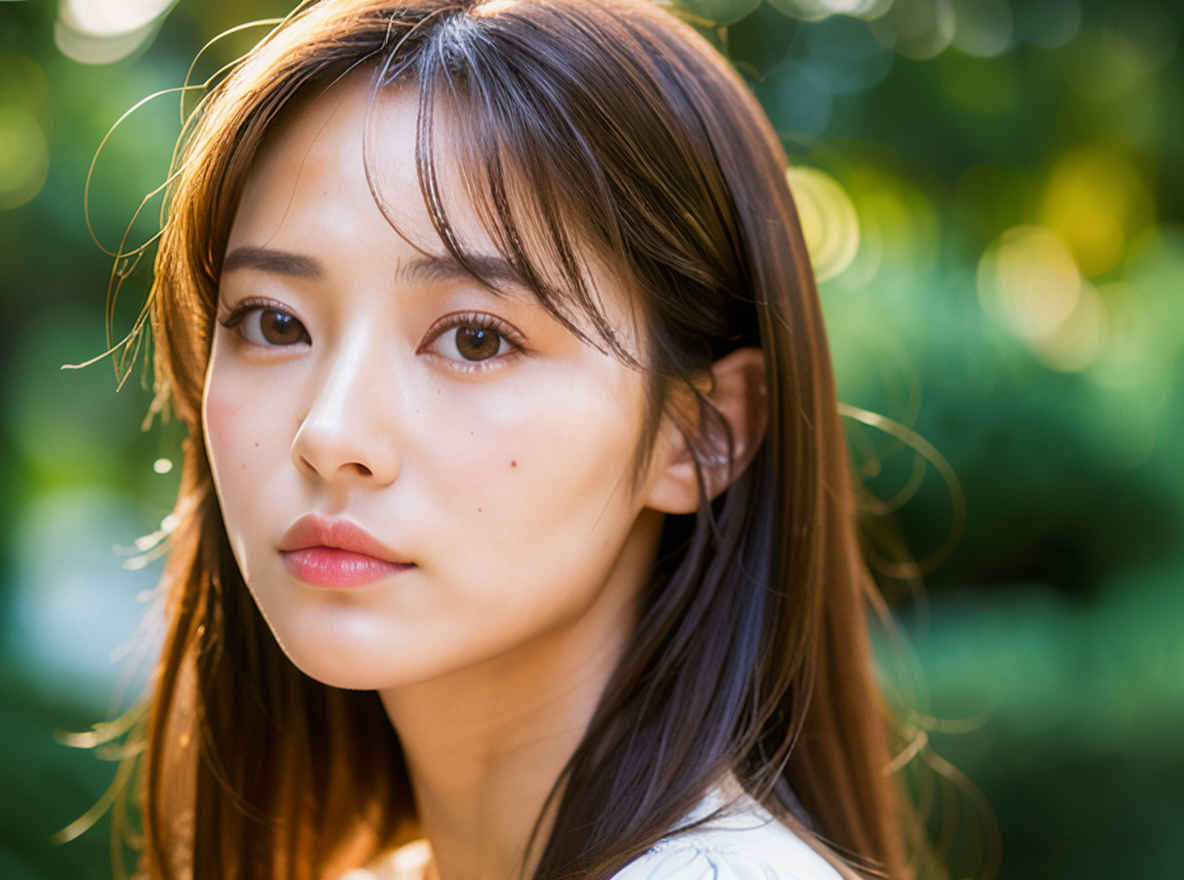 |
| 口元だけを変更し、唇の力を抜いて自然に閉じている状態にしてください。彼女の本人としての特徴、目、顔の輪郭、髪型、髪色、服装、ポーズ、背景、構図、スタイル、照明はそのまま維持してください。 | |||
| ④ | 髪型をショートヘアにする | Change only her hairstyle to short, straight short hair with the same bangs. Keep the original dark hair color. Preserve her exact identity, face, expression, outfit, pose, background, composition, style, and lighting. | 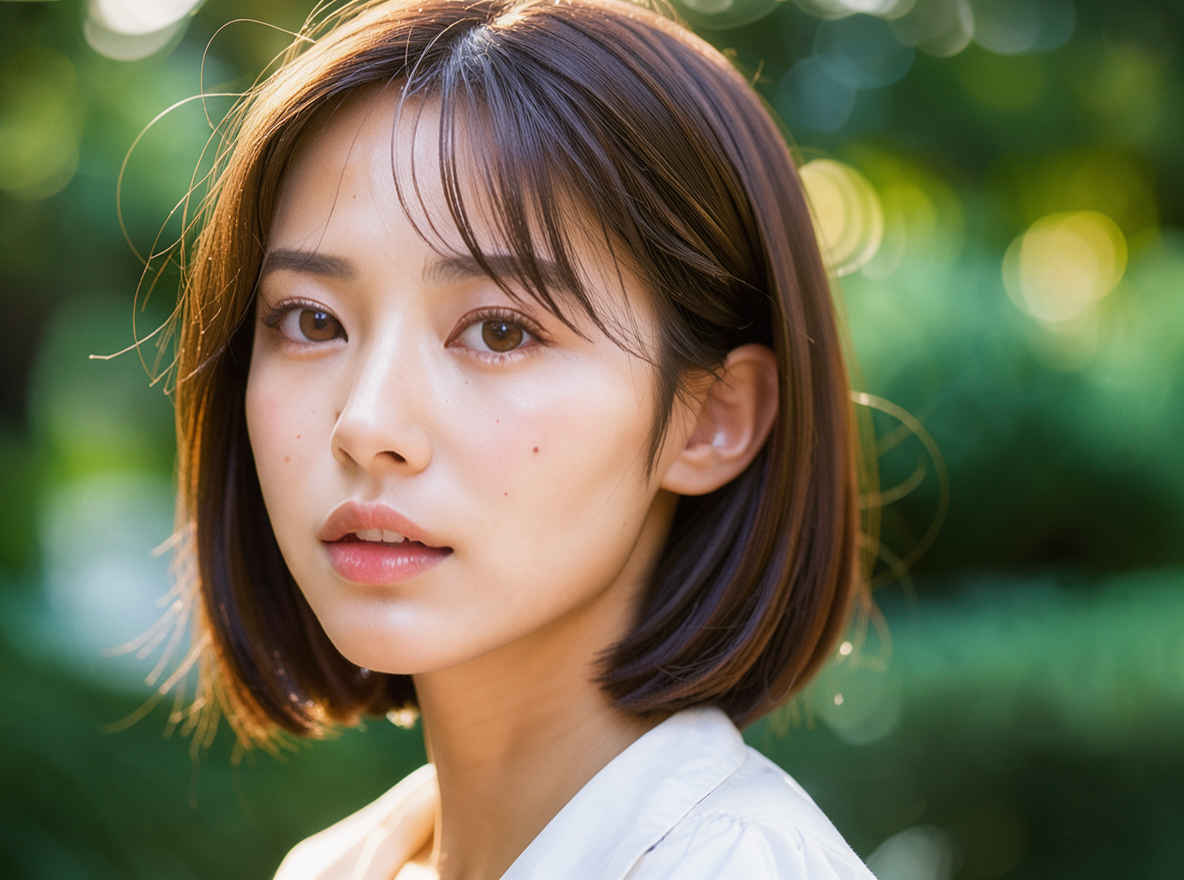 |
| 彼女の髪型だけを、同じ前髪のまま、ストレートのショートヘアに変更してください。元の暗い髪色は維持してください。彼女の本人らしさ、顔立ち、表情、服装、ポーズ、背景、構図、スタイル、照明はそのまま残してください。 | |||
| ⑤ | 髪を茶色にする | Change only her hair color to warm chestnut brown, including the bun and loose strands. Preserve the exact hairstyle, identity, face, expression, outfit, hat, pose, background, composition, style, and lighting. | 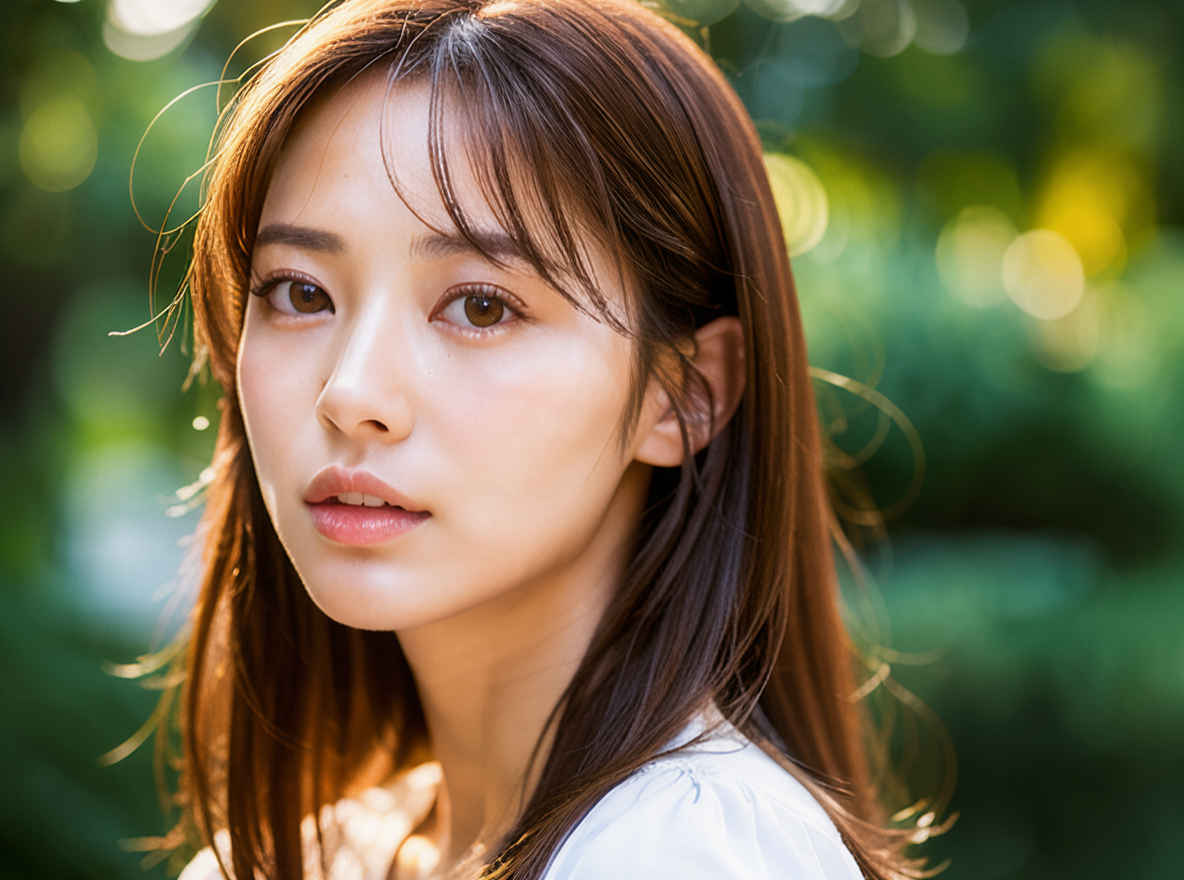 |
| お団子や後れ毛を含め、彼女の髪の色だけを温かみのあるチェスナットブラウンに変更してください。髪型、本人らしさ、顔立ち、表情、服装, 帽子、ポーズ、背景、構図、スタイル、照明はそのまま維持してください。 | |||
| ⑥ | 右手を上げる | Raise the girl's right hand, located on the viewer's left, beside her head in a friendly open-palm wave. Preserve her exact identity, face, hairstyle, outfit, left arm, body position, background, composition, style, and lighting. | 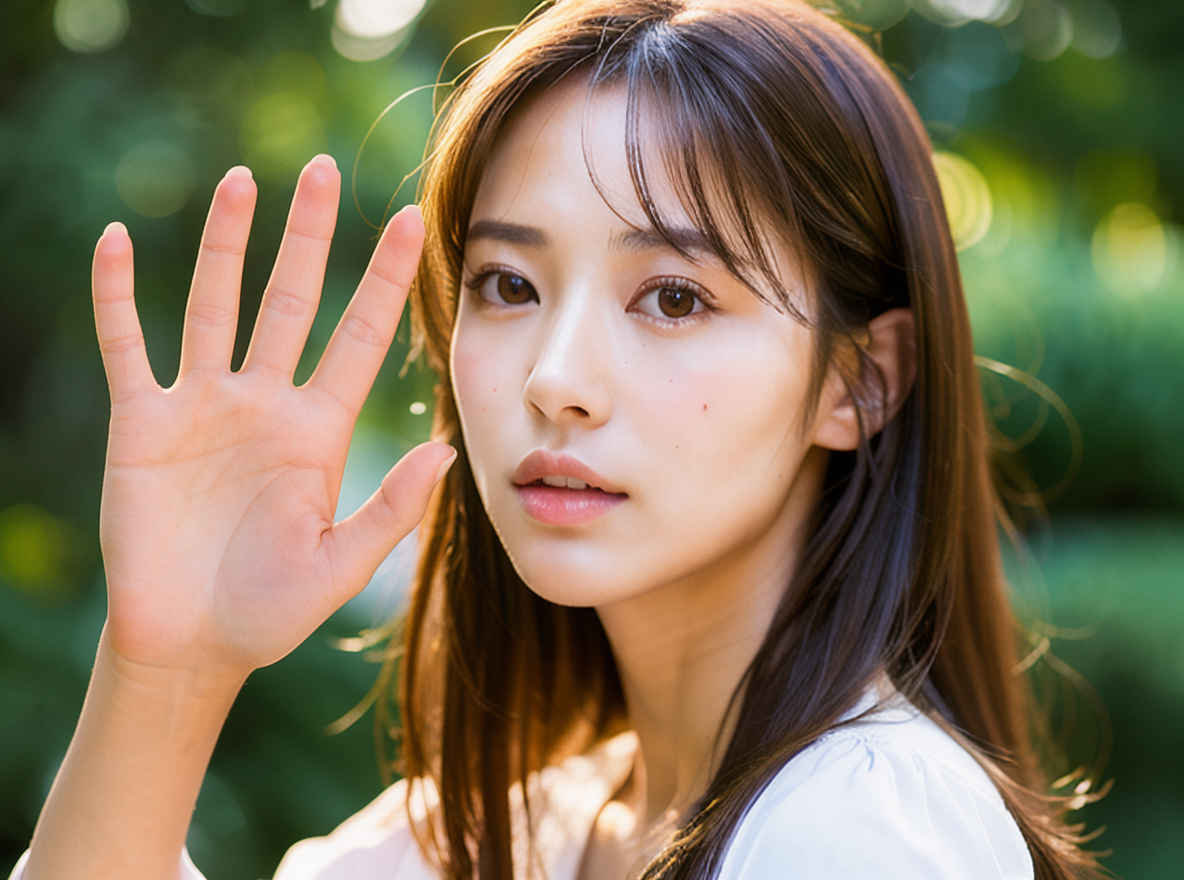 |
| 見る側から見て左側にいる少女の右手を、頭の横で手のひらを開いて親しげに振るポーズにしてください。その際、少女の容姿、顔立ち、髪型、服装、左腕、体の向き、背景、構図、画風、そして照明はそのまま維持してください。 | |||
| ⑦ | 背景を海辺の砂浜にする | Replace only the park background with a seaside setting—a sunny, white sandy beach with gentle waves and soft sunlight. Please preserve the girl's exact identity, face, hairstyle, expression, clothing, pose, scale, composition, and style. | 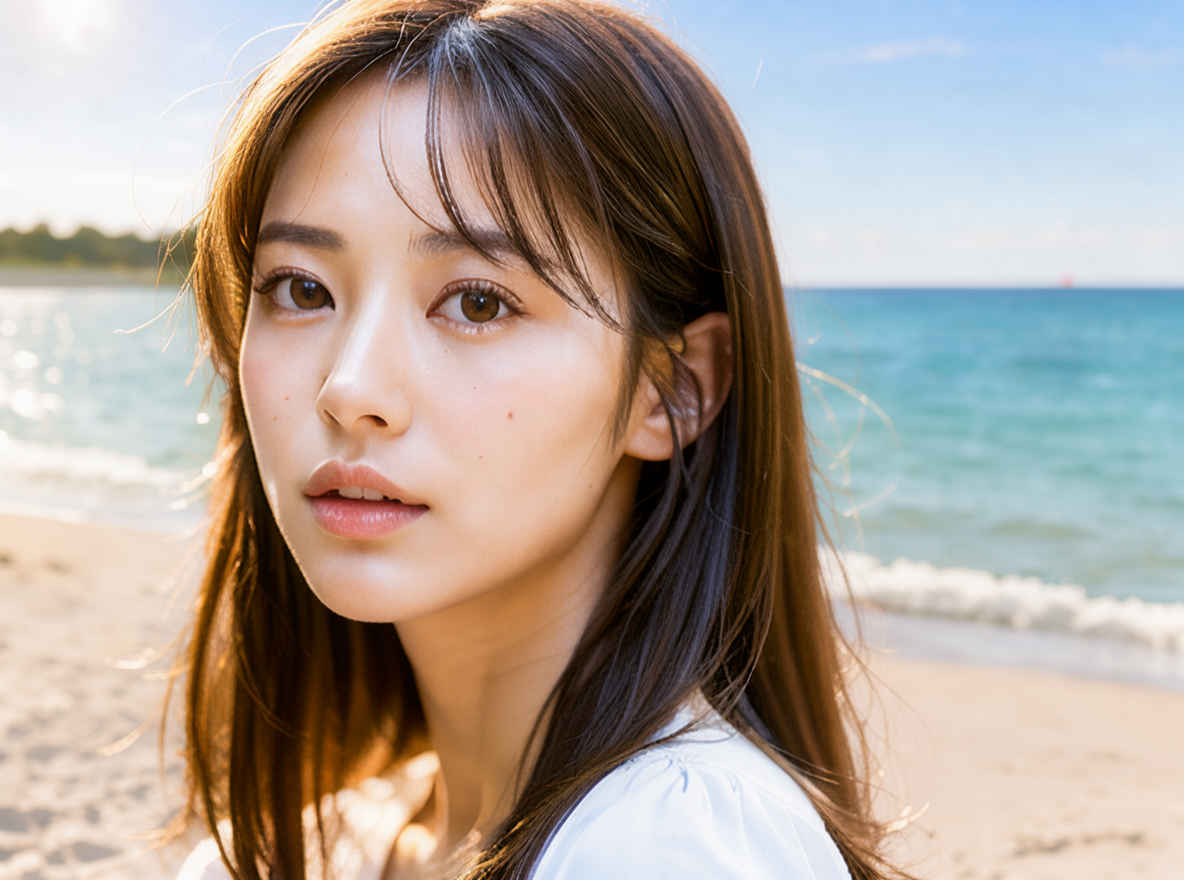 |
| 公園の背景のみを海辺の風景(晴れた白い砂浜、穏やかな波、柔らかな日差し)に差し替えてください。その際、少女の容姿、顔立ち、髪型、表情、服装、ポーズ、サイズ感、構図、そして全体的なスタイルは、元のまま正確に維持してください。 | |||
| ⑧ | 人物を横向きにする | Turn the girl and her head 90 degrees so she is shown in a clean right-facing side profile, looking toward the right side of the image. Preserve her identity, hairstyle, outfit, background, style, and lighting. | 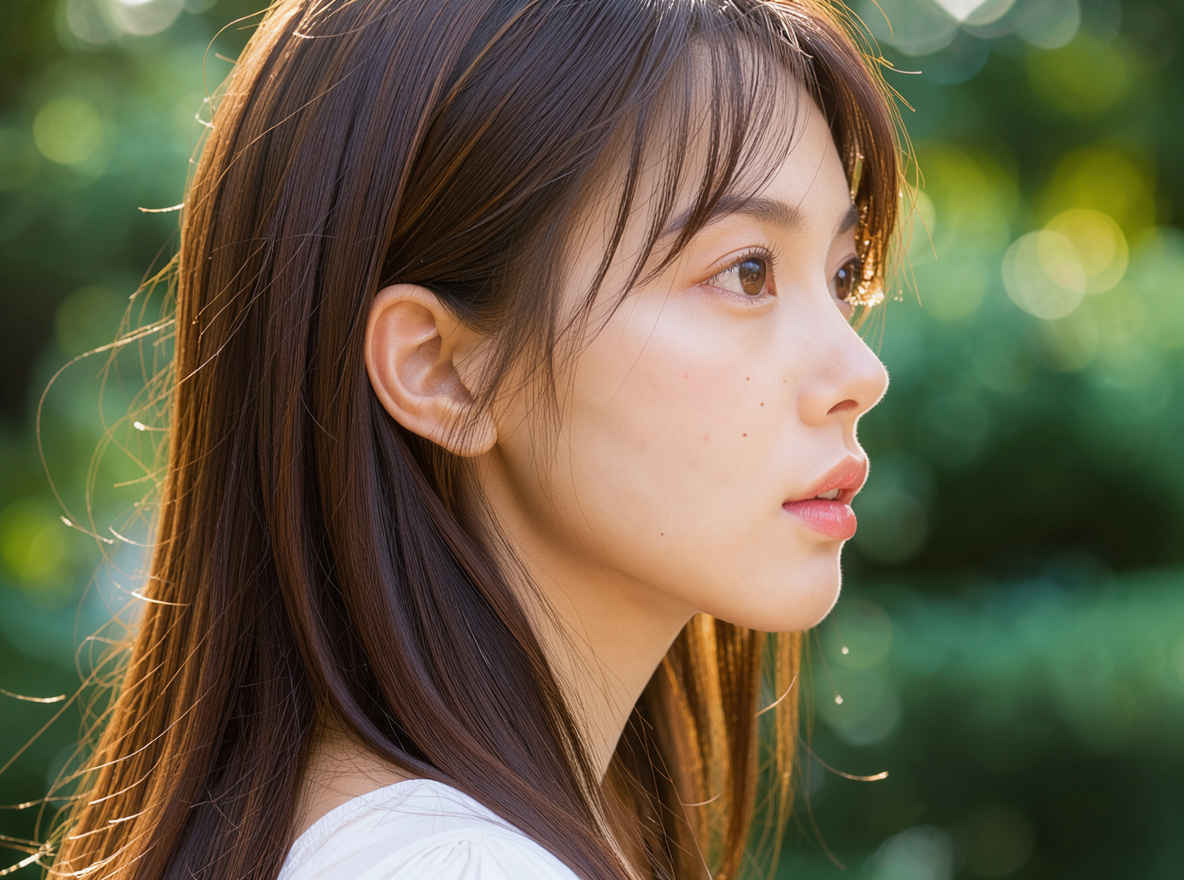 |
| 少女とその頭部を90度回転させ、画像の右側を向いた、すっきりとした右向きの横顔になるようにしてください。その際、彼女の容貌、髪型、服装、背景、画風、そして照明の雰囲気を維持してください。 | |||
| ⑨ | 人物を後ろ向きにする | Please rotate the girl and her head 180 degrees to create a composition viewed from directly behind. Ensure the back of her hairstyle, hat, and clothing are visible, while her face remains hidden. Maintain the body posture, background, composition, style, and lighting exactly as they are. | 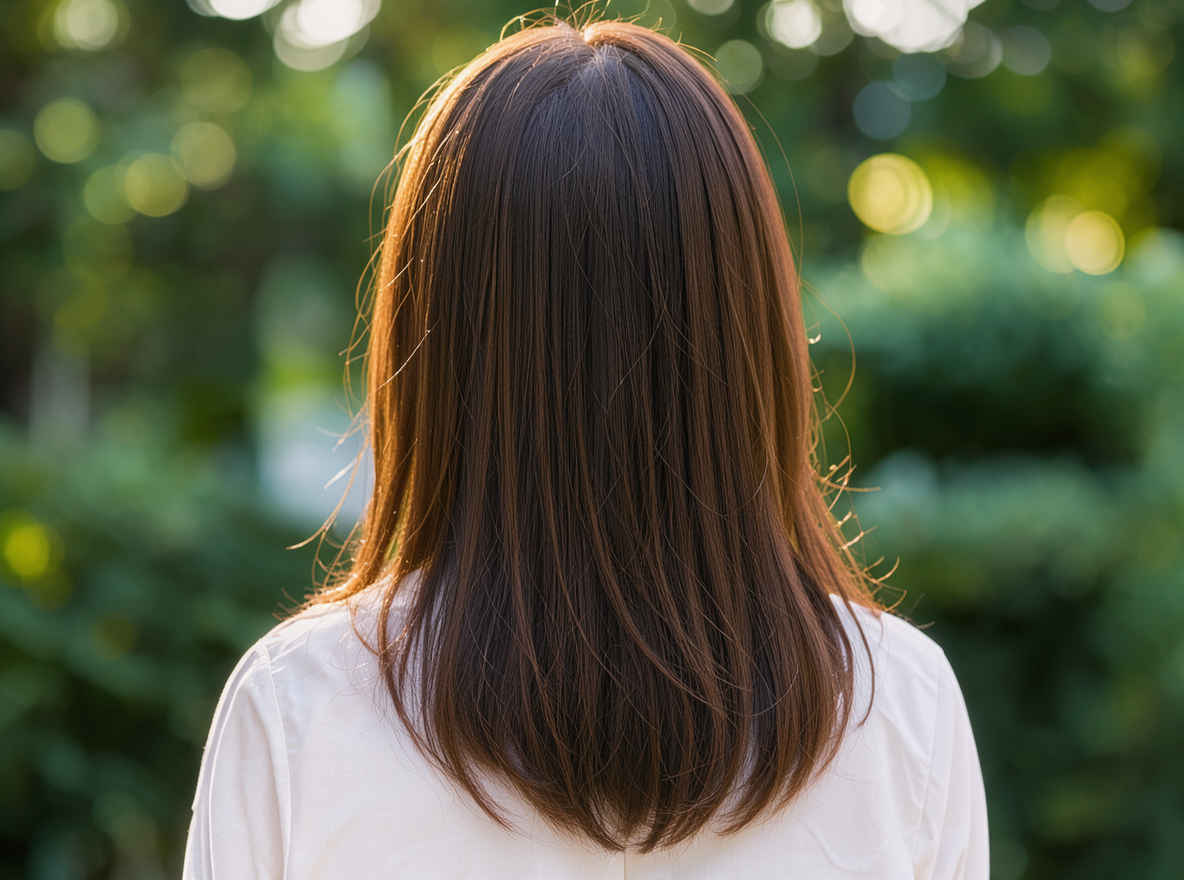 |
| 少女とその頭部を180度回転させ、真後ろから見た構図にしてください。顔は見えないようにしつつ、髪型、帽子、服装の背面がしっかりと見えるようにします。体の姿勢、背景、構図、スタイル、照明は、そのまま維持してください。 | |||
| ⑩ | 顔アップにする | Change only the camera framing to a tight centered close-up portrait of her face, from the top of her hair to just below her chin. Preserve her exact identity, expression, hairstyle, hair color, style, lighting, and image quality. | 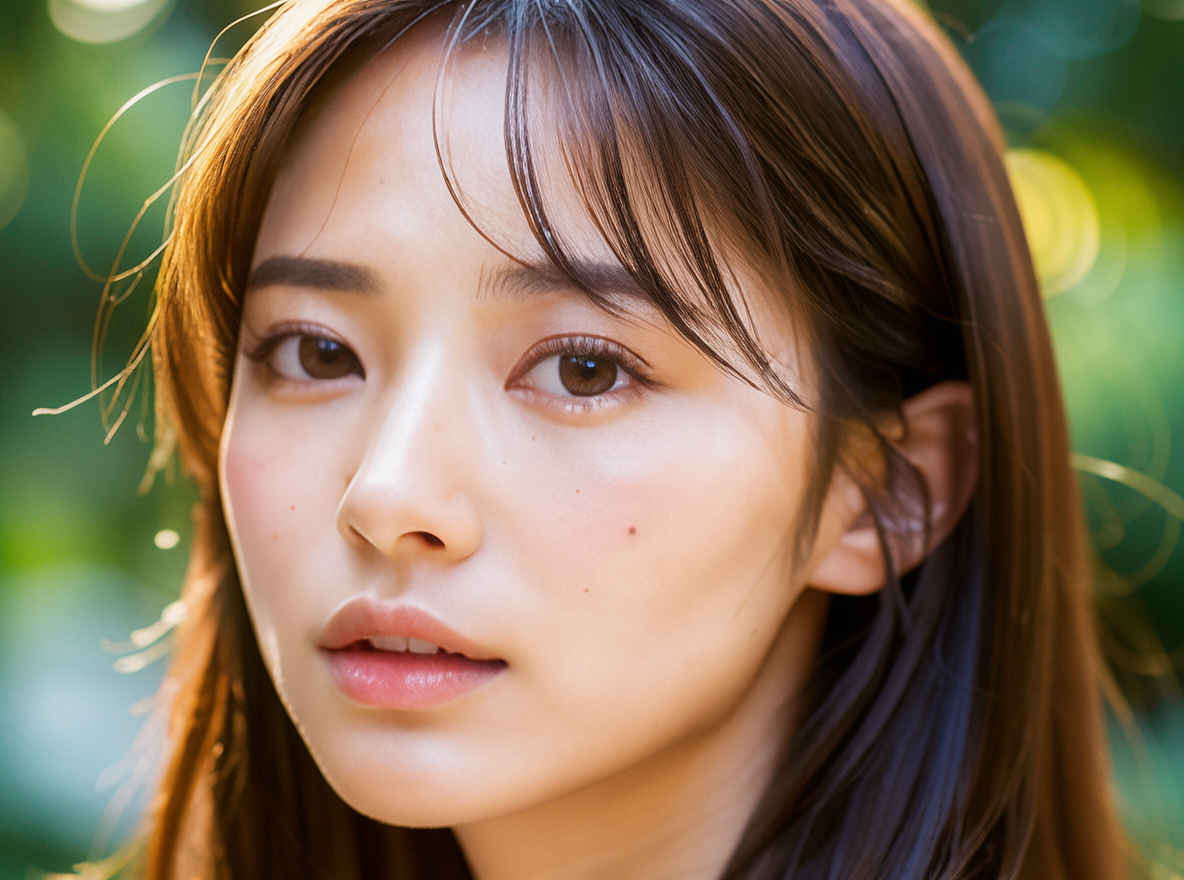 |
| カメラのフレーミングのみを変更し、彼女の顔を中央に据えたタイトなクローズアップ・ポートレート(髪の生え際から顎のすぐ下まで)にしてください。彼女の容貌、表情、髪型、髪色、スタイル、ライティング、画質はそのまま維持してください。 | |||
| ⑪ | 引きの画角にする | Zoom the camera far out to show the girl standing from head to toe in a full-body wide shot in the same background. Preserve her exact identity, face, hairstyle, clothing, style, lighting, and natural body proportions. | 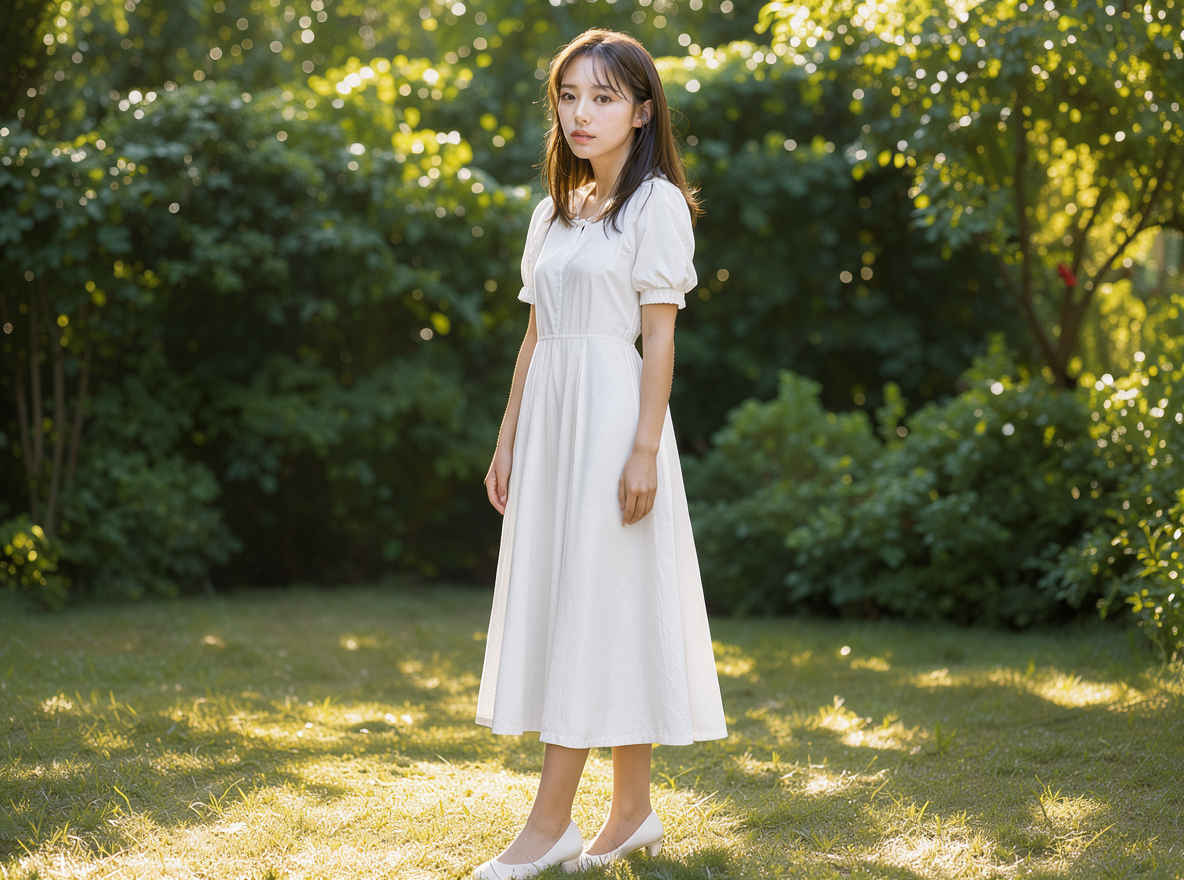 |
| 同じ背景で、少女の全身(頭から足先まで)が収まるワイドショットになるよう、カメラを大きく引いてください。その際、彼女の容姿、顔立ち、髪型、服装、スタイル、照明、そして自然な体型を正確に維持してください。 | |||
| ⑫ | 花を持たせる | Have the girl hold a small bouquet of fresh red tulips with both hands at chest height. Preserve her exact identity, face, hairstyle, expression, clothing, body position, background, composition, style, and lighting. | 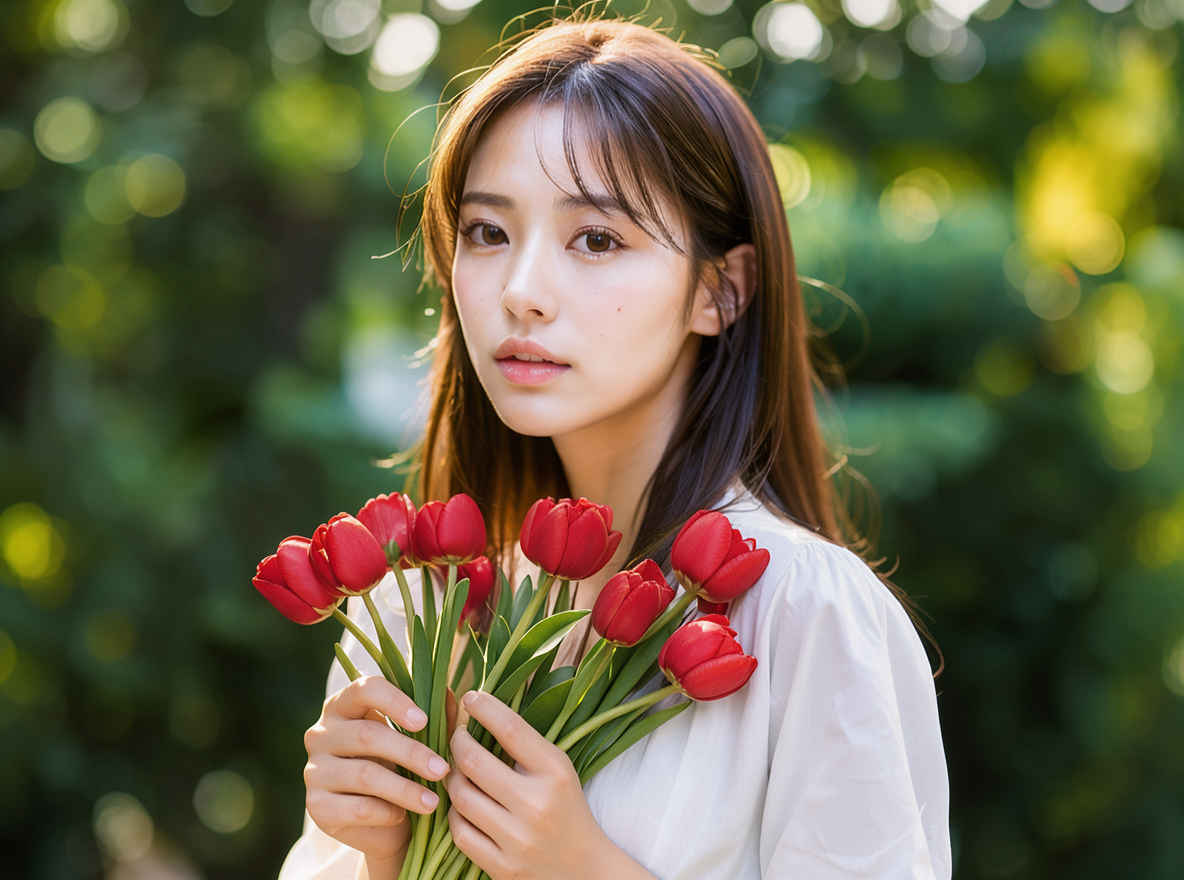 |
| その少女に、新鮮な赤いチューリップの小さな花束を胸の高さで両手で持たせてください。彼女の容姿、顔立ち、髪型、表情、服装、体の向き、背景、構図、スタイル、そして照明をそのまま維持してください。 | |||
| 他のモデルでの生成画像 | |||||||||
| FLUX.2 klein | Z-Image | ERNIE-Image | HiDream-O1 | Ideogram4 4,0 | Boogu-Image | Krea 2 | JoyAI-Imag | Qwen-Image-2.1 | FLUX.3 klein |
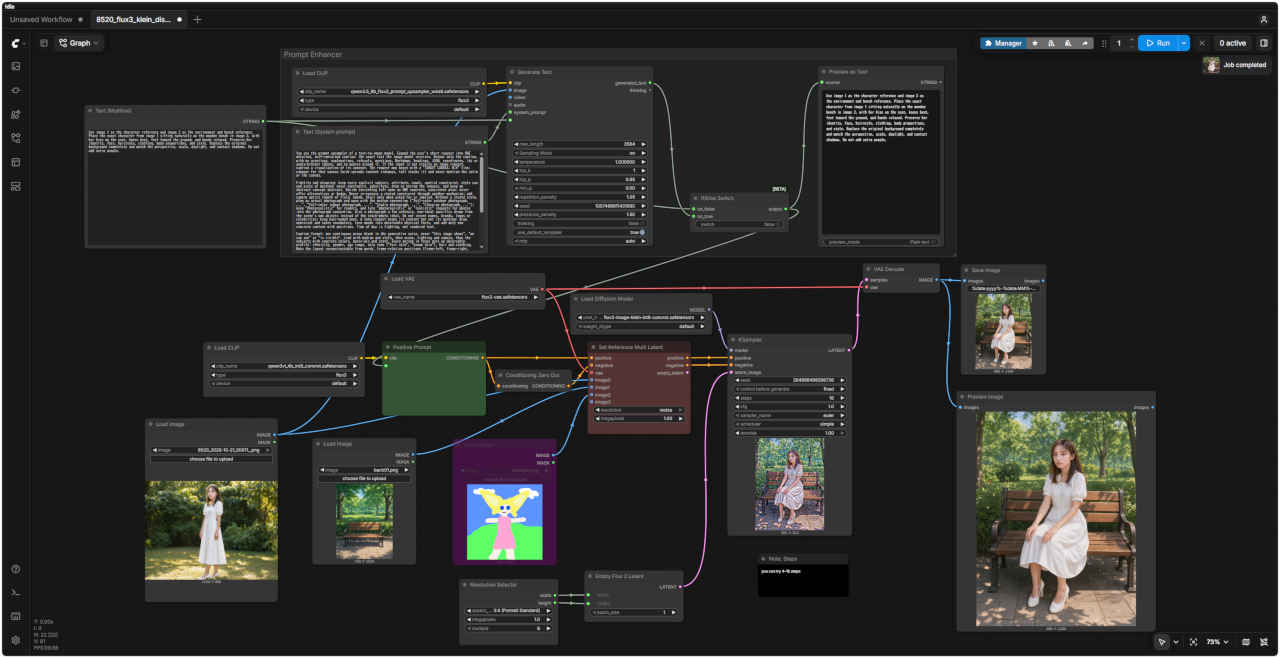
| 参照画像 ① | ワークフロー 8520_flux3_klein_distilled_image_edit.json |
| |  |
| 参照画像 ② | プロンプト | 生成画像 | |
| ① 人物と公園背景を合成する | |||
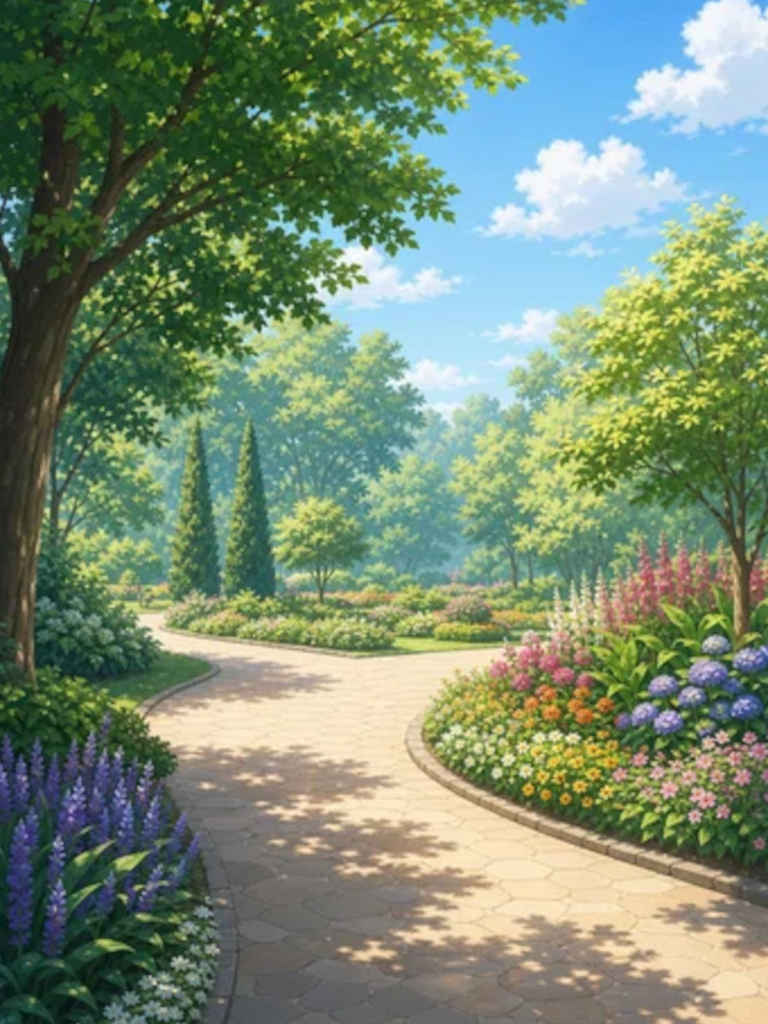 | Use image 1 only as the character reference and image 2 only as the environment reference. Place the exact character from image 1 standing naturally on the botanical park path from image 2. Preserve her identity, face, hairstyle, clothing, body proportions, and style. Replace the original background completely. Match the character scale, perspective, contact shadow, and daylight to image 2. Do not add extra people or objects. | 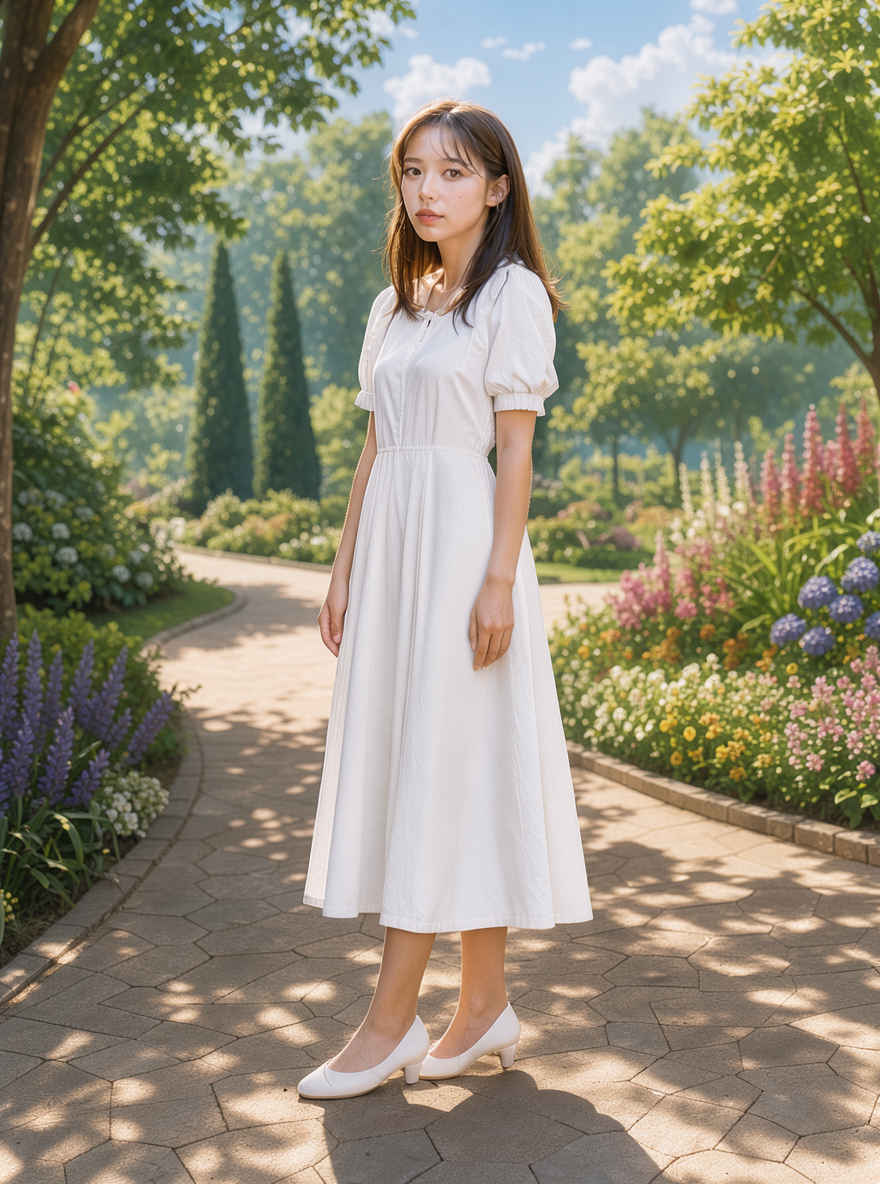 | |
| 画像1はキャラクターの参考資料としてのみ、画像2は背景の参考資料としてのみ使用してください。画像1のキャラクターをそのまま、画像2にある植物園の小道の上に自然な立ち姿で配置してください。その際、キャラクターの容姿、顔立ち、髪型、服装、体型、スタイルを忠実に維持し、元の背景は完全に置き換えてください。キャラクターのサイズ感、遠近法、足元の影(コンタクトシャドウ)、そして光の当たり方(昼光)を画像2の環境に合わせて調整してください。余分な人物や物体は追加しないでください。 | |||
| ② 背景へ合成して人物を座らせる | |||
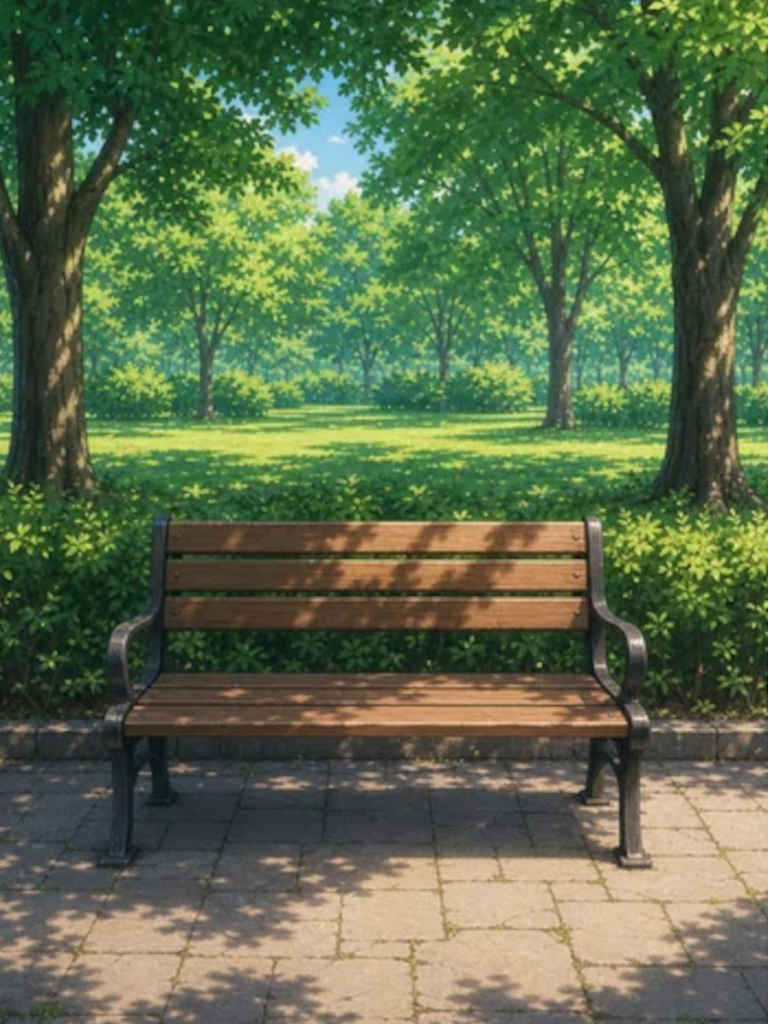 | Use image 1 as the character reference and image 2 as the environment and bench reference. Place the exact character from image 1 sitting naturally on the wooden bench in image 2, with her hips on the seat, knees bent, feet toward the ground, and hands relaxed. Preserve her identity, face, hairstyle, clothing, body proportions, and style. Replace the original background completely and match the perspective, scale, daylight, and contact shadows. Do not add extra people. | 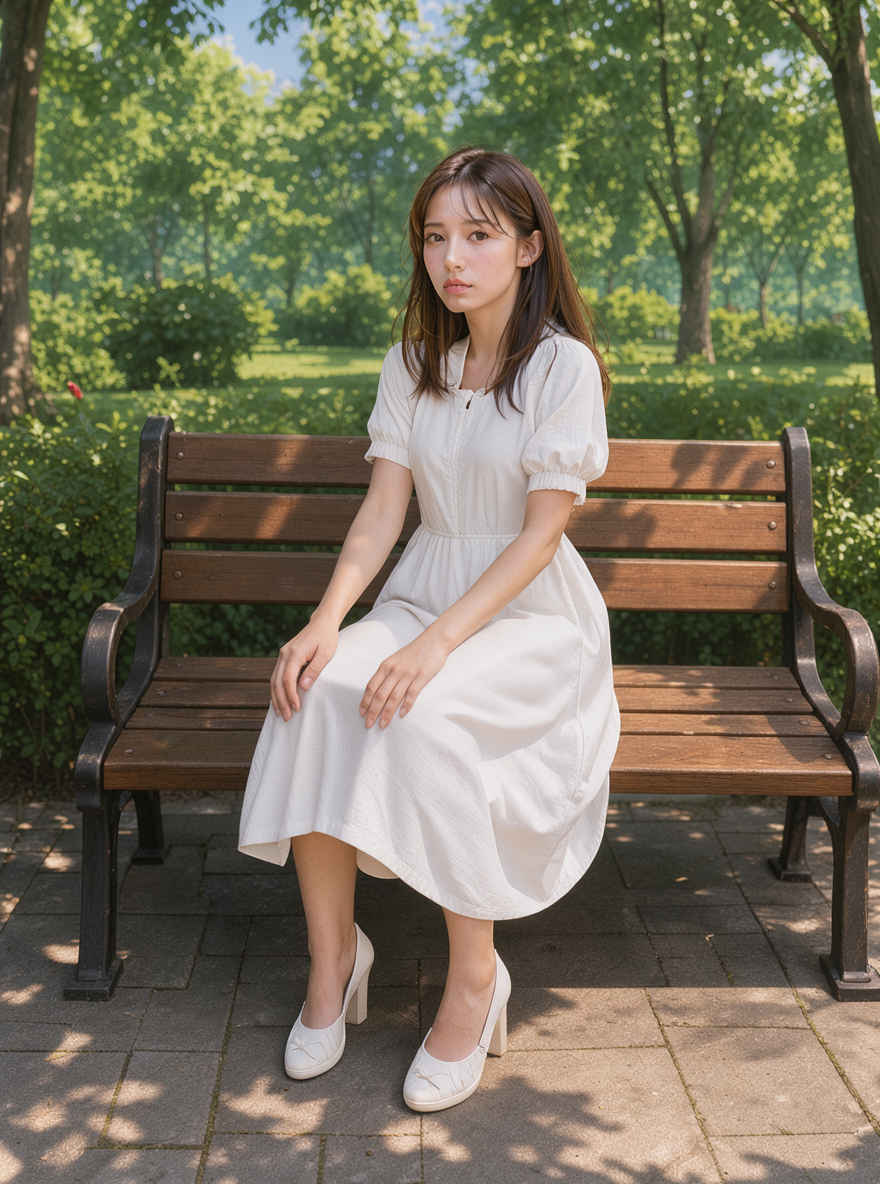 | |
| 画像1をキャラクターの、画像2を環境とベンチの参考資料として使用してください。画像1のキャラクターをそのまま、画像2の木製ベンチに自然な姿勢(腰を座面に置き、膝を曲げ、足を地面に向け、手をリラックスさせた状態)で配置してください。その際、キャラクターの容姿、顔立ち、髪型、服装、体型、スタイルを忠実に再現してください。元の背景は完全に差し替え、遠近法、スケール、自然光、接地影(コンタクトシャドウ)を適切に合わせてください。他の人物は追加しないでください。 | |||
| ③ 背景へ合成して夕方にする | |||
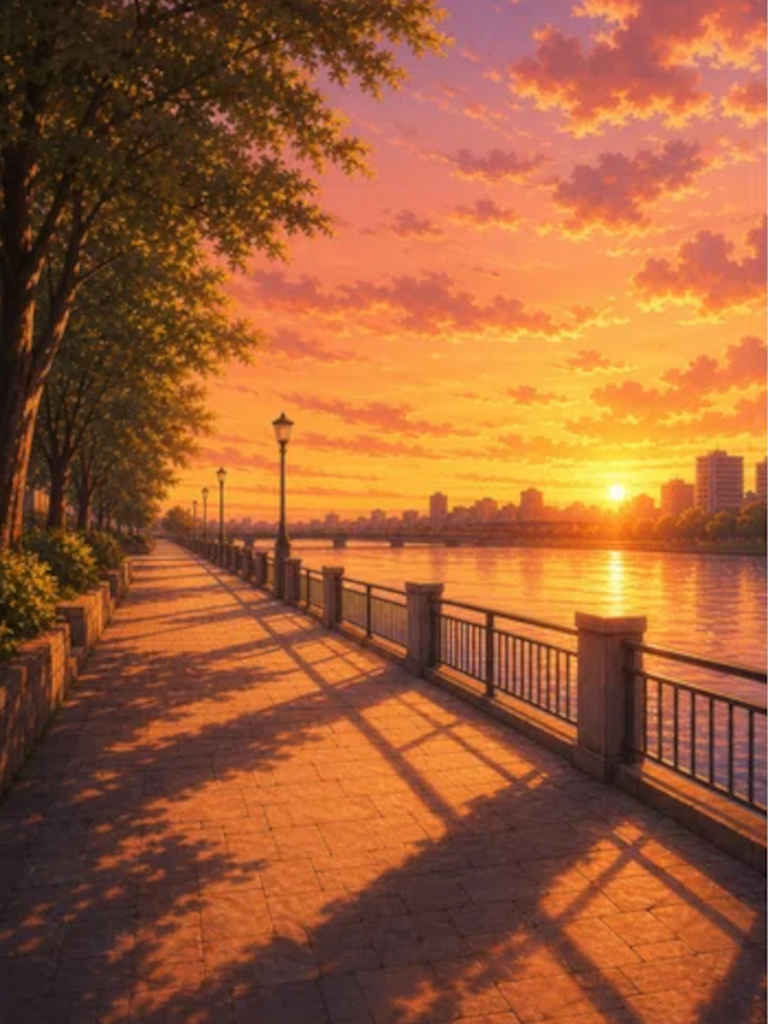 | Use image 1 only as the character reference and image 2 only as the environment and lighting reference. Place the exact character from image 1 naturally on the riverside promenade from image 2. Replace the original background completely and make the unified scene clearly sunset and early evening. Cast warm orange-pink sunset light and long soft shadows on the character so she belongs in the scene. Preserve her identity, face, hairstyle, clothing, proportions, and style. Do not add extra people. | 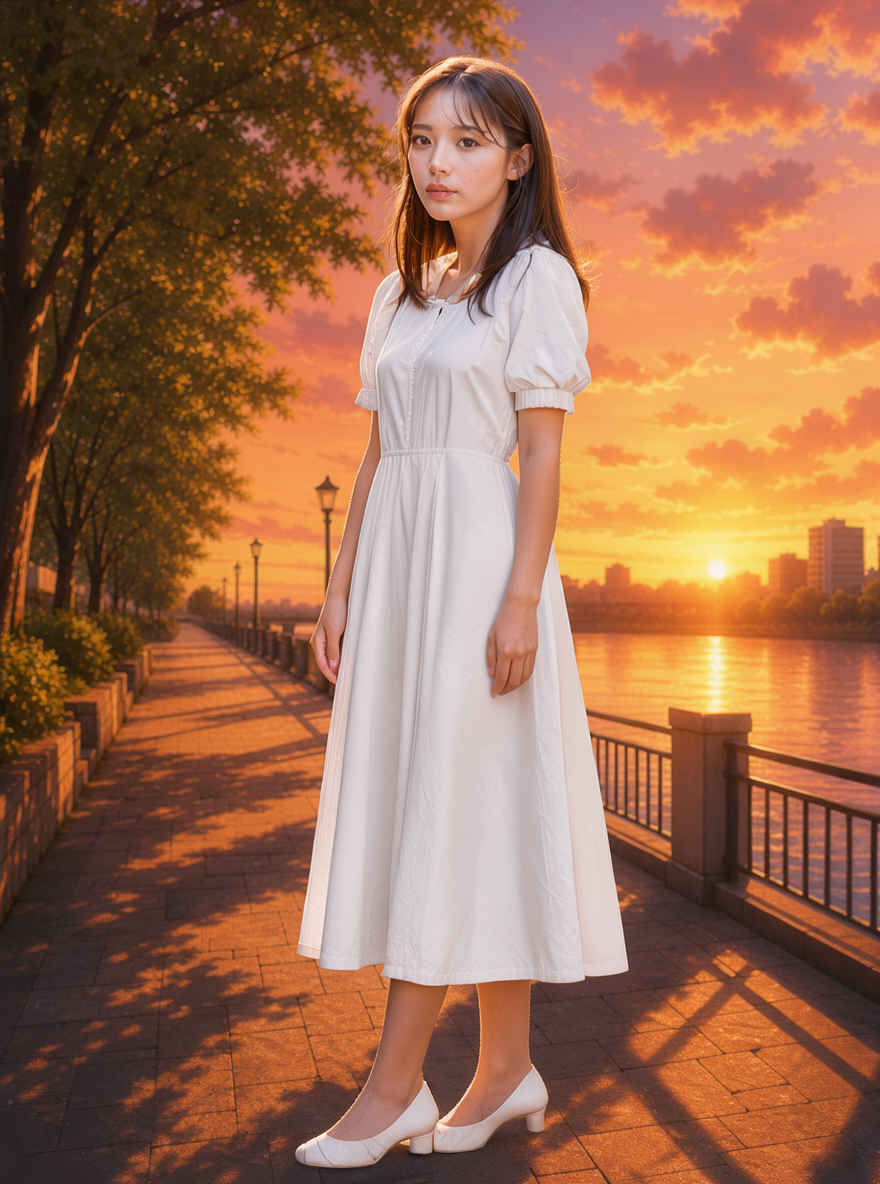 | |
| 画像1はキャラクターの参考資料としてのみ、画像2は背景と照明の参考資料としてのみ使用してください。画像1のキャラクターをそのまま、画像2の川沿いの遊歩道に自然な形で配置してください。元の背景を完全に差し替え、シーン全体を夕暮れから夕方にかけての時間帯として統一感のある描写にしてください。キャラクターに温かみのあるオレンジピンクの夕日を当て、長く柔らかな影を落とすことで、彼女がその場に自然に溶け込んでいるように見せてください。彼女の特徴、顔立ち、髪型、服装、プロポーション、スタイルは維持してください。他の人物は追加しないでください。 | |||
| ④ 背景へ遠景の人物として合成する | |||
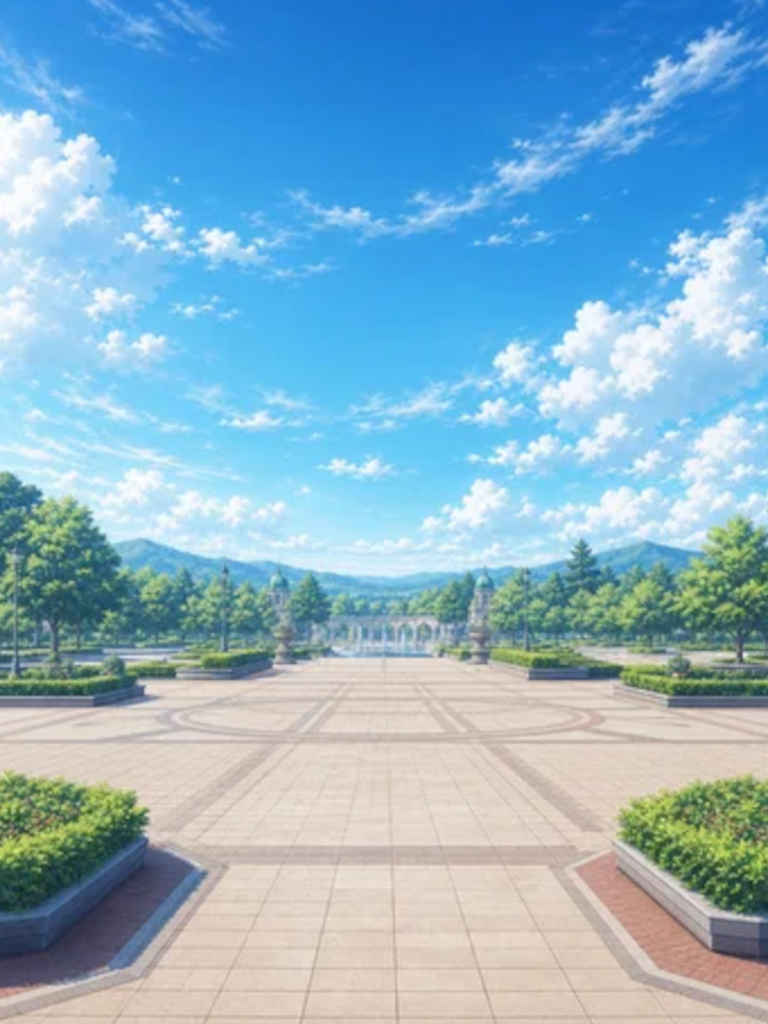 | Use image 1 as the character reference and image 2 as the environment and camera-composition reference. Show the exact character from image 1 as a small full-body figure far away near the center of the broad plaza in image 2, photographed from a long distance in a wide establishing shot with abundant surroundings and deep perspective. Preserve her recognizable identity, black hairstyle, clothing, proportions, and style. Replace the original background completely, match daylight and shadows, and do not add extra people. | 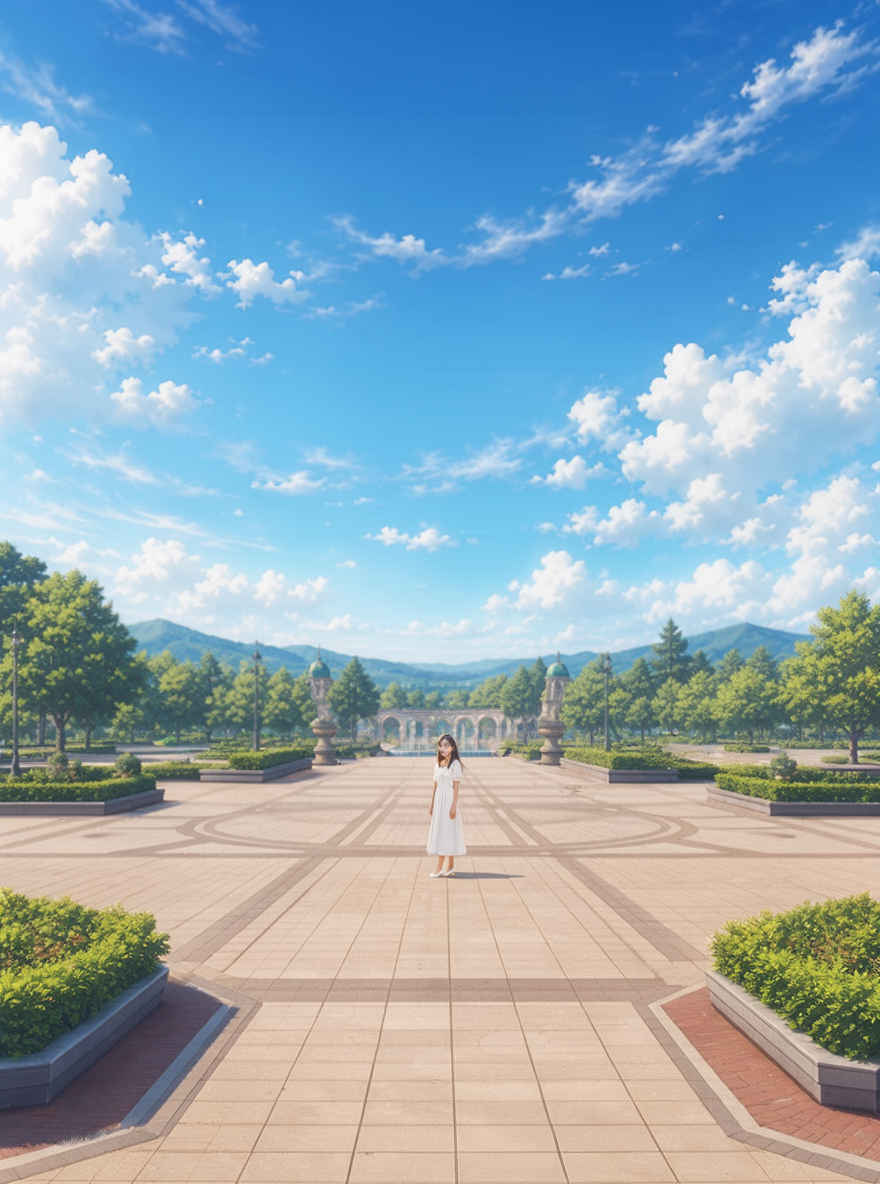 | |
| 画像1をキャラクターの、画像2を環境およびカメラ構図の参考資料として使用してください。画像2の広々とした広場の中央付近に、画像1のキャラクターを遠く離れた小さな全身像として配置し、周囲の風景を広く取り入れた奥行きのあるロングショット(全景ショット)で表現してください。その際、彼女の特徴である容姿、黒髪のヘアスタイル、服装、プロポーション、スタイルを維持してください。元の背景は完全に差し替え、自然光や影の表現を整合させるとともに、余分な人物は追加しないでください。 | |||
| ⑤ 服装を替える | |||
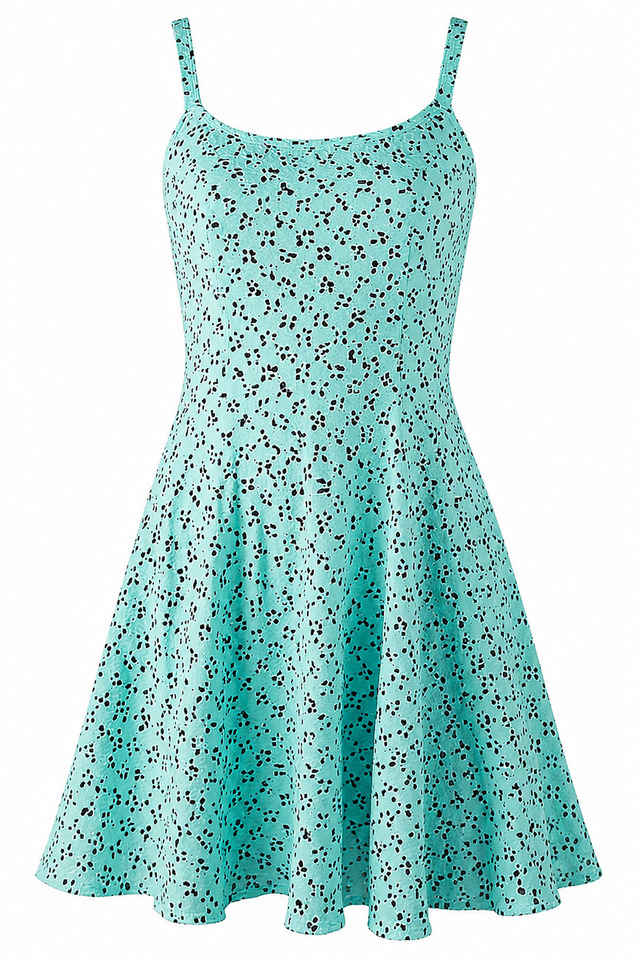
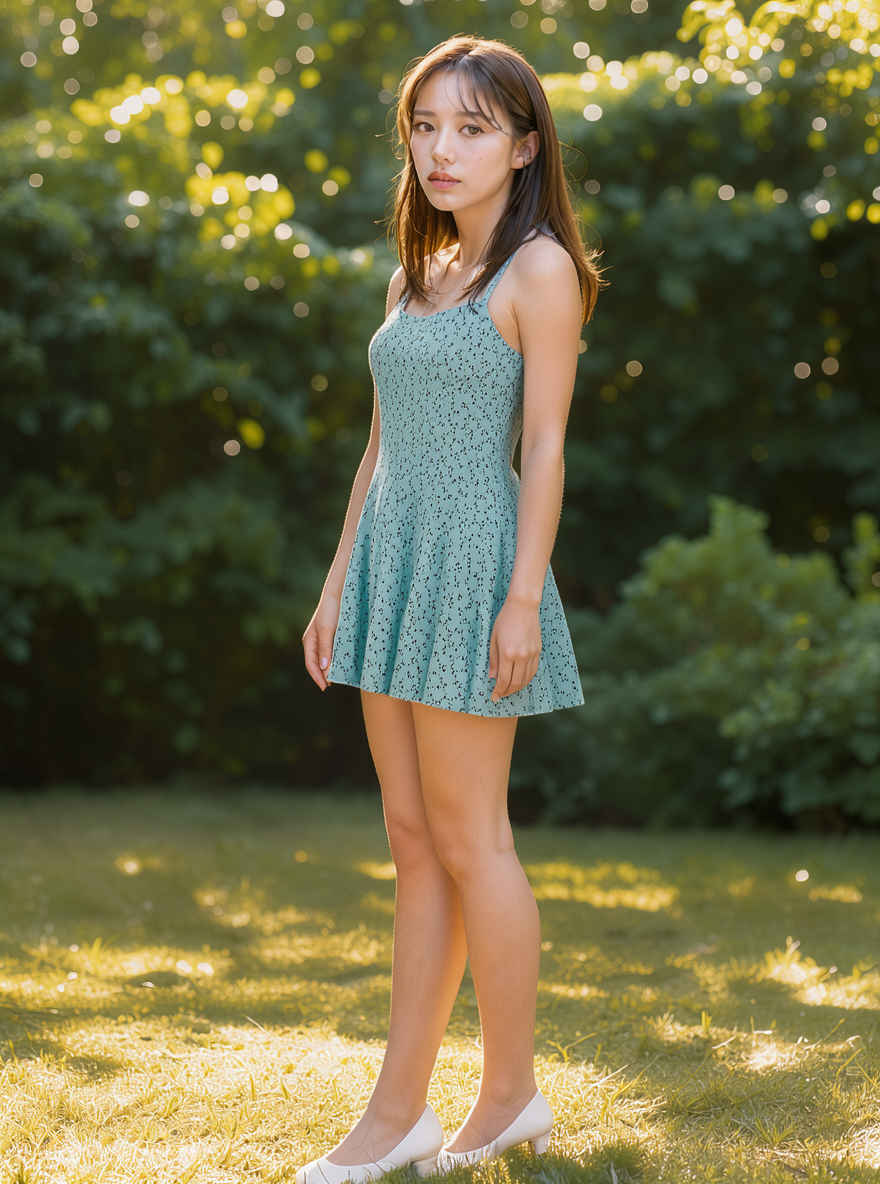
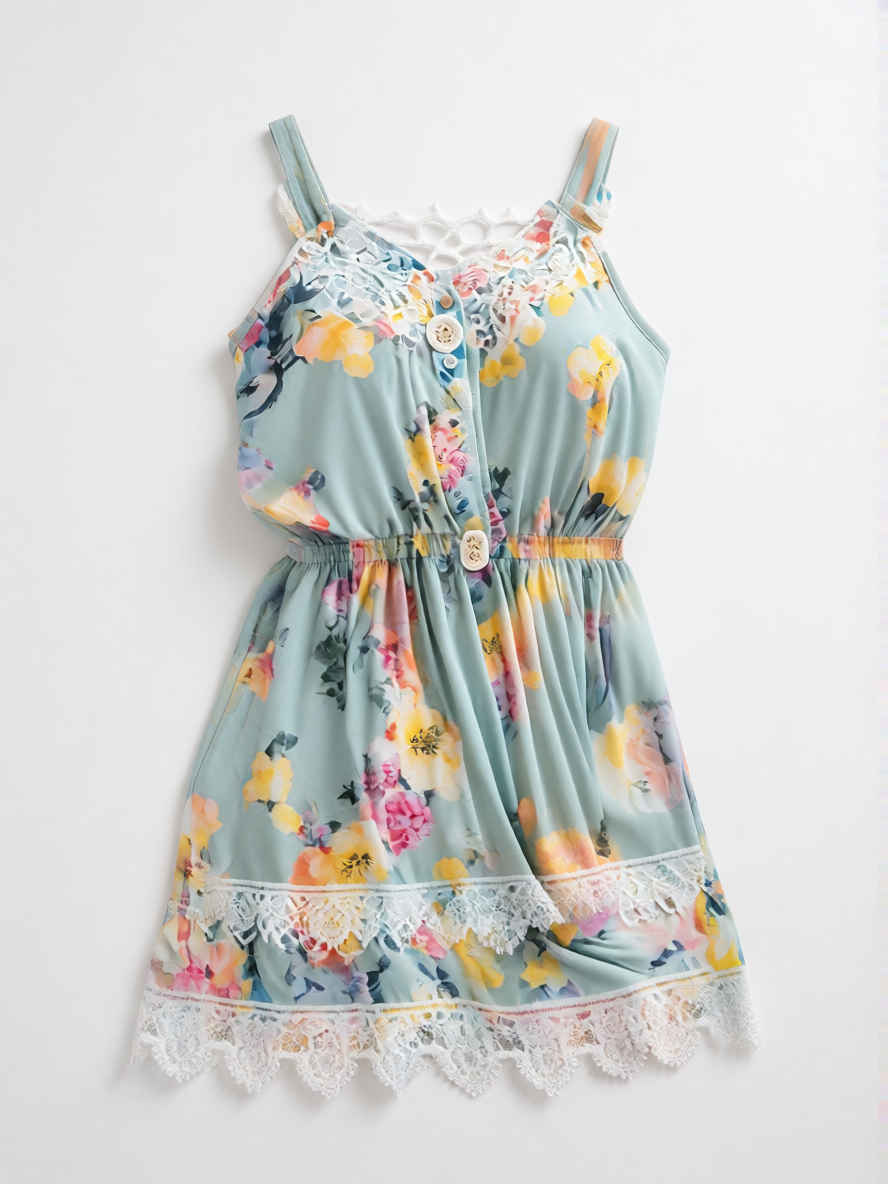
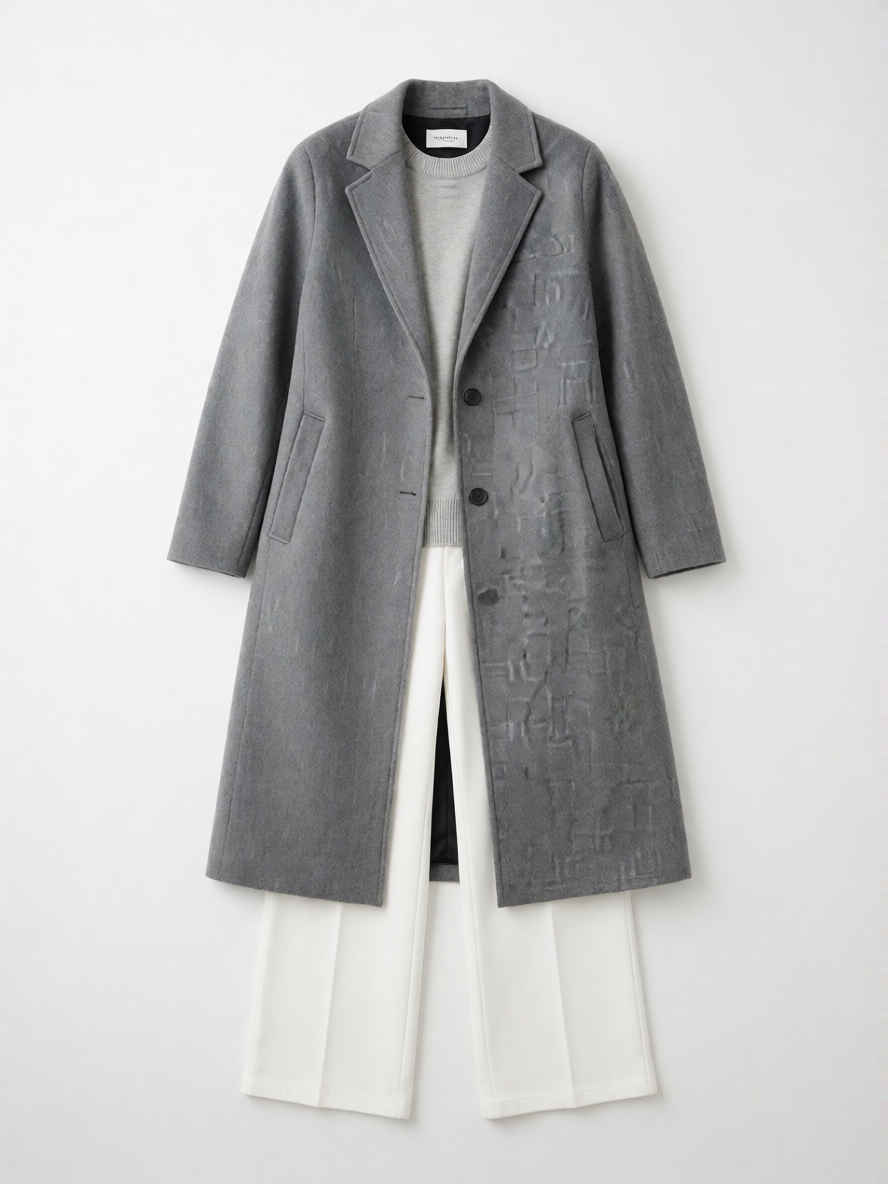 | Use image 1 as the character, identity, pose, and composition reference. Use image 2 only as the clothing reference. Dress the exact character from image 1 in the complete outfit from image 2. Remove and replace the original clothing and gloves. Preserve her exact face, hairstyle, body, pose, original background, lighting, and style. Do not copy the flat-lay background. | 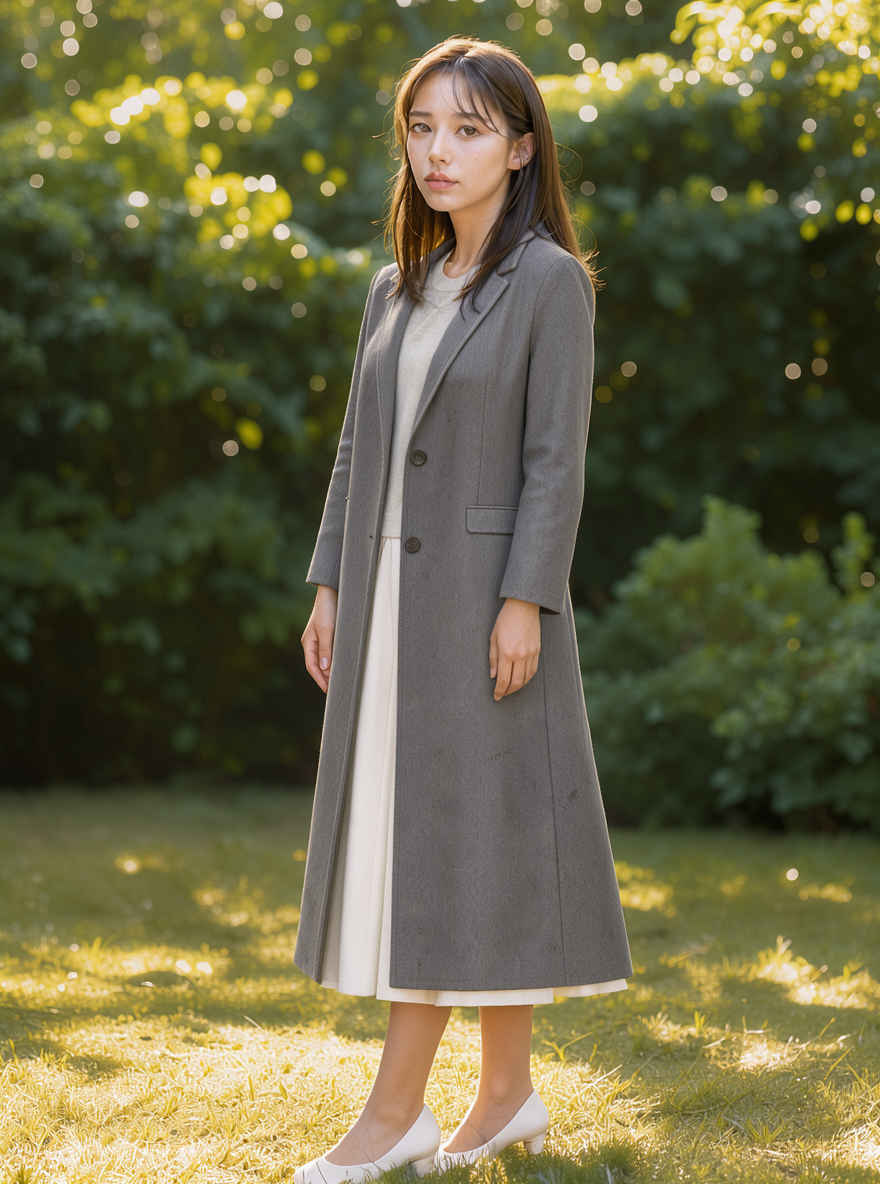 | |
| 画像1をキャラクター、外見的特徴、ポーズ、構図の参考として使用してください。画像2は衣装の参考としてのみ使用します。画像1のキャラクターに、画像2の衣装一式を着用させてください。元の服と手袋は取り除き、新しいものに置き換えてください。顔立ち、髪型、体型、ポーズ、元の背景、照明、スタイルはそのまま維持してください。(画像2にあるような)平置きの背景はコピーしないでください。 | |||
 |  |  | 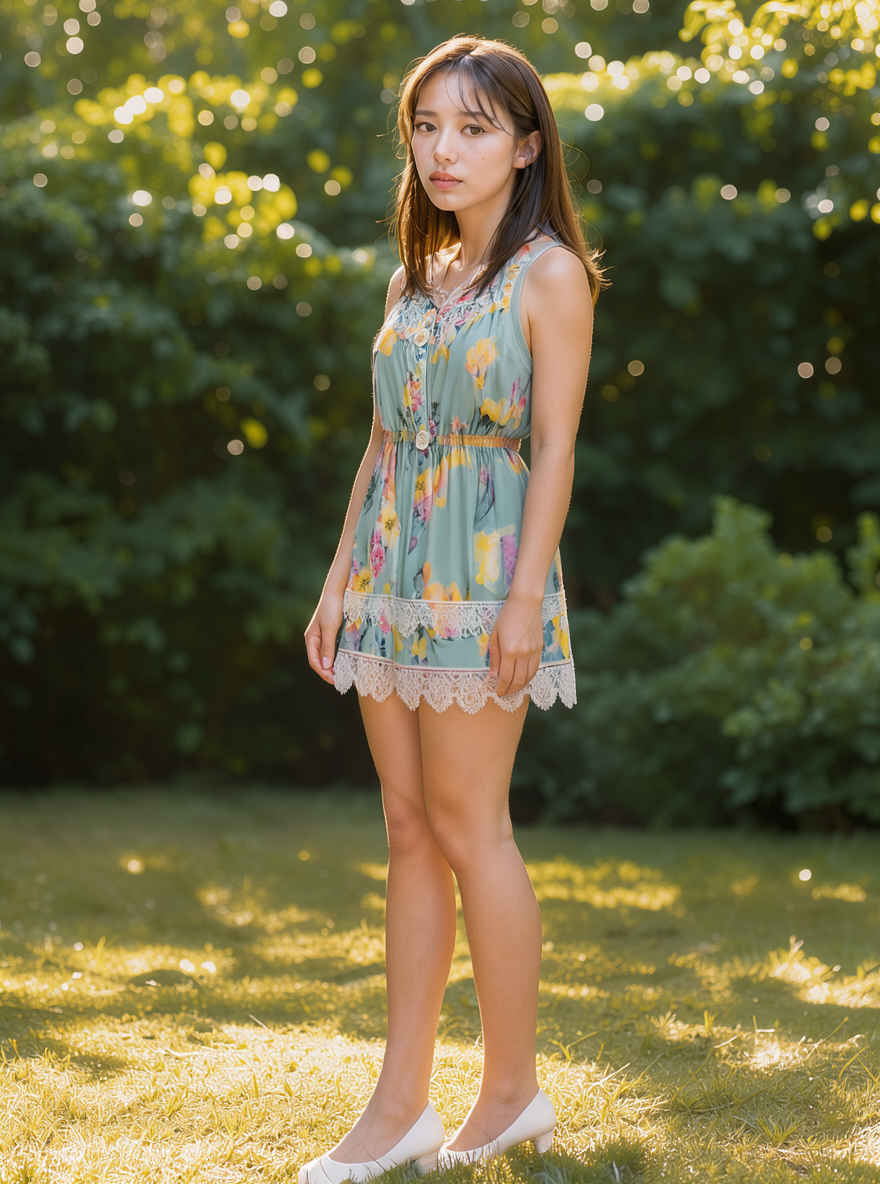 |
| ⑥ バッグを持たせる | |||
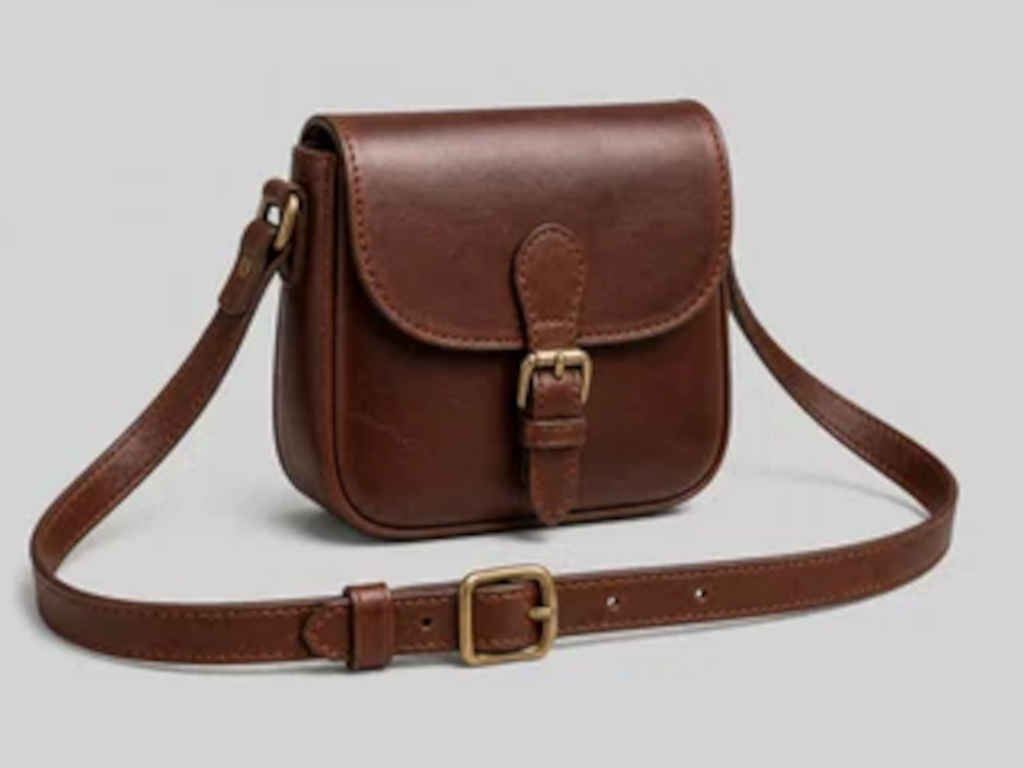 | Use image 1 as the character and scene reference. Use image 2 only as the bag reference. Give the exact character from image 1 the chestnut-brown leather crossbody satchel from image 2. The strap should cross her torso naturally, the satchel should rest at her hip, and one hand should visibly hold the strap. Preserve her identity, face, hairstyle, clothing, body proportions, background, lighting, and style. Include exactly one bag and do not copy the studio background. | 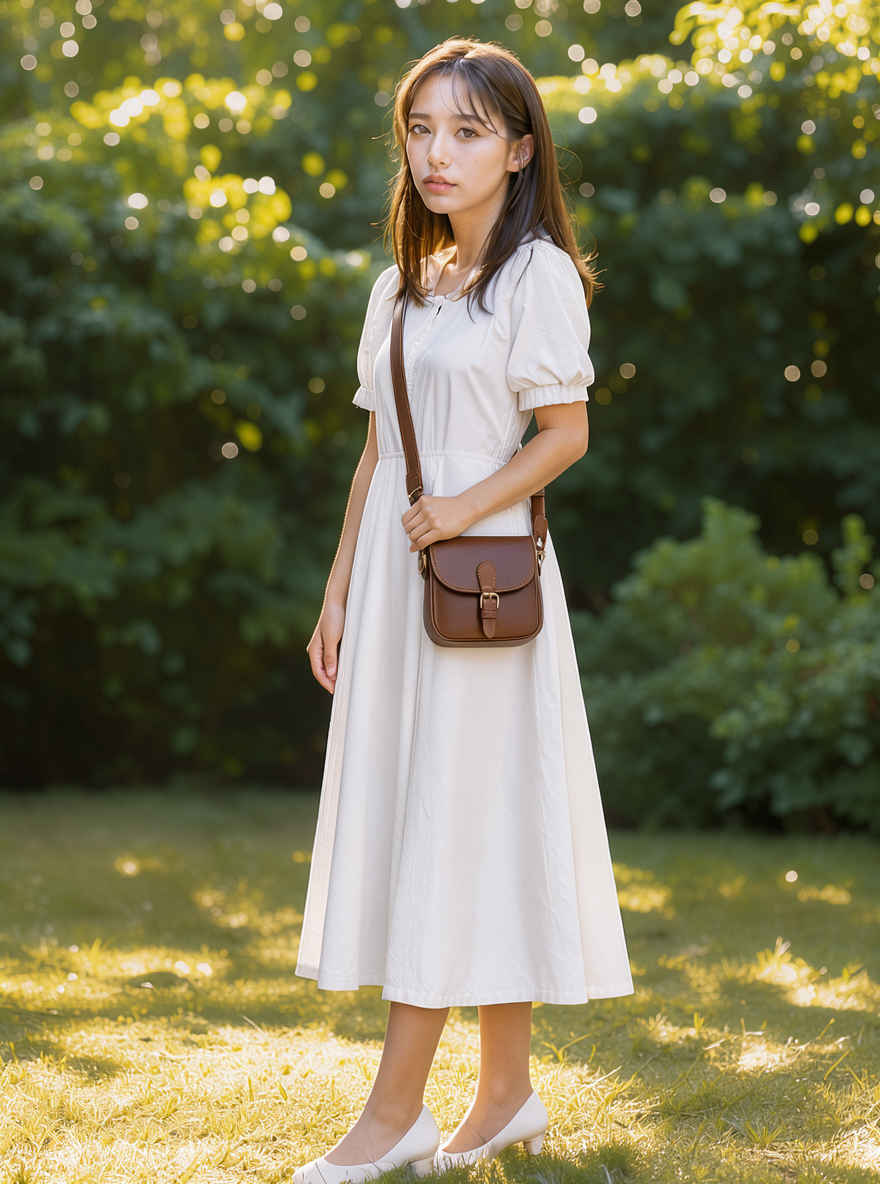 | |
| 画像1をキャラクターとシーンの参考資料として使用し、画像2はバッグの参考資料としてのみ使用してください。画像1のキャラクターに、画像2の栗色レザー製クロスボディ・サッチェルを持たせてください。ストラップは胴体を自然に斜めに横切り、サッチェルは腰の位置にくるようにし、片手でストラップを掴んでいる様子を描写してください。キャラクターの容姿、顔立ち、髪型、服装、体型、背景、照明、そしてスタイルはそのまま維持してください。バッグは必ず1つだけ描き、スタジオの背景は模写しないでください。 | |||
| ⑦ ポーズをつける ※ 参照画像でのポーズ指定はうまくいかない。最終的にプロンプトにポーズの指定を含めることになる(要調査) | |||
| なし | Use image 1 for the character's exact identity, face, hairstyle, body, clothing, and style. Stand on the left leg, lift the right knee forward to hip height bent 90 degrees, extend the left arm horizontally to the side, raise the right arm diagonally upward, keep the torso upright, and face forward. Render one complete full-body character with both feet and both hands visible. Keep a simple unobtrusive background and do not add another person. | 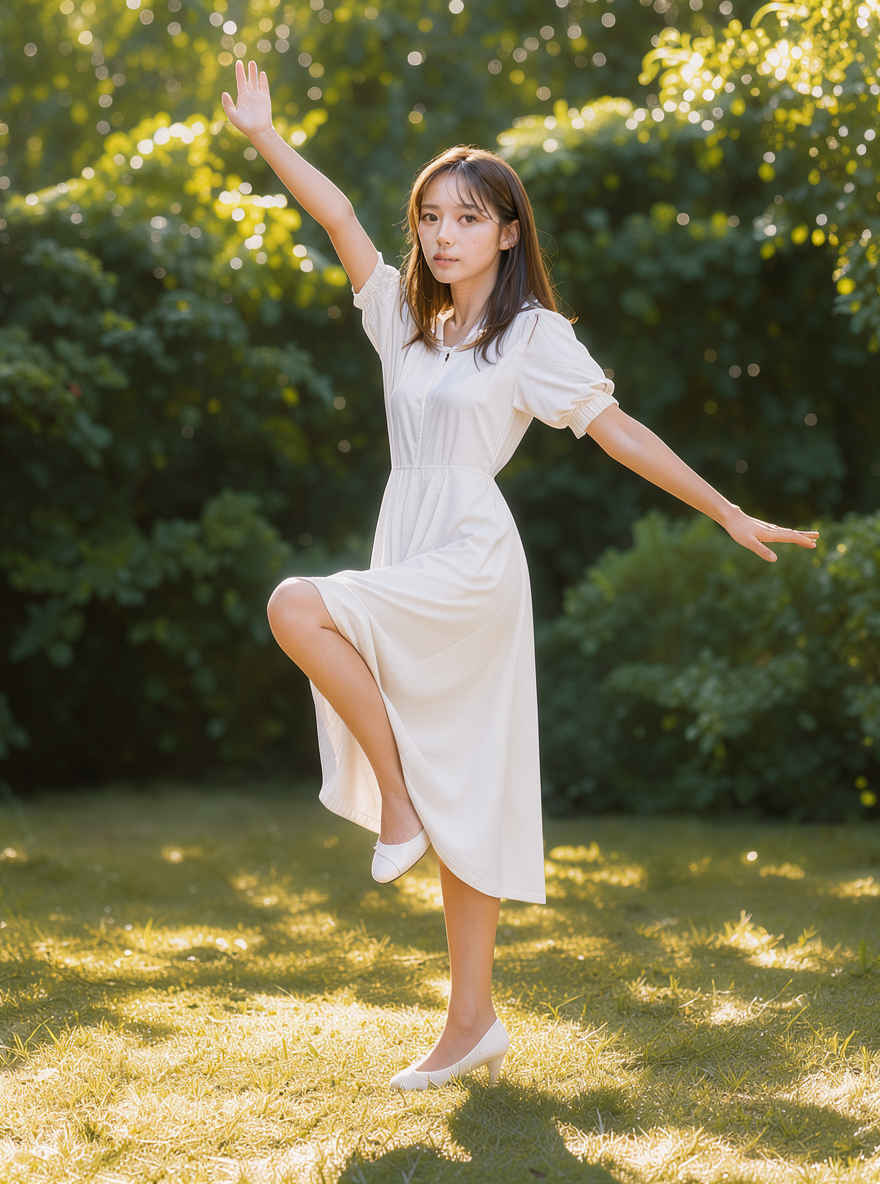 | |
| 画像1を参考に、キャラクターの容姿(顔、髪型、体型、服装、スタイル)を正確に再現してください。左足で立ち、右膝を90度に曲げて腰の高さまで前方に上げ、左腕を真横に伸ばし、右腕を斜め上方に掲げます。体幹をまっすぐに保ち、顔は正面に向けます。両足と両手が見える全身像を1体描画してください。背景はシンプルで目立たないものにし、他の人物は追加しないでください。 | |||
| 他のモデルでの生成画像 | |||||||||
| FLUX.2 klein | Z-Image | ERNIE-Image | HiDream-O1 | Ideogram4 4,0 | Boogu-Image | Krea 2 | JoyAI-Imag | Qwen-Image-2.1 | FLUX.3 klein |
| 元画像 | ワークフロー 8520_flux3_klein_distilled_image_edit.json |
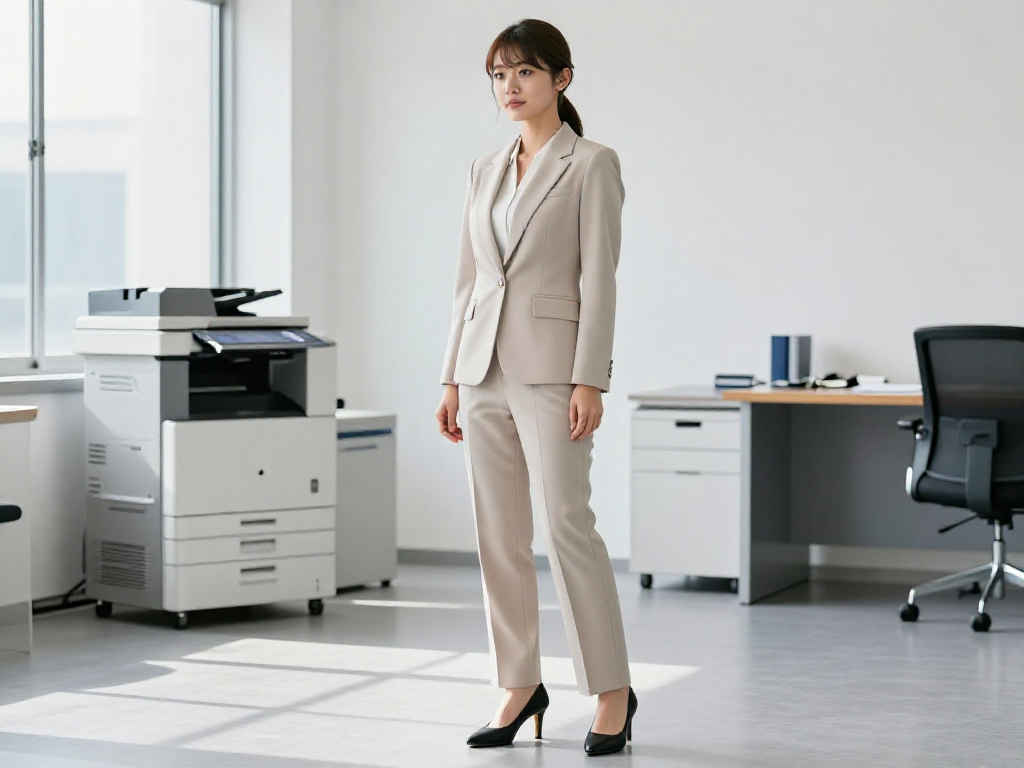 | 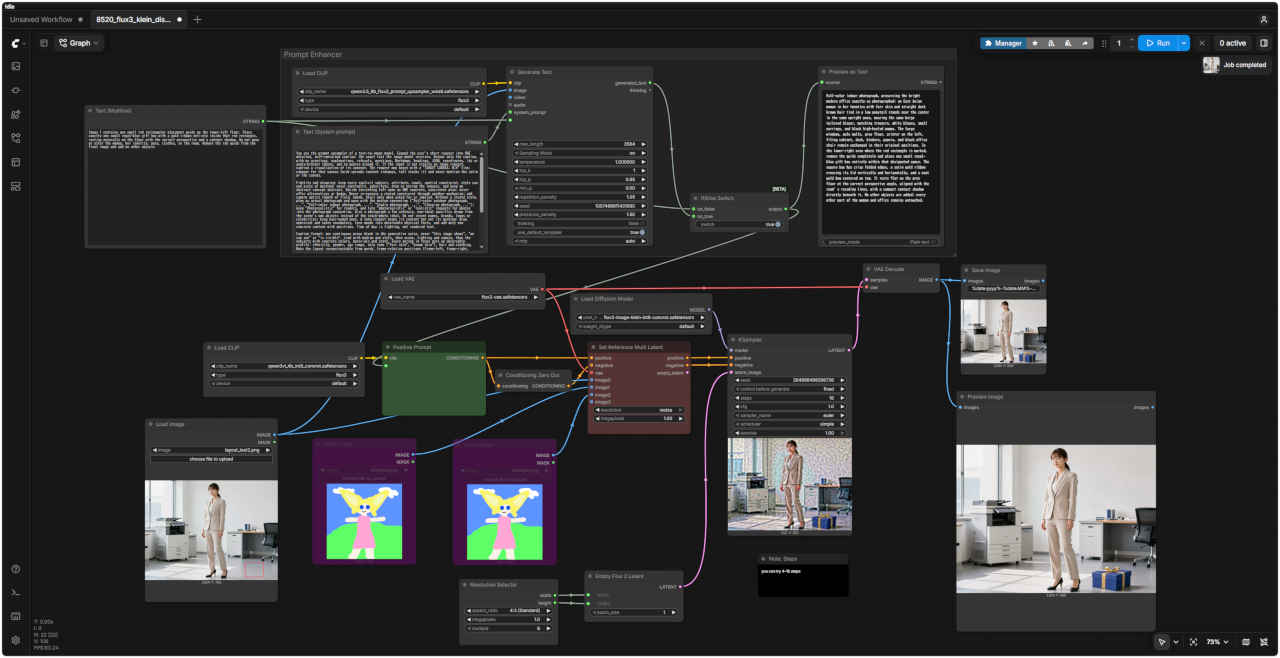 |
| 参照画像 | プロンプト | 生成画像 |
| ① 赤枠へ人物を移動する | ||
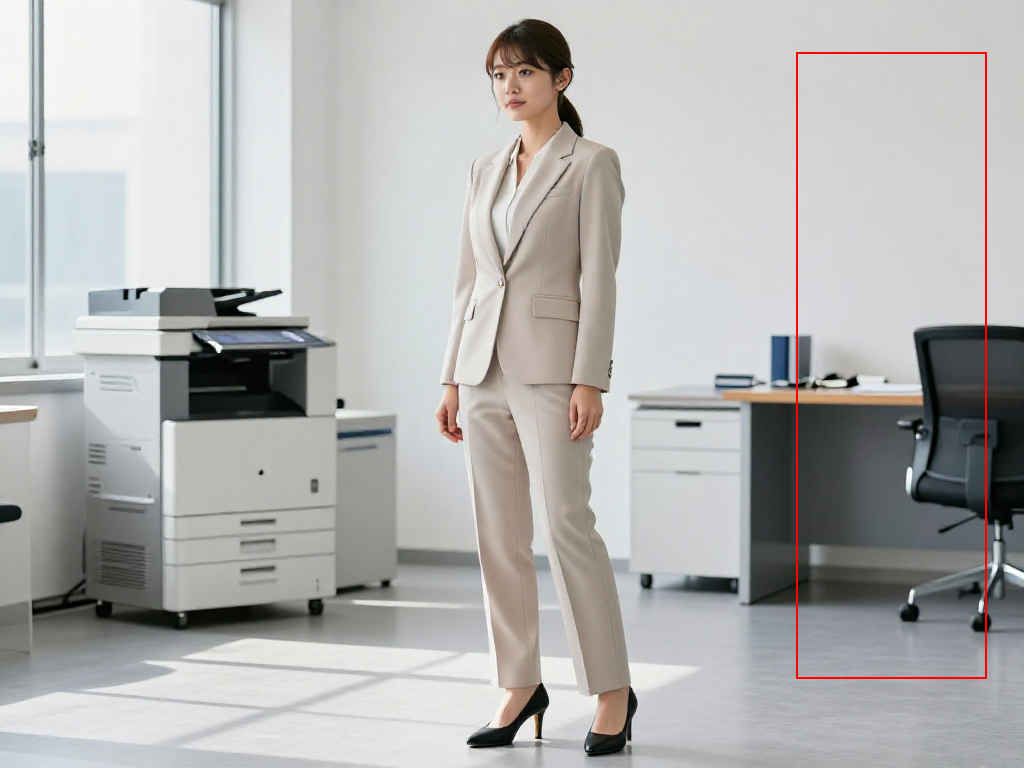 | On the right side of Image 1, there is a red rectangular placement guide. Please move the woman so that she fits entirely within that red rectangle. Adjust the size as necessary to ensure her full body fits inside the rectangle and her feet rest naturally on the floor. Do not alter the woman's appearance, facial features, hairstyle, physique, style, lighting atmosphere, or the background of the room. Remove the woman from her original position and restore the background where she was standing, so that only the woman remains in the final image. Finally, remove the red guide from the image. | 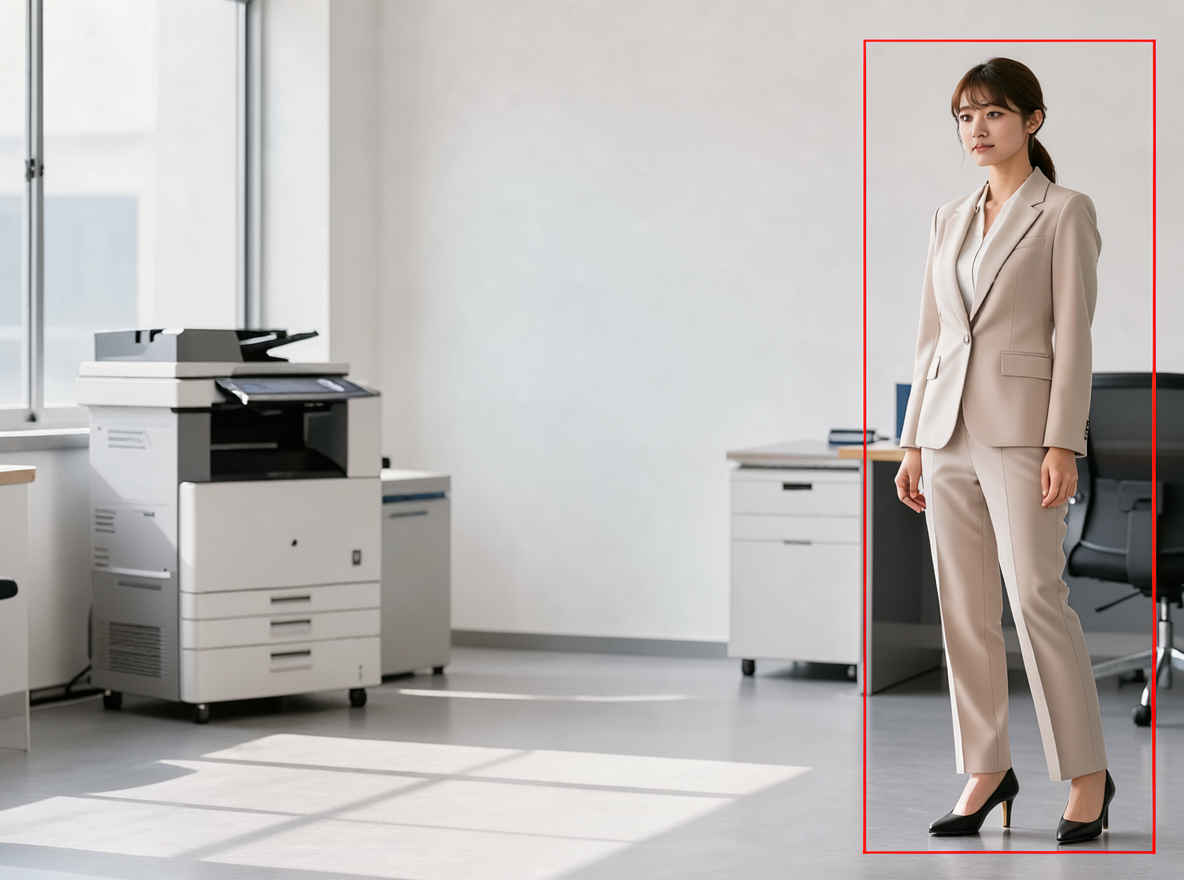 |
| 画像1の右側には、赤い長方形の配置ガイドが1つあります。女性を、その赤い長方形の中に完全に収まるように移動させてください。全身が長方形に収まり、かつ足元が自然に床に接するように、必要に応じてサイズを調整してください。その際、女性の容姿、顔立ち、髪型、体型、スタイル、照明の雰囲気、そして背景の部屋の様子は変えないでください。元の位置にいた女性の姿を取り除き、彼女が元々立っていた場所の背景を復元することで、最終的に女性が1人だけ残るようにします。最後に、画像から赤いガイドを取り除いてください。 | ||
| ② 赤枠へ小物を配置する | ||
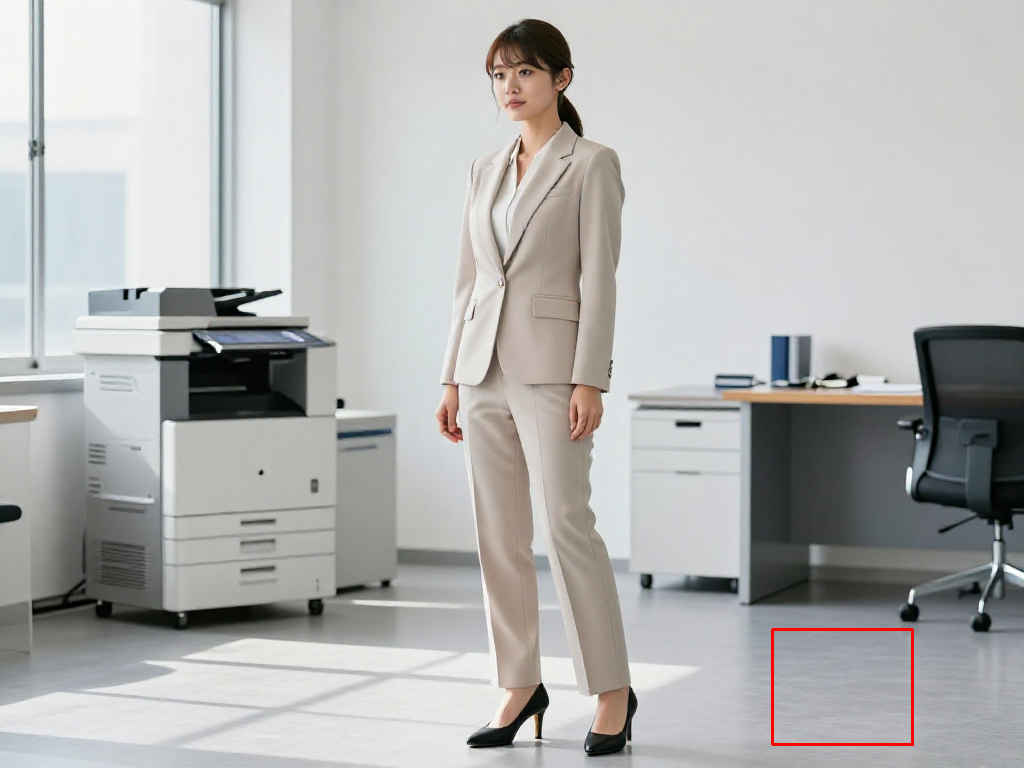 | Image 1 contains one small red rectangular placement guide on the lower-left floor. Place exactly one small royal-blue gift box with a gold ribbon entirely inside that red rectangle, resting naturally on the floor with the correct perspective and a contact shadow. Do not move or alter the woman, her identity, pose, clothes, or the room. Remove the red guide from the final image and add no other objects | 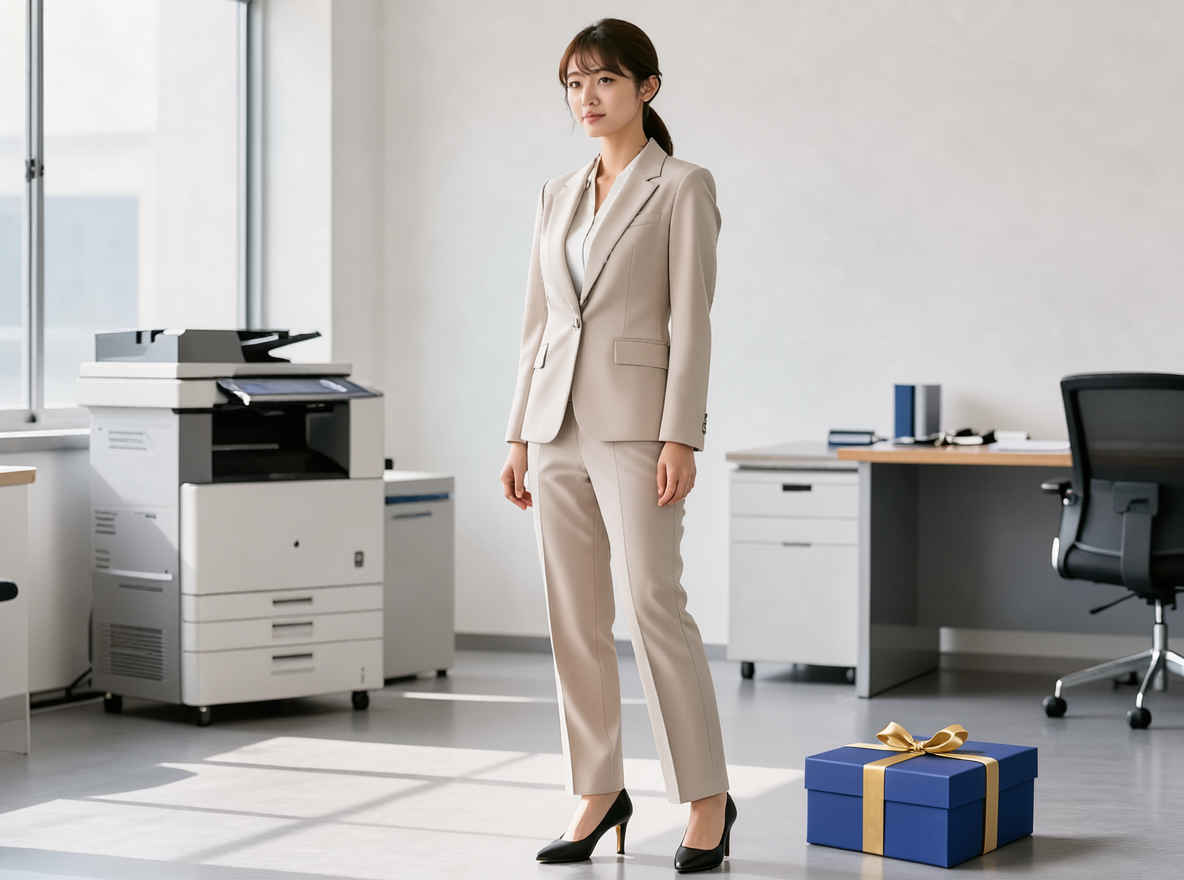 |
| 画像1の左下の床には、小さな赤い長方形の配置ガイドがあります。その赤い長方形の中に、金色のリボンが付いた小さなロイヤルブルーのギフトボックスを1つだけ配置してください。その際、正しい遠近法と接地影(コンタクトシャドウ)を反映させ、床に自然に置かれた状態にしてください。女性(その人物、ポーズ、服装)や部屋には一切変更を加えないでください。最終的な画像からは赤いガイドを取り除き、それ以外のオブジェクトは追加しないでください。 | ||
| ③ 赤枠へ人物を移動して姿勢を変える | ||
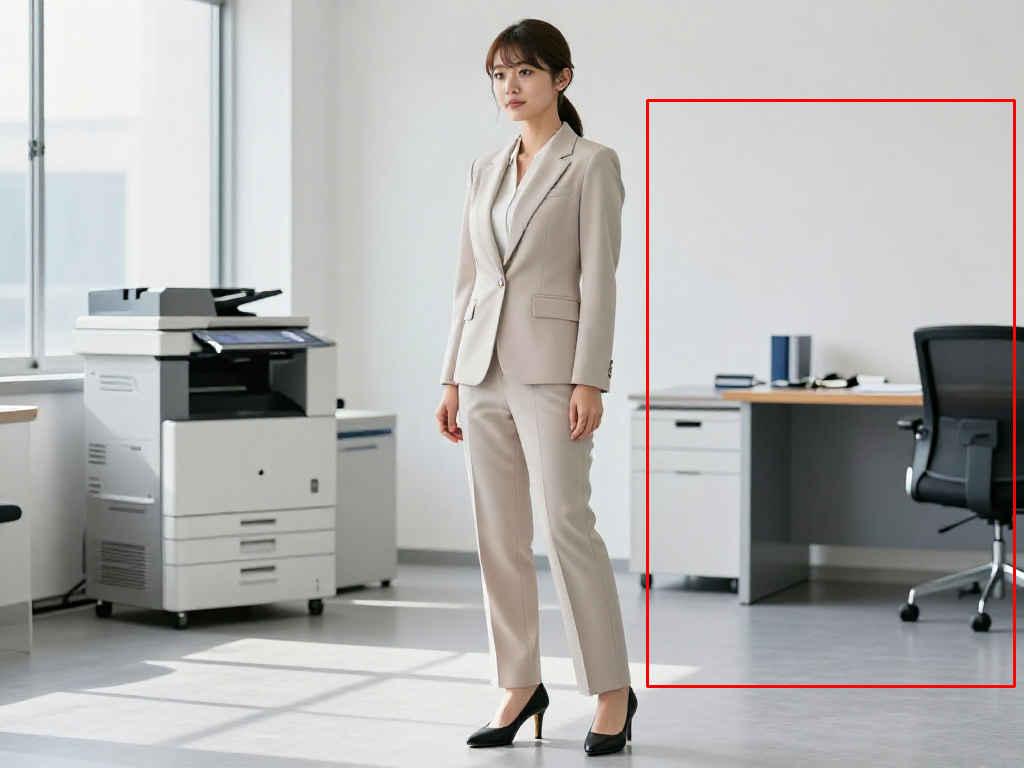 | Please remove the chair located within the red rectangle shown in Image 1. Then, place the woman in a seated position where the chair was. Ensure her feet are touching the floor and that her scale matches the chair. Do not alter the woman's face or clothing. Remove the red guide from the final image and do not add any other objects. | 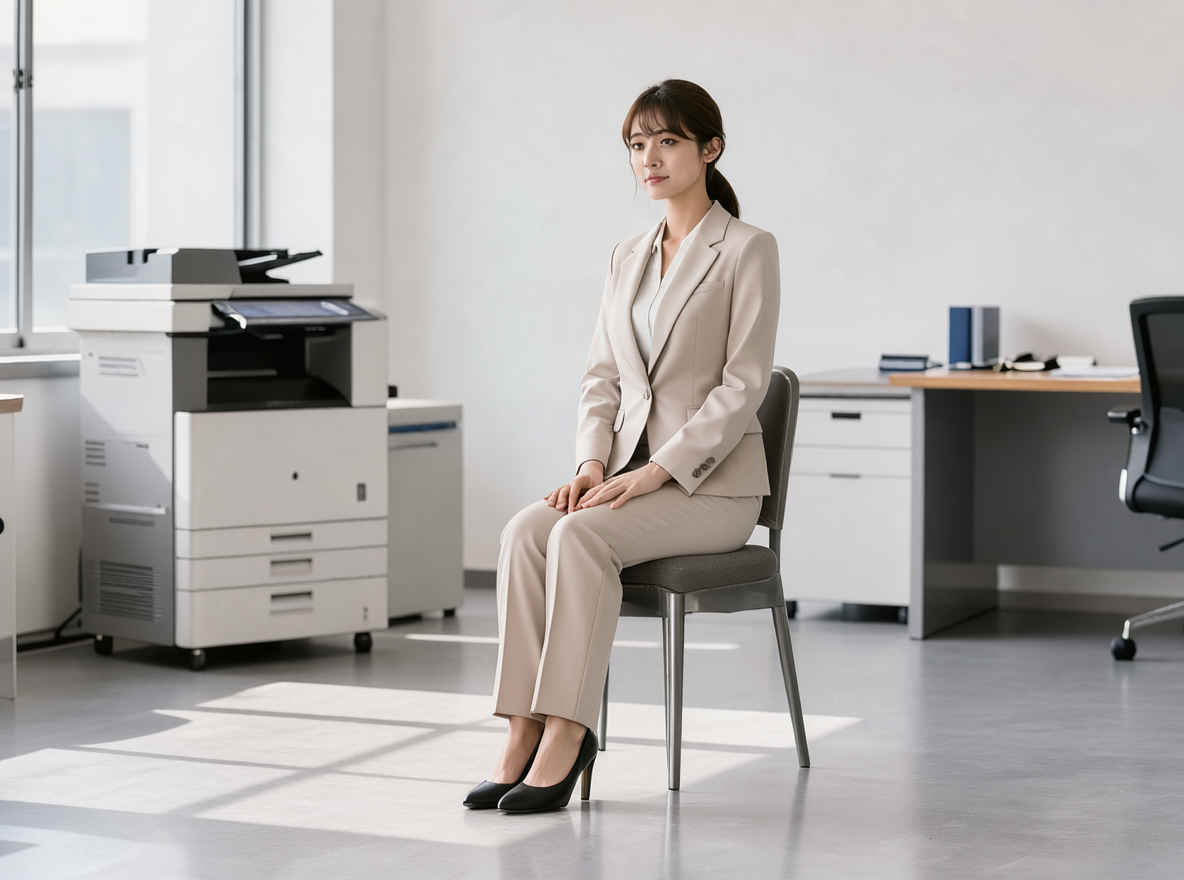 |
| 画像1の赤い長方形の位置の椅子を消してください。そのあと女性は赤い長方形の位置に椅子に座っています。足を床につけて、スケール感を椅子と合わせてください。女性の顔や服装には変更を加えないでください。最終的な画像からは赤いガイドを取り除き、それ以外のオブジェクトは追加しないでください | ||
| 他のモデルでの生成画像 | |||||||||
| FLUX.2 klein | Z-Image | ERNIE-Image | HiDream-O1 | Ideogram4 4,0 | Boogu-Image | Krea 2 | JoyAI-Imag | Qwen-Image-2.1 | FLUX.3 klein |
| 元画像 | ワークフロー 8520_flux3_klein_distilled_image_edit.json |
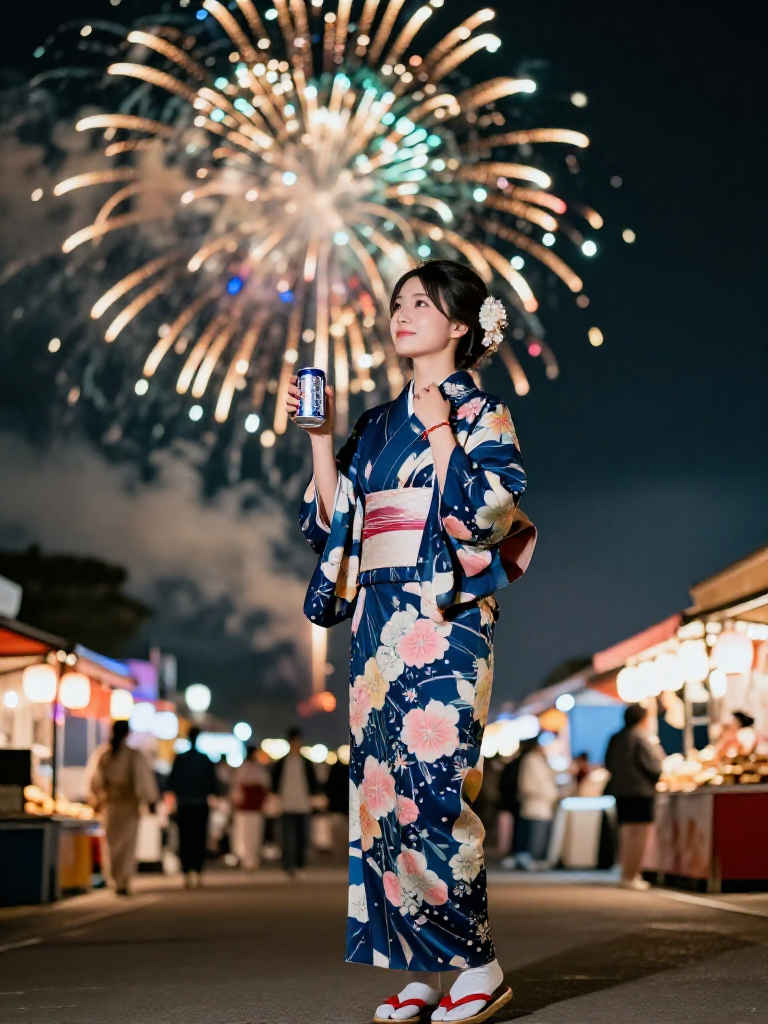 | 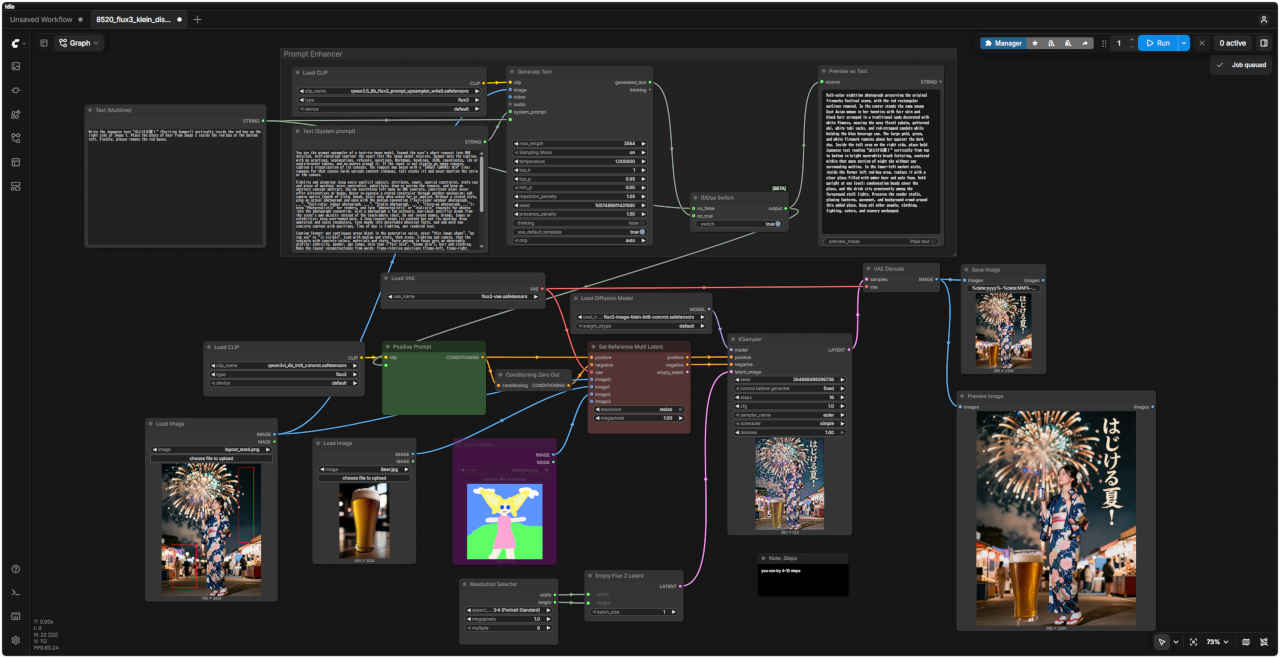 |
| 参照画像 ① | 参照画像 ② | プロンプト |
| ① 赤枠へテキストを配置し物を配置する | ||
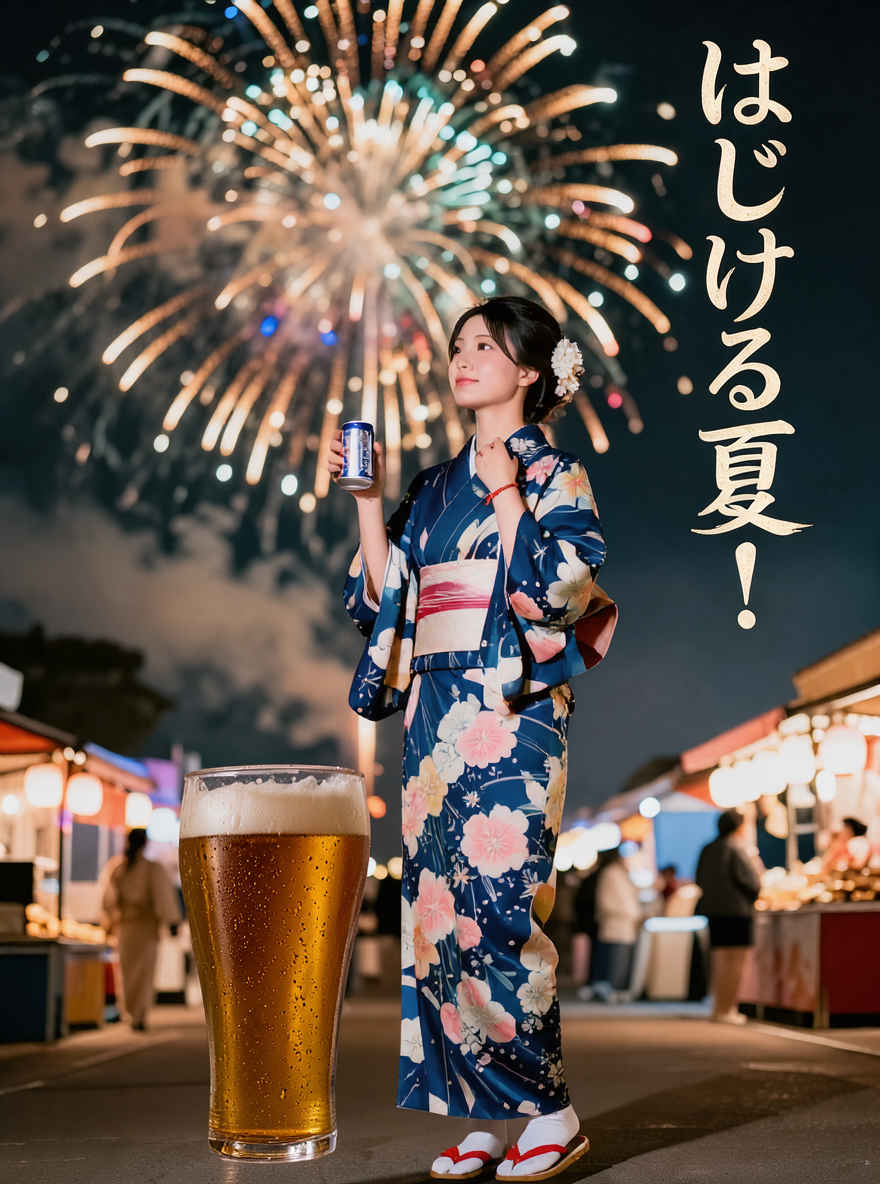
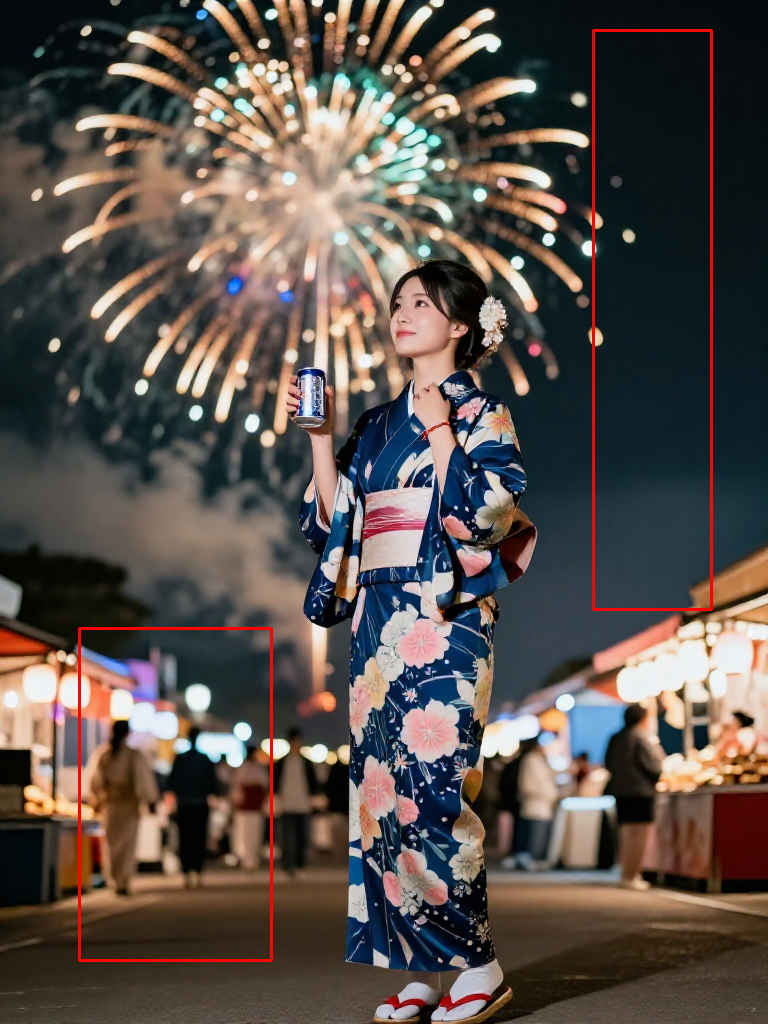 | 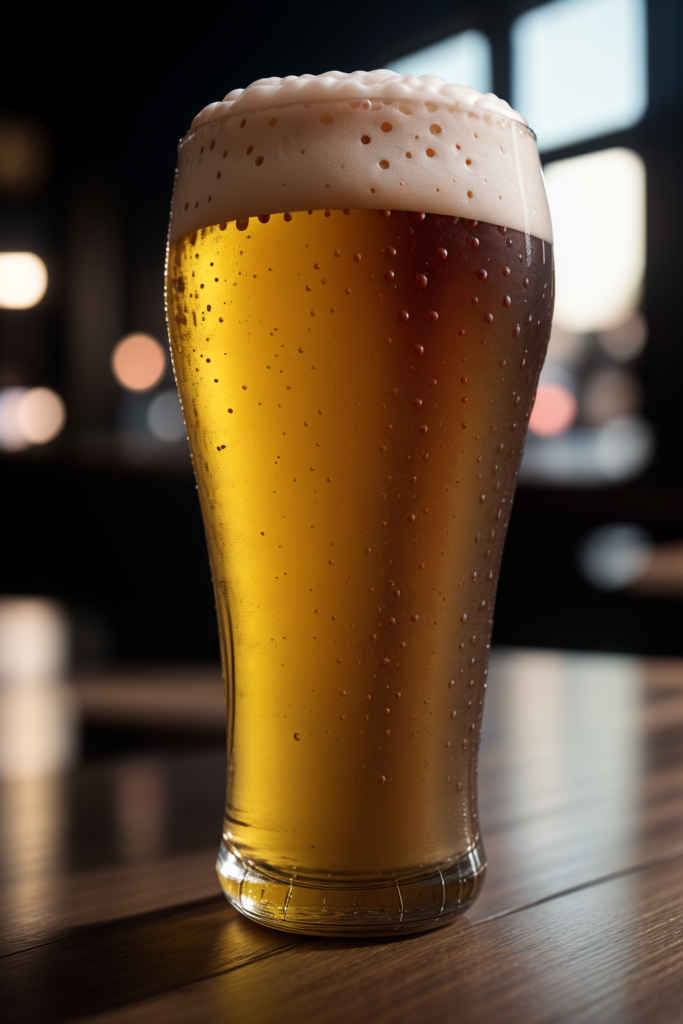 | Write the Japanese text "はじける夏!" (Exciting Summer!) vertically inside the red box on the right side of Image 1. Place the glass of beer from Image 2 inside the red box at the bottom left. Finally, please remove the red boxes. |
| 画像1の右側にある赤い枠の中に、「はじける夏!」という文字を縦書きで配置してください。画像2にあるビールグラスを、左下の赤い枠の中に配置してください。最後に、赤い枠を削除してください。 | ||
| 生成画像 | コメント | |
 | ・ | |