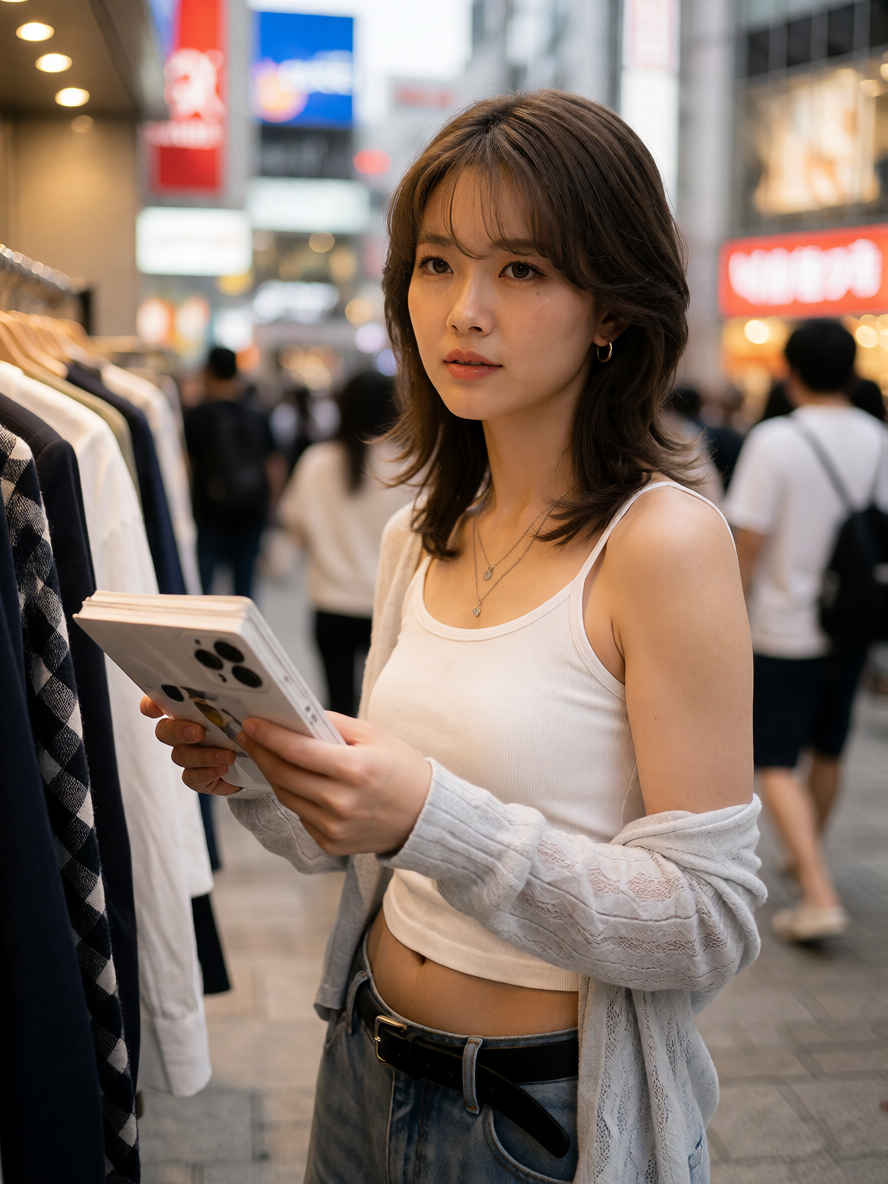
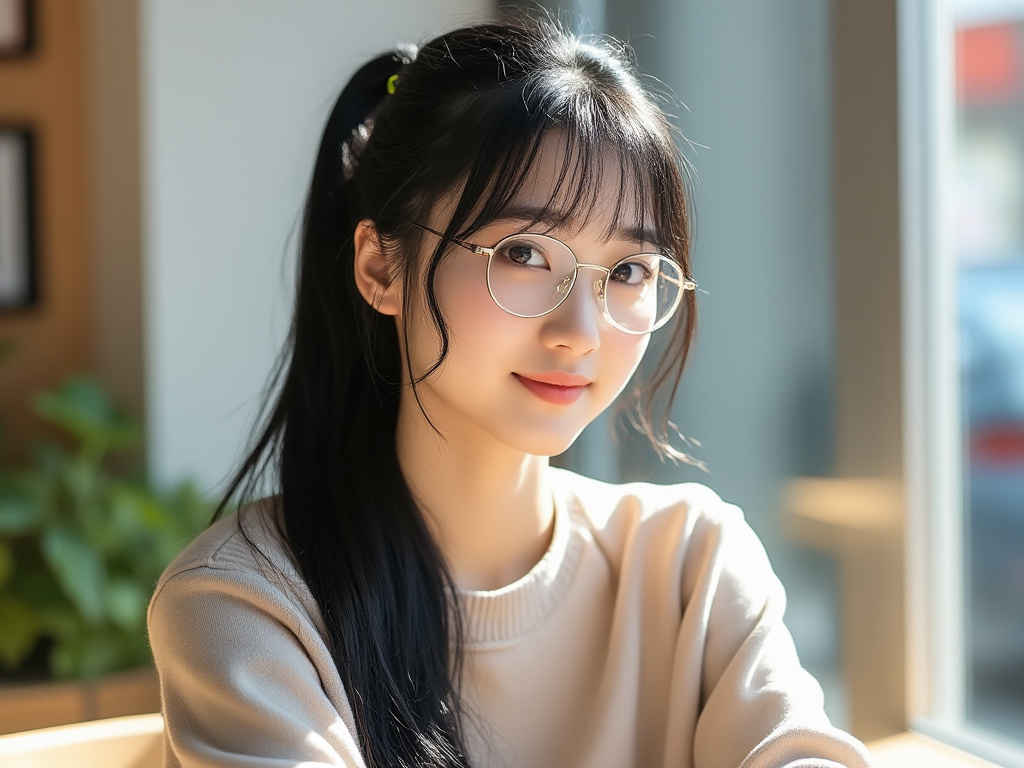
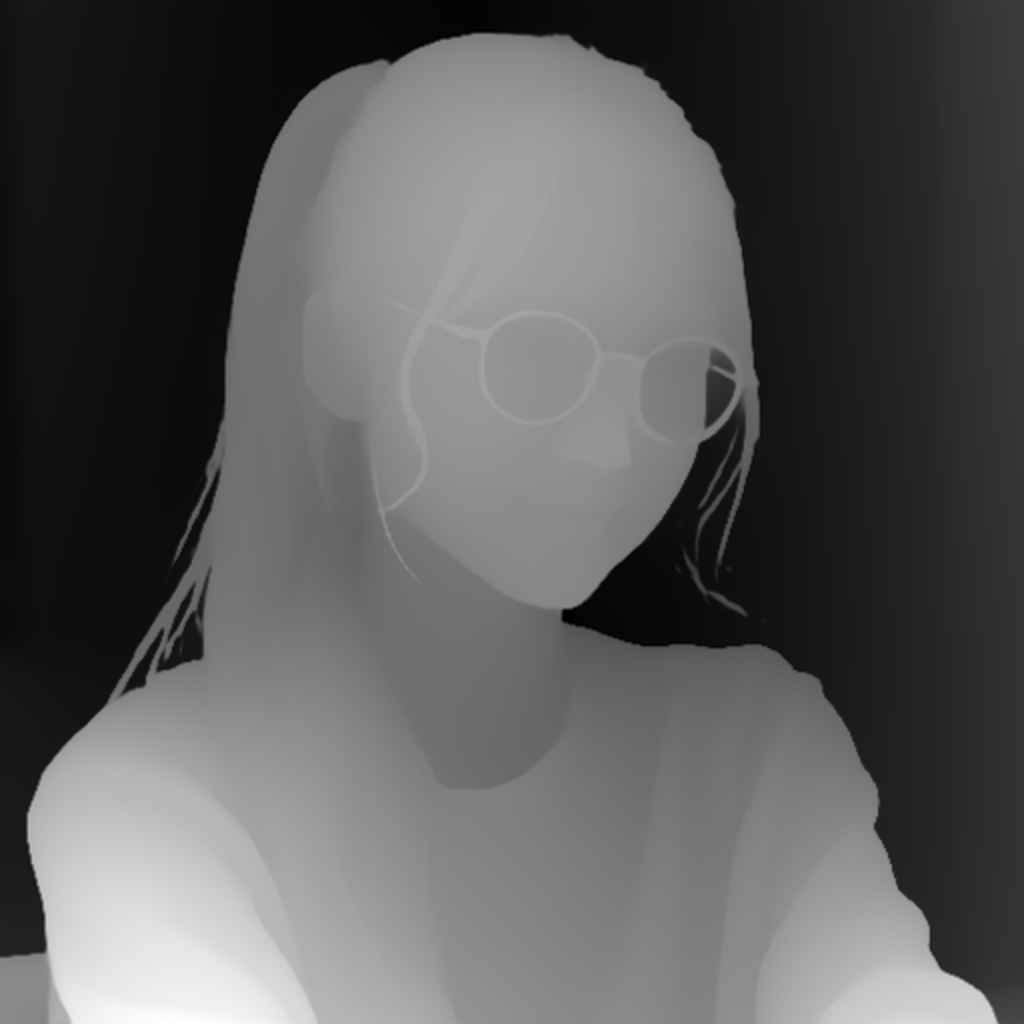
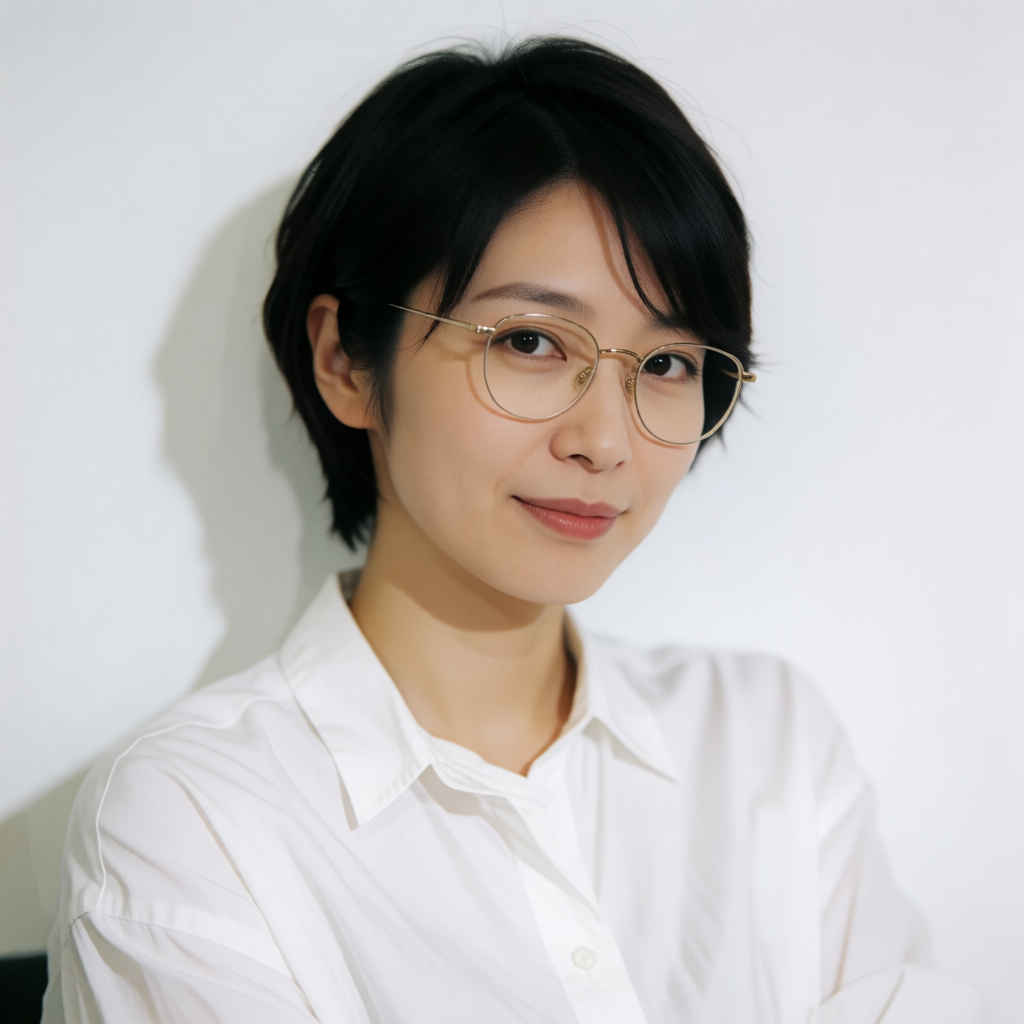
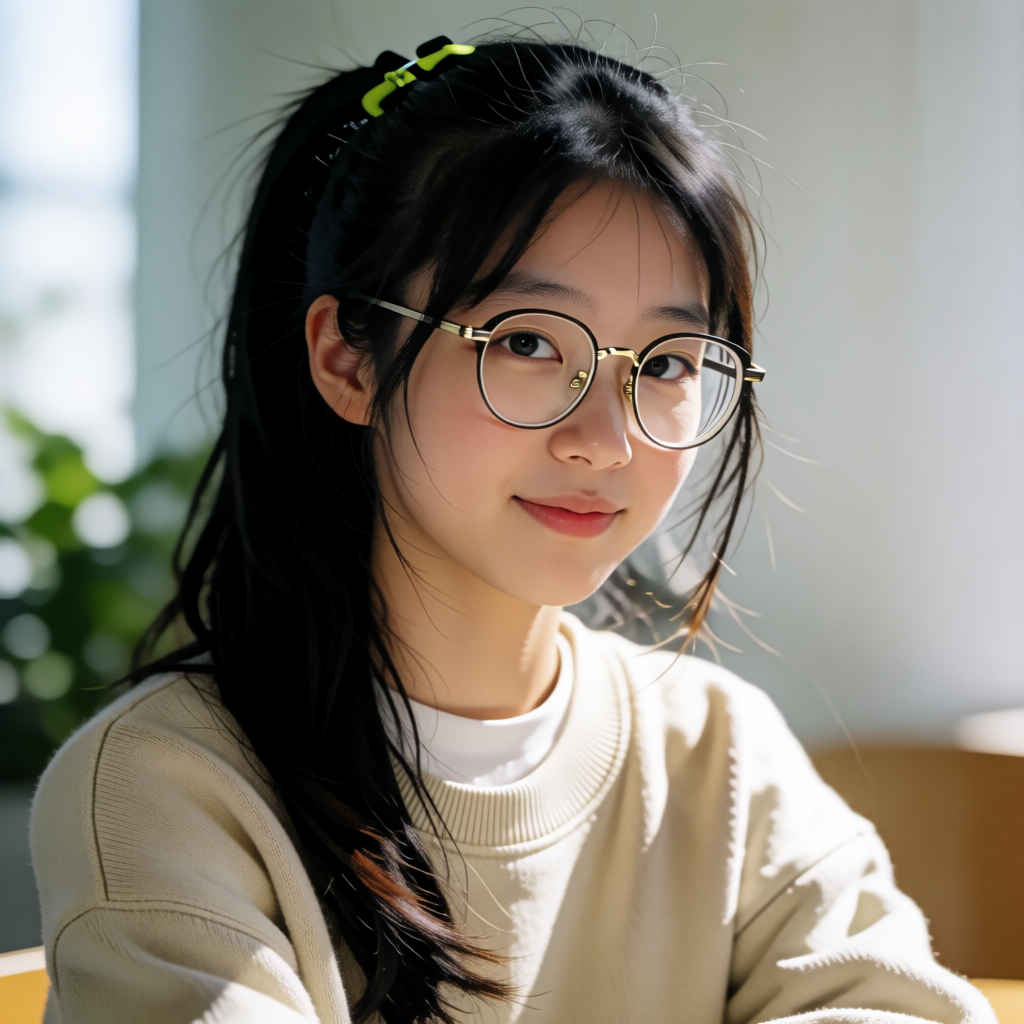
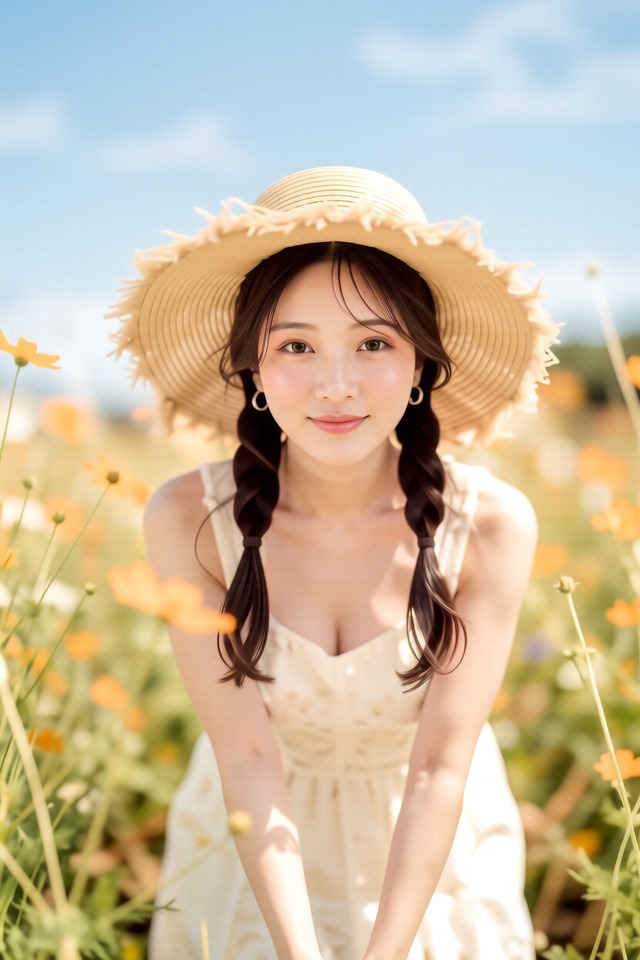
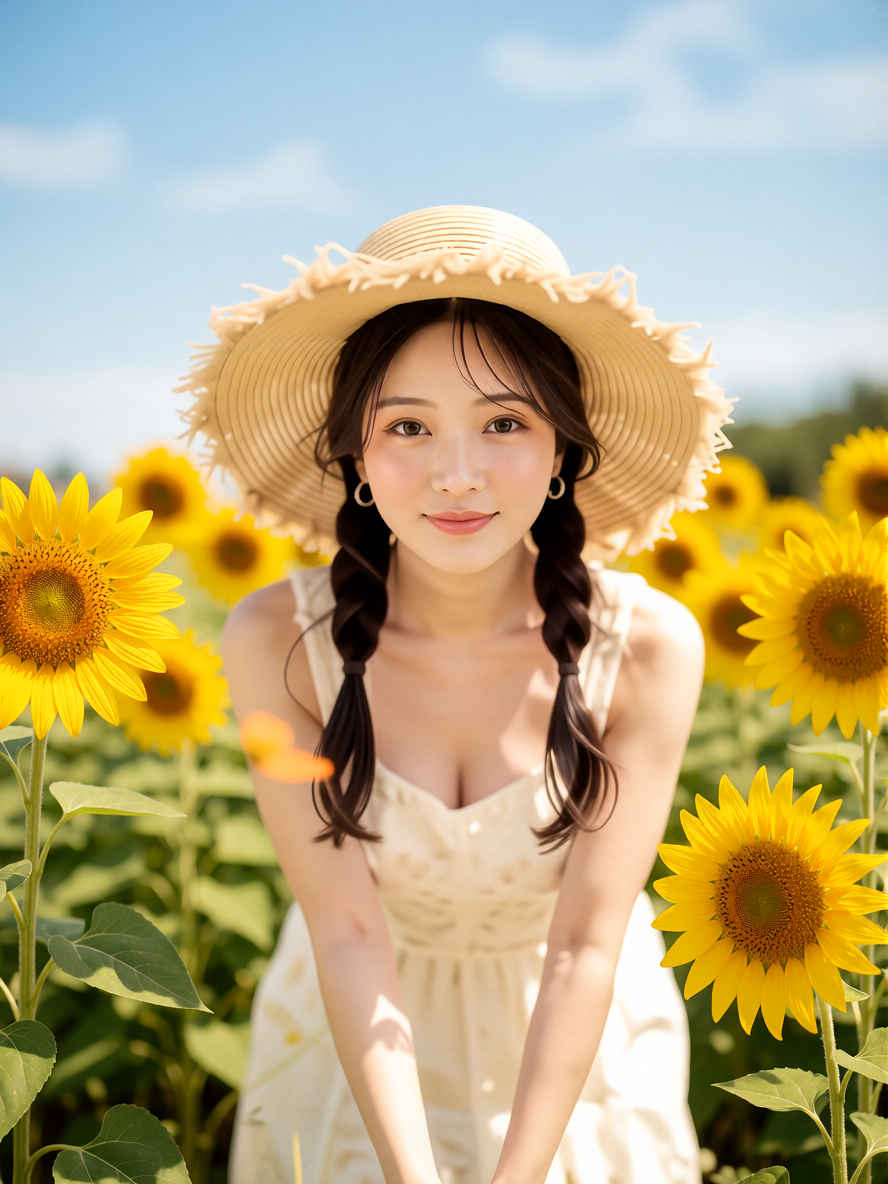
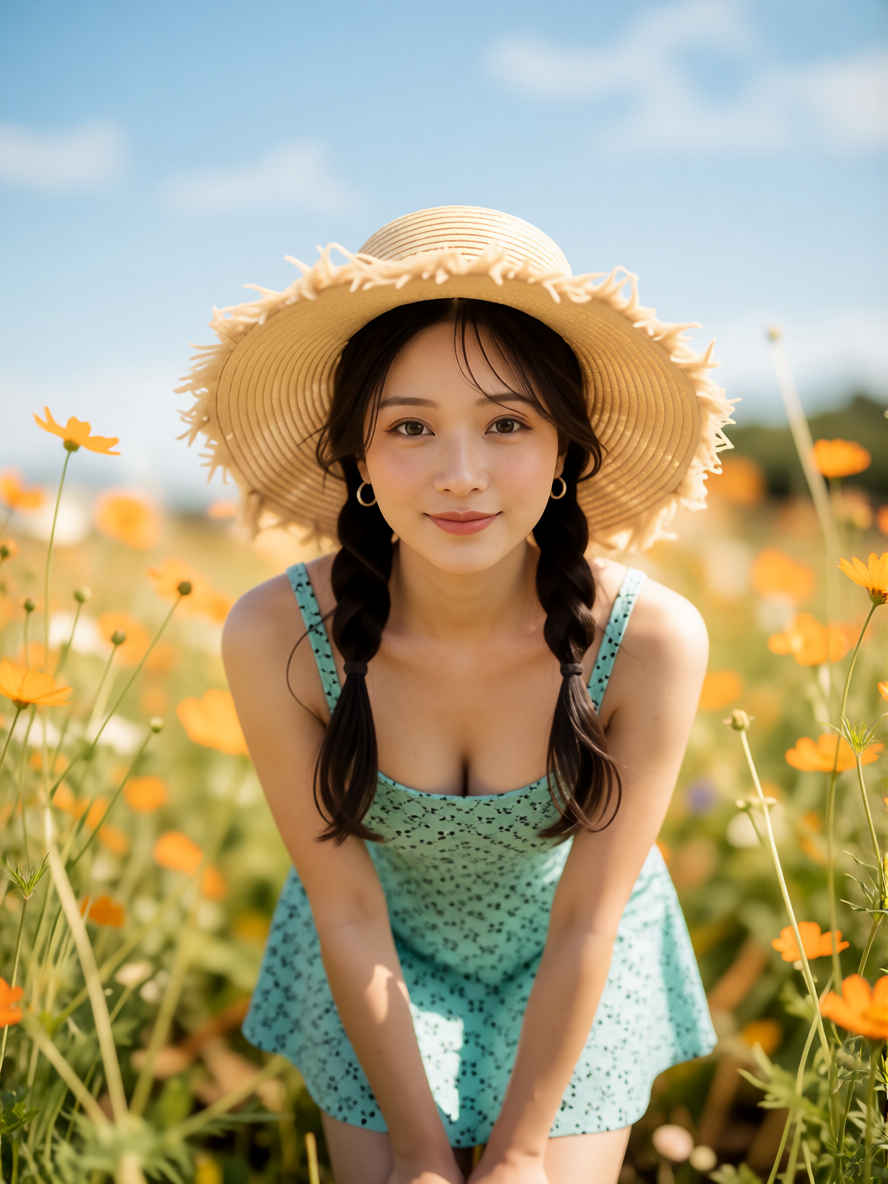
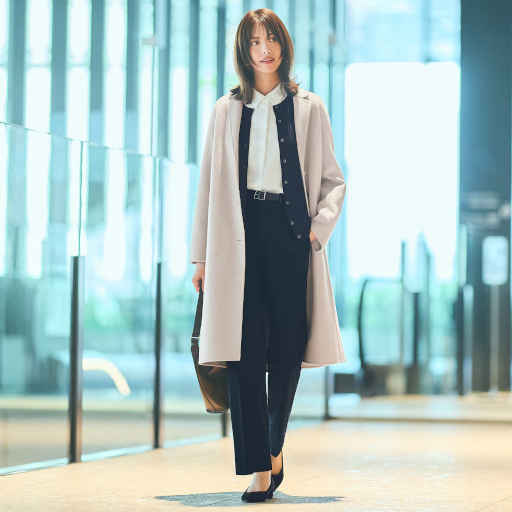
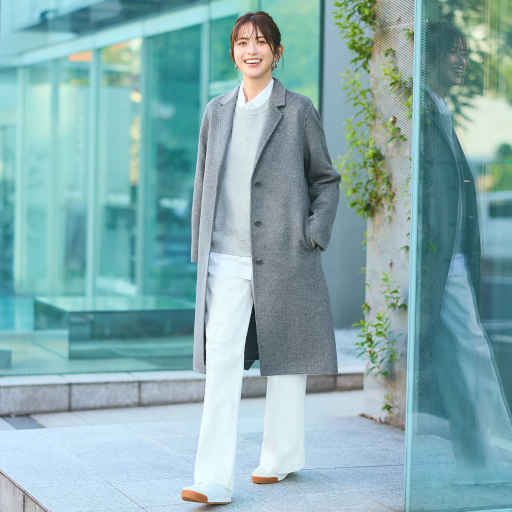
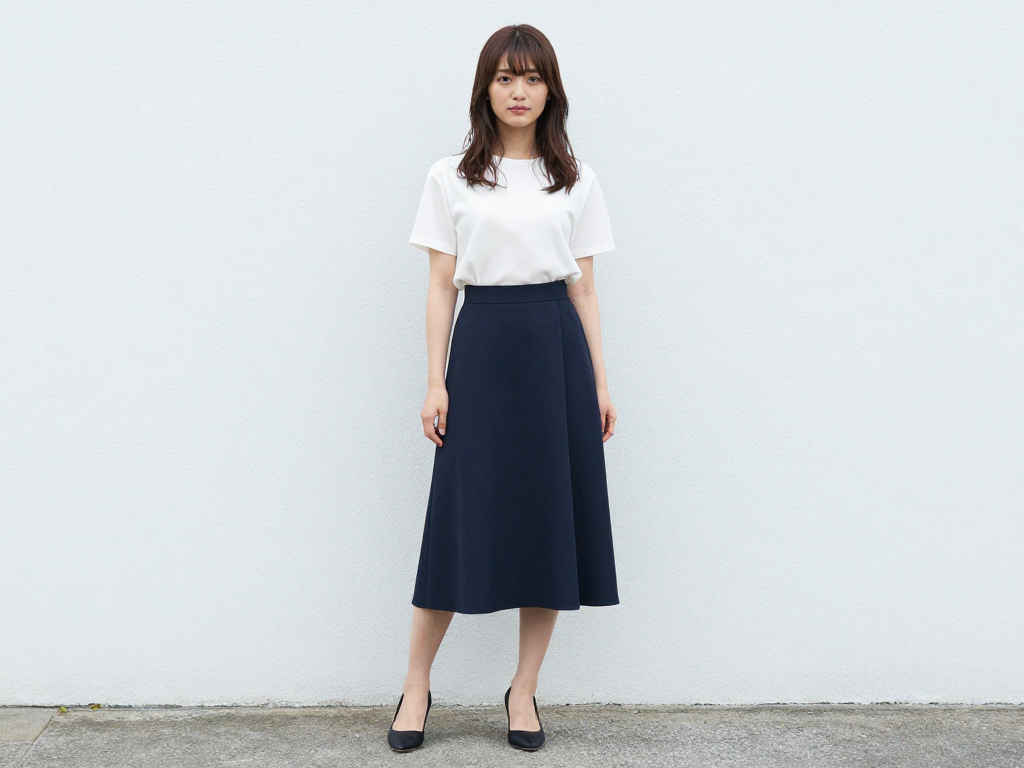
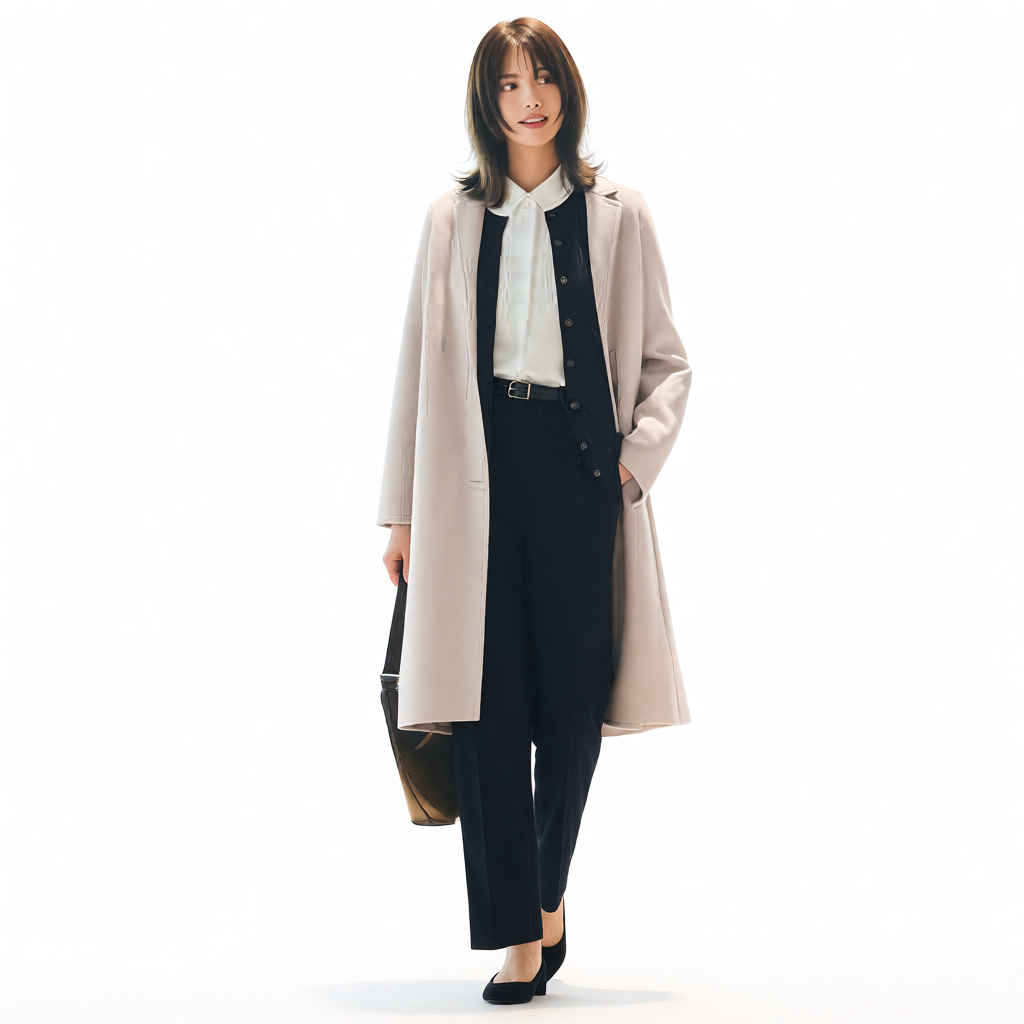
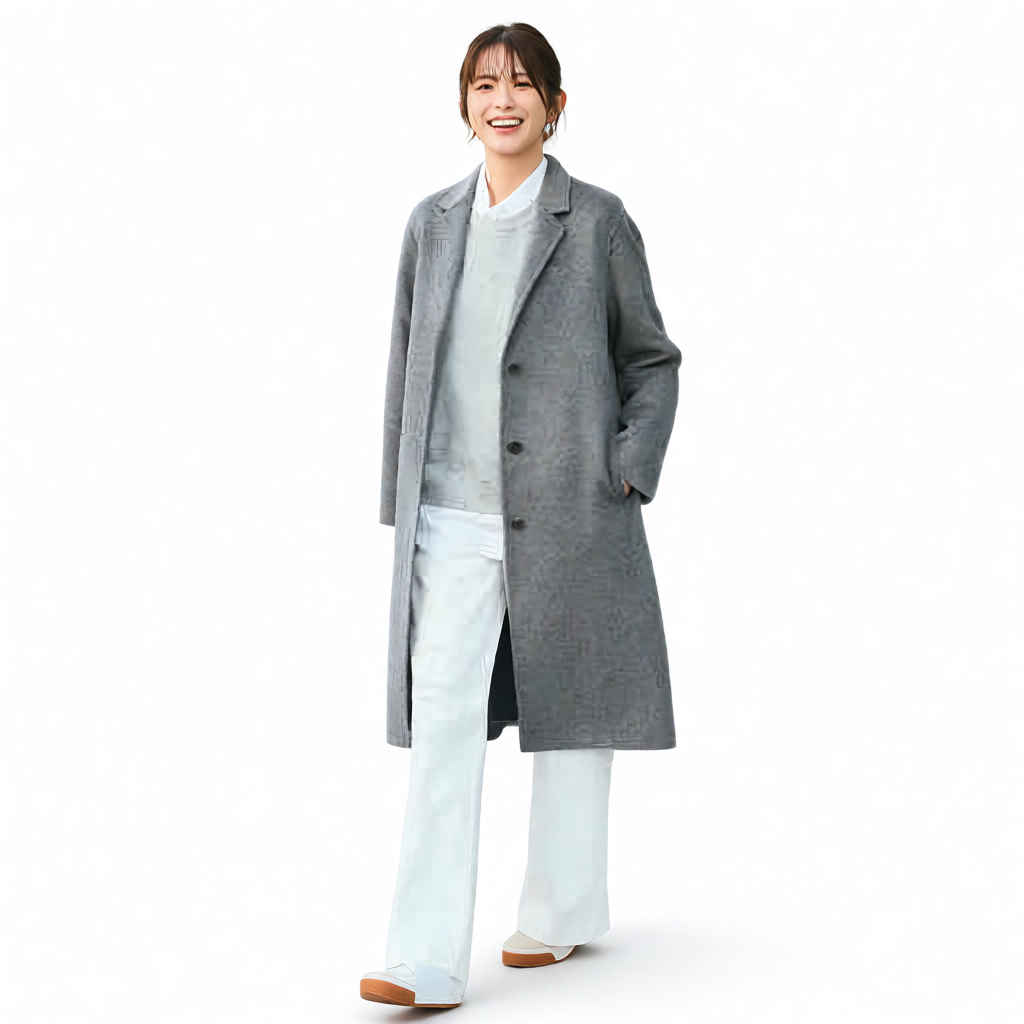
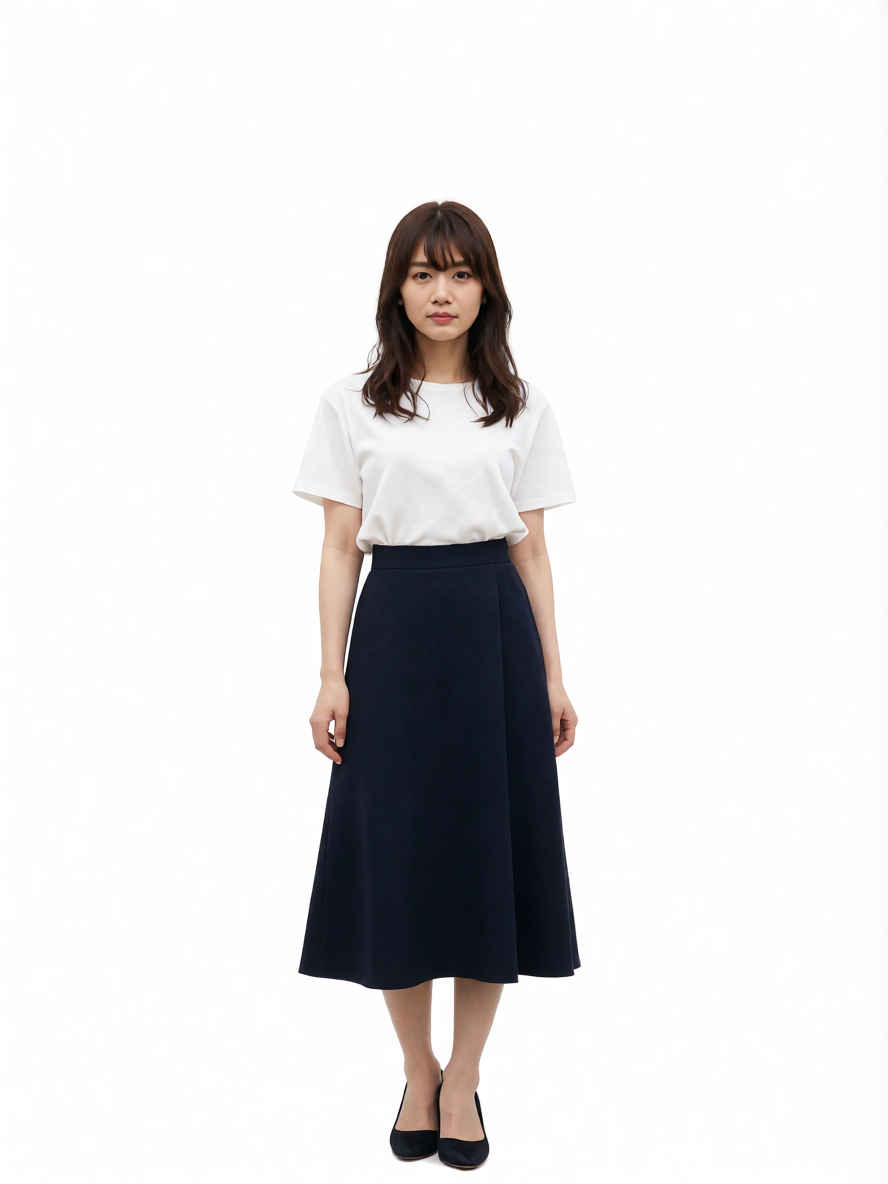
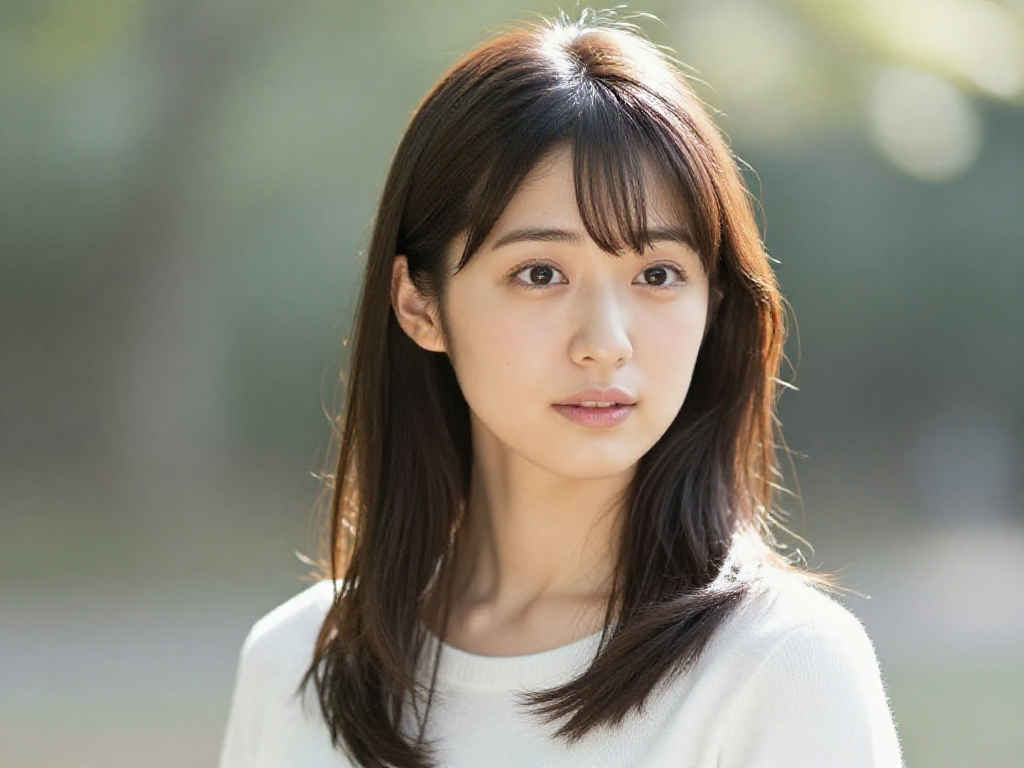
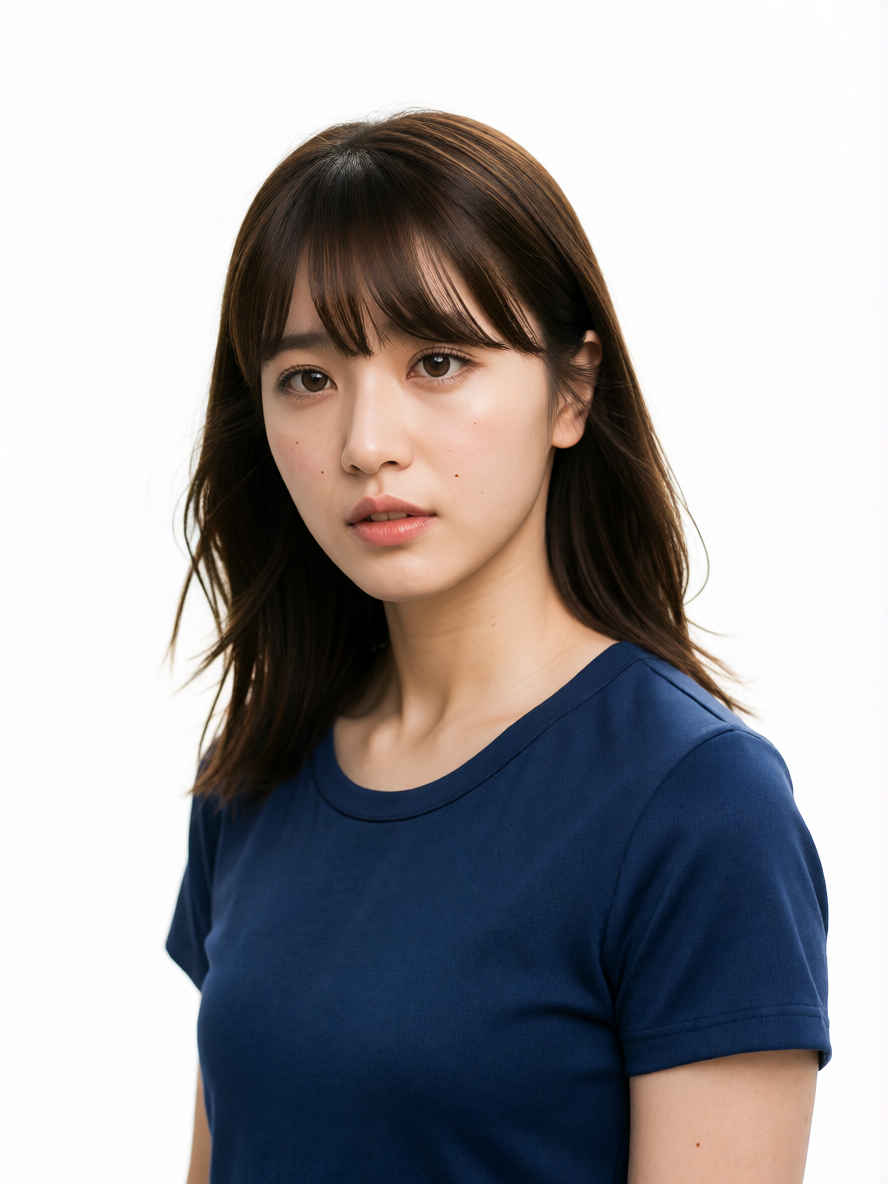
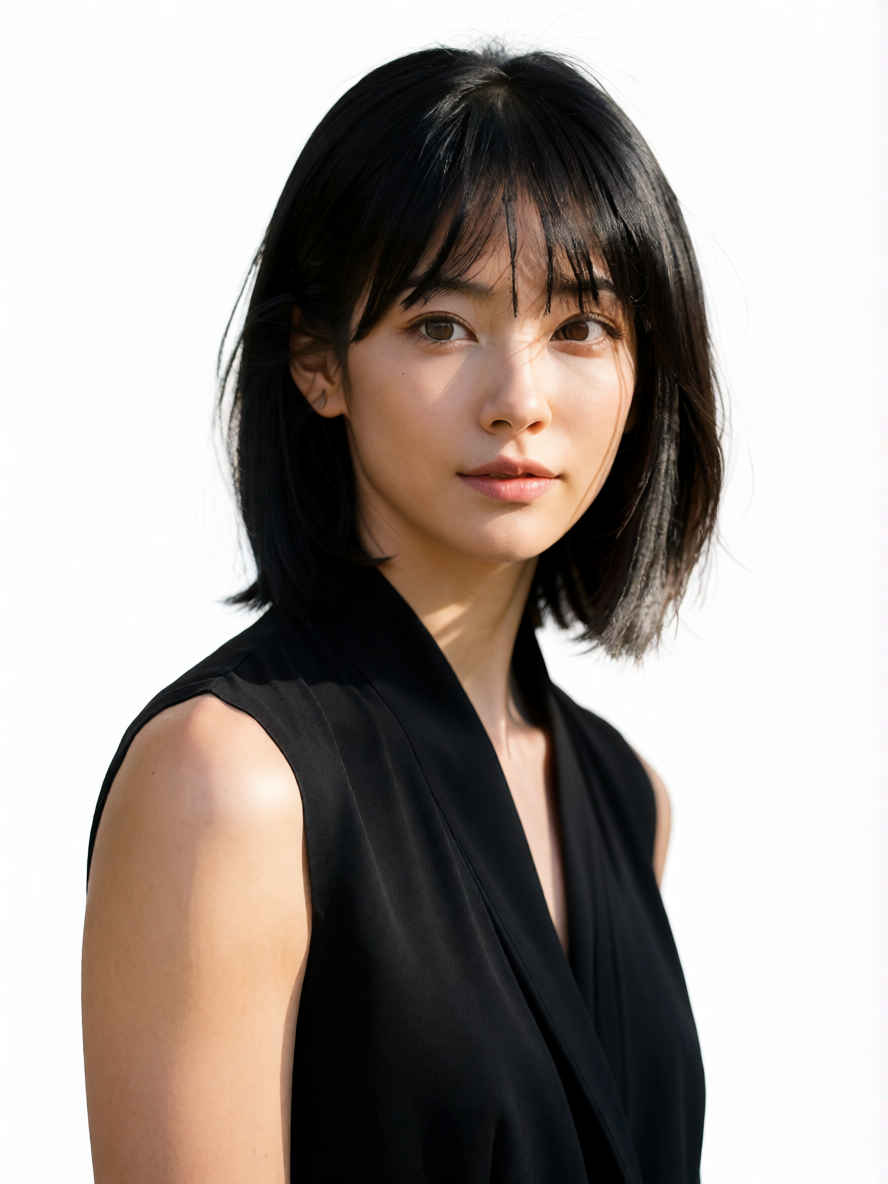
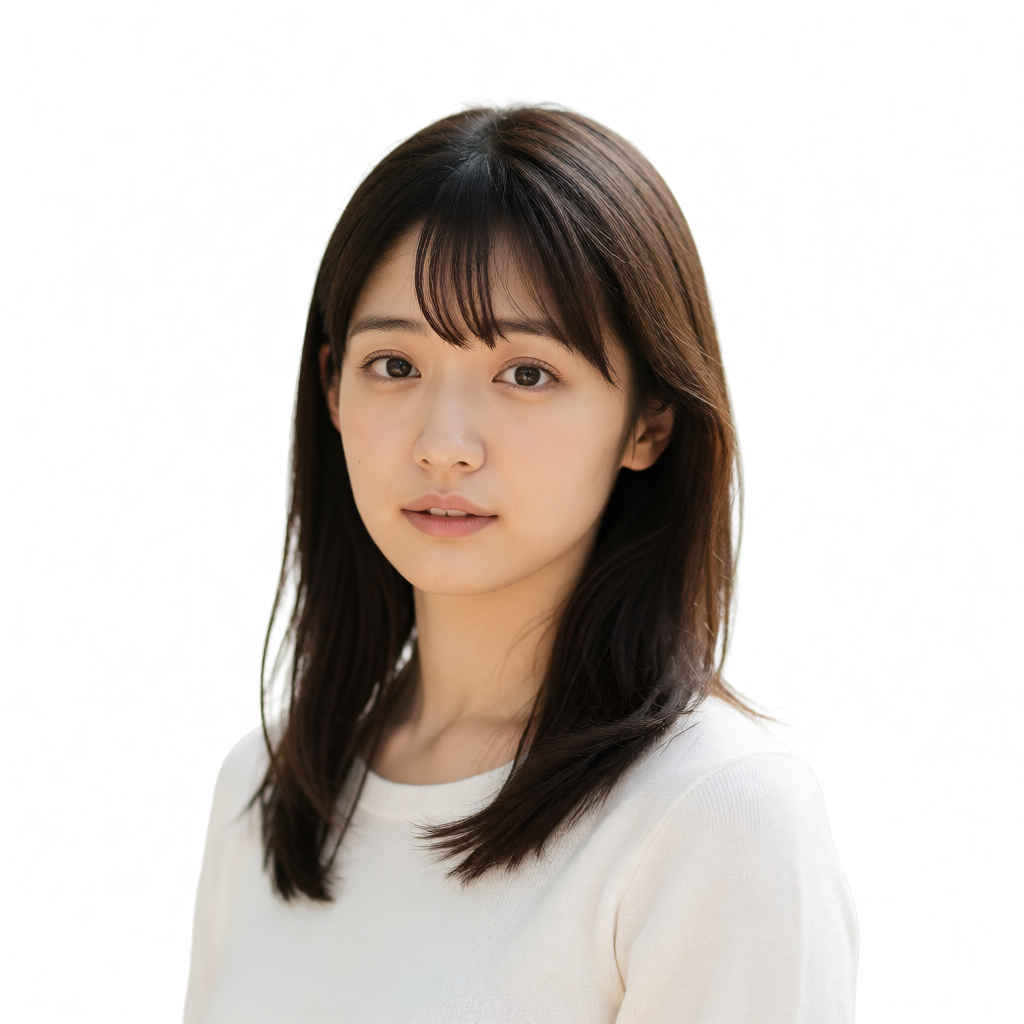
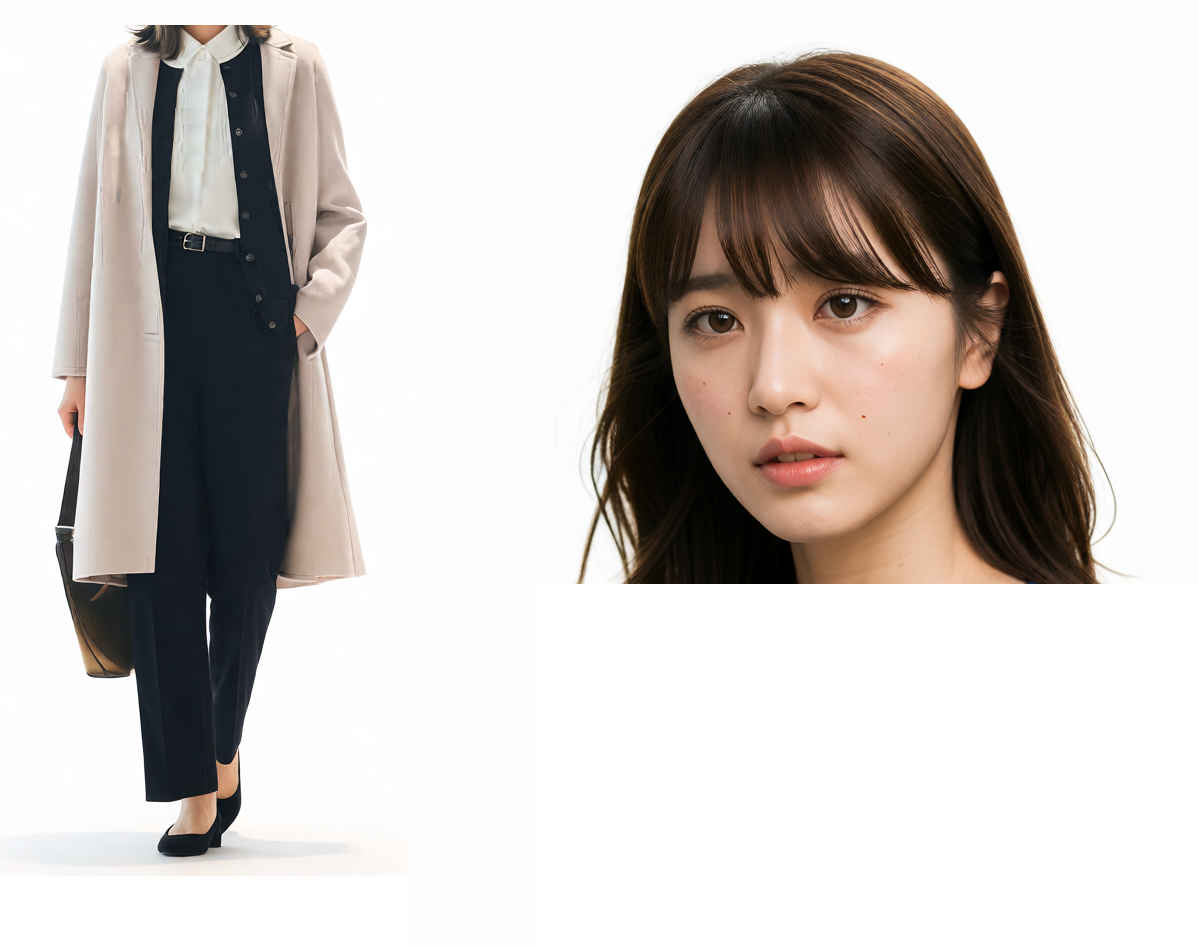
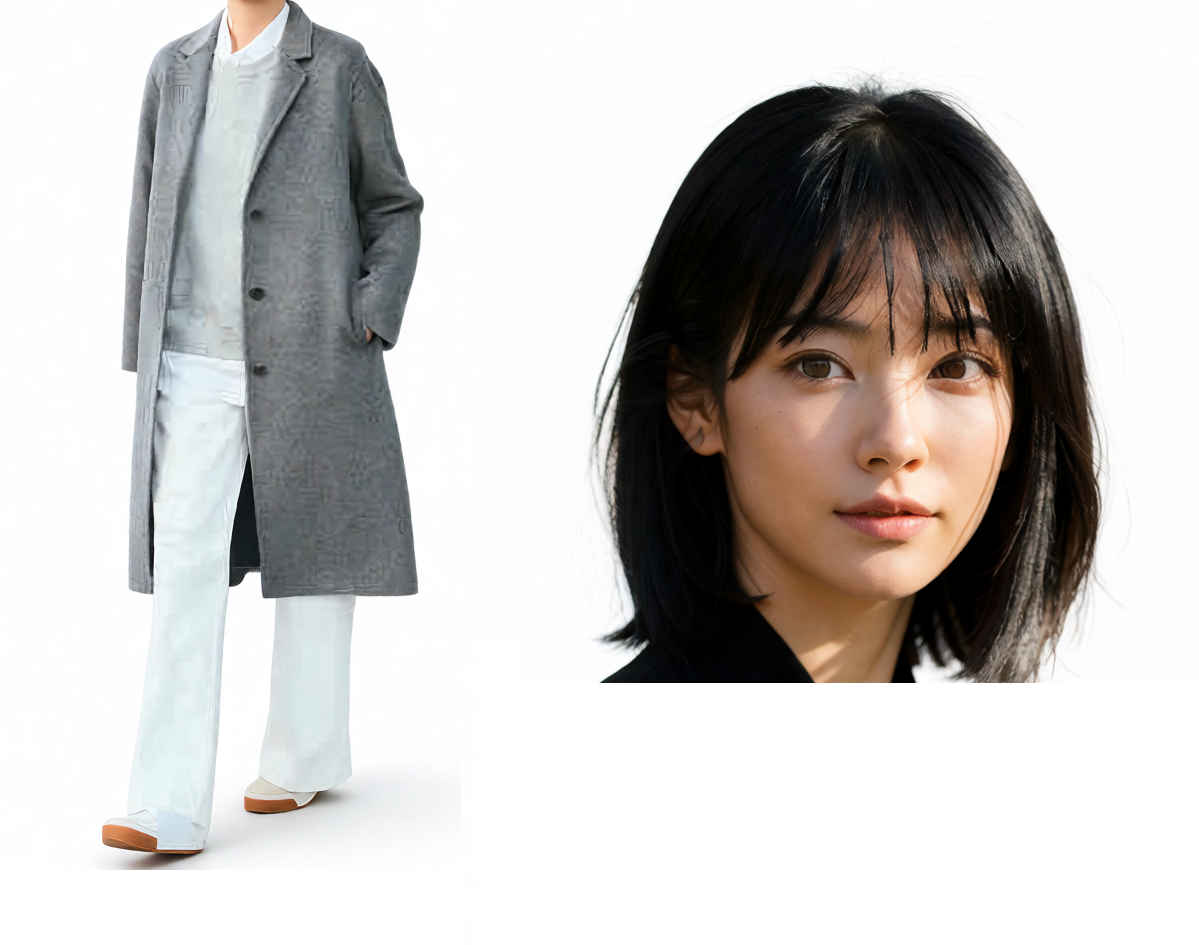
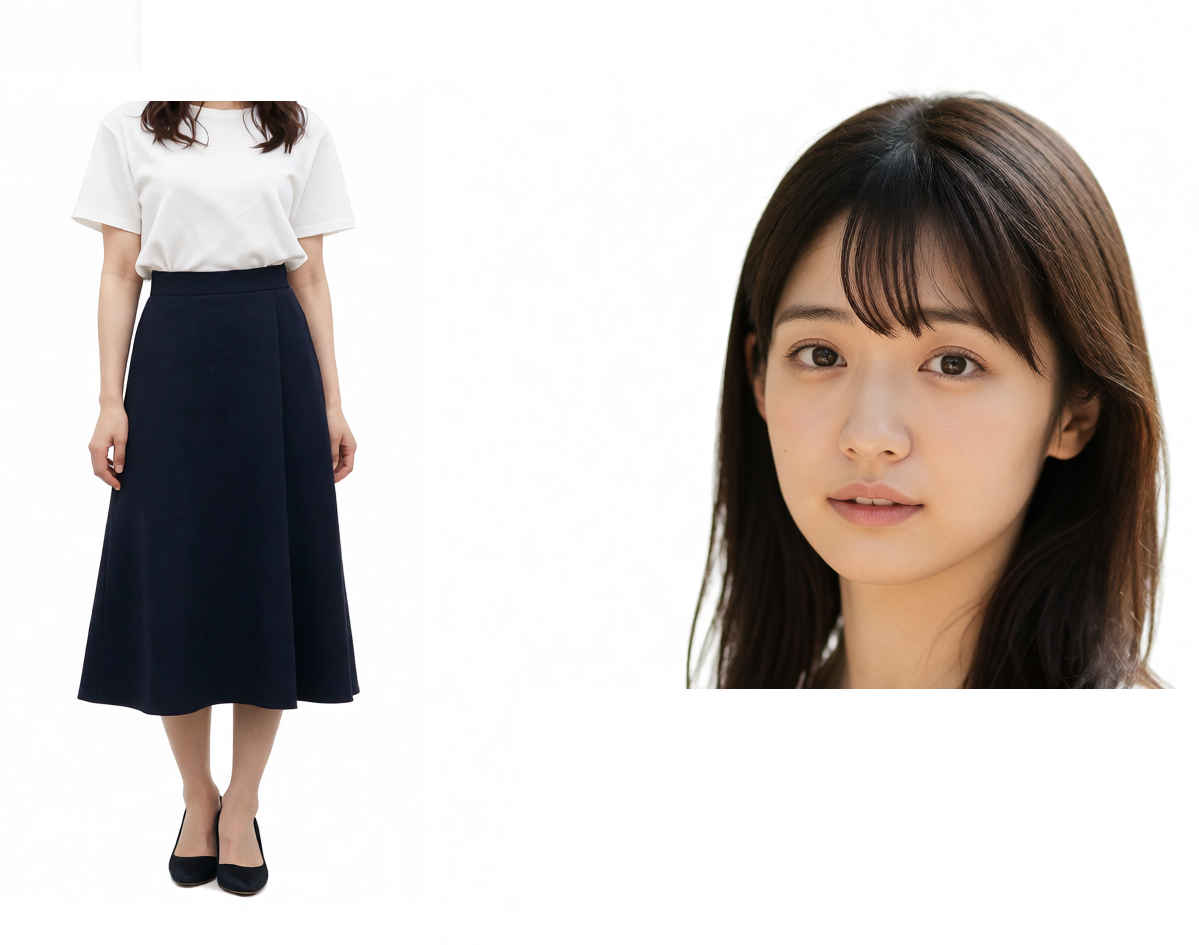
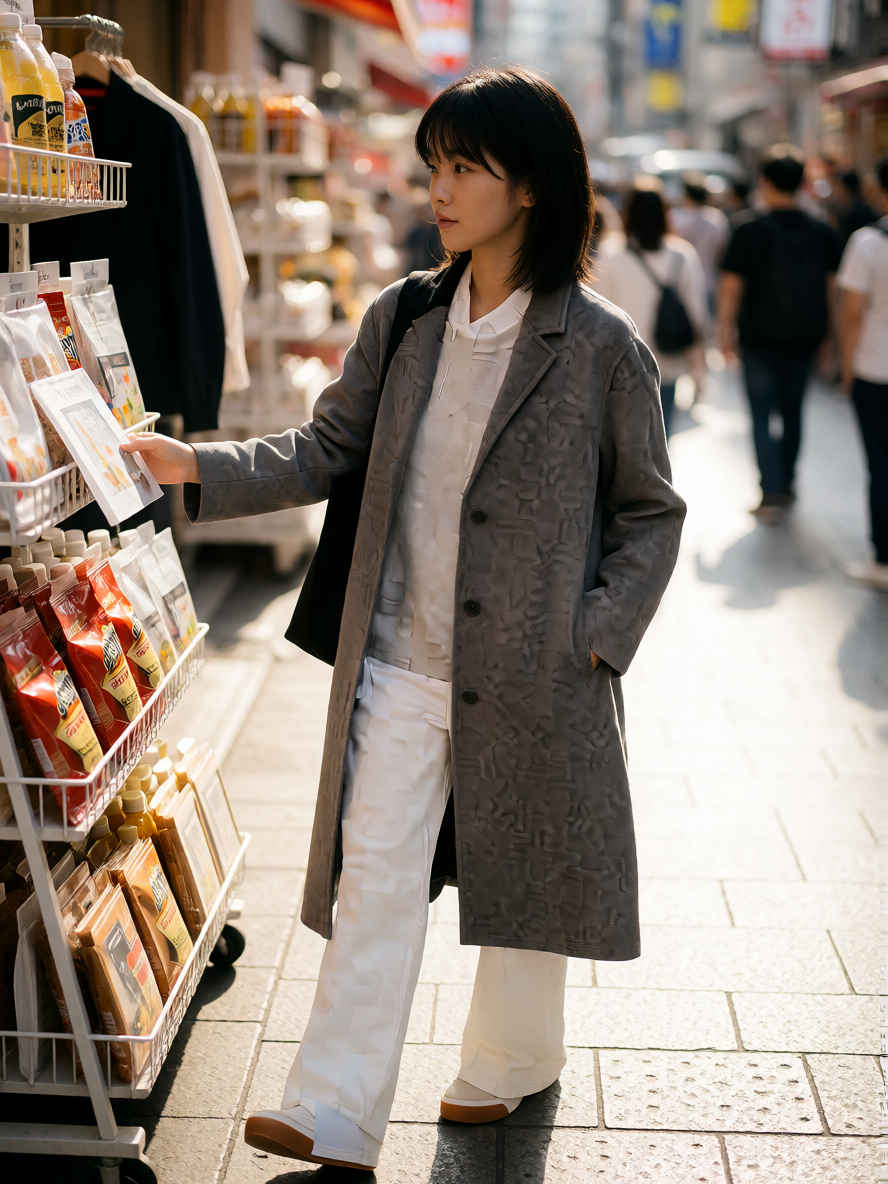
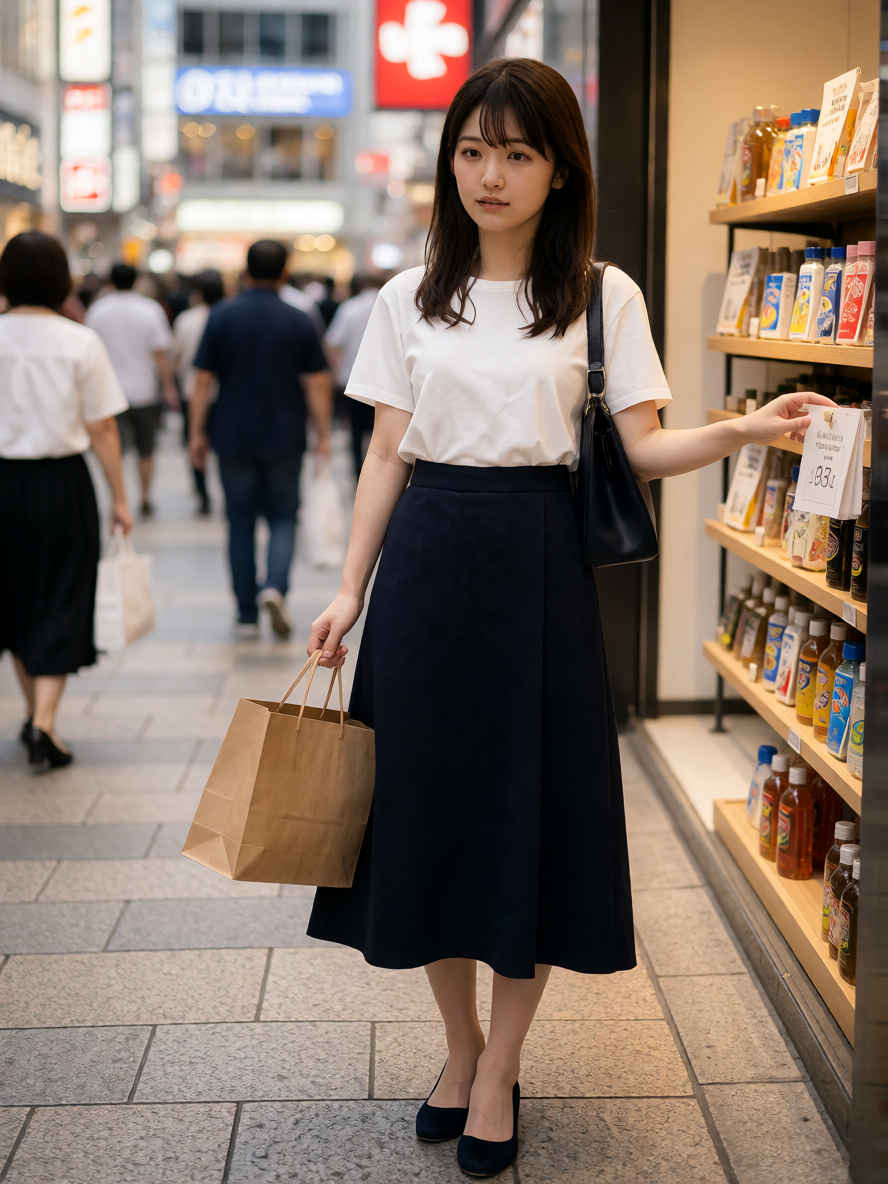
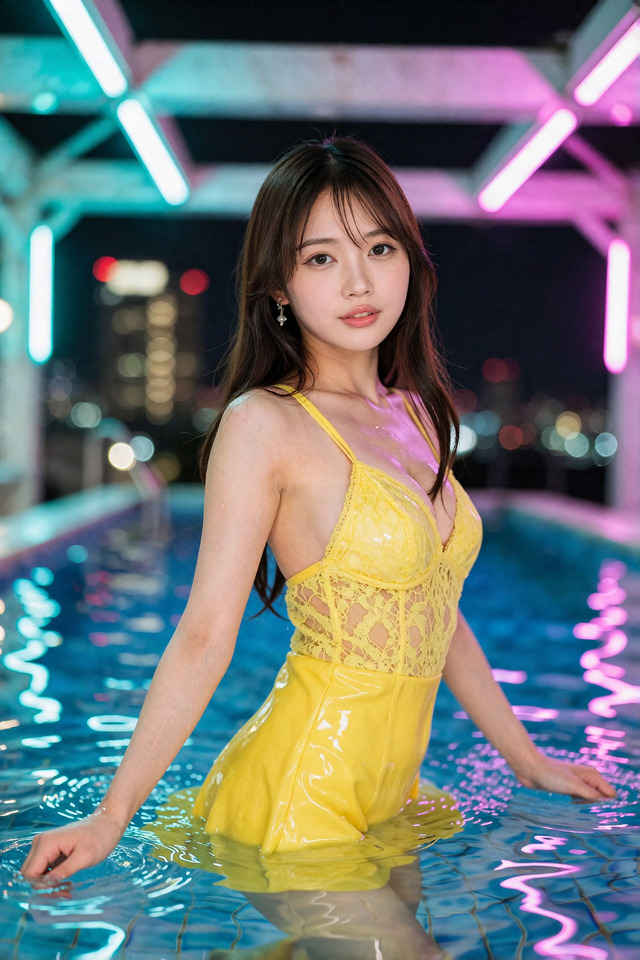
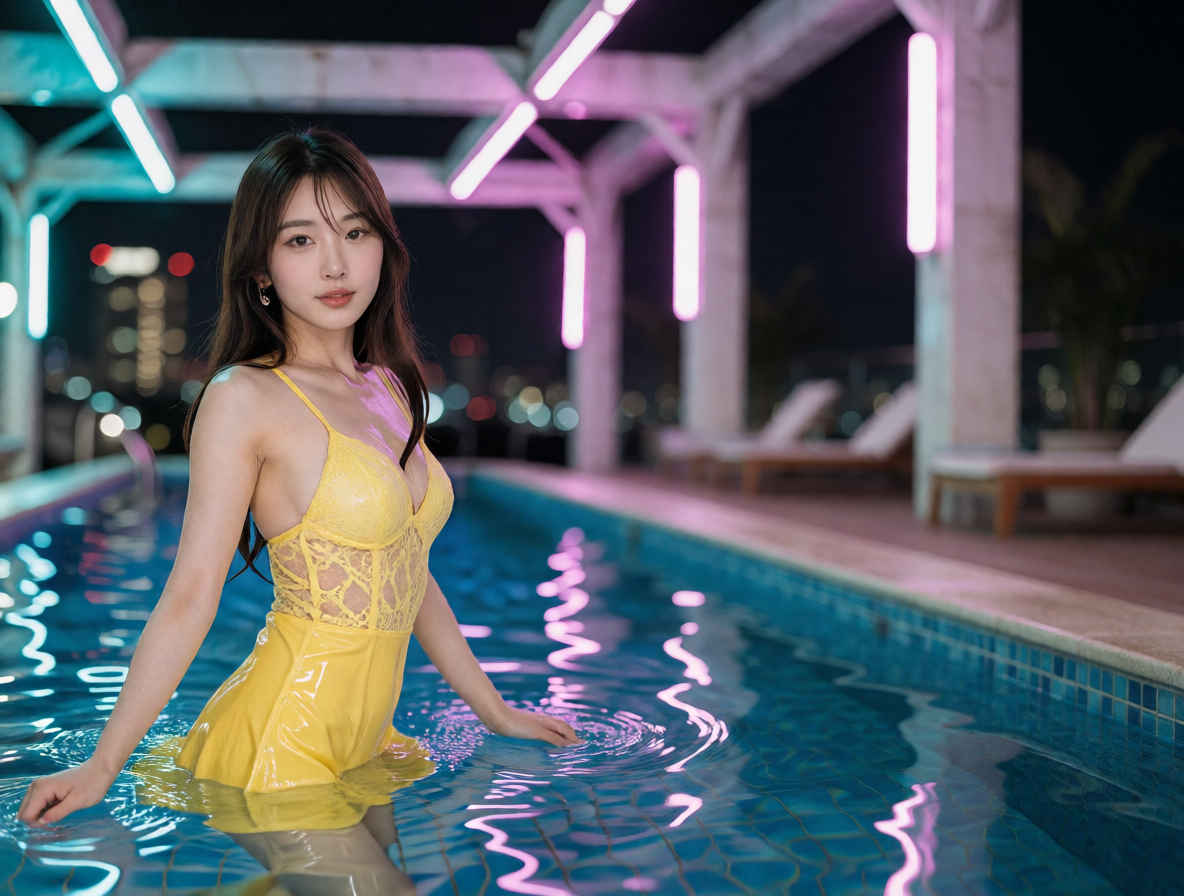
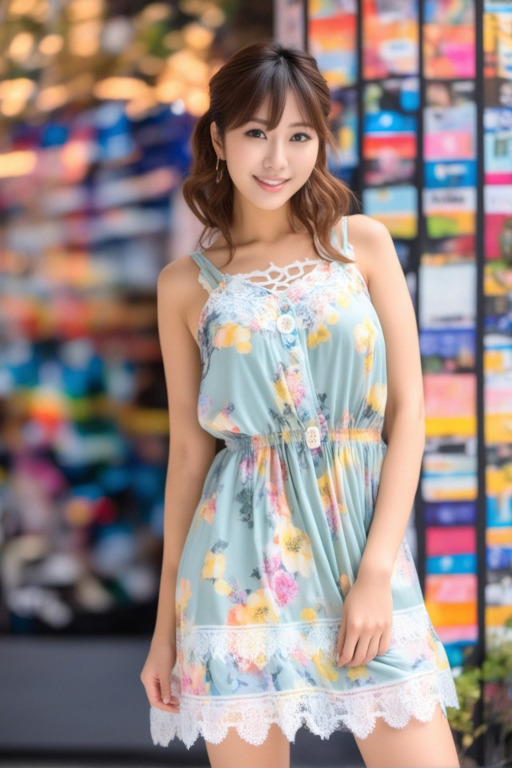
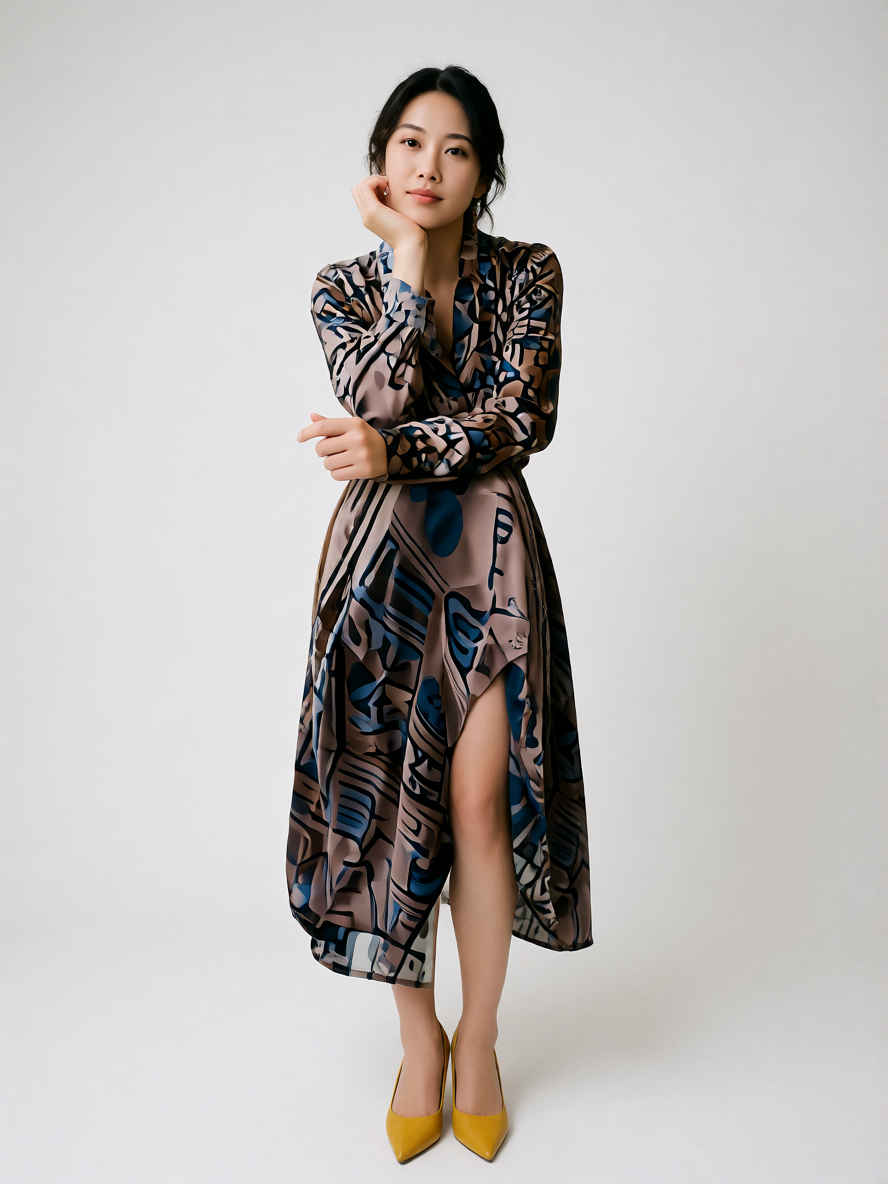
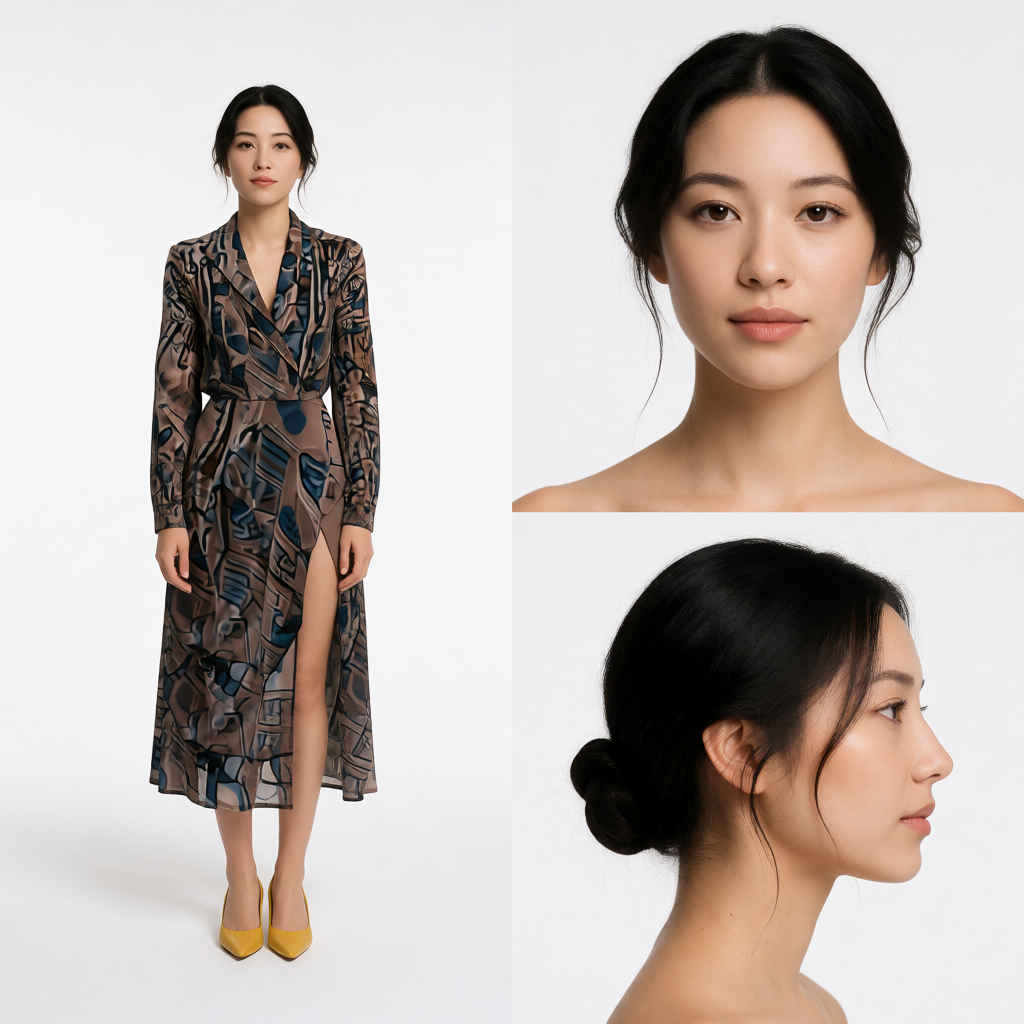
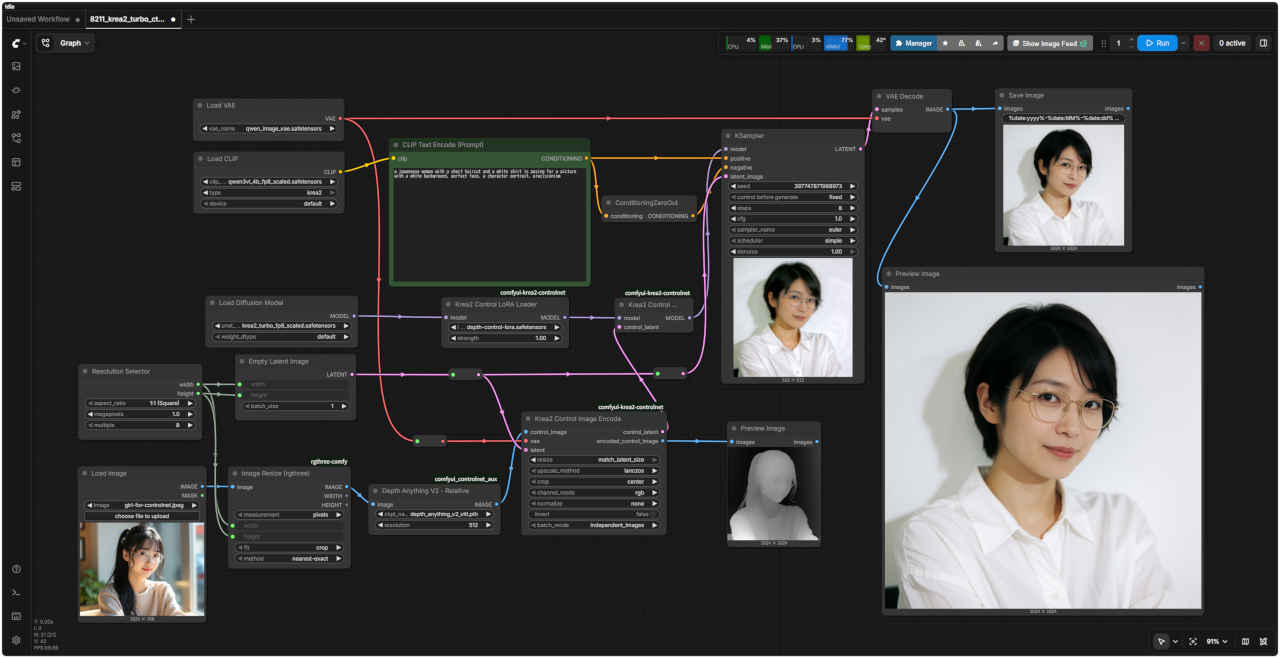
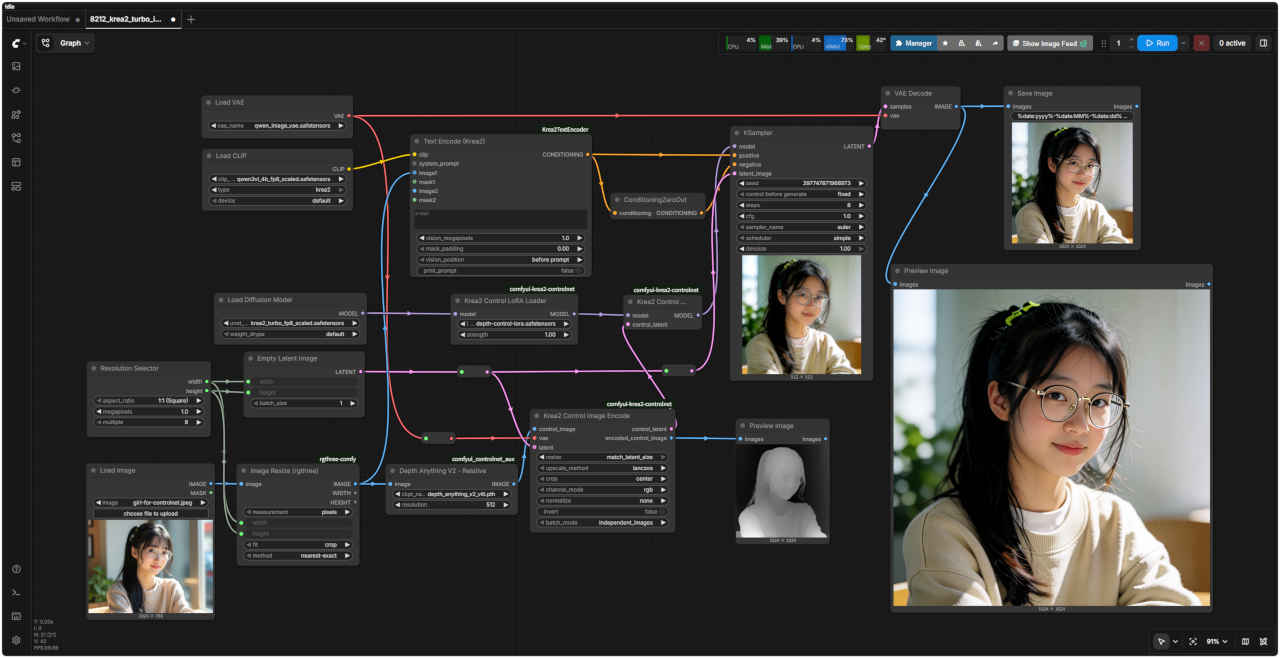
a japanease woman with a short haircut and a white shirt is posing for a picture with a white background, perfect face, a character portrait, precisionism
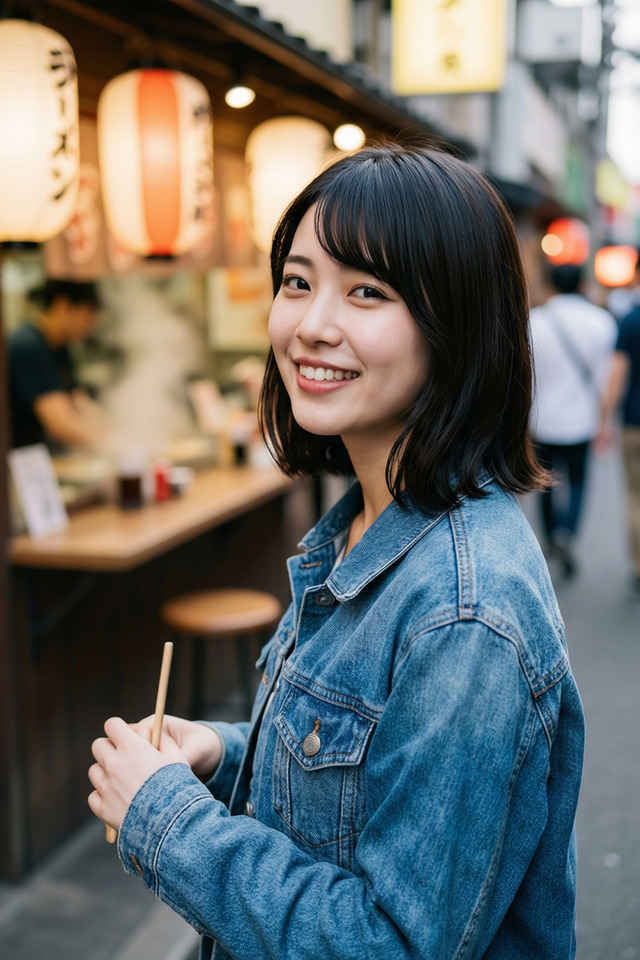
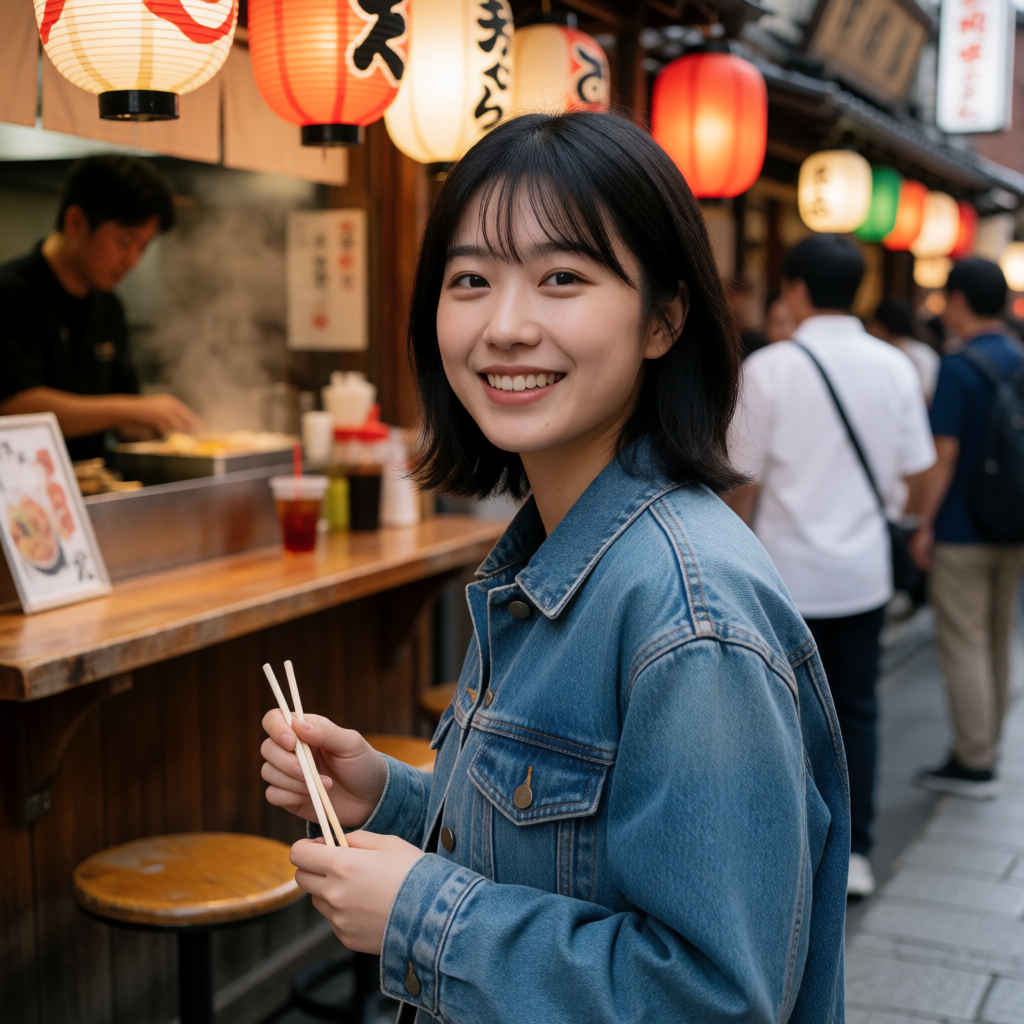
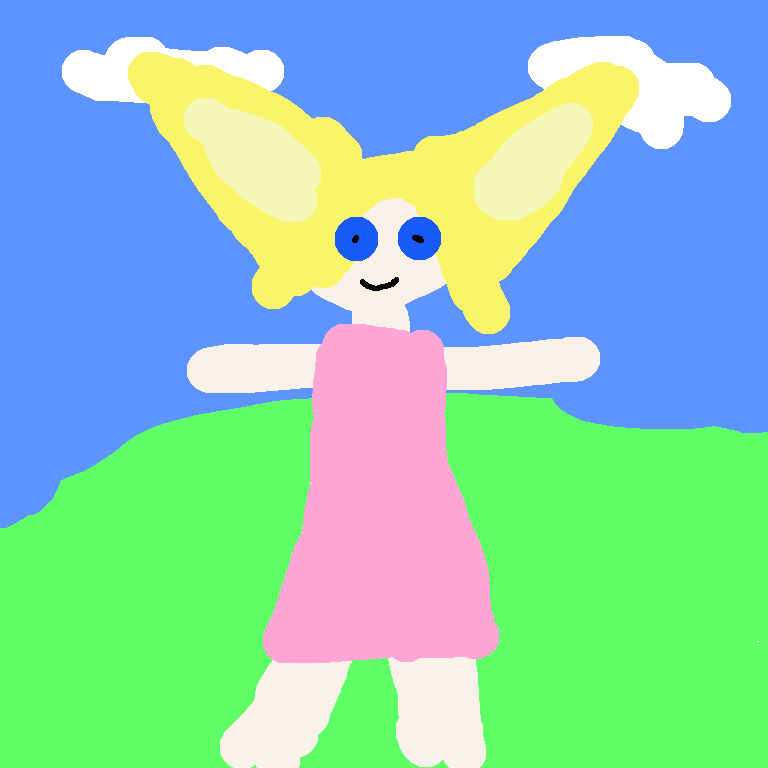
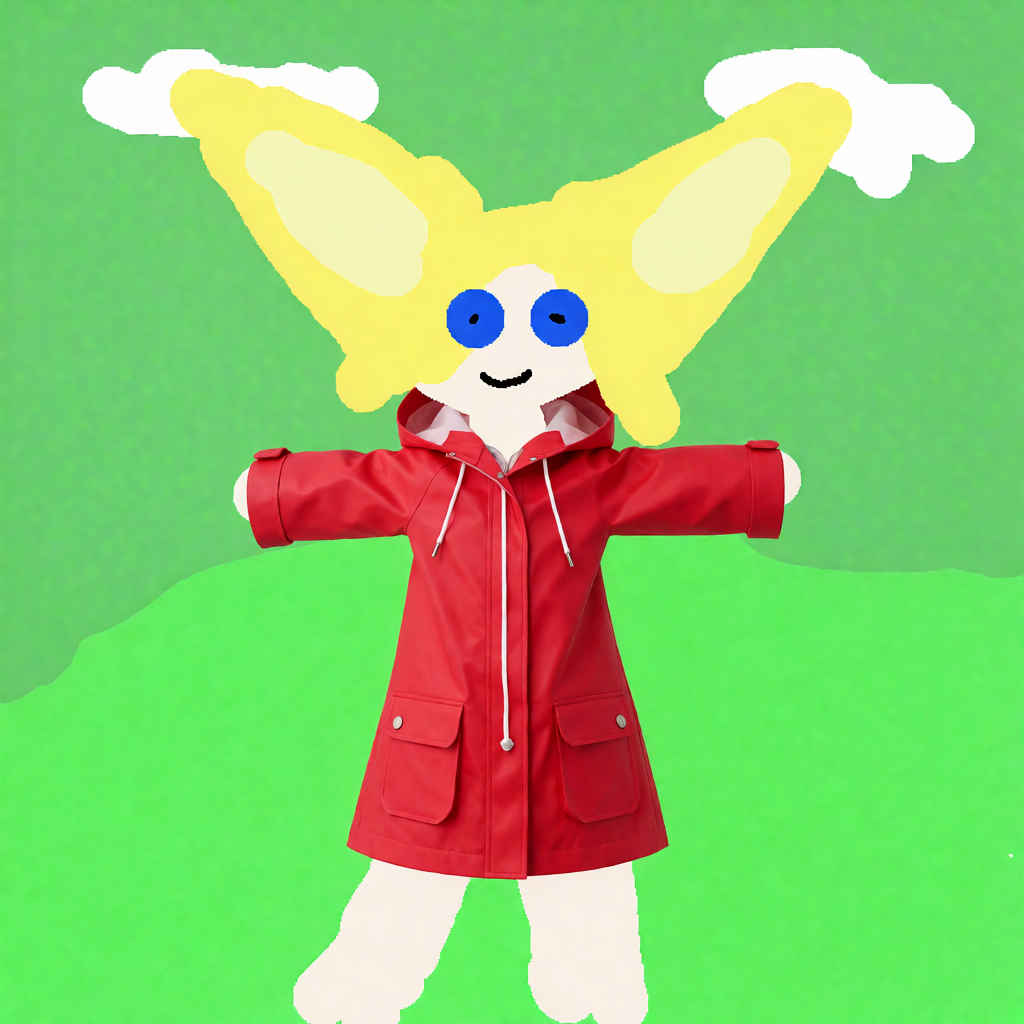
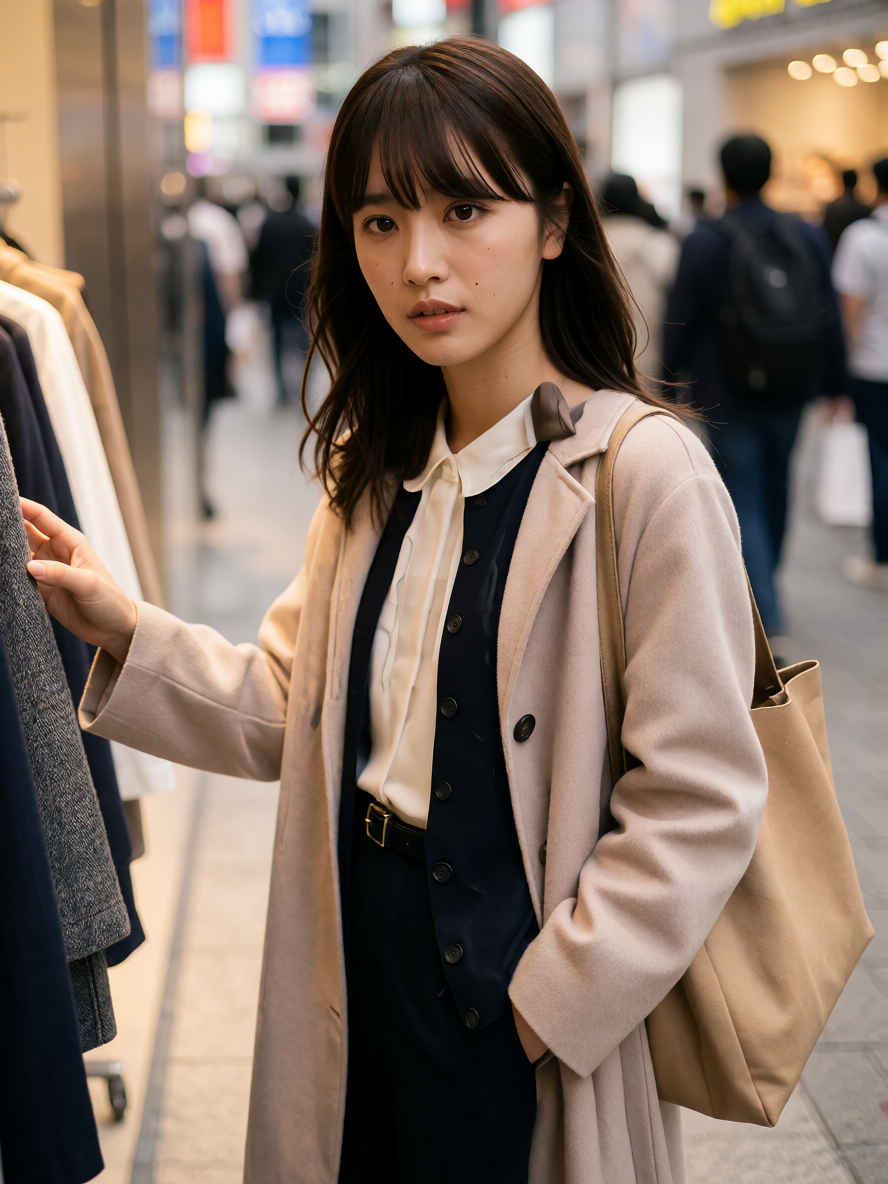
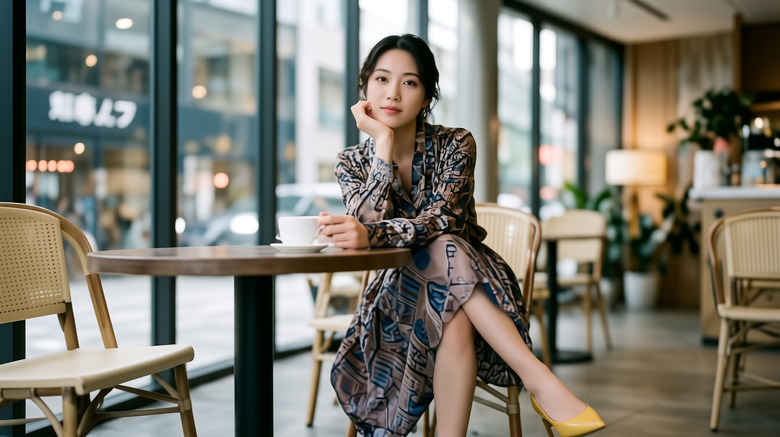
編集内容は平易な英語で記述してください: 'Relight the scene with warm golden hour sunlight.'(暖かいゴールデンアワーの太陽光でシーンを再ライティングする) 'Place this person at the cafe table, holding a coffee.'(この人物をカフェのテーブルに配置し、コーヒーを持たせる) 'Change her outfit to a red raincoat.'(彼女の服装を赤いレインコートに変更する)
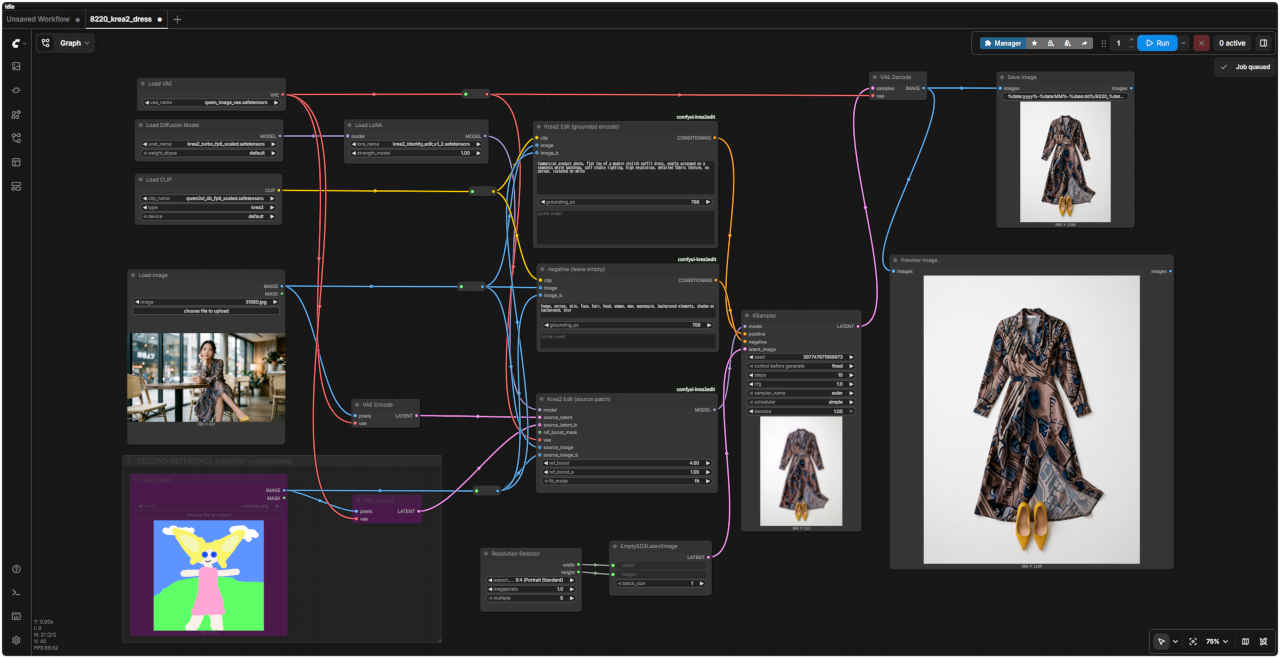
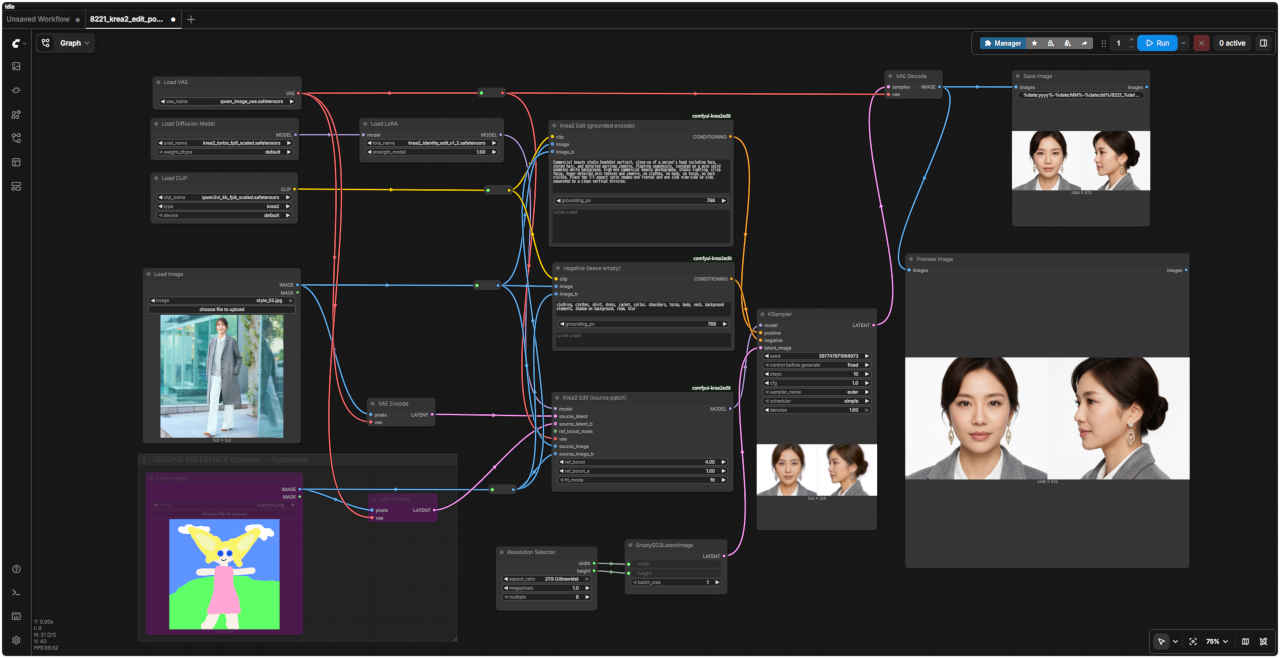
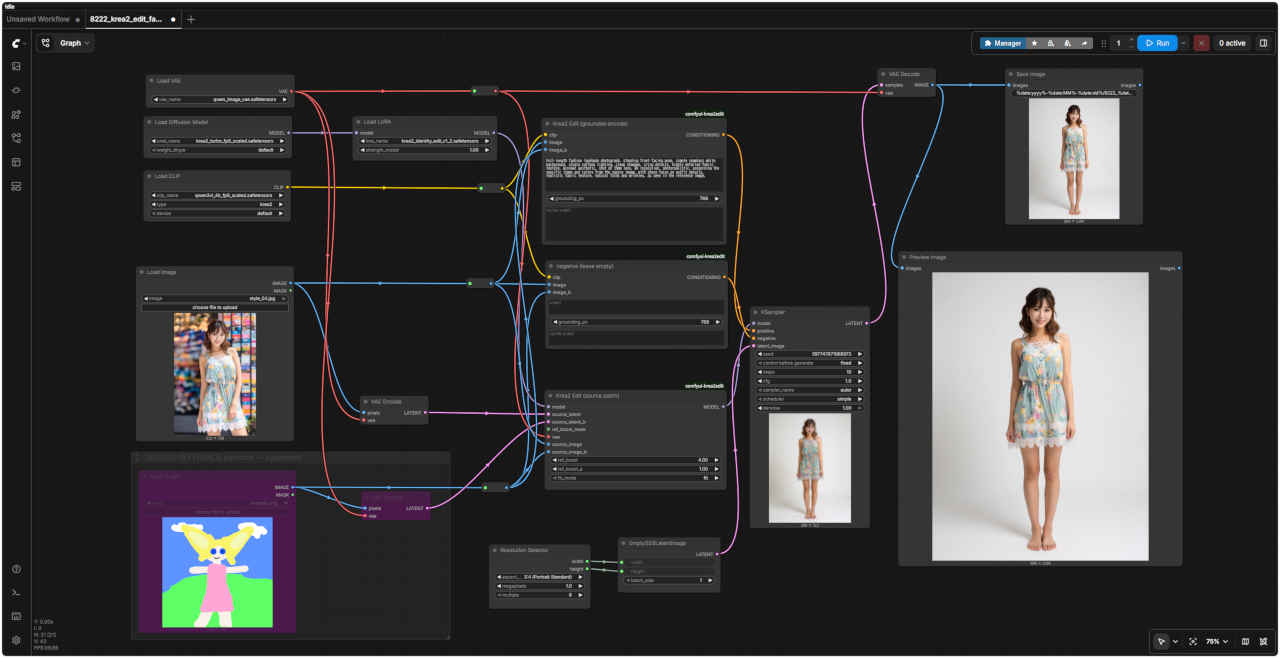
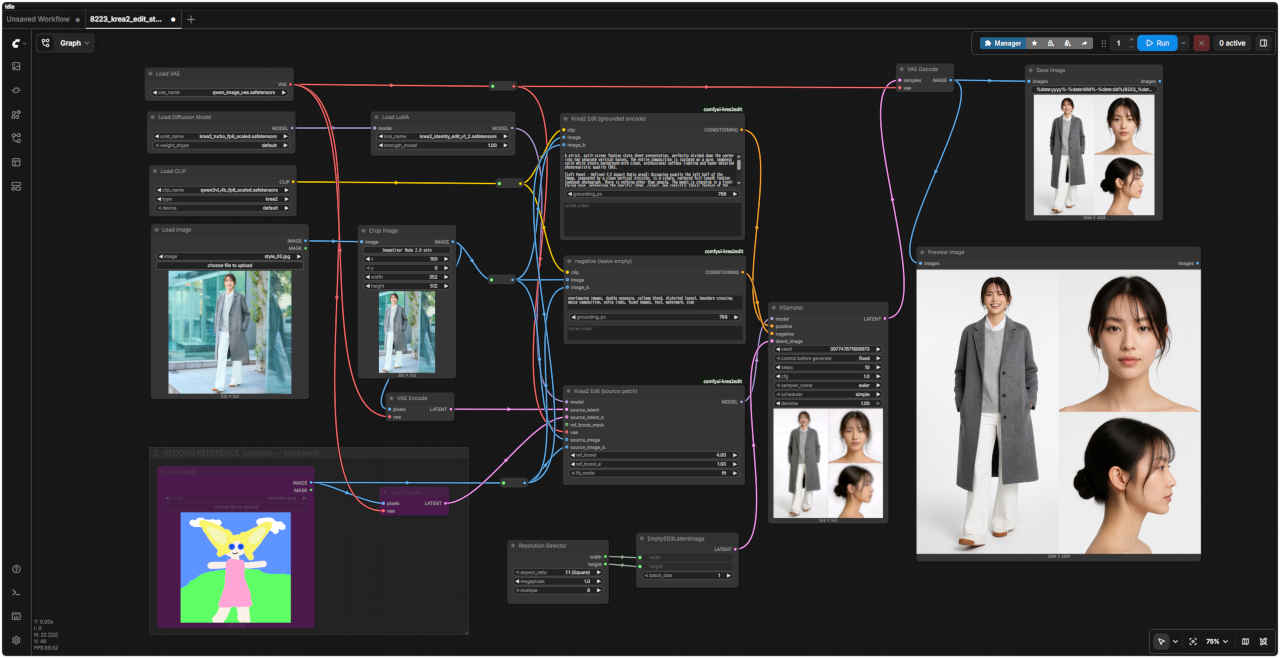
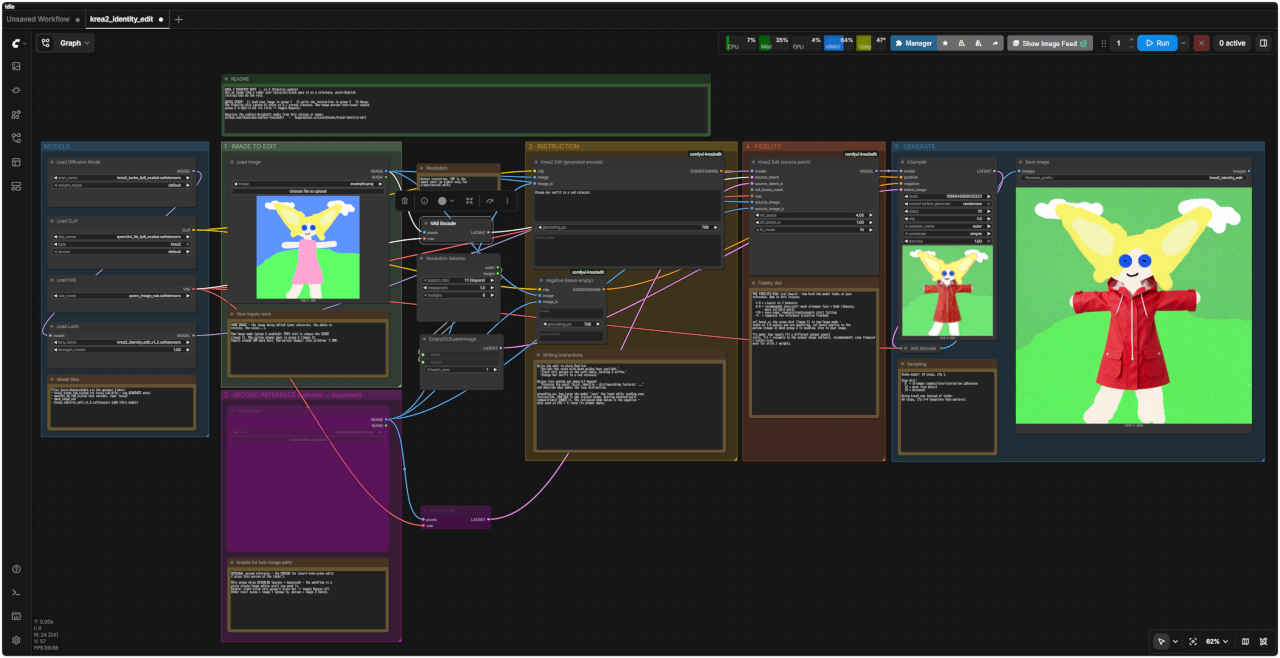
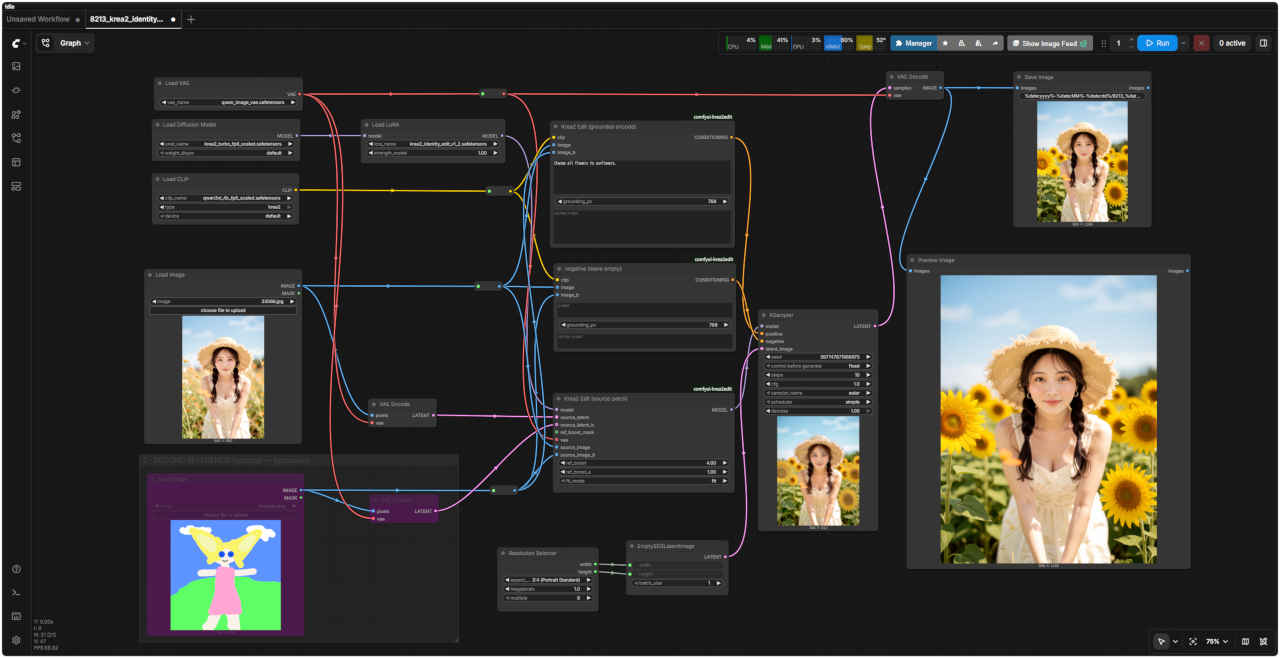
KREA 2 IDENTITY EDIT - v1.2 (Fidelity update) Use an image like a LoRA: your character/scene goes in as a reference, plain-English instructions do the rest.
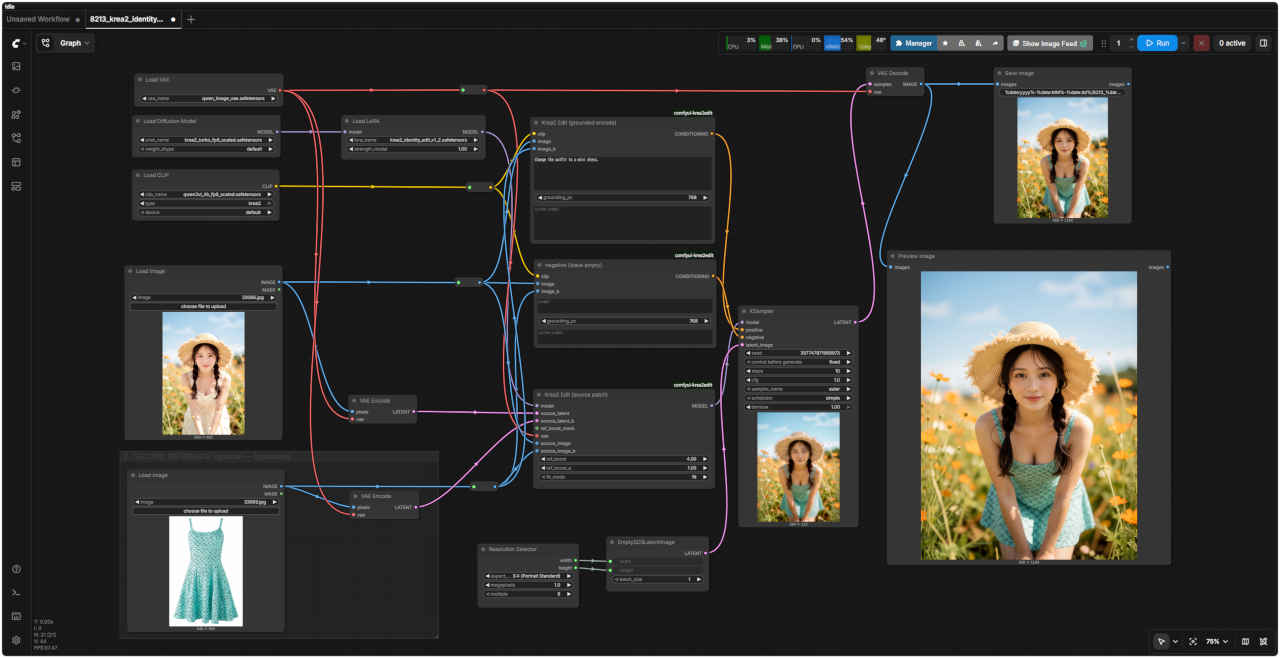
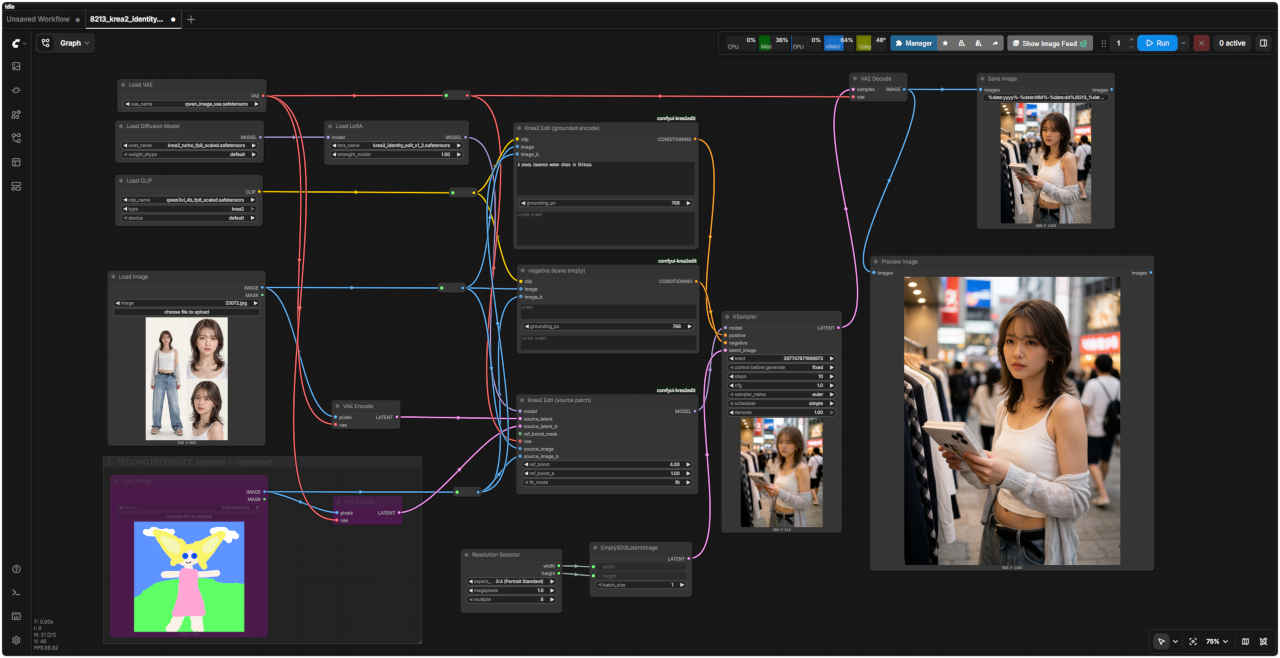
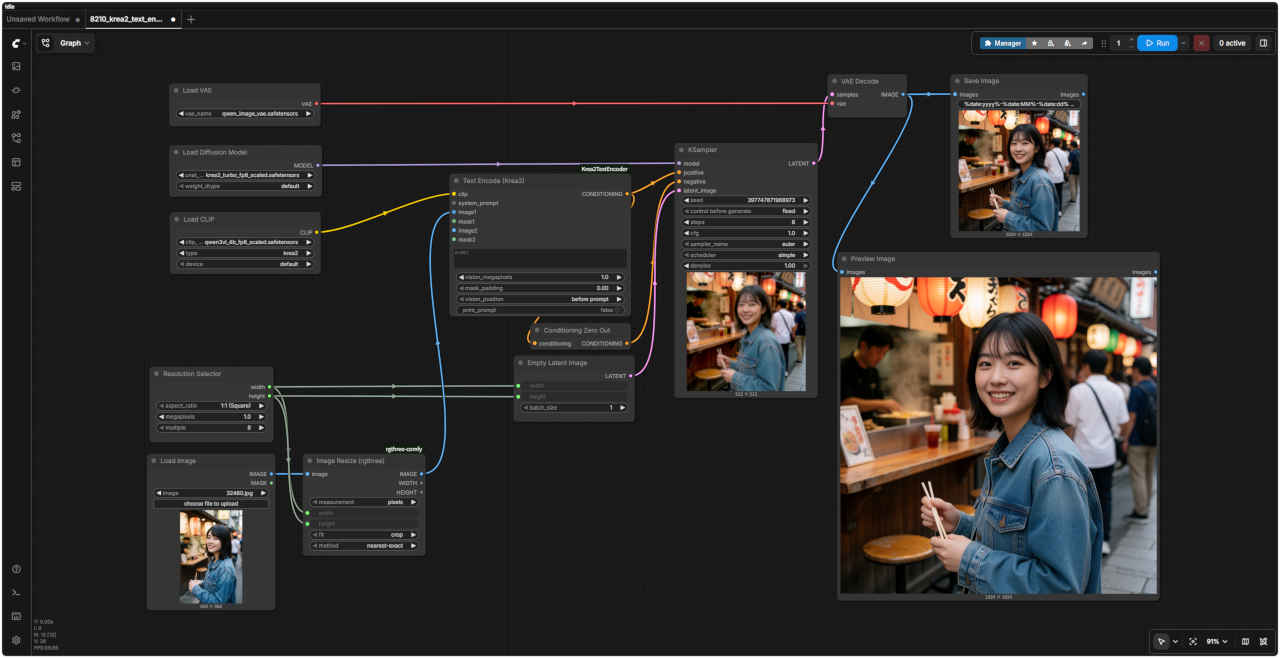
QUICK START: 1) load your image in group 1 2) write the instruction in group 3 3) Queue. The Fidelity dial (group 4) ships at 4 = strong likeness. Two-image person-into-scene: enable group 2 (right-click its title -> toggle Bypass).
Requires the comfyui-krea2edit nodes from this release or newer. github.com/lbouaraba/comfyui-krea2edit - huggingface.co/conradlocke/krea2-identity-edit
Model files
Files (auto-downloadable via the manager links): - krea2_turbo_fp8_scaled (or krea2_raw_bf16 - see GENERATE note) - qwen3vl_4b_fp8_scaled text encoder, type 'krea2' - qwen_image_vae - krea2_identity_edit_v1_2.safetensors LoRA (this model)
How Input work
YOUR IMAGE - the image being edited (your character, the photo to restyle, the scene...).
Two-image mode (group 2 enabled): THIS slot is always the SCENE (image 1). The person always goes in group 2 (image 2). Inputs around 1MP work best. Two-person images: stay at/below ~1.5MP.
Resolution
Output resolution. 1MP is the sweet spot; go higher only for single-person edits.
Enable for two-image-edit
OPTIONAL second reference - the PERSON for insert-into-scene edits ('place this person at the table').
This group ships DISABLED (purple = bypassed) - the workflow is a plain single-image editor until you need it. Enable: right-click this group's title bar -> toggle Bypass off. Order rule: scene = image 1 (group 1), person = image 2 (here).
Writing instruction
Write the edit in plain English: 'Relight the scene with warm golden hour sunlight.' 'Place this person at the cafe table, holding a coffee.' 'Change her outfit to a red raincoat.'
Unique face coming out generic? Append: 'Preserve the exact facial identity - distinguishing features: ...' and describe what makes the face distinctive.
grounding_px: how large the model 'sees' the input while reading your instruction. 384-768 is the trained range. Getting doubled/split compositions? LOWER it. The collapsed node below is the negative only used at CFG > 1; keep its prompt empty.
Fidelity dial
THE FIDELITY DIAL (ref_boost) - how hard the model looks at your reference. New in this release.
1.0 = classic v1.1 behavior 4.0 = recommended (pre-set): much stronger face + body likeness, more reliable edits >10 = over-copy: removals/replacements start failing <1 = suppress the reference (creative freedom) ref_boost_a: the scene dial (image 1) in two-image mode leave at 1.0 unless you are exploring. ref_boost applies to the person (image 2) when group 2 is enabled, else to your image.
fit_mode: how inputs fit a different output aspect ratio. fit = resample to the output shape (default, recommended); crop (legacy) = center-crop only for v1/v1.1 weights.
Sampling
Turbo model: 10 steps, cfg 1.
Step dial: 8 = stronger composition/instruction adherence 12 = more face detail 10 = balanced
Using krea2_raw instead of turbo: 40 steps, cfg 3-4 (negative then matters).
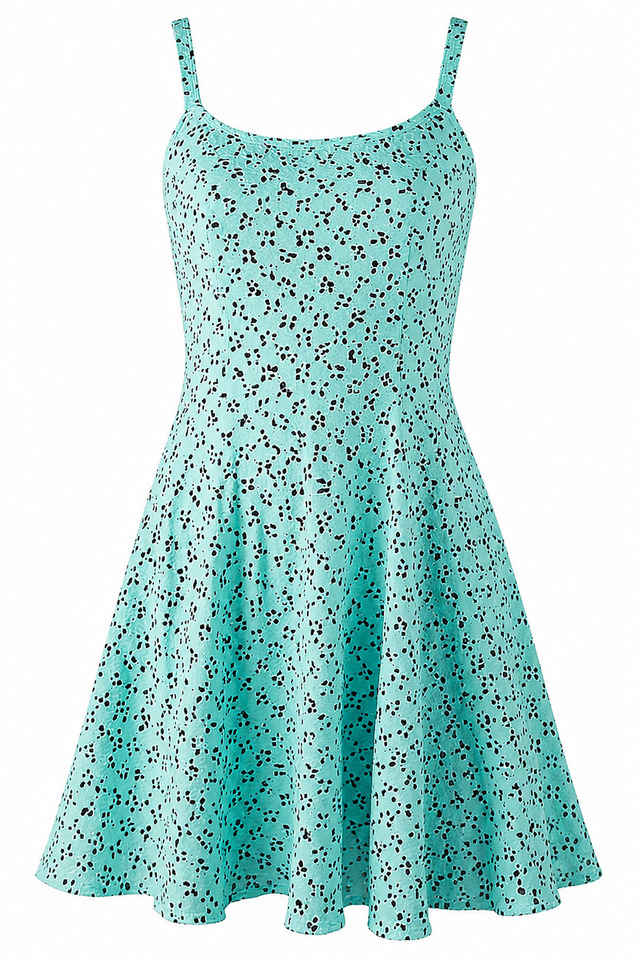
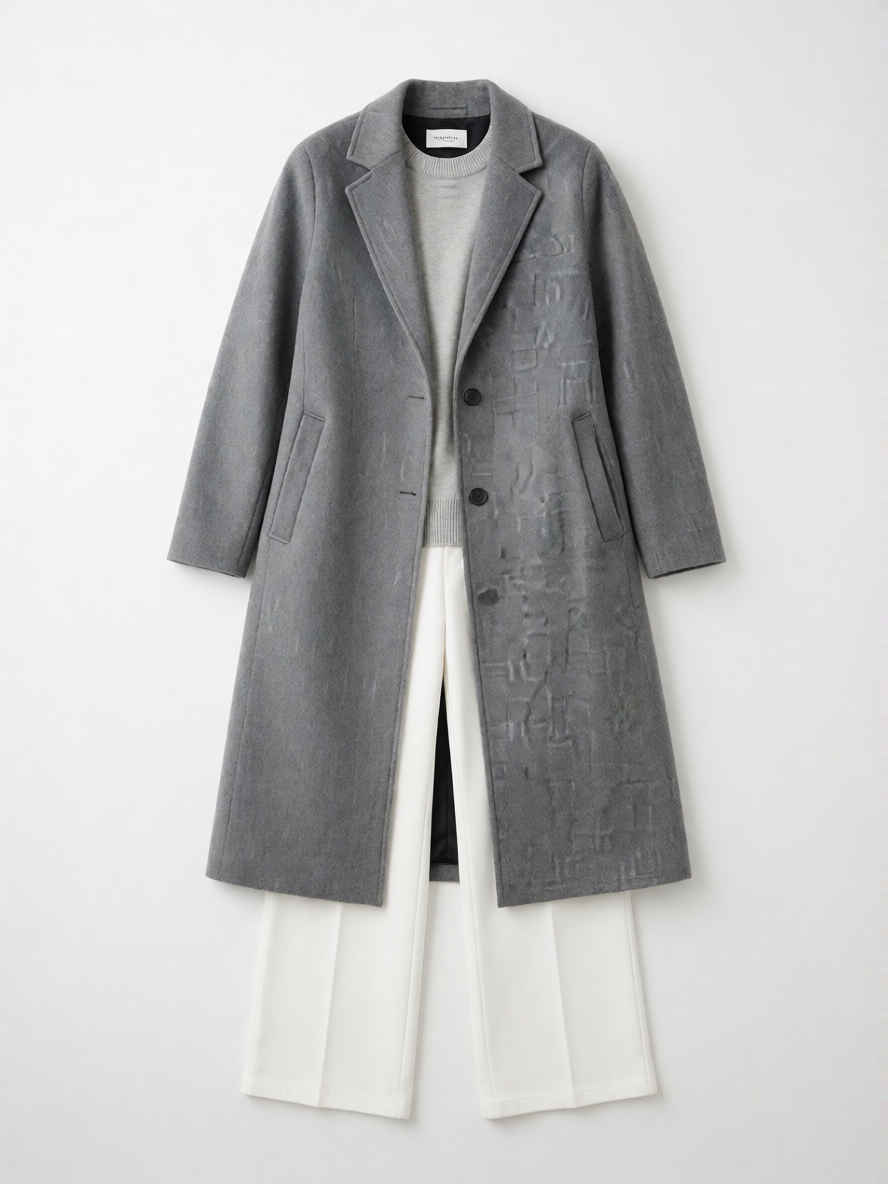
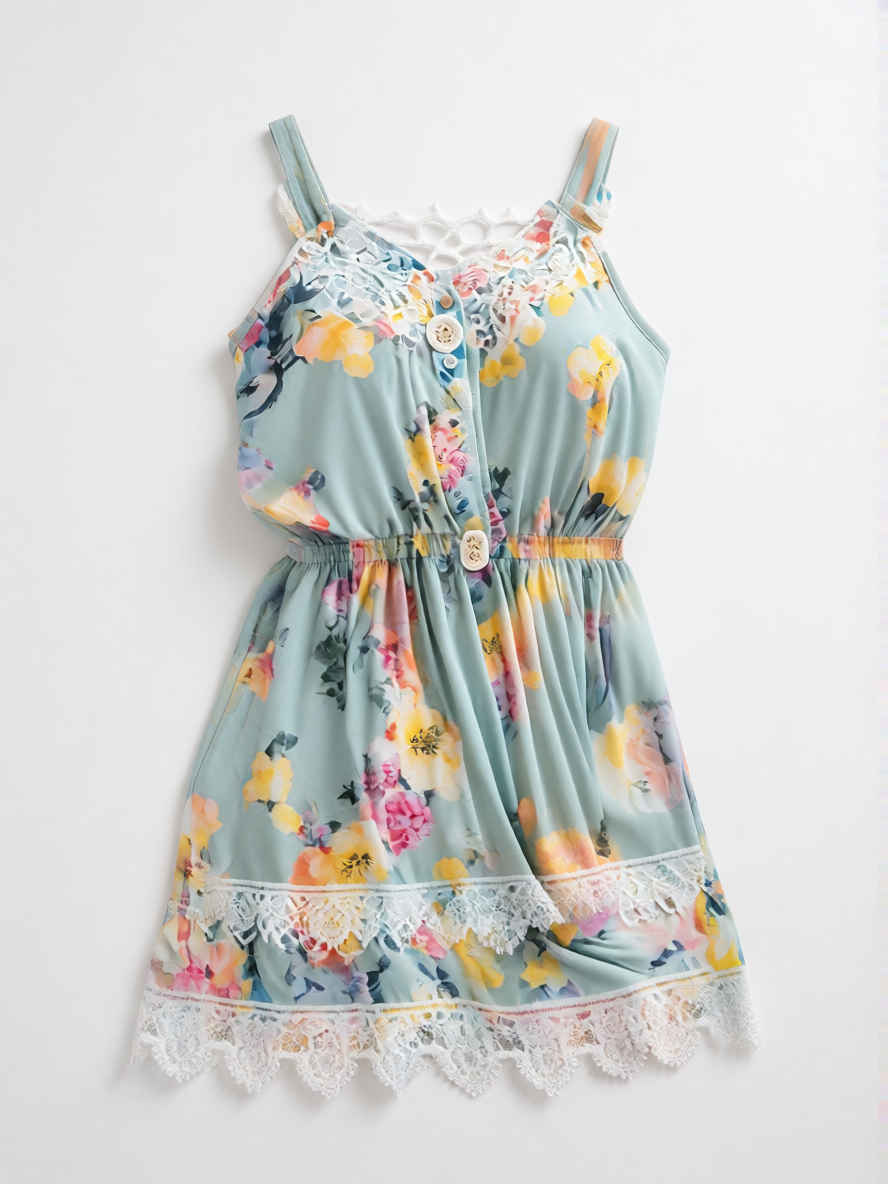
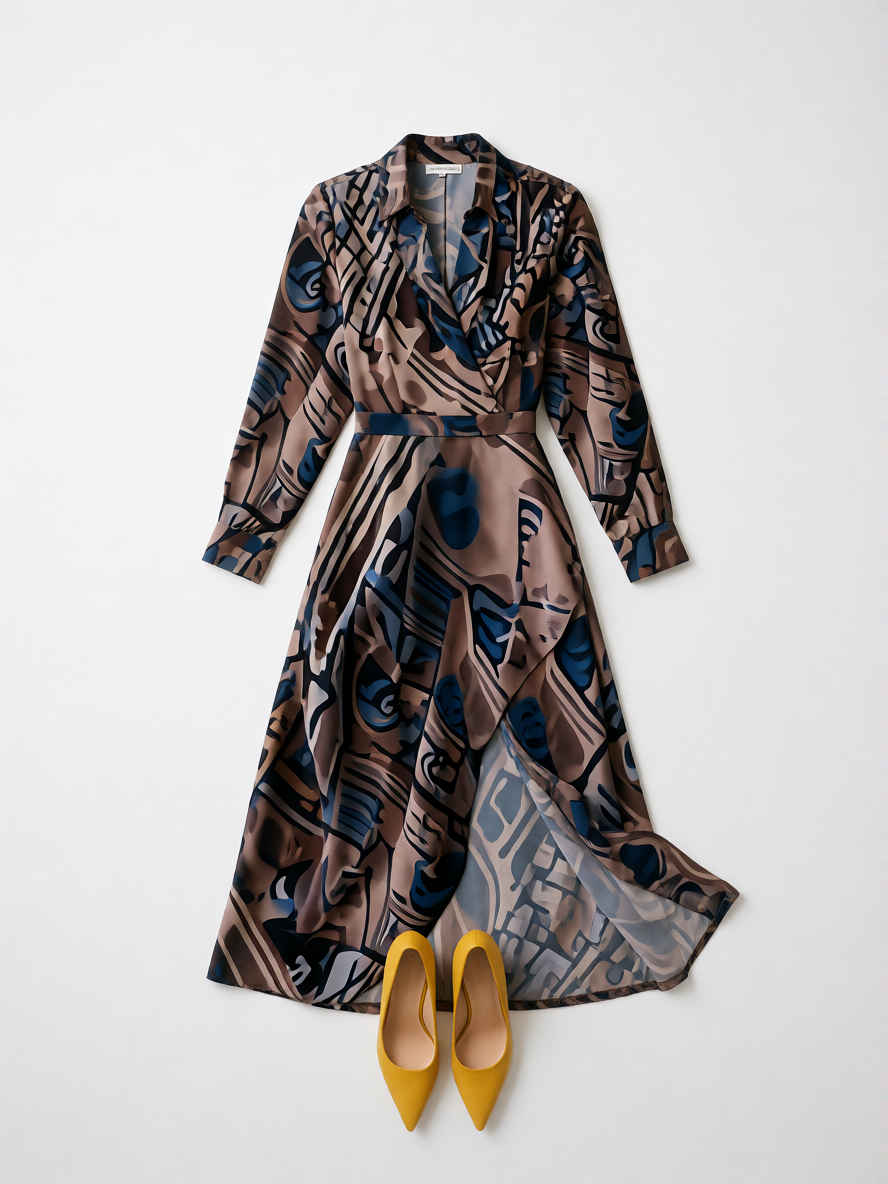
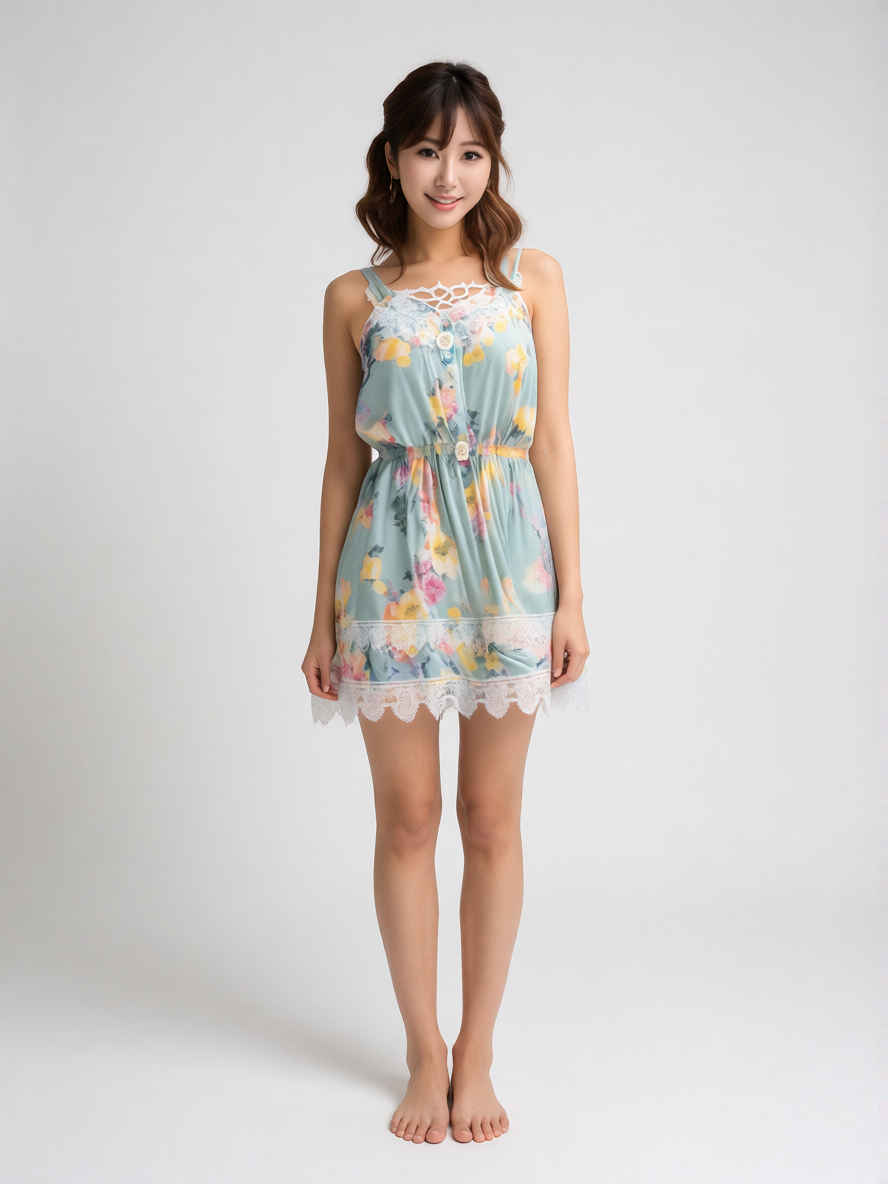
Commercial product photo, flat lay of a modern stylish outfit dress, neatly arranged on a seamless white backdrop, soft studio lighting, high resolution, detailed fabric texture, no person, isolated on white
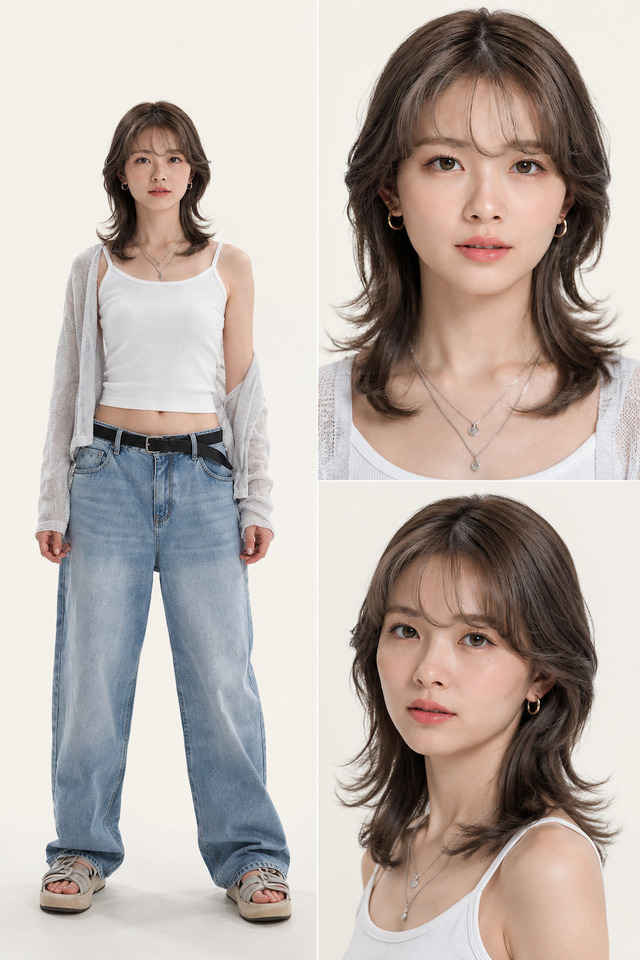
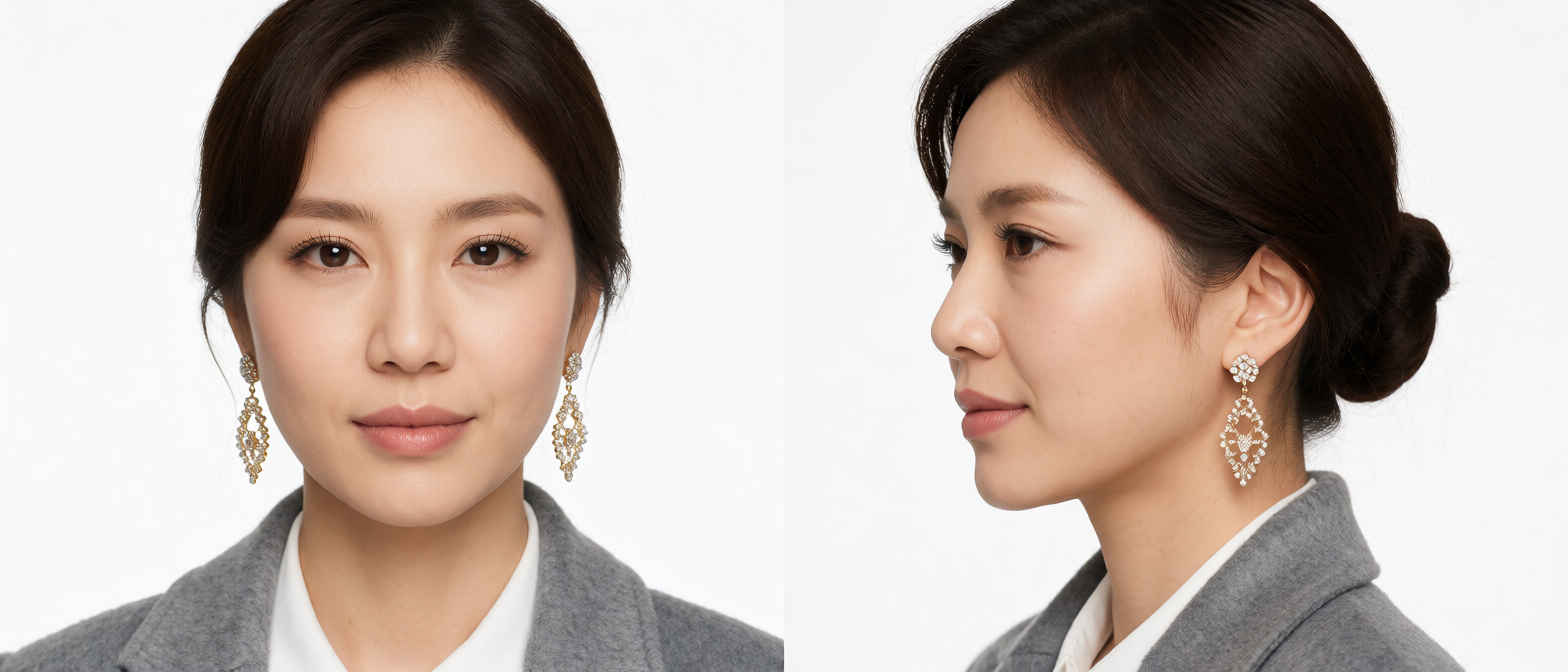
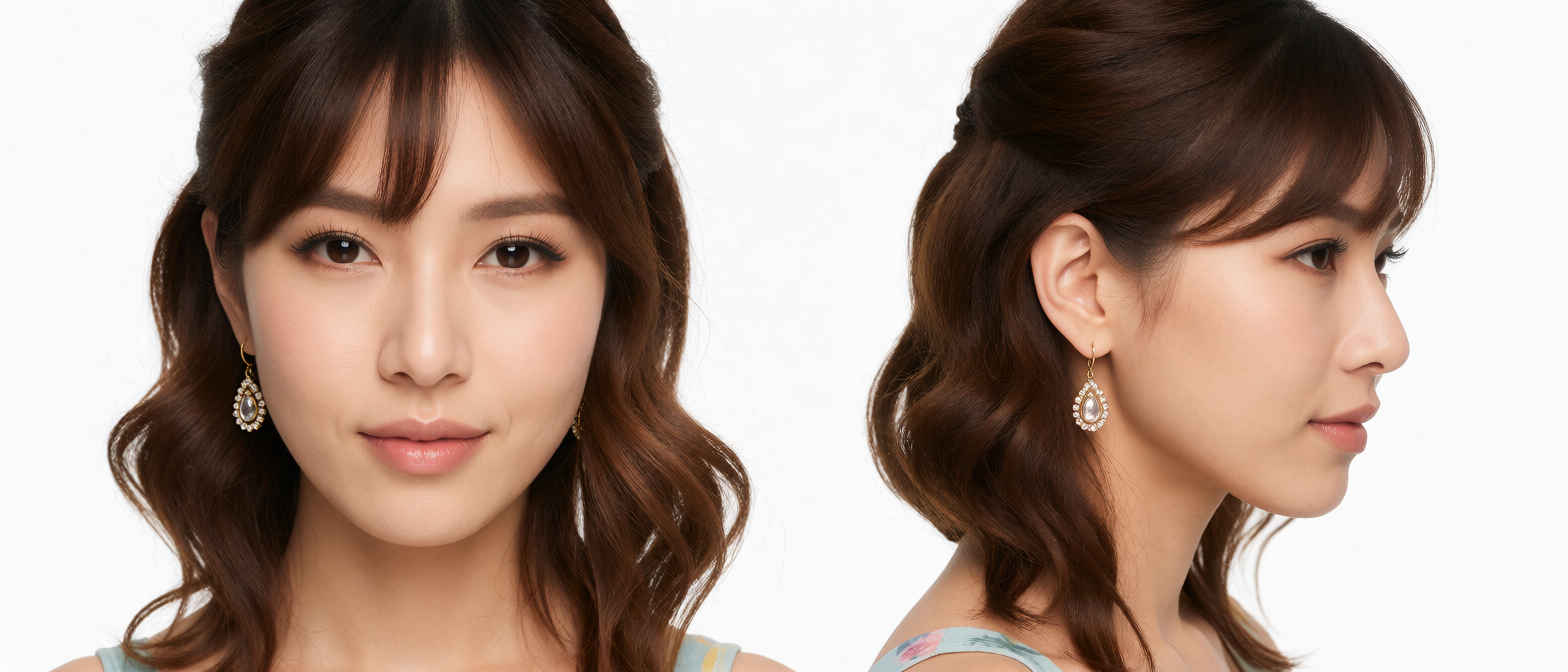
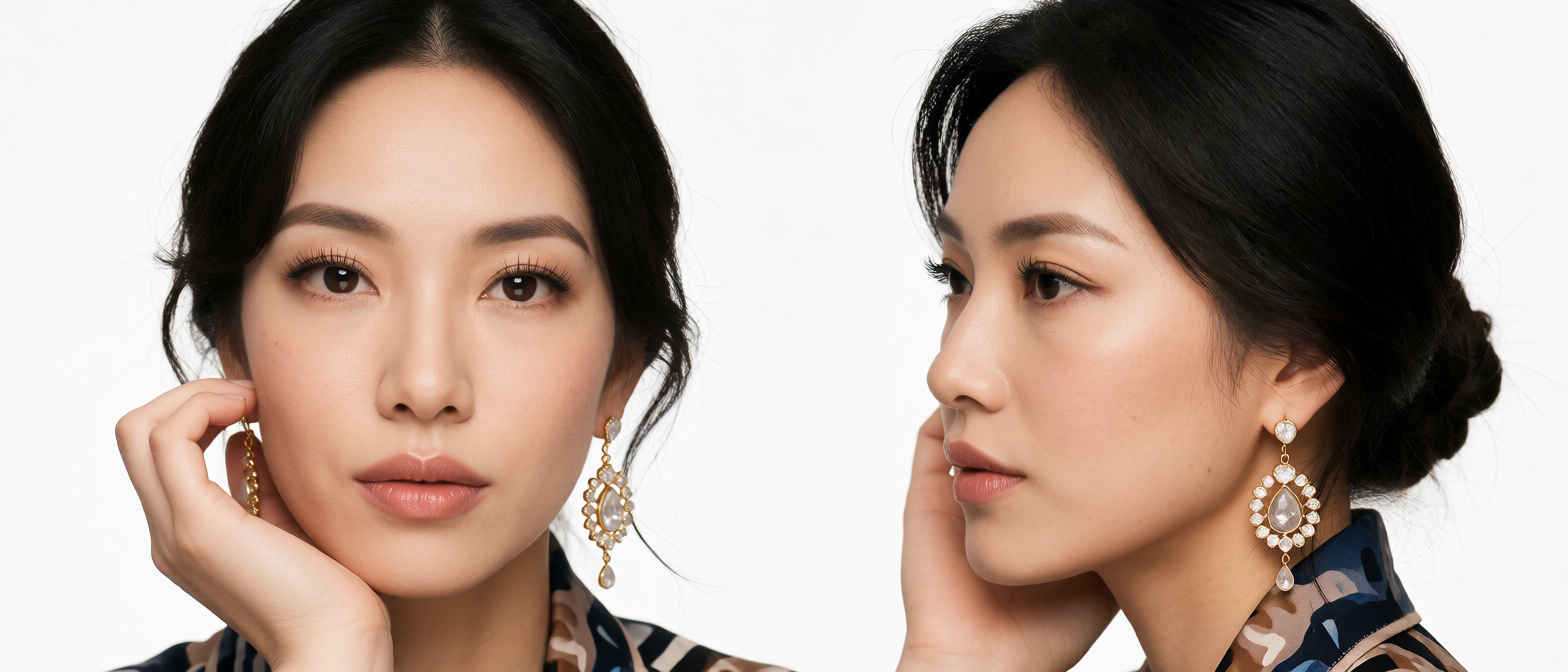
Commercial beauty studio headshot portrait, close-up of a person's head including face, styled hair, and detailed earrings jewelry, floating seamlessly, isolated on a pure solid seamless white background, high-end commercial beauty photography, studio lighting, crisp focus, hyper-detailed skin texture and jewelry, no clothes, no body, no torso, no neck visible. Place two 1:1 aspect ratio images—one frontal and one side view—side by side. separated by a clean vertical division.
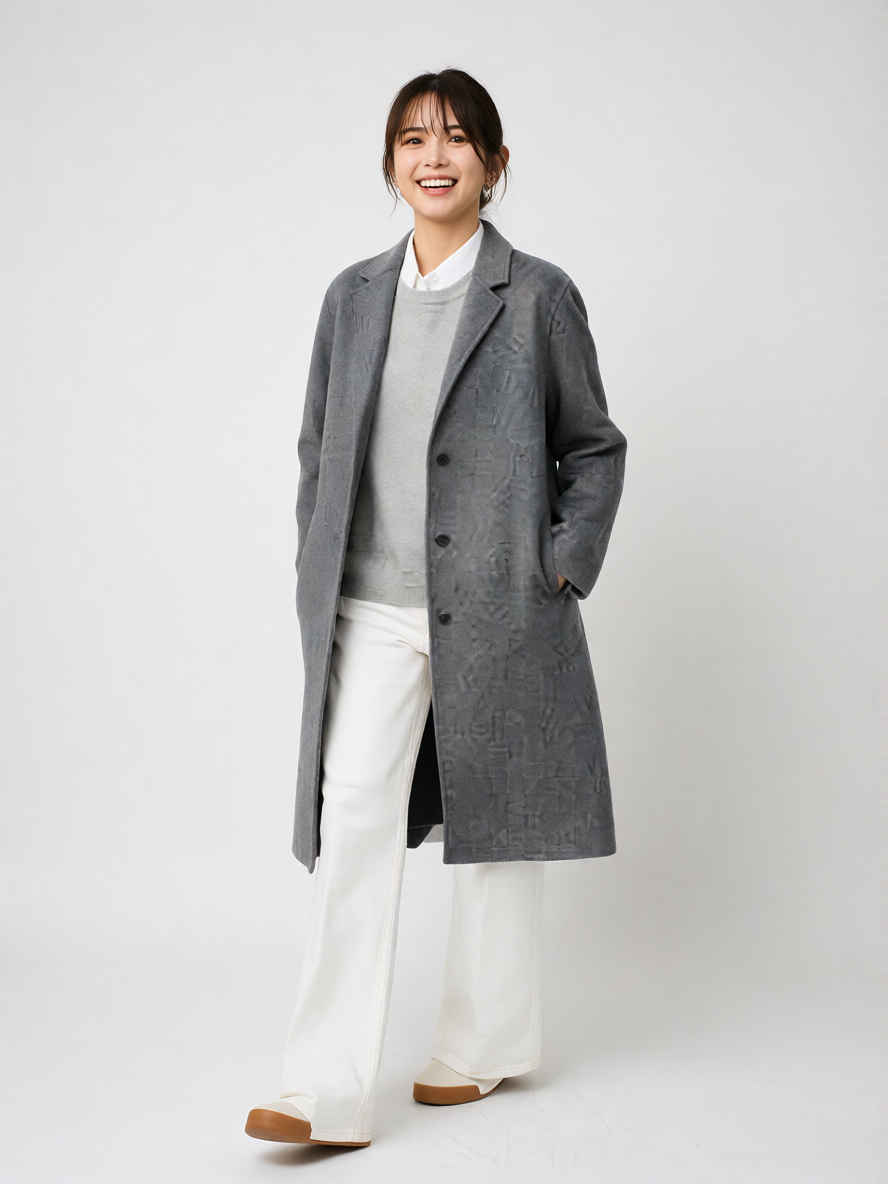
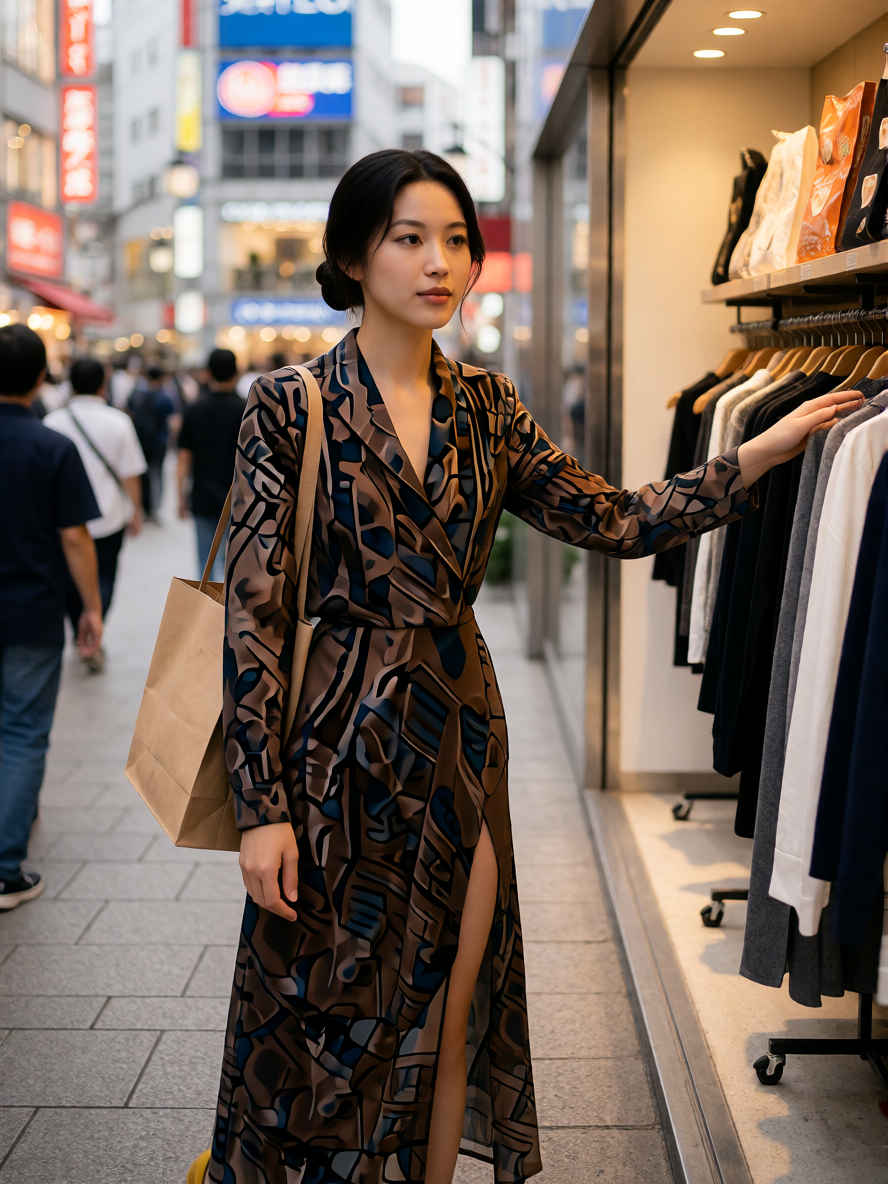
Full-length fashion lookbook photograph, standing front-facing pose, simple seamless white background, studio softbox lighting, clean shadows, crisp details, highly detailed fabric texture, minimal aesthetic, shot on 35mm lens, 8k resolution, photorealistic, preserving the specific items and colors from the source image, with sharp focus on outfit details, realistic fabric texture, natural folds and wrinkles, as seen in the reference image.
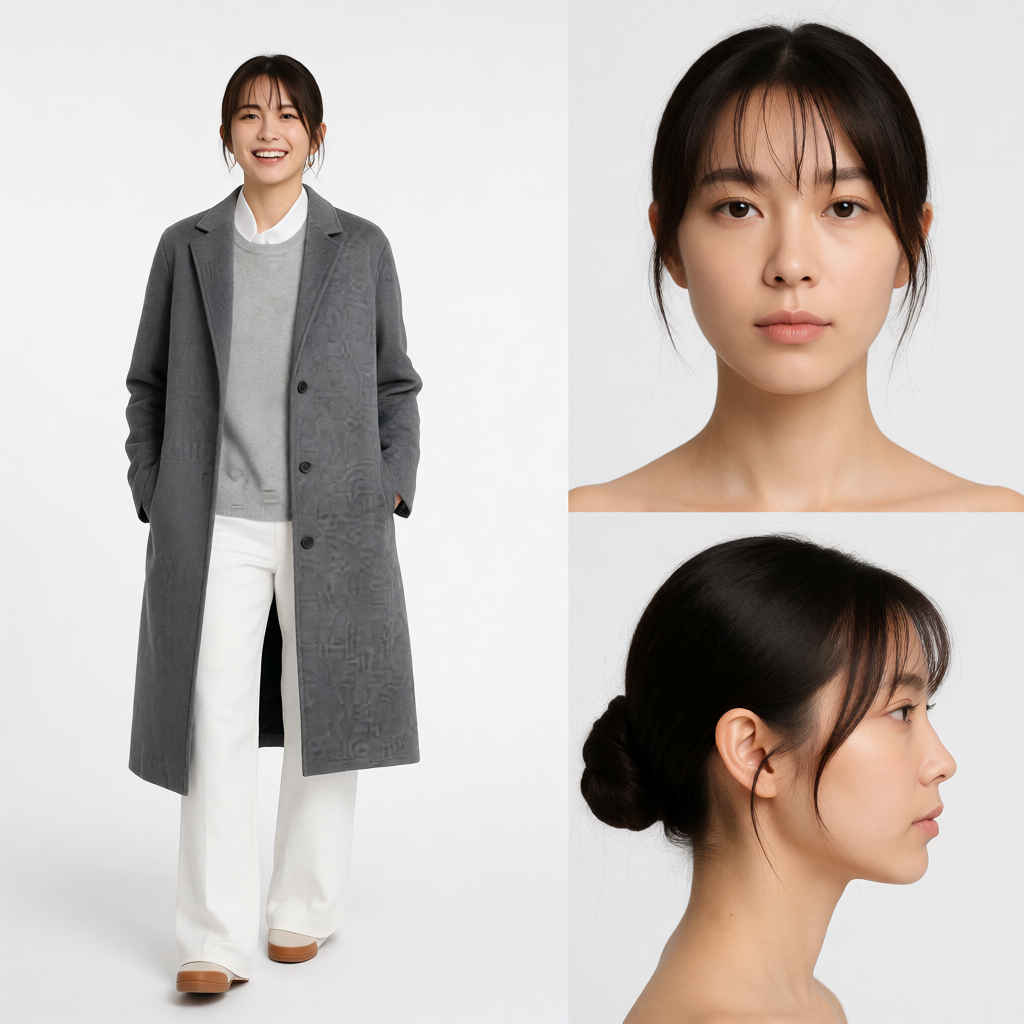
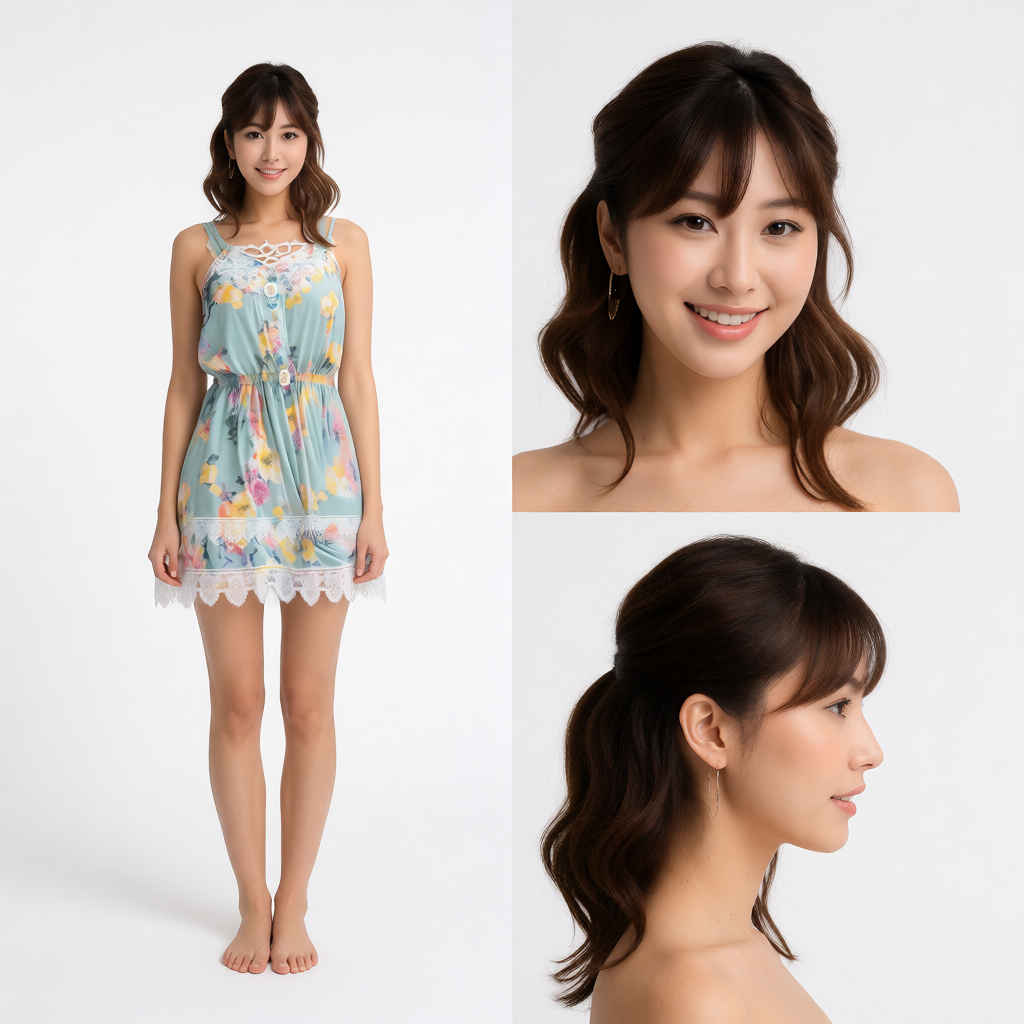
A strict, split-screen fashion style sheet presentation, perfectly divided down the center into two separate vertical halves. The entire composition is isolated on a pure, seamless solid white studio background with clean, professional softbox lighting and hyper-detailed photorealistic quality (8k).
[Left Panel - Defined 1:2 Aspect Ratio area]: Occupying exactly the left half of the image, separated by a clean vertical division, is a single, centered full-length fashion lookbook photograph. There is nothing other than people. The model is standing in a front-facing pose, preserving the specific items, colors, and realistic fabric texture of the outfit from the reference image. Crisp focus, minimal aesthetic. Do not overlap with the right panel.
[Right Panel - Vertically stacked 1:1 Images]: Occupying exactly the right half are two vertically stacked, close-up commercial beauty studio headshot portraits, completely separate from the left panel. The top 1:1 image shows the model’s head (frontal view). The bottom 1:1 image shows the identical model’s head (side profile view). Both portraits are only of the head, isolated with no clothes, neck, or body visible.