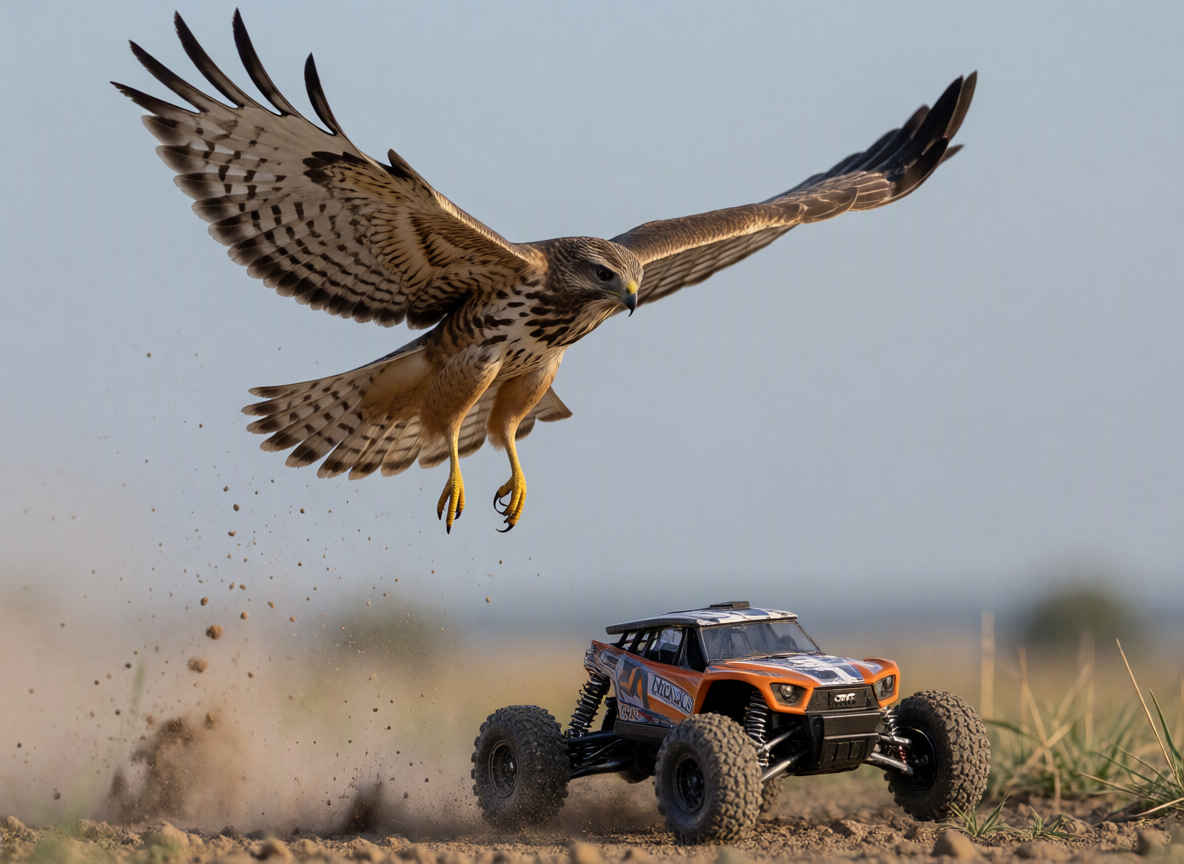
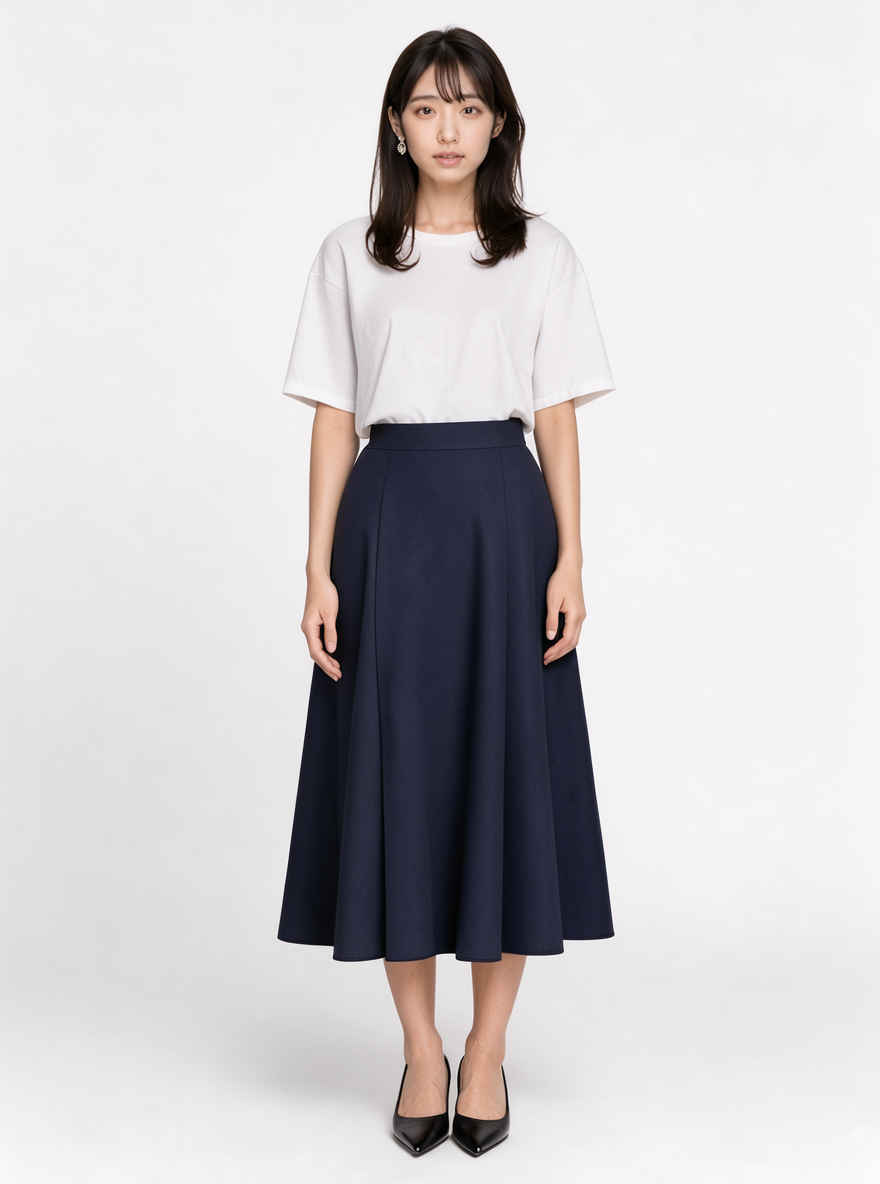
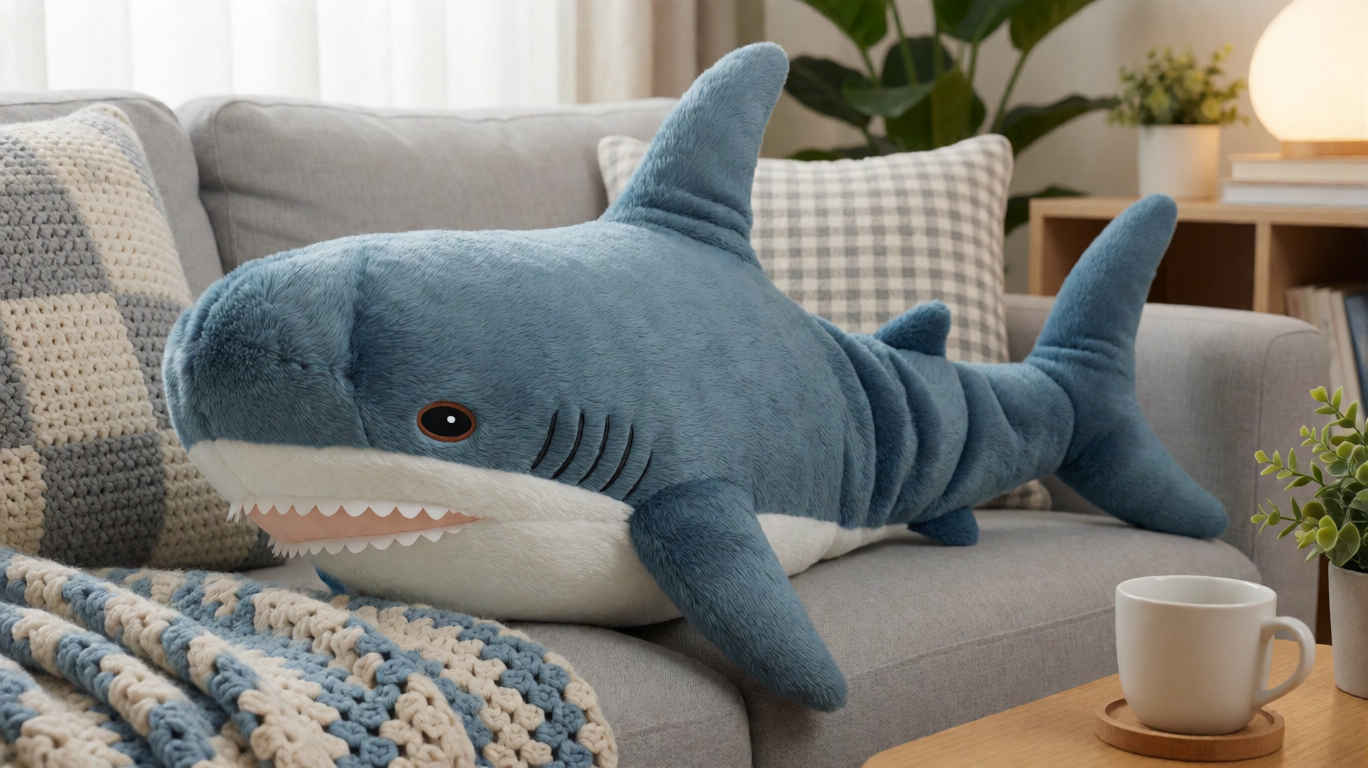
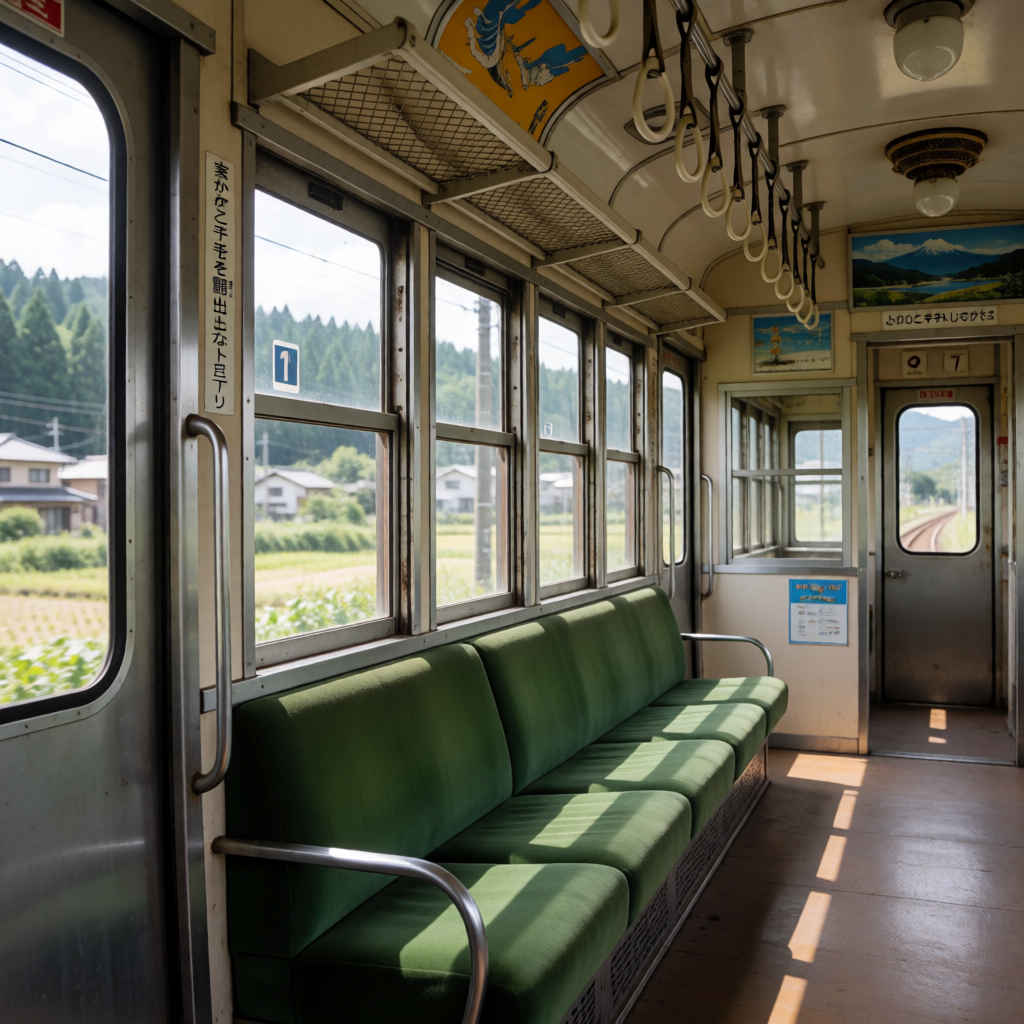
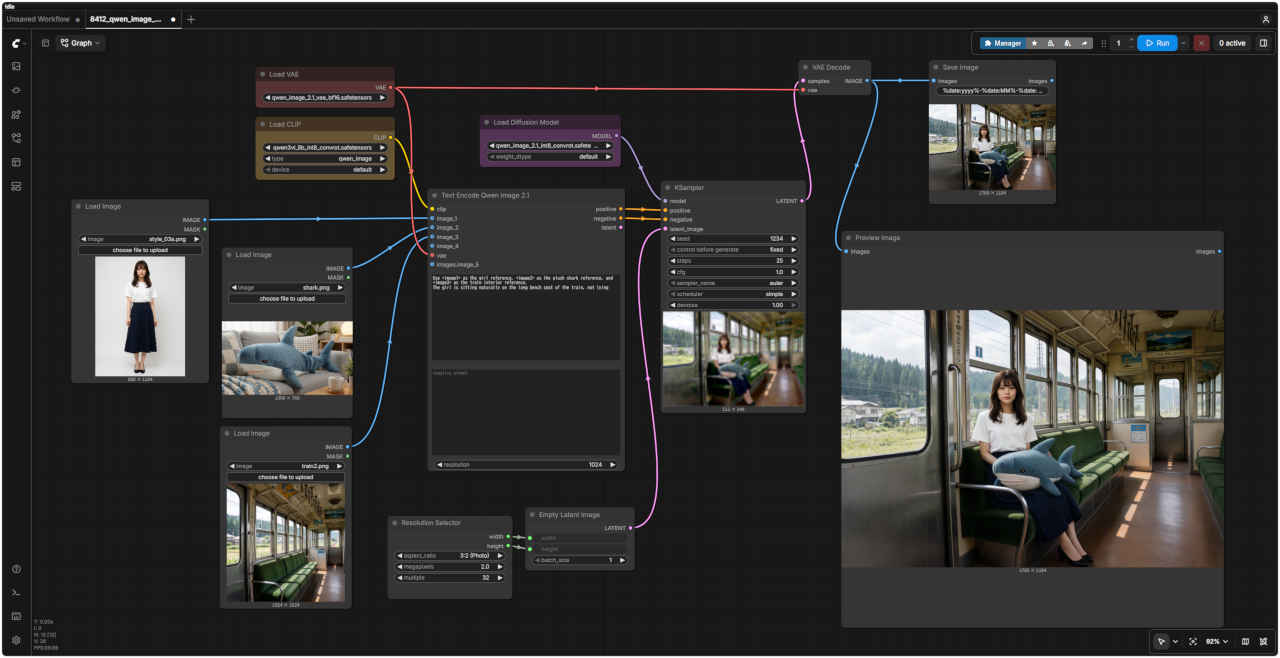
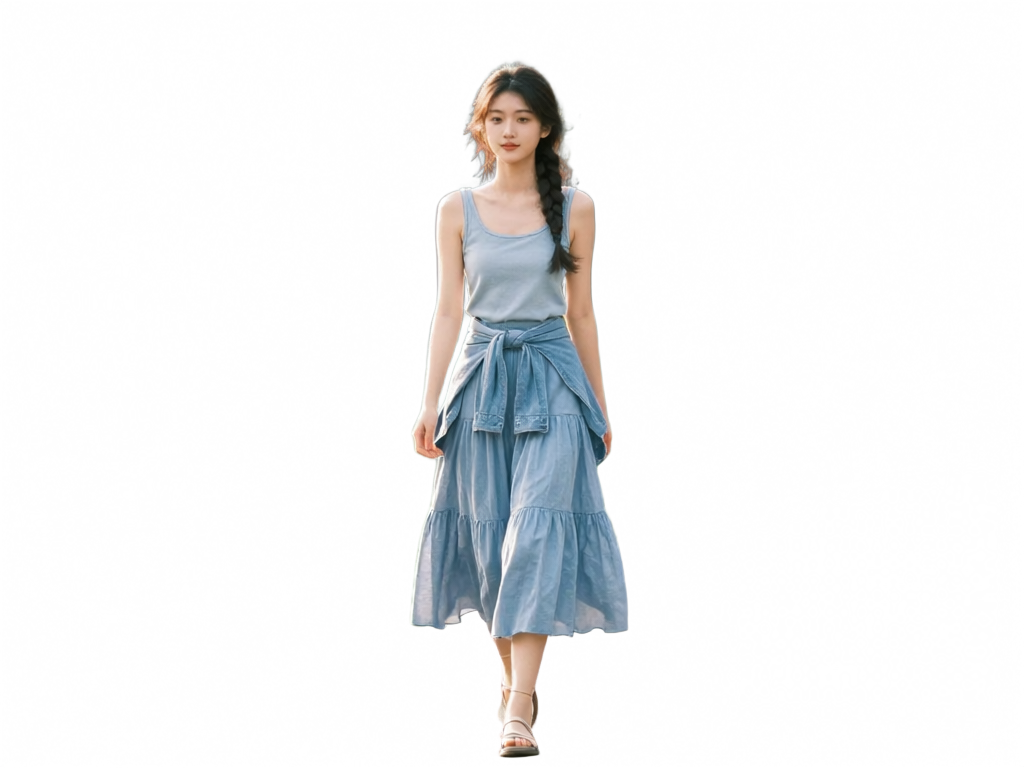
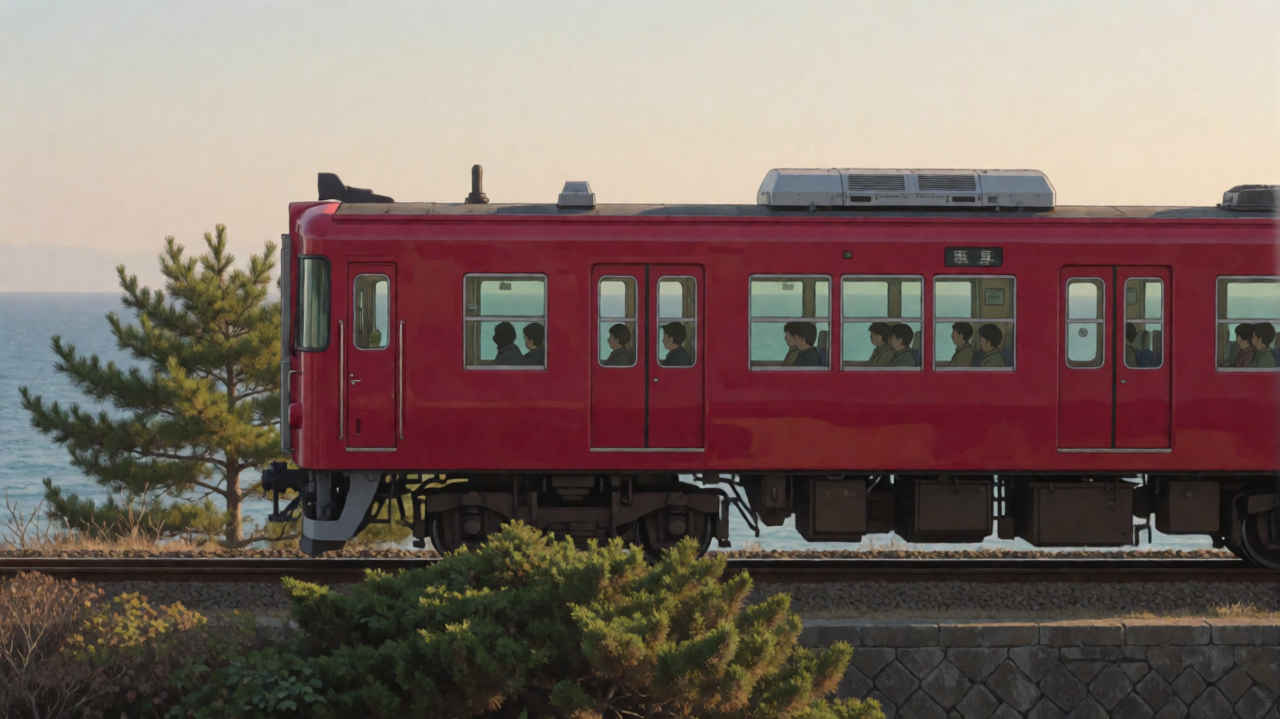
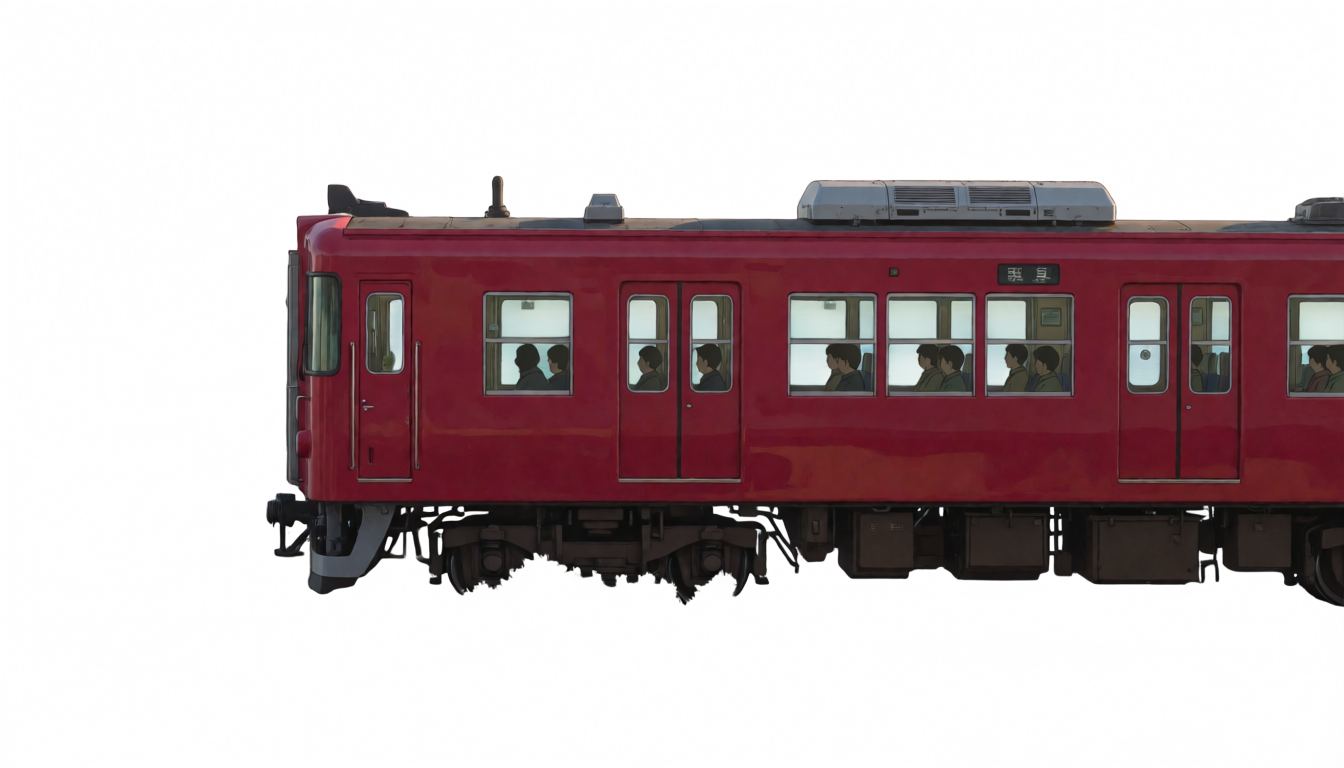
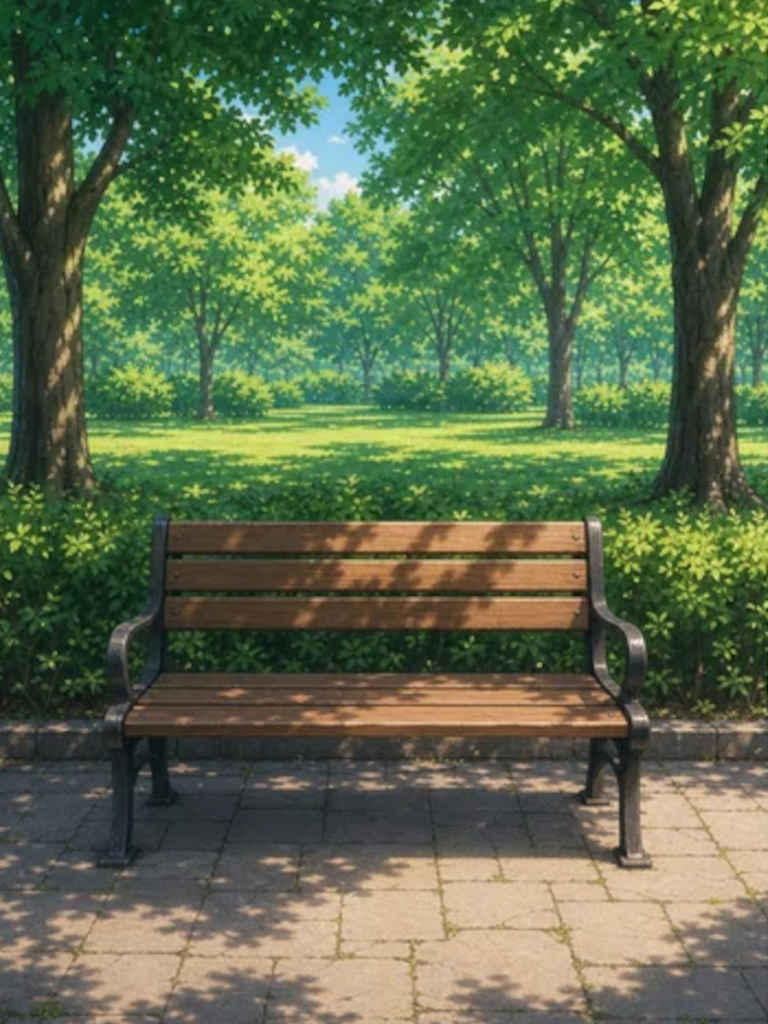
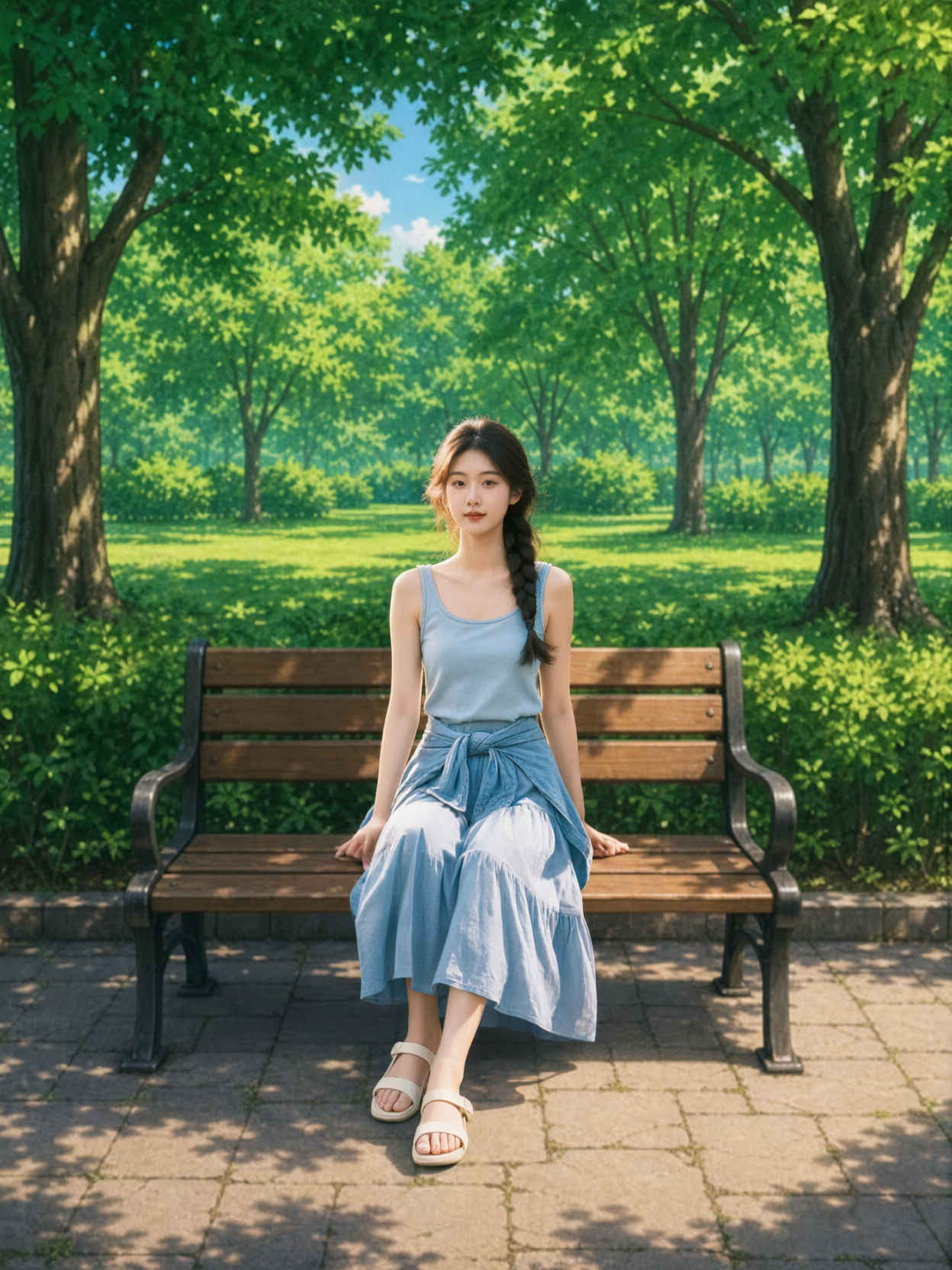
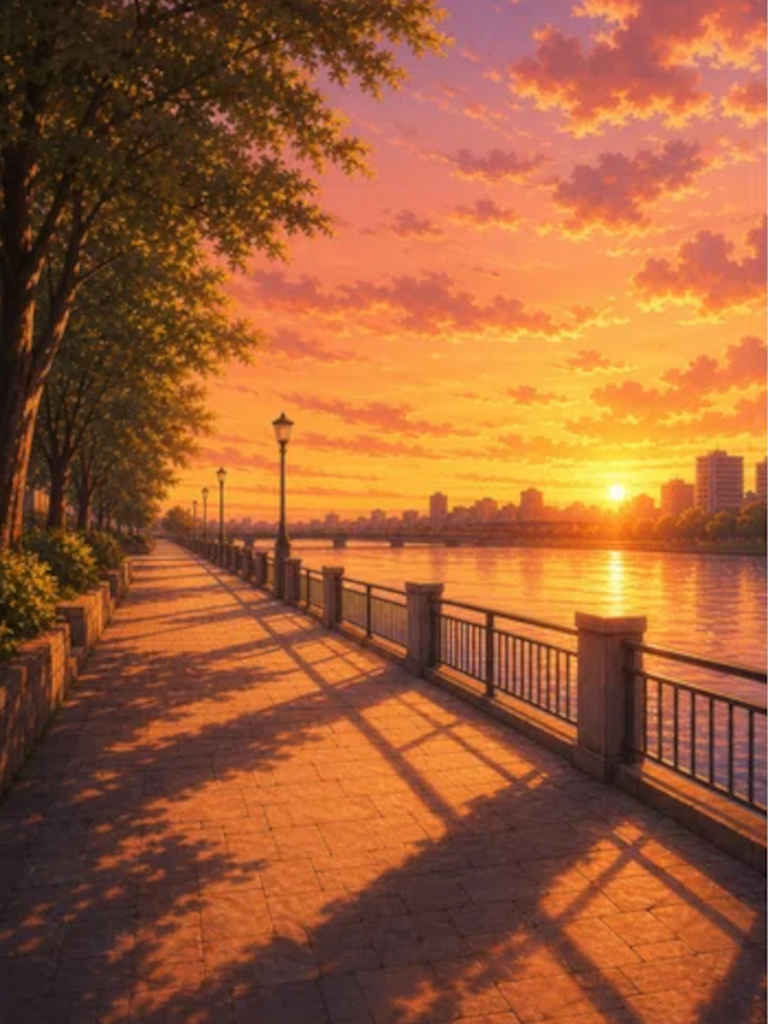
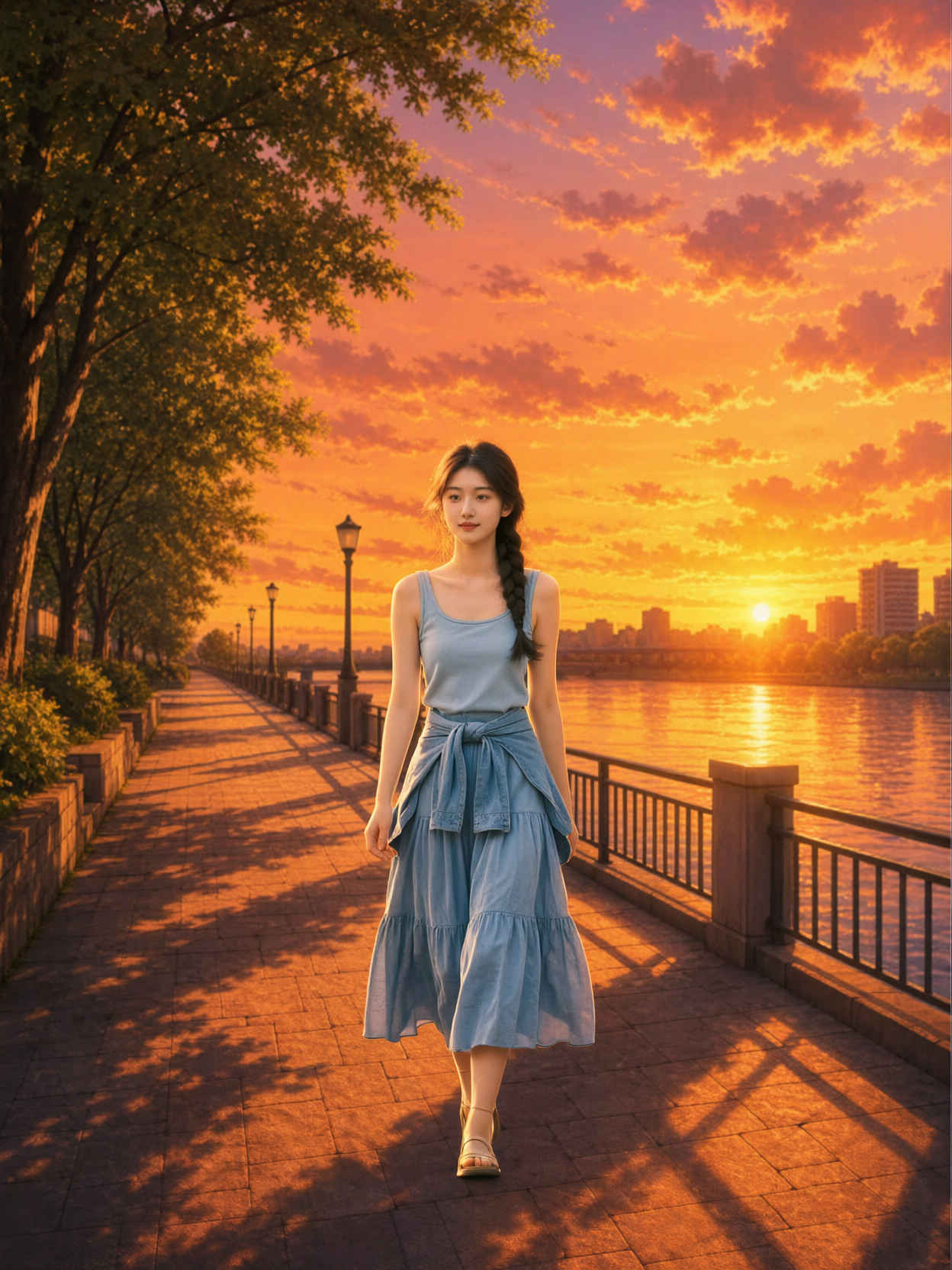
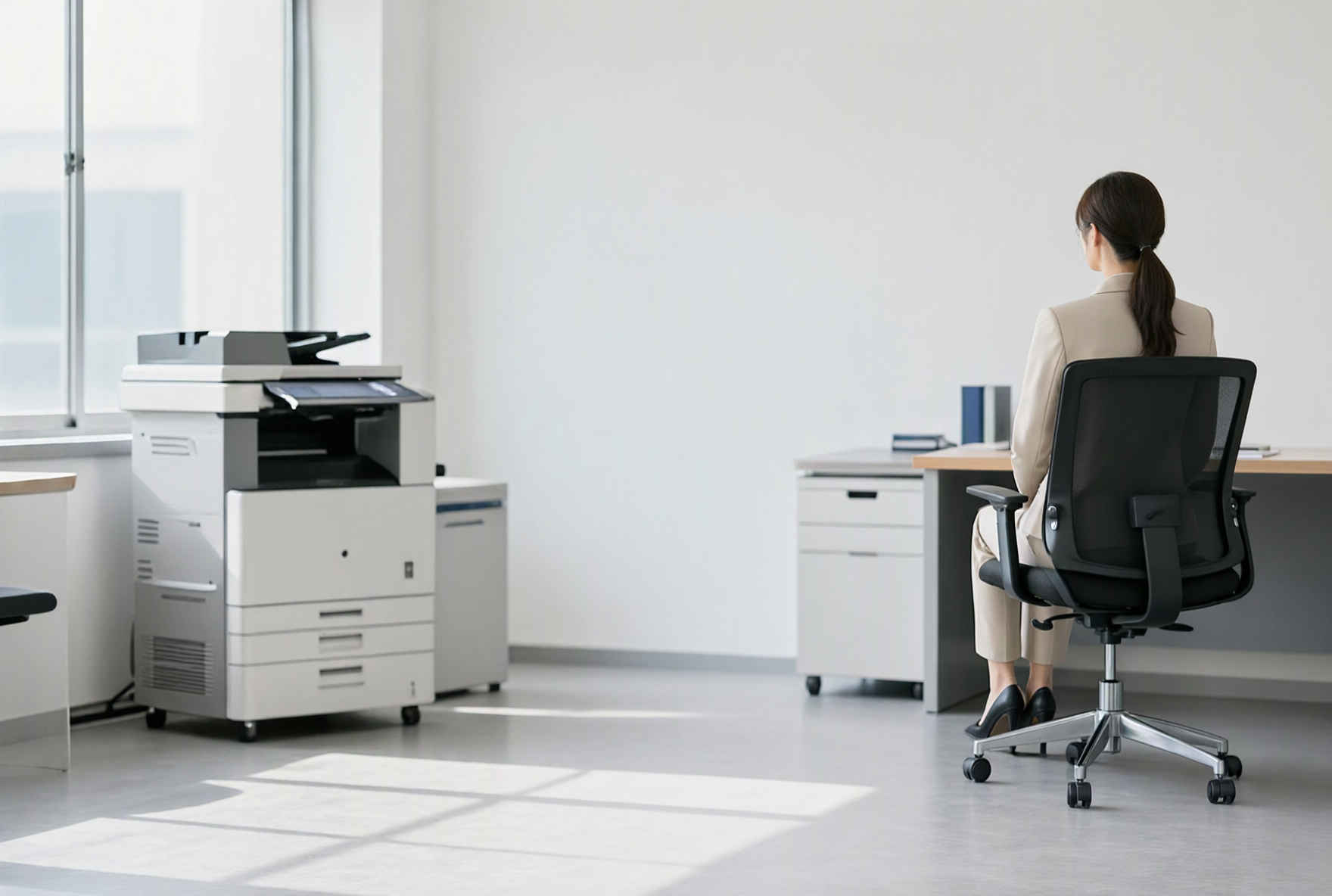
Use <image1> as the girl reference, <image2> as the plush shark reference, and <image3> as the train interior reference. The girl is sitting naturally on the long bench seat of the train, not lying
&ref(): File not found: "8412_2026-09-24_00001_m.jpg" at page "ComfyUI19a";
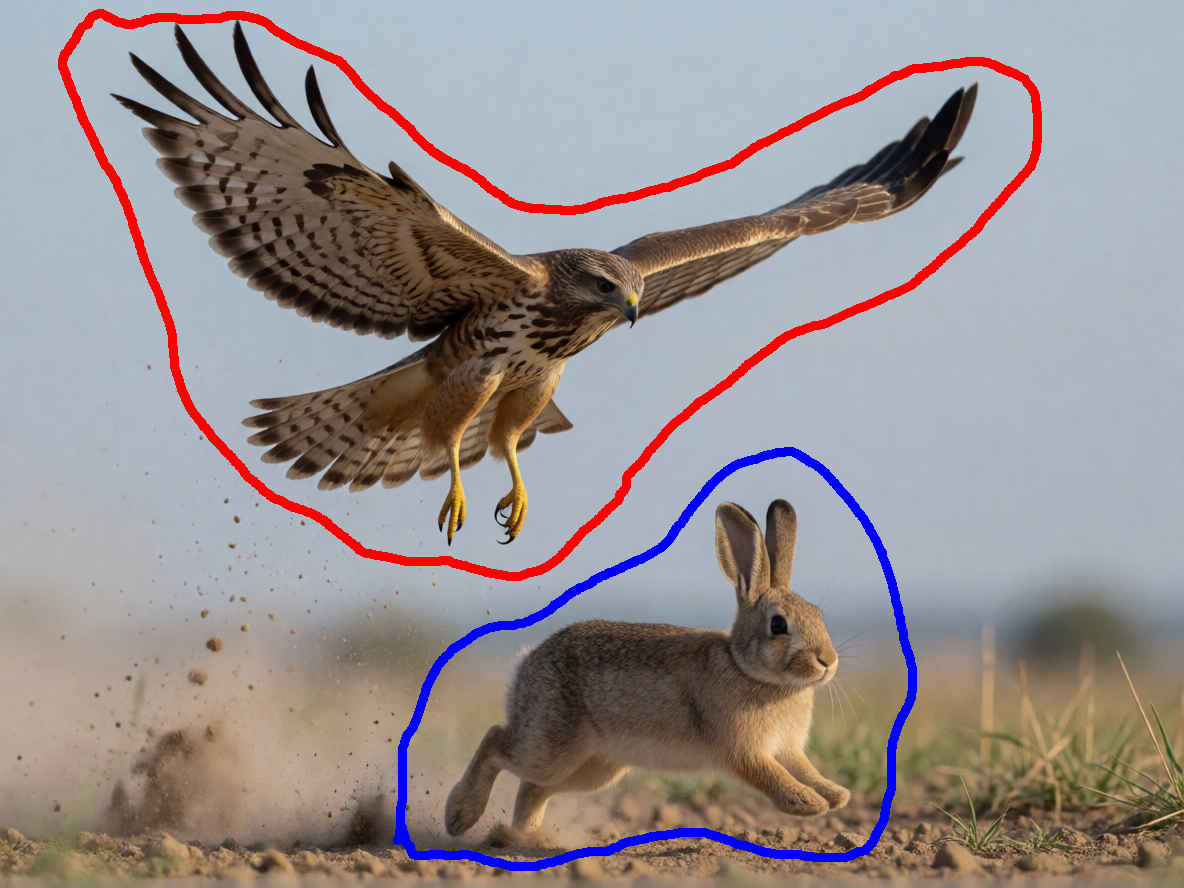
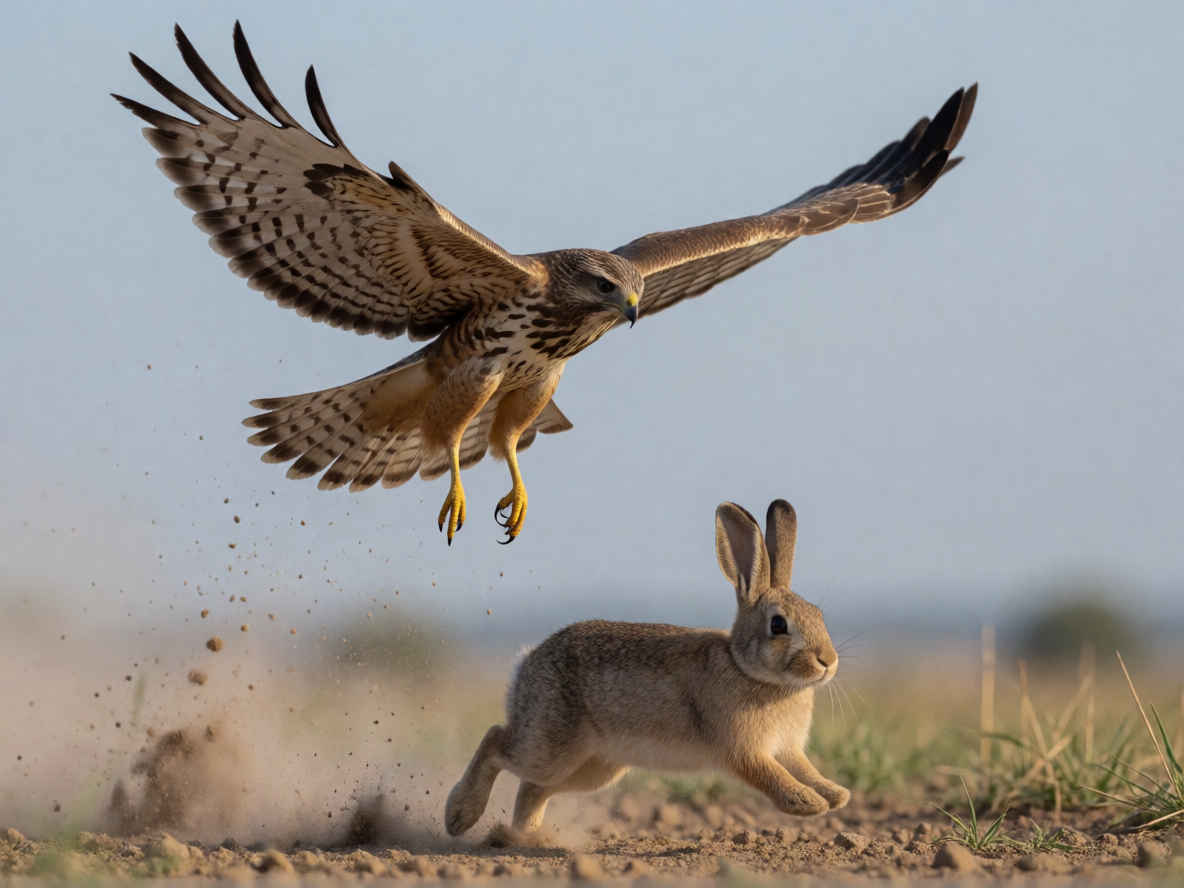
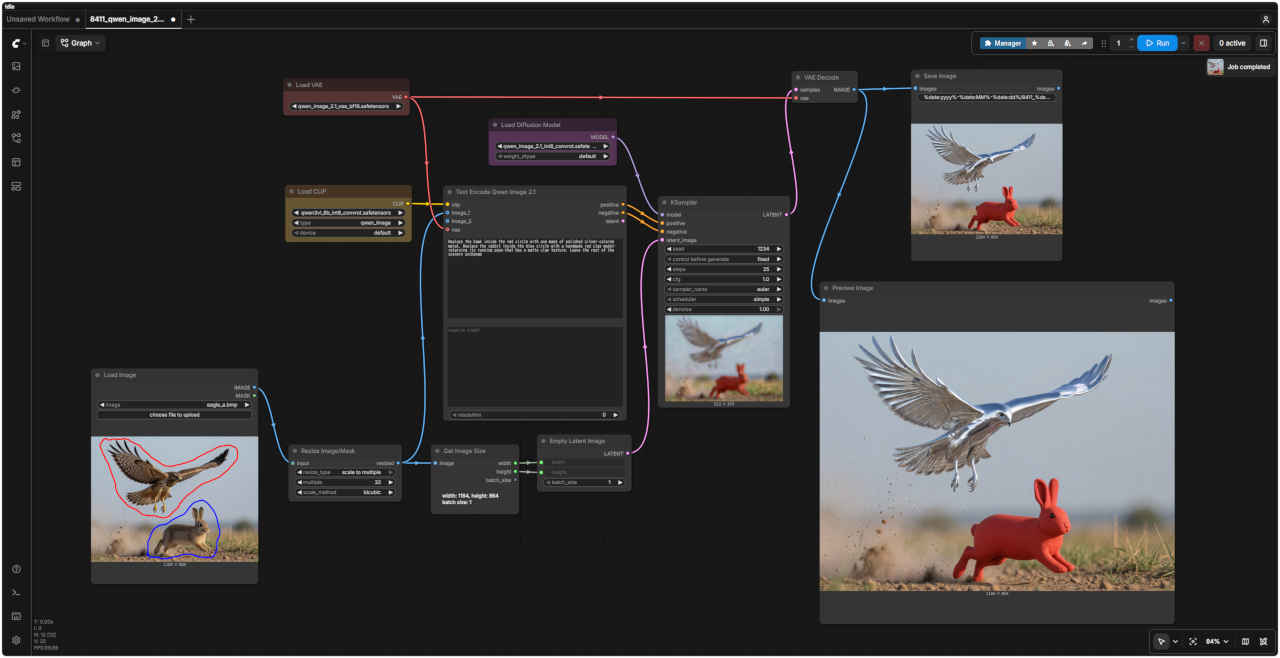
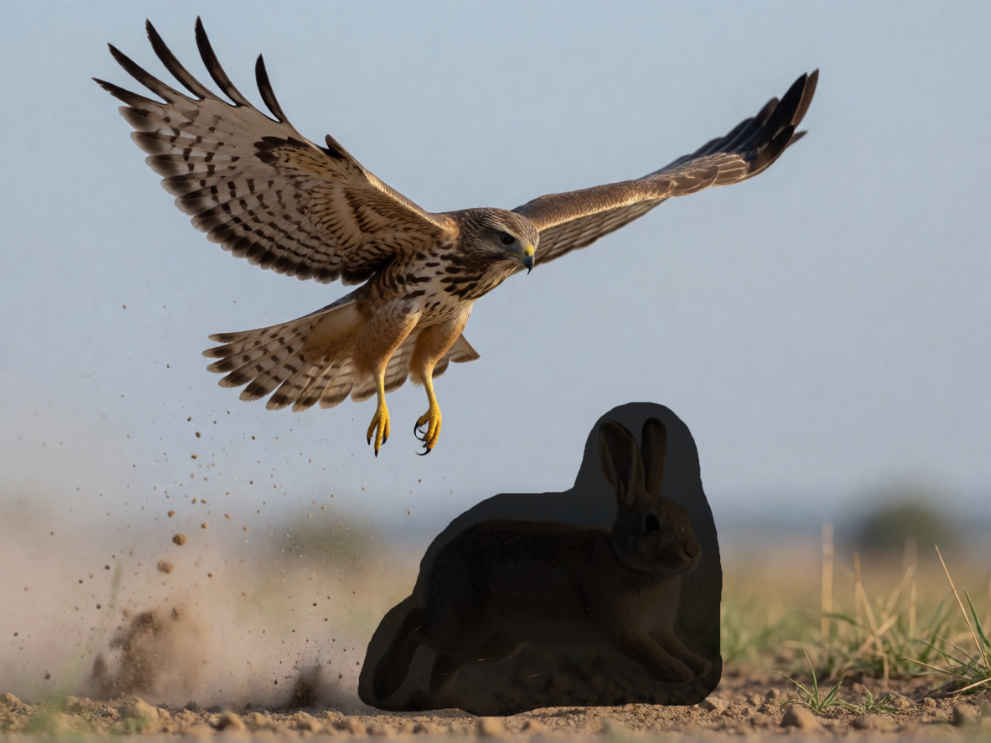
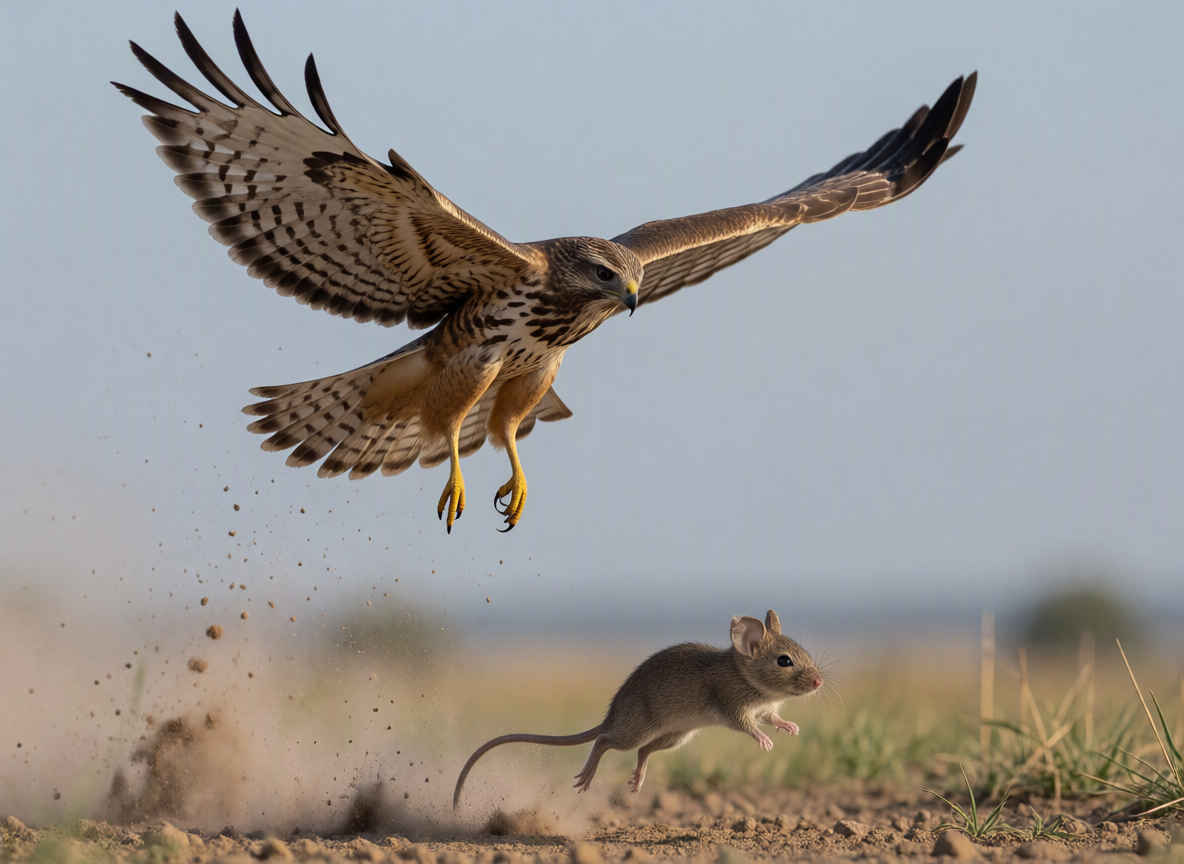
Replace the hawk inside the red circle with one made of polished silver-colored metal. Replace the rabbit inside the blue circle with a handmade red clay model—retaining its running pose—that has a matte clay texture. Leave the rest of the scenery unchange
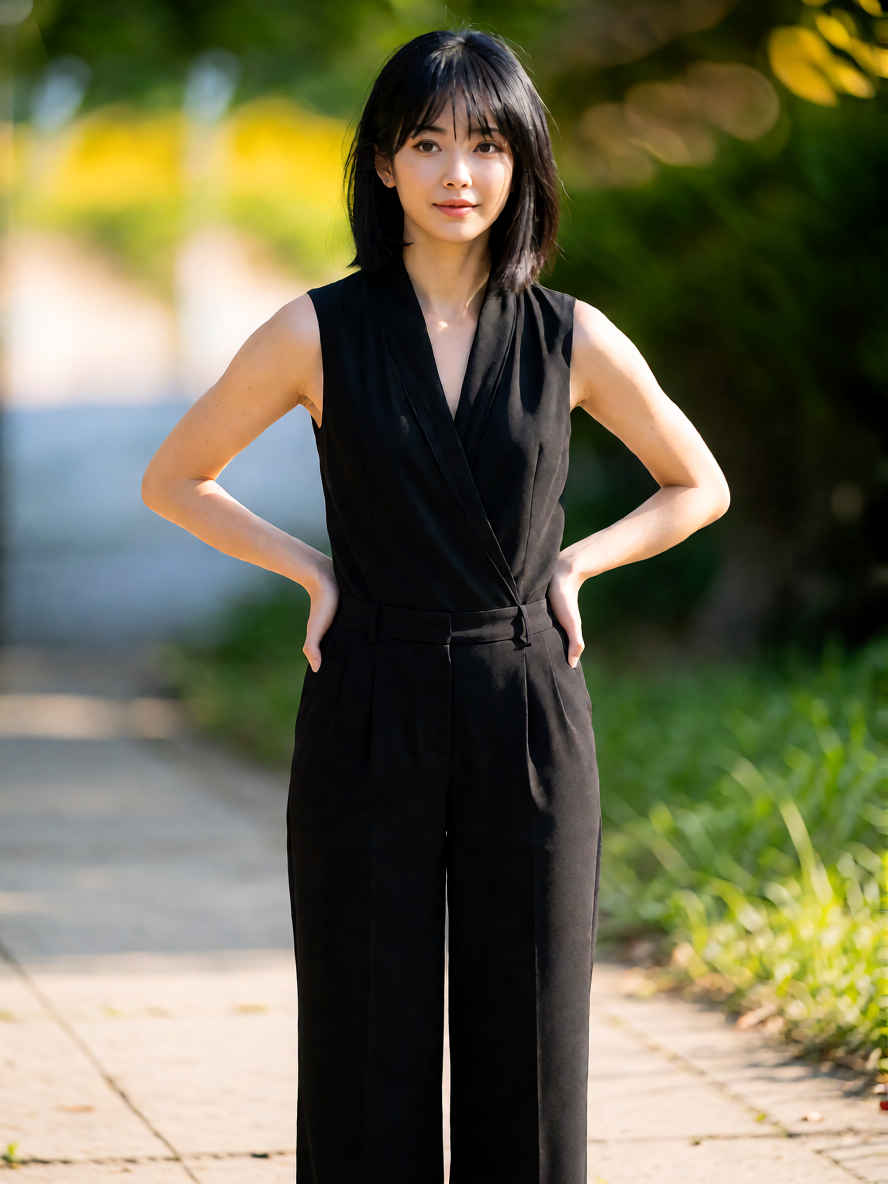
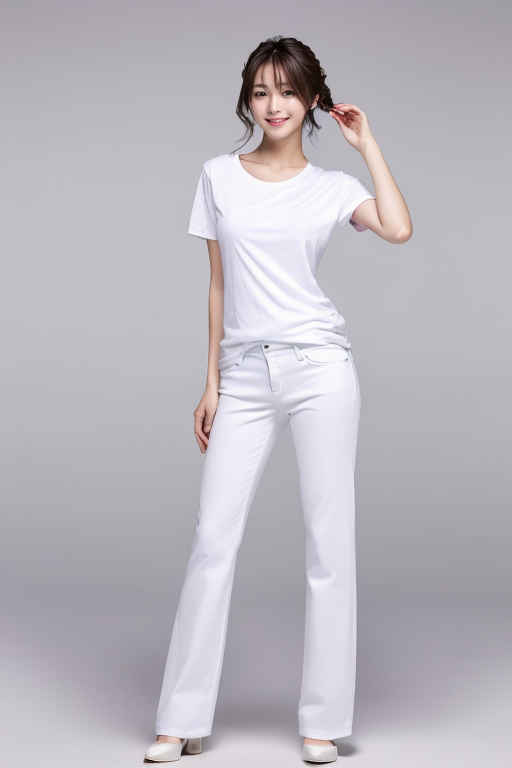
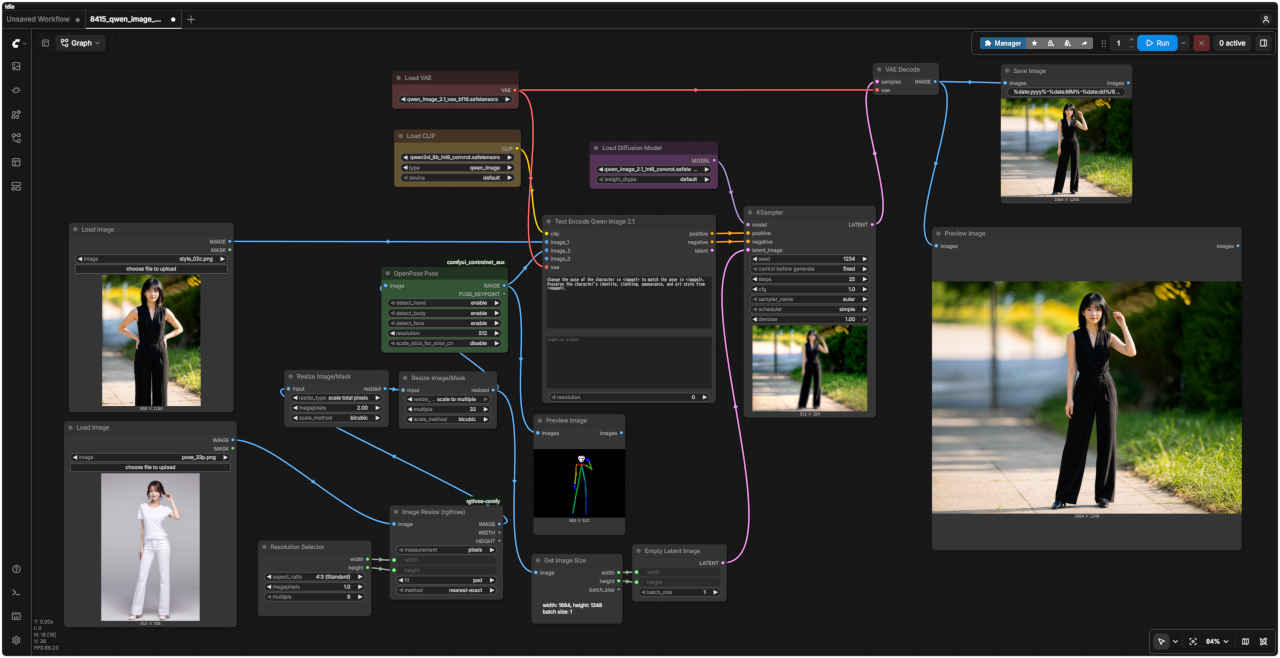
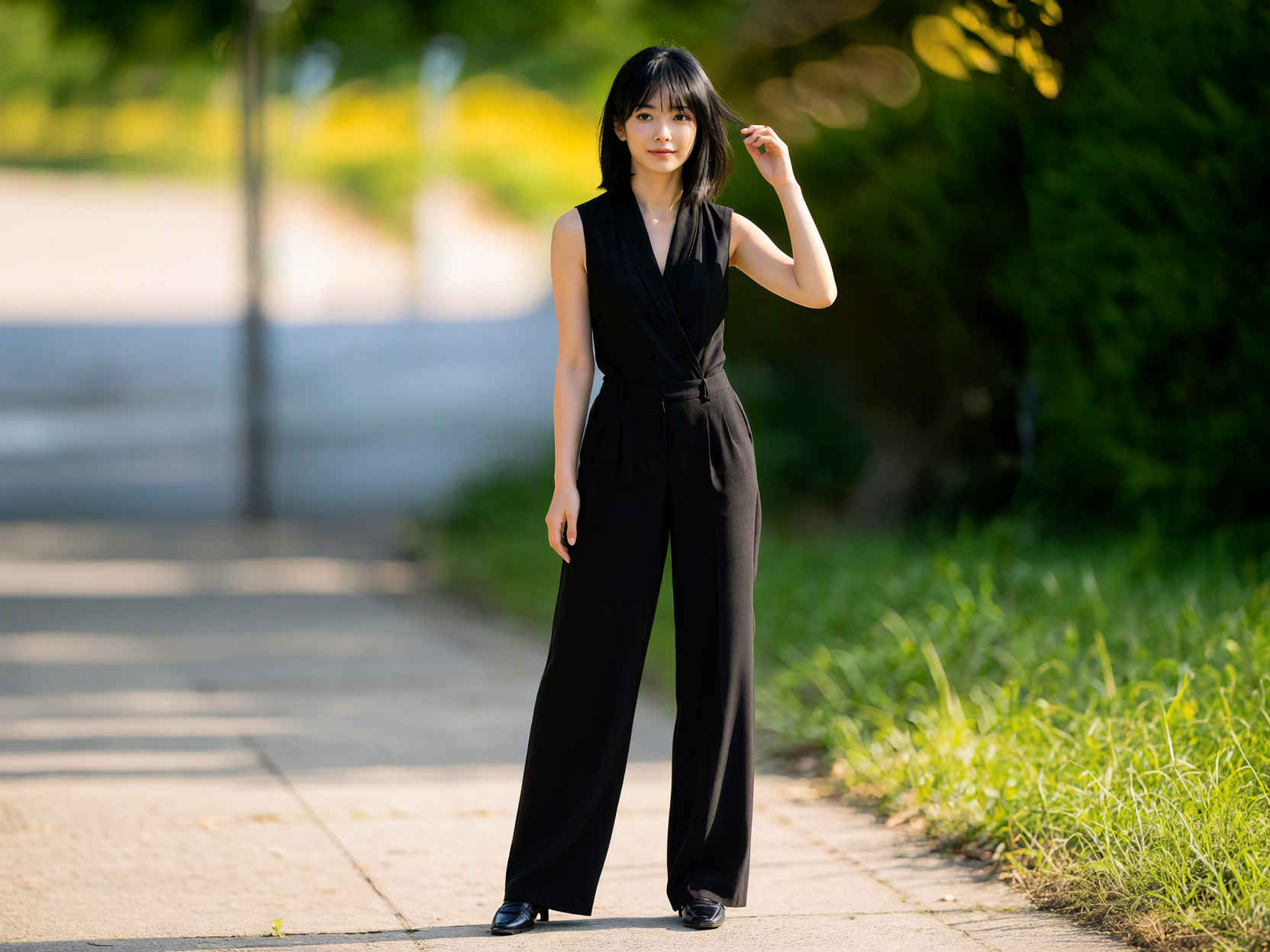
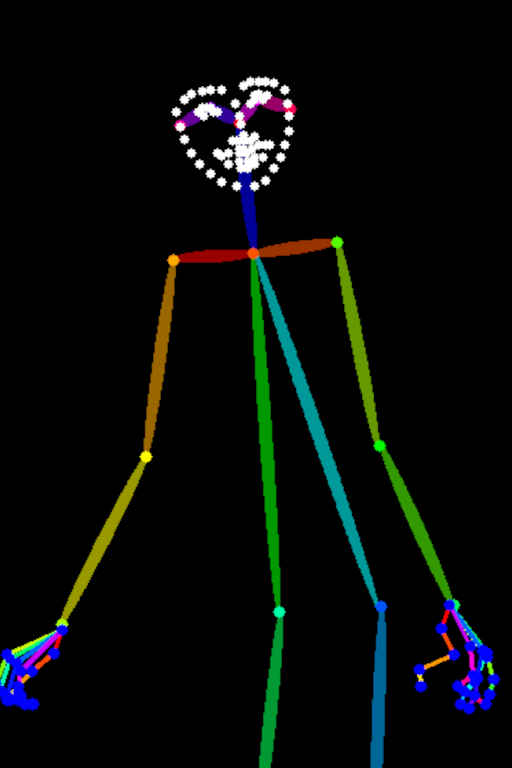
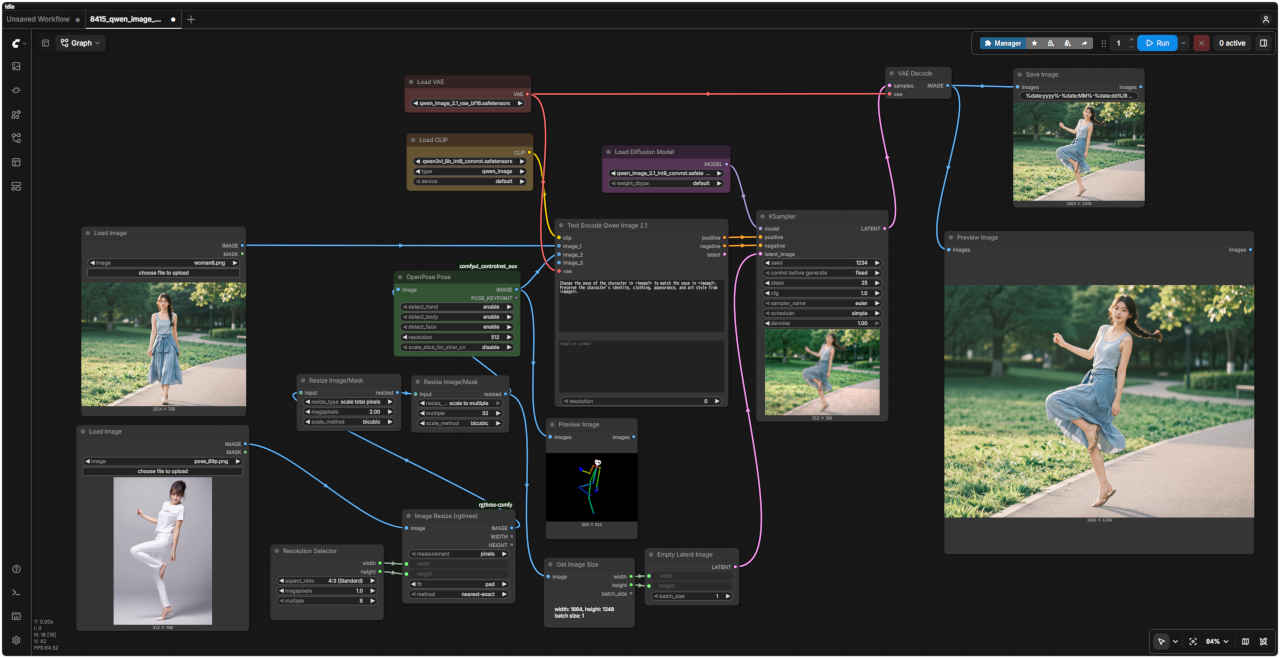
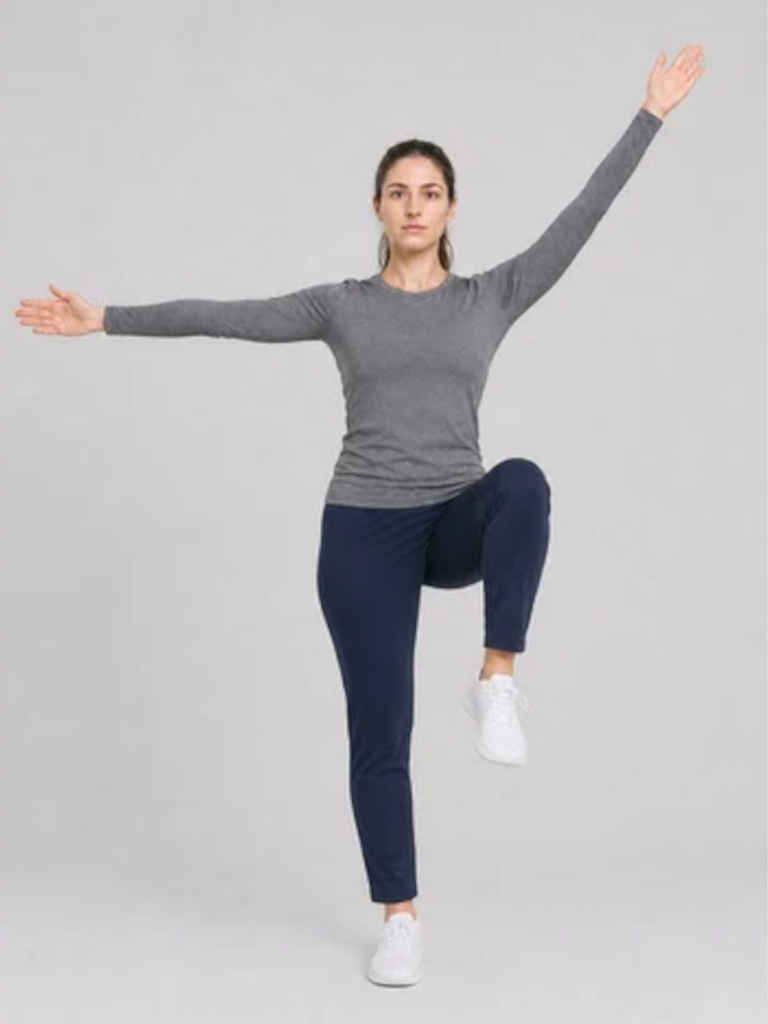
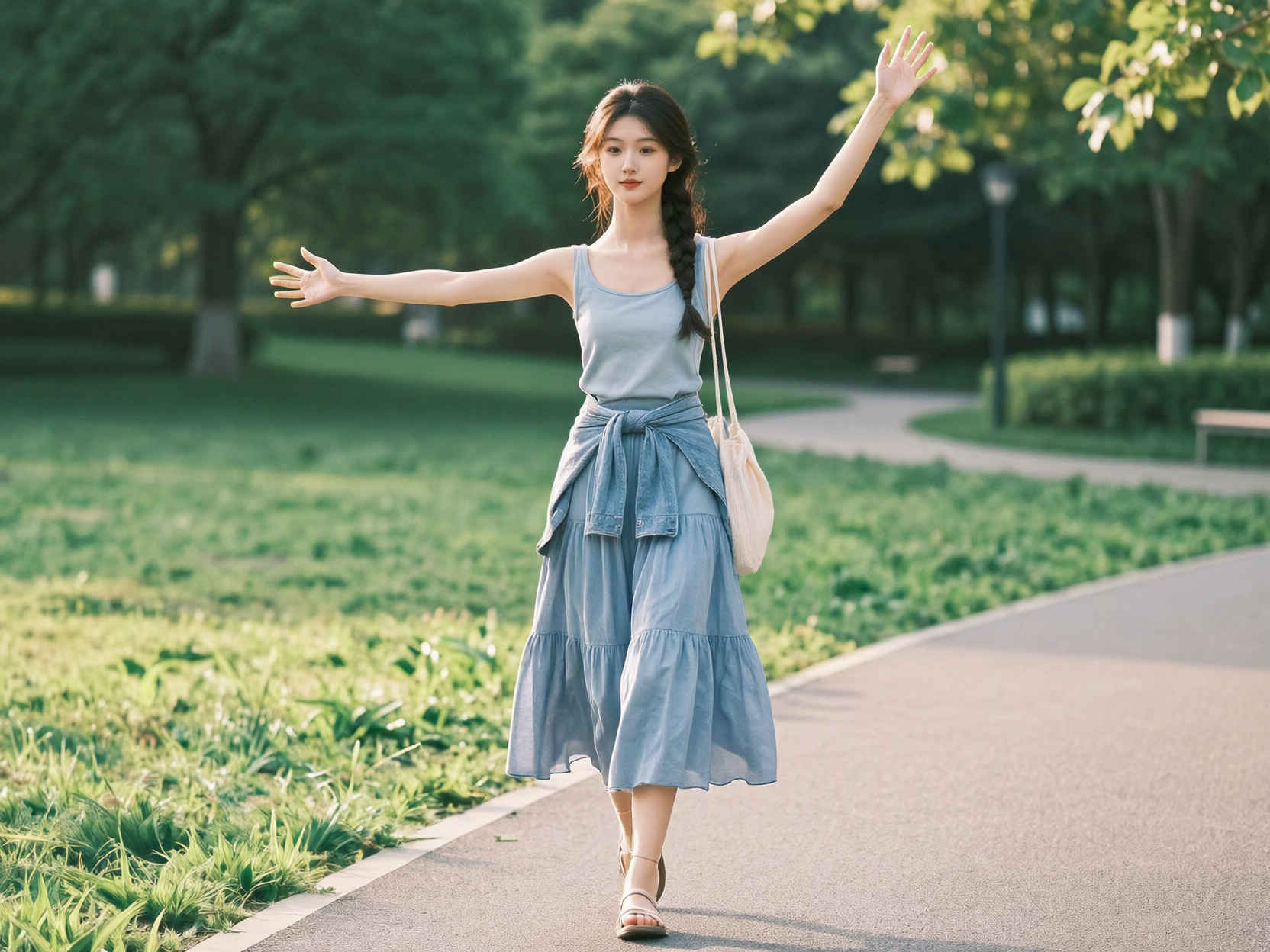
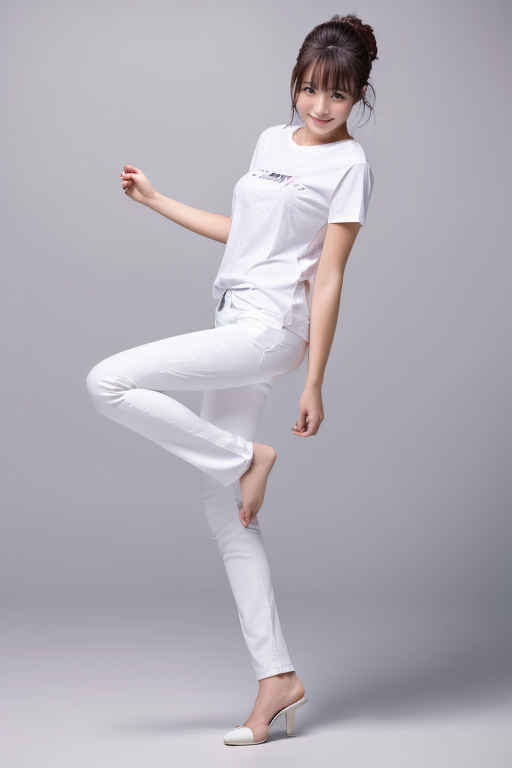
Change the pose of the character in <image1> to match the pose in <image2>. Preserve the character's identity, clothing, appearance, and art style from <image1>.
Change the pose of the character in <image1> to match the pose in <image2>. Preserve the character's identity, clothing, appearance, and art style from <image1>.
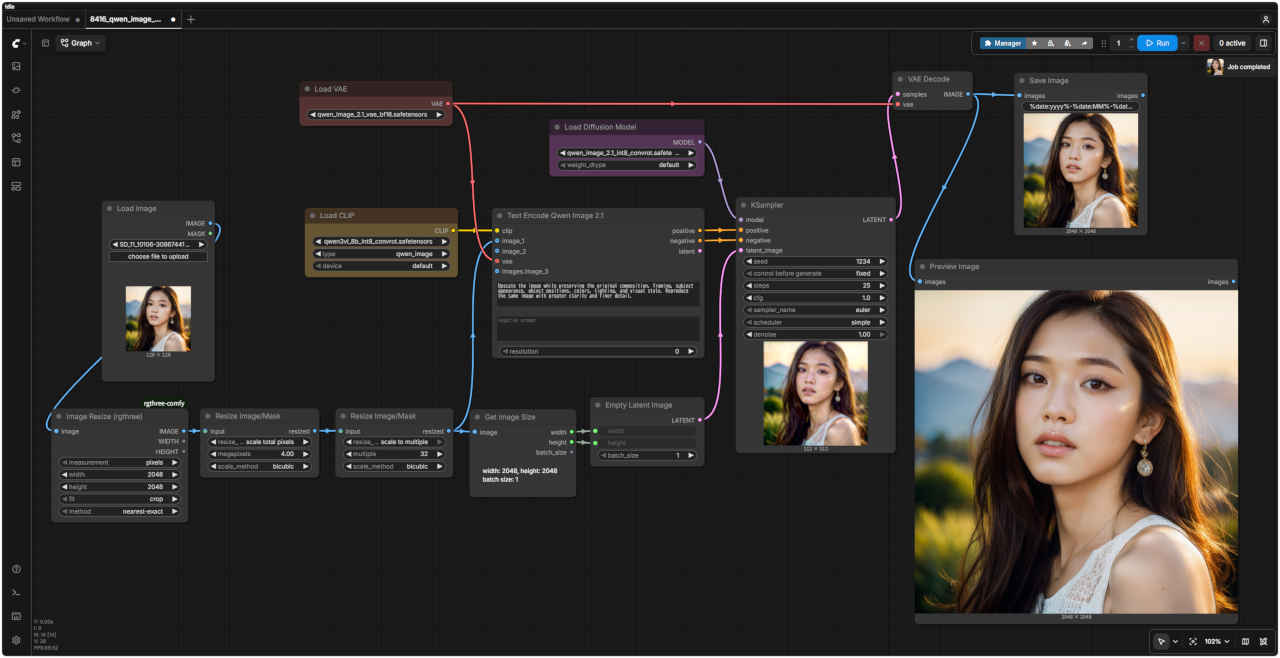
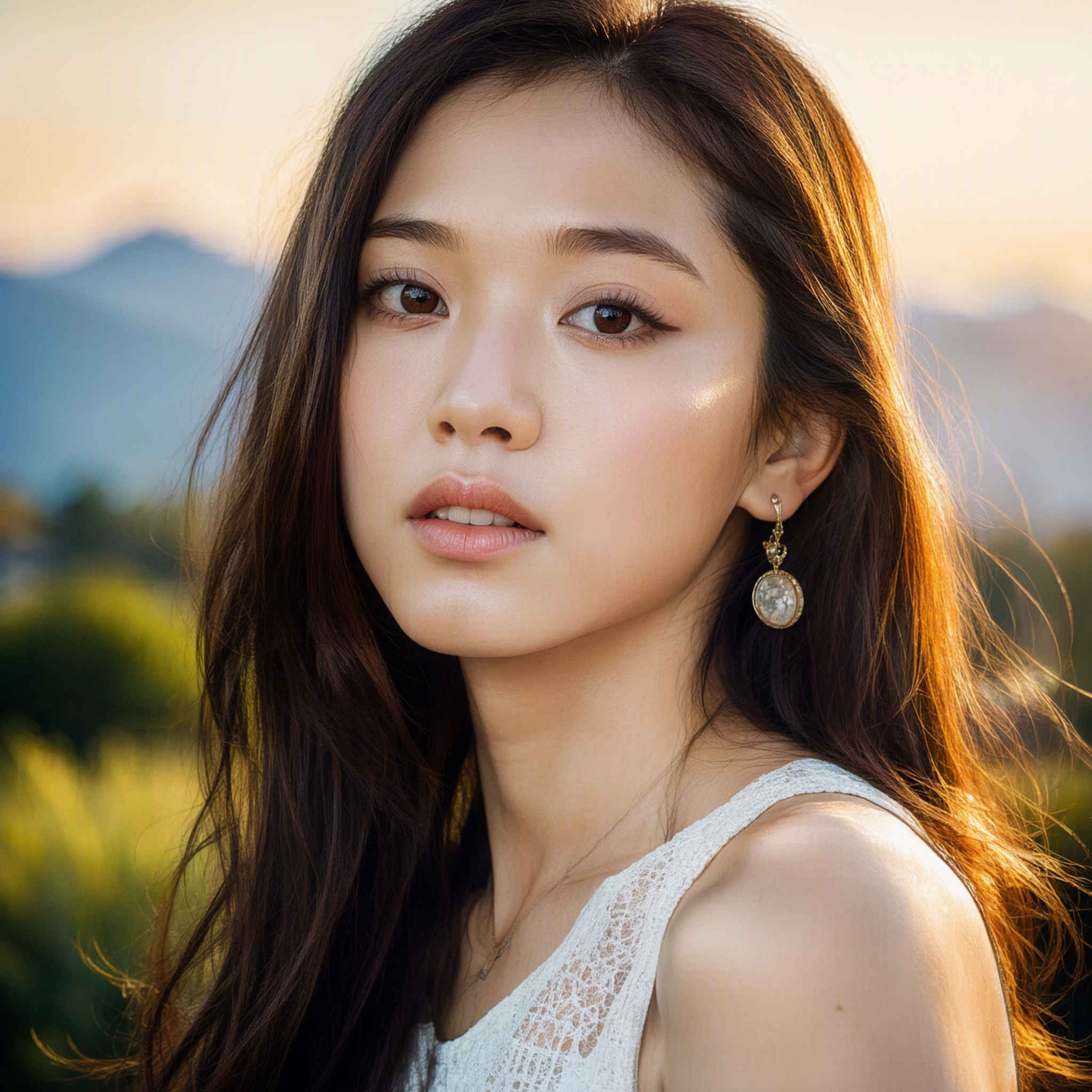
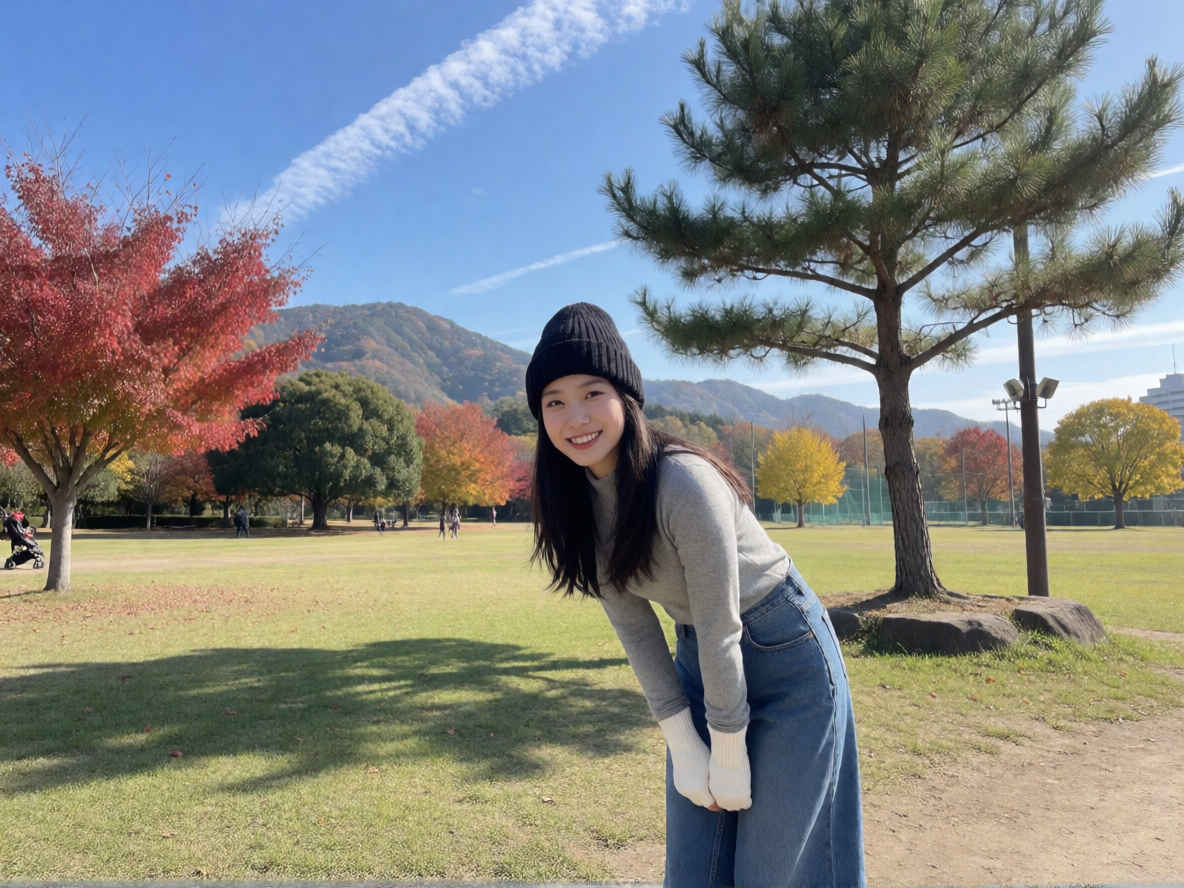
Upscale the image while preserving the original composition, framing, subject appearance, object positions, colors, lighting, and visual style. Reproduce the same image with greater clarity and finer detail.
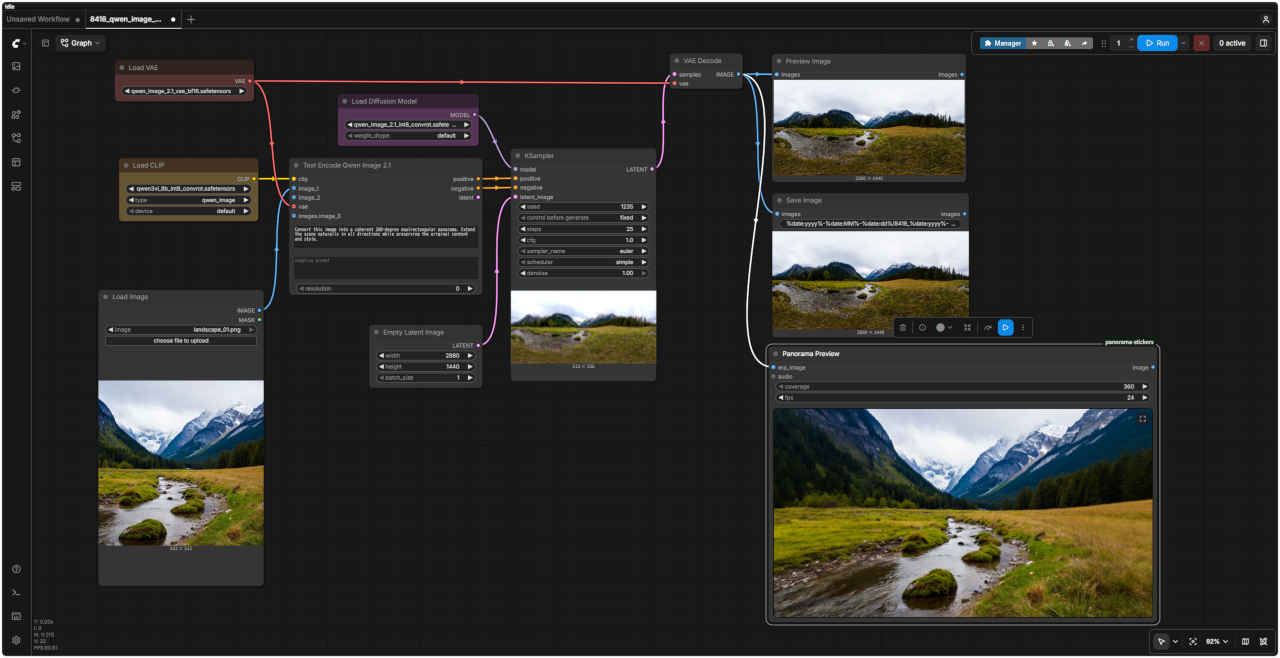
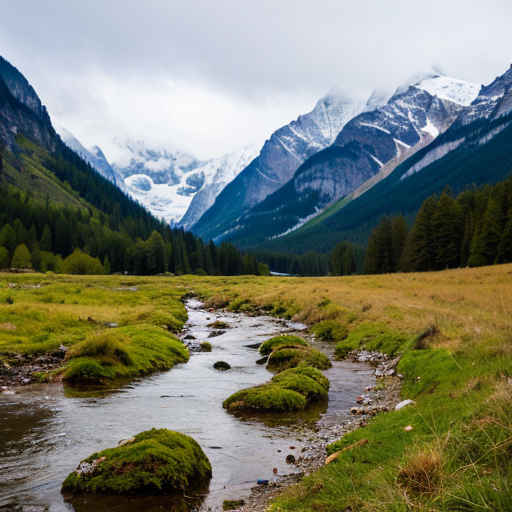
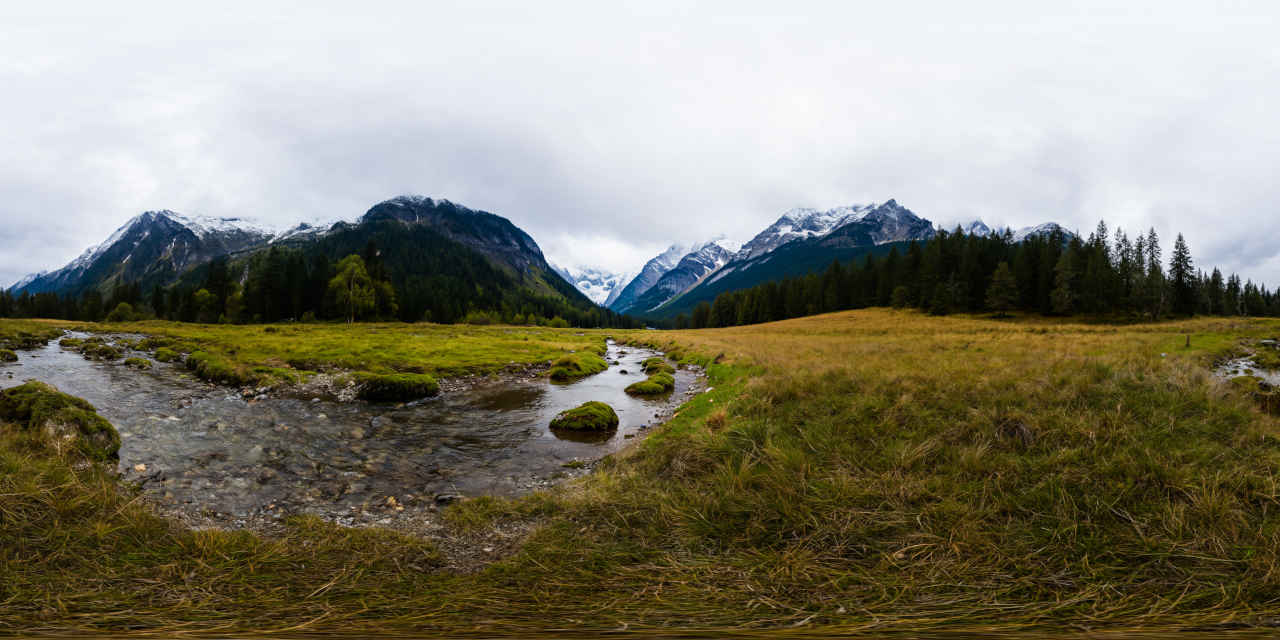
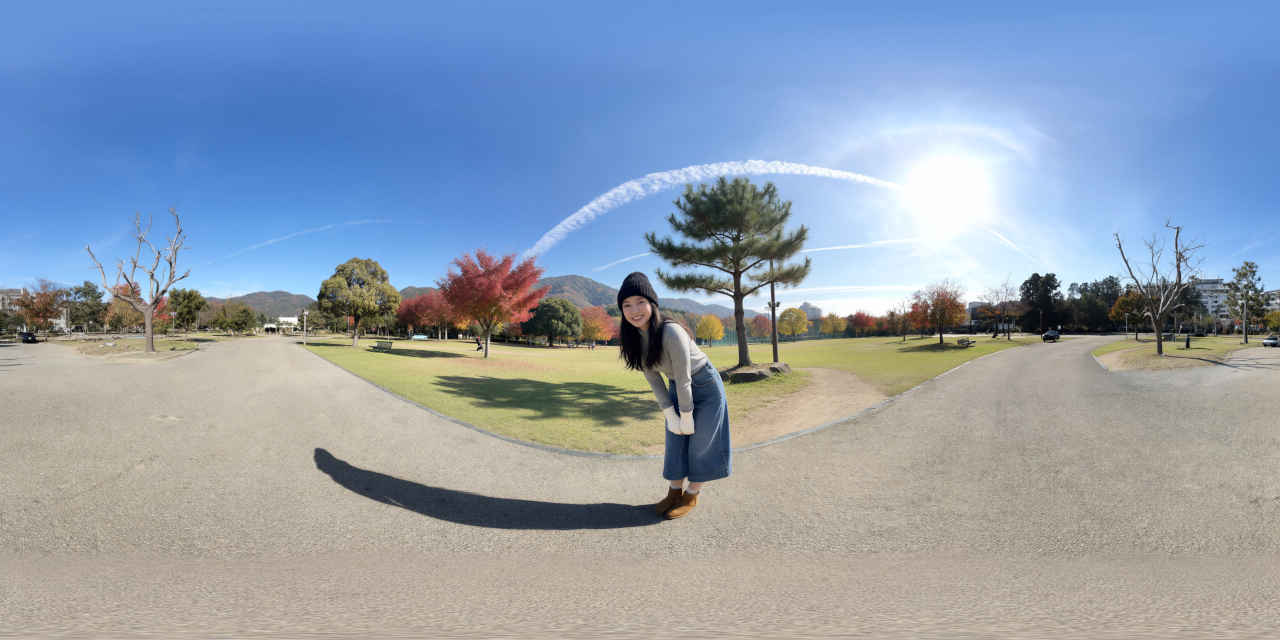
Convert this image into a coherent 360-degree equirectangular panorama. Extend the scene naturally in all directions while preserving the original content and style.
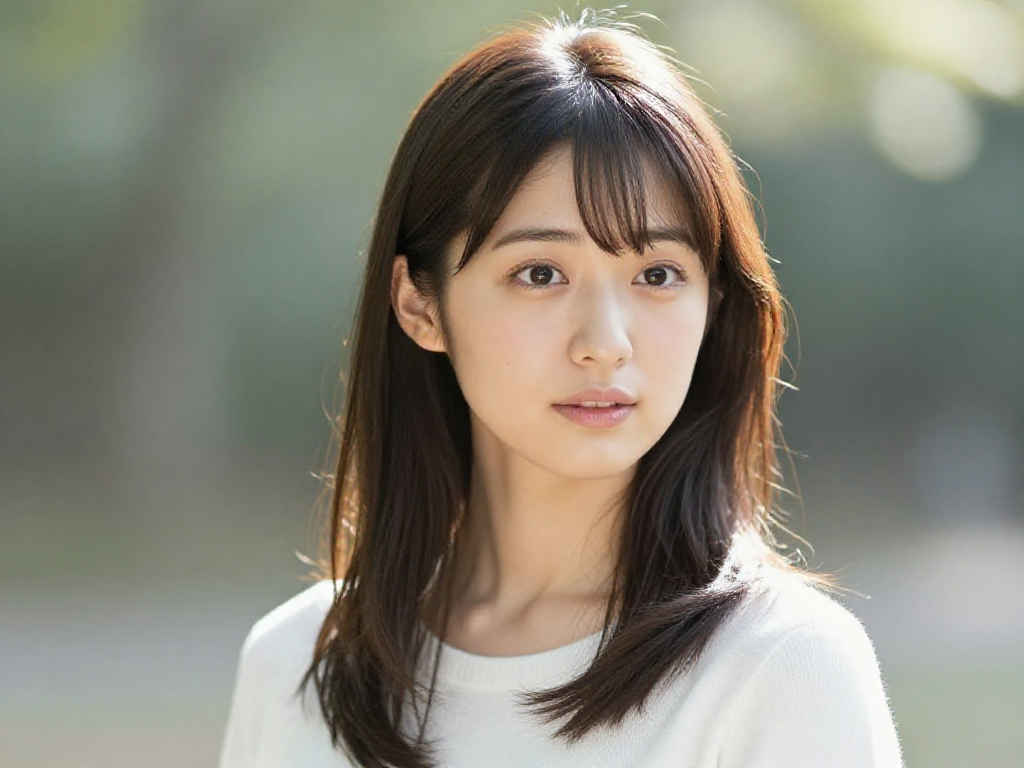
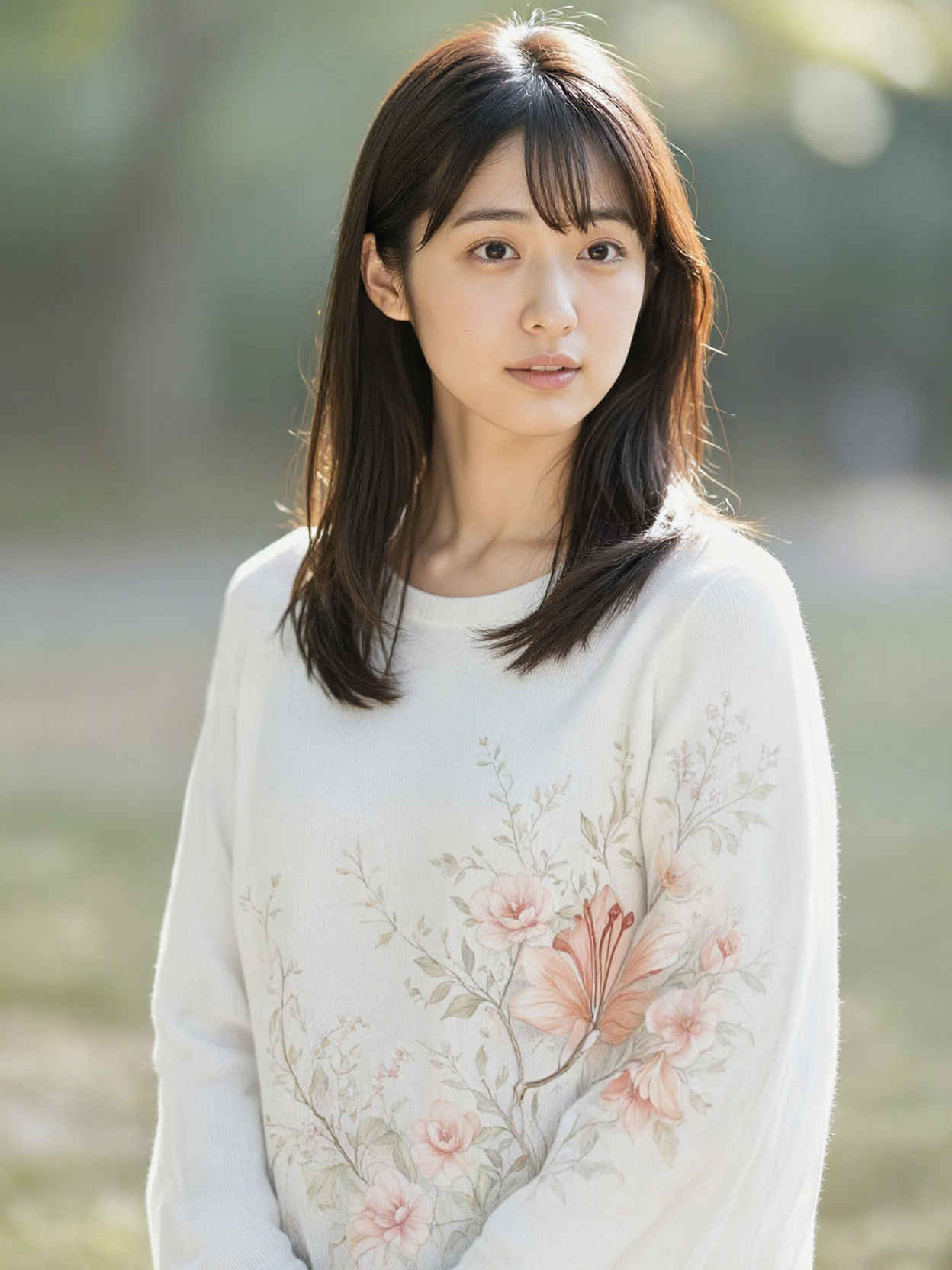
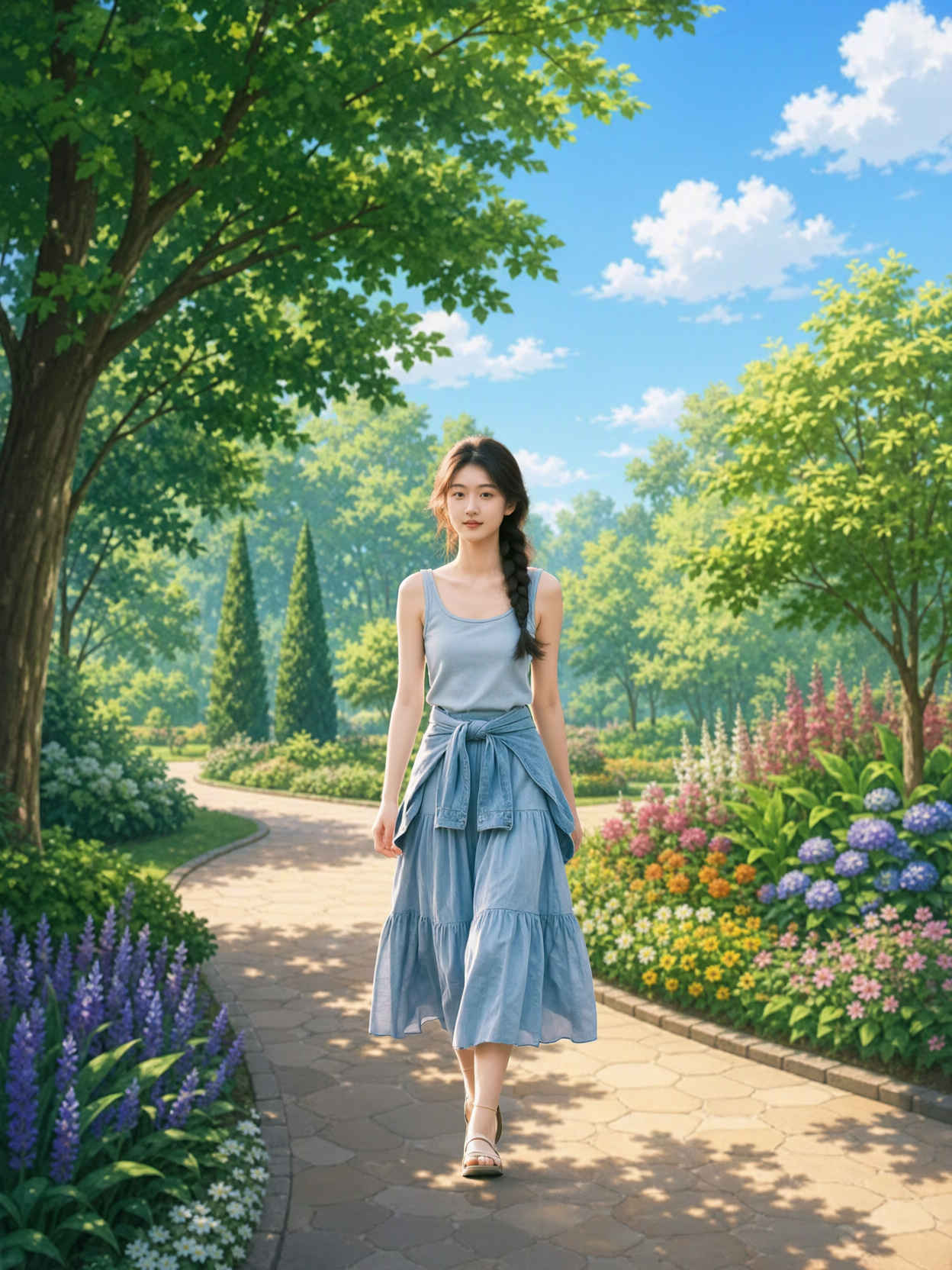
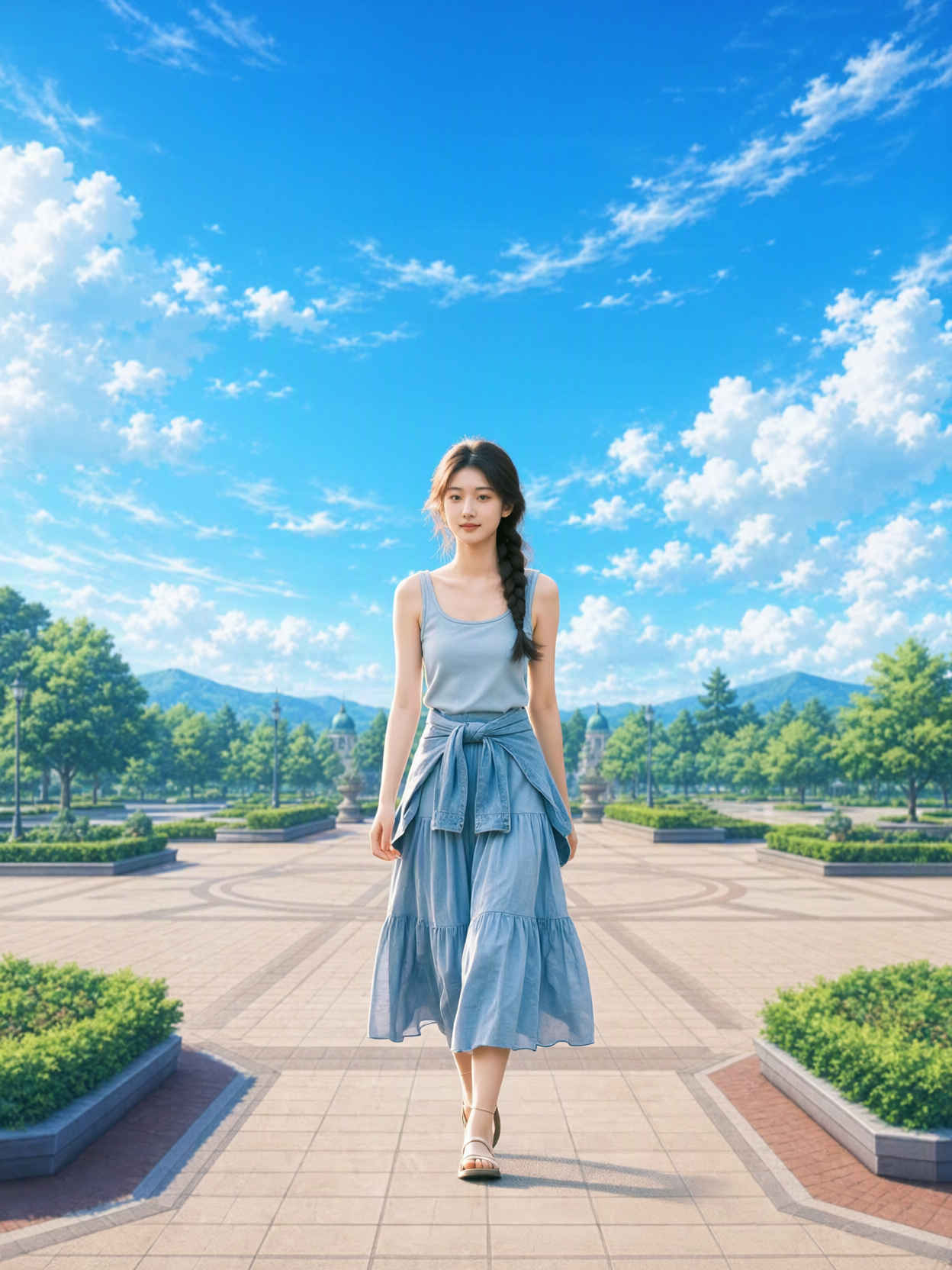
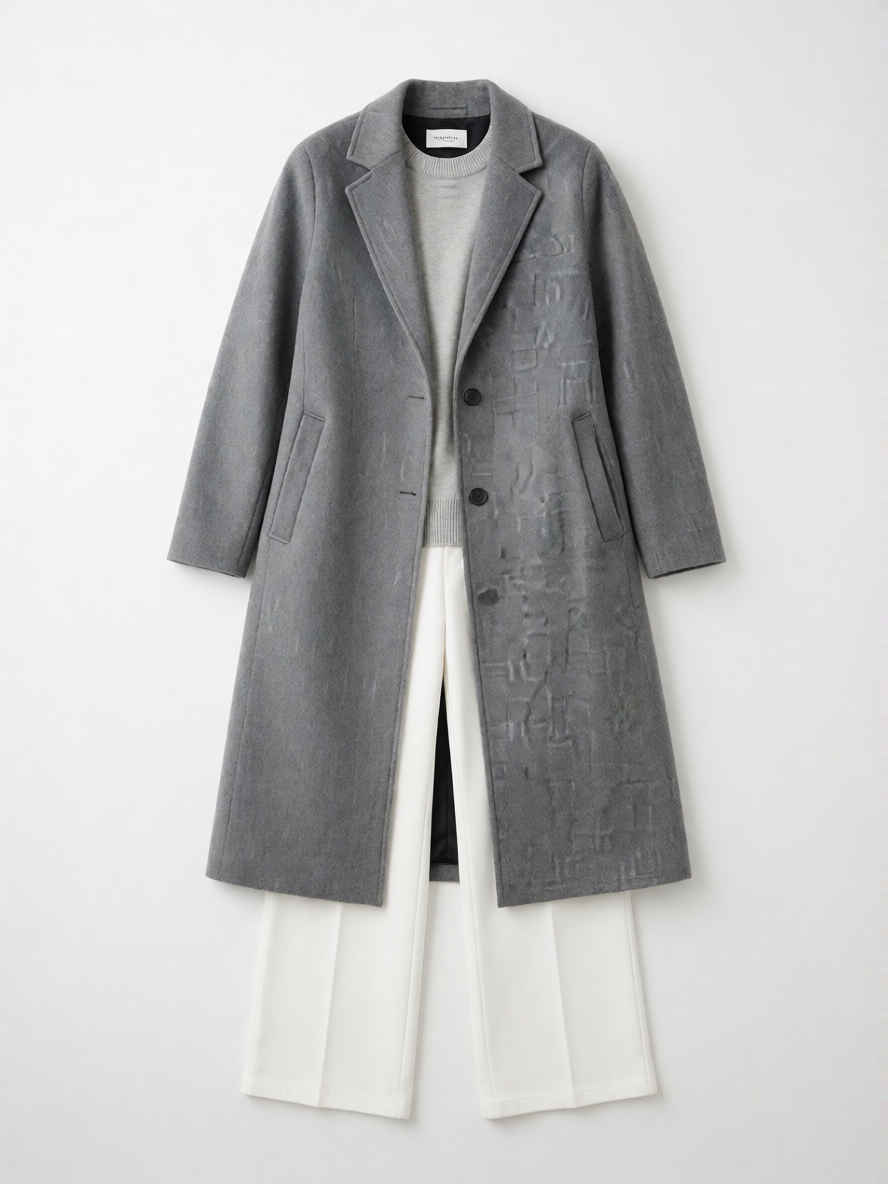
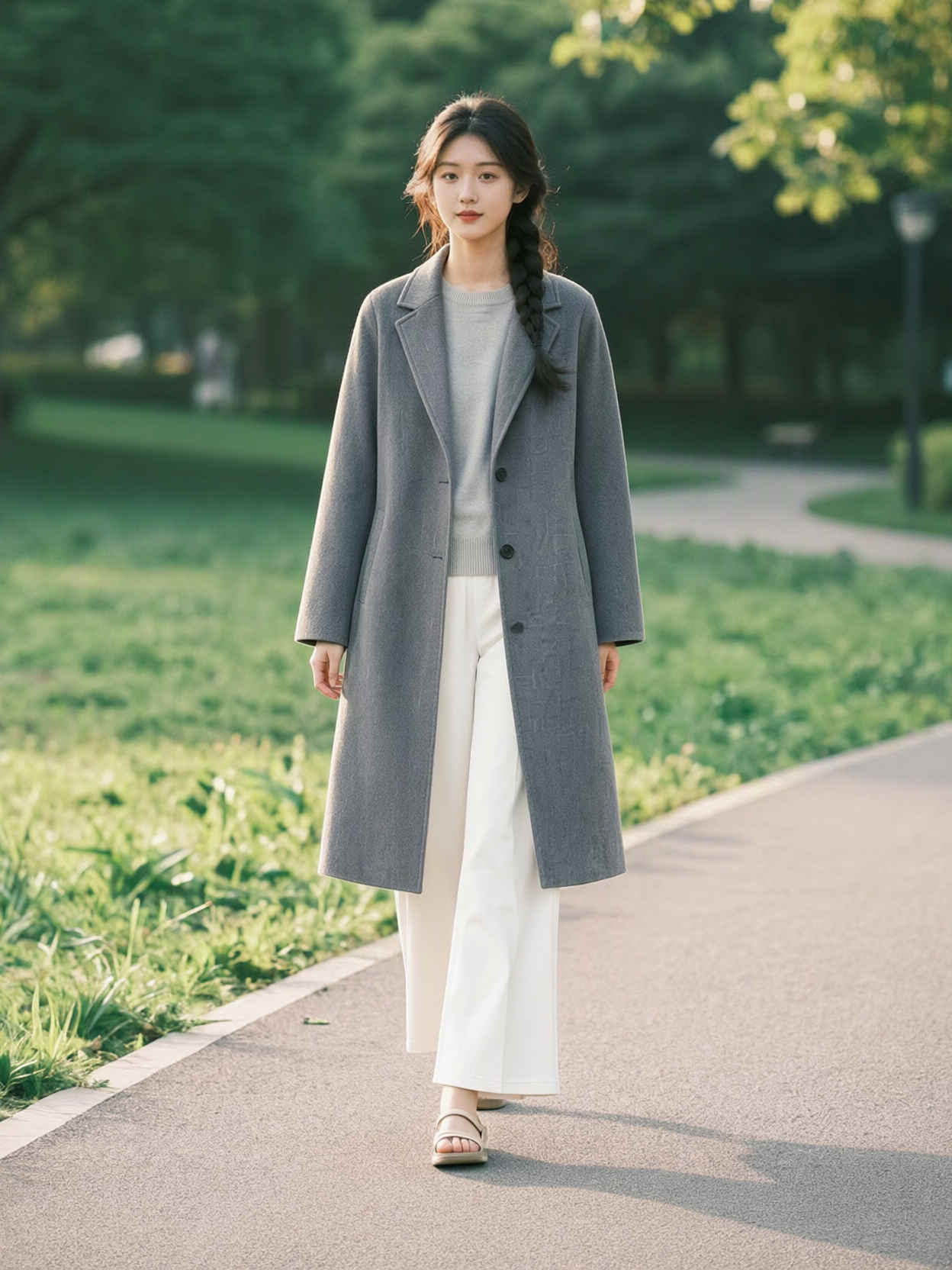
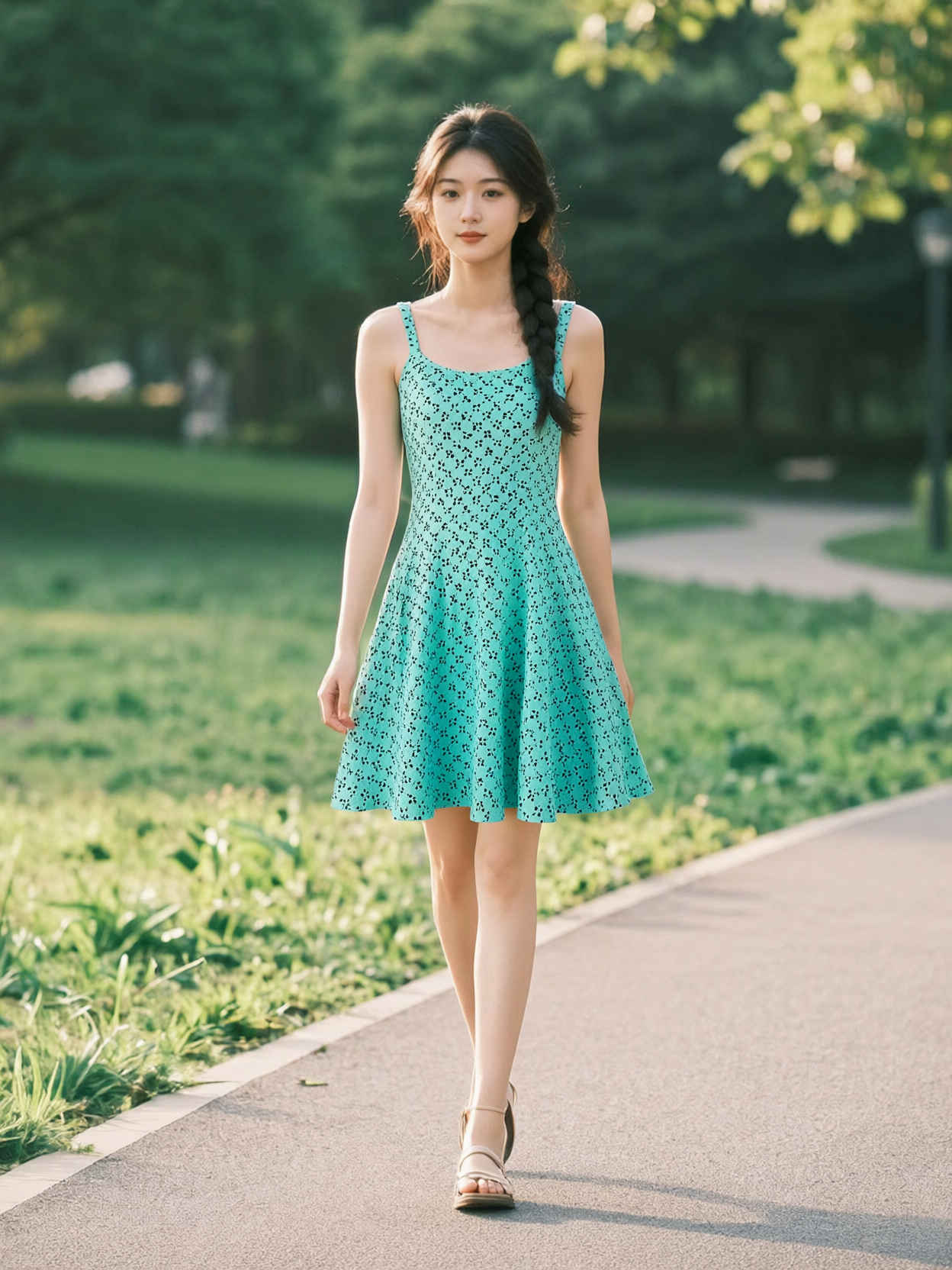
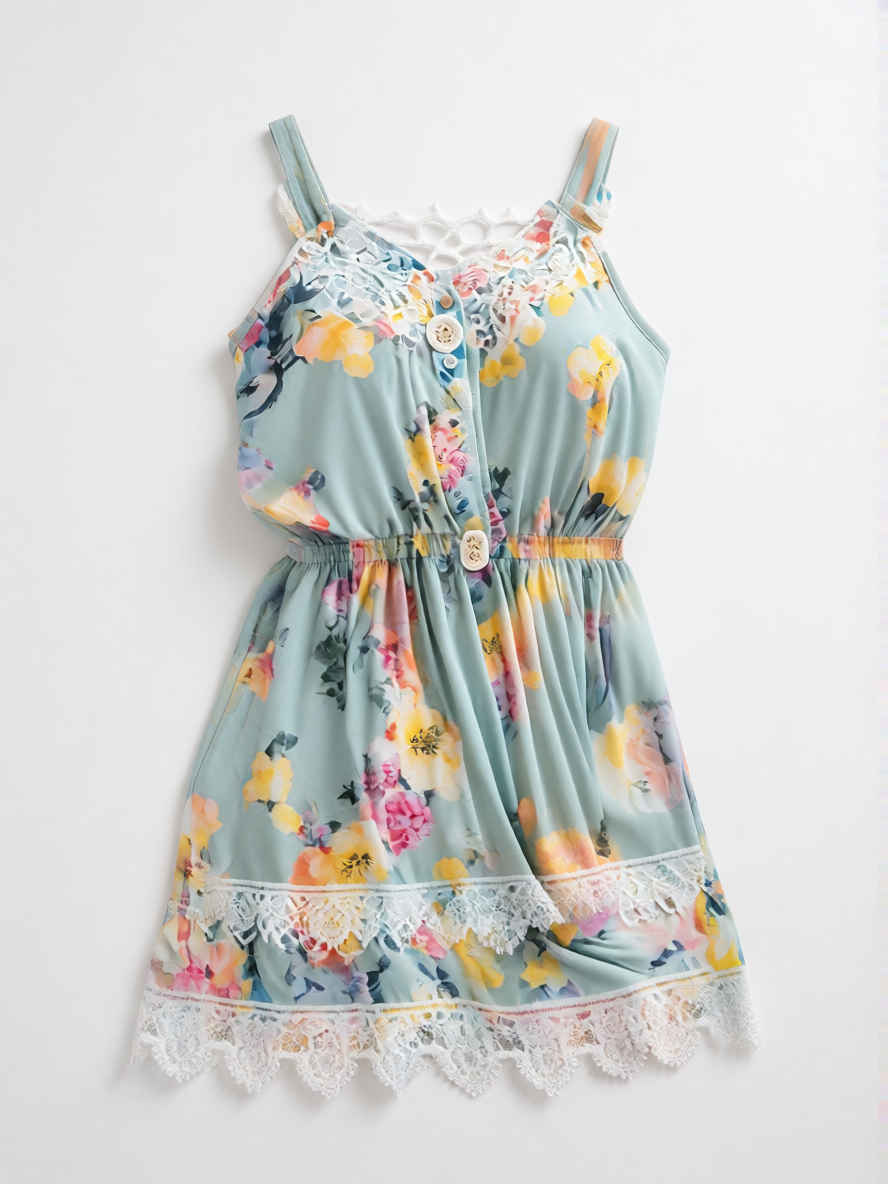
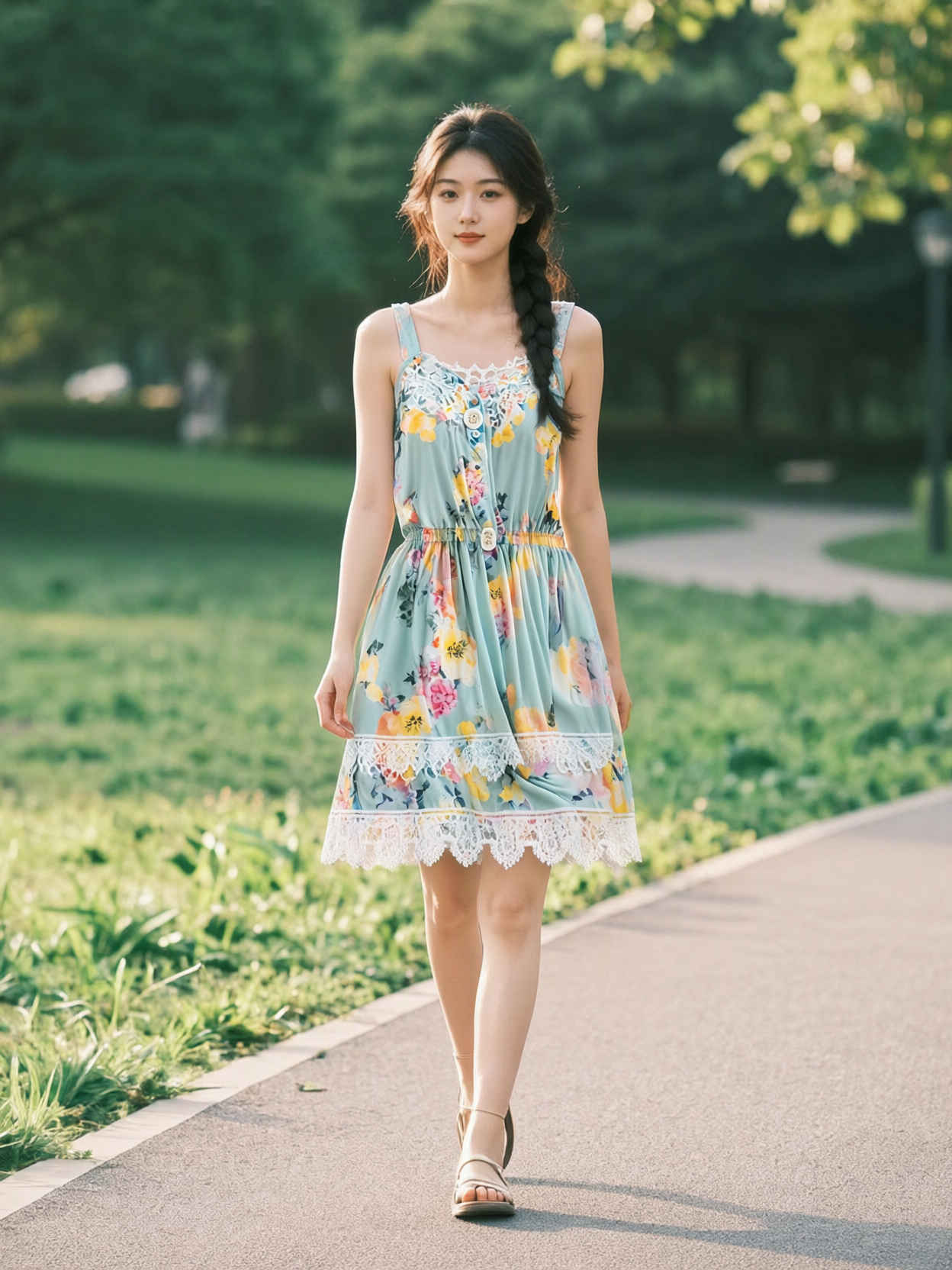
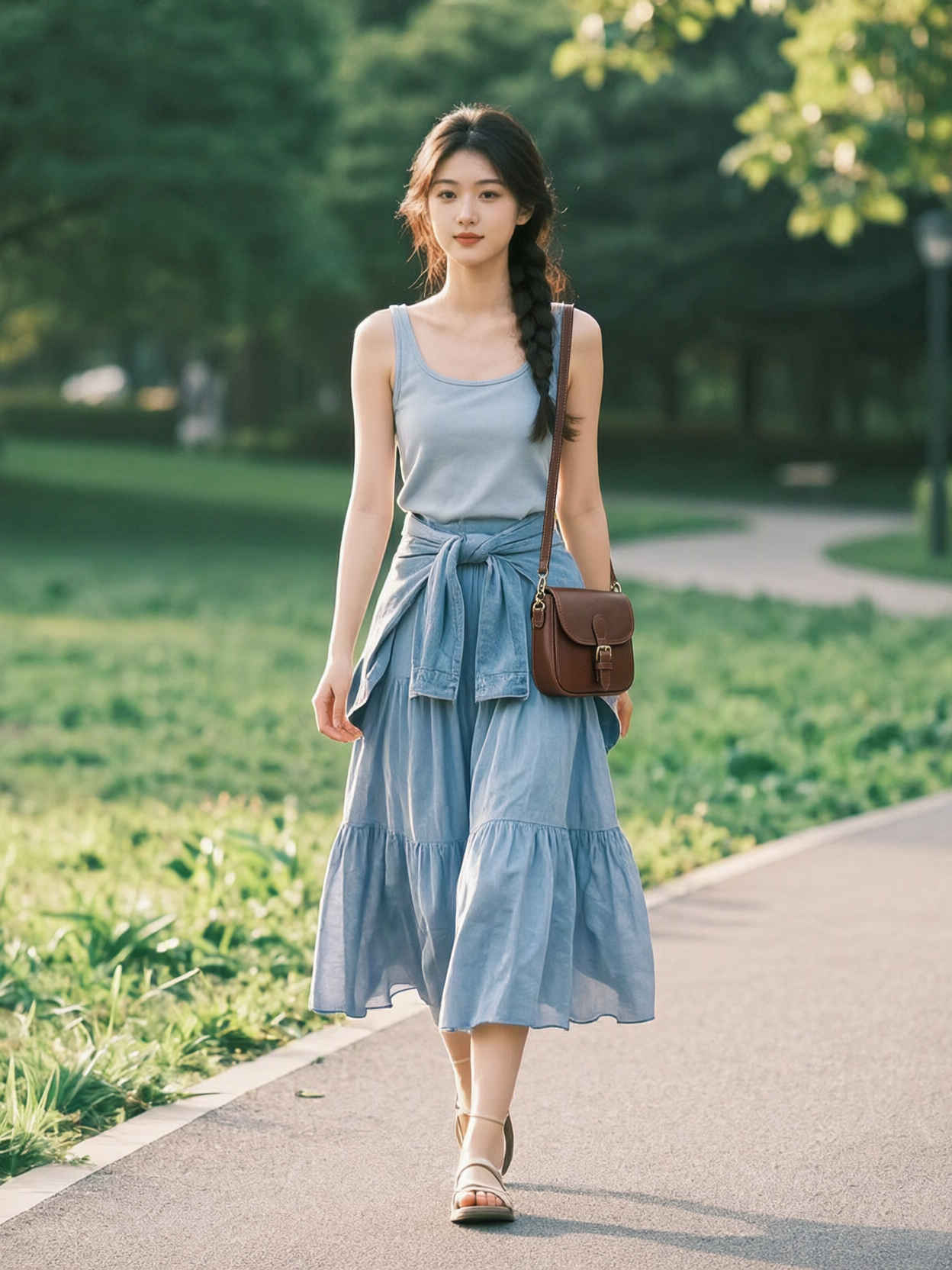
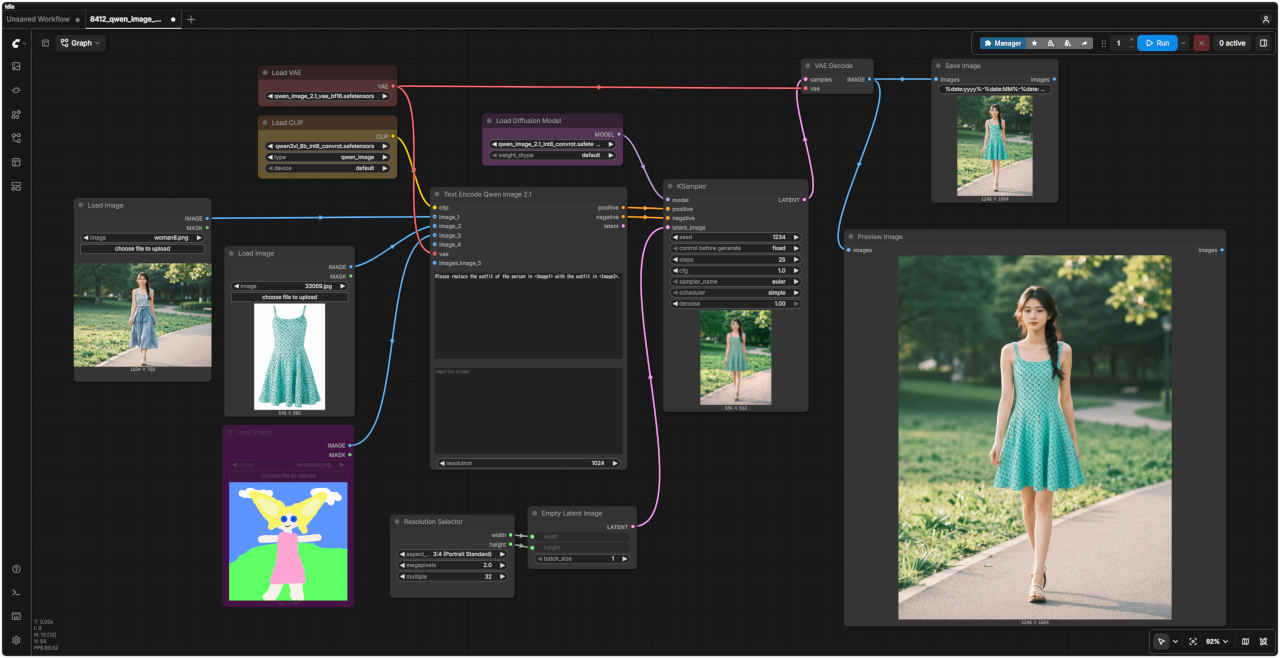
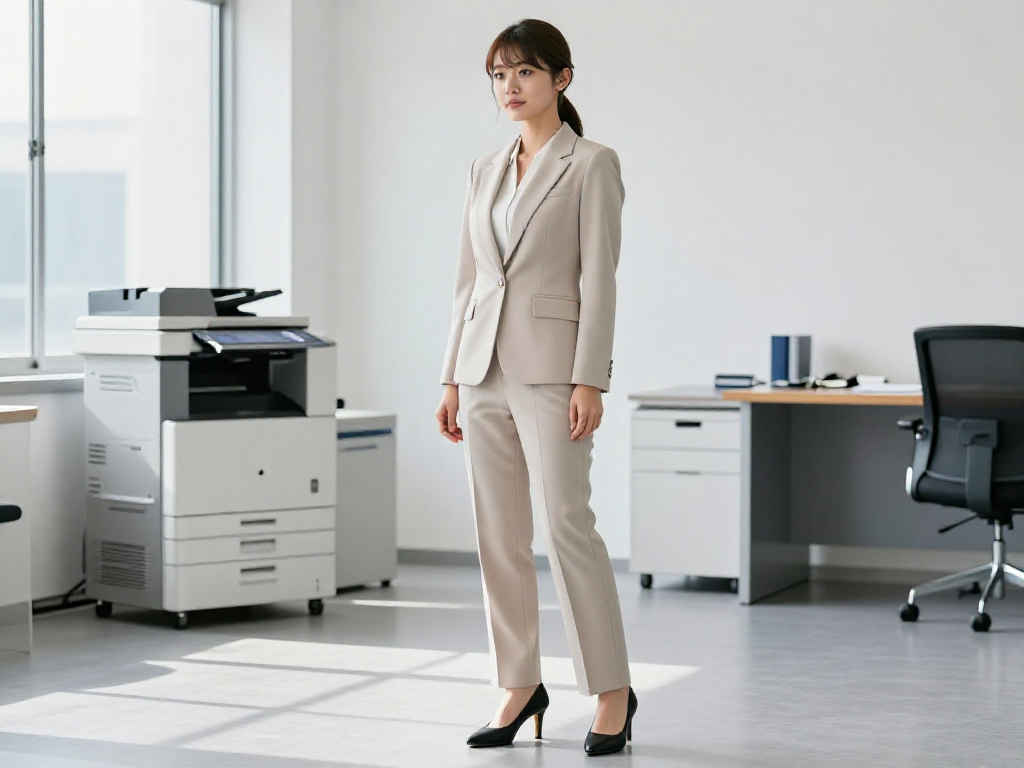
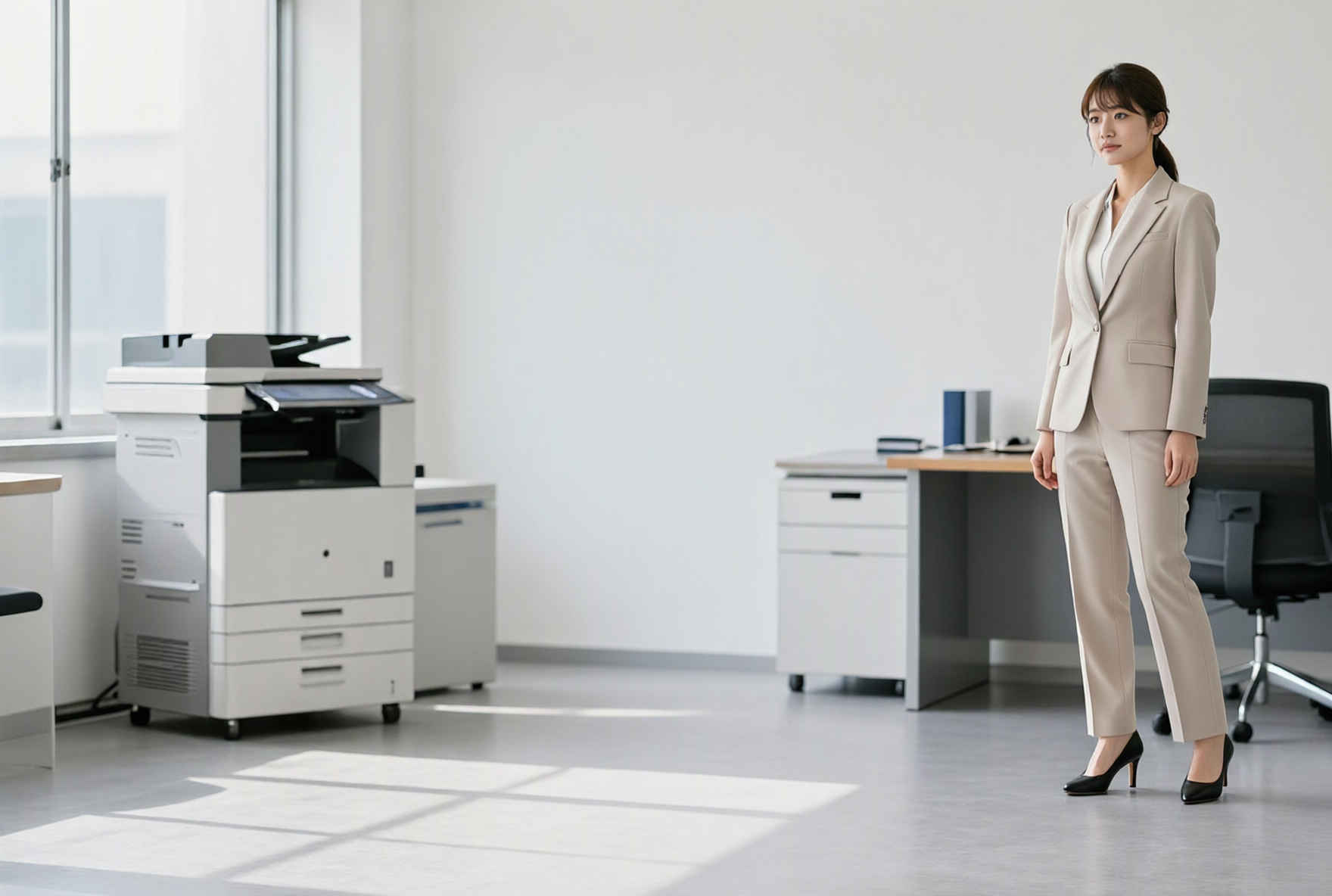
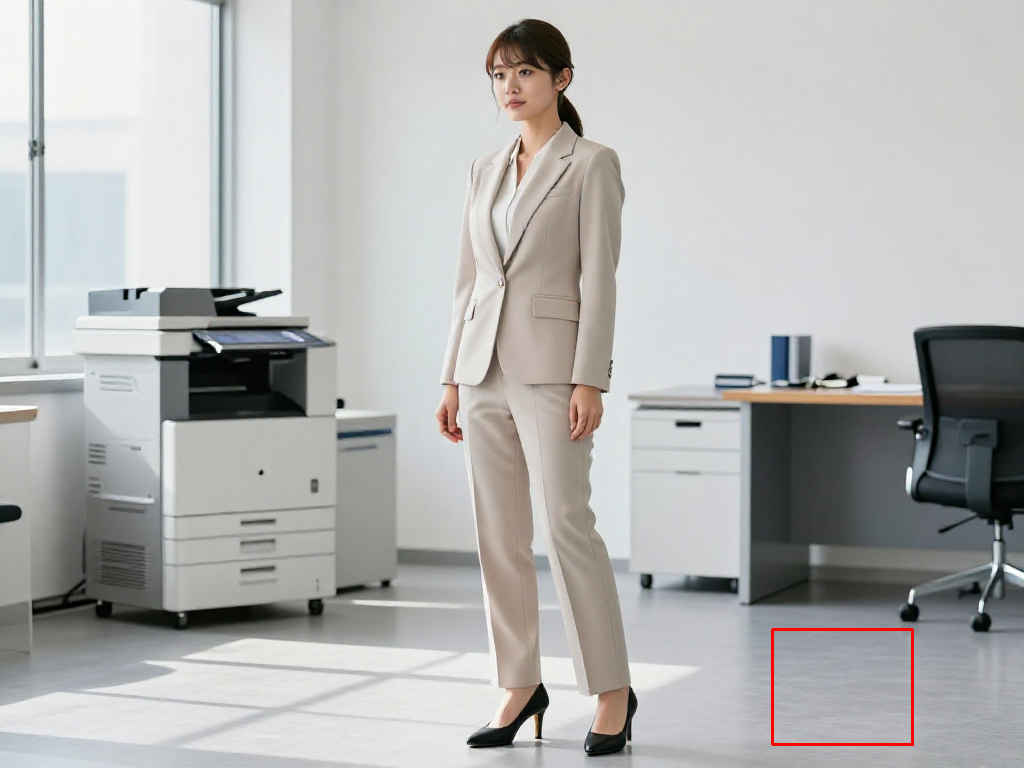
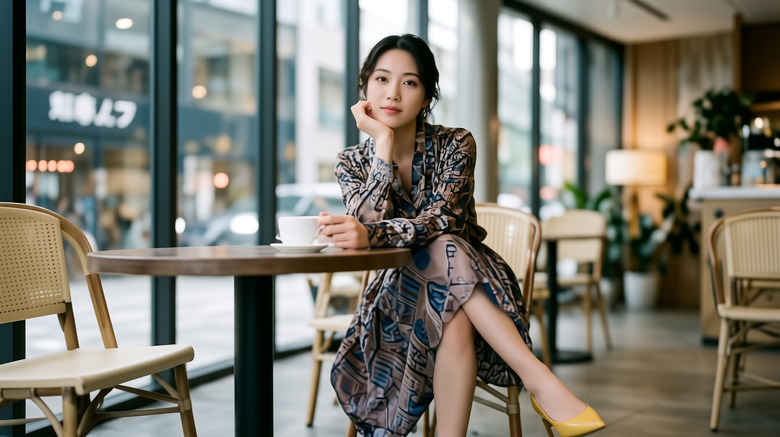
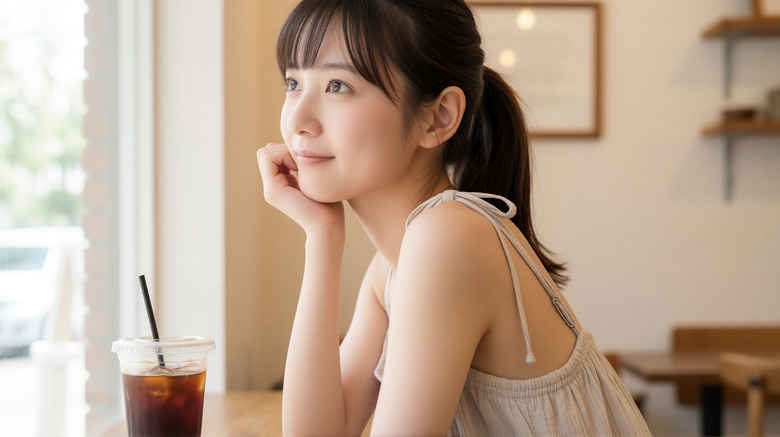
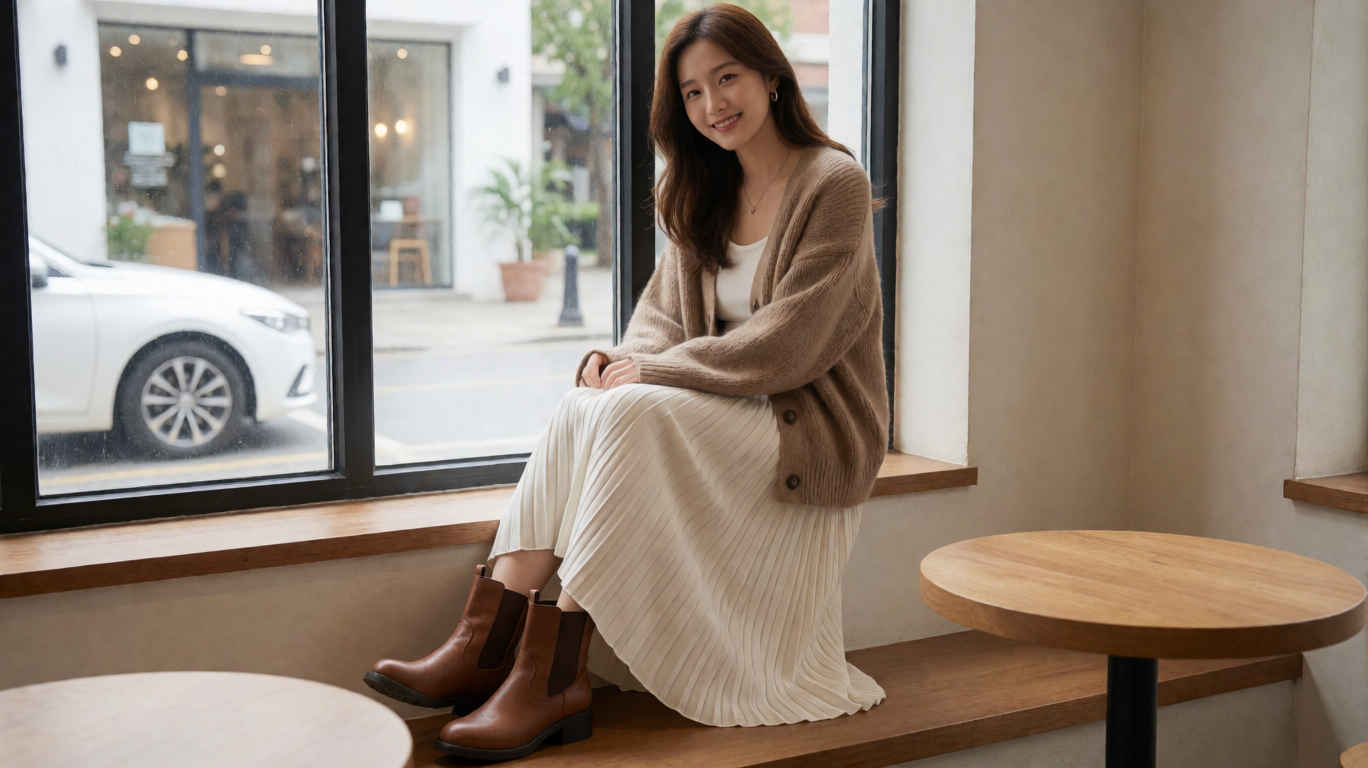
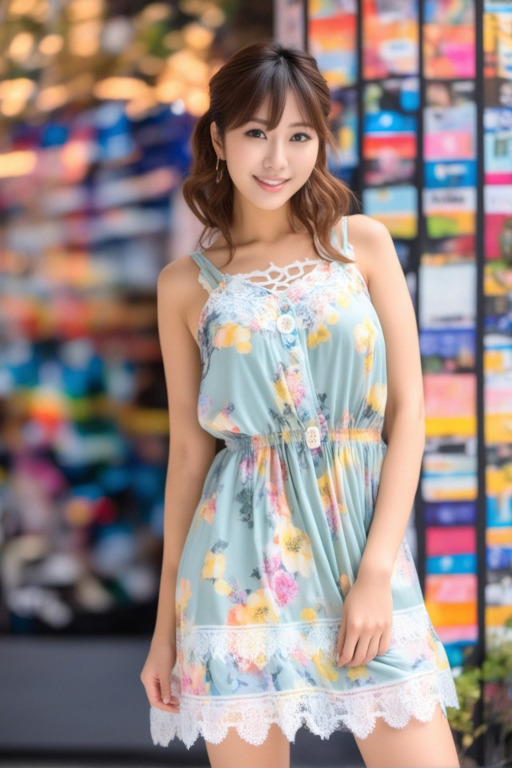
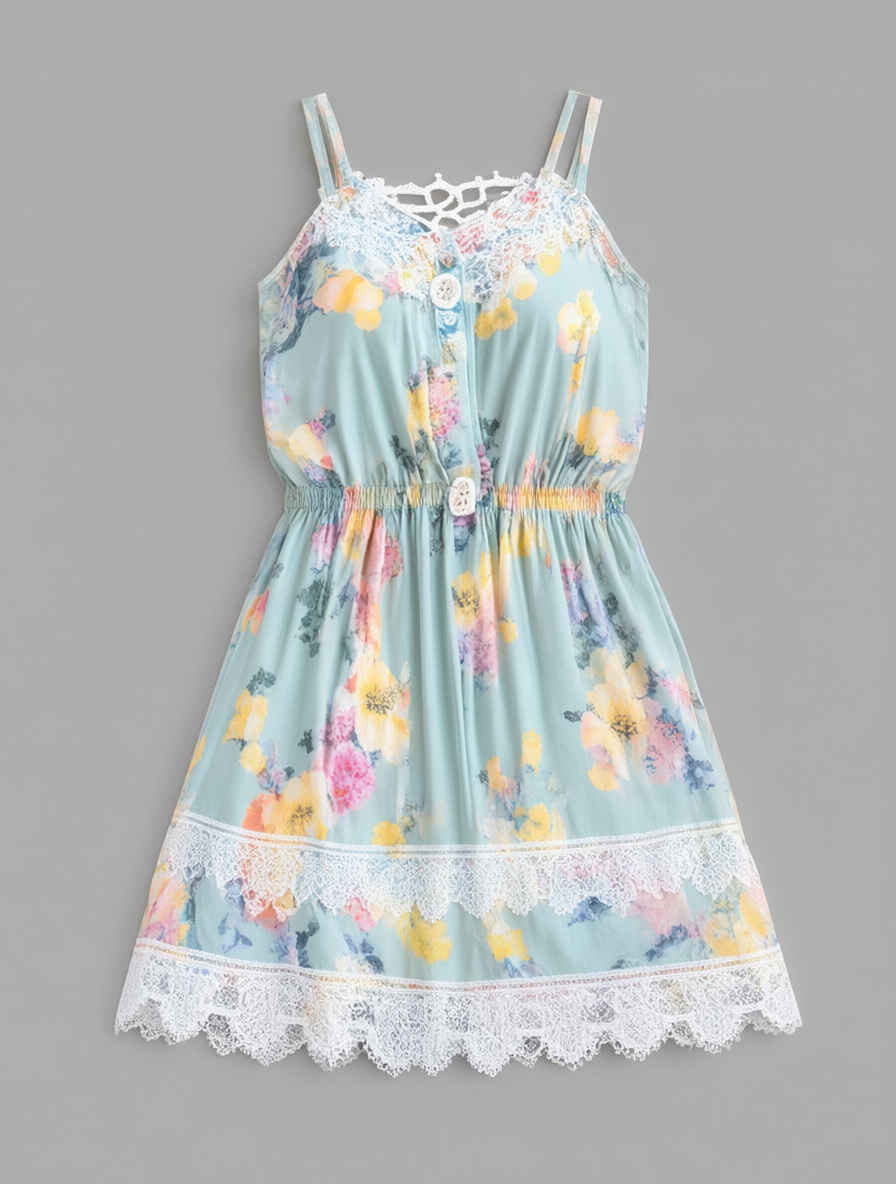
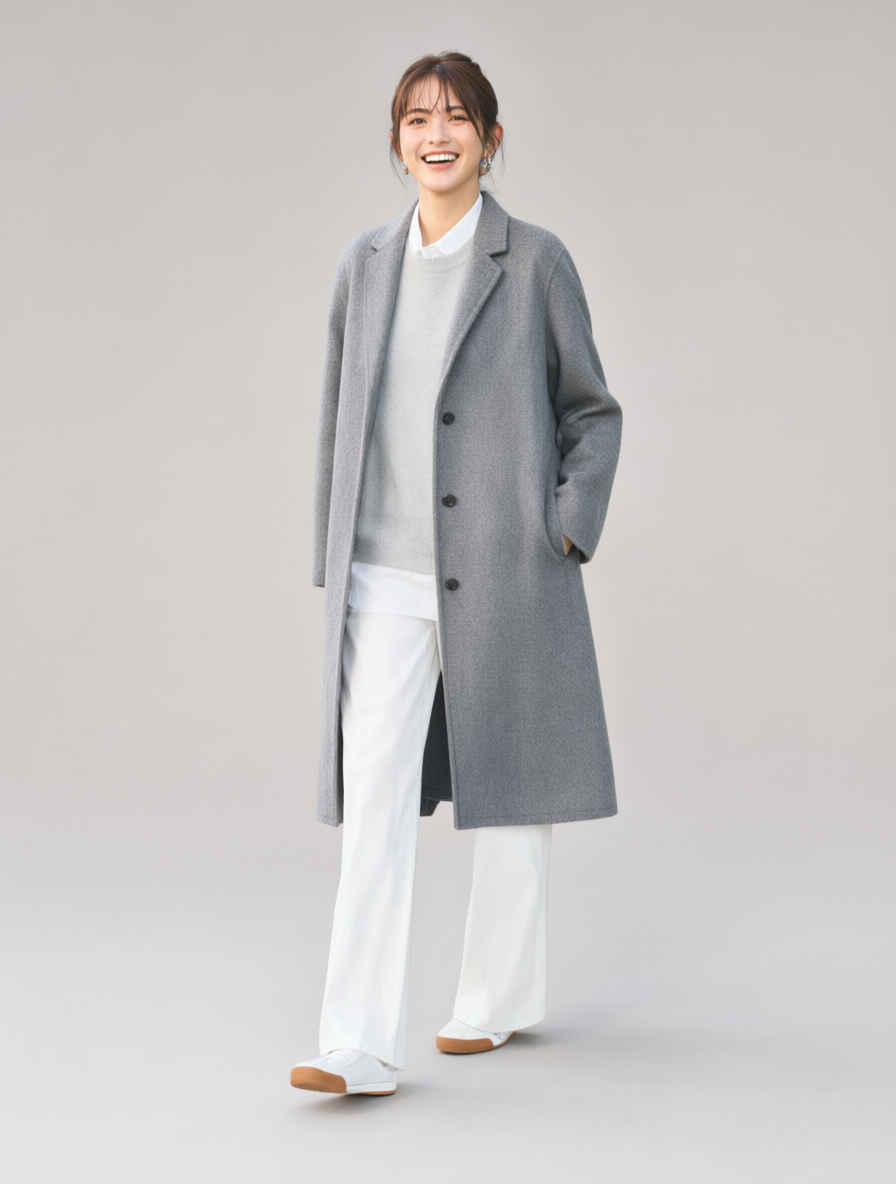
Please replace the outfit of the person in <Image1> with the outfit in <Image2>.
<Image1>の人物の服装を、<Image2>の服装に置き換えてください。
参照画像 ②
生成画像
参照画像 ②
生成画像
参照画像 ②
プロンプト
生成画像
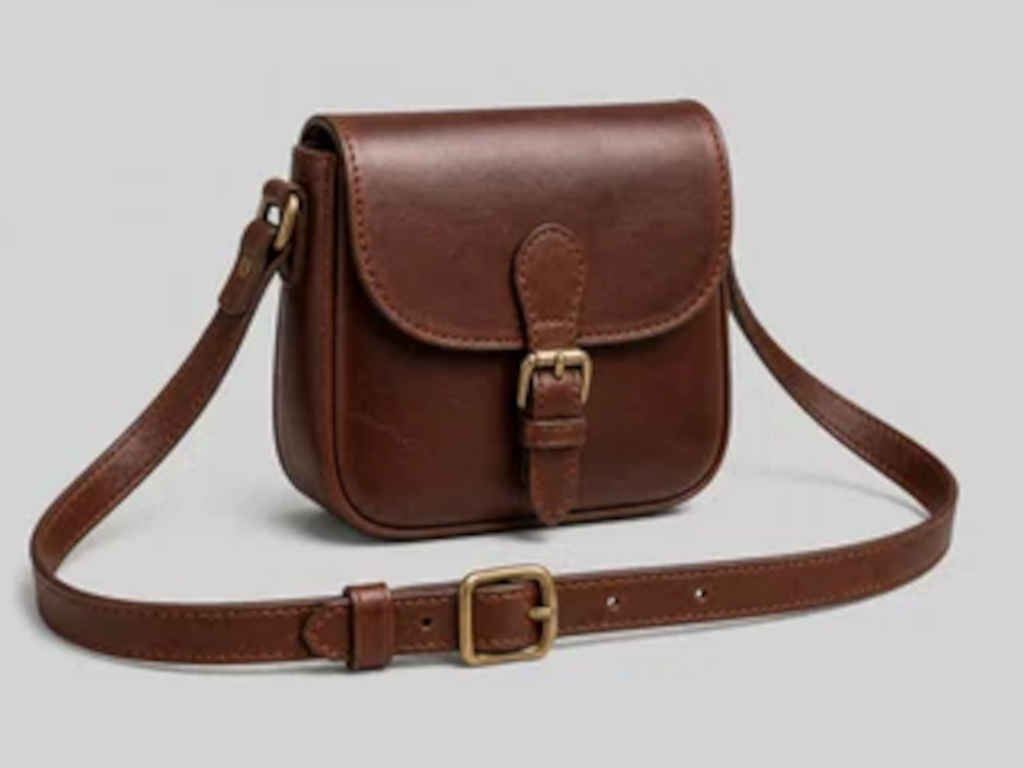
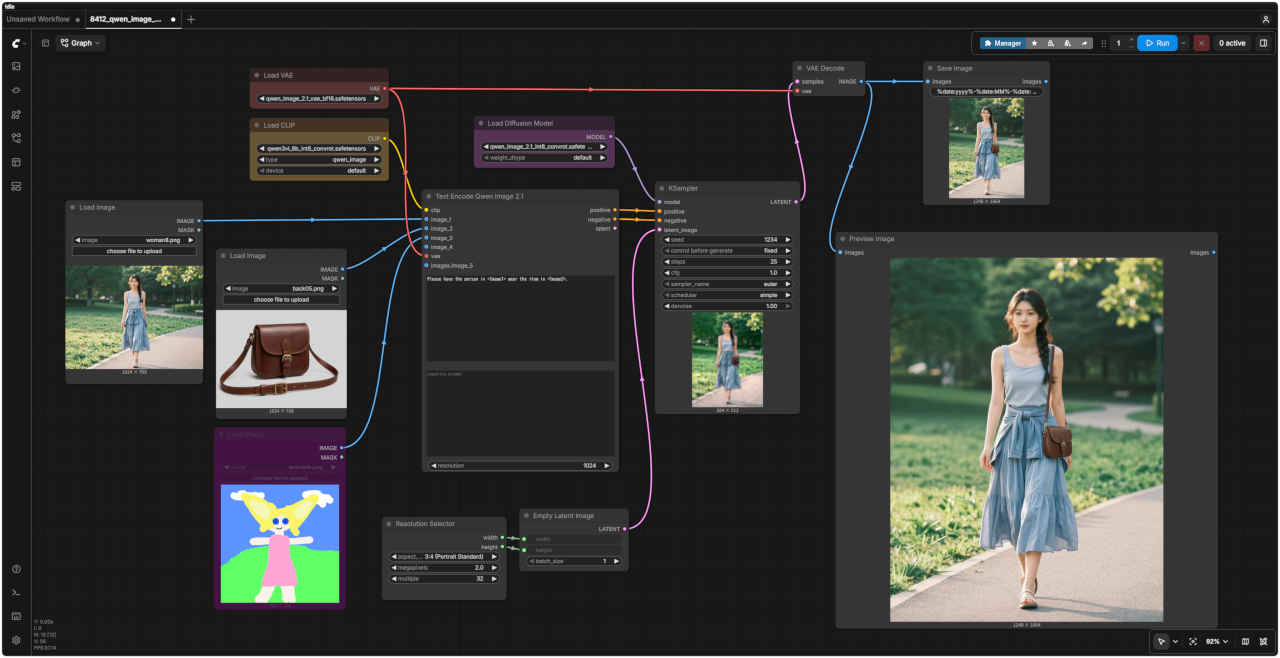
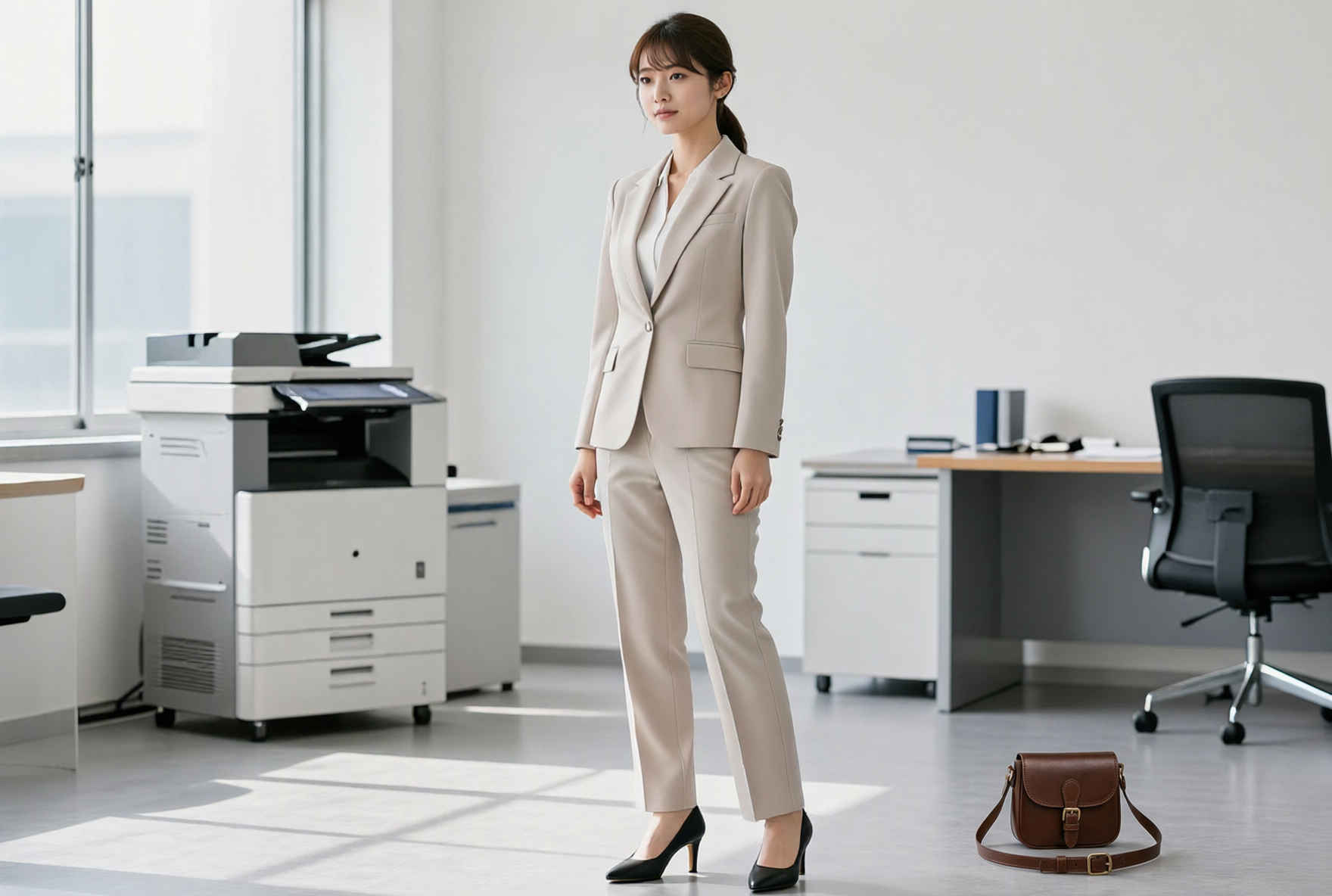
⑥ バッグを持たせる
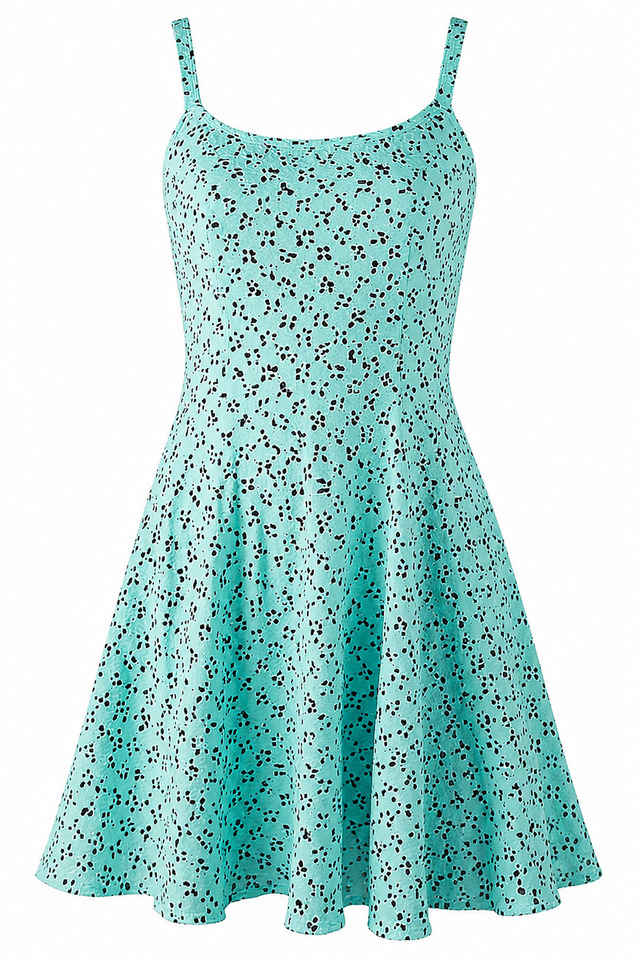
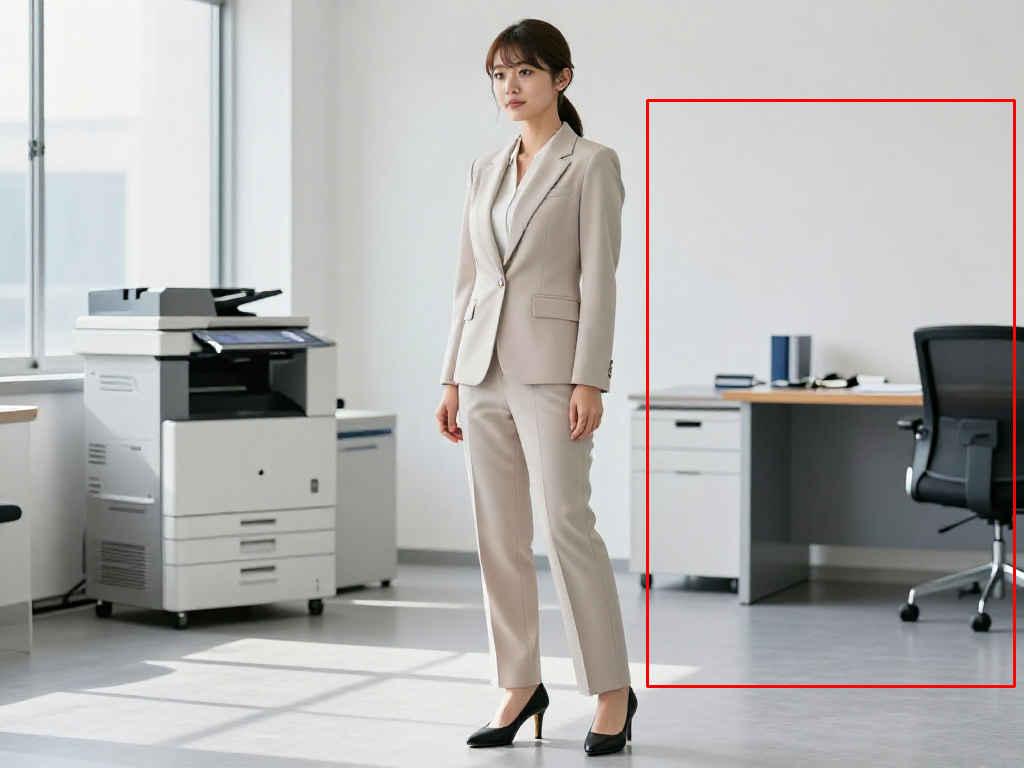
Please have the person in <Image1> wear the item in <Image2>.
<Image1>の人物に、<Image2>のアイテムを着用させてください。
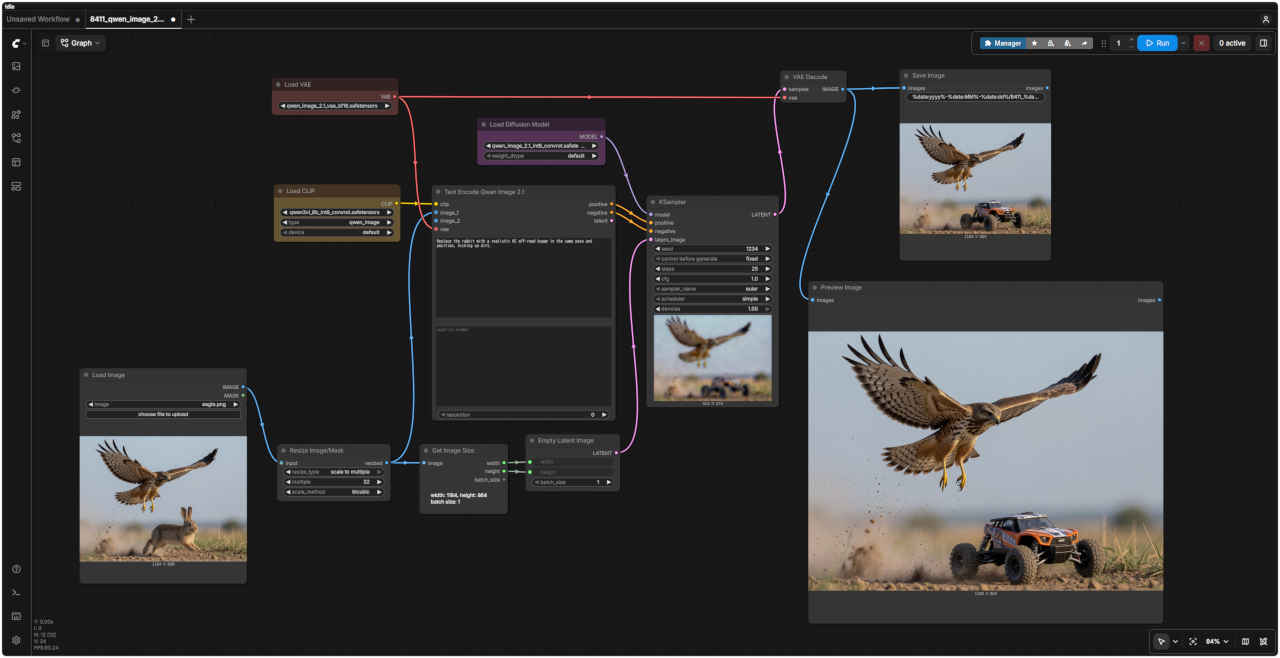
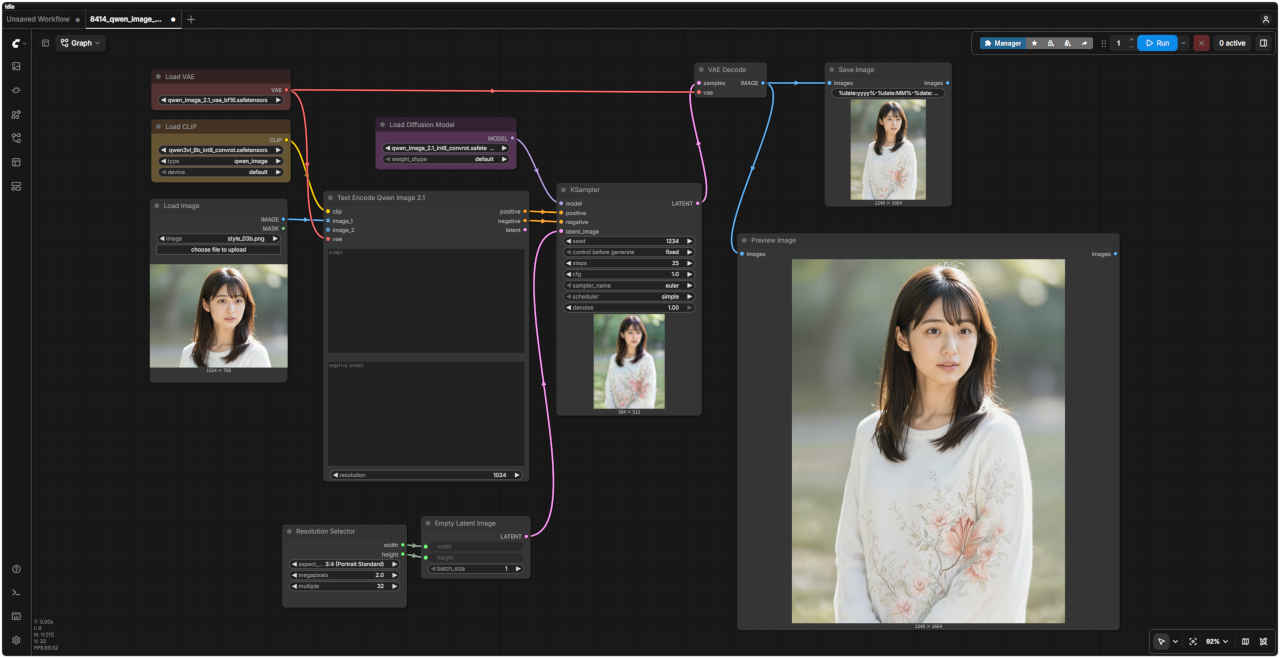
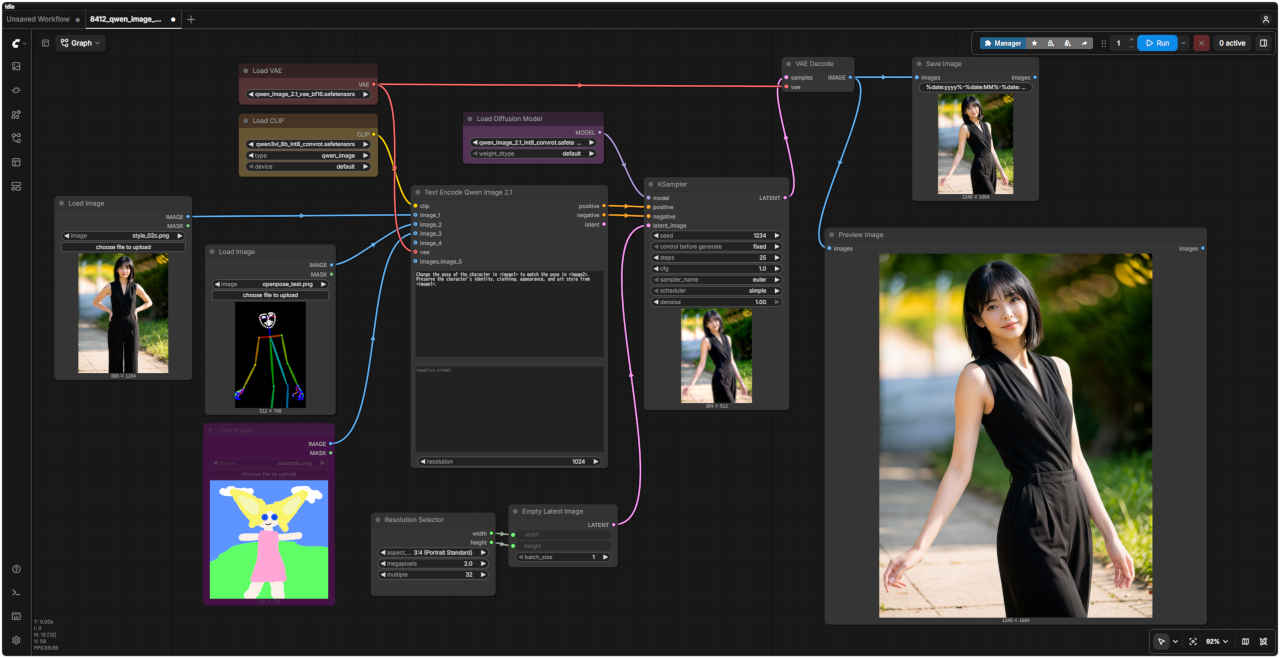
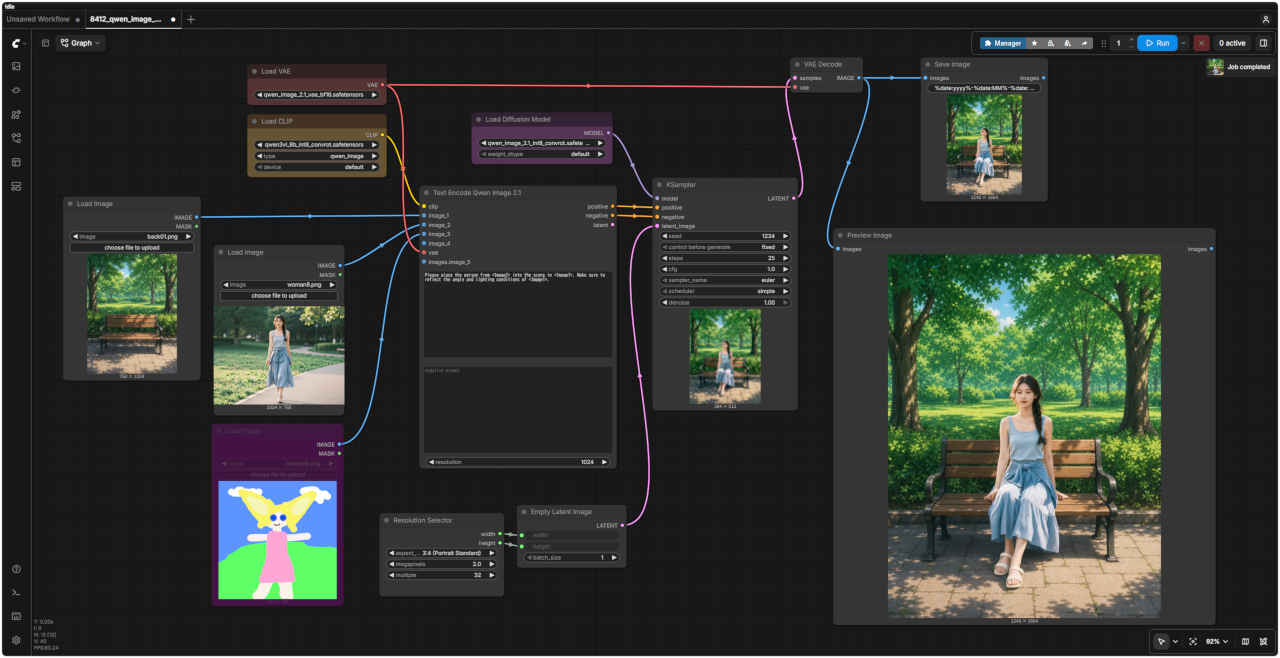
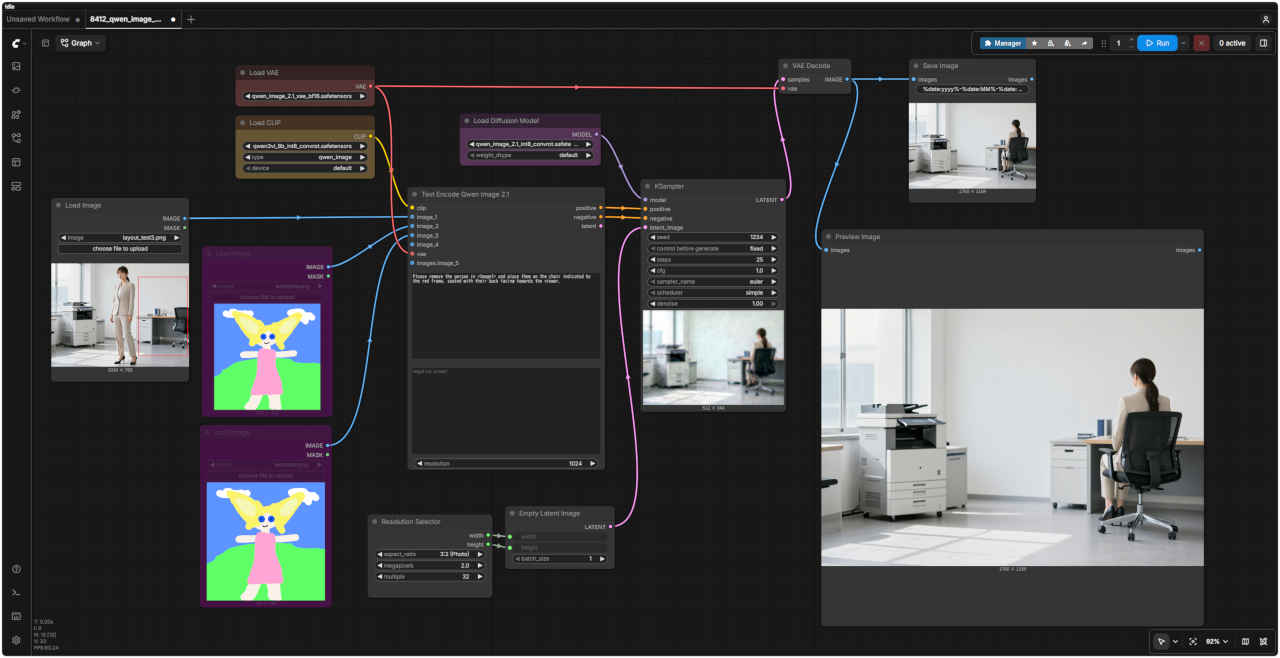
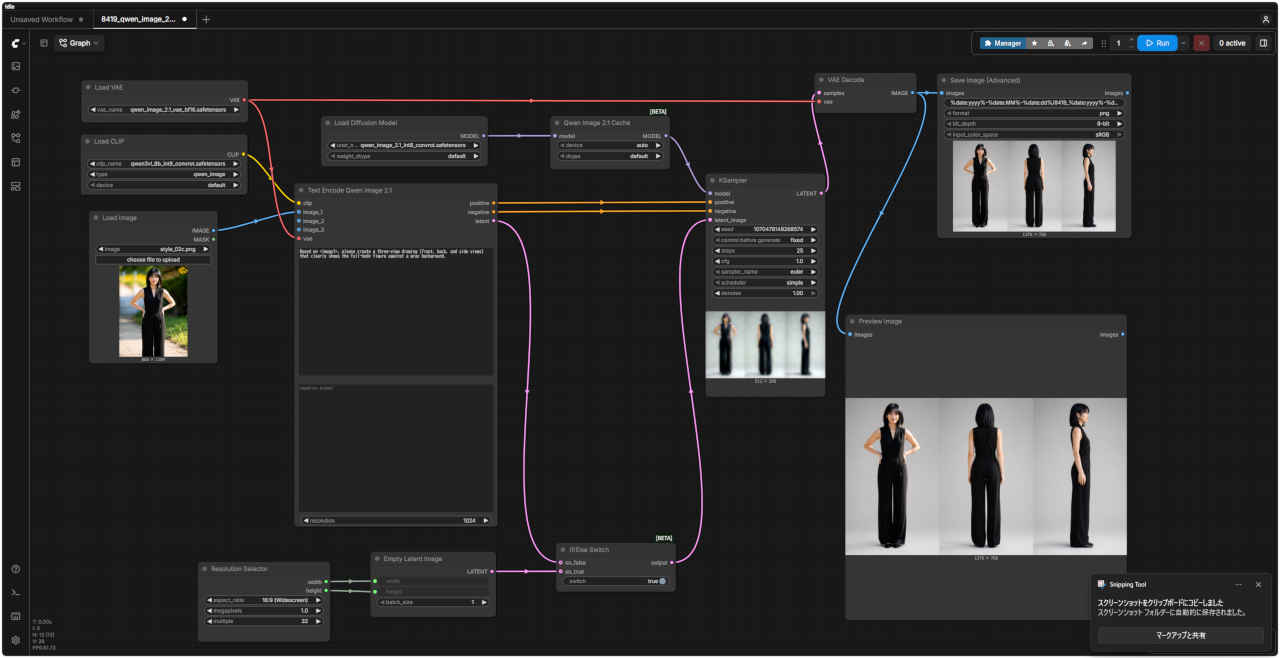
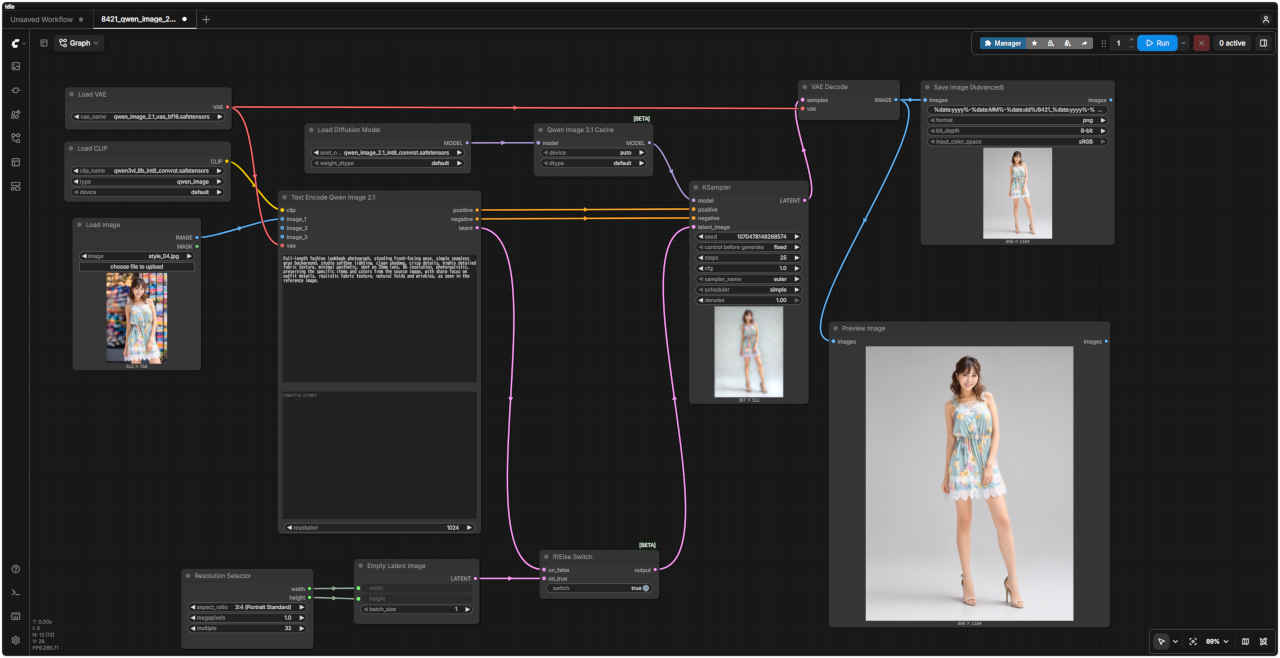
ワークフロー 8412_qwen_image_2.1_ref2image.json
ワークフロー 8412_qwen_image_2.1_ref2image.json
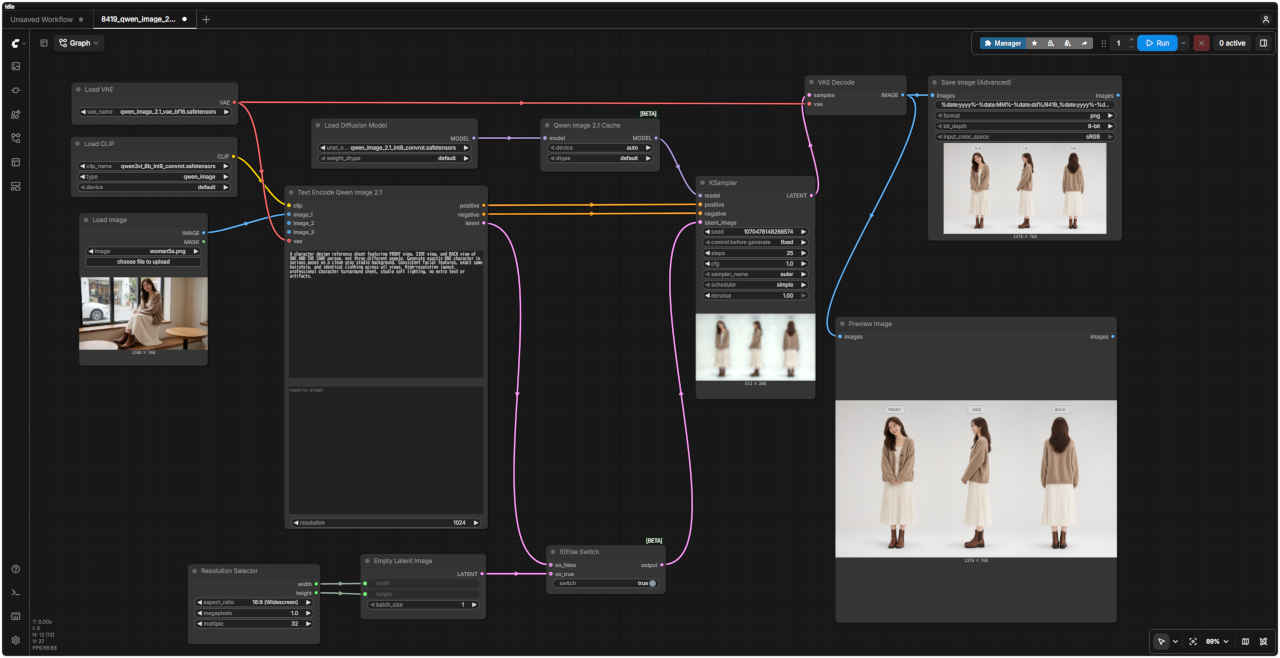
・参照画像でポーズを指定する(「JoyAI-Image Edit」でうまくいかなかった問題点)
参照画像 ②
プロンプト
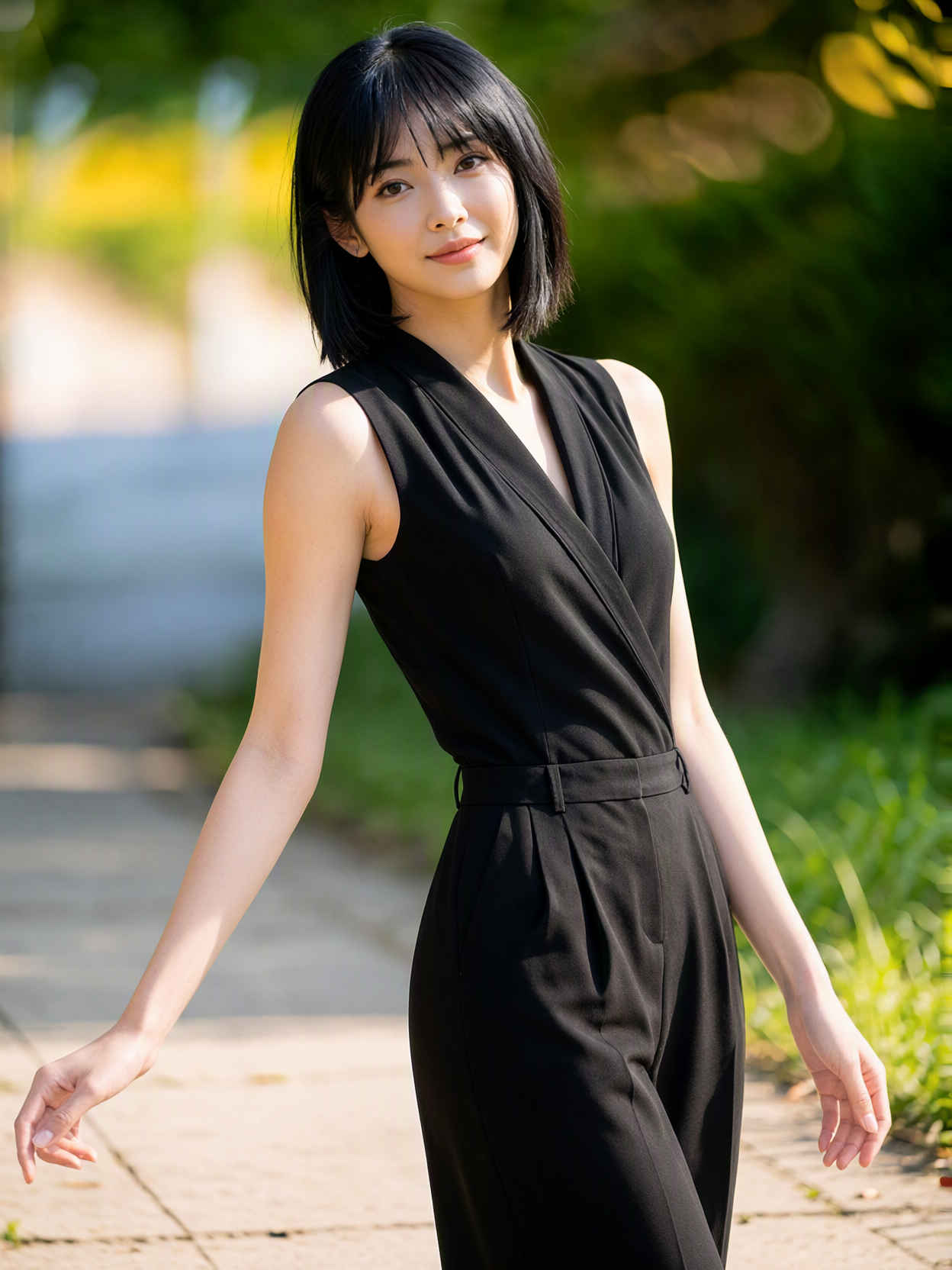
生成画像
⑦ ポーズをつける (棒人間ポーズ画像の場合)
Change the pose of the character in <image1> to match the pose in <image2>. Preserve the character's identity, clothing, appearance, and art style from <image1>.
Change the pose of the character in <image1> to match the pose in <image2>. Preserve the character's identity, clothing, appearance, and art style from <image1>.
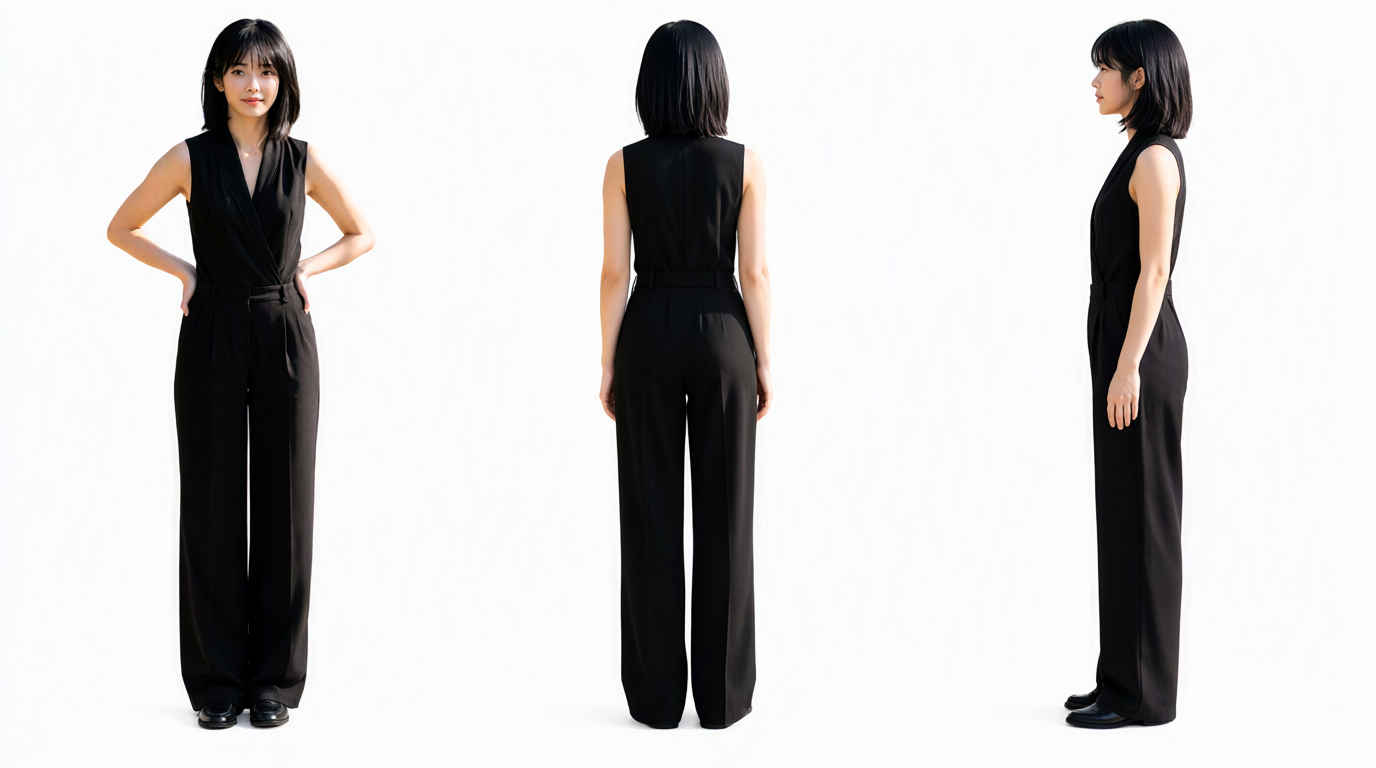
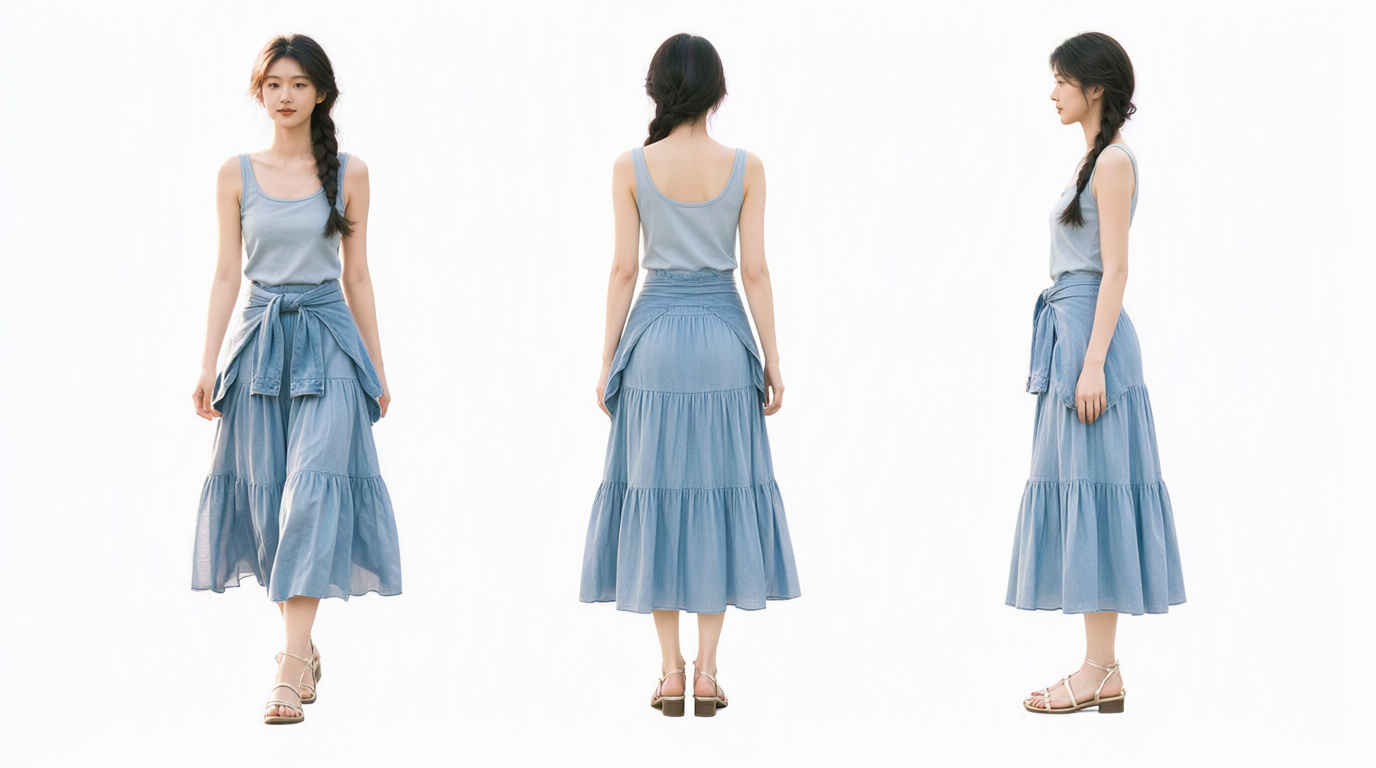
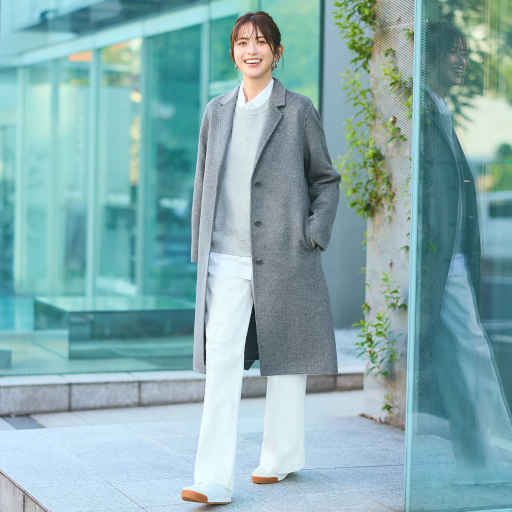
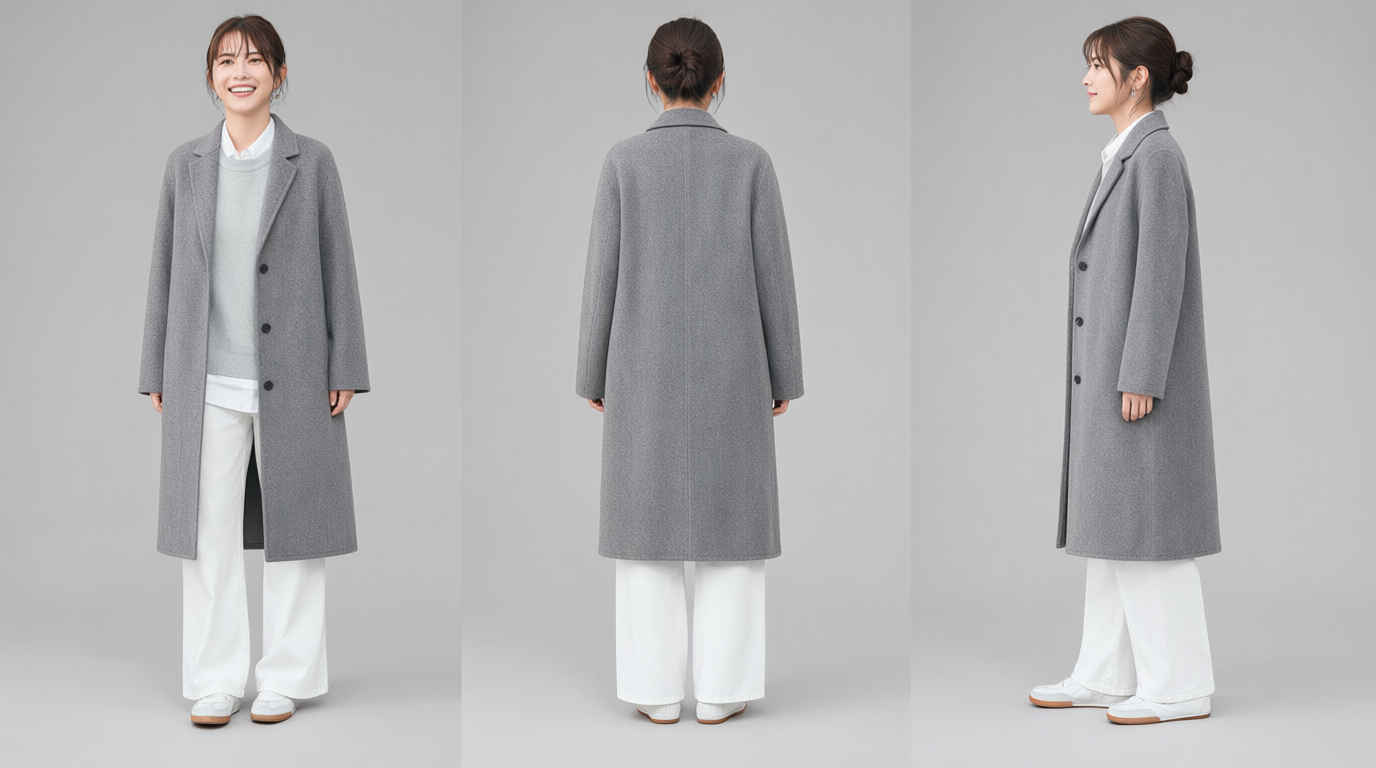
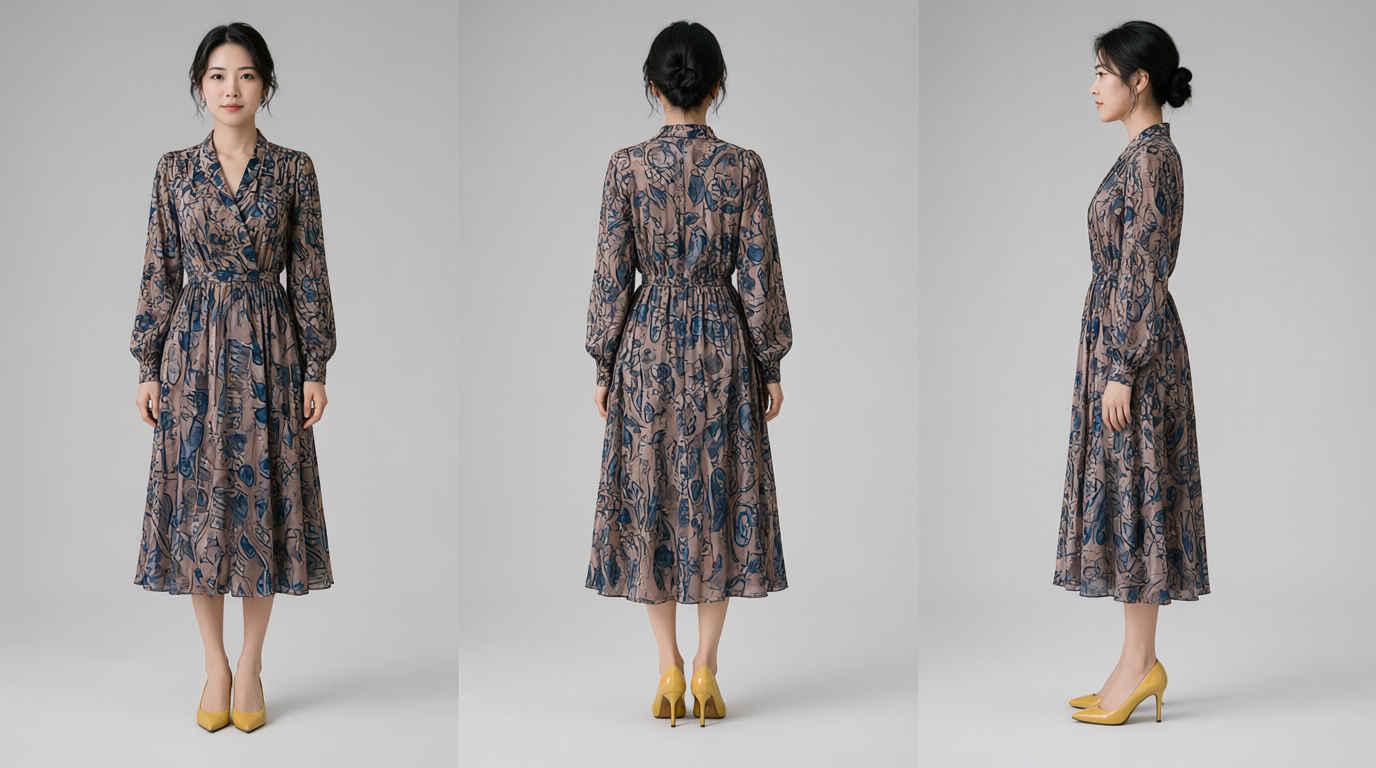
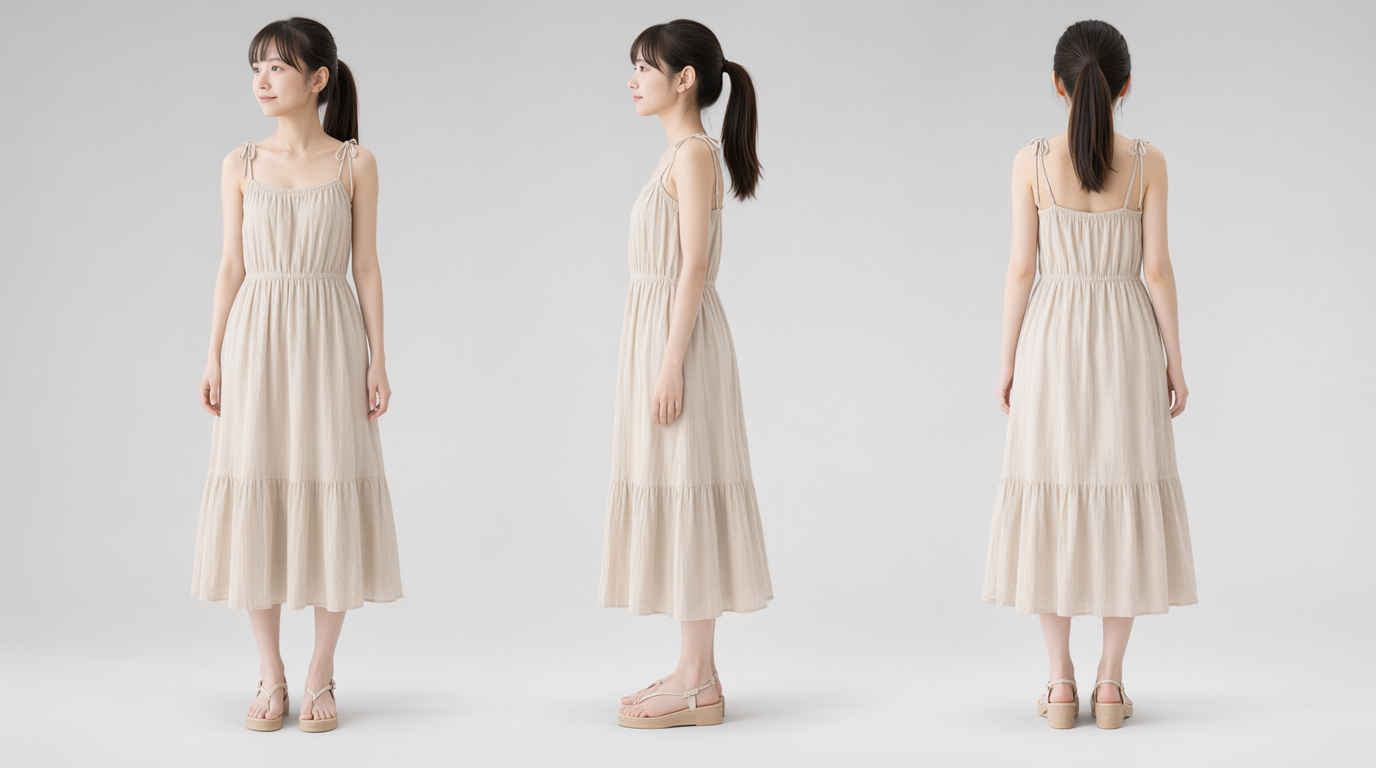
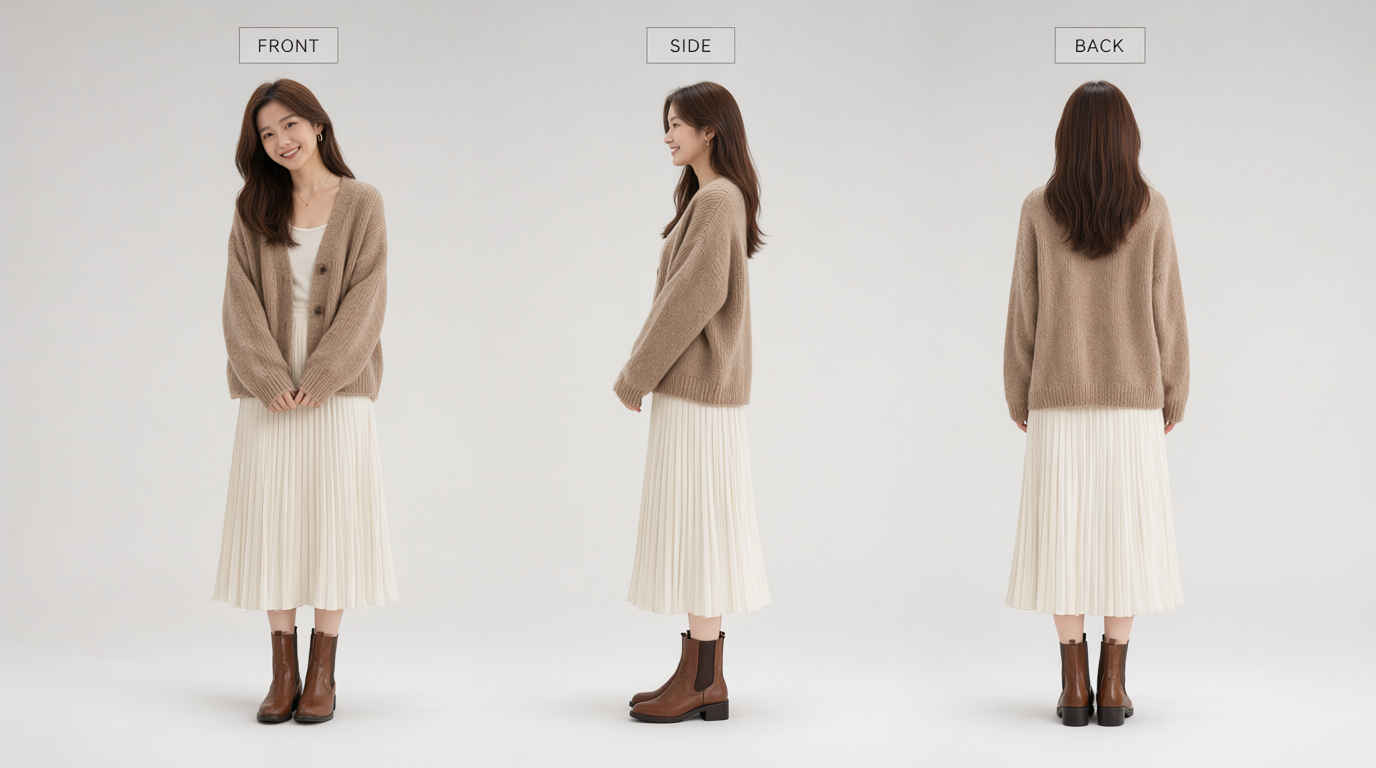
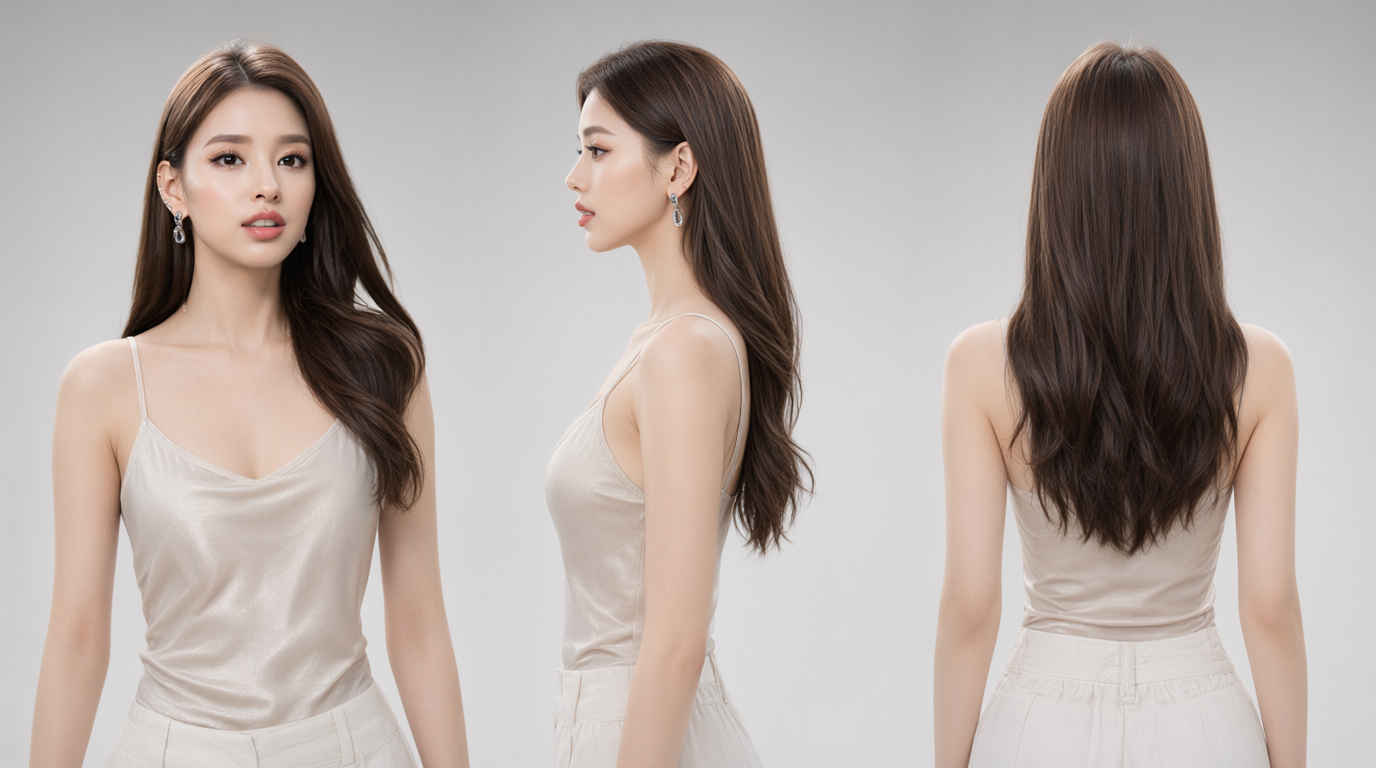
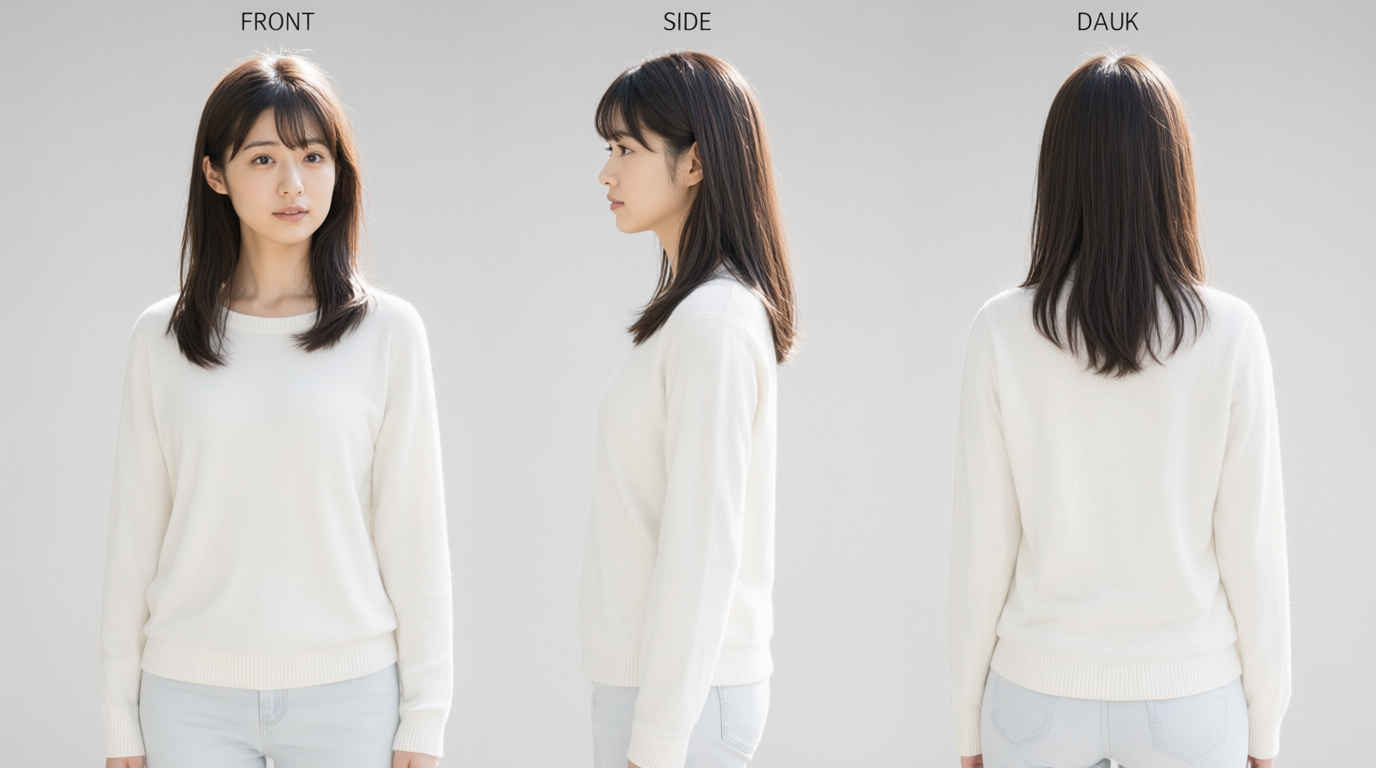
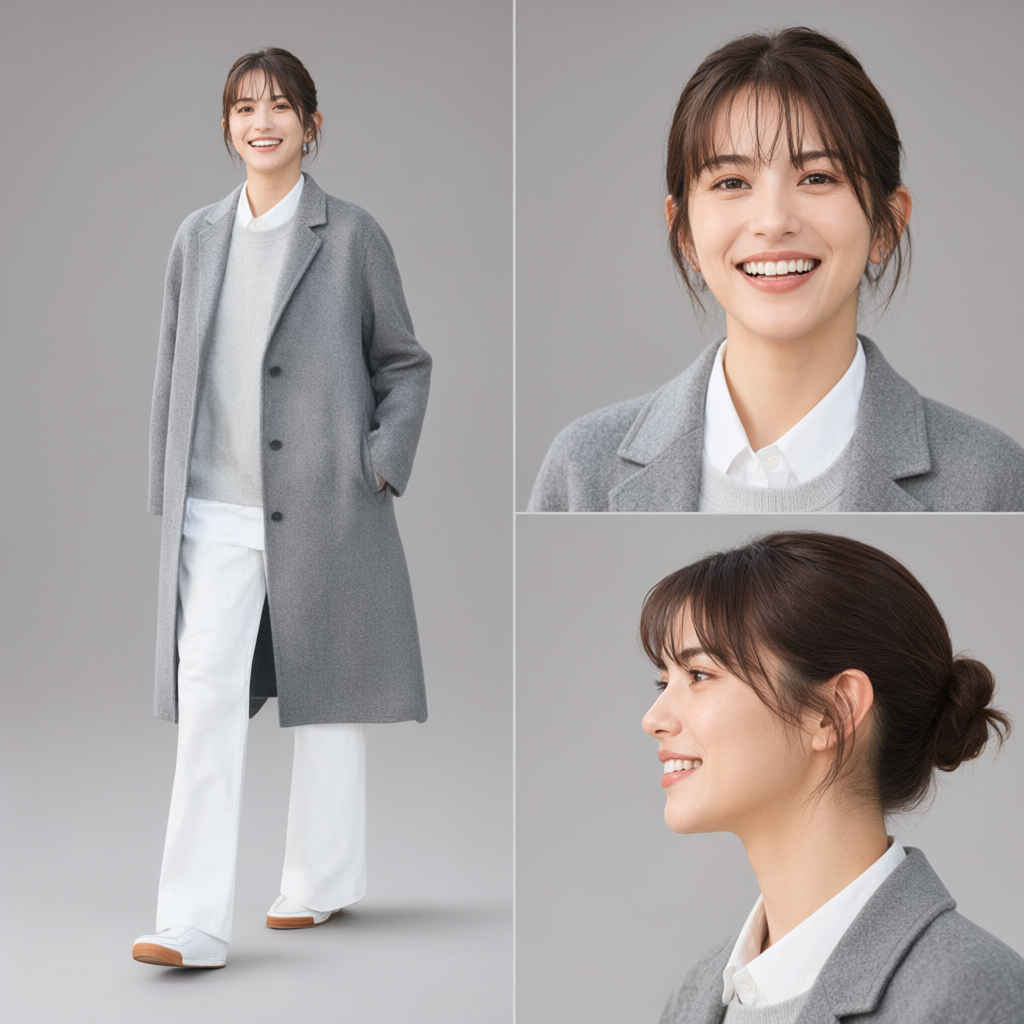
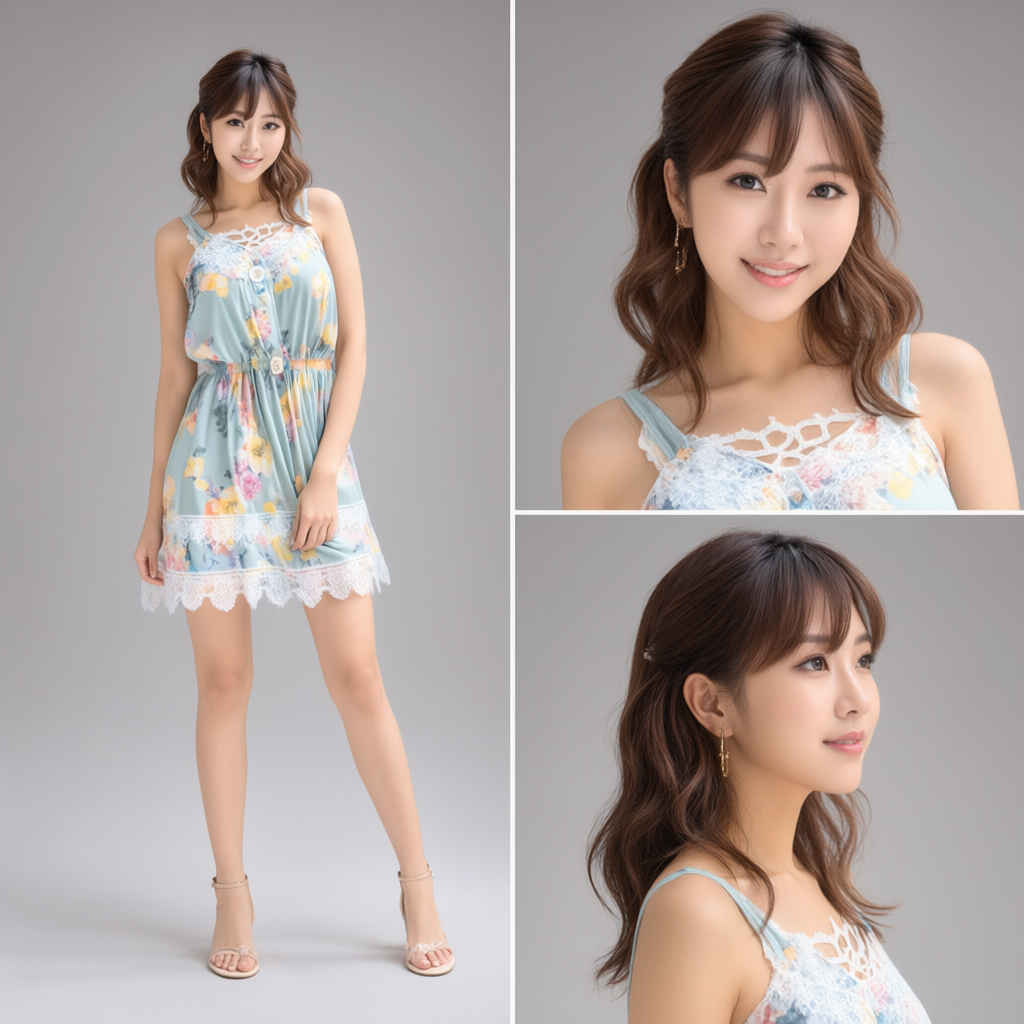
A character design reference sheet featuring FRONT view, SIDE view, and BACK view of ONE AND THE SAME person, not three different people. Generate exactly ONE character in various poses on a clean gray studio background. Consistent facial features, exact same hairstyle, and identical clothing across all views. High-resolution layout, professional character turnaround sheet, studio soft lighting, no extra text or artifacts.
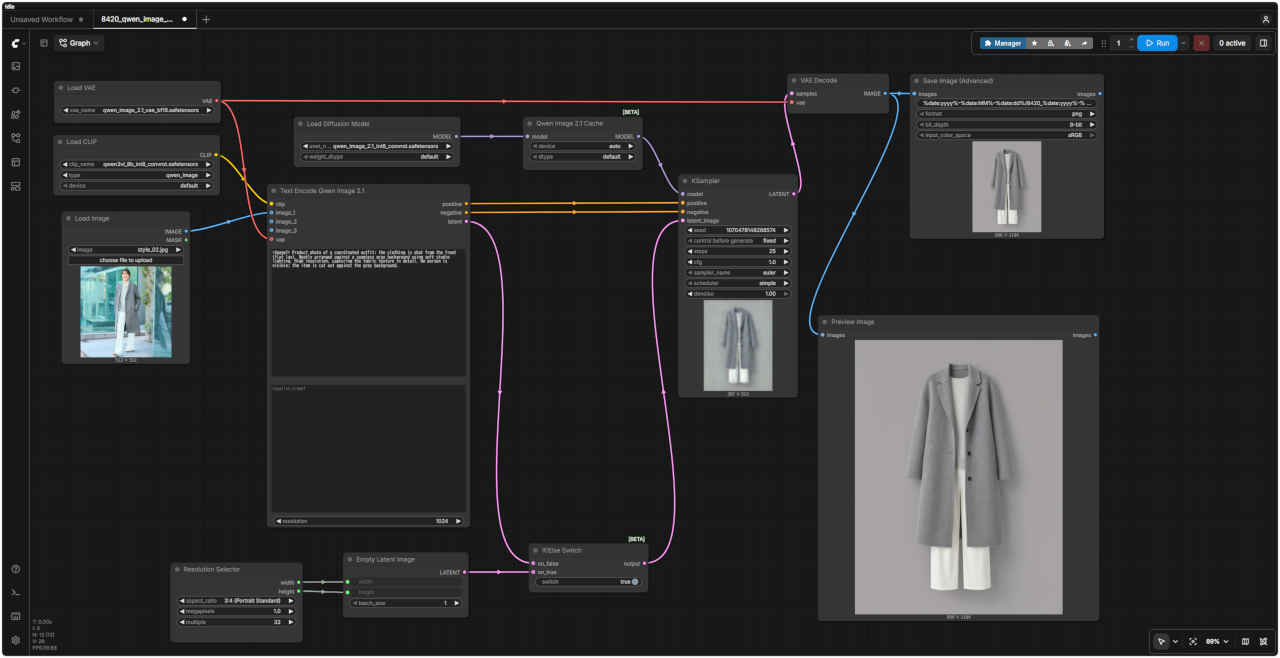
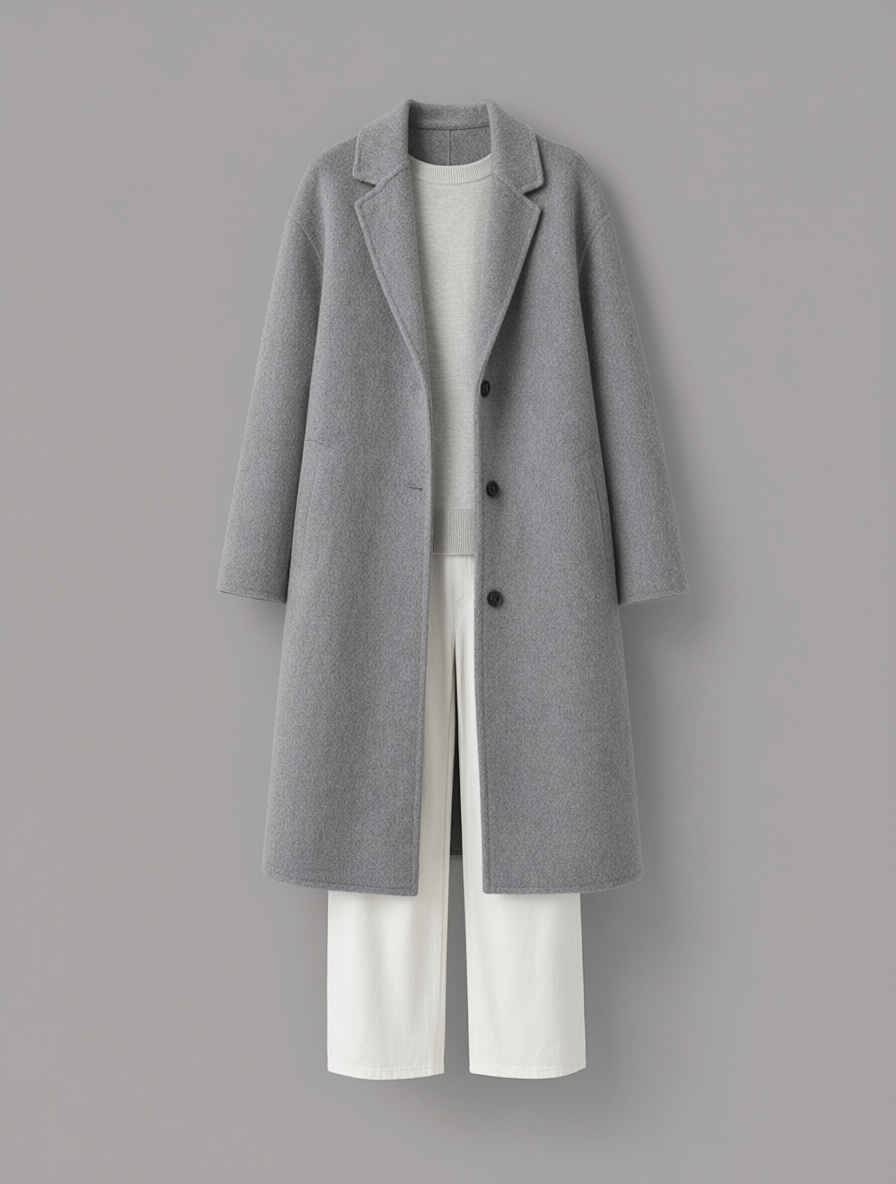
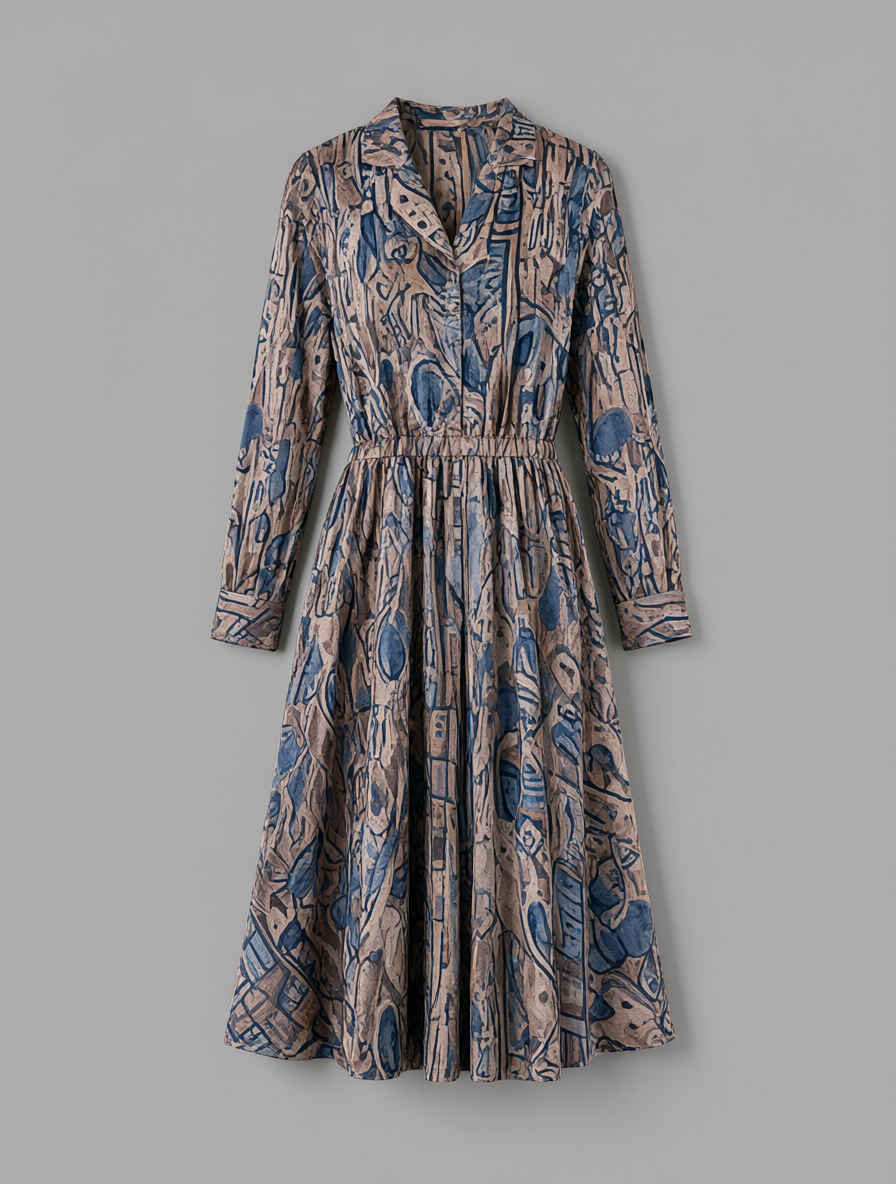
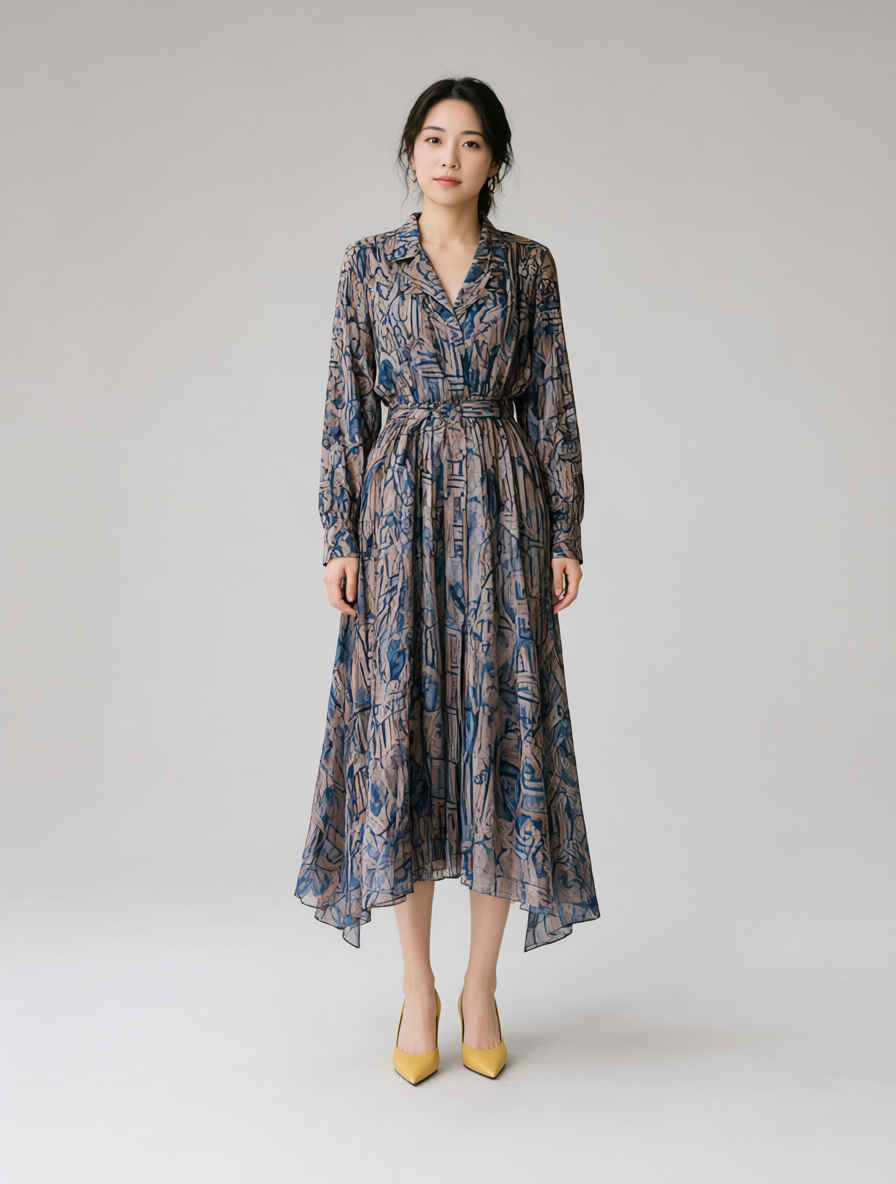
<Image1> Product photo of a coordinated outfit; the clothing is shot from the front (flat lay). Neatly arranged against a seamless gray background using soft studio lighting. High resolution, capturing the fabric texture in detail. No person is visible; the item is cut out against the gray background.
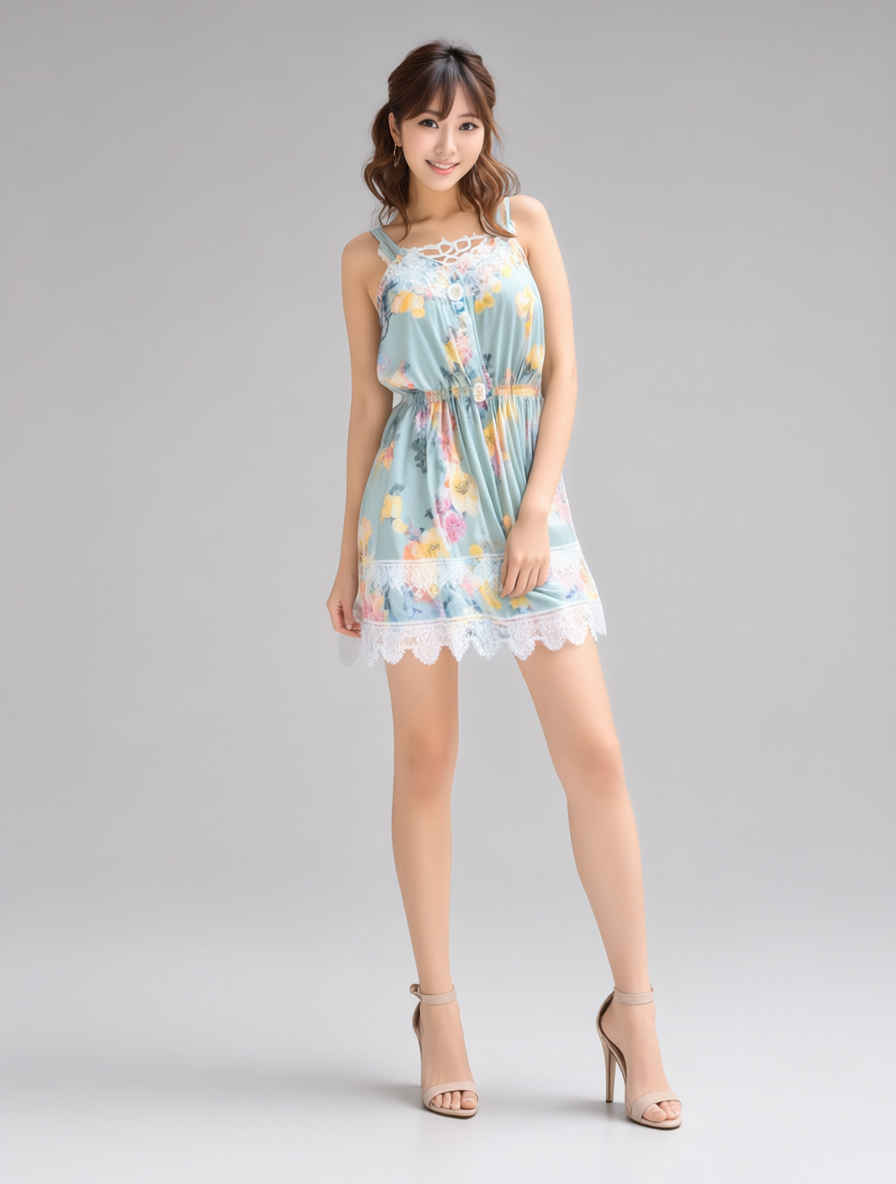
Full-length fashion lookbook photograph, standing front-facing pose, simple seamless gray background, studio softbox lighting, clean shadows, crisp details, highly detailed fabric texture, minimal aesthetic, shot on 35mm lens, 8k resolution, photorealistic, preserving the specific items and colors from the source image, with sharp focus on outfit details, realistic fabric texture, natural folds and wrinkles, as seen in the reference image.
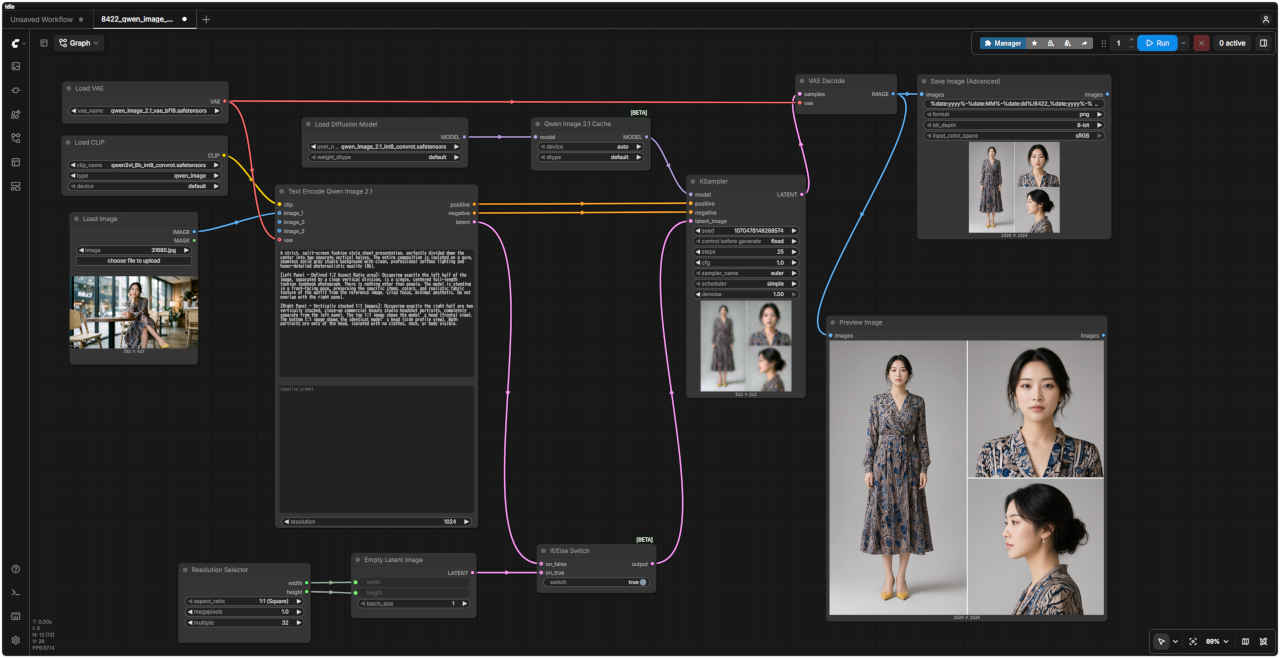
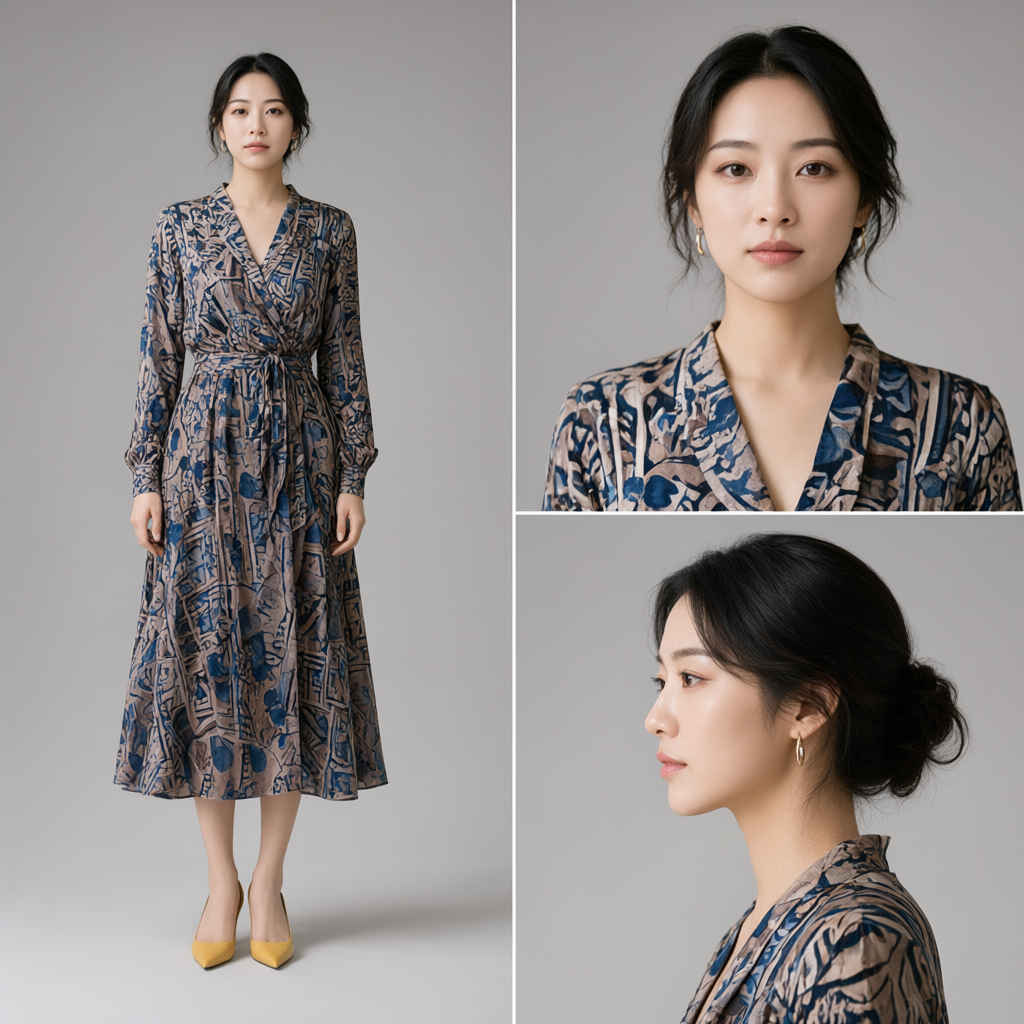
A strict, split-screen fashion style sheet presentation, perfectly divided down the center into two separate vertical halves. The entire composition is isolated on a pure, seamless solid gray studio background with clean, professional softbox lighting and hyper-detailed photorealistic quality (8k).
[Left Panel - Defined 1:2 Aspect Ratio area]: Occupying exactly the left half of the image, separated by a clean vertical division, is a single, centered full-length fashion lookbook photograph. There is nothing other than people. The model is standing in a front-facing pose, preserving the specific items, colors, and realistic fabric texture of the outfit from the reference image. Crisp focus, minimal aesthetic. Do not overlap with the right panel.
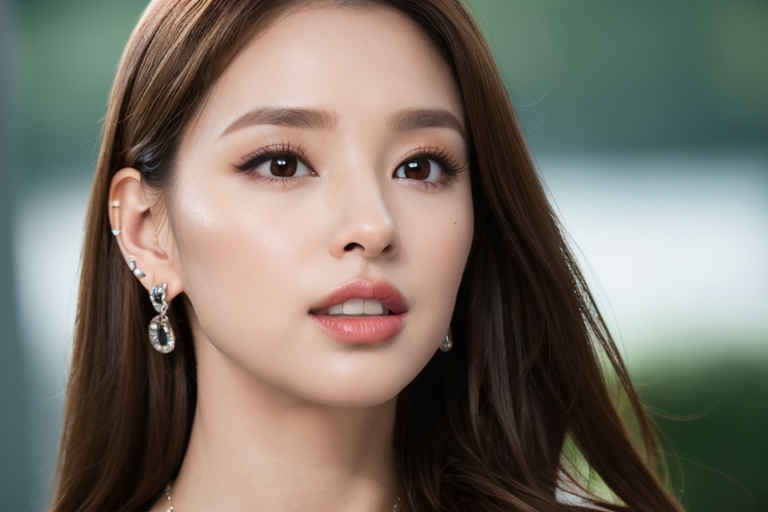
[Right Panel - Vertically stacked 1:1 Images]: Occupying exactly the right half are two vertically stacked, close-up commercial beauty studio headshot portraits, completely separate from the left panel. The top 1:1 image shows the model’s head (frontal view). The bottom 1:1 image shows the identical model’s head (side profile view). Both portraits are only of the head, isolated with no clothes, neck, or body visible.