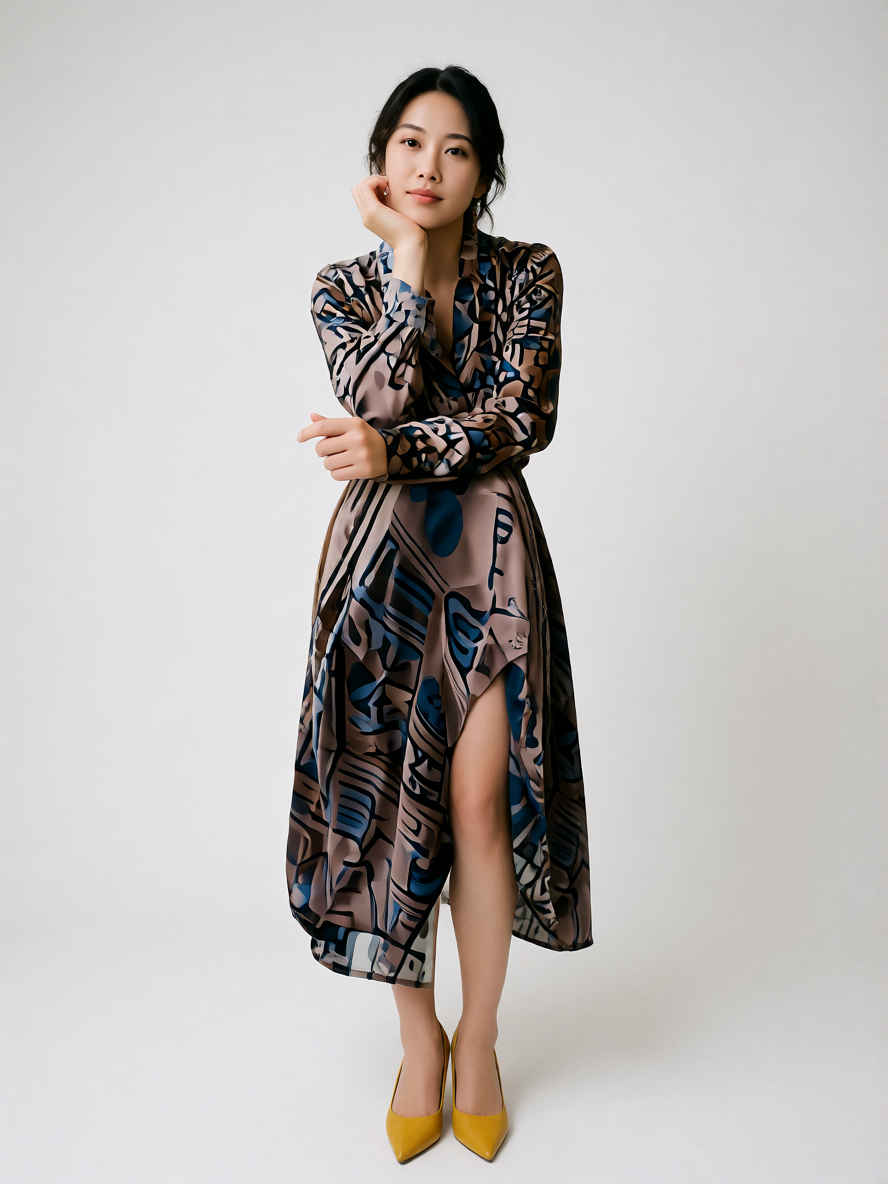
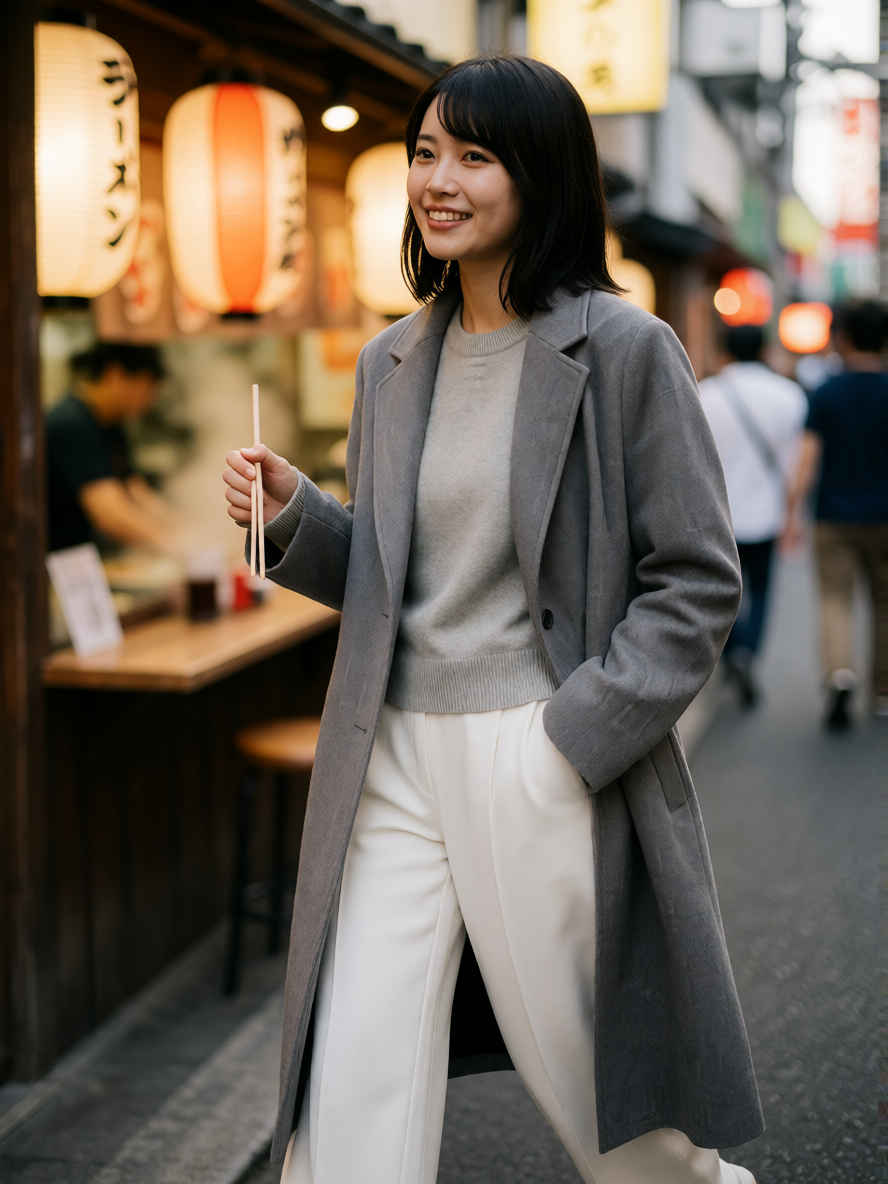
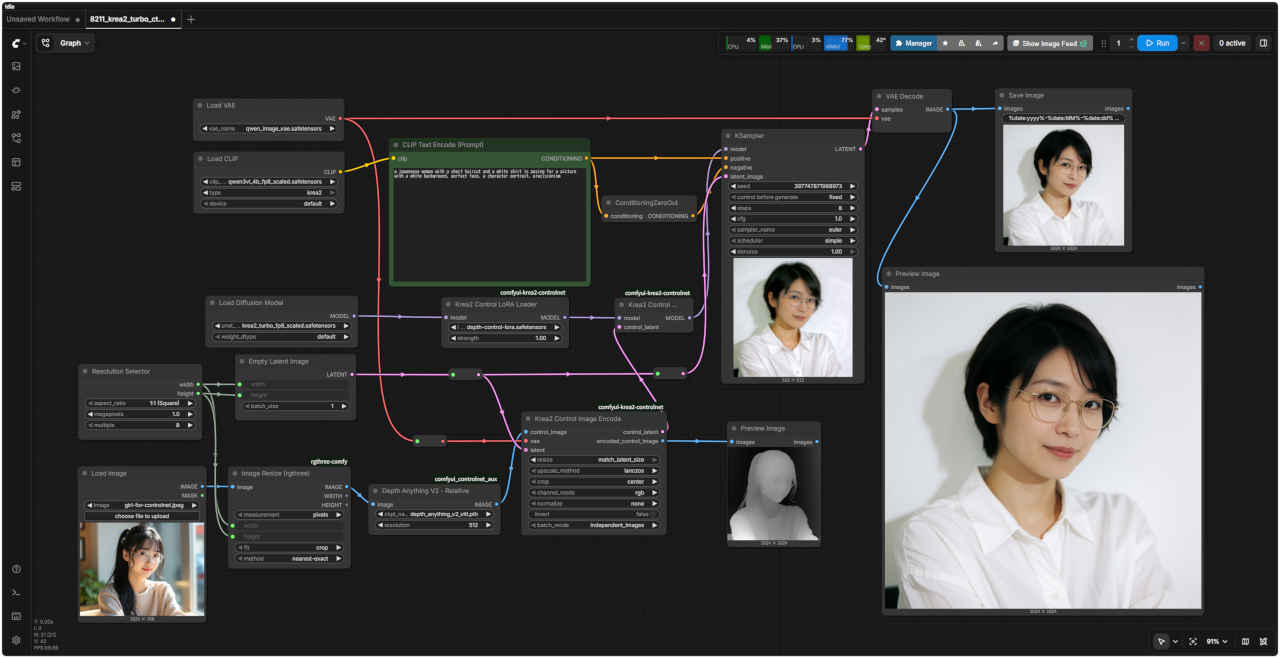
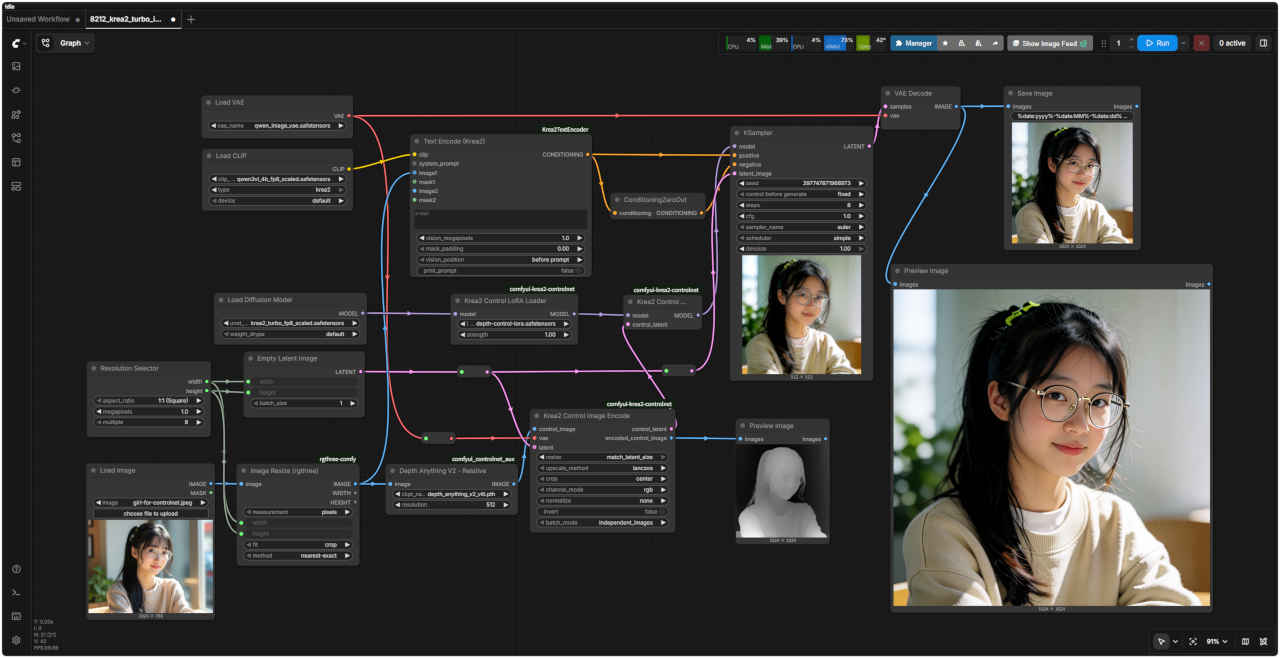
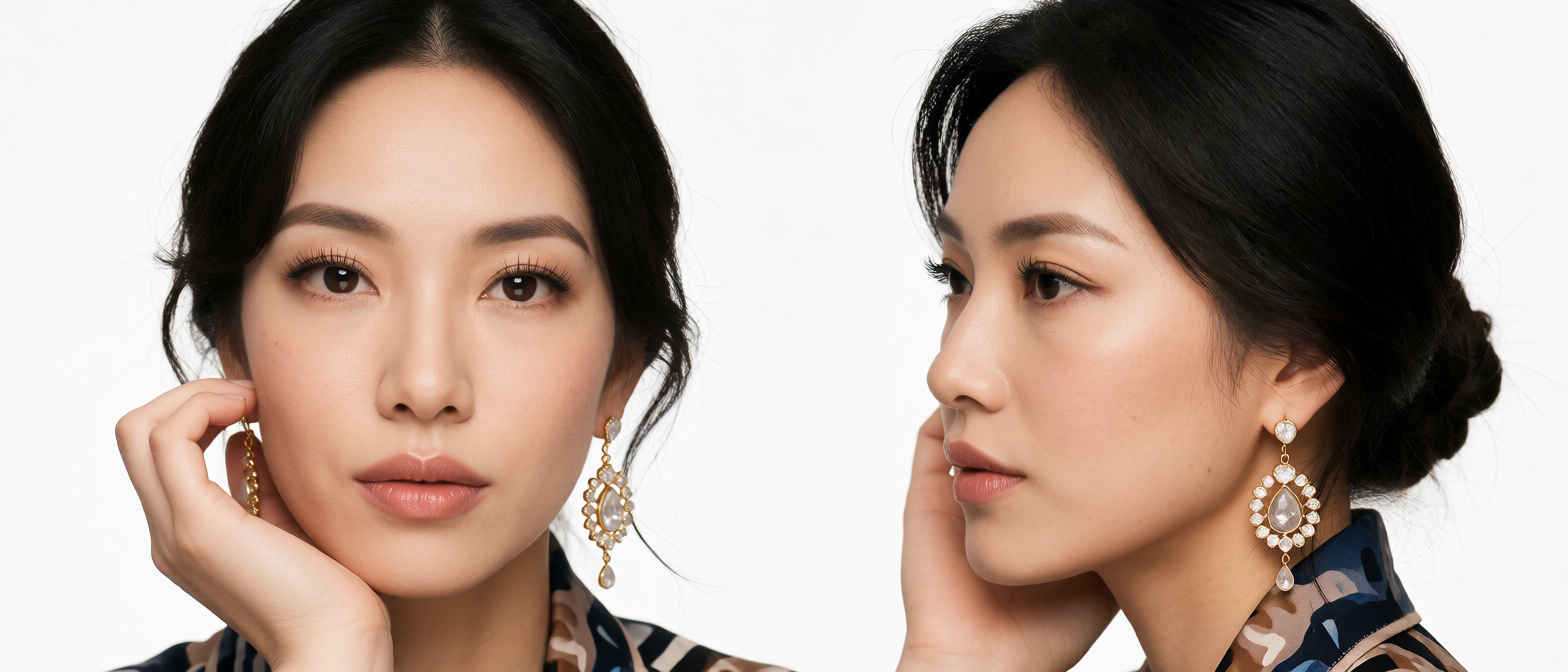
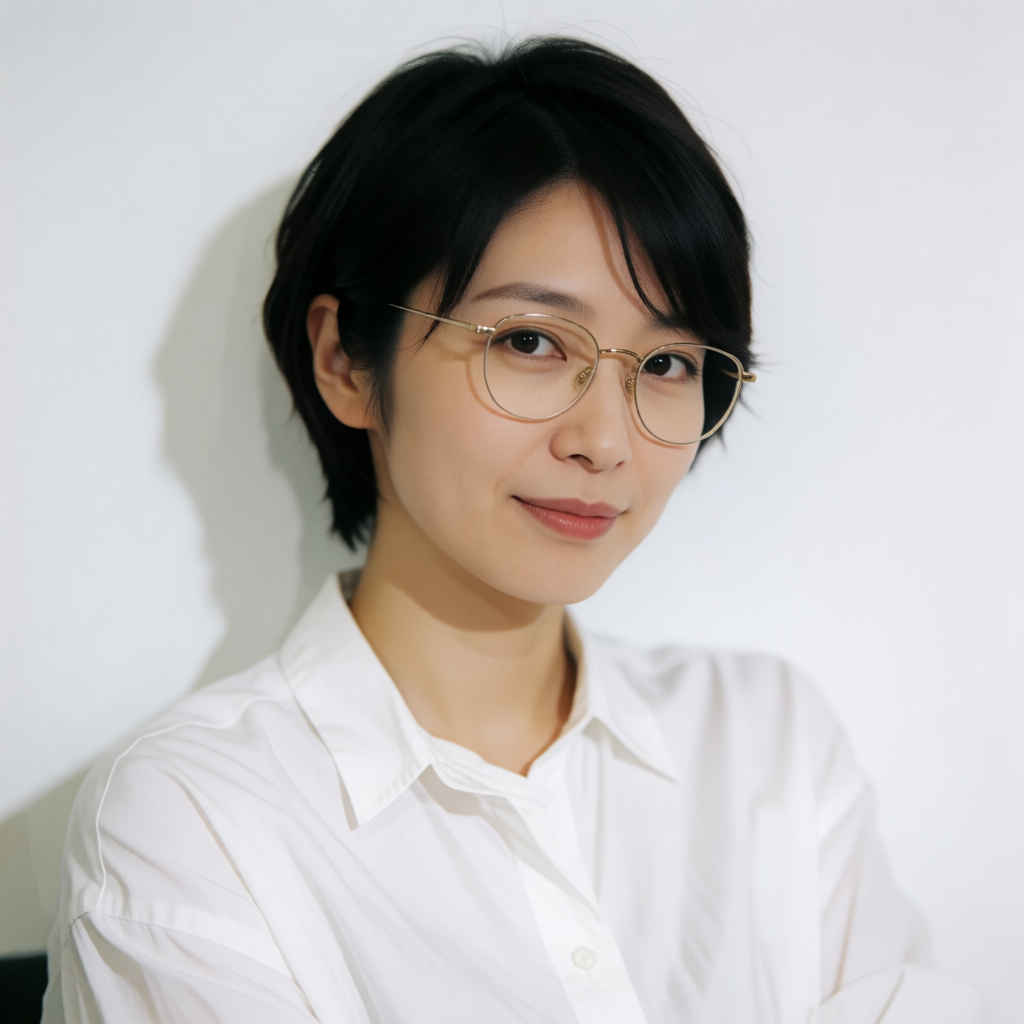
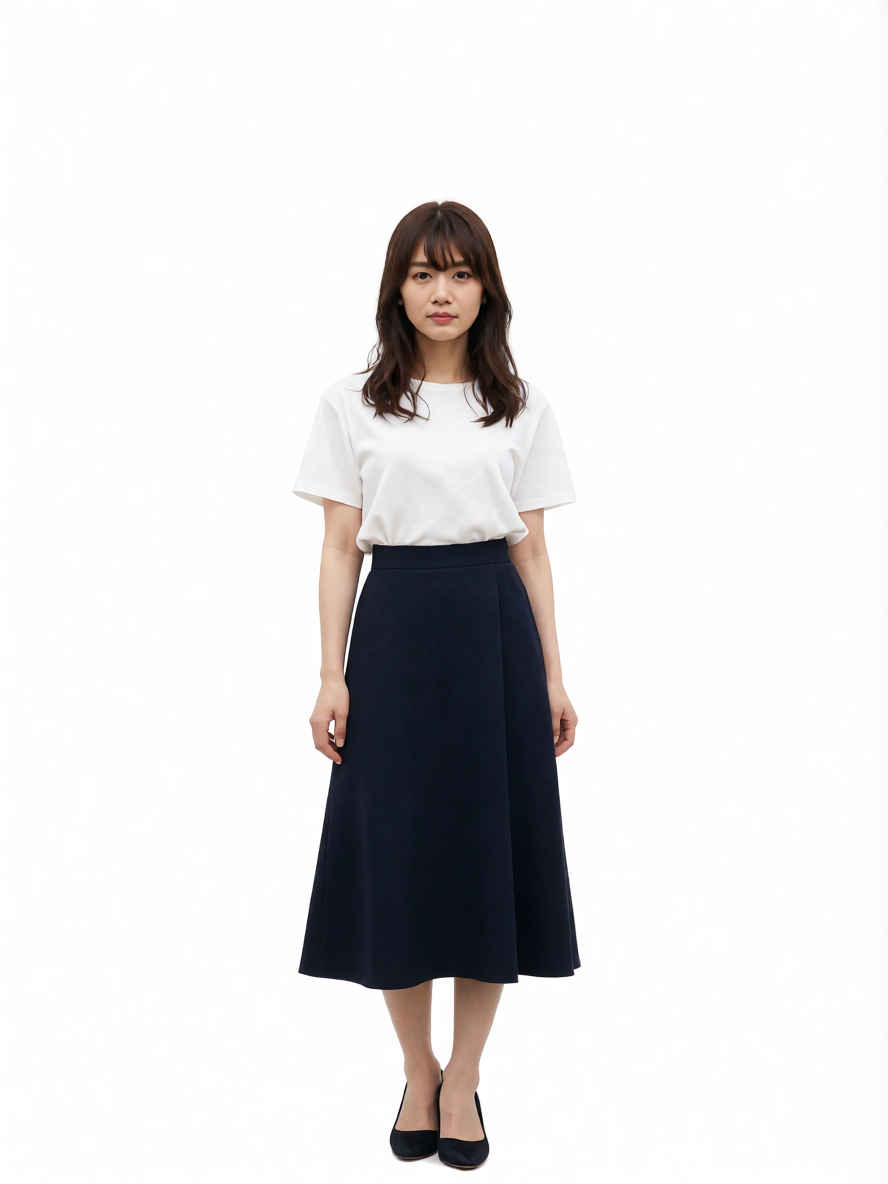
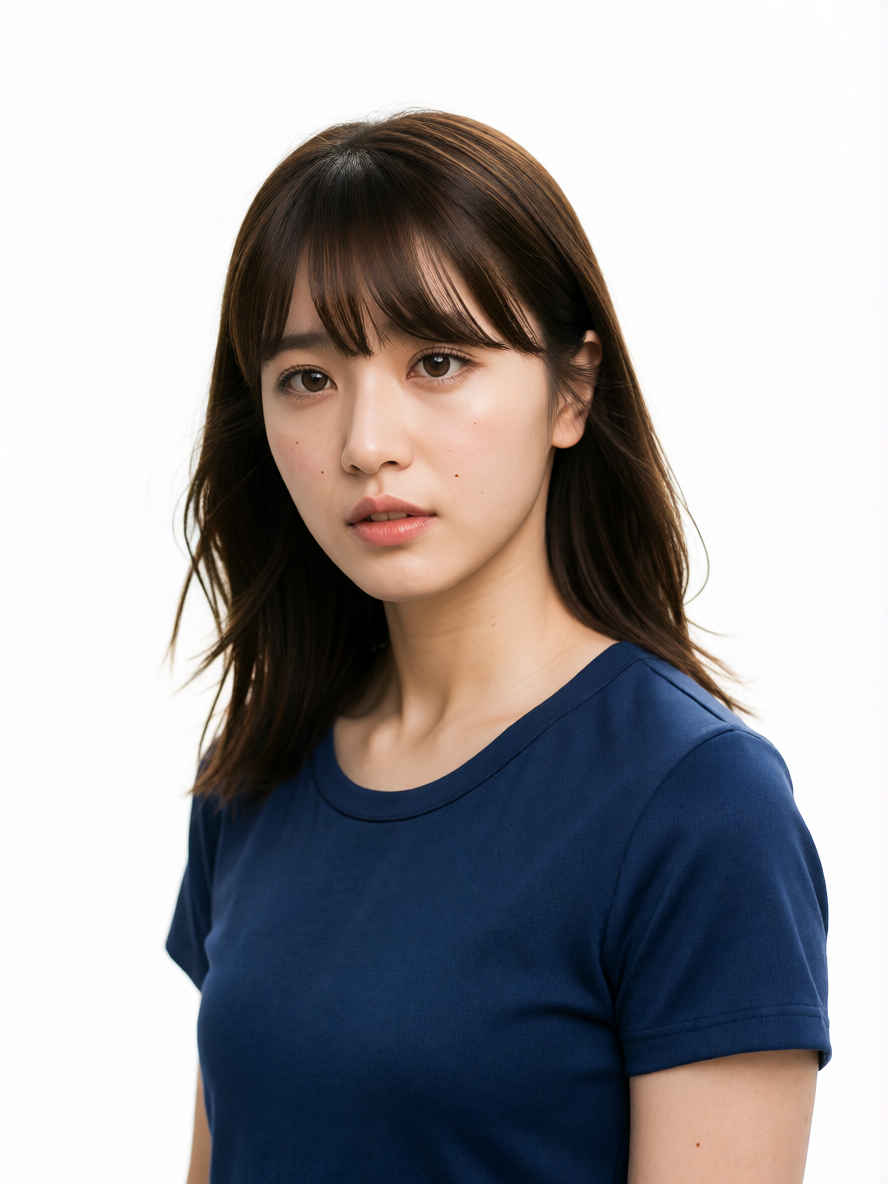
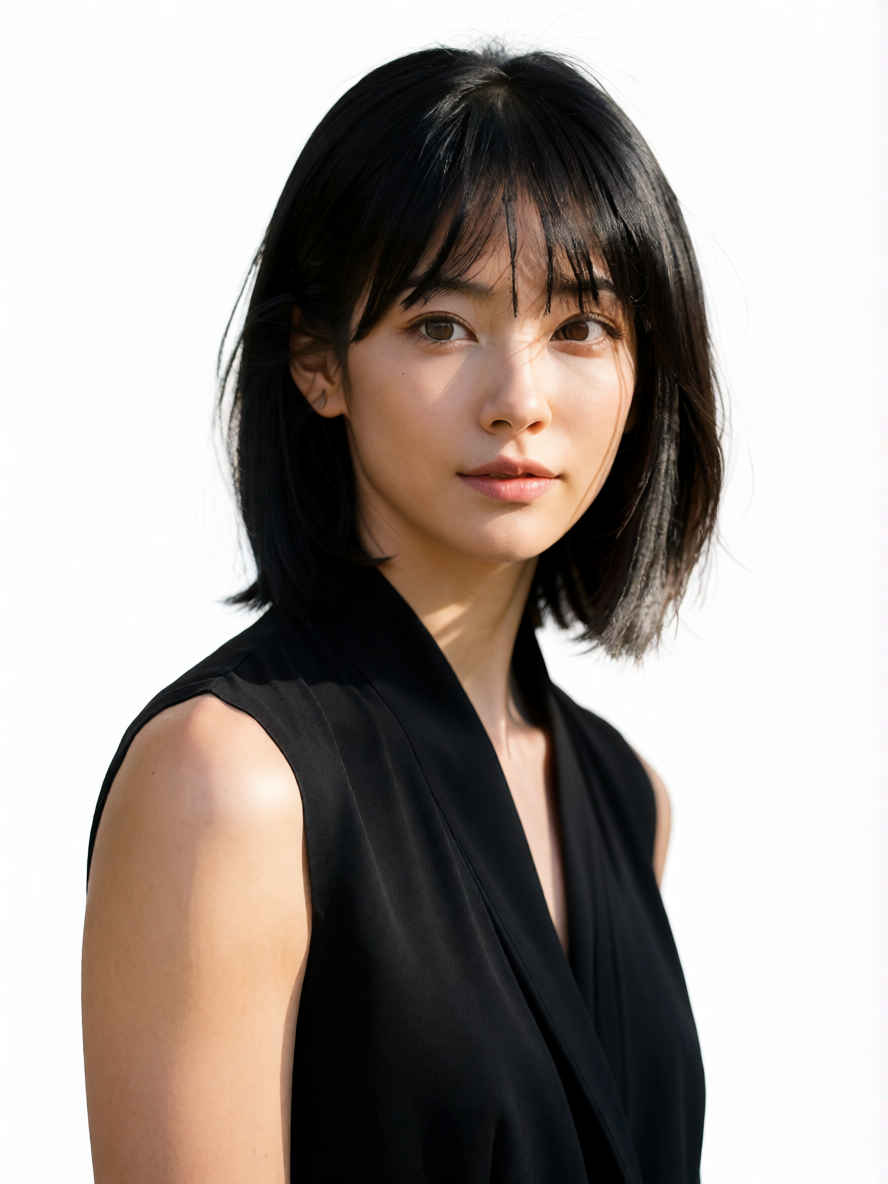
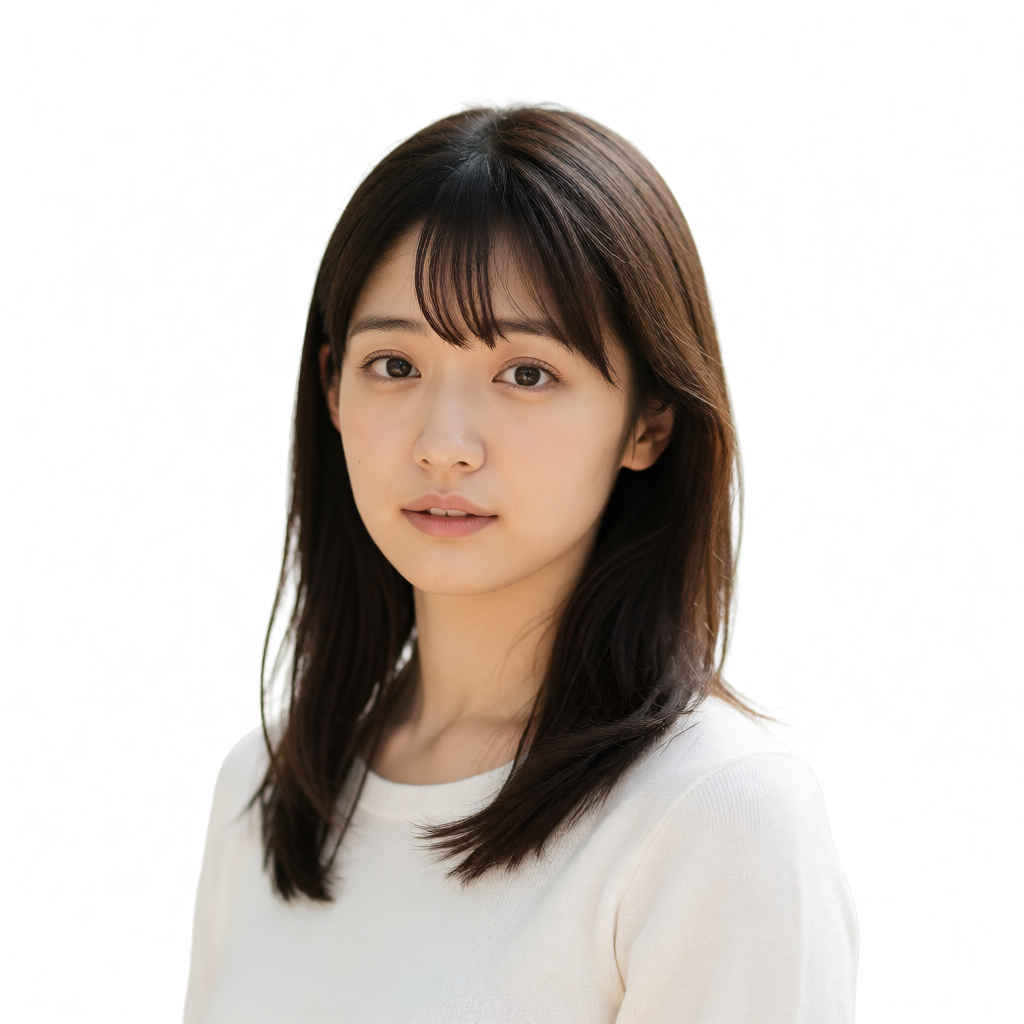
a japanease woman with a short haircut and a white shirt is posing for a picture with a white background, perfect face, a character portrait, precisionism
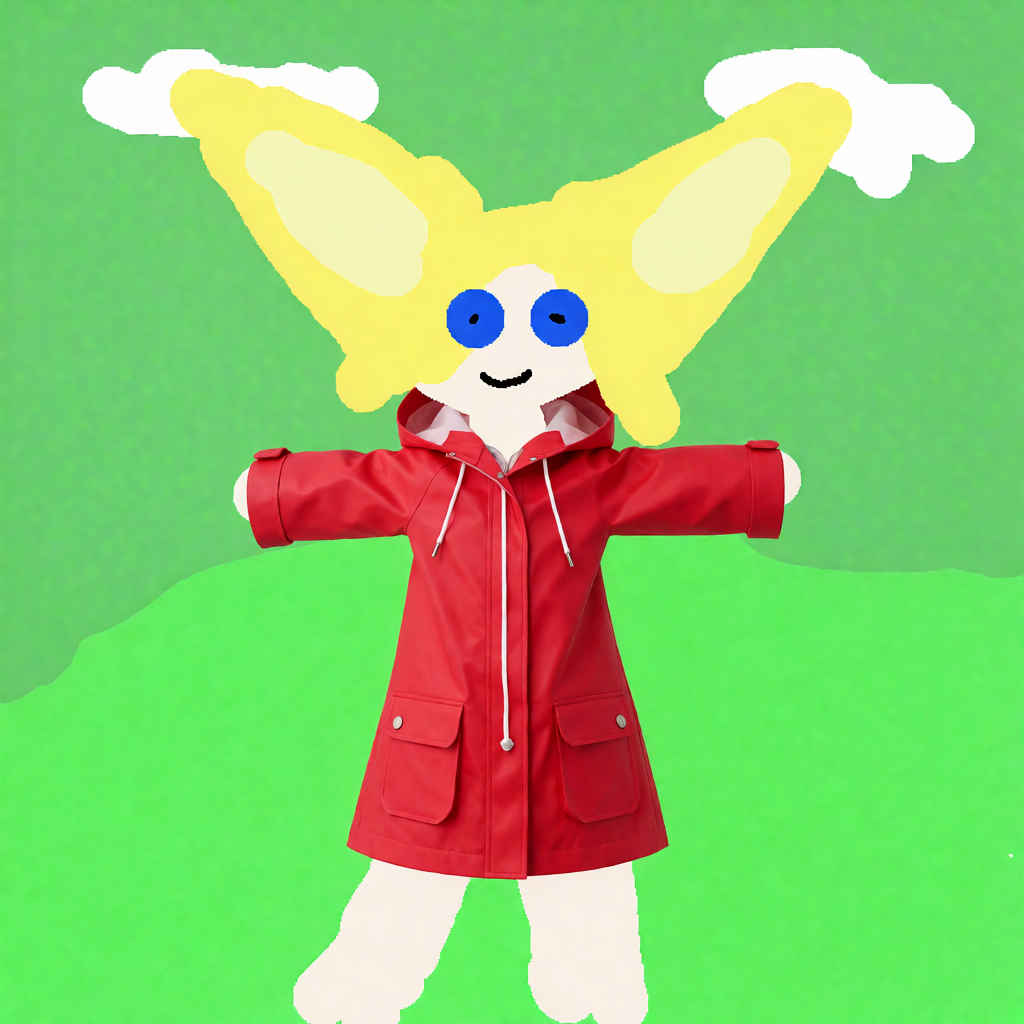
編集内容は平易な英語で記述してください: 'Relight the scene with warm golden hour sunlight.'(暖かいゴールデンアワーの太陽光でシーンを再ライティングする) 'Place this person at the cafe table, holding a coffee.'(この人物をカフェのテーブルに配置し、コーヒーを持たせる) 'Change her outfit to a red raincoat.'(彼女の服装を赤いレインコートに変更する)
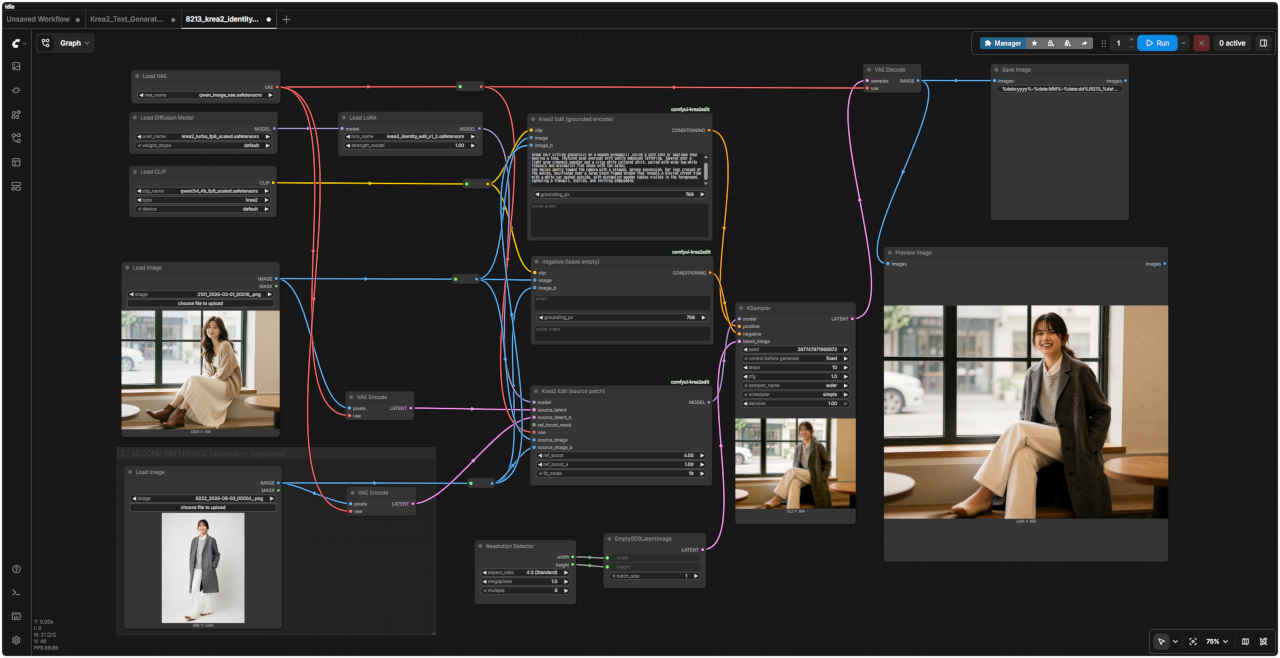
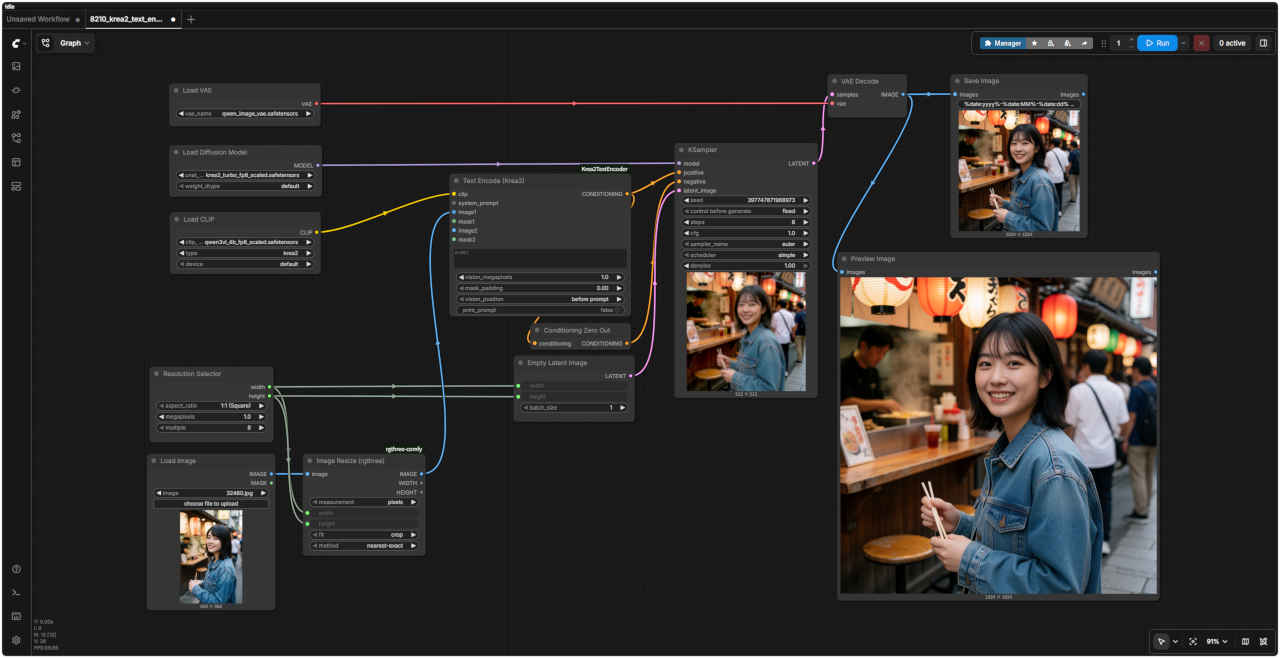
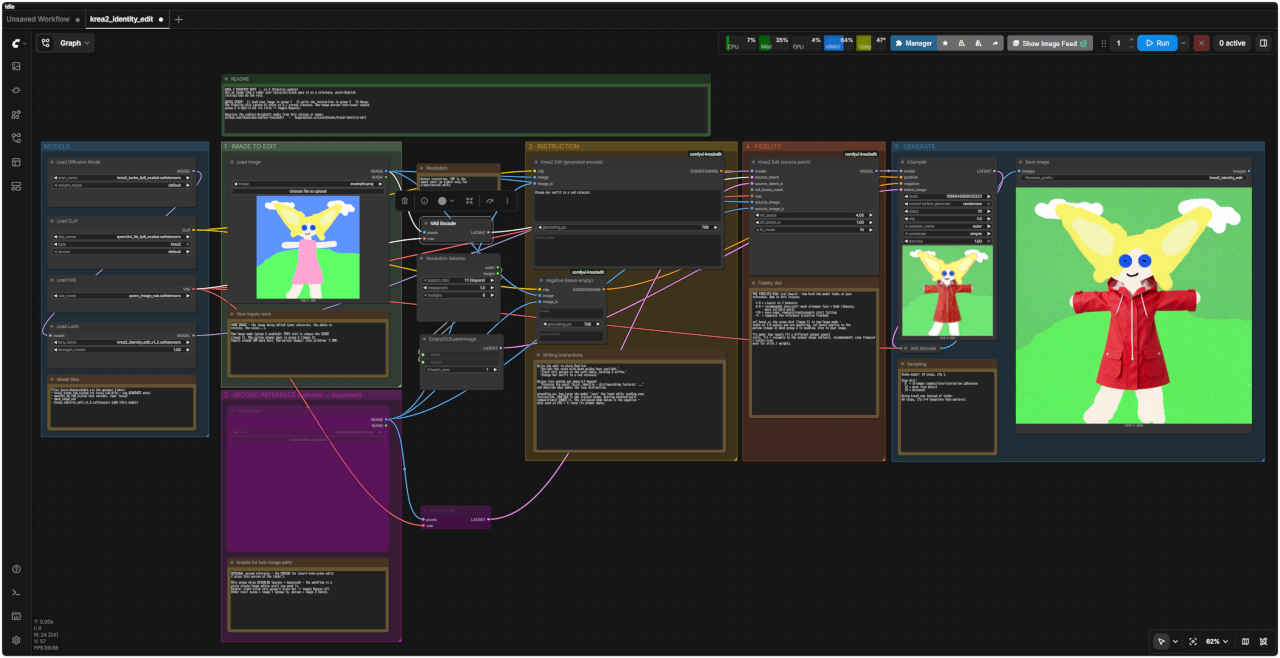
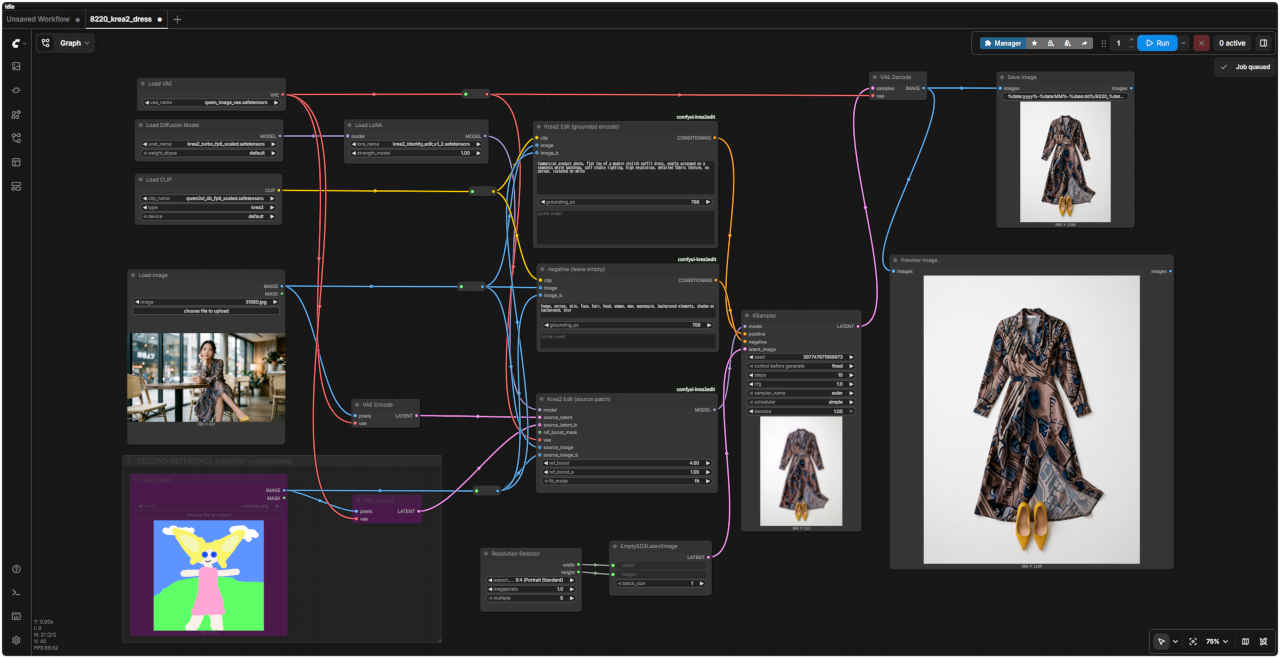
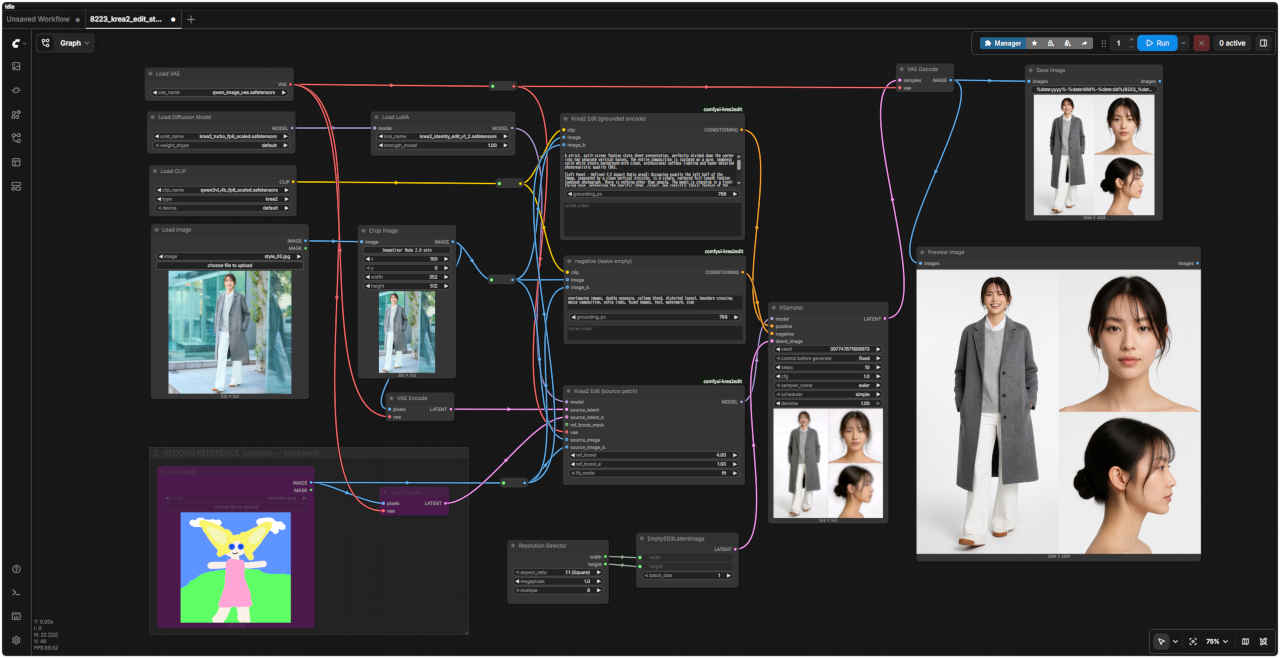
KREA 2 IDENTITY EDIT - v1.2 (Fidelity update) Use an image like a LoRA: your character/scene goes in as a reference, plain-English instructions do the rest.
QUICK START: 1) load your image in group 1 2) write the instruction in group 3 3) Queue. The Fidelity dial (group 4) ships at 4 = strong likeness. Two-image person-into-scene: enable group 2 (right-click its title -> toggle Bypass).
Requires the comfyui-krea2edit nodes from this release or newer. github.com/lbouaraba/comfyui-krea2edit - huggingface.co/conradlocke/krea2-identity-edit
Model files
Files (auto-downloadable via the manager links): - krea2_turbo_fp8_scaled (or krea2_raw_bf16 - see GENERATE note) - qwen3vl_4b_fp8_scaled text encoder, type 'krea2' - qwen_image_vae - krea2_identity_edit_v1_2.safetensors LoRA (this model)
How Input work
YOUR IMAGE - the image being edited (your character, the photo to restyle, the scene...).
Two-image mode (group 2 enabled): THIS slot is always the SCENE (image 1). The person always goes in group 2 (image 2). Inputs around 1MP work best. Two-person images: stay at/below ~1.5MP.
Resolution
Output resolution. 1MP is the sweet spot; go higher only for single-person edits.
Enable for two-image-edit
OPTIONAL second reference - the PERSON for insert-into-scene edits ('place this person at the table').
This group ships DISABLED (purple = bypassed) - the workflow is a plain single-image editor until you need it. Enable: right-click this group's title bar -> toggle Bypass off. Order rule: scene = image 1 (group 1), person = image 2 (here).
Writing instruction
Write the edit in plain English: 'Relight the scene with warm golden hour sunlight.' 'Place this person at the cafe table, holding a coffee.' 'Change her outfit to a red raincoat.'
Unique face coming out generic? Append: 'Preserve the exact facial identity - distinguishing features: ...' and describe what makes the face distinctive.
grounding_px: how large the model 'sees' the input while reading your instruction. 384-768 is the trained range. Getting doubled/split compositions? LOWER it. The collapsed node below is the negative only used at CFG > 1; keep its prompt empty.
Fidelity dial
THE FIDELITY DIAL (ref_boost) - how hard the model looks at your reference. New in this release.
1.0 = classic v1.1 behavior 4.0 = recommended (pre-set): much stronger face + body likeness, more reliable edits >10 = over-copy: removals/replacements start failing <1 = suppress the reference (creative freedom) ref_boost_a: the scene dial (image 1) in two-image mode leave at 1.0 unless you are exploring. ref_boost applies to the person (image 2) when group 2 is enabled, else to your image.
fit_mode: how inputs fit a different output aspect ratio. fit = resample to the output shape (default, recommended); crop (legacy) = center-crop only for v1/v1.1 weights.
Sampling
Turbo model: 10 steps, cfg 1.
Step dial: 8 = stronger composition/instruction adherence 12 = more face detail 10 = balanced
Using krea2_raw instead of turbo: 40 steps, cfg 3-4 (negative then matters).
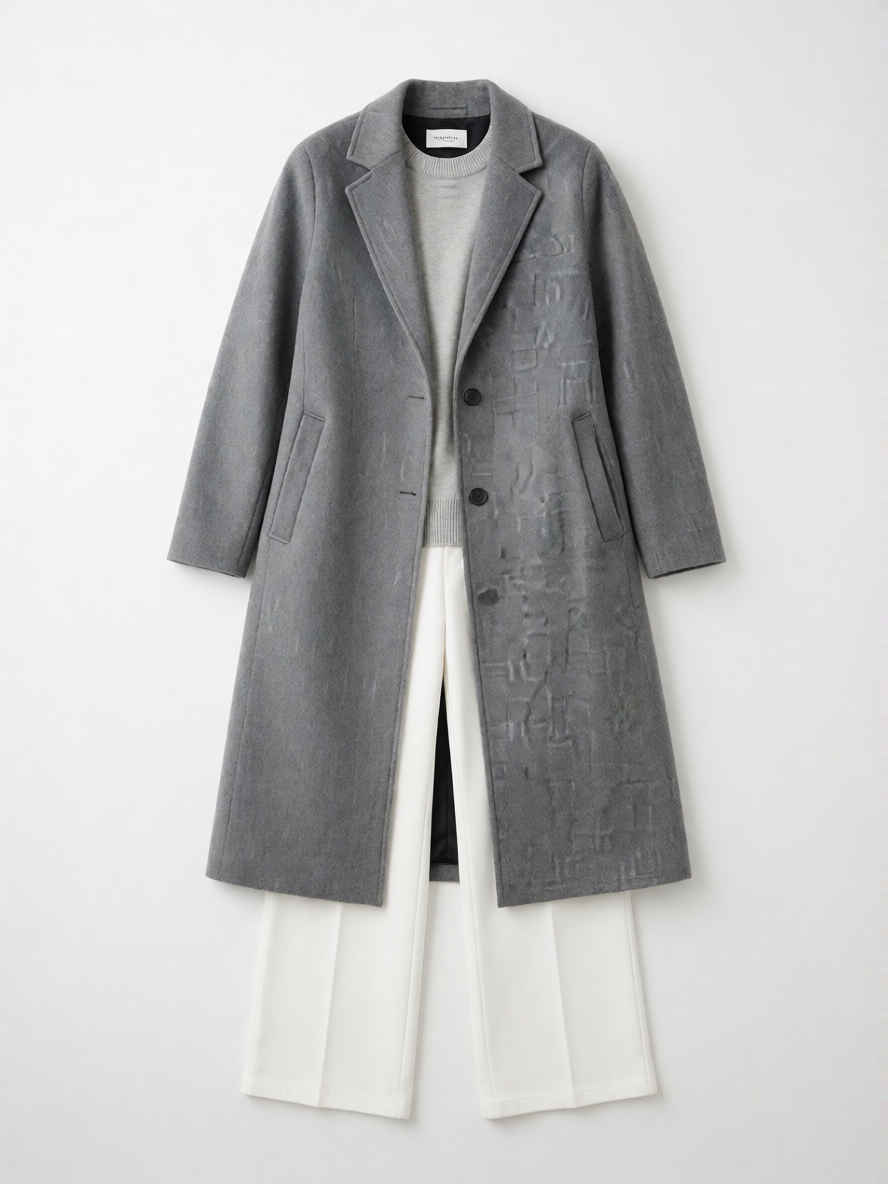
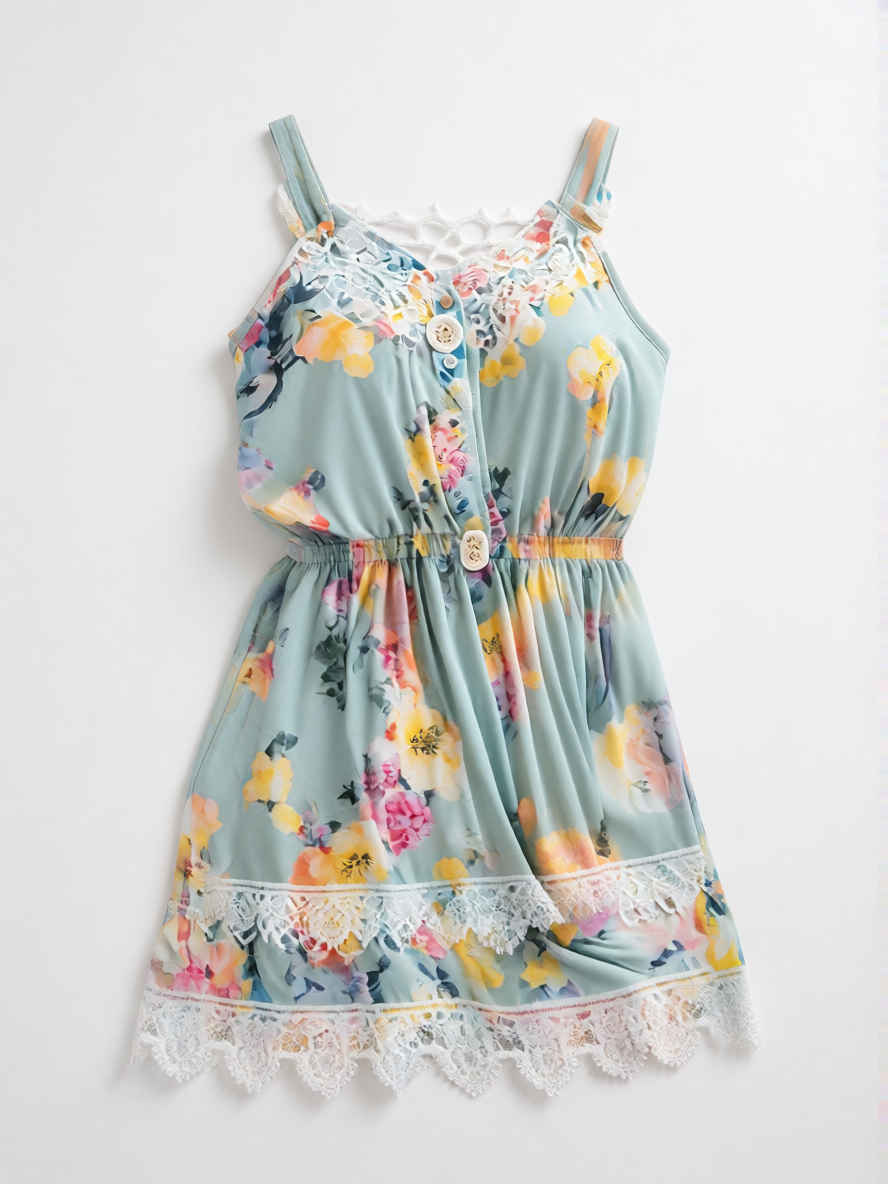
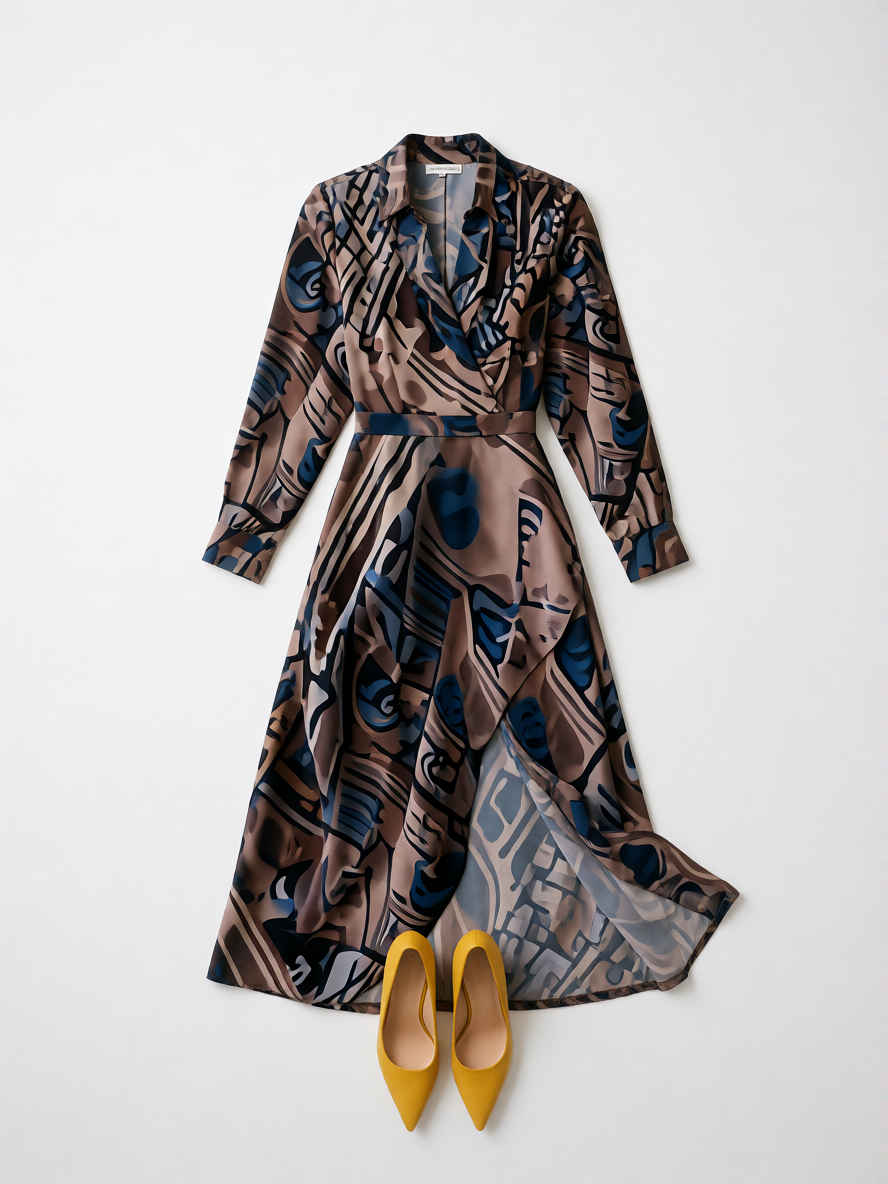
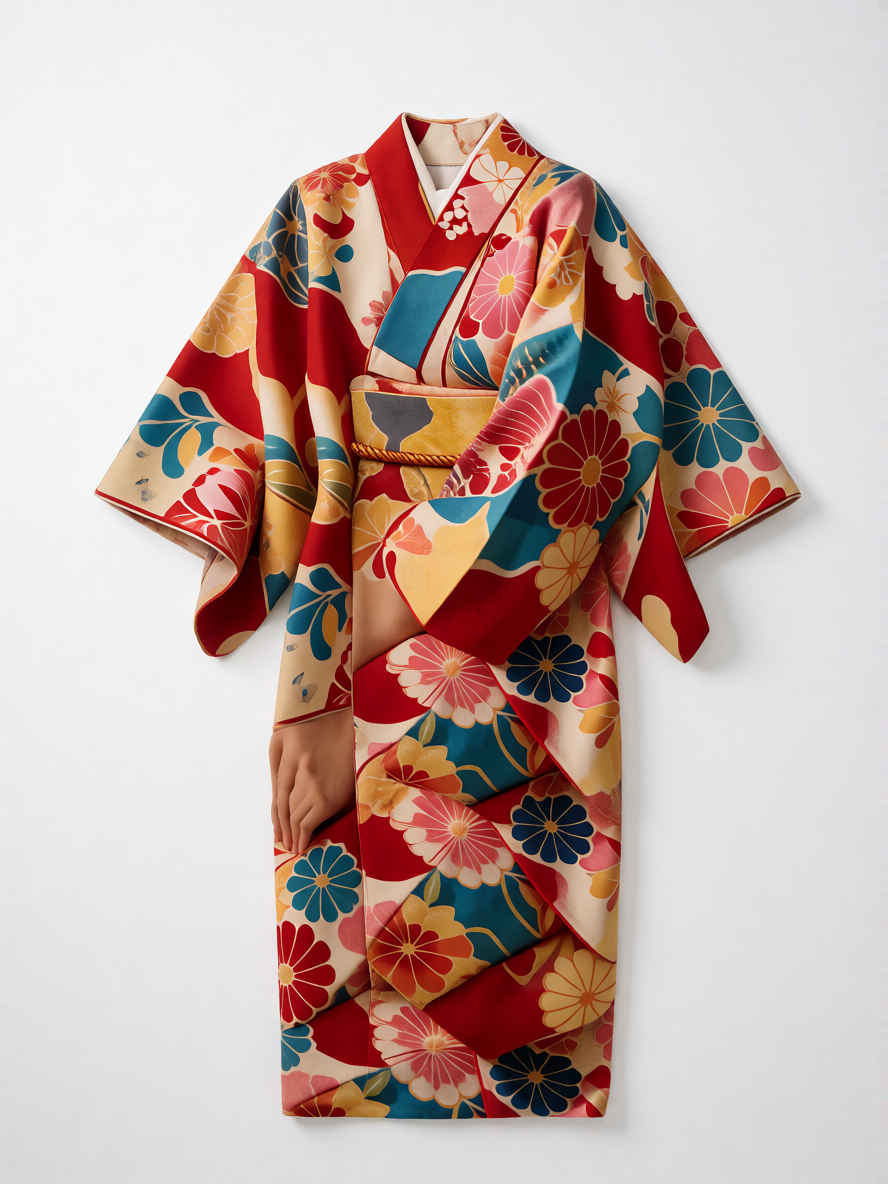
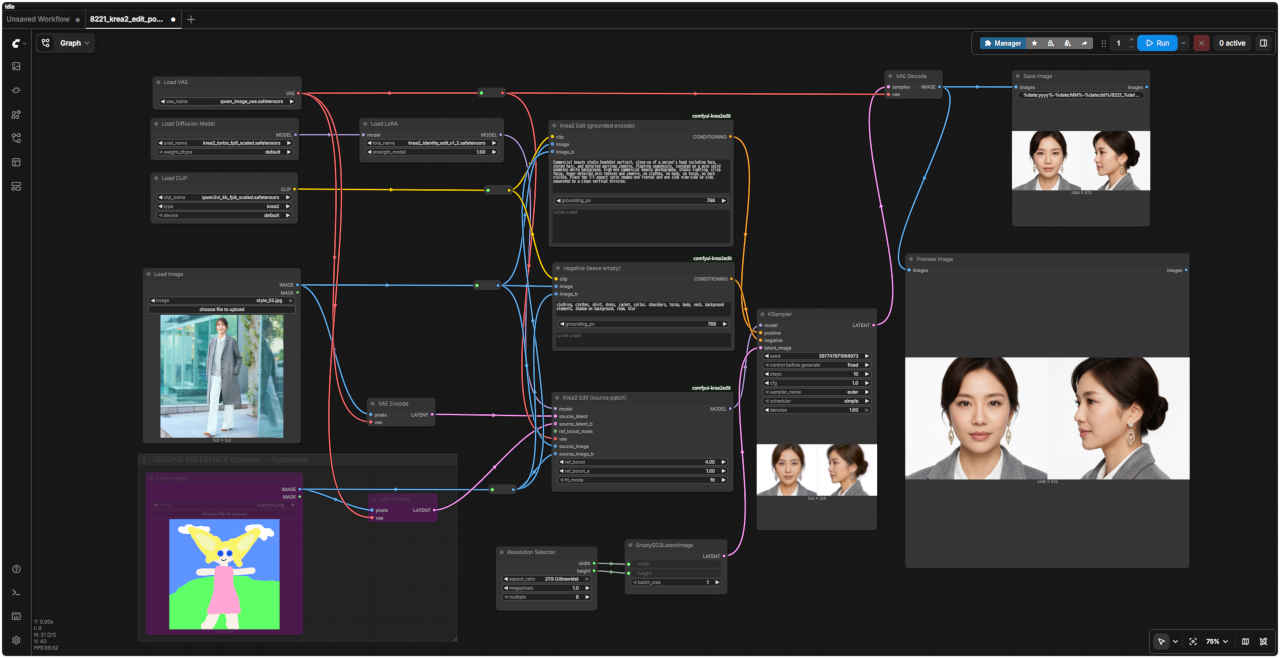
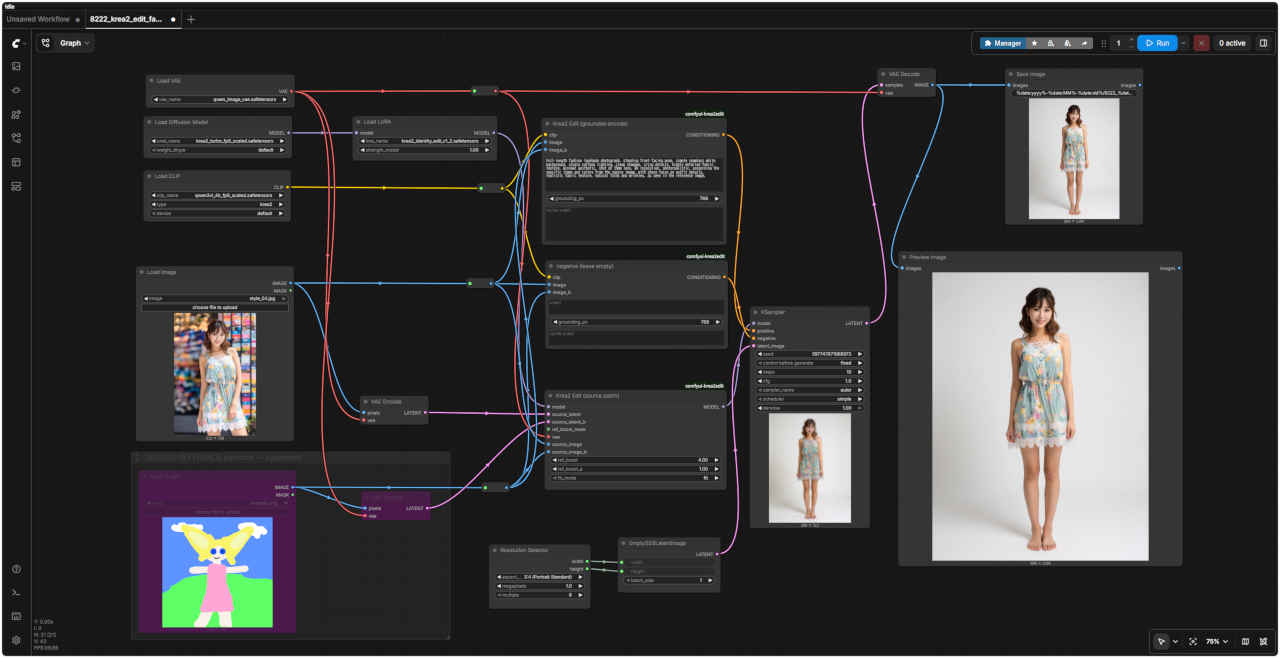
Commercial product photo, flat lay of a modern stylish outfit dress, neatly arranged on a seamless white backdrop, soft studio lighting, high resolution, detailed fabric texture, no person, isolated on white
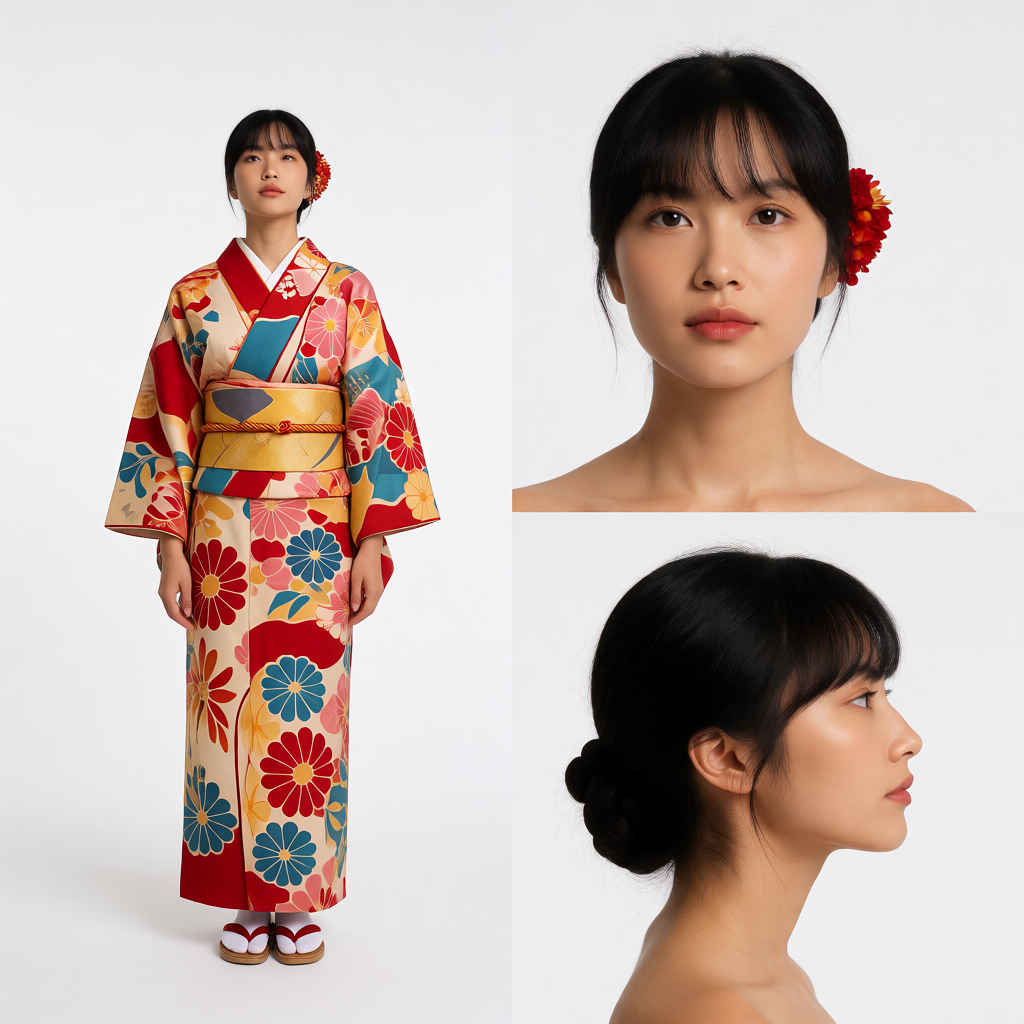
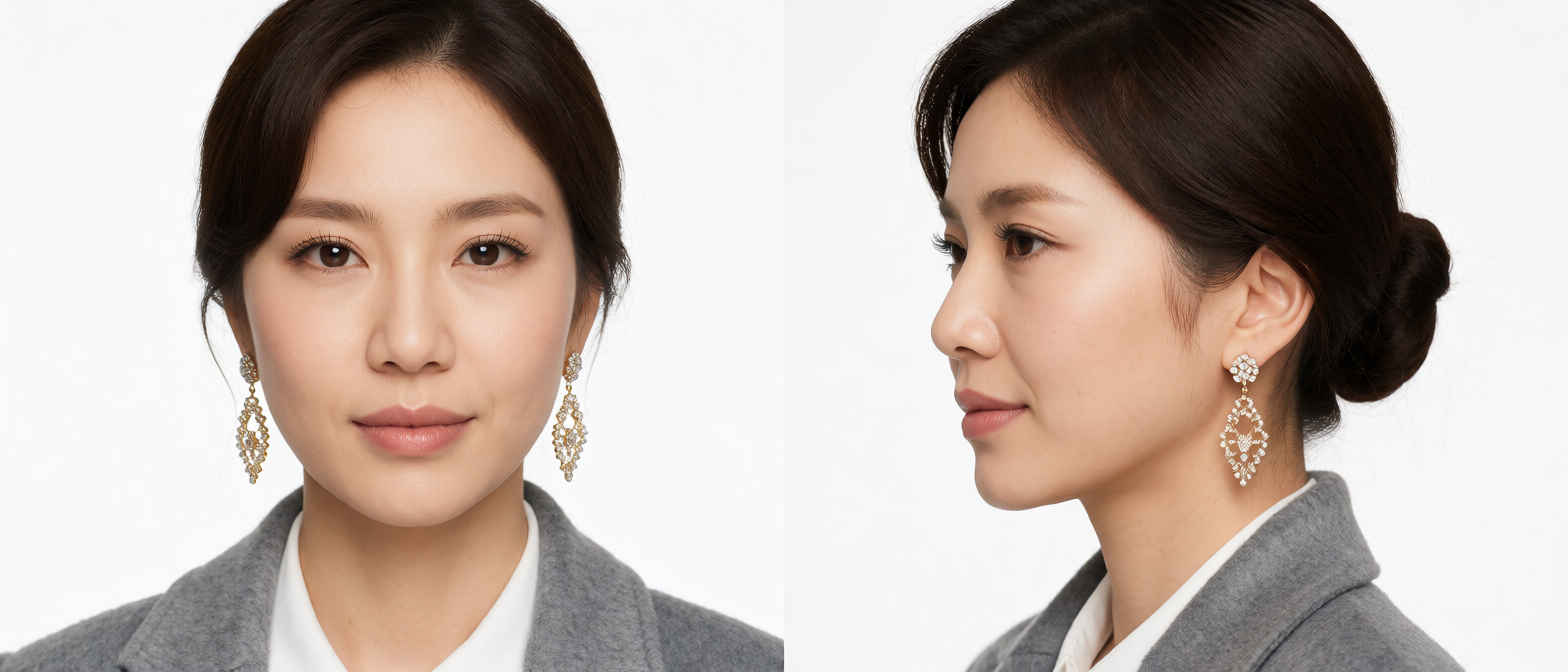
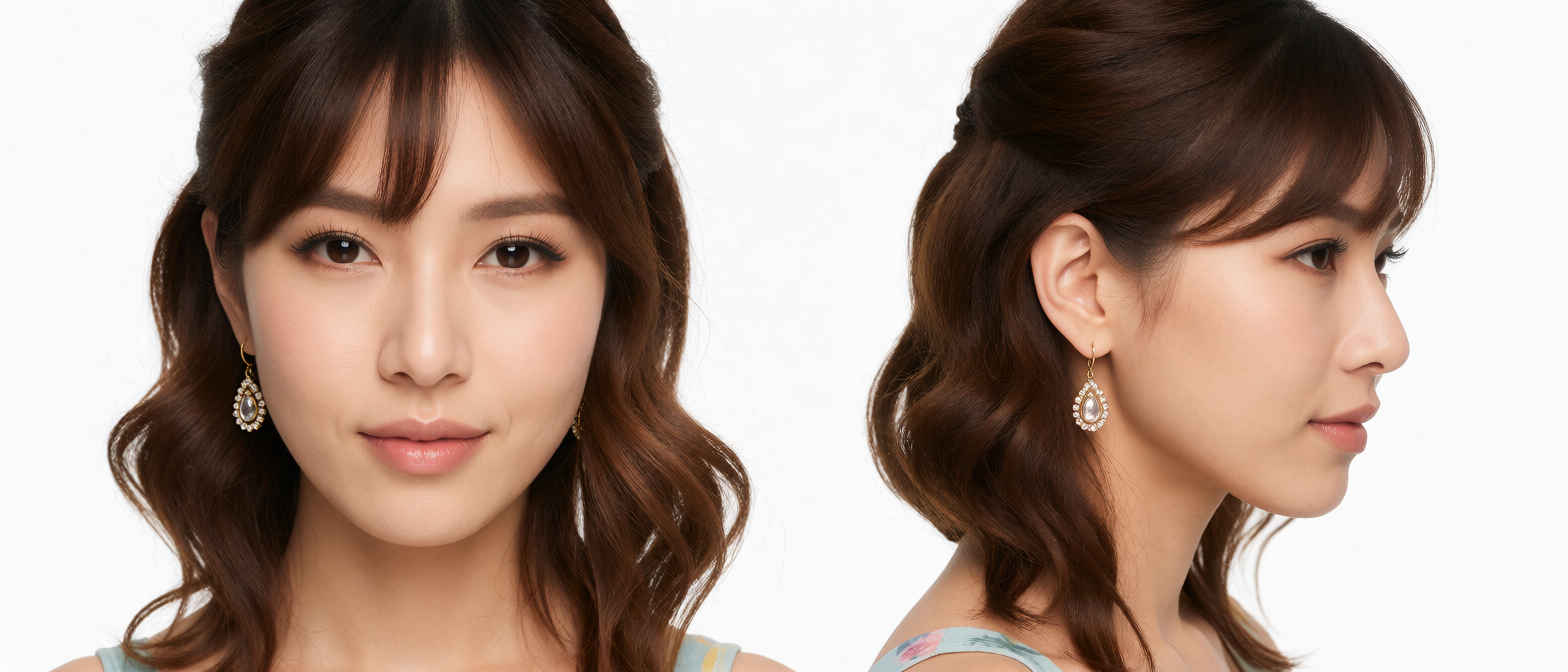
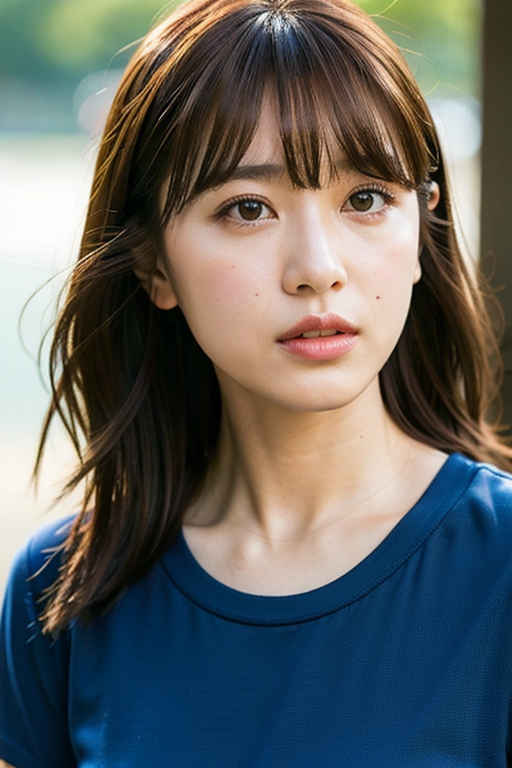
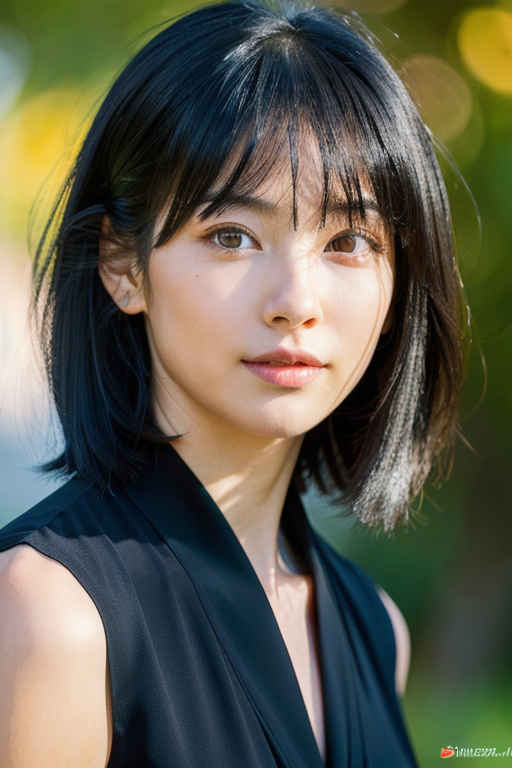
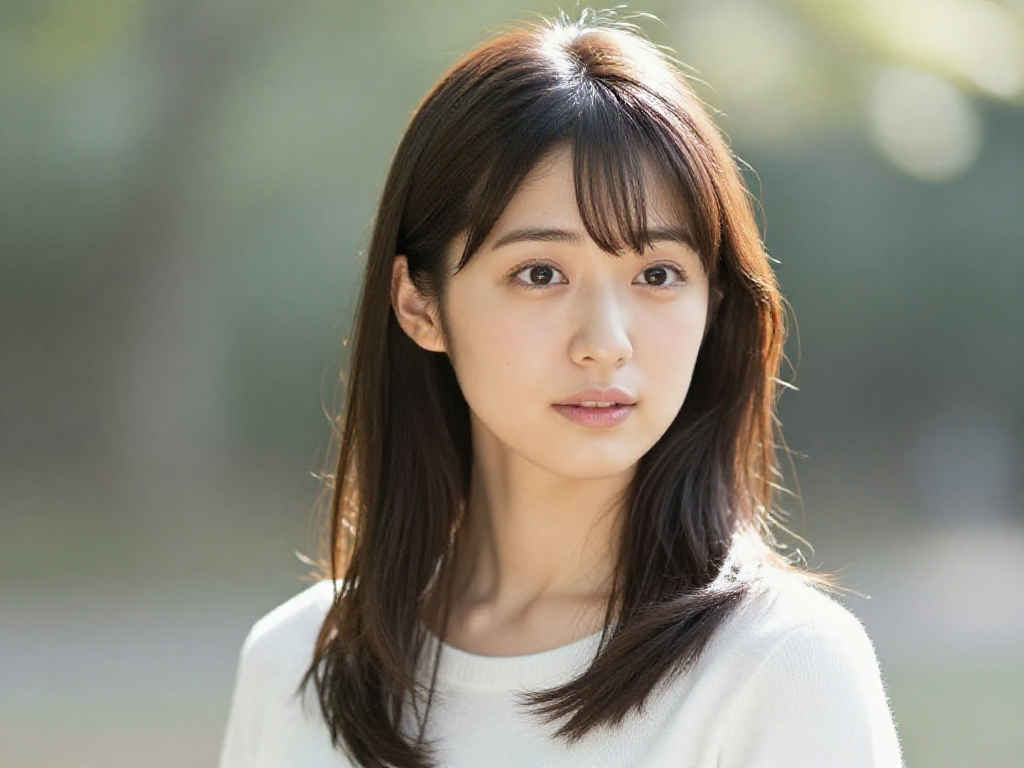
Commercial beauty studio headshot portrait, close-up of a person's head including face, styled hair, and detailed earrings jewelry, floating seamlessly, isolated on a pure solid seamless white background, high-end commercial beauty photography, studio lighting, crisp focus, hyper-detailed skin texture and jewelry, no clothes, no body, no torso, no neck visible. Place two 1:1 aspect ratio images—one frontal and one side view—side by side. separated by a clean vertical division.
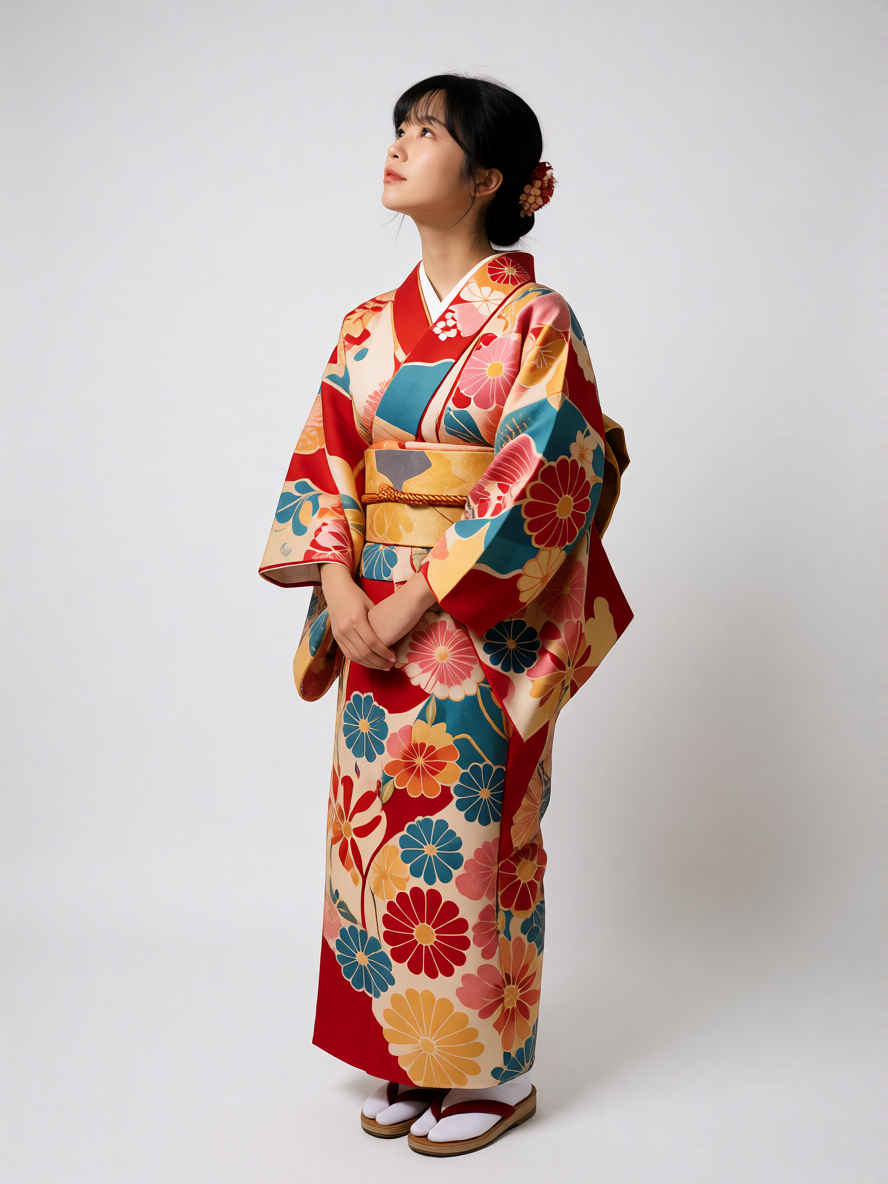
Full-length fashion lookbook photograph, standing front-facing pose, simple seamless white background, studio softbox lighting, clean shadows, crisp details, highly detailed fabric texture, minimal aesthetic, shot on 35mm lens, 8k resolution, photorealistic, preserving the specific items and colors from the source image, with sharp focus on outfit details, realistic fabric texture, natural folds and wrinkles, as seen in the reference image.
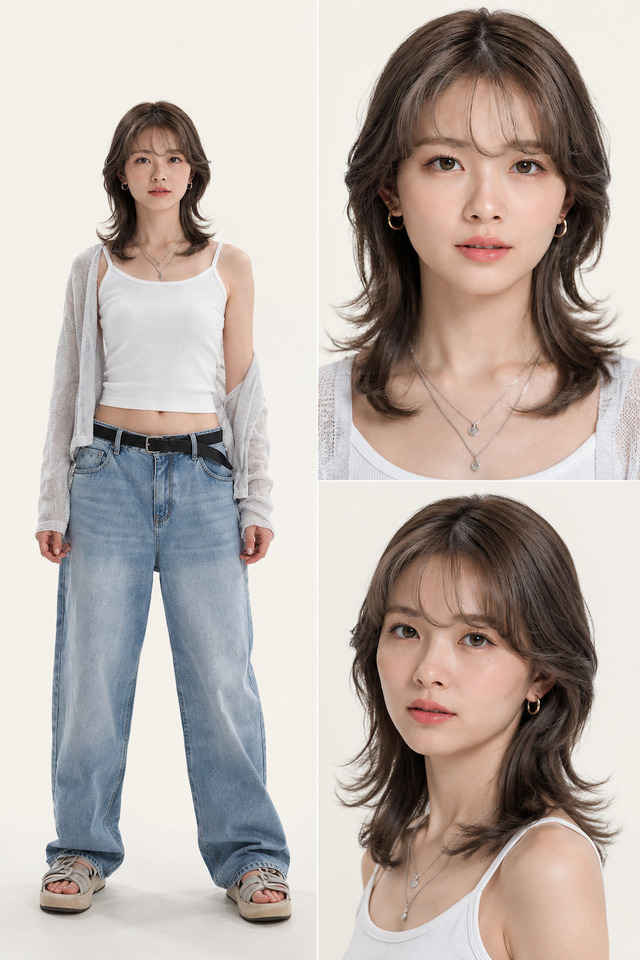
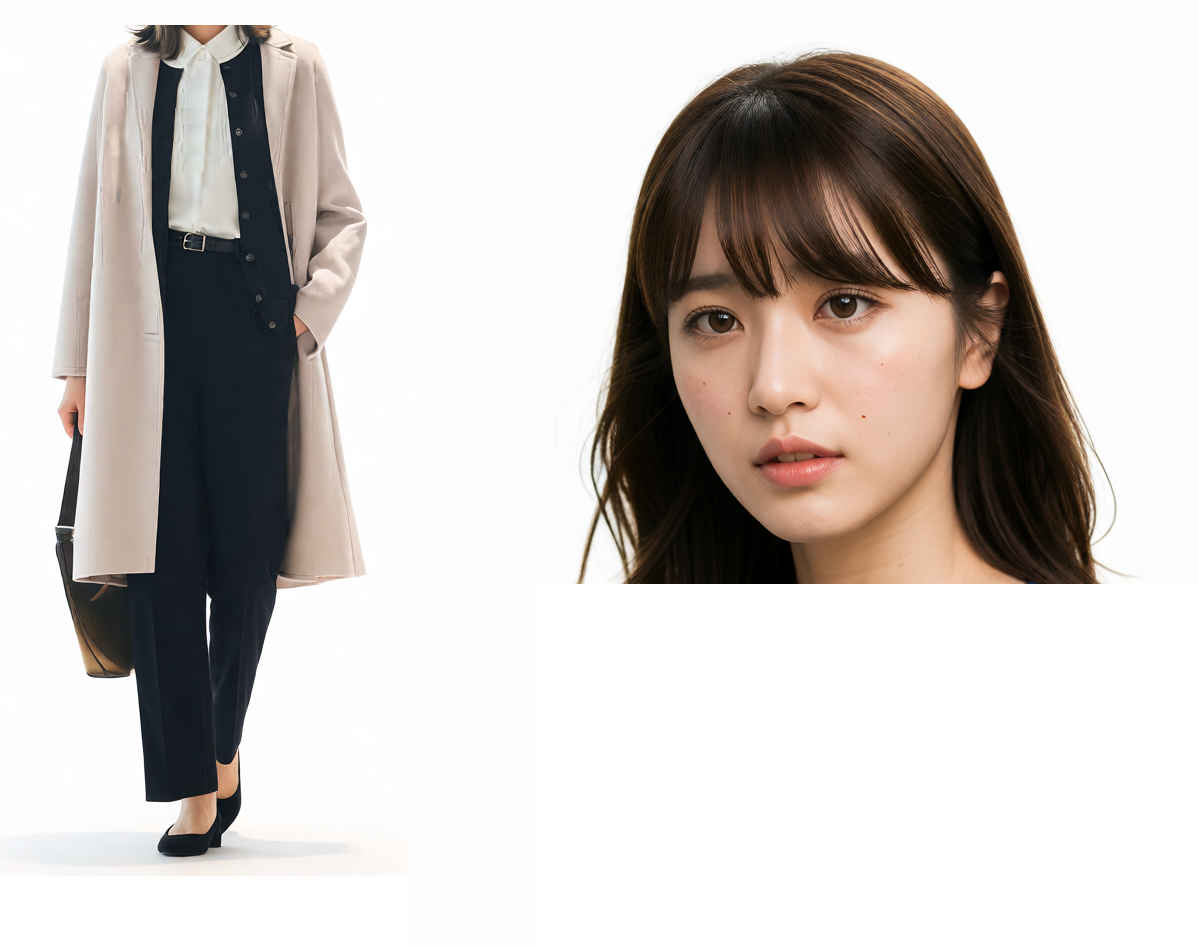
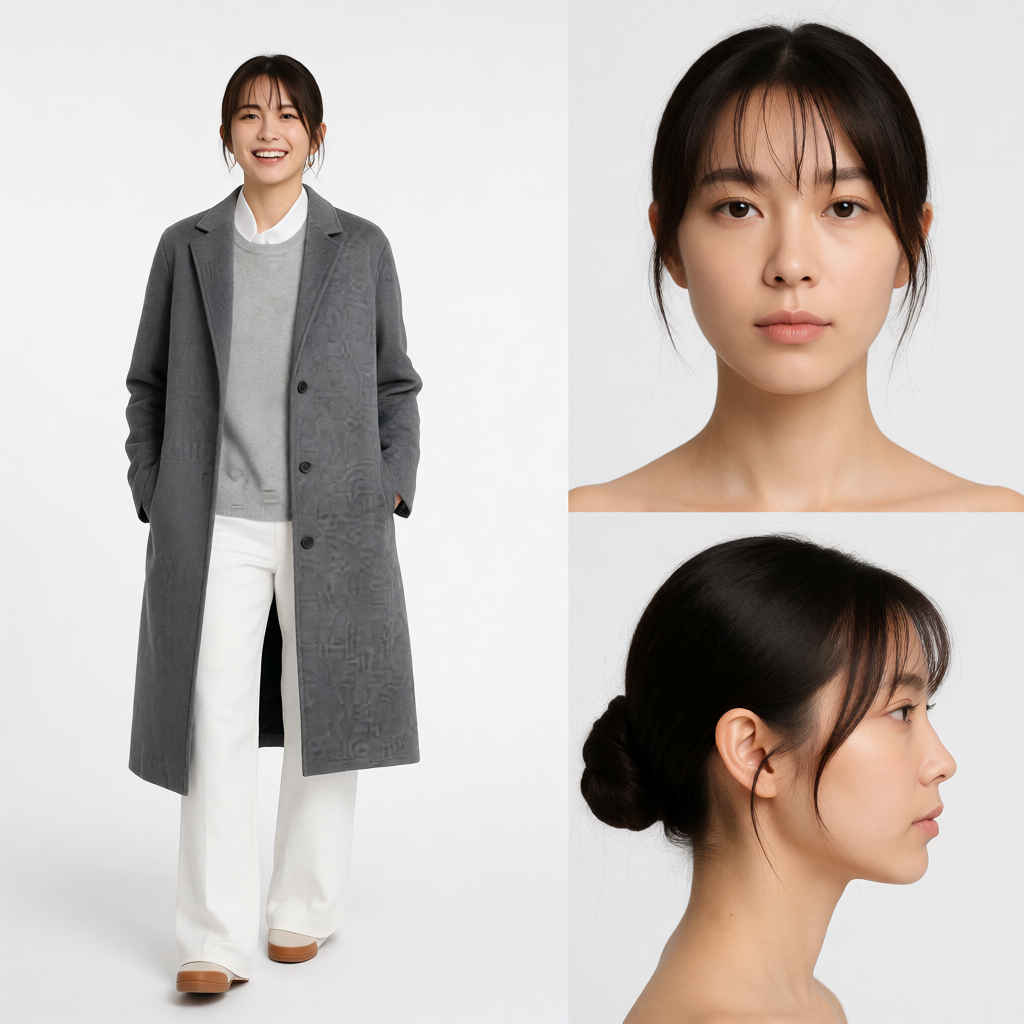
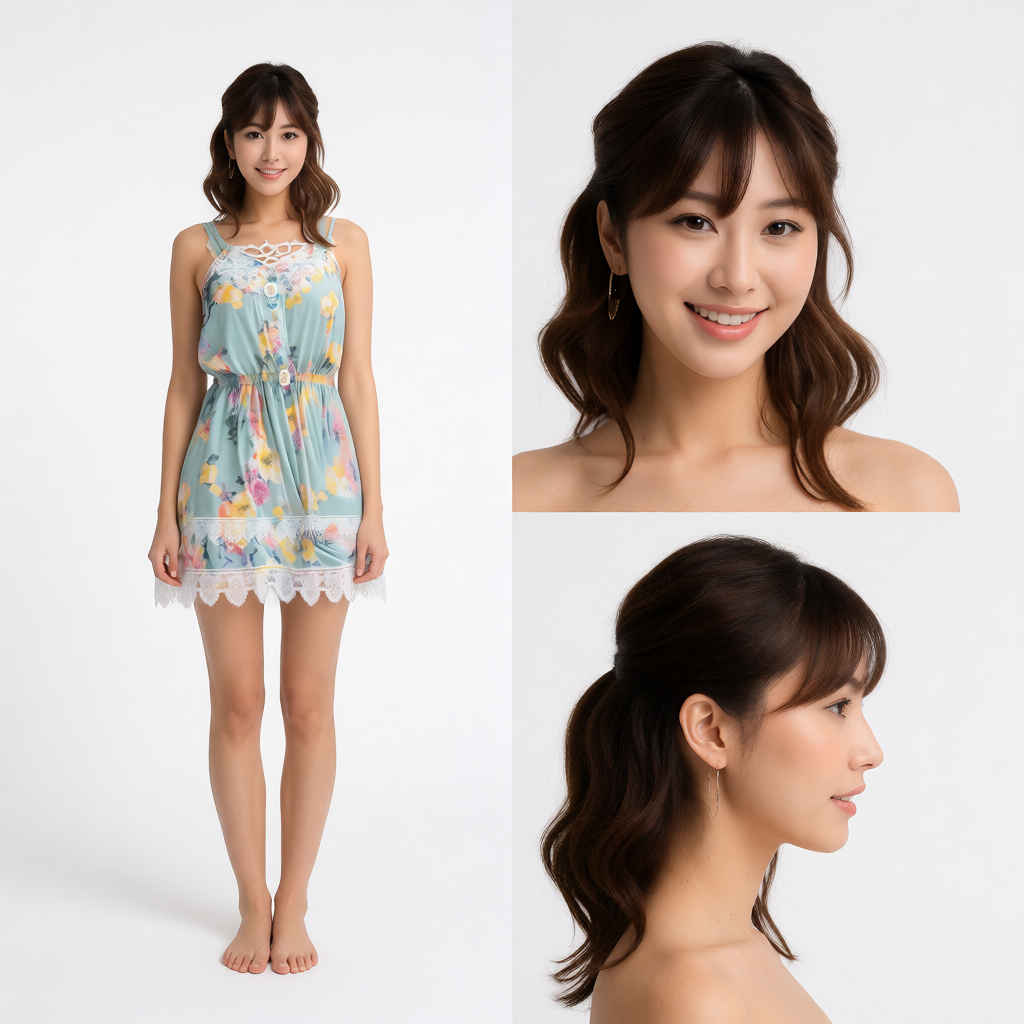
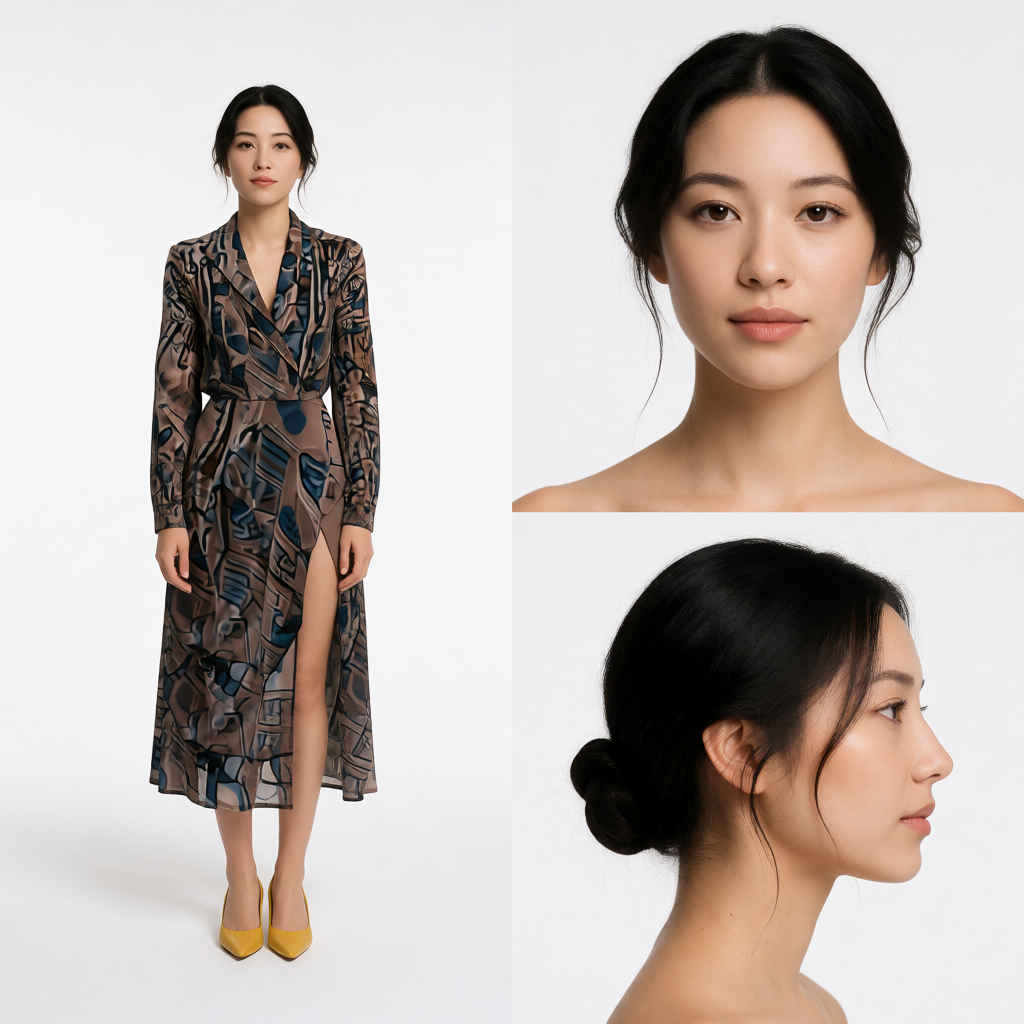
A strict, split-screen fashion style sheet presentation, perfectly divided down the center into two separate vertical halves. The entire composition is isolated on a pure, seamless solid white studio background with clean, professional softbox lighting and hyper-detailed photorealistic quality (8k).
[Left Panel - Defined 1:2 Aspect Ratio area]: Occupying exactly the left half of the image, separated by a clean vertical division, is a single, centered full-length fashion lookbook photograph. There is nothing other than people. The model is standing in a front-facing pose, preserving the specific items, colors, and realistic fabric texture of the outfit from the reference image. Crisp focus, minimal aesthetic. Do not overlap with the right panel.
[Right Panel - Vertically stacked 1:1 Images]: Occupying exactly the right half are two vertically stacked, close-up commercial beauty studio headshot portraits, completely separate from the left panel. The top 1:1 image shows the model’s head (frontal view). The bottom 1:1 image shows the identical model’s head (side profile view). Both portraits are only of the head, isolated with no clothes, neck, or body visible.
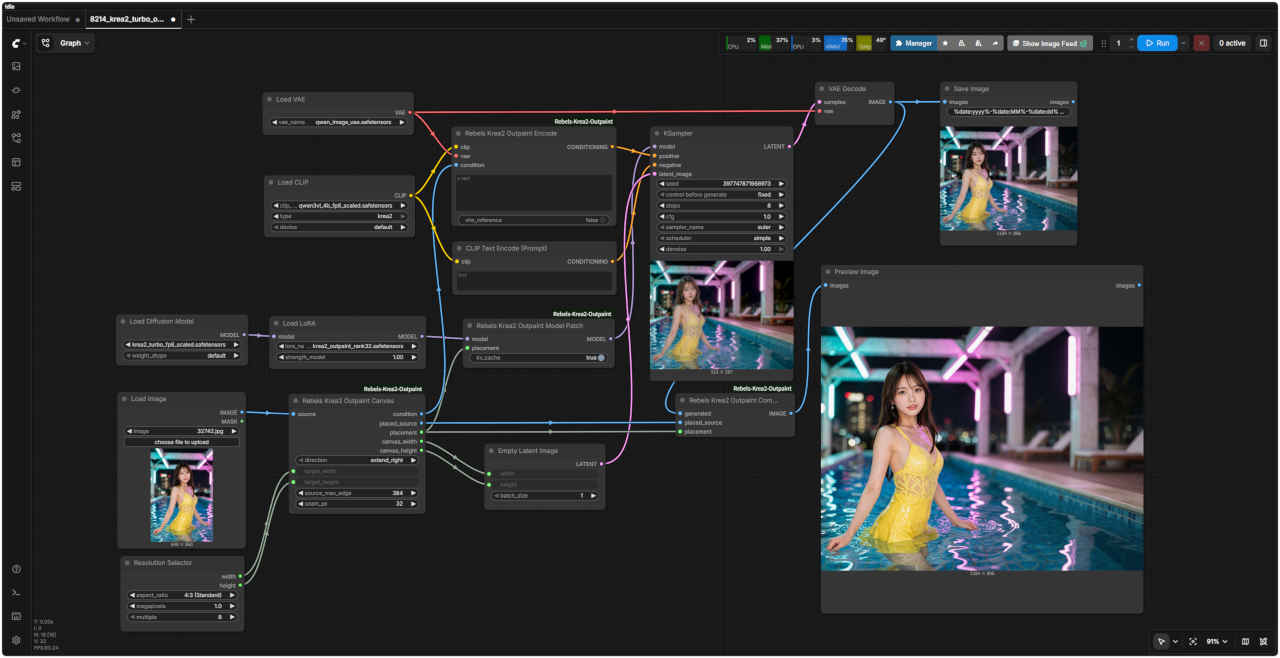
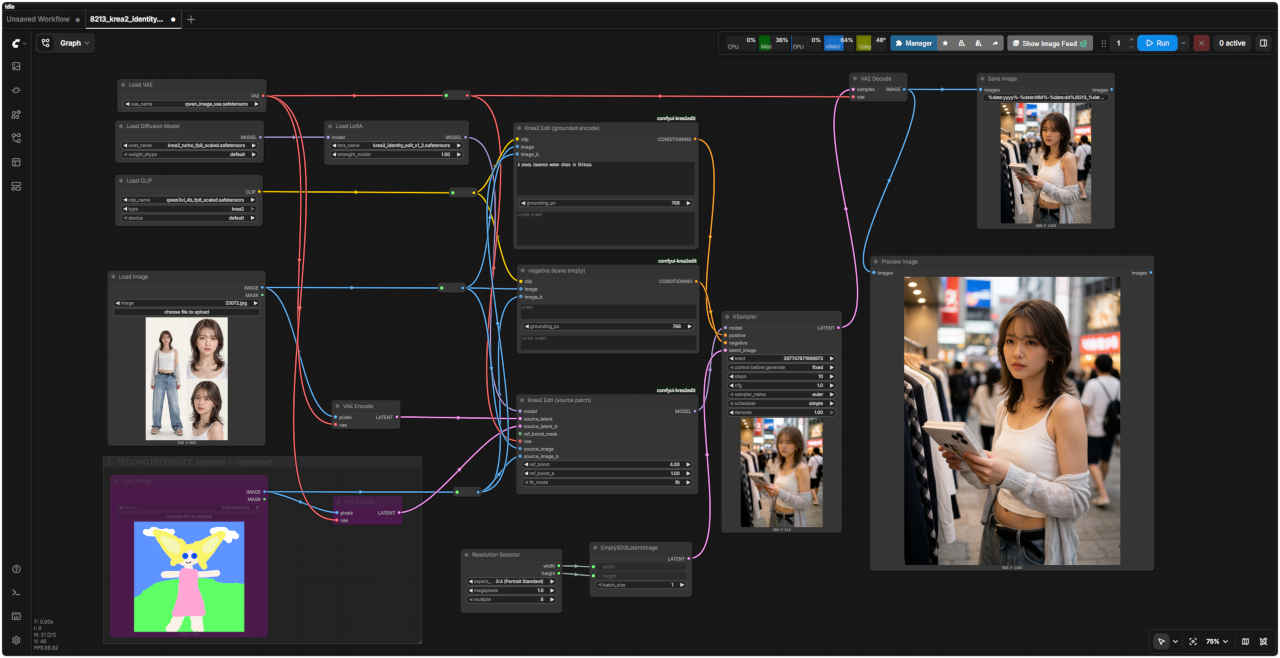
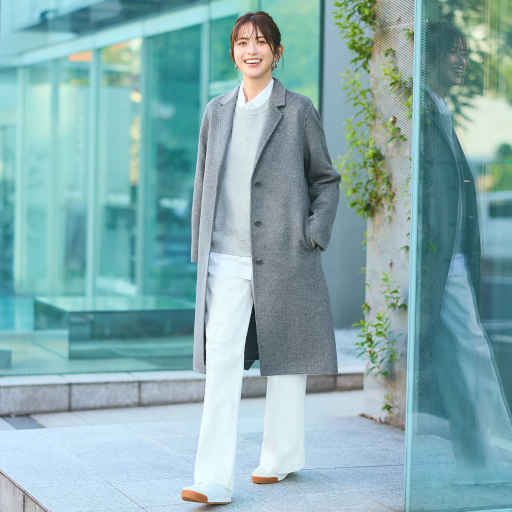
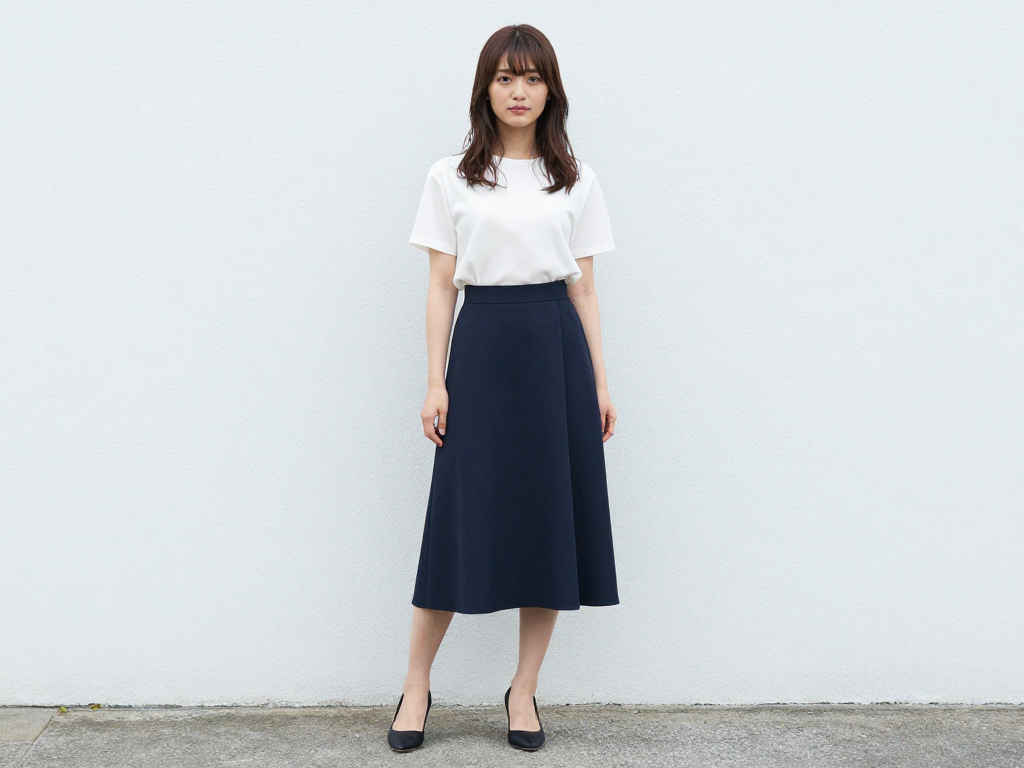
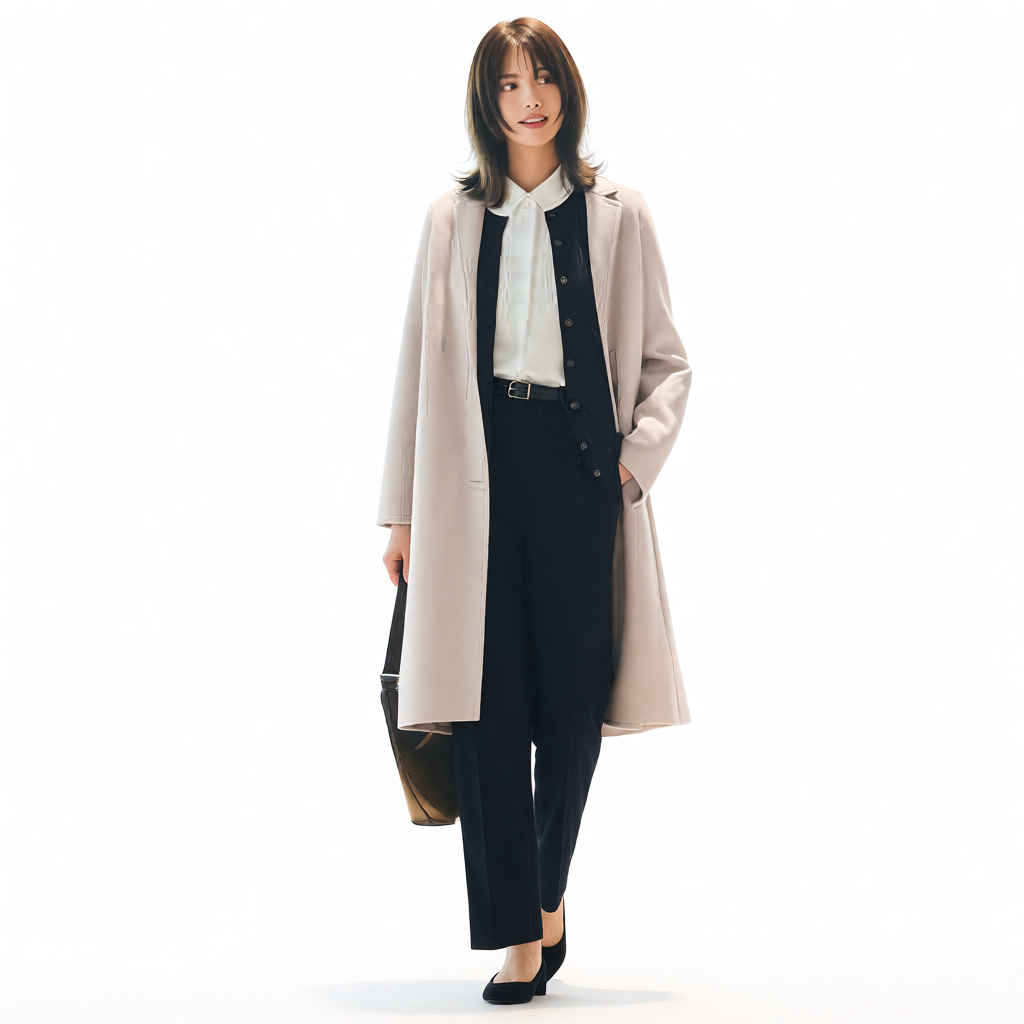
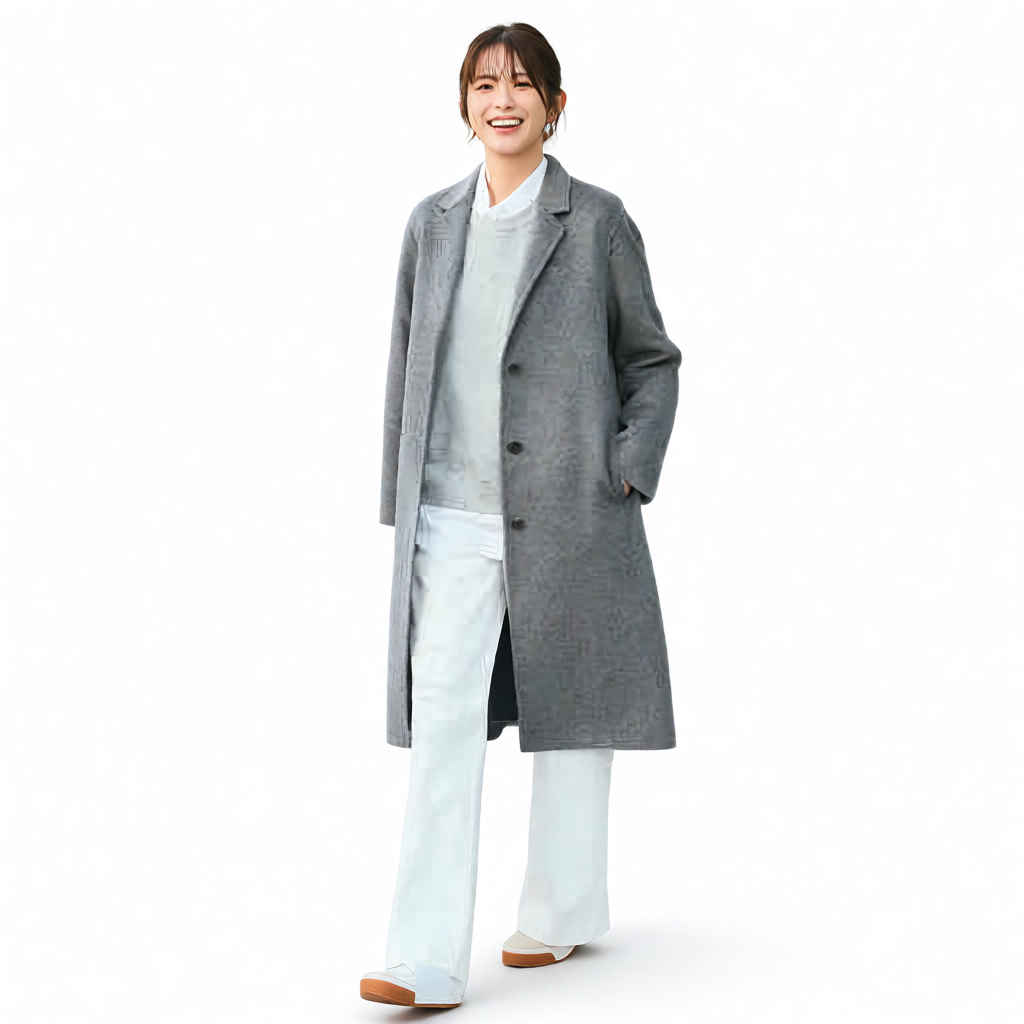
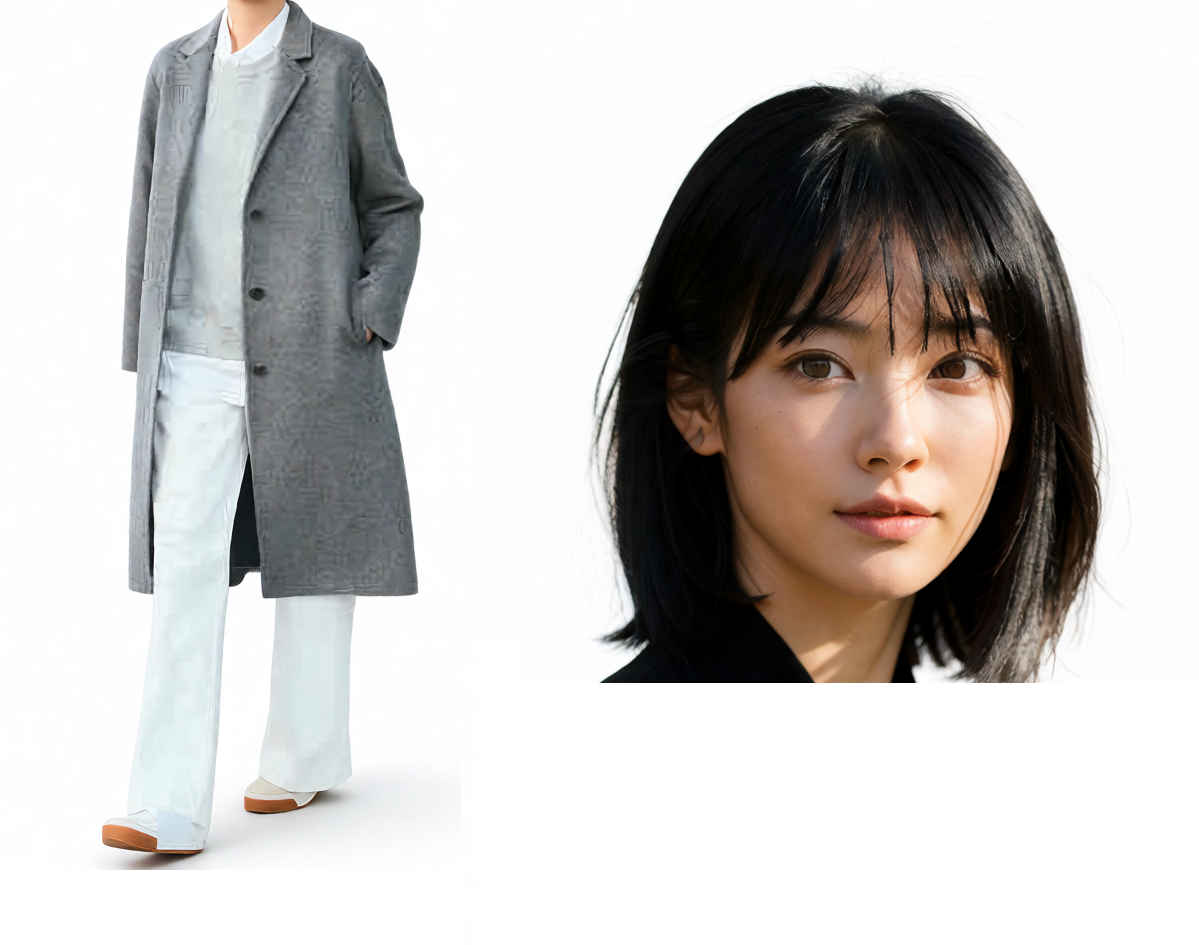
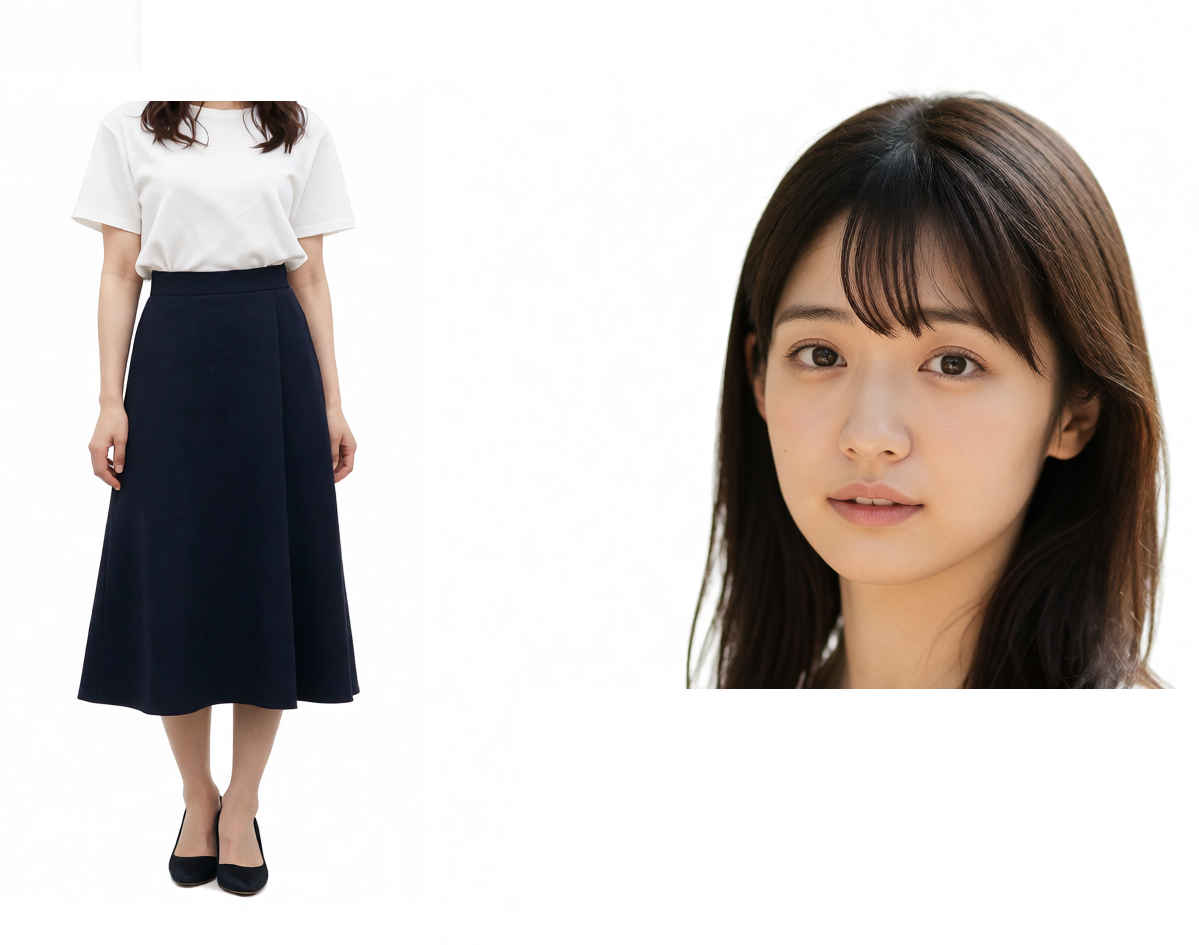
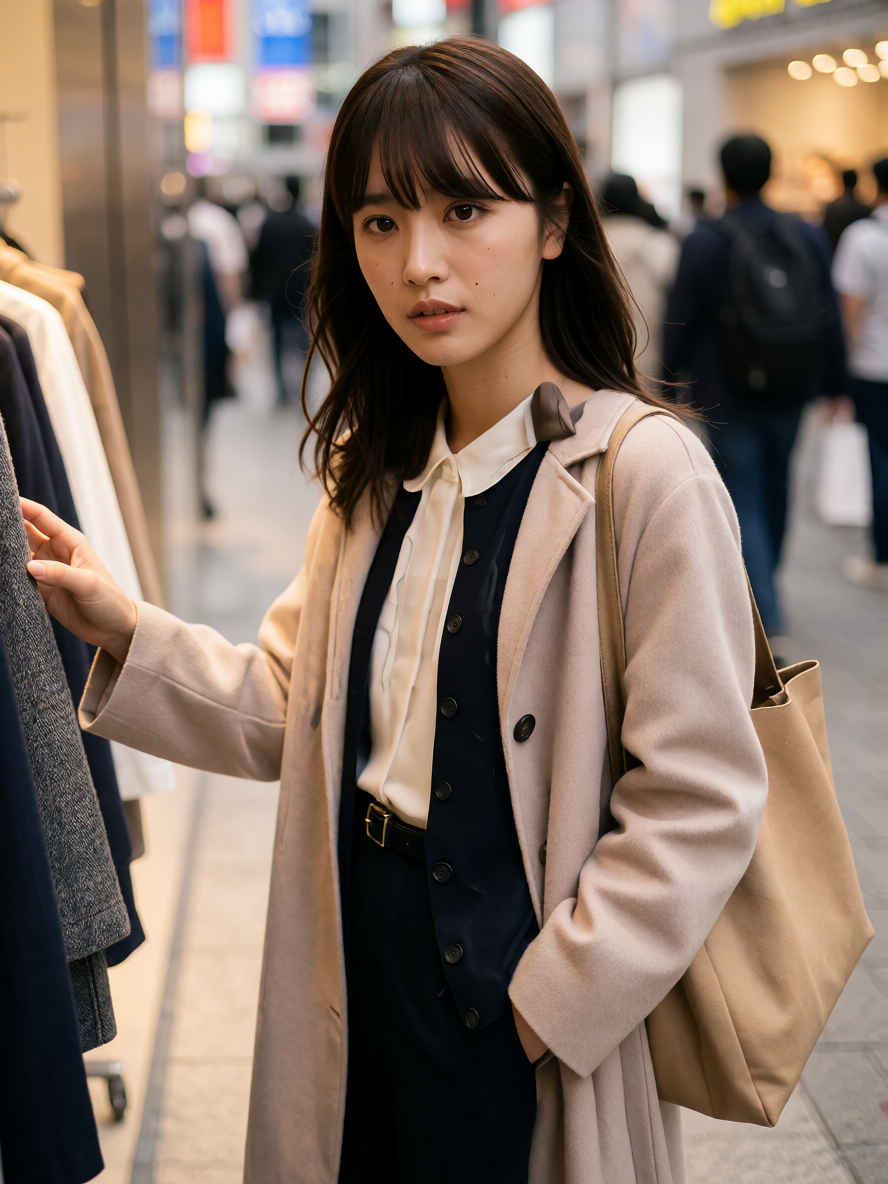
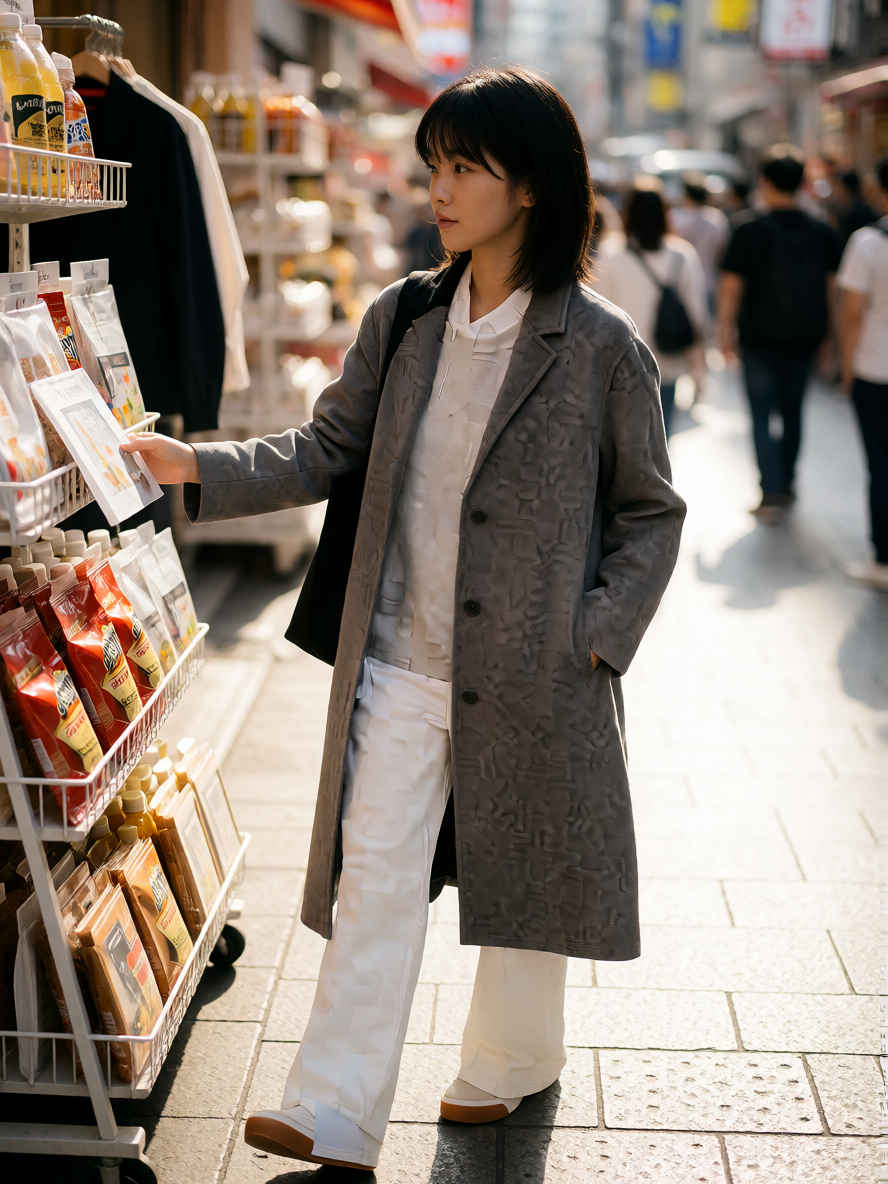
入力画像によりレイアウトが崩れる場合 Clip Image を有効に x, y, width, height ① 160, 0,352,512 ② disable ③ 320, 0,340,437
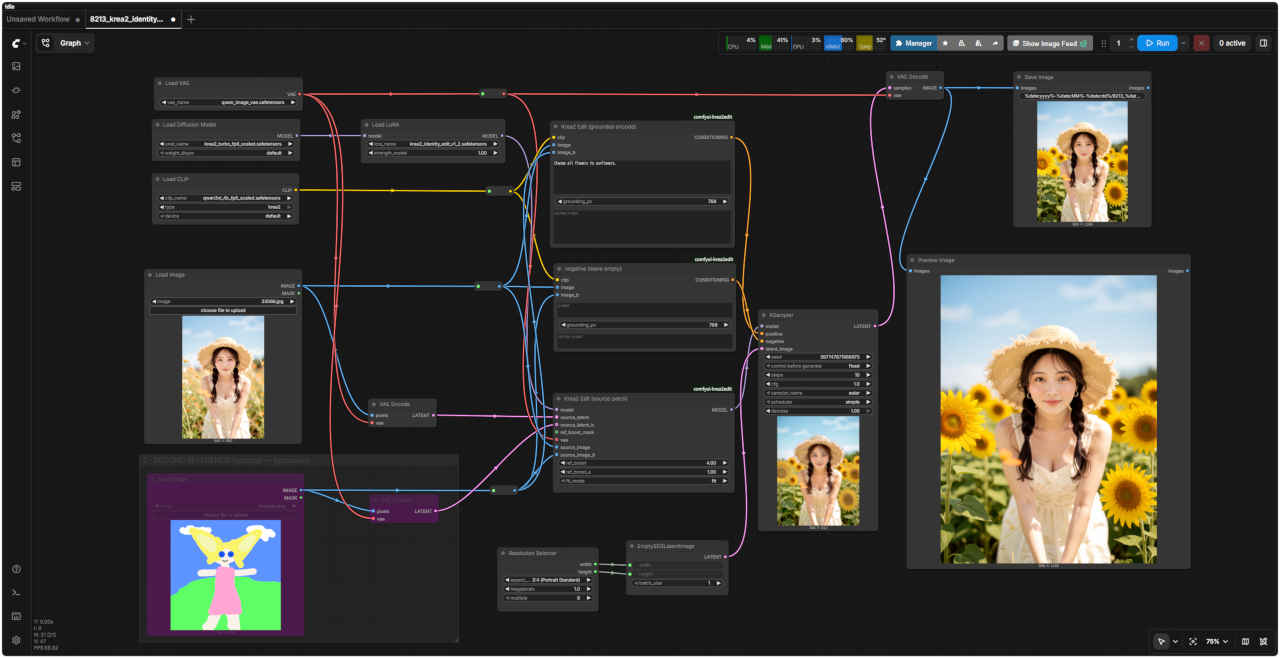
ワークフロー:8213 + Clip Imag ノード + プロンプト/ネガティブ・プロンプト修正
生成したスタイルシートを使う1
入力パラメータ 縦横比:3:4
ワークフロー
「Krea/」8213_krea2_identity_edit.json
プロンプト
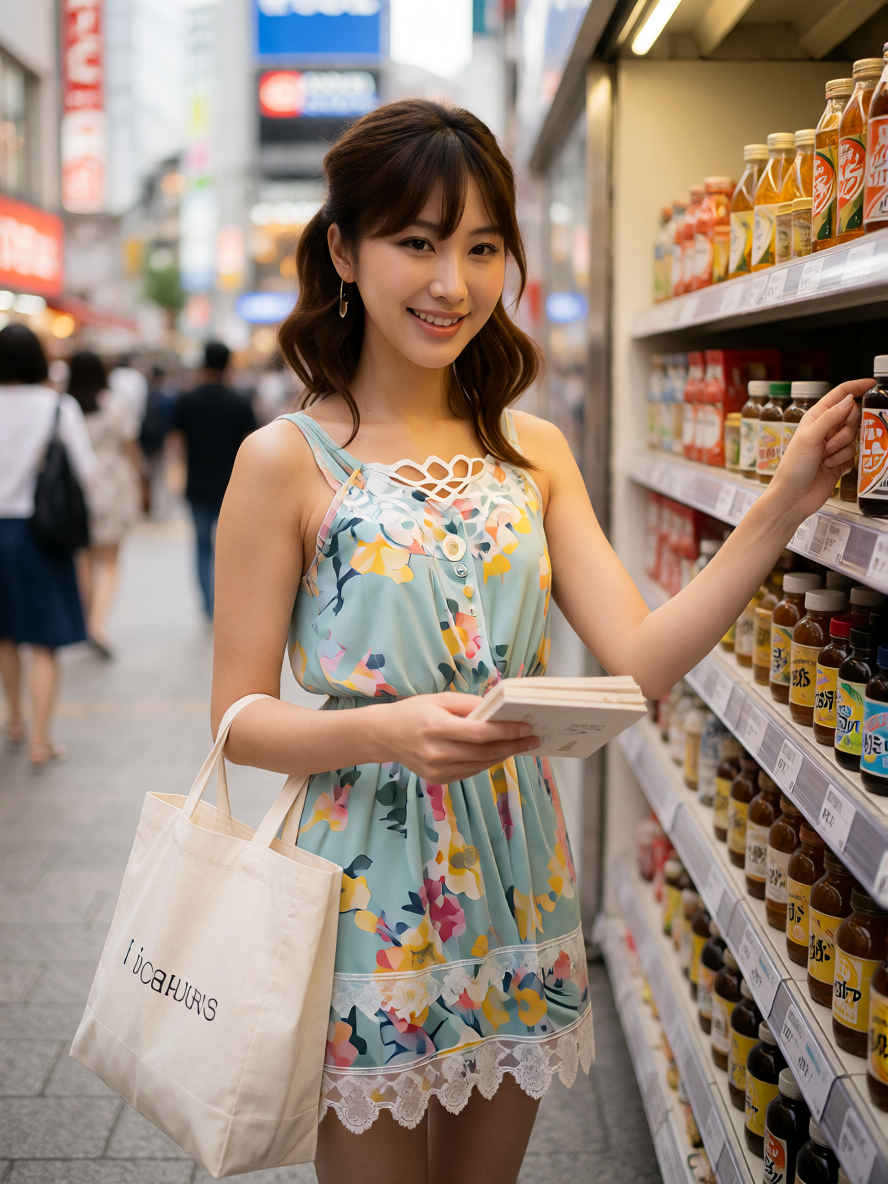
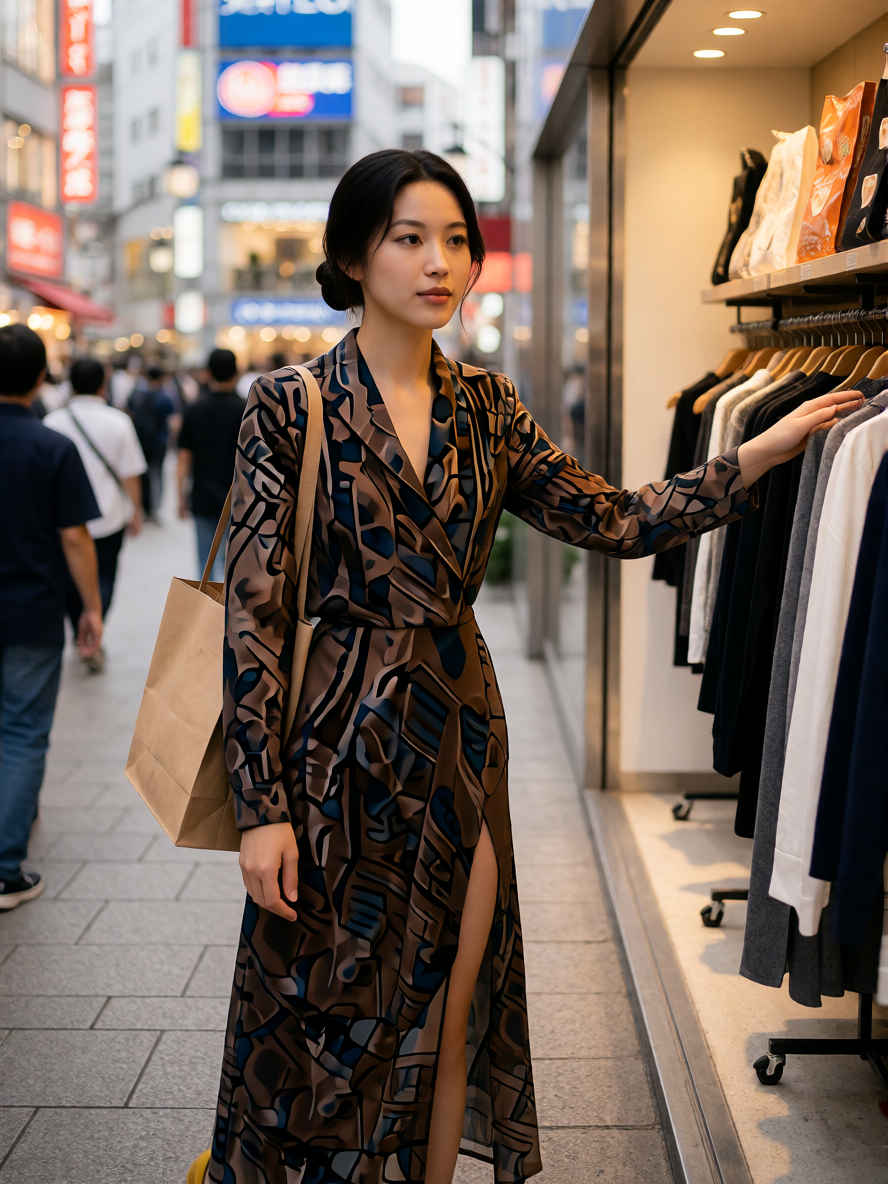
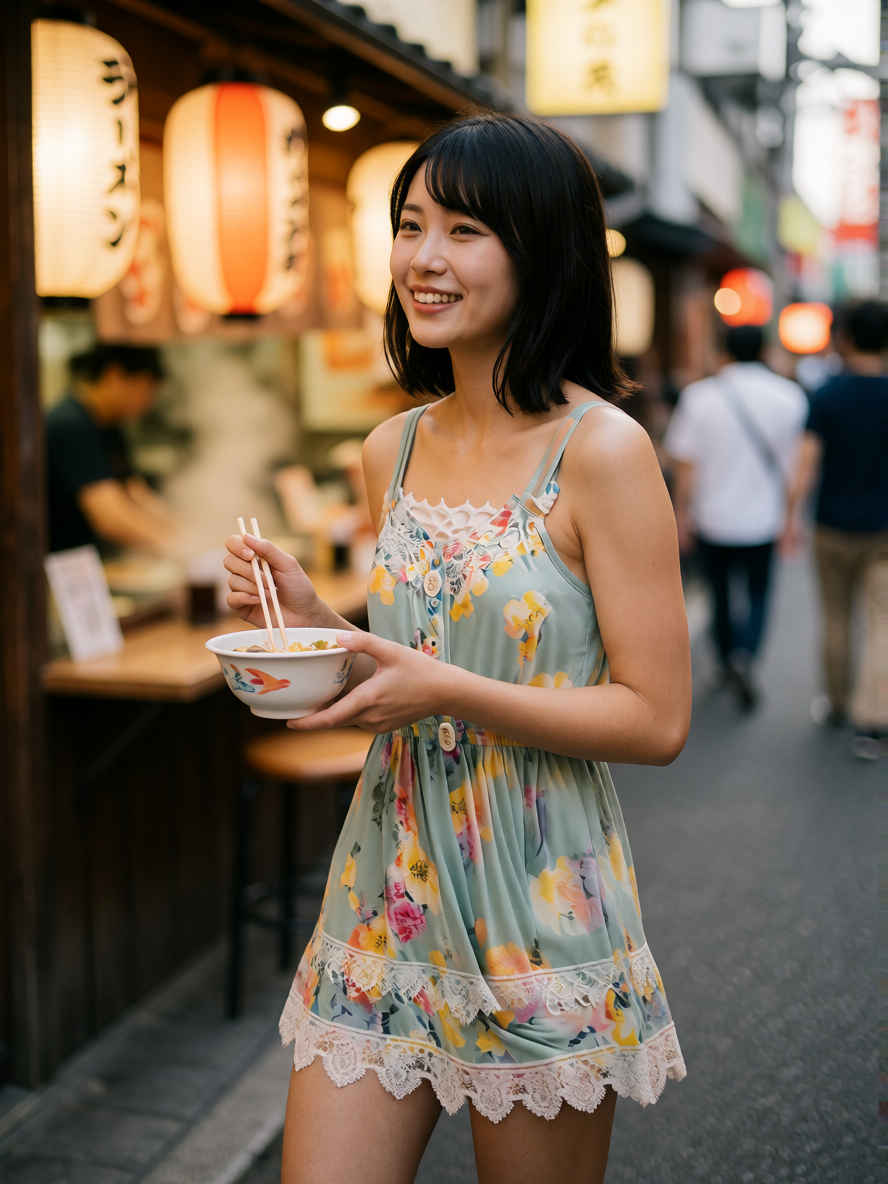
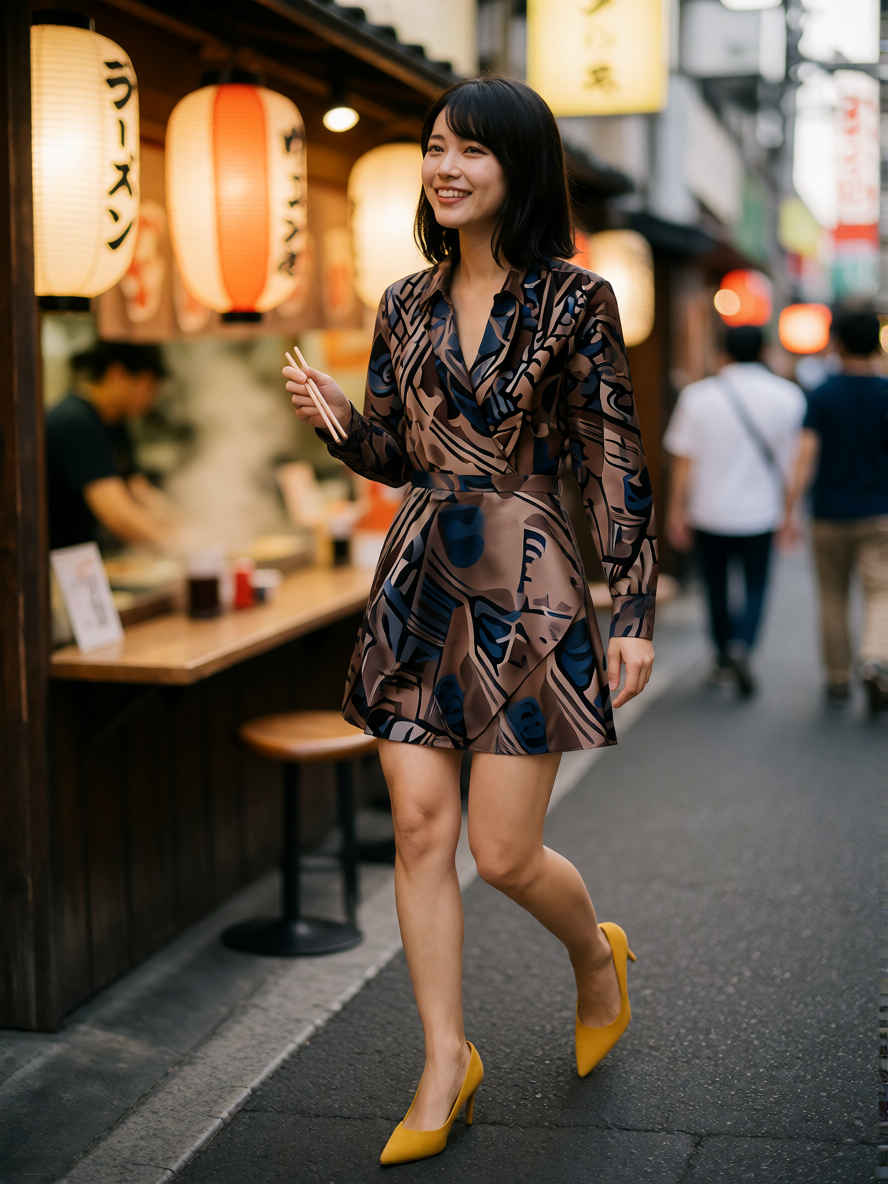
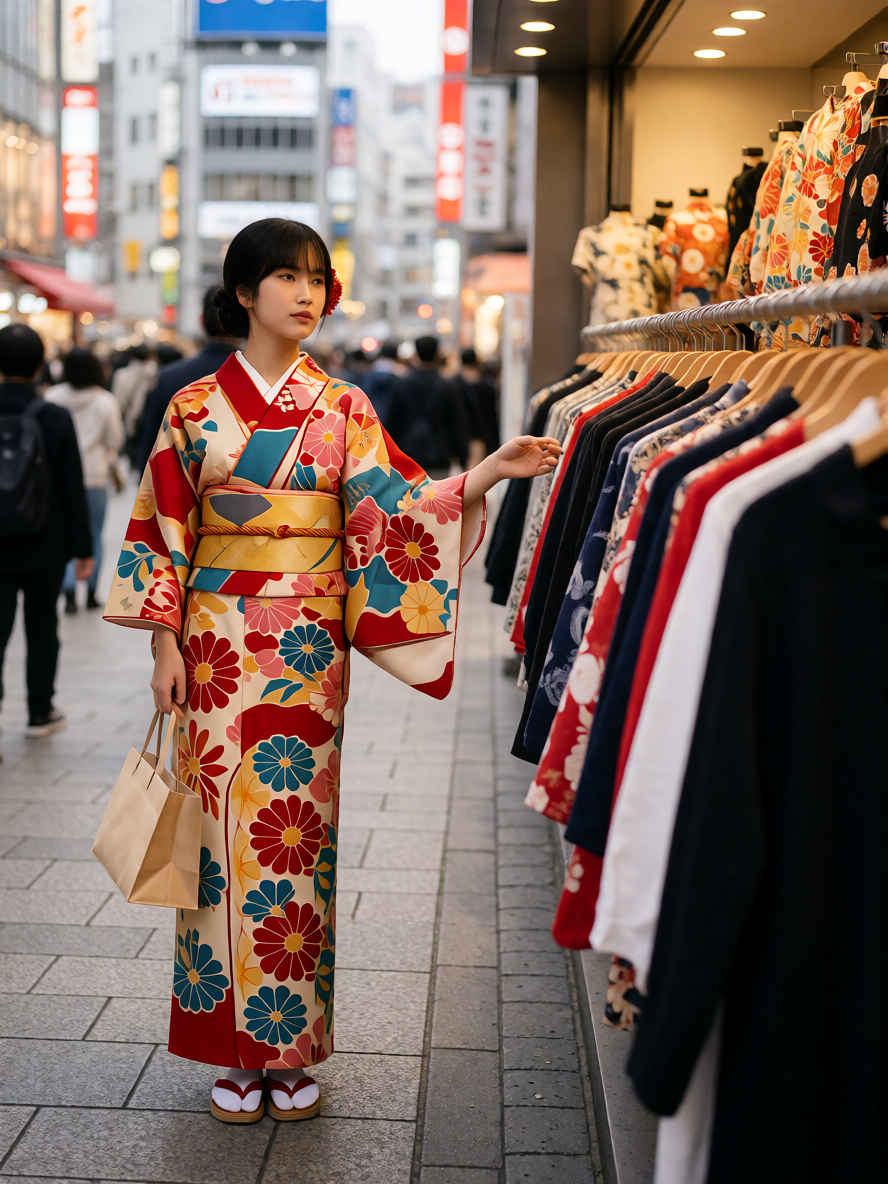
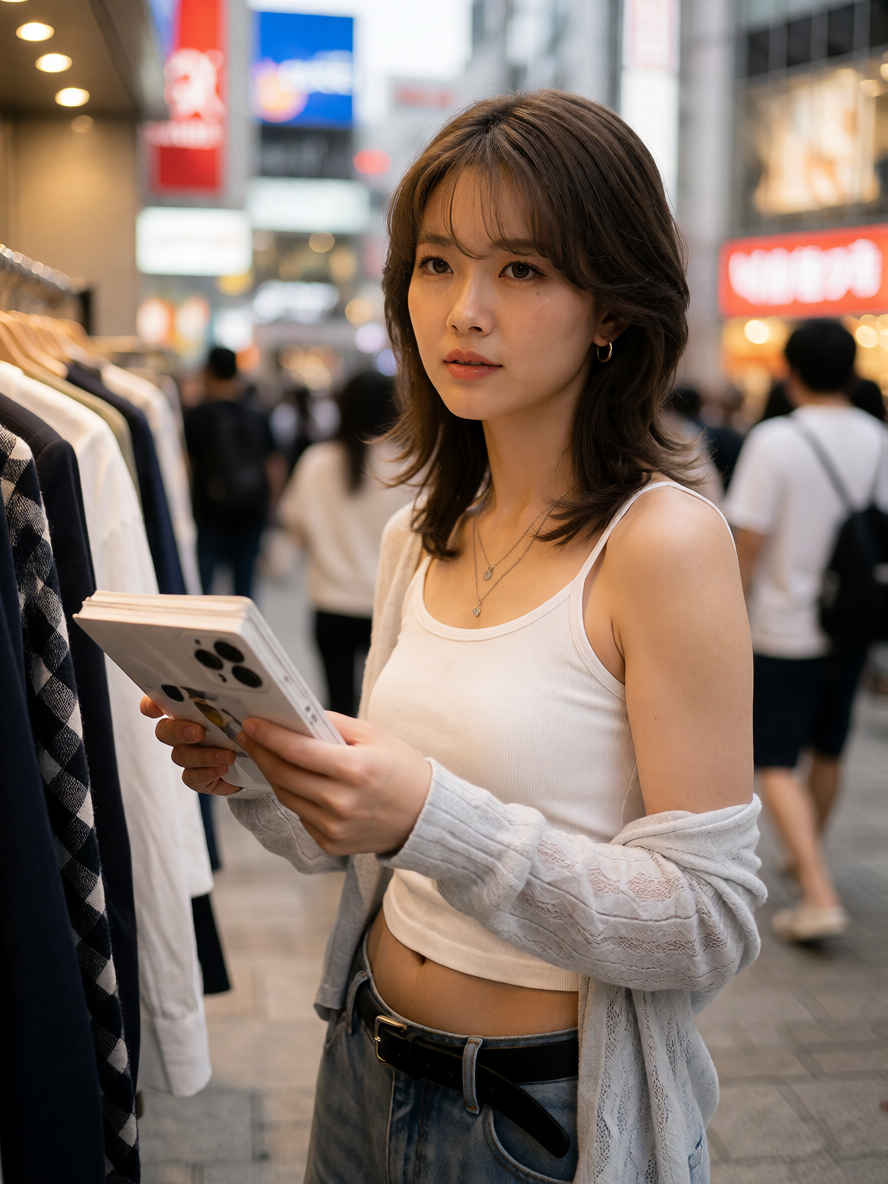
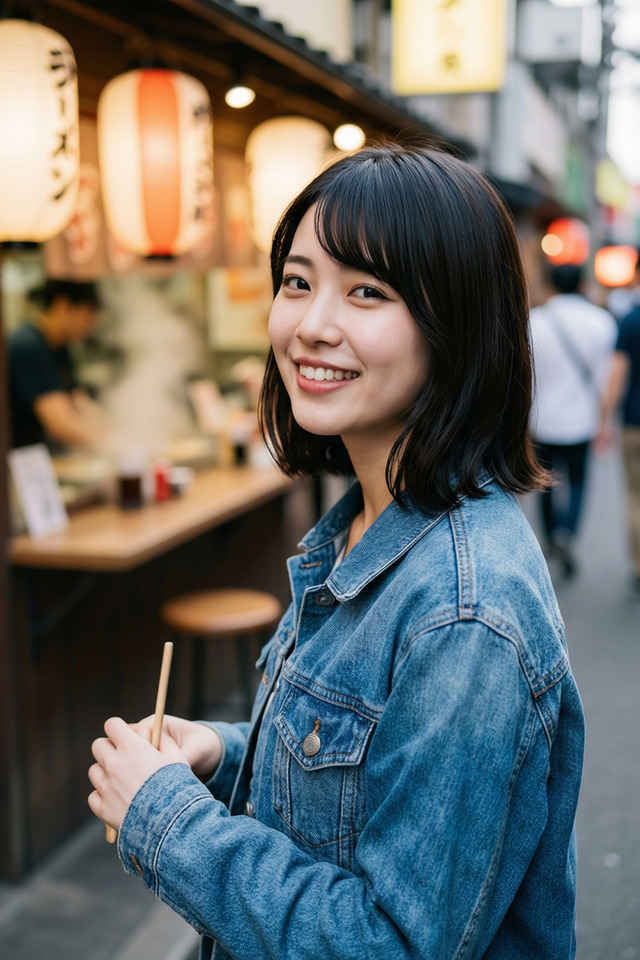
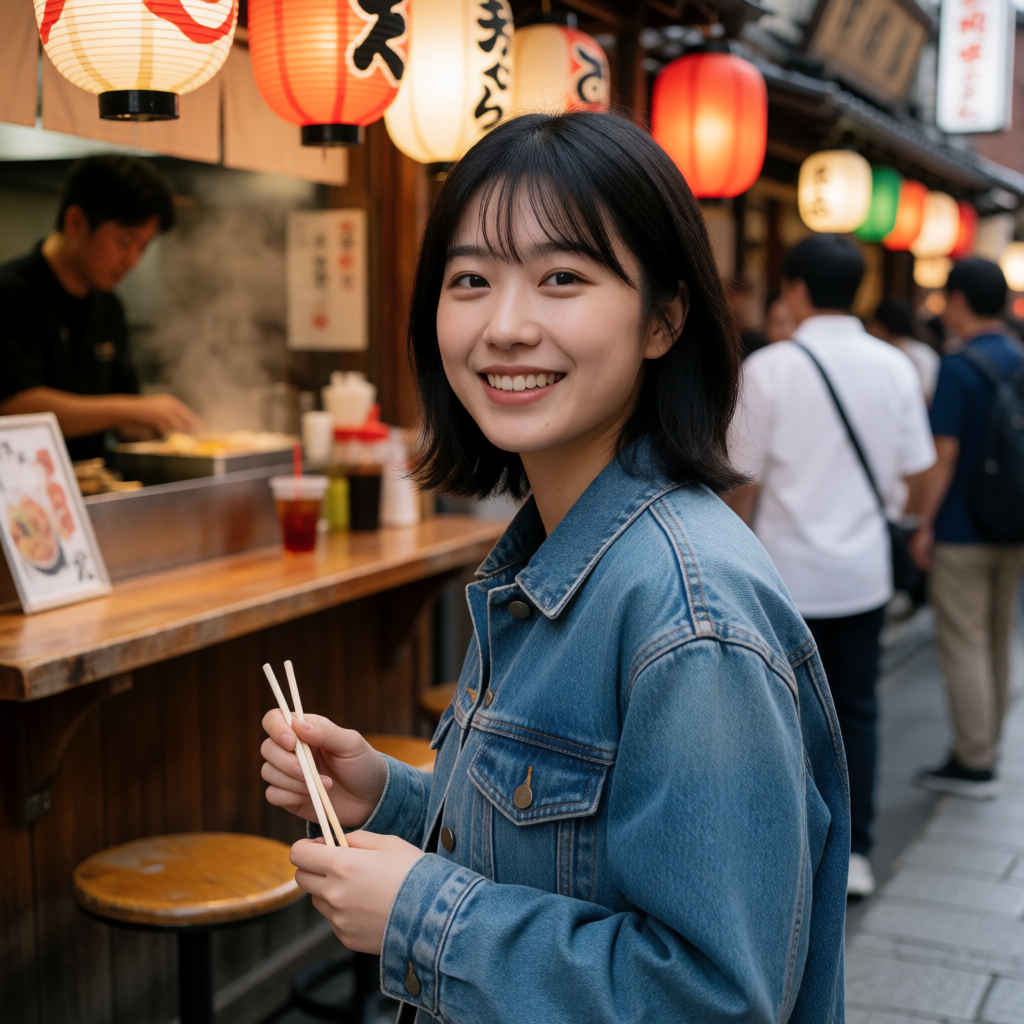
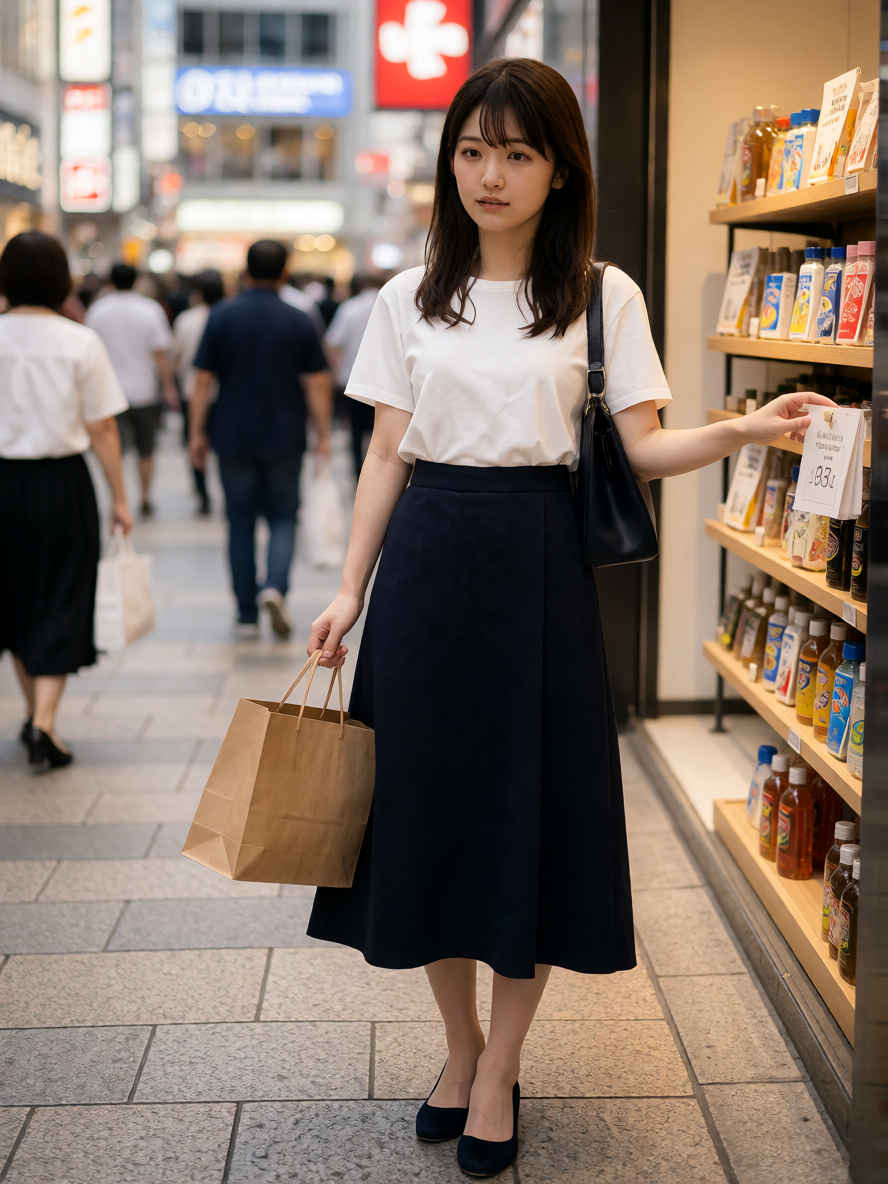
A young Japanese woman shops in Shibuya.
若い日本人女性が渋谷で買い物をしている。
入力画像(スタイルシート)
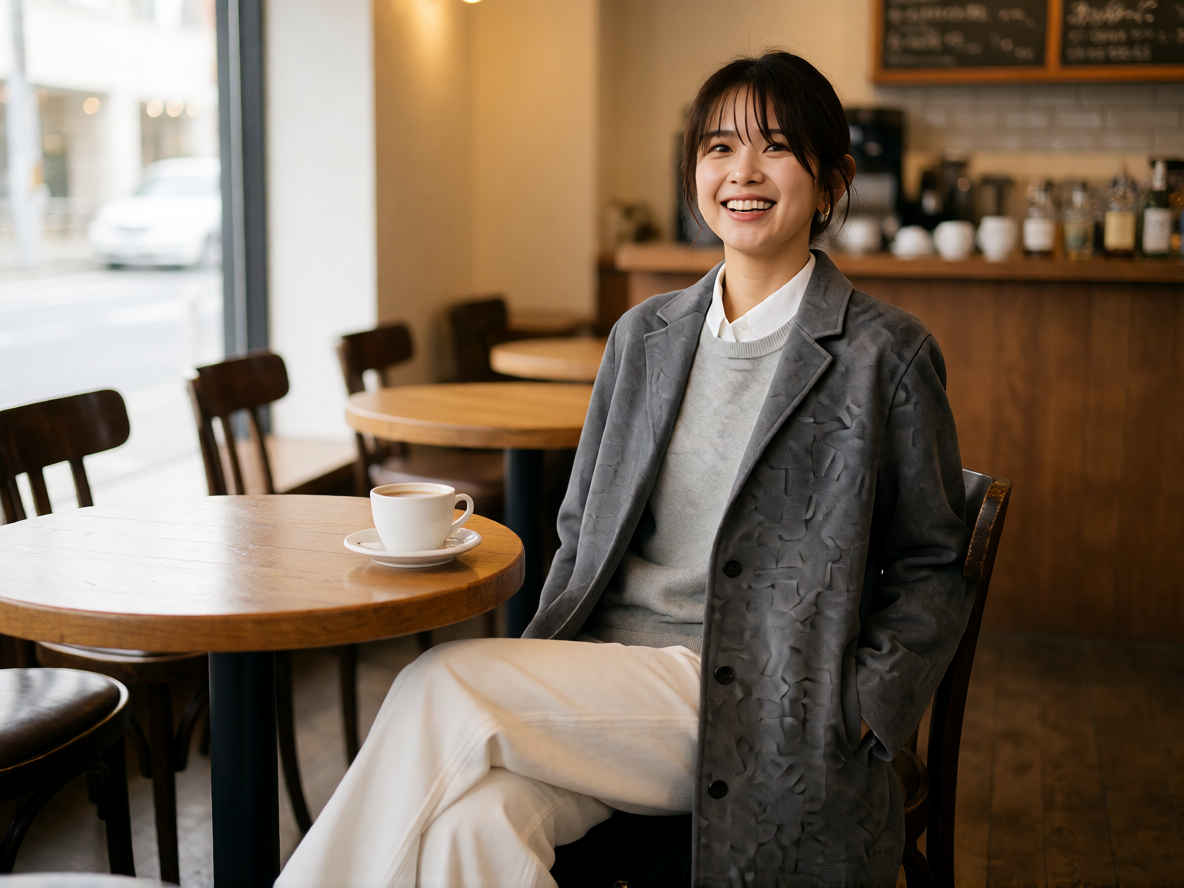
生成結果画像
生成したスタイルシートを使う2
入力パラメータ 縦横比:4:3
ワークフロー
「Krea/」8213_krea2_identity_edit.json
プロンプト
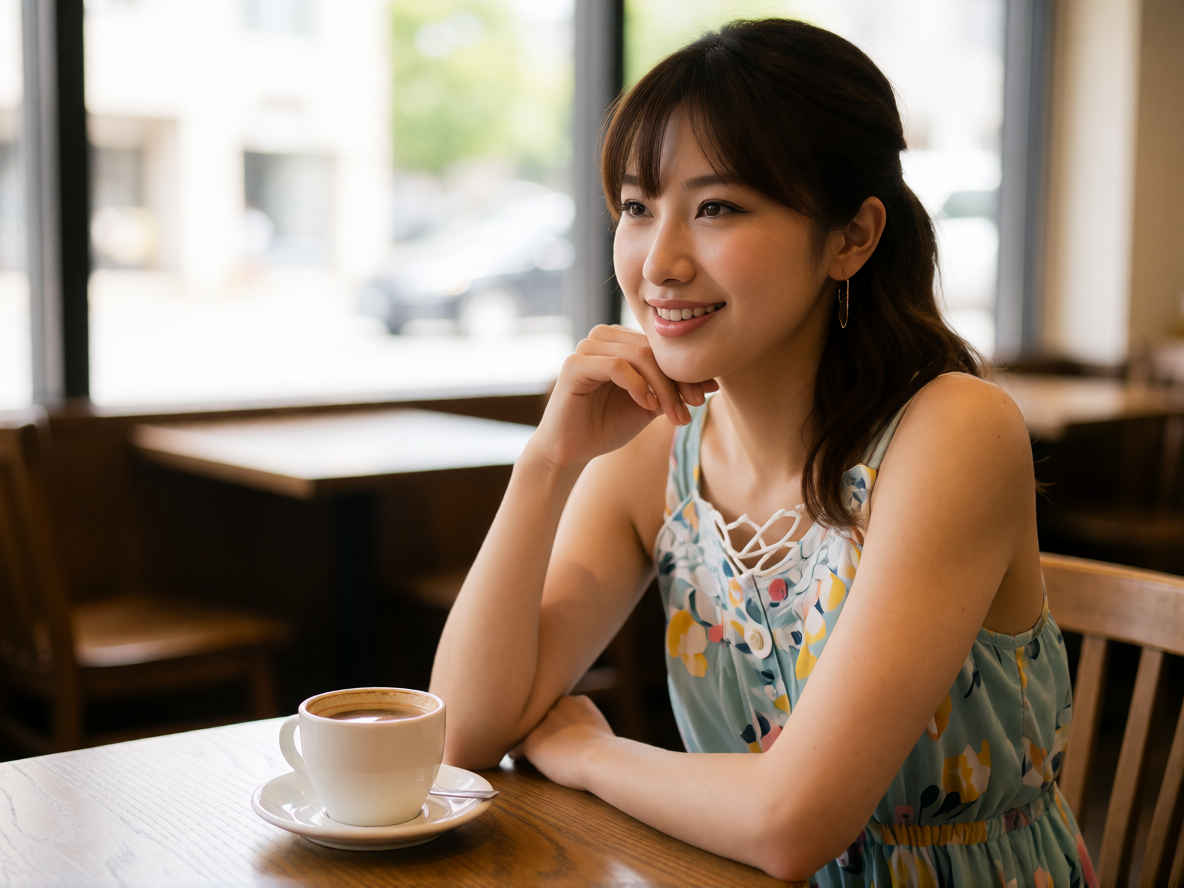
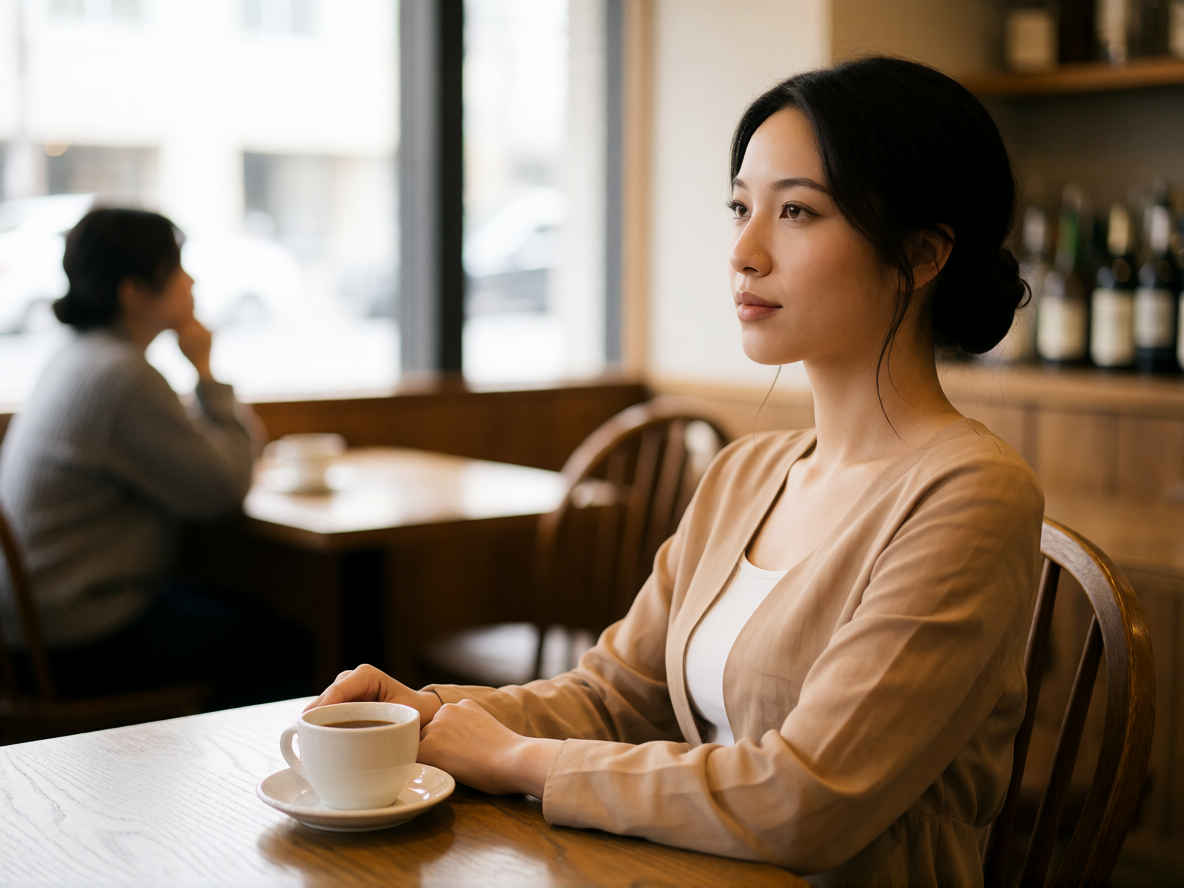
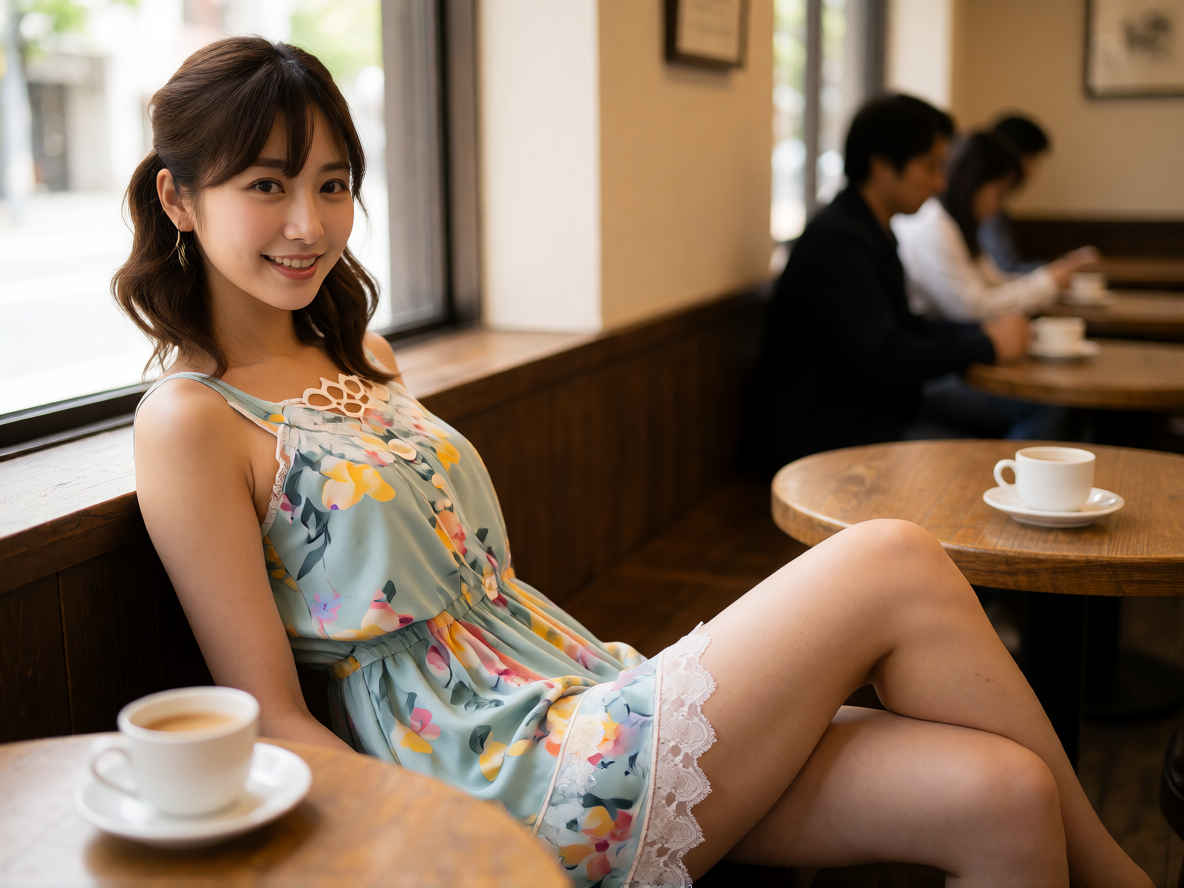
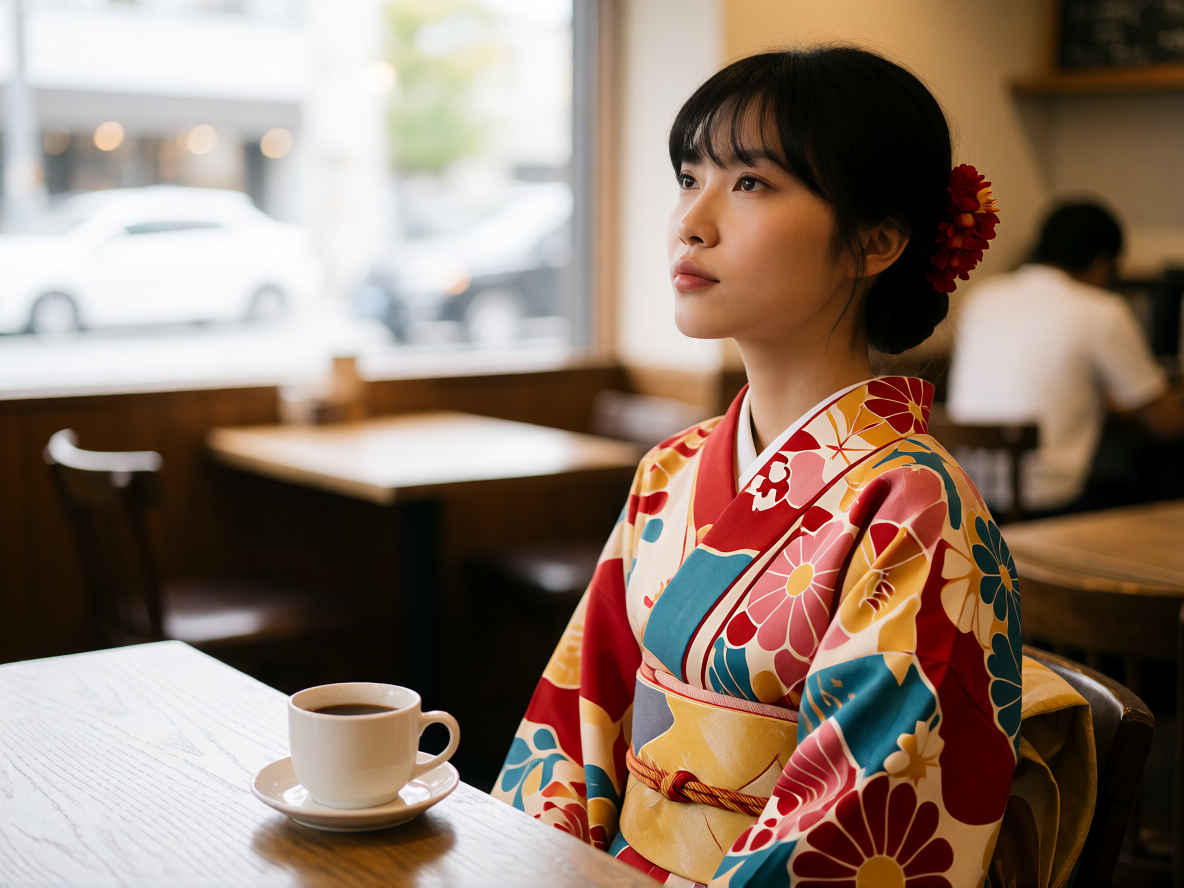
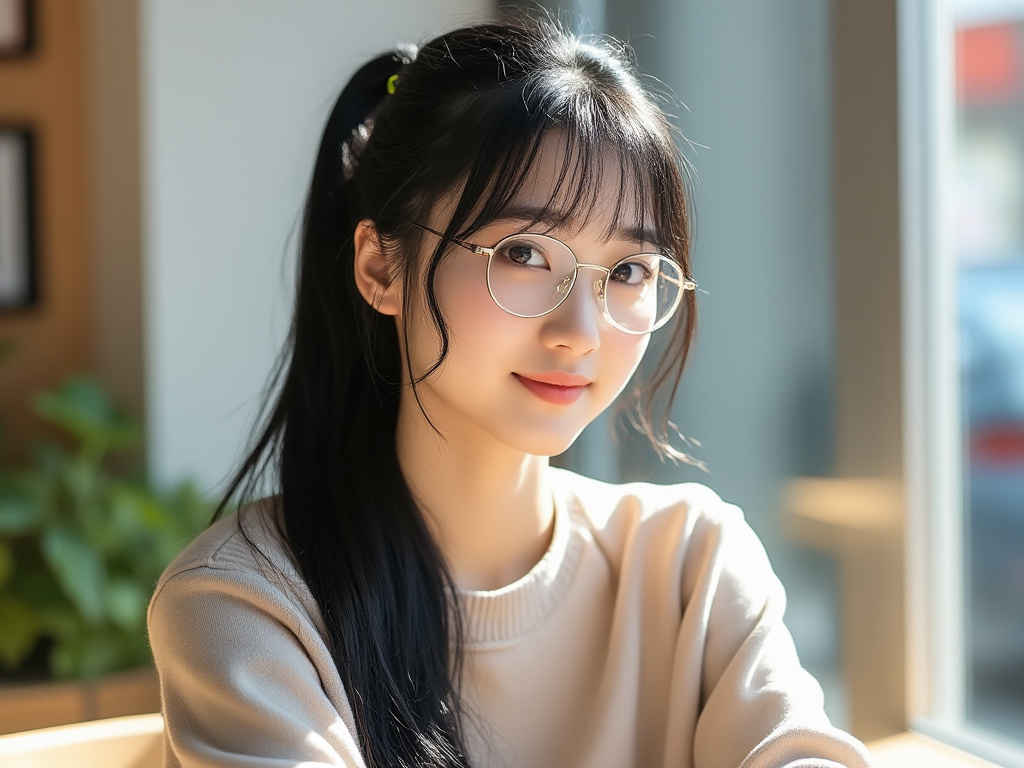
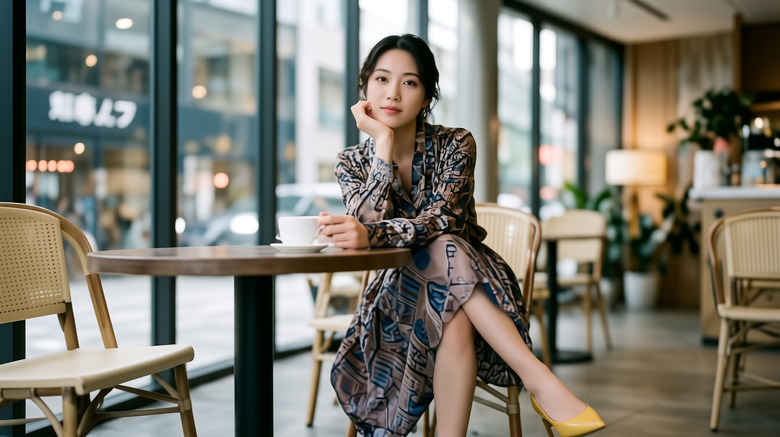
A young Japanese woman relaxing in a café.
カフェでくつろぐ若い日本人女性
入力画像(スタイルシート)
生成結果画像
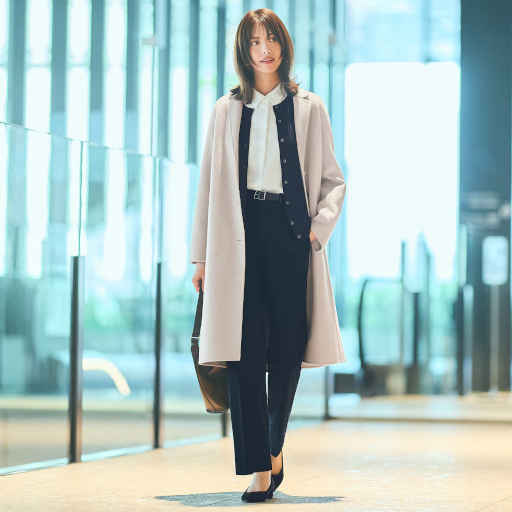
ファッション写真を使う
入力パラメータ 縦横比:4:3
ワークフロー
「Krea/」8213_krea2_identity_edit.json
プロンプト
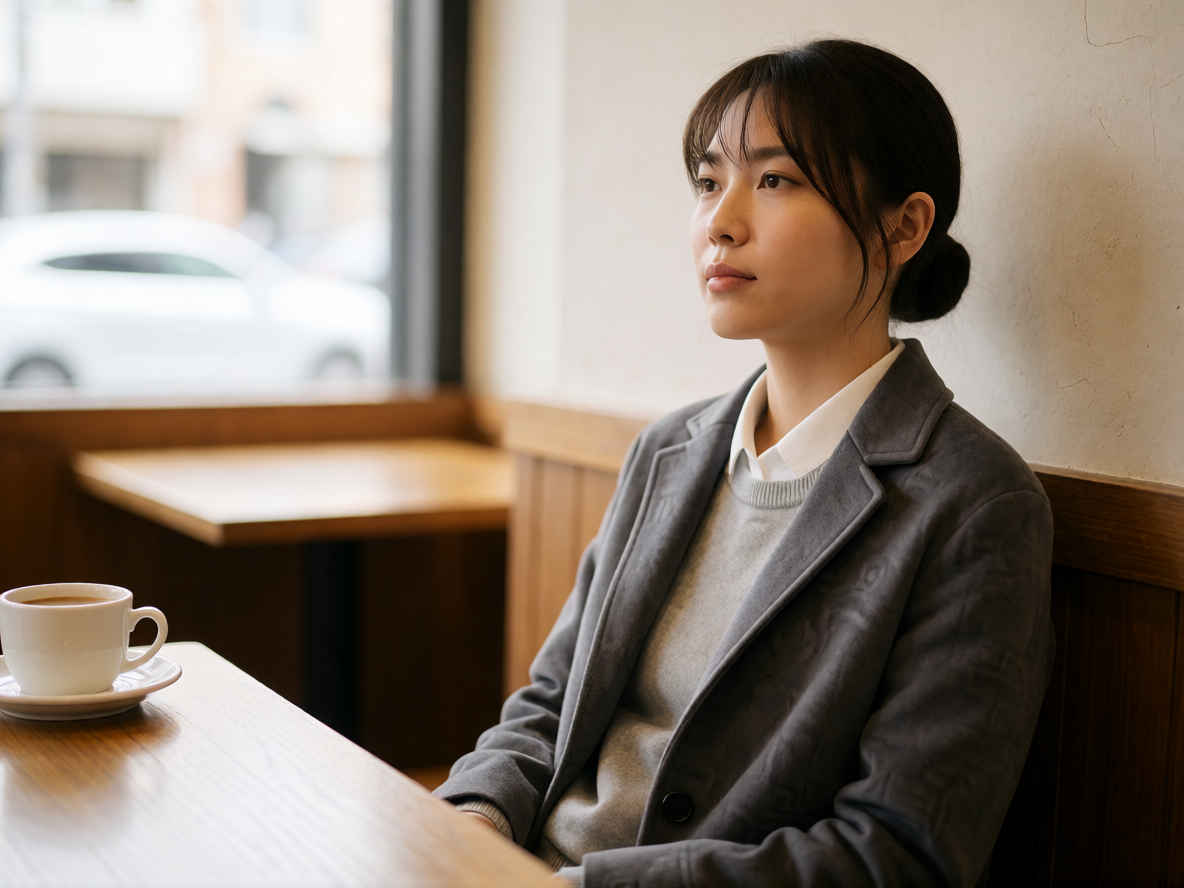
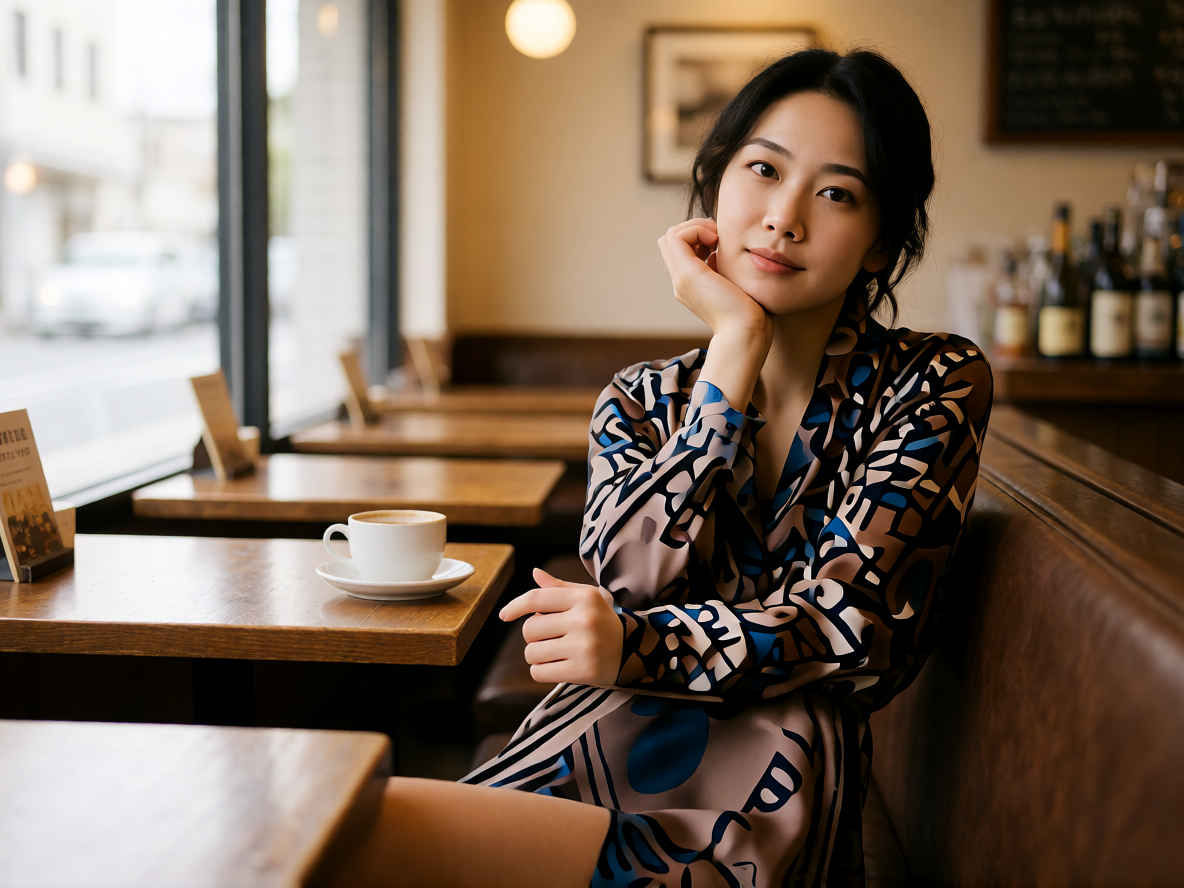
A young Japanese woman relaxing in a café.
カフェでくつろぐ若い日本人女性
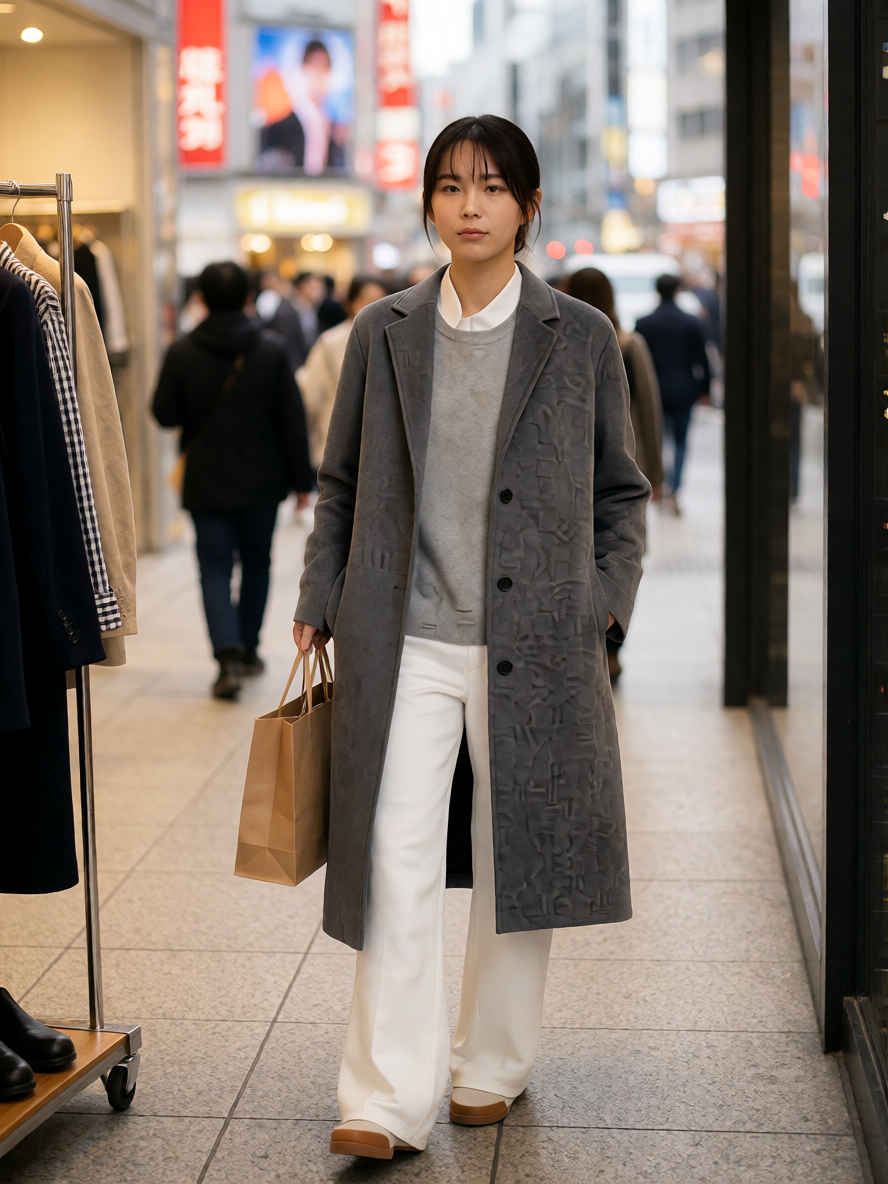
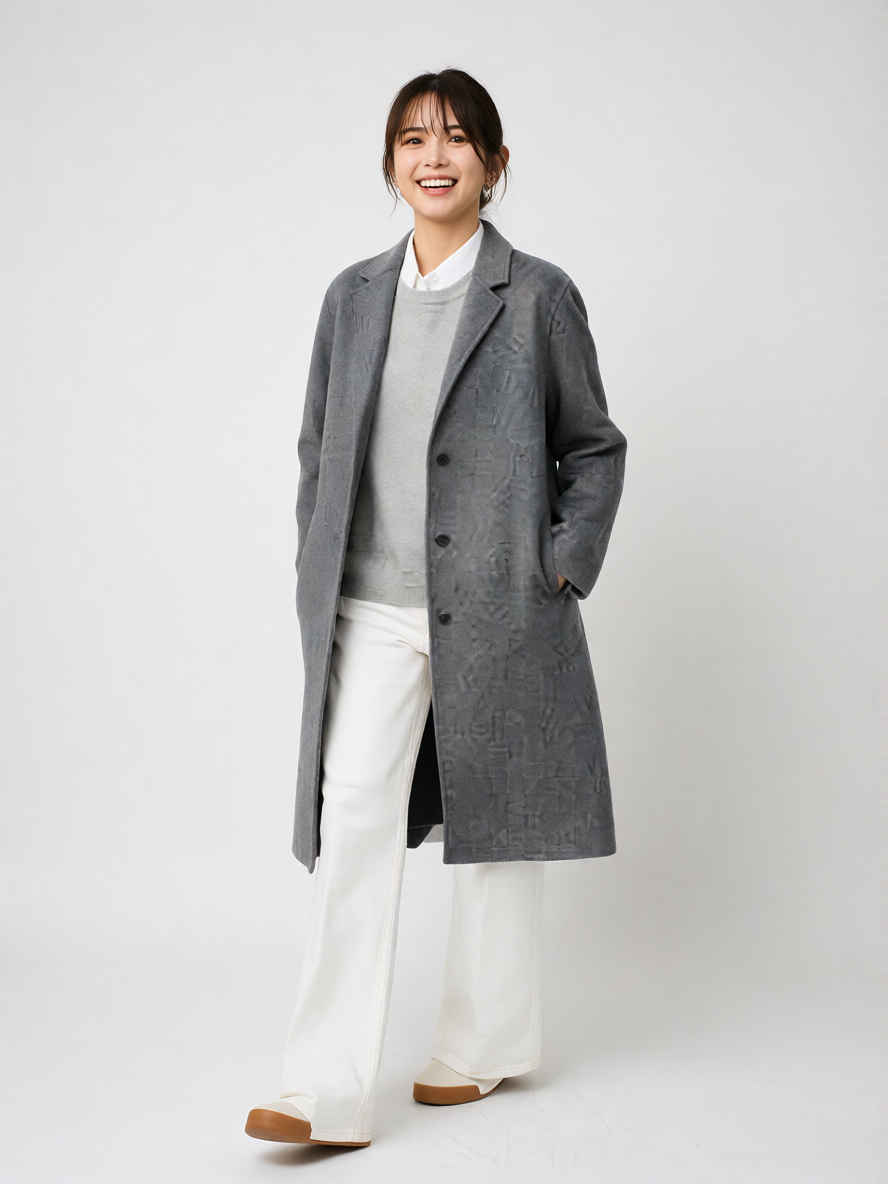
入力画像(全身ファッション写真)
生成結果画像
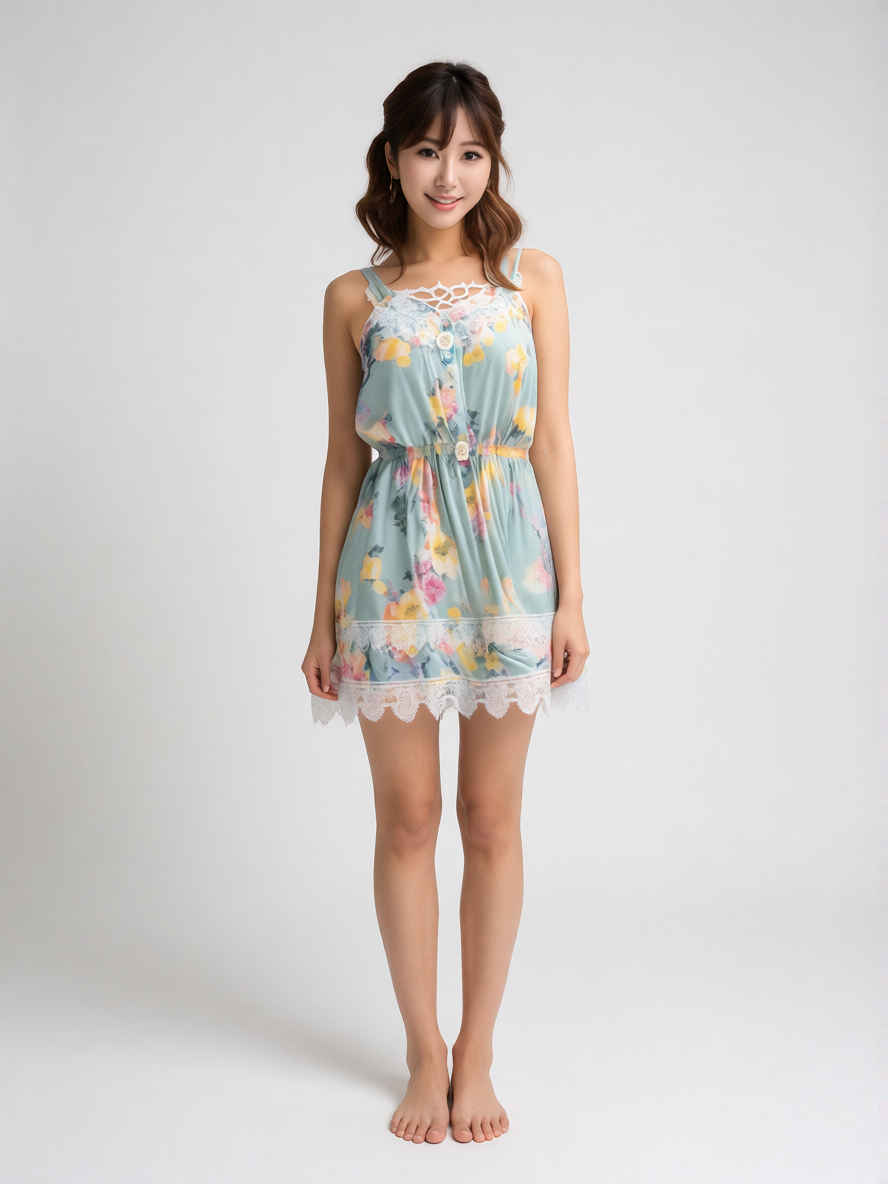
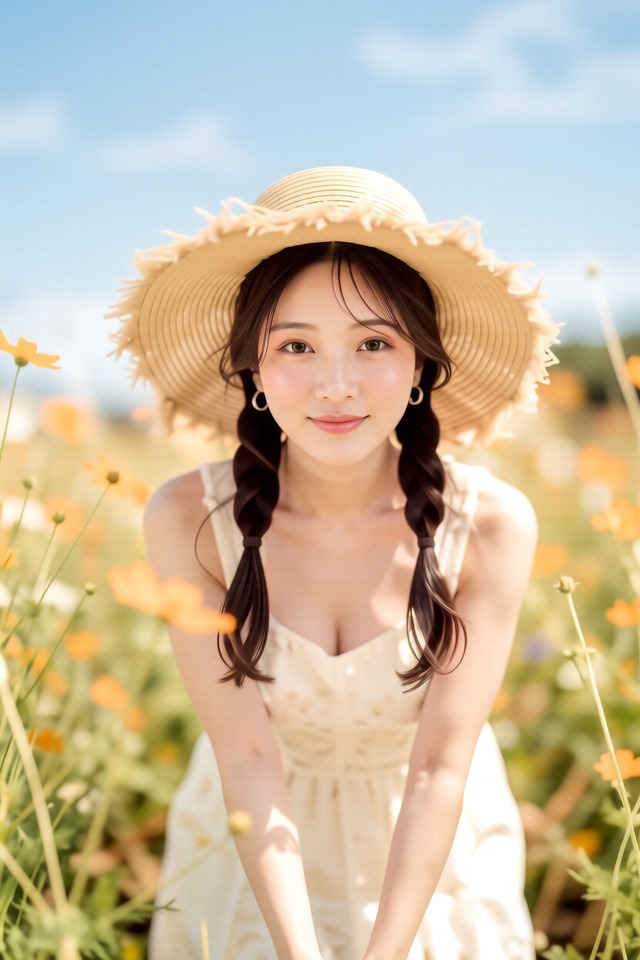
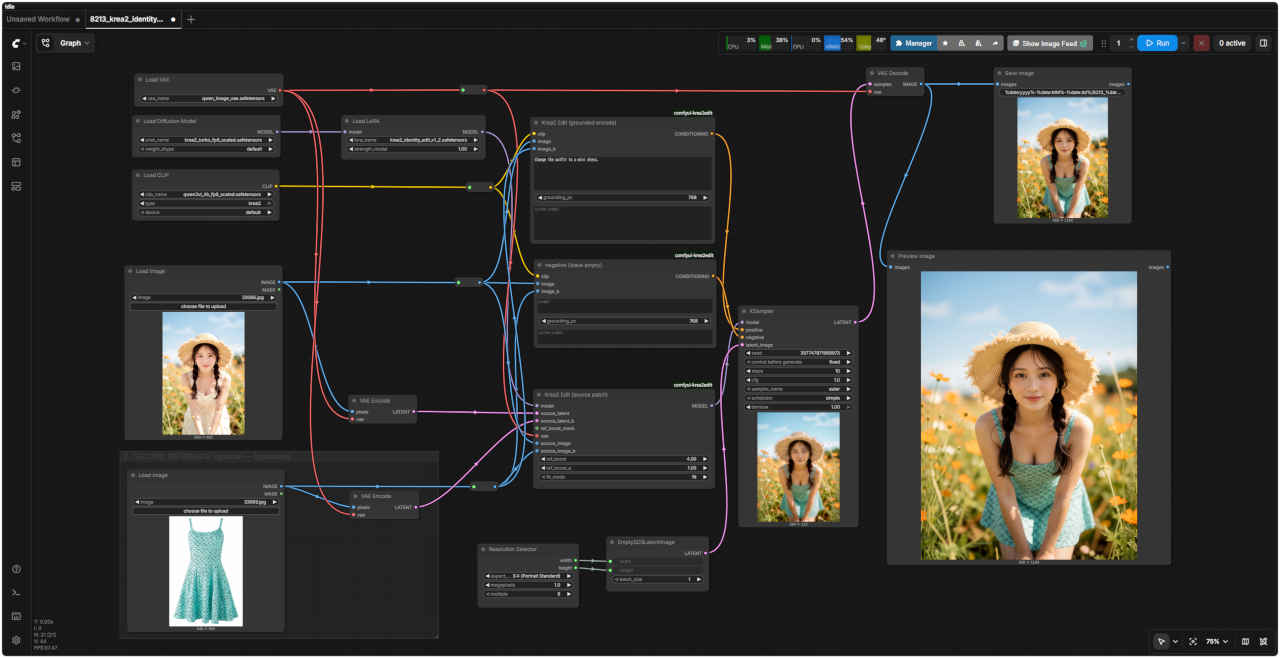
服装を替える
入力パラメータ 縦横比:3:4
入力画像 ①
ワークフロー
「Krea/」8213_krea2_identity_edit.json
プロンプト
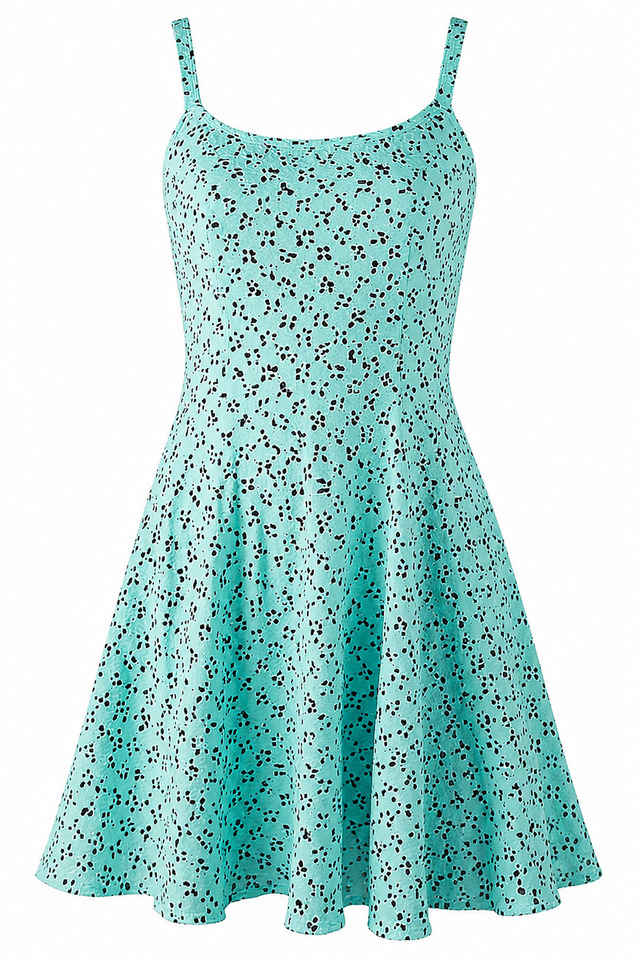
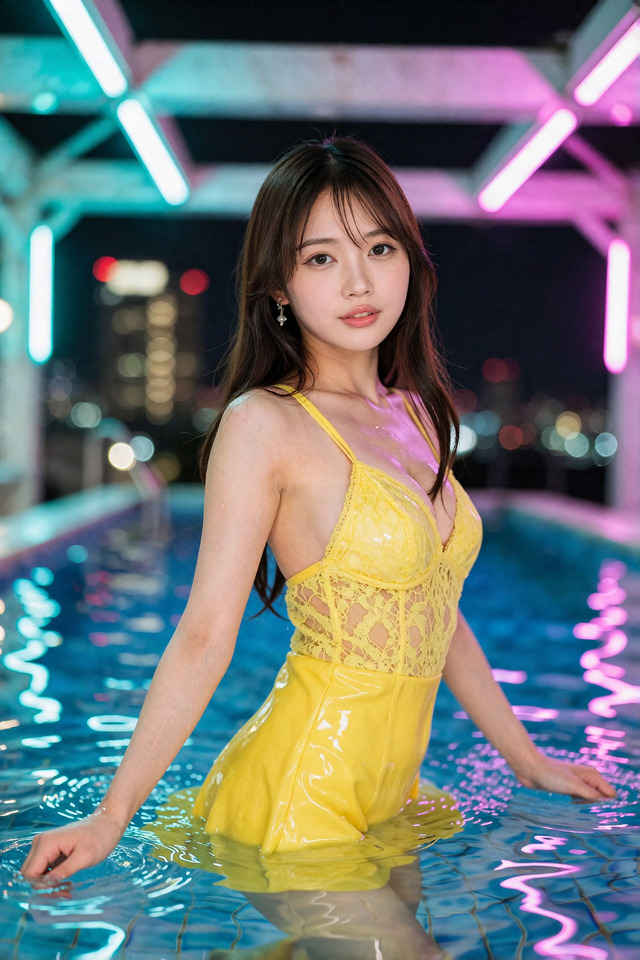
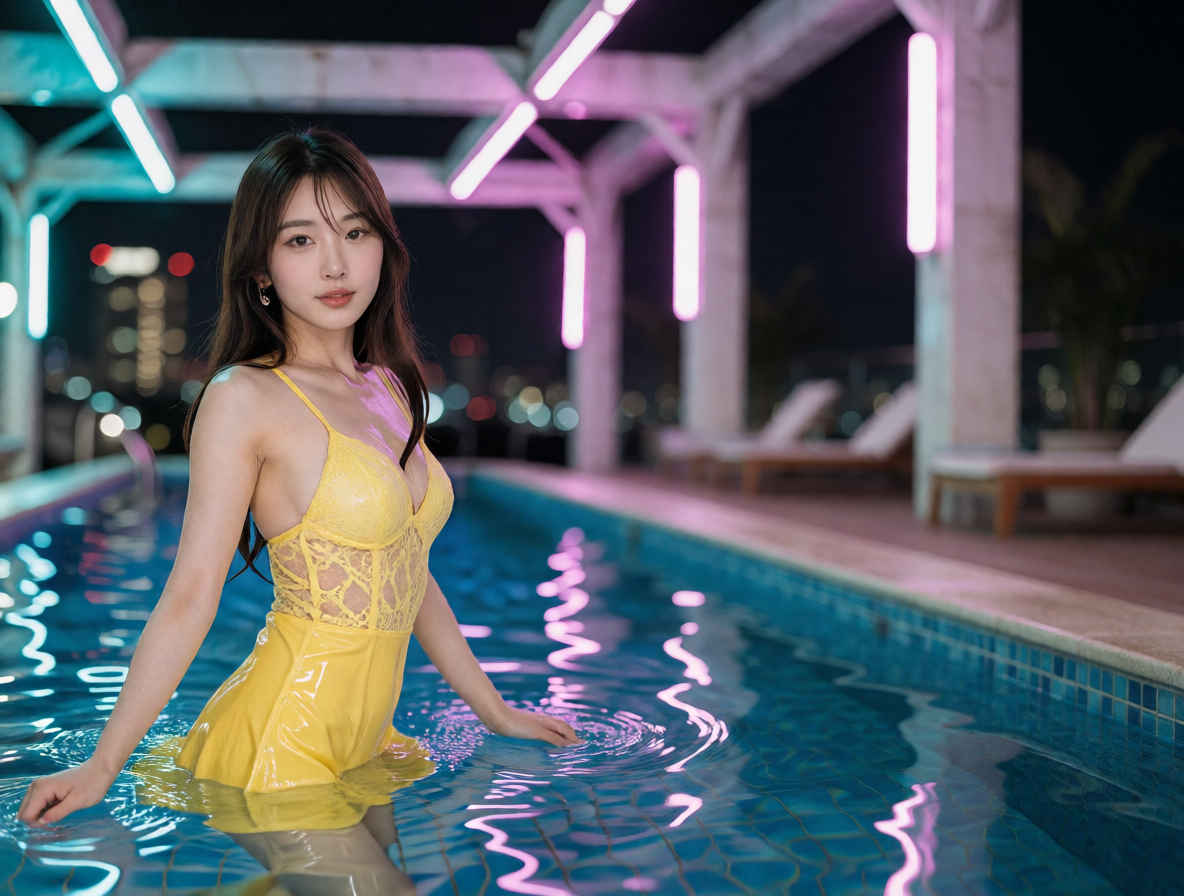
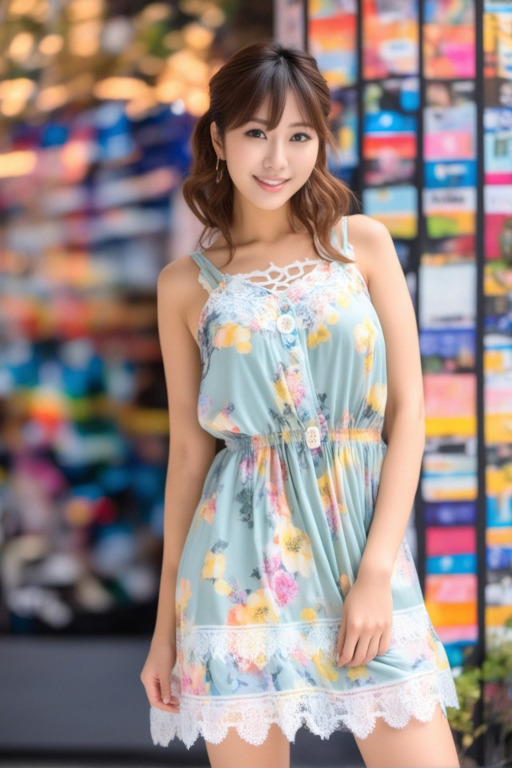
Change the outfit to a mini dress.
衣装をミニドレスに変えてください。
入力画像 ②
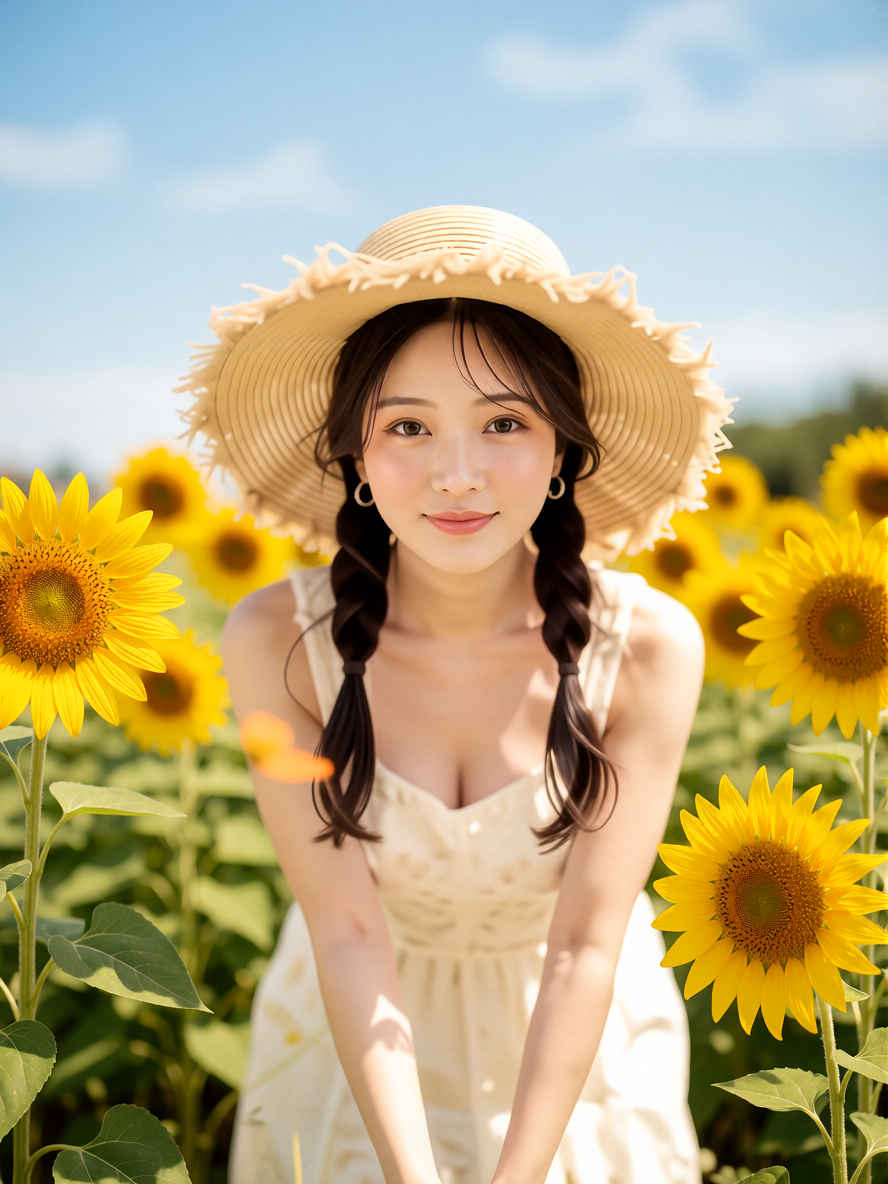
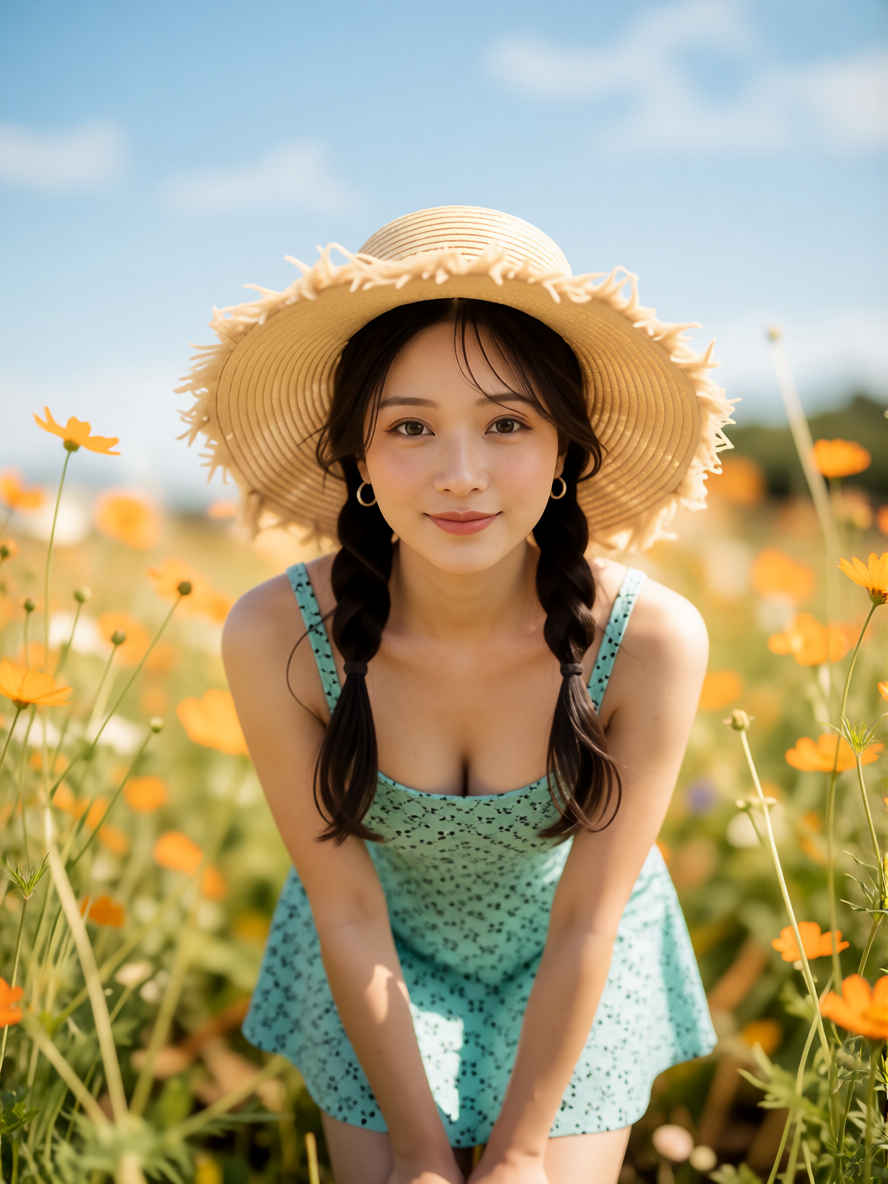
生成結果画像
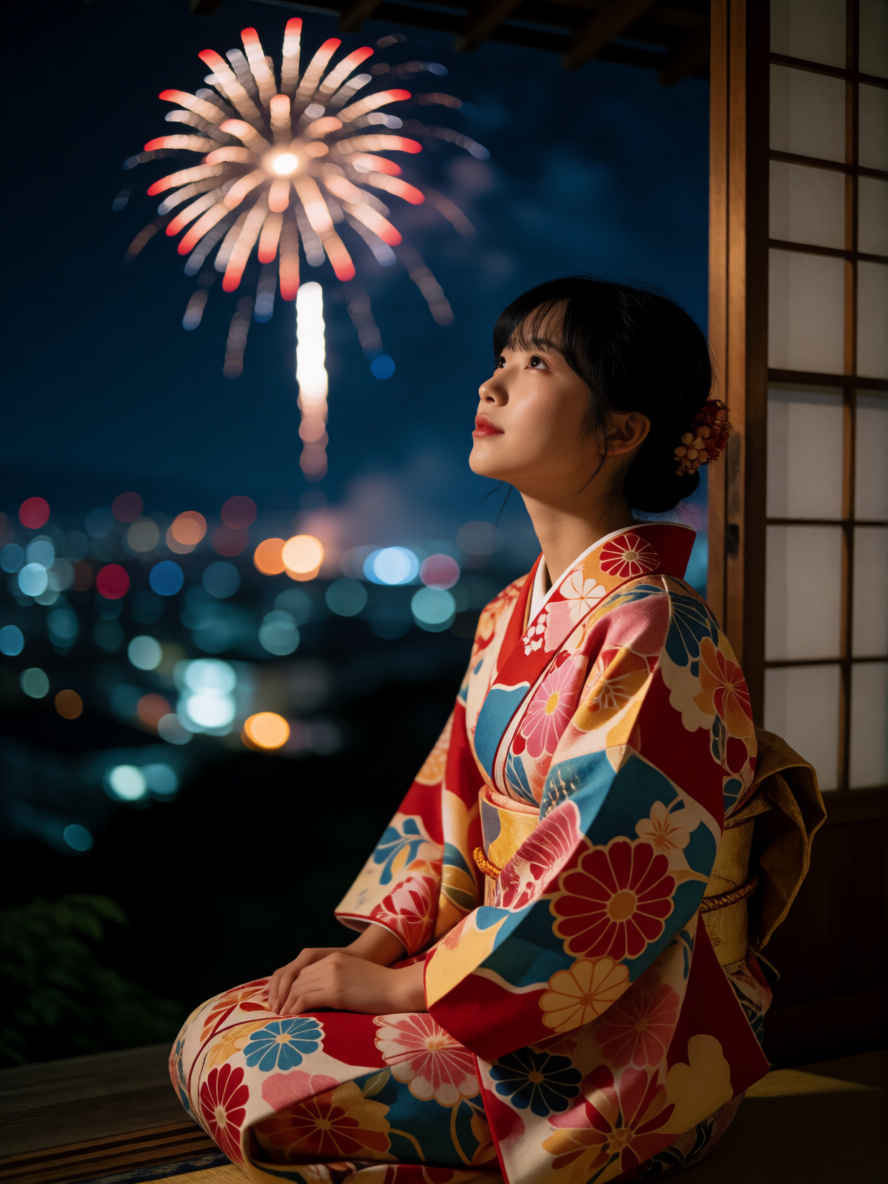
1枚の写真から実際にやってみる
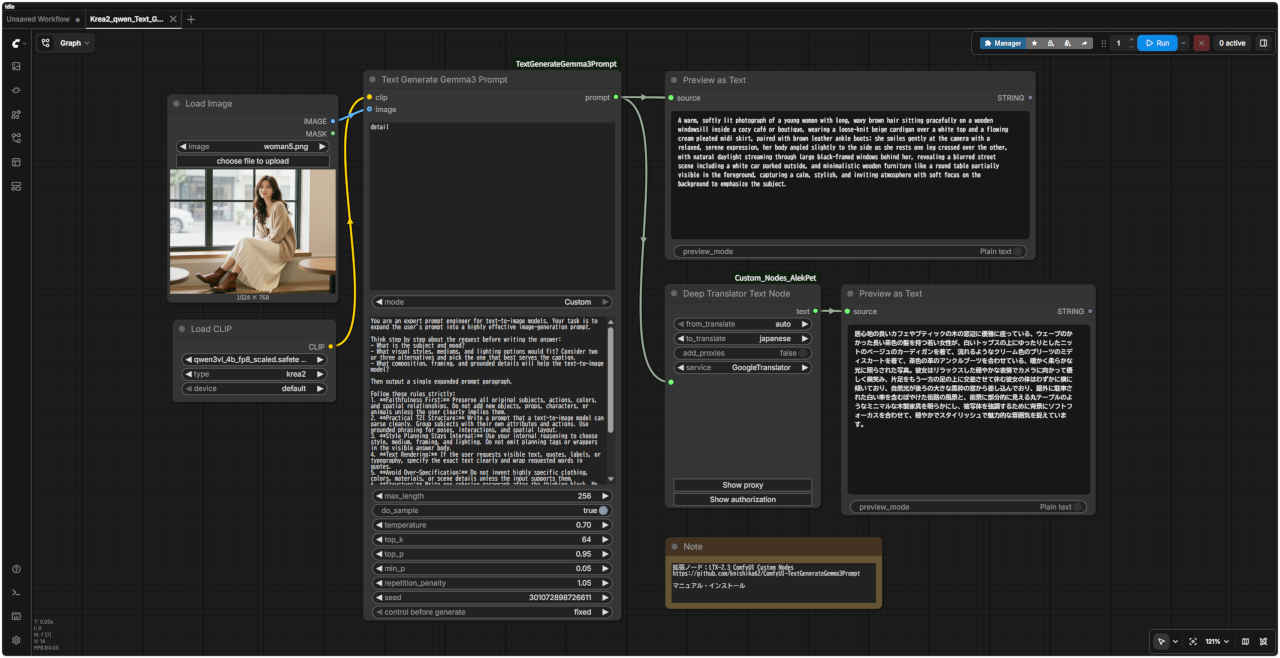
・写真の内容を解析してプロンプトにする
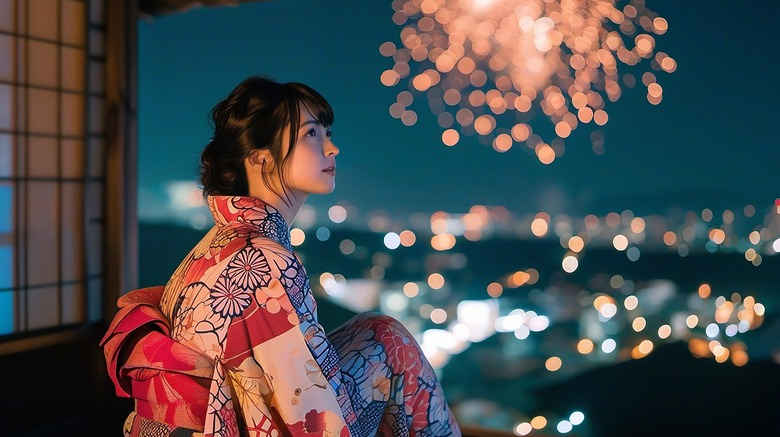
元の写真
解析したプロンプト Krea2_qwen_Text_Genarater.json
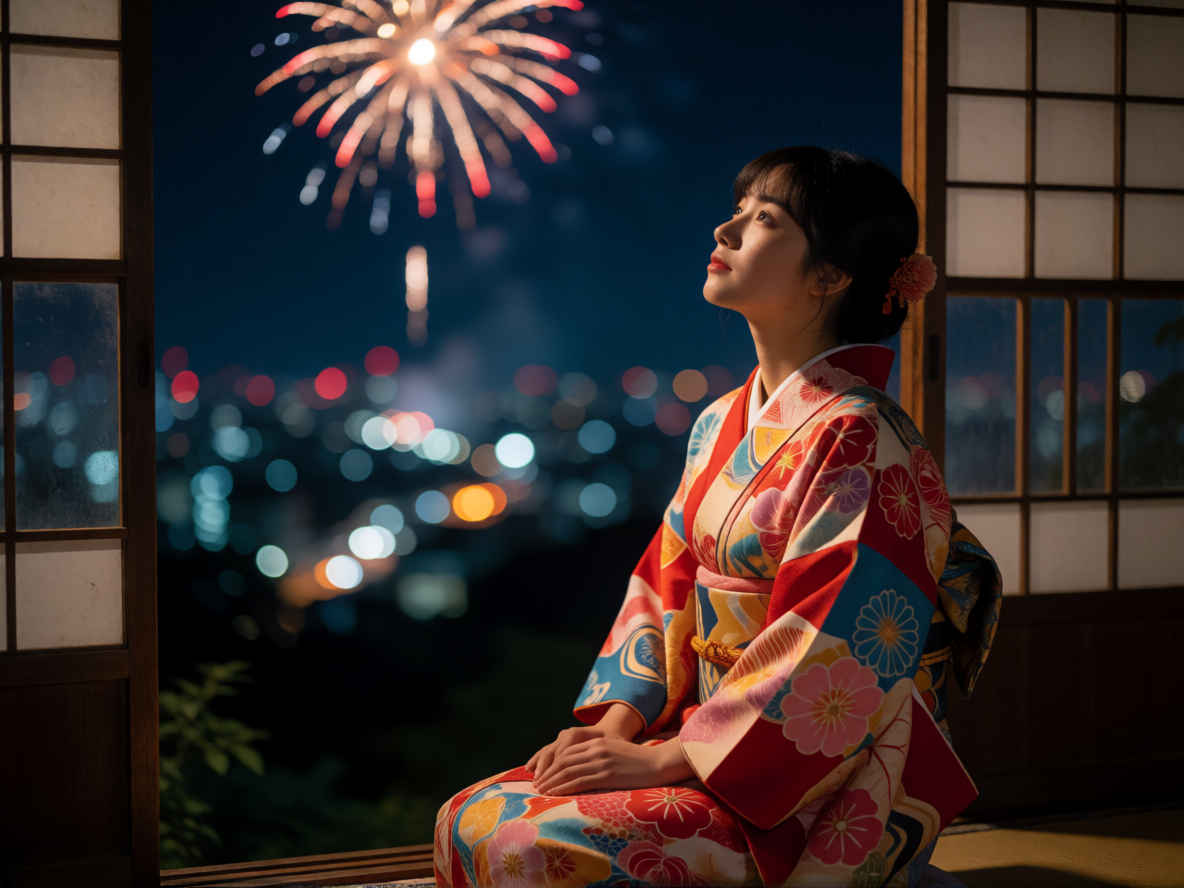
A young woman in a vibrant, patterned kimono with red, pink, and blue floral motifs sits on a traditional Japanese veranda at night, gazing upward with a serene expression as she watches fireworks explode in the dark sky above a softly blurred cityscape of glowing bokeh lights; the scene is captured in a cinematic photograph style with deep blue tones, warm firework highlights, and soft focus background, emphasizing her contemplative pose against the window’s wooden lattice frame.
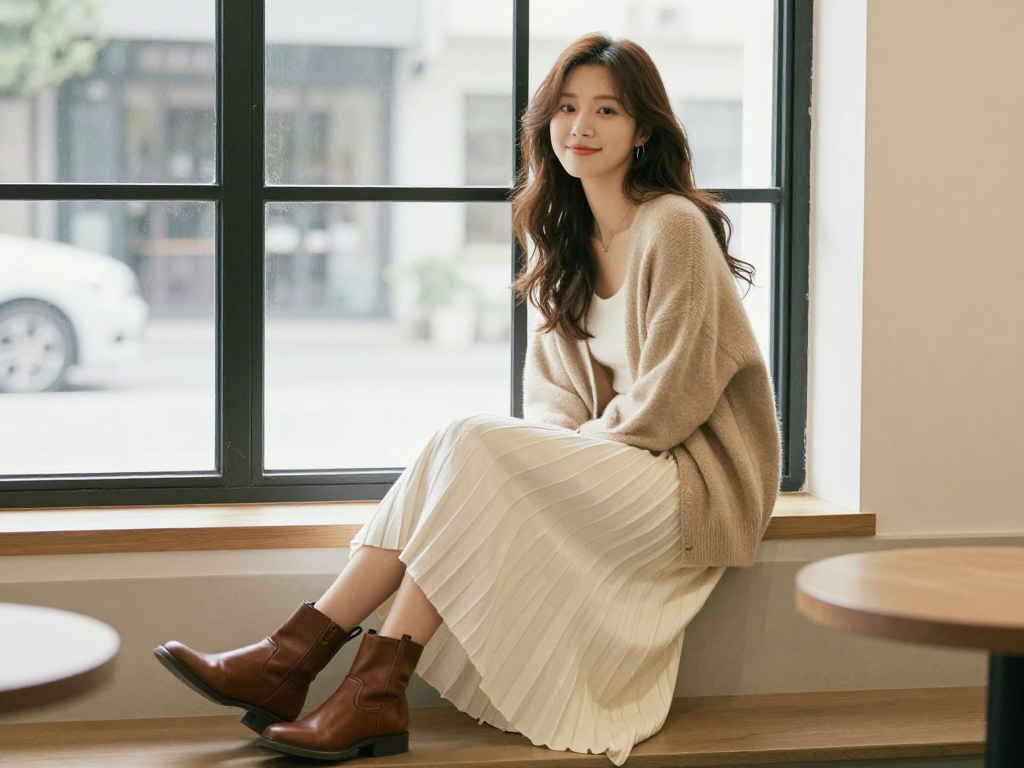
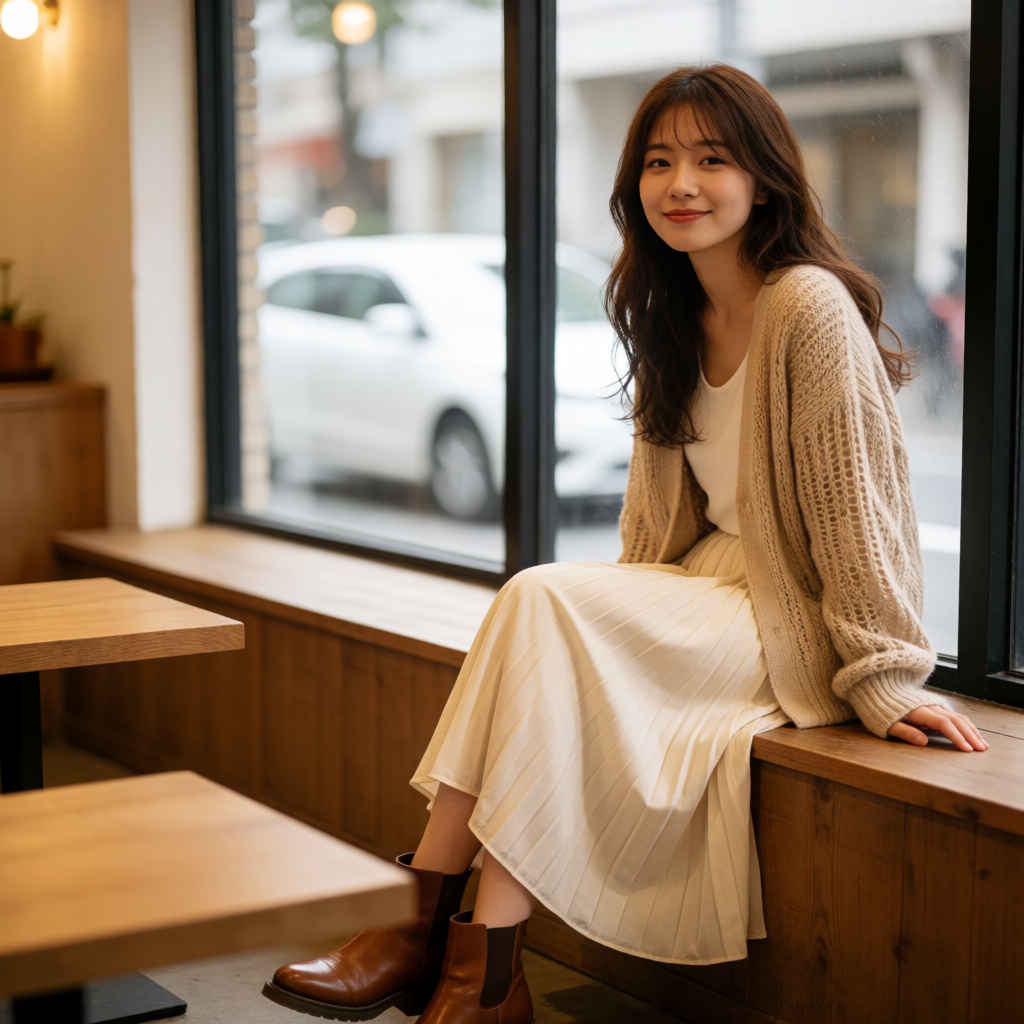
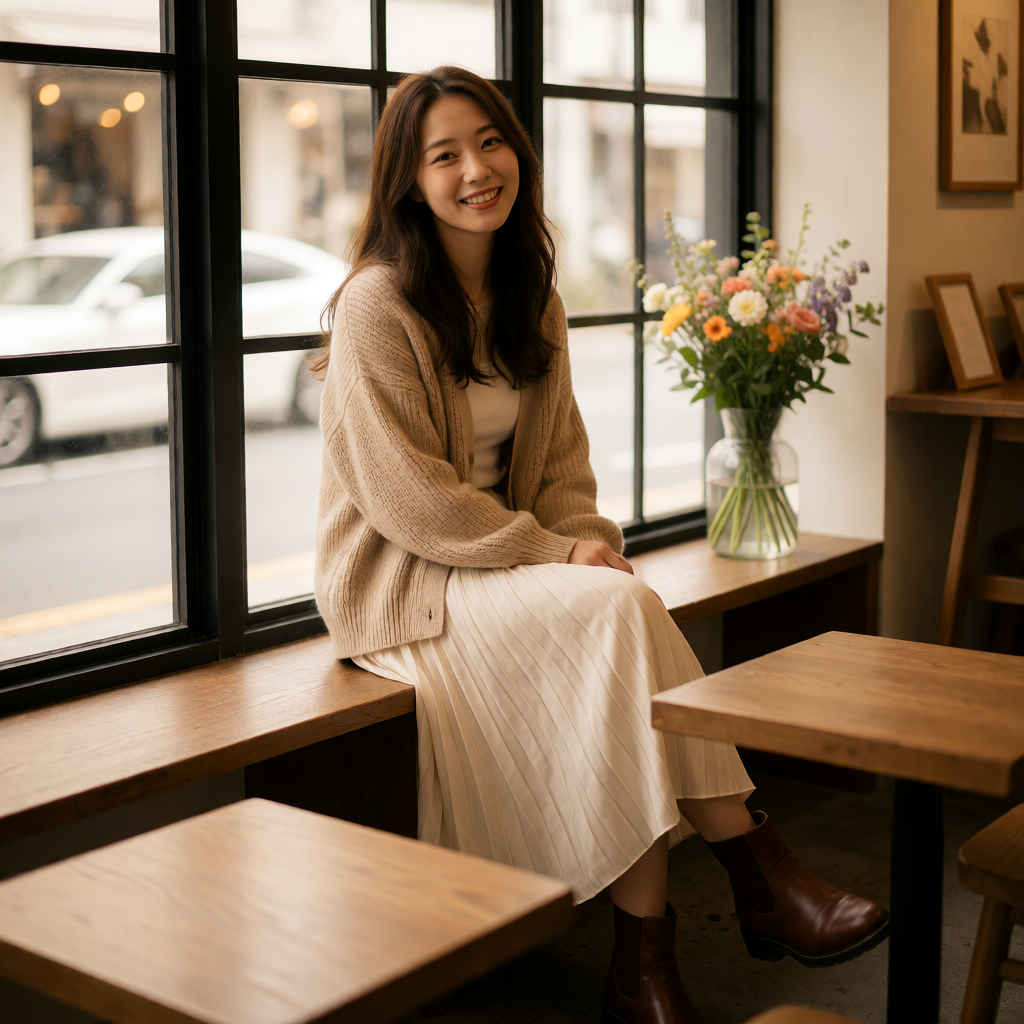
A warm, softly lit photograph of a young woman with long, wavy brown hair sitting gracefully on a wooden windowsill inside a cozy café or boutique shop, wearing a loose-knit beige cardigan over a white top paired with a flowing cream pleated midi skirt and polished brown ankle boots; she smiles gently toward the camera with a relaxed, serene expression, her legs crossed at the ankles, positioned near a large black-framed window that reveals a blurred street view with a white car parked outside, with minimalist wooden tables visible in the foreground, capturing a tranquil, stylish, and inviting atmosphere.
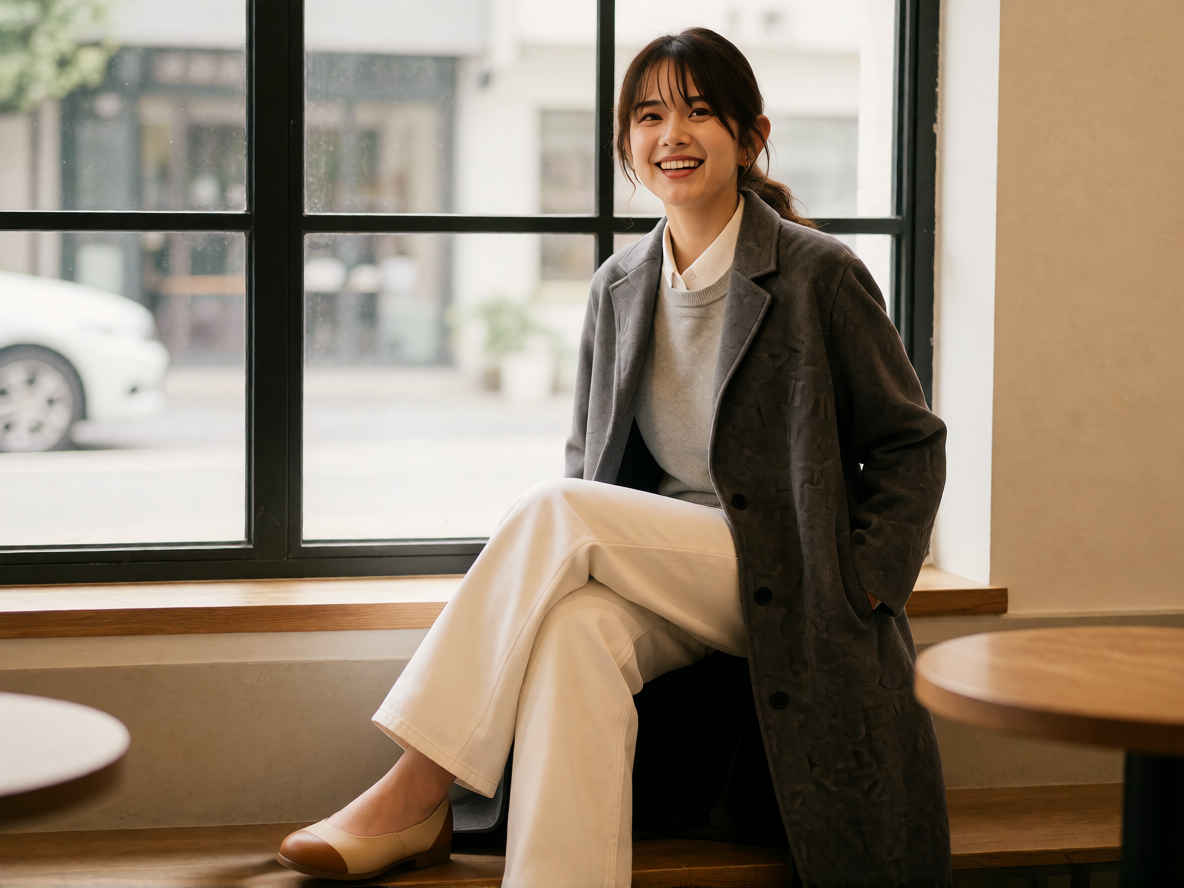
A full-length photograph of a smiling young woman with dark hair tied back, standing confidently against a plain white studio background, wearing a long, textured gray overcoat with subtle embossed lettering, layered over a light gray crewneck sweater and a crisp white collared shirt, paired with wide-leg white trousers and minimalist flat shoes with tan soles; her right hand is casually tucked into the coat pocket, her body slightly angled to the camera, illuminated by soft, even studio lighting that highlights the texture of her coat and the clean lines of her outfit, capturing a bright, cheerful, and effortlessly stylish mood.
推奨ポジティブプロンプト例 A full-body shot of a fashion model with [参照人物の特徴: e.g., short blonde hair, East Asian woman] wearing [服装の詳細: e.g., an oversized white linen shirt, dark blue wide-leg denim pants, and brown leather boots], standing in [スナップ写真の背景: e.g., a bustling Tokyo street with soft outdoor daylight], matching the exact pose, body angle, and framing of the original image, seamless lighting, realistic skin texture, highly detailed photorealistic snapshot
ポーズと言い回しの固定フラグ `matching the exact pose, body angle, and framing of the original image` を加えることで、元のスナップ写真の体勢や構図の維持をモデルへ強く指示
スナップ写真の人物を入れ替える
プロンプト
ワークフロー
A warm, softly lit photograph of a smiling young woman with dark hair tied back, wavy brown hair sitting gracefully on a wooden windowsill inside a cozy café or boutique shop wearing a long, textured gray overcoat with subtle embossed lettering, layered over a light gray crewneck sweater and a crisp white collared shirt, paired with wide-leg white trousers and minimalist flat shoes with tan soles; she smiles gently toward the camera with a relaxed, serene expression, her legs crossed at the ankles, positioned near a large black-framed window that reveals a blurred street view with a white car parked outside, with minimalist wooden tables visible in the foreground, capturing a tranquil, stylish, and inviting atmosphere.
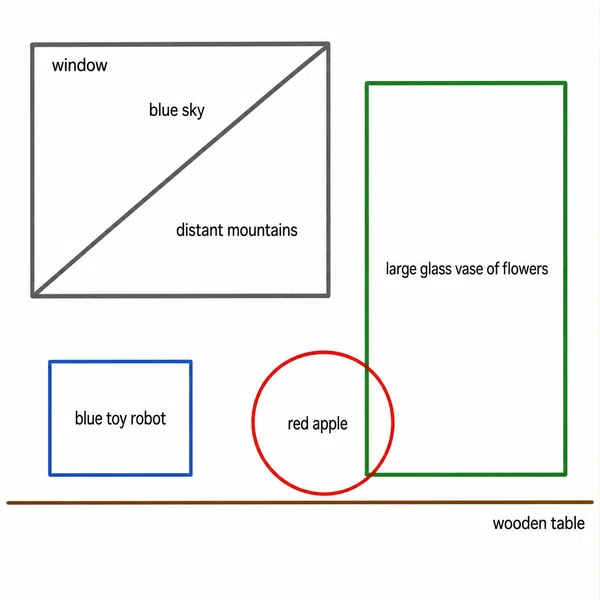
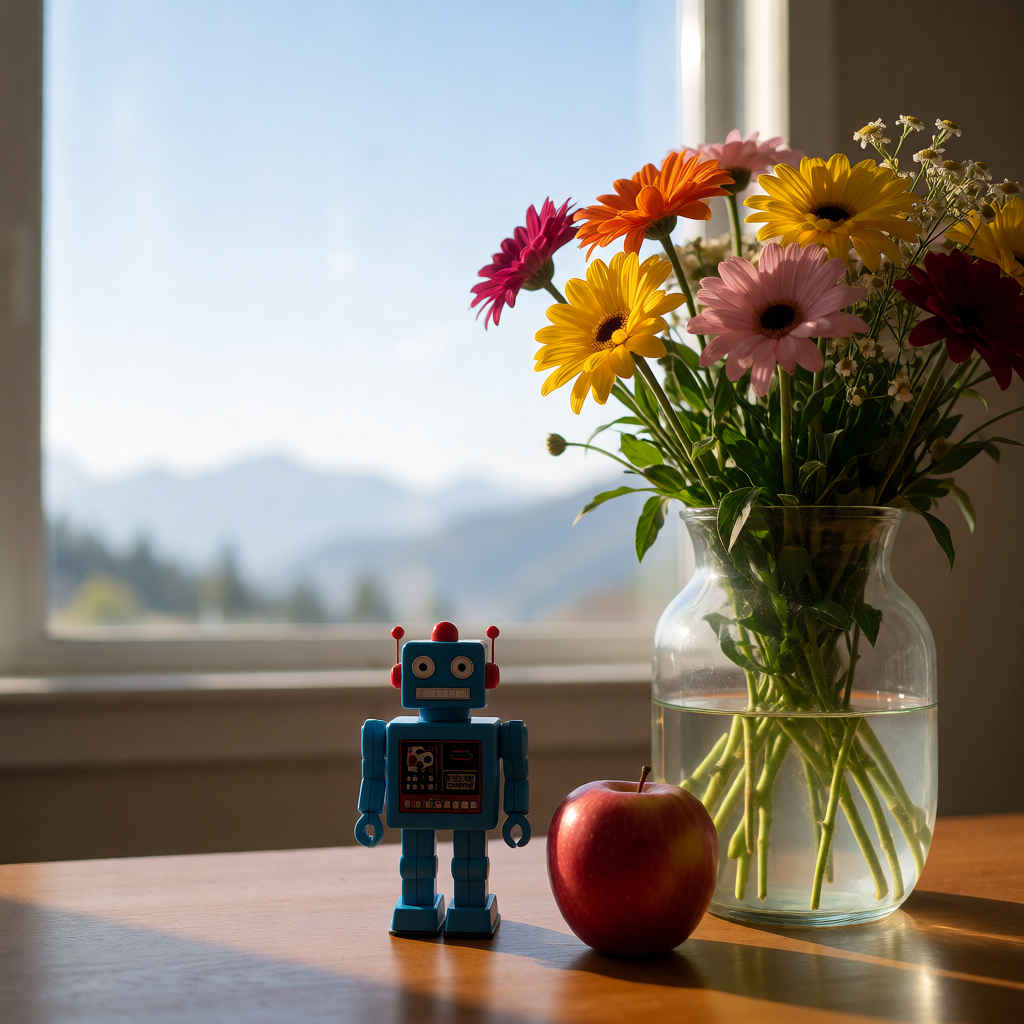
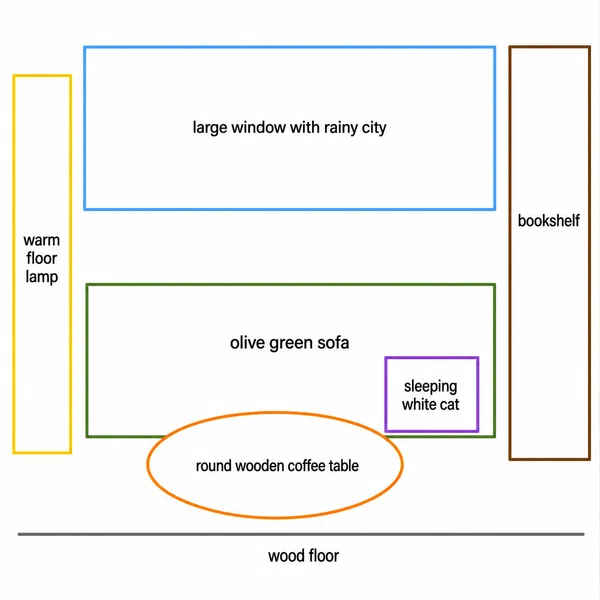
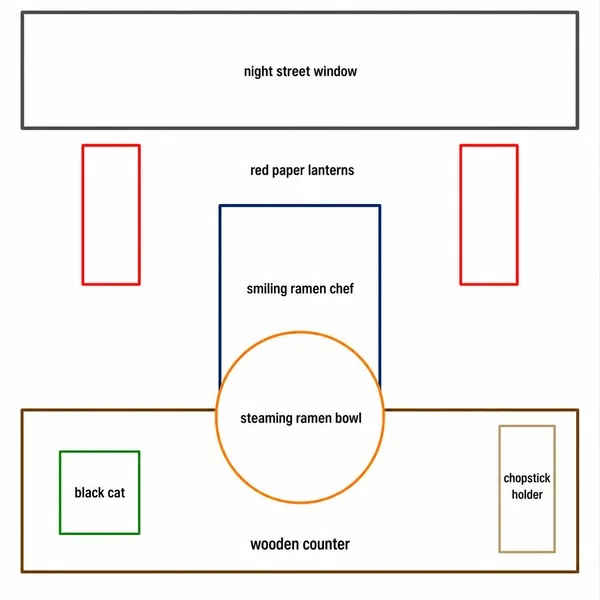
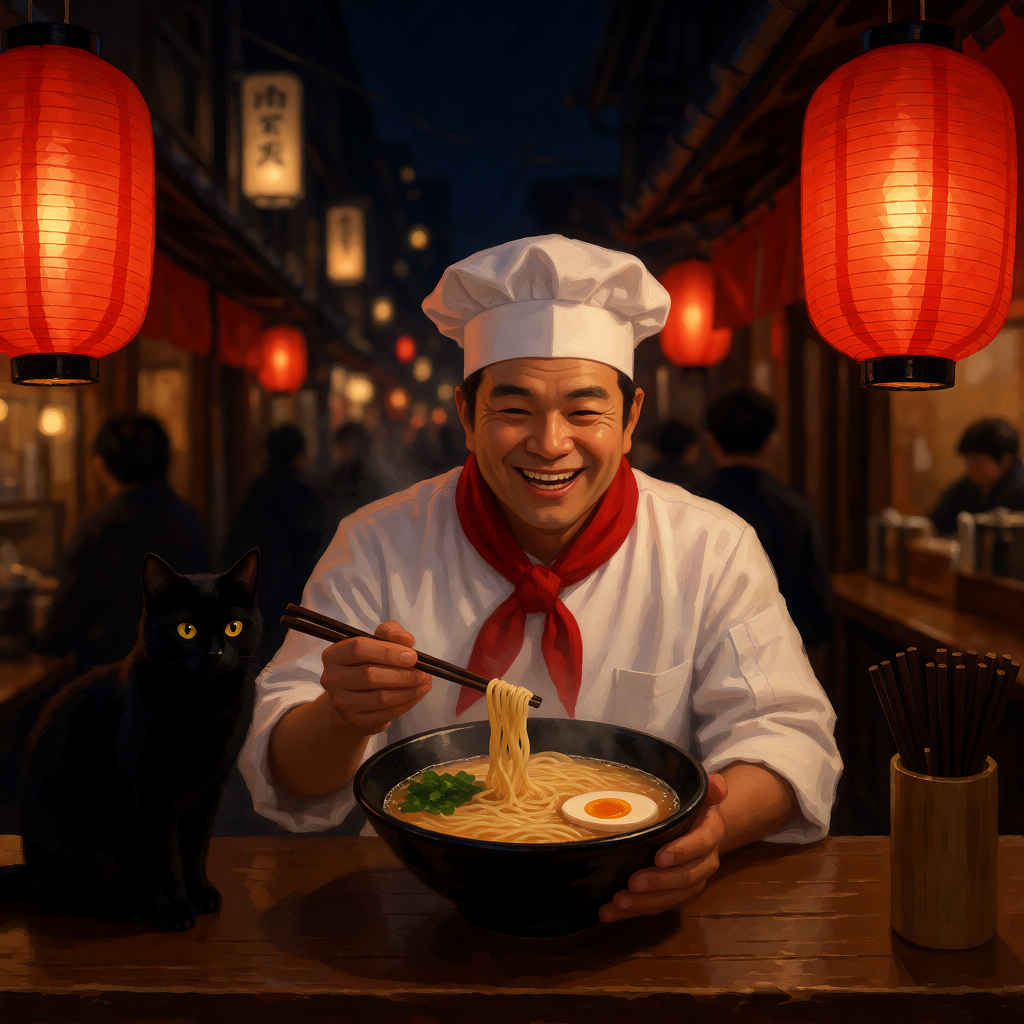
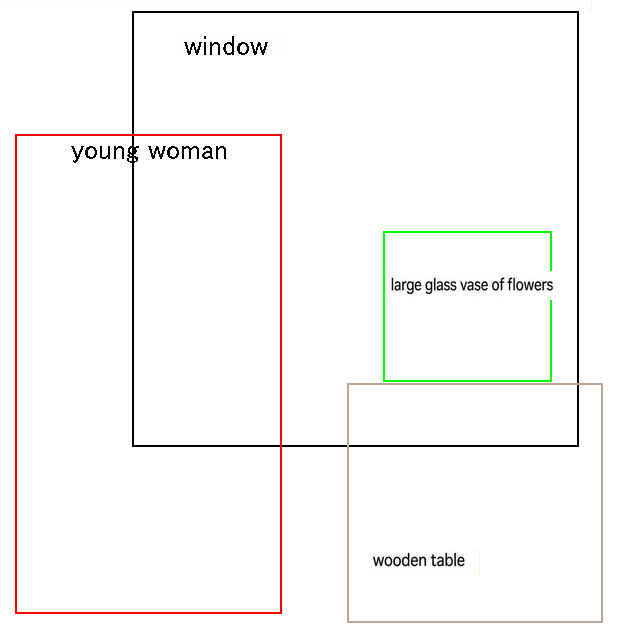
Transform the labeled layout diagram into a coherent photorealistic still-life photograph in soft natural morning light. Interpret every labeled guide as content and spatial composition, but do not show any guide outlines, labels, diagram text, or white diagram background in the final image.
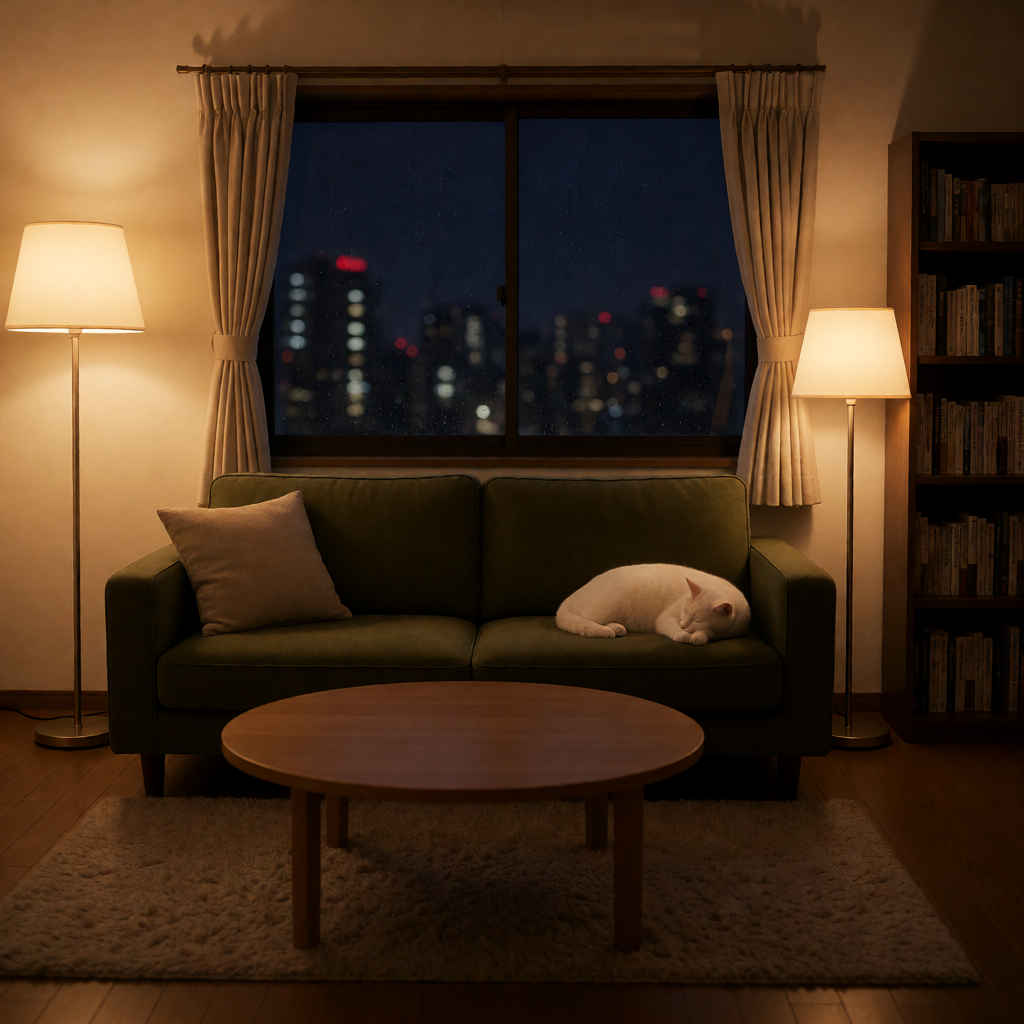
Transform the labeled layout diagram into a coherent photorealistic cozy living-room interior at night with warm cinematic lighting. Interpret every labeled guide as content and spatial composition, but do not show any guide outlines, labels, diagram text, or white diagram background in the final image.
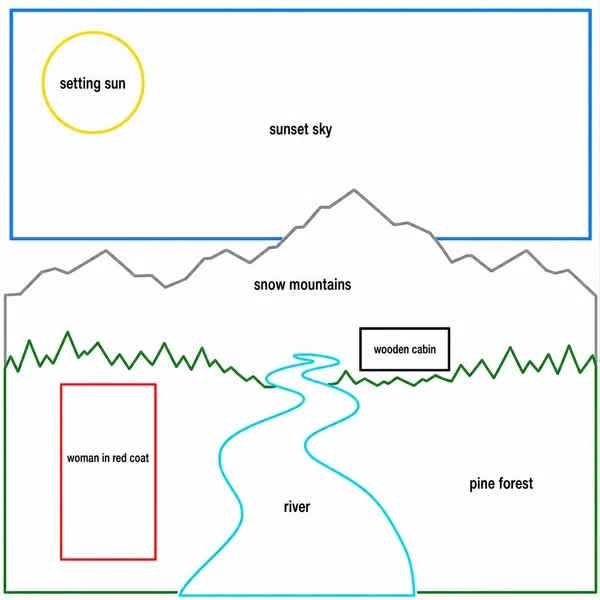
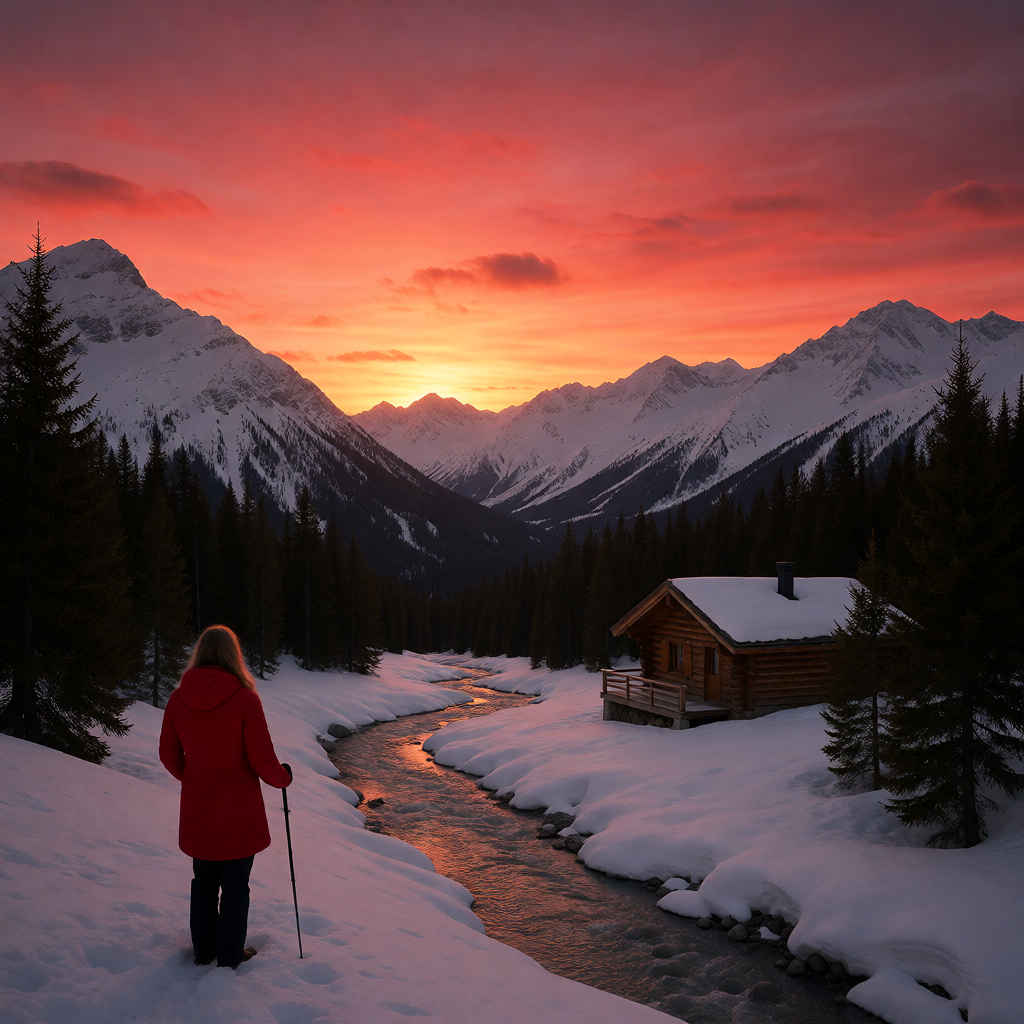
Transform the labeled layout diagram into a coherent cinematic photorealistic alpine travel photograph at sunset with deep perspective. Interpret every labeled guide as content and spatial composition, but do not show any guide outlines, labels, diagram text, or white diagram background in the final image.
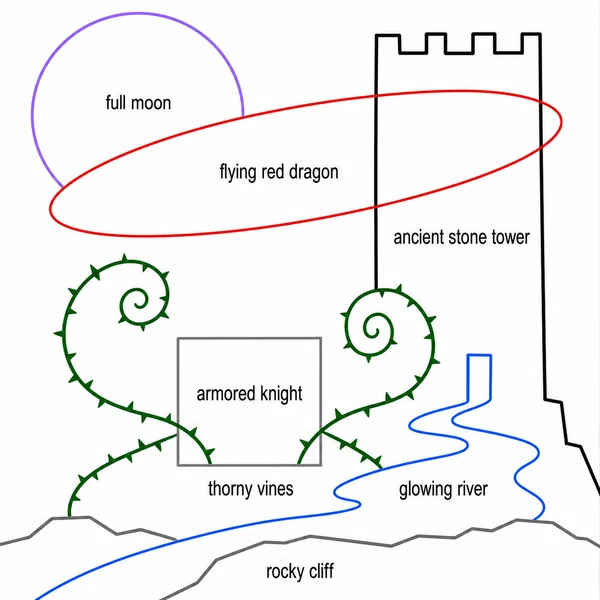
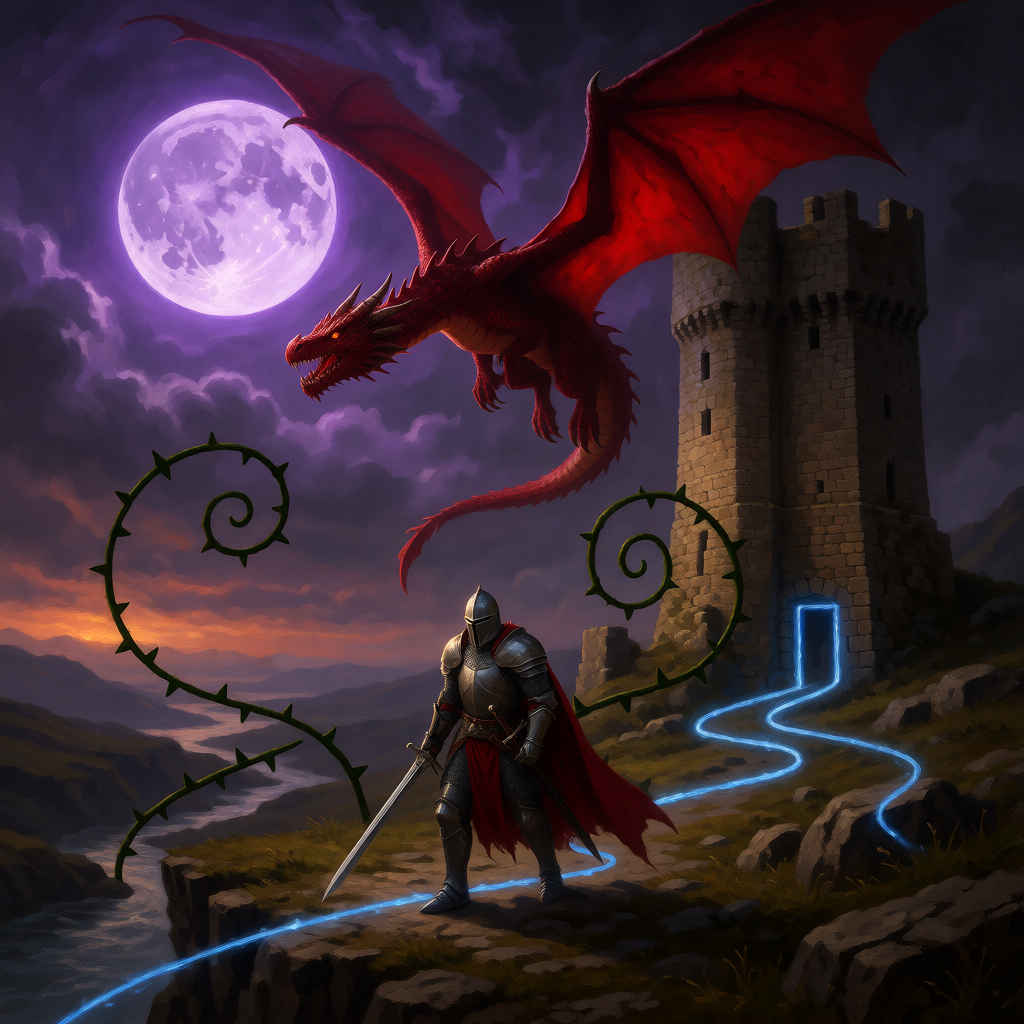
Transform the labeled layout diagram into a coherent dramatic cinematic fantasy digital painting. Interpret every labeled guide as content, depth order, and spatial composition, but do not show any guide outlines, labels, diagram text, or white diagram background in the final image.
Transform the labeled layout diagram into a coherent dramatic cinematic fantasy digital painting. Interpret every labeled guide as content, depth order, and spatial composition, but do not show any guide outlines, labels, diagram text, or white diagram background in the final image.
A warm, softly lit photograph of a young woman with long, wavy brown hair sitting gracefully on a wooden windowsill inside a cozy café or boutique shop, wearing a loose-knit beige cardigan over a white top paired with a flowing cream pleated midi skirt and polished brown ankle boots; she smiles gently toward the camera with a relaxed, serene expression, her legs crossed at the ankles, positioned near a large black-framed window that reveals a blurred street view with a white car parked outside, with minimalist wooden tables visible in the foreground, capturing a tranquil, stylish, and inviting atmosphere.
A strict, split-screen fashion style sheet presentation, perfectly divided down the center into two separate vertical halves. The entire composition is isolated on a pure, seamless solid white studio background with clean, professional softbox lighting and hyper-detailed photorealistic quality (8k).
[Left Panel - Defined 1:2 Aspect Ratio area]: Occupying exactly the left half of the image, separated by a clean vertical division, is a single, centered full-length fashion lookbook photograph. There is nothing other than people. The model is standing in a front-facing pose,[ ボトムスの記述,] preserving the specific items, colors, and realistic fabric texture of the outfit from the reference image. Crisp focus, minimal aesthetic. Do not overlap with the right panel.
[Right Panel - Vertically stacked 1:1 Images]: Occupying exactly the right half are two vertically stacked, close-up commercial beauty studio headshot portraits, completely separate from the left panel. The top 1:1 image shows the model’s head (frontal view). The bottom 1:1 image shows the identical model’s head (side profile view). Both portraits are only of the head, isolated with no clothes, neck, or body visible.


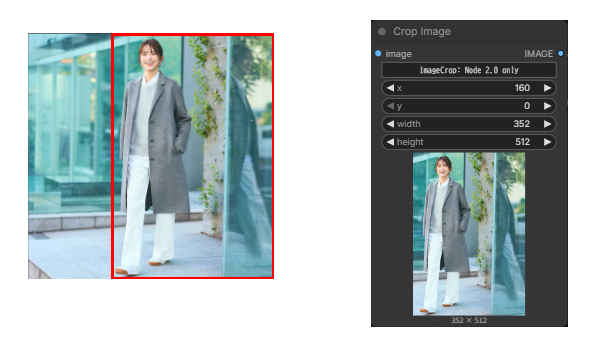 Clip Image を有効に