

私的AI研究会 > ComfyUI9
#ref(): File not found: "comfyui_300_m.jpg" at page "ComfyUI9"
「ComfyUI」を使ってローカル環境でのAI画像生成を検証する
| 音声対応の動画生成モデル「LTX-2」を使って動画を作成してみる |
ComfyUI
├─input              ← ワークフローに含まれる入力画像
└─user
    └─default
        └─workflows        ← ワークフローの保存場所
            ├─_audio
            ├─_base
            ├─_base_i2i
            ├─_base_t2i
            ├─_prompt
            ├─_utility
            ├─_video
            └─test
・解凍してできる「ComfyUI/」フォルダを「StabilityMatrix/Data/Packages/ComfyUI」へ上書きコピーする| ワークフロー | 機 能 | CPU | CPU | |||||
| RTX 4070 | RTX 4060 | RTX 4060L | RTX 3050 | GTX 1050 | i7-1260P | i7-1185G7 | ||
| video_ltx2_i2v_001.json | 静止画から動画生成 | 01:16.64 | 05:42.91 | × | × | × | ||
| video_ltx2_t2v_001.json | テキストから動画生成 | 01:56.49 | 05:06.04 | × | × | × | ||
| 「Stability Matrix」上の「ComfyUI」ではモデルフォルダの場所が異なっていることに注意 → モデルフォルダの配置 |
| モデル名 | ファイル名(.safetensors) | 配置先(/StabilityMatrix/Data/) | ダウンロード URL | |
| checkpoints | ltx-2-19b-distilled-fp8 | Models/ | StableDiffusion/ | ltx-2-19b-distilled-fp8.safetensors |
| ltx-2-19b-distilled | ltx-2-19b-distilled.safetensors | |||
| lolas | ltx-2-19b-distilled-lora-384 | Lora/ | ltx-2-19b-distilled-lora-384.safetensors | |
| ltx-2-19b-lora-camera-control-dolly-left | ltx-2-19b-lora-camera-control-dolly-left | |||
| vae | LTX2_audio_vae_bf16 | VAE/ | LTX-2 VAE Files | |
| LTX2_video_vae_bf16 | ||||
| LTX2_video_vae_old_bf16 | ||||
| latent_upscale_models | ltx-2-spatial-upscaler-x2-1.0 | Packages/ComfyUI/models/ | latent_upscale_models | LTX-2 Spatial Upscaler ×2 (v1.0) |
| text_encoders | gemma_3_12B_it_fp4_mixed | text_encoders | gemma_3_12B_it_fp4_mixed.safetensors | |
| ltx-2-19b-embeddings_connector_dev_bf16 | LTX-2 Embeddings Connector (bf16) | |||
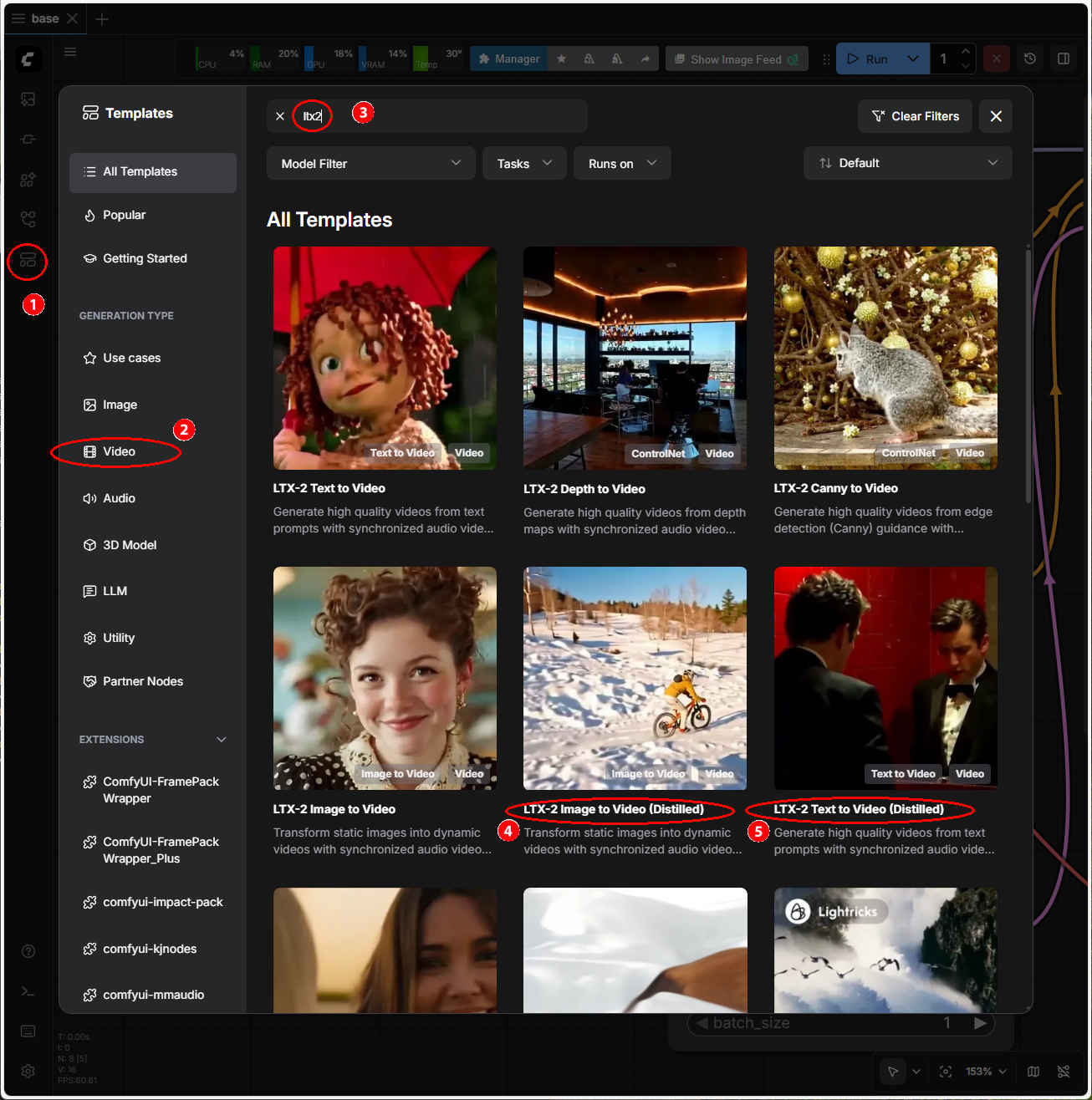
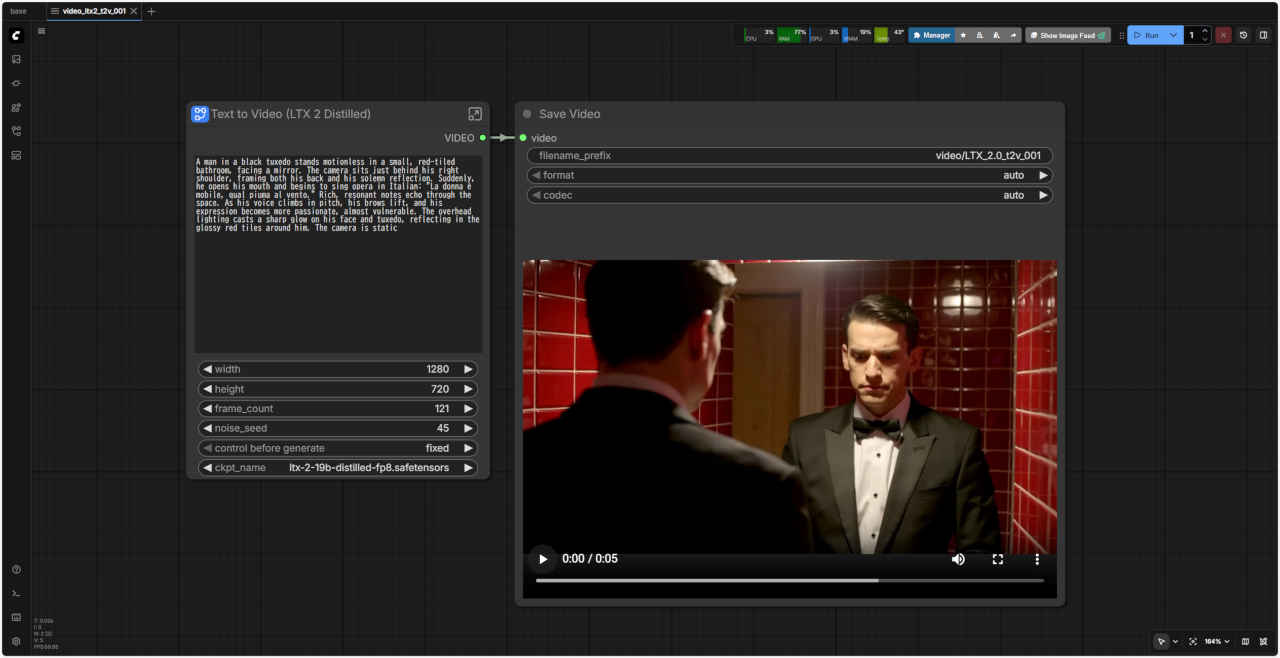
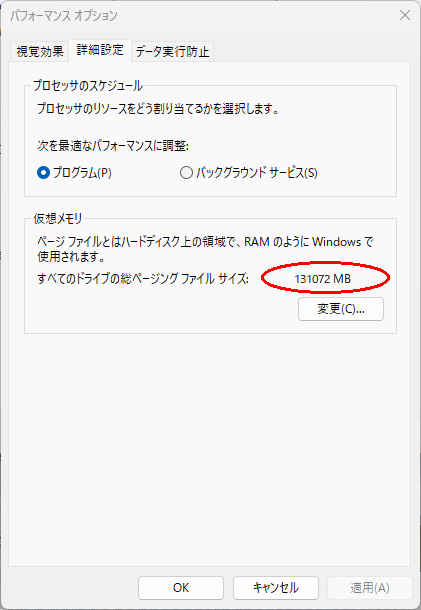 ※ ワークフロー:「_video/」
 video_ltx2_t2v_001.json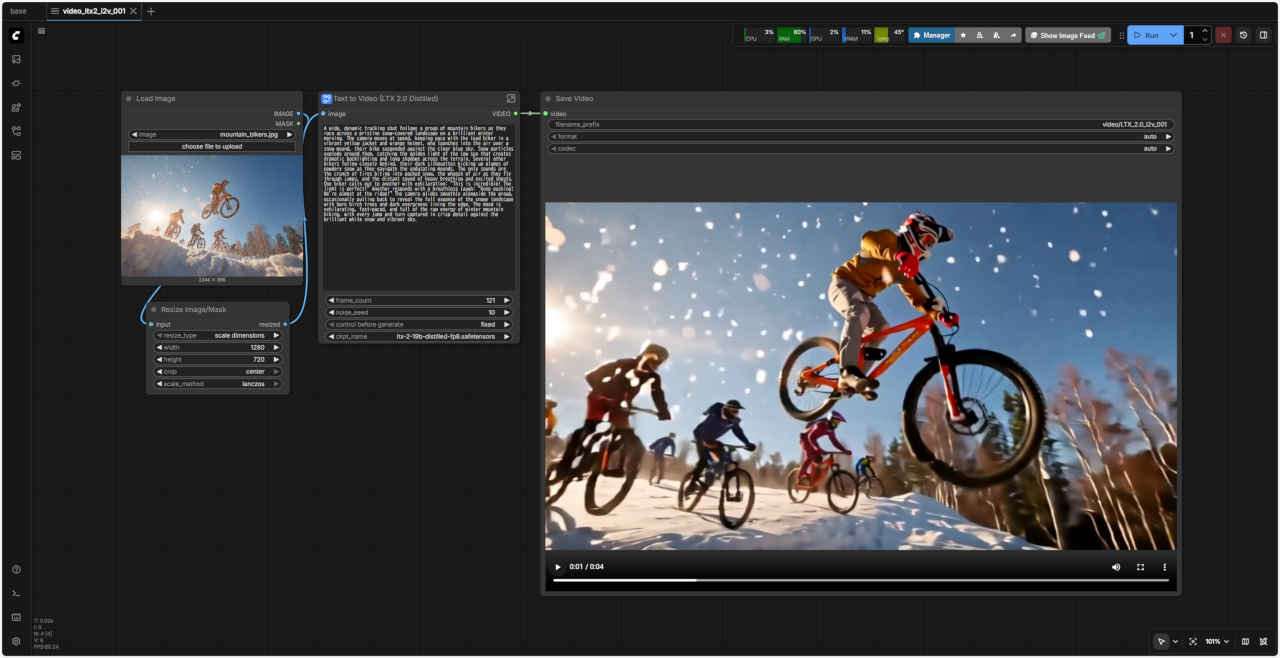
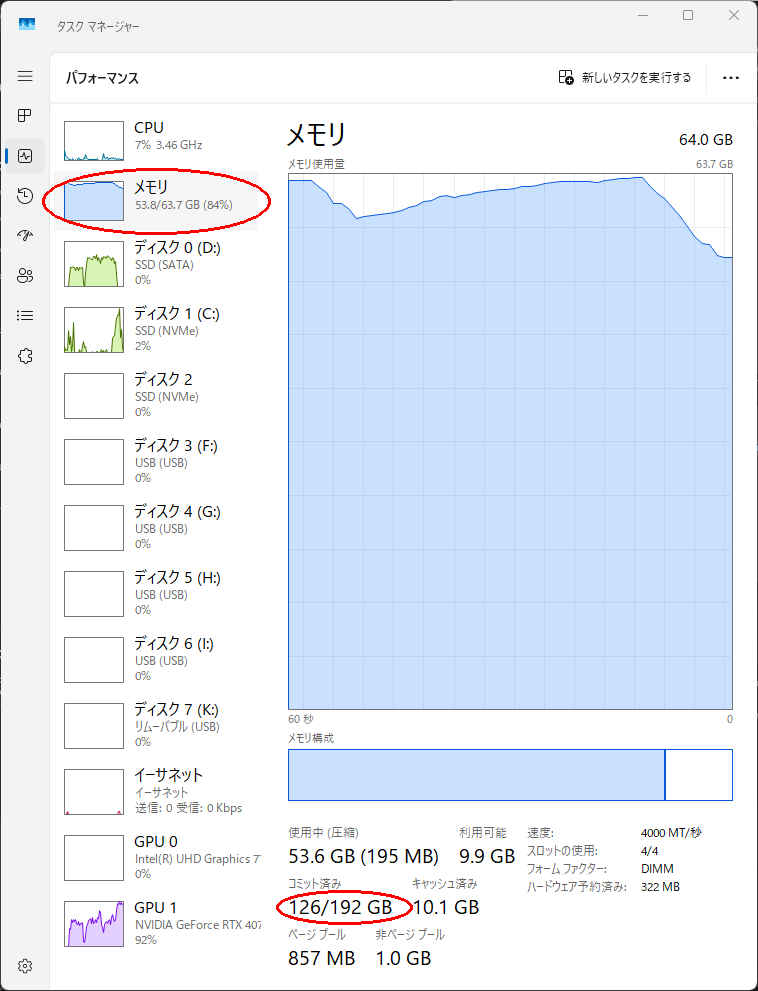
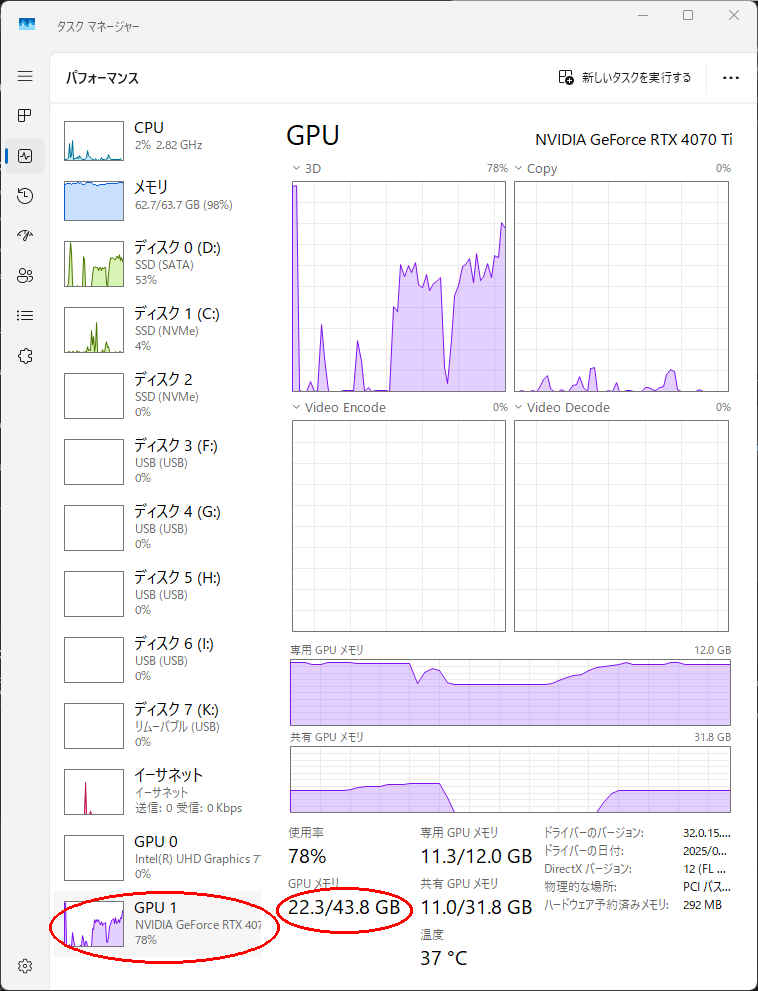 ※ ワークフロー:「_video/」video_ltx2_i2v_001.json