私的AI研究会 > ComfyUI17
「ComfyUI」を使ってローカル環境でのAI画像生成を検証する
| アメリカのKrea社が開発した美意識やスタイル表現に特化した次世代のAI画像生成モデルを検証してみる |
| モデル | 特徴 |
| RAW | 細かな調整(ファインチューニング)やLoRAの学習向けベースモデル |
| Turbo | わずか数ステップで高品質な画像を出力する、高速・リアルタイム生成に特化したモデル |
| このプロジェクトで作成するワークフローと関連データは下記にアップロードしている(更新されている場合は再度ダウンロードのこと) |
📂ComfyUI
  └─📂user
        └─📂default
              └─📂workflows        ← ワークフローの保存場所
                    :
                    ├─📂Krea        ← この章で作成するワークフロー
                    :
・解凍してできる「ComfyUI/」フォルダを「StabilityMatrix/Data/Packages/ComfyUI」へ上書きコピーする| ワークフロー | 機 能 | モデル | CPU | CPU | |||||
| RTX 4070 | RTX 4060 | RTX 4060L | RTX 3050 | GTX 1050 | i7-1260P | i7-1185G7 | |||
| 8201_krea2_turbo_t2i | Text to Image 基本ワークフロー | Turbo fp8 | 01:13.67 | 01:46.56 | 01:39.96 | 02:59.84 | 13:48.52 | 01H56:49.48 | 01H29:13.97 |
| 8202_krea2_turbo_t2i_simple | Text to Image 展開版ワークフロー | Turbo fp8 | 00:29.68 | 01:21.04 | 01:26.33 | 02:03.60 | 15:38.75 | 01H49:32.15 | 01H24:18.79 |
| 8203_krea2_turbo_t2i | Text to Image 基本 (簡略版) | Turbo fp8 | 00:16.22 | 01:00.96 | 00:45.89 | 01:35.52 | 11:29.41 | 01H26:29.77 | 01H05:26.57 |
| 8204_krea2_turbo_t2i_simple | Text to Image 展開版 (簡略版) | Turbo fp8 | 00:17.24 | 00:49.12 | 00:46.97 | 01:37.71 | 13:27.32 | 01:32:34.96 | 01H06:59.93 |
| 8205_krea2_turbo_i2i | Image to Image 基本 (簡略版) | Turbo fp8 | 00:15.29 | 00:51.66 | 00:47.69 | 01:39.25 | 14:05.09 | 01H30:26.55 | 01H08:45.60 |
| 8206_krea2_turbo_i2i_simple | Image to Image 展開版 (簡略版) | Turbo fp8 | 00:17.24 | 01:07.42 | 00:44.63 | 01:39.34 | 14:14.84 | 01H30:32.60 | 01H09:42.86 |
| 8207_krea2_turbo_style_reference | Style Reference 基本ワークフロー | Turbo INT8 | 00:21.66 | 00:54.06 | 01:11.44 | 01:50.93 | |||
| 8208_krea2_turbo_style_ref_simple | Style Reference 展開版フロー | Turbo INT8 | 00:22.28 | 00:54.60 | 01:12.23 | 01:49.84 | |||
| 8209_krea2_turbo_style_ref | Style Reference 簡略版フロー | Turbo INT8 | 00:21.30 | 00:54.11 | 01:11.71 | 01:50.32 | |||
| 拡張ノード(検索名) | 拡張ノード URL | 主な機能 / 参照ページ | ワークフロー |
| rgthree | rgthree-comfy | ノードをスイッチで切り替える | 8205, 8206 |
| モデル名 | ファイル名(.safetensors) | 配置先(/StabilityMatrix/Data/) | ダウンロード URL | 利用先 | |
| diffusion_models | krea2_raw_fp8_scaled | Models/ | DiffusionModels/ | krea2_raw_fp8_scaled.safetensors | |
| krea2_turbo_fp8_scaled | krea2_turbo_fp8_scaled.safetensors | ||||
| krea2_turbo_int8_convrot | krea2_turbo_int8_convrot.safetensors | Style Reference | |||
| loras | krea2_darkbrush | Lora/ | krea2_darkbrush.safetensors | ||
| krea2_dotmatrix | krea2_dotmatrix.safetensors | ||||
| krea2_kidsdrawing | krea2_kidsdrawing.safetensors | ||||
| krea2_neondrip | krea2_neondrip.safetensors | ||||
| krea2_rainywindow | krea2_rainywindow.safetensors | ||||
| krea2_retroanime | krea2_retroanime.safetensors | ||||
| krea2_softwatercolor | krea2_softwatercolor.safetensors | ||||
| krea2_sunsetblur | krea2_sunsetblur.safetensors | ||||
| krea2_turbo_lora_rank_64_bf16 | krea2_turbo_lora_rank_64_bf16.safetensors | ||||
| krea2_vintagetarot | krea2_vintagetarot.safetensors | ||||
| krea2_style_reference | krea2_style_reference.safetensors | Style Reference | |||
| text_encoders | qwen3vl_4b_fp8_scaled | TextEncoders | qwen3vl_4b_fp8_scaled.safetensors | ||
| vae | qwen_image_vae | VAE/ | qwen_image_vae.safetensors | ||
| フォルダ | ワークフロー名 (.json) | モデル | 機能 (参照ページ) | 特記事項(同じ機能のワークフロー .json) |
| Krea | 8201_krea2_turbo_t2i | 蒸留版 fp8 | Text to Image 基本ワークフロー | (image_krea2_turbo_t2i_org.json |
| 8202_krea2_turbo_t2i_simple | Text to Image 展開版ワークフロー | 8201 展開版 | ||
| 8203_krea2_turbo_t2i | Text to Image 基本フロー (簡略版) | 8201 プロンプトエンハンサーなし | ||
| 8204_krea2_turbo_t2i_simple | Text to Image 展開版フロー (簡略版) | 8202 プロンプトエンハンサーなし | ||
| 8205_krea2_turbo_i2i | Image to Image 基本 (簡略版) | 8203 Image to Image | ||
| 8206_krea2_turbo_i2i_simple | Image to Image 展開版 (簡略版) | 8205 展開版 | ||
| 8207_krea2_turbo_style_reference | 蒸留版 INT8 | Style Reference 基本ワークフロー | image_krea2_turbo_int8_image_style_reference | |
| 8208_krea2_turbo_style_ref_simple | Style Reference 展開版ワークフロー | 8207 展開版 | ||
| 8209_krea2_turbo_style_ref | Style Reference 簡略版ワークフロー | 8208 プロンプト・エンハンサーなし |
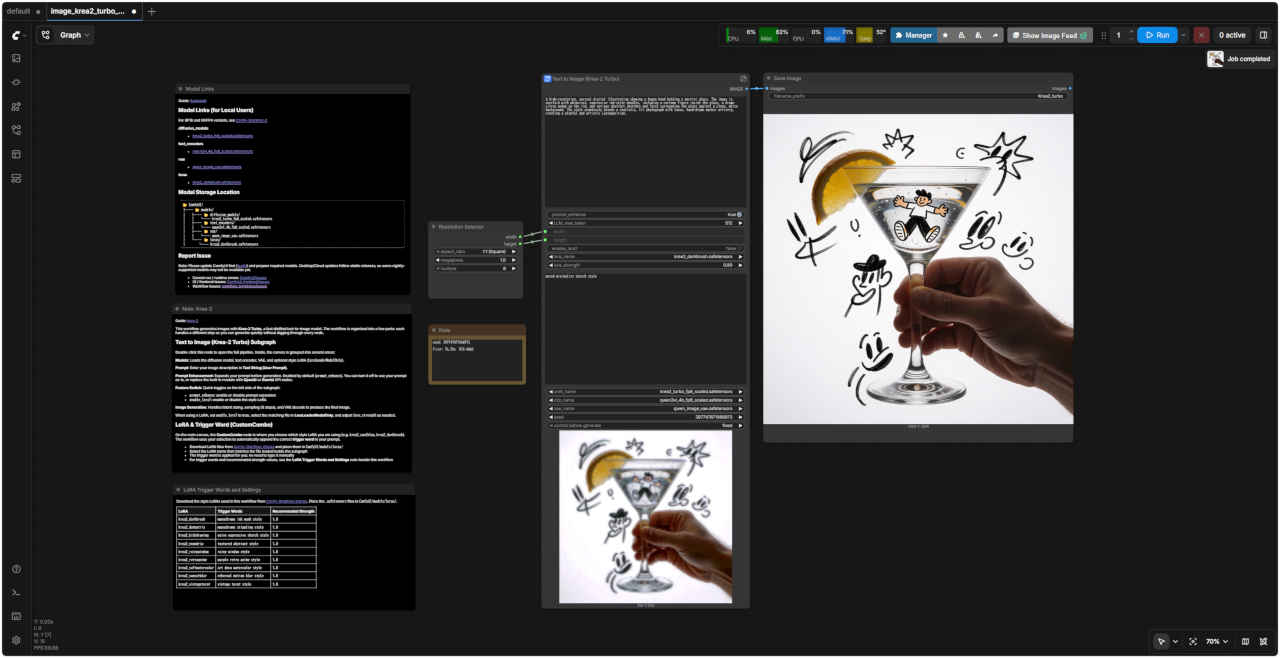
| ComfyUI オフィシャルサイトで公開されているテンプレートのシード値を固定して再現性を確保し動かしながら整理する |
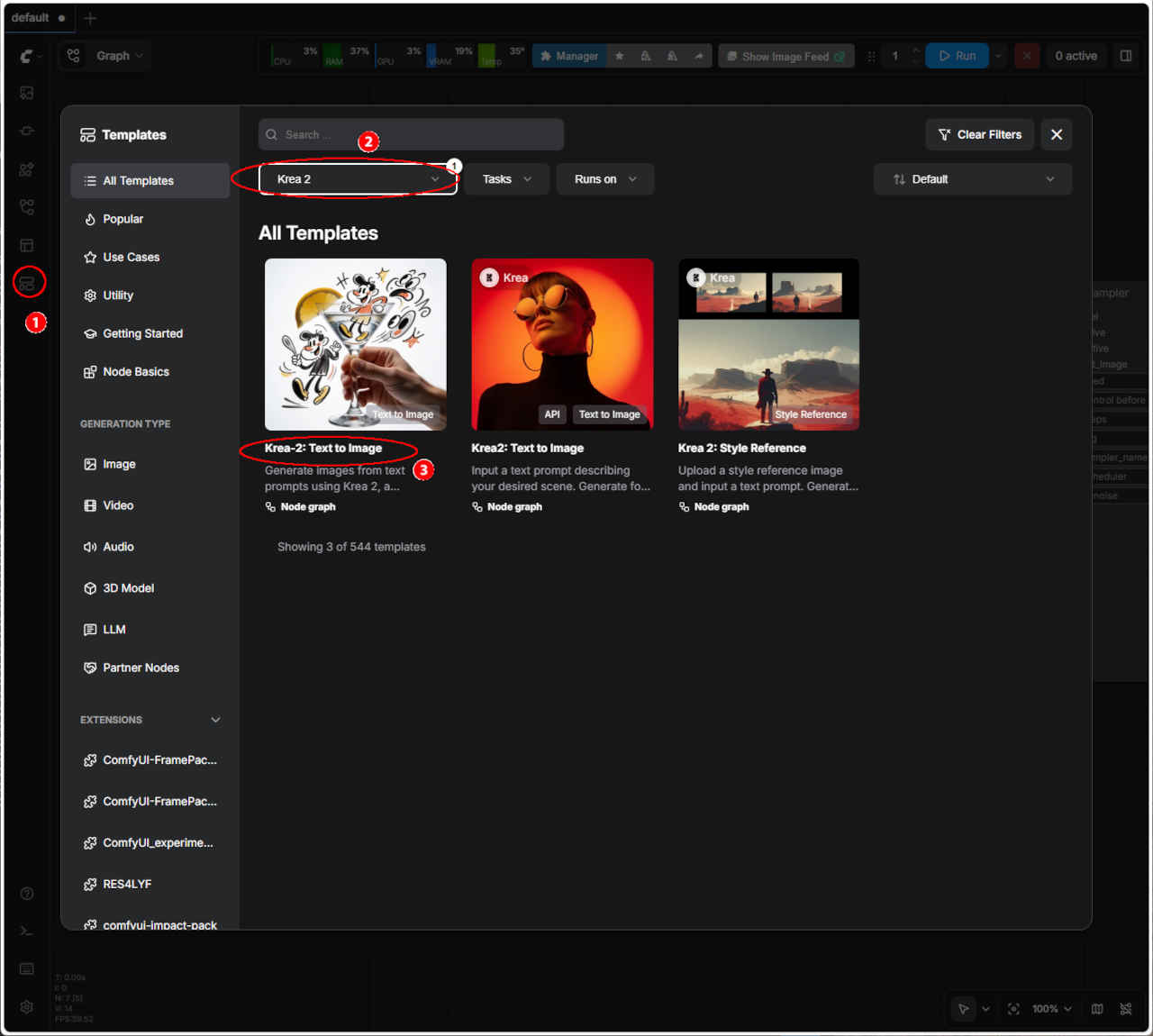 | ① 左端のメニューから「Template」を選択 ②「Krea 2」を選択する ・表示された一覧からワークフローを選ぶ ③「Krea-2: Text to Image」Turbo版 Text to Image ・ワークフローでエラーが発生する場合はモデルの配置を確認する | |
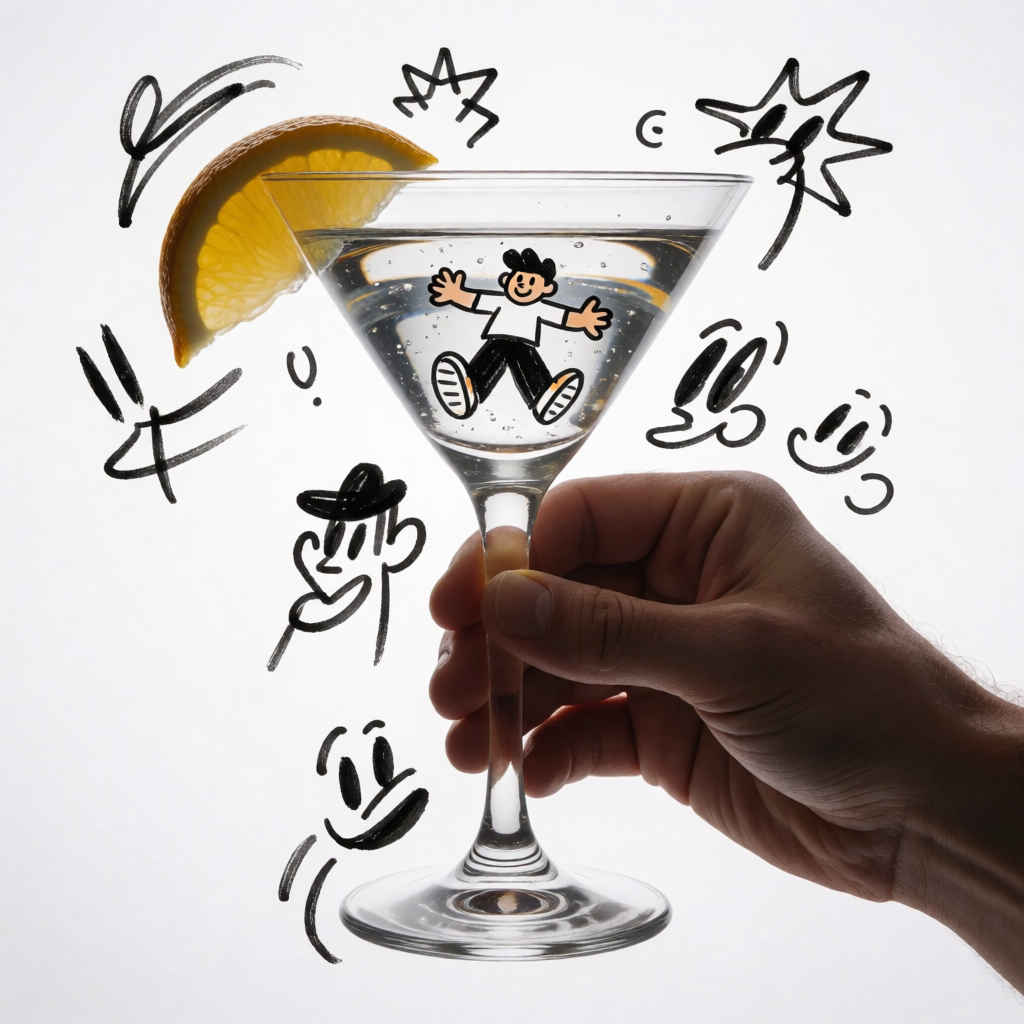
| 生成画像 1024x1024 | ||
| | ||
| テンプレート名 | モデル | ワークフロー | 保存ワークフロー名 | |
| ③ | Krea 2 Turbo: Text to Image | Turbo | image_krea2_turbo_t2i.json | image_krea2_turbo_t2i_org.json |
| ・テンプレートのオリジナル・ワークフローに対して「① モデルの変更, ② シード値を固定(同じ画像を再現できるように)」を変更する |
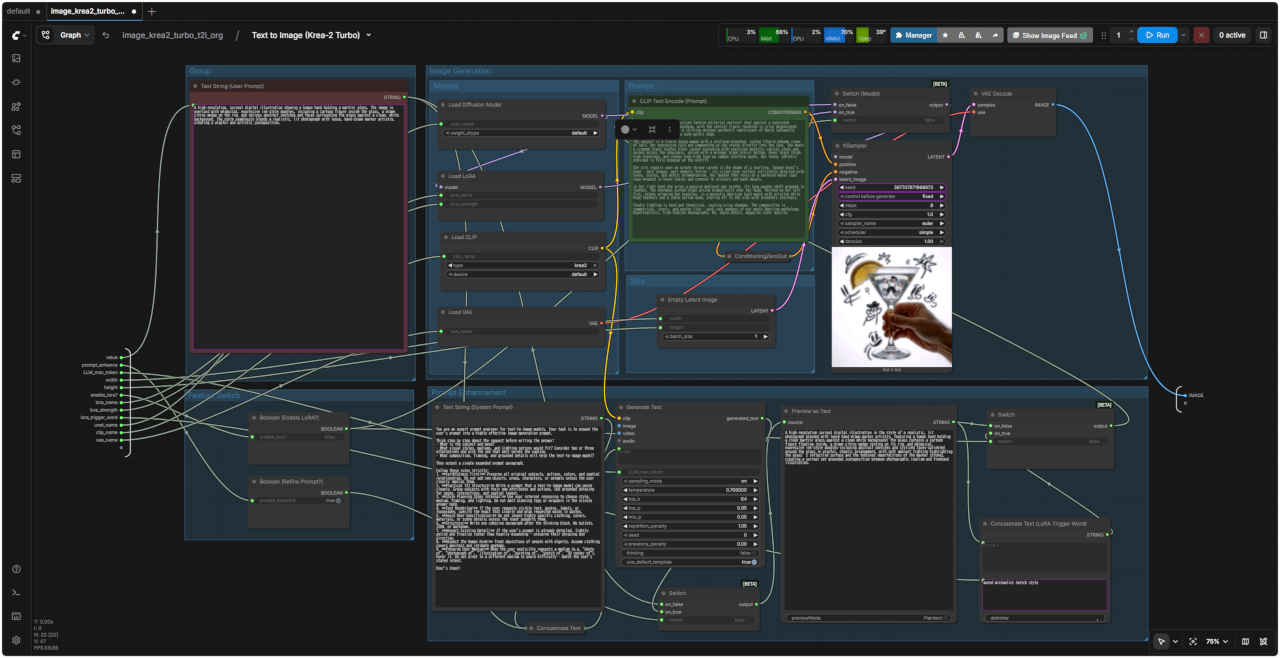
| オリジナルのワークフローを整理して FHD(1920x1080) 画面内に一括表示できるようにする |
| 8201 基本ワークフロー | 8201 SubGraph(プロンプト・エンハンサー付き) |
| Prompt: A high-resolution, surreal digital illustration showing a human hand holding a hurricane glass. The image is overlaid with whimsical, expressive ink-style doodles, including a cartoon figure inside the glass, a drawn citrus wedge on the rim, and various abstract sketches and faces surrounding the glass against a clean, white background. The style seamlessly blends a realistic, lit photograph with loose, hand-drawn marker artistry, creating a playful and artistic juxtaposition. | |
| 人間の手がハリケーン・グラスを握っている様子を描いた、高解像度かつシュールなデジタル・イラストレーションです。真っ白な背景を舞台に、グラスの中の漫画風の人物、縁に描かれた柑橘類のカット、そしてグラスの周囲に散りばめられた様々な抽象的スケッチや顔といった、遊び心あふれる表現力豊かなインク調の落書きが重ね合わされています。写実的な照明効果を伴う写真の要素と、マーカーによる自由な手描きのタッチがシームレスに融合し、遊び心と芸術性が同居するユニークな対比を生み出しています。 | |
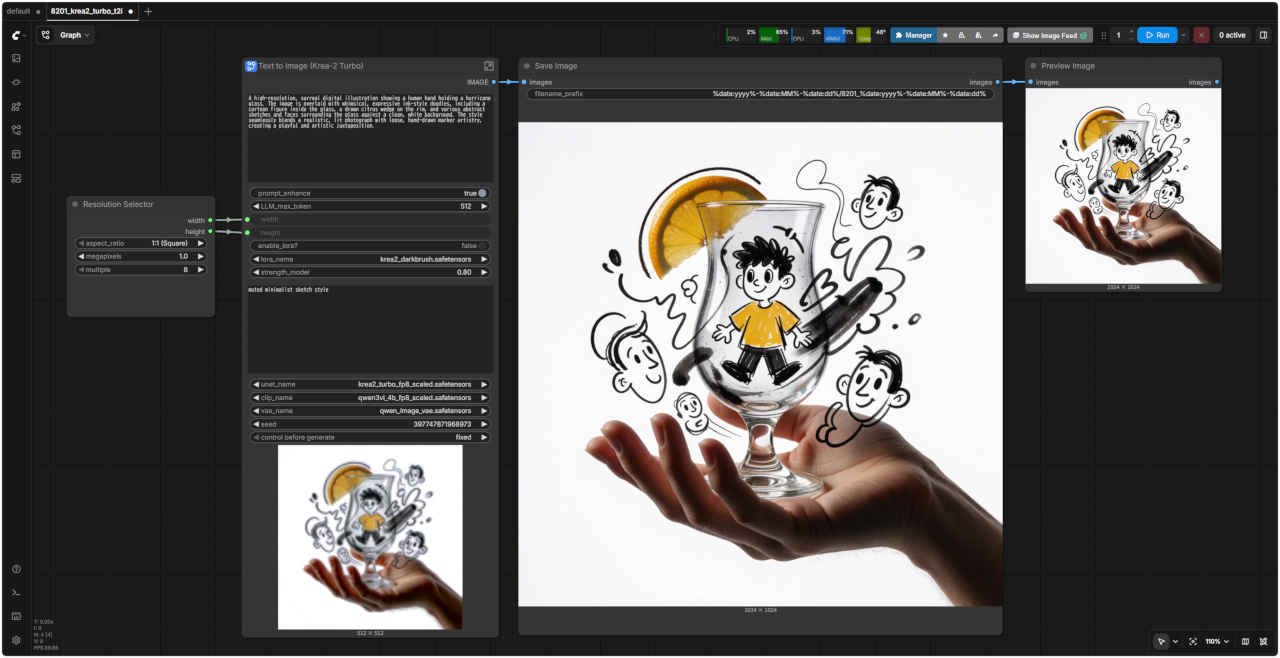 | 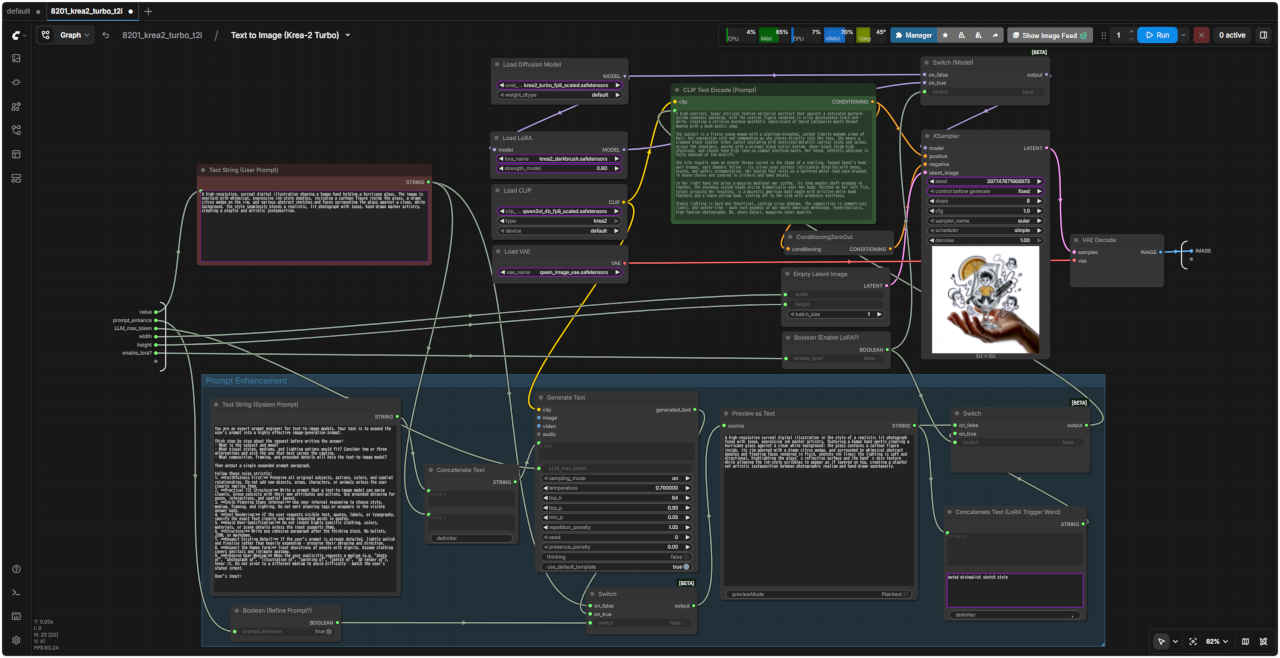 |
| 「Krea/」8201_krea2_turbo_t2i.json | |
| 8202 基本ワークフロー(展開版) | 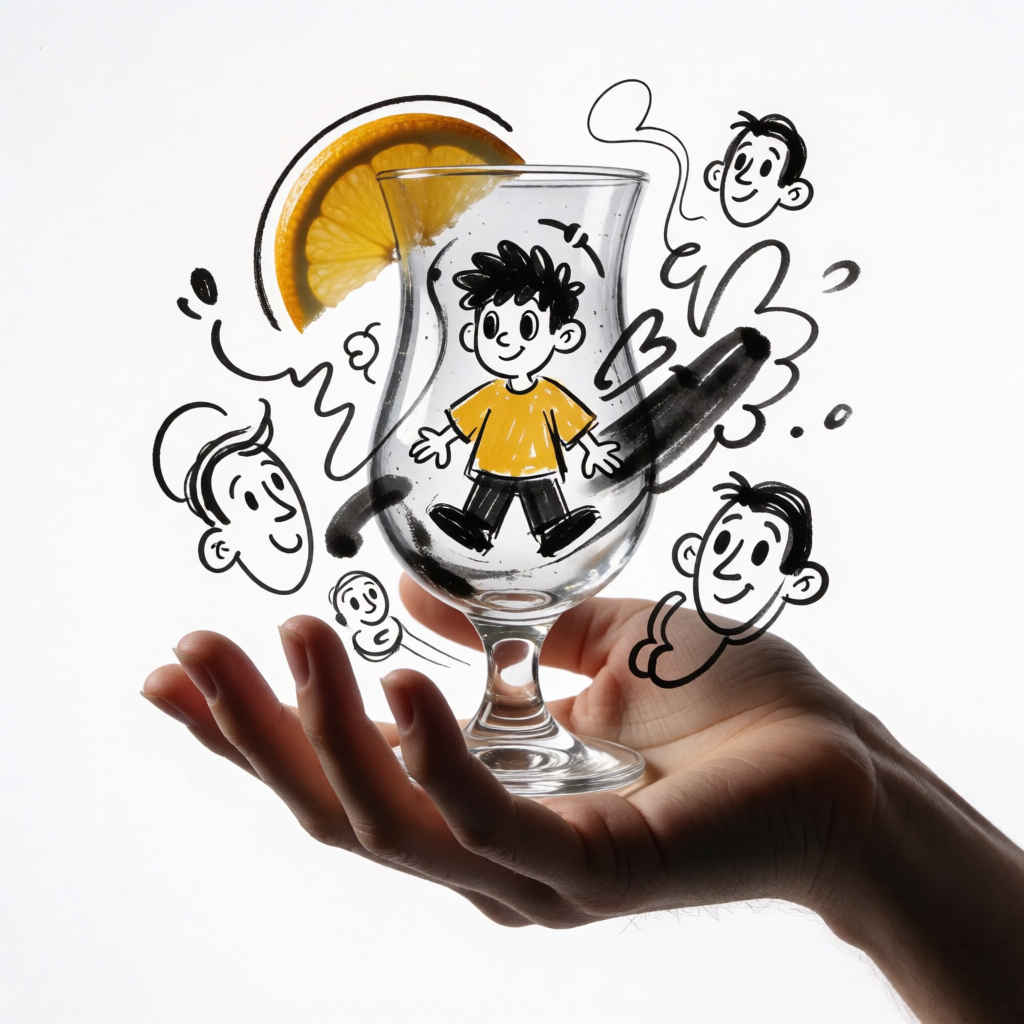 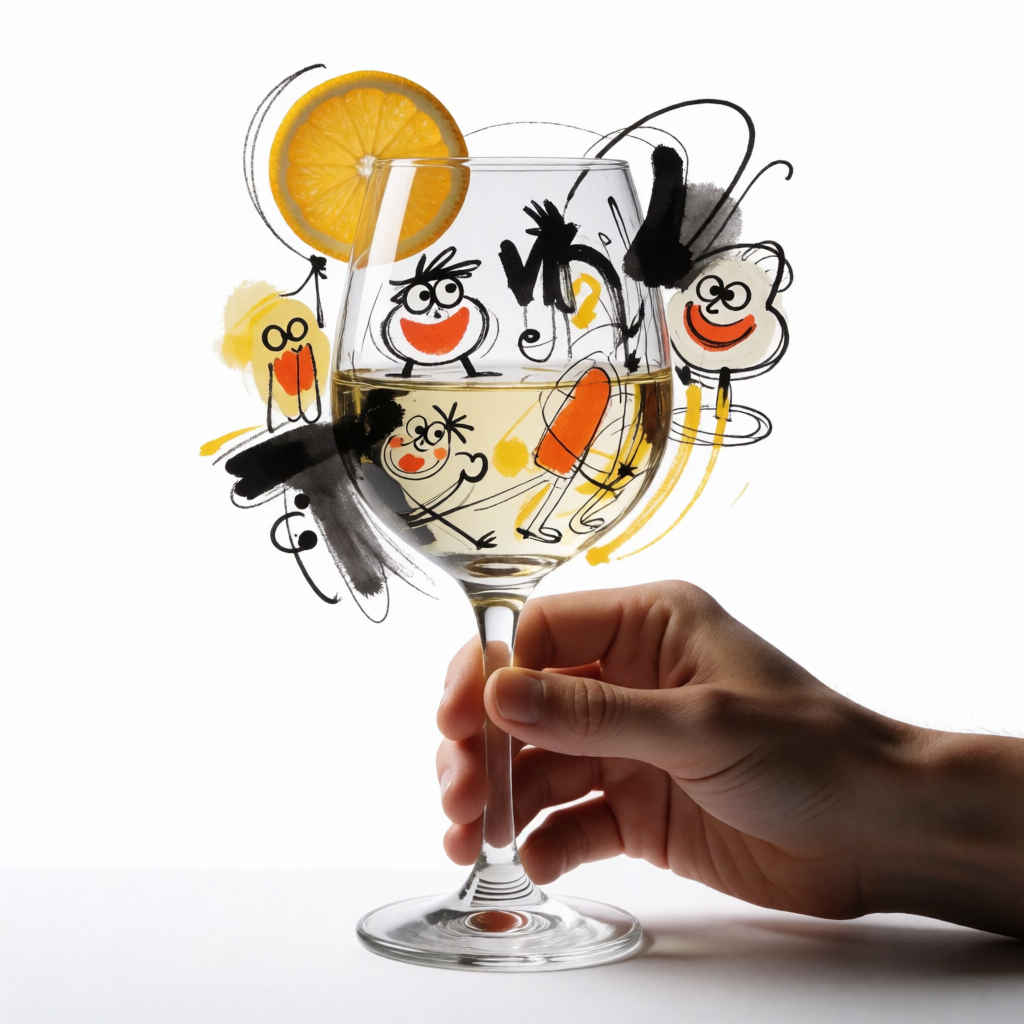 |
| Prompt: ワイングラスを持つ人の手を捉えた、高解像度かつシュールなデジタルイラストレーションです。真っ白な背景を舞台に、グラスの中の漫画風の人物や縁に描かれた柑橘類のカット、そしてグラスの周囲に散りばめられた抽象的なスケッチや顔など、遊び心あふれる表現力豊かなインク画風の落書きが重ね合わされています。写実的な照明効果を伴う写真の質感と、マーカーによる自由な手描きのタッチがシームレスに融合し、遊び心と芸術性が同居するユニークな対比を生み出しています。 | |
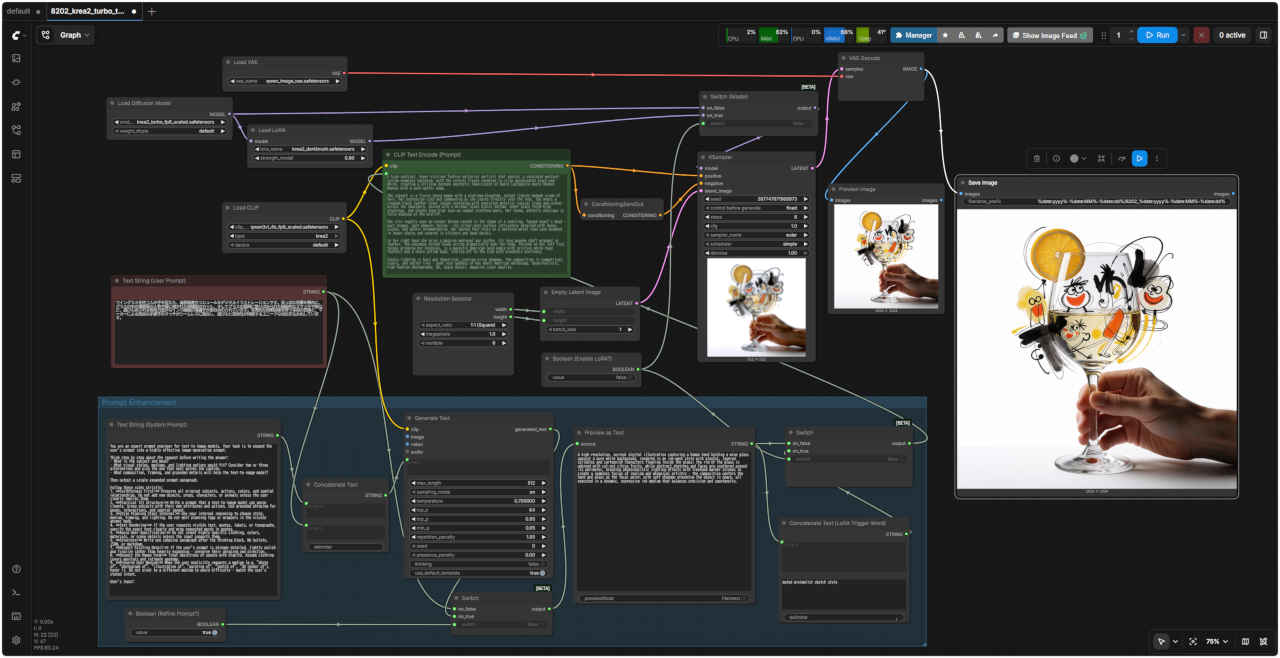 | |
| 「Krea/」8202_krea2_turbo_t2i_simple.json | |
| Step 1 のワークフローは、Lora の On/Off とプロンプトエンハンサーがついているので外して簡単にする |
| 8203 基本ワークフロー | 8203 SubGraph(プロンプト・エンハンサーなし) |
| Prompt: A high-resolution, surreal digital illustration showing a human hand holding a Pilsner glass. The image is overlaid with whimsical, expressive ink-style doodles, including a cartoon figure inside the glass, a drawn citrus wedge on the rim, and various abstract sketches and faces surrounding the glass against a clean, white background. The style seamlessly blends a realistic, lit photograph with loose, hand-drawn marker artistry, creating a playful and artistic juxtaposition. | |
| ピルスナーグラスを握る人の手を捉えた、高解像度かつシュールなデジタルイラストレーションです。真っ白な背景を舞台に、グラスの中の漫画風の人物や縁に描かれた柑橘類のカット、そしてグラスの周囲に散りばめられた抽象的なスケッチや顔といった、遊び心あふれる表現力豊かなインク画風の落書きが重ね合わされています。写実的な照明効果を伴う写真の質感と、マーカーによる自由な手描きのタッチがシームレスに融合し、遊び心と芸術性が同居するユニークな対比を生み出しています。 | |
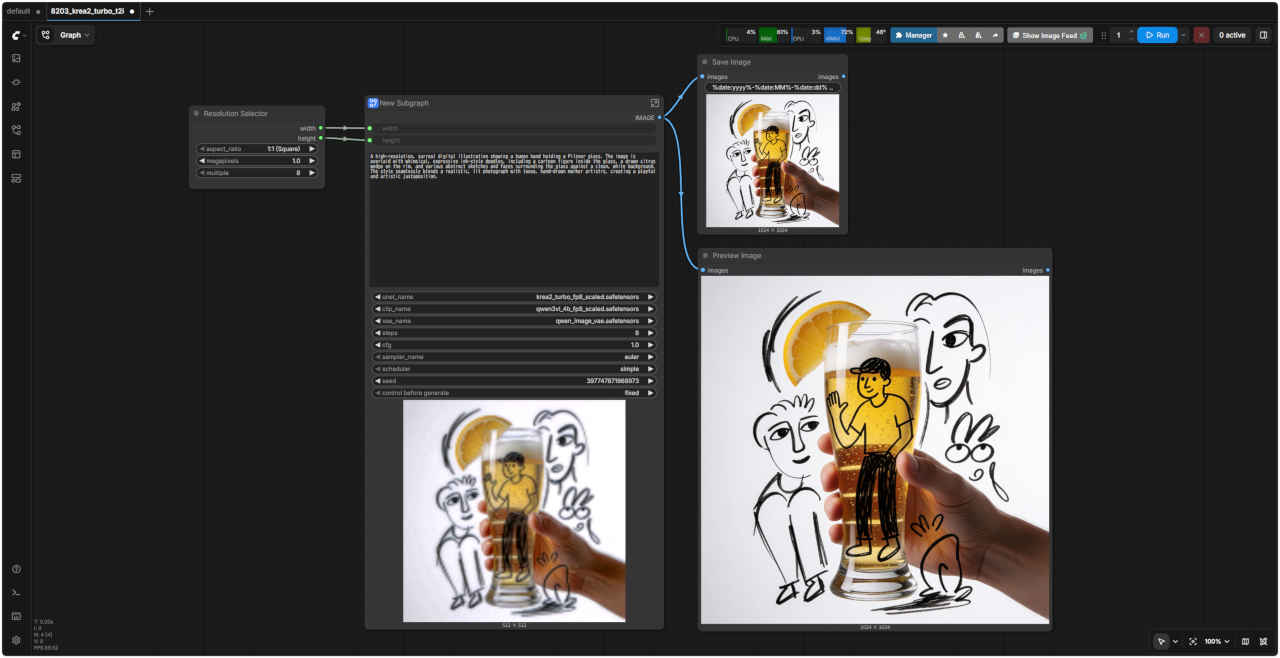 | 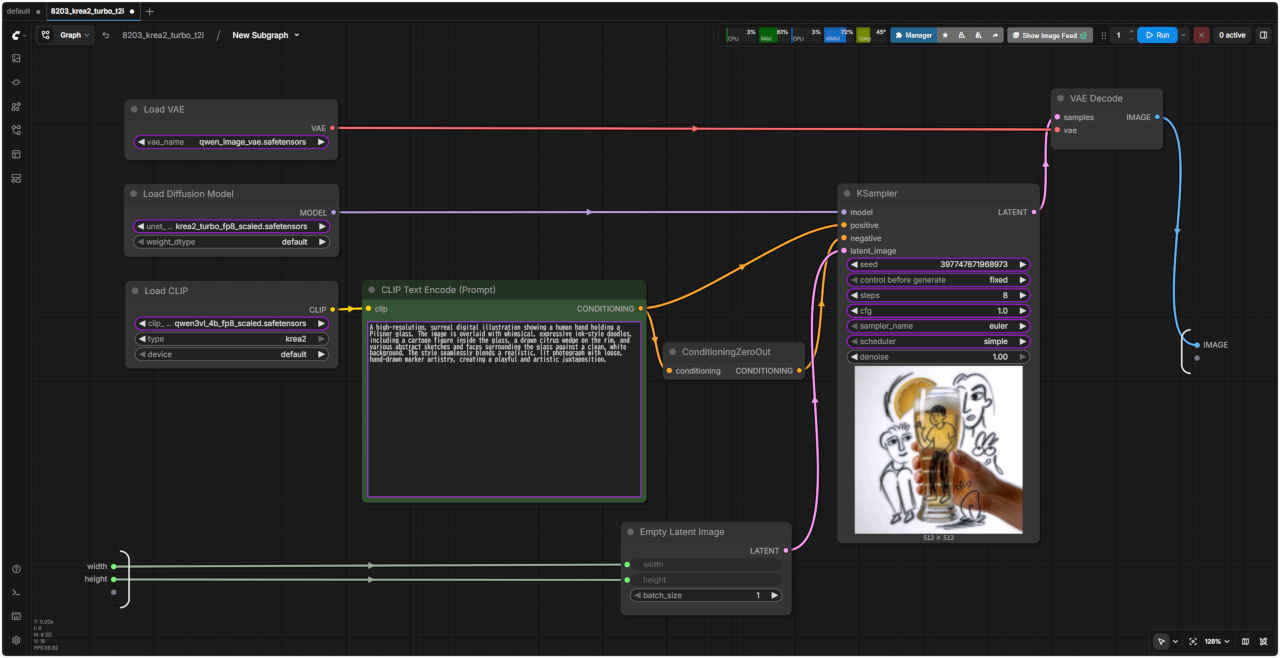 |
| 「Krea/」8203_krea2_turbo_t2i.json | |
| 8204 基本ワークフロー(展開版) | 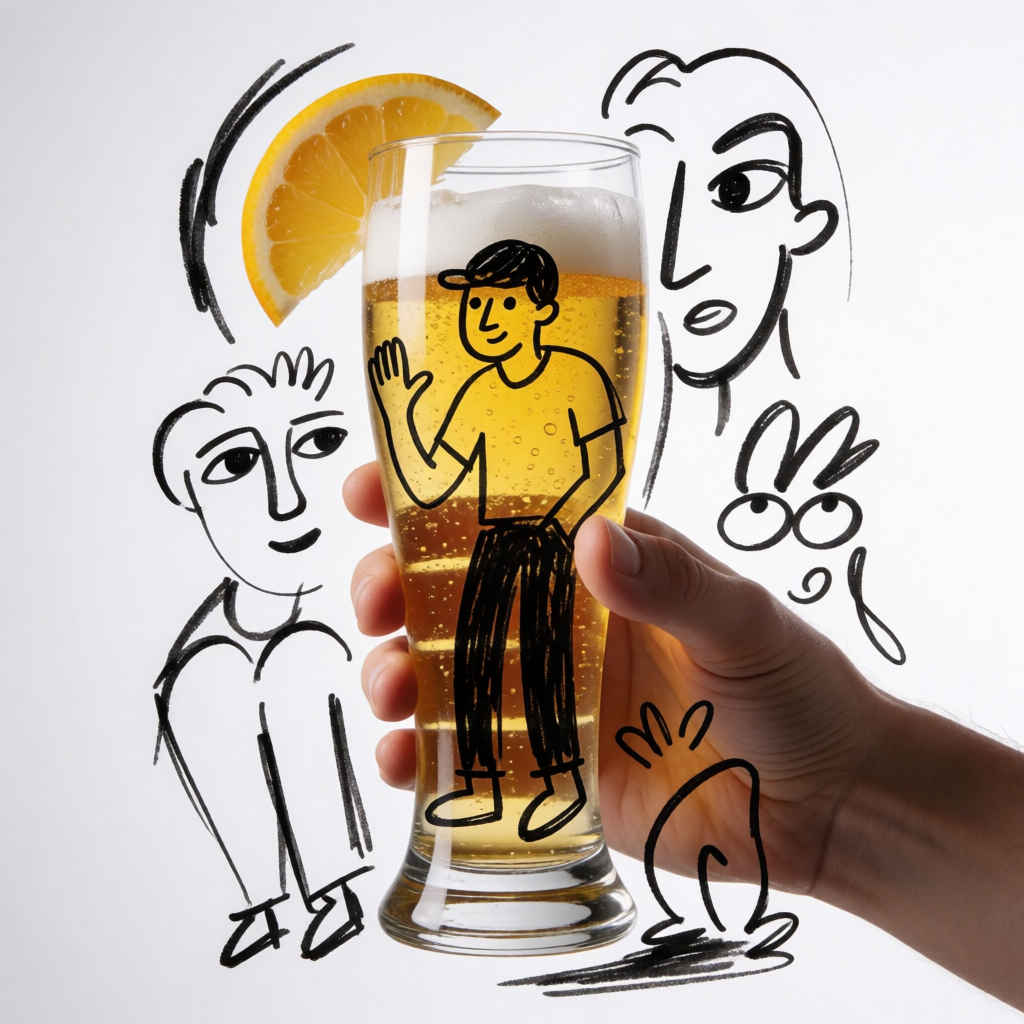 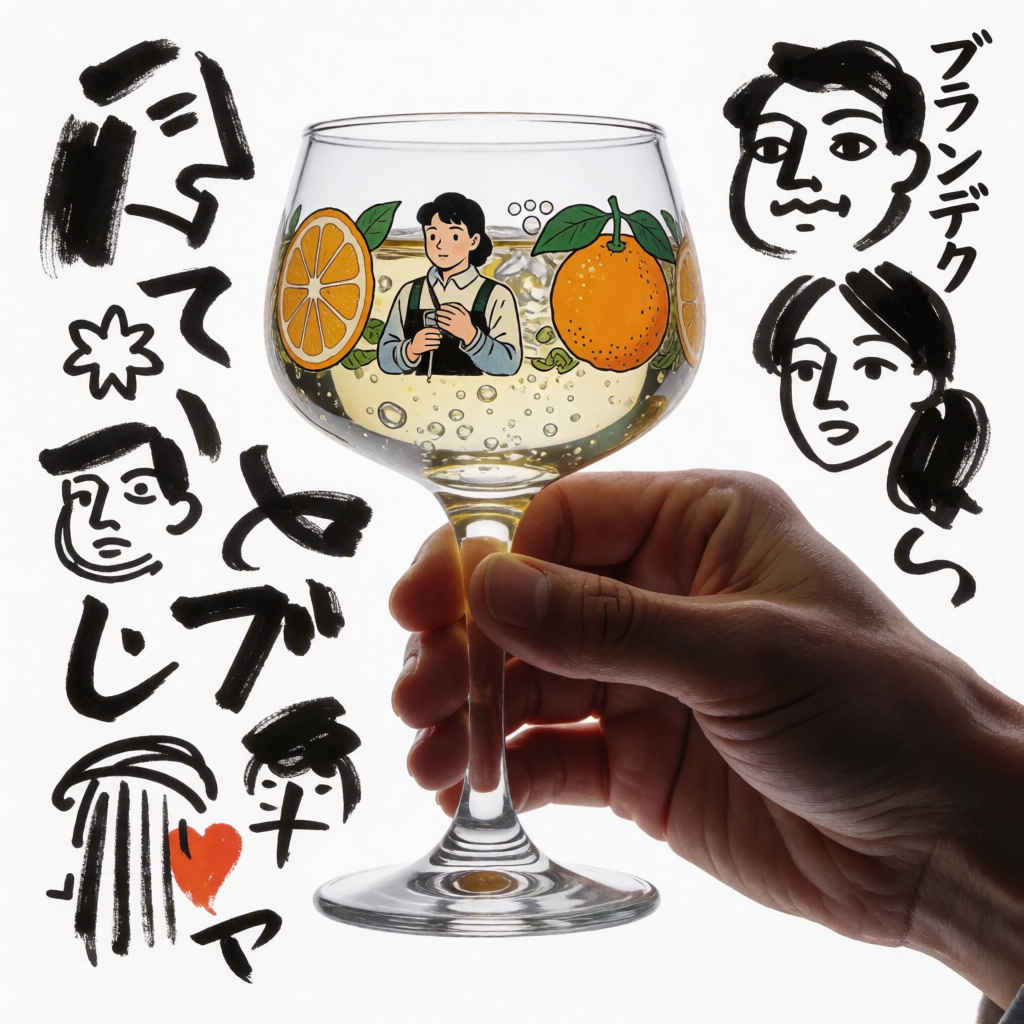 |
| Prompt: ブランデーグラスを持つ人の手を捉えた、高解像度かつシュールなデジタルイラストレーションです。真っ白な背景を舞台に、グラスの中の漫画風の人物や縁に描かれた柑橘類のカット、そしてグラスの周囲に散りばめられた様々な抽象的スケッチや顔といった、遊び心あふれる表現力豊かなインク画風の落書きが重ね合わされています。写実的な照明効果を伴う写真の要素と、マーカーによる自由な手描きのタッチがシームレスに融合し、遊び心と芸術性が同居するユニークな対比を生み出しています。 | |
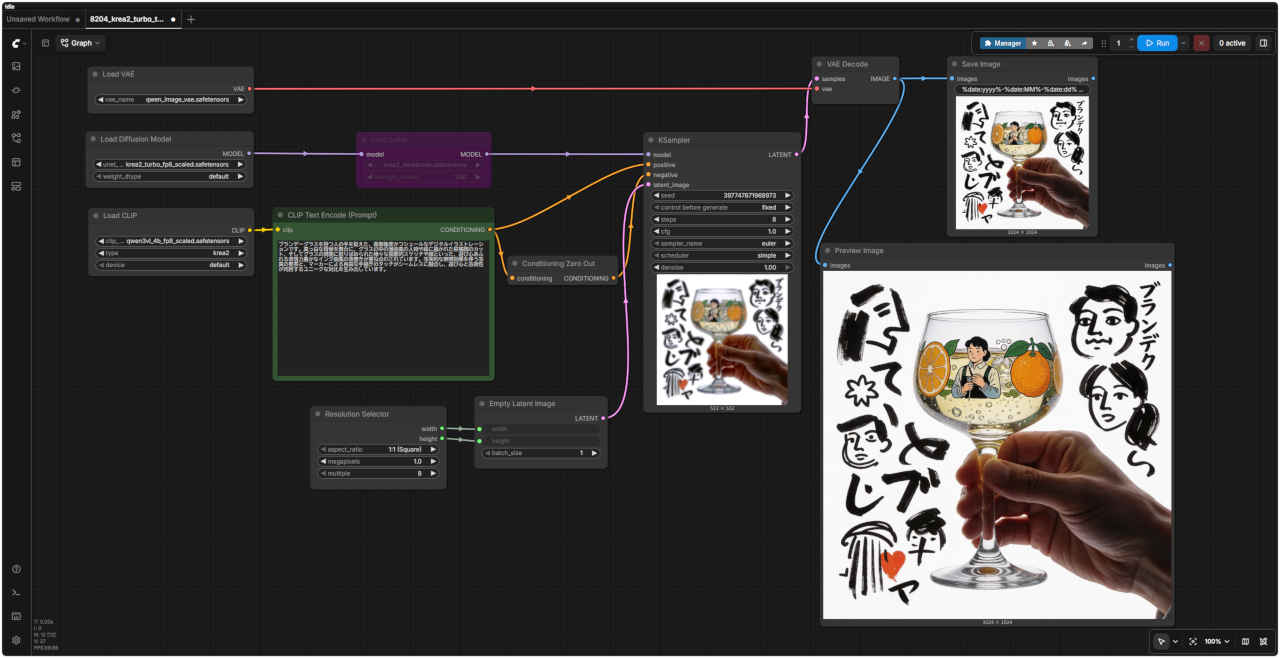 | |
| 「Krea/」8204_krea2_turbo_t2i_simple.json | |
| プロンプト・エンハンサーなしのワークフローで日本語プロンプトを検証する |
| 英語プロンプト | 日本語プロンプト |
| ① 20代の美しい日本人女性 1184x888 | |
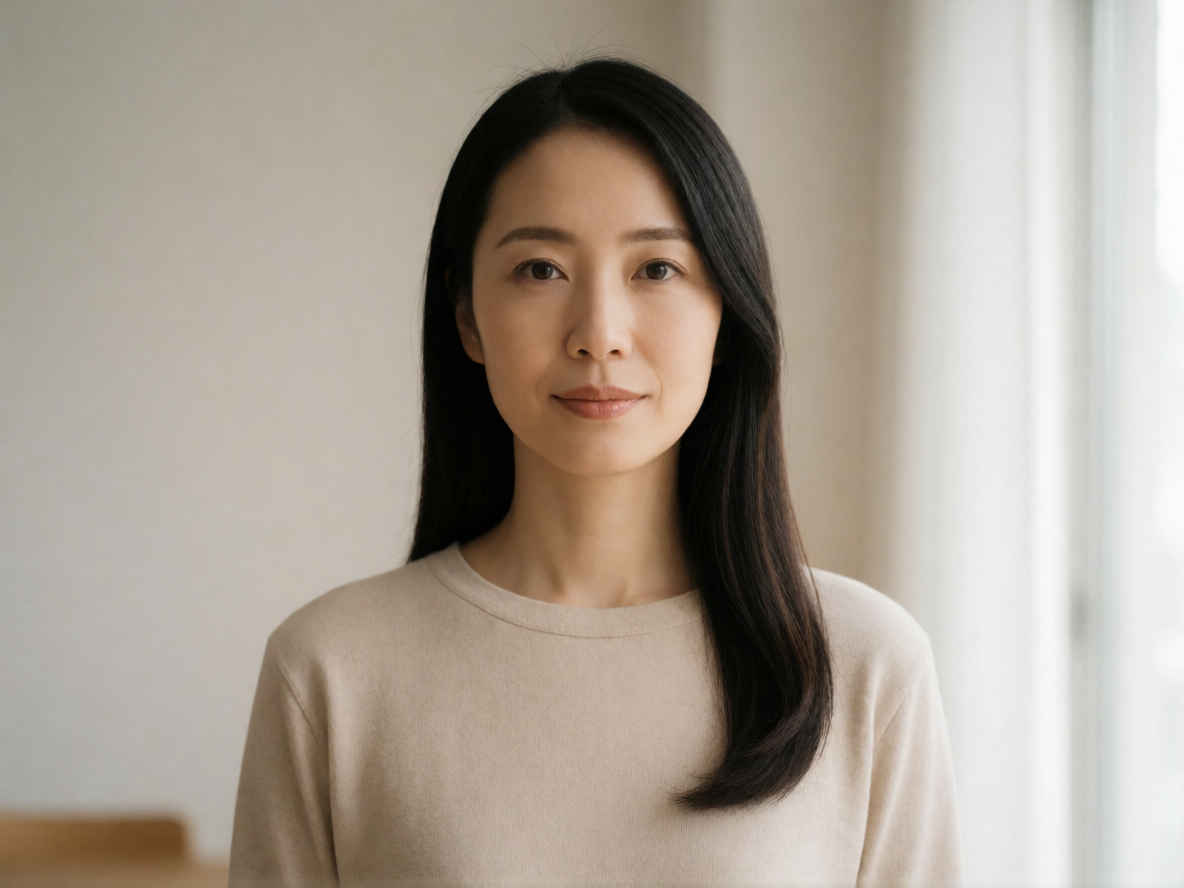 | 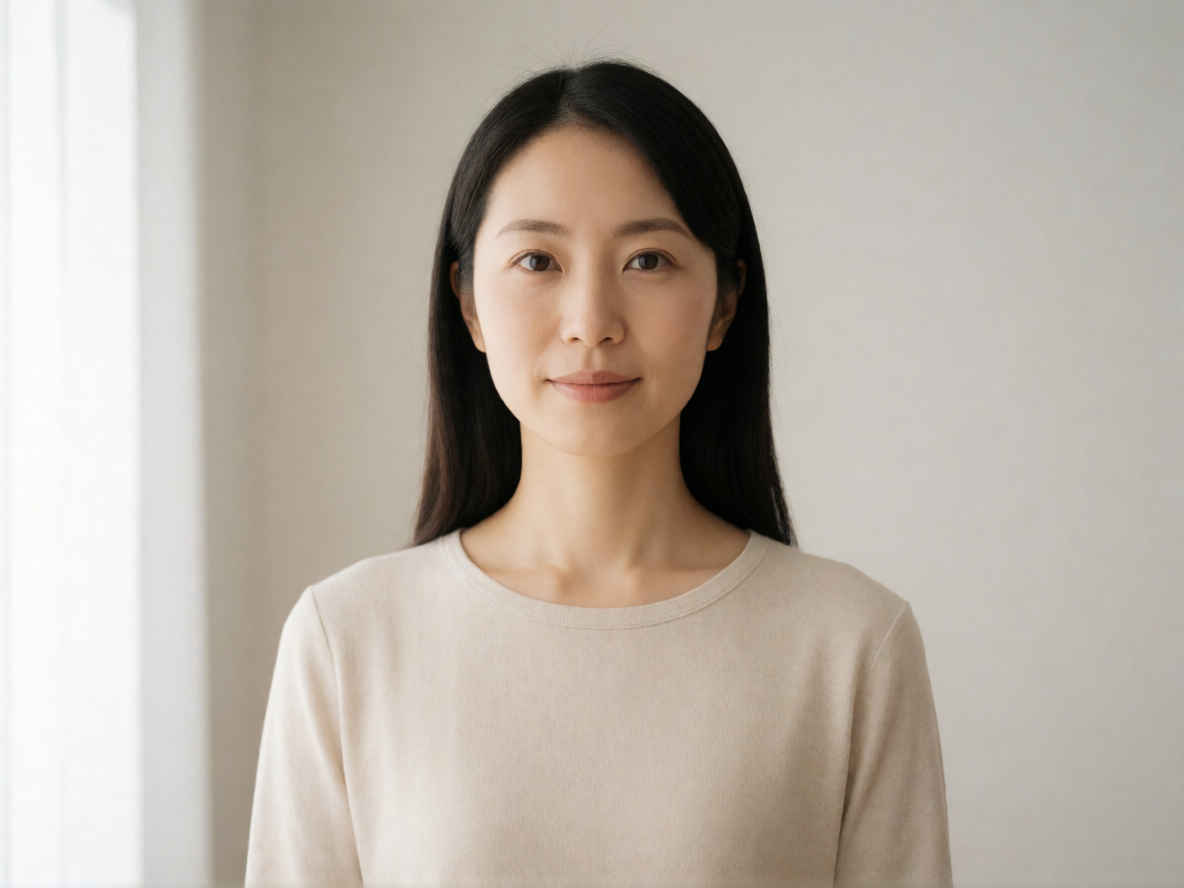 |
| ② 20代の美しい日本人女性、バストアップのアングル 1184x888 | |
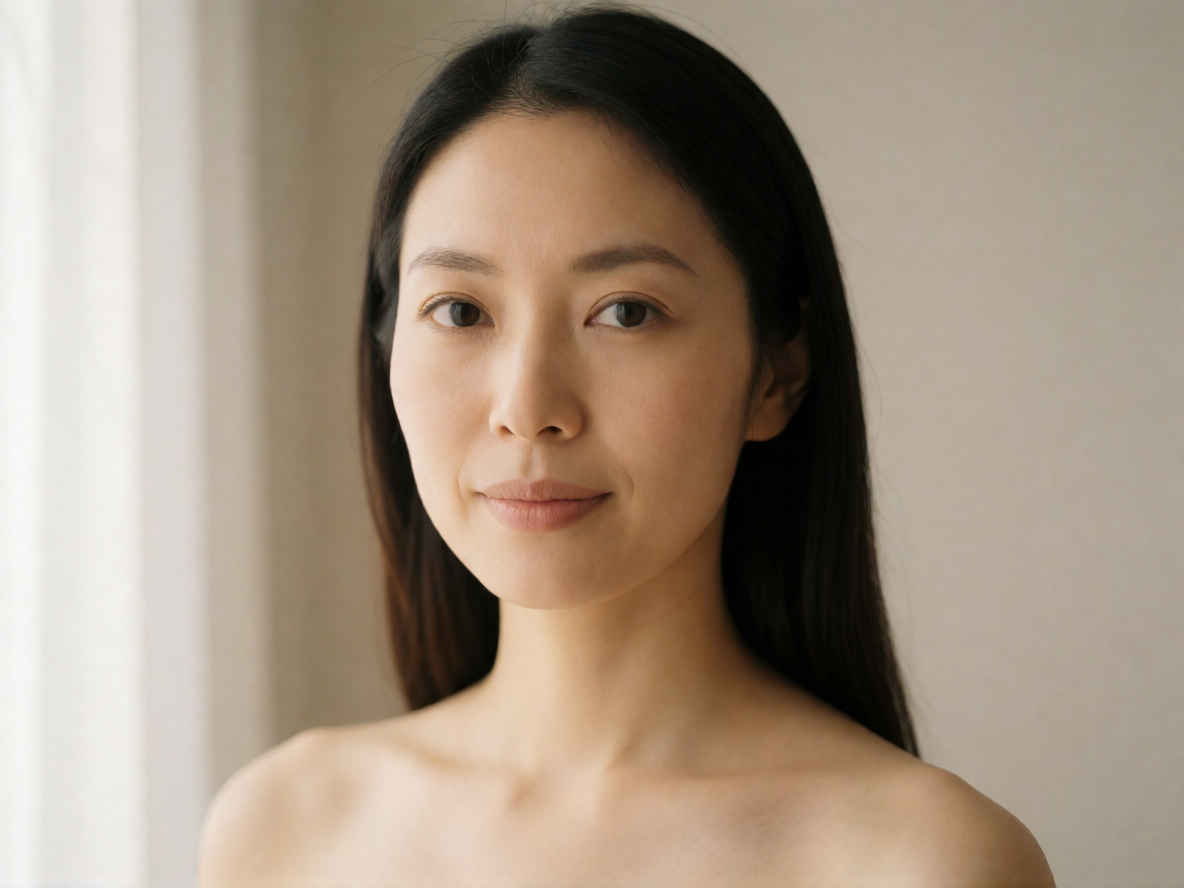 | 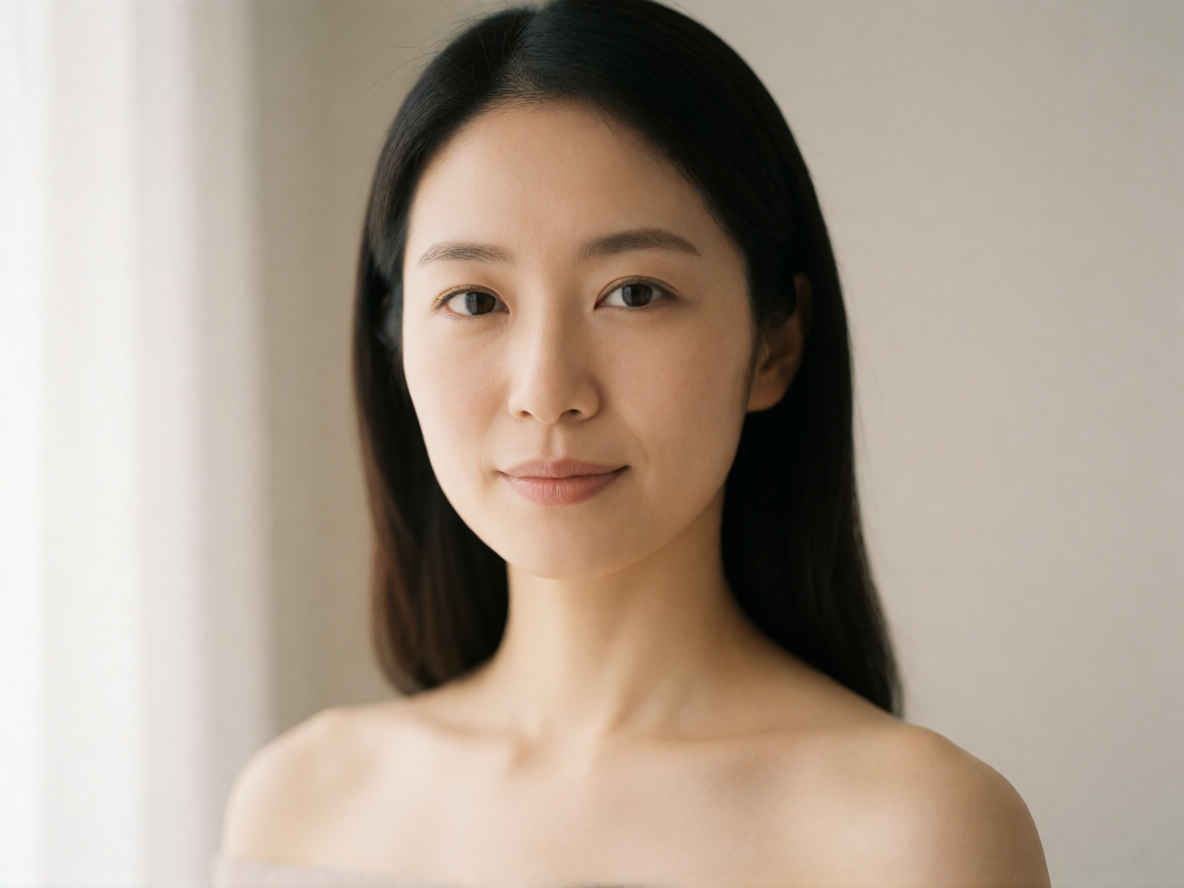 |
| ③ 夜のカフェでコーヒーを飲む日本人女性 1184x888 | |
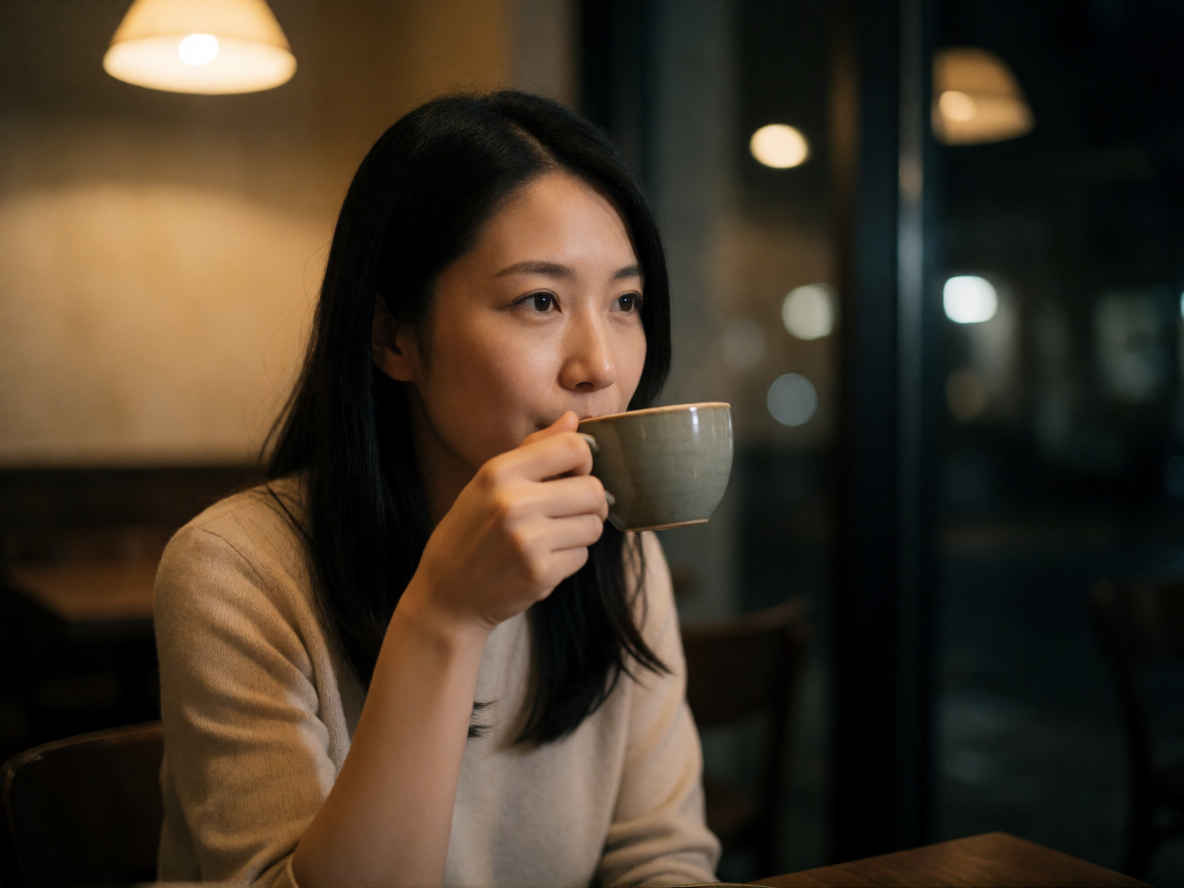 | 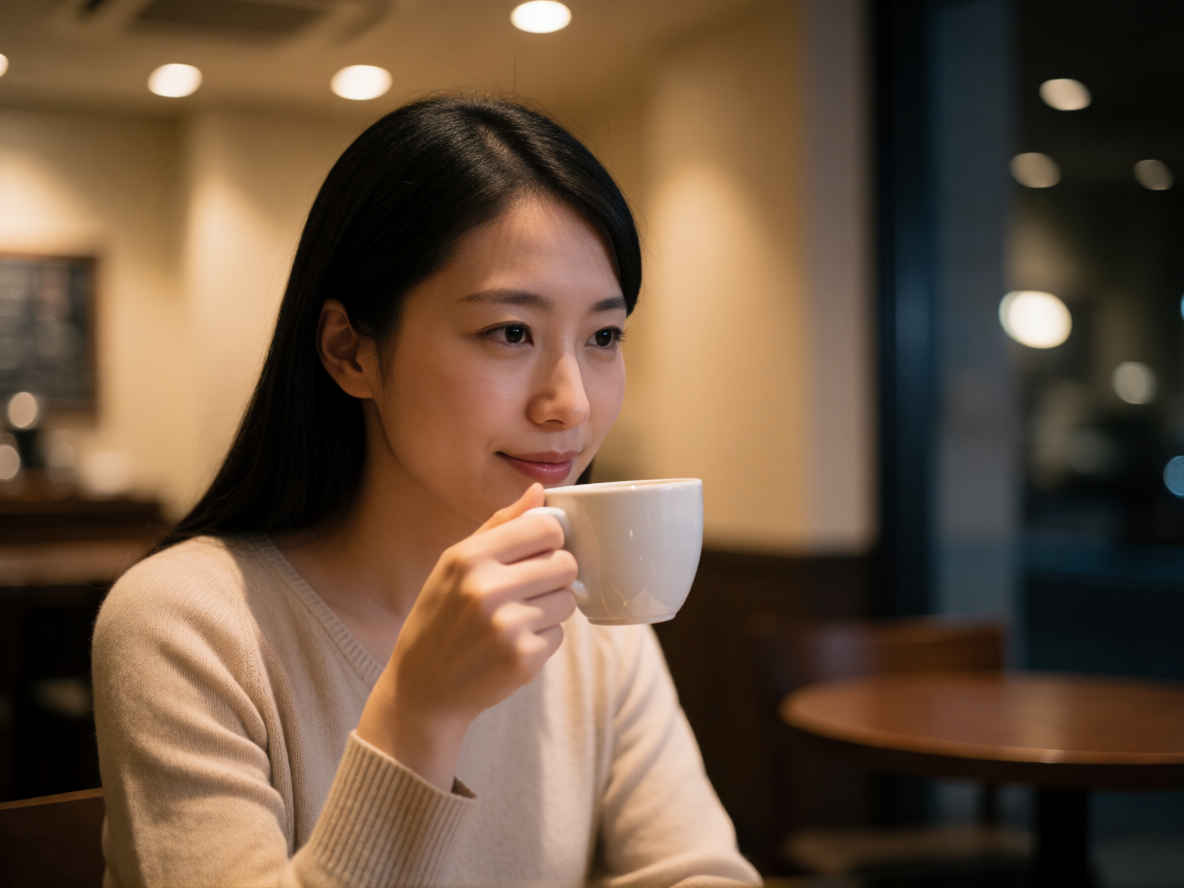 |
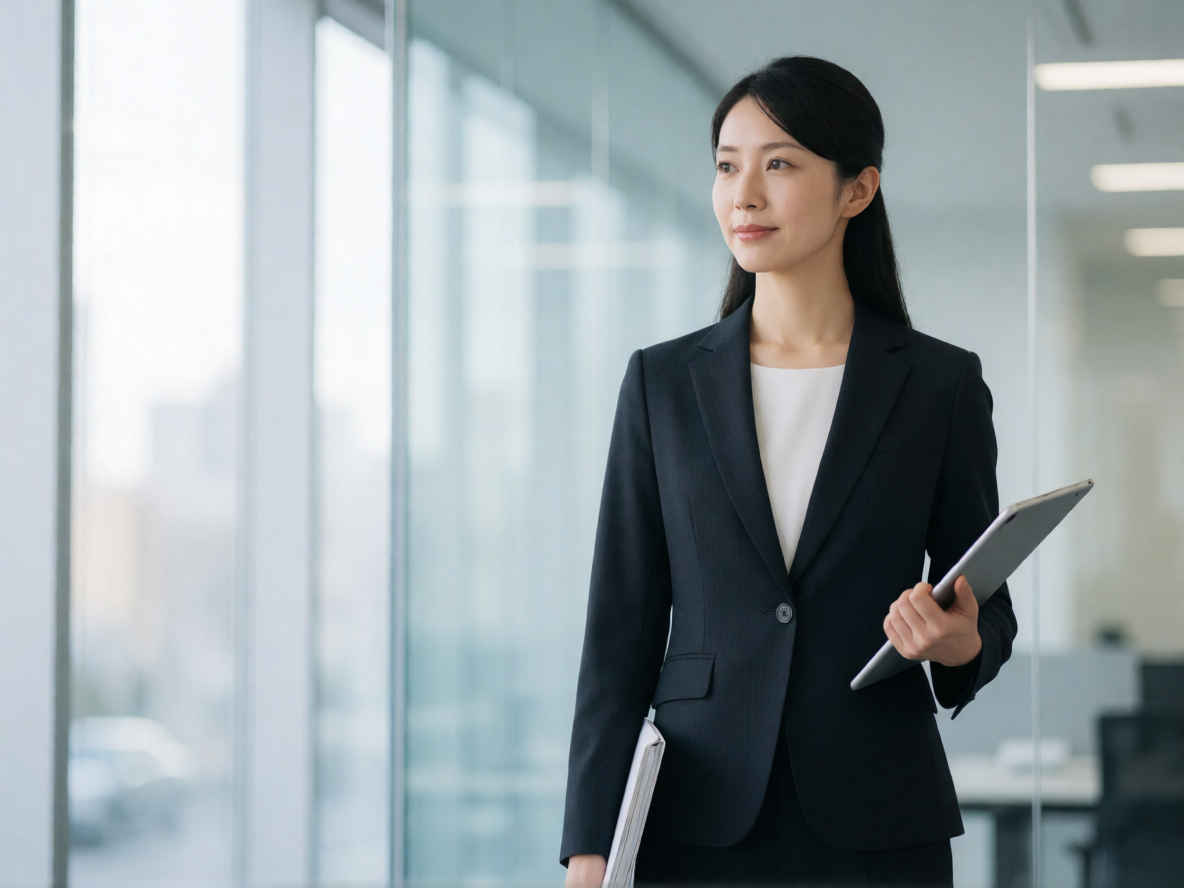
| ④ 背の高いエレガントなビジネスウーマン 1184x888 | |
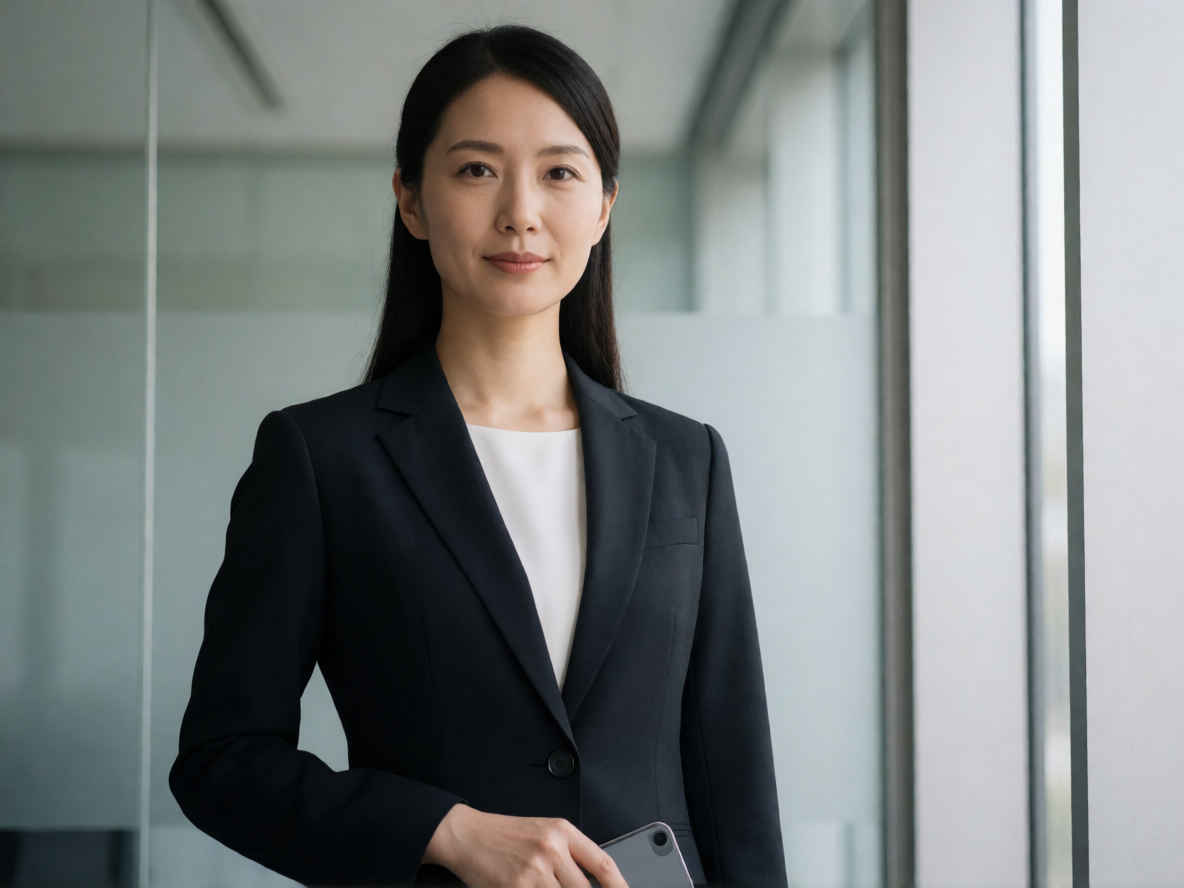 |  |
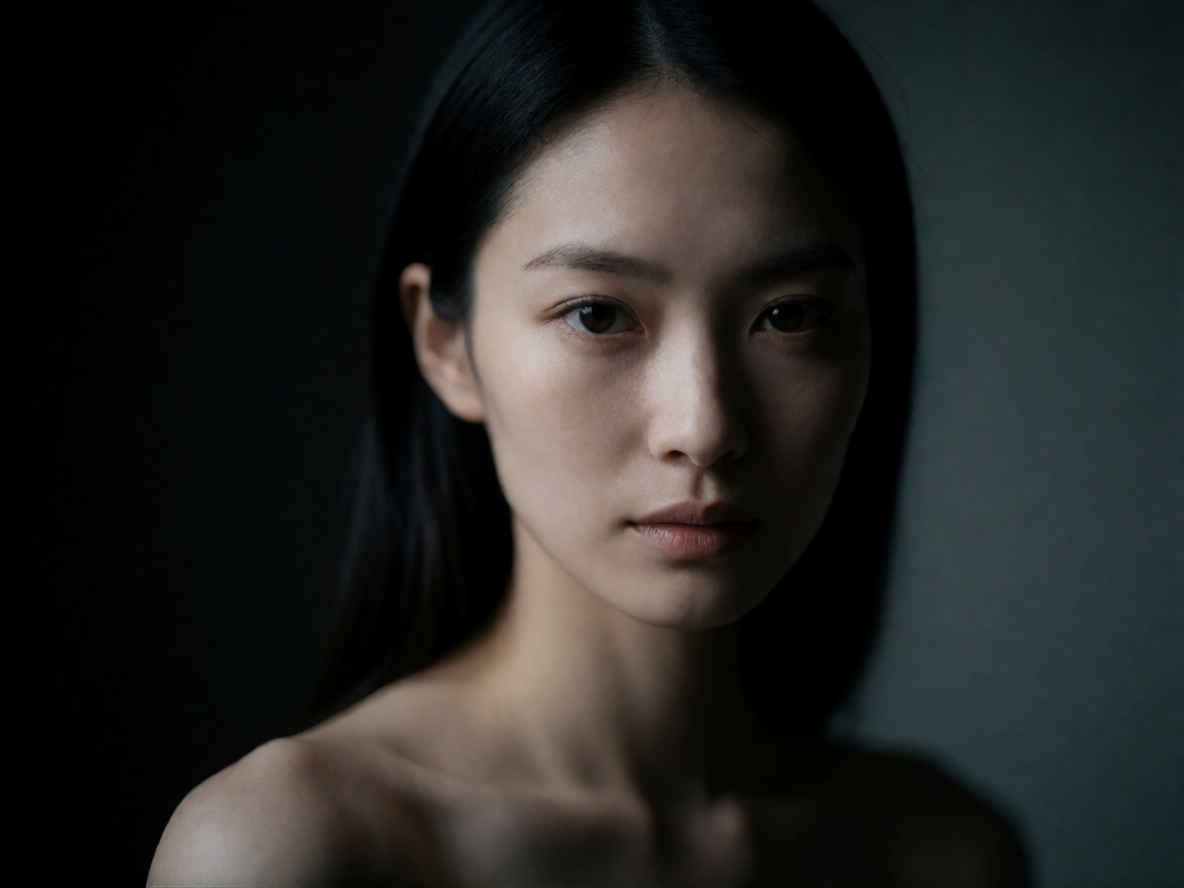
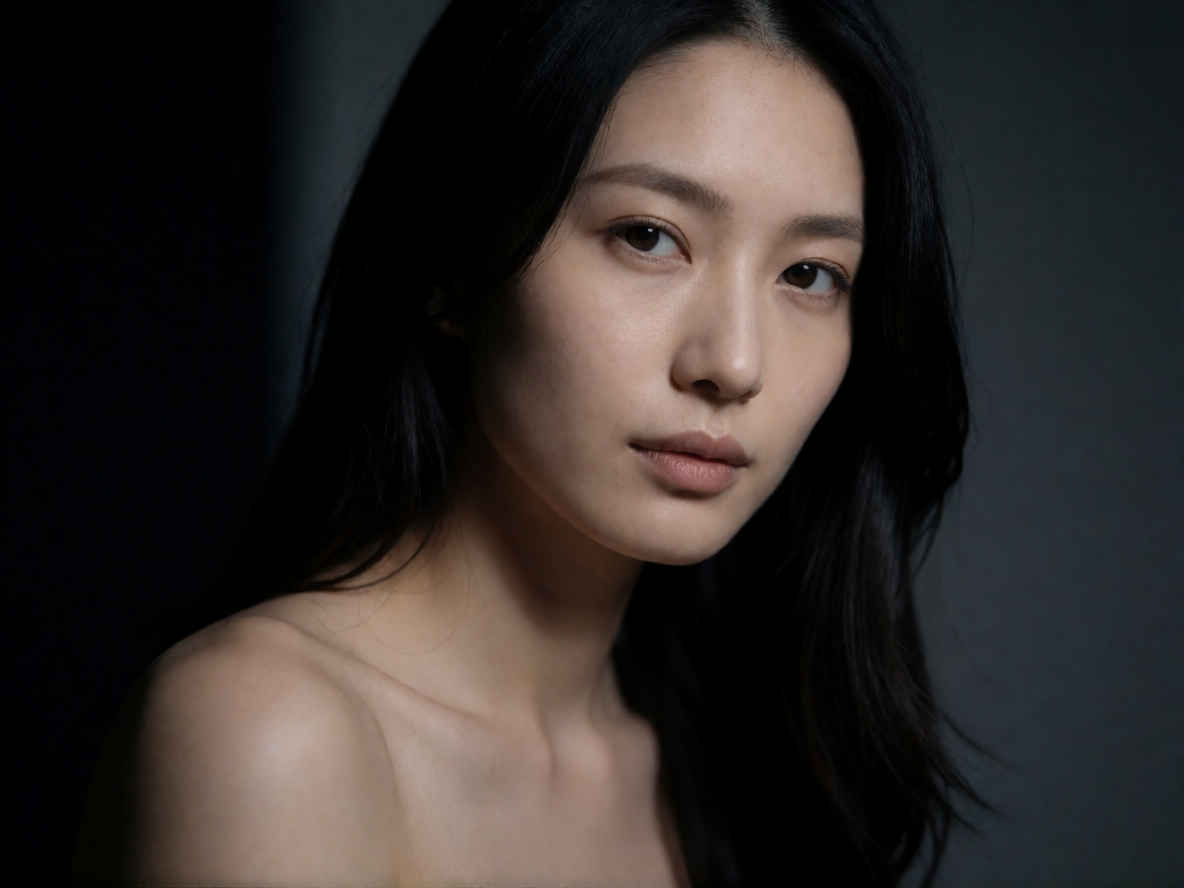
| ⑤ ミステリアスな27歳のプロモデル 1184x888 | |
 |  |
| 英語プロンプト | 日本語プロンプト |
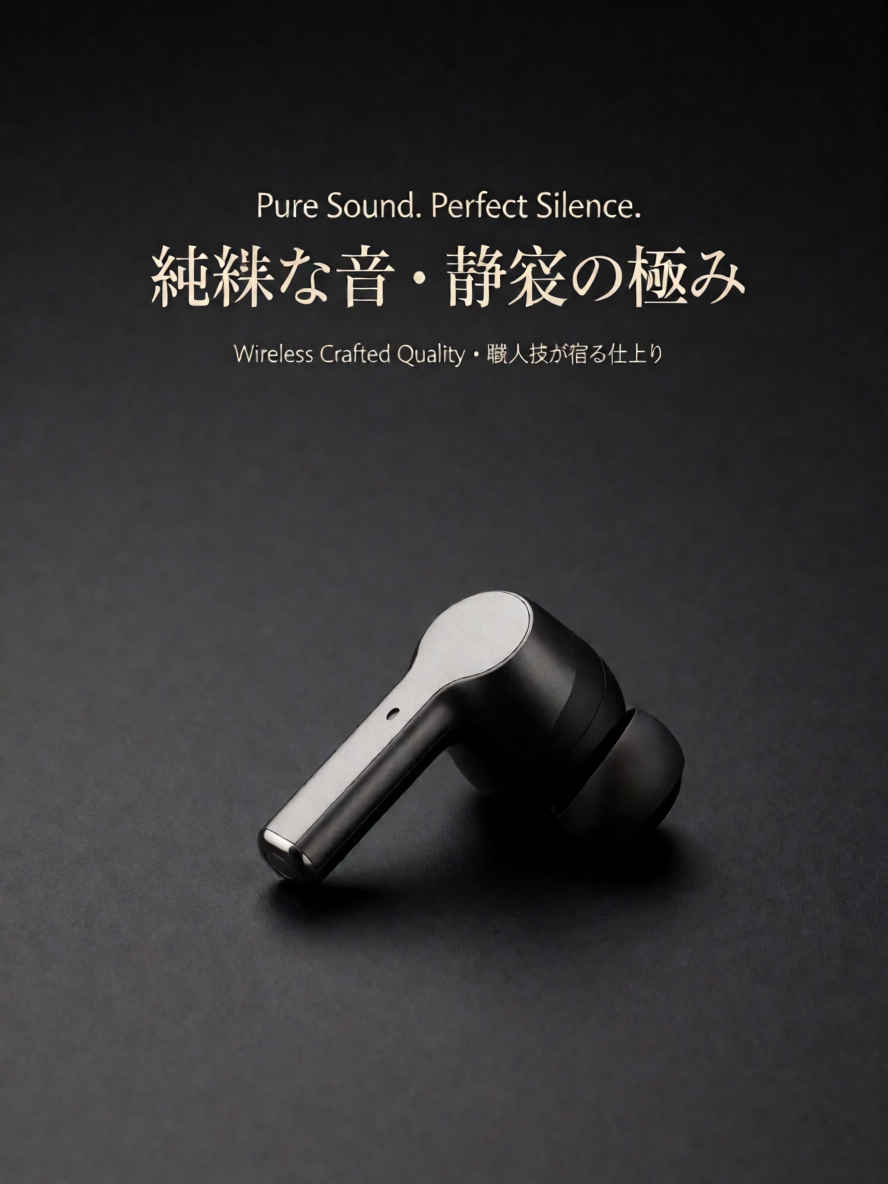
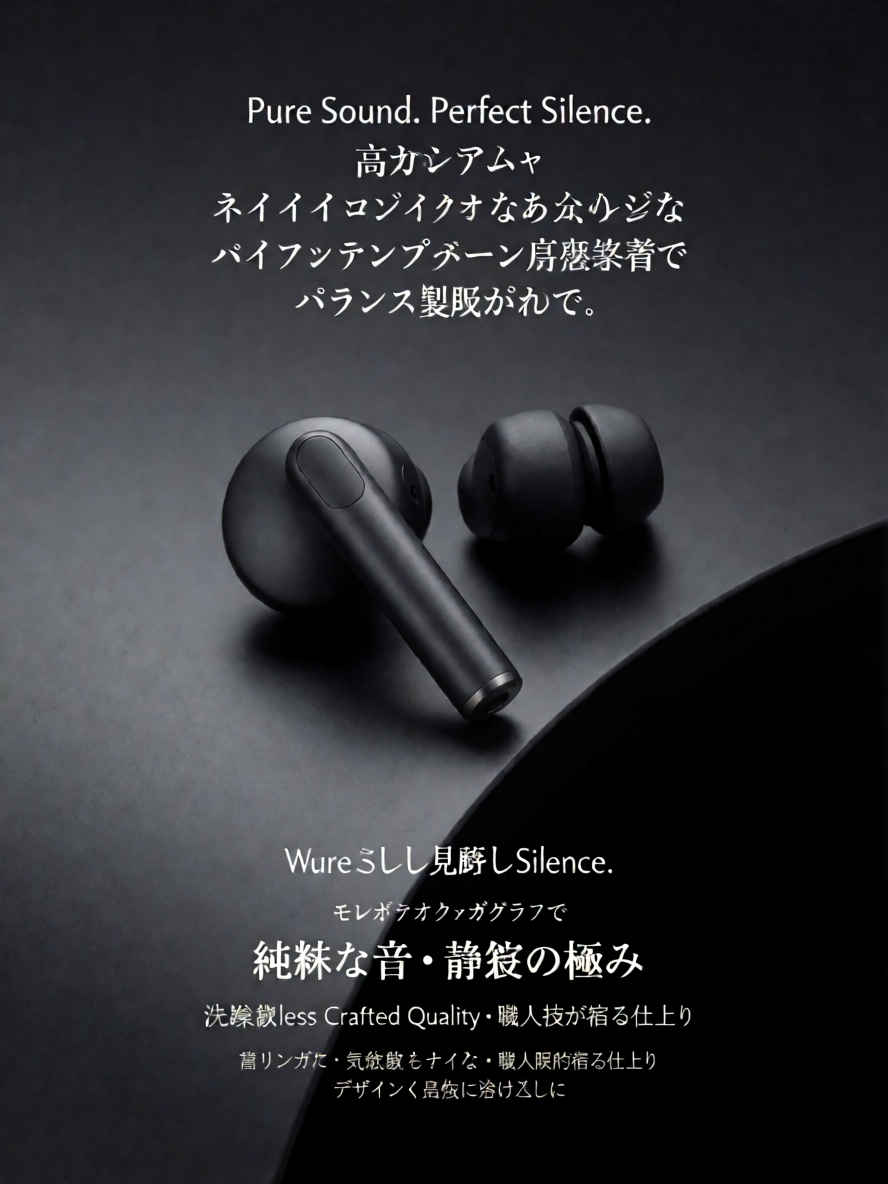
| ① 文字の入ったカタログ 888x1184 ~→ 英語/日本語 プロンプト> | |
 |  |
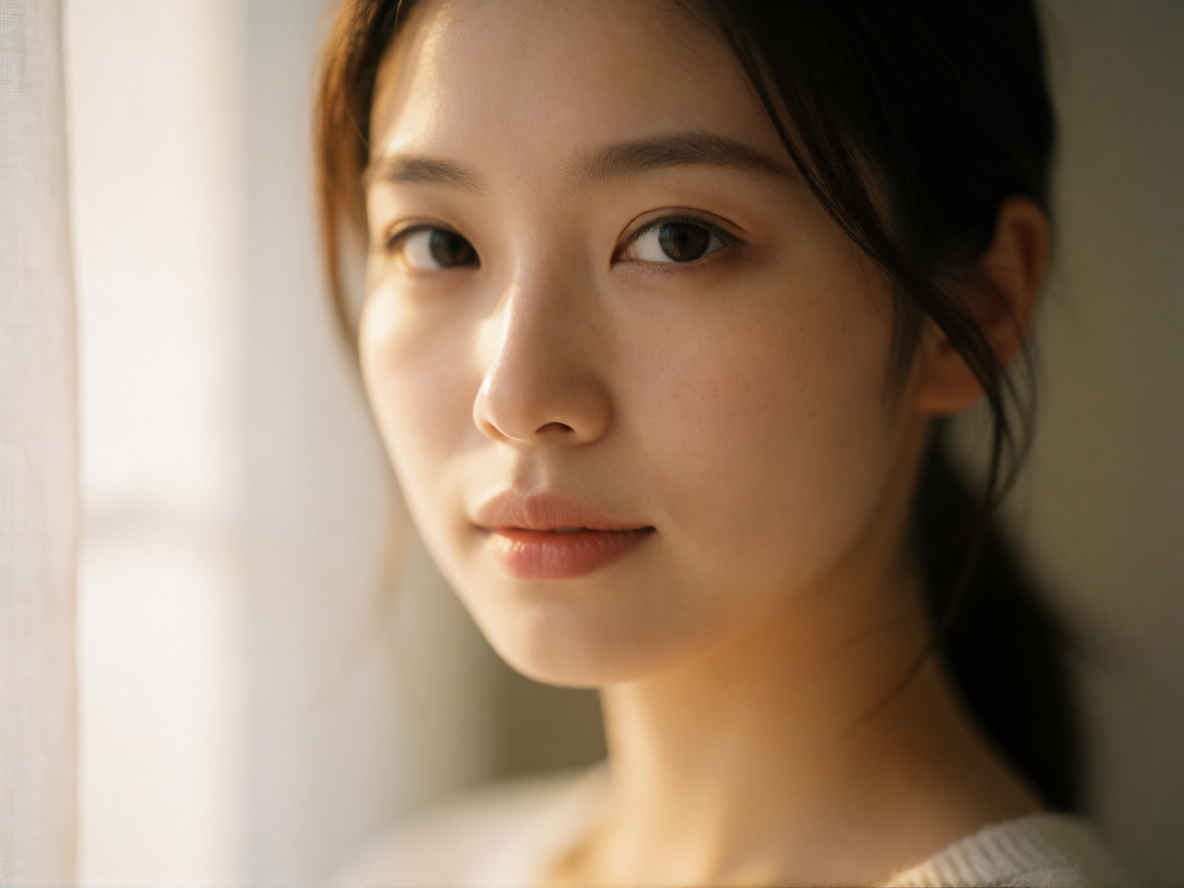
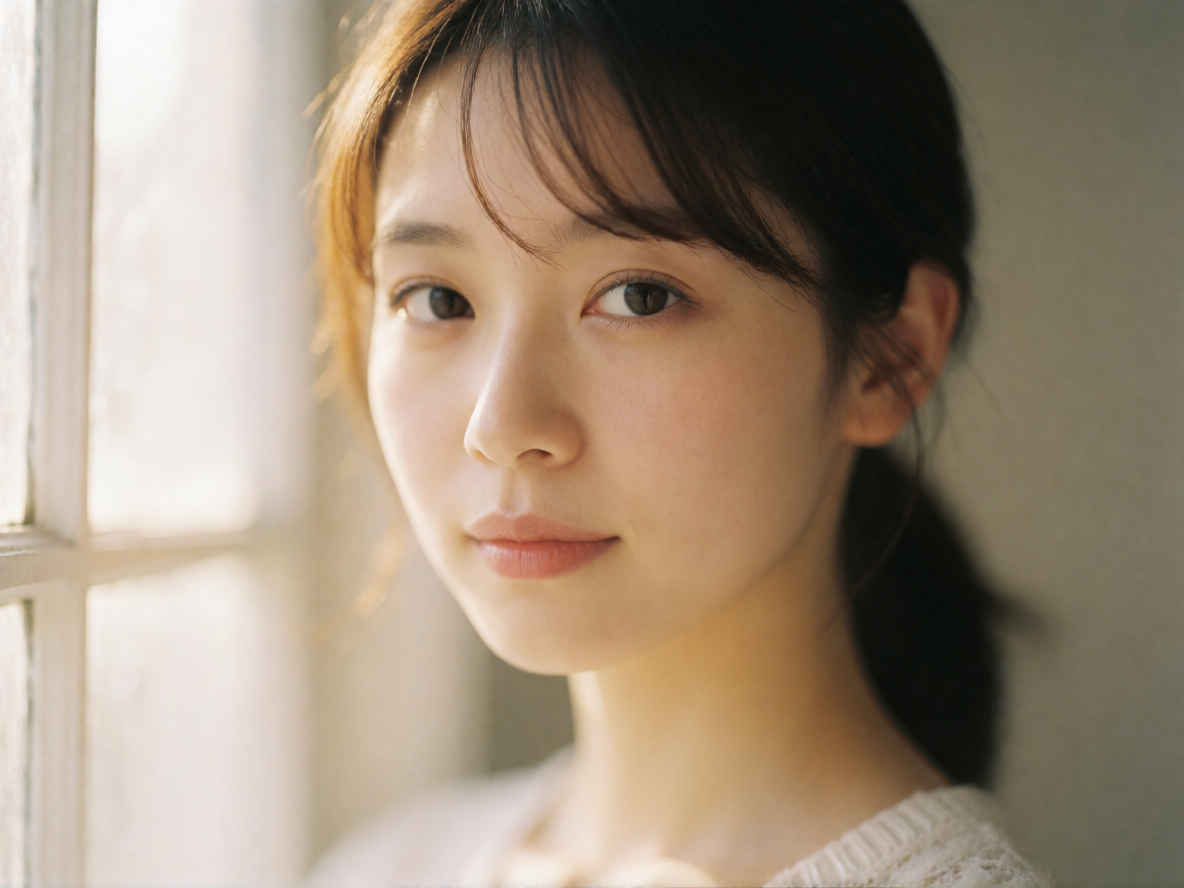
| ② クローズアップポートレート 1184x888 ~→ 英語/日本語 プロンプト> | |
 |  |
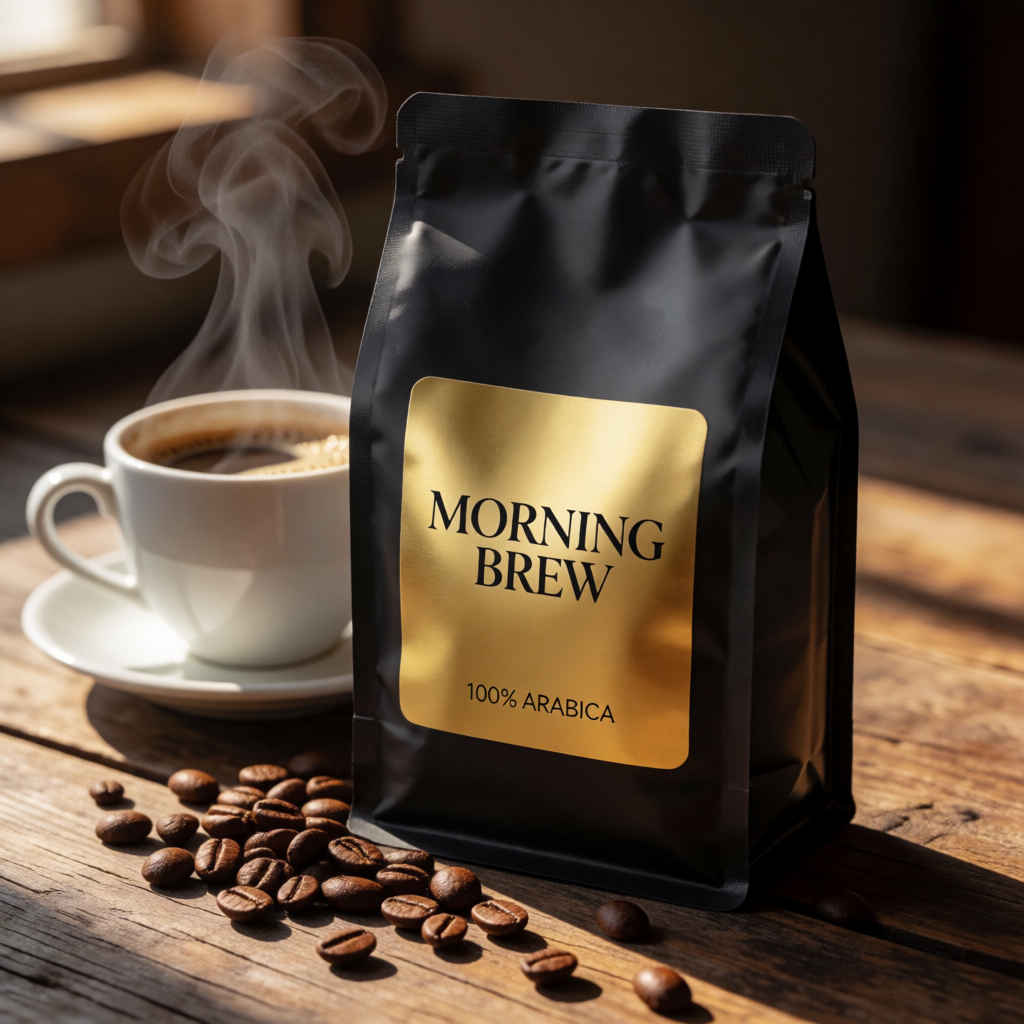
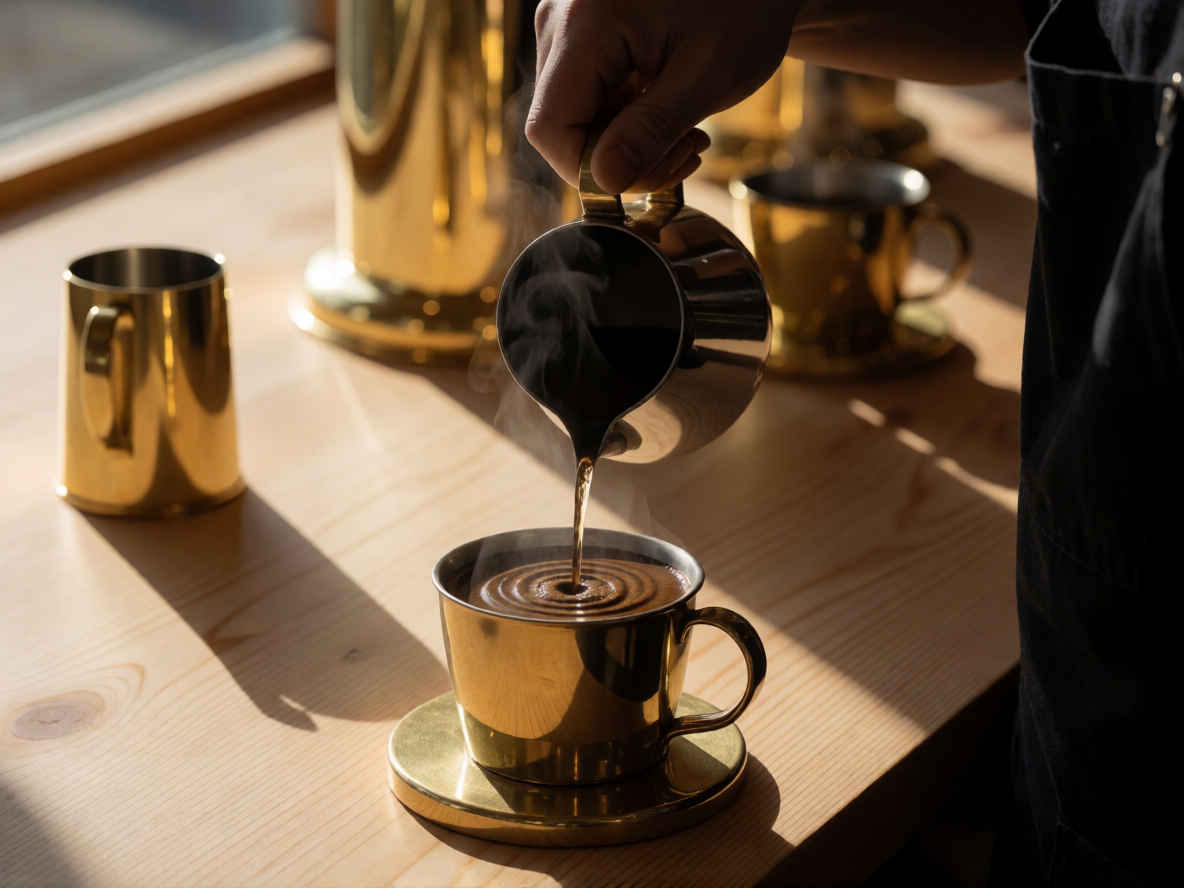
| ③ コマーシャル商品写真(コーヒー) 1024x1024 ~→ 英語/日本語 プロンプト> | |
 | 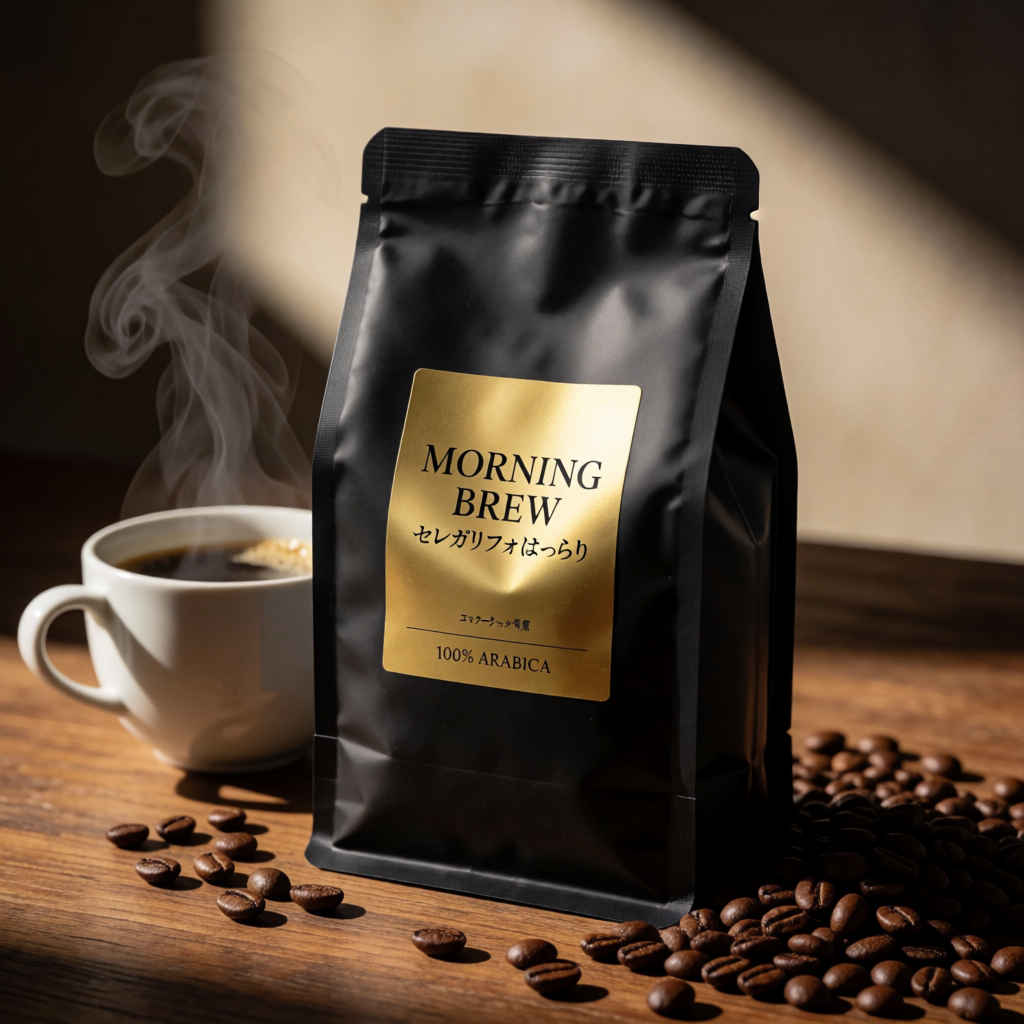 |
| ④ コマーシャル商品写真(化粧品) 1024x1024 ~→ 英語/日本語 プロンプト | |
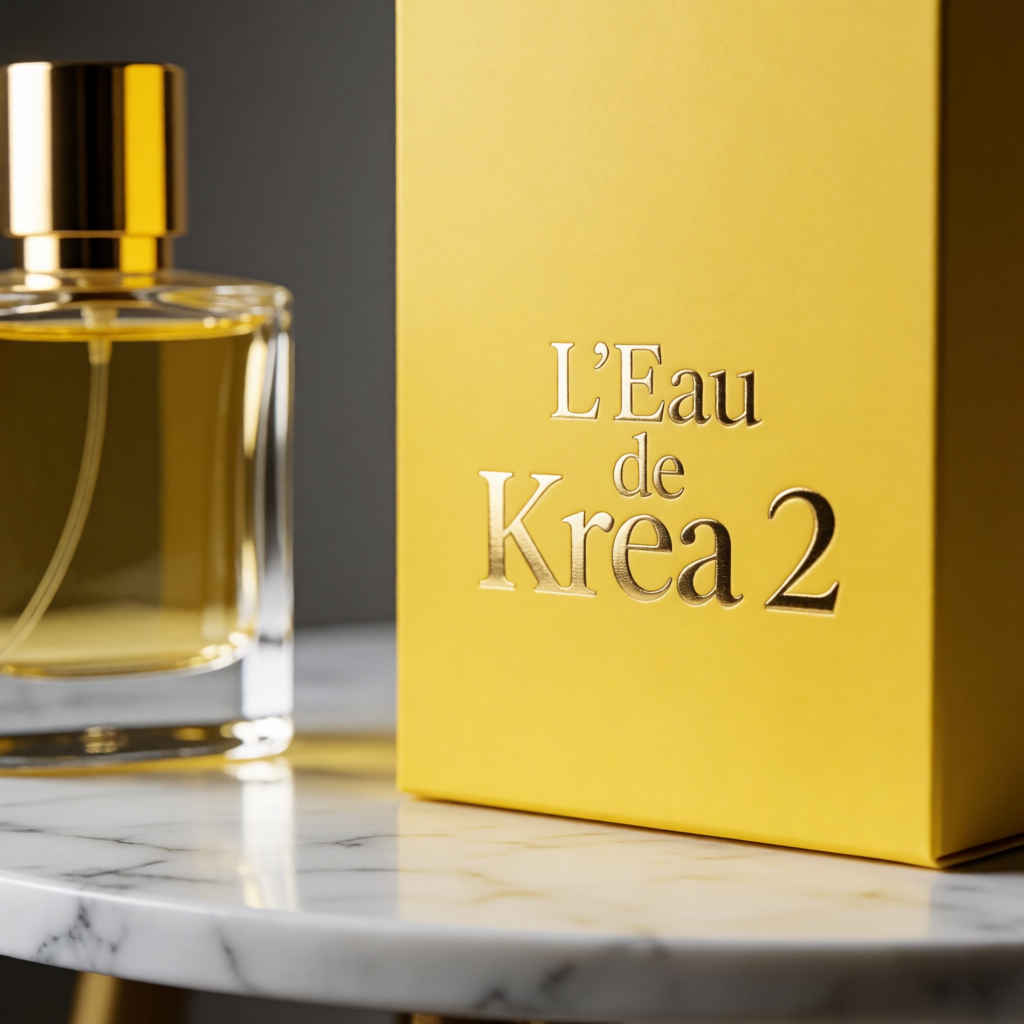 | 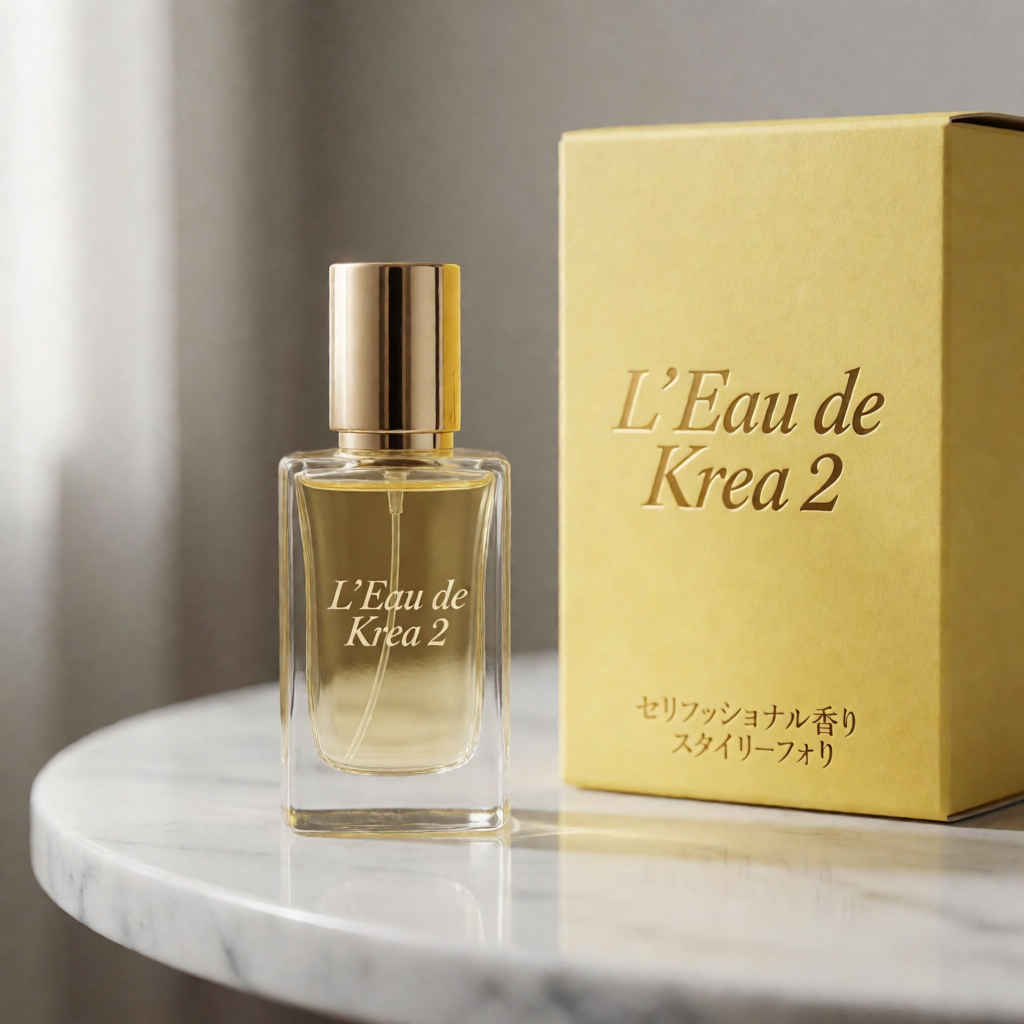 |
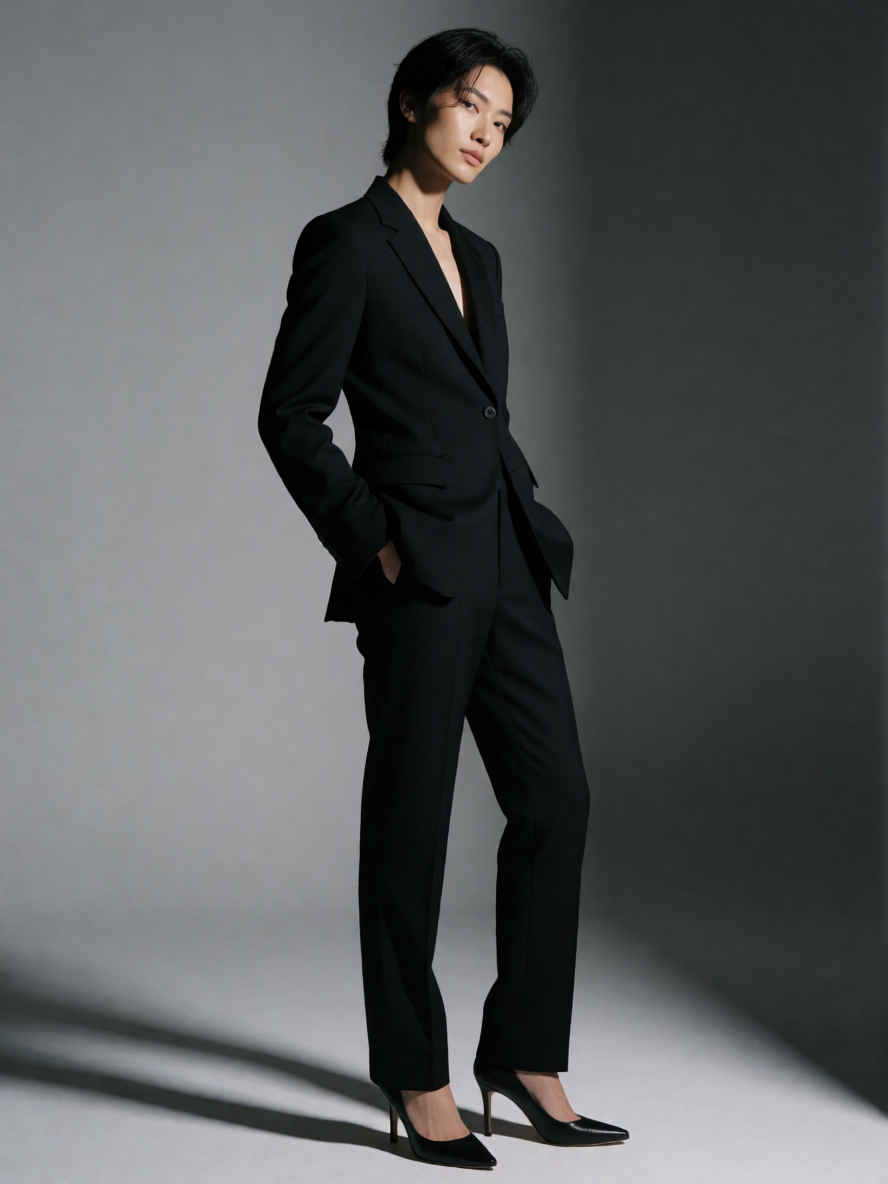
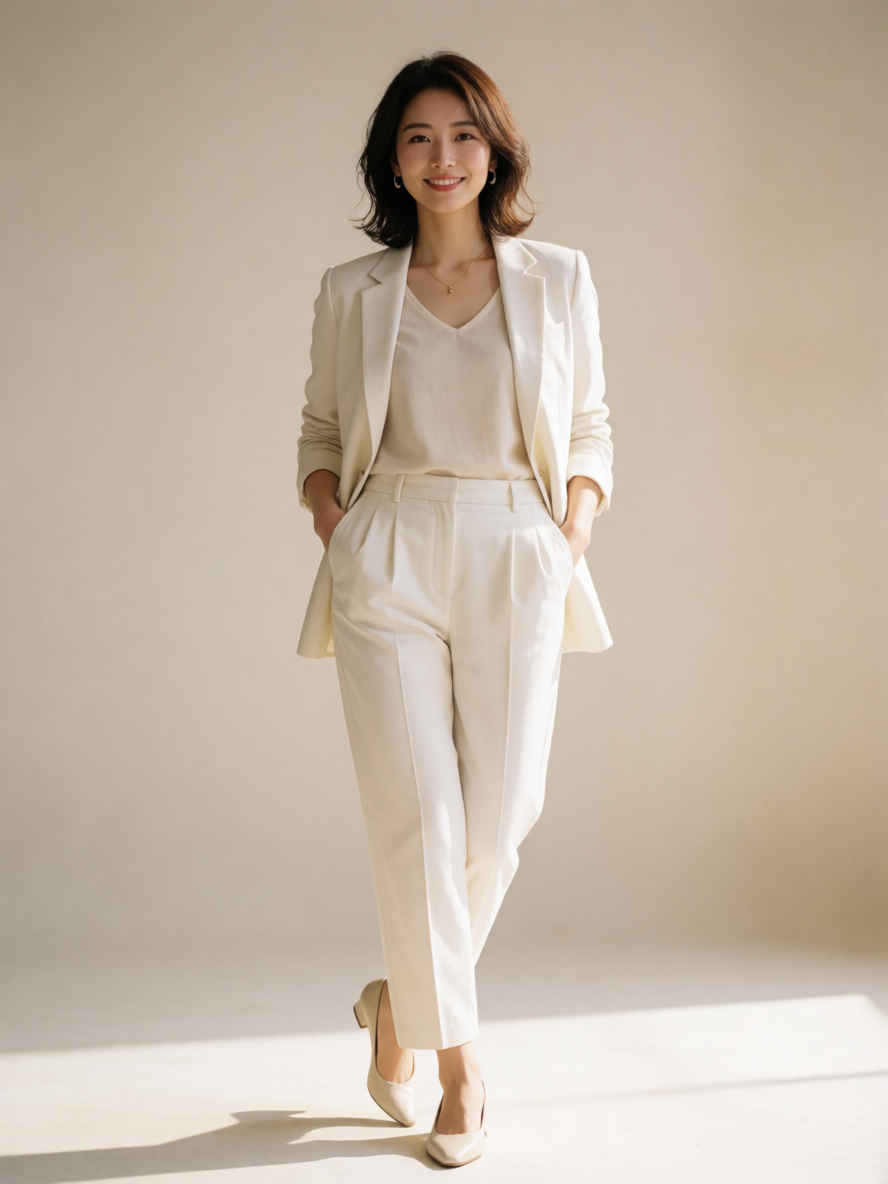
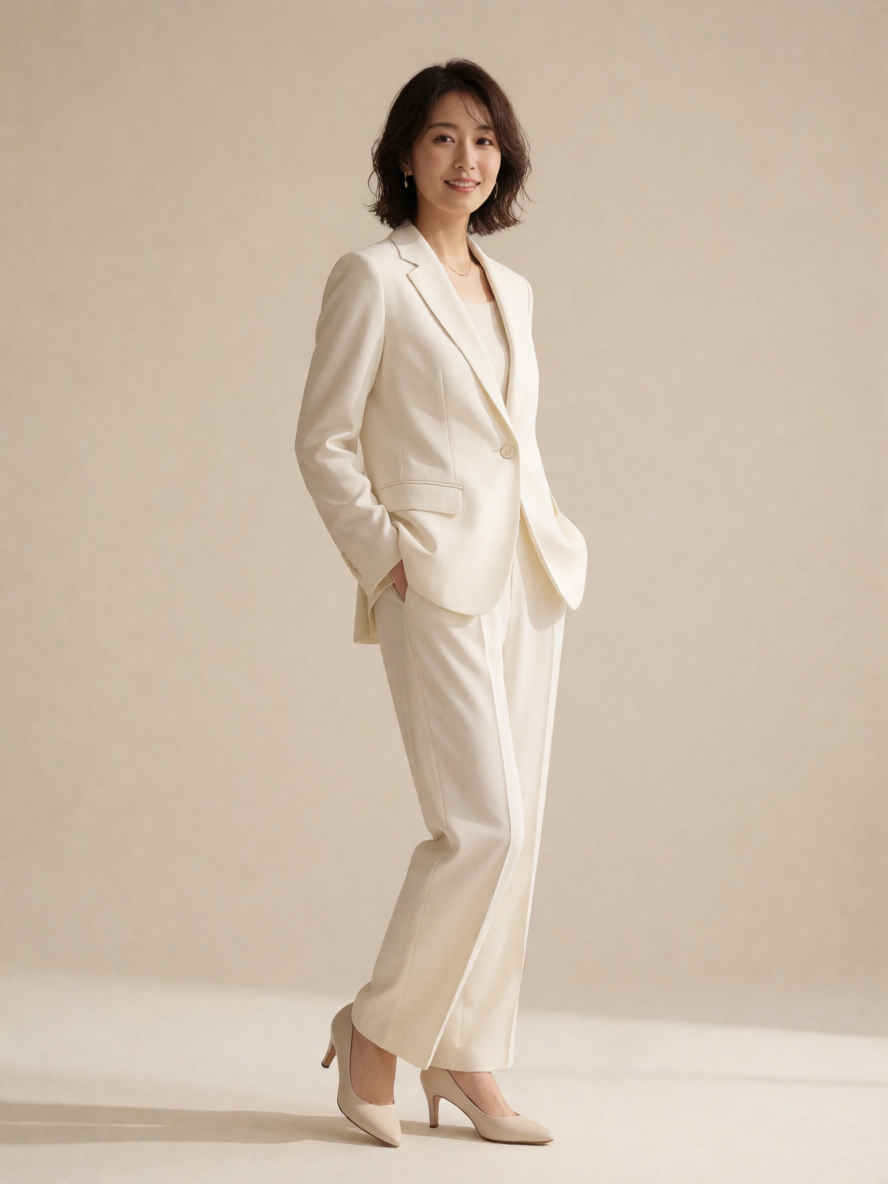
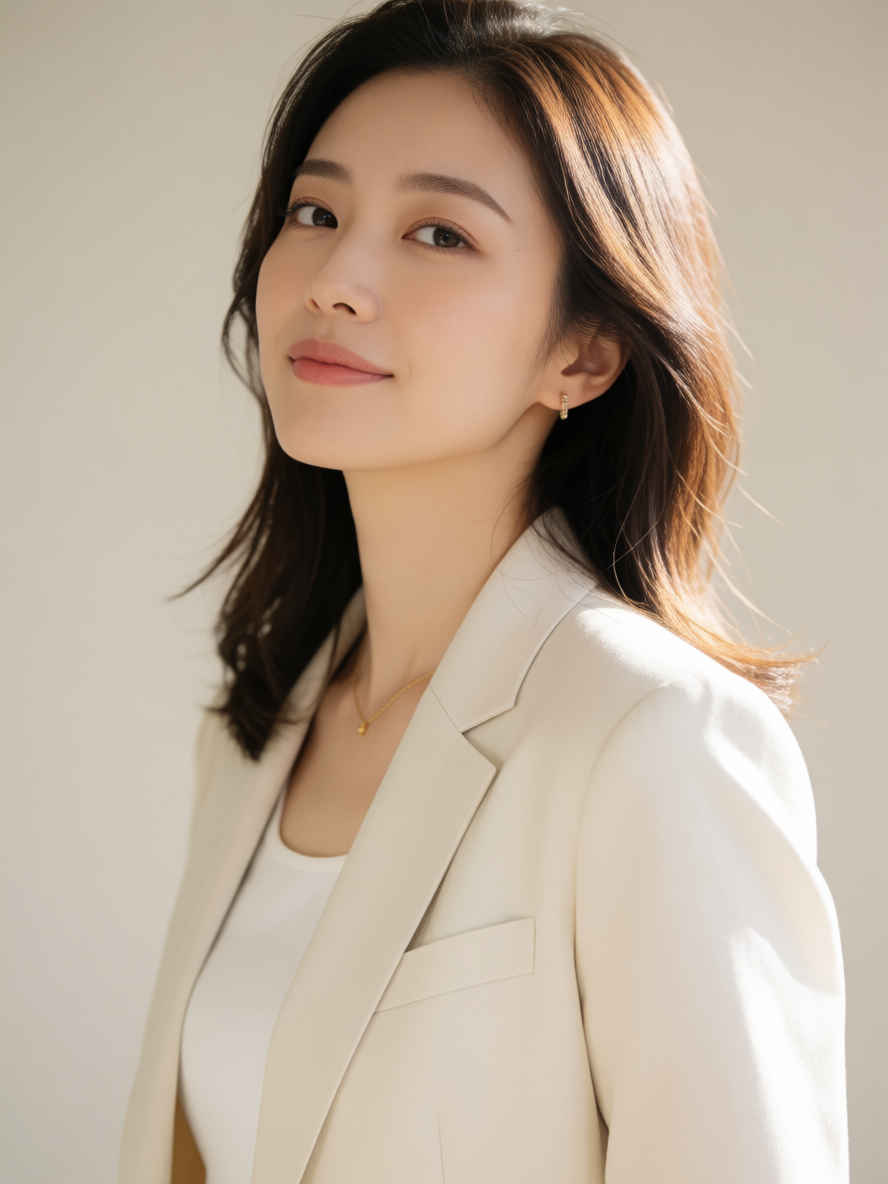
| ⑤ ファッション誌のモデル写真 888x1184 ~→ 英語/日本語 プロンプト | |
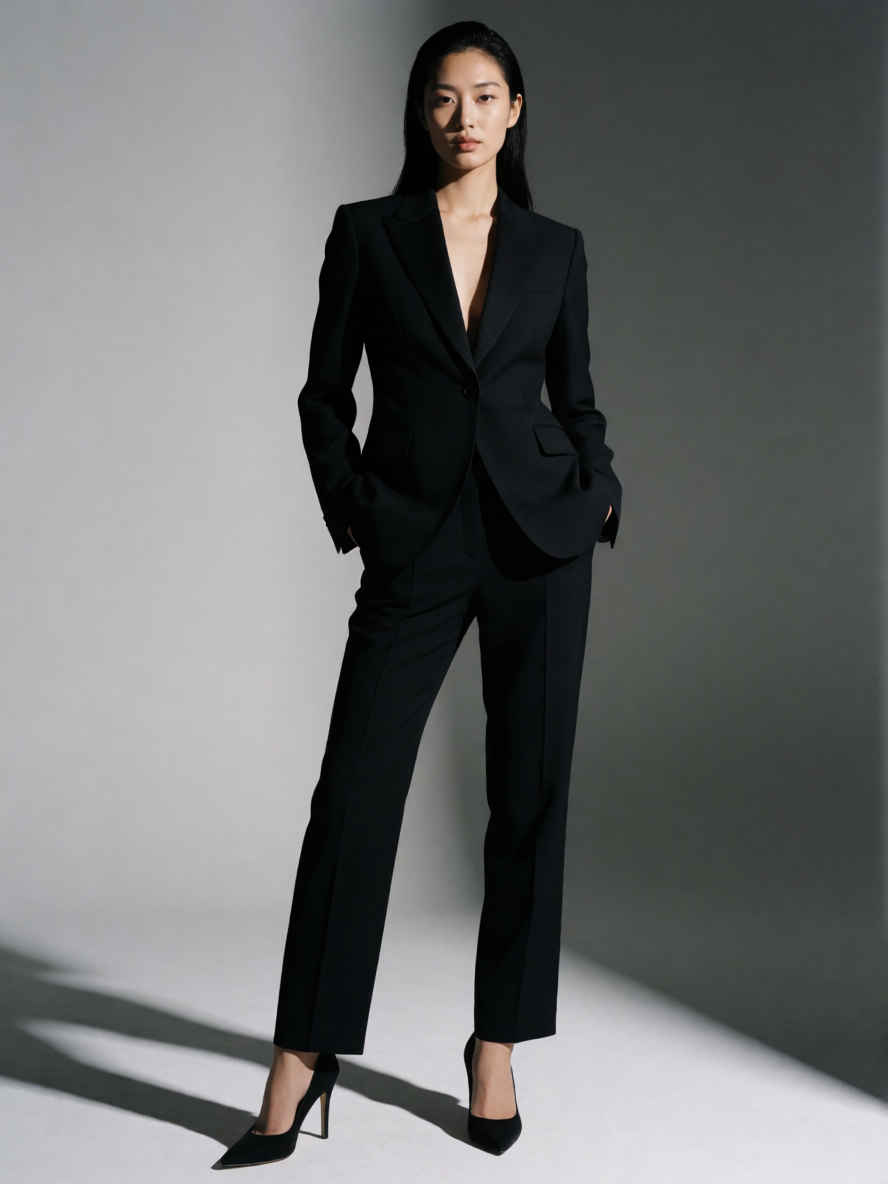 |  |
 |  |
 | 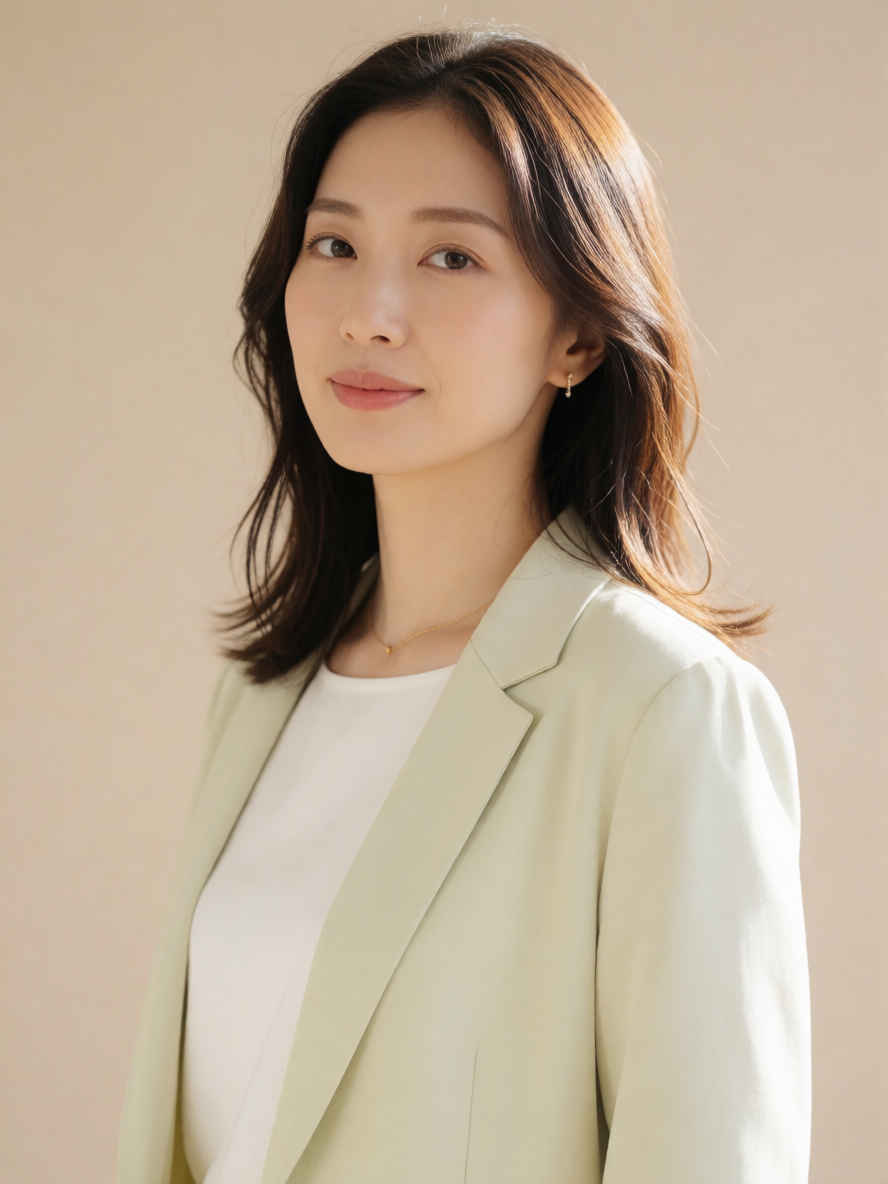 |
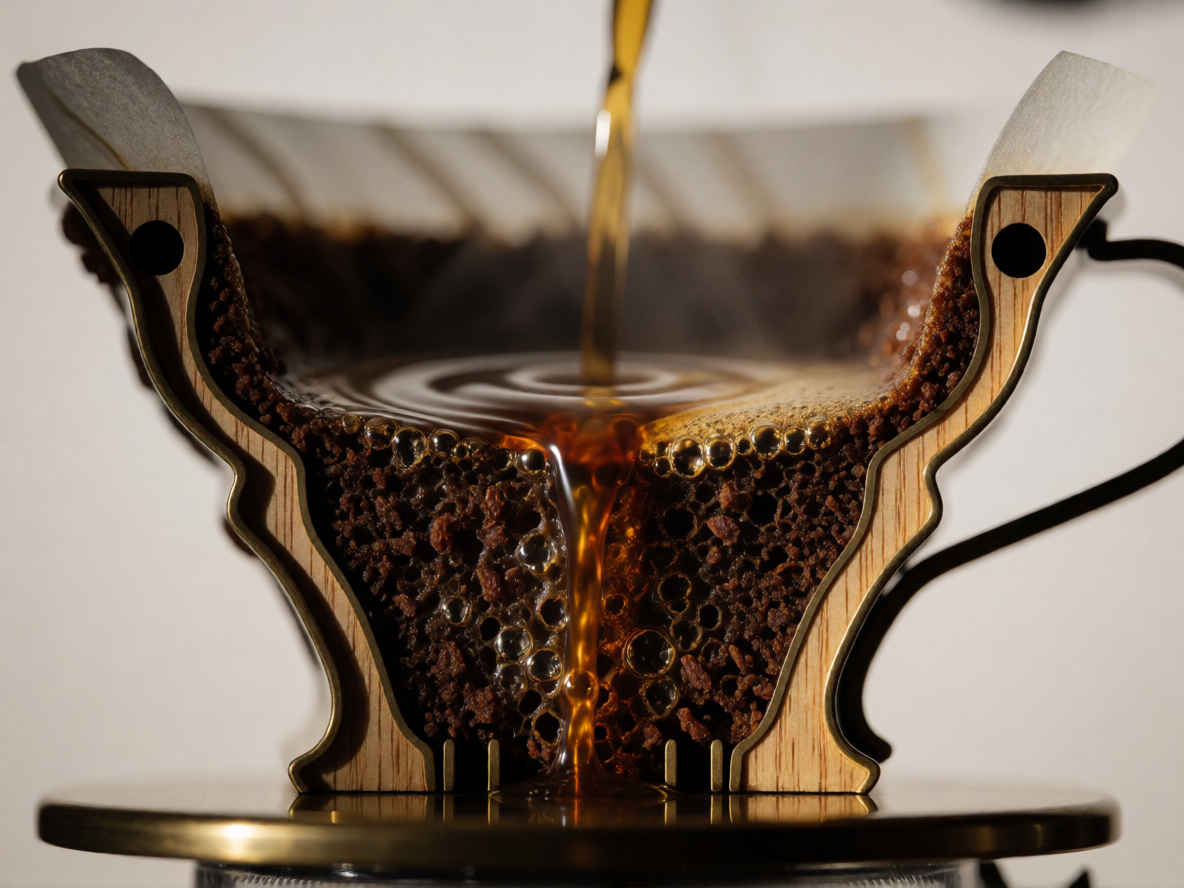
| ⑥ ドリップコーヒー 1184x888 ~→ 英語/日本語 プロンプト | |
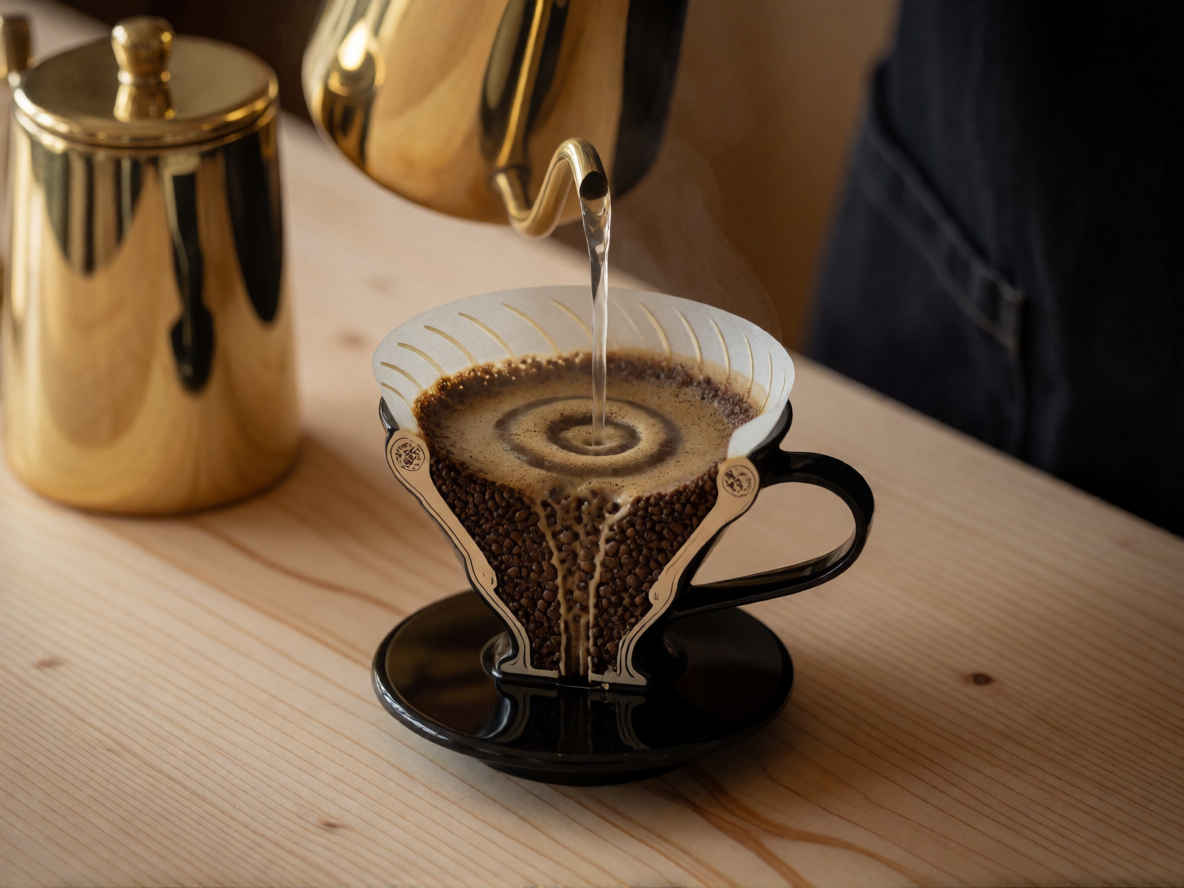 | 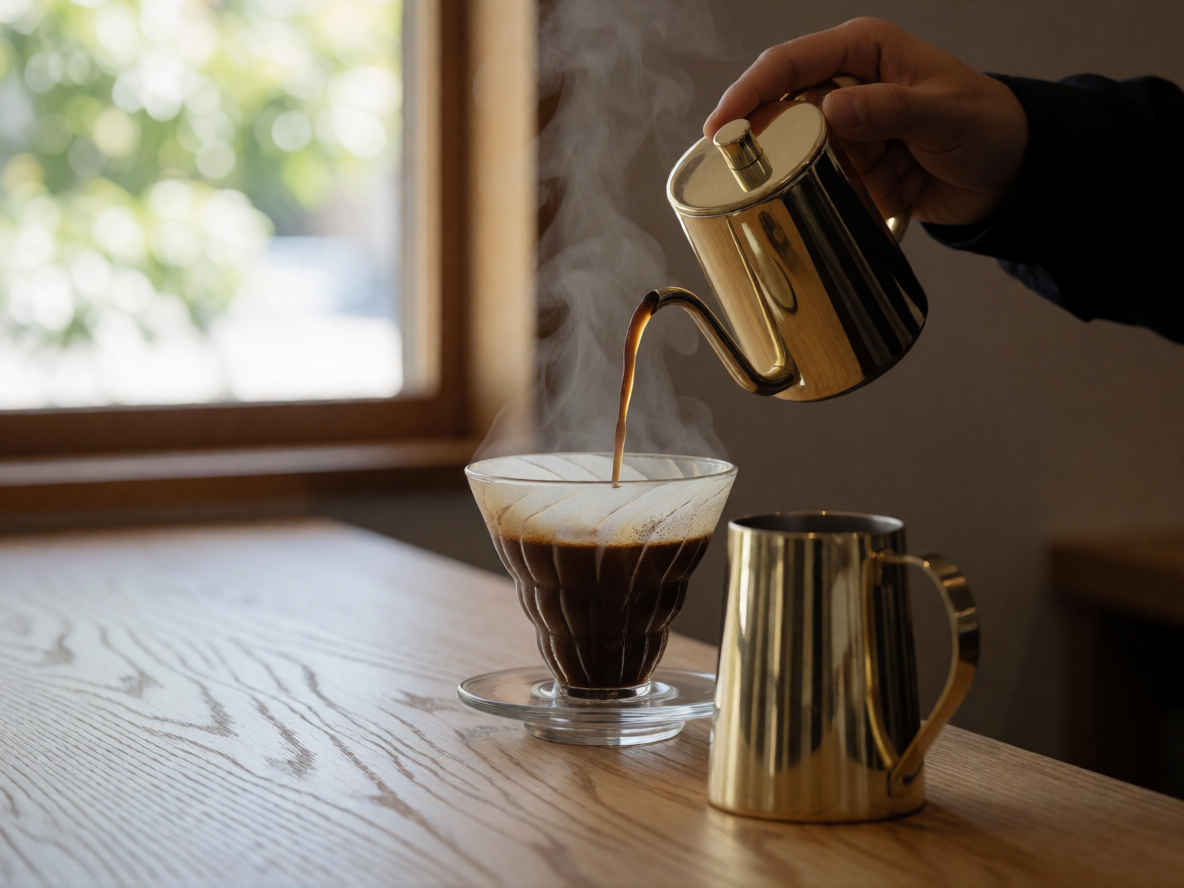 |
| model | krea2_turbo_fp8_scaled.safetensors, qwen3vl_4b_fp8_scaled.safetensors, qwen_image_vae.safetensors | |
| steps | 8 | |
| cfg | 1.0 | |
| size (pixel) | 1184x888, 888x1184, 1024x1024 | |
| seed | 397747871968973 | |
| Workflow | | |
| 8204_krea2_turbo_t2i_simple.json | ||
| プロンプト・エンハンサー付きのワークフローで日本語プロンプトを検証する |
| Step 3「ChatGPT」を使った時と同じプロンプトで、プロンプト・エンハンサー付きのワークフローを検証してみる |
| 日本語プロンプトでの生成画像 | プロンプト・エンハンサーによる内部生成プロンプト |
| ① 20代の美しい日本人女性 | |
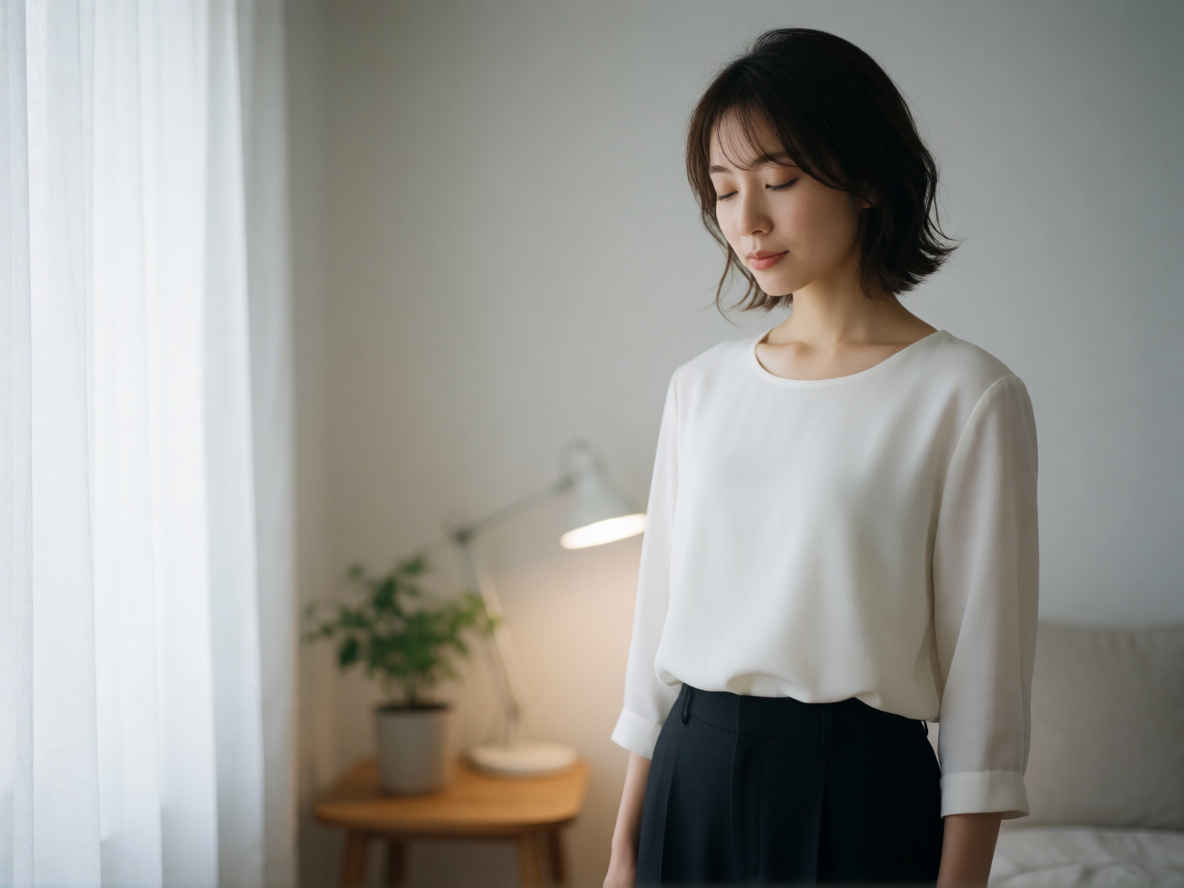 | A beautiful Japanese woman in her 20s, standing gracefully in a softly lit, minimalist indoor setting with natural light filtering through sheer curtains, wearing a simple, elegant white blouse and dark trousers, her hair styled in a loose, flowing bob with a few strands framing her face, eyes gently closed as if savoring the moment, hands resting lightly at her sides, posture relaxed yet poised, surrounded by subtle ambient details like a small potted plant on a wooden side table and a faint glow from a desk lamp behind her, rendered in a photorealistic style with soft focus background and shallow depth of field to emphasize her serene expression and delicate features, capturing a quiet, tranquil mood that feels both intimate and timeless. |
| 薄手のカーテン越しに自然光が差し込む、ミニマルで柔らかな光に満ちた室内。そこに佇む20代の美しい日本人女性は、シンプルで上品な白いブラウスとダークカラーのパンツを身にまとい、優雅な雰囲気を漂わせています。ふんわりと流れるようなボブヘアから数筋の髪が顔にかかり、その瞳はまるでこの瞬間を慈しむかのように穏やかに閉じられています。両手は自然に体の脇に添えられ、リラックスしつつも凛とした姿勢を保っています。木製のサイドテーブルに置かれた小さな鉢植えや、背後のデスクランプが放つ淡い光といったさりげないディテールが空間を彩り、背景をソフトフォーカスにして被写界深度を浅くすることで、彼女の穏やかな表情と繊細な顔立ちが際立つフォトリアリスティックなスタイルで表現されています。親密さと時代を超越した普遍性が同居する、静寂に満ちた穏やかな空気がそこに流れています。 | |
| ② 20代の美しい日本人女性、バストアップのアングル | |
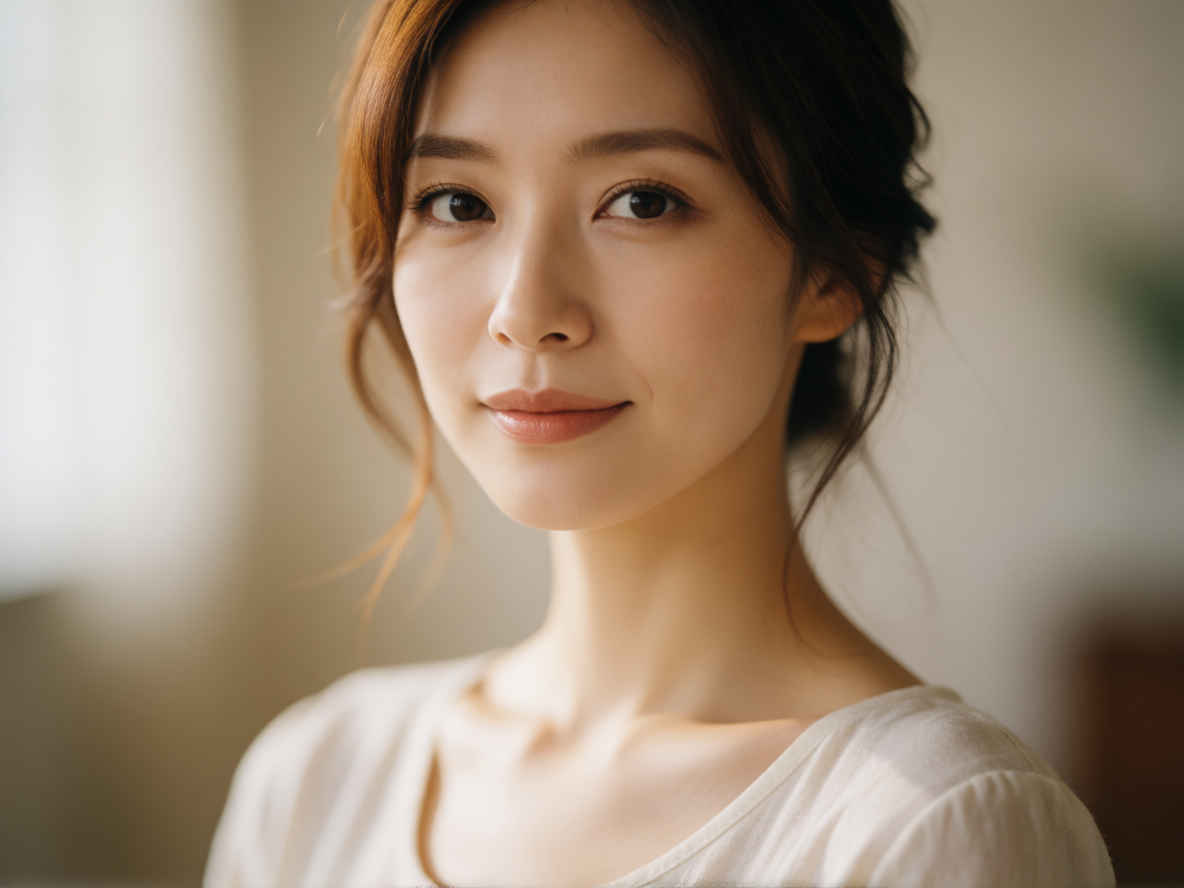 | A beautiful Japanese woman in her 20s, captured in a bust-up angle, standing confidently with soft natural lighting that highlights her delicate facial features and smooth skin texture; her hair gently frames her face, styled in a loose, elegant manner, and she wears a simple, light-colored top that complements her slender frame; the background is softly blurred with warm, diffused tones to emphasize her as the central focus, creating an intimate yet polished portrait style — rendered as a high-resolution photograph with shallow depth of field, capturing the subtle play of light on her shoulders and collarbone, evoking a serene and graceful mood. |
| 20代の美しい日本人女性を捉えたバストアップの構図。柔らかな自然光が彼女の繊細な顔立ちと滑らかな肌の質感を際立たせ、自信に満ちた佇まいを演出しています。緩やかで優雅にスタイリングされた髪が顔周りを優しく包み込み、スレンダーな体型を引き立てるシンプルな淡い色のトップスを着用しています。背景は温かみのある色調で柔らかくぼかされ、彼女を際立たせることで、親密さと洗練された雰囲気を兼ね備えたポートレートに仕上がっています。浅い被写界深度を活かした高解像度写真として表現され、肩や鎖骨に落ちる光の繊細な陰影まで捉えることで、穏やかで優美な空気を醸し出しています。 | |
| ③ 夜のカフェでコーヒーを飲む日本人女性 | |
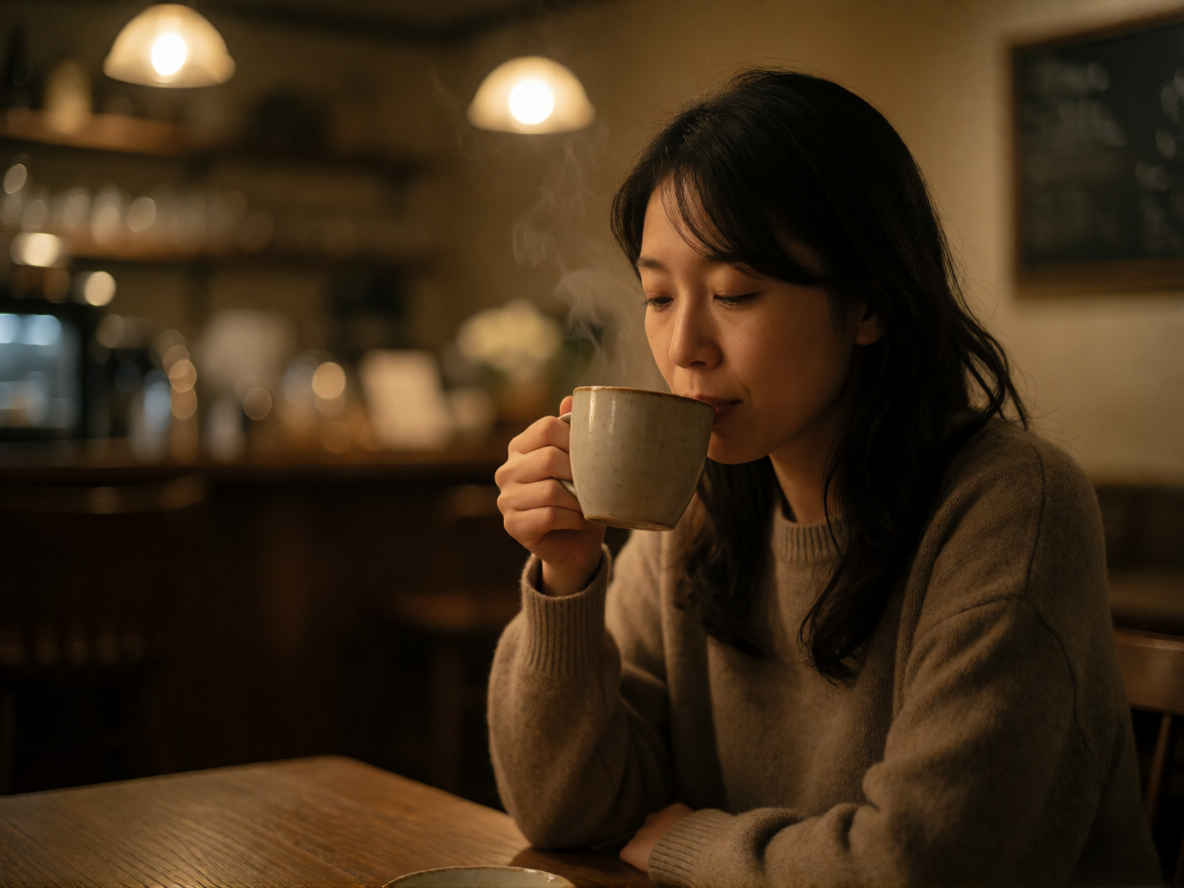 | A Japanese woman sitting alone at a cozy café in the evening, sipping coffee from a ceramic mug with steam rising gently, warm ambient lighting casting soft golden hues across her face and the wooden table, the background blurred with subtle bokeh of dimly lit shelves and hanging lamps, her dark hair loosely falling over her shoulders, dressed in a comfortable sweater, the scene captured as a photograph of intimate quietude, shallow depth of field emphasizing her relaxed posture and the gentle curve of her hand around the mug, no other people visible, the atmosphere calm and contemplative, the coffee shop’s interior adorned with muted earth tones and soft textures, the moment frozen in serene stillness. |
| 夕暮れ時、居心地の良いカフェで一人、湯気の立つ陶器のマグカップからコーヒーを味わう日本人女性。温かみのある照明が、彼女の顔や木製のテーブルに柔らかな黄金色の陰影を落としています。背景には薄暗い棚や吊り下げ照明が柔らかなボケ味となって溶け込み、ゆったりと肩に流れる黒髪と着心地の良さそうなセーター姿が、親密で静謐なひとときを演出しています。浅い被写界深度が、彼女のリラックスした佇まいやマグカップを包み込む手の柔らかな曲線を際立たせ、周囲に人の気配はなく、穏やかで思索的な空気が漂います。落ち着いたアースカラーと柔らかな質感に彩られた店内で、その瞬間が静寂の中に切り取られています。 | |
| ④ 背の高いエレガントなビジネスウーマン | |
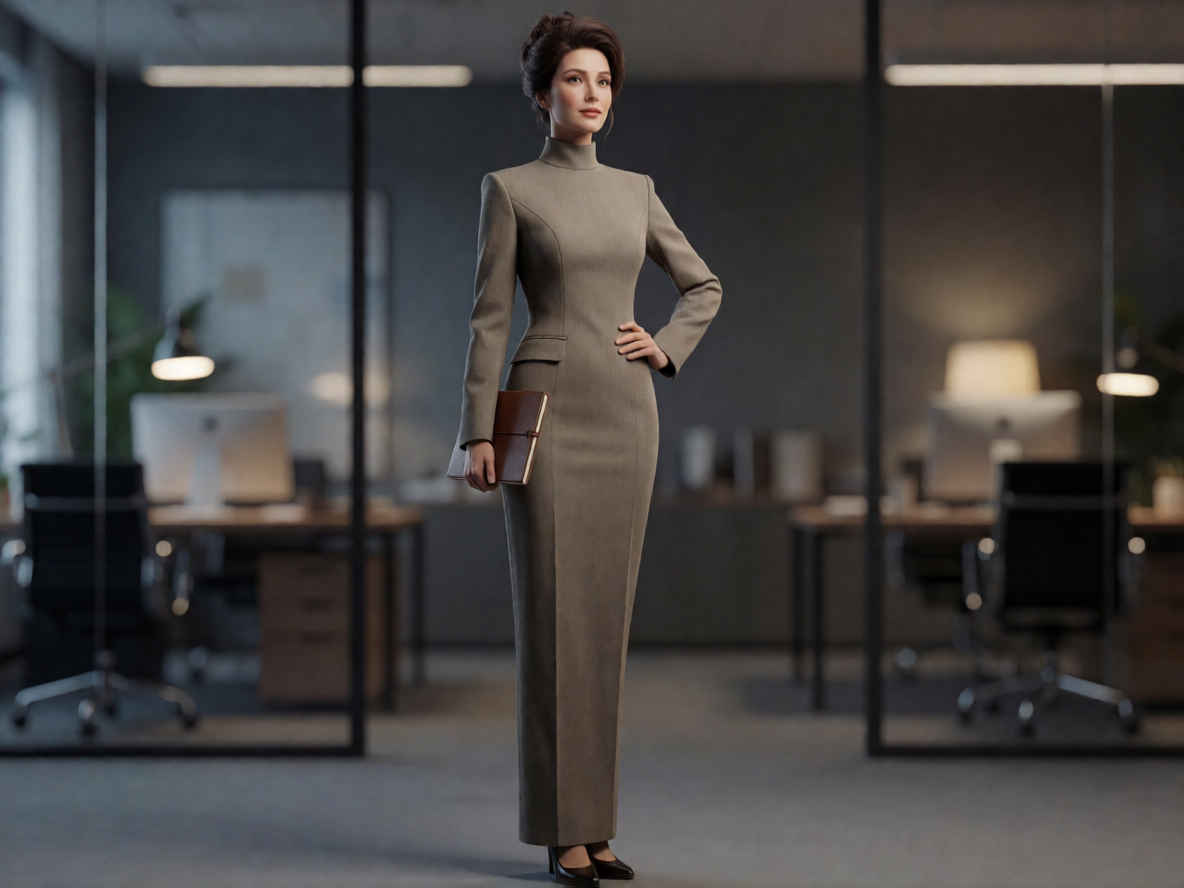 | A tall, elegant businesswoman with a poised and confident posture, standing upright in a professional setting, dressed in a sleek, high-necked tailored suit with structured shoulders and a minimalist silhouette, her hair styled in a sophisticated updo, facing slightly toward the viewer with one hand resting lightly on her hip and the other holding a thin leather-bound notebook or tablet, rendered in a photorealistic style with soft studio lighting that highlights the texture of her fabric and the subtle sheen of her polished shoes, set against a blurred modern office background with glass partitions and ambient desk lights, capturing an air of quiet authority and refined professionalism. |
| 凛とした自信に満ちた佇まいで直立する、背が高く優雅な女性ビジネスパーソン。彼女は、構築的なショルダーラインとミニマルなシルエットが特徴の、洗練されたハイネックのテーラードスーツを身にまとい、髪は上品なアップスタイルにまとめられています。片手を軽く腰に添え、もう片方の手には薄い革表紙のノート(またはタブレット)を持ち、わずかに見る側へと顔を向けています。柔らかなスタジオ照明がスーツの生地の質感や磨き上げられた靴のほのかな光沢を際立たせ、フォトリアリスティックなスタイルで描かれています。背景にはガラスのパーティションやデスクライトの明かりがぼんやりと広がる現代的なオフィスが配され、静かな威厳と洗練されたプロフェッショナリズムの雰囲気が表現されています。 | |
| ⑤ ミステリアスな27歳のプロモデル | |
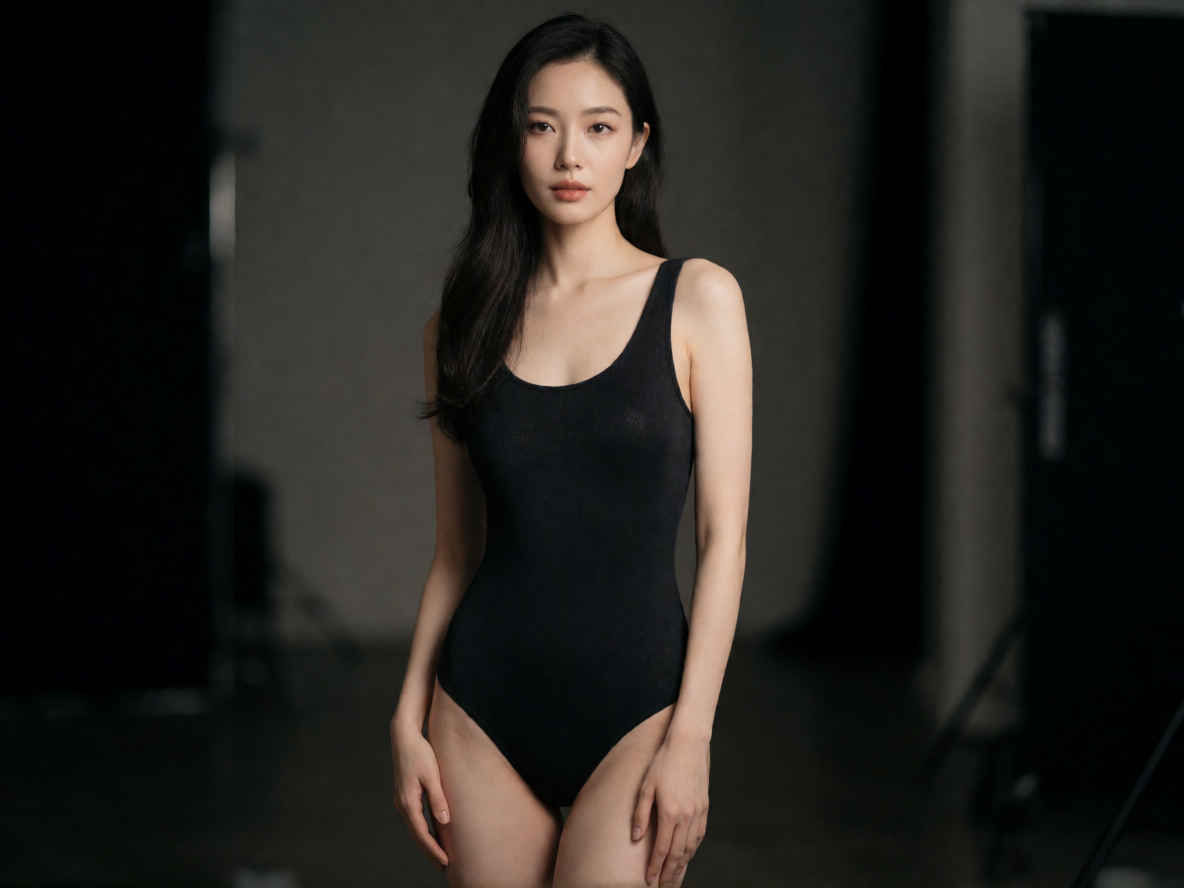 | A mysterious 27-year-old professional model, standing in a dimly lit studio with soft directional lighting that highlights her sculpted features and elegant posture, wearing a sleek, minimalist black bodysuit with subtle texture, her long dark hair cascading over one shoulder, eyes half-lidded with an enigmatic gaze, hands gently resting at her sides, the background blurred to emphasize her as the sole focal point, rendered in high-resolution cinematic photography style with shallow depth of field, capturing both her poised stillness and the quiet intensity of her expression. |
| 薄暗いスタジオに佇む、謎めいた雰囲気の27歳のプロモデル。柔らかな指向性照明が、彼女の彫りの深い顔立ちと優雅な立ち姿を際立たせています。微かな質感のある洗練されたミニマルな黒のボディスーツを身にまとい、長い黒髪を片方の肩に流し、伏せがちの瞳には神秘的な眼差しを宿しています。両手は体の脇に優しく添えられ、背景はぼかされて彼女だけが視線の焦点となるよう演出されています。浅い被写界深度を活かした高解像度なシネマティック・フォトグラフィーのスタイルで、彼女の凛とした静けさと、その表情に漂う静かな力強さの両方が捉えられています。 | |
| 英語プロンプト | 日本語プロンプト |
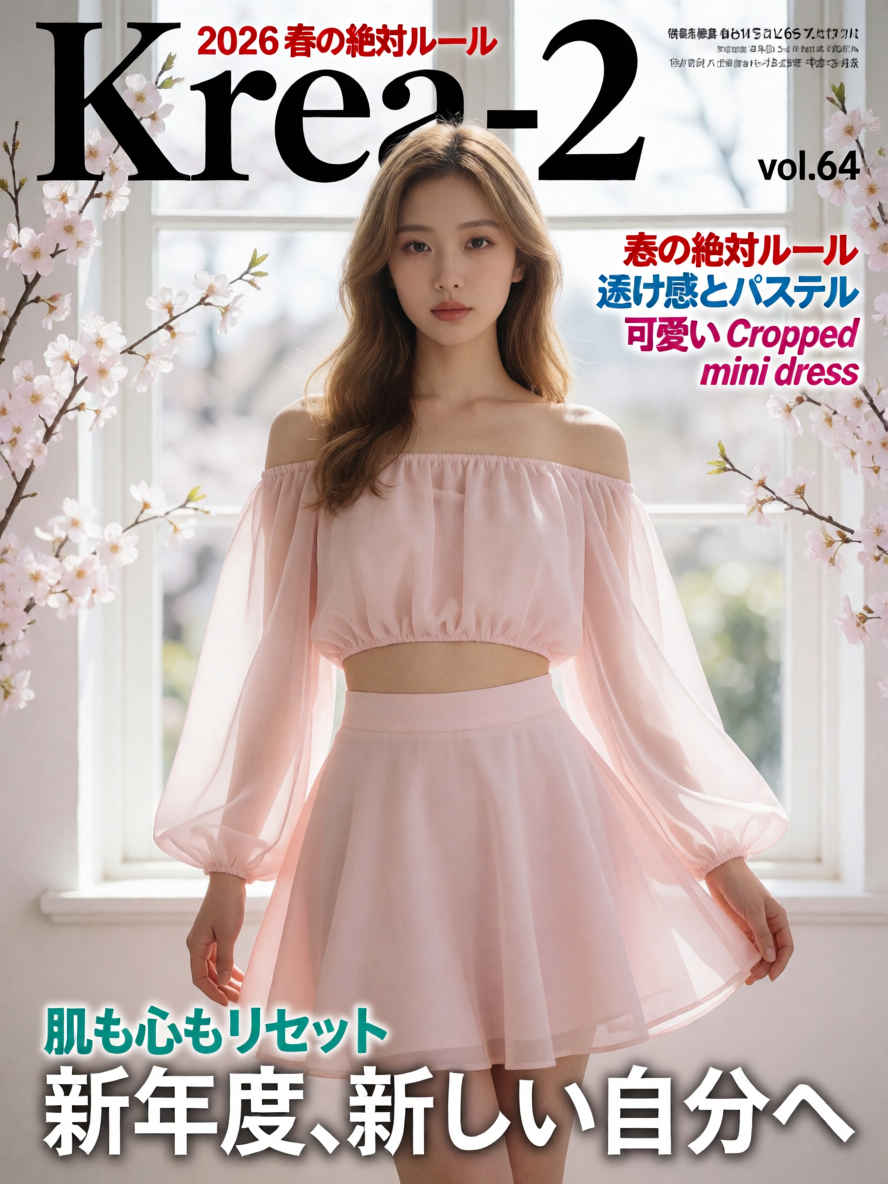
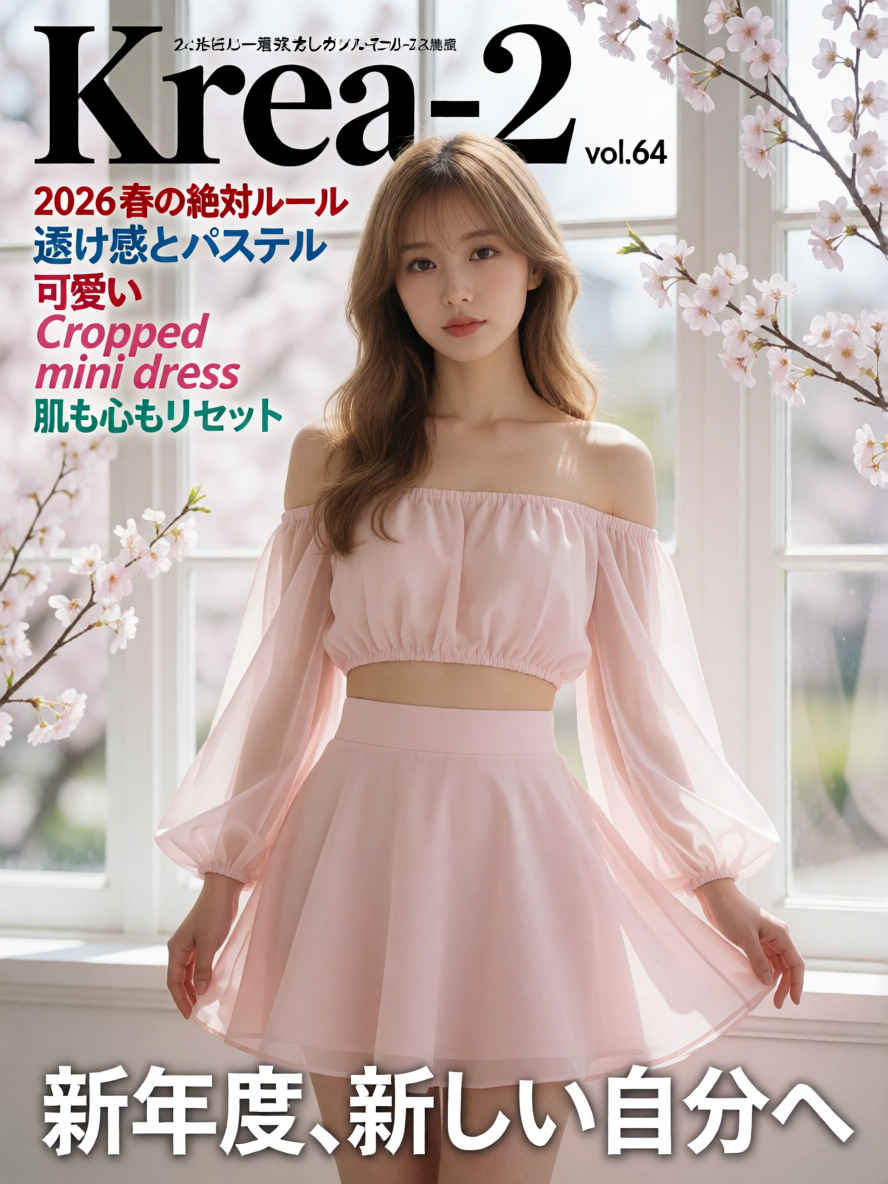
| ファッション誌の表紙 888x1184 ~→ 英語/日本語 プロンプト> | |
 |  |
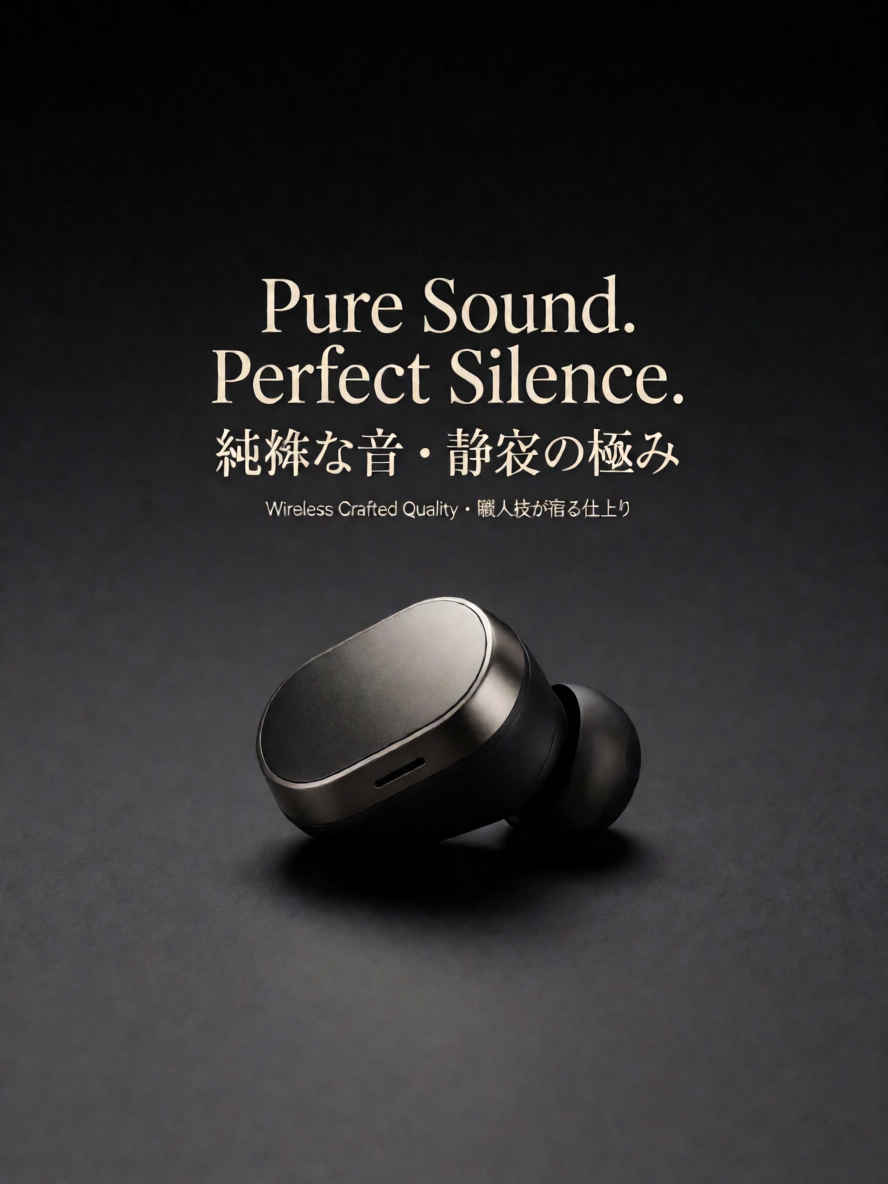
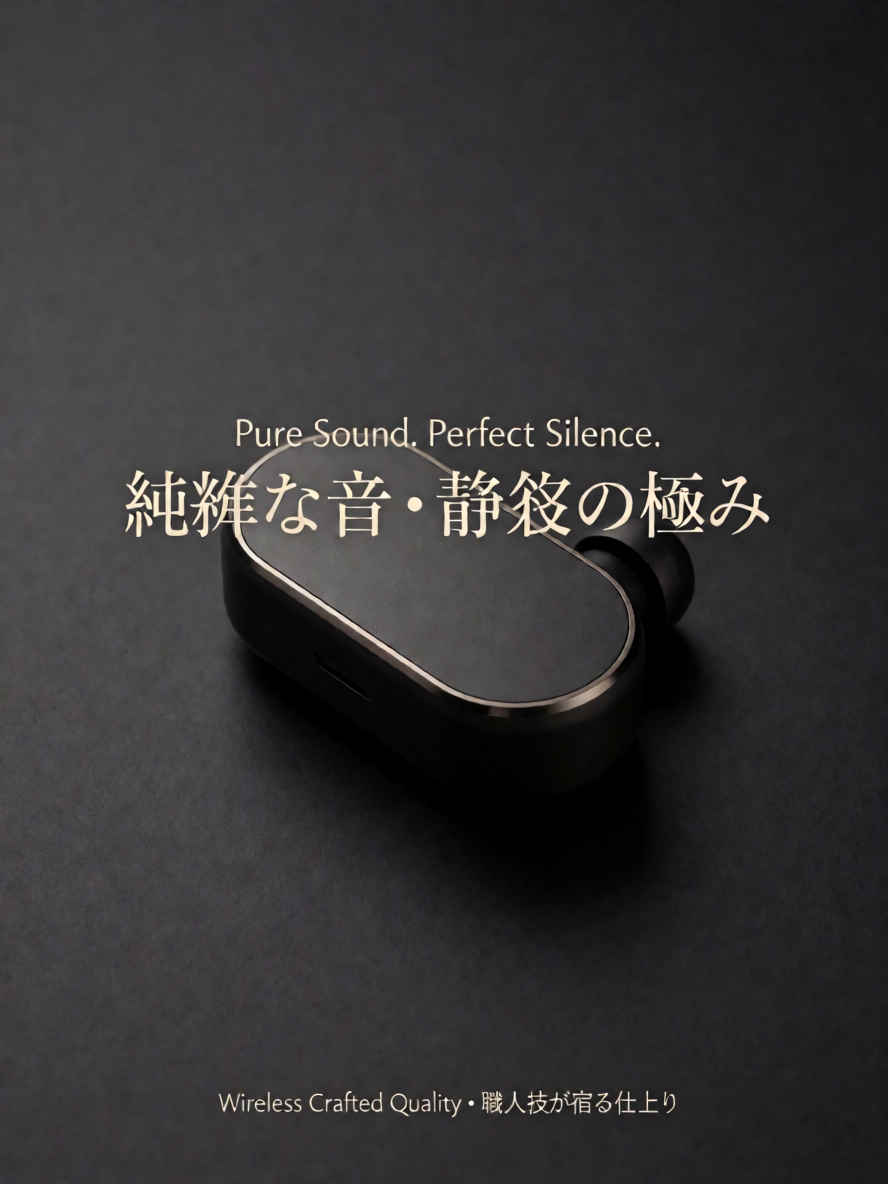
| ① 文字の入ったカタログ 888x1184 ~→ 英語/日本語 プロンプト> | |
 |  |
| ② クローズアップポートレート 1184x888 ~→ 英語/日本語 プロンプト> | |
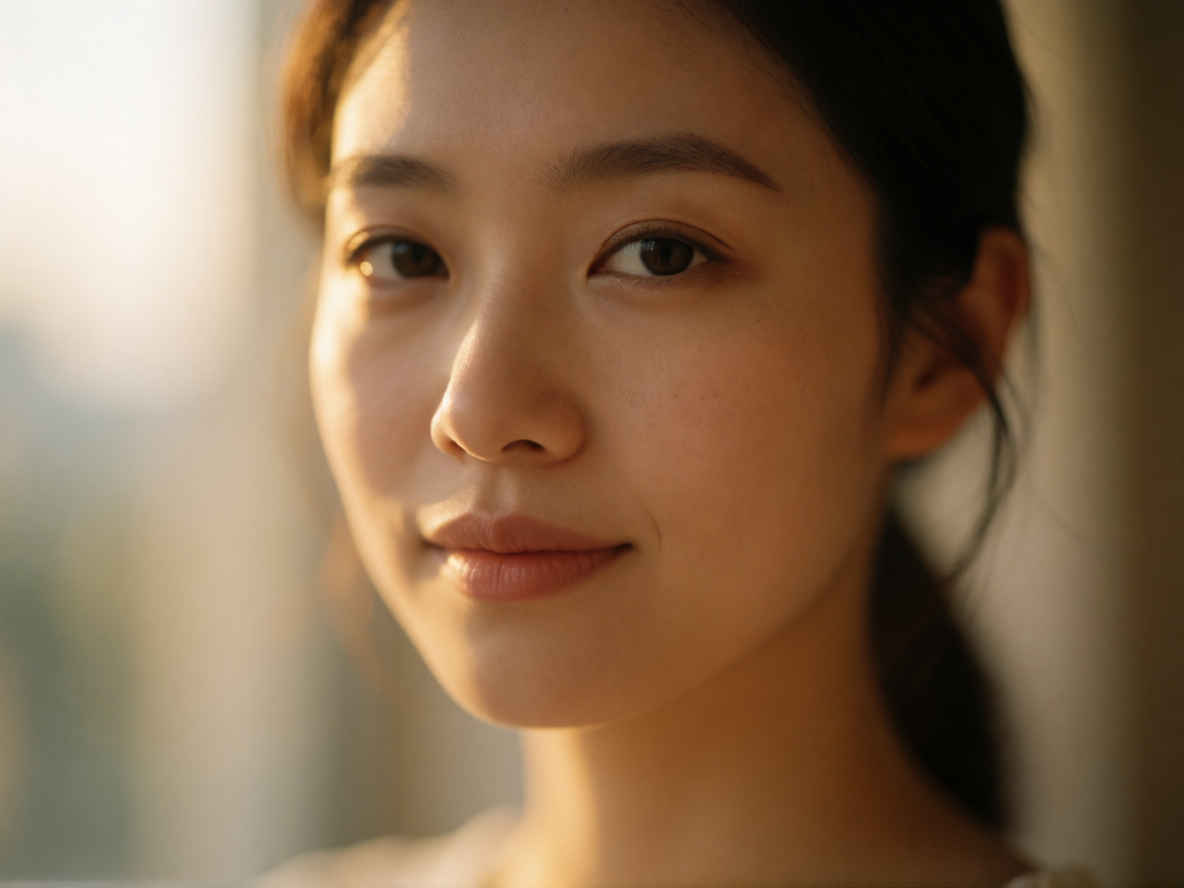 | 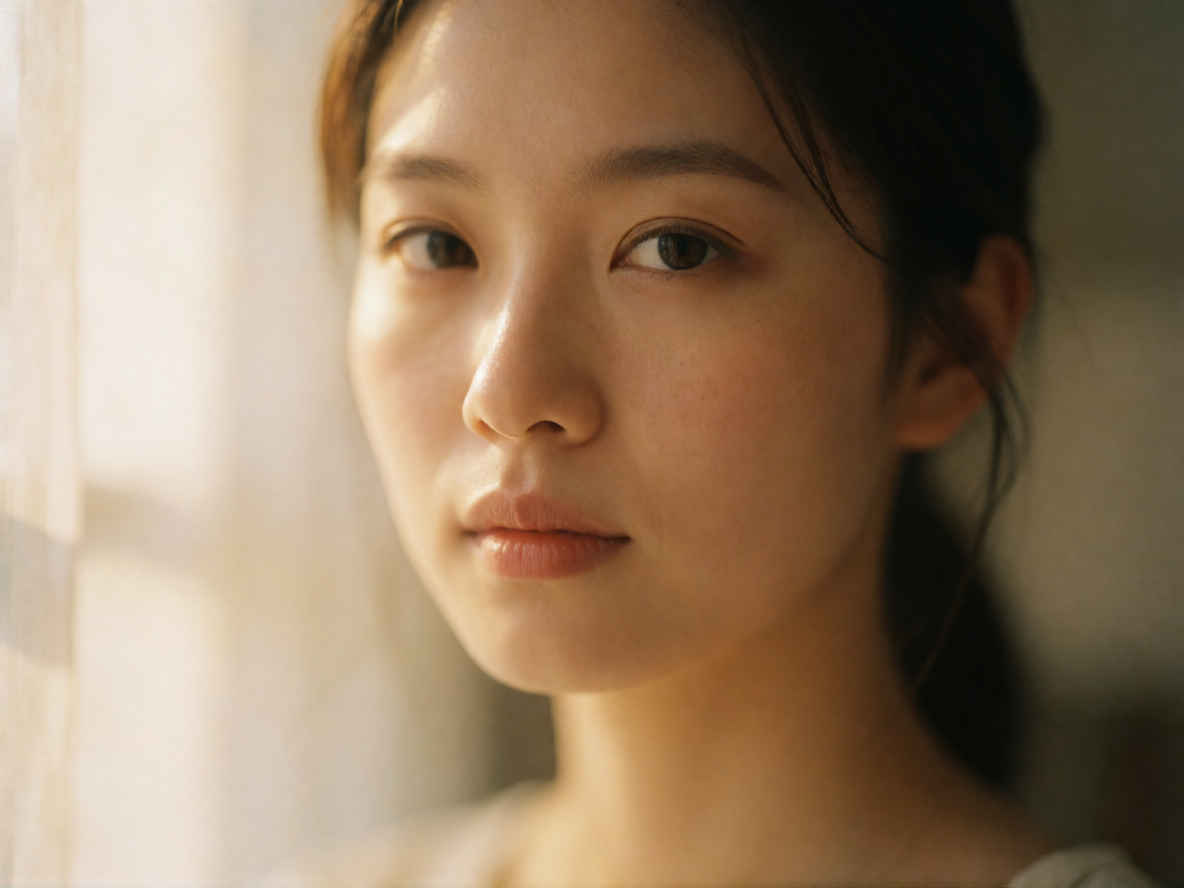 |
| ③ コマーシャル商品写真(コーヒー) 1024x1024 ~→ 英語/日本語 プロンプト> | |
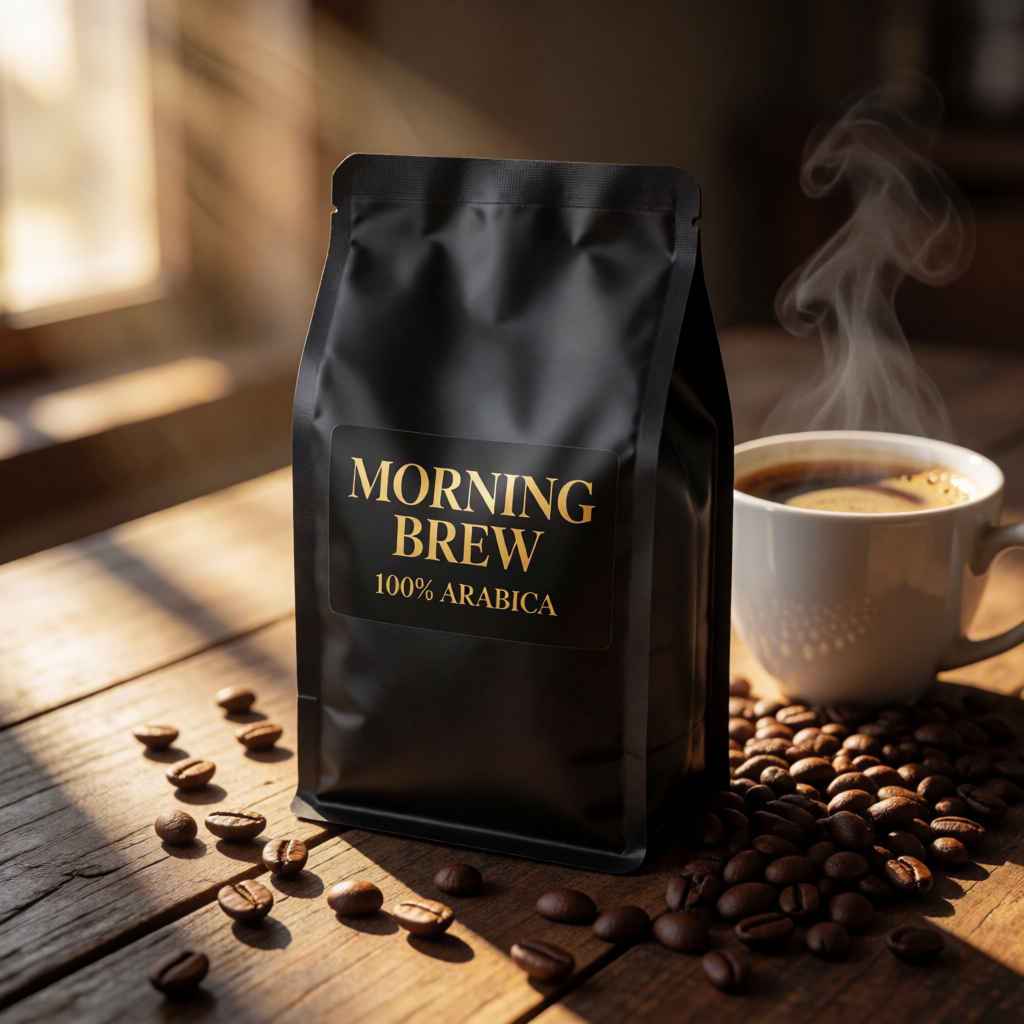 | 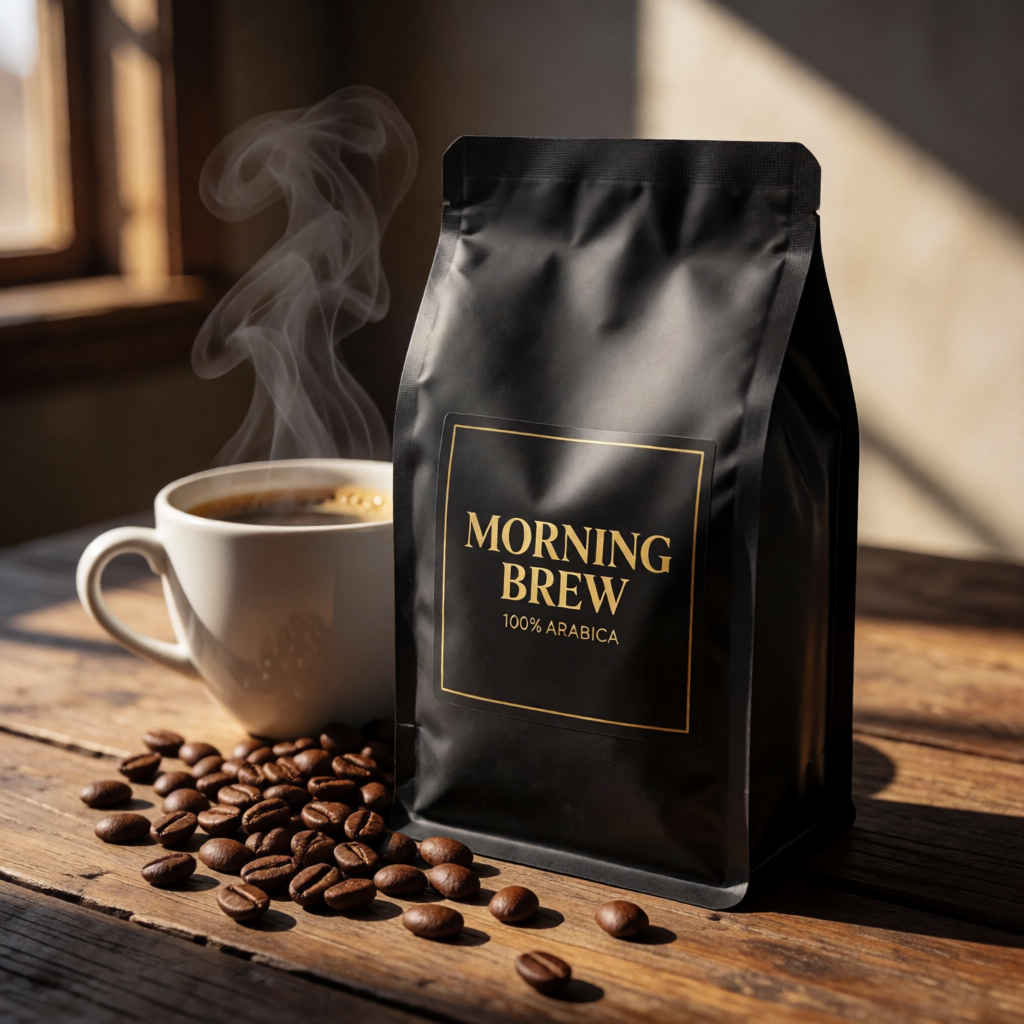 |
| ④ コマーシャル商品写真(化粧品) 1024x1024 ~→ 英語/日本語 プロンプト | |
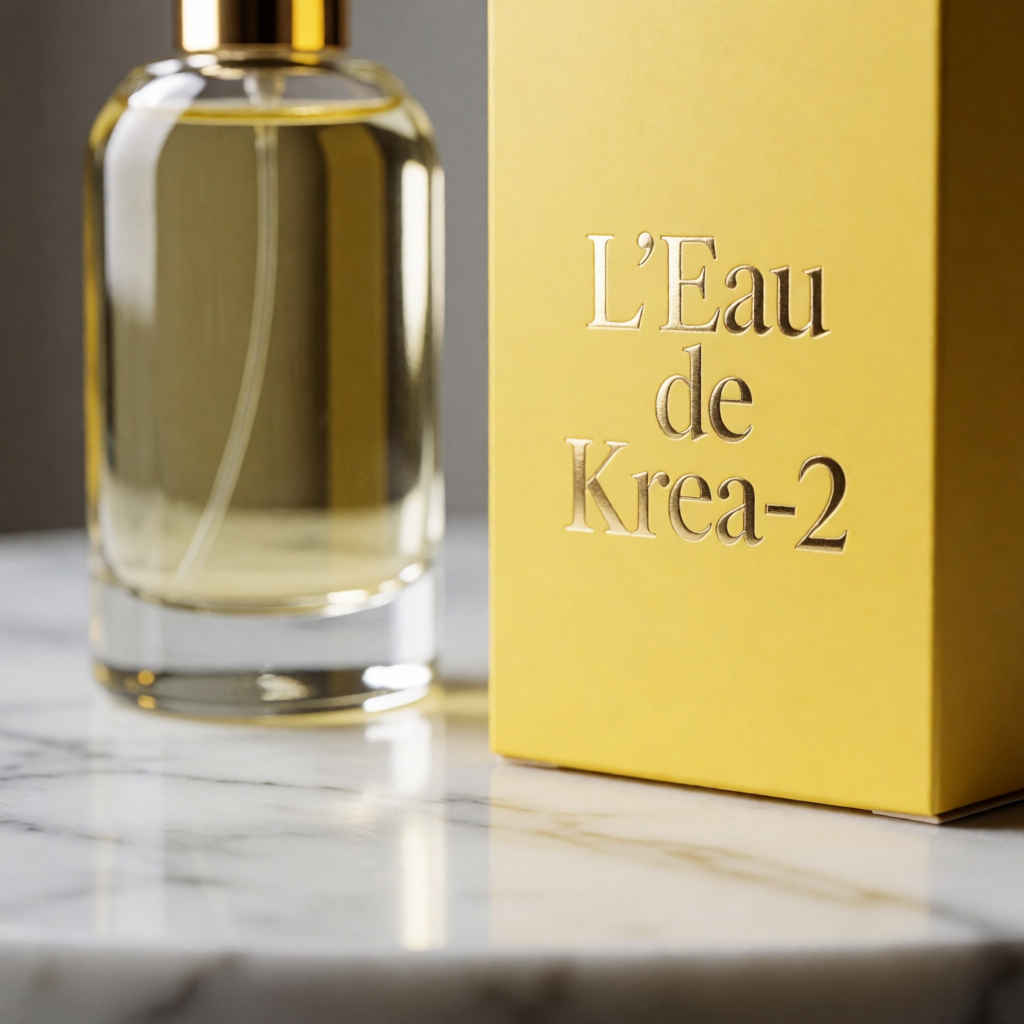 | 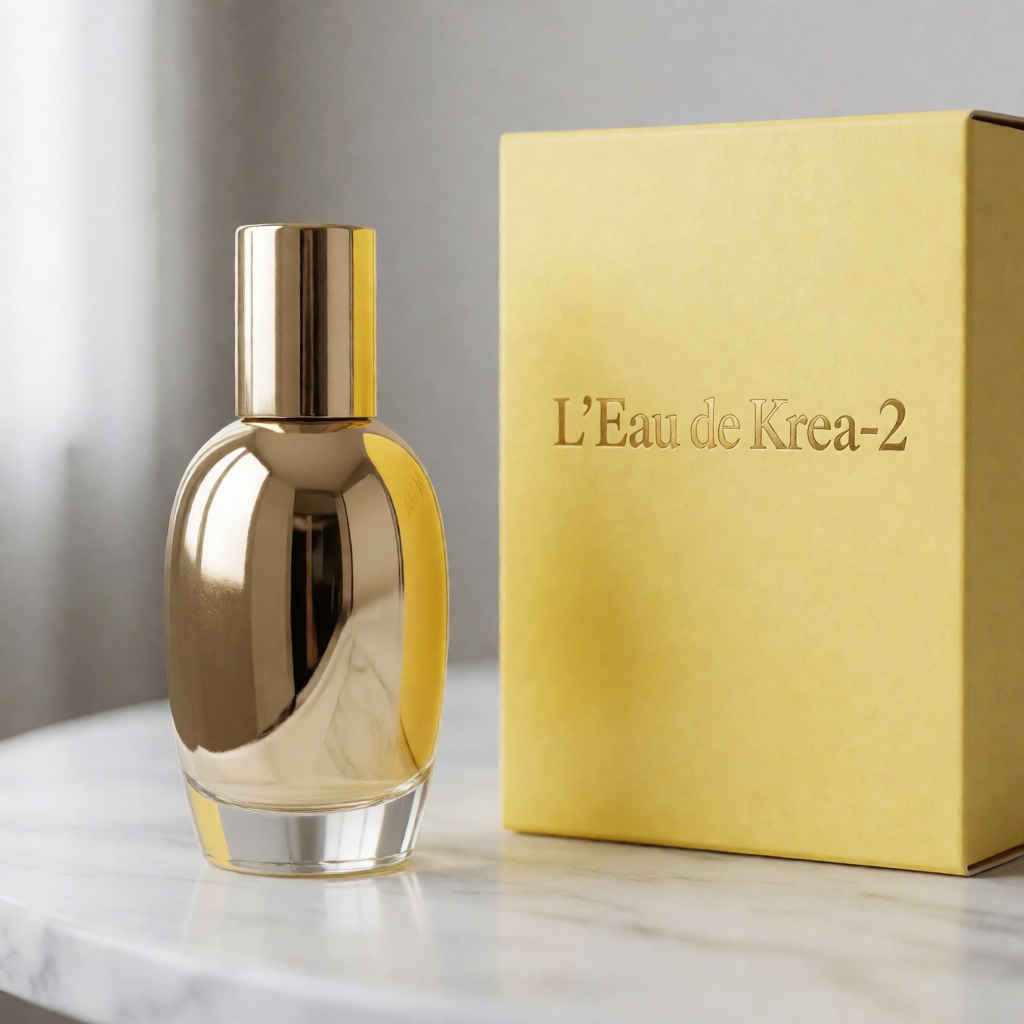 |
| ⑤ ファッション誌のモデル写真 888x1184 ~→ 英語/日本語 プロンプト | |
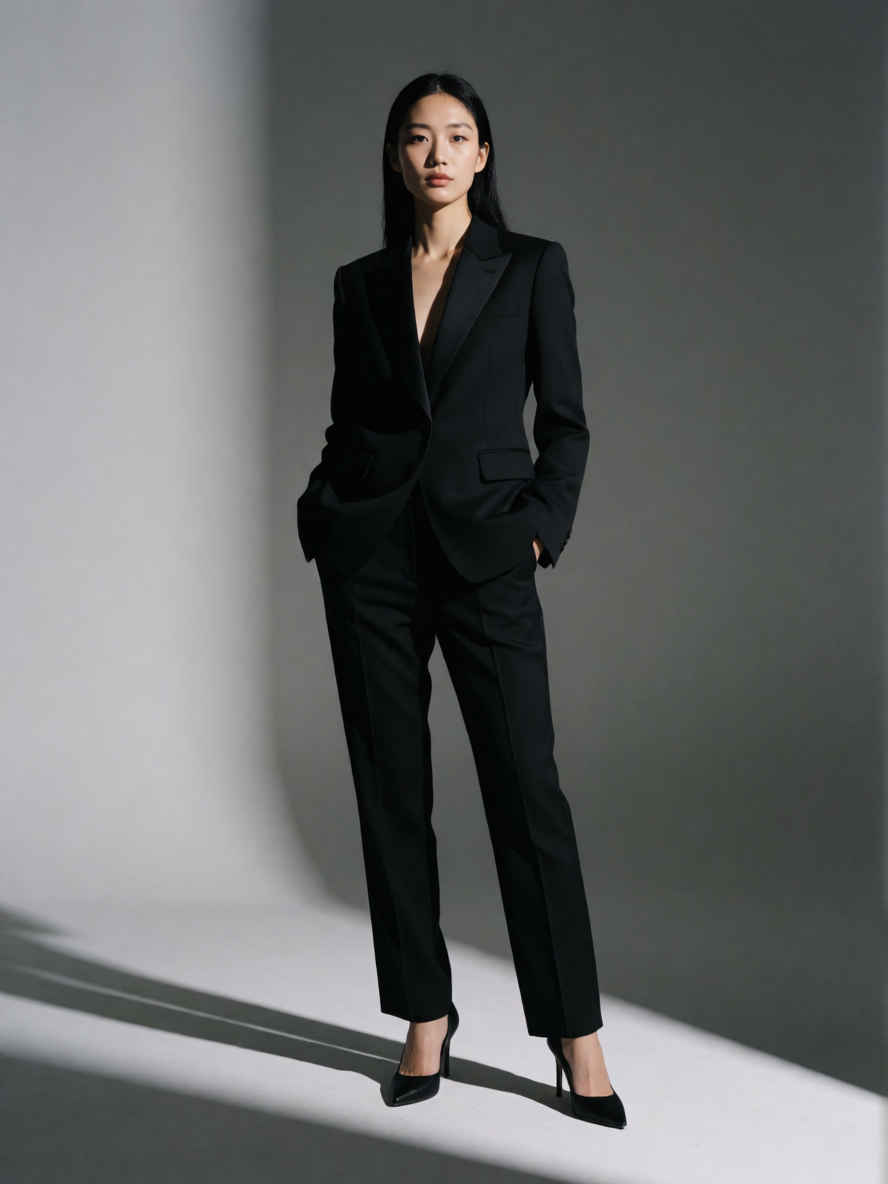 | 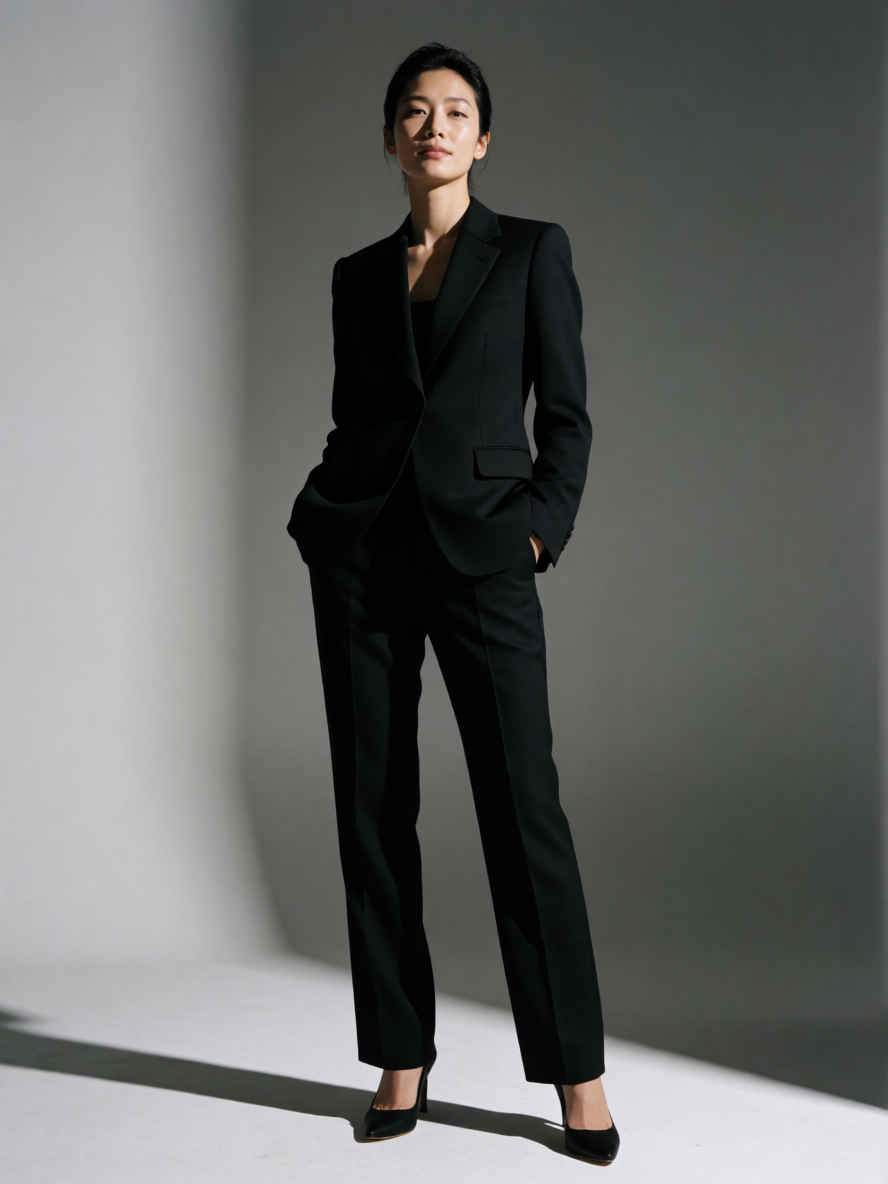 |
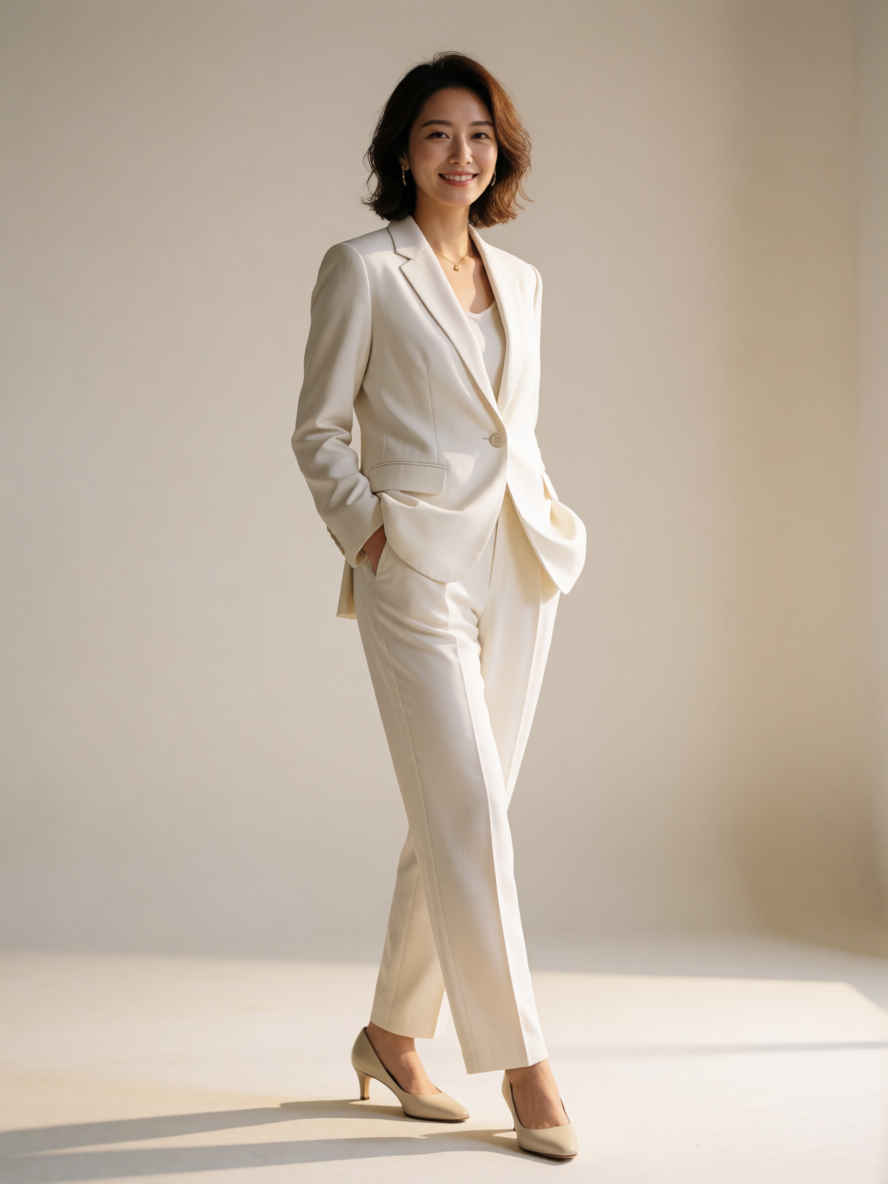 | 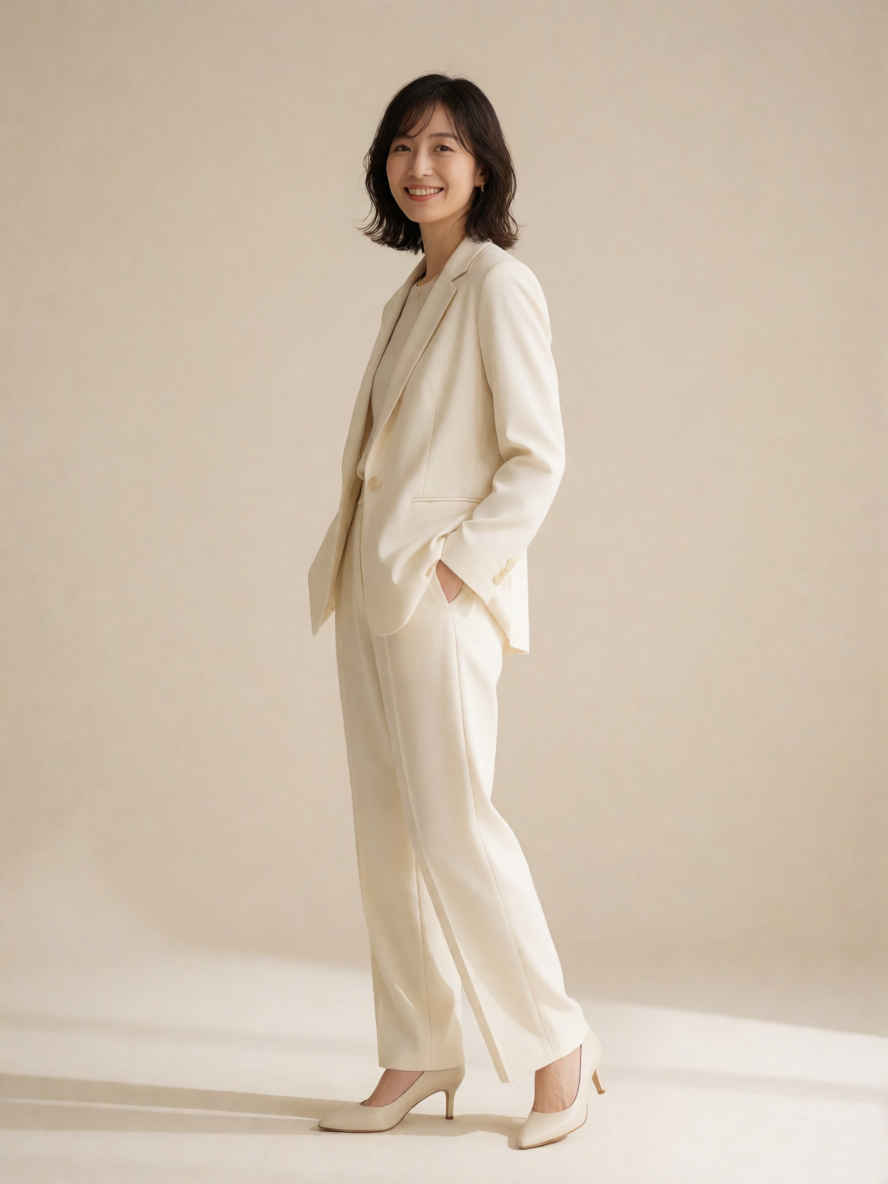 |
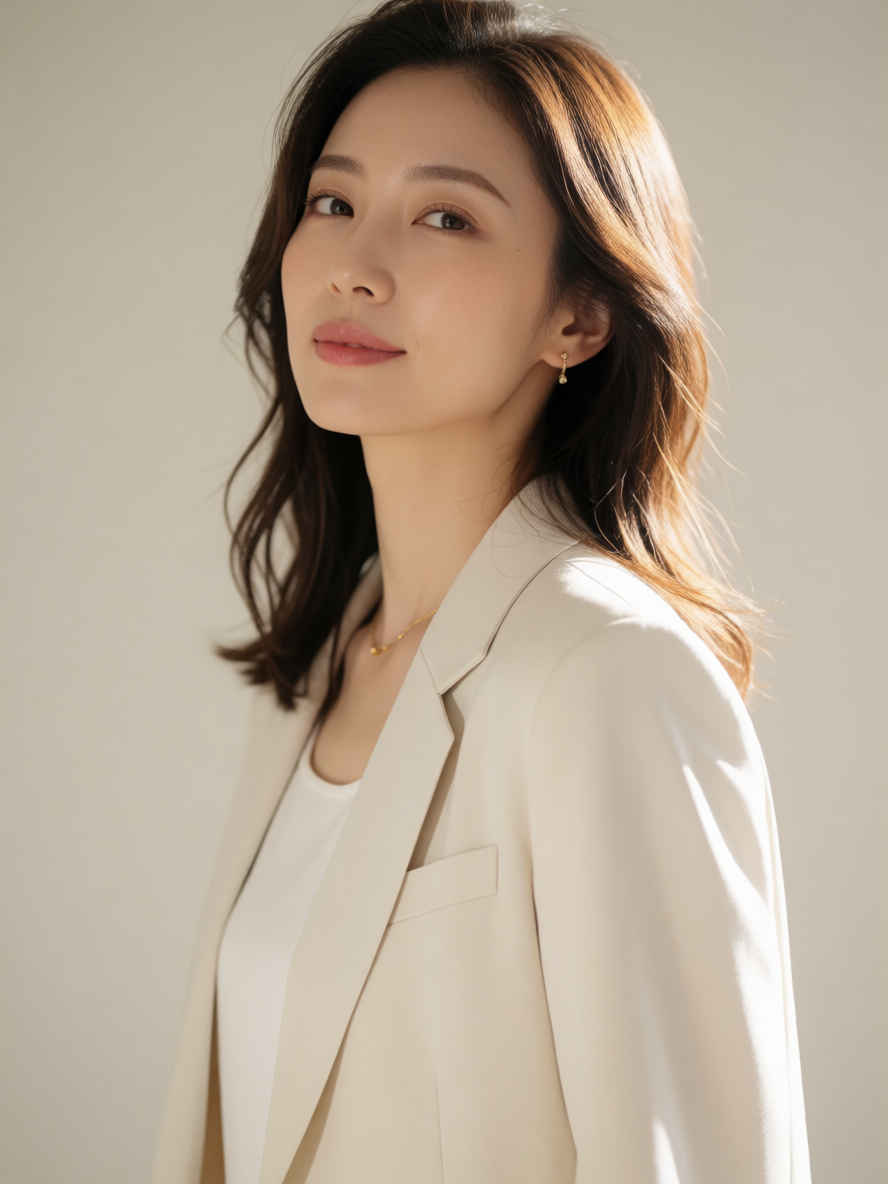 | 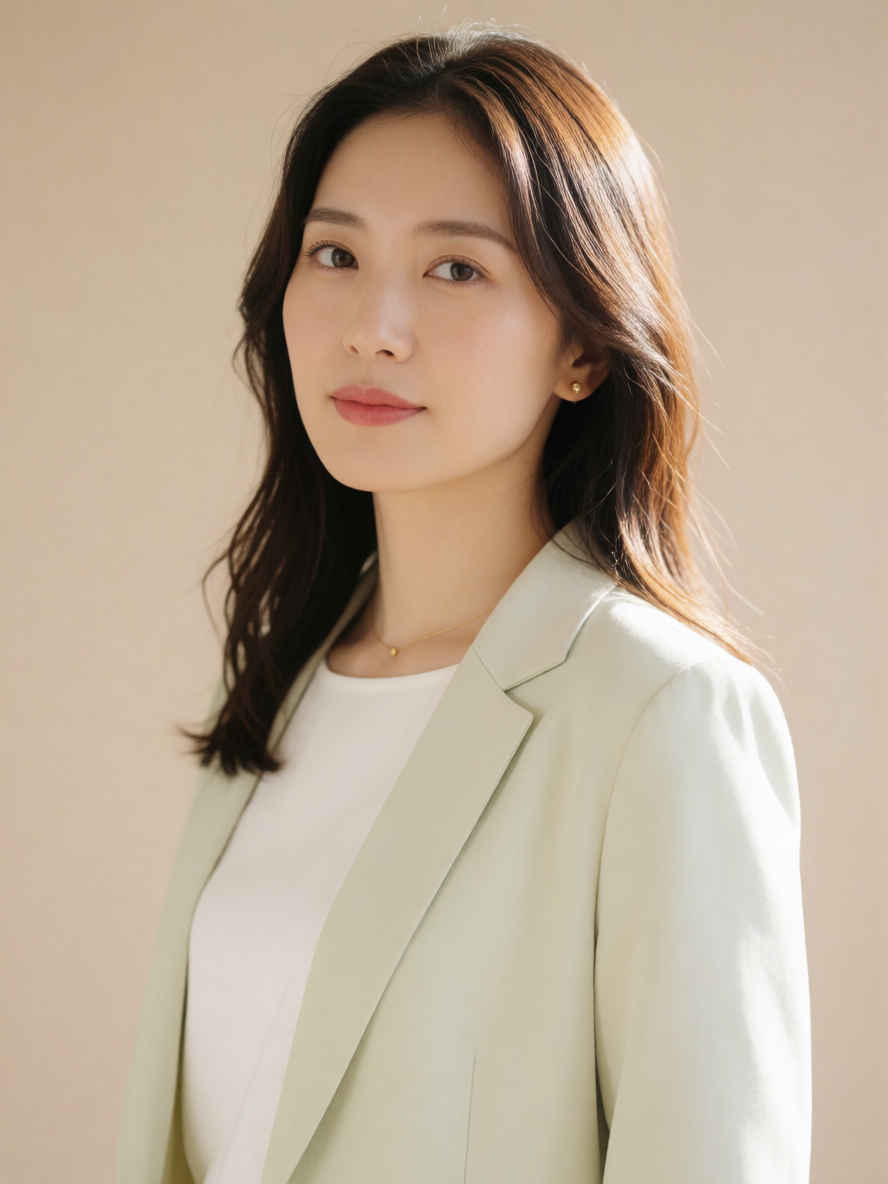 |
| ⑥ ドリップコーヒー 1184x888 ~→ 英語/日本語 プロンプト | |
 |  |
| 英語プロンプト | 日本語プロンプト |
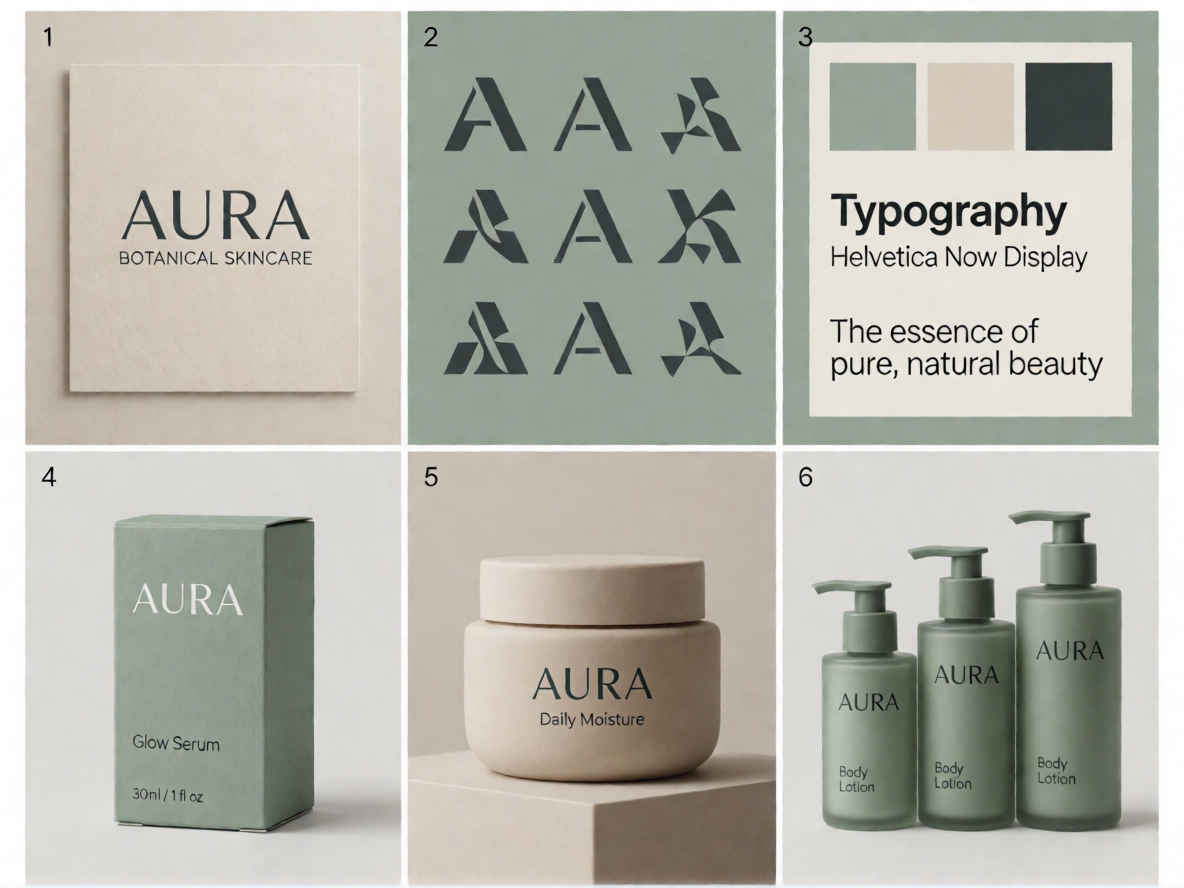
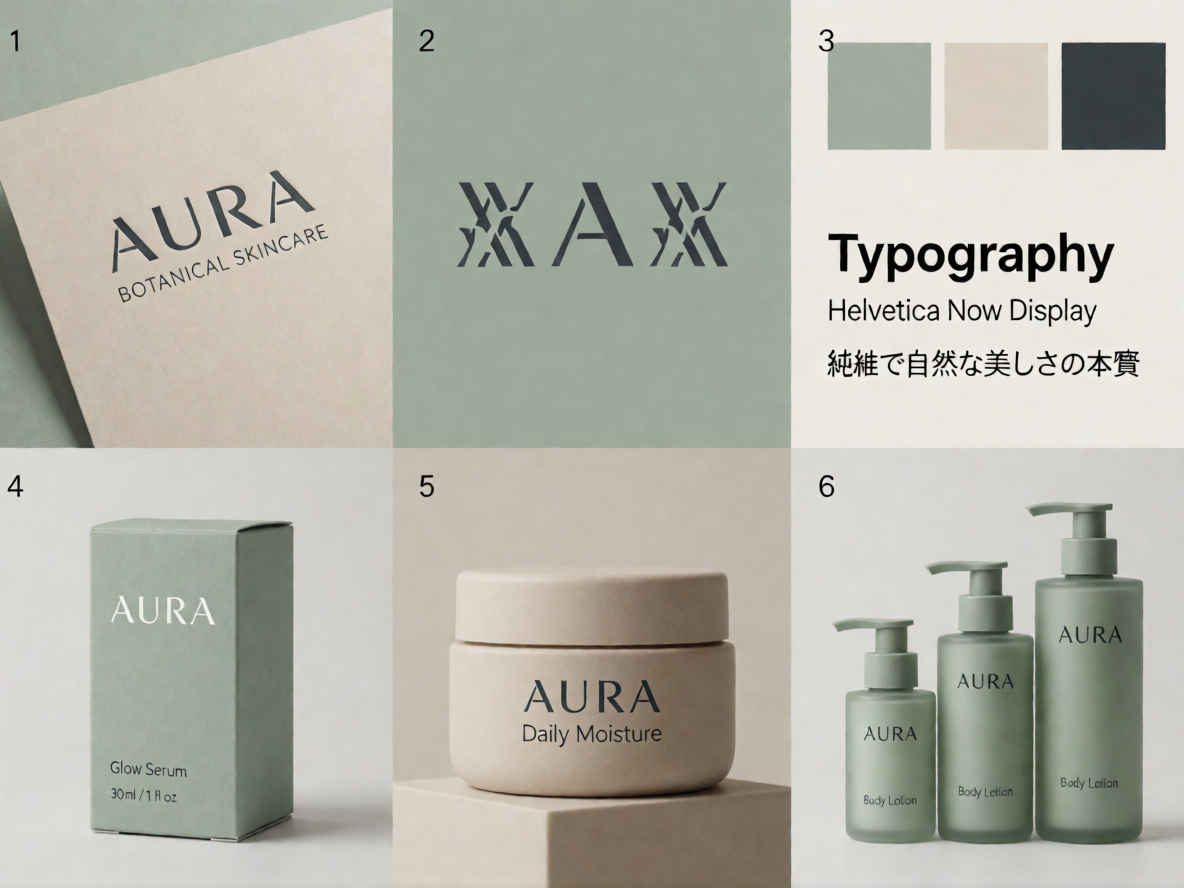
| ① AURA Skincare Brand Visual System | |
 |  |
| ② Luxury Perfume Sand Ad Photography | |
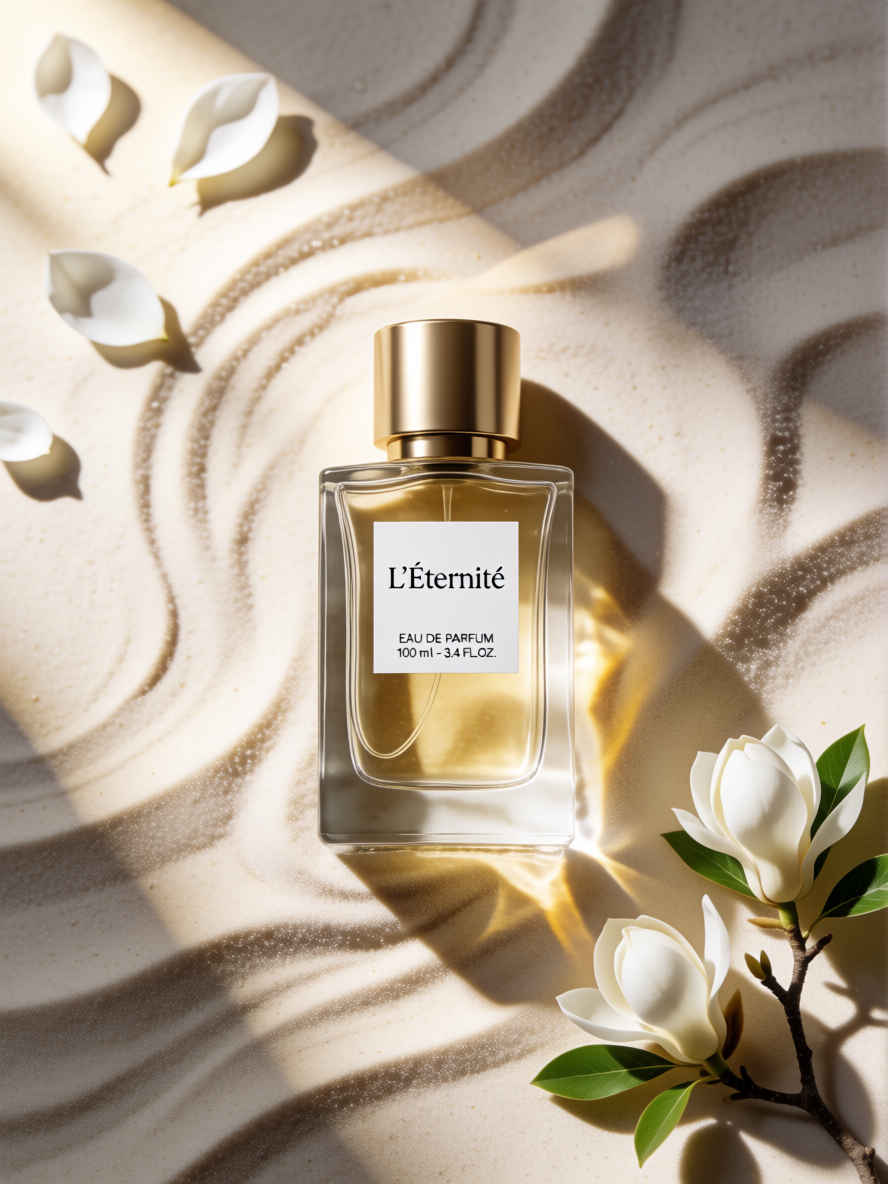 | 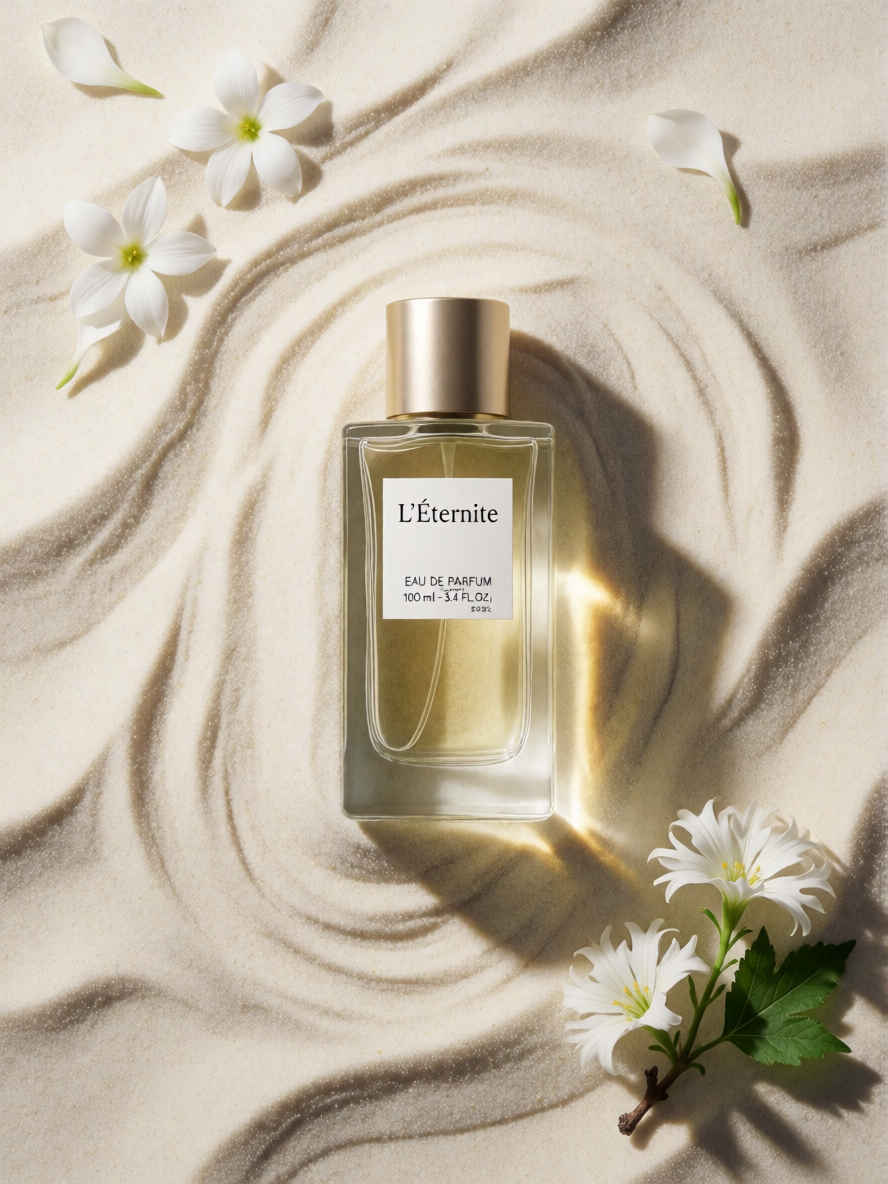 |
| ③ Logo Miniature Hyper-Realistic Photography | |
 |  |
| ④ Night Street Looking-Back Portrait Photography | |
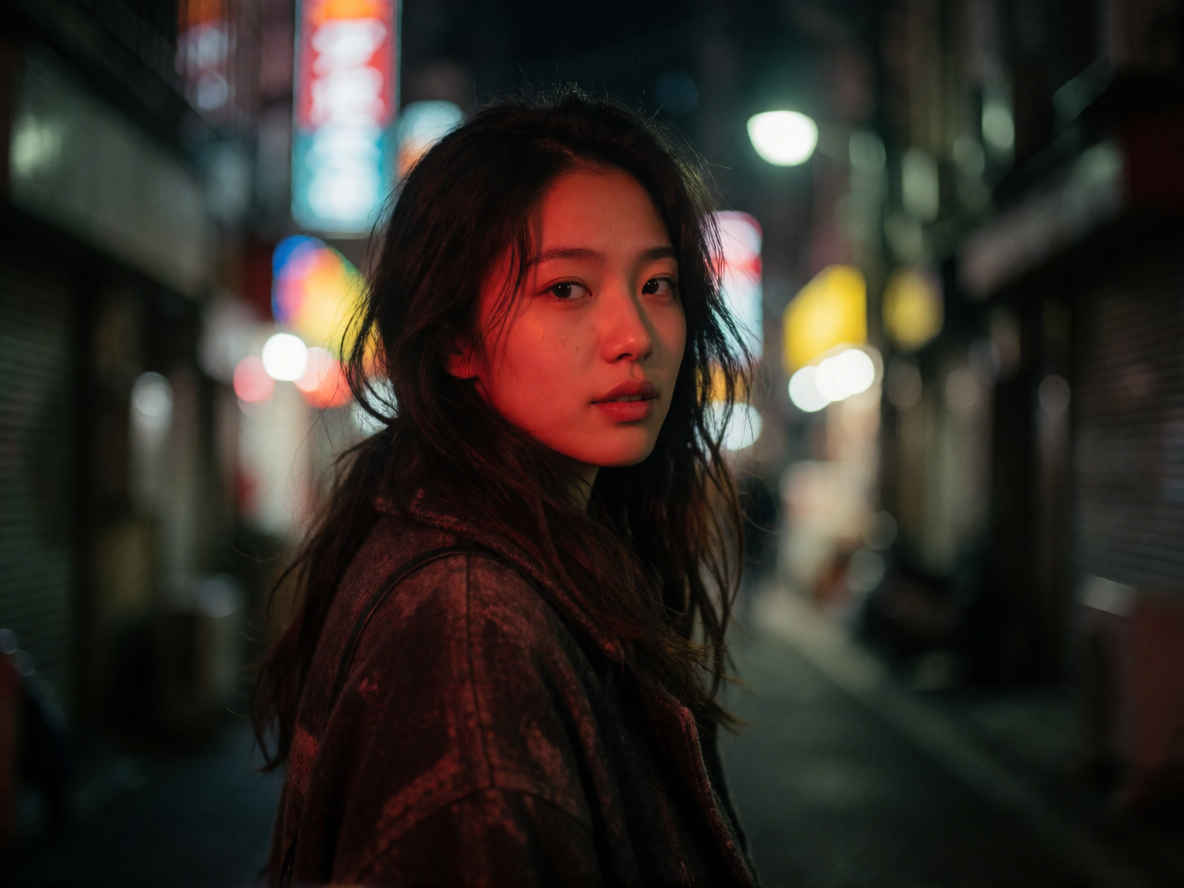 | 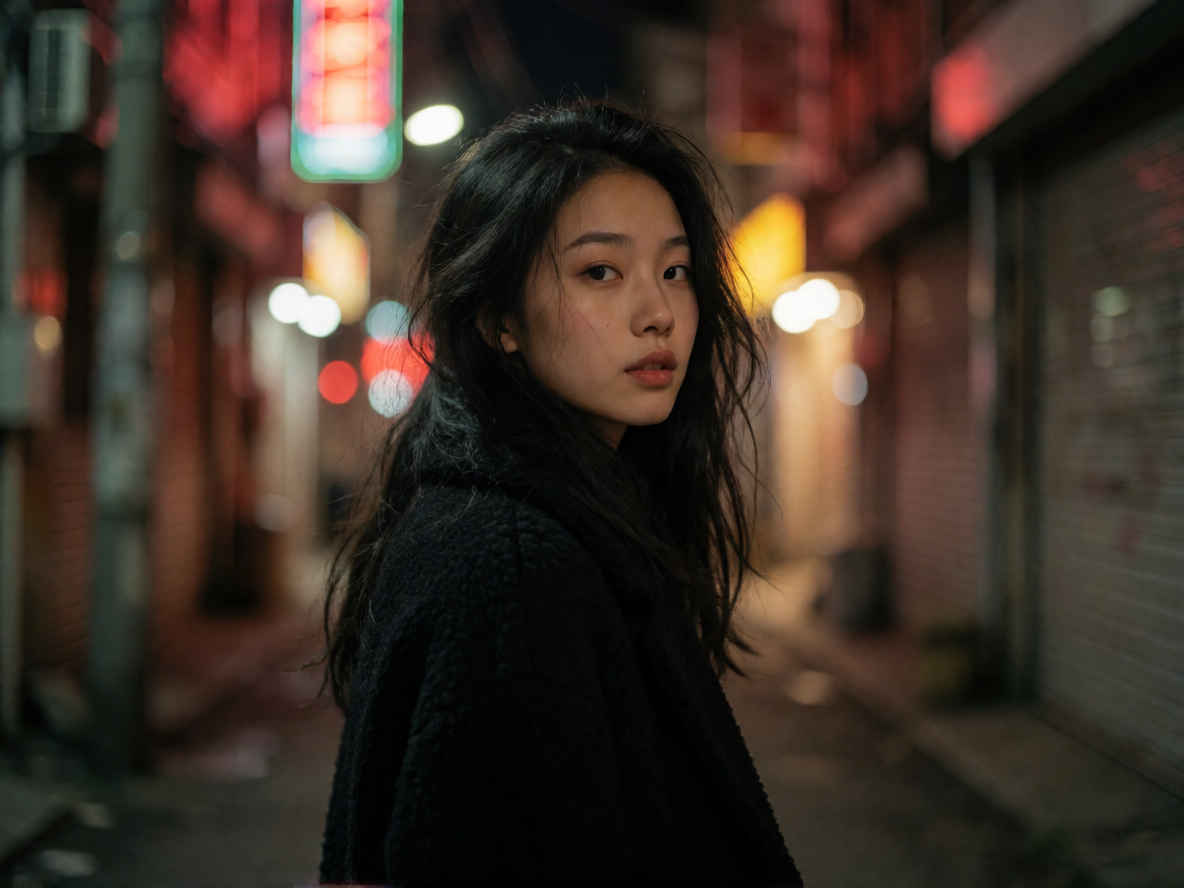 |
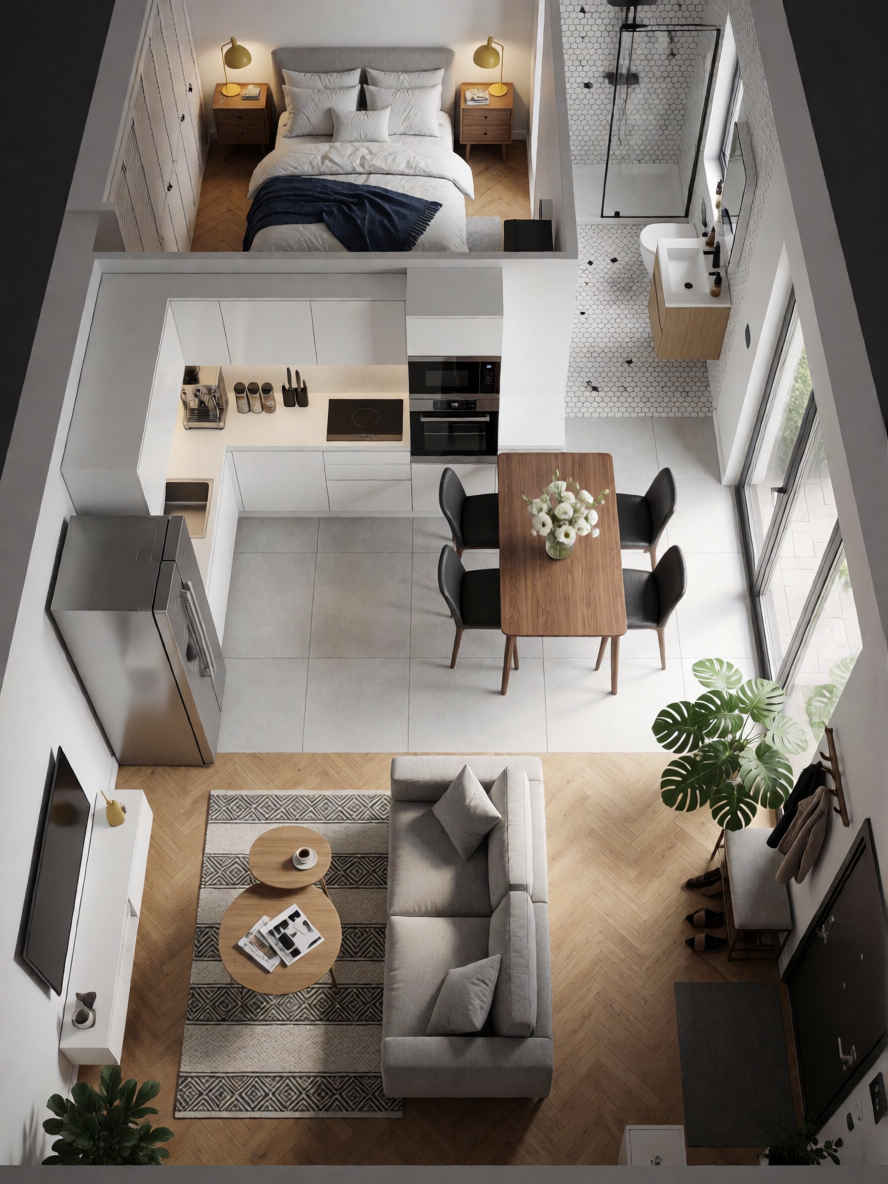
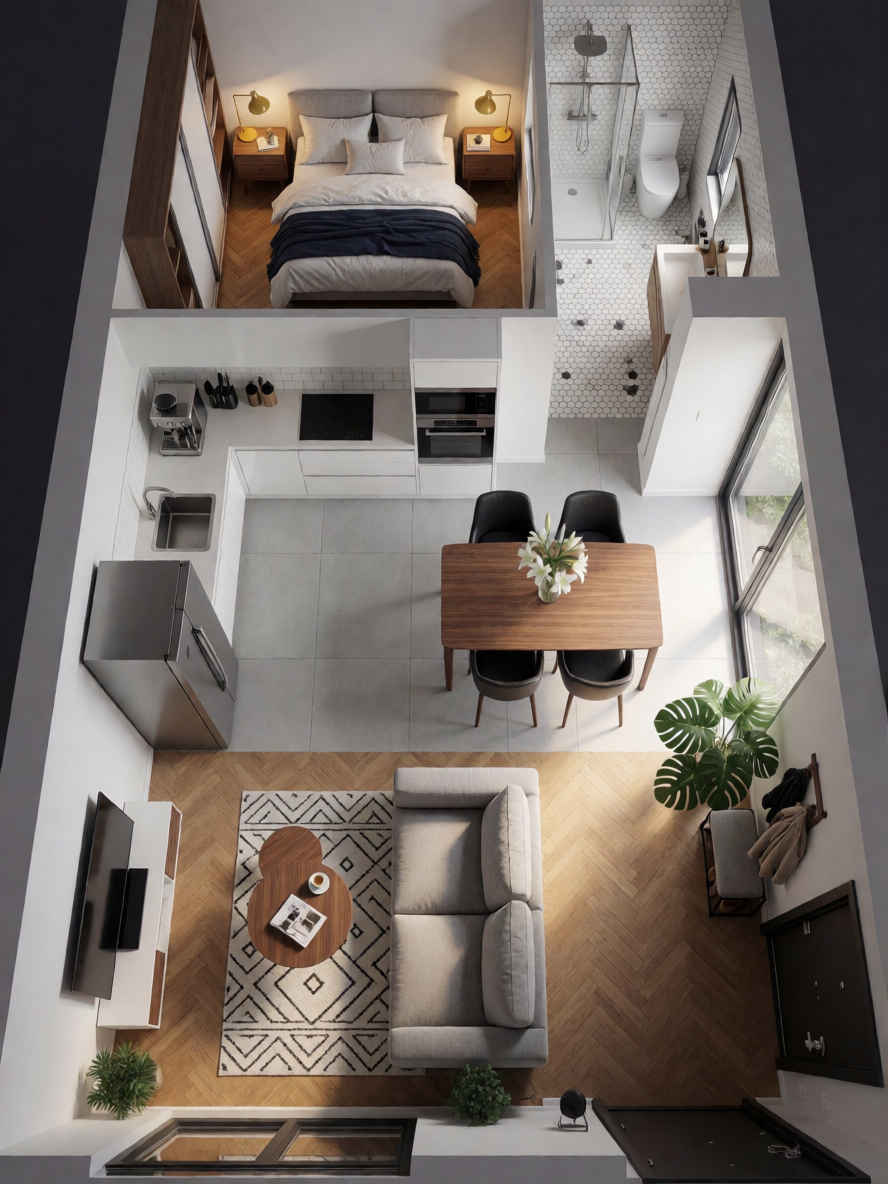
| ⑤ Narrow House Isometric Cross-Section Render | |
 |  |
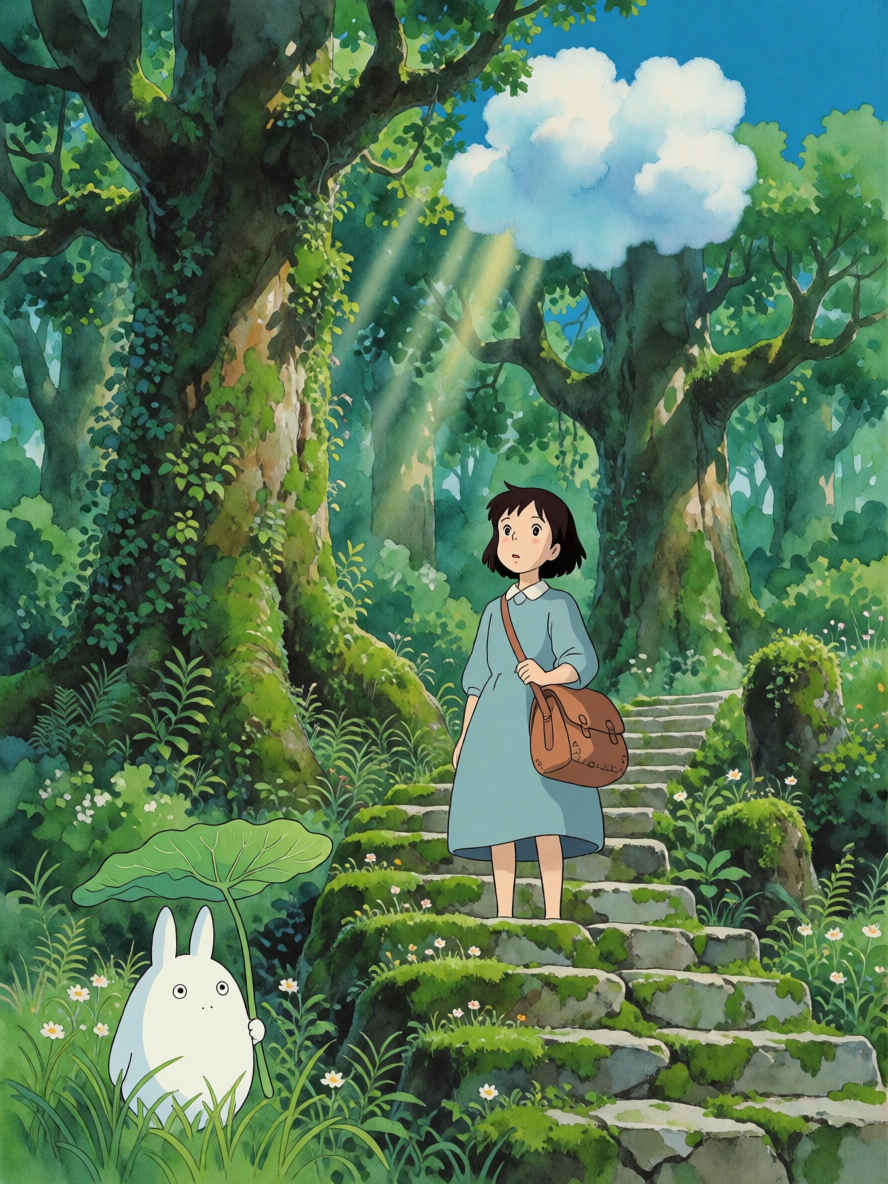
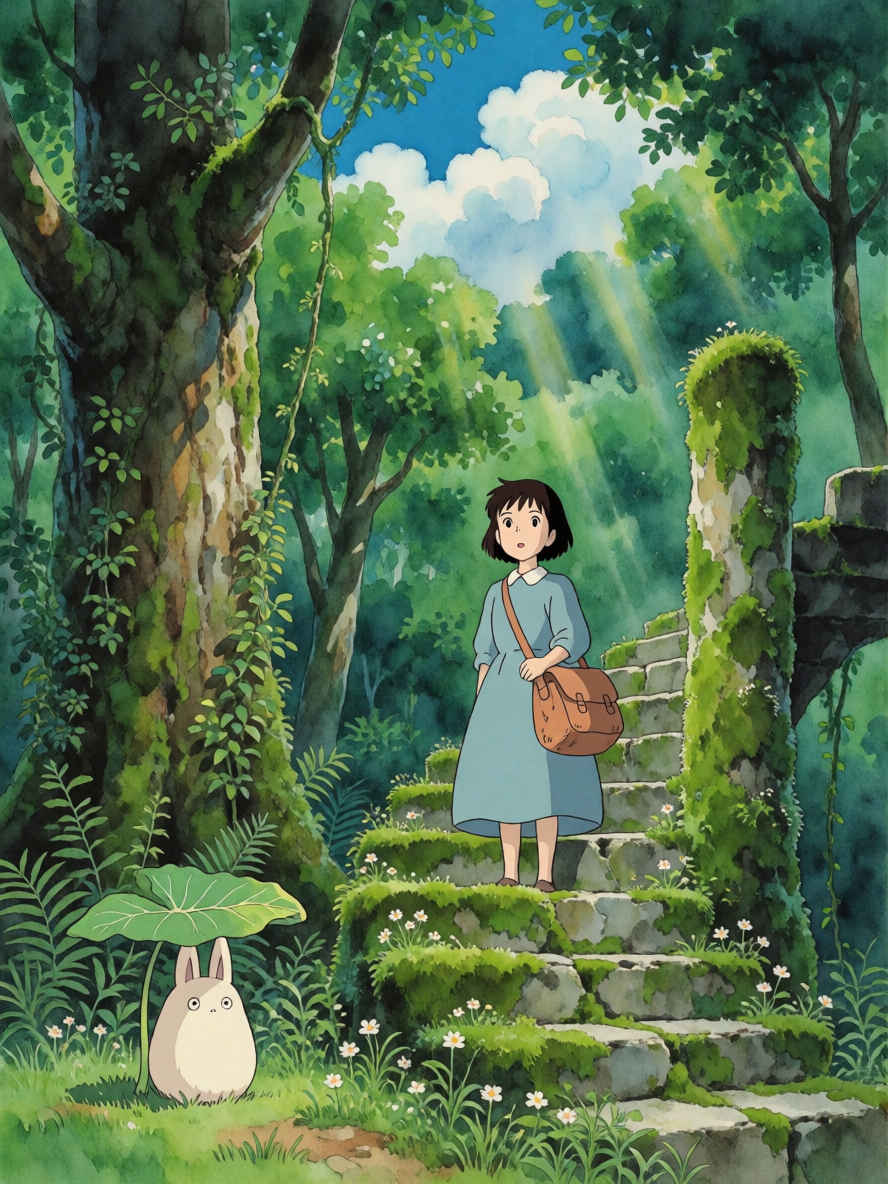
| ⑥ Ghibli Style | |
 |  |
| ⑦ Fashion Figure Outfit Structure Breakdown | |
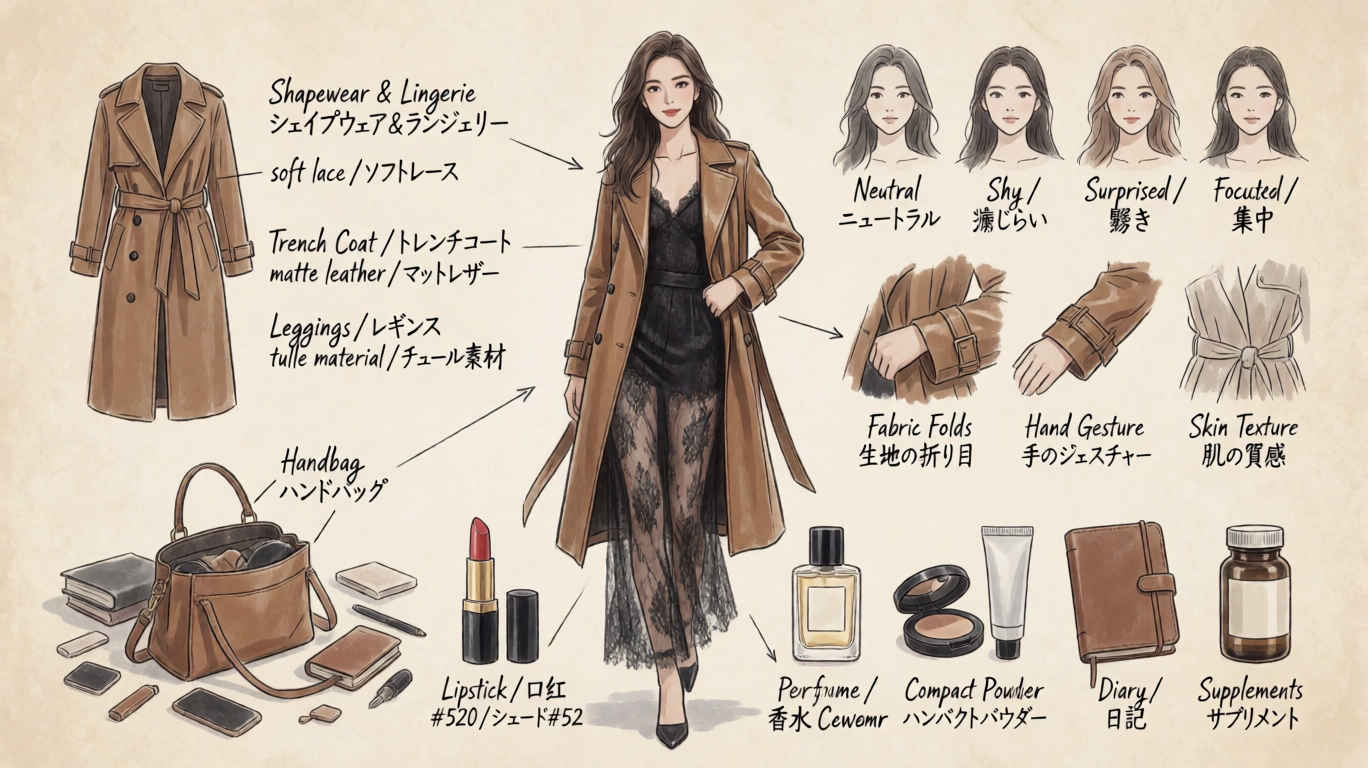 | 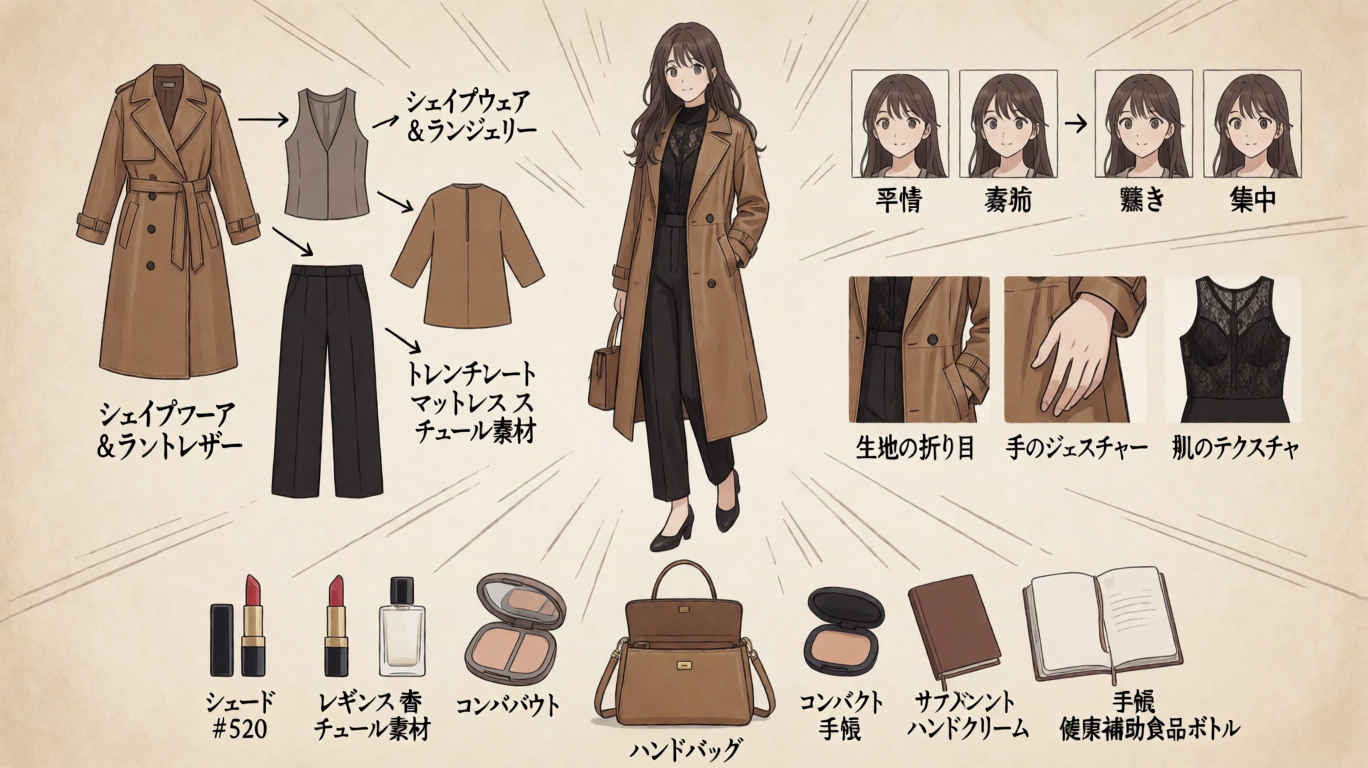 |
| ⑧ First-Person City Night Street Photography | |
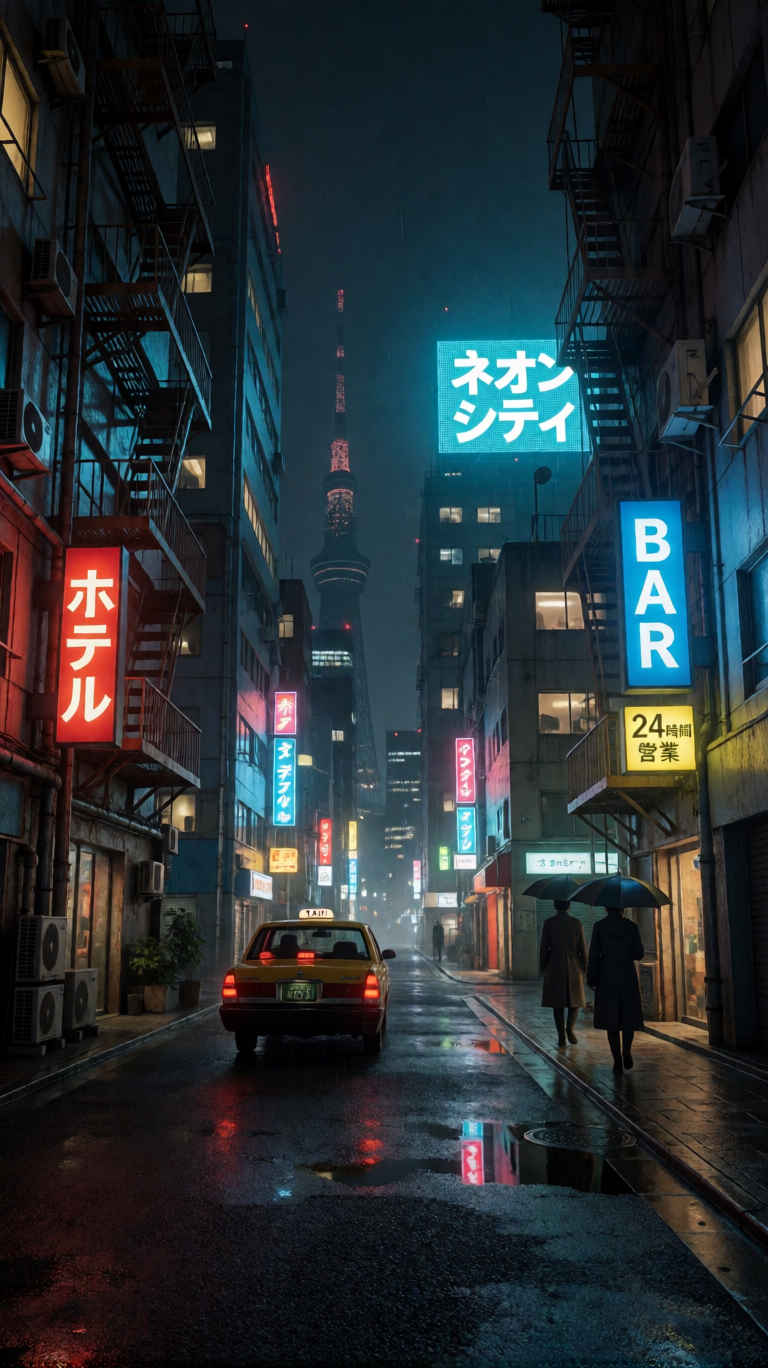 | 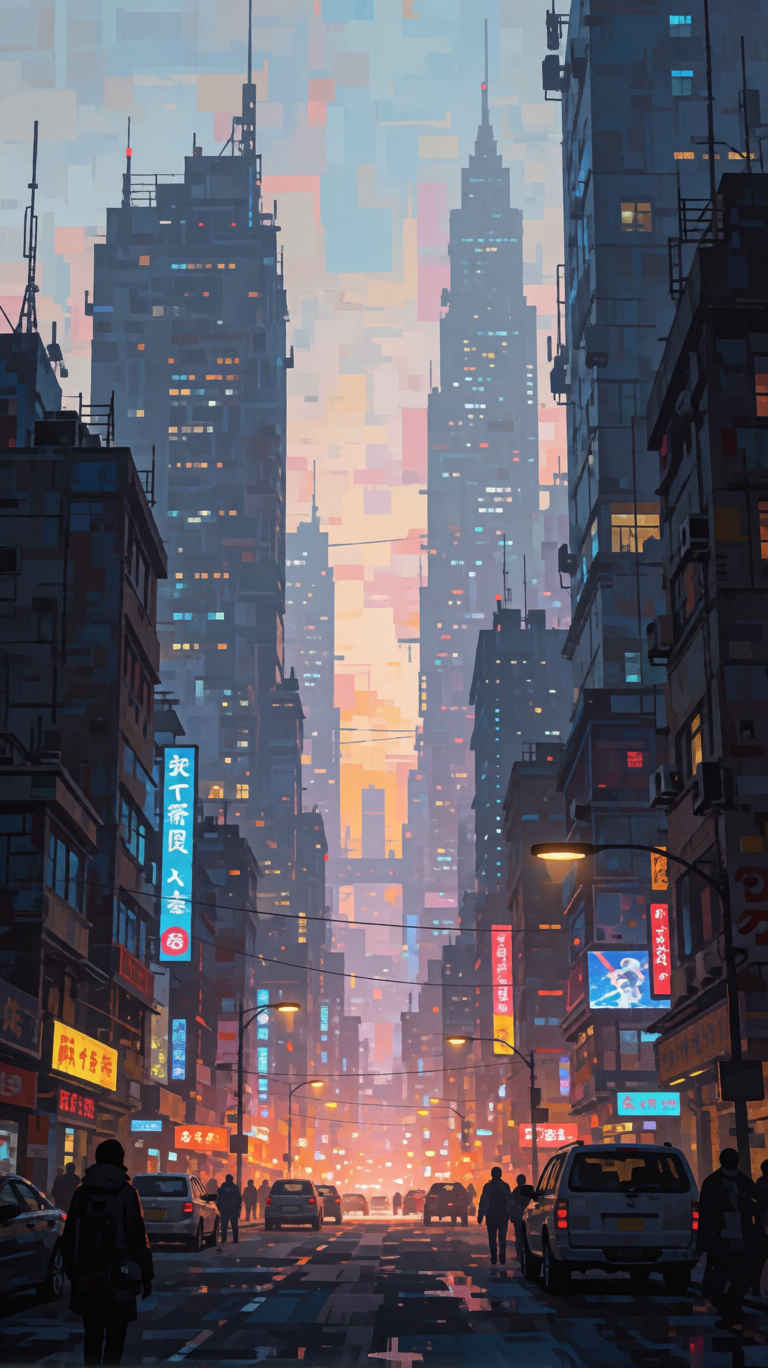 |
| 生成画像 | プロンプト |
| ① コンセプトポスター 888x1184 | |
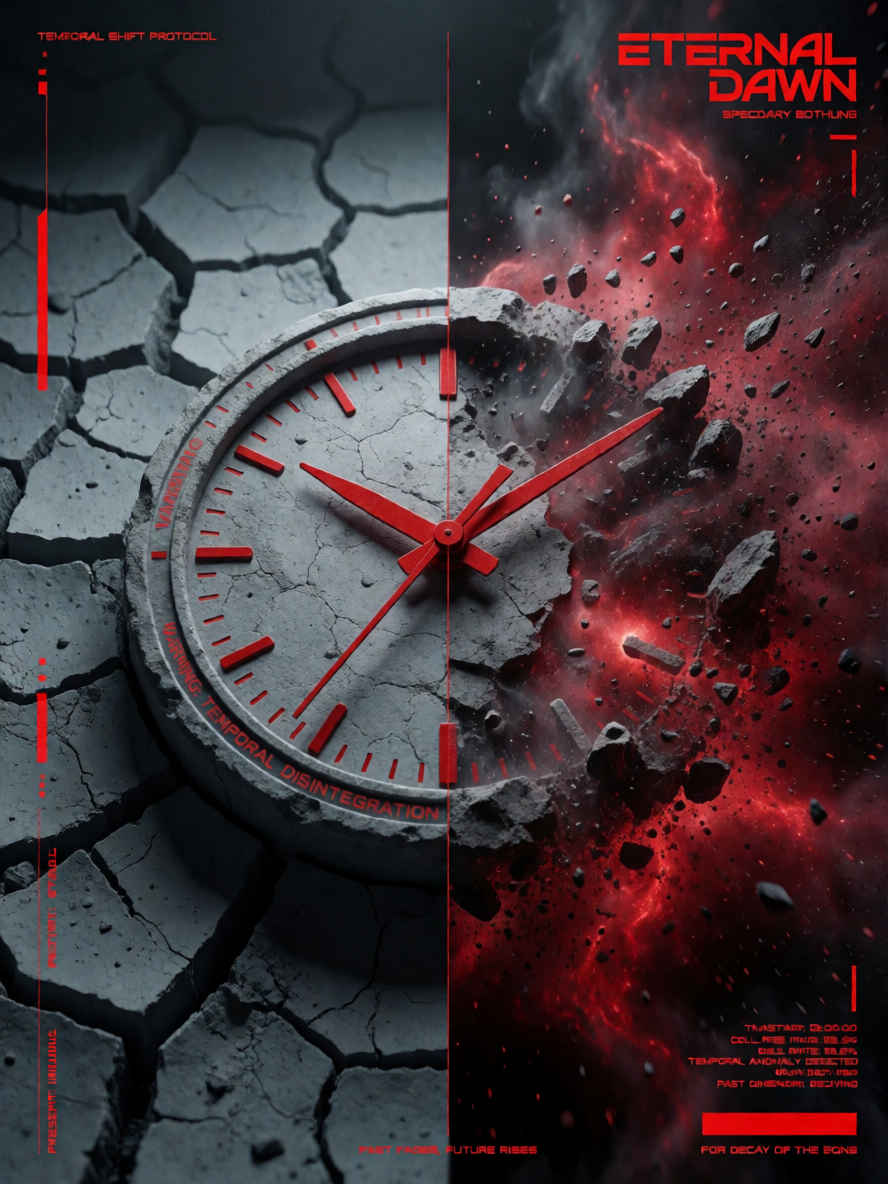 | 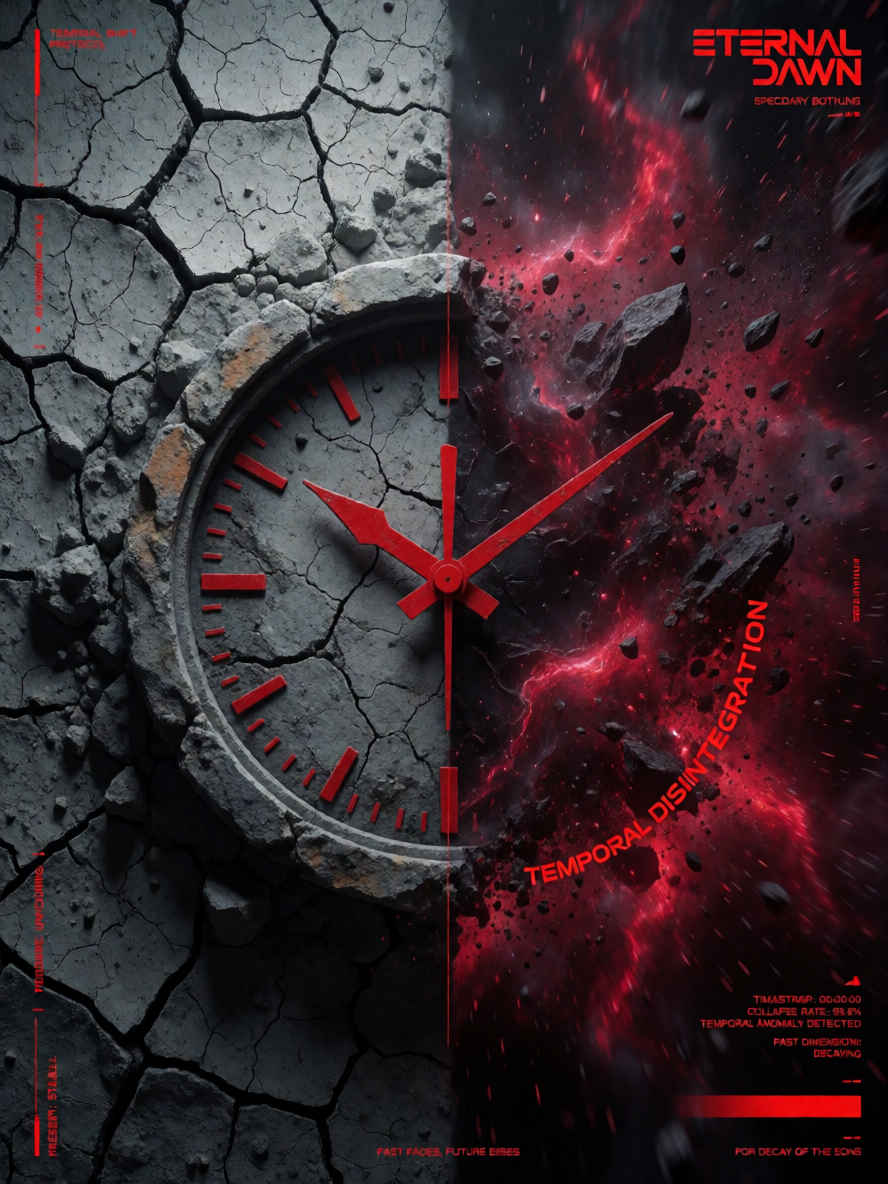 |
| ② 日本の夏祭りポスター 888x1184 | |
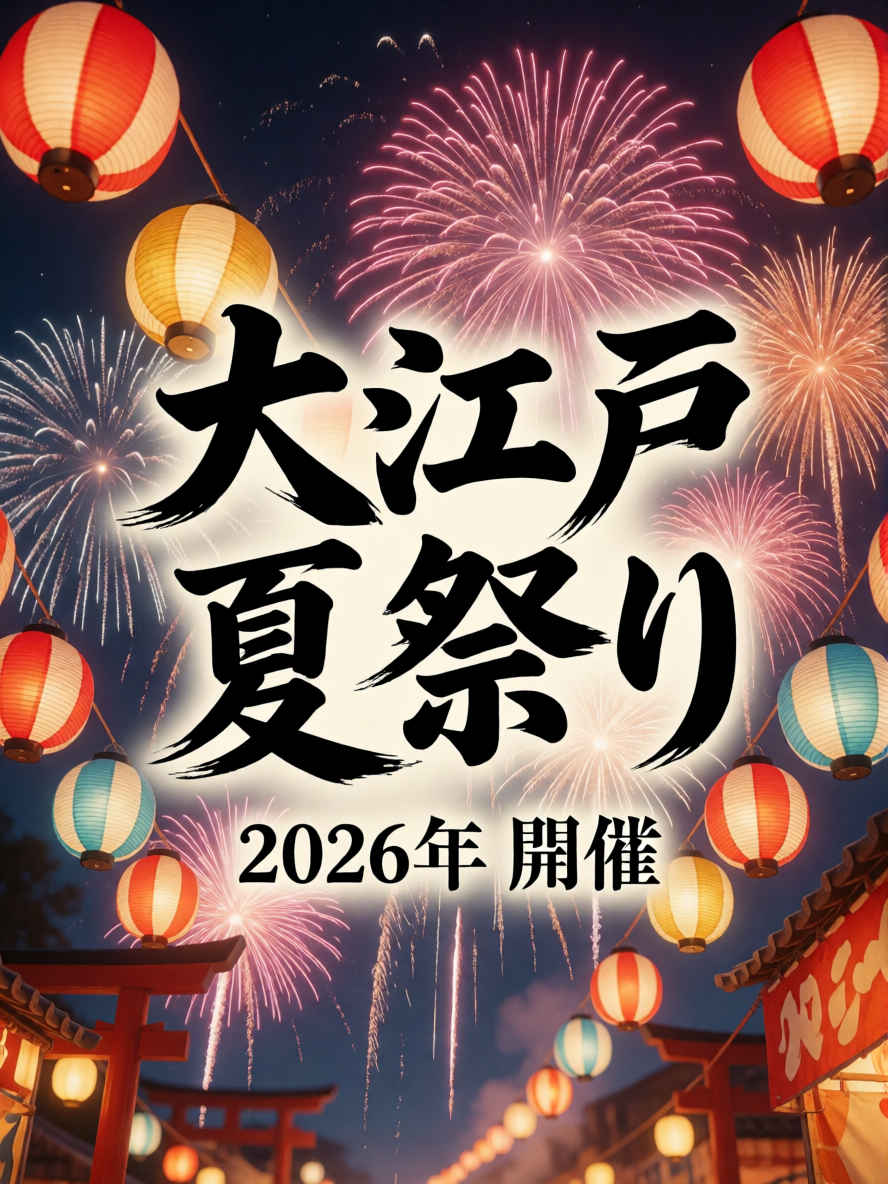 | 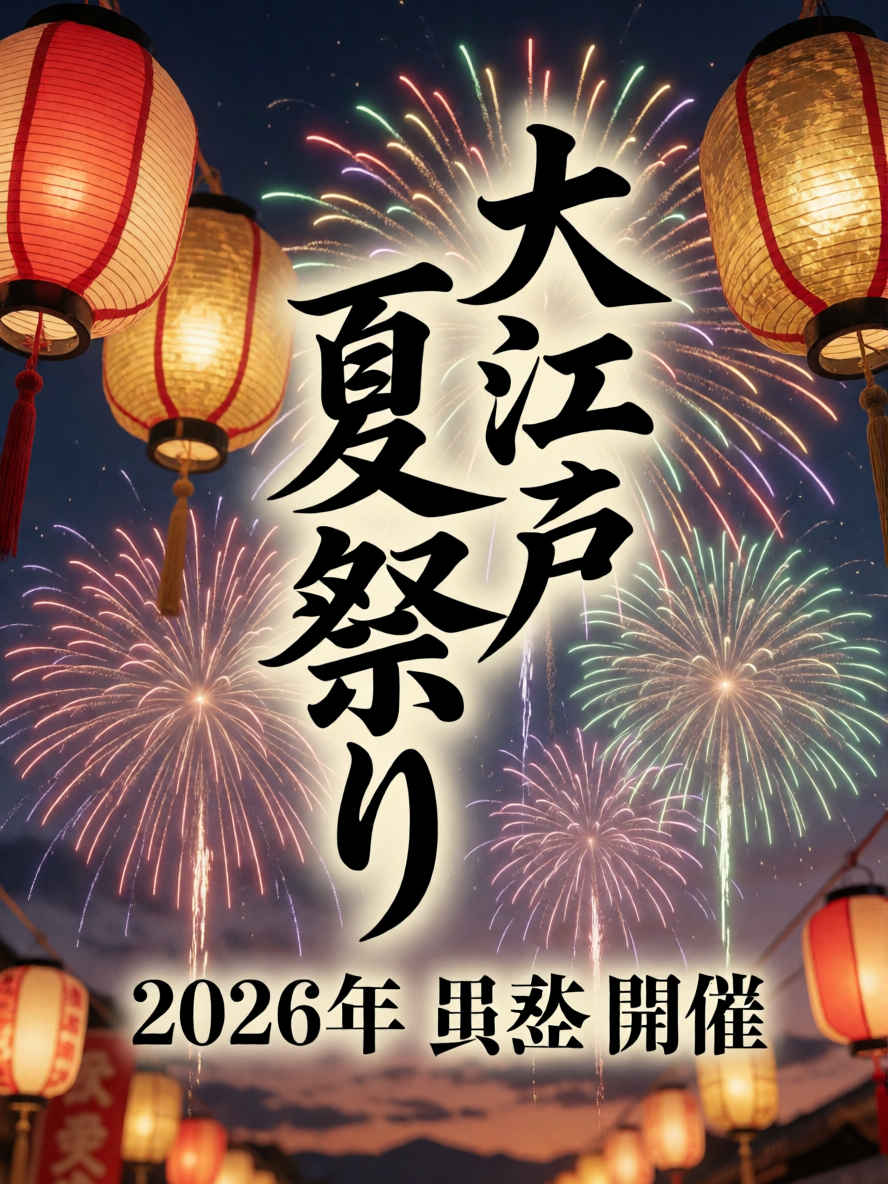 |
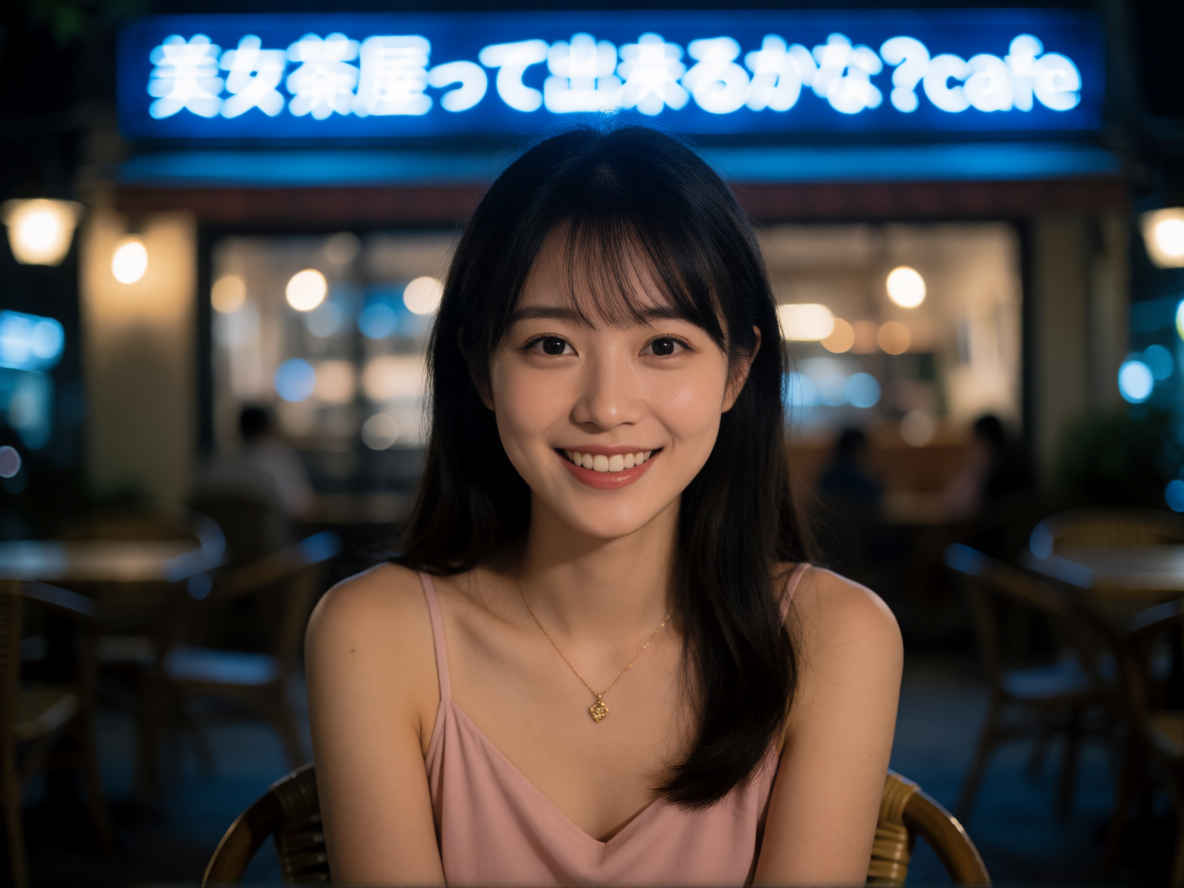
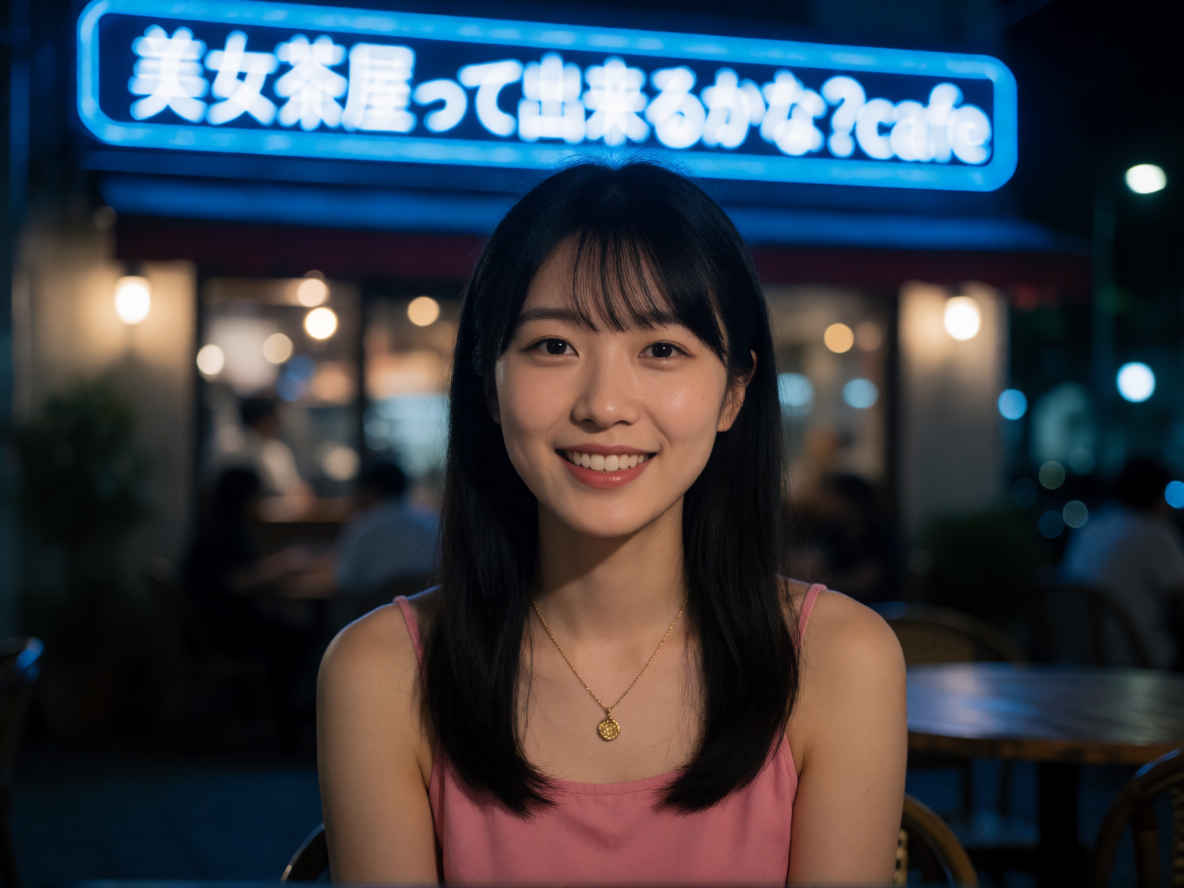
| ③ 夜のカフェで女性のポートレート 1184x888 | |
 |  |
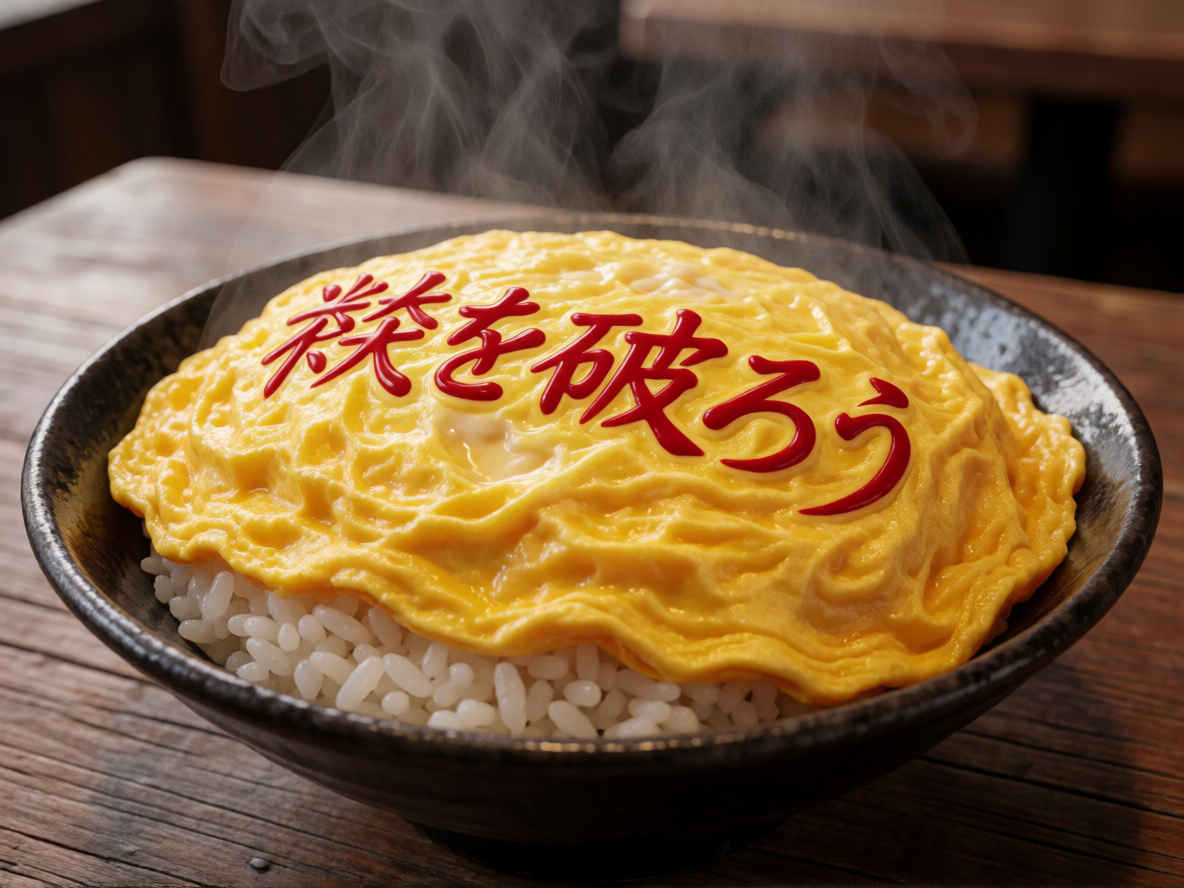
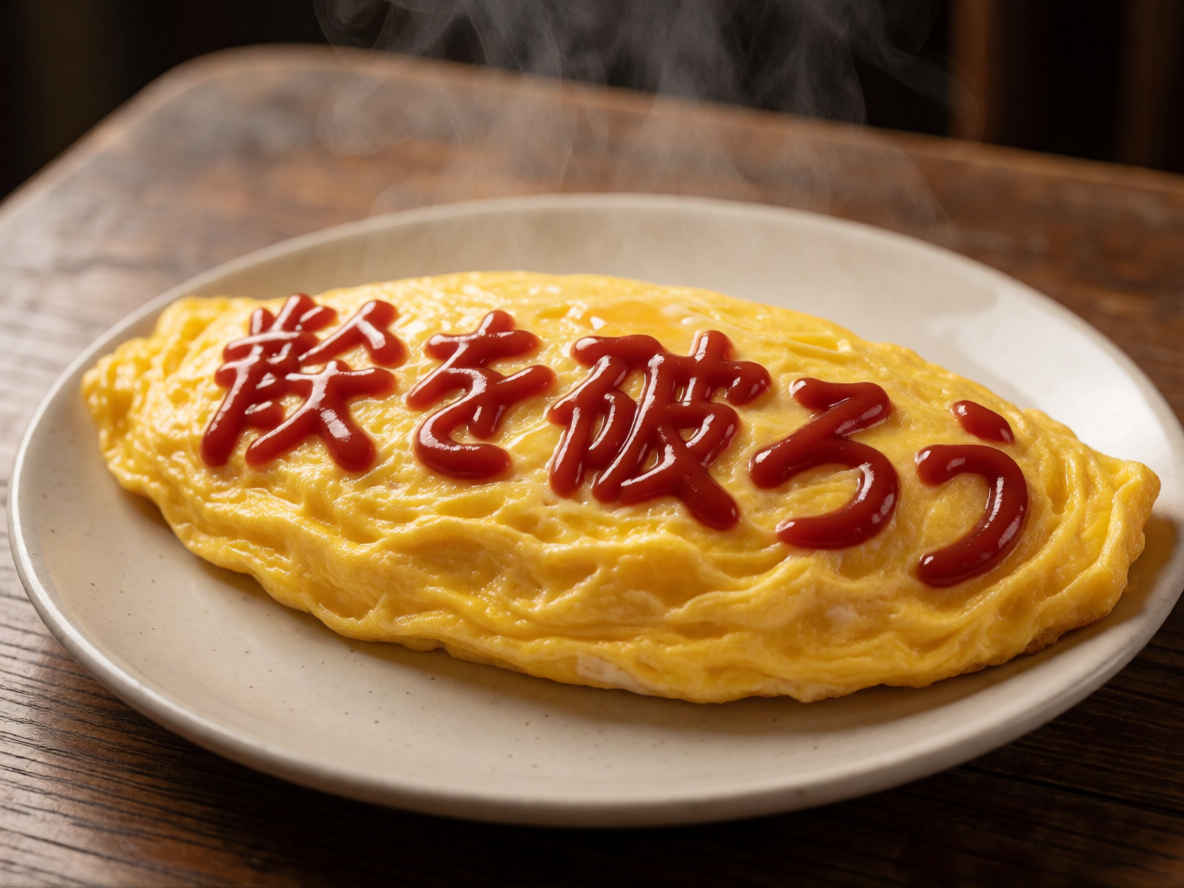
| ④ 喫茶店のオムライス 1184x888 | |
 |  |
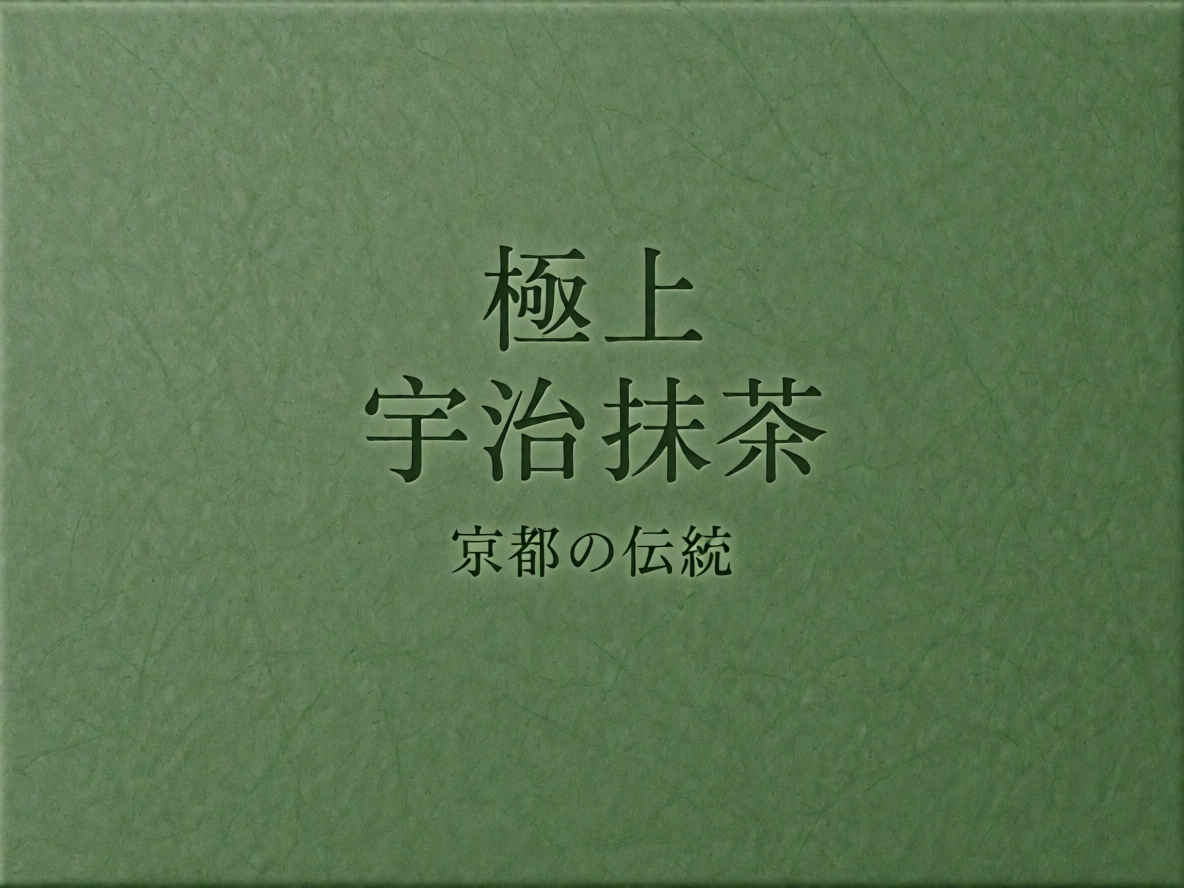
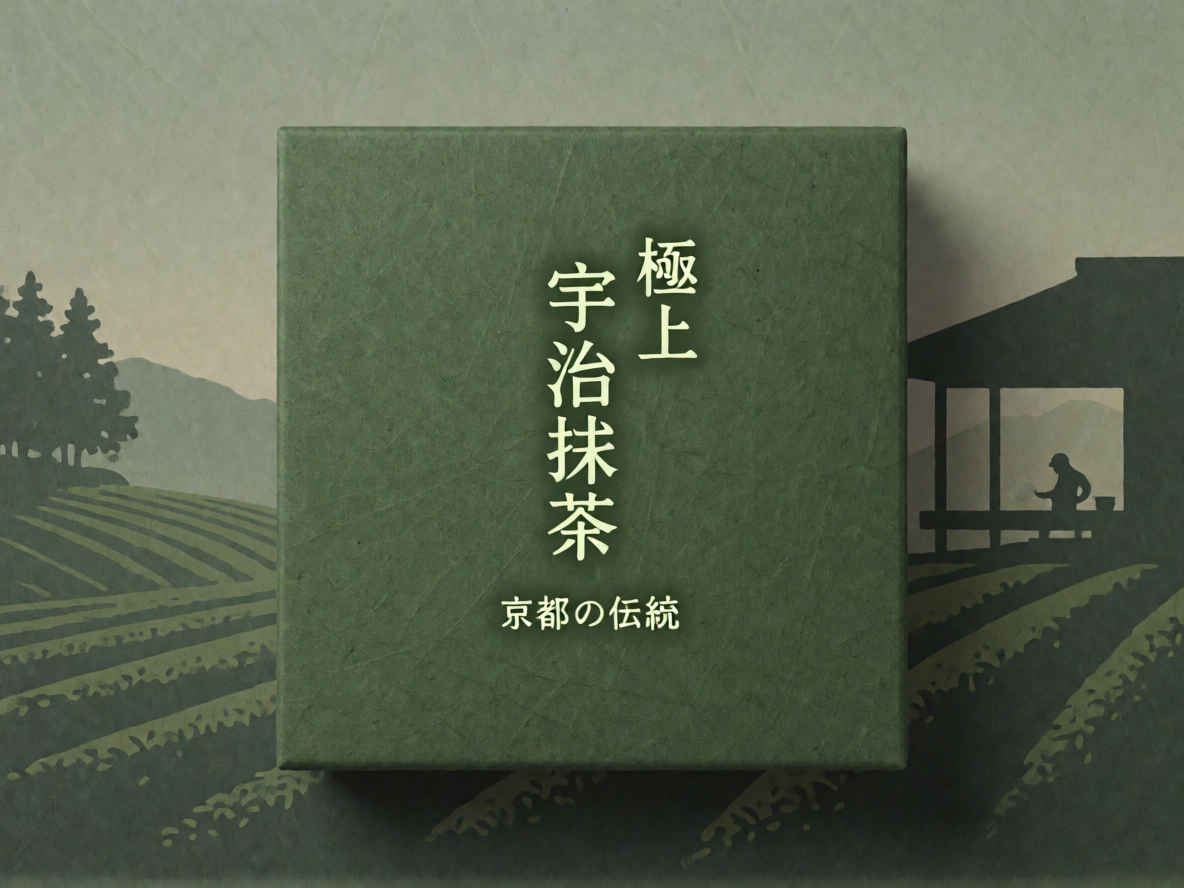
| ⑤ 宇治抹茶パッケージデザイン 1184x888 | |
 |  |
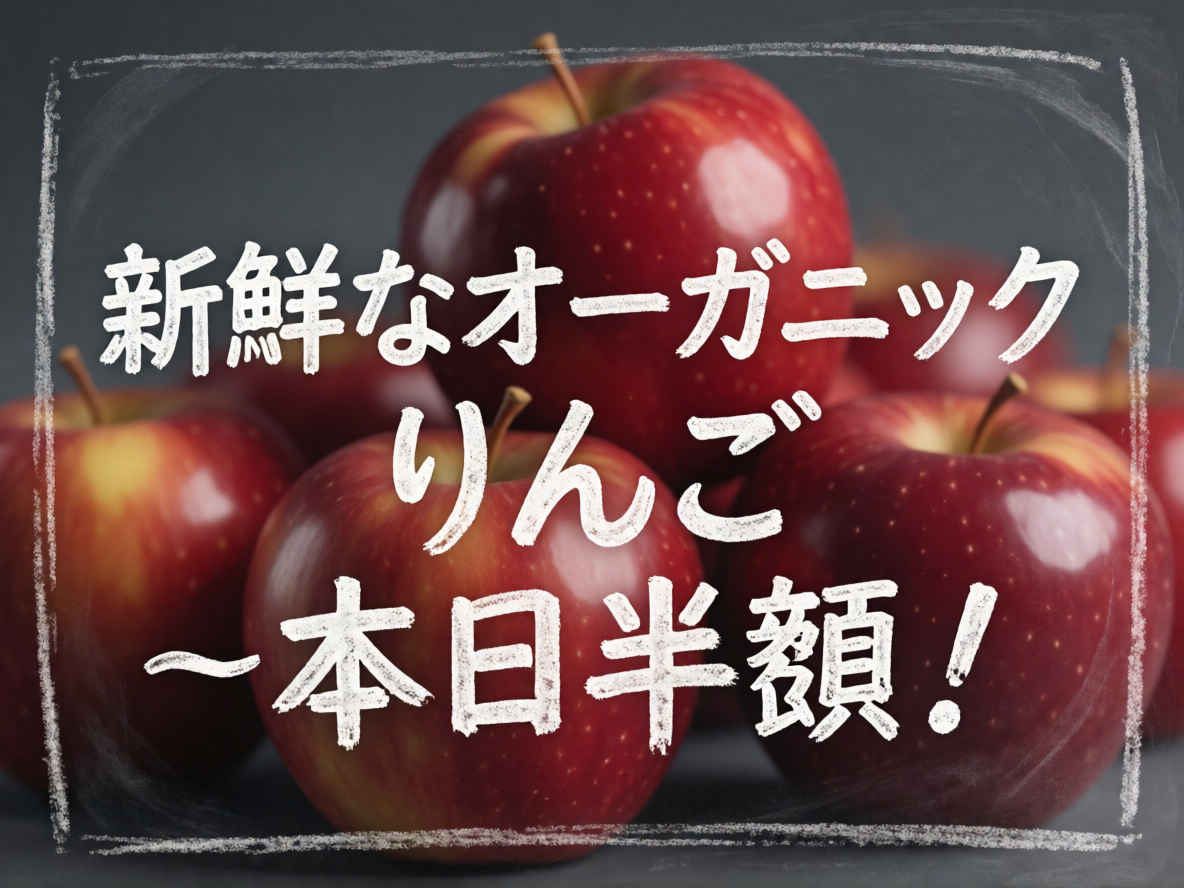
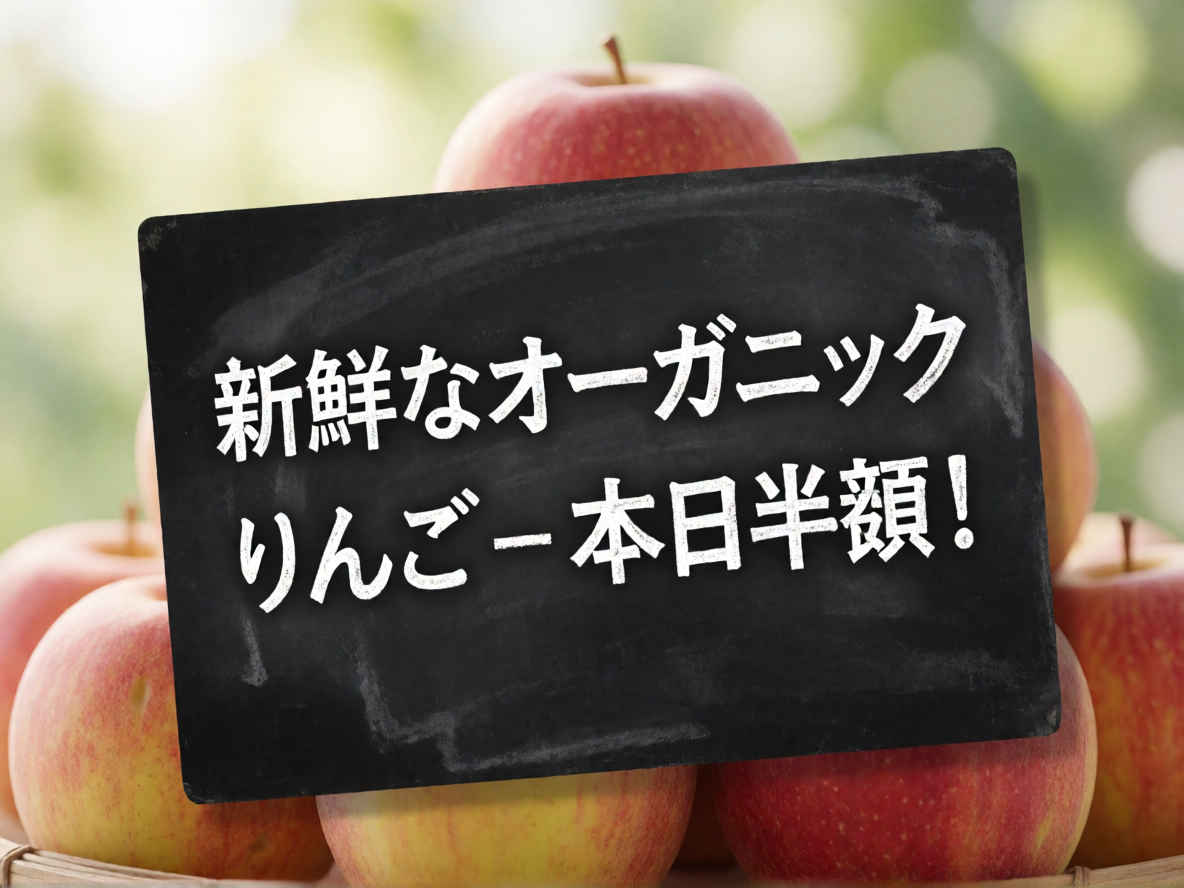
| ⑥ 手書き風ポップアップ広告 1184x888 | |
 |  |
| ⑦ 窓越しの雪景色 888x1184 | |
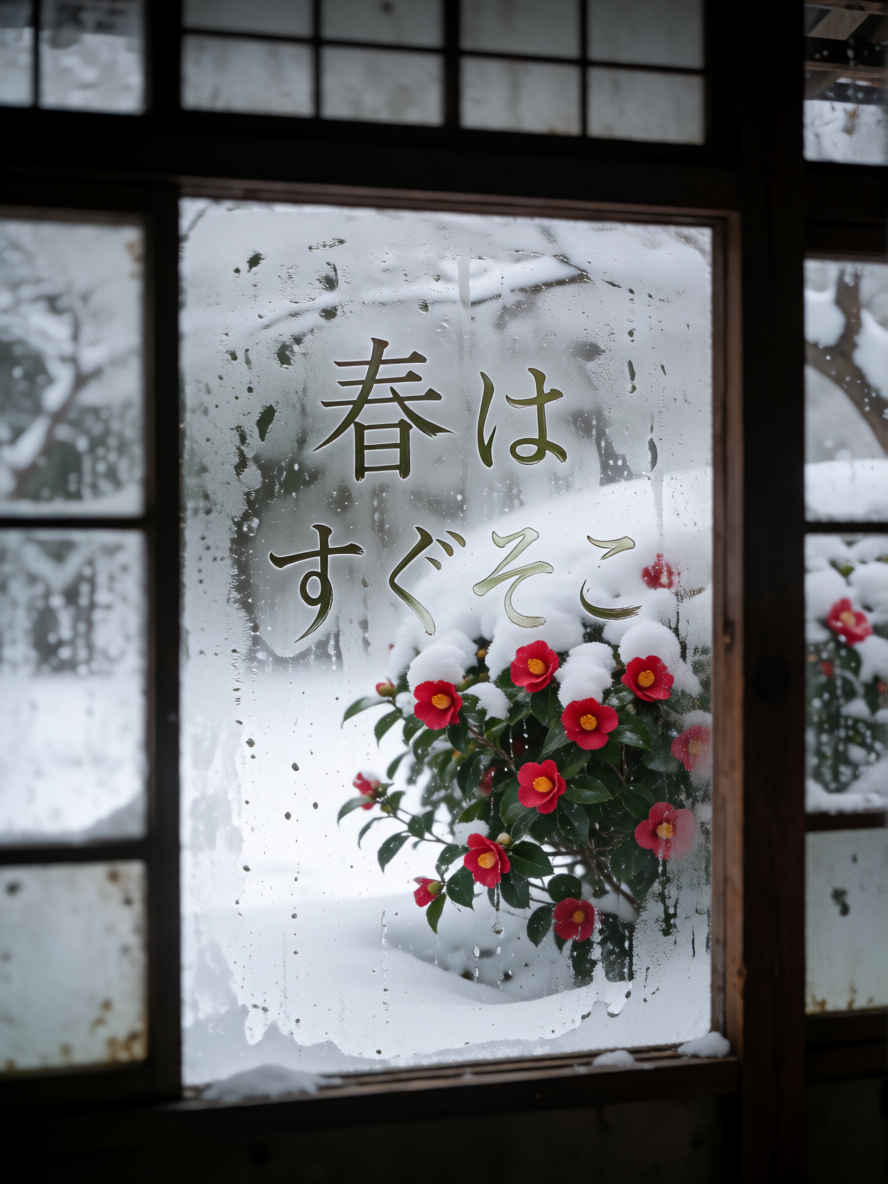 | 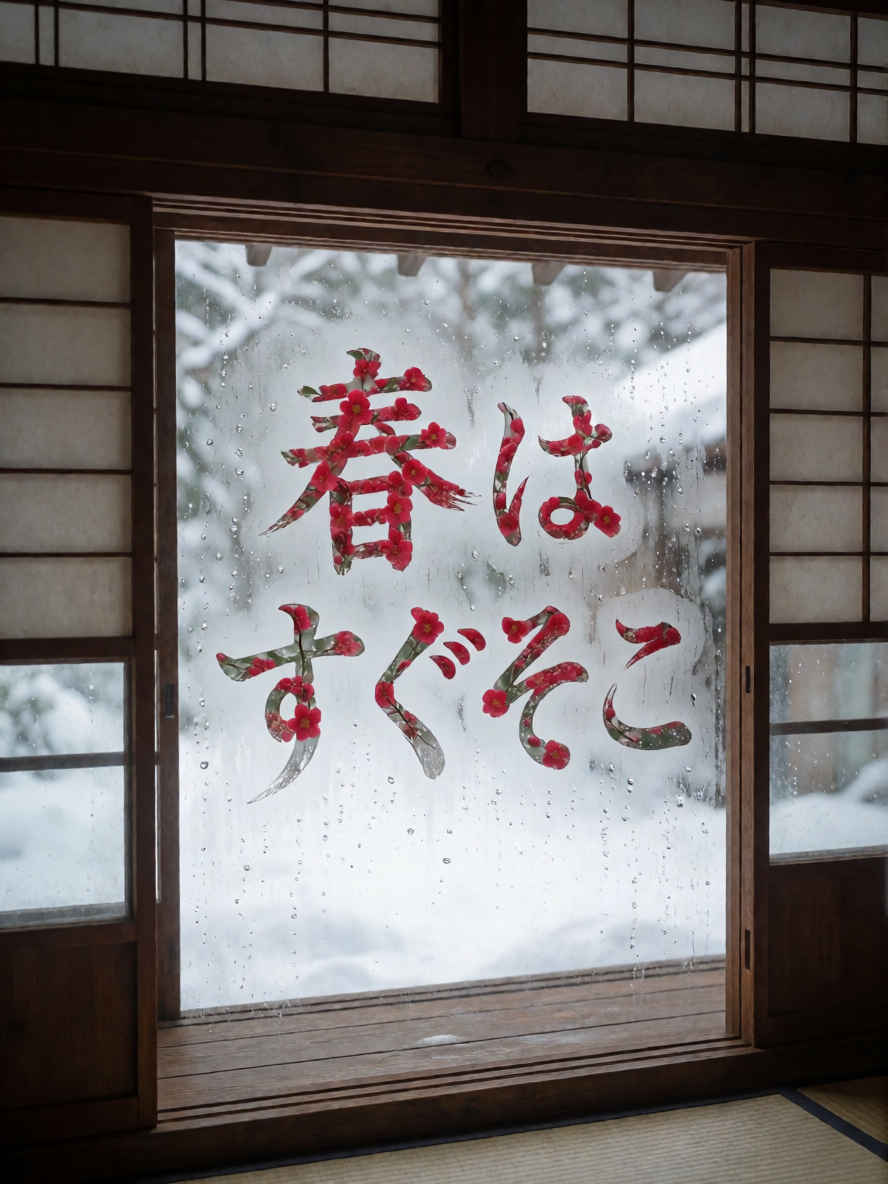 |
| ⑧ 日本の寺院の境内 1024x1024 | |
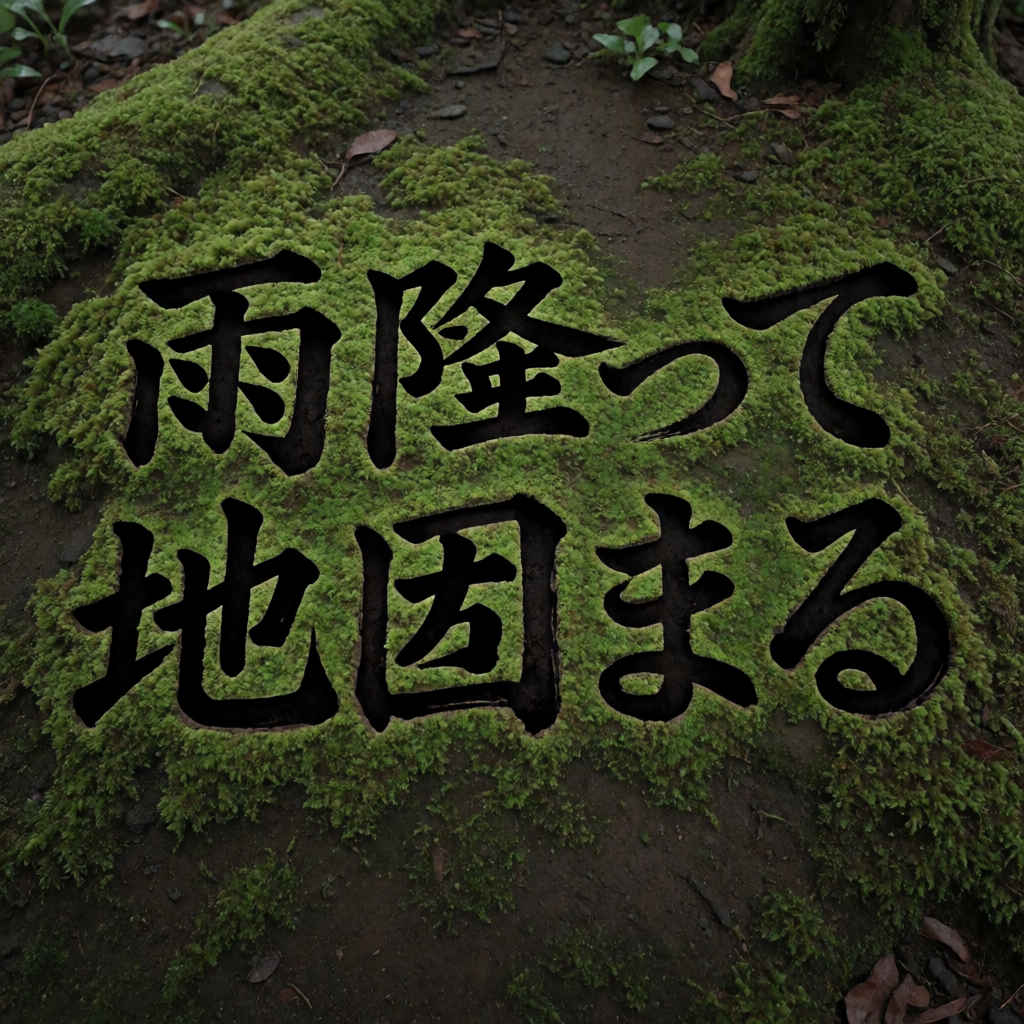 | 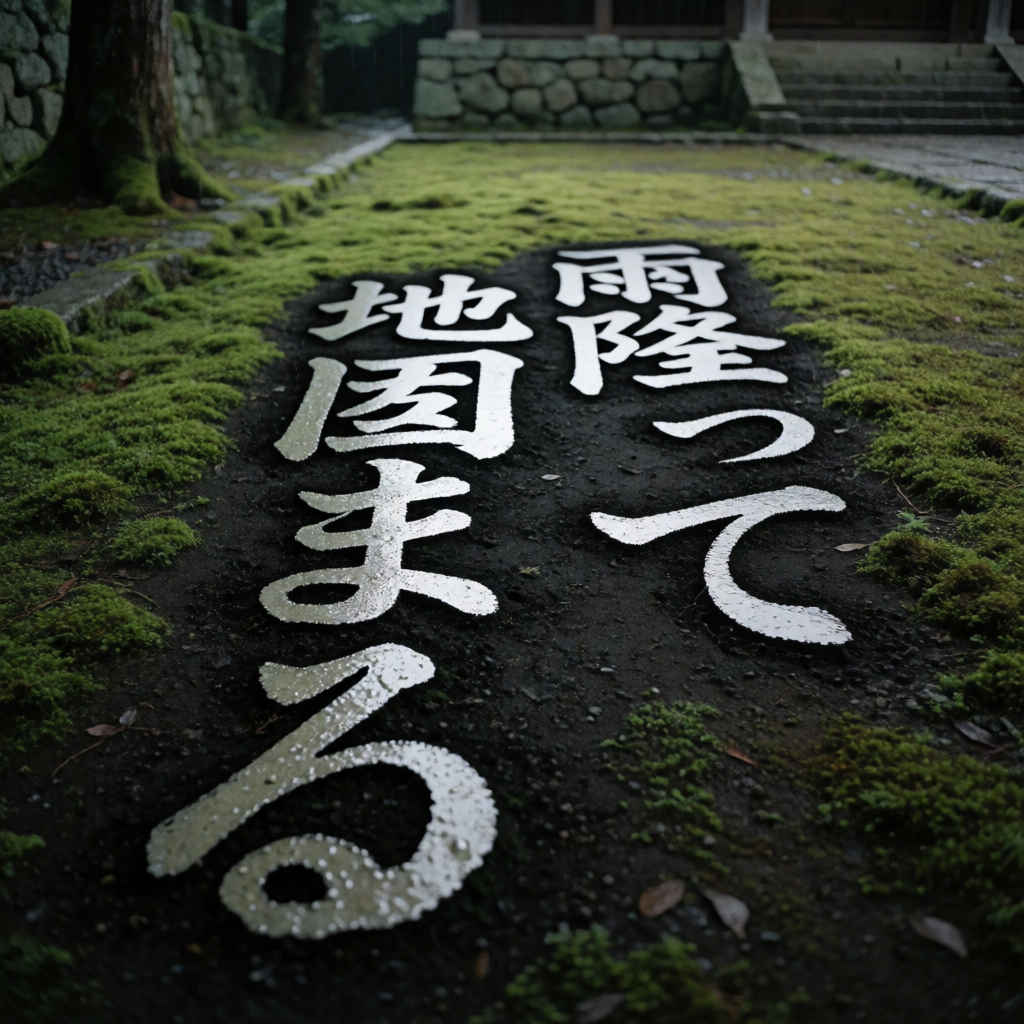 |
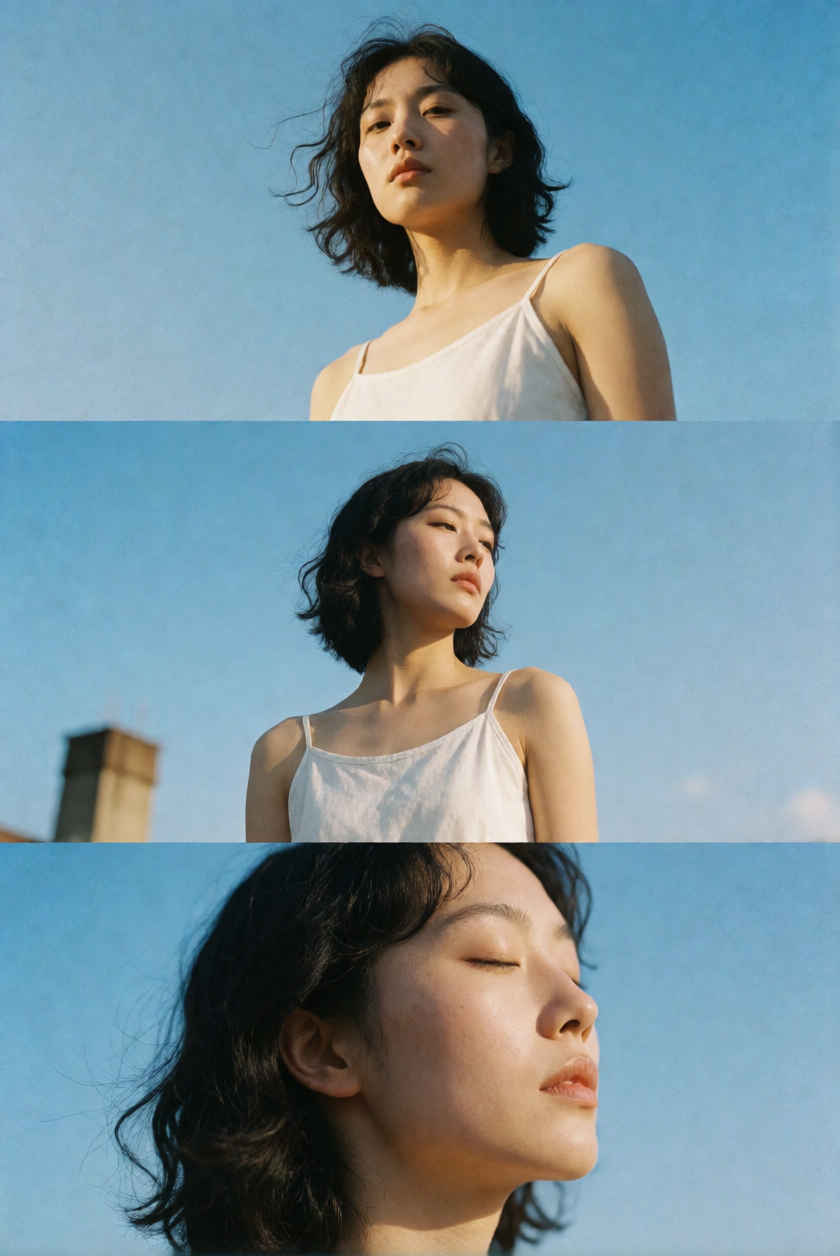
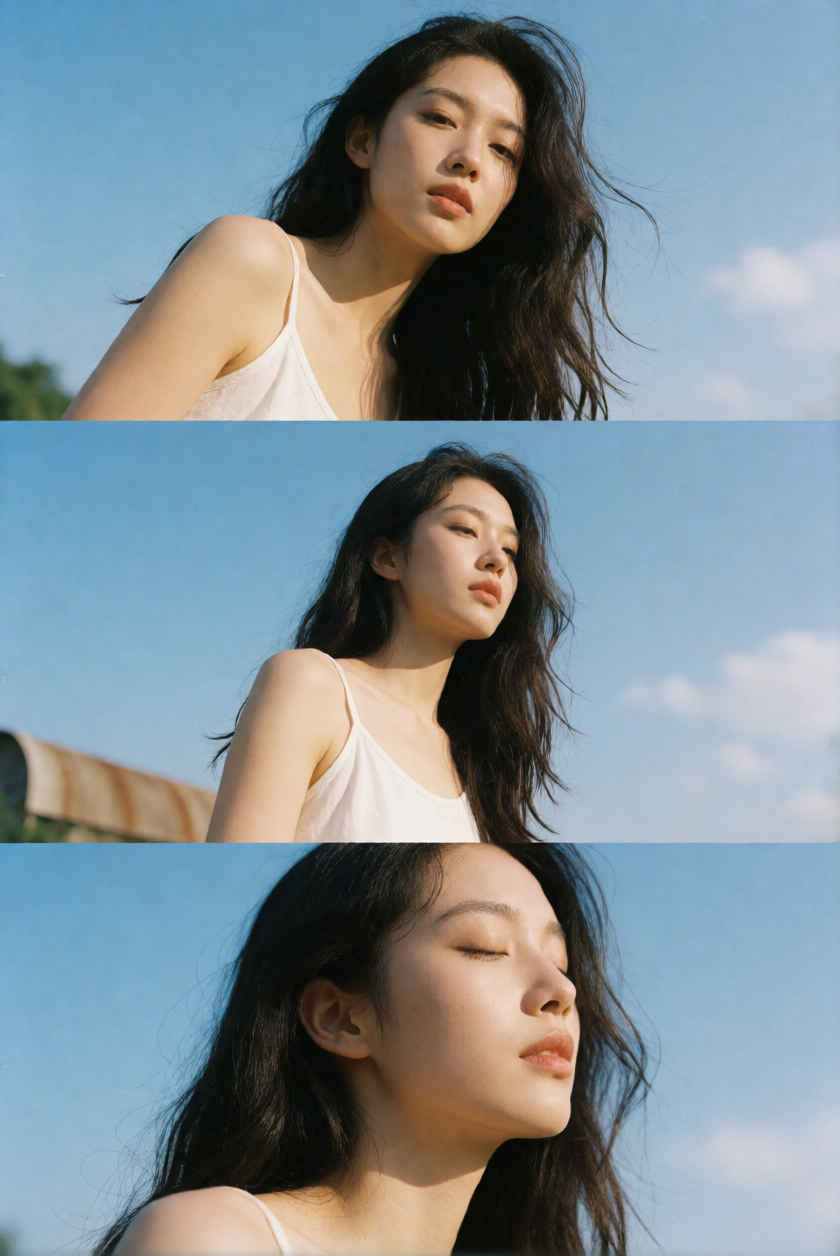
| ⑨ 縦長の三連写真 888x1184 | |
 |  |
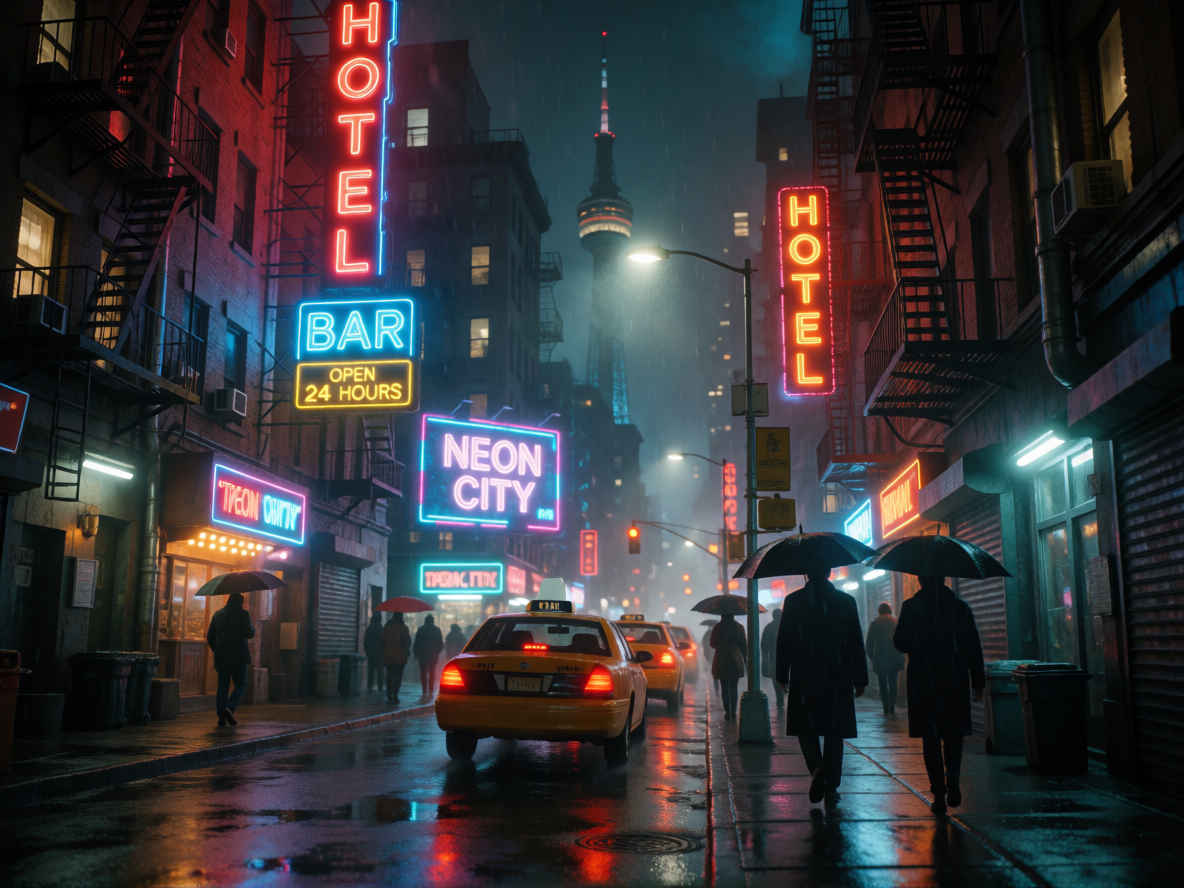
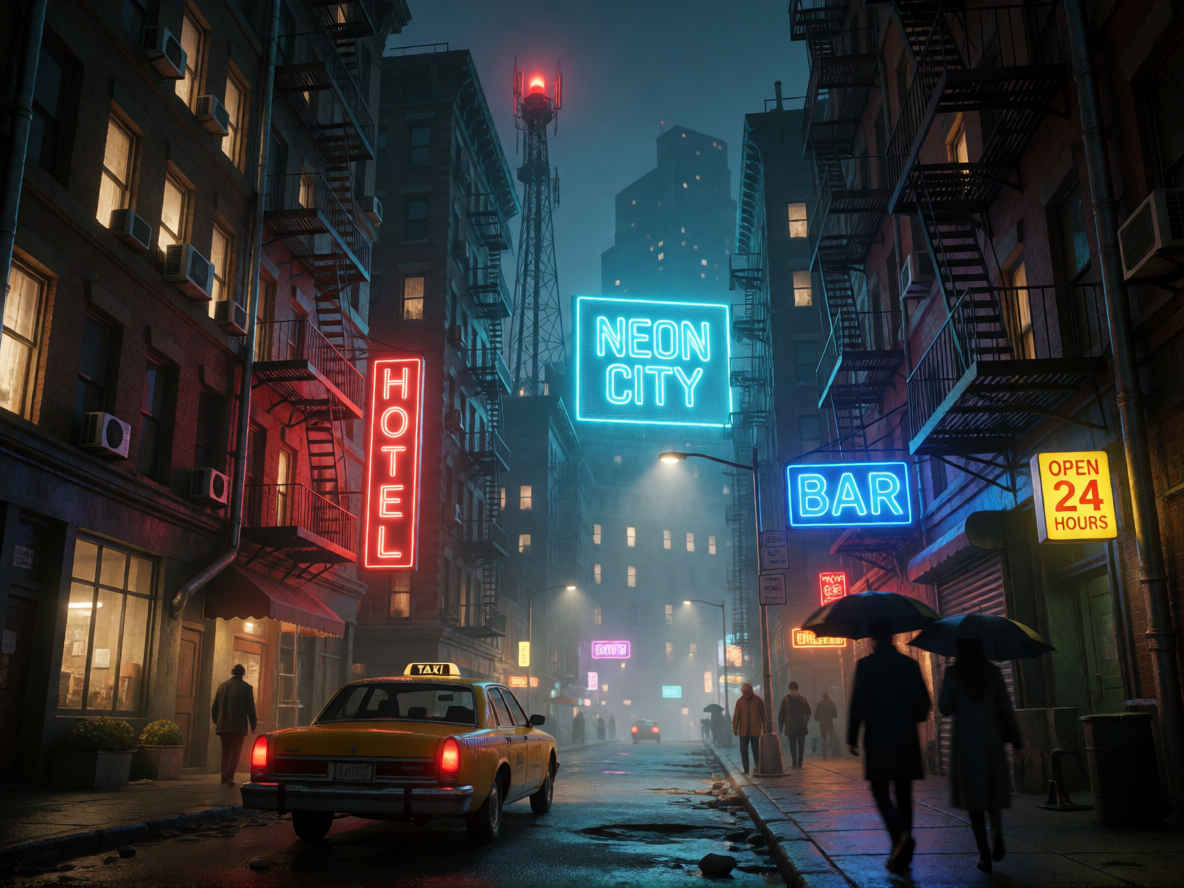
| ⑩ リアルな都市の夜景写真 1184x888 | |
 |  |
| ⑪ ぬいぐるみのアヒル 1024x1024 | |
 |  |
| ⑫ 有名なランドマーク 1024x1024 | |
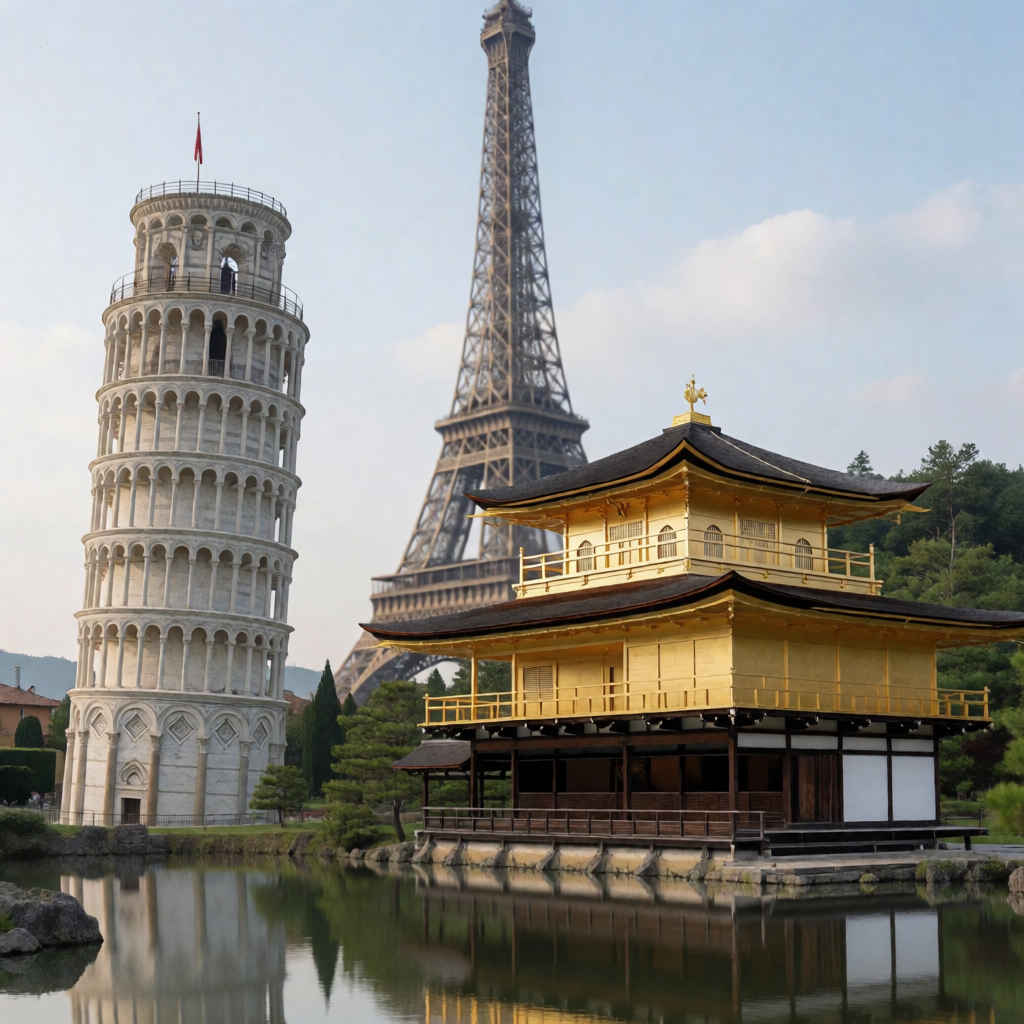 | 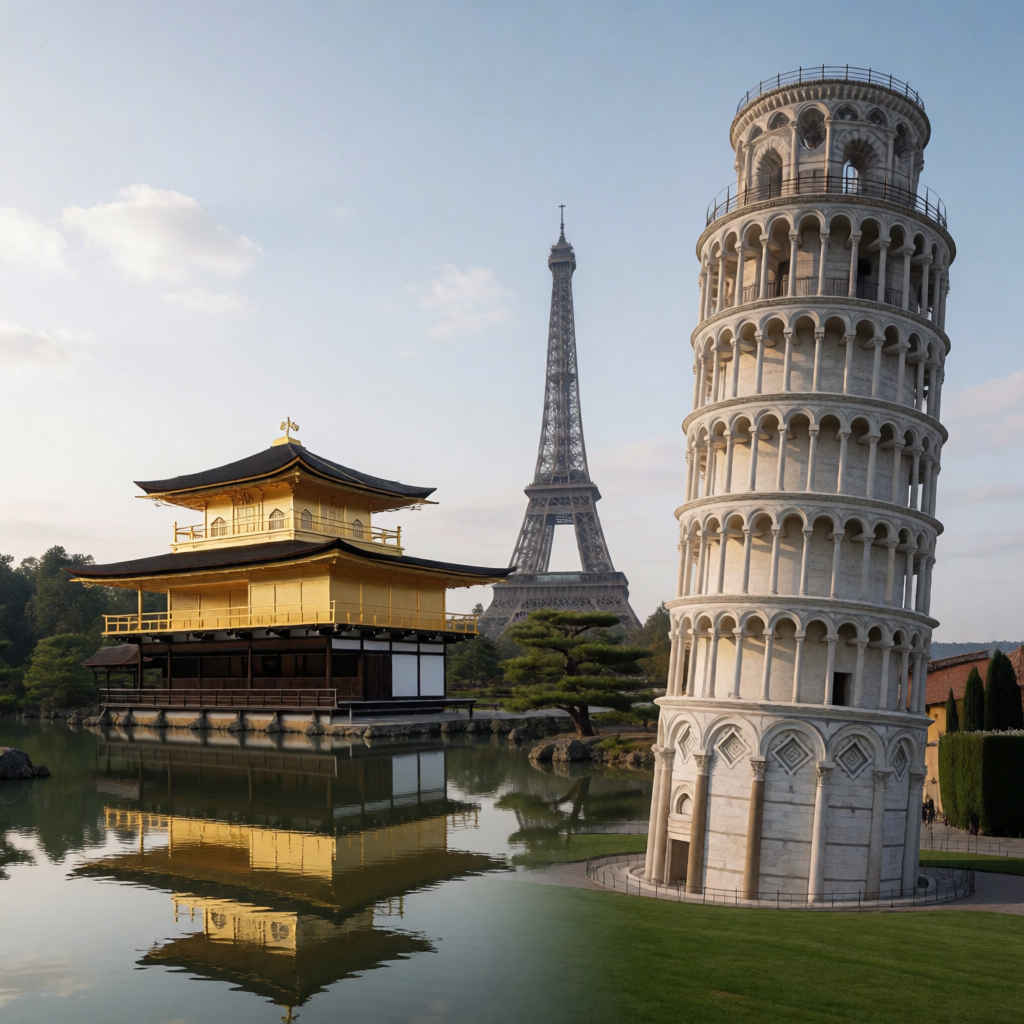 |
| ⑬ 映画のようなポートレート写真 888x1184 | |
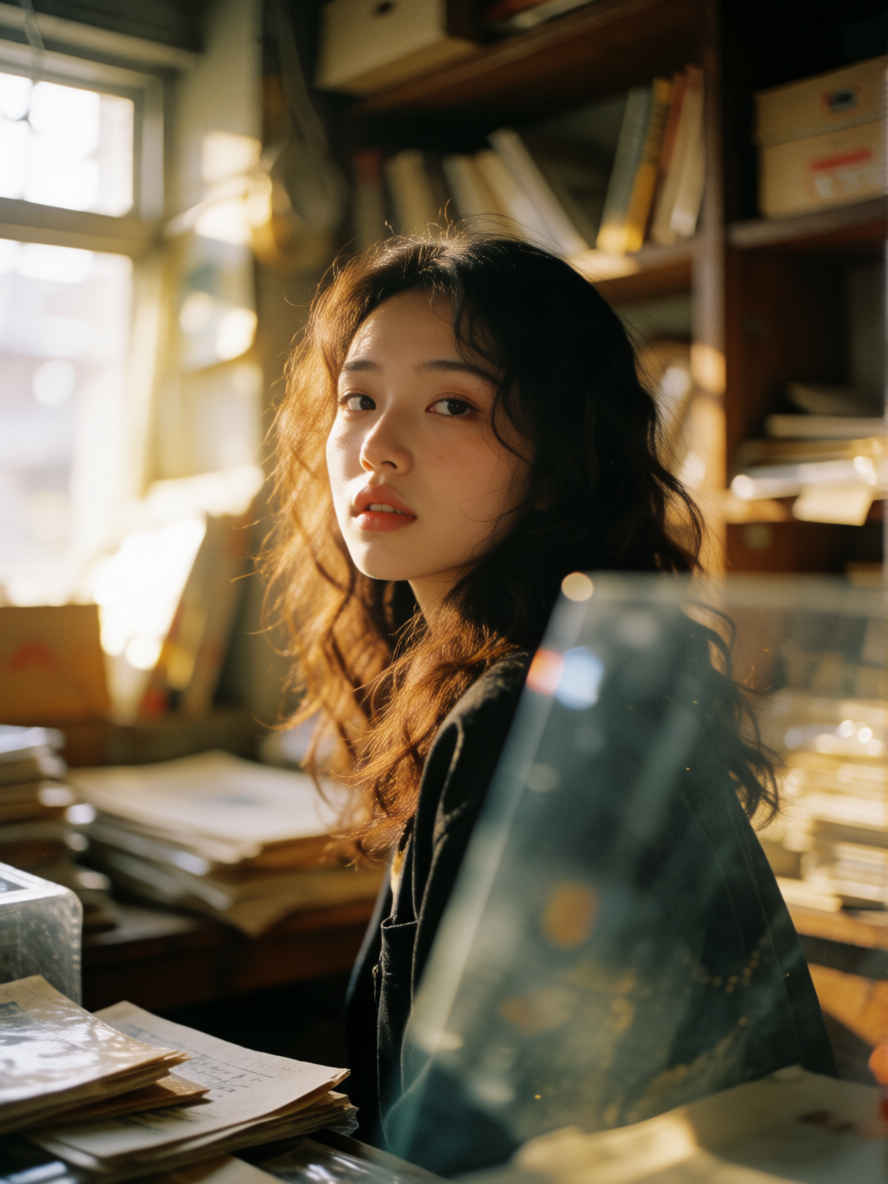 | 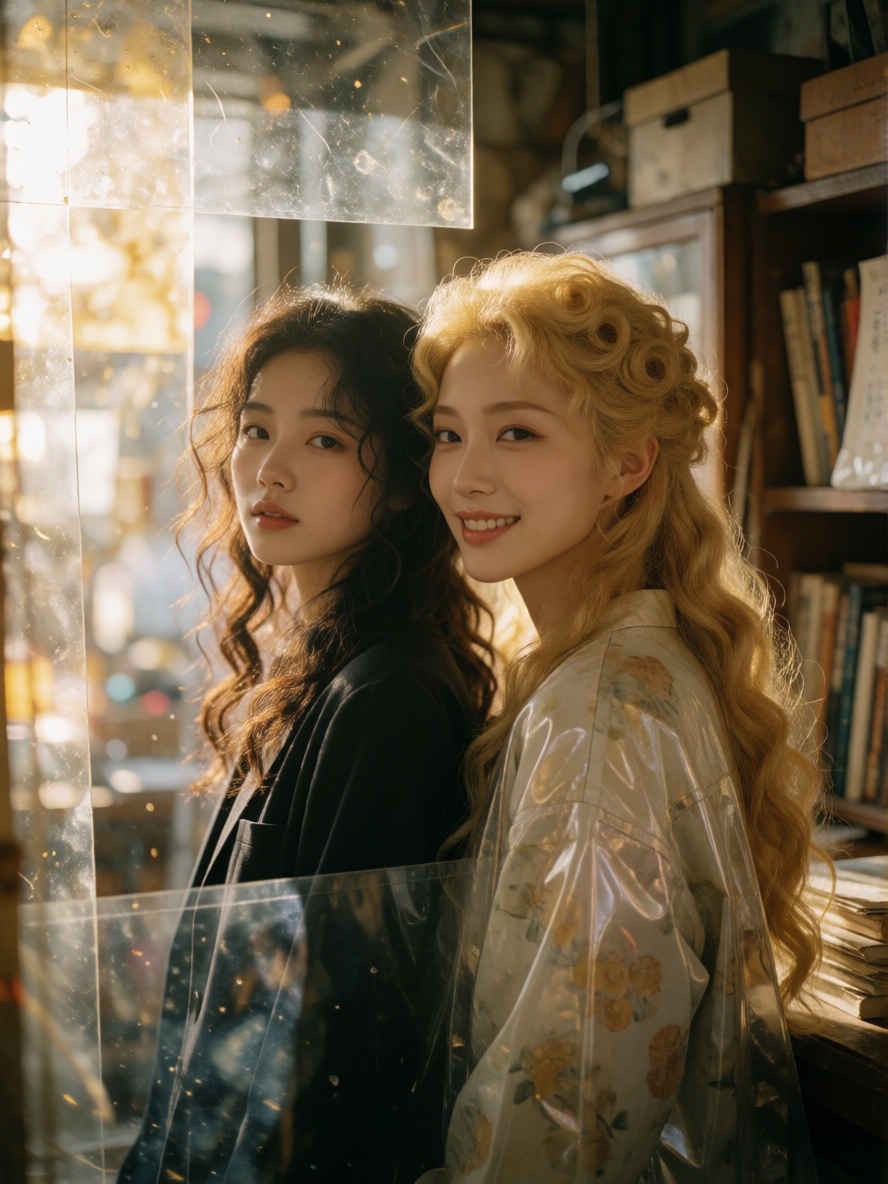 |
| ⑭ 全身のファッション写真 1184x888 | |
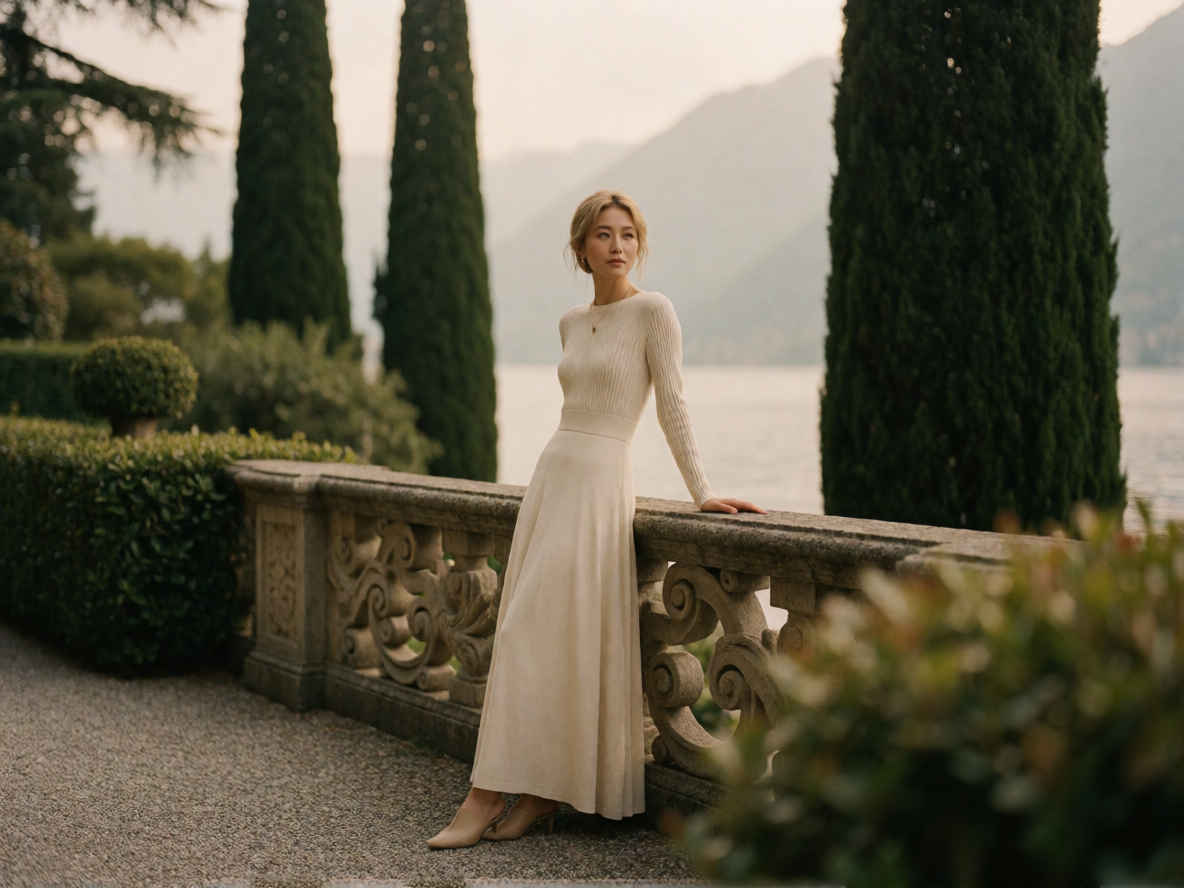 | 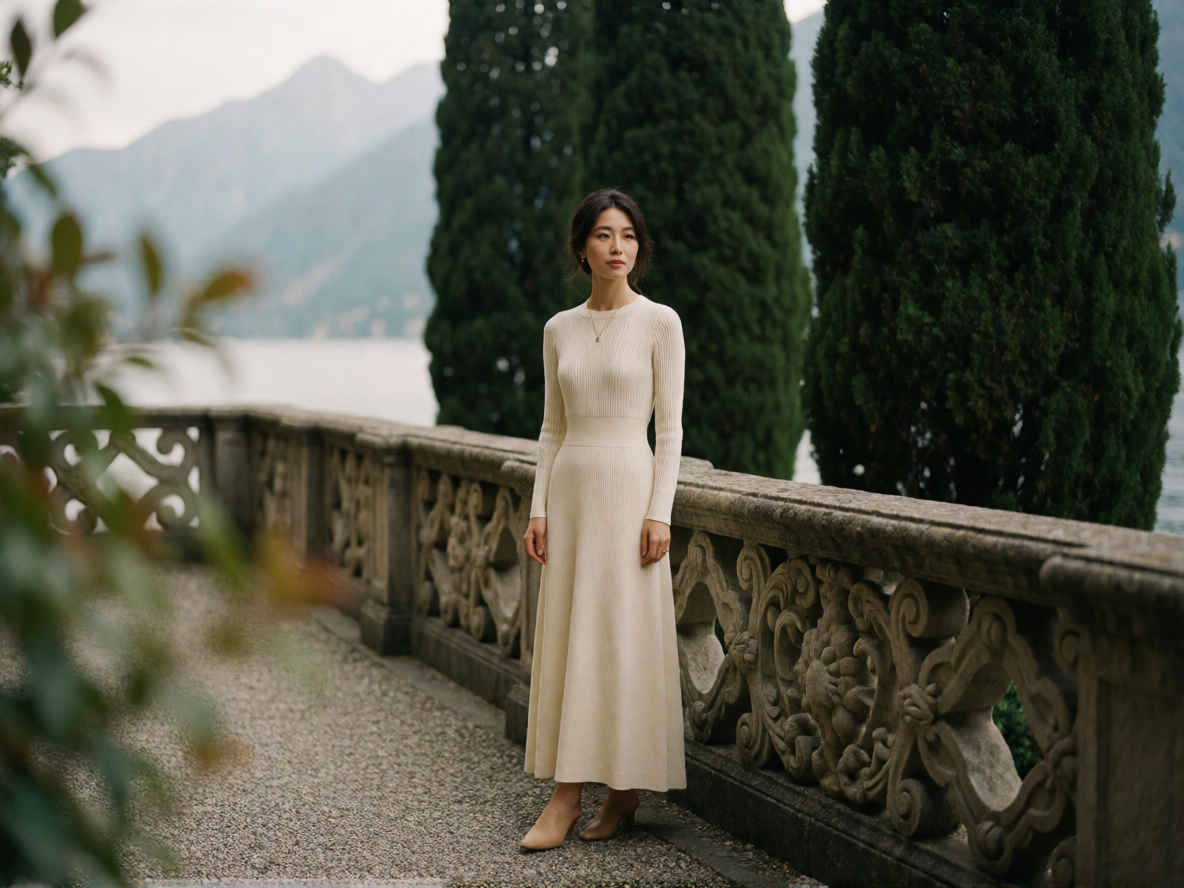 |
| ⑮ 夜間ストリートポートレート写真 888x1184 | |
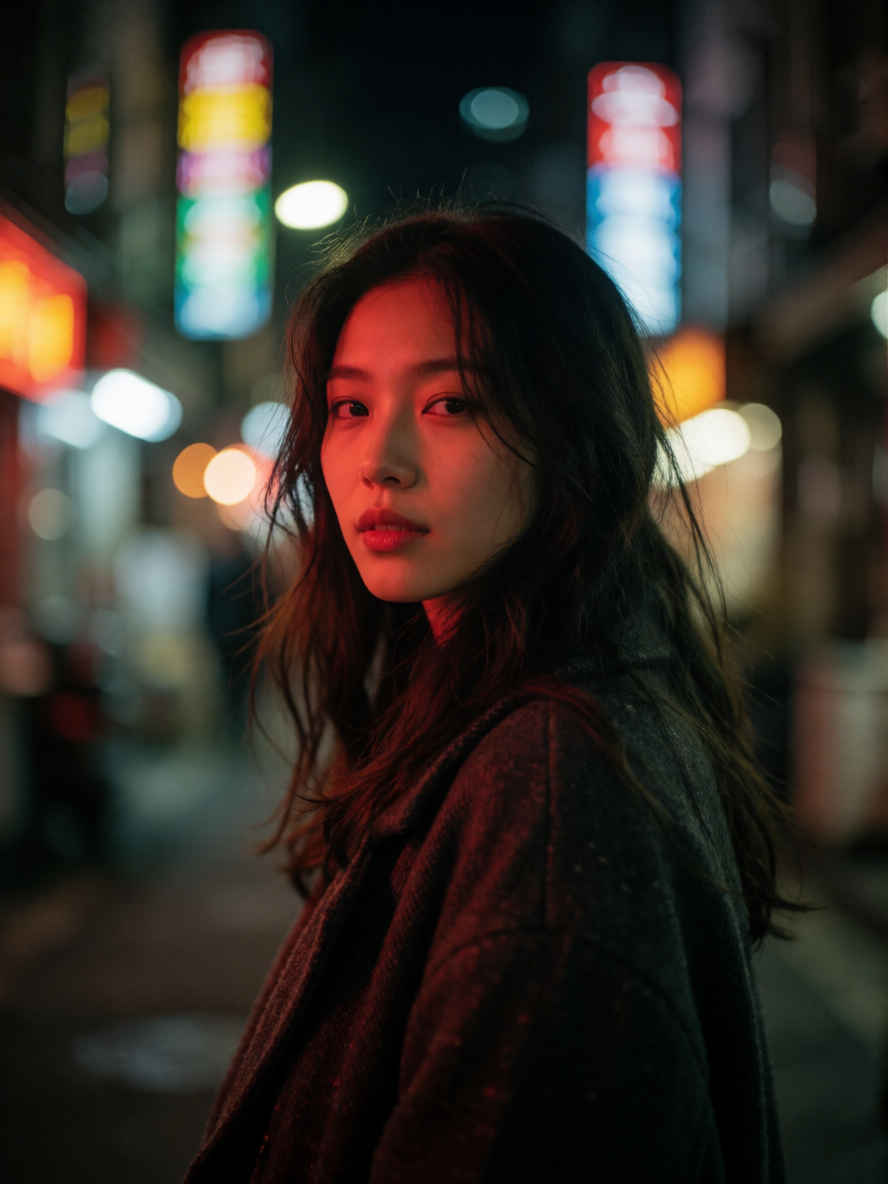 | 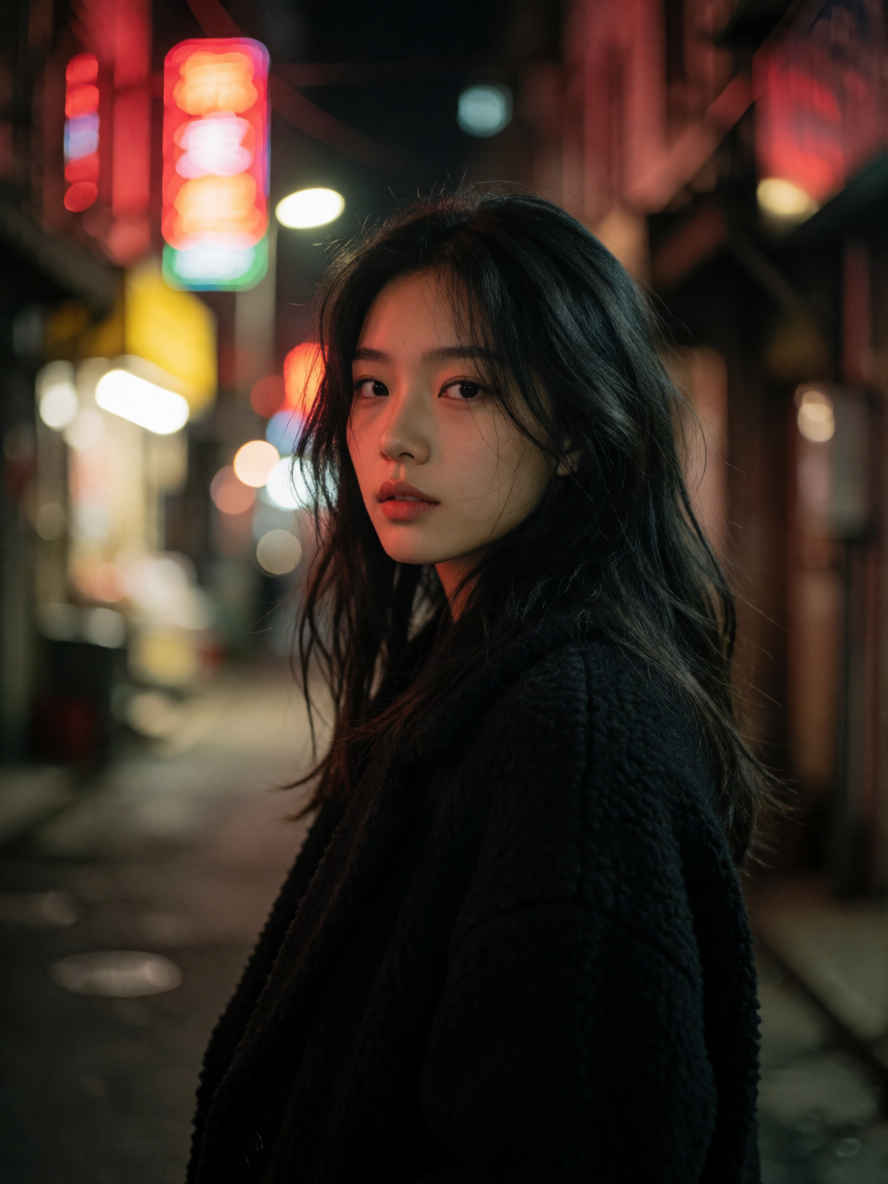 |
| ⑯ 超写実的なポートレート写真 888x1184 | |
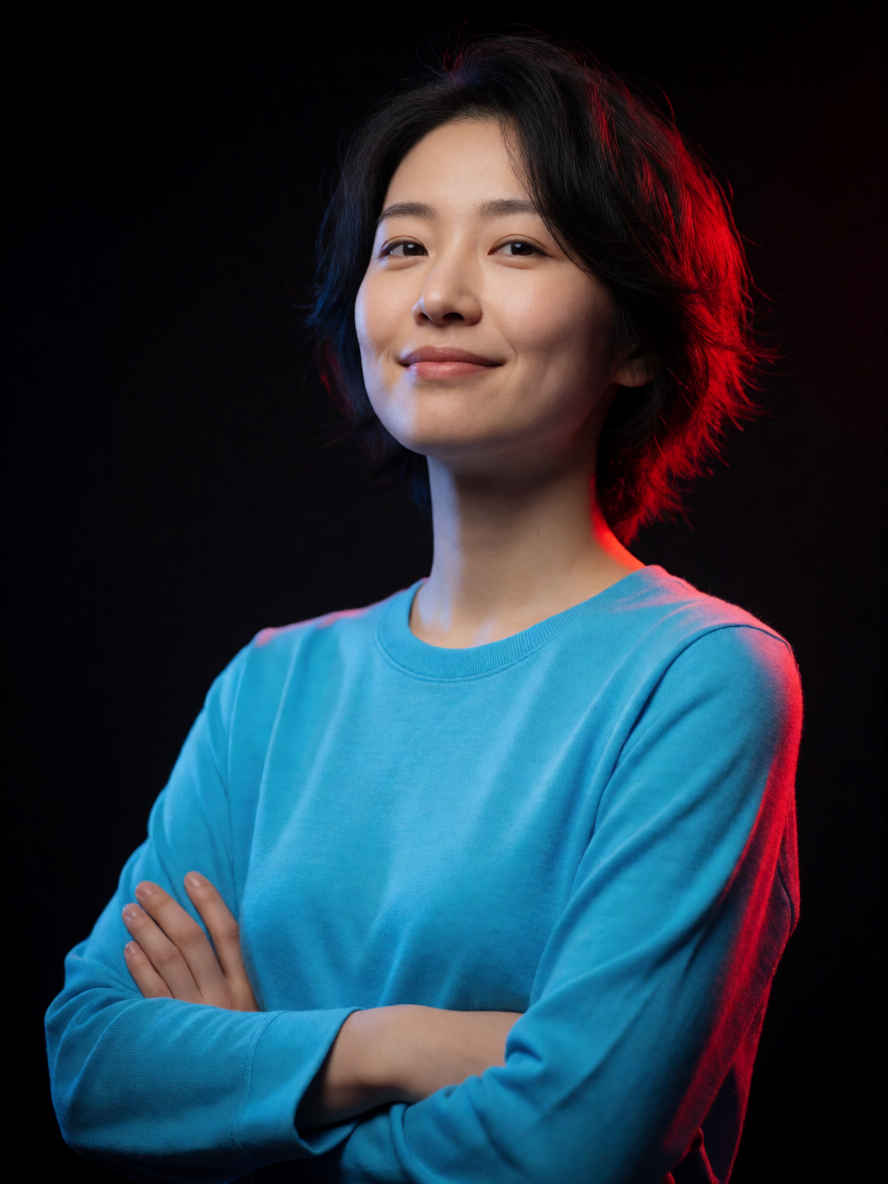 | 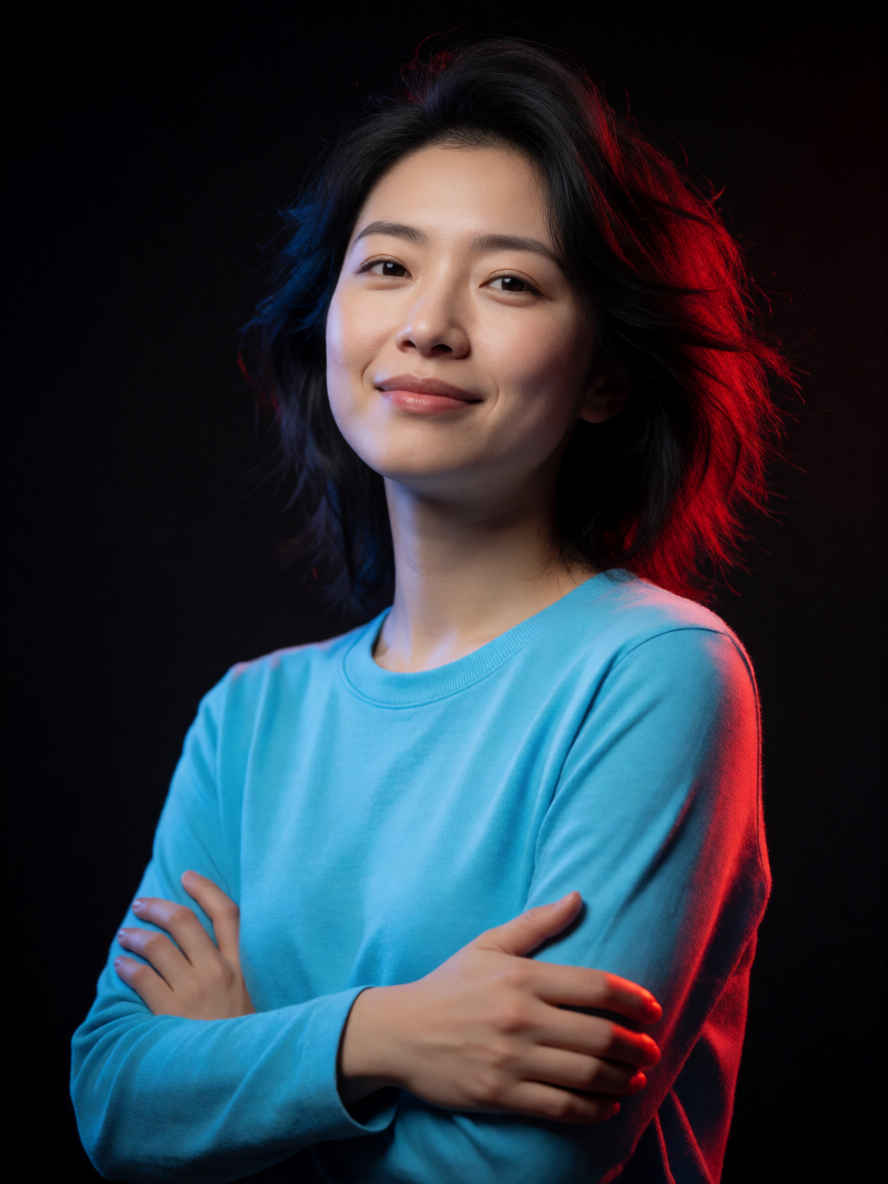 |
| ⑰「コーヒーガイド」ピクトグラムポスター 1184x888 | |
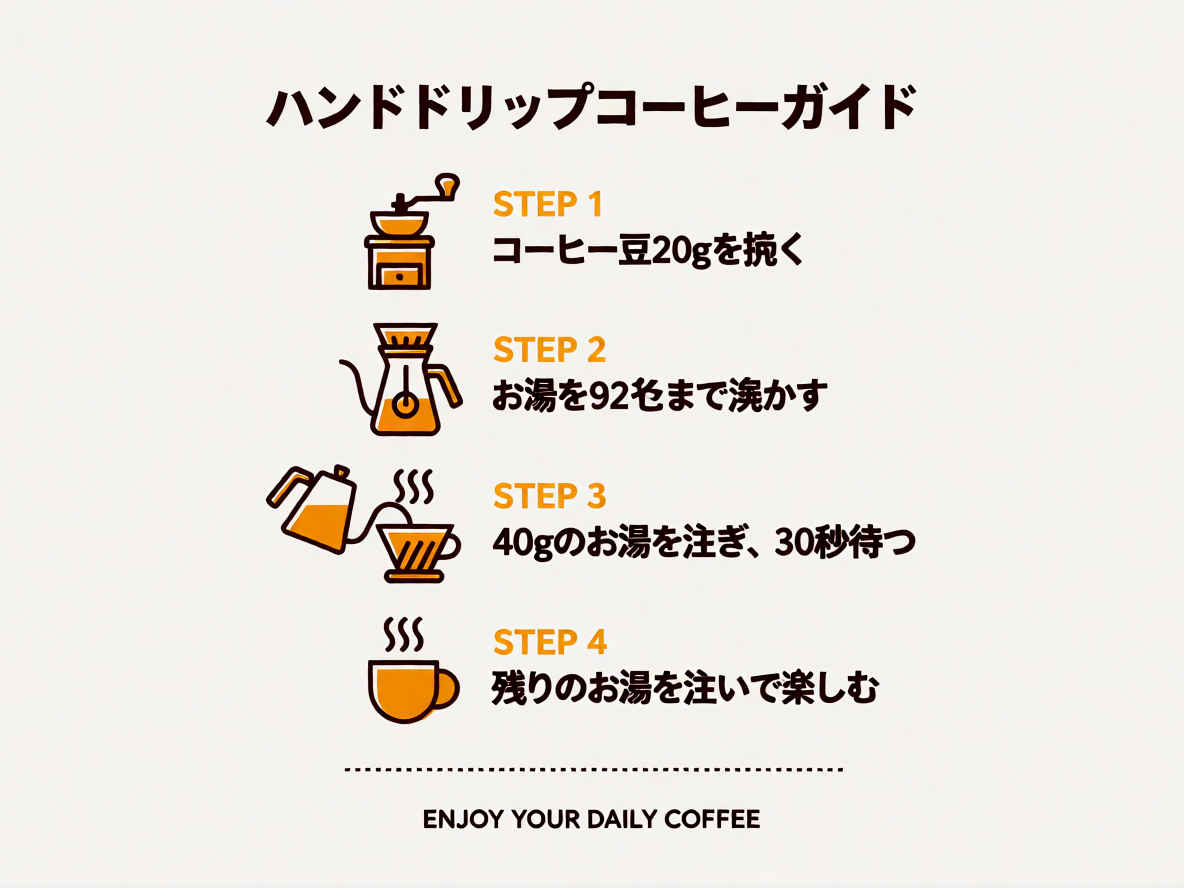 | 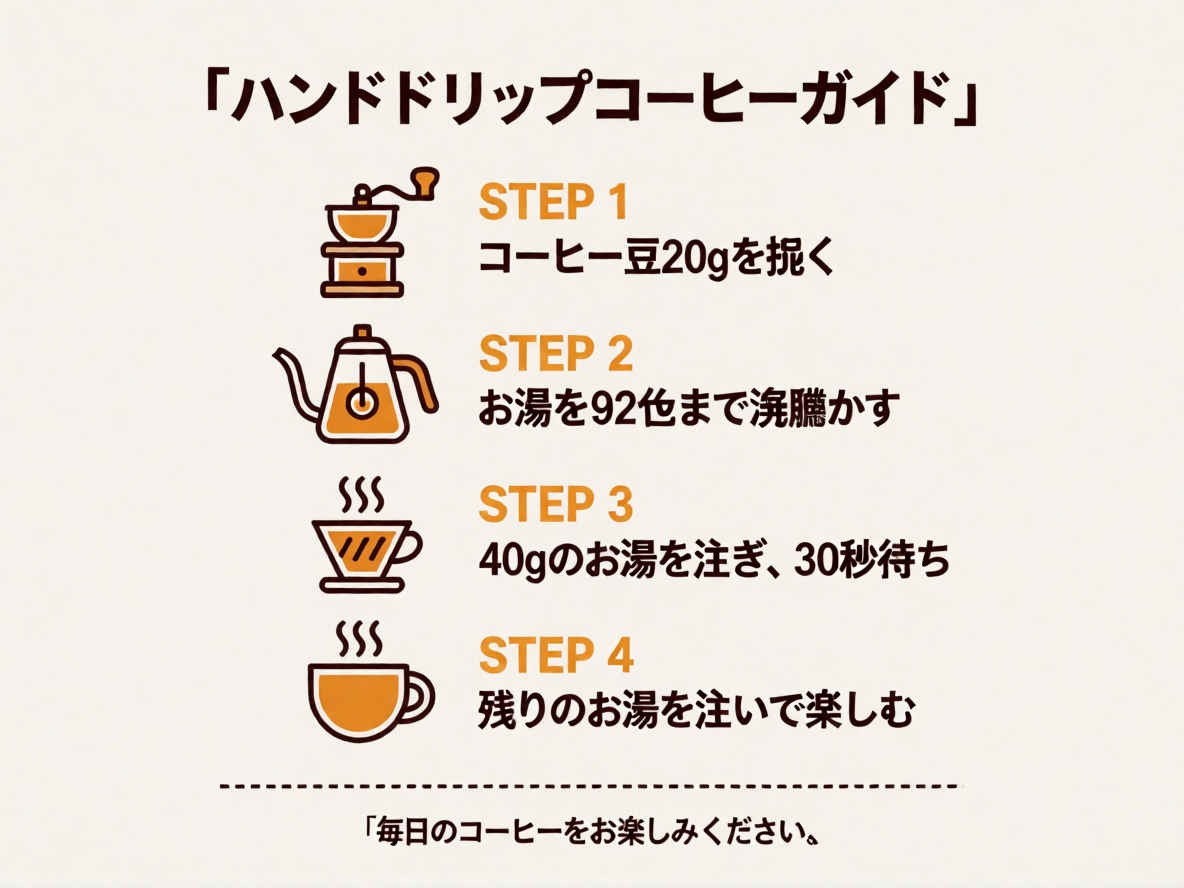 |
| ⑱「コーヒーの淹れ方」コミック風インフォグラフィック 1184x888 | |
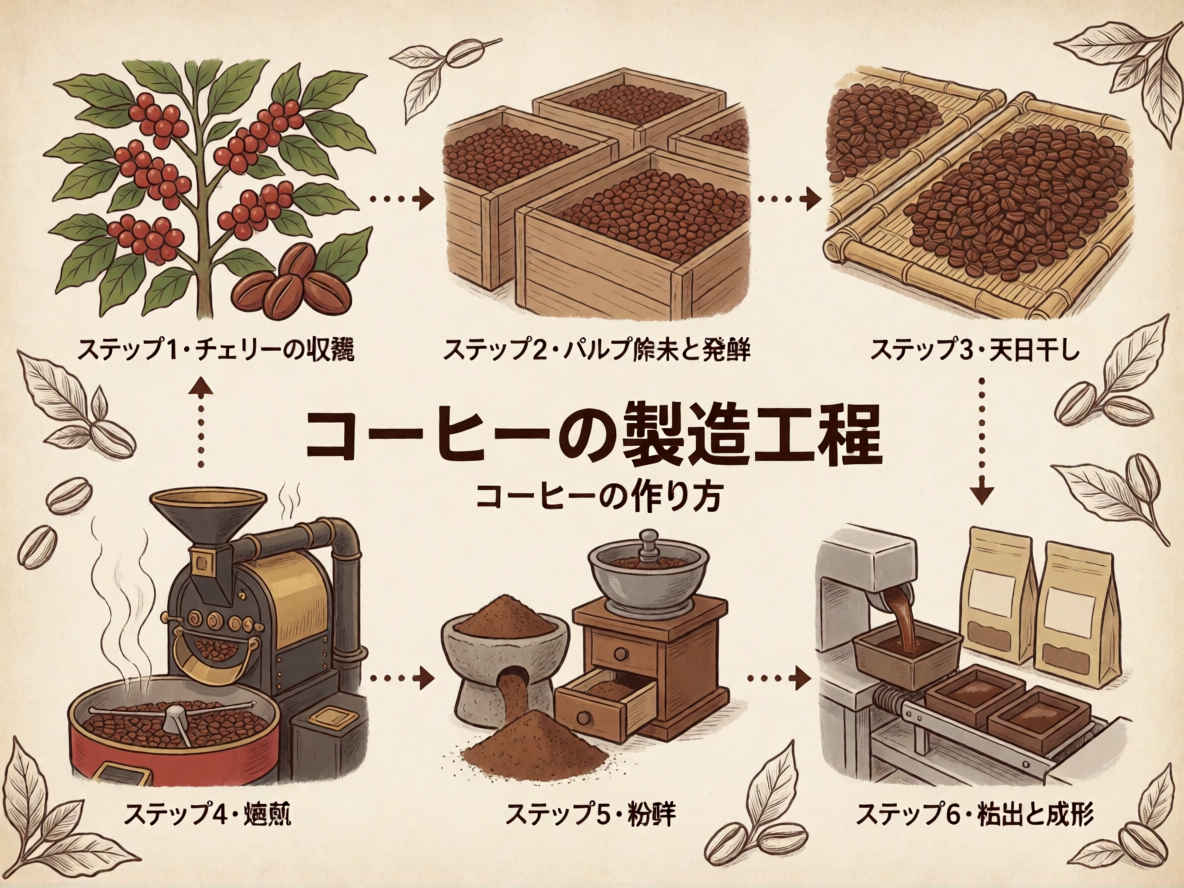 | 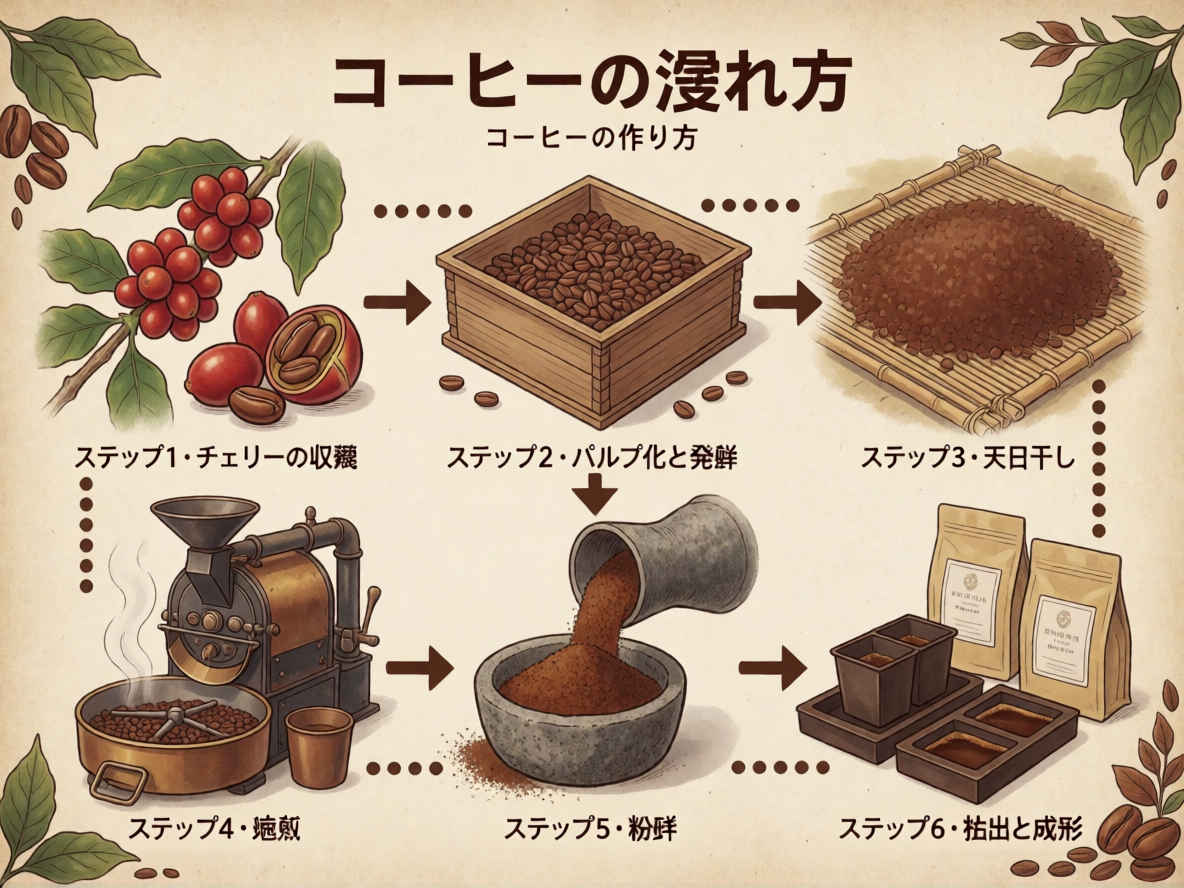 |
| ⑲ 6コマのコミックページ 888x1184 | |
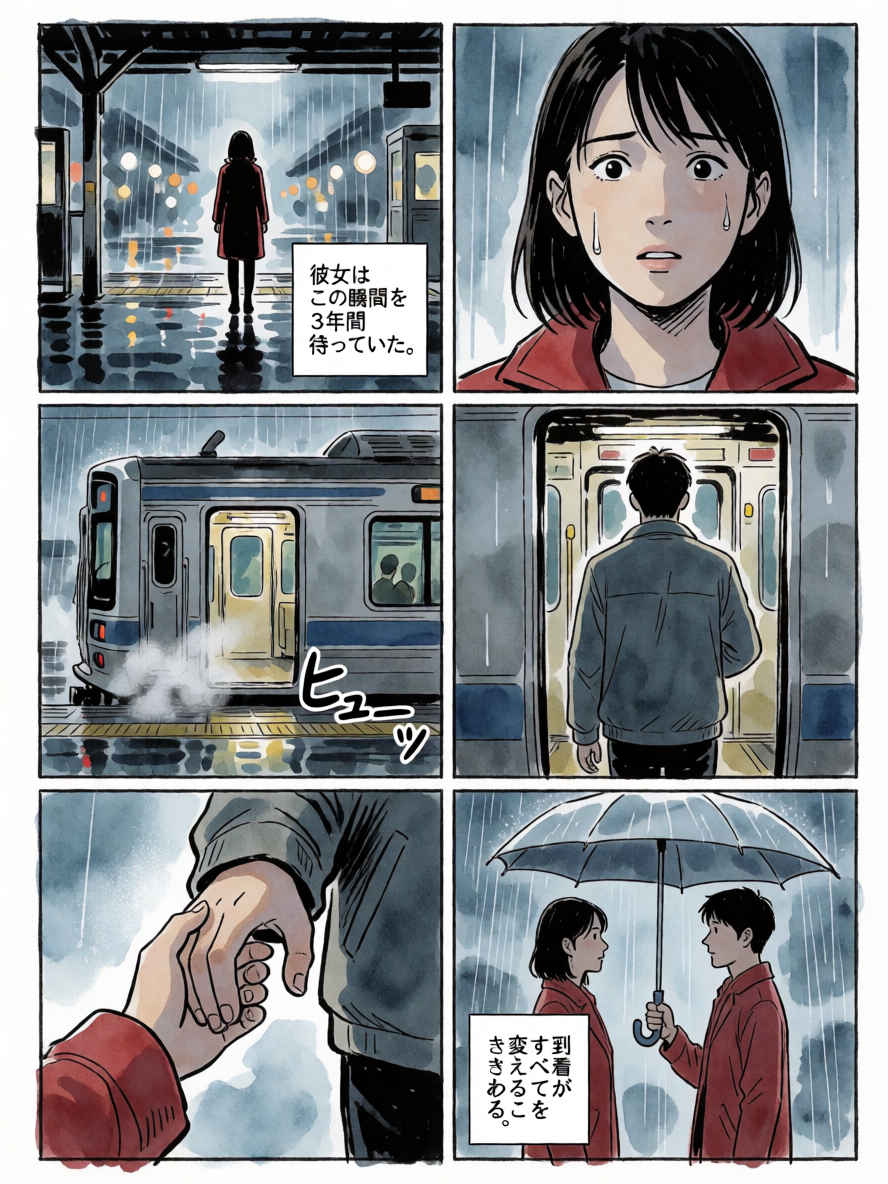 | 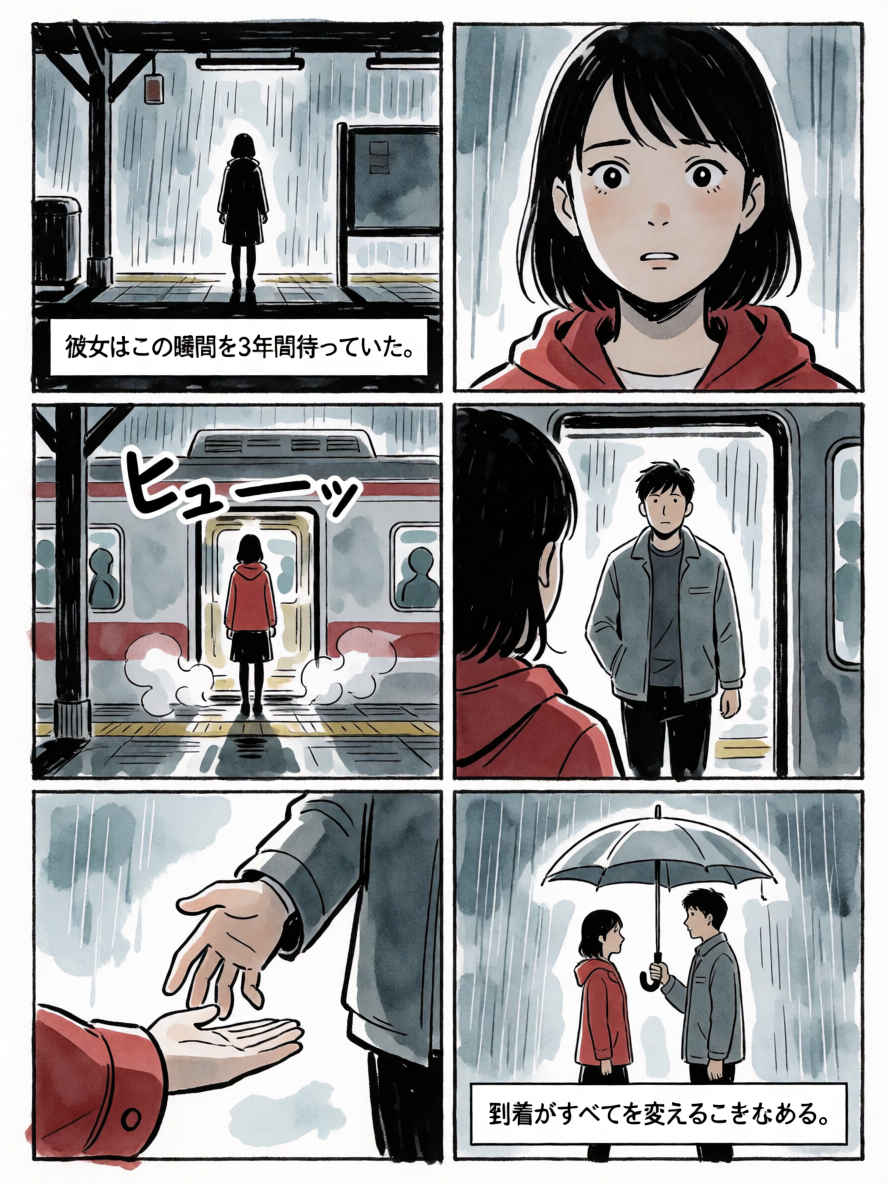 |
| ⑳ 教育的なコミックブックのインフォグラフィック 1184x888 | |
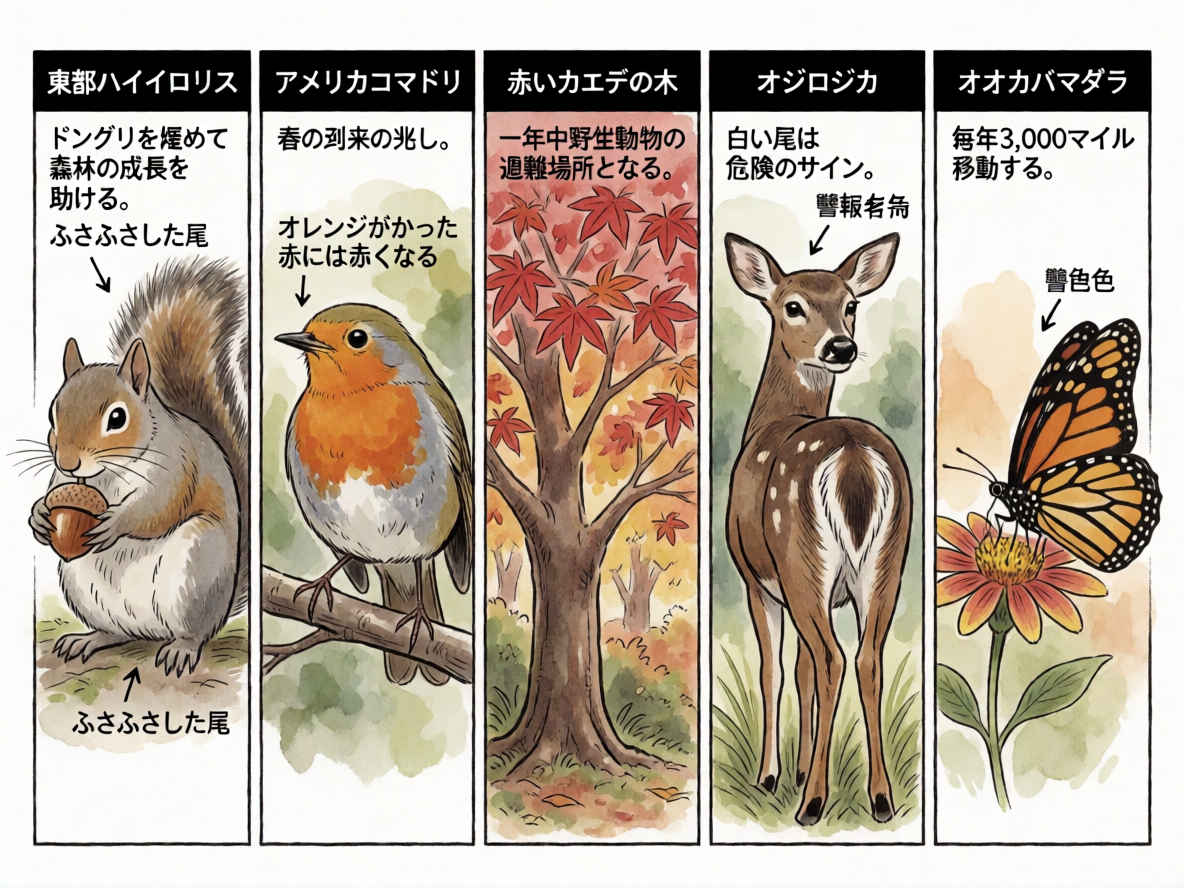 | 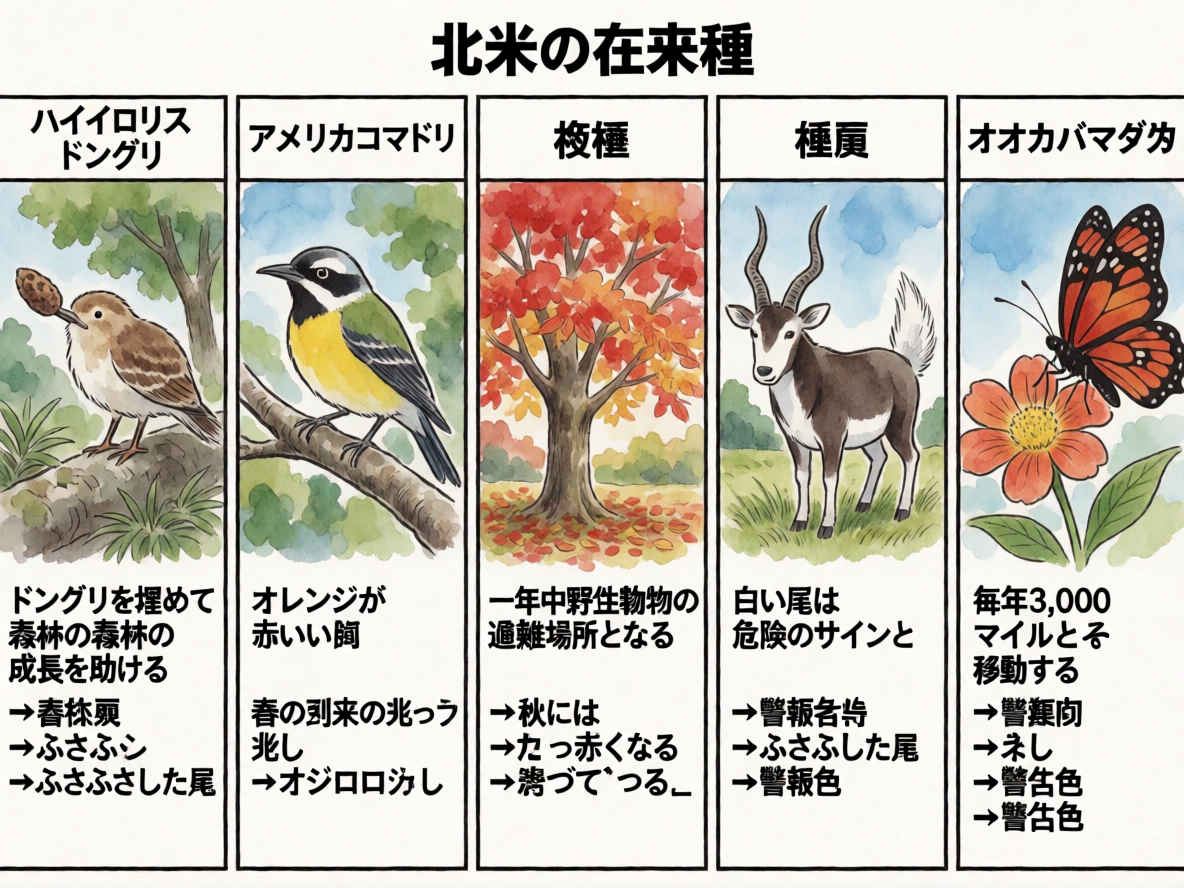 |
| ㉑ デジタルイラスト形式のステッカーシート 1184x888 | |
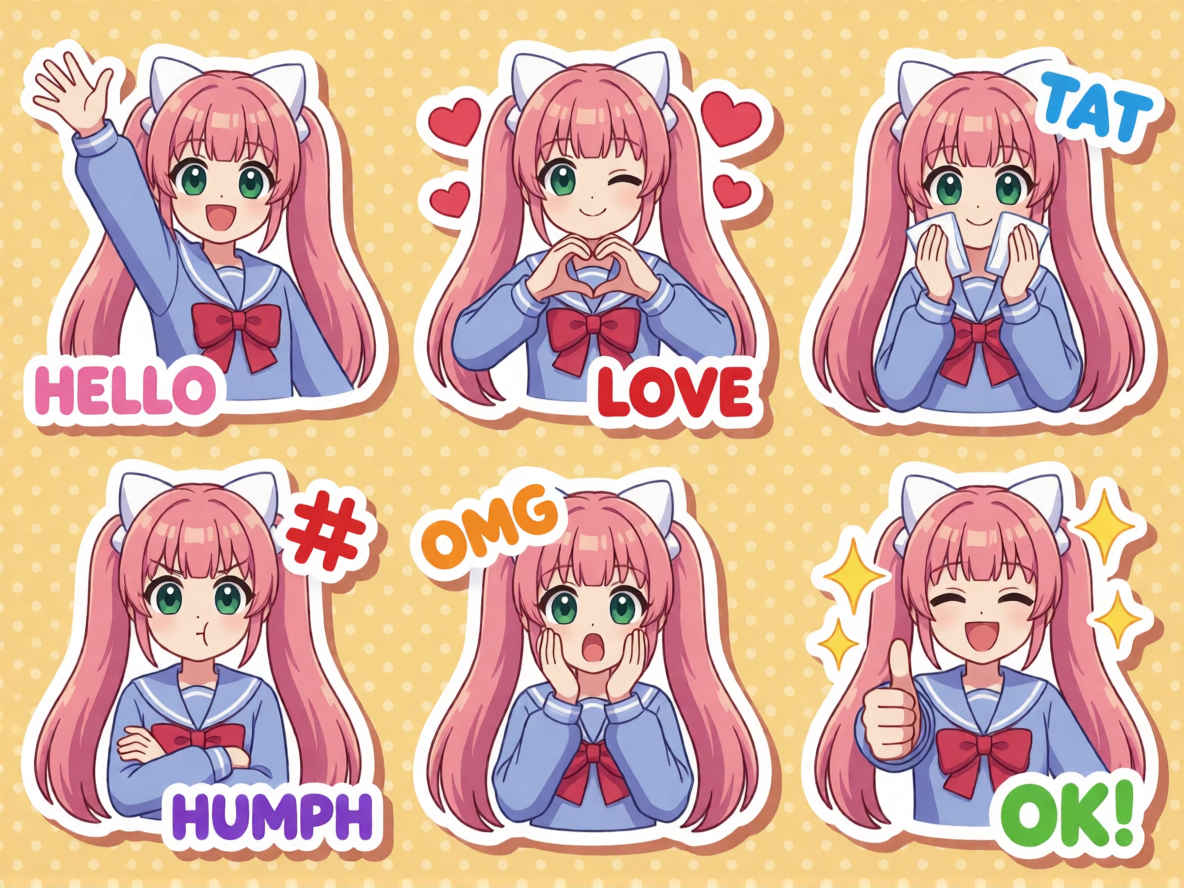 | 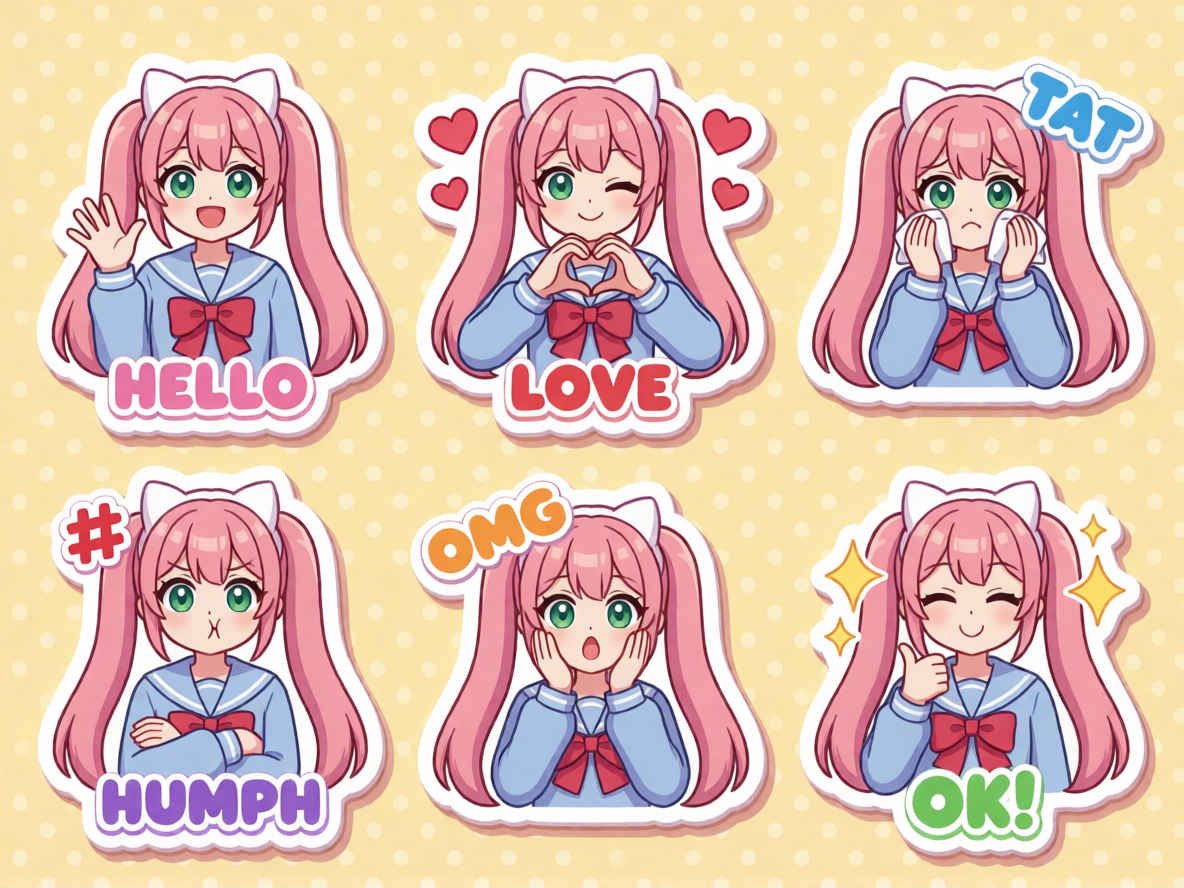 |
| ㉒ 日本語学学習フラッシュカード 888x1184 | |
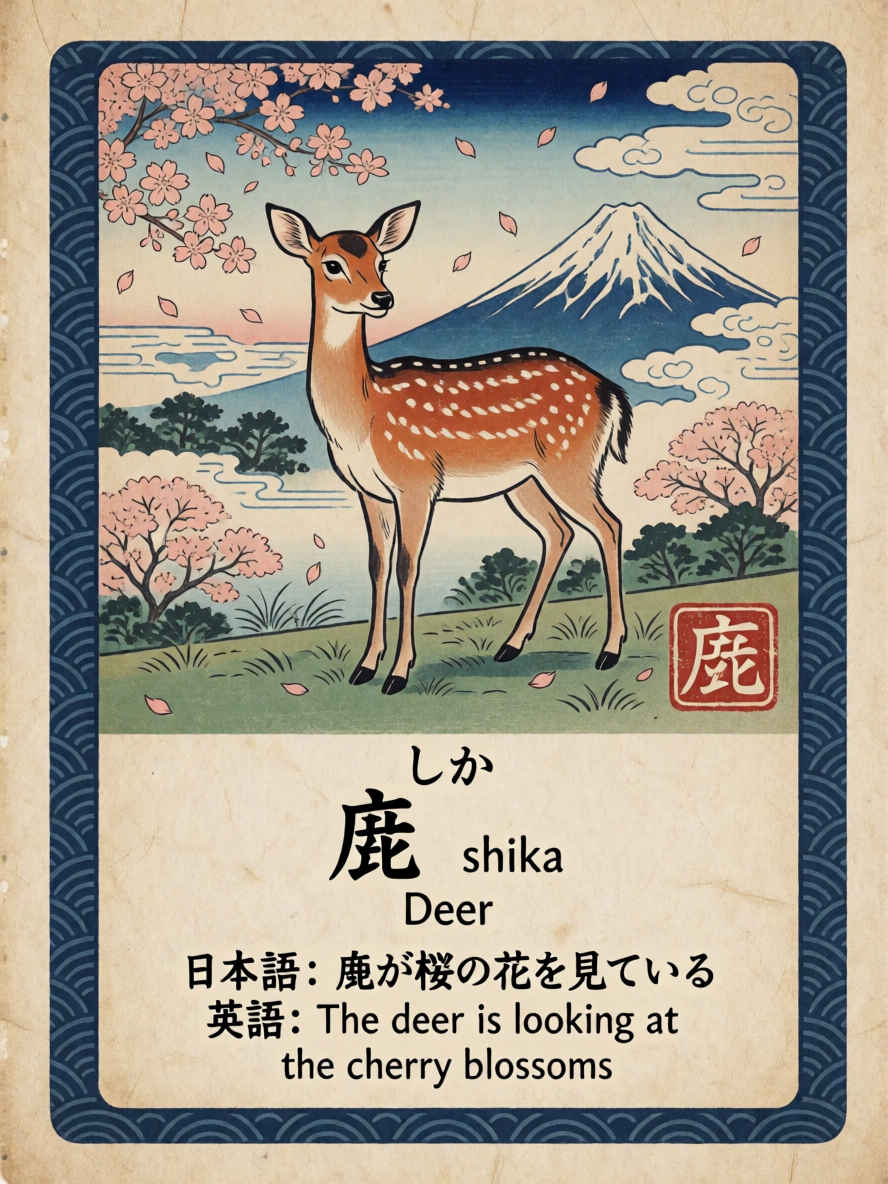 | 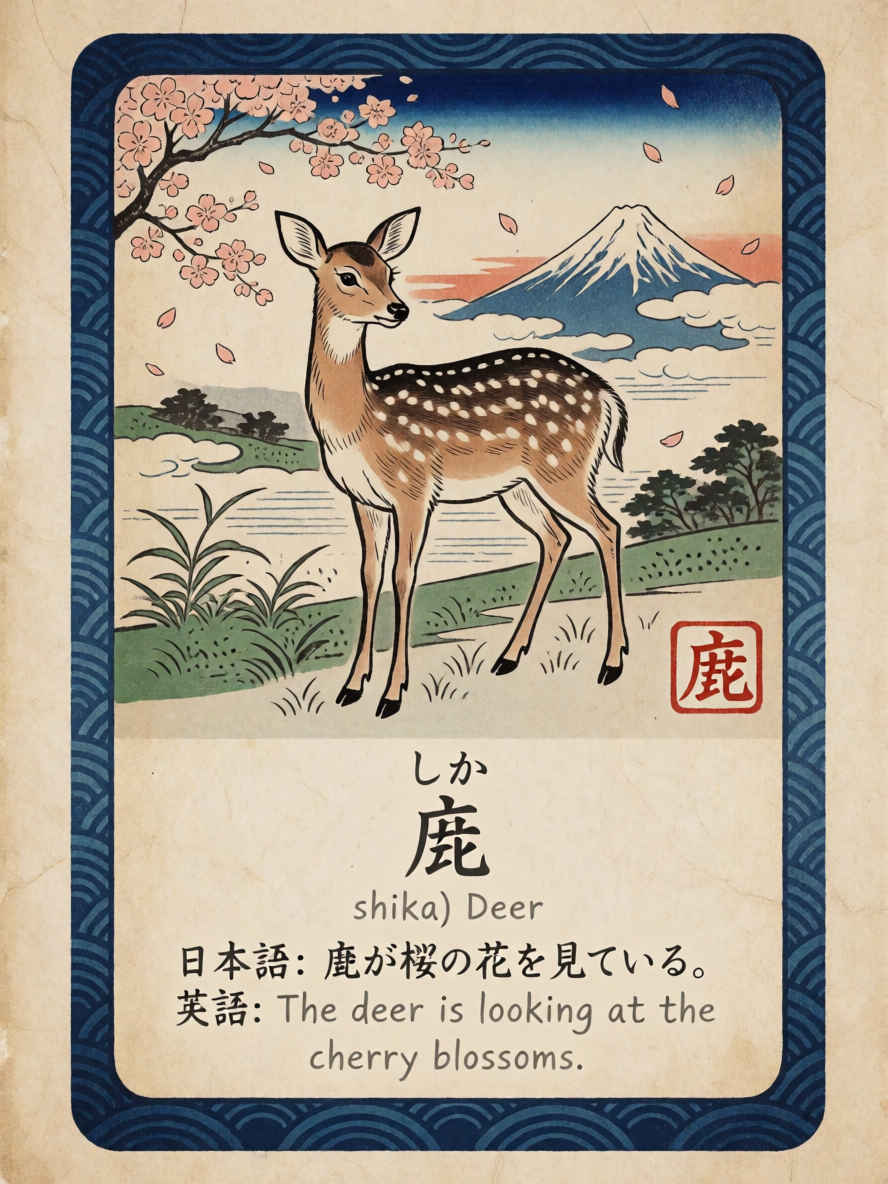 |
| model | krea2_turbo_fp8_scaled.safetensors, qwen3vl_4b_fp8_scaled.safetensors, qwen_image_vae.safetensors | |
| steps | 8 | |
| cfg | 1.0 | |
| size (pixel) | 1184x888, 888x1184, 1024x1024 | |
| seed | 397747871968973 | |
| Workflow | | |
| 8201_krea2_turbo_t2i.json | ||
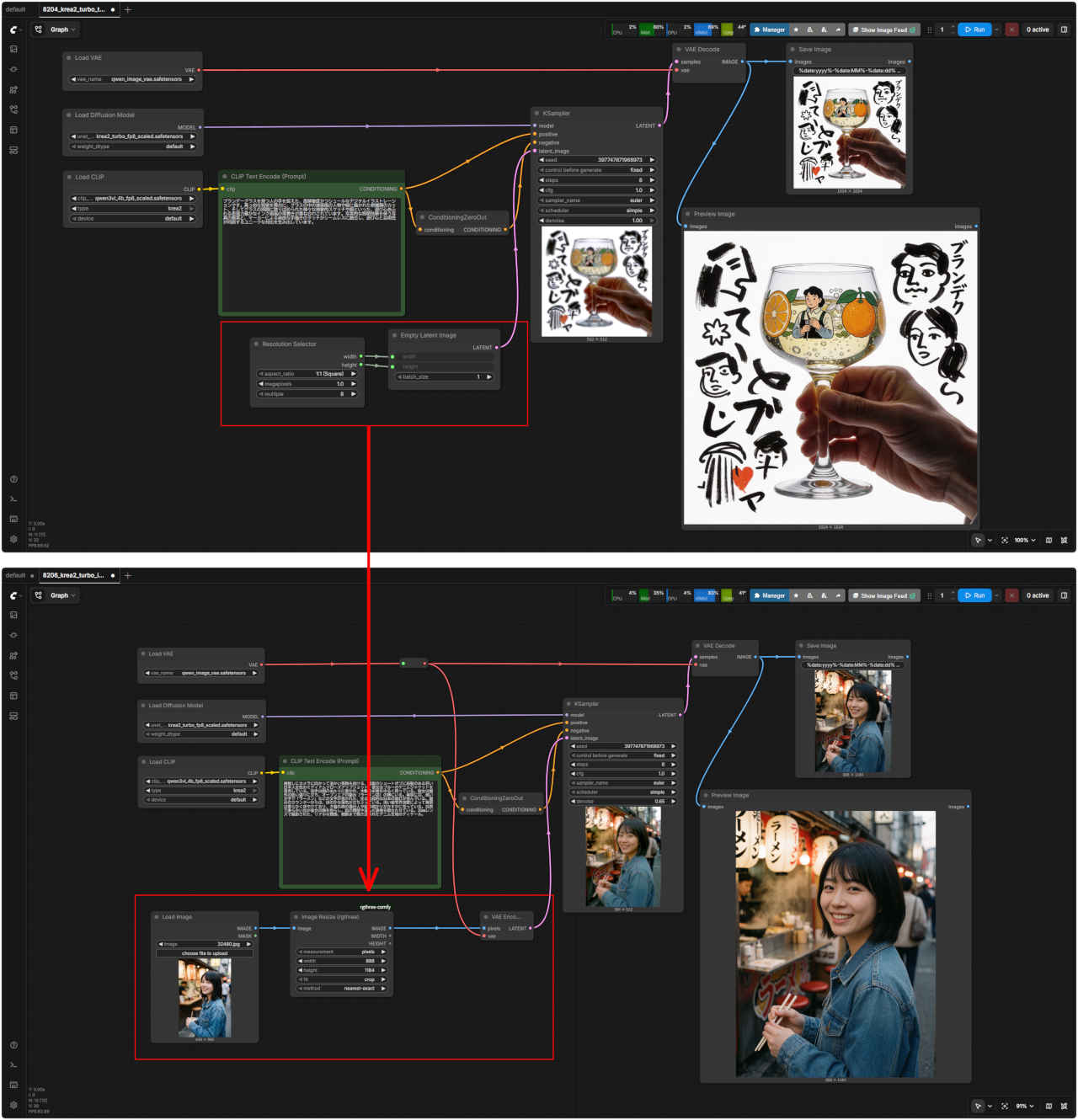
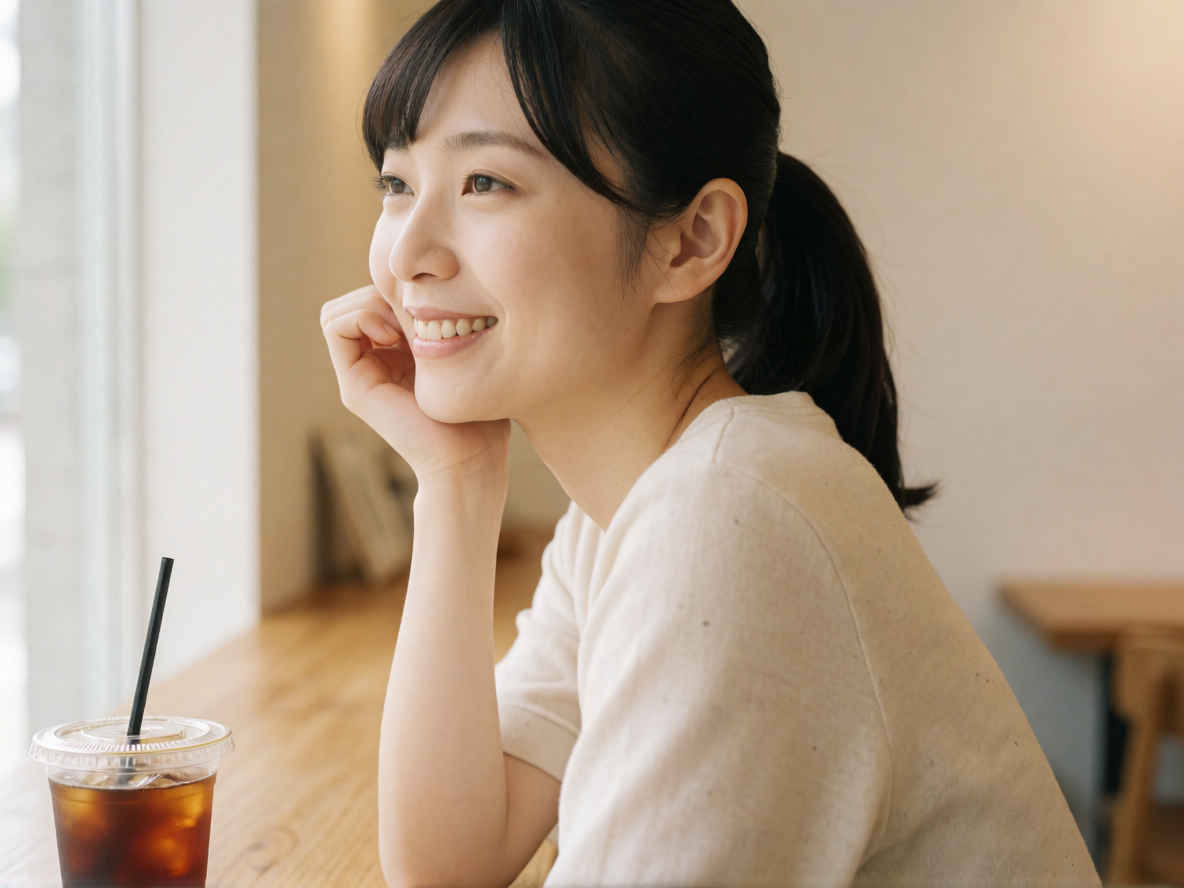
| 参照画像とプロンプトから画像生成する Image to Image ワークフローは Text to Image ワークフローから簡単にできるようなので検証してみる → krea2 image to image workflow ? |
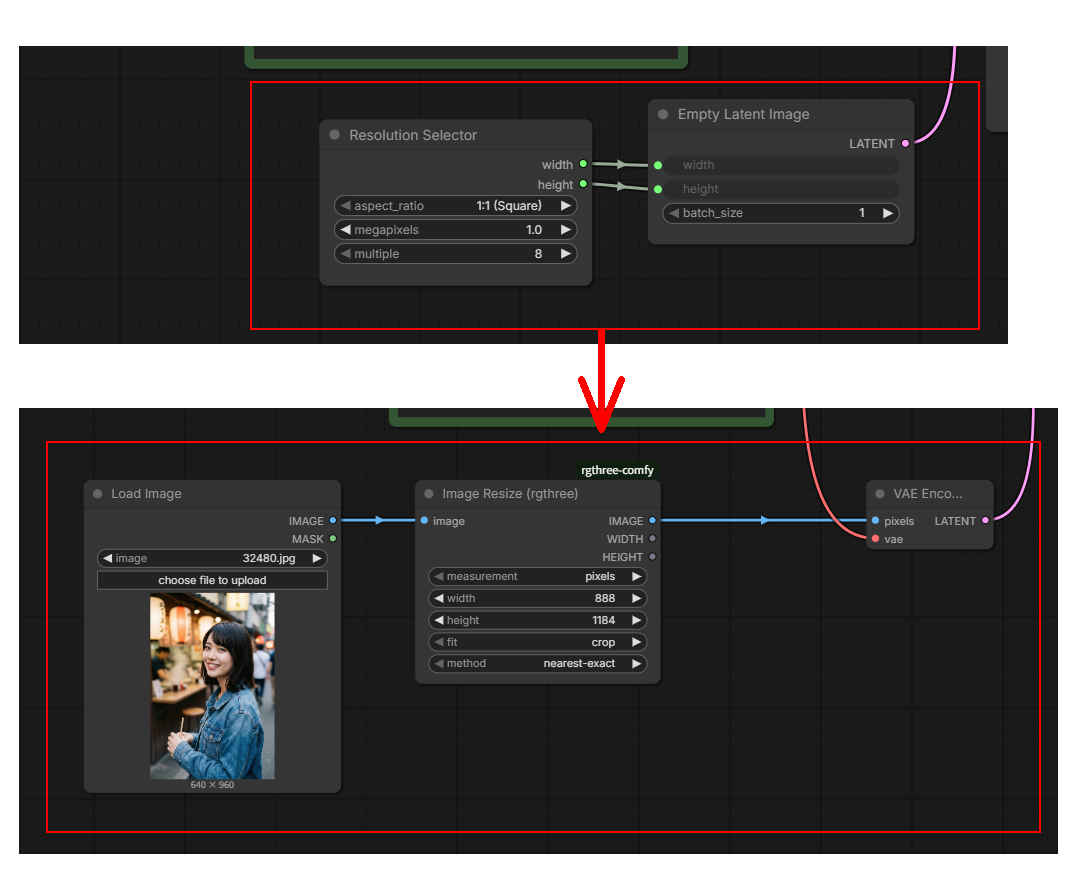
| 参照画像 | Gemini で作成したプロンプト | |
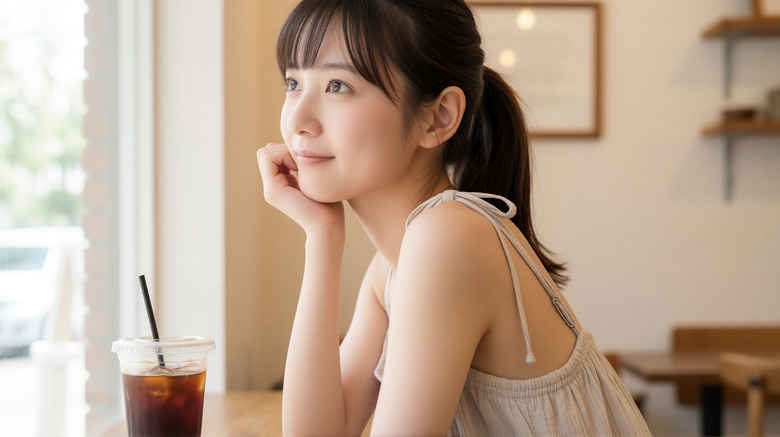 | Medium shot, side profile of a young East Asian woman with dark hair tied back in a ponytail and subtle bangs. She is sitting at a wooden counter next to a large window inside a bright cafe, resting her chin on her hand and looking outside with a gentle smile. On the table in front of her is a clear plastic cup filled with iced coffee and a black straw. The lighting is soft and natural, coming from the window, illuminating her face and creating a warm, airy atmosphere. The background is softly blurred, showing minimal cafe interior with wooden furniture and neutral-toned walls. Clean composition, shallow depth of field, high-resolution photographic style. | |
| ミディアムショット、ダークヘアをポニーテールに結び、軽めの前髪を作った若い東アジア人女性の横顔。明るいカフェの大きな窓際にある木製のカウンター席に座り、手にあごを乗せて穏やかな笑顔で外を眺めている。彼女の前のテーブルには、アイスコーヒーと黒いストローが入った透明なプラスチックカップが置かれている。照明は窓から差し込む柔らかく自然な光で、彼女の顔を照らし、温かみのある開放的な雰囲気を演出している。背景はソフトにぼかされており、木製の家具やニュートラルトーンの壁があるシンプルなカフェの内装が写っている。クリーンな構図、浅い被写界深度、高解像度の写真スタイル。 | ||
| 8205 Image to Image 基本ワークフロー | 8205 SubGraph |
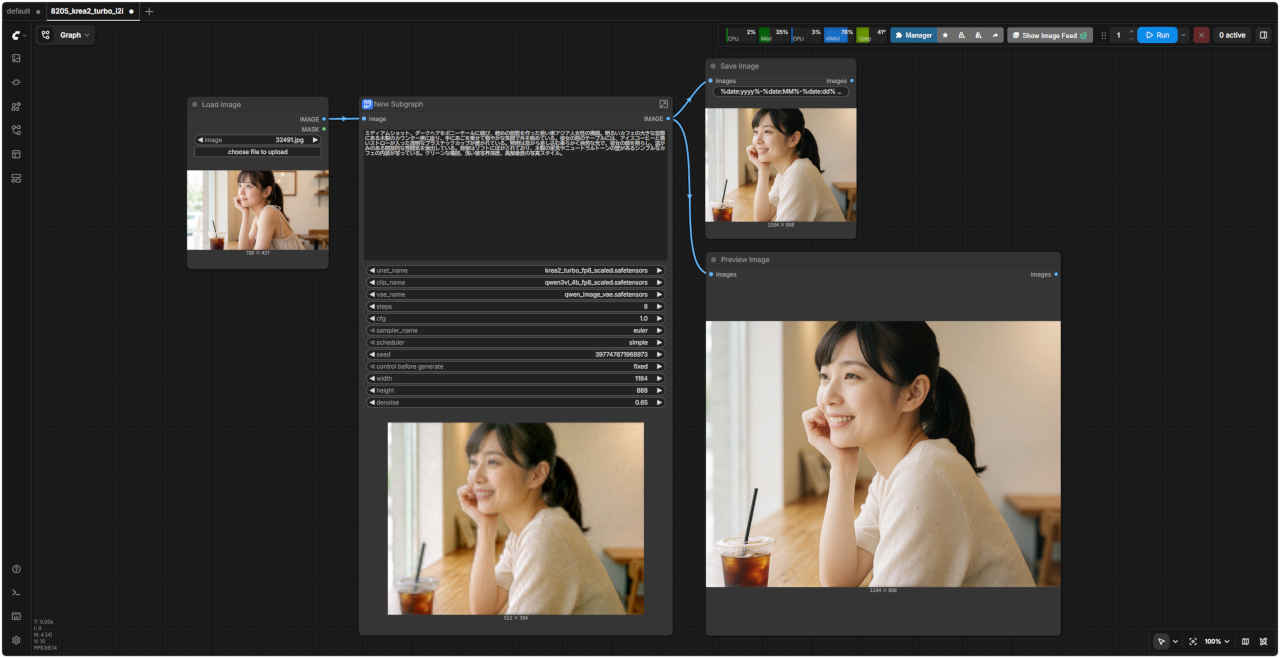 | 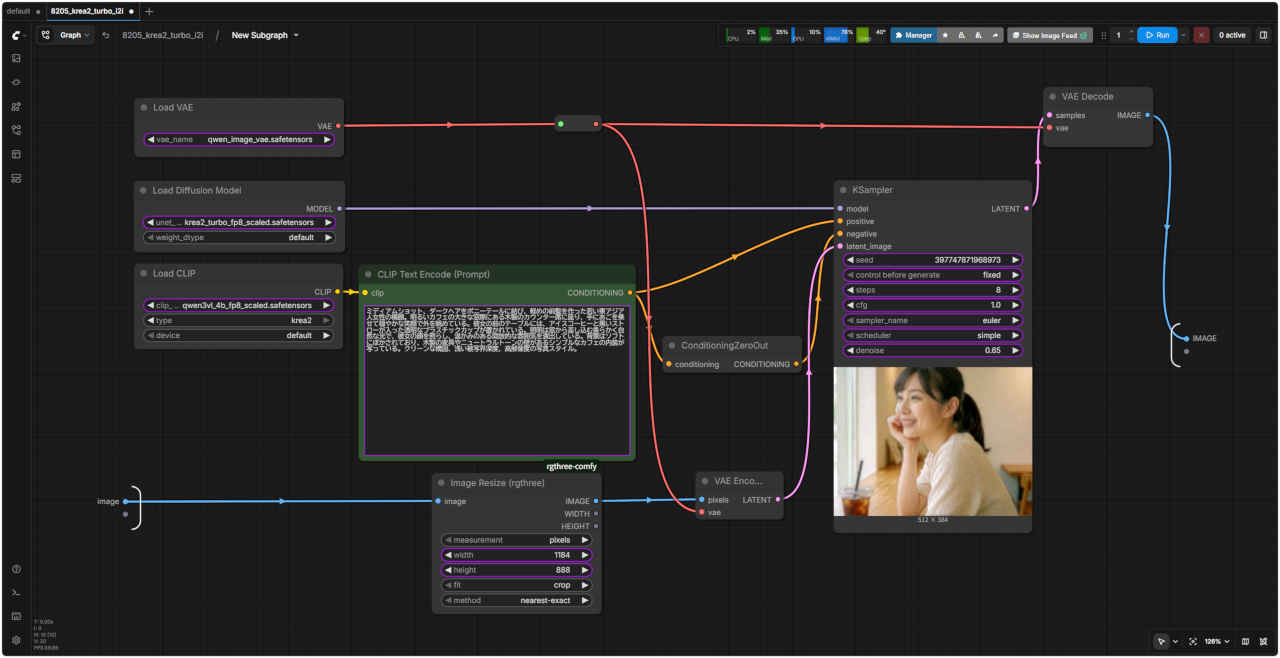 |
| 「Krea」8205_krea2_turbo_i2i.json | |
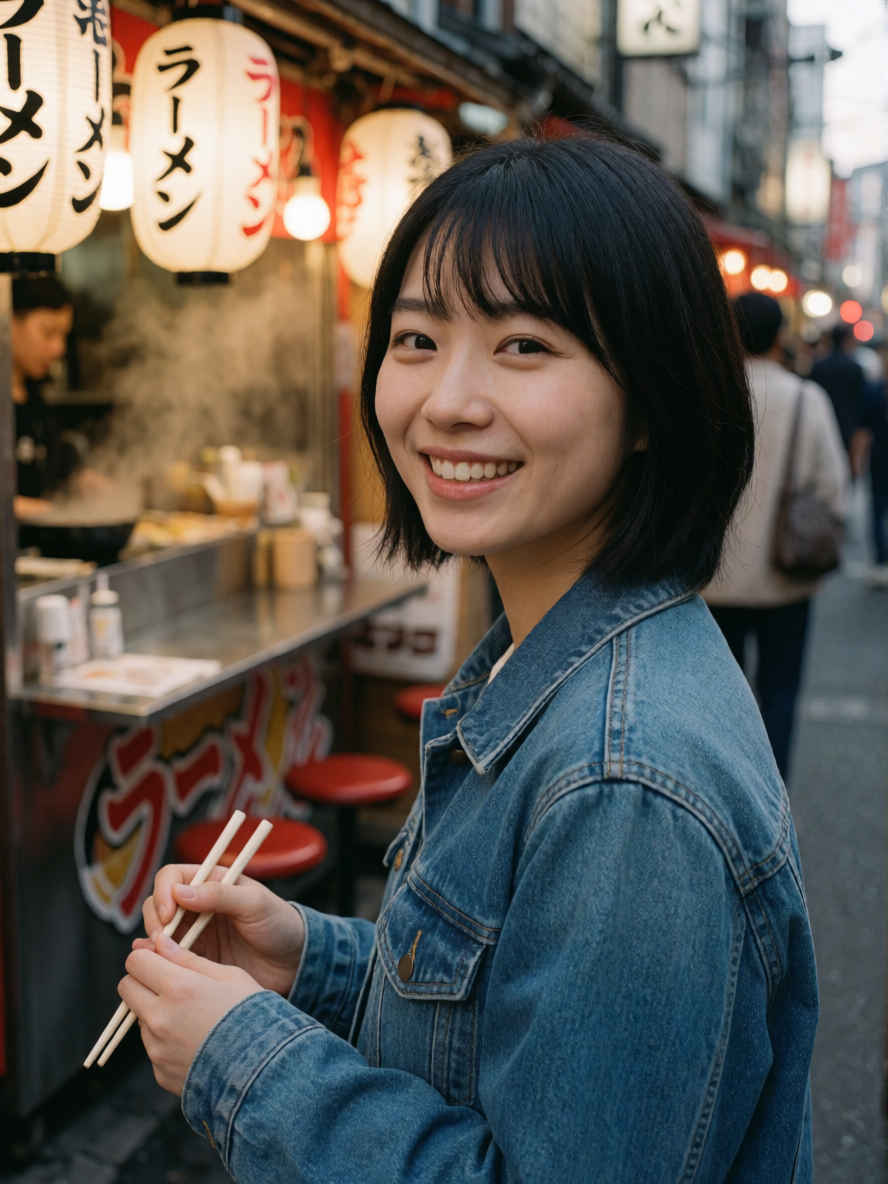
| 参照画像 | Gemini で作成したプロンプト | |
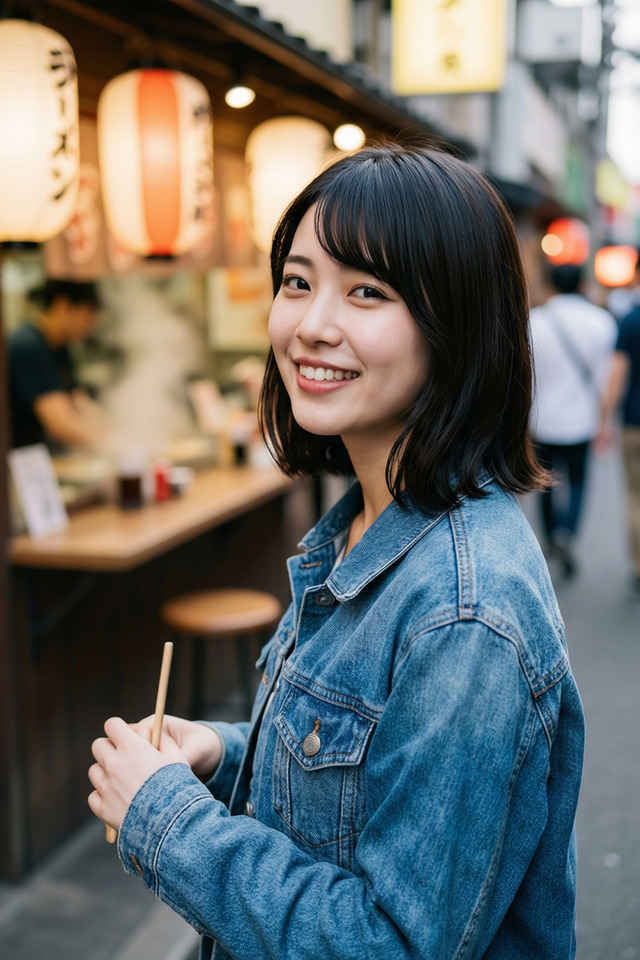 | A medium close-up shot of a young Japanese woman with a short, black bob haircut and bangs, smiling warmly at the camera over her shoulder. She is wearing a blue denim jacket. Her hands are held near her chest, loosely holding a pair of wooden chopsticks. She is standing outdoors on a narrow street next to an open-air food stall or ramen shop. The background features glowing traditional Japanese paper lanterns with black Japanese characters written on them, including the word "ラーメン". Steam gently rises from the food stall counter. The background is softly blurred with a shallow depth of field, showing hints of passersby and city lights at dusk. Natural, soft lighting illuminates her face, highlighting her skin texture and clear expression. Shot with a 35mm lens, realistic textures, detailed denim fabric. | |
| 肩越しにカメラに向かって温かい笑顔を向ける、黒髪のショートボブに前髪のある若い日本人女性のミディアムクローズアップショット。彼女はブルーのデニムジャケットを着用している。両手は胸のあたりに置かれ、木製のお箸をゆるく持っている。彼女は屋外の狭い通りに立ち、オープンエアの屋台(ラーメン店)の横にいる。背景には、黒い文字で「ラーメン」などの文字が書かれた、光る伝統的な日本の提灯が並んでいる。屋台のカウンターからは、ほのかな湯気が立ち上っている。浅い被写界深度によって背景は柔らかくぼやけており、夕暮れ時の通行人や街の明かりがかすかに写っている。自然で柔らかい光が彼女の顔を照らし、肌の質感や澄んだ表情を際立たせている。35mmレンズで撮影された、リアルな質感、細部まで描き込まれたデニム生地のディテール。 | ||
| 8206 Image to Image ワークフロー 展開版 | |
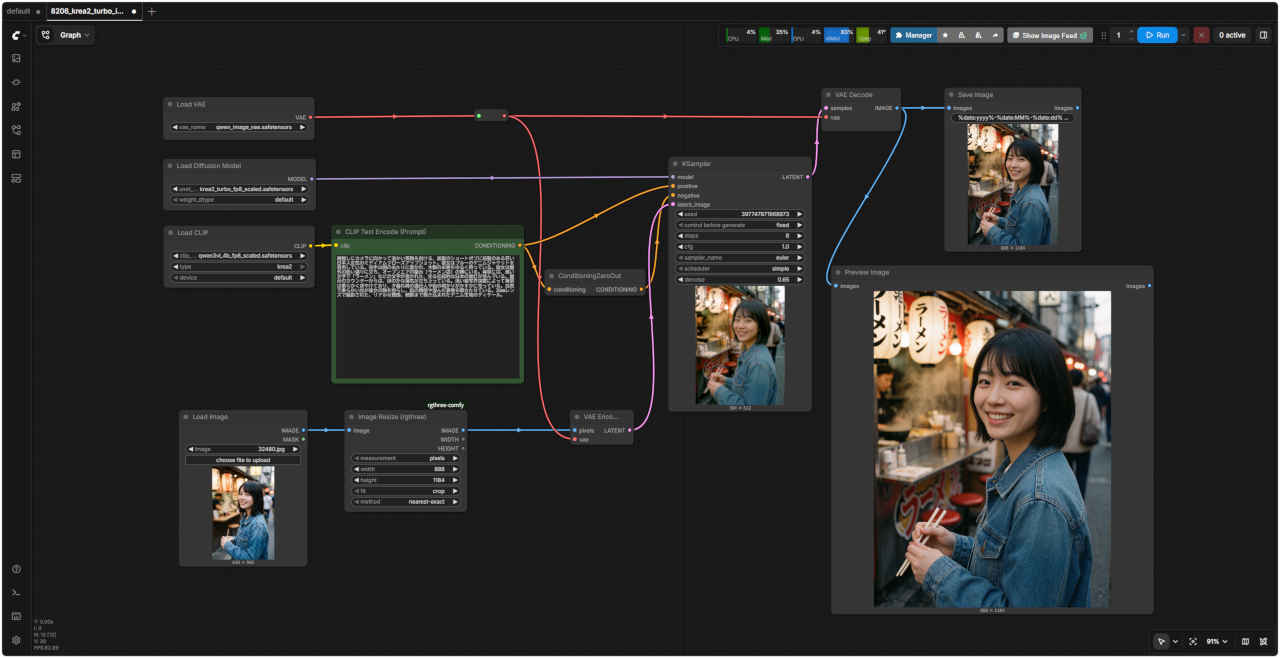 | |
| 「Krea」8206_krea2_turbo_i2i_simple.json |
| Ostris氏が公開した Krea 2 Turbo 用のスタイル参照 LoRA「krea2 style reference」が公式にサポートされた。 Krea 2 Turbo INT8 ConvRot モデルを使い参照画像をそのまま編集する用途ではなく、色使い、画材感、質感、照明、描画処理などを、新しく生成する画像へ反映させる 次節で検証する 「Image Edit v1.2 リファレンス画像編集」 とは機能が異なる。 |
| モデル名 | ファイル名(.safetensors) | 配置先(/StabilityMatrix/Data/) | ダウンロード URL | 共通で使用 | |
| diffusion_models | krea2_turbo_int8_convrot | Models/ | DiffusionModels/ | krea2_turbo_int8_convrot.safetensors | |
| loras | krea2_style_reference | Lora/ | krea2_style_reference.safetensors | ||
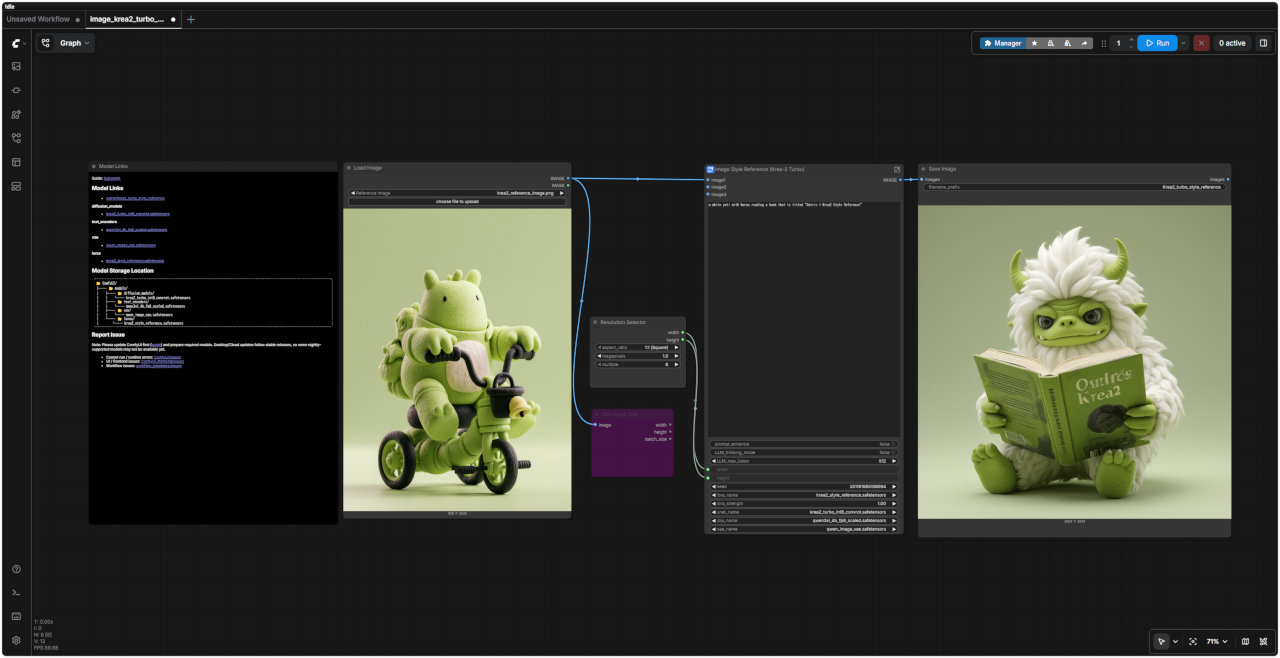
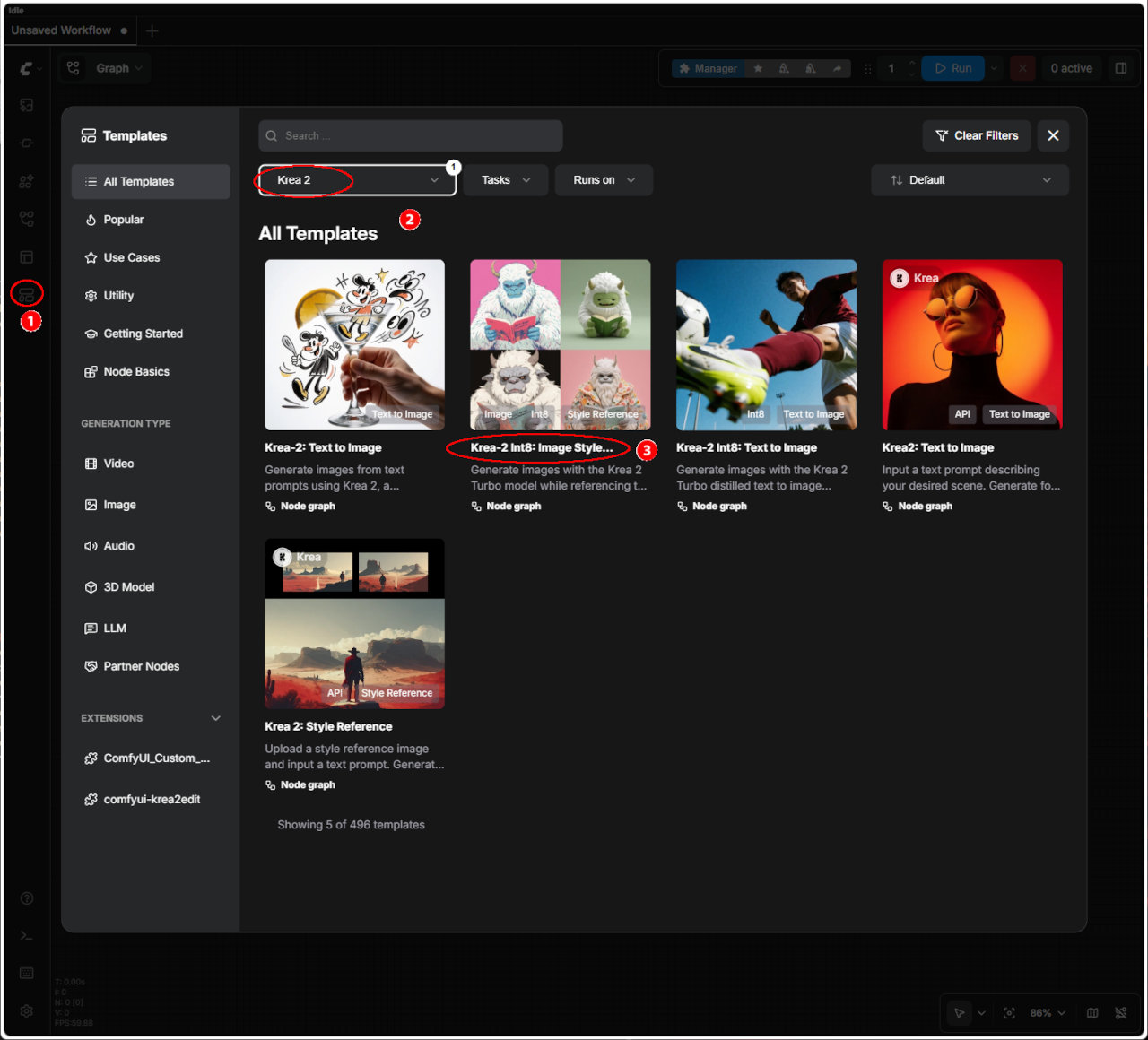 | ① 左端のメニューから「Template」を選択 ②「Krea 2」を選択する ・表示された一覧からワークフローを選ぶ ③「Krea-2 INT8: Image Style Reference」 ・ワークフローでエラーが発生する場合はモデルの配置を確認する | |
| 入力画像 | 生成画像 | |
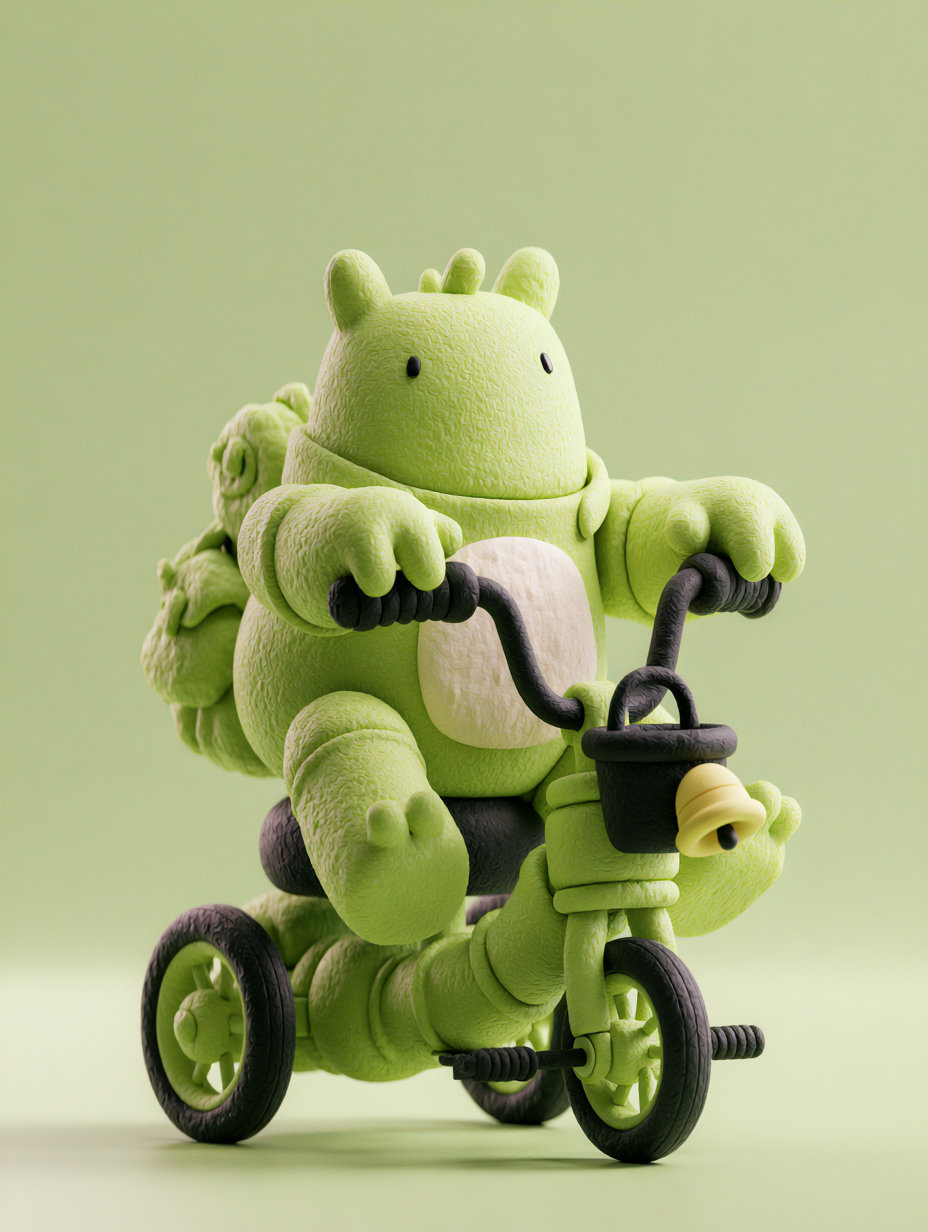 krea2_reference_image.png | 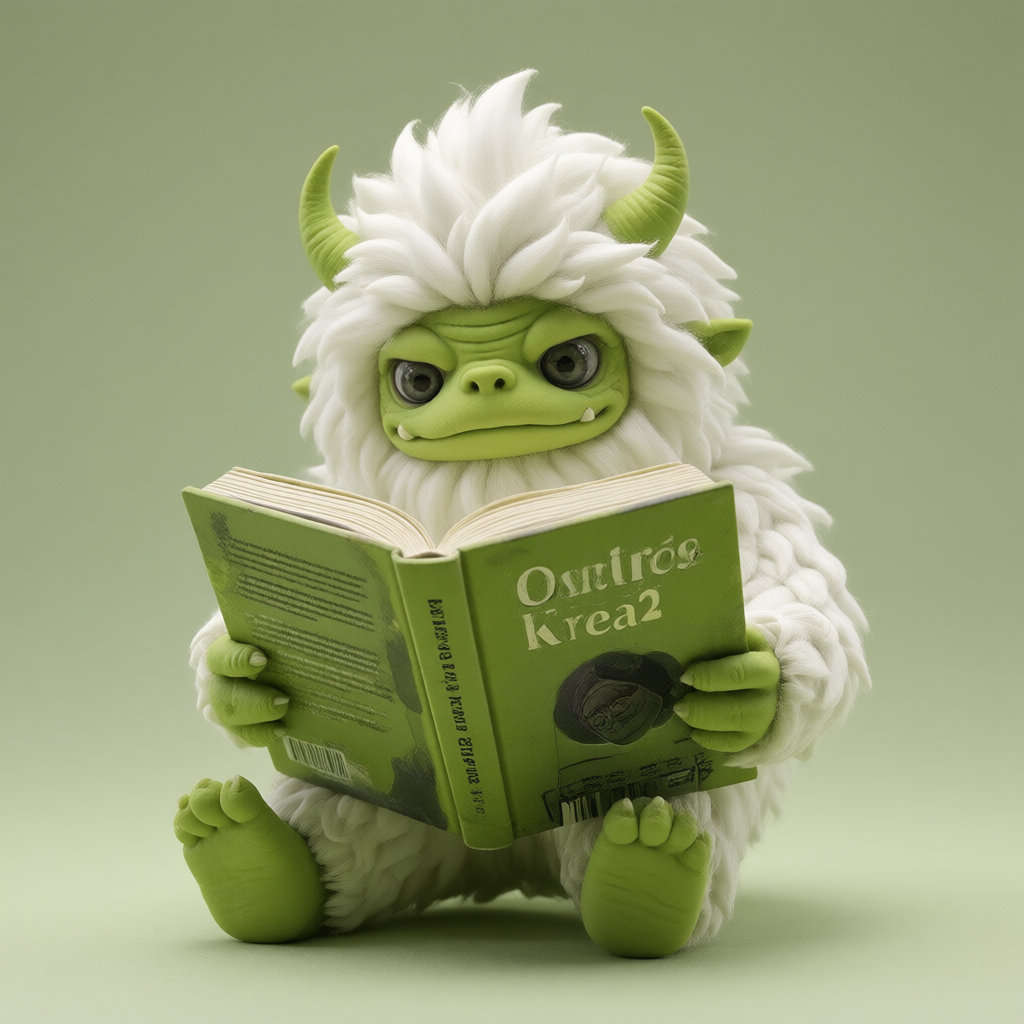 | |
| テンプレート名 | モデル | ワークフロー | 保存ワークフロー名 | |
| ③ | Krea-2 INT8: Image Style Reference | Turbo(INT8) | image_krea2_turbo_int8_image_style_reference.json | Krea-2 INT8: Image Style Reference.json |
| ・テンプレートのオリジナル・ワークフローに対して「① モデルの変更, ② シード値を固定(同じ画像を再現できるように)」を変更する |
| プロンプト・エンハンサーにより内部で生成されるプロンプト(実行ごとに若干異なる) | 生成画像 |
|
Wait — the user’s input is minimal, and no medium or style has been specified. That means I must assume a default medium (likely “illustration” or “digital art”) and choose a visual style that best suits the whimsical, surreal subject: a white yeti with horns reading a book titled “Ostris + Krea2 Style Reference.” The mood should be curious, slightly absurd, and artistic — not menacing or realistic. Step 1: Subject and mood — The yeti is the central figure, white, with horns, engaged in an intellectual act (reading). The mood is playful yet scholarly, with a touch of fantasy. The book title suggests it’s about art styles, so the illustration should feel like a stylized reference sheet or concept art. Step 2: Visual styles — I’ll pick “digital illustration” as the medium since it’s flexible, supports stylized characters, and allows for clean lines and vibrant colors. For style, I’ll go with “cartoonish but detailed,” to balance whimsy with clarity — not too childish, not too photorealistic. Alternative styles like “anime” or “concept art” could work, but “cartoonish but detailed” better serves the tone of a “style reference” book. Step 3: Composition — Centered shot, the yeti sitting upright, book open on its lap or held in front. Its face should be expressive — perhaps slightly bemused or focused — to emphasize the act of reading. Background should be simple and uncluttered to keep focus on the character and book. Lighting should be soft and even, avoiding harsh shadows to maintain the illustrative quality. Step 4: Grounded details — The book’s title must be clearly visible, in bold sans-serif font, centered on the cover. The yeti’s horns should be curved and elegant, not jagged. Its fur should be fluffy and white, with subtle shading to imply texture. No other objects or characters — no animals, no humans — unless implied by the context (which it isn’t). Step 5: Text rendering — The title “Ostris + Krea2 Style Reference” must appear exactly as written, wrapped in quotes if necessary for clarity, but since the user didn’t request typography, I’ll just write it plainly. The font should be modern and legible, possibly with a slight gradient or metallic sheen to match the “reference” theme. Step 6: Avoid over-specification — I won’t invent clothing, colors beyond white and | 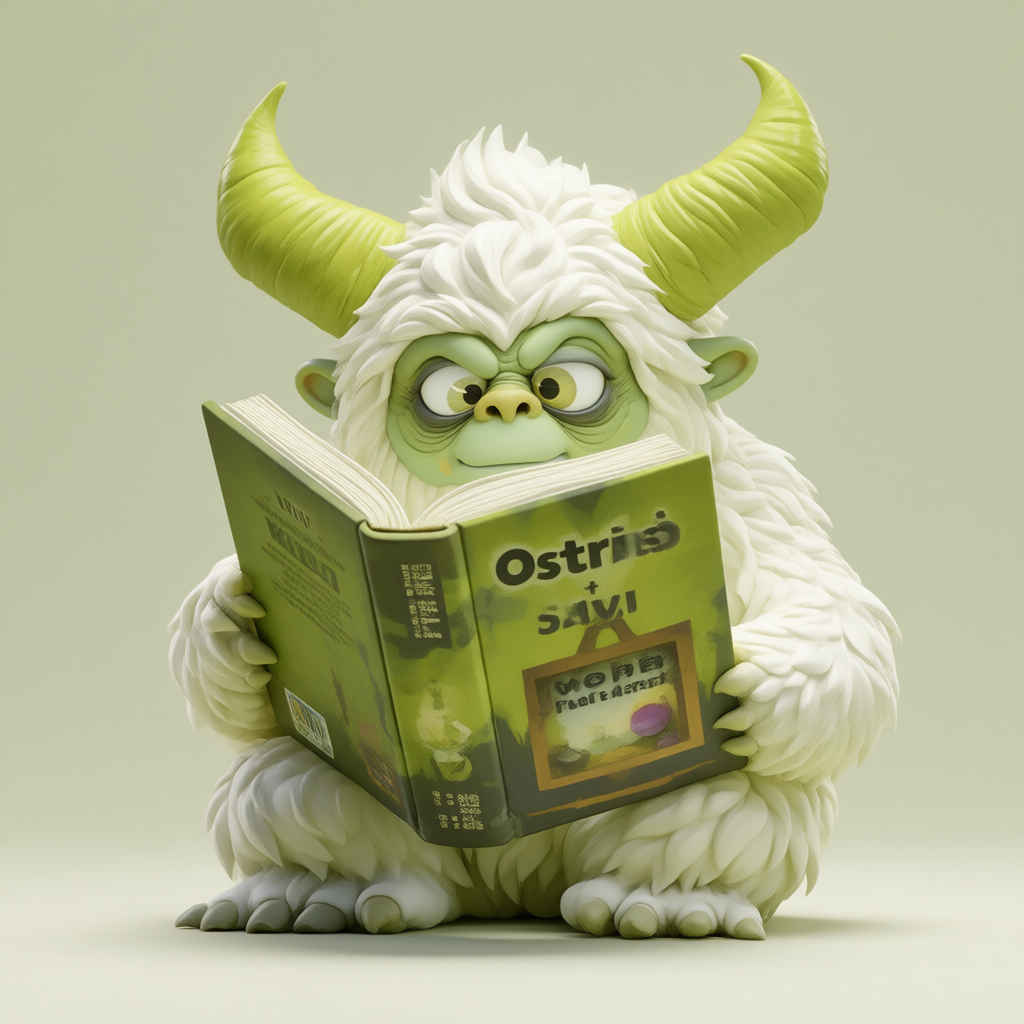 |
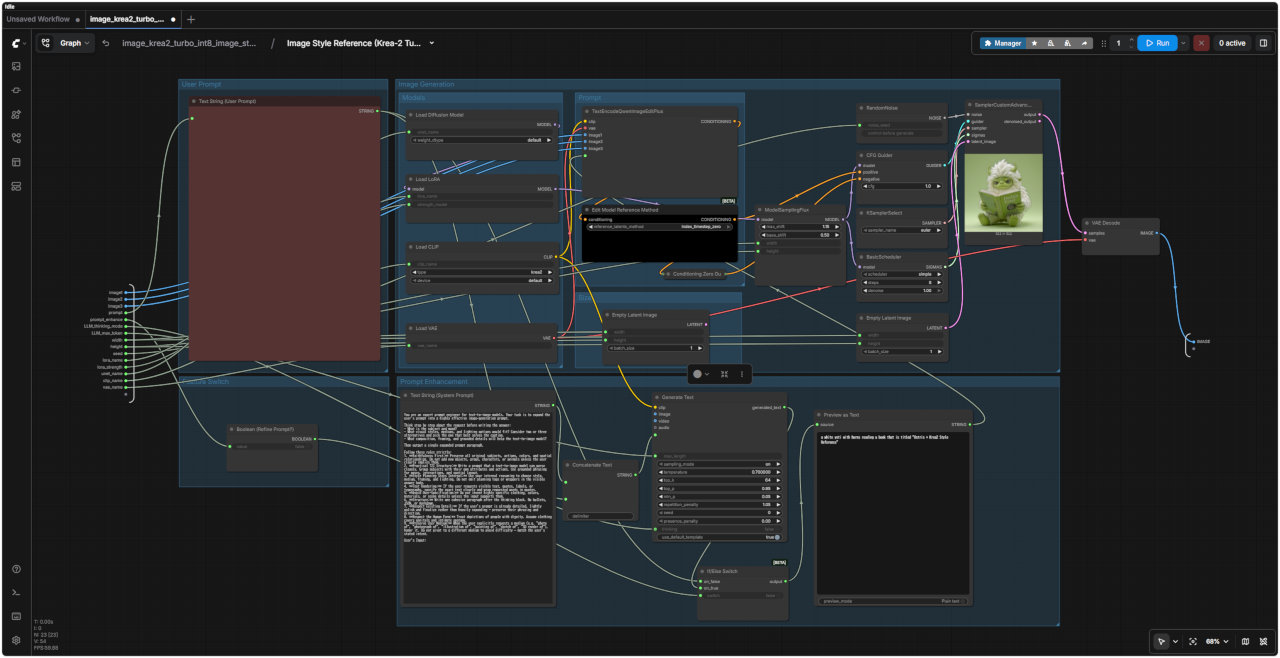
| オリジナルのワークフローを整理して FHD(1920x1080) 画面内に一括表示できるようにする |
| 入力画像 | プロンプト | 生成画像 |
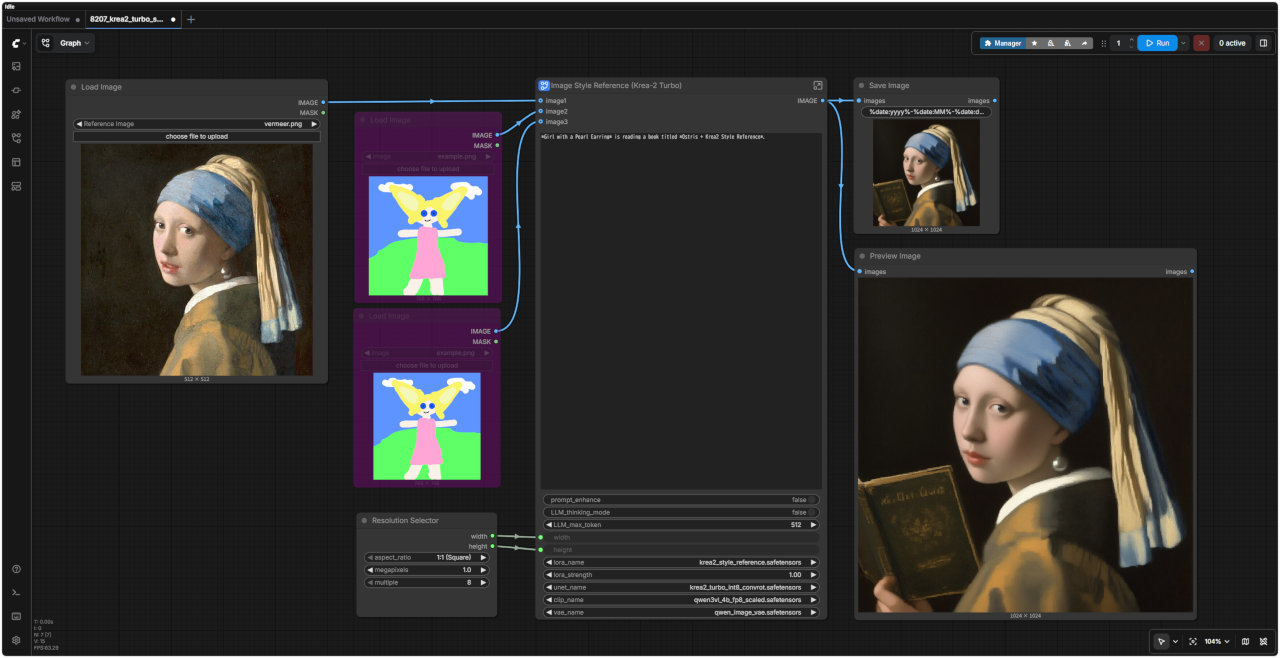
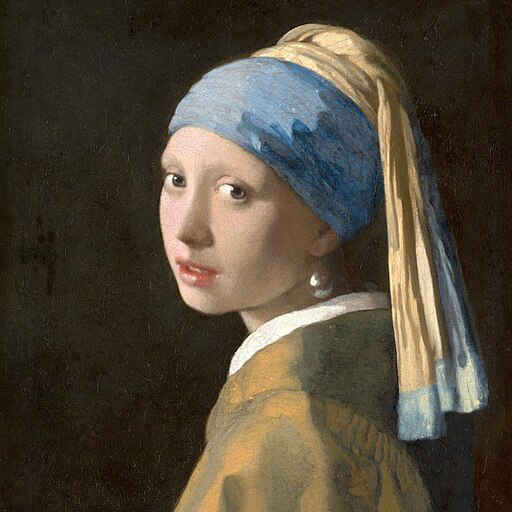 | *Girl with a Pearl Earring* is reading a book titled *Ostris + Krea2 Style Reference*. | 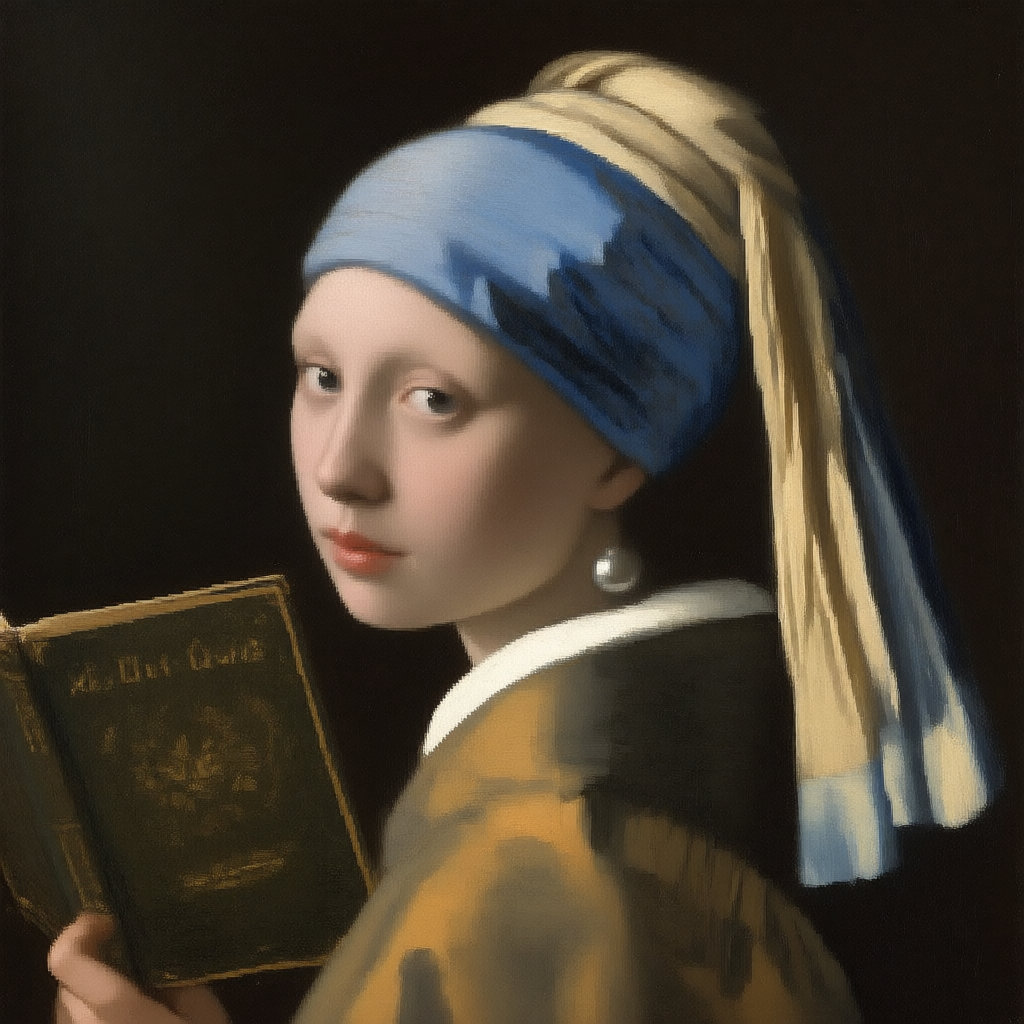 |
| 『真珠の耳飾りの少女』が、『Ostris + Krea2 Style Reference』というタイトルの本を読んでいます。 |
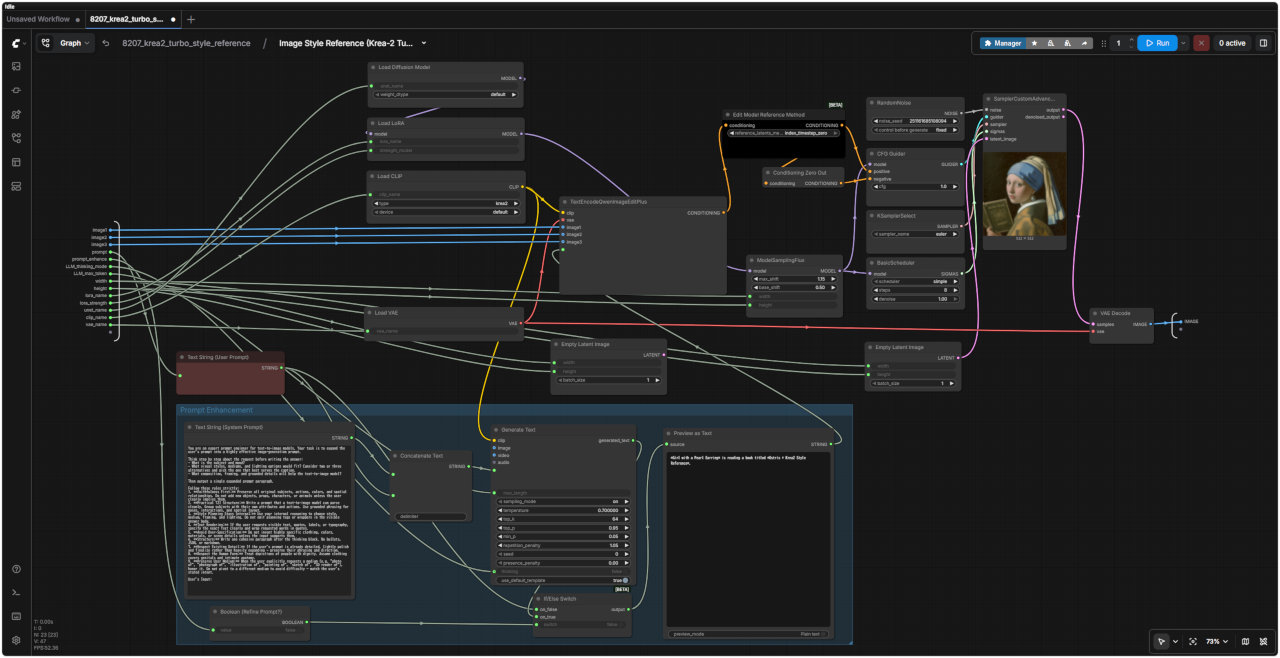
| 8207 Style Reference ワークフロー | 8207 SubGraph(プロンプト・エンハンサー付き) |
 |  |
| 「Krea/」8207_krea2_turbo_style_reference.json | |
| 入力画像 | プロンプト | 生成画像 |
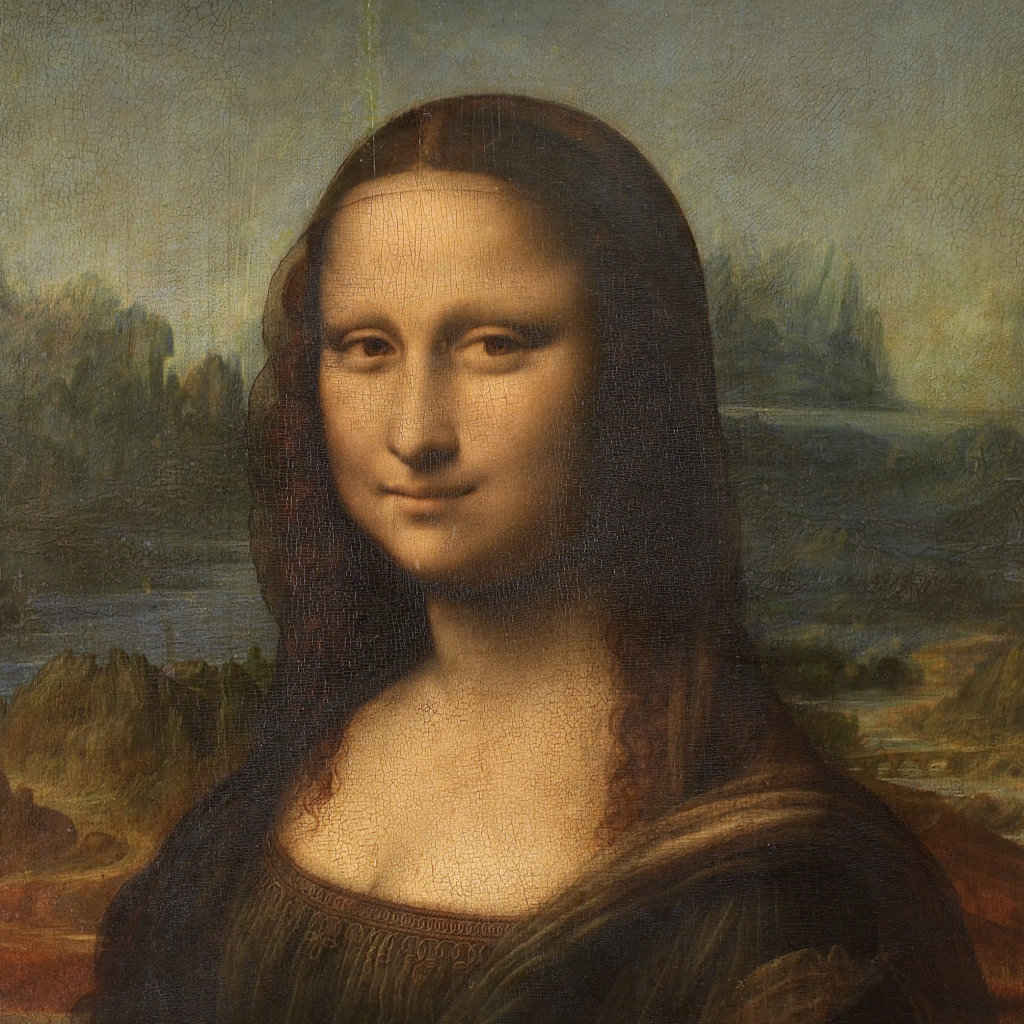 | The Mona Lisa is reading a book titled "Ostris + Krea2 Style Reference. | 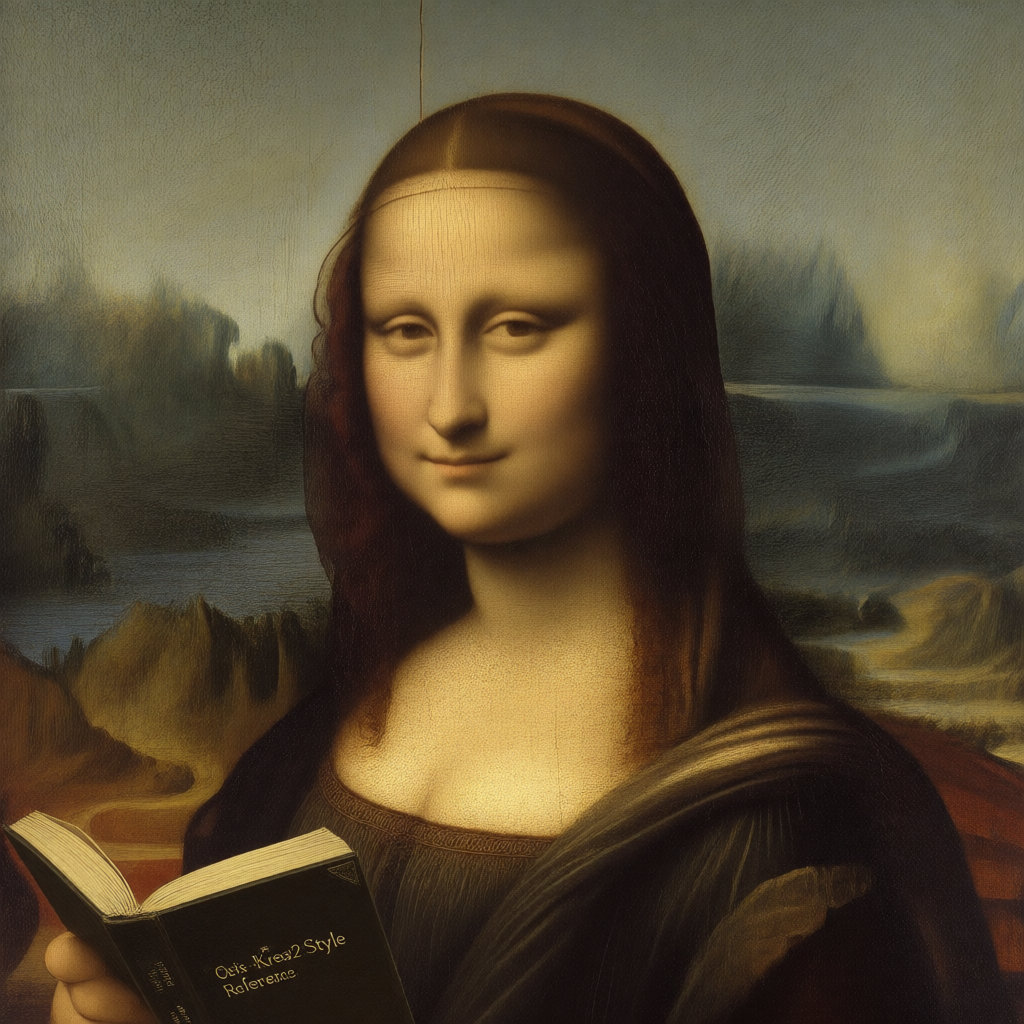 |
| モナ・リザは、『Ostris + Krea2 Style Reference』というタイトルの本を読んでいます。 |
| 8208 Style Reference(展開版) | 基本パラメータ設定 |
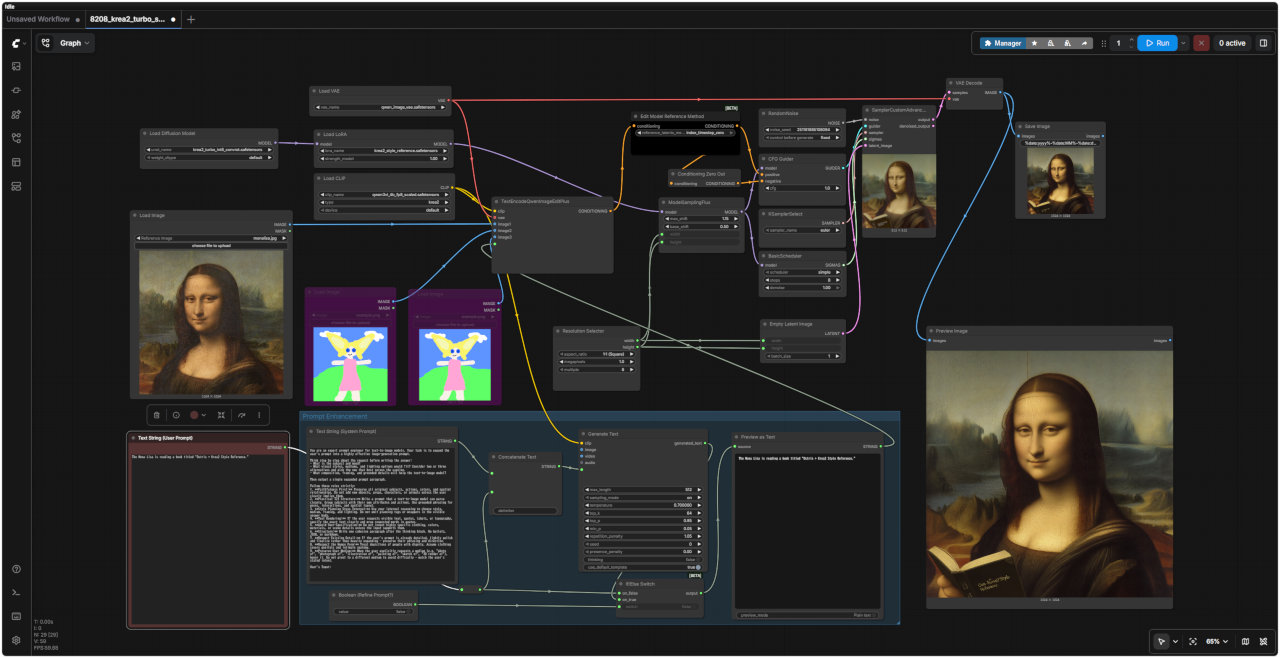 | ・Step 8 ・CFG 1 ・Euler ・Simple ・LoRA強度 1.0 ・参照画像 1枚 ・出力サイズ Resolution Selector で設定 ・プロンプト拡張機能 デフォールト OFF(prompt_enhance = fakse) prompt_enhance = true(有効)にすると、Qwen3-VL TextGenerate で Krea2 向けに整形したテキストをプロンプトにする 参照画像入力は最大3枚まで |
| 「Krea/」8208_krea2_turbo_style_ref_simple.json |
| 入力画像 | プロンプト | 生成画像 |
| | The Mona Lisa wearing black-rimmed glasses. | 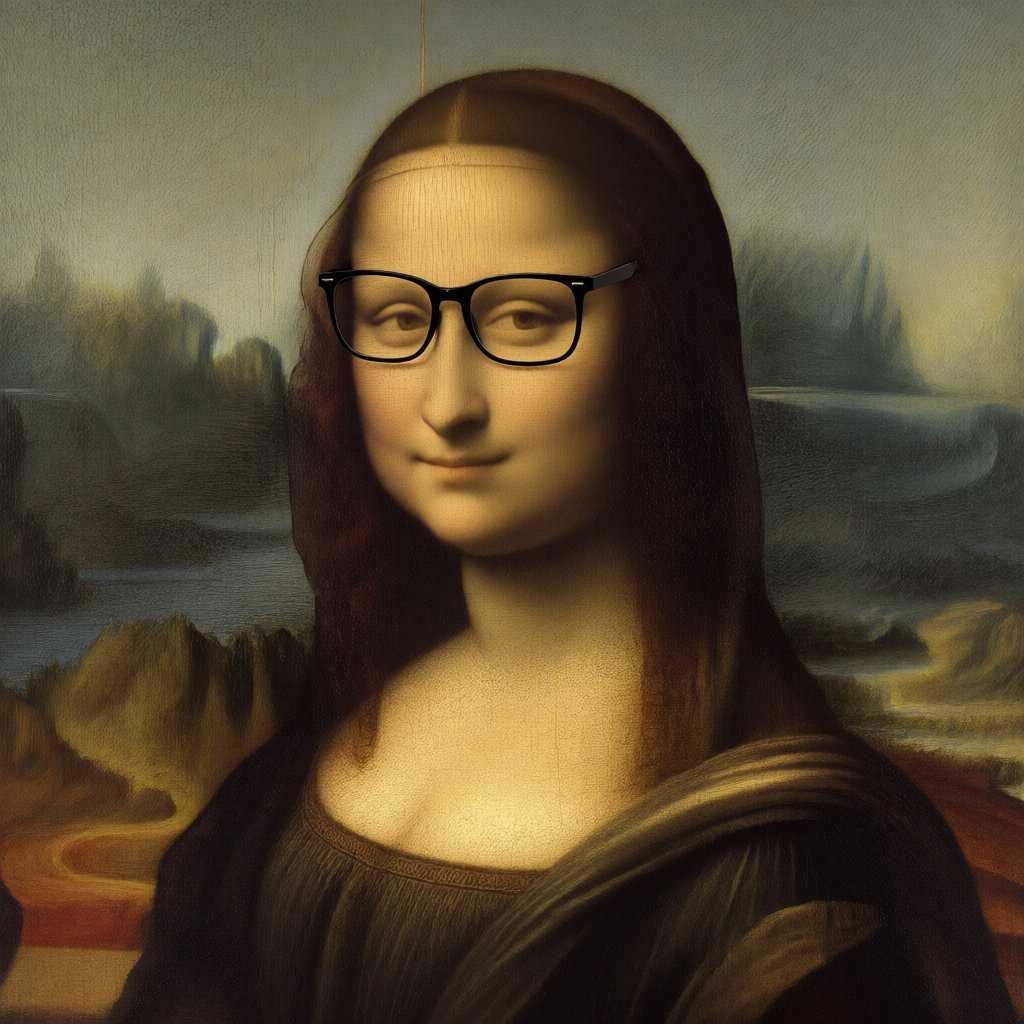 |
| 黒縁の眼鏡をかけたモナ・リザ。 |
| 8209 Style Reference(簡略版) | コメント |
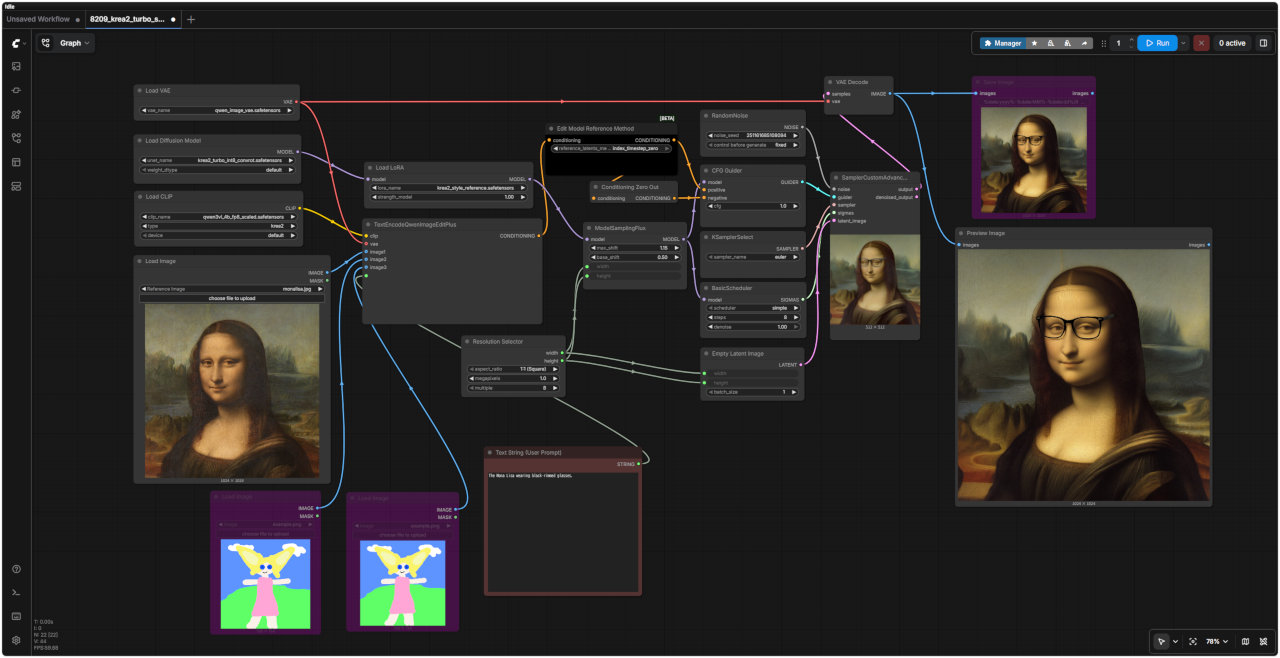 | プロンプト・エンハンサーを削除した必要最小限に絞ったワークフロー ・参照画像のスタイルや 構図 / 被写体の向き / 背景の密度 / 特徴的な衣装 / 配色 / / 画面内の大きな形 などを生成画像に反映する ・LoRA 強度を下げると参照スタイルの影響が弱まり、上げるとスタイルだけでなく構図やモチーフまで影響されやすくなる ・スタイルだけを取り込む場合は、被写体や構図が強すぎない参照画像の方が扱い 参考URL → https://ai-shogun.com/krea2-style-reference-lora/ |
| 「Krea/」8209_krea2_turbo_style_ref.json |
| 公式サイトで公開されている LoRAコレクション から効果を検証する → https://docs.comfy.org/ja/tutorials/image/krea/krea-2, https://aiaicreate.com/comfyui-krea2/ |
| スタイル | ファイル名 (.safetensors)) | トリガーワード | 推奨強度 (Strength) |
| モノクロ水墨画風 | krea2_darkbrush | monochrome ink wash style | 1.0 |
| モノクロ点描画風 | krea2_dotmatrix | monochrome stippling style | 1.0 |
| 素朴で表現力豊かなスケッチ風 | krea2_kidsdrawing | naive expressive sketch style | 1.0 |
| 質感のある抽象画風 | krea2_neondrip | textured abstract style | 1.0 |
| 雨の窓辺風 | krea2_rainywindow | rainy window style | 1.0 |
| 紫を基調としたレトロアニメ風 | krea2_retroanime | purple retro anime style | 1.0 |
| アール・デコ調の水彩画風 | krea2_softwatercolor | art deco watercolor style | 1.0 |
| 幻想的なモーションブラー(動感)風 | krea2_sunsetblur | ethereal motion blur style | 1.0 |
| ヴィンテージ・タロット風 | krea2_vintagetarot | vintage tarot style | 1.0 |
| プロンプト | &clipboard{[Trigger Word], editorial fashion photo, soft window light, a young japanease woman in an oversized beige trench coat standing in a minimalist concrete room, 85mm lens, shallow depth of field, muted earth tones, film grain}: |
| &clipboard{[トリガーワード], エディトリアル・ファッション写真、窓からの柔らかな光、ミニマルなコンクリートの部屋に立つ、オーバーサイズのベージュのトレンチコートをまとった若い日本人女性、85mmレンズ、浅い被写界深度、落ち着いたアースカラー、フィルムの粒状感}: | |
| ワークフロー | 8204_krea2_turbo_t2i_simple.json |
| なし | krea2_darkbrush | krea2_dotmatrix | krea2_kidsdrawing | krea2_neondrip |
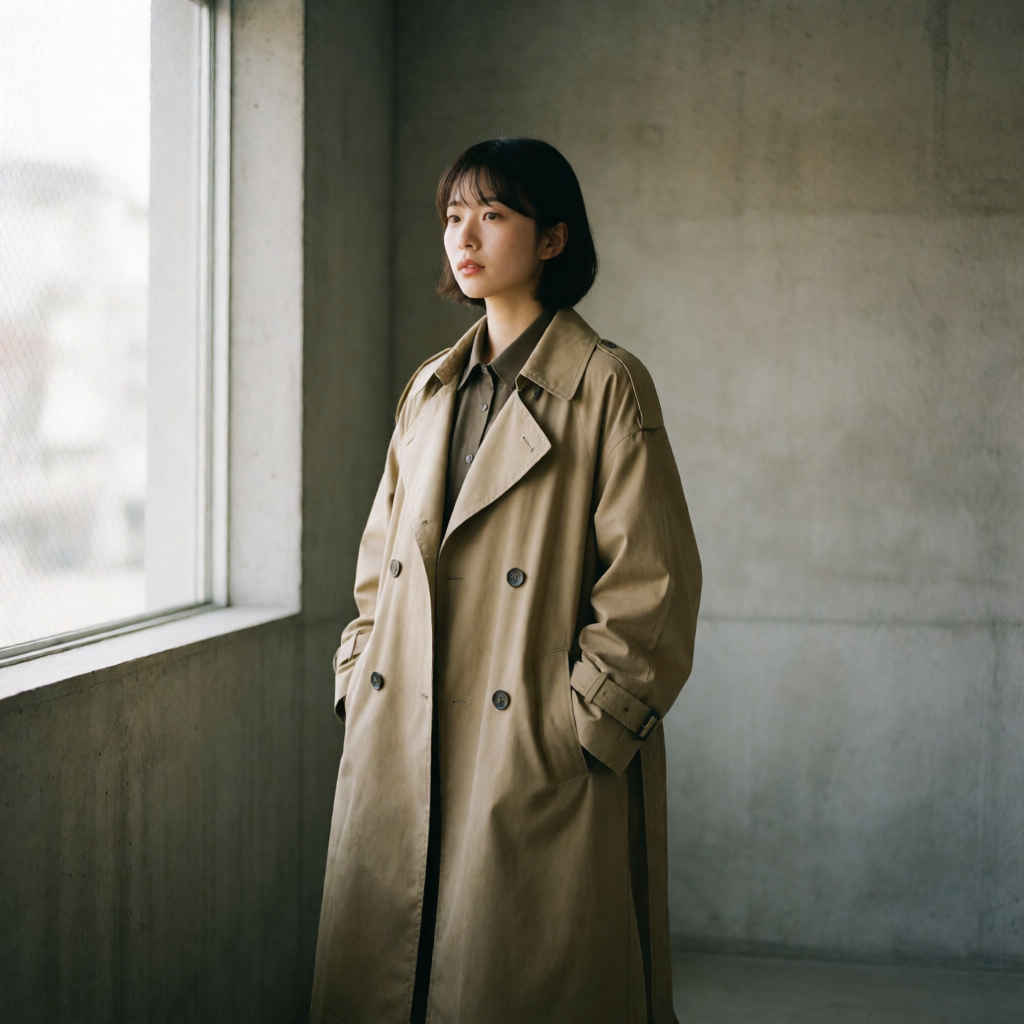 | 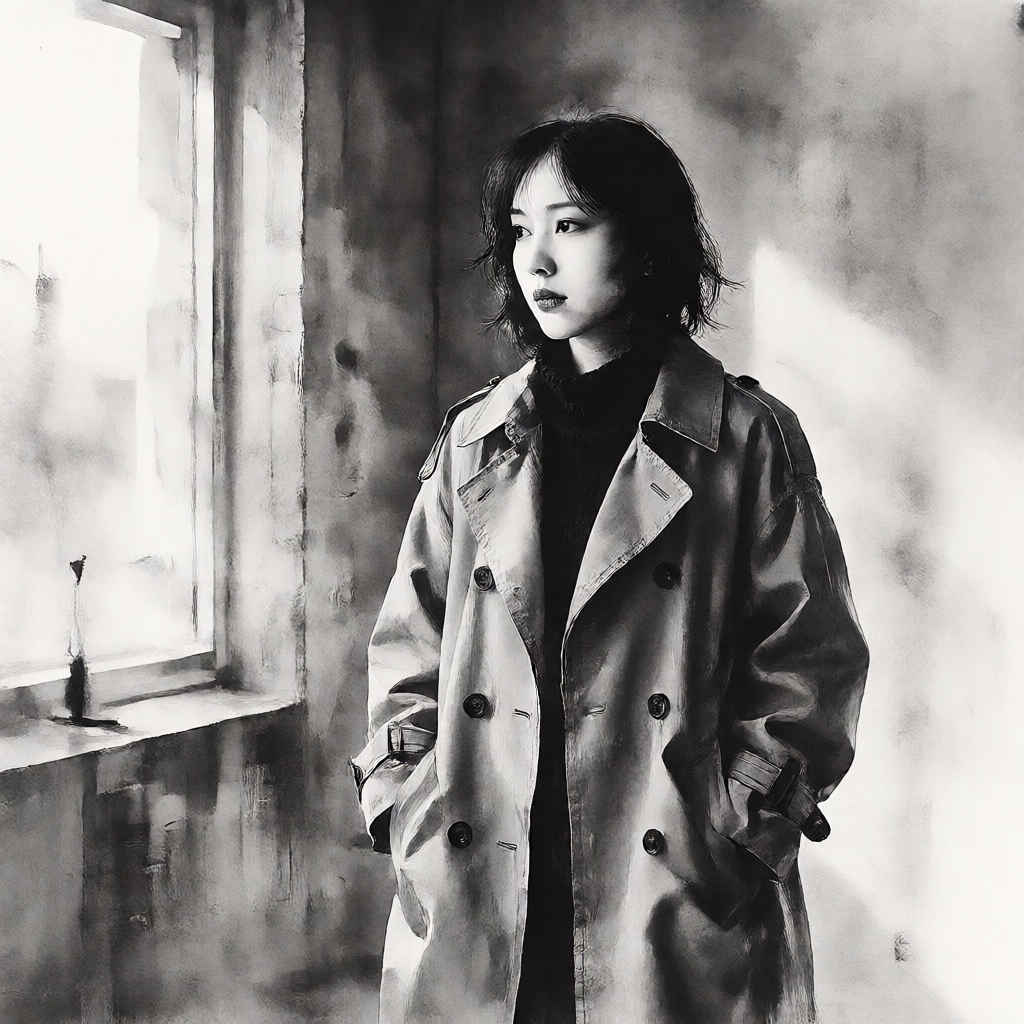 | 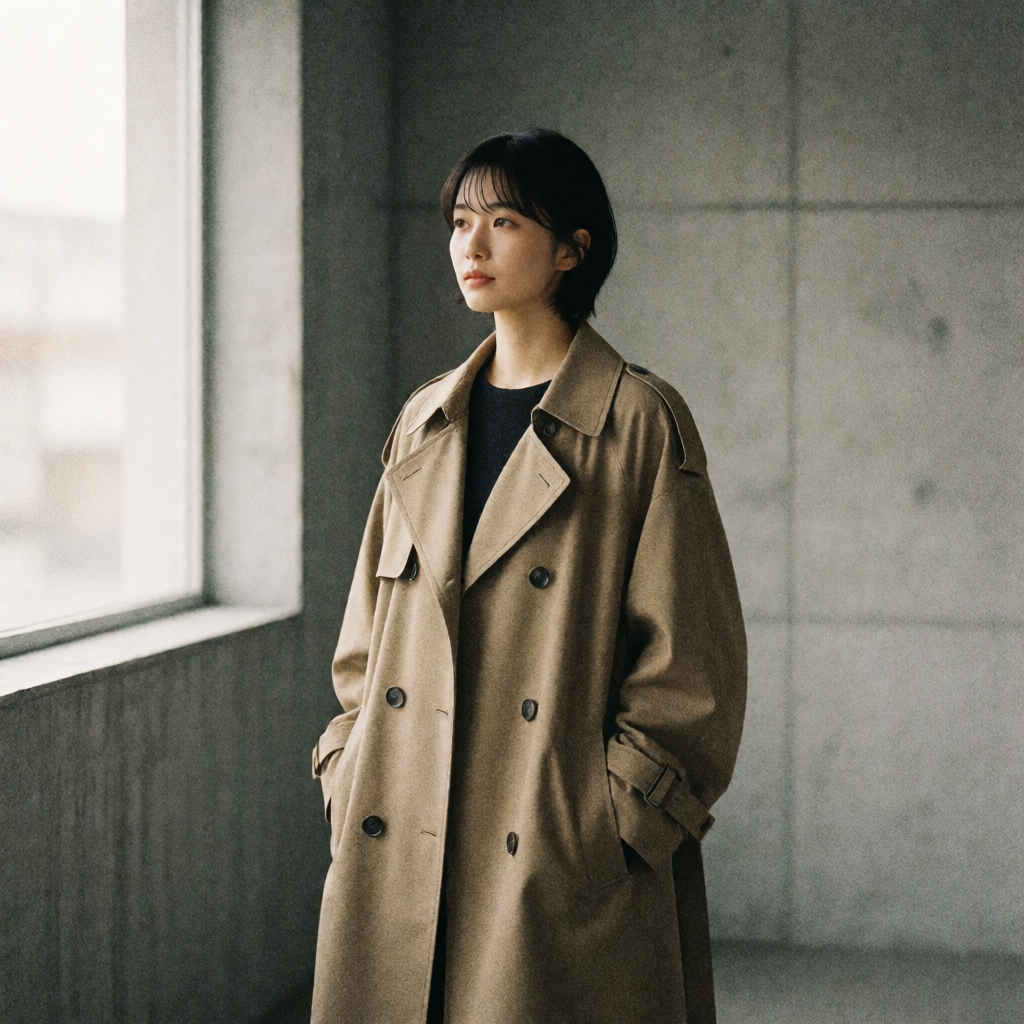 | 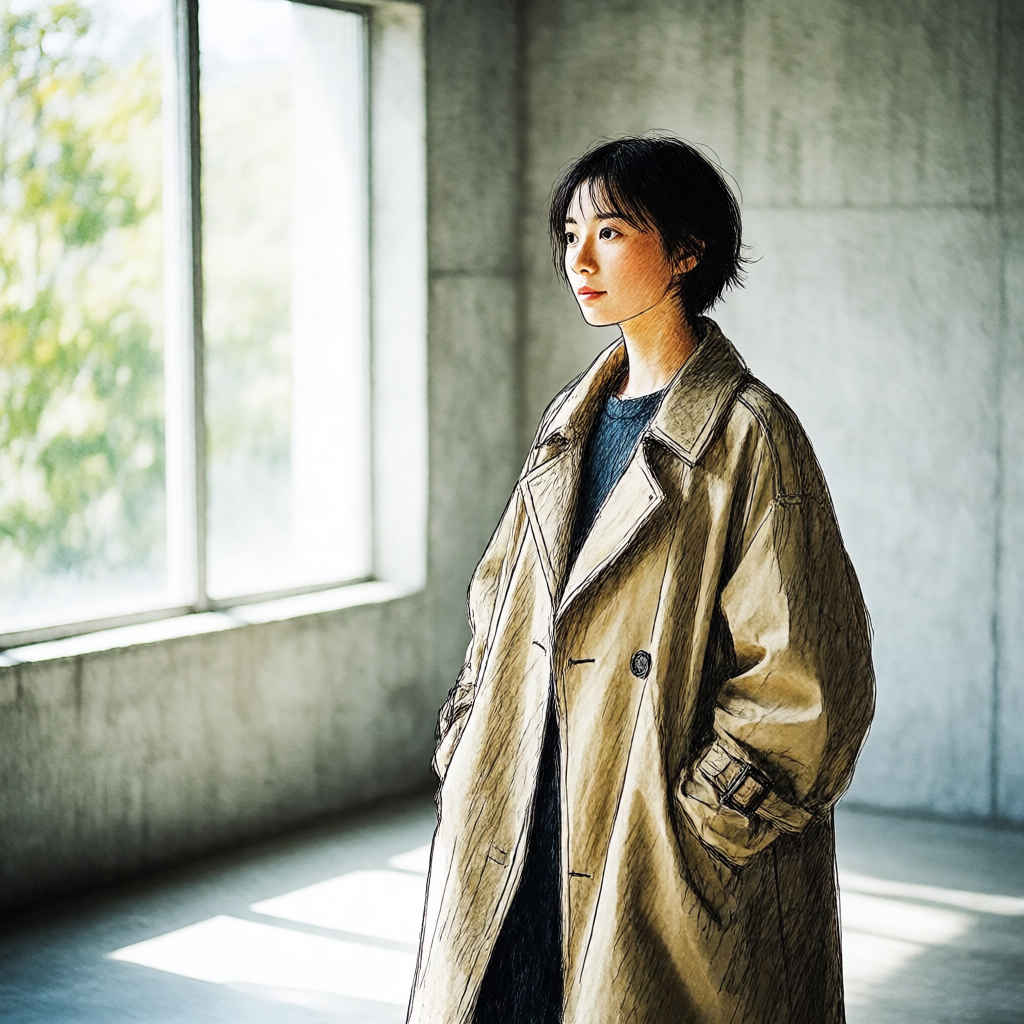 | 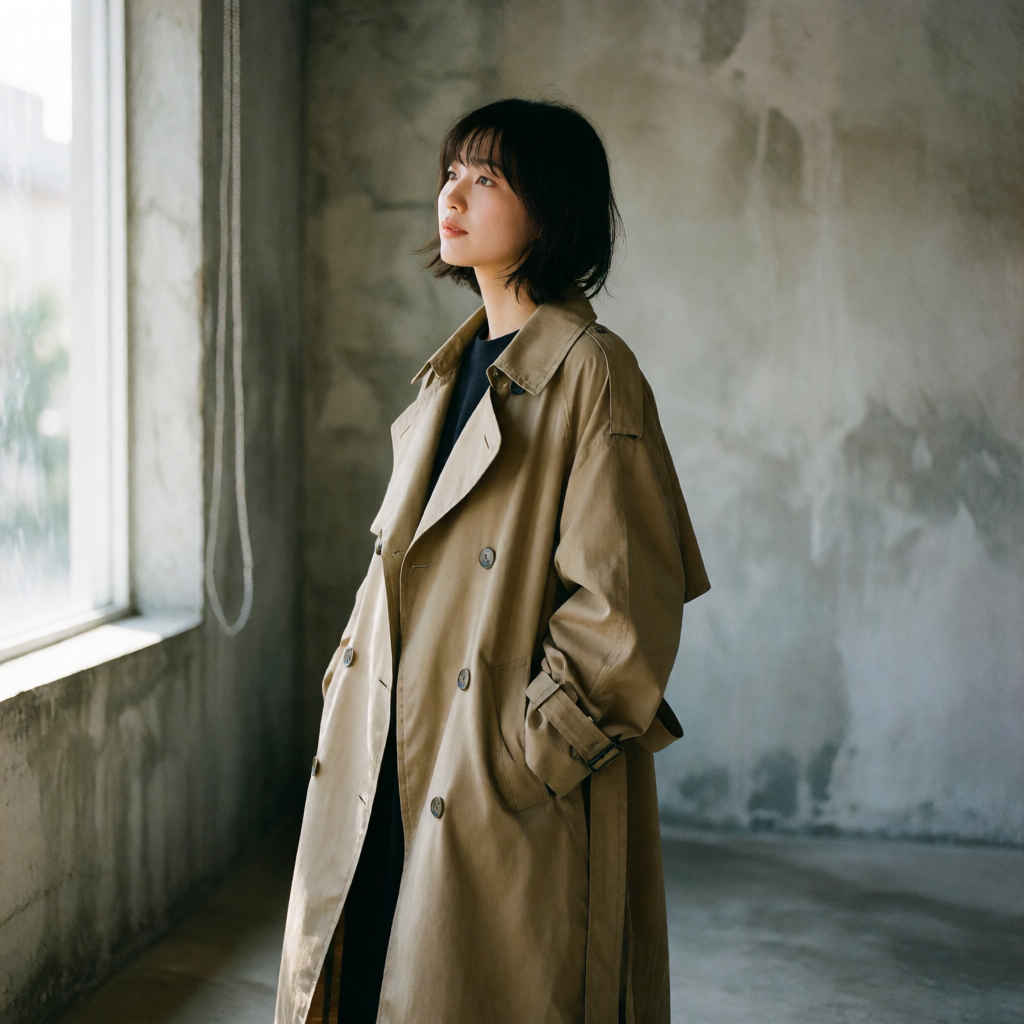 |
| krea2_rainywindow | krea2_retroanime | krea2_softwatercolor | krea2_sunsetblur | krea2_vintagetarot |
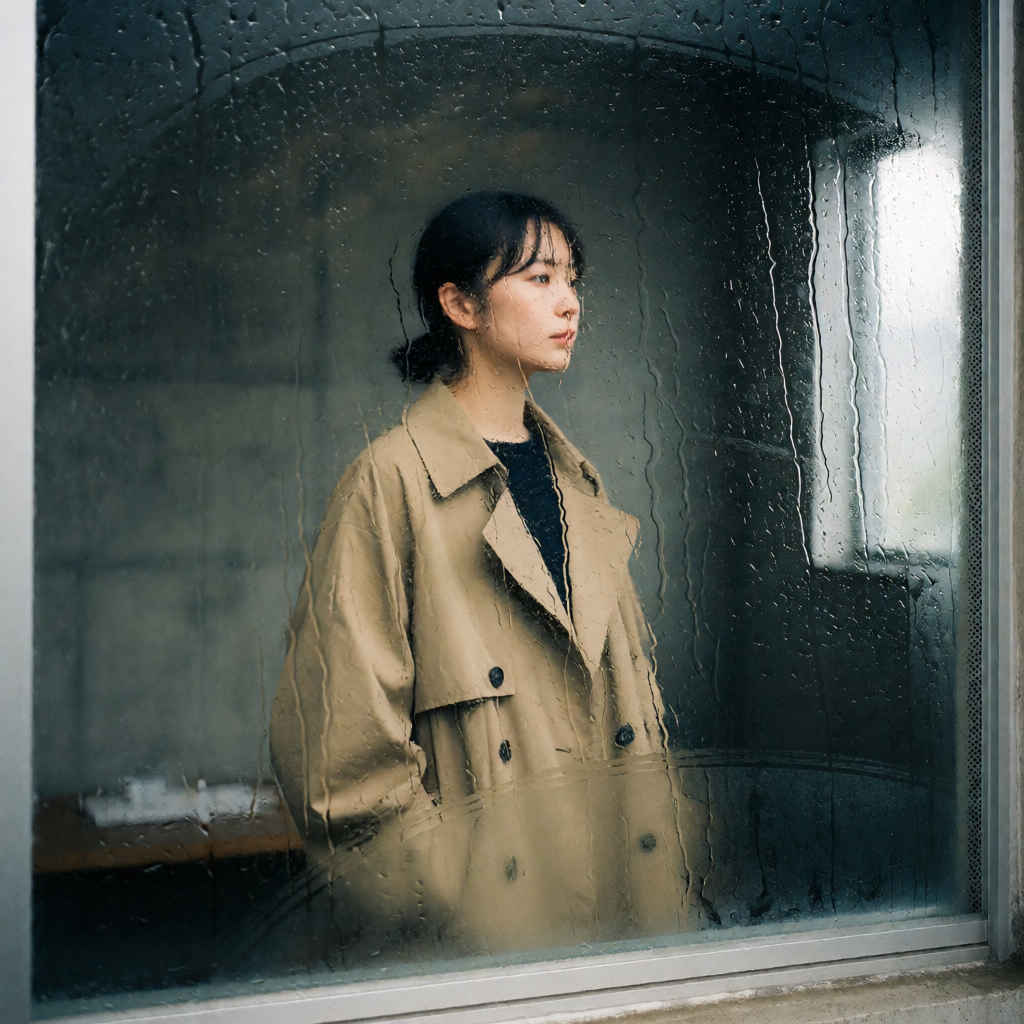 | 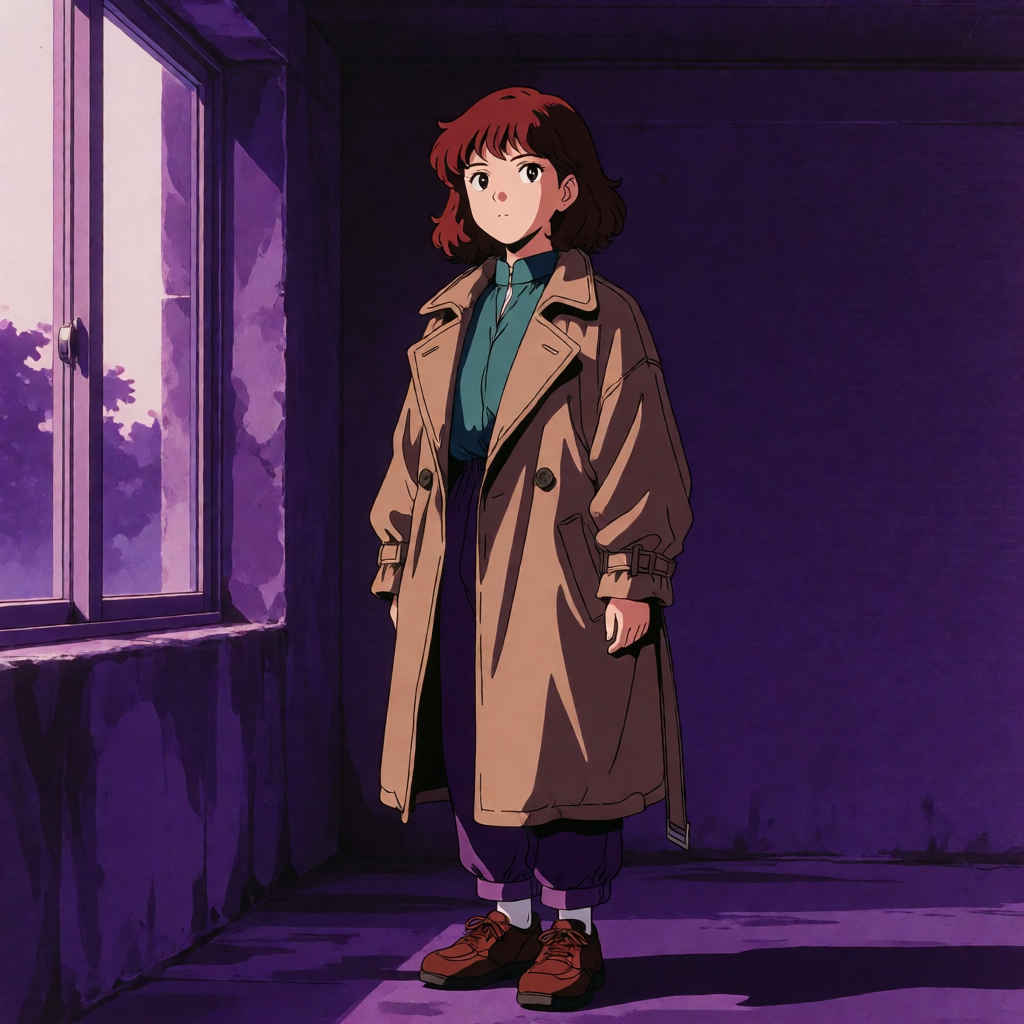 | 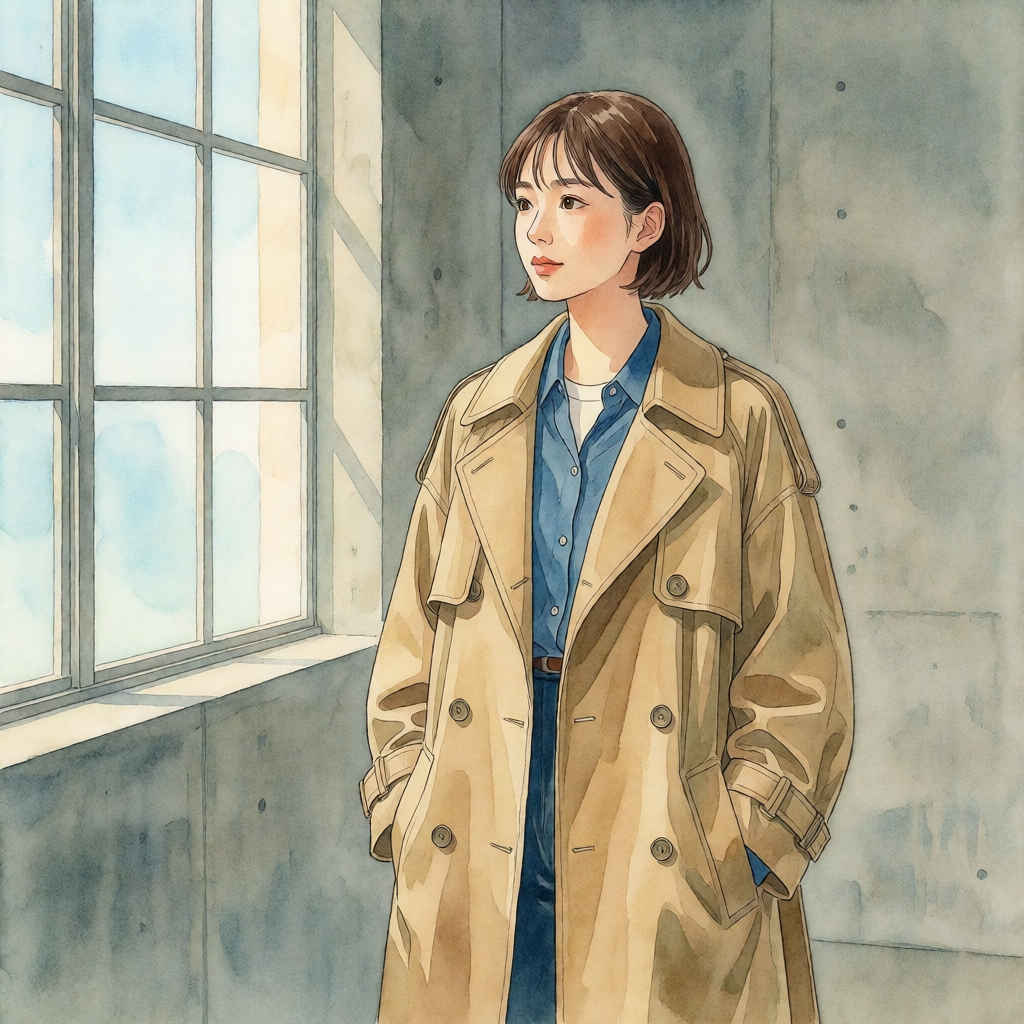 | 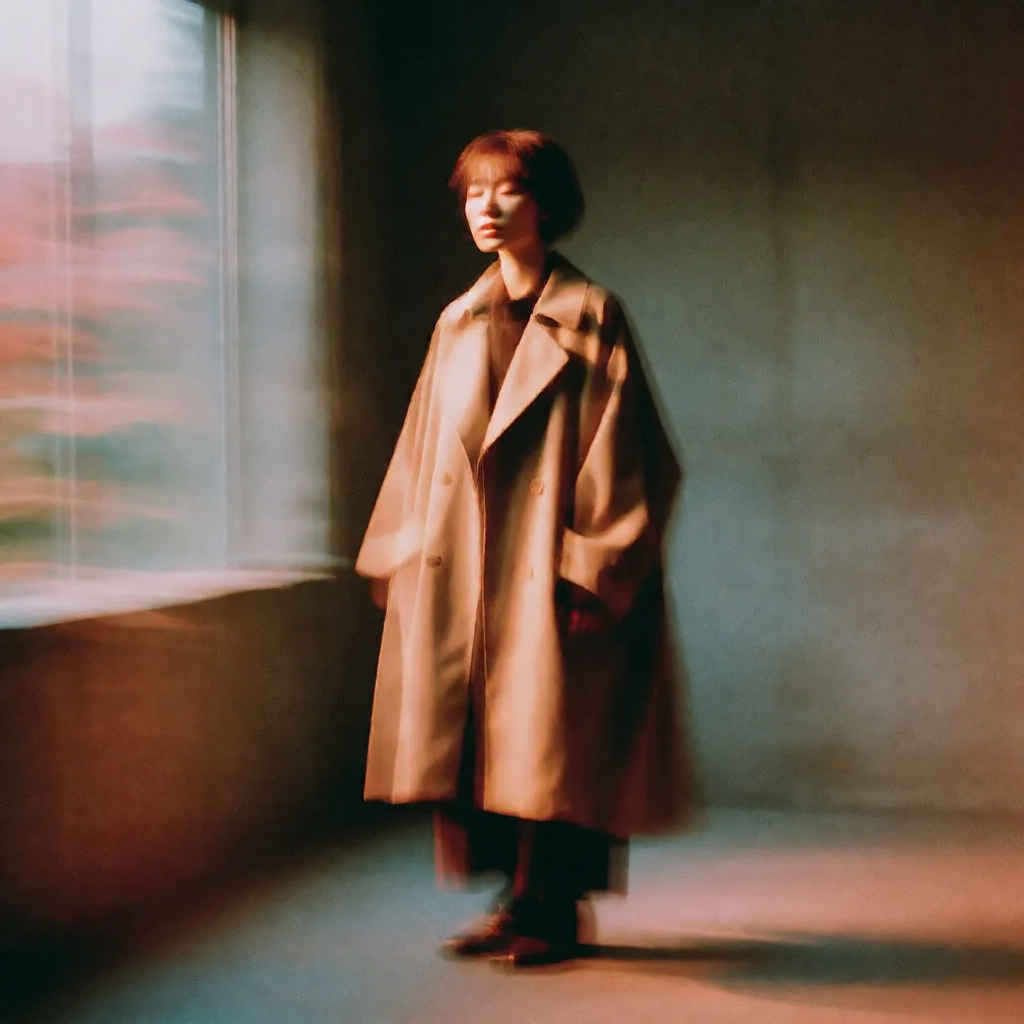 | 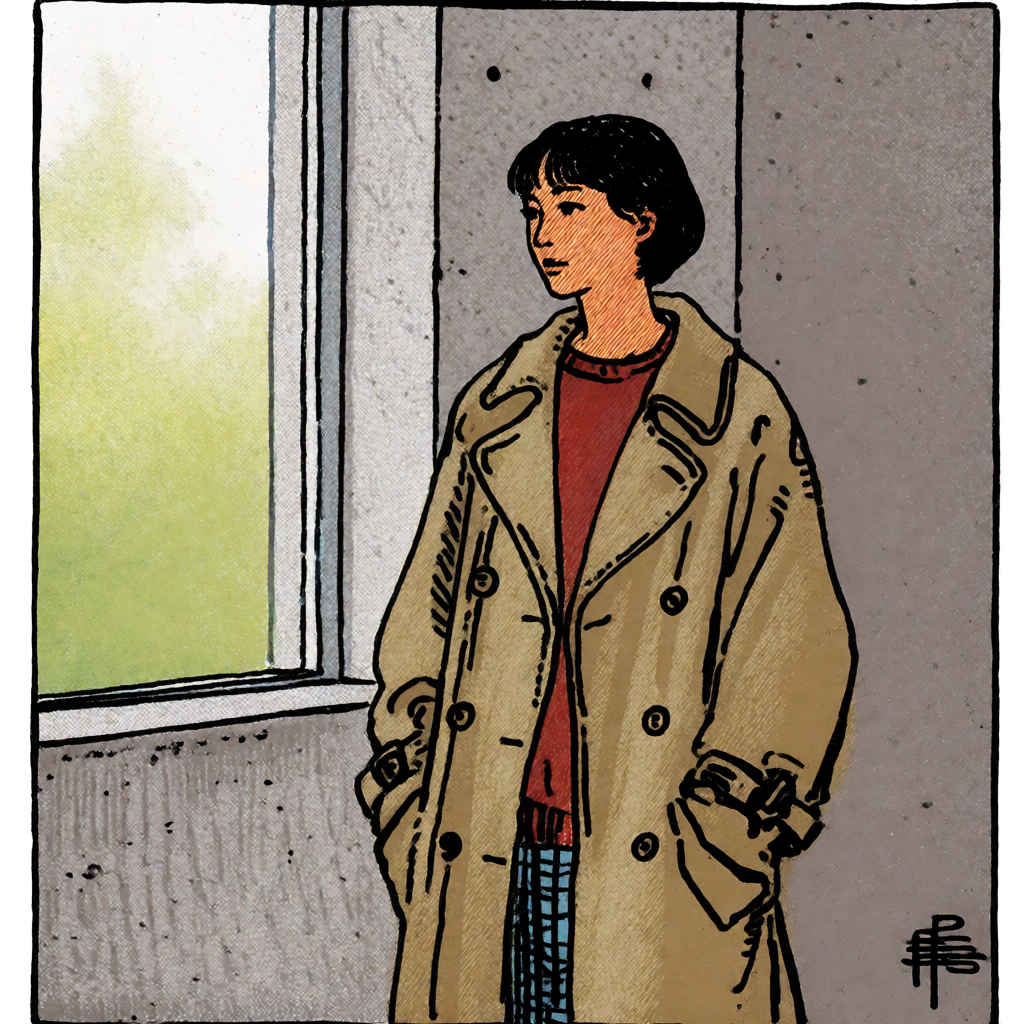 |
| プロンプト | &clipboard{[Trigger Word], ghibli-style anime illustration, warm afternoon light, a small seaside town with terracotta rooftops, fishing boats in the harbor, soft clouds, gentle waves, painterly textures, wide establishing shot}: |
| &clipboard{[トリガーワード], ジブリ風のアニメイラスト、午後の温かな光、テラコッタの屋根が並ぶ海辺の小さな町、港に浮かぶ漁船、柔らかな雲、穏やかな波、絵画的な質感、全体を捉えたワイドショット}: | |
| ワークフロー | 8204_krea2_turbo_t2i_simple.json |
| なし | krea2_darkbrush | krea2_dotmatrix | krea2_kidsdrawing | krea2_neondrip |
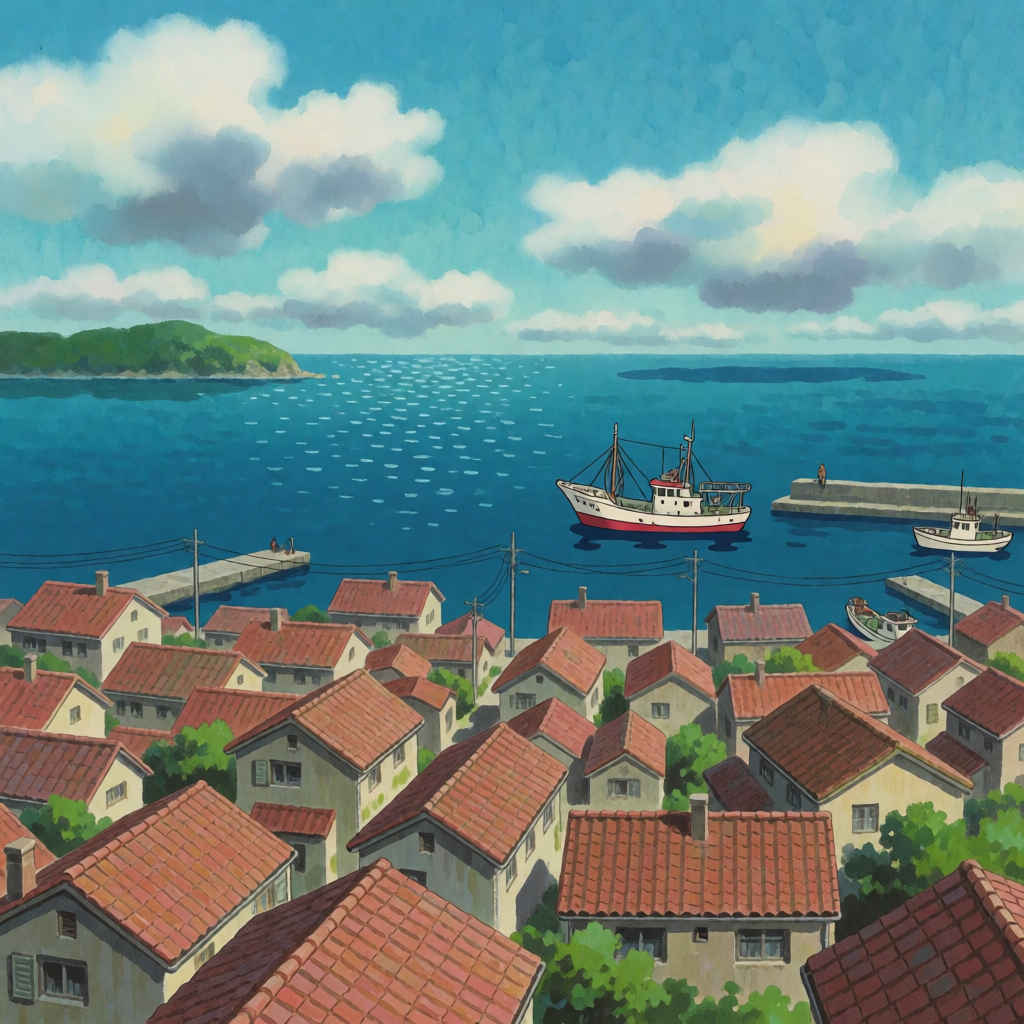 | 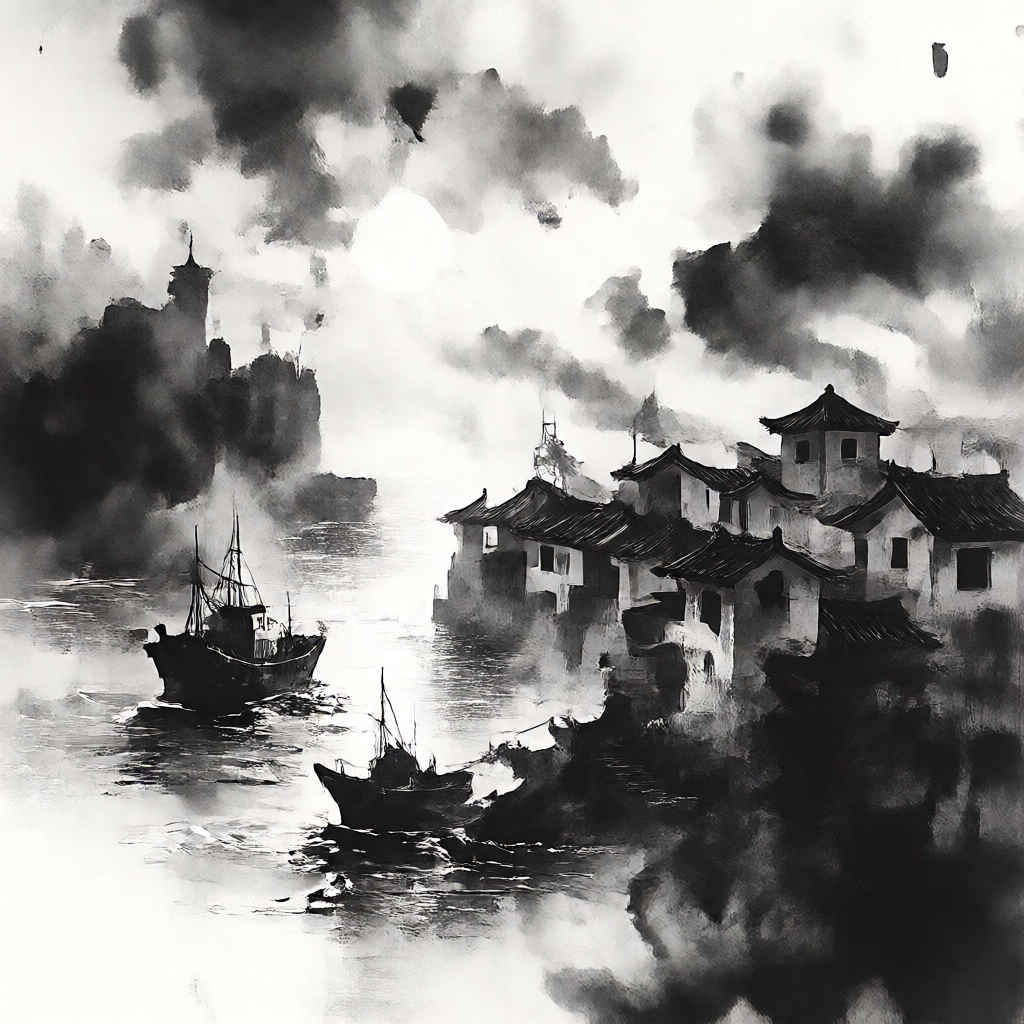 | 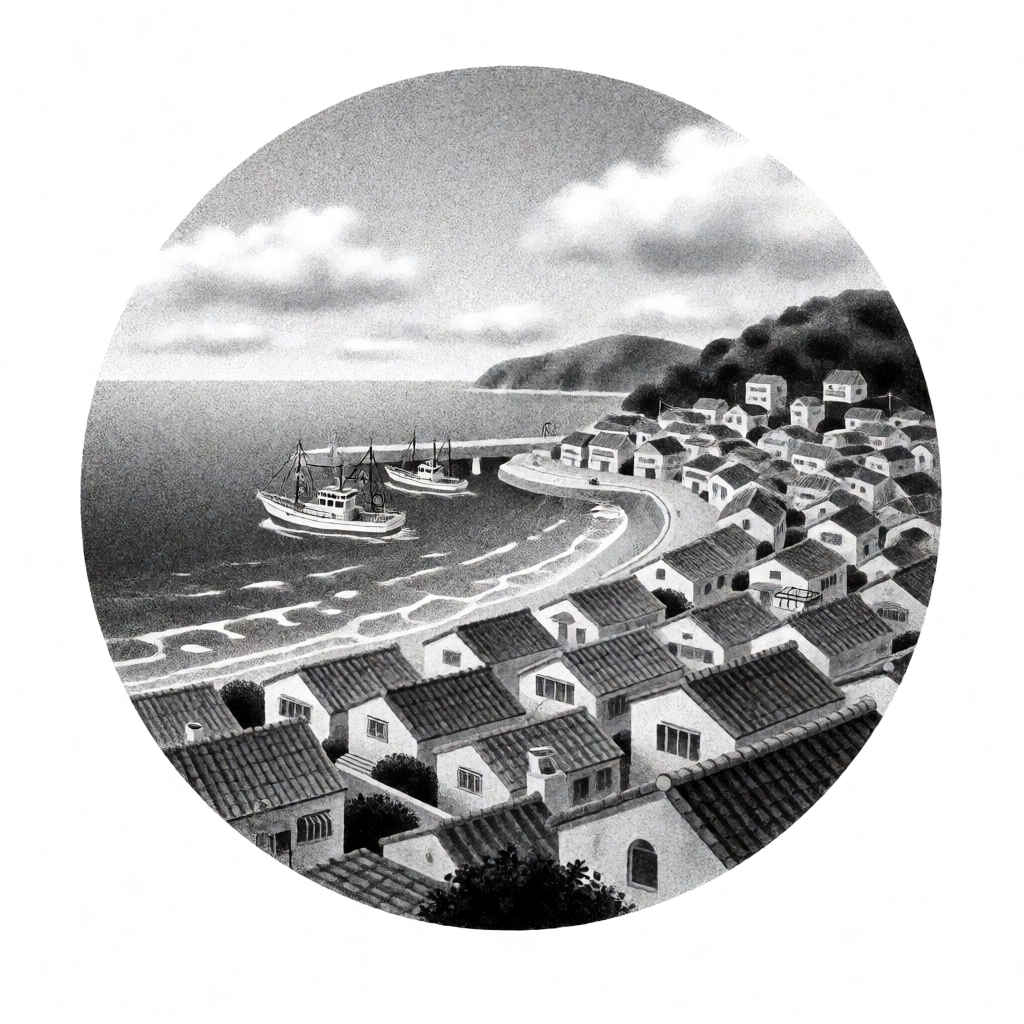 | 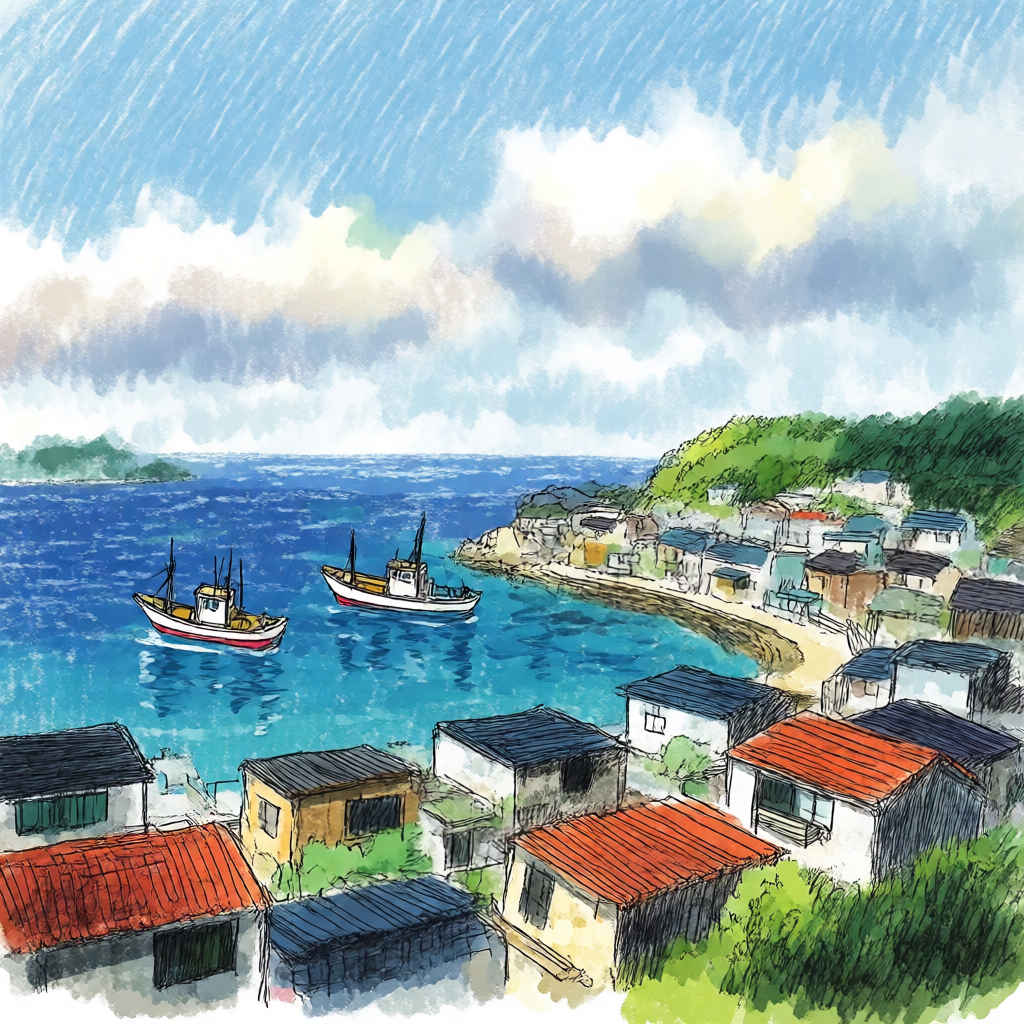 | 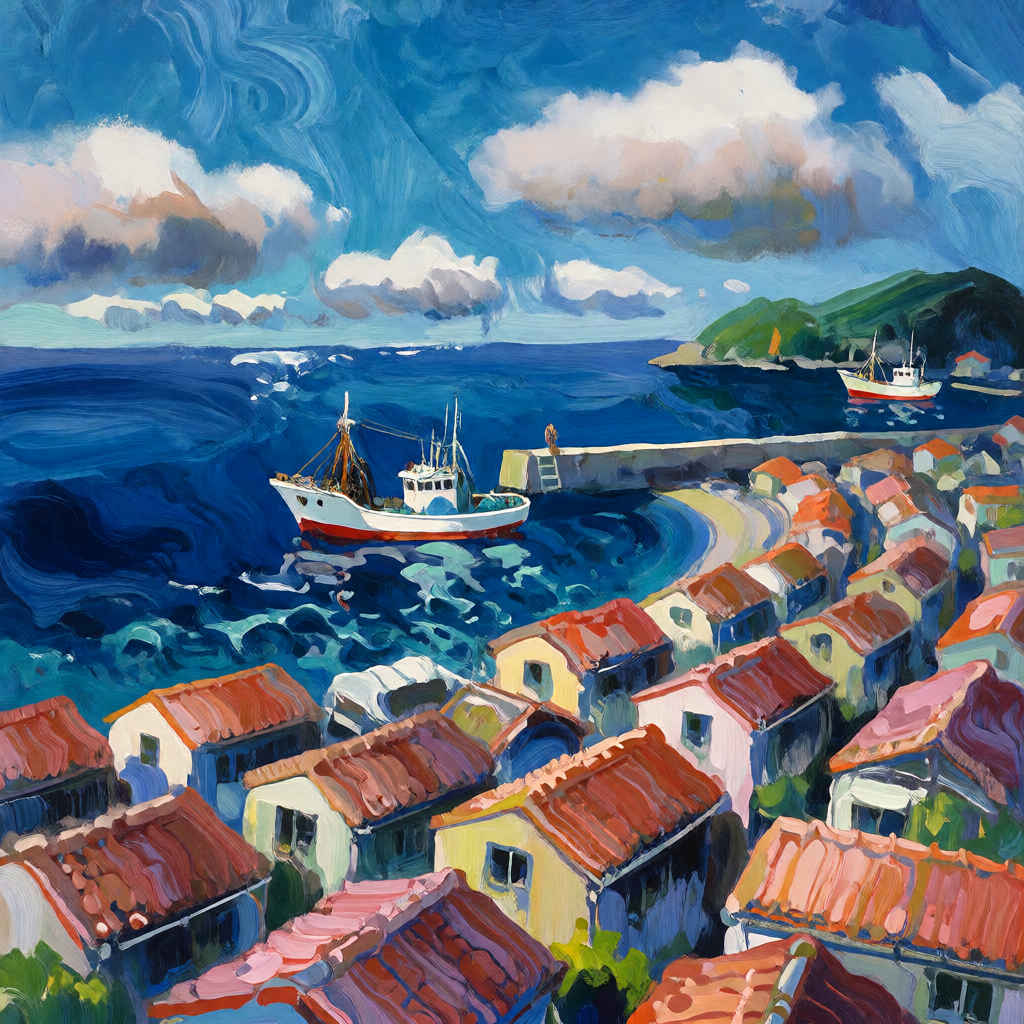 |
| krea2_rainywindow | krea2_retroanime | krea2_softwatercolor | krea2_sunsetblur | krea2_vintagetarot |
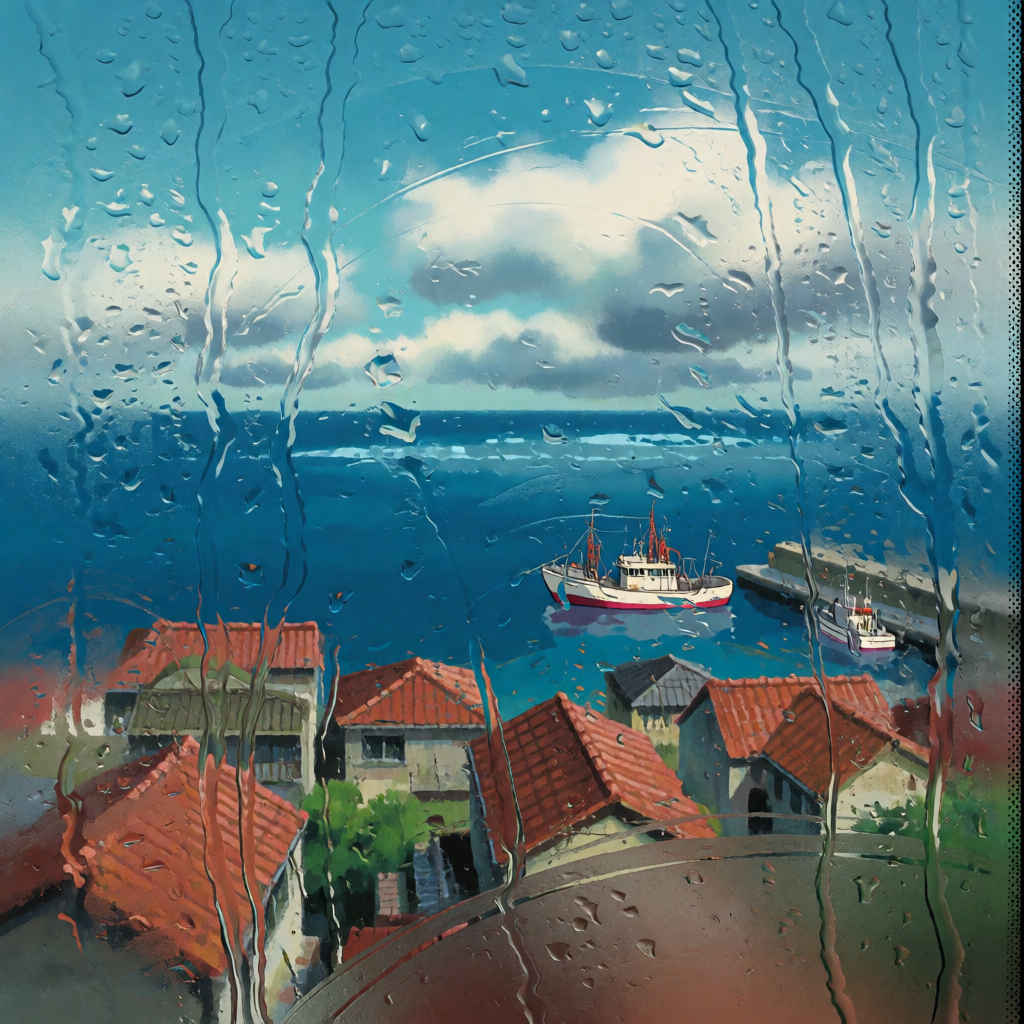 | 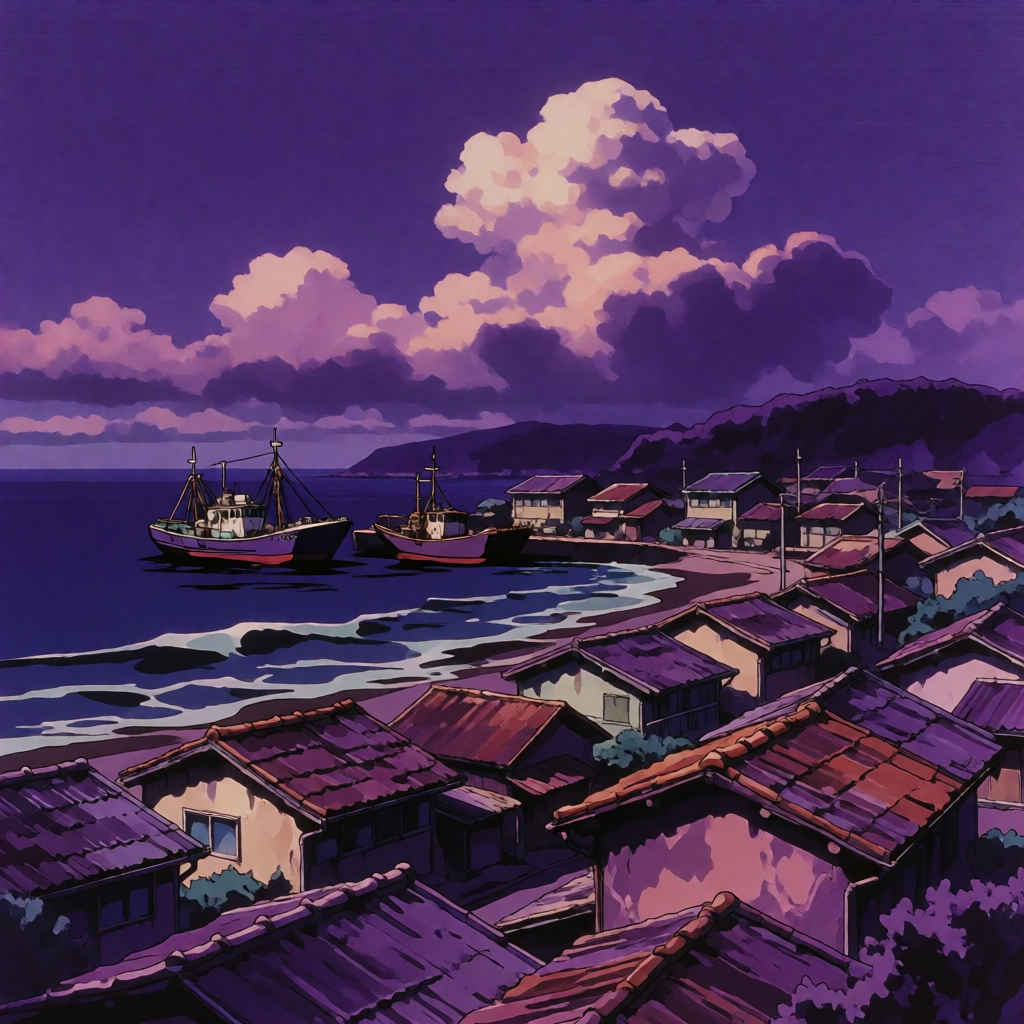 | 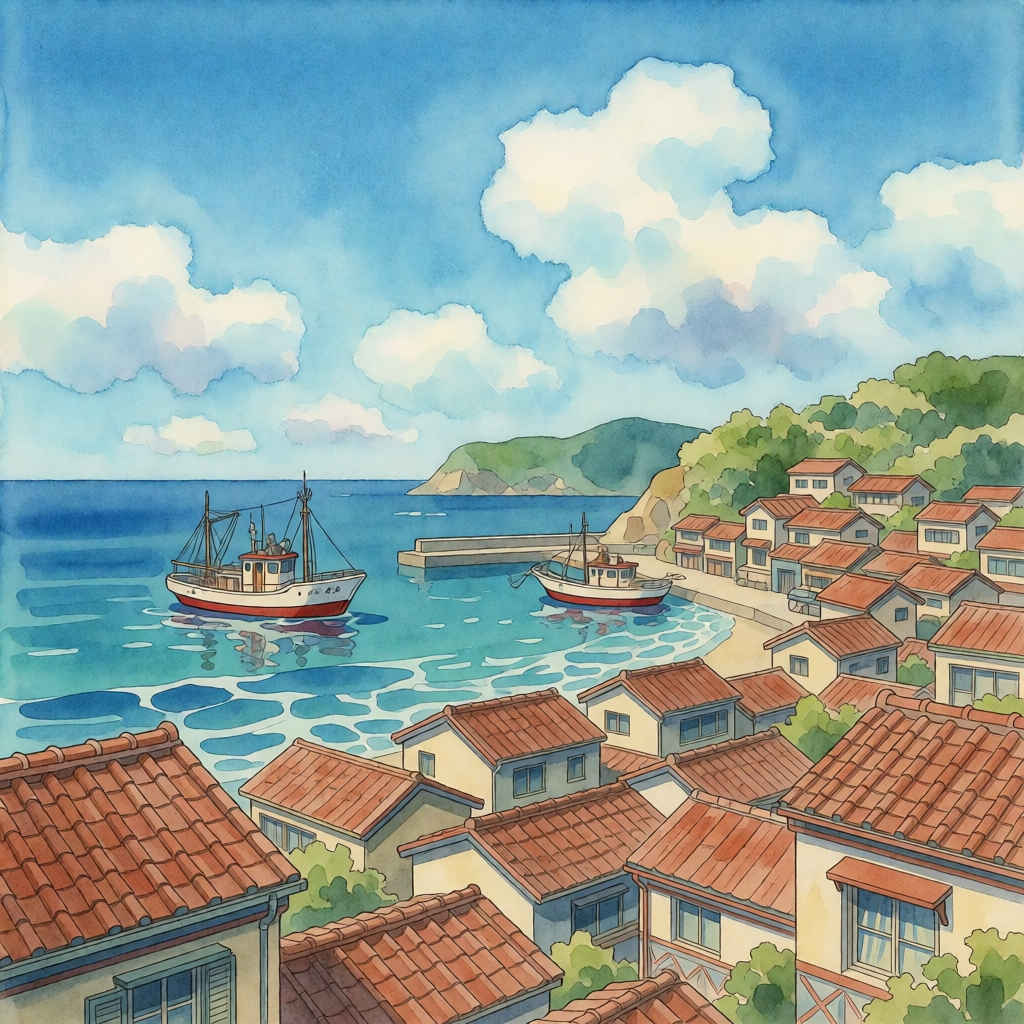 | 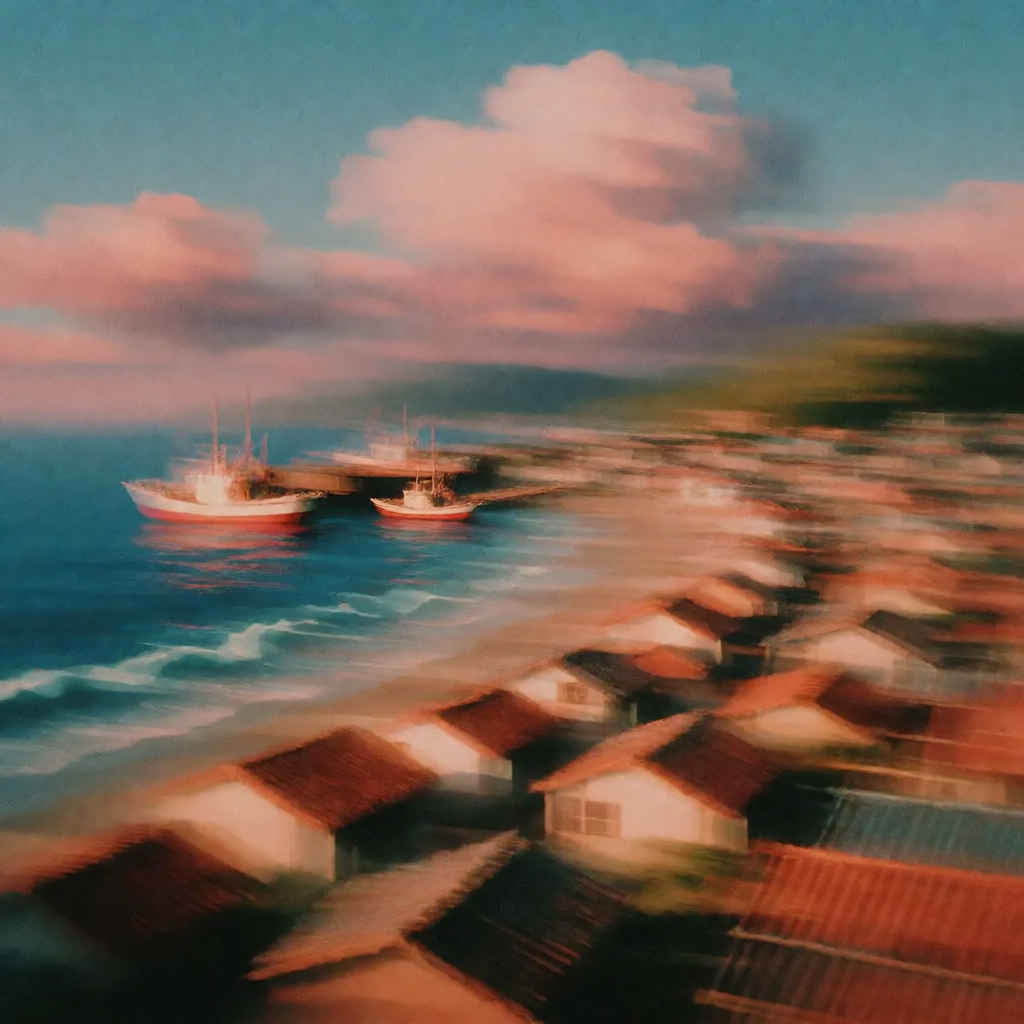 | 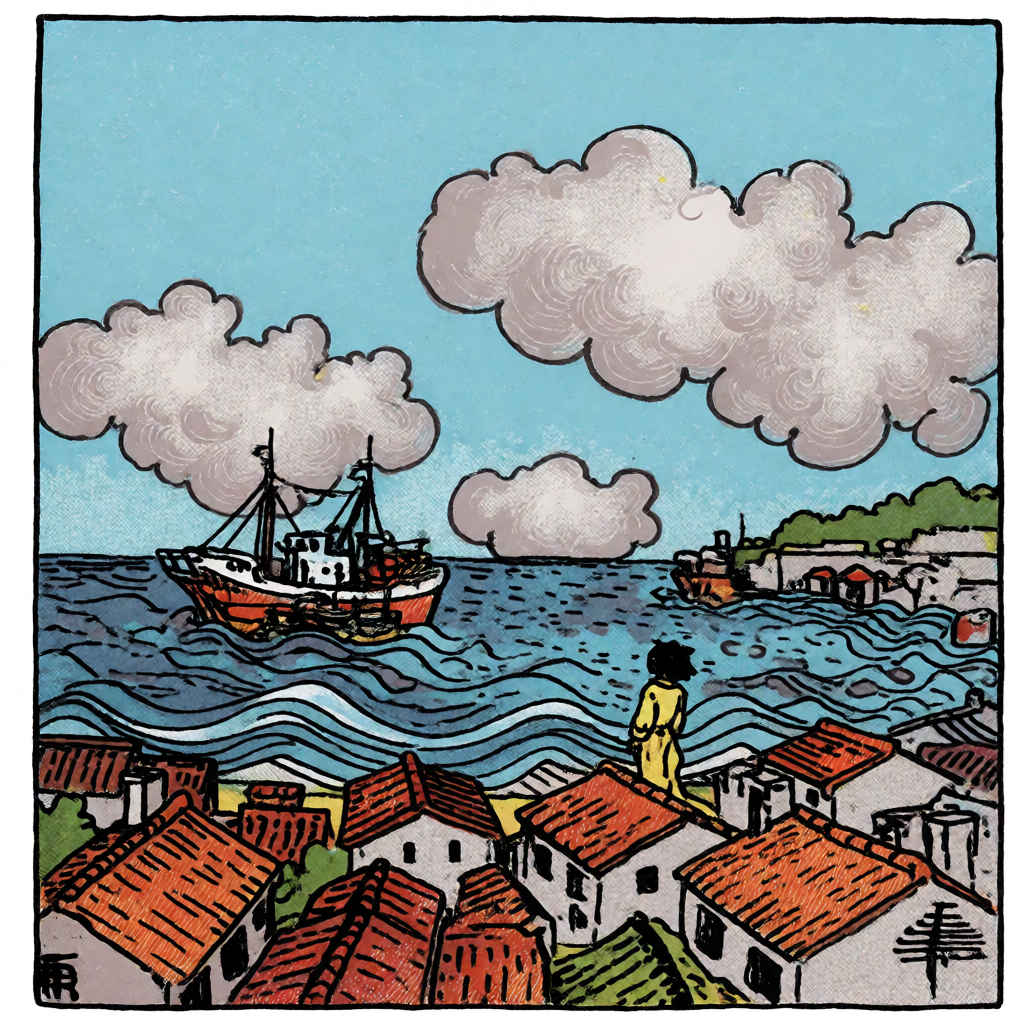 |
| モデル名 | ファイル名(.safetensors) | 配置先 | ダウンロード URL | |
| diffusion_models | krea2_raw_fp8_scaled | Models/ | DiffusionModels/ | krea2_raw_fp8_scaled.safetensors |
| krea2_turbo_fp8_scaled | krea2_turbo_fp8_scaled.safetensors | |||
| loras | krea2_darkbrush | Lora/ | krea2_darkbrush.safetensors | |
| krea2_dotmatrix | krea2_dotmatrix.safetensors | |||
| krea2_kidsdrawing | krea2_kidsdrawing.safetensors | |||
| krea2_neondrip | krea2_neondrip.safetensors | |||
| krea2_rainywindow | krea2_rainywindow.safetensors | |||
| krea2_retroanime | krea2_retroanime.safetensors | |||
| krea2_softwatercolor | krea2_softwatercolor.safetensors | |||
| krea2_sunsetblur | krea2_sunsetblur.safetensors | |||
| krea2_turbo_lora_rank_64_bf16 | krea2_turbo_lora_rank_64_bf16.safetensors | |||
| krea2_vintagetarot | krea2_vintagetarot.safetensors | |||
| text_encoders | qwen3vl_4b_fp8_scaled | TextEncoders | qwen3vl_4b_fp8_scaled.safetensors | |
| vae | qwen_image_vae | VAE/ | qwen_image_vae.safetensors | |
| 拡張ノード(検索名) | 拡張ノード URL | 主な機能 / 参照ページ | ワークフロー |
| rgthree | rgthree-comfy | ノードをスイッチで切り替える | 8205, 8206 |
| フォルダ | ワークフロー名 (.json) | モデル | 機能 (参照ページ) | 特記事項(同じ機能のワークフロー .json) |
| Krea | 8201_krea2_turbo_t2i | 蒸留版 fp8 | Text to Image 基本ワークフロー | (image_krea2_turbo_t2i_org.json |
| 8202_krea2_turbo_t2i_simple | Text to Image 展開版ワークフロー | 8201 展開版 | ||
| 8203_krea2_turbo_t2i | Text to Image 基本フロー (簡略版) | 8201 プロンプトエンハンサーなし | ||
| 8204_krea2_turbo_t2i_simple | Text to Image 展開版フロー (簡略版) | 8202 プロンプトエンハンサーなし | ||
| 8205_krea2_turbo_i2i | Image to Image 基本 (簡略版) | 8203 Image to Image | ||
| 8206_krea2_turbo_i2i_simple | Image to Image 展開版 (簡略版) | 8205 展開版 |
| モデル名 | Krea 2 | コメント | |
| | ● 日本語プロンプトは英語の場合とほとんど遜色ない ● 日本語漢字が中国語に引きずられ正しく描画できない場合がある ● 文字描画のある画像で日本語プロンプトの場合余計な判別不明の文字が入ることがある(プロンプト・エンハンサーなしの場合) ● 日本語プロンプトの場合、プロンプトエンハンサーを通すとより安定して動作する | ||
| パラメータ数 | 12B | ||
| 解像度 | 推奨 | 1024x1024 | |
| 対応範囲 | ~ 2048x2048 | ||
| 発表時期 | 2026年6月 | ||
| 開発元 | Krea AI(Krea, Inc.)(米国) | ||
| 生成画像品質 | ◎ | ||
| プロンプト追従性 | 英語 | ◎ | |
| 日本語 | ◎ | ||
| 文字描画 | 英語 | ◎ | |
| 日本語 | 〇 | ||
| 生成速度 | 〇 | ||
| 総合評価 | ・英語/日本語プロンプトが使用できる ・日本語テキスト描画は若干問題がある場合がある ・わずか8ステップで高速生成 | ||
| 生成結果比較 (リンクページ) | FLUX.2 ① ②, Z-Image ① ②, ERNIE ① ②, HiDream ① ② | ||
| 推奨モデル (.safetensors) | krea2_turbo_fp8_scaled | ||
| 推奨ワークフロー (.json) | T2I | 8201_krea2_turbo_t2i (プロンプト・エンハンサー付き) | |
| 8203_krea2_turbo_t2i (プロンプト・エンハンサーなし) | |||