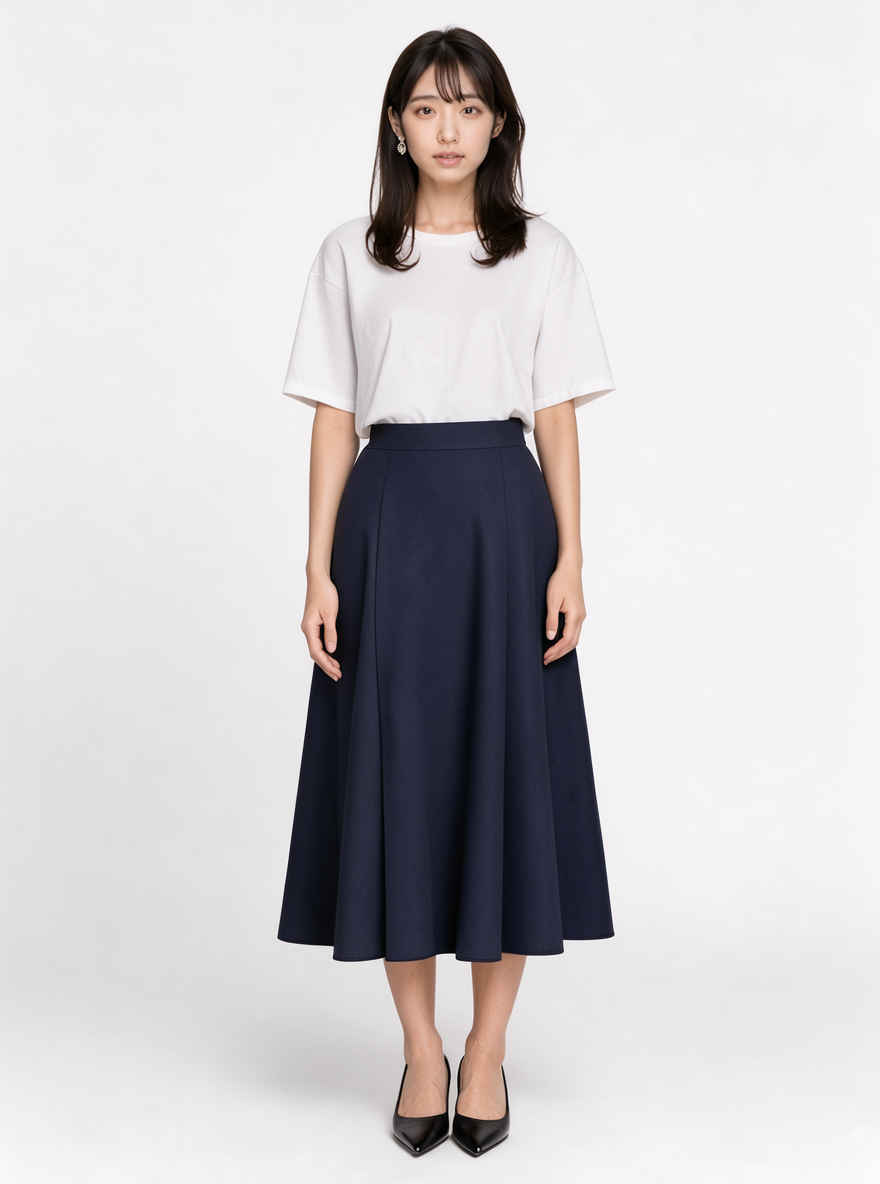
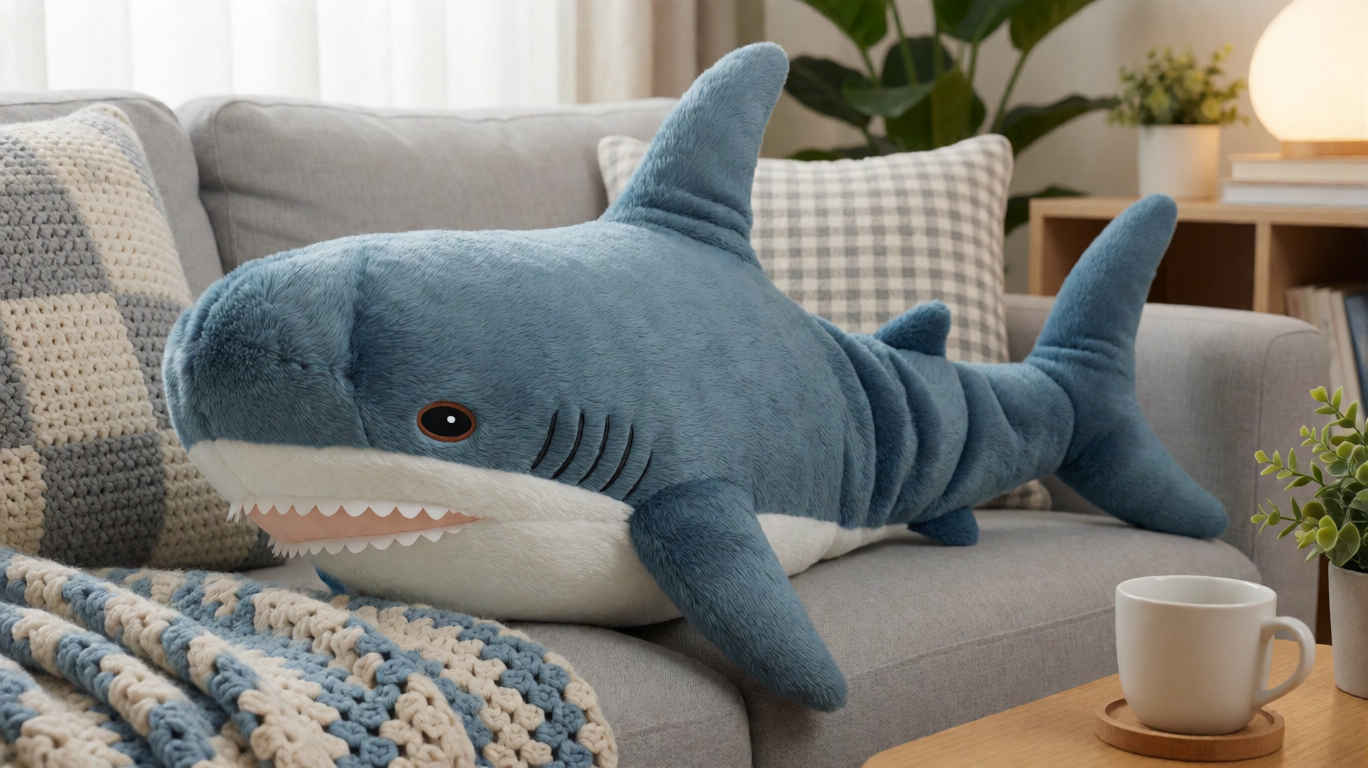
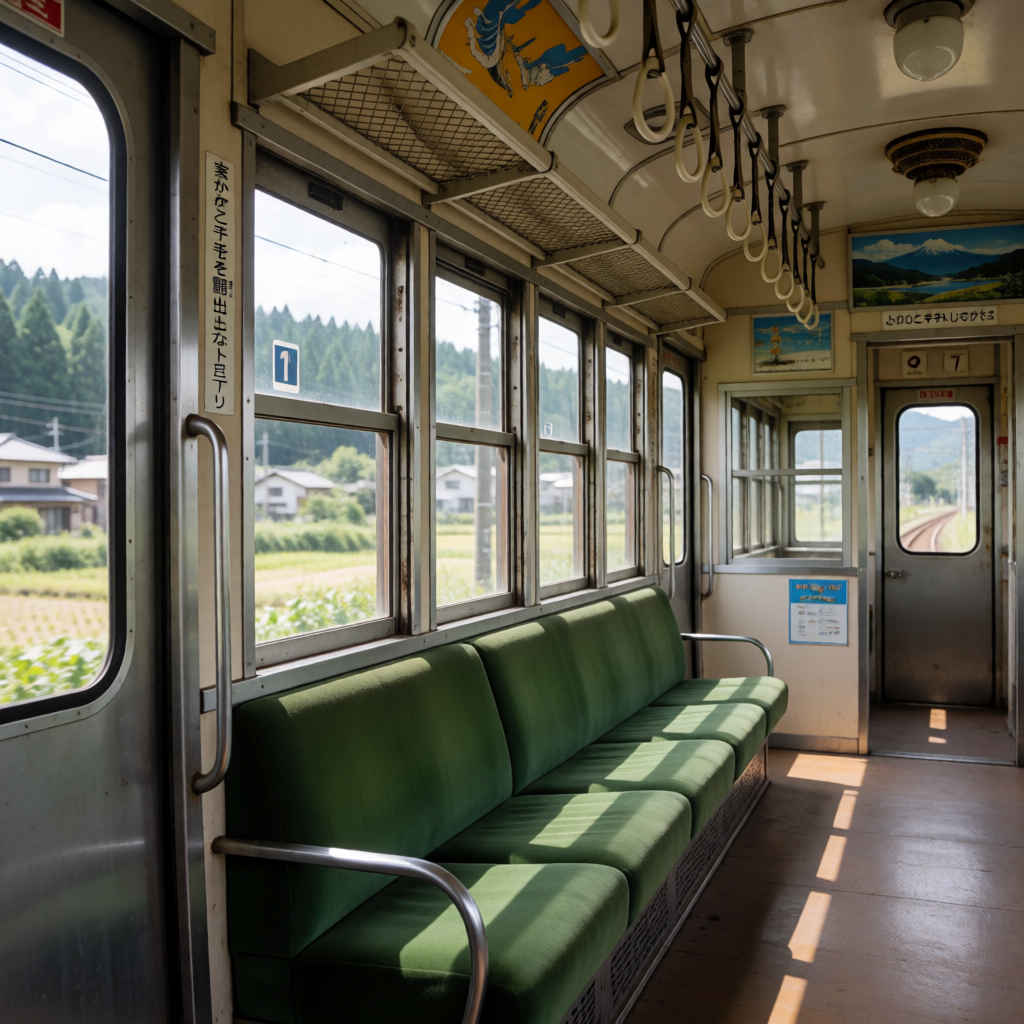
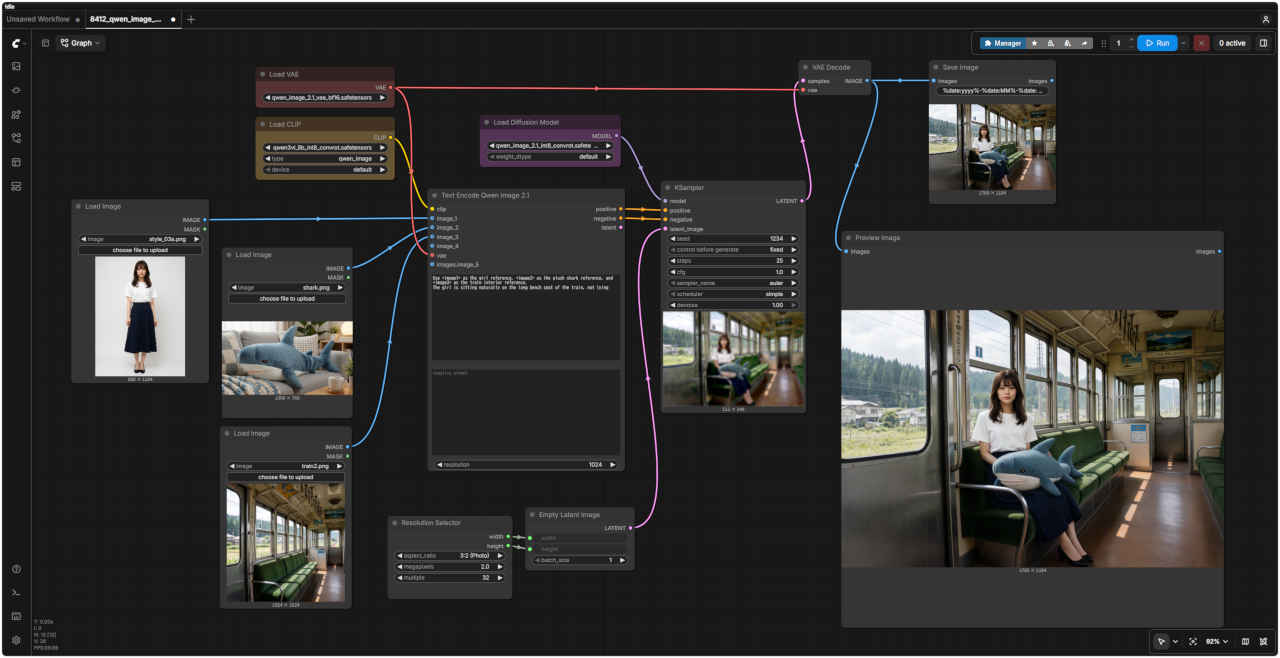
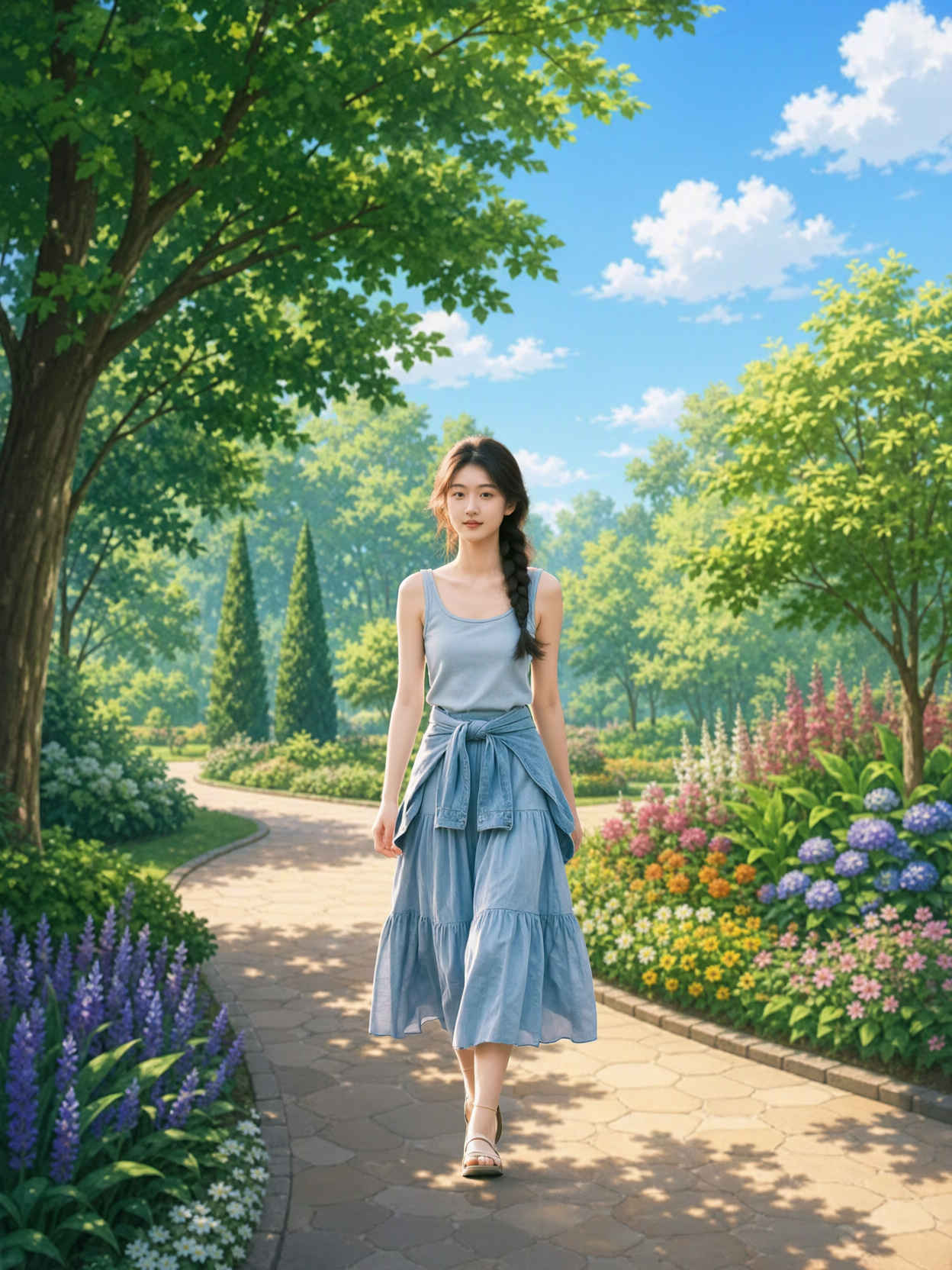
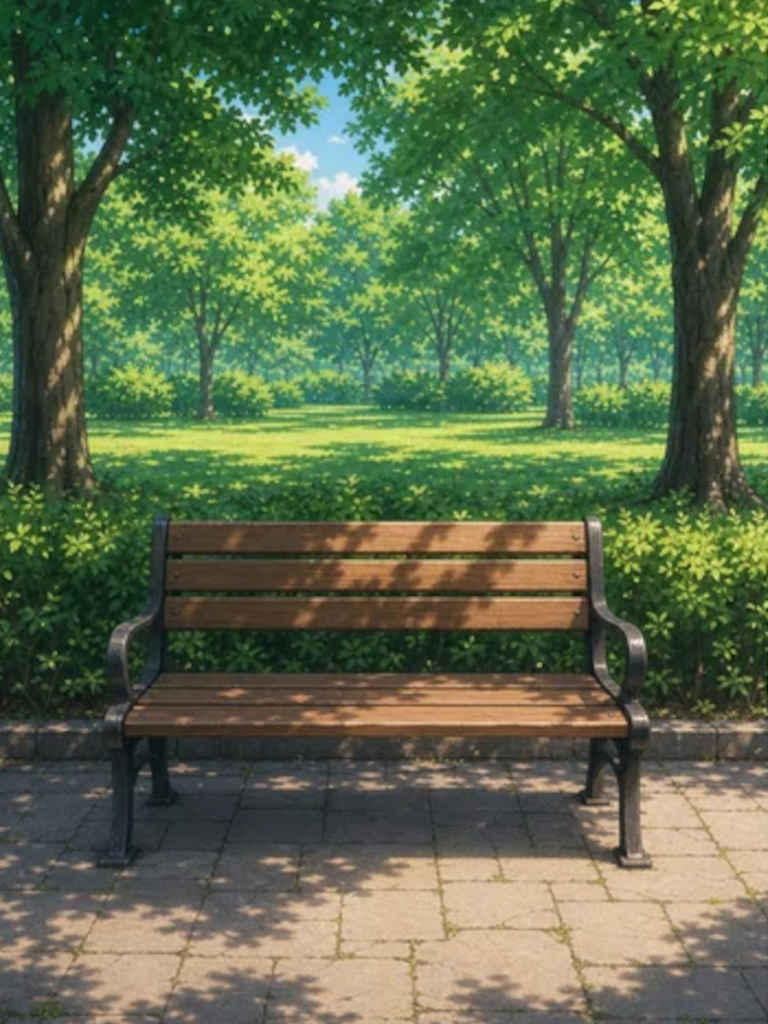
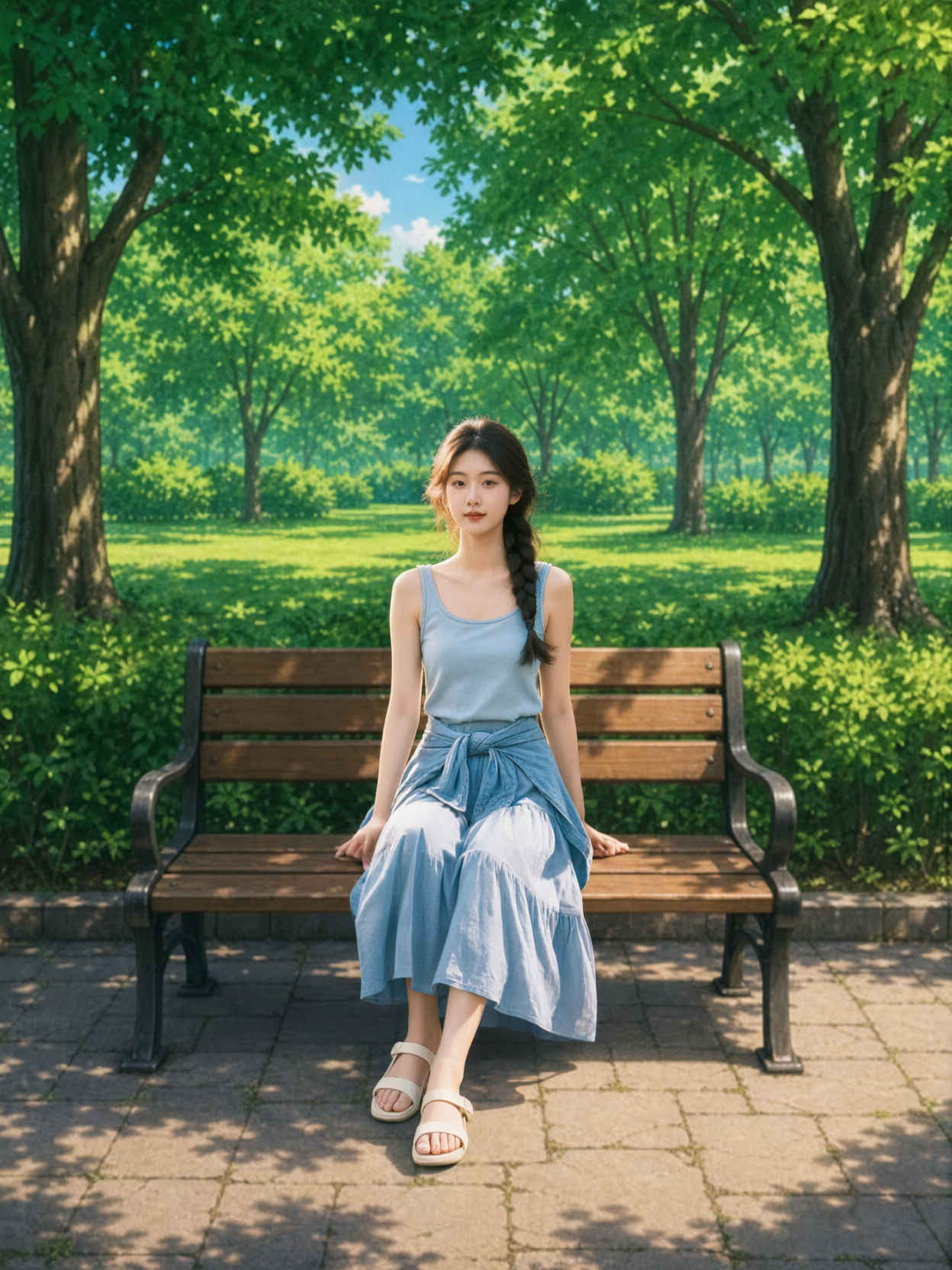
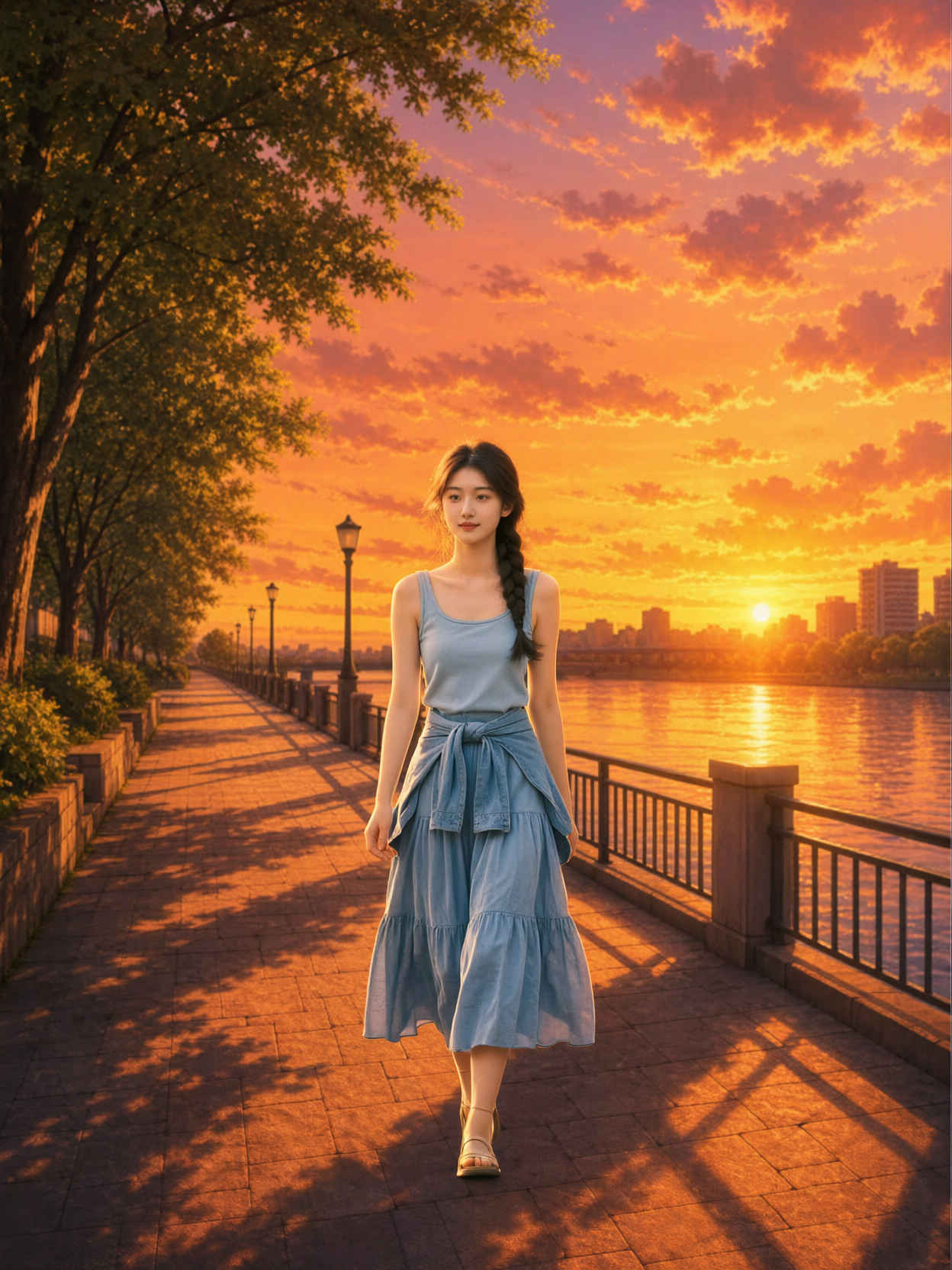
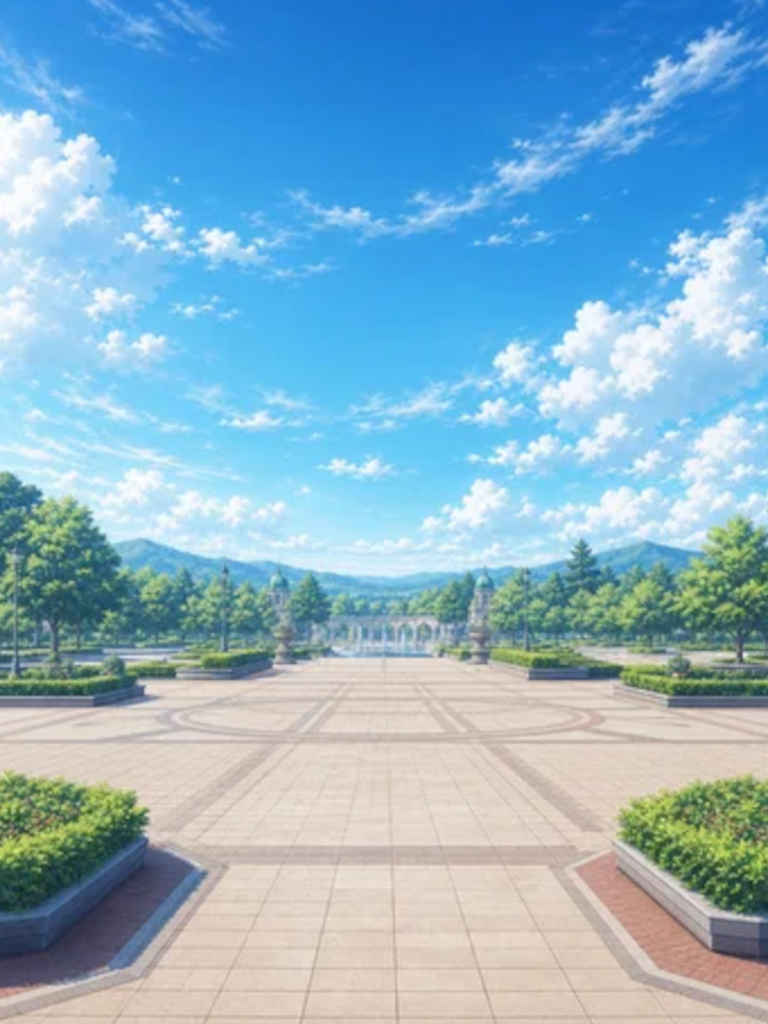
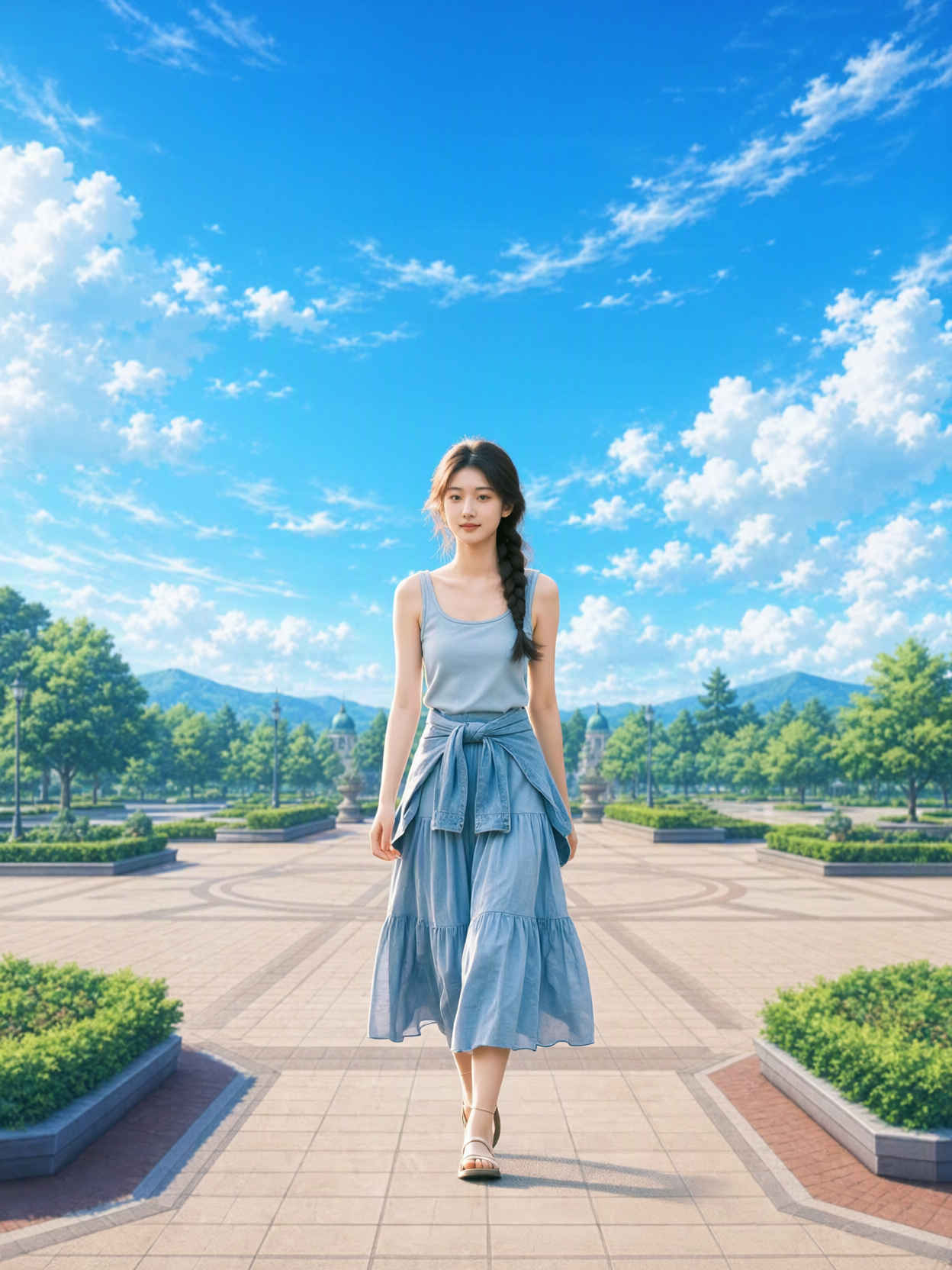
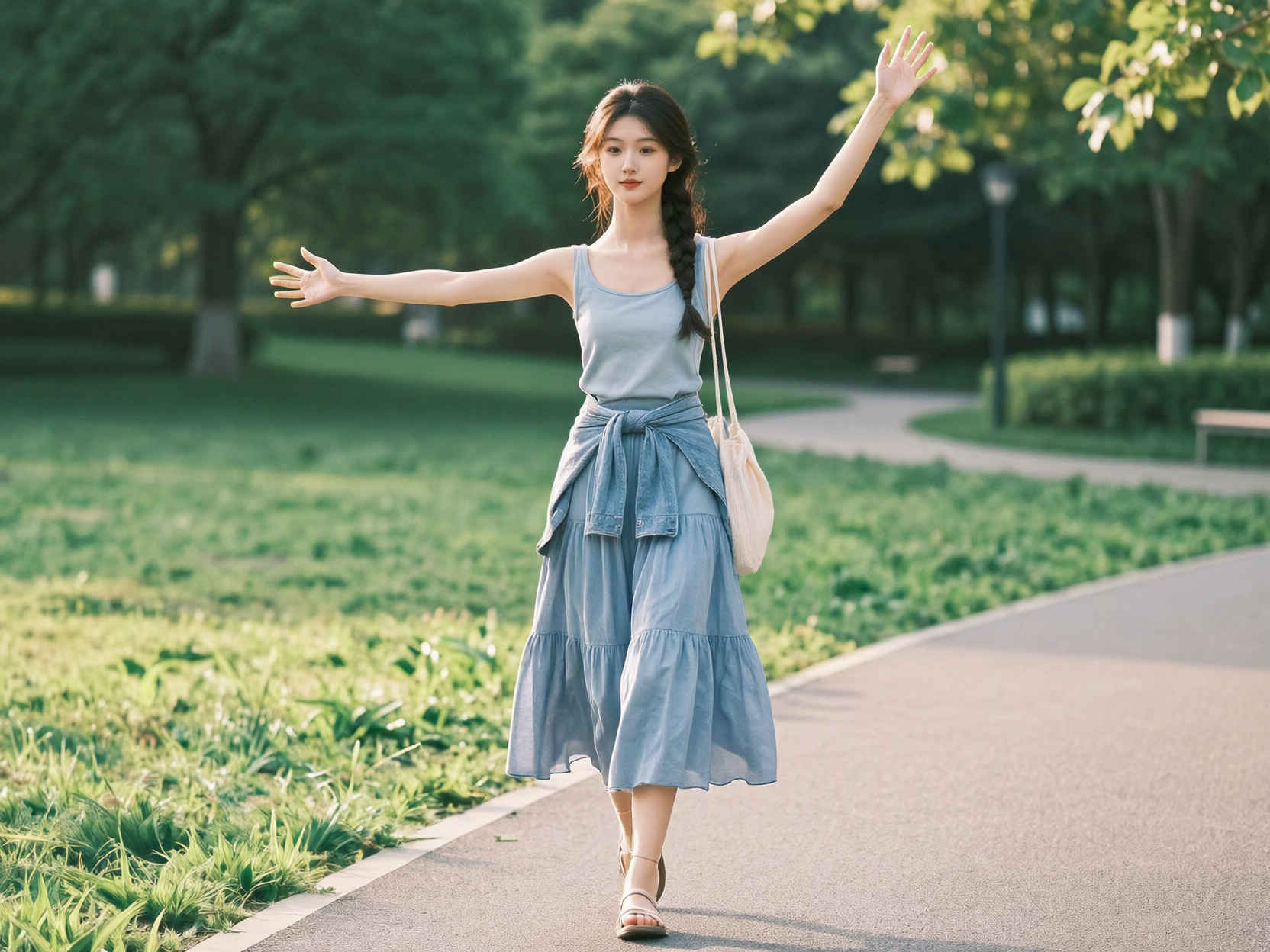
Use <image1> as the girl reference, <image2> as the plush shark reference, and <image3> as the train interior reference. The girl is sitting naturally on the long bench seat of the train, not lying
&ref(): File not found: "8412_2026-09-24_00001_m.jpg" at page "ComfyUI19a";
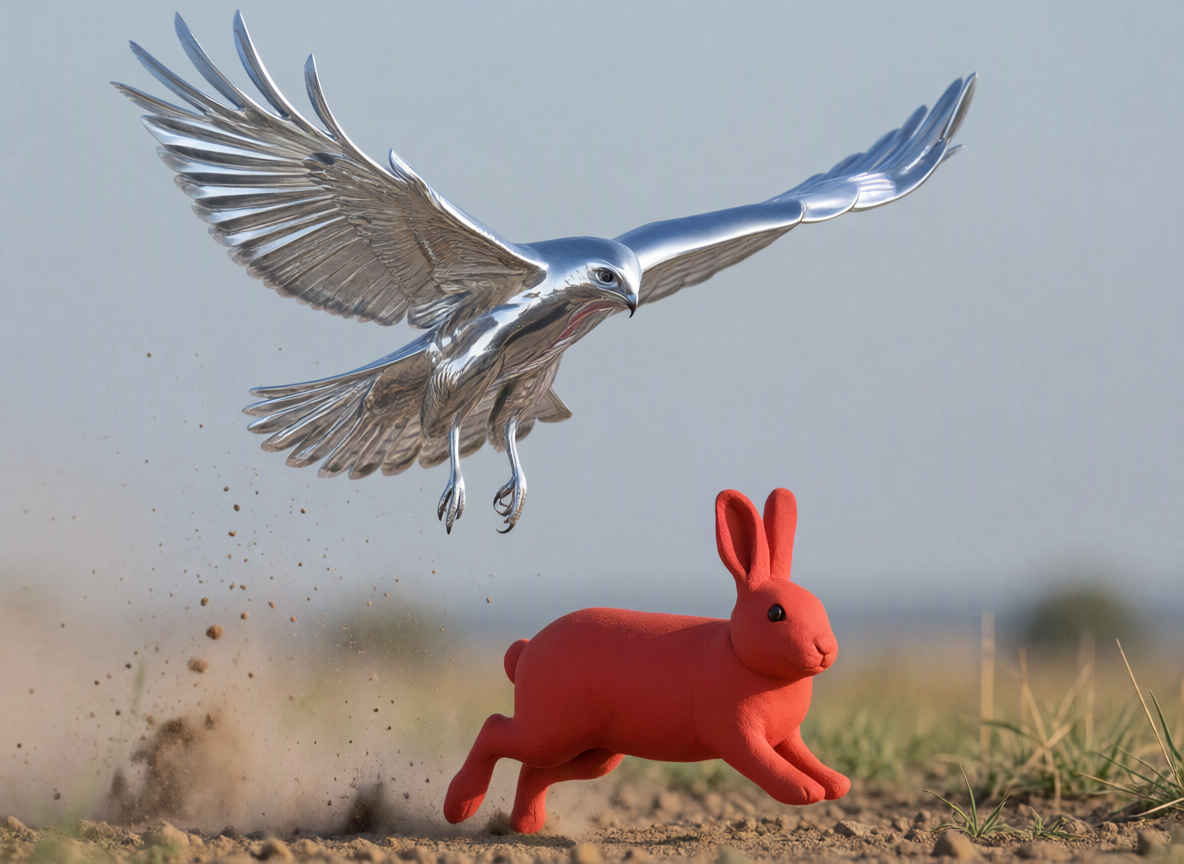
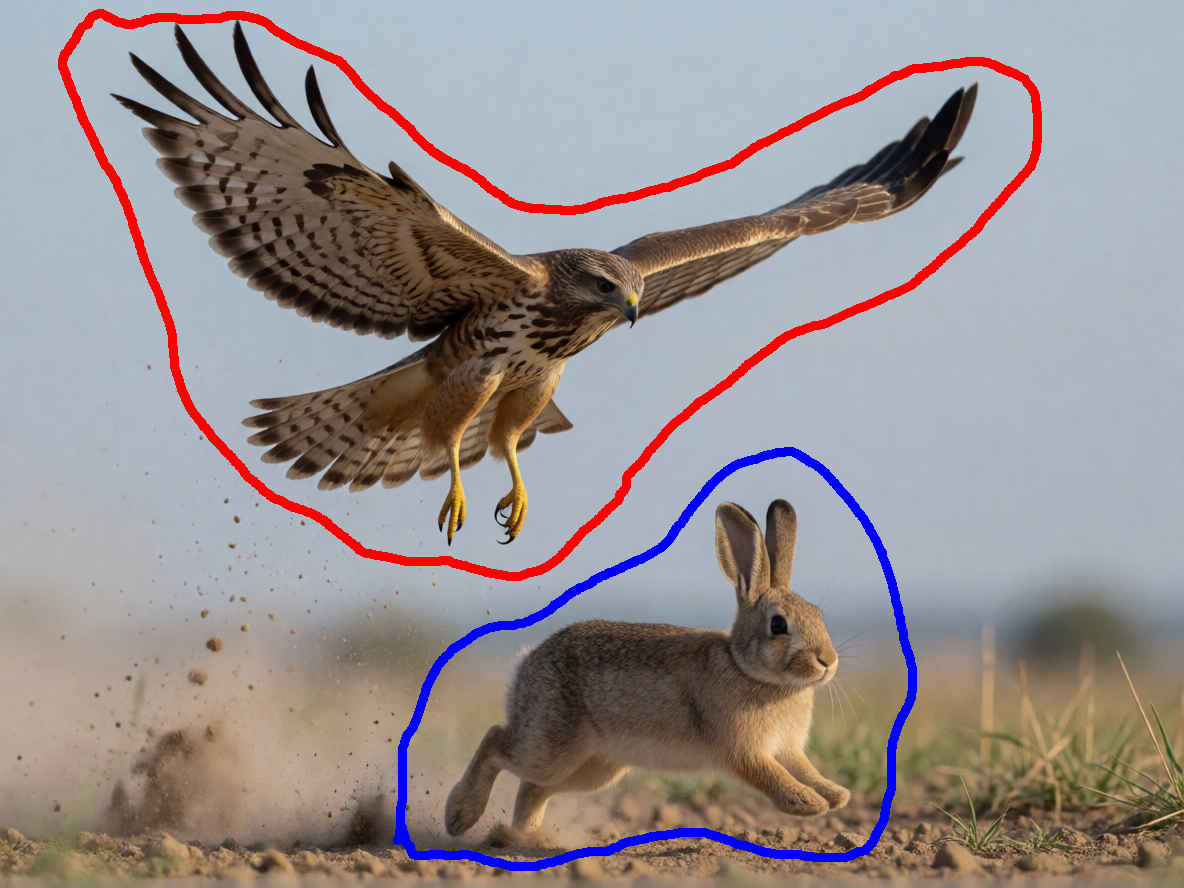
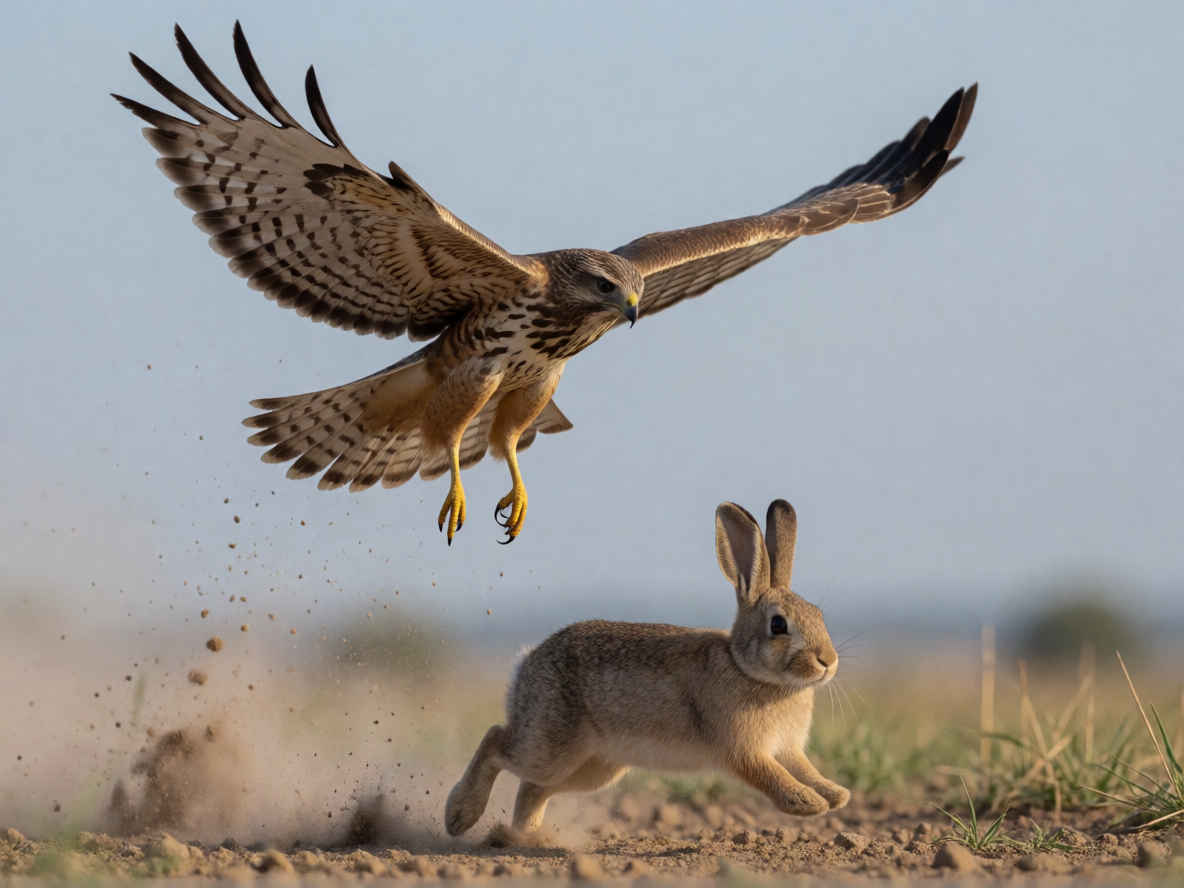
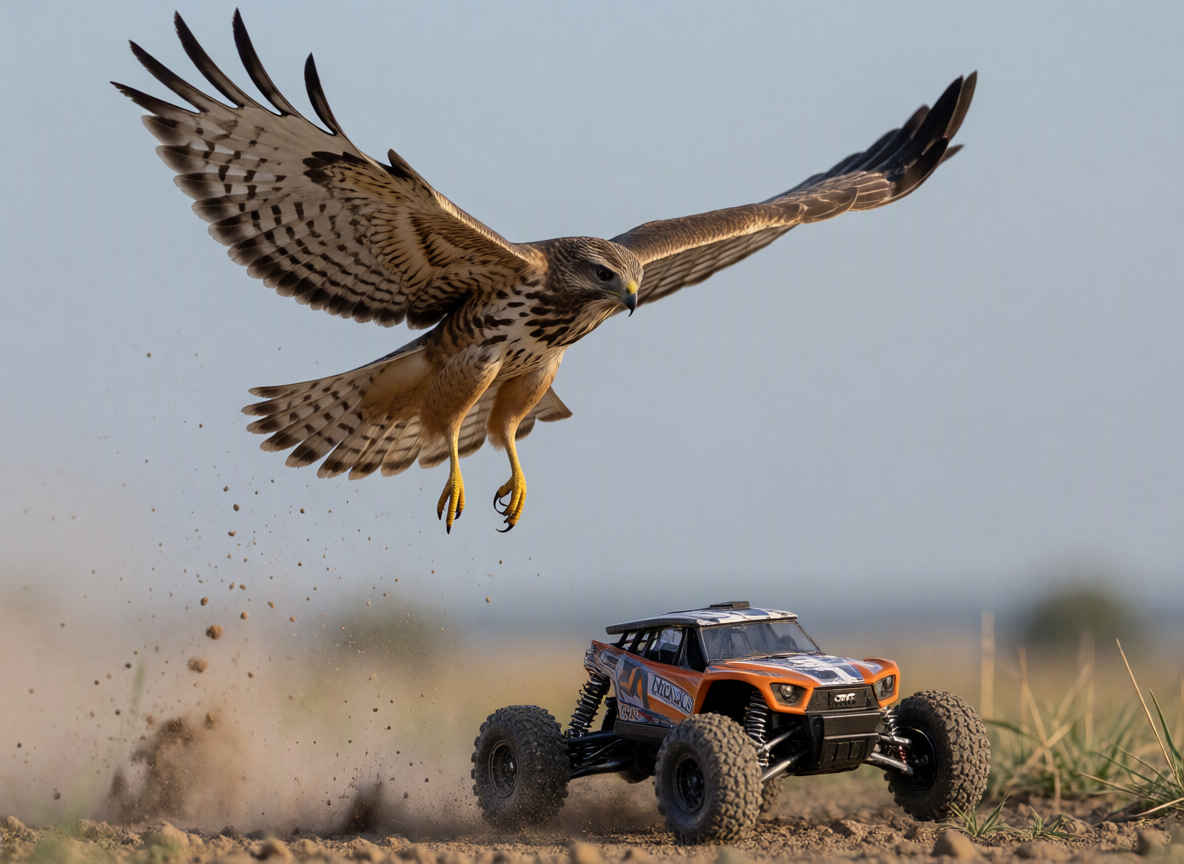
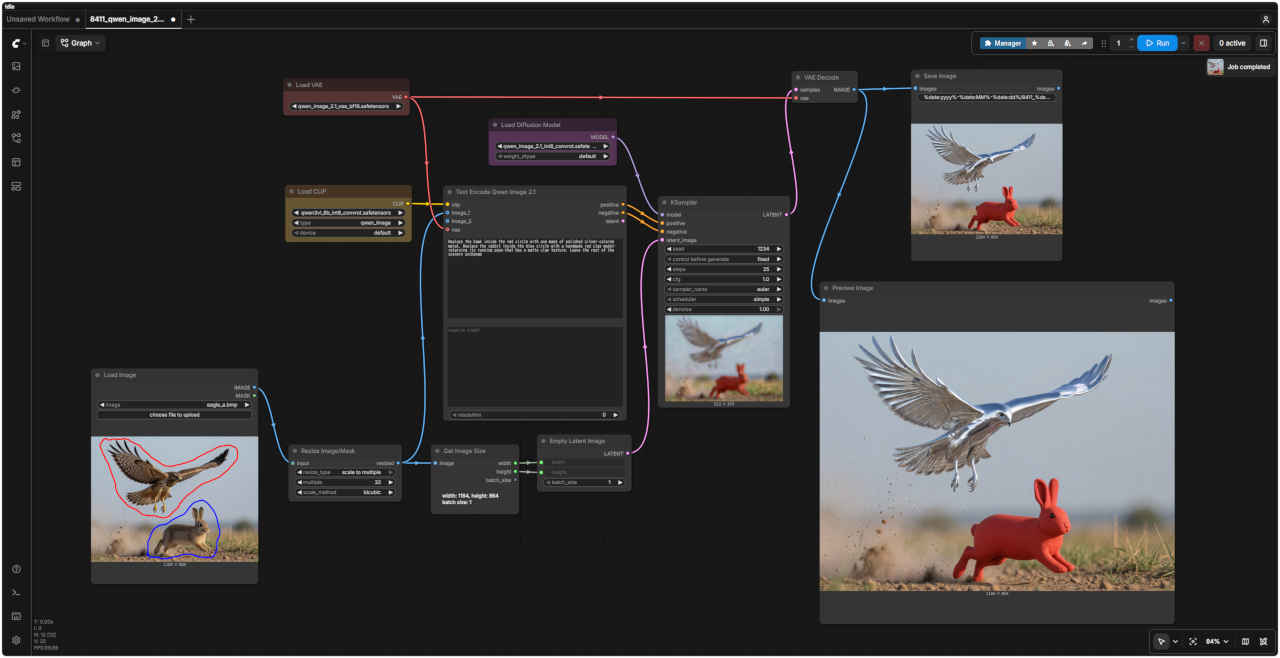
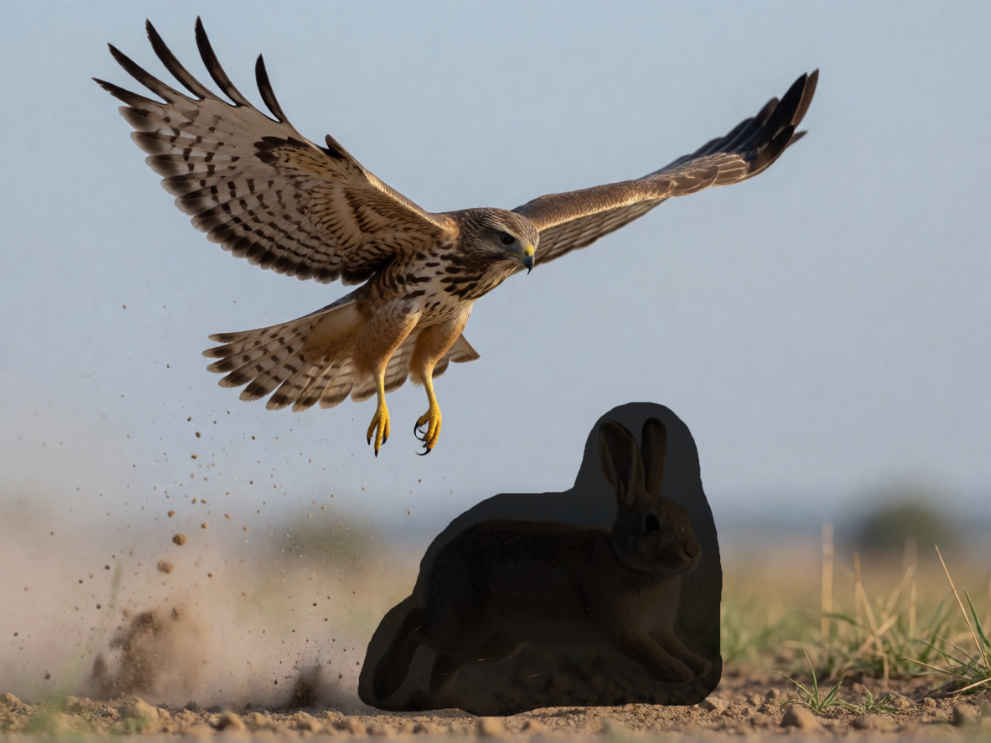
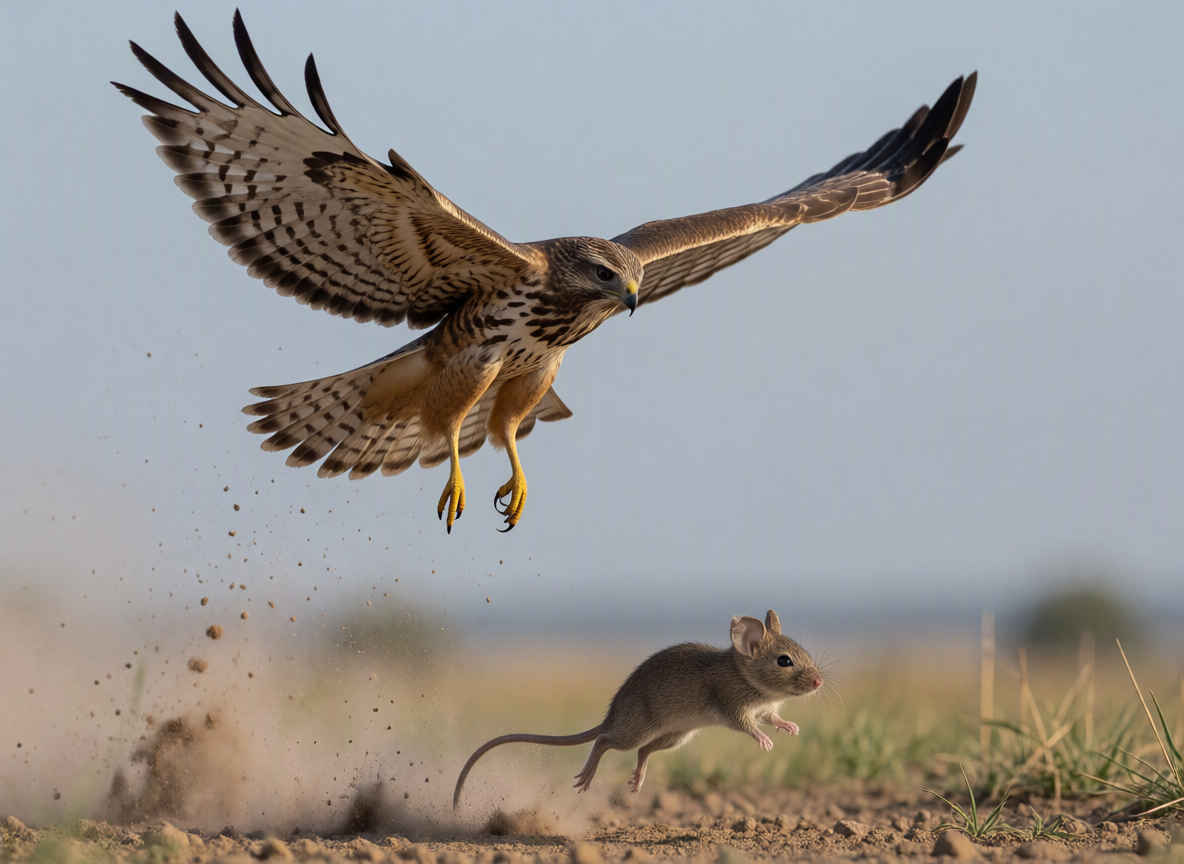
Replace the hawk inside the red circle with one made of polished silver-colored metal. Replace the rabbit inside the blue circle with a handmade red clay model—retaining its running pose—that has a matte clay texture. Leave the rest of the scenery unchange
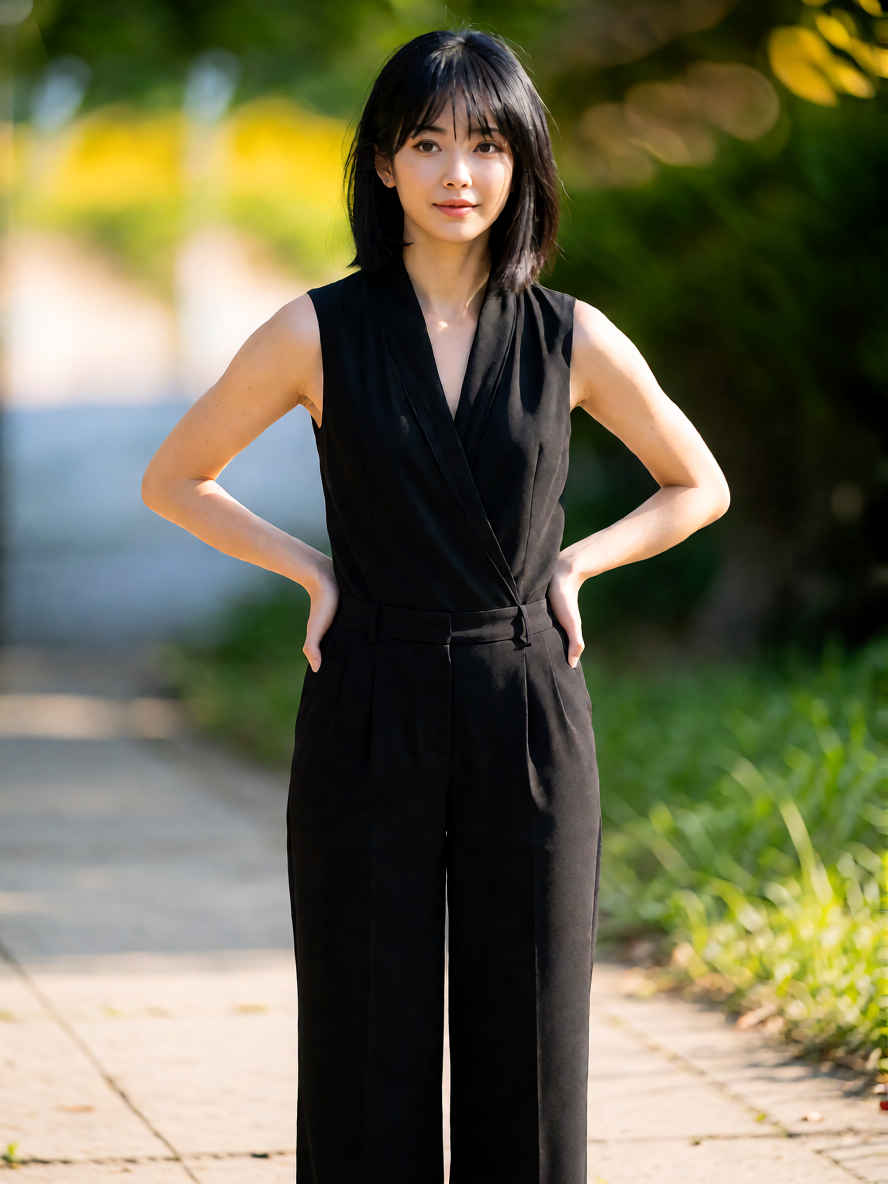
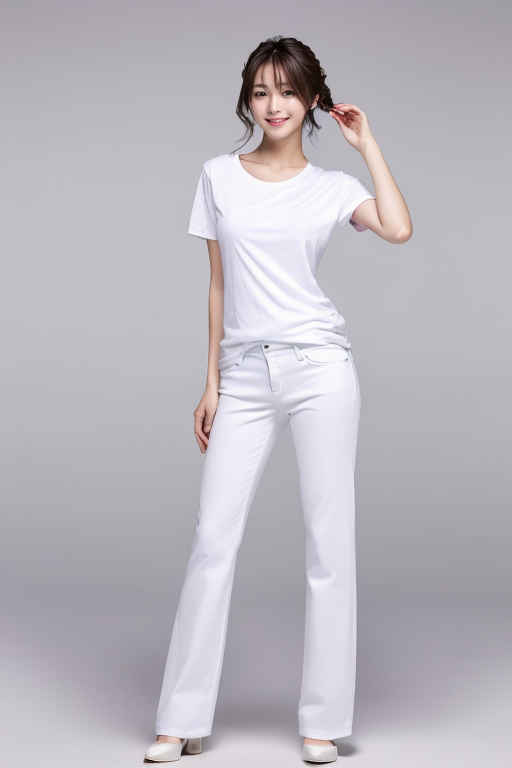
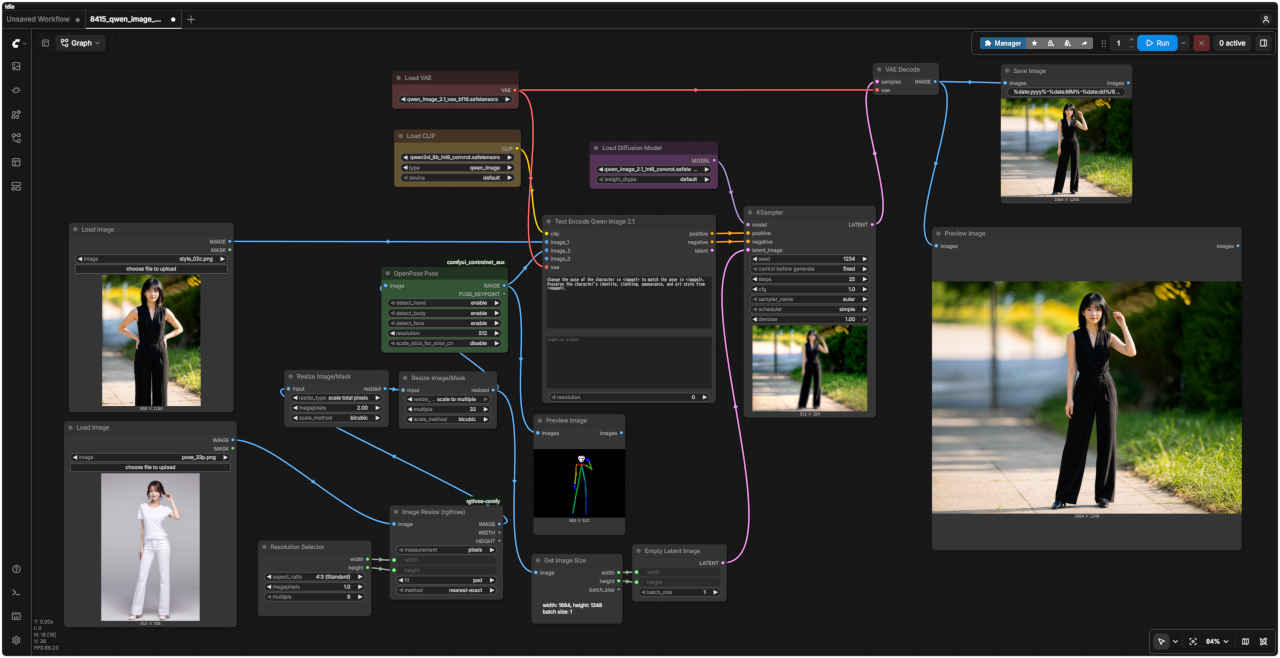
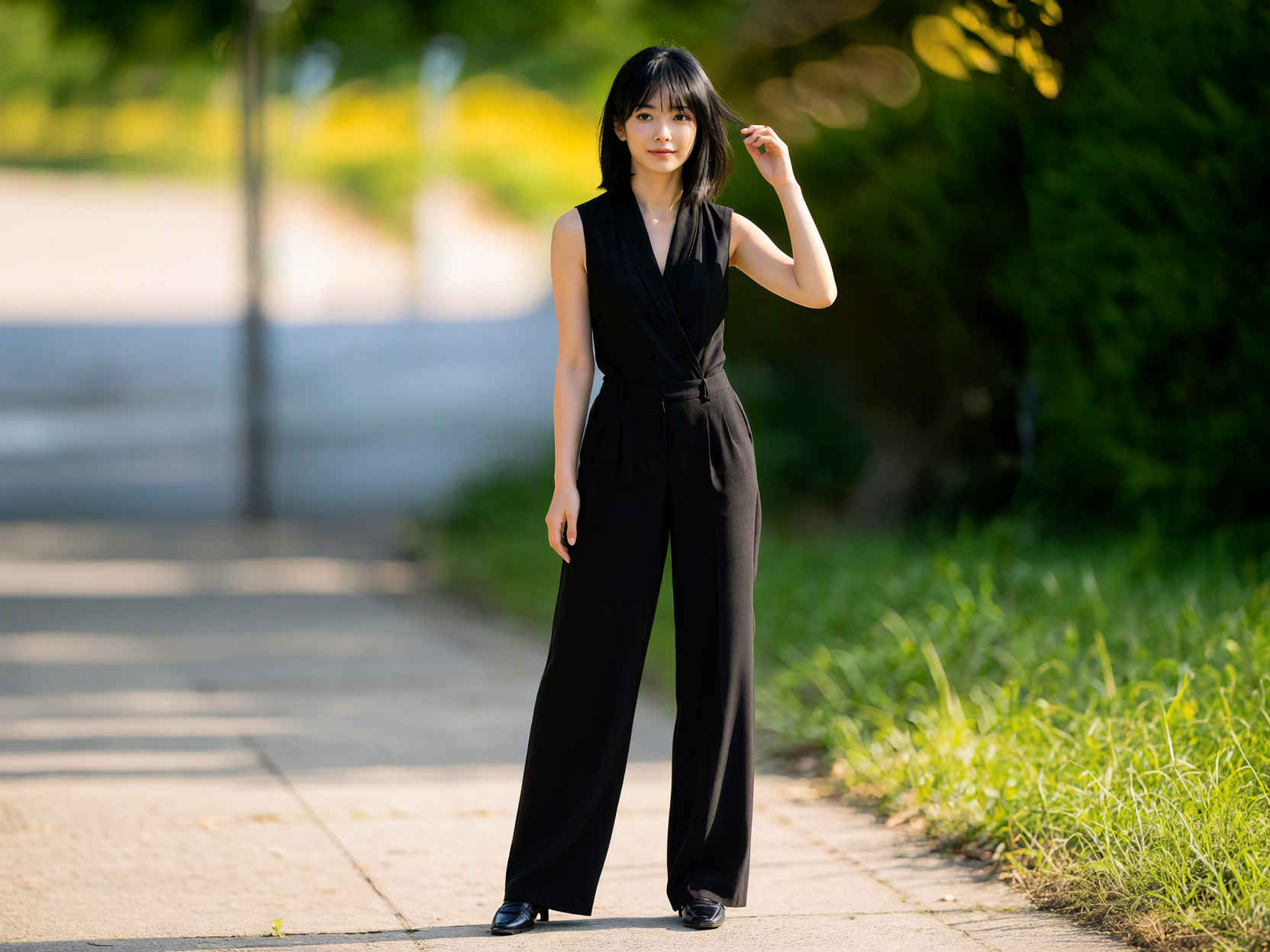
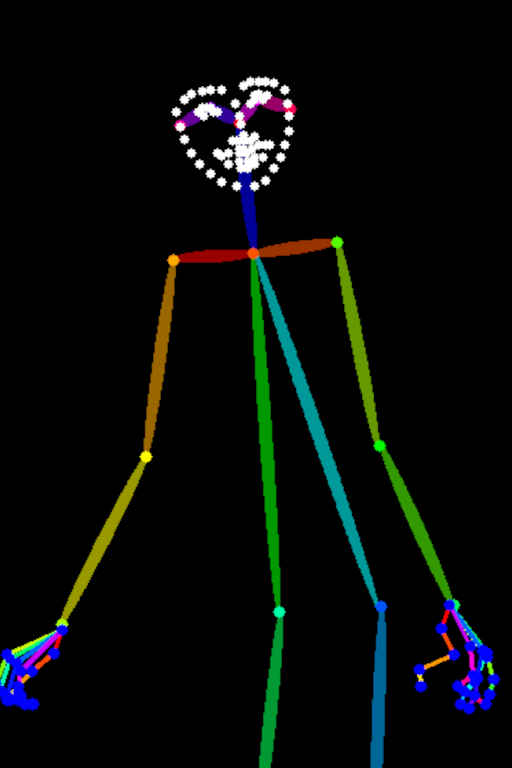
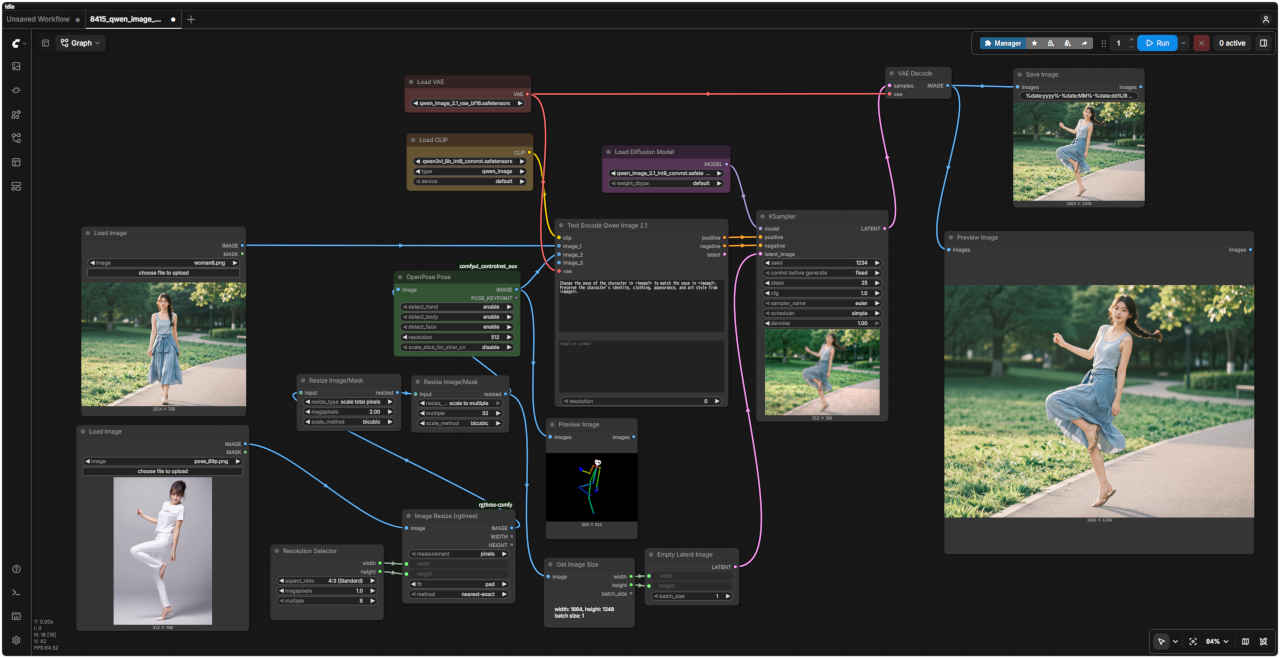
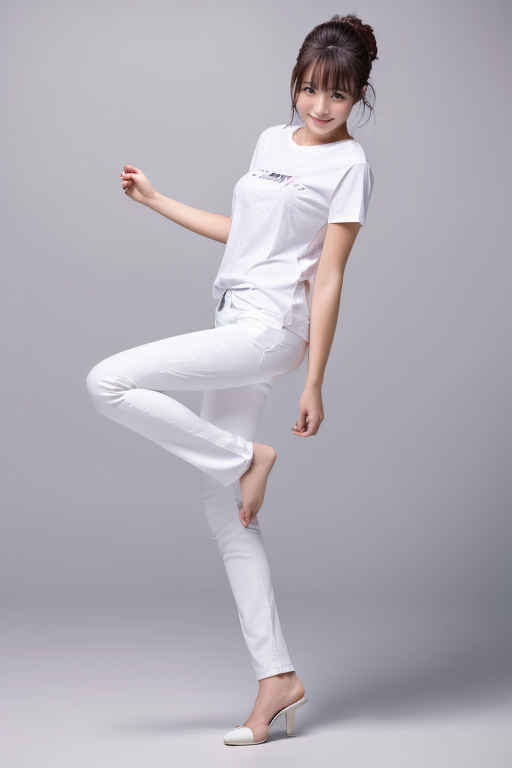
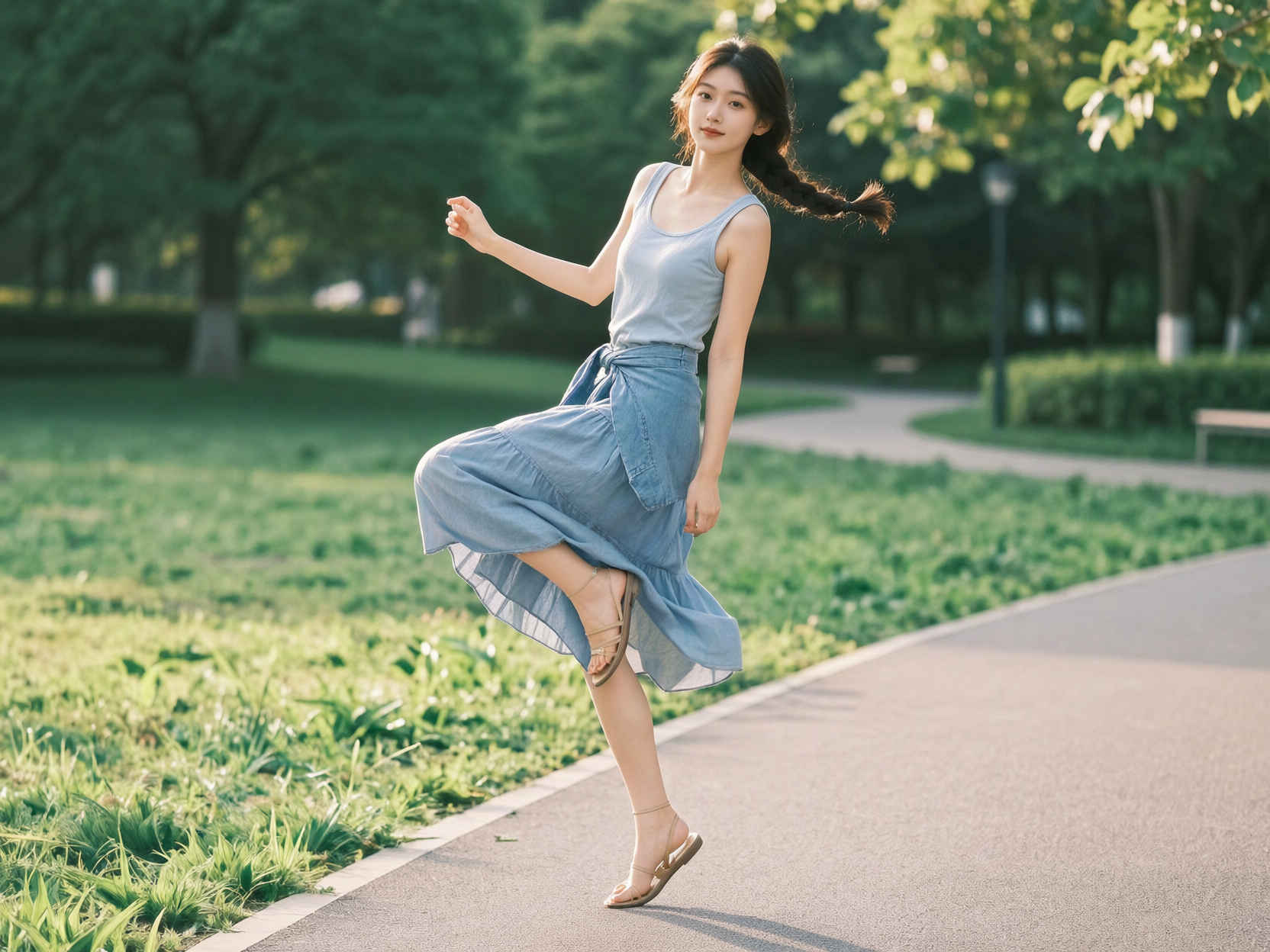
Change the pose of the character in <image1> to match the pose in <image2>. Preserve the character's identity, clothing, appearance, and art style from <image1>.
Change the pose of the character in <image1> to match the pose in <image2>. Preserve the character's identity, clothing, appearance, and art style from <image1>.
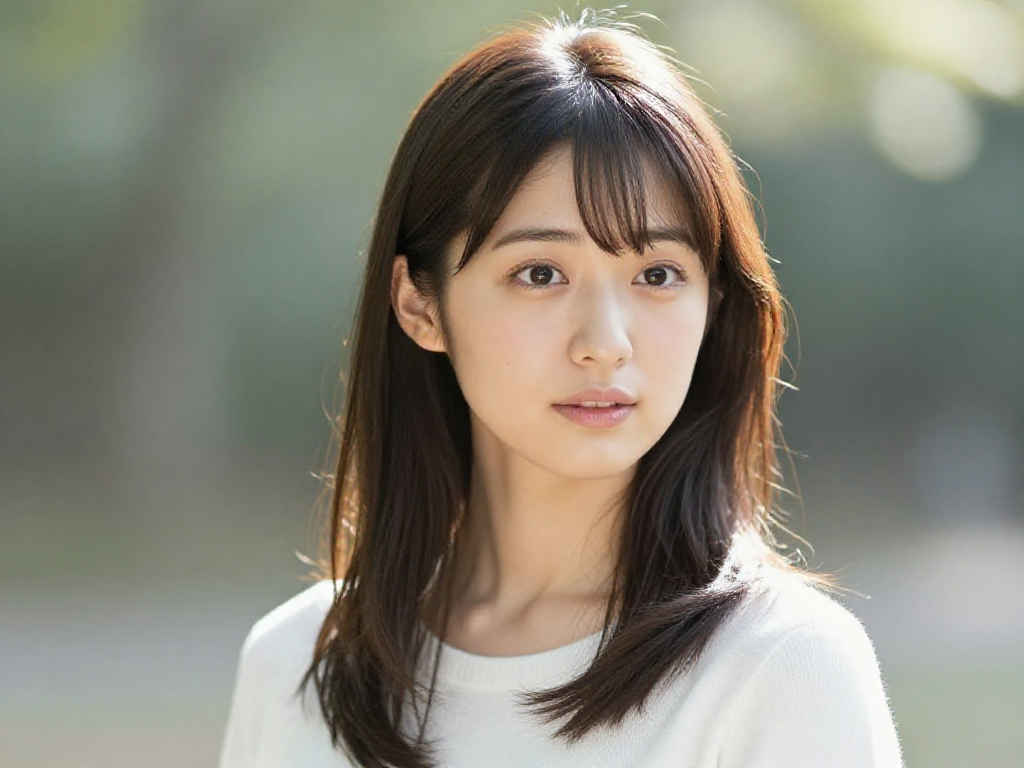
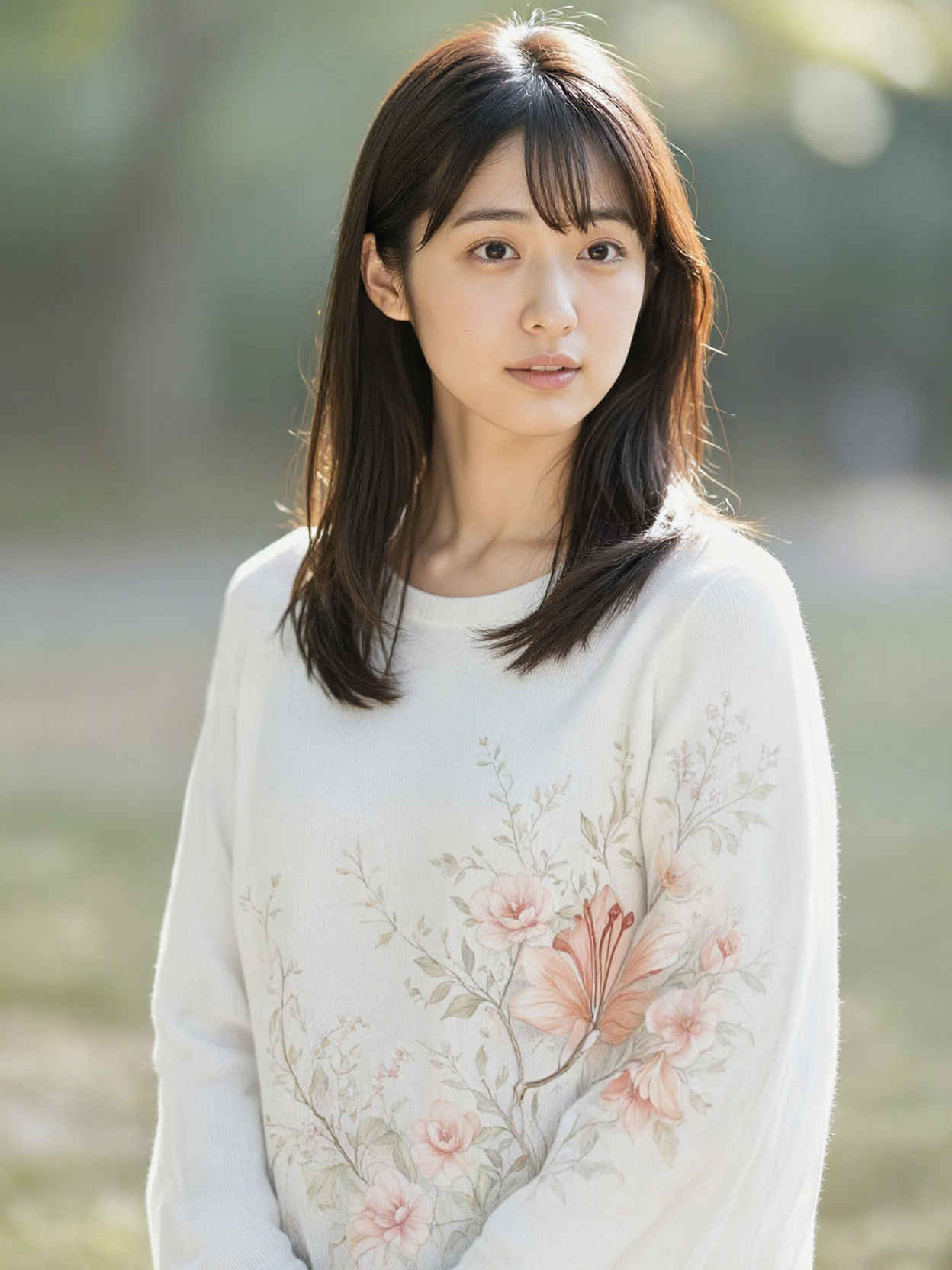
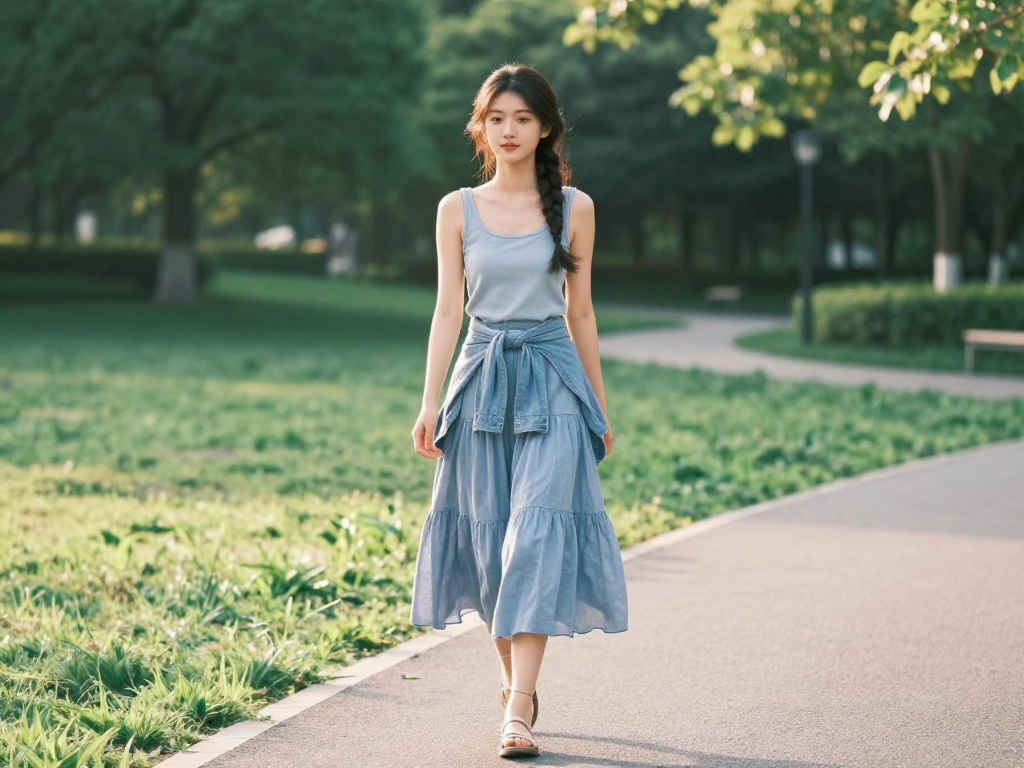
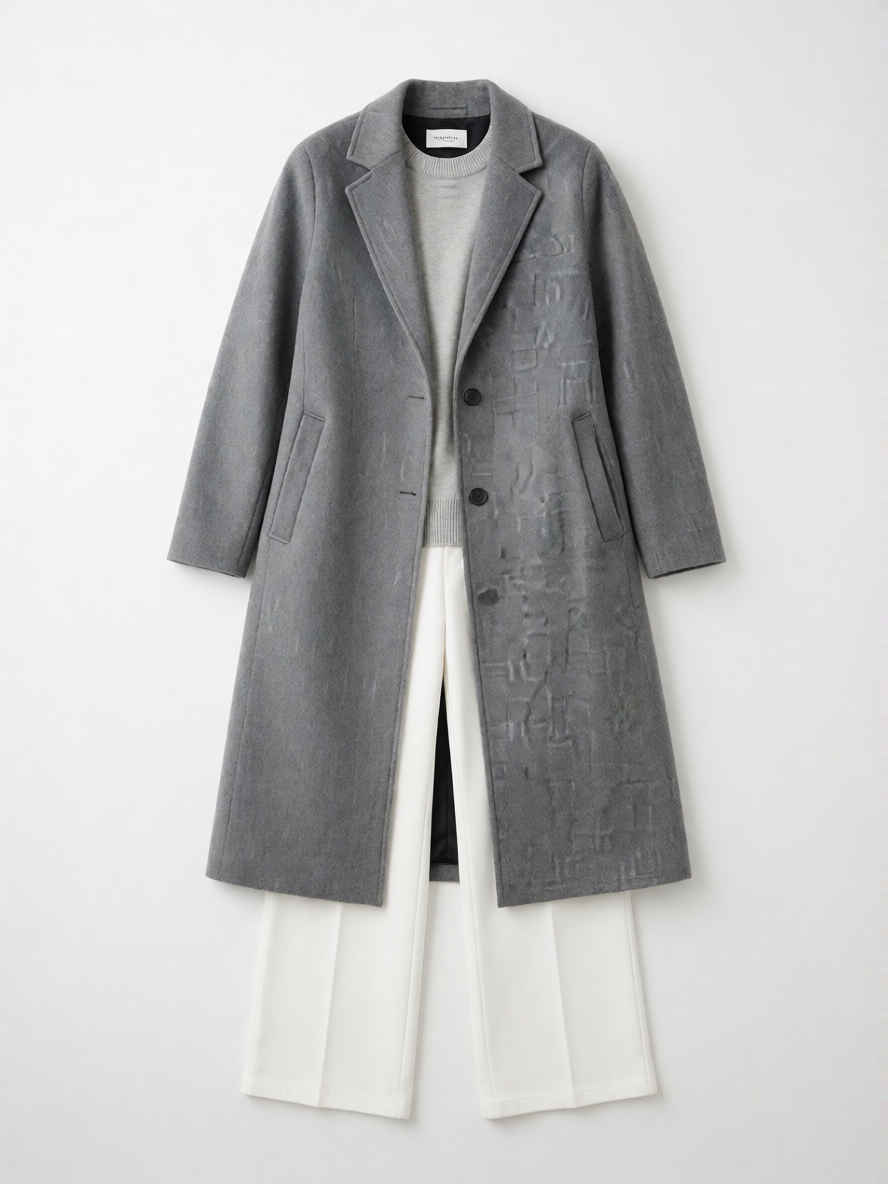
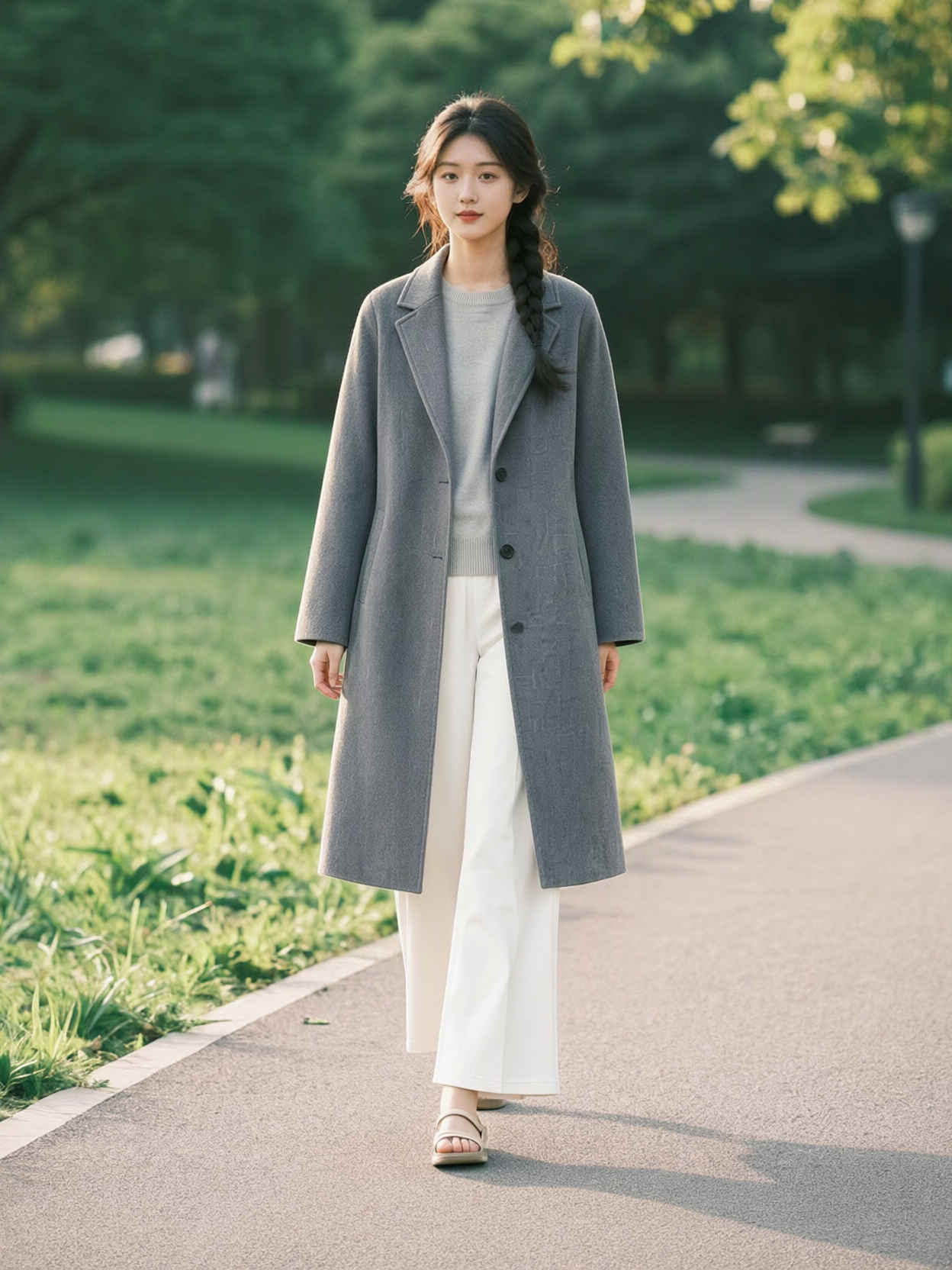
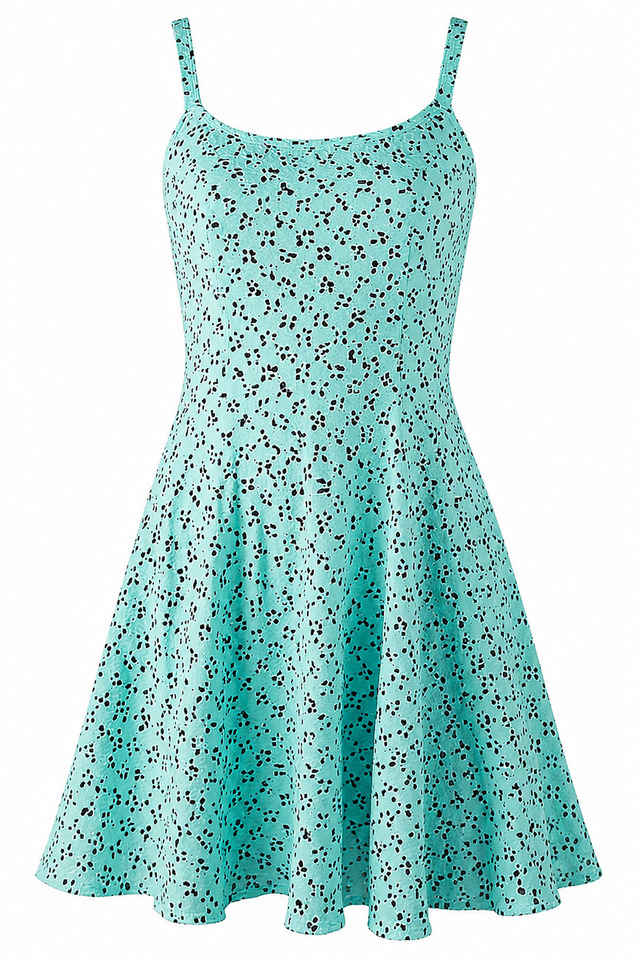
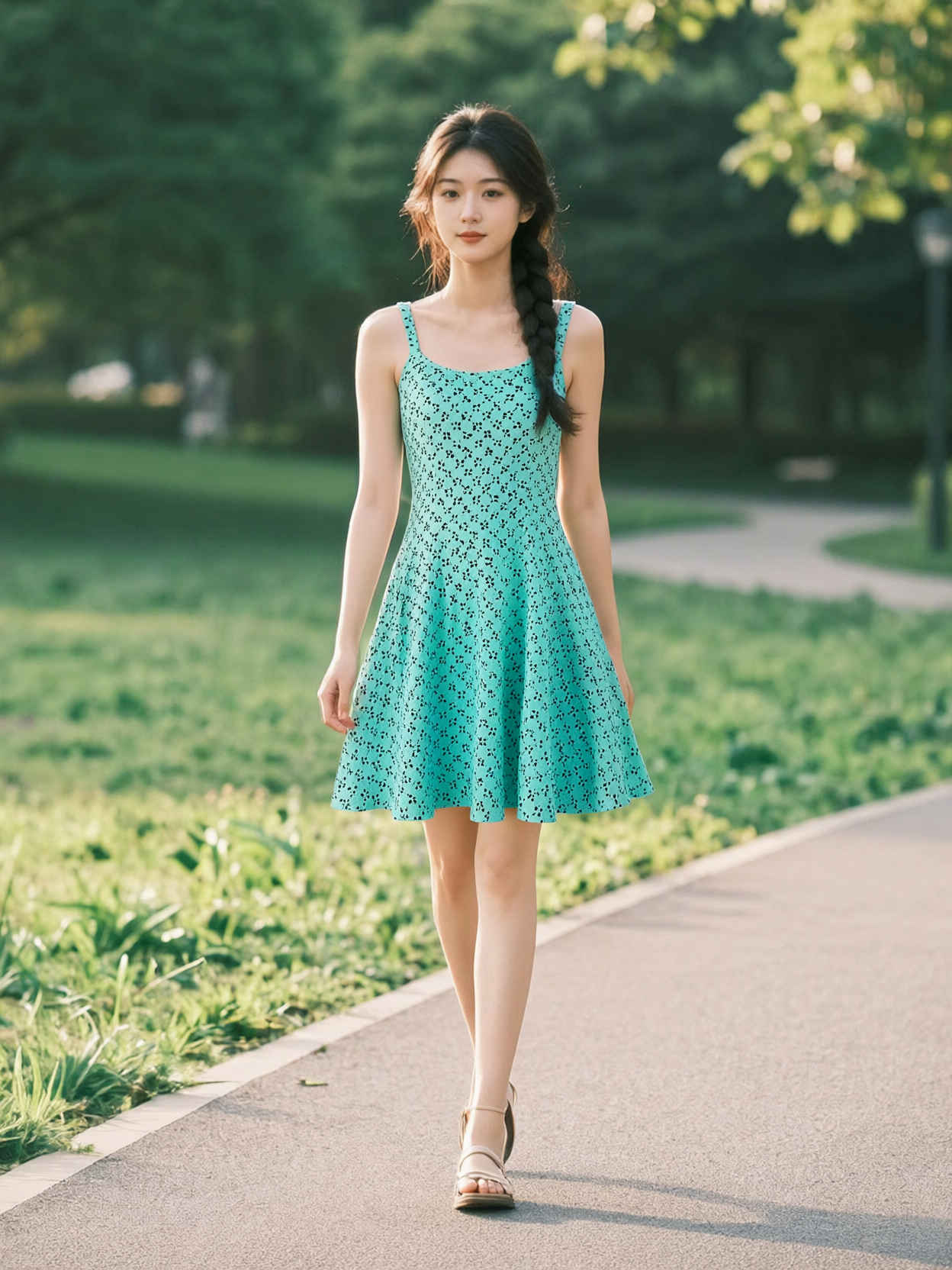
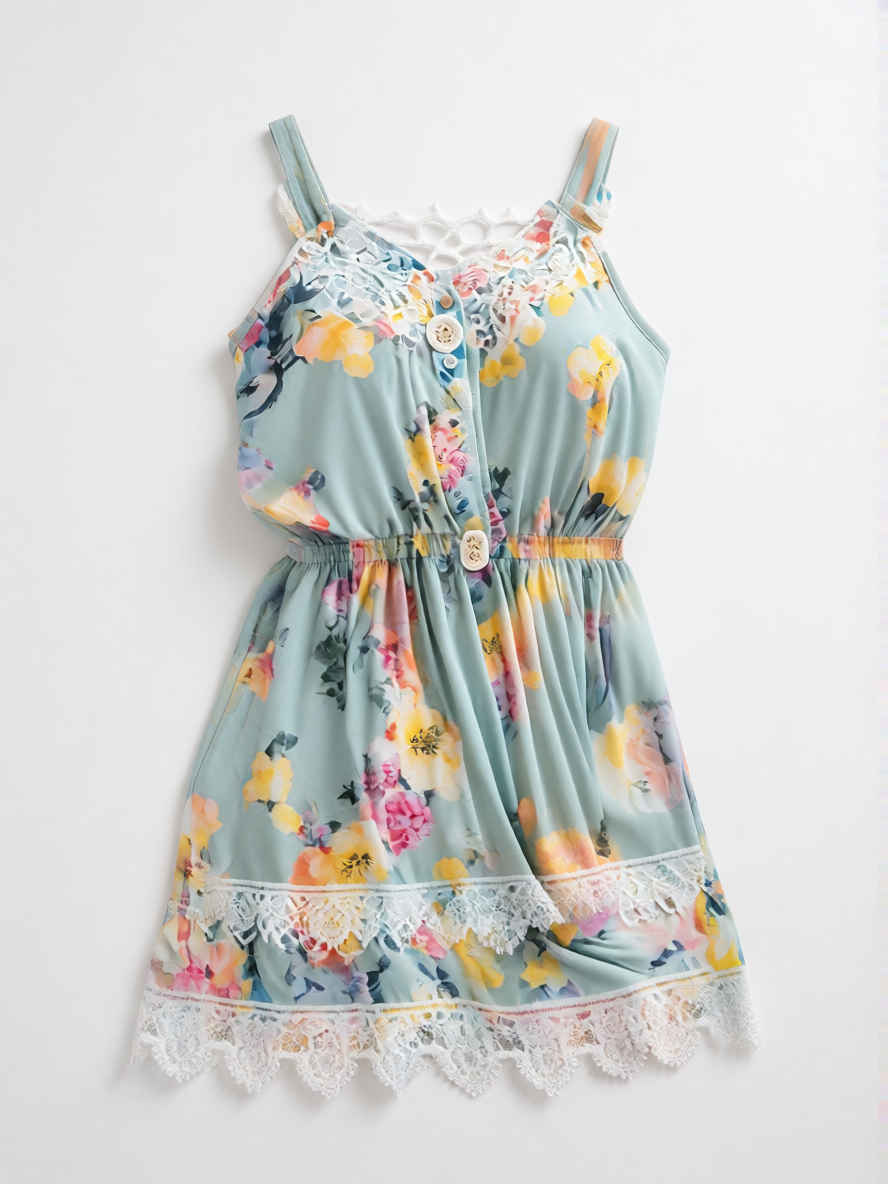
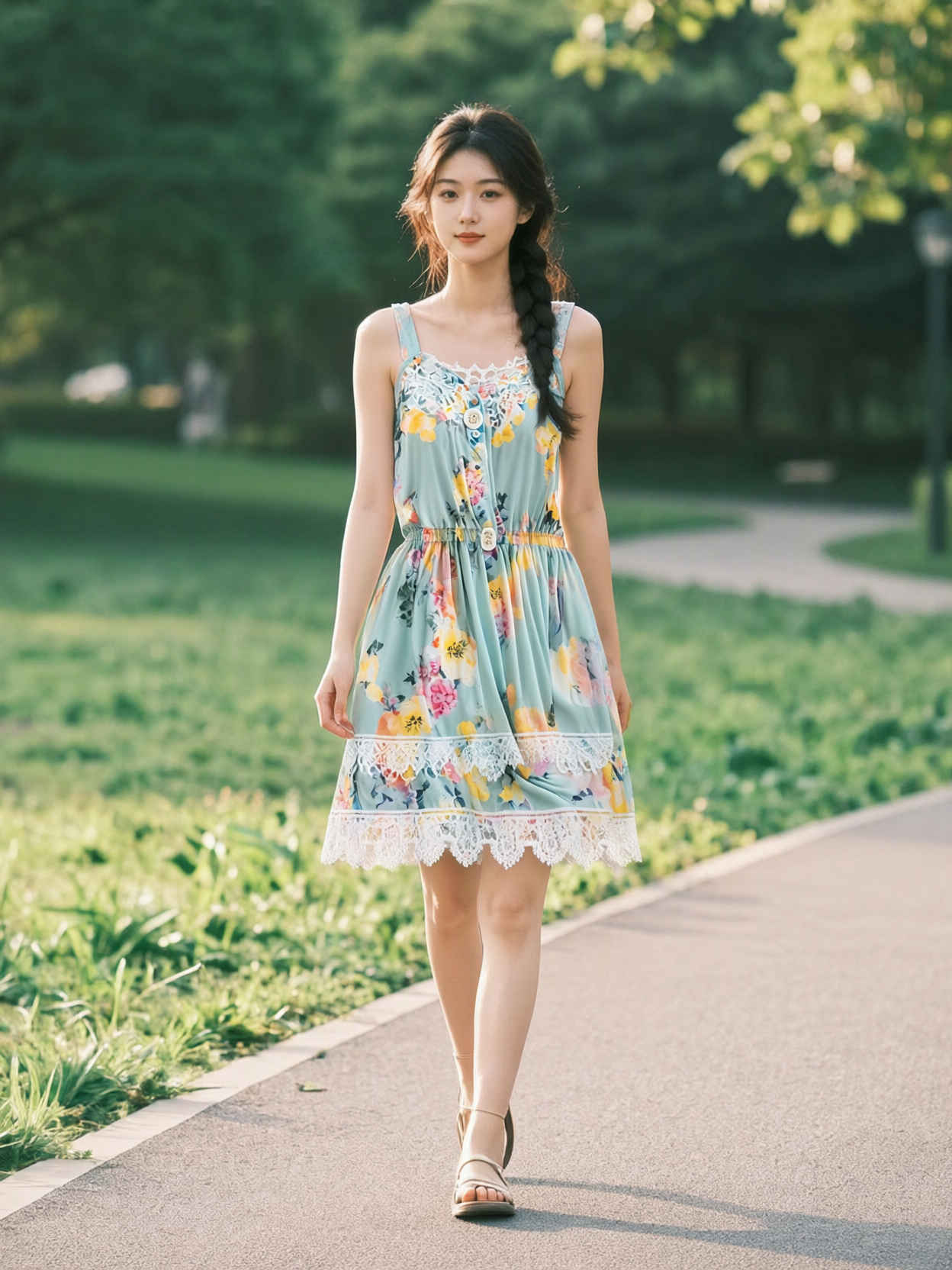
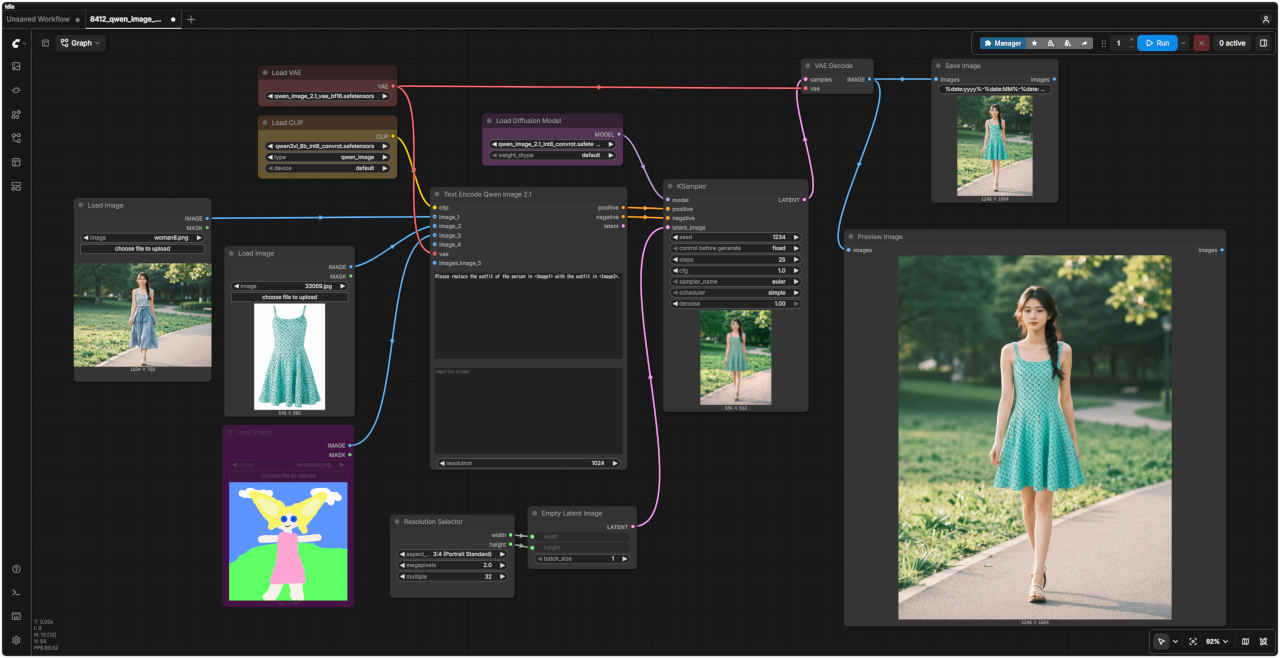
Please replace the outfit of the person in <Image1> with the outfit in <Image2>.
<Image1>の人物の服装を、<Image2>の服装に置き換えてください。
参照画像 ②
生成画像
参照画像 ②
生成画像
参照画像 ②
プロンプト
生成画像
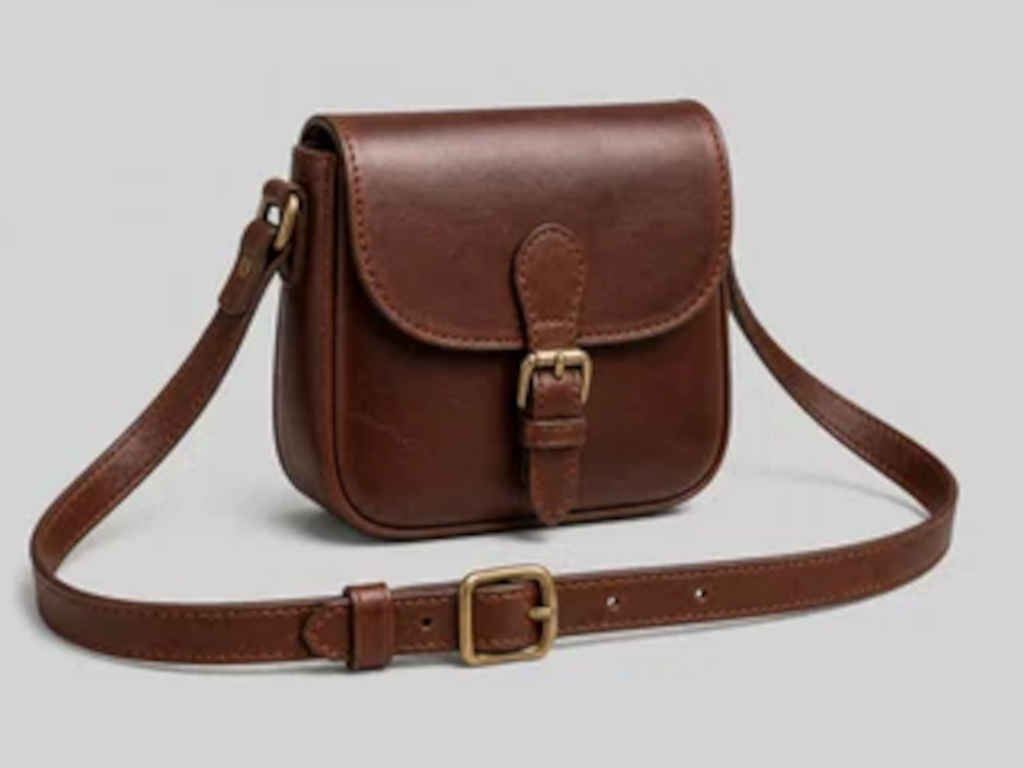
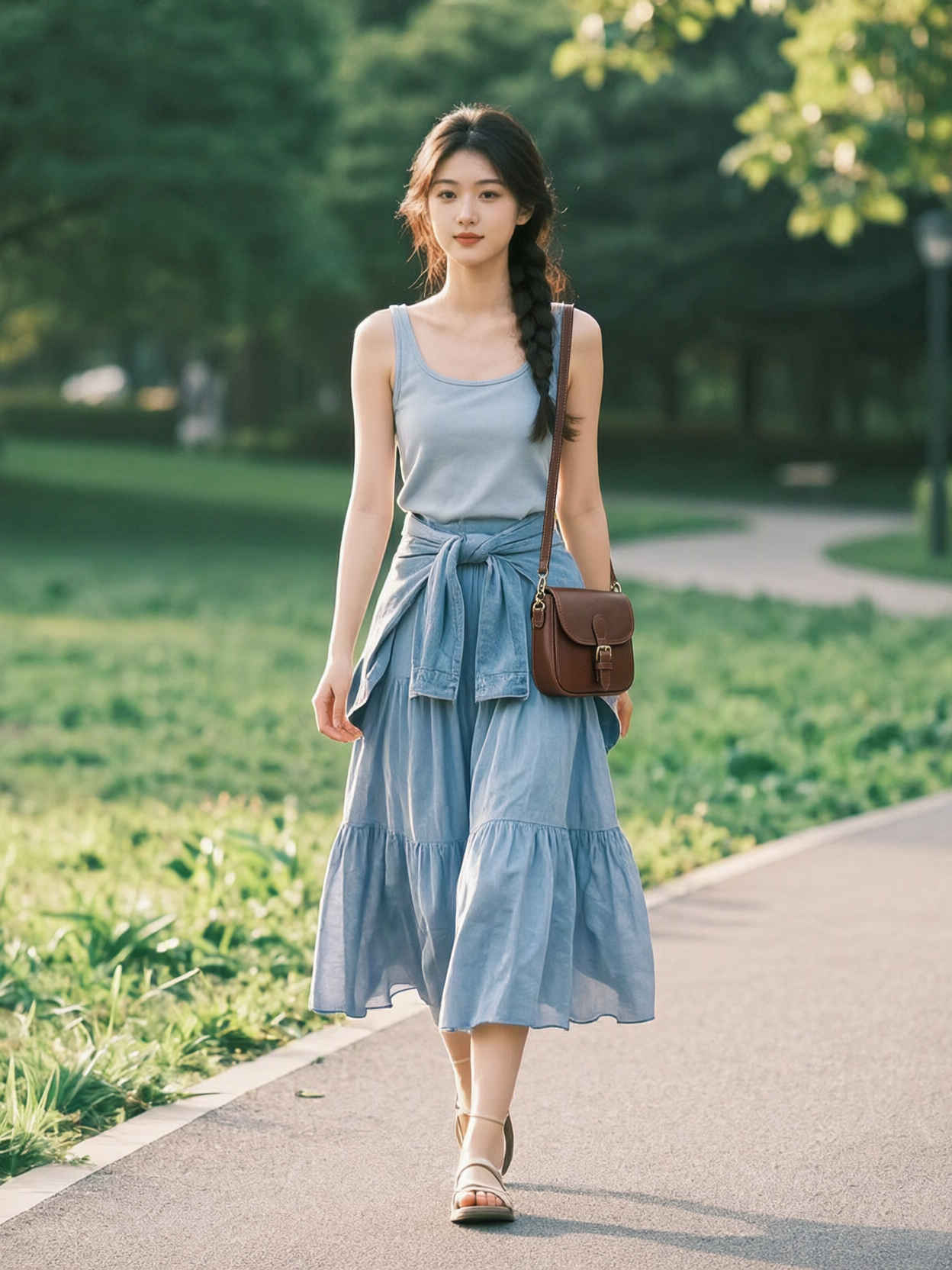
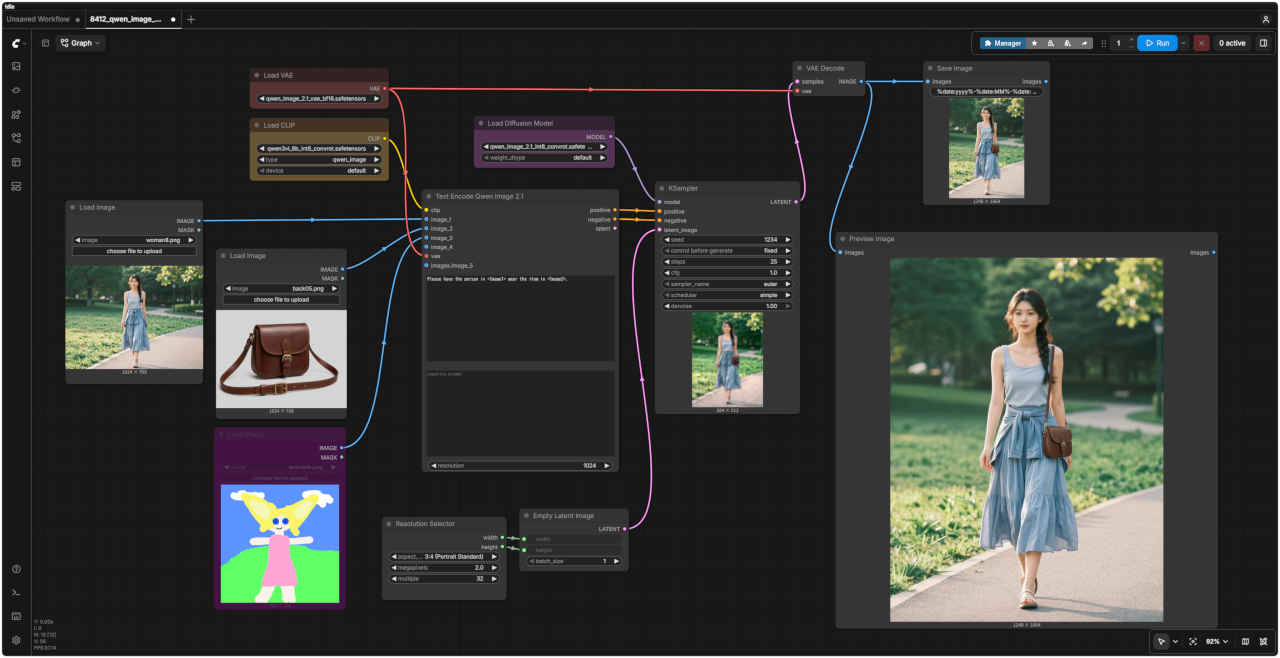
⑥ バッグを持たせる
Please have the person in <Image1> wear the item in <Image2>.
<Image1>の人物に、<Image2>のアイテムを着用させてください。
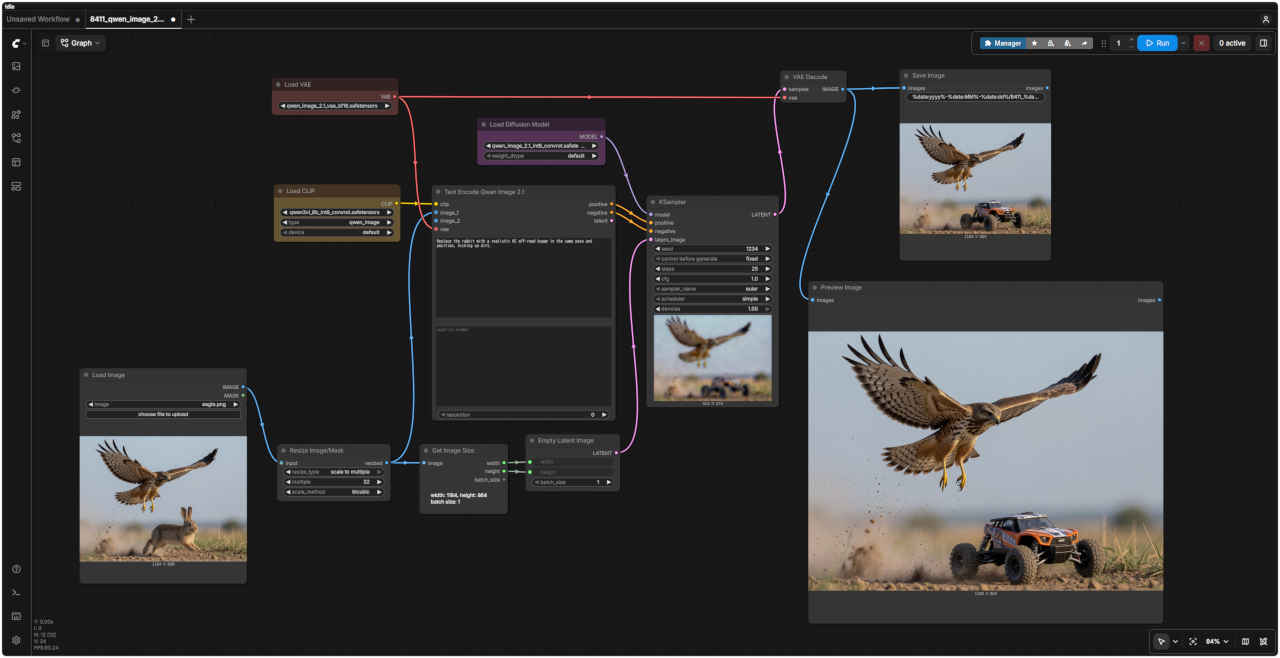
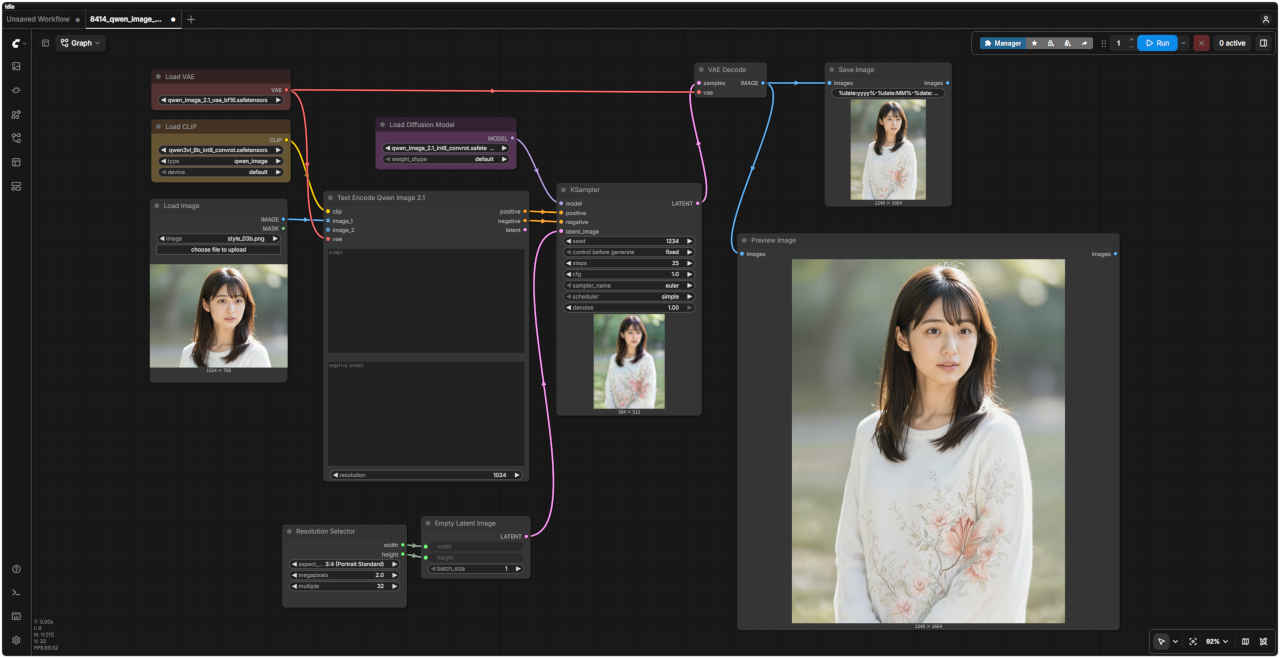
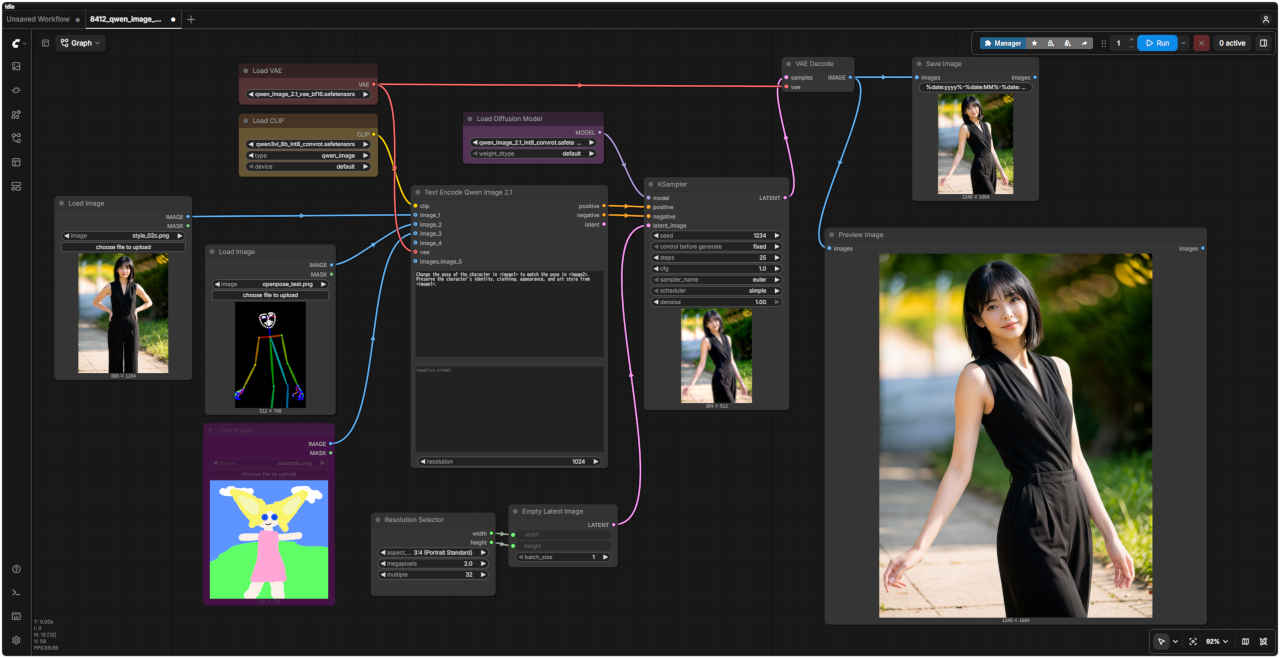
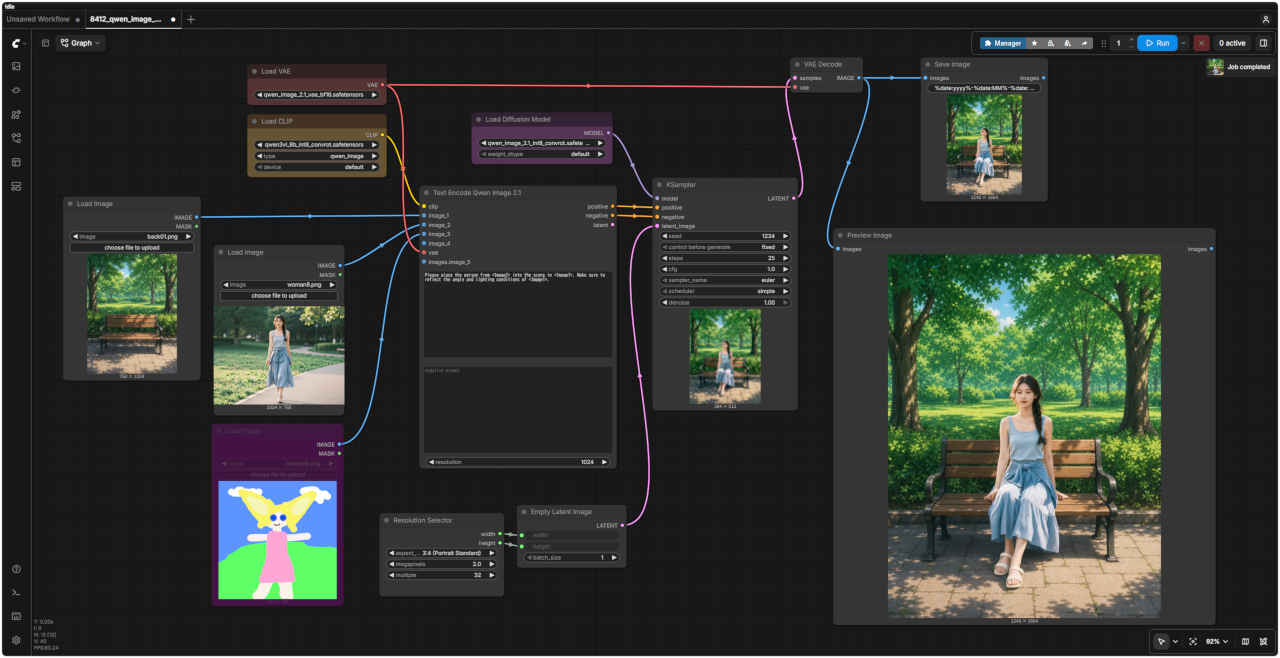
ワークフロー 8412_qwen_image_2.1_ref2image.json
ワークフロー 8412_qwen_image_2.1_ref2image.json
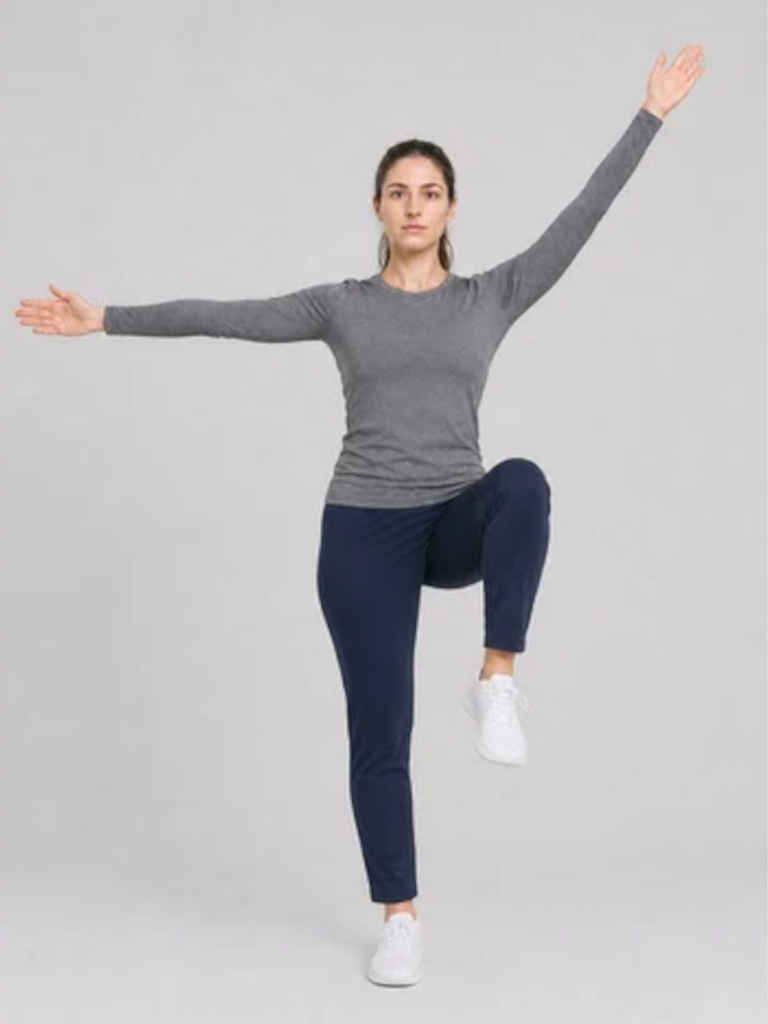
・参照画像でポーズを指定する(「JoyAI-Image Edit」でうまくいかなかった問題点)
参照画像 ②
プロンプト
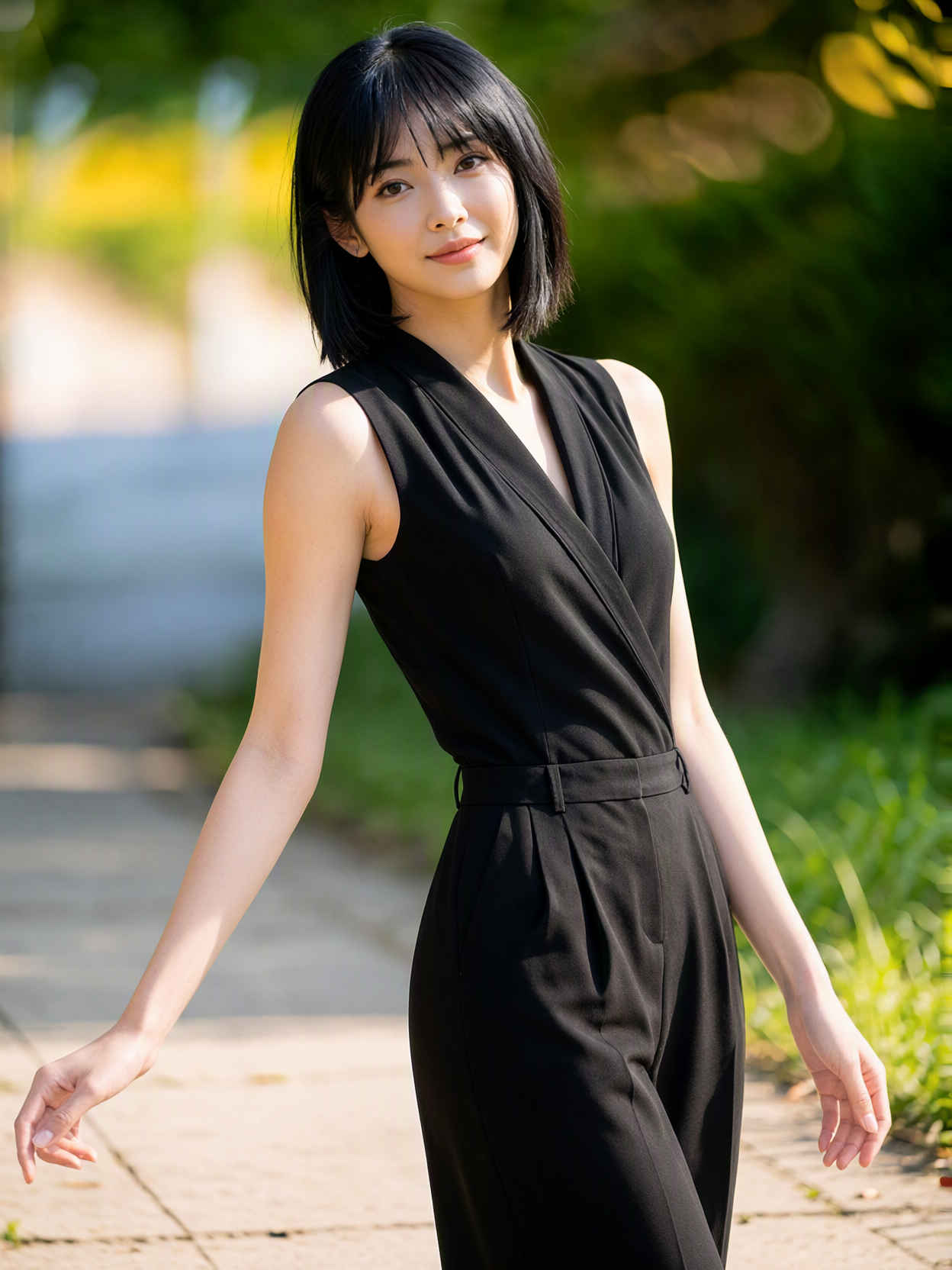
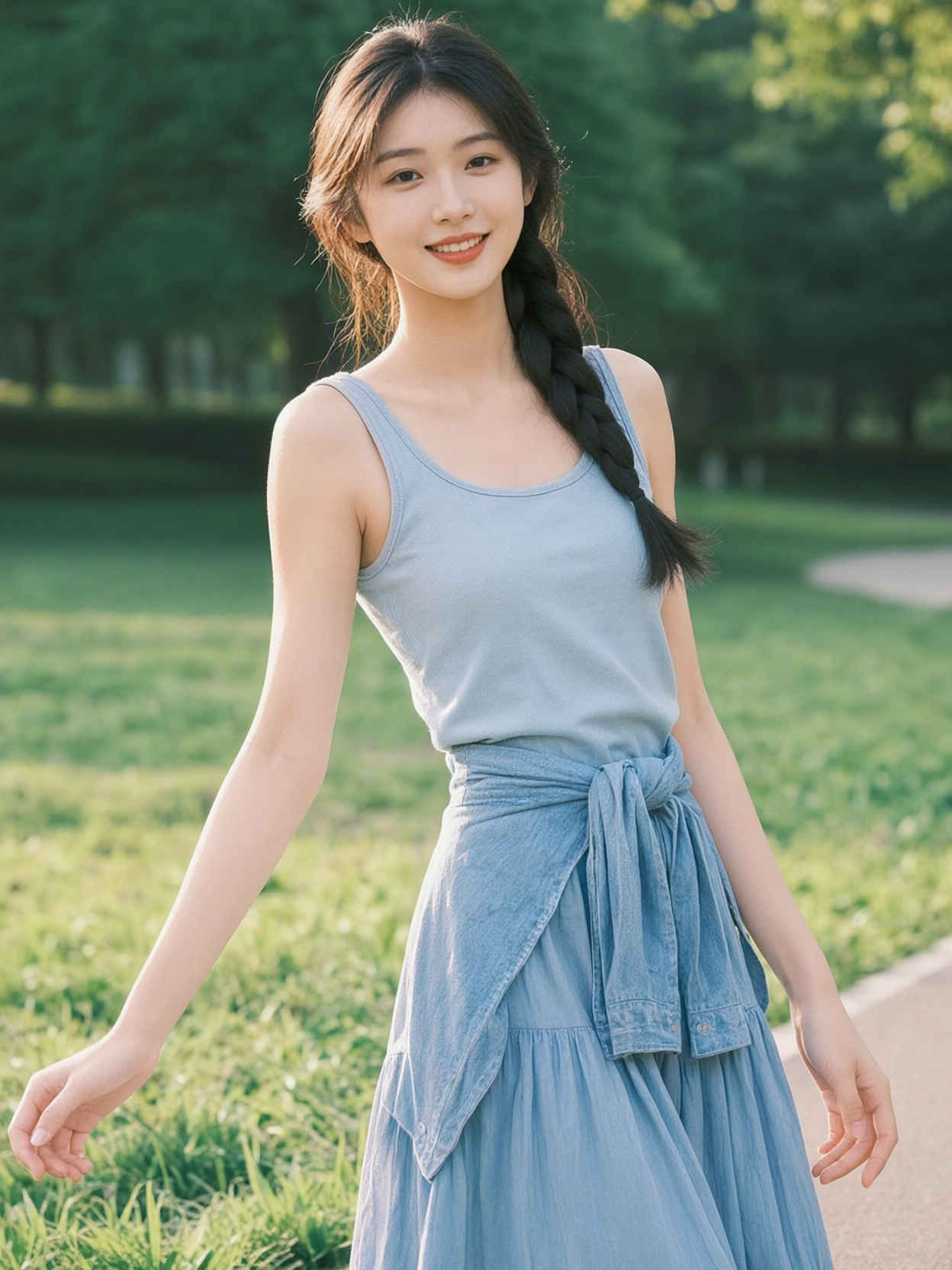
生成画像
⑦ ポーズをつける (棒人間ポーズ画像の場合)
Change the pose of the character in <image1> to match the pose in <image2>. Preserve the character's identity, clothing, appearance, and art style from <image1>.
Change the pose of the character in <image1> to match the pose in <image2>. Preserve the character's identity, clothing, appearance, and art style from <image1>.